Scroll down to D0vvnl0ad
What Is the Quadral Texture Pack for Minecraft PE/Bedrock?
To quickly download and install the Quadral Texture Pack for Minecraft PE/Bedrock, download the .mcpack file, open it directly in Minecraft to import it automatically, and activate it under Settings > Global Resources. Alternatively, you can install the official release directly via the in-game Marketplace.
Originally designed by pixel artist Ignaf for a texture pack challenge—which it won—Quadral quickly established itself as a community staple. Its Bedrock journey expanded when Syclone Studios officially partnered to bring the pack to the Minecraft Marketplace. You can also browse the latest curated Texture Packs on our site to explore how it ranks alongside other iconic overhauls.
Quadral has accumulated over 4.4 million views across major resource sites and maintains an average 4.6-star rating from more than 4,800 Bedrock Marketplace reviews. Notably, 80% of players award it a full 5-star score.
The pack contains over 830 custom textures, including full integration with Bedrock version 1.21.120+ updates. Despite its distinct artistic identity, it preserves block clarity, ensuring you can still tell stone variants, ores, and crafting ingredients apart at a glance.
Visual Style and Design of Quadral Texture Pack for Minecraft PE/Bedrock
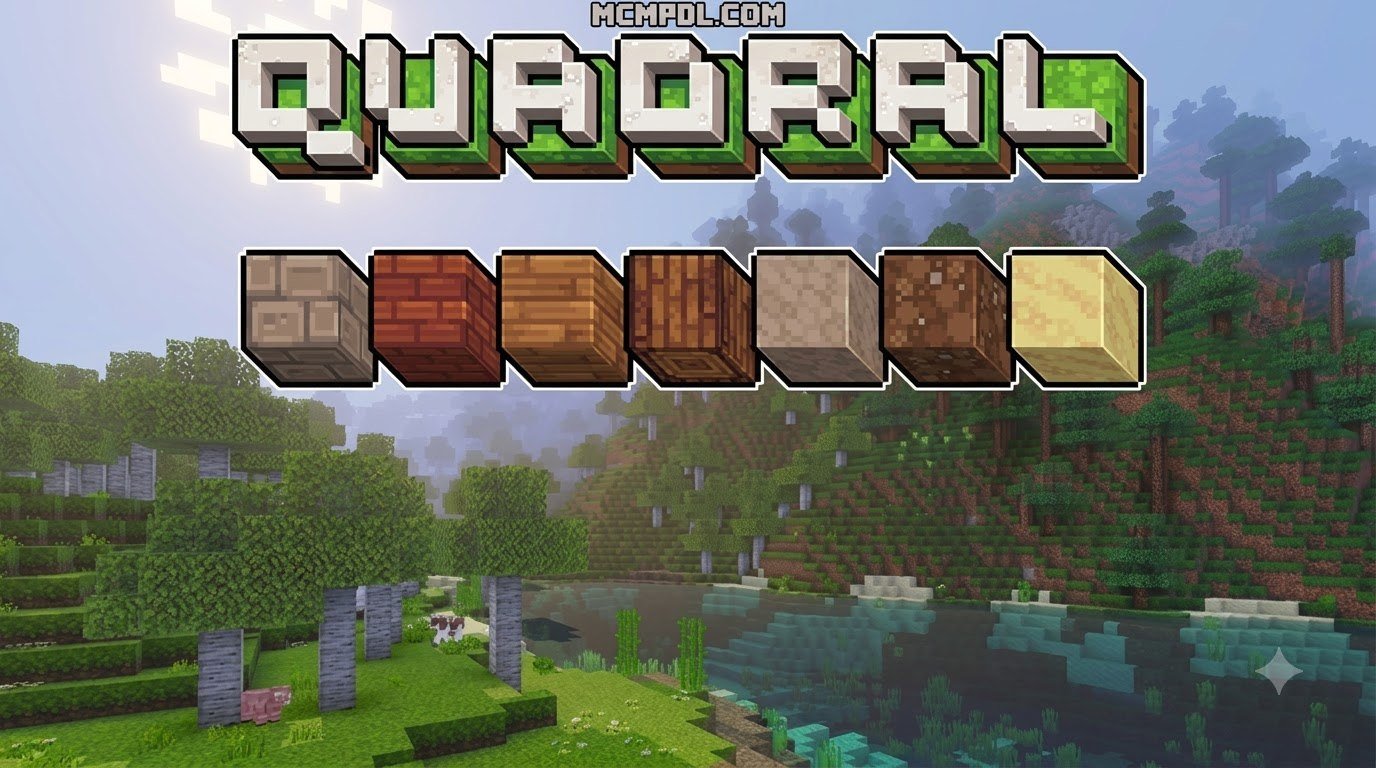
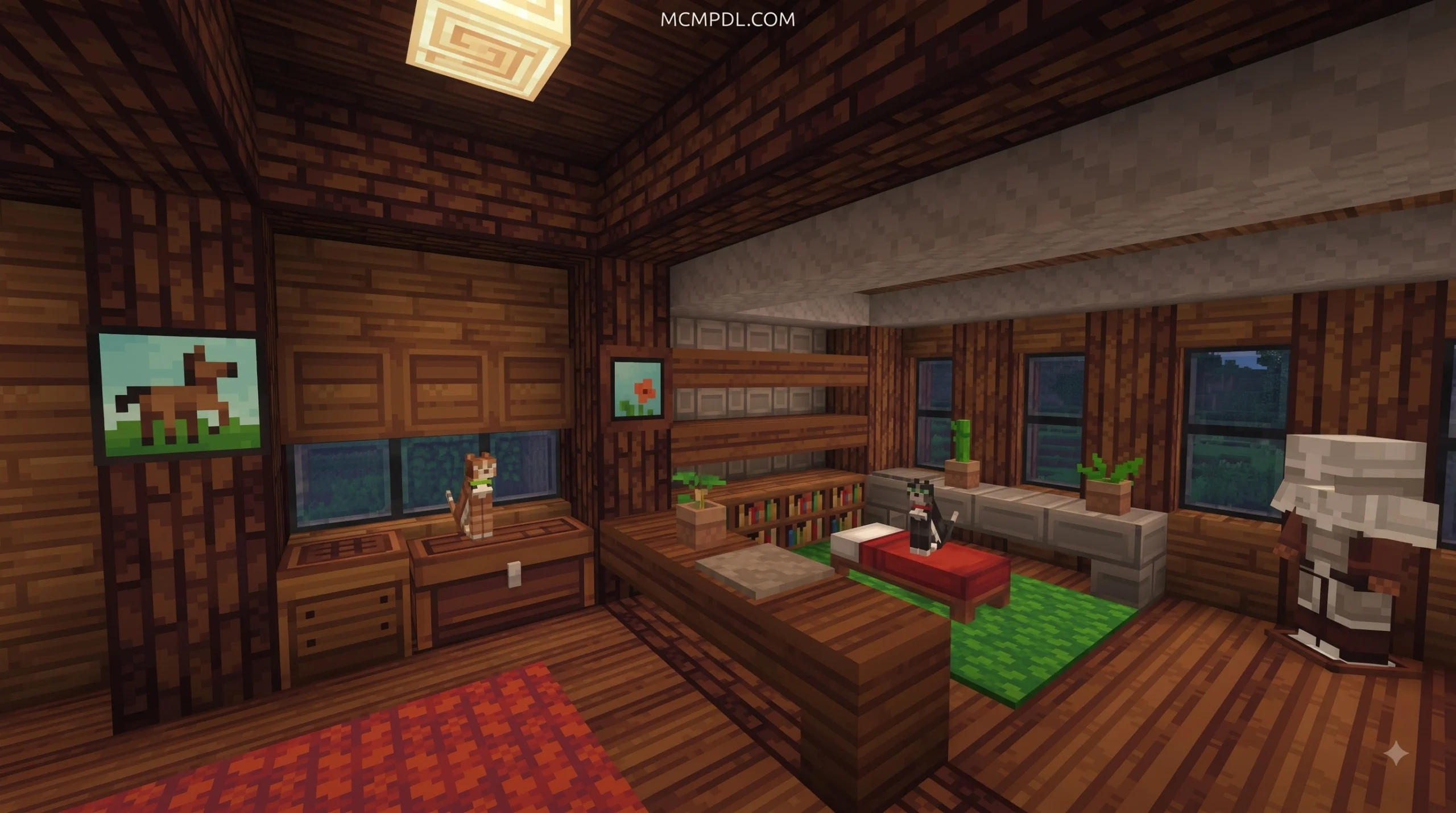
The defining visual characteristic of Quadral is its geometric, square-centric patterning. Rather than simulating ultra-realism or gritty noise, the pack relies on clean lines, balanced shading, and a bright color palette.
Key visual elements include:
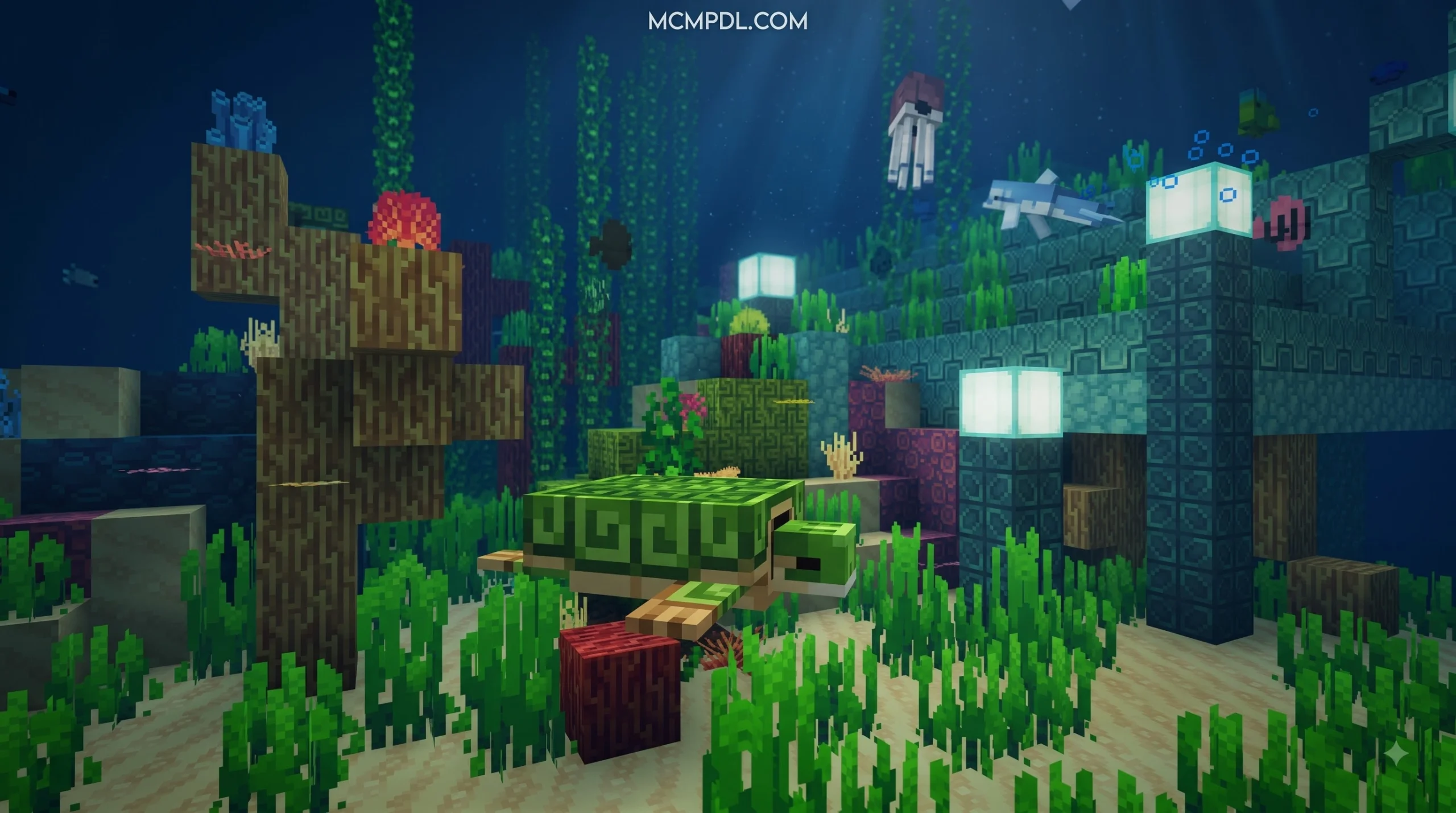
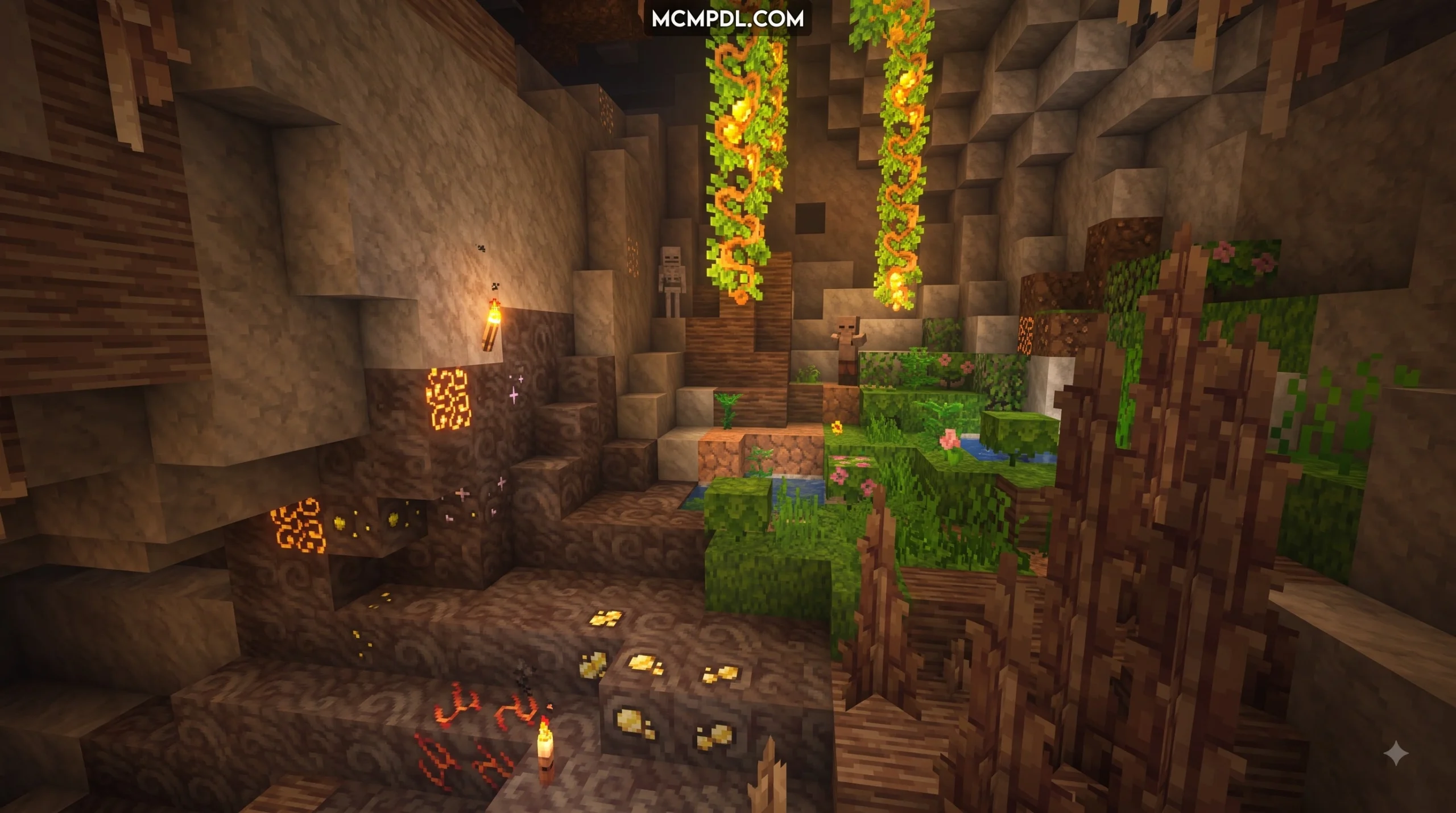
- Environmental Fluidity: Water surfaces and flowing lava pools appear significantly smoother, with vibrant hues that brighten deep caverns and expansive oceans.
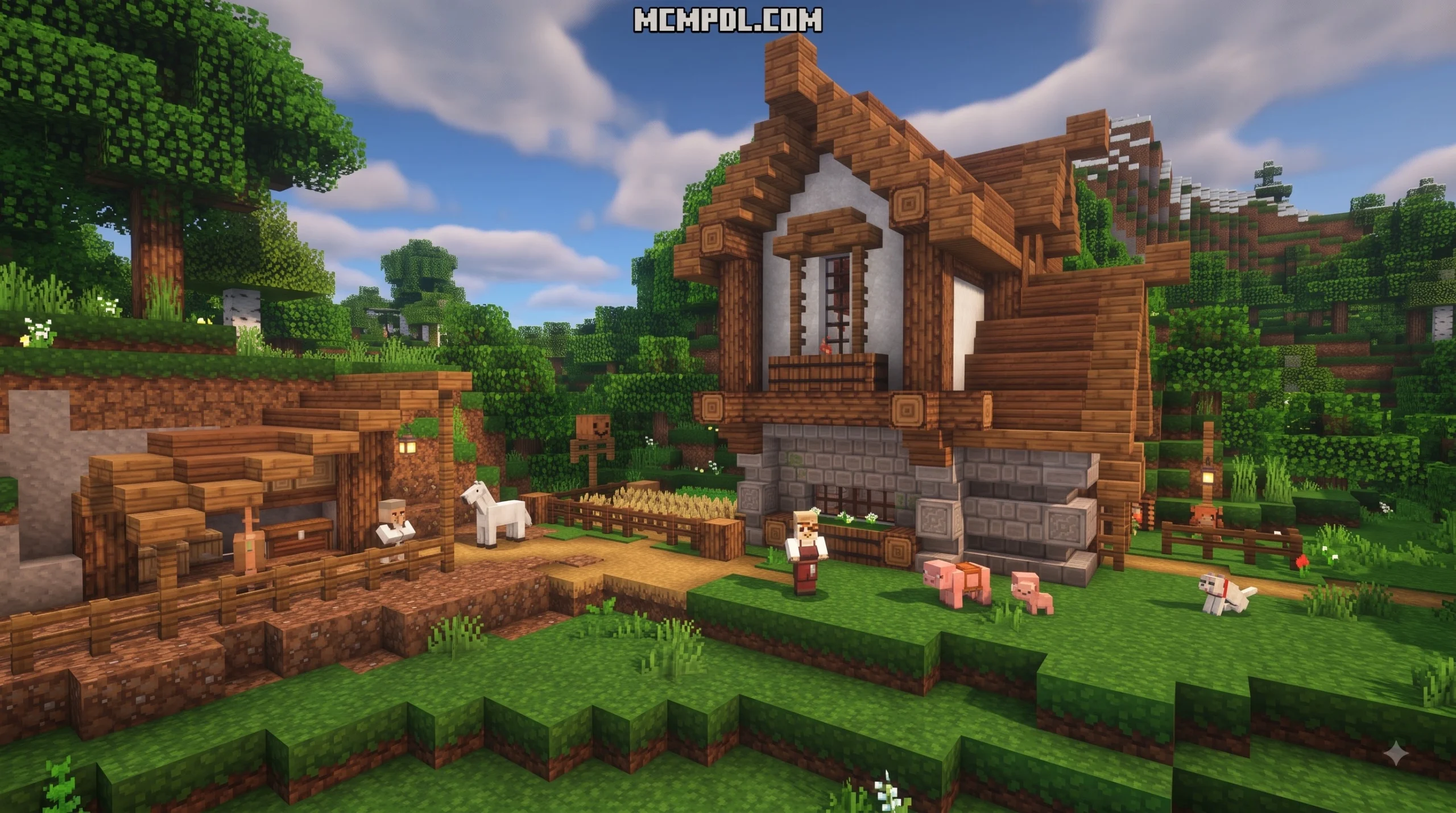
- Organic Flora: Leaves, flowers, and foliage ditch muddy color blending in favor of crisp square patterns that give forests an energized, stylized feel.
- Mob Designs: Passive and hostile mobs receive expressive facial detailing and clean pixel art, making creatures look distinct without drifting into cartoon territory.
- Modern Additions: Recent versions integrate textures for modern Minecraft updates, including polished copper variants, trial chamber blocks, and updated weapon trims.
If you enjoy expressive world overhauls with unique identities, you might also like the artistic themes found in the Dairycraft Texture Pack or the bold styling of the Comicverse Textures Pack.
Resolution Options and Device Performance
Unlike heavier HD resource packs that demand extensive RAM and GPU power, Quadral stays lightweight. While native designs focus on a 16×16 pixel layout, variants exist across several resolutions:
- 16×16 (Standard): The signature version of Quadral. It offers minimal memory overhead (typically 7 MB to 12 MB in file size), making it suitable for low-end mobile phones, budget tablets, and older consoles.
- 32×32: Provides additional edge refinement for players on modern mid-range devices who want cleaner lines on high-density smartphone screens.
- 64×64: Designed for high-resolution displays and desktop Bedrock setups, delivering sharp visuals without sacrificing the core pixel-art style.
Because the underlying files remain lightweight, Quadral avoids the severe frame rate drops and stuttering often caused by high-resolution shaders or dense photo-realistic packs.
How to Download and Install Quadral on MCPE and Bedrock
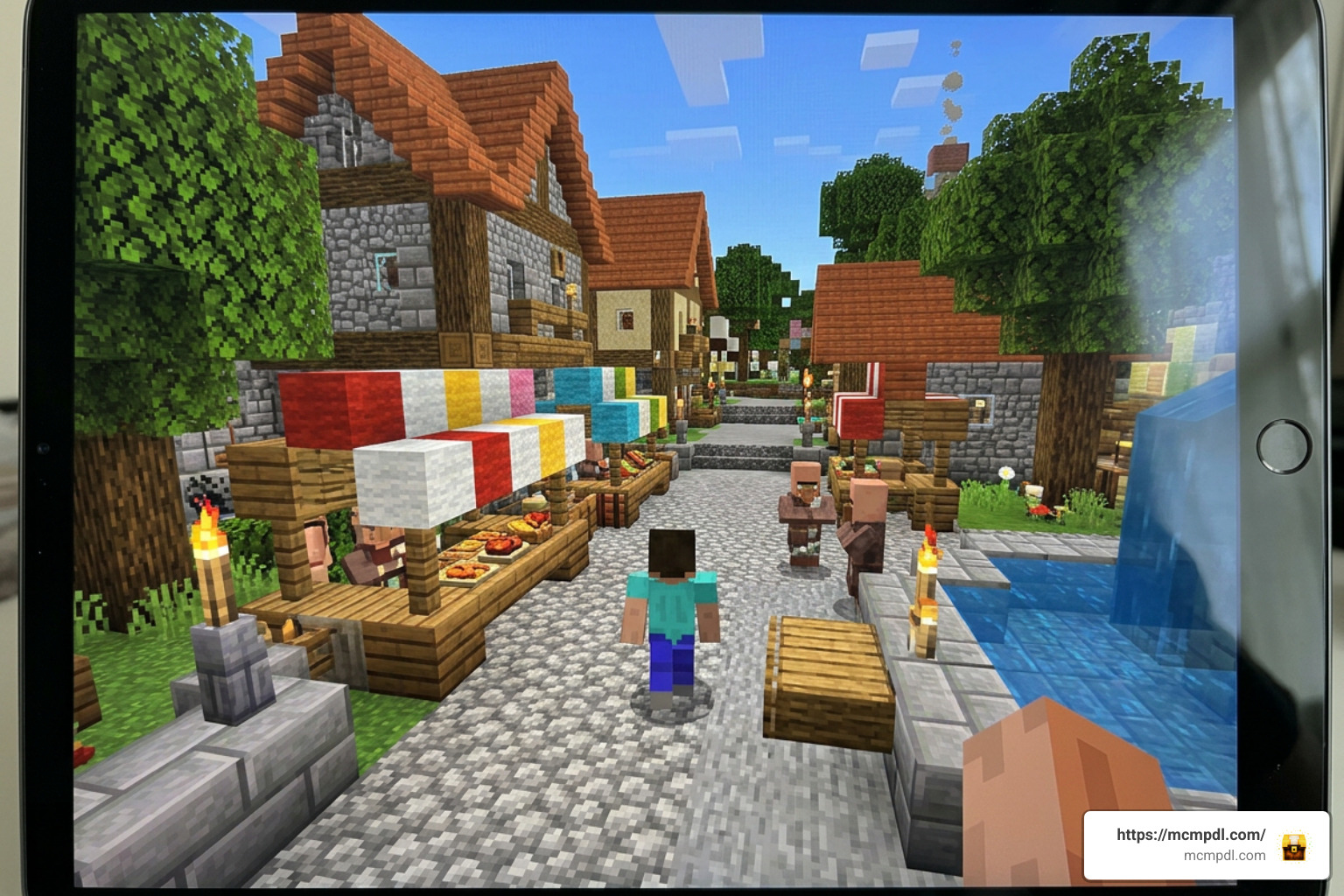
Installing resource packs on Minecraft Bedrock depends on your platform and file format (.mcpack vs .zip). Here is the step-by-step process for getting Quadral running smoothly.
Quick Installation for Android and iOS Devices
For mobile platforms, the easiest installation method uses the .mcpack file format, which the operating system can launch directly into Minecraft.
- Download the File: Save the latest Quadral
.mcpackfile to your device’s Downloads folder. - Open with Minecraft:
- Android: Tap the downloaded file in your file manager. Select Open with > Minecraft.
- iOS (iPhone/iPad): Tap the downloaded file inside the Safari Downloads manager or the Files app, tap the Share button, and choose Minecraft.
- Wait for Import: The game will launch automatically and display an “Import Started” banner, followed shortly by “Import Successful.”
- Activate Globally:
- Go to Settings > Global Resources > My Packs.
- Find Quadral, select it, and tap Activate.
- Apply to Individual Worlds (Optional): If you only want the pack enabled in a specific survival or creative world, open your world’s edit screen (pencil icon), navigate to Resource Packs, and activate Quadral there.
Setup for Windows 10/11 and Consoles
On desktop PCs, setup takes just a few clicks:
- Automatic Method: Double-click any downloaded
.mcpackfile. Windows will launch the Bedrock client and import the pack instantly. - Manual
.zipMethod:- Press
Win + R, enter%localappdata%\Packages\Microsoft.MinecraftUWP_8wekyb3d8bbwe\LocalState\games\com.mojang\resource_packs, and hit Enter. - Extract the Quadral
.ziparchive directly into this folder. - Launch Minecraft, navigate to Settings > Global Resources, and toggle the pack to Active.
- Press
- Console Notes (Xbox / PlayStation / Nintendo Switch): Custom third-party file transfers on modern consoles can be restricted by system software. To run Quadral on consoles reliably without file system workarounds, the official Marketplace version is the recommended route.
Getting the Marketplace DLC Version
If you prefer cross-device synchronization and automatic updates, the official Bedrock Marketplace release provides a seamless option:
- Launch Minecraft and select Marketplace from the main menu.
- Search for Quadral (published by Syclone Studios).
- Purchase the pack for 830 Minecoins (approximately $4.35 USD).
- Tap Download. Once the download finishes, select Apply to Global Resources or apply it via your world settings.
Using the Marketplace version ensures your pack automatically receives future block updates whenever Mojang deploys major patches.
Comparing Quadral to Default Textures and Other Resource Packs
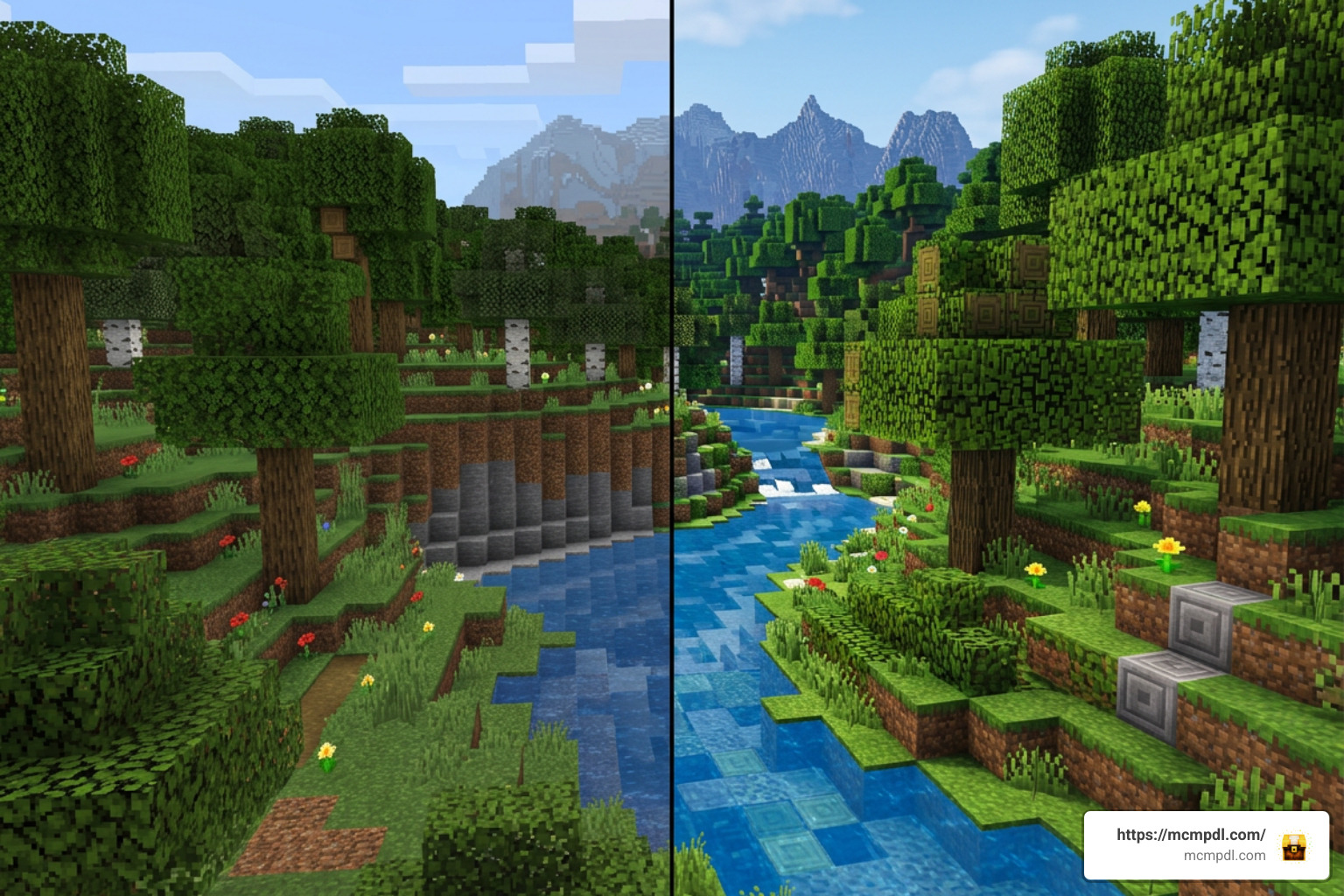
Quadral shifts Minecraft’s mood from standard wilderness survival to a vibrant, cohesive adventure. The table below illustrates how Quadral stacks up against default vanilla textures and popular community alternatives:
| Feature / Metric | Default Minecraft | Quadral Texture Pack | Vanilla HD Texture Pack | Candy Texture Pack |
|---|---|---|---|---|
| Primary Aesthetic | Pixelated, rustic | Vibrant, square-patterned | Enhanced default | Pastel, whimsical |
| Standard Resolution | 16×16 | 16x (also 32x / 64x) | 32x / 64x / 128x | 16x |
| Performance Impact | Baseline (Lowest) | Very Low | Low to Moderate | Very Low |
| Average Marketplace Cost | Free (Built-in) | 830 Minecoins (~$4.35) | Varies | 490–830 Minecoins |
| Best Used For | General gameplay | Stylized survival & builds | Purist HD visual upgrades | Playful, colorful builds |
If you enjoy exploring different visual styles, consider checking out the Vibrant Modern Textures Pack or the atmosphere of the Eldritch Horror Texture Pack. For lighting and ambient clarity, the Luminora Textures Pack, Archeologeist Texture Pack, and Vaxs Visuals Texture Pack also provide compelling alternatives.
Troubleshooting Common Glitches and Missing Textures
While Quadral is polished, you may occasionally run into visual quirks when updating Minecraft or mixing multiple add-ons. Here is how to fix the most common issues:
- “Made for an Older Version” Warning: If you import a community port built for version 1.20 into a 1.21+ client, Minecraft may display a version mismatch warning. In most cases, you can safely dismiss this message and activate the pack; the game will display new vanilla blocks normally alongside Quadral’s textures.
- Default Netherite Armor or Tools: Certain legacy releases omitted custom armor trims or Netherite tools. If your high-tier gear displays vanilla textures, update to the latest build (version 1.21.120+), which includes updated gear maps.
- Missing Textures on Soul Lanterns or Maps: If specific items show magenta-and-black checkerboards or fail to update, clear your local resource cache under Settings > Storage > Resource Packs, restart your client, and re-enable the pack.
- Texture Pop-In on Low-End Mobile Devices: If foliage or terrain textures take a moment to load when you enter a world, lower your render distance by 2–4 chunks in Settings > Video to give your device’s memory more headroom.
Frequently Asked Questions
Is the Quadral Texture Pack for Minecraft PE/Bedrock Free or Paid?
Both options exist. The official release hosted on the Minecraft Bedrock Marketplace costs 830 Minecoins (around $4.35 USD) and supports the original artists directly while providing automatic updates. Independent community ports and older standalone .mcpack files are often available for free personal use across modding forums.
What Minecraft Versions Are Compatible with Quadral?
The official Marketplace edition requires Minecraft Bedrock 1.21.120 or newer. Community-maintained builds cover a wider range, offering compatibility from legacy versions (1.18 through 1.20) up through modern release milestones.
Do I Need Shaders or OptiFine to Run Quadral on Mobile?
No. Quadral functions as a standalone resource pack on Bedrock Edition’s standard Render Dragon engine. It does not require OptiFine (which is specific to Java Edition), third-party patchers, or custom shader pipelines to display its custom textures.
Conclusion
Quadral remains a popular visual upgrade for Minecraft PE and Bedrock Edition. Its bright color palette, geometric designs, and lightweight performance make it an accessible way to refresh your survival and creative builds without causing lag on mobile devices.
Whether you download the quick-import .mcpack file or grab the official release from the Bedrock Marketplace, setting it up takes only a couple of minutes. Once you have installed the pack, explore our complete add-on catalog to discover new worlds, skins, and behavior packs to pair with your updated textures.
6 thoughts on “Quadral Texture Pack for Minecraft PE/Bedrock”