Scroll down to D0vvnl0ad
Downloading TNT+ for Minecraft PE/Bedrock: What to Check First
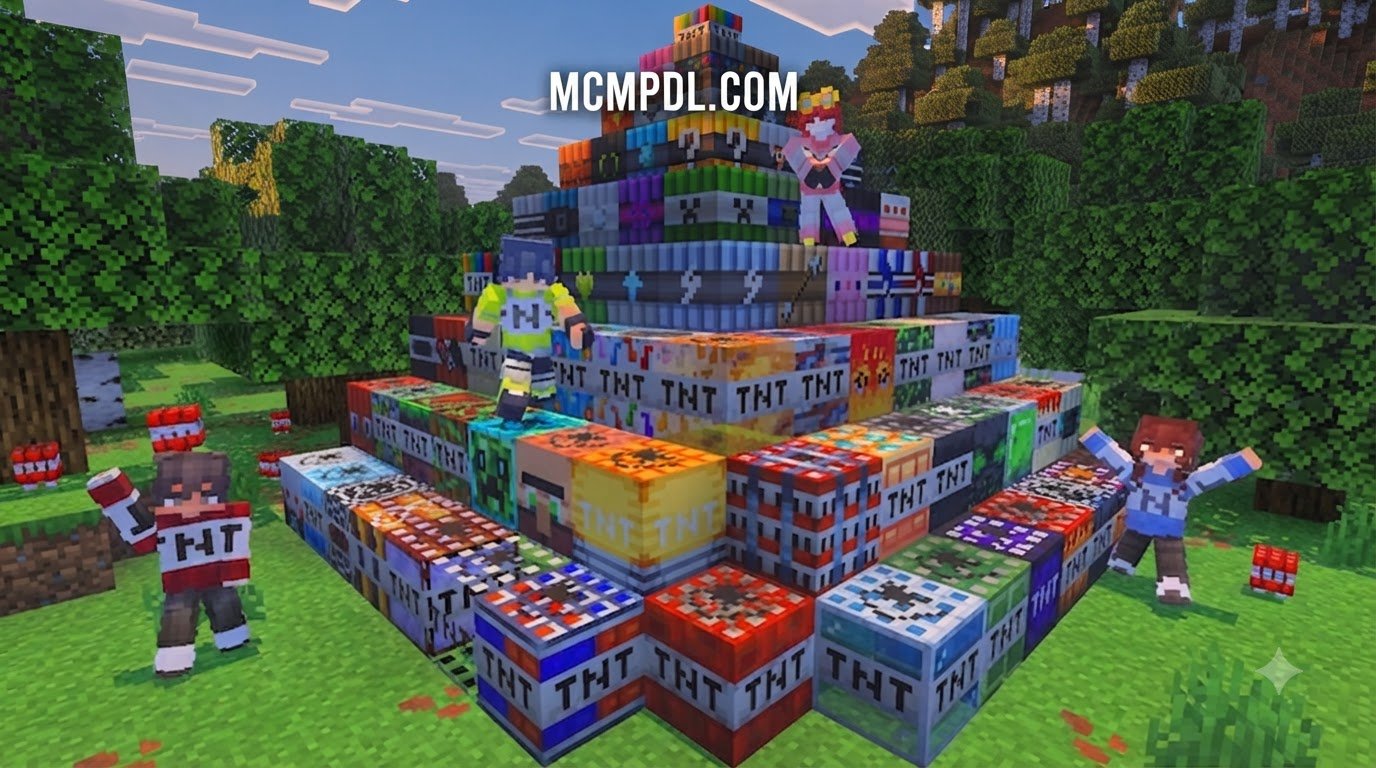
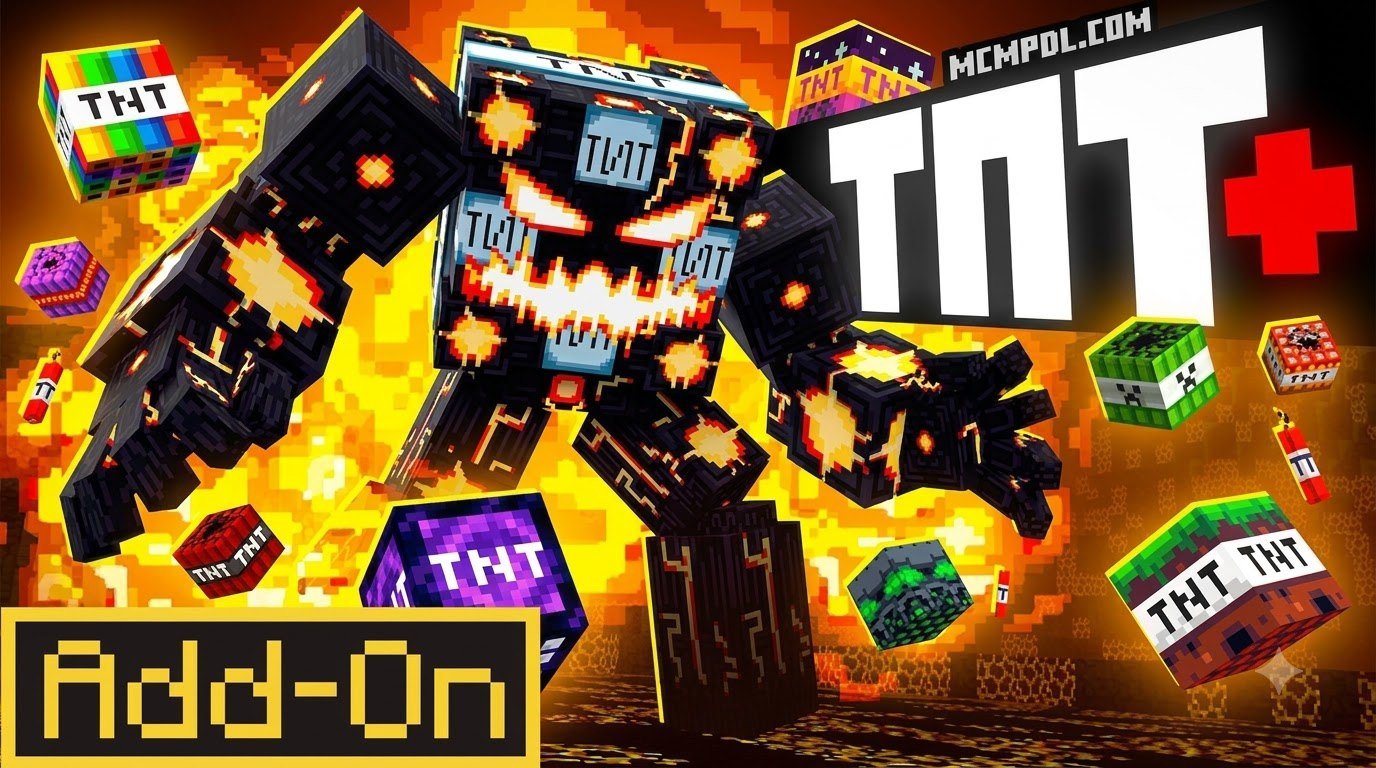
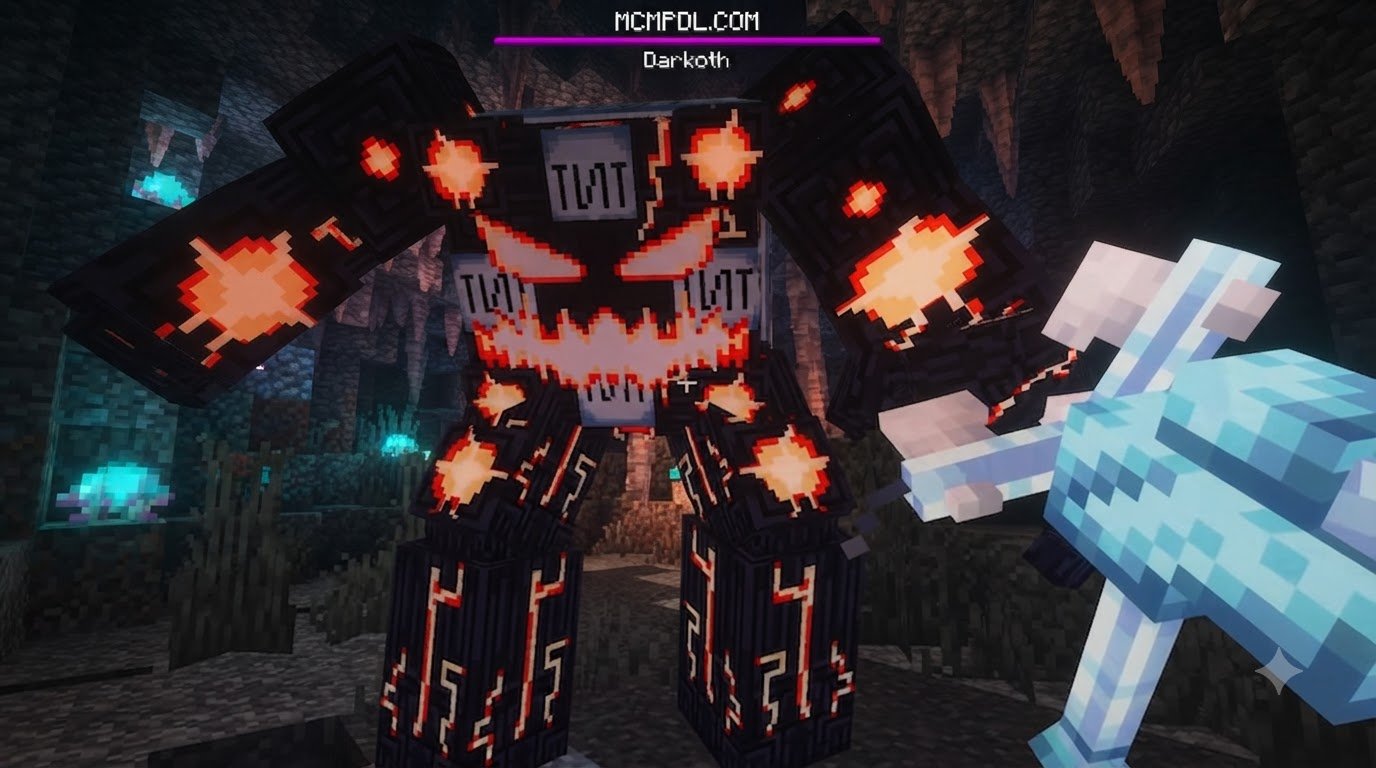
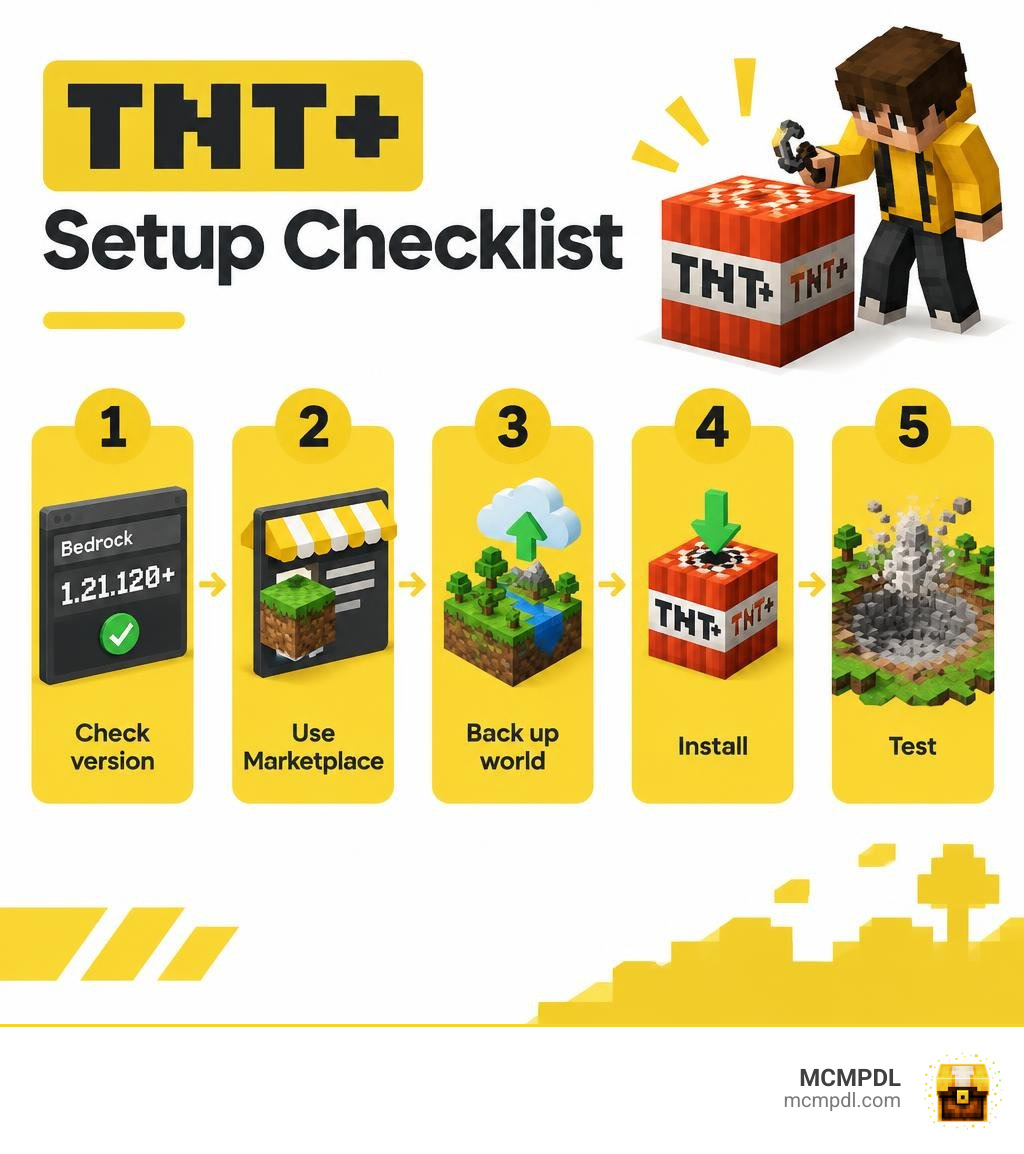
TNT+ adds more than 50 craftable explosives to Minecraft Bedrock, along with a rideable mecha suit, remote detonation, and new structures. To get the TNT+ Add-On, check that your game is Bedrock 1.21.120 or newer, find the add-on in the in-game Minecraft Marketplace, and install it there. Then back up your world before testing the bigger blasts.
The name matters: TNT+ is not the same as Mega TNT+, a separate add-on. Check the exact title before downloading, and avoid sites that offer an unofficial copy of the paid Marketplace add-on. This checklist will help you confirm the right version, set it up, and spot common performance issues before they affect a world you care about.
What Is the TNT+ Addon and How Does It Work?
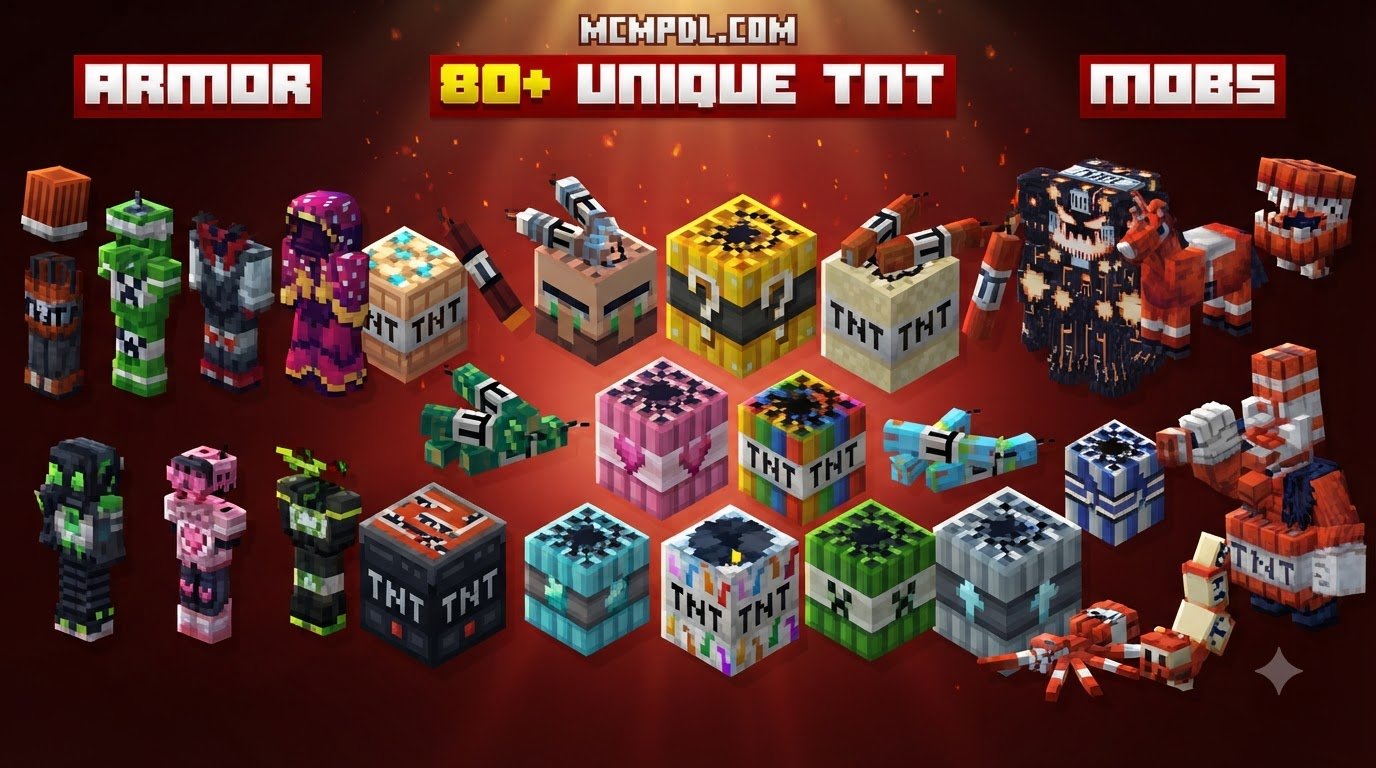
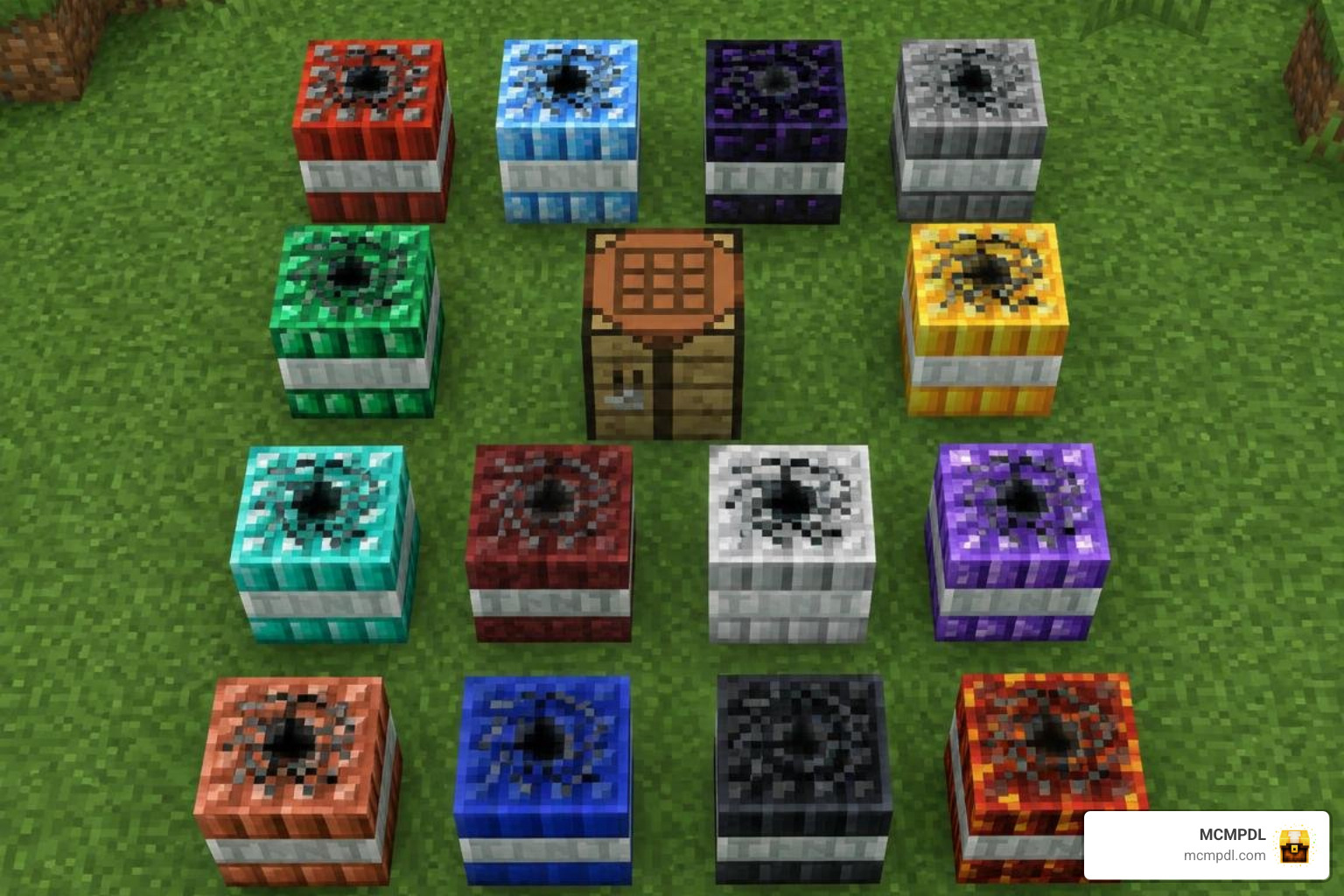
Standard vanilla TNT is great for basic mining, but it has not changed much over the years. The TNT+ Addon for Minecraft PE/Bedrock completely overhauls your explosive toolbox by introducing dozens of specialized blocks, custom explosion mechanics, and varied destruction behaviors. Instead of the same standard crater shape, you get unique blasts that freeze lakes, pull enemies into gravitational singularities, or hollow out massive underground caverns in seconds.
Under the hood, the add-on relies on custom Bedrock behavior packs and resource packs designed for version 1.21 and newer. The behavior pack governs entity tick logic, physics calculations, and terrain displacement, while the resource pack provides custom block textures, detonation sounds, and animated particle effects. If you enjoy experimenting with different explosive expansions, you can also explore options like the TNT Addon for Minecraft PE/Bedrock or browse the TNT Megapack Addon for Minecraft PE/Bedrock to see how different creators tackle destructive mechanics. For official documentation on Bedrock add-on behavior packs, refer to Microsoft’s Introduction to Behavior Packs.
Crafting Recipes and Special Explosives
Most standard material-themed TNT blocks follow an intuitive crafting recipe: place one standard TNT block in the center of a crafting table and surround it with eight blocks of your target material (such as stone, obsidian, ice, or netherrack).
However, high-tier and special explosives feature unique properties that go far beyond standard terrain clearing:
- Slime TNT: Instead of obliterating blocks, this bouncy explosive launches mobs and players skyward, making it great for traps or creative mini-games.
- Black Hole TNT: Pulls surrounding entities and blocks toward its center before collapsing inward with an intense vacuum effect.
- Bedrock TNT: Engineered for maximum destruction, clearing out gargantuan craters through ultra-dense materials.
- End Stone TNT: Detonates with an ethereal burst and summons particle dragons to disrupt the blast zone.
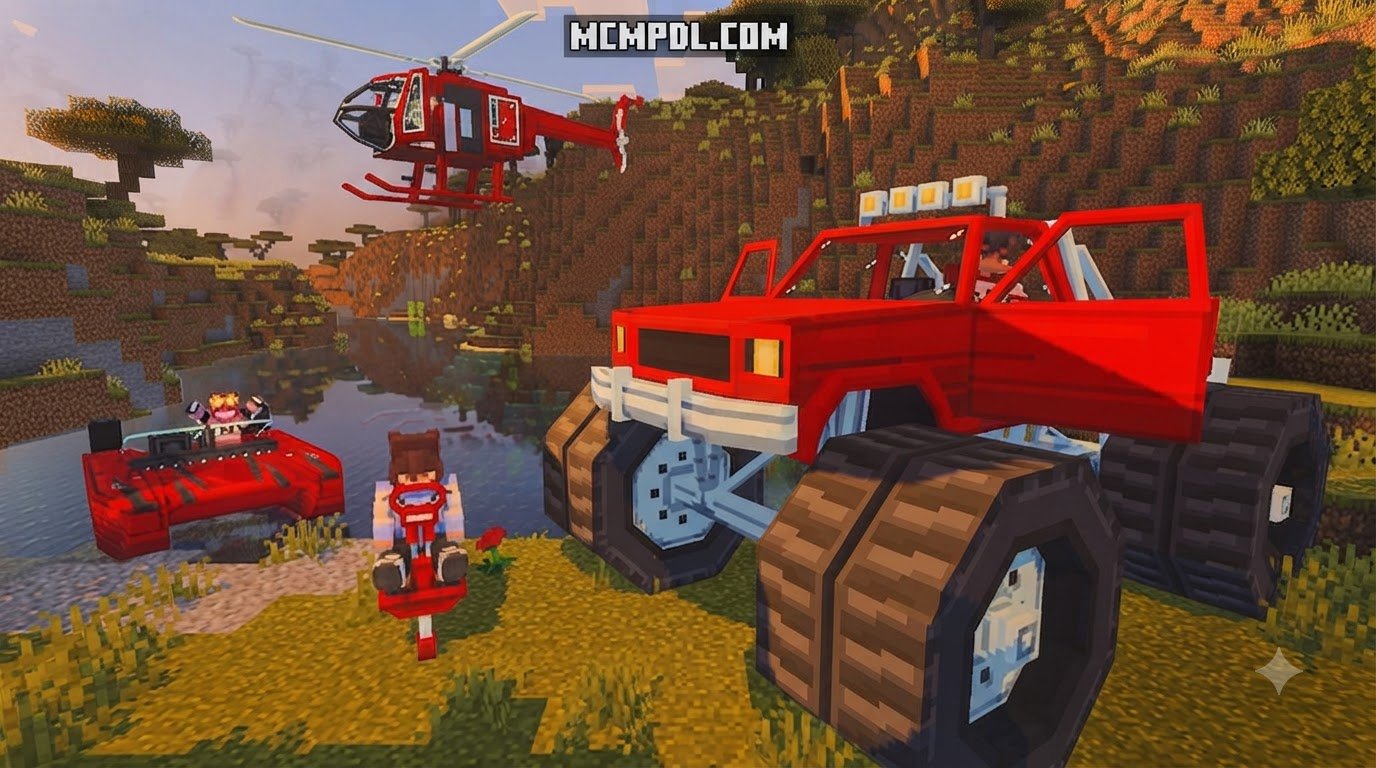
- Mecha Suit & Remote Detonator: Certain packs provide utility gear like rideable mecha suits for heavy-duty demolition alongside handheld remote detonators that let you trigger explosions safely from a distance.
If you want ready-made explosive playgrounds rather than crafting everything from scratch, checking out dedicated adventure spaces like the TNT Blasters World for Minecraft PE/Bedrock can be a fun way to test these blast physics immediately.
Key Features of the TNT+ Addon for Minecraft PE/Bedrock
The primary appeal of this add-on lies in its visual flair and dynamic physics. Here is what you can look forward to after loading it into your world:
- Distinct Blast Geometries: Spherical craters, directional bursts, horizontal drilling explosions, and layered shockwaves replace the vanilla cube crater.
- Unique Particle FX: Custom smoke rings, void vortexes, fiery shockwaves, and frost mists accompany each detonation.
- Dynamic Mob Interactions: Mobs can be launched, frozen, set ablaze, or pulled into gravitational traps.
- Generated Structures & Achievements: Explore world-generated demolition sites, laboratory ruins, and unlock dozens of custom achievements as you craft your way through the explosive roster.
TNT+ Blast Radius, Performance, and Stability
Because high-yield explosives calculate hundreds of simultaneous block updates, knowing what to expect from each tier helps prevent sudden game stutter.
| Explosive Tier / Type | Estimated Blast Radius | Performance Impact | Primary Gameplay Use & Features |
|---|---|---|---|
| Material TNT (Stone/Wood) | 4 – 8 blocks | Very Low | Controlled surface clearing and early-game mining |
| Nether / Magma TNT | 8 – 14 blocks | Low | Clearing Nether biomes and spreading persistent fire |
| Slime / Utility TNT | 0 – 6 block damage | Low | Mob launching, player mobility, and arena traps |
| Ore / Mineral TNT | 10 – 16 blocks | Moderate | Deep underground mining and resource harvesting |
| Black Hole TNT | 16 – 24 blocks | Moderate to High | Pulls entities inward with custom particle vortexes |
| Mega / Bedrock TNT | 30+ blocks | High (Brief lag spike) | Massive terraforming and complete structure demolition |
Step-by-Step Installation Checklist for Bedrock and PE
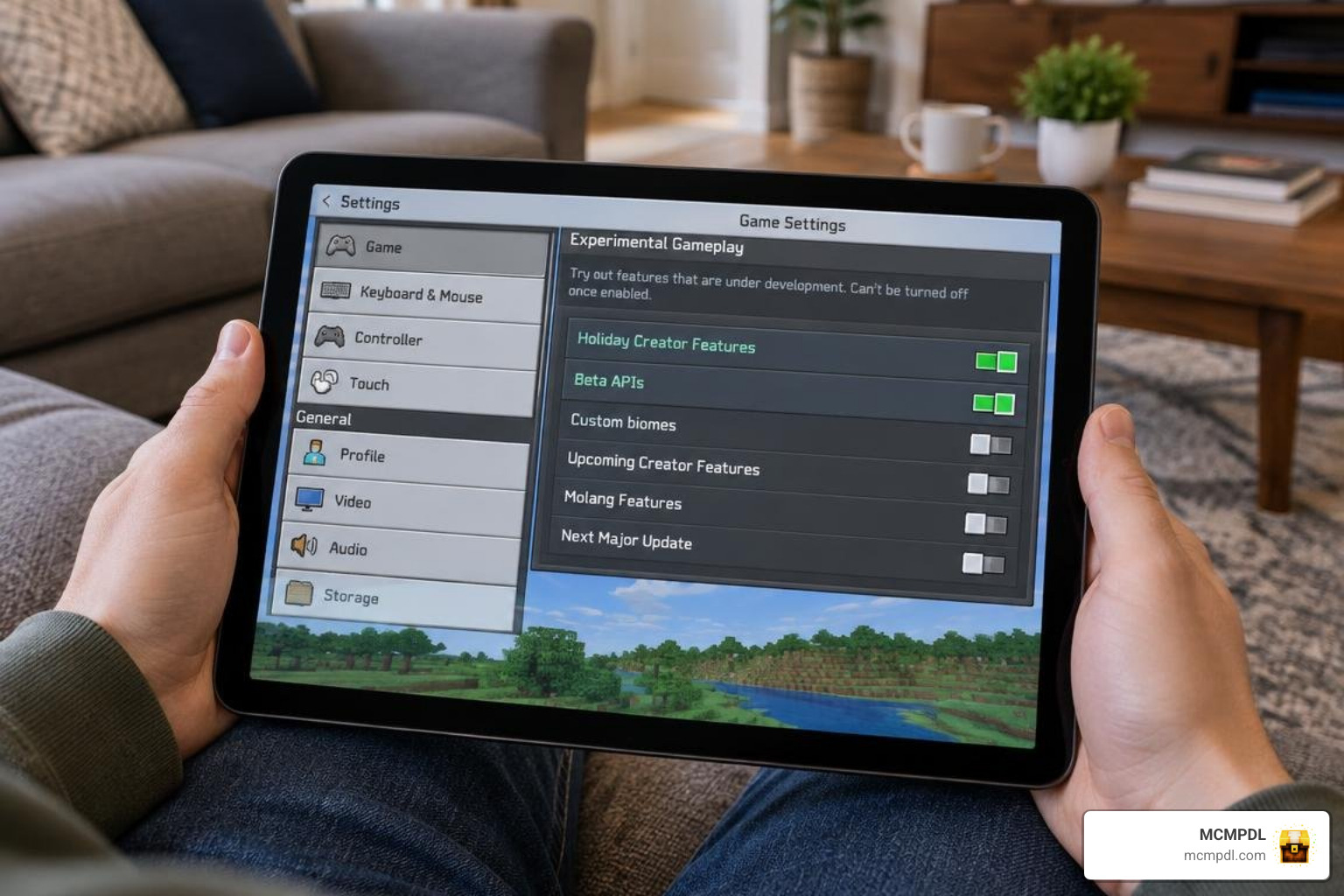
Before activating your add-on, make sure your game environment is properly configured. Missing experimental toggles is the leading cause of broken textures or non-functional crafting recipes.
How to Install the TNT+ Addon for Minecraft PE/Bedrock on Mobile and PC
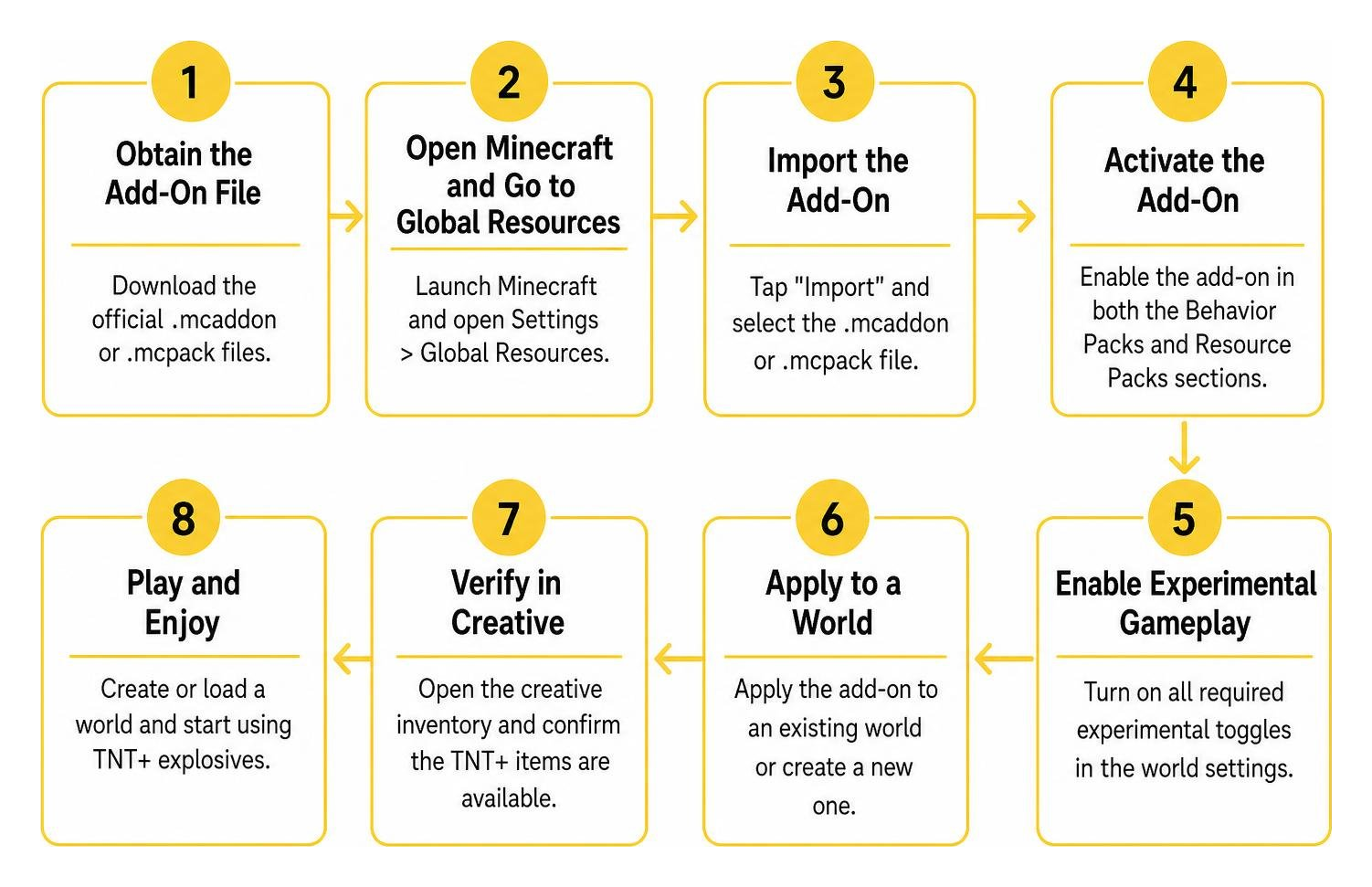
Whether you play on Windows, iOS, or Android, the setup process follows a clear path:
- Obtain the Add-On File: Download the official
.mcaddonor.mcpackfiles. - Import to Minecraft:
- Windows / Android: Double-click or tap the
.mcaddonfile to open it directly in Minecraft. The game will automatically import the packs. - iOS: Tap the downloaded file in the Files app and choose “Open in Minecraft”.
- Windows / Android: Double-click or tap the
- Create or Edit a World: Navigate to your world settings screen.
- Activate Resource & Behavior Packs: Under the Resource Packs tab, locate the add-on and click Activate. Then go to Behavior Packs and ensure the corresponding behavior pack is active as well.
- Enable Experimental Gameplay: Scroll down to the Experiments menu in your world settings and toggle on Holiday Creator Features, Custom Biomes, and Beta APIs / Upcoming Creator Features (as required by the pack version).
- Launch and Test: Load into your world in Creative mode first, open your inventory, and place a test block to confirm the textures render cleanly.
Multiplayer Server and Realm Compatibility Checklist
Playing with friends? Keep these points in mind:
- Bedrock Realms: Apply the behavior and resource packs directly to the Realm slot settings before launching the world. Enable “Require players to accept resource packs to join” so your friends see custom textures and items without manual file transfers.
- Dedicated Bedrock Servers (BDS): Extract the pack folders into your server’s
behavior_packsandresource_packsdirectories, and add their pack UUIDs toworld_behavior_packs.jsonandworld_resource_packs.json. - Client Sync: Ensure all joining players have a stable connection during the initial world handshake to prevent texture mismatch errors.
Performance Optimization and System Requirements
Large explosions place heavy demands on your device’s CPU and GPU as the game calculates block drops, lighting recalculations, and physics ticks simultaneously.
- Lower Render Distance: Keep render distance between 8 to 12 chunks on mobile devices and below 20 chunks on mid-tier PCs when detonating large explosives.
- Disable Fancy Graphics & Screen Shake: Turning off camera shake and fancy leaves frees up processing headroom during multi-TNT chain reactions.
- Clean Up Entity Drops: Chain detonations produce hundreds of floating item entities. Clear them out quickly or use the
/kill @e[type=item]command to immediately restore framerates. - Always Create World Backups: Before triggering high-yield explosives like Bedrock or Black Hole TNT near important builds, make a local copy of your world from the main edit menu.
Troubleshooting Common Issues with the TNT+ Addon for Minecraft PE/Bedrock
- Missing Textures (Black and Purple Checkerboards): This happens when the behavior pack is active without its matching resource pack. Reopen world settings and verify that both packs are enabled.
- Recipes Not Showing in Crafting Table: Ensure all experimental toggles are switched on in world settings.
- Game Freezes on Detonation: If a mega-blast locks up your game, avoid force-closing immediately. Give Bedrock 20–30 seconds to finish processing the block updates. If crashes persist, lower your simulation distance to 4 chunks.
Frequently Asked Questions About TNT+
Is the TNT+ Addon compatible with Minecraft Bedrock 1.21+ updates?
Yes. Current versions of the add-on are built for Bedrock 1.21 and newer. Always ensure your base Minecraft game is updated to avoid script API version mismatches.
Can you craft all TNT types in survival mode?
Most material-based and elemental TNT blocks are fully craftable in survival mode using vanilla ingredients like gunpowder, sand, stone, and minerals. Certain creative tools (like admin detonators or utility spawners) may require Creative inventory access depending on the specific pack configuration.
Will massive TNT explosions corrupt my Bedrock world?
Single large explosions will not corrupt a world file, but cascading chain reactions involving dozens of high-tier TNTs can cause the server thread to time out or crash. To protect your survival progress, always create a world backup before testing large blast configurations.
Conclusion
The TNT+ Add-On brings an exciting layer of variety and high-impact fun to Minecraft Bedrock, transforming routine mining and terraforming into an action-packed experience. By ensuring your game version is up to date, turning on your experimental toggles, and managing your performance settings, you can enjoy massive craters and unique elemental effects without frustrating lag spikes.
At MCMPDL, our mission is to provide players with a safe, curated library of the highest quality Bedrock modifications. If you are ready to expand your gameplay even further, discover thousands of Bedrock addons or browse our complete catalog of Bedrock modifications to take your worlds to the next level.