Scroll down to D0vvnl0ad
What is the Structure Expansion Addon for Minecraft PE/Bedrock?
To install the Structure Expansion Addon, download and open the .mcaddon file, then activate it under Resource Packs and Behavior Packs in your world settings. This add-on populates your world with over 100 new naturally generating structures across various biomes. Developed by CrackedCubes and launched on January 20, 2026, it integrates seamlessly into the Overworld without requiring external scripts or complex modloaders.
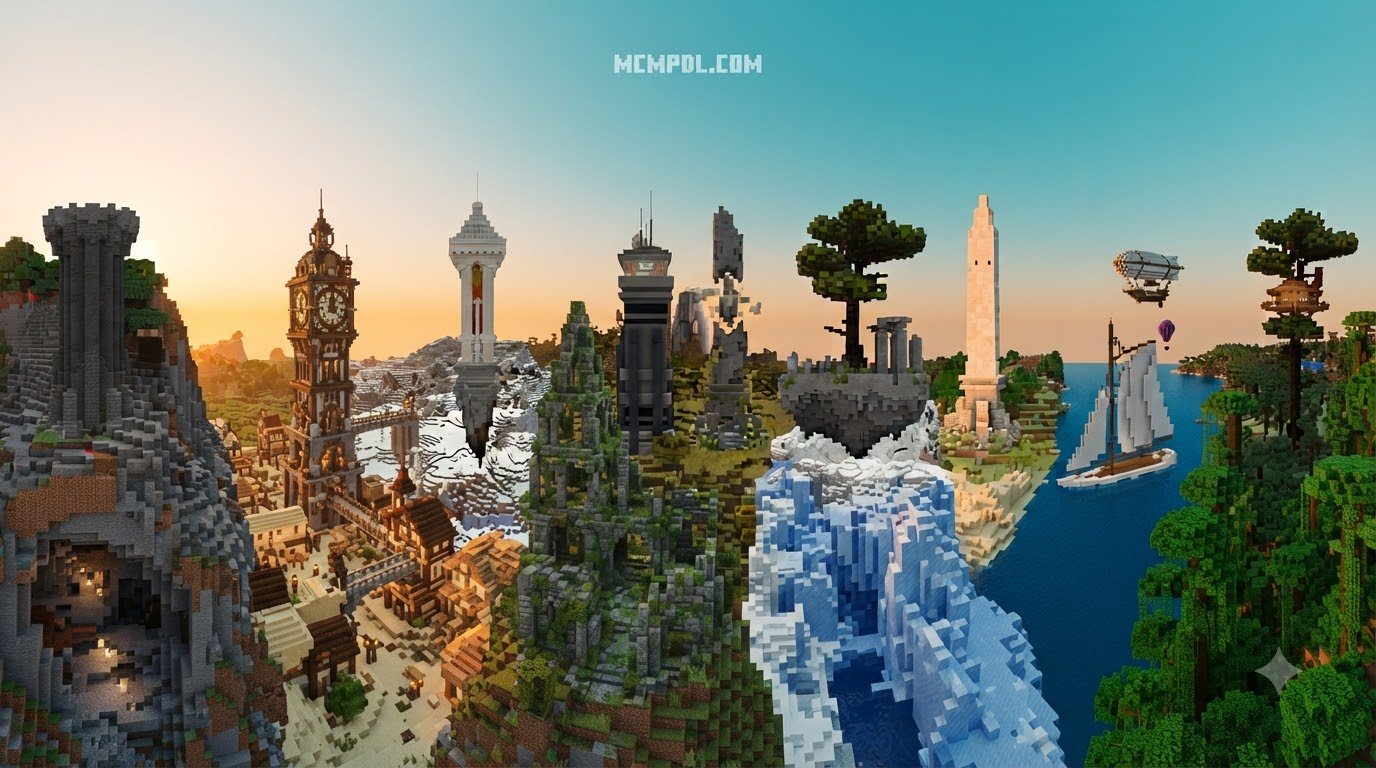
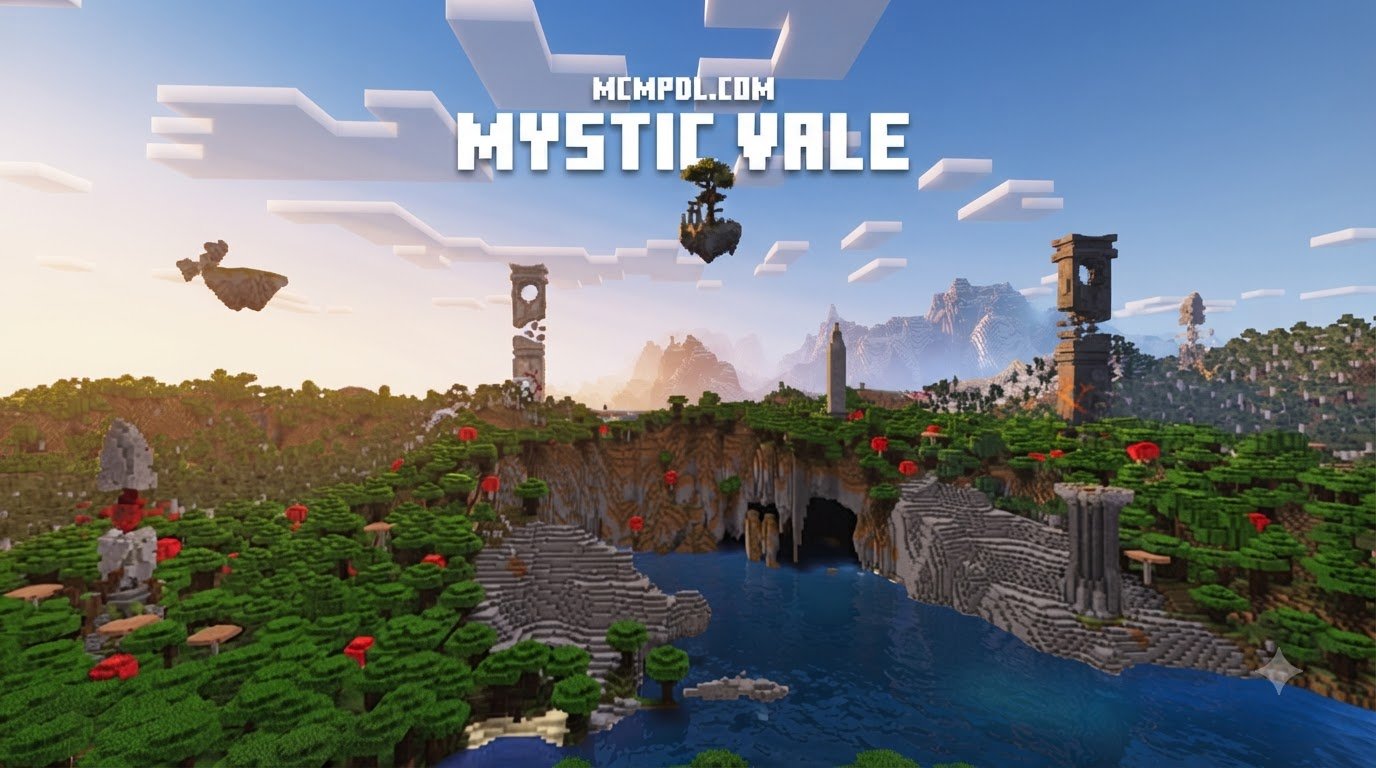
Rather than sticking to a single visual style, the pack introduces an eclectic mix of builds. You will encounter detailed medieval fortifications, mysterious fantasy ruins, and even modern architectural landmarks. Each structure is crafted to look like an organic part of the world rather than an out-of-place block cluster. Whether you are searching for custom world building options or simply want more landmarks to guide your journeys, this add-on breathes fresh life into survival gameplay.
Structure Variety and World Generation Spawns
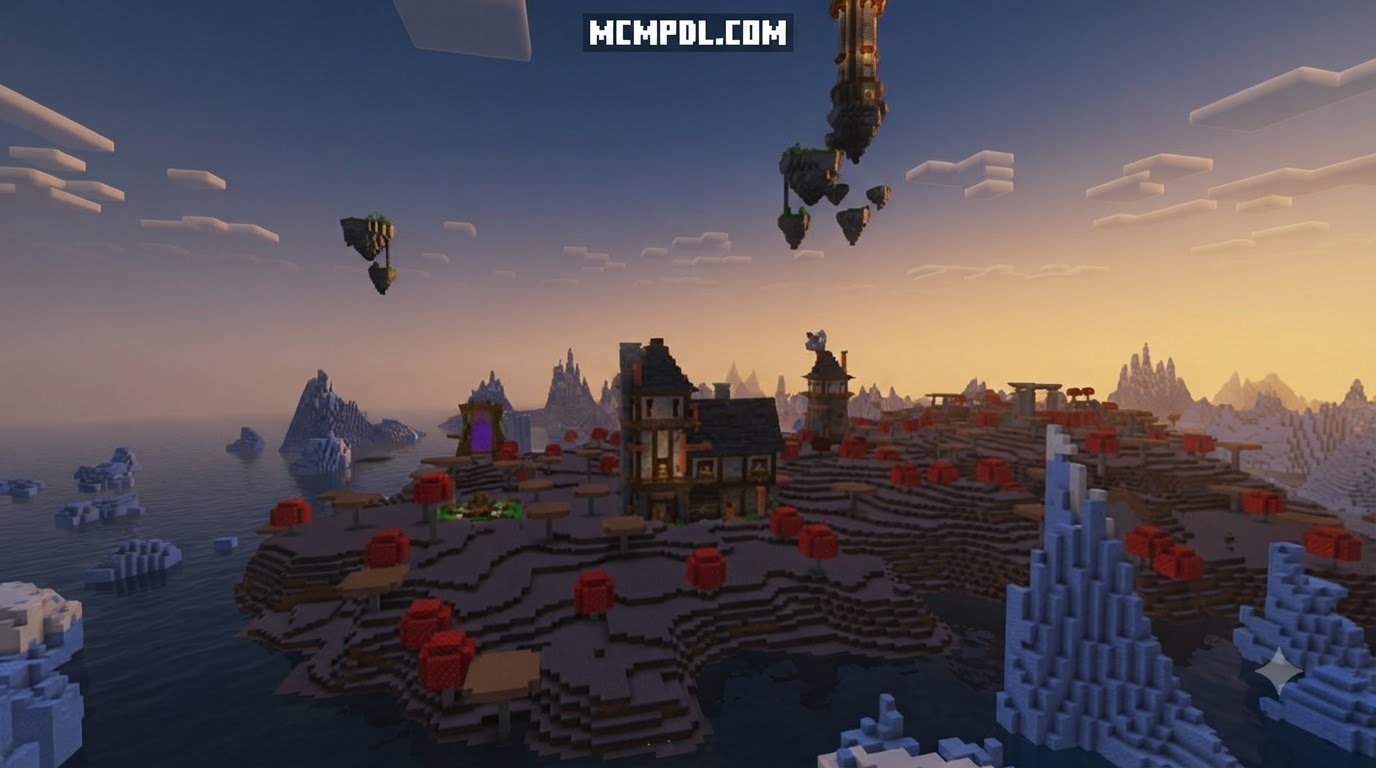
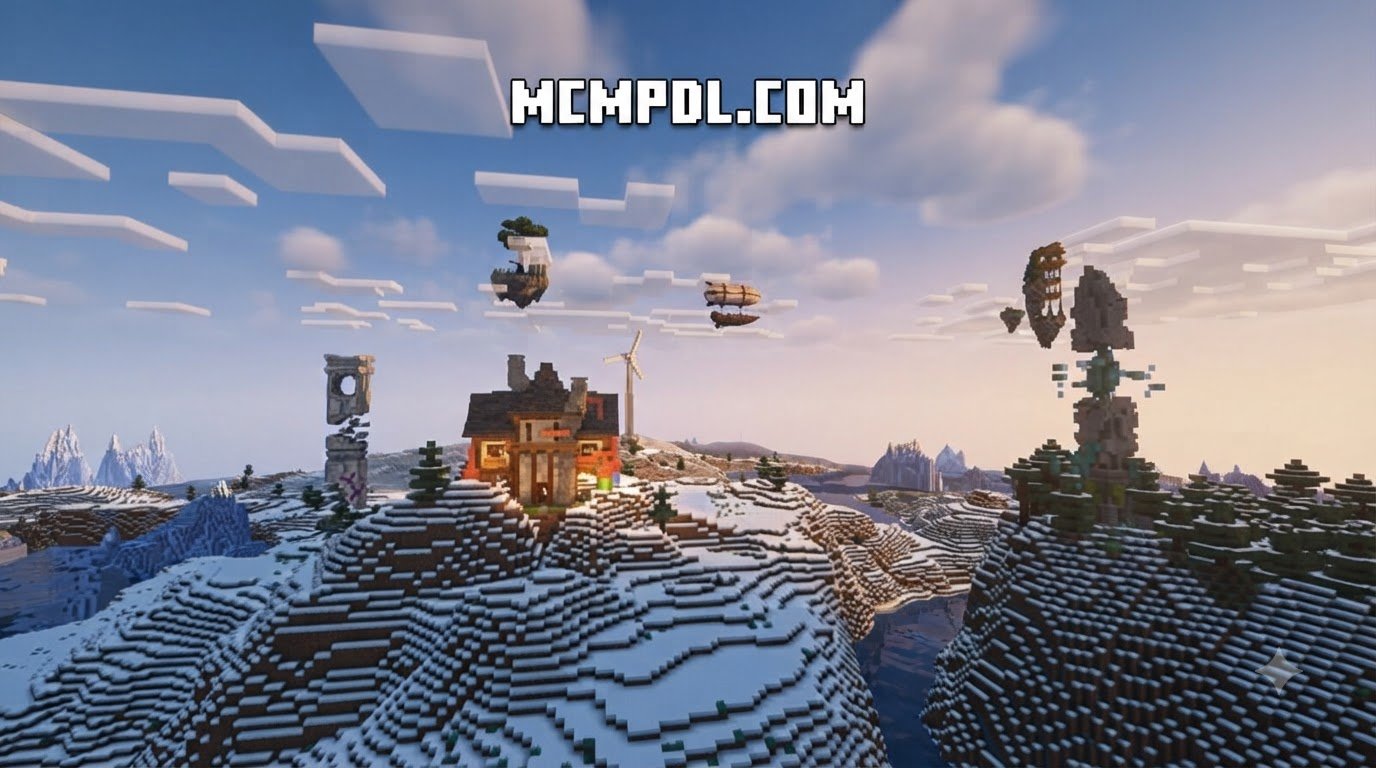
The sheer variety of structures makes every expedition unpredictable. As you travel across overhauled biome environments, generation occurs dynamically above ground, high in the sky, and deep within the subterranean depths:
- Floating Sky Islands & Castles: Towering high above plains and mountain peaks, these aerial strongholds give you a bird’s-eye view of the landscape and feature hidden loot for daring climbers.
- Deep Underground Chambers: Extending far below surface level, these cavern complexes rival the feel of atmospheric dungeon ruins and reward spelunkers who delve into dark ravines.
- Medieval Outposts & Forts: Scattered across forests, savannahs, and deserts, these outposts offer shelter, crafting stations, and defensible bases for early-game survival.
- Fantasy Relics & Ancient Temples: Mysterious stone circles, forgotten shrines, and weathered monuments provide lore-friendly set pieces across your world.
A key feature of these builds is balanced loot progression. Inside chests hidden within secret rooms and guarded vaults, players can discover essential resources, rare equipment, and ability-enhancing treasures that provide valuable status perks during survival progression.
Custom Mobs, Hazards, and Gameplay Mechanics
Unlike some mods that overwhelm your world with unstable custom entities, the Structure Expansion Add-On prioritizes stability and vanilla cohesion. The structures use native vanilla mob spawners (such as skeletons, zombies, and spiders) placed in tactical layouts that turn simple ruin raids into challenging tactical encounters.
You will also encounter environmental hazards like trapwires, hidden pit traps, and compact puzzle chambers designed into specific temples. The loot tables are tuned to match the challenge level of each dungeon, rewarding careful exploration without disrupting the core survival economy. If you love discovering Overworld world fragments packed with balanced danger and valuable rewards, this add-on strikes the right balance between challenge and reward.
How to Install the Structure Expansion Add-On Step-by-Step
Installing add-ons on Minecraft Bedrock Edition (MCPE) is straightforward whether you are playing on Android, iOS, Windows, or console platforms.
Step-by-Step Installation for Structure Expansion Addon for Minecraft PE/Bedrock
Follow these steps to download, import, and activate the add-on on your device:
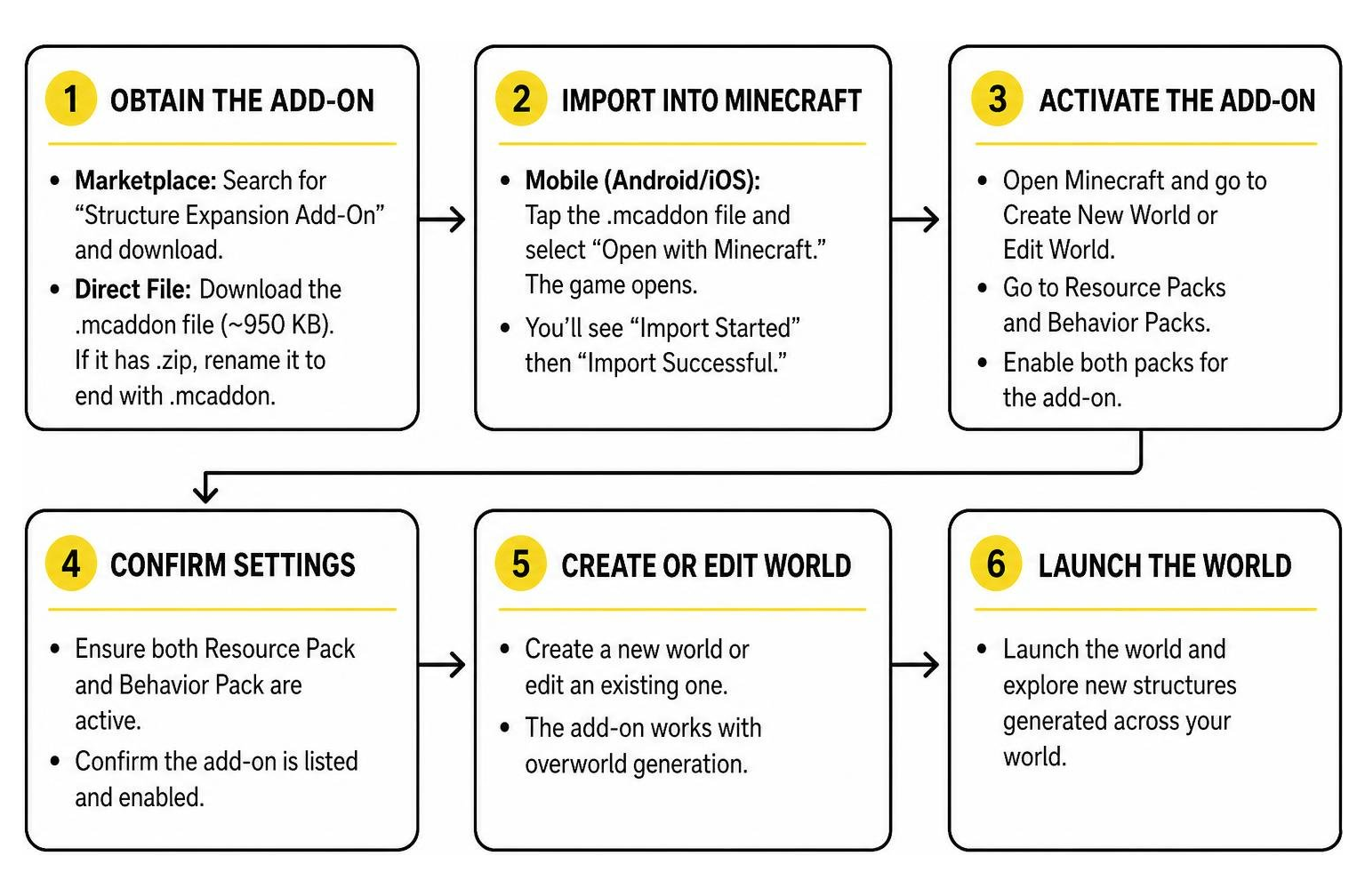
- Obtain the Add-On: Download the standalone
.mcaddonfile (often packaged as a lightweight ~950 KB file) and locate it in your device’s file manager. If the file ends with.mcaddon.zip, rename it to remove the.zipextension so it ends strictly with.mcaddon. - Import into Minecraft:
- Mobile (Android/iOS): Tap the
.mcaddonfile and select “Open with Minecraft.” The game will launch automatically and display “Import Started” followed by “Import Successful.” - Windows 10/11: Double-click the
.mcaddonfile in File Explorer to launch Bedrock and import the files automatically.
- Mobile (Android/iOS): Tap the
- Activate in World Settings:
- Create a new world or click the Edit (Pencil) icon next to an existing world.
- Scroll down on the left sidebar to Resource Packs > Available > Owned, locate the pack, and click Activate.
- Scroll down to Behavior Packs and ensure the corresponding behavior pack is active.
- If you are running multiple mods, ensure any custom block integration packs do not conflict in the loading hierarchy.
- Configure Experimental Settings (If prompted):
- Standalone Bedrock builds may require toggling Custom Biomes or Upcoming Creator Features under the Experiments tab.
- Launch and Explore: Enter your world and travel into ungenerated chunks (areas you have never visited before) to see the new structures generate naturally!
Enabling Multiplayer and Realms Compatibility
Want to explore custom structures with friends? The add-on is fully compatible with local multiplayer, dedicated Bedrock servers, and Minecraft Realms.
- Minecraft Realms: Open your Realm settings, navigate to Resource Packs and Behavior Packs, and activate the add-on. Toggle on “Require players to accept resource packs to join” so connecting players automatically download the necessary textures and geometry data without manual file installation.
- Dedicated Bedrock Servers: Place the unpacked resource and behavior folders into the server’s
resource_packsandbehavior_packsdirectories, then add their pack UUIDs toworld_resource_packs.jsonandworld_behavior_packs.json. - Server RAM Allocation: We recommend allocating at least 3GB of dedicated RAM to avoid tick lag when multiple players explore different chunks simultaneously.
If you enjoy multiplayer settlements, combining this pack with custom village communities creates vibrant worlds for cooperative exploration.
Comparing Bedrock Structure Packs
The Bedrock modding scene offers several excellent structure mods, each with its own approach to world generation. Here is how the Structure Expansion Add-On stacks up against typical community structure packs available today:
| Feature / Metric | Structure Expansion Add-On | Typical Community Structure Packs |
|---|---|---|
| Structure Count | 100+ structures | 20-40 structure types |
| Dimensions Covered | Overworld (Subterranean to Sky) | Often limited to Overworld only |
| Custom Mobs | Vanilla entity spawners | Varies, sometimes custom entities |
| File Size | Lightweight (~950 KB) | ~1 MB – 2 MB |
| Generation Mechanics | Procedural naturally integrated | Often relies on jigsaw block generation |
| Pricing / Valuation | 310 Minecoins (~$1.62 USD) | Varies by developer |
| Primary Focus | Architectural variety & sky builds | Varies by pack theme |
Many community packs focus on a narrower set of themed dungeons, while this add-on spreads its structures across the full vertical range of the Overworld. For players looking to expand their underworlds further, pairing this pack with expanded cavern systems or Nether dimensional expansions can turn every dimension into an adventure zone.
Key Advantages of Structure Expansion Addon for Minecraft PE/Bedrock
- Exceptional Performance: Thanks to its lightweight footprint (under 1 MB), chunk loading remains smooth on mobile devices and lower-spec consoles.
- Architectural Quality: The builds feature intricate block palettes spanning modern, fantasy, and medieval themes without clashing with vanilla aesthetics.
- Zero Script Dependencies: Operates natively without requiring external Java-style bridge plugins or experimental server wrappers.
- High Community Satisfaction: Boasts a 4.4 out of 5-star rating across 405 community reviews, with 68% of players awarding it a full 5 stars.
Performance Optimization, Lag Reduction, and Troubleshooting
Generating complex structures puts extra demand on your device’s processor, especially when loading new chunks at high movement speeds. Use these settings to maintain high FPS:
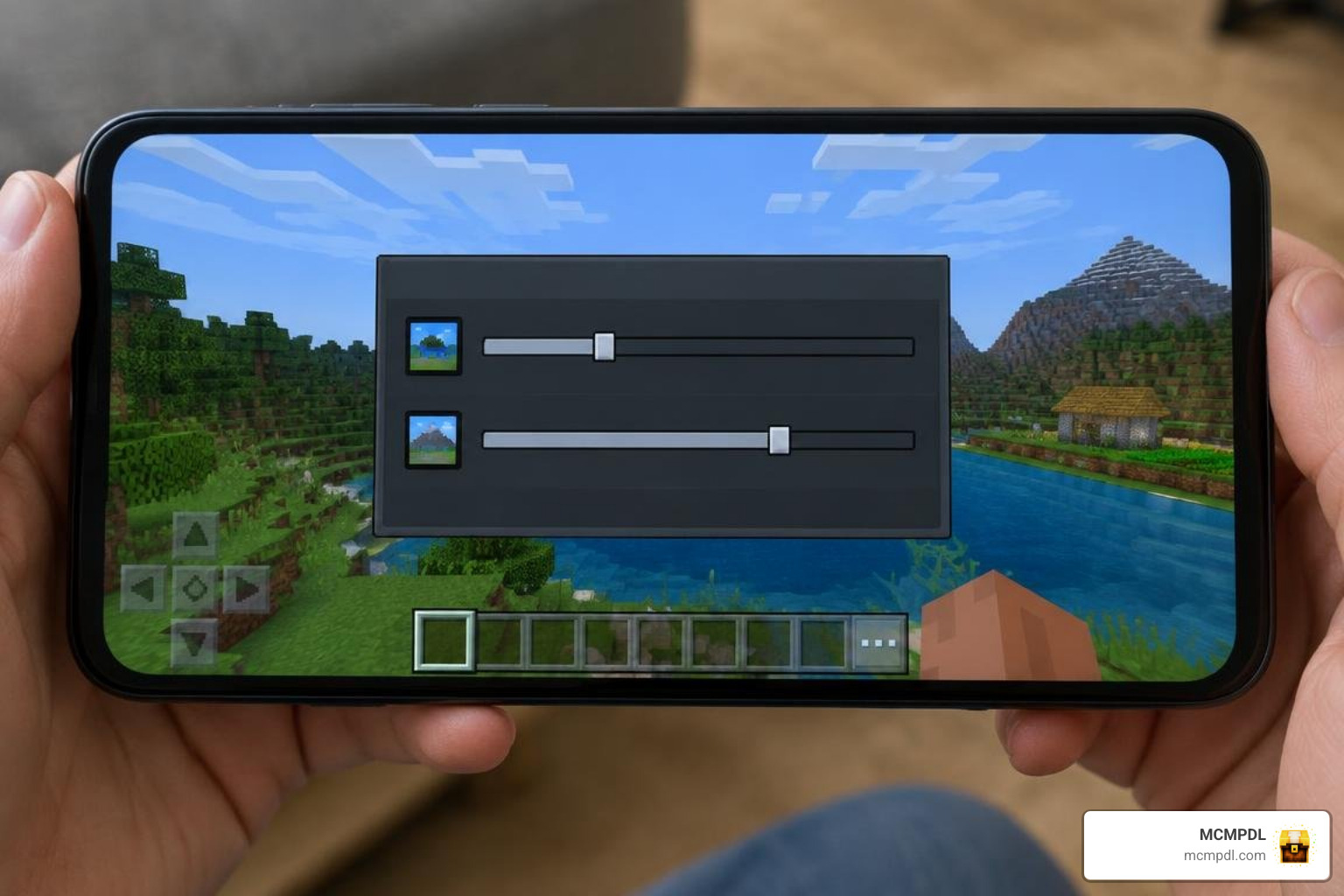
- Adjust Simulation Distance: Keep your world simulation distance between 4 and 6 chunks. This ensures mob spawners and environmental block updates inside nearby structures do not overload background processing.
- Optimize Render Distance: On mobile devices or lower-end PCs, keep your client render distance under 16 chunks (8–12 chunks on entry-level phones).
- Fix Missing Textures (Purple & Black Blocks): If structure blocks display missing checkerboard textures, open your world settings, go to Resource Packs, and move the Structure Expansion resource pack to the very top of the active pack priority list.
- Pregenerate Chunks on Dedicated Servers: If hosting a multiplayer server, fly around spawn in Creative mode beforehand to allow structures to generate before players log in.
- Cave Biome Conflicts: If you use mods that overhaul subterranean cave biomes, ensure that underground chambers have adequate space to generate without cutting off adjoining ravines.
Frequently Asked Questions
How much does the Structure Expansion Add-On cost?
The add-on carries a nominal value of 310 Minecoins, which equals roughly $1.62 USD (or approximately €1.53).
Which Minecraft versions are compatible with the add-on?
The add-on is officially compatible with Minecraft Bedrock Edition version 1.20.60 and newer, including all current 2026 Bedrock releases across Android, iOS, Windows 10/11, Xbox, PlayStation, and Nintendo Switch. You can confirm your current version against the official Minecraft Bedrock changelog archive if you are unsure whether an update is required.
Does the add-on introduce custom hostile mobs or mini-bosses?
No, the add-on uses vanilla hostile mob spawners (such as skeletons and zombies) embedded within tactical dungeon layouts. This design choice maintains maximum performance stability while still offering challenging combat.
Conclusion
The Structure Expansion Add-On is an easy way to enrich exploration in Minecraft PE and Bedrock Edition. With over 100 structures spanning floating sky castles, dense underground chambers, and detailed medieval fortresses, it turns routine survival trips into rewarding dungeon crawls.
By following the simple installation steps and tuning your render distance settings, you can enjoy stable, stutter-free exploration across all your singleplayer worlds and multiplayer Realms. Ready to overhaul your game’s visuals even further? Head over to our catalog to explore Bedrock texture packs and resources and customize your survival experience today!

1 thought on “Structure Expansion Addon for Minecraft PE/Bedrock”