Scroll down to D0vvnl0ad
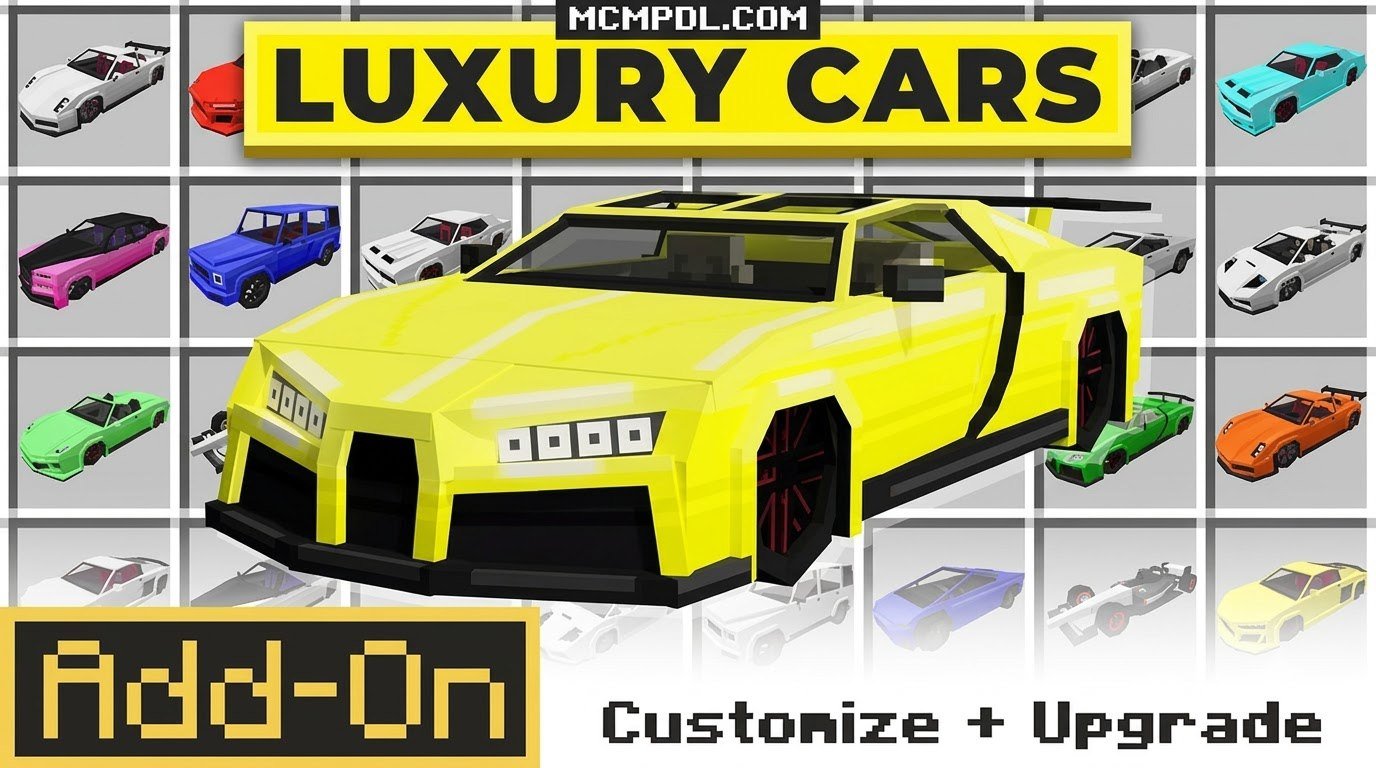
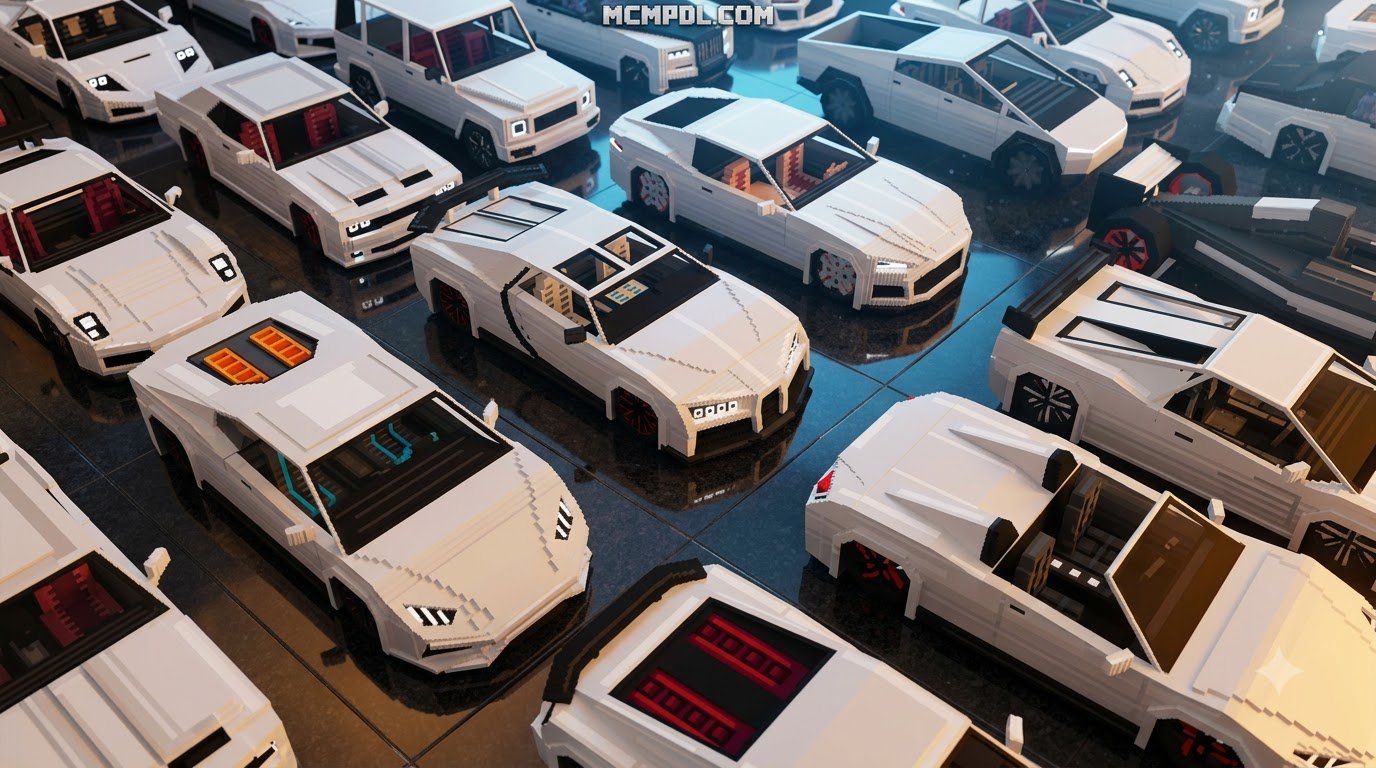
Overview of the Luxury Cars Addon for Minecraft PE/Bedrock
To quickly download the Luxury Cars Addon for Minecraft PE, open its trusted download page on MCMPDL, tap the .mcaddon file to save it to your device, then open that file with Minecraft so it imports automatically. In your world settings, activate both the resource pack and behavior pack, enable the required experimental toggles, and the drivable luxury cars are ready to use in minutes. This direct import path avoids manual file management and is the fastest way to add the addon on Android, iOS, and Windows 10.
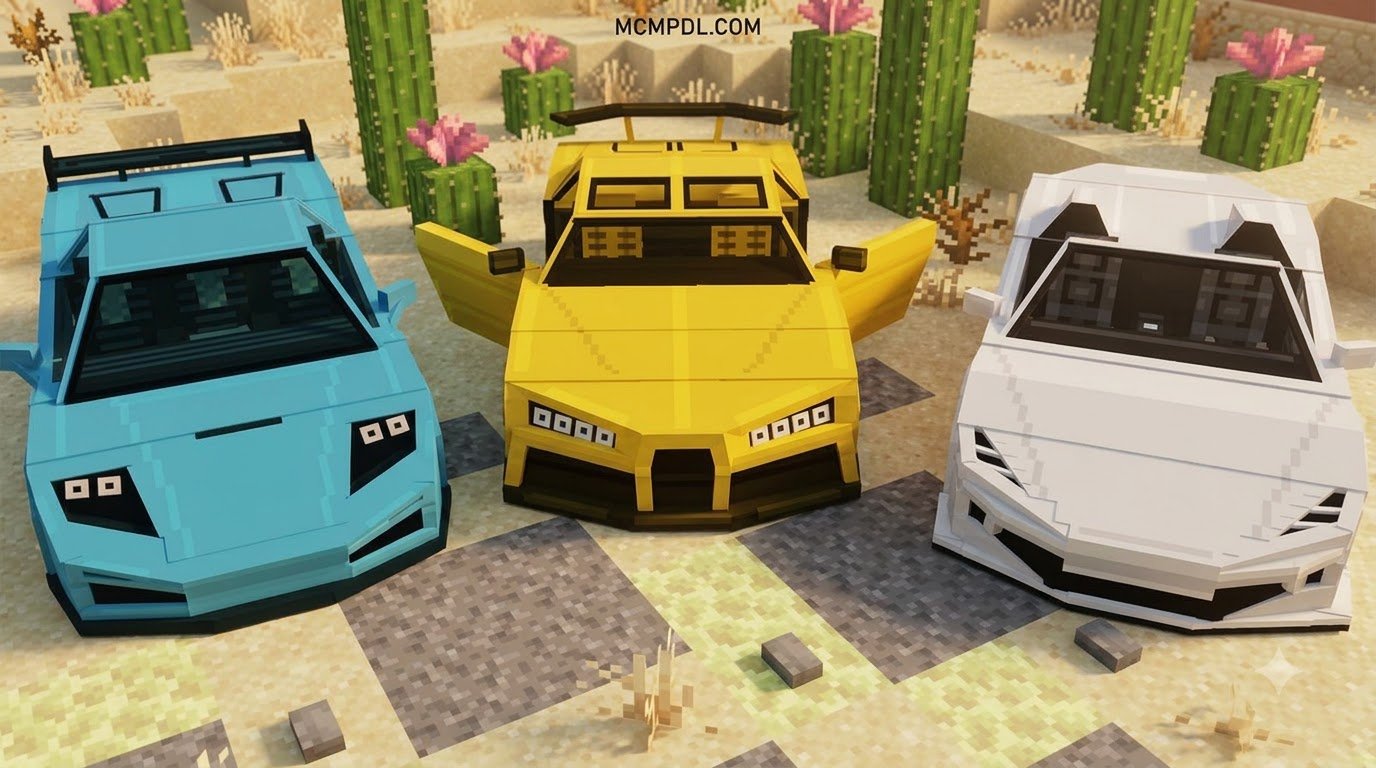
When we explore custom vehicle options for Bedrock Edition, the primary goal is turning standard, blocky landscapes into dynamic roadways. Modern community packs deliver authentic vehicle handling, deep paint customization, functional animations, and finely tuned audio. Whether you are cruising along an asphalt highway in a multiplayer metropolis or organizing high-stakes circuit racing across custom tracks, modern vehicle addons offer a vast upgrade over vanilla Minecraft transport methods like horses and minecarts.

The range of automotive content available for Bedrock has expanded significantly in 2026. Creators now integrate interactive components that mimic real-world driving mechanics. Rather than simply acting as re-skinned entities that glide across grass, top-tier automotive packs use advanced JSON scripting to simulate ground friction, top-speed limits, acceleration curves, and realistic turning radiuses. Players seeking alternative transit methods can also check out an Airplanes Addon for Minecraft PE/Bedrock to pair aviation travel alongside their garage fleet, or install our dedicated Cars Add-on for an extensive mix of everyday rides.
These luxury car packs have earned strong player ratings across thousands of downloads within the Bedrock community. Built specifically for Bedrock, these expansions provide a streamlined balance of visual fidelity and stable performance.
Key Features of the Luxury Cars Addon for Minecraft PE/Bedrock
Contemporary luxury car packs for Minecraft PE combine aesthetic detail with interactive mechanics. The best addons deliver a comprehensive automotive experience right out of the box:
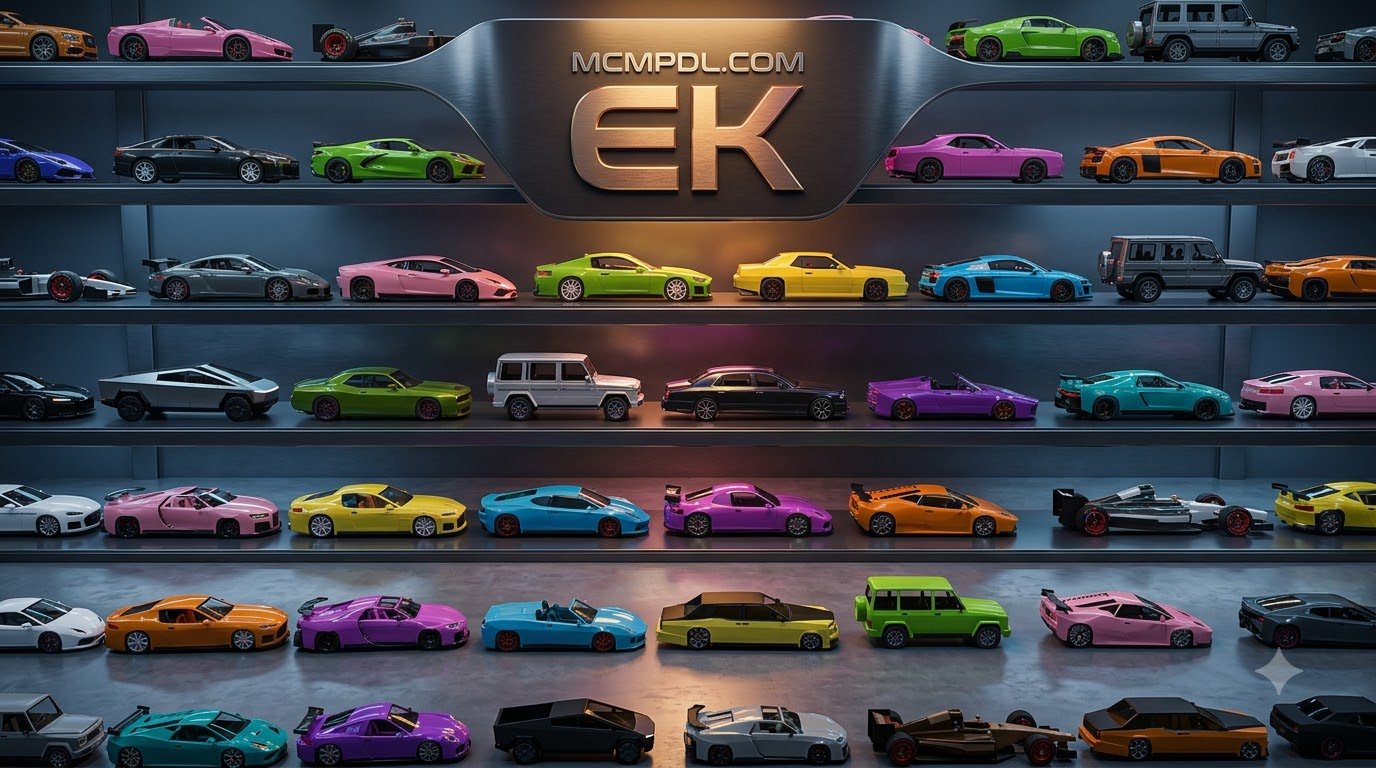
- High-Performance Models: Gain access to sleek supercars, high-end grand tourers, and classic luxury sedans modeled with high-resolution, low-poly geometry that protects frame rates on mobile hardware.
- Interactive Lighting & Sounds: Working headlights illuminate dark roads during night drives, complemented by custom audio samples for engine revs, ignition starts, door swings, and collisions.
- Fuel & Maintenance Systems: Select addons require drivers to maintain their fleet using Jerry Cans purchased from mechanic traders, introducing realistic resource management.
- Custom Cockpit HUDs: Functional dashboards feature on-screen speedometer readouts, gear shift indicators, and dynamic camera toggles for first-person driving.
- Multi-Passenger Seating: Luxury SUVs and sedans include multiple seat nodes, allowing you and your friends to cruise together on survival servers.
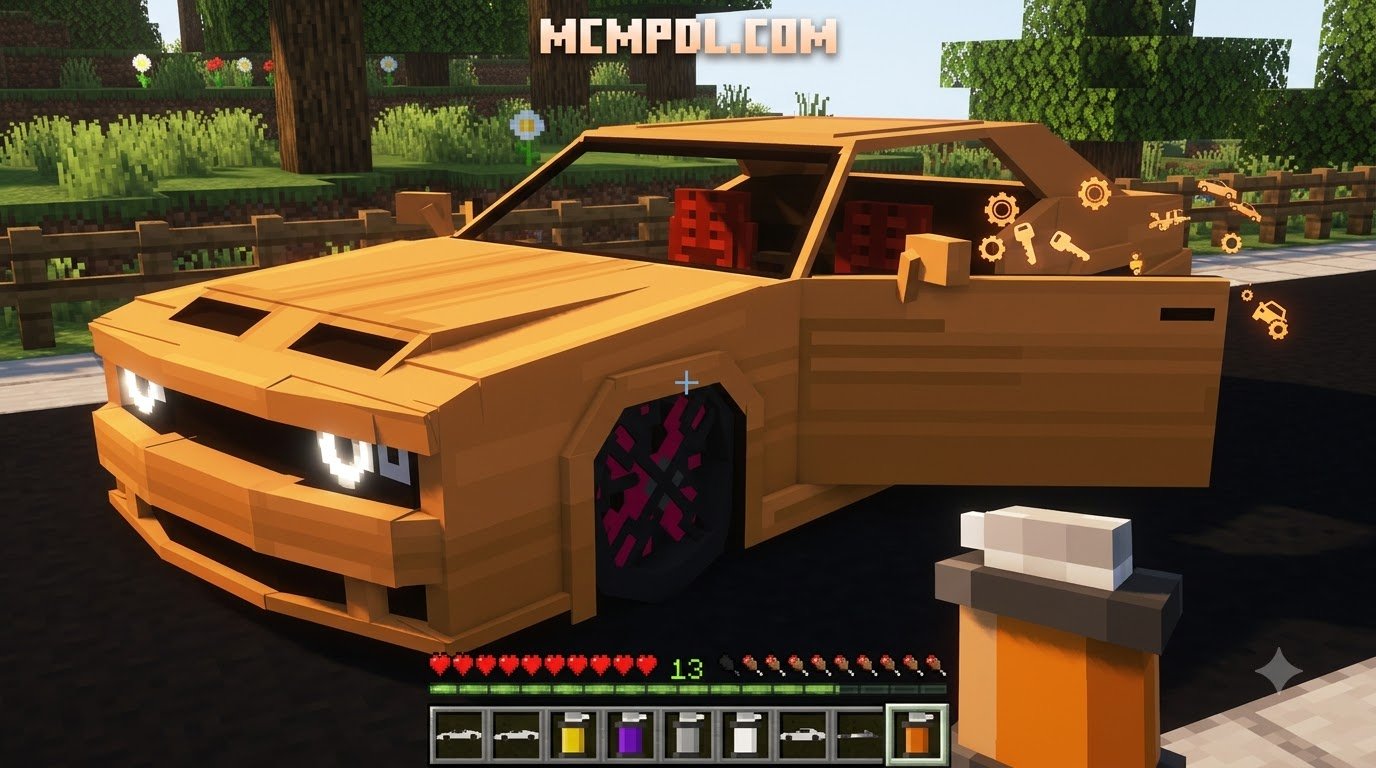
- In-Game Crafting & Customization: Assemble vehicle chassis at specialized workbenches and apply custom dye kits to repaint your car in vibrant colors.
System Requirements and Version Compatibility
To avoid corrupted world loads or missing entity models, ensure your game platform meets baseline version requirements before importing any files:
- Supported Game Versions: Most modern vehicle addons require Minecraft Bedrock version 1.20.60, 1.21, or newer stable releases.
- Platform Support: Fully compatible across Android, iOS, iPadOS, Windows 10/11, Xbox, PlayStation, and Nintendo Switch.
- Storage Footprint: Lightweight packs generally average between 1.34 MB and 12 MB, keeping mobile device memory footprints minimal.
- Experimental Gameplay Requirements: Many vehicle addons depend on custom entity properties and JSON script interfaces. You must toggle Holiday Creator Features, Custom Biomes, and Beta APIs inside the world settings menu before loading your game.
Top Luxury Car Addon Features Compared
Different vehicle packs cater to distinct playstyles, ranging from decorative mansion accessories to fully operational survival vehicles.
| Addon Type | Average Size | Price / Source | Primary Mechanics | Standout Features |
|---|---|---|---|---|
| Premium Luxury Cars Pack | ~12 MB | Free on MCMPDL | Speed, Drifting, Custom Dyes | High mobile optimization, universal world support, polished handling |
| Full Vehicle Fleet Pack | ~15–25 MB | Free on MCMPDL | Fuel (Jerry Cans), Vehicle Builder, Speedometer | Dozens of drivable vehicles, agricultural tools, huge download counts |
| Luxury Lifestyle Pack | ~8 MB | Free on MCMPDL | Roleplay Lifestyle, Spawn Eggs | Includes luxury yachts, private planes, villas, and NPC mechanics |
| Opulence Decor Pack | ~5 MB | Free on MCMPDL | Decorative Opulence, Custom Metals | Adds rose gold, silver, ruby decor, royal crowns, and mansion furniture |
| Luxury SUV Pack | 1.34 MB | Free on MCMPDL | Multi-passenger SUV, Custom 3D Mesh | Lightweight model, high-detail SUV interior, cross-platform stability |
| Auto Industry Suite | 2.56 MB | Free on MCMPDL | E-Segment & F-Class Sedans, Tool Toggles | Technical classification system, right-click state toggles without tools |
Comparing Vehicle Variety, Crafting, and Realism
Choosing the right pack comes down to the depth of gameplay you want in your world. Turn-key packs deliver effortless plug-and-play racing and low-poly optimization, ensuring that mobile users on mid-range phones can drift through city corners without sudden lag spikes.
If you prefer realistic vehicle fabrication, advanced community packs like the Full Vehicle Fleet Pack and Auto Industry technical expansions offer deep crafting loops. Instead of using creative spawn eggs, players craft engines, wheels, and frames at specialized workbenches before assembling the final vehicle. Furthermore, packs that implement automotive segmenting (such as American F-Class and European E-Segment sedans) provide distinct handling weights, making a luxury limousine handle noticeably heavier than a lightweight hypercar.
Step-by-Step Installation Guide for Mobile and PC
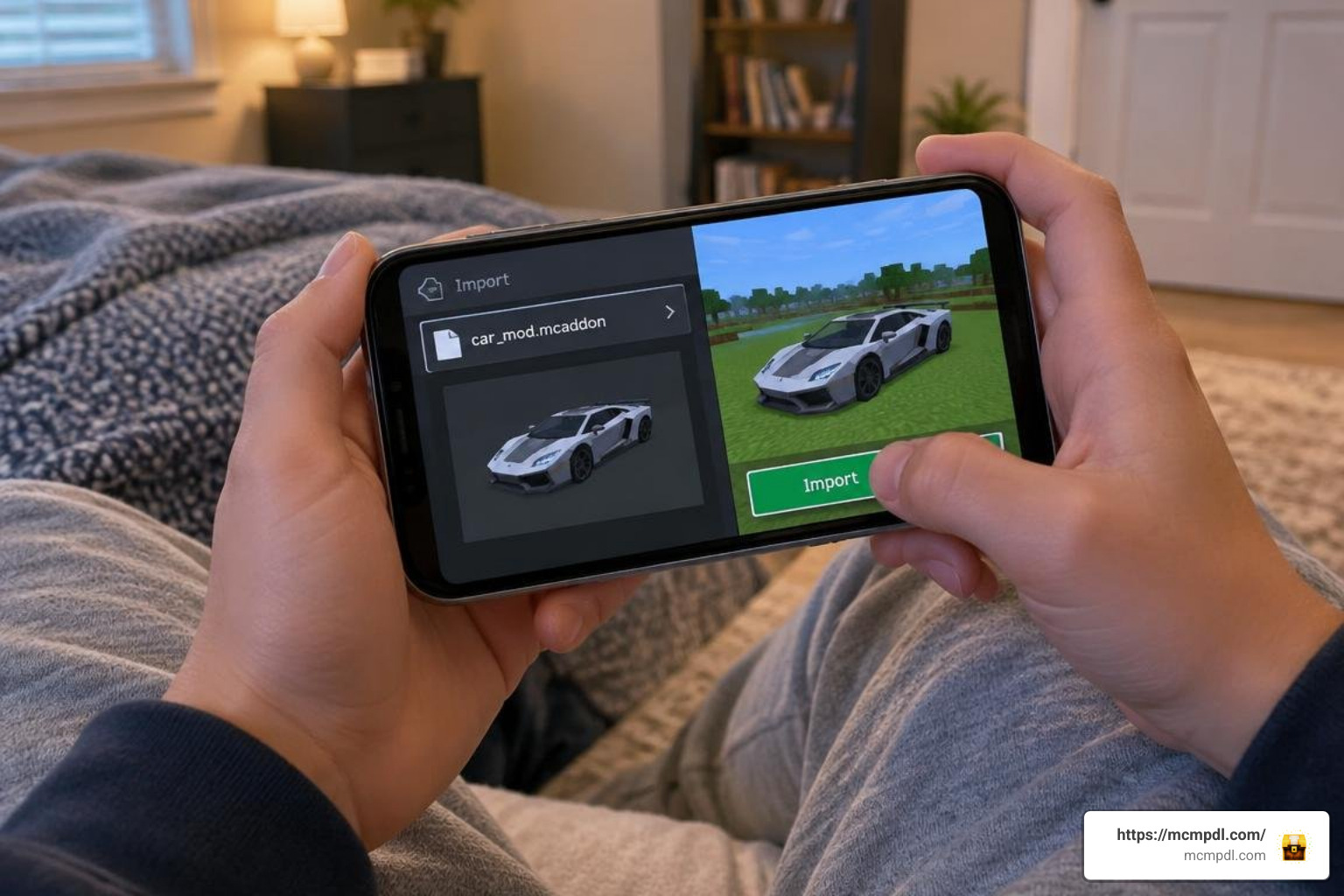
Installing custom packs on Minecraft Bedrock is simple once you understand how resource packs (textures/models) and behavior packs (scripts/entity logic) work together.
Installing the Luxury Cars Addon for Minecraft PE/Bedrock on Android and iOS
Follow these steps for a smooth mobile installation:
- Download the File: Acquire your selected vehicle addon with a
.mcaddonor.mcpackfile extension. - Execute File Import:
- On Android: Open your device’s File Manager, locate the downloaded file in your Downloads folder, tap it, and select Minecraft from the “Open with” app prompt.
- On iOS/iPadOS: Tap the downloaded file in the Files app, tap the Share icon, and select the Minecraft app icon.
- Wait for In-Game Confirmation: Minecraft will launch automatically and display an “Import Started” banner followed by “Successfully Imported [Pack Name]” at the top of the screen.
- Apply Packs to Your World:
- Navigate to your world list and select the pencil Edit icon next to your desired world.
- Scroll down to the left sidebar and select Resource Packs > Available > Owned, locate your vehicle pack, and tap Activate.
- Select Behavior Packs directly beneath it and verify that the corresponding behavior pack is active.
- Enable Experimental Settings: Under the Game tab, scroll to Experiments and toggle on Holiday Creator Features, Custom Biomes, and Beta APIs.
- Enter Your World: Press Play and enjoy your new luxury fleet!
Troubleshooting Import Errors and Pack Conflicts
If you run into errors while importing or running custom vehicles, use these proven fixes:
- Pack Import Fails or Appears Corrupted: If the game reports an invalid zip archive, rename the file extension from
.mcaddonto.zip. Extract the folder manually, then copy the resource subfolder intogames/com.mojang/resource_packsand the behavior subfolder intogames/com.mojang/behavior_packs. - Missing Textures (Black and Purple Checkerboards): This visual glitch occurs when the Behavior Pack is active but the corresponding Resource Pack was forgotten. Double-check that both packs are enabled in world settings.
- Vehicle Does Not Move: Many luxury addons require an ignition key (often an altered carrot-on-a-stick or custom item key) held in your main hand to steer, or require you to fill the gas tank with a Jerry Can.
- Low FPS on Mobile Devices: Disable in-game Fancy Graphics or reduce render distance to 8–10 chunks if your world contains dozens of active vehicle entities at once.
Frequently Asked Questions About Luxury Vehicle Addons
Can I drive luxury cars in survival mode?
Yes! Most modern vehicle packs include full survival integration. In survival-compatible addons, players can construct vehicles using specialized crafting workbenches by combining iron ingots, glass panes, redstone, and leather. Alternatively, some addons introduce mechanic or automotive dealer NPCs in villages who trade functional vehicle keys and fuel cans in exchange for emeralds.
Do vehicle addons work in multiplayer Bedrock worlds?
Yes, vehicle addons run seamlessly in multiplayer worlds, local LAN sessions, and dedicated Bedrock Realms. When hosting a multiplayer game, check the box labeled “Require players to accept resource packs to join” in your world settings. This forces joining players to automatically download your vehicle models, ensuring all participants can see and race the cars together.
Why is the vehicle addon failing to import or crashing?
Crashes and failed imports generally happen for three reasons:
- Version Incompatibility: The pack may rely on newer scripting APIs not supported by your current Minecraft client. Always keep your base game updated to the latest stable release.
- Missing Experimental Toggles: If custom entity scripts fail to initialize, double-check that all experimental gameplay toggles are switched on.
- Manifest UUID Conflicts: If you are updating an older version of the same mod, delete the old resource and behavior packs from your game storage settings before importing the new build.
Conclusion
Upgrading your Bedrock worlds with custom supercars, luxury SUVs, and classic sedans adds a whole new dimension of speed, creativity, and roleplay to Minecraft. Whether you are drifting across custom tracks, parking detailed display models outside modern builds, or racing across survival biomes with friends, these addons provide a seamless mobile driving experience.
Ready to find more exciting vehicle mods, texture upgrades, and world templates? You can easily browse the latest Bedrock addons on MCMPDL to build your ultimate custom collection today!
2 thoughts on “Luxury Cars Addon for Minecraft PE/Bedrock”