Scroll down to D0vvnl0ad
Add More Than One Kind of TNT to Minecraft Bedrock
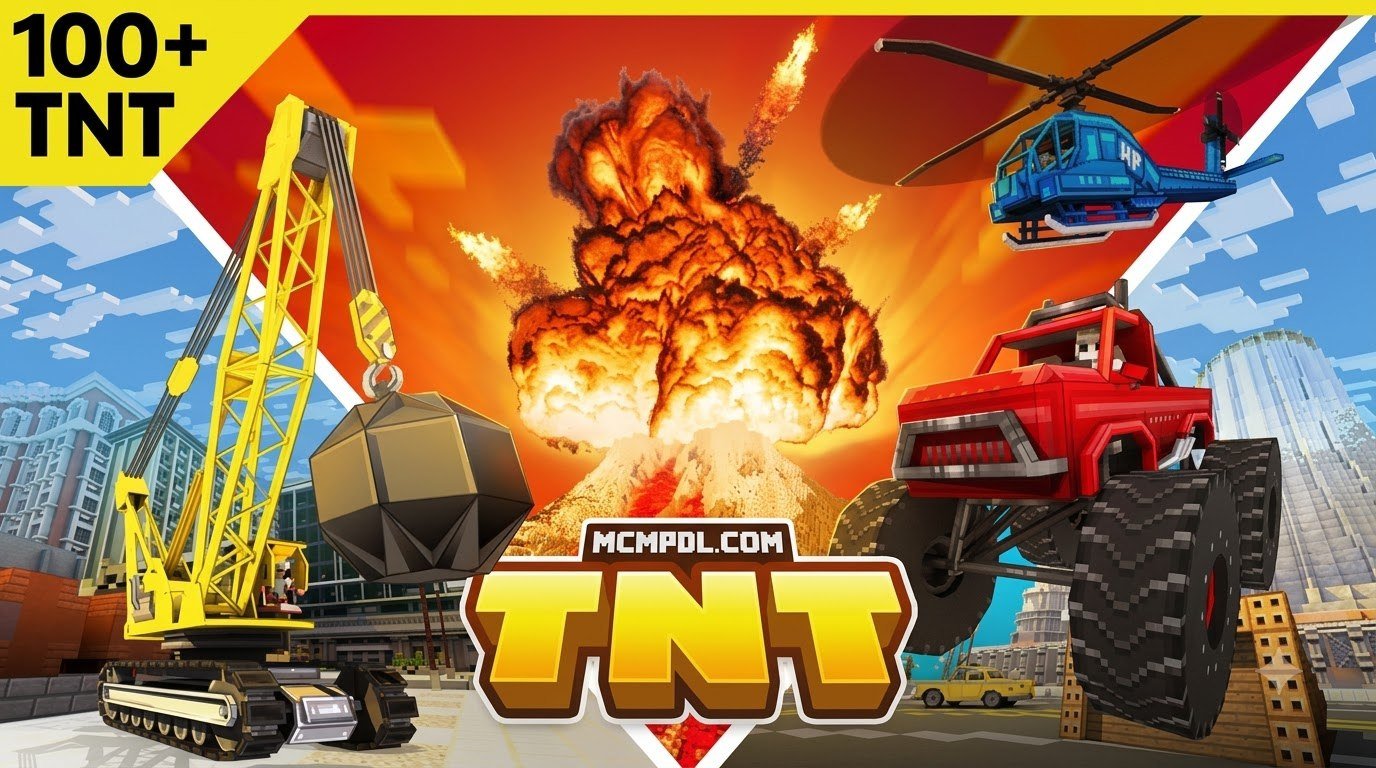
A TNT addon for Minecraft PE/Bedrock adds custom explosives to your world. Depending on the pack, you might get bigger blasts, fire and ice effects, mining tools, or harmless prank TNT. The underlying mechanics build on the same explosion behavior that powers vanilla TNT, but add-ons extend it with custom block models, timers, and scripted terrain changes.
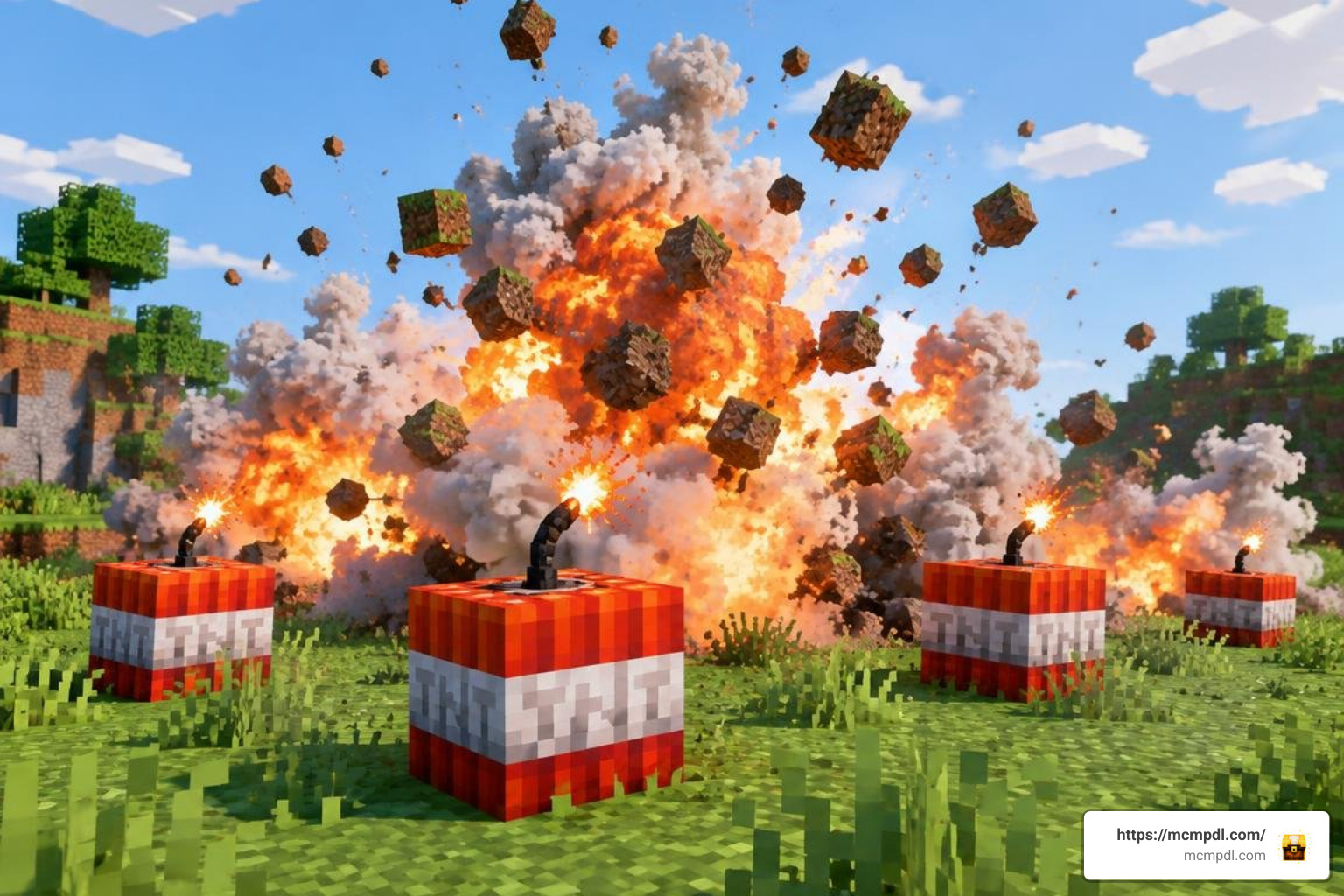
To get started: Download a .mcaddon file that supports your Bedrock version, open it with Minecraft, then activate its behavior and resource packs in your world settings. Check the pack’s instructions for any required experimental settings. Test powerful TNT in a backed-up world first; large explosions can cause lag or damage builds you want to keep.
Overview of the TNT ADDON for Minecraft PE/Bedrock
Standard vanilla Minecraft explosions are fun, but after clearing your hundredth underground room with regular blocks, the blast radius starts feeling a little modest. Installing a dedicated TNT ADDON for Minecraft PE/Bedrock expands your creative toolbox with everything from precision quarrying explosives to apocalyptic mega-nukes. Instead of relying solely on default entity calculations that spawn hundreds of flying blocks, modern add-ons utilize behavior packs and script-driven mechanics to reshape entire landscapes in seconds.
These add-ons combine custom resource packs (which provide unique 3D models, animated textures, and sound profiles) with behavior packs that govern ignition timers, damage scaling, and particle trails. If you want to expand your collection of modifications further, you can explore top Bedrock add-ons to discover new tools, creatures, and systems that pair seamlessly with custom explosives.
Core Explosive Mechanics and Survival Recipes
Most custom TNT packs are built with survival mode balance in mind. Rather than forcing you into creative mode to spawn blocks from the inventory tab, creators build logical recipes using base materials like vanilla TNT, gunpowder, sand, redstone, fire charges, and mob drops.
Custom packs generally use this vanilla block as a crafting foundation:
- Elemental Charges: Surrounding vanilla TNT with Blue Ice creates Cryo explosives, while combining it with Fire Charges or Magma Cream creates Inferno or Napalm variants.
- Utility Blasts: Combining TNT with iron pickaxes or shears often produces Mining TNT, engineered to drop 100% of mined resources instead of vaporizing them into thin air.
- Trigger Versatility: Just like default explosives, these custom blocks can be ignited via flint and steel, burning arrows, direct fire, or redstone signals via repeaters, levers, and pressure plates.
Modern packs also rewrite explosion math. Standard Minecraft explosions calculate rays from the block origin, causing severe stutter when thousands of loose item entities scatter across the floor. Modern behavior packs apply scripted spherical block-clearing functions, removing laggy debris while carving clean, aesthetically pleasing craters.
Compatibility Across Minecraft Bedrock Versions (1.21 & 26.x)
As Minecraft Bedrock updates through versions like 1.21 and into 26.x releases, Mojang frequently updates underlying scripting APIs and render engines. High-quality add-on creators update their files to match these Bedrock engine adjustments, ensuring that .mcaddon and .mcpack files import cleanly into Android, iOS, Windows, and console editions.
When you install new packs, ensure you check the creator’s recommended game build. Keeping your game updated and browsing all Minecraft mods and packs helps prevent missing texture issues and script compatibility bugs when launching your demolition maps.
Top Custom Explosives and Utility Variants
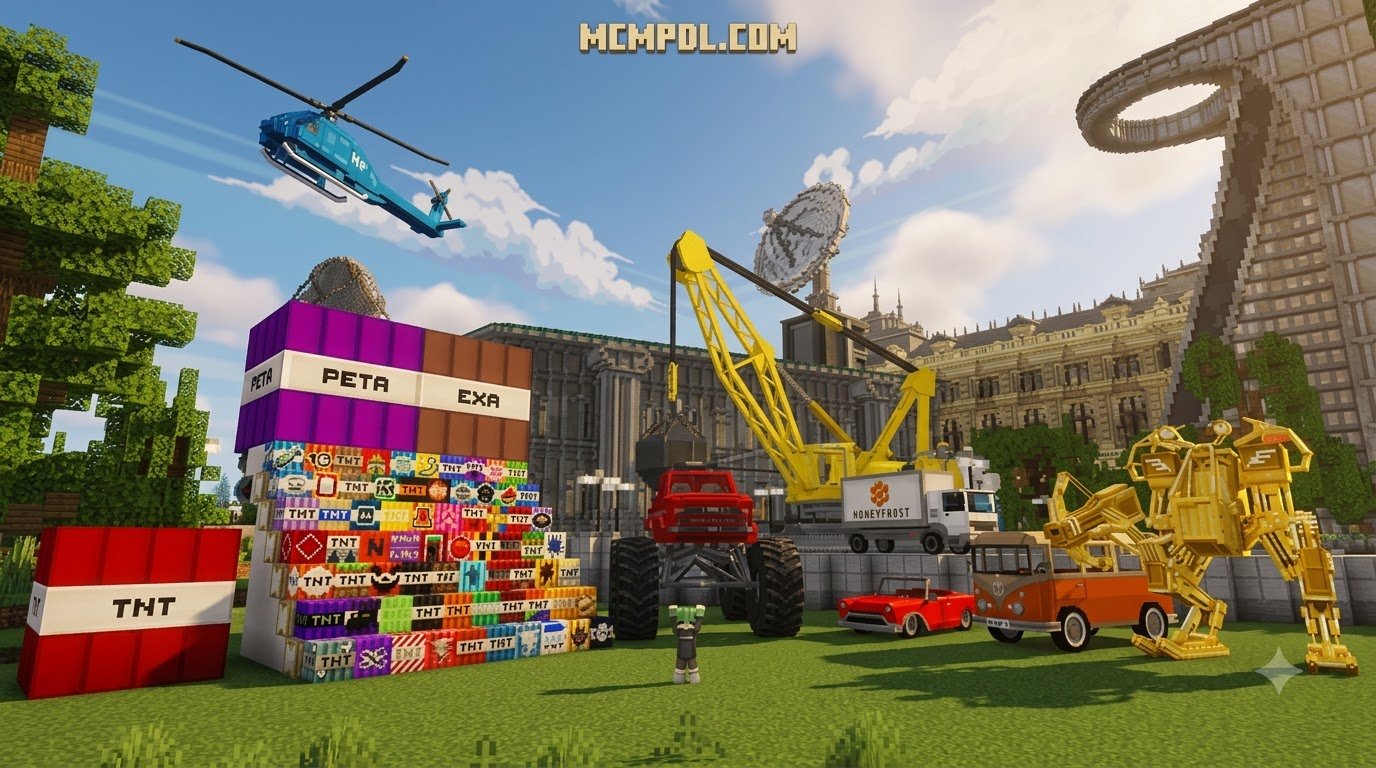
Different add-ons serve distinct playstyles. Some players want absolute devastation to terraform mountains, while others seek tactical tools to excavate diamonds without destroying valuable ore nodes. For a complete library featuring dozens of explosive types, check out the TNT Megapack Addon for Minecraft PE/Bedrock to experience both destructive and utility-focused bombs in a single installation.
Destructive Powerhouses: Nuke, World Breaker, and Black Hole TNT
When subtle demolition is not an option, destructive heavy-hitters deliver game-changing blasts. These explosives feature multi-stage ignition routines, customized countdown sounds, and massive blast radii that dwarf standard redstone TNT cannons.
| TNT Variant | Blast Radius (Blocks) | Primary Effect / Mechanic | Primary Crafting Ingredients |
|---|---|---|---|
| Vanilla TNT | ~4 blocks | Standard block destruction, 25% block drop rate | 5 Gunpowder + 4 Sand |
| Inferno TNT | 15–25 blocks | Sets wide area ablaze, leaves magma lakes | Vanilla TNT + Fire Charge / Blaze Powder |
| Mining TNT | 10–20 blocks | Carves clean shafts, 100% item drop rate | Vanilla TNT + Iron Pickaxes |
| Ice / Cryo TNT | 20–30 blocks | Freezes biomes, turns water to packed ice | Vanilla TNT + Blue Ice / Packed Ice |
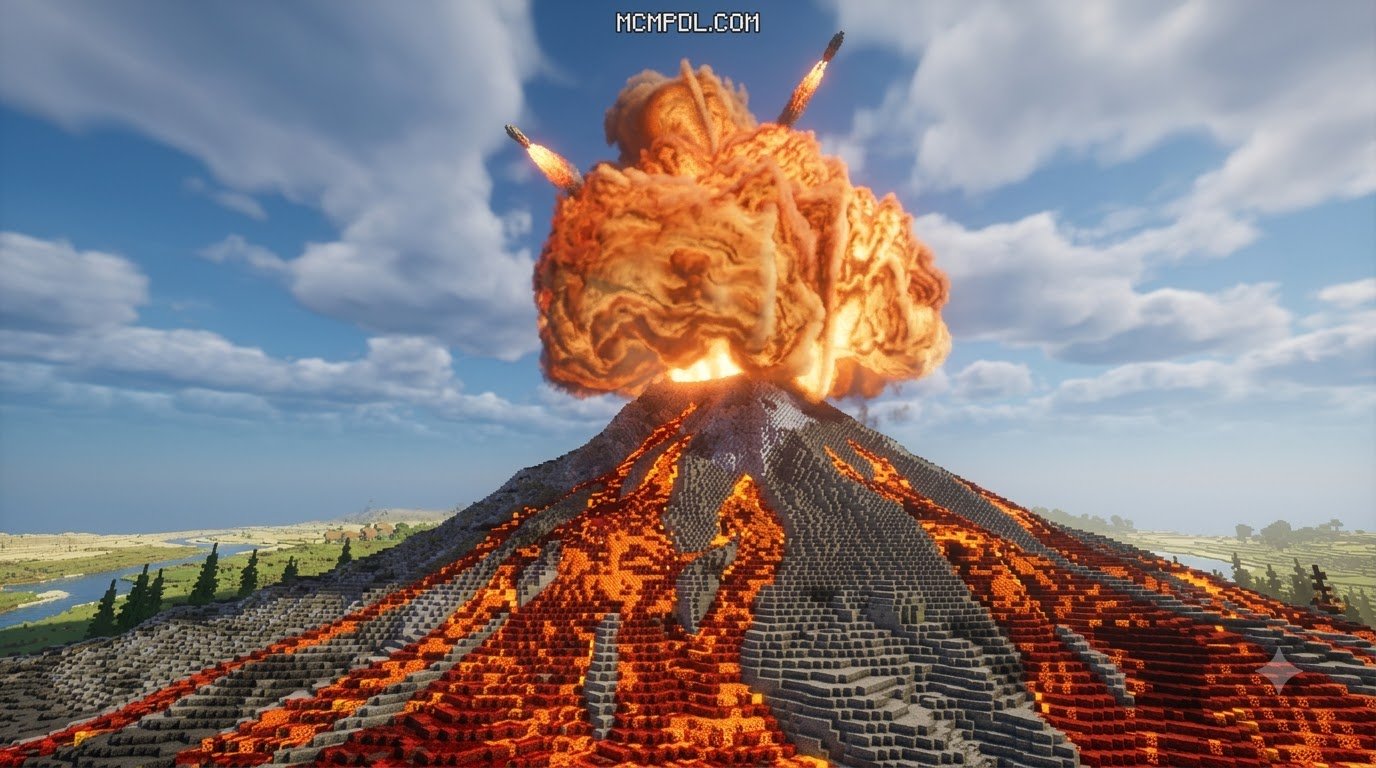
| Nuke TNT | 100 blocks | Multi-stage shockwave, lingering radiation effect | 8 Vanilla TNT + Uranium / Nether Star |
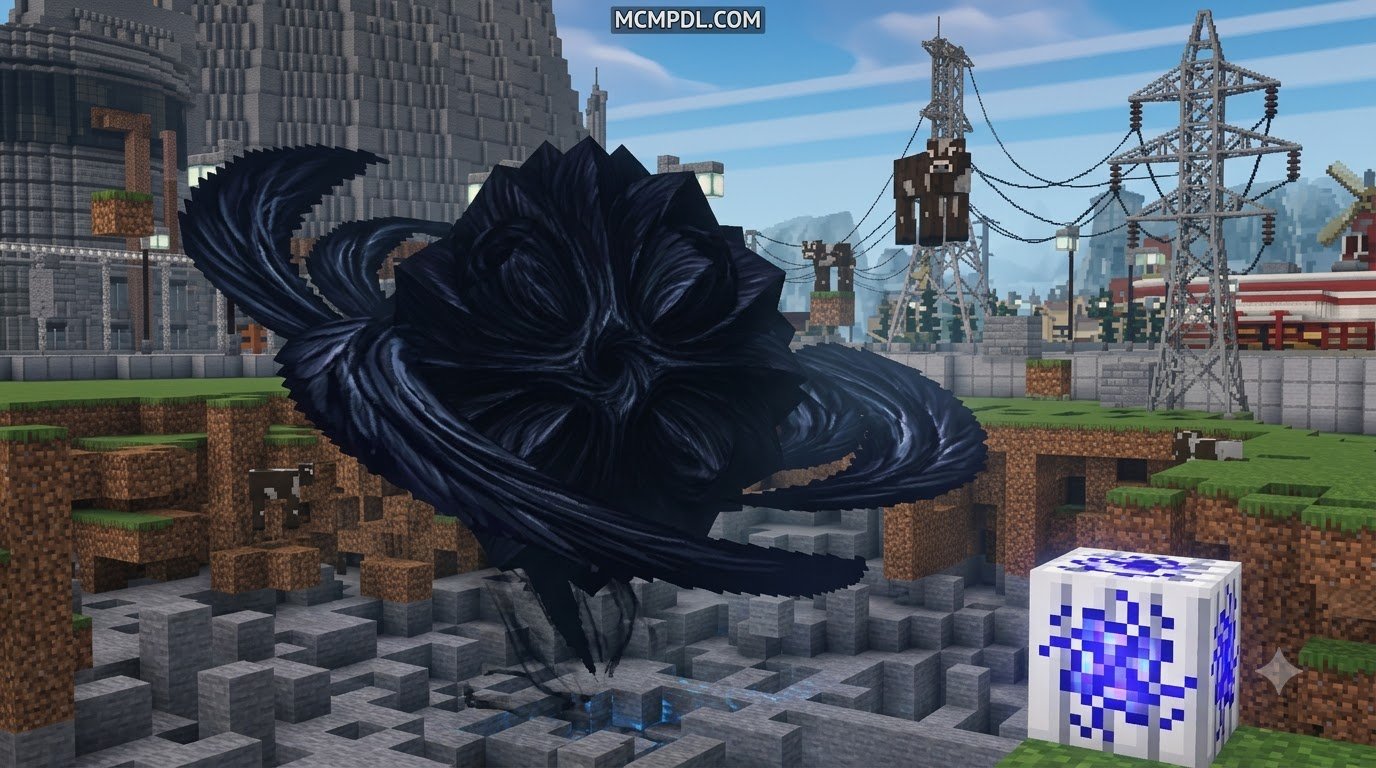
| Black Hole TNT | 40–60 blocks | Pulls nearby mobs and blocks inward before implosion | Vanilla TNT + Ender Pearls / Eye of Ender |
| World Breaker | 350+ blocks | Massive planetary crater, deep bedrock exposure | 8 Nuke TNT + Netherite Block |
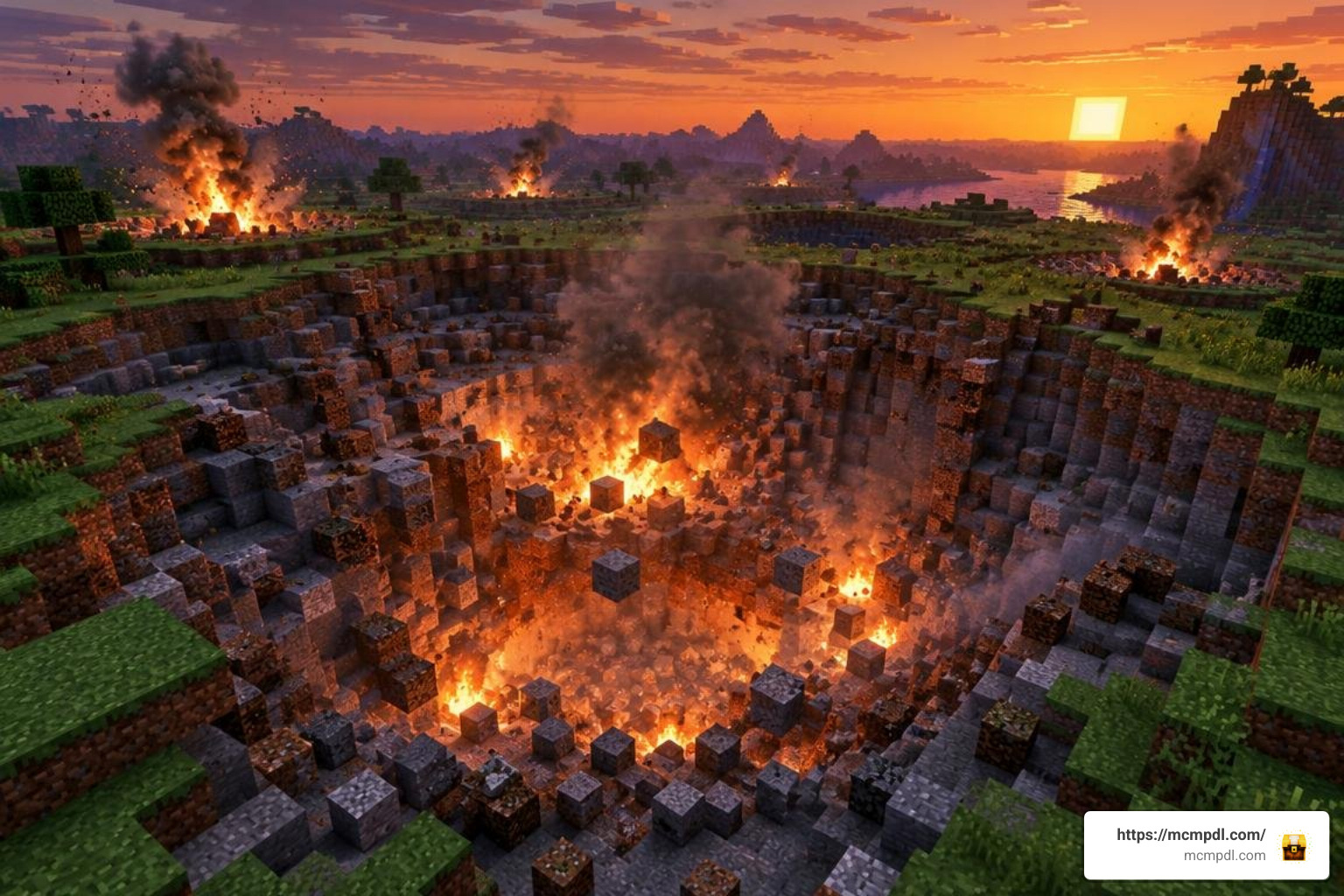
High-tier explosives like the Nuke and World Breaker utilize tiered detonation scripts. Instead of attempting to delete hundreds of thousands of blocks in a single frame, the game processes damage in expanding rings, granting nearby players a dramatic visual spectacle without instantly crashing the local world instance.
Tactical and Utility Bombs: Mining, Cryo, and Terrain Restorers
Demolition is not solely about destruction; several specialized TNT types offer clever utility for survival worlds, adventure map creation, and lighthearted multiplayer pranks:
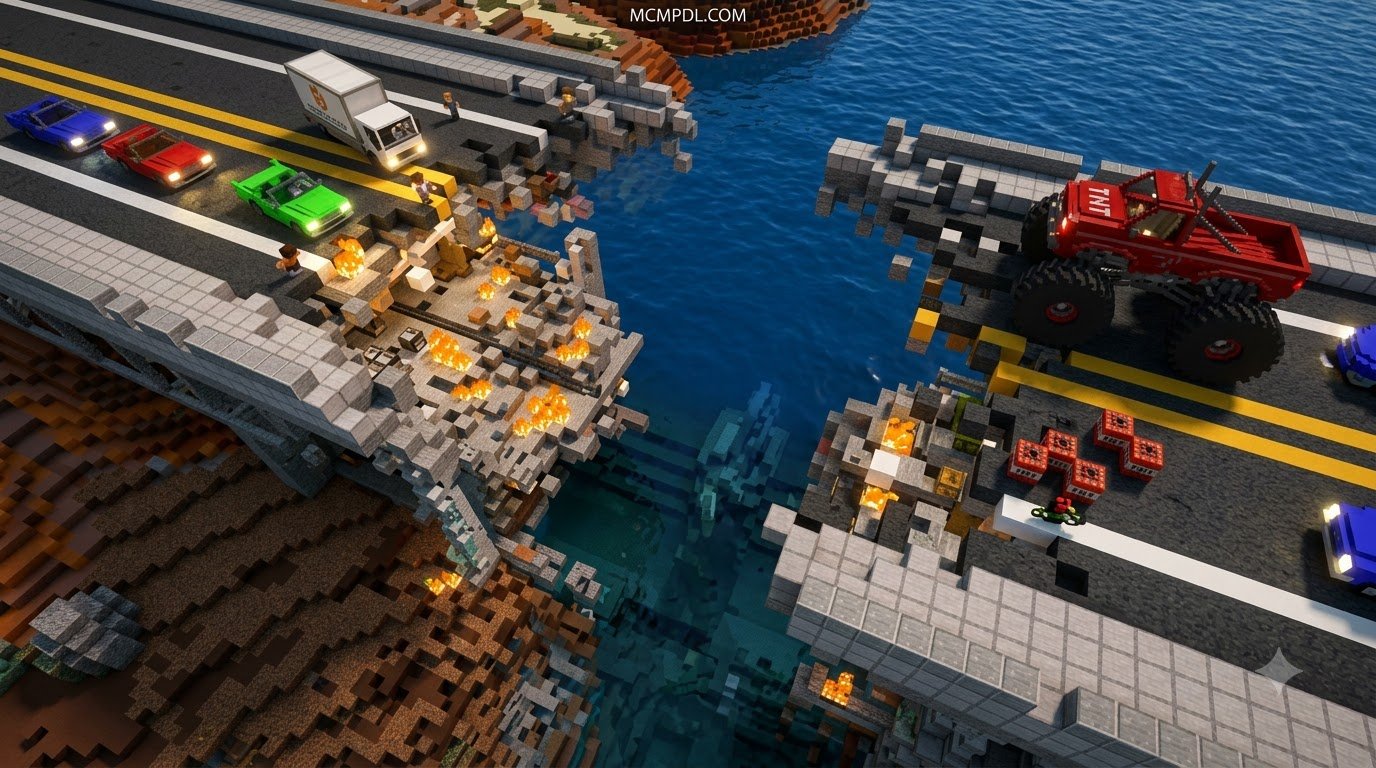
- Mining & Drill TNT: Designed specifically for subterranean resource gathering. Drill TNT burrows straight down toward bedrock in a narrow 3×3 column, while Mining TNT vaporizes stone while retaining 100% of exposed diamonds, redstone, and ancient debris.
- Opposite / Reconstruction TNT: An ingenious utility that reverses demolition. Detonating this block scans recent explosion craters and regenerates previously destroyed terrain back to its original state.
- Seed & Floral TNT: Explodes into a shower of bone meal, saplings, and flowers, instantly transforming barren dirt plains into flourishing forests.
- Fake & Confetti TNT: The ultimate harmless multiplayer gag. When primed with redstone, it emits standard hissing sounds and smoke particles, only to pop into celebratory confetti and harmless floating paper scraps.
Step-by-Step Installation Guide across Platforms
Installing custom Bedrock add-ons is straightforward thanks to unified .mcaddon and .mcpack formats that auto-register inside the game engine.
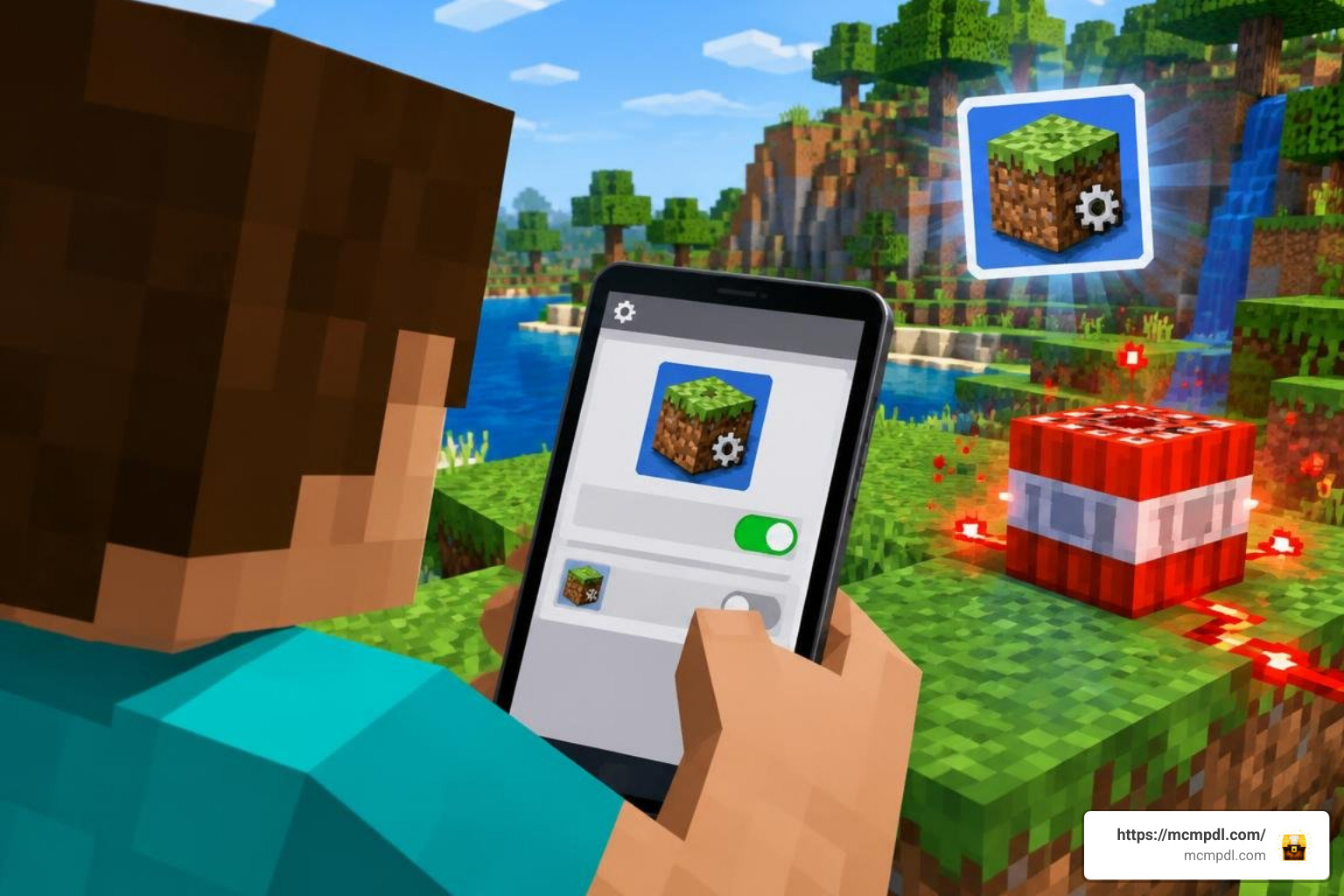
Setting Up the TNT Addon on Mobile (Android & iOS)
Follow these steps to configure your custom explosives on mobile devices:
- Download the File: Save the
.mcaddonfile to your mobile device’s local storage folder. - Open with Minecraft: Tap the downloaded file and select Minecraft as the default opening application. The game will launch automatically and display an “Import Started” banner at the top of your screen, followed by “Import Successful.”
- Configure World Settings: Open your world’s edit menu (the pencil icon), scroll down to the Resource Packs tab, locate your newly imported TNT pack, and tap Activate.
- Attach Behavior Pack: Navigate to the Behavior Packs section right below and ensure the matching behavior pack is also active.
- Toggle Experimental Features: Most advanced TNT mechanics rely on experimental scripting. In the world settings menu under the Experiments tab, toggle on the following options:
- Beta APIs
- Upcoming Creator Features
- Holiday Creator Features (if available on your build)
- Molang Features
Once enabled, enter your world, open your crafting bench or creative search bar, and search for your new TNT blocks!
Configuring the TNT Addon on Windows 10 and Bedrock Realms
On Windows 10/11 PCs, double-clicking any downloaded .mcaddon file automatically triggers Minecraft Bedrock and imports the assets directly into your global resource folder.
To deploy your custom explosives on Realms or Dedicated Multiplayer Servers:
- Activate the resource and behavior packs inside the local world settings on your host machine before uploading the world to your Realm slot.
- Ensure the checkbox labeled “Require players to accept resource packs to join” is checked. This forces connecting friends to download the custom explosive textures automatically upon joining, preventing invisible block glitches during multiplayer demolition sessions.
Performance Optimization, Lag Mitigation, and Bug Fixes
Massive explosions place sudden demands on your device’s CPU and RAM. To maintain smooth frame rates during large-scale demolition, apply these performance best practices:
- Lower Simulation Distance on Mobile: Set your world’s simulation distance to 4 to 6 chunks on low-to-mid-range phones. Lowering simulation distance limits how many surrounding chunks process simultaneous entity physics when thousands of blocks fracture at once.
- Cap Render Distance During Mega Blasts: If you are detonating high-tier explosives like the Nuke or World Breaker, temporarily lower your render distance to 8–12 chunks to free up graphical memory.
- Fixing Script Exceptions: If your world displays a
"Server closed due to an unhandled script watch exception"crash error, your explosive add-on attempted to update too many chunk blocks simultaneously in a single tick. Update your add-on to the latest build, which features chunk-update throttling, and avoid chaining dozens of high-yield nukes side by side. - Resolving Invisible Textures: If TNT blocks appear as blank, untextured gray or purple cubes, verify that the Resource Pack is placed at the top of your active resource hierarchy list in world settings.
- Maintain Regular World Backups: Always duplicate your favorite survival worlds prior to lighting experimental explosives. A stray spark near an unshielded storage vault cannot be undone!
Frequently Asked Questions About Minecraft Bedrock TNT Addons
Do custom TNT addons work in survival mode with redstone?
Yes! Most modern Bedrock TNT add-ons fully support survival mode gameplay. Blocks feature intuitive crafting recipes in the vanilla 3×3 crafting grid and interact seamlessly with redstone repeaters, dispensers, pressure plates, and observer blocks.
How do I fix missing textures or script watch exception errors?
Missing textures occur when the Resource Pack component was not activated alongside the Behavior Pack. Ensure both packs are toggled on in your world settings. For script watch exceptions, disable unnecessary background add-ons, update your game to match the pack’s target build, and avoid detonating multiple mega-tier explosives simultaneously.
Will detonating mega explosives crash low-end mobile devices?
Detonating standard-sized custom TNT (such as Mining, Ice, or Napalm explosives with radii under 30 blocks) runs smoothly on modern smartphones. However, detonating colossal variants like the World Breaker or chaining multiple 100-block radius nukes can cause temporary screen freezing or game crashes on devices with limited RAM. For large-scale demolition on mobile hardware, light explosives individually and allow the terrain scripts to finish processing before igniting the next charge.
Conclusion
A well-crafted explosive add-on breathes fresh excitement into Minecraft Bedrock, offering the perfect blend of tactical excavation utilities, creative terraforming tools, and laugh-out-loud multiplayer chaos. Whether you are clearing massive caverns with clean-mining explosives or staging spectacular firework shows with elemental bombs, these packs elevate your sandbox adventure.
Explore the latest community creations, experiment with powerful mechanics, and download your next favorite modification directly at MCMPDL! Always remember to back up your primary builds, set up your redstone wiring safely, and enjoy the ultimate demolition sandbox experience.
1 thought on “TNT ADDON for Minecraft PE/Bedrock”