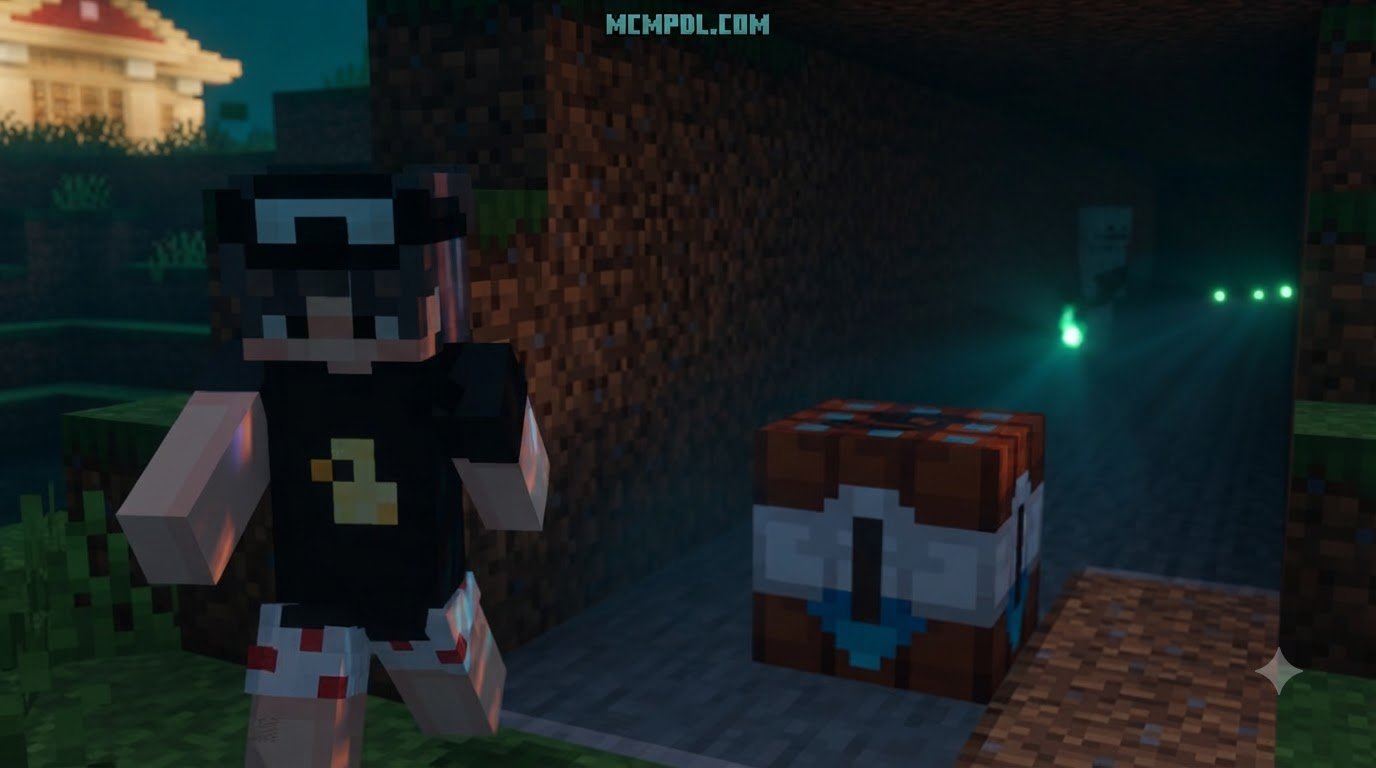
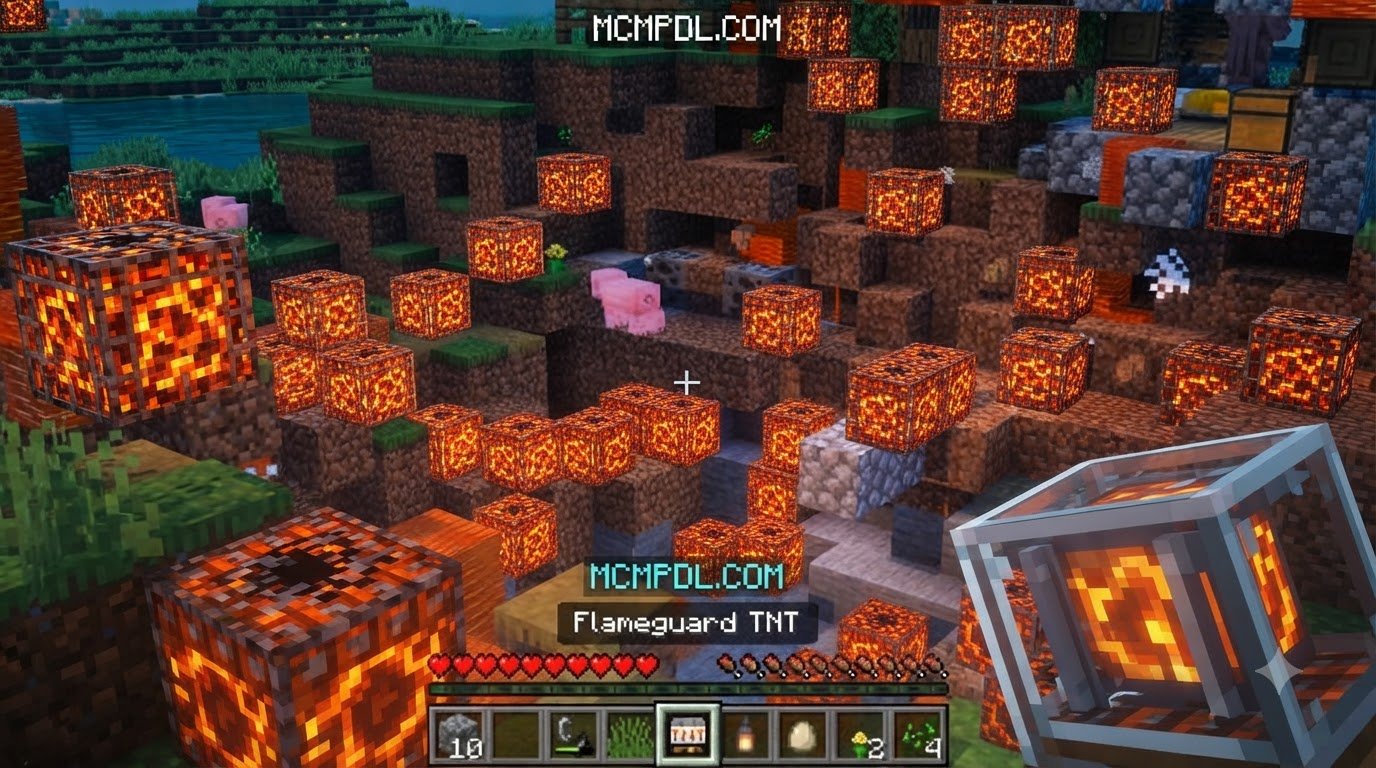
Scroll down to D0vvnl0ad
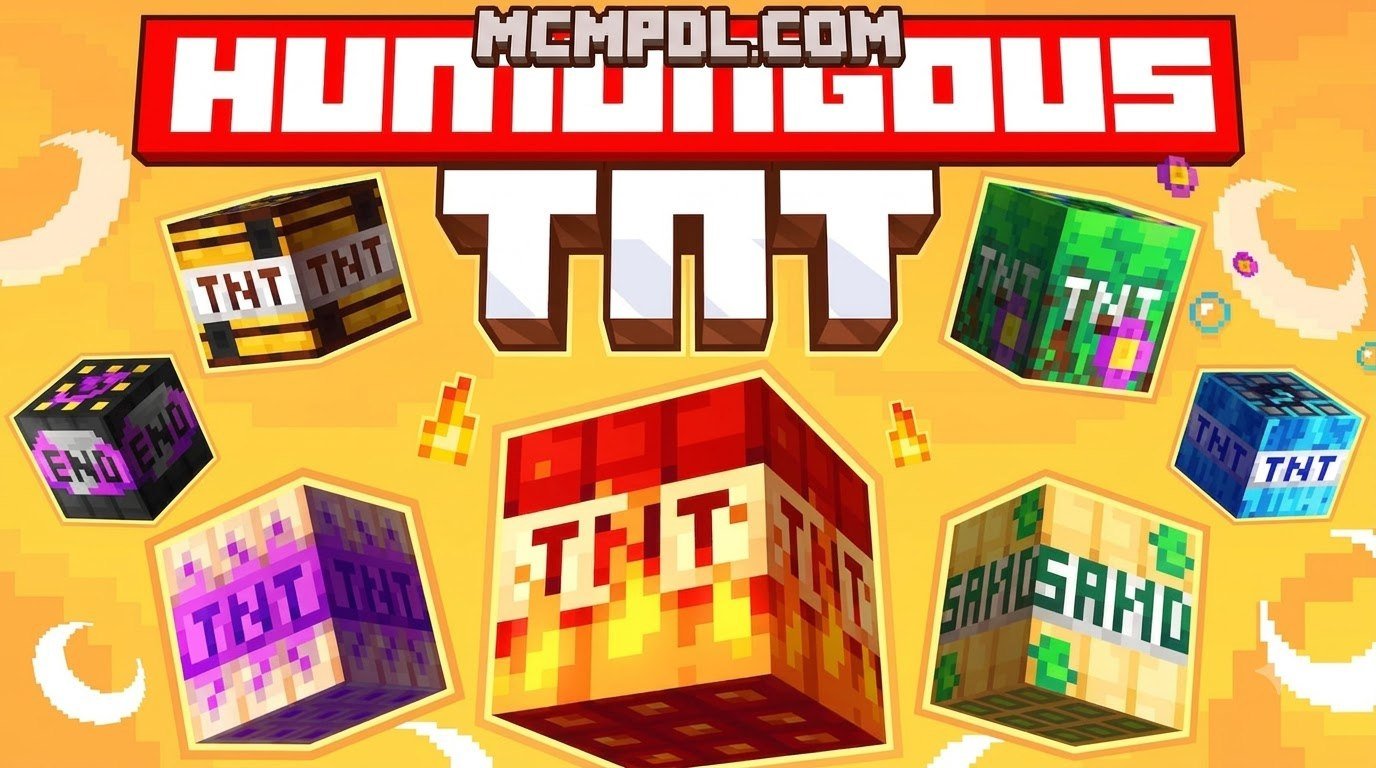
How to Download Humungous TNT for Minecraft PE and BedrockScroll down to D0vvnl0ad
To install the Humungous TNT Addon for Minecraft PE/Bedrock, download a Bedrock-compatible .mcaddon file, open it with Minecraft, and activate its packs in a new test world. If the download page calls for experimental features, turn those on in the world settings before playing.
Humungous TNT is built for blasts far larger than vanilla TNT. Back up any world you care about before lighting one: the biggest explosions can take time to render or make the game freeze, especially on mobile devices.
What Is the Humungous TNT Addon for Minecraft PE/Bedrock?

For years, Java Edition players enjoyed an endless supply of massive explosive mods capable of wiping out entire mountain ranges with a single flint and steel strike. Bedrock Edition and mobile players often felt left out of the super-sized chaos. The Humungous TNT Addon for Minecraft PE/Bedrock bridges that gap by introducing custom explosive blocks engineered specifically for the Bedrock codebase.
Rather than relying purely on standard vanilla explosion code—which can easily overload the physics engine and crash mobile devices—this addon utilizes optimized scripting, ticking area mechanics, and custom block entities to clear out gargantuan, near-perfect spherical craters. Whether you are clearing massive underground spaces for sprawling survival bases, terraforming complex landscapes, or staging explosive mini-games with friends, this pack redefines scale in Bedrock modding.
While traditional TNT Addon for Minecraft PE/Bedrock packs offer modest power bumps, Humungous TNT takes destruction to an entirely different tier. It gives players access to explosive power that can vaporize hundreds of chunks in a single detonation sequence.
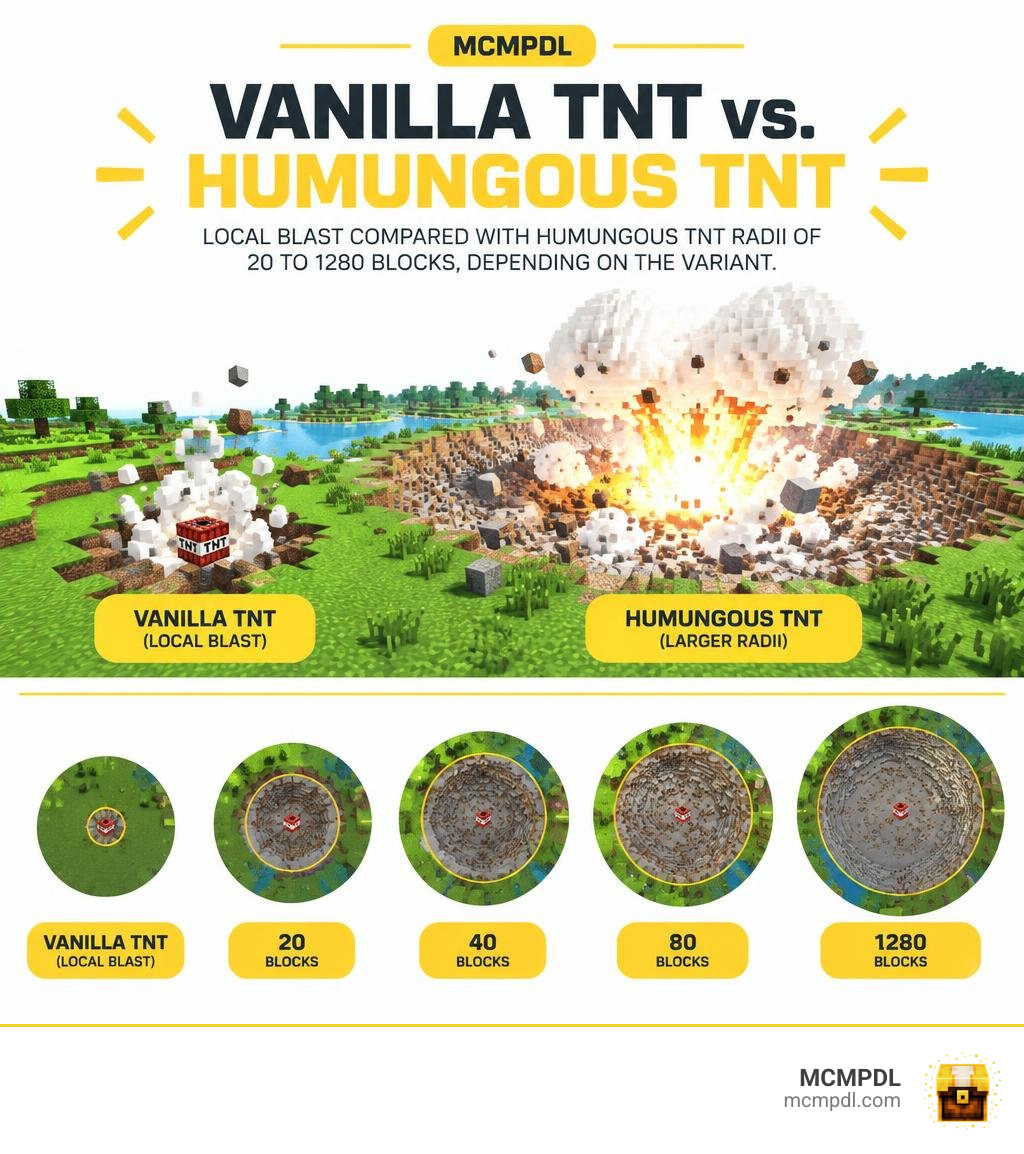
Explosive Variants and Blast Radii in Humungous TNT Addon for Minecraft PE/Bedrock
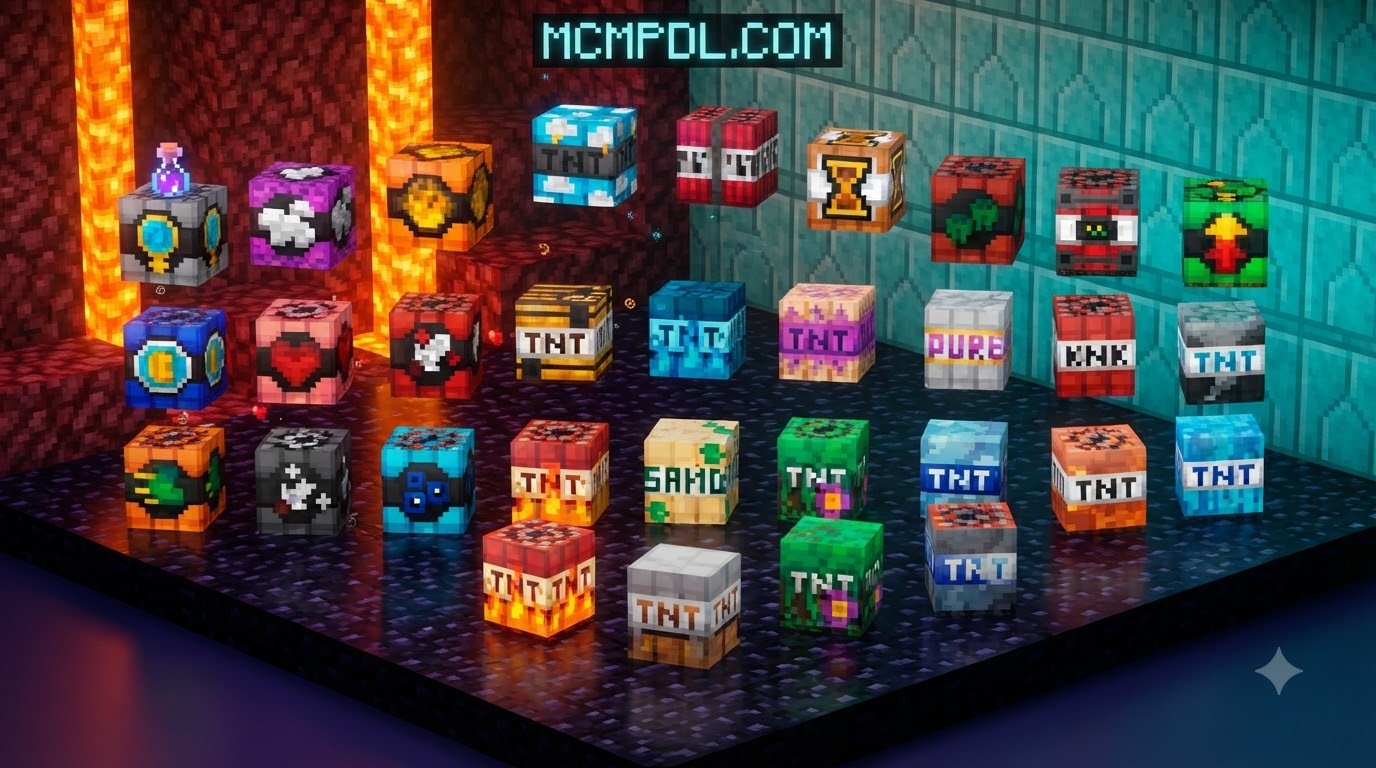
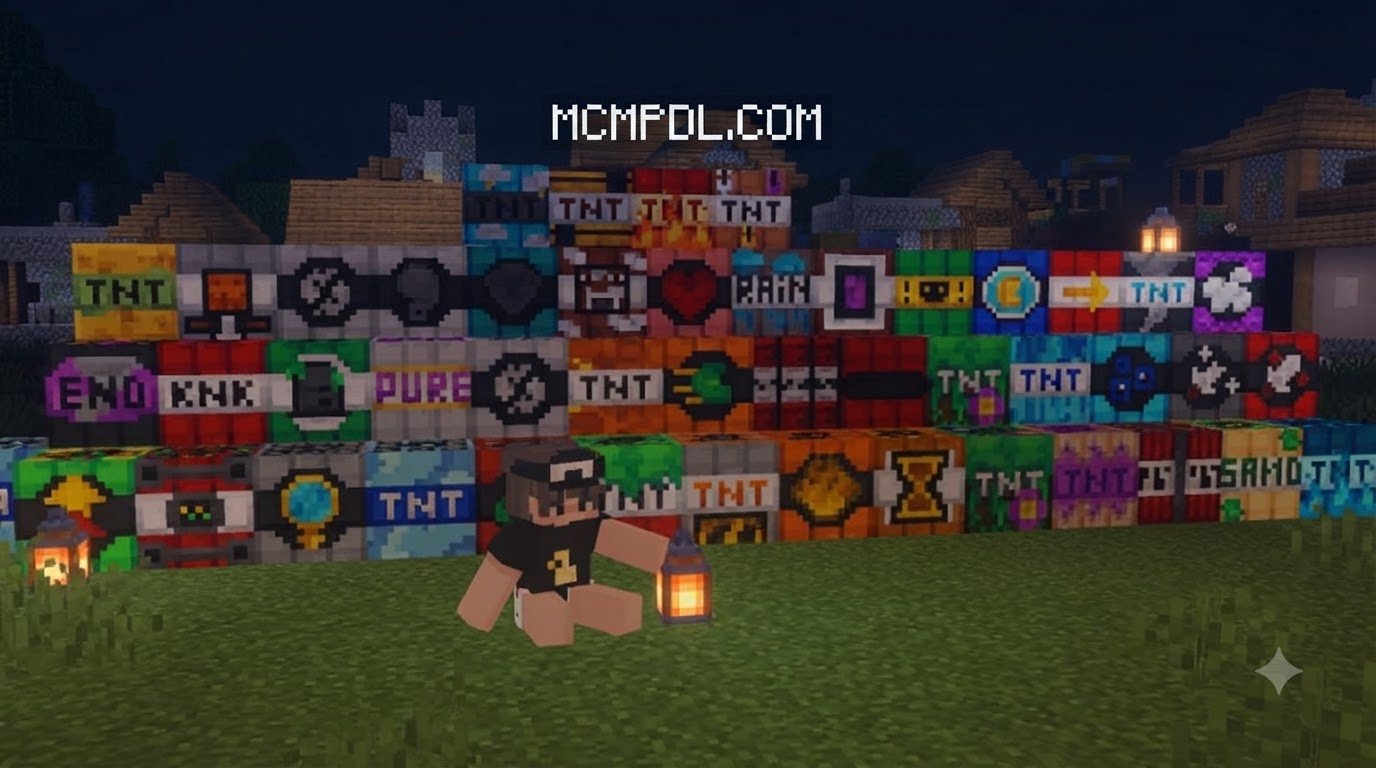
The addon comes packed with multiple custom tiers. It features a lineup of core numbered explosives along with specialty and bonus blocks designed for distinct tactical and destructive purposes. The power escalates exponentially, moving from manageable mining blasts to catastrophic, map-altering superweapons.
| TNT Tier / Variant | Blast Radius (Blocks) | Primary Purpose | Estimated Render & Processing Time |
|---|---|---|---|
| TNT #1 | 20 blocks | Quick mining & quarrying | Instant (0 seconds) |
| TNT #2 | 40 blocks | Ravine clearing & site preparation | 1–3 seconds |
| TNT #3 | 80 blocks | Biome cratering & structural removal | 10–20 seconds |
| TNT #4 | 160 blocks | Large-scale terraforming | 45–90 seconds |
| TNT #5 | 320 blocks | Massive hollow sphere creation | 2–5 minutes |
| TNT #6 (Bonus) | 640 blocks | Continental-scale clearing | 8–12 minutes |
| TNT #7 (Ultimate) | 1280 blocks | Complete world-shaking destruction | 25–30+ minutes |
TNT #1 and #2 work exceptionally well for survival players who want an upgrade over vanilla dynamite without risking world stability. As you climb into TNT #5 through #7, the scale changes drastically. Detonating TNT #7 clears an astonishing 1,280-block spherical radius, reaching deep into bedrock and hollowing out massive volumes of terrain across entire biomes.
Technical Requirements and Experimental Toggles
Executing explosions across hundreds of blocks requires advanced game permissions. Standard Bedrock addons run within strict script limitations, but Humungous TNT relies on deep world interactions to modify millions of block states simultaneously.
To make this possible, the addon requires you to activate specific experimental features in your world settings:
- Beta APIs (Script API): Allows the addon’s custom scripts to manipulate block positions, clear entities, and control crater generation asynchronously.
- Holiday Creator Features: Ensures that custom block textures, recipes, and collision boxes load properly into the creative inventory.
- Custom Biomes / Upcoming Creator Features: Depending on your exact Bedrock version, these experimental toggles ensure custom blocks register without causing syntax errors in the behavior pack compiler.
Because processing millions of block state changes demands significant system memory, lower-end mobile devices should stick to TNT tiers 1 through 4. High-tier explosives require high RAM and strong processor multi-threading to process block calculations without triggering memory limits.
Step-by-Step Guide: How to Download and Install Humungous TNT
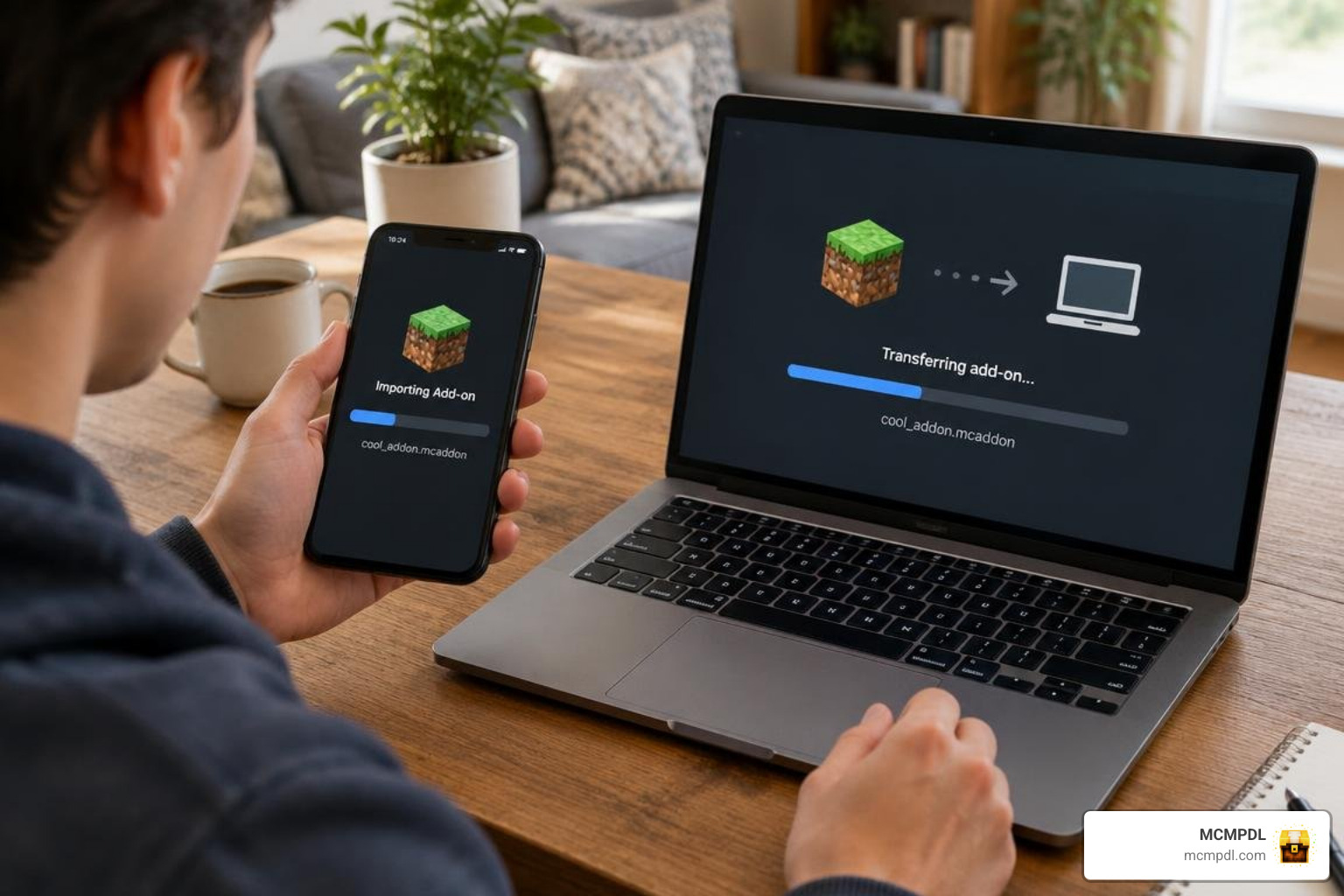
Getting the pack into your game is straightforward. The addon is typically packaged as an .mcaddon or .mcpack file, which bundles both the resource files (textures, sounds, block models) and behavior scripts (explosion logic, math calculations) into a single installable package.
You can check out community files and source code on the TNT Addon open repository or download the package directly from community addon hubs.
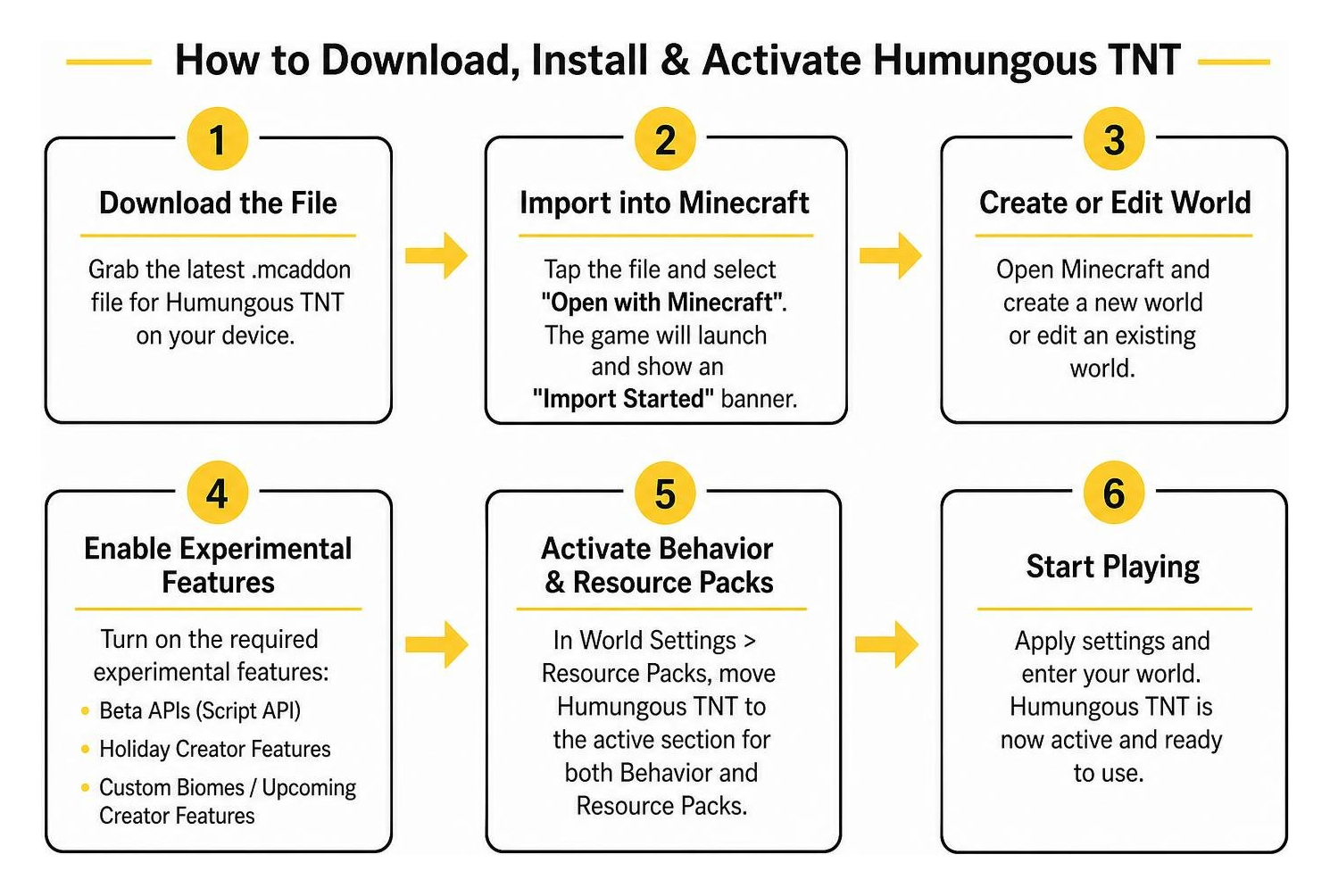
Here is how to get the addon up and running on your device:
- Download the File: Grab the latest
.mcaddonfile for Humungous TNT on your device. - Import into Minecraft:
- iOS / Android: Tap the downloaded file in your browser or file manager and select Open with Minecraft. The game will launch automatically and display an “Import Started” banner at the top of the screen.
- Windows 10 / 11: Double-click the
.mcaddonfile. Minecraft Bedrock will open and import the packs automatically. - Consoles: If playing on Xbox or PlayStation, install the addon on a dedicated PC/mobile world first, then upload that world to a Realm to access it on console.
- Create a Fresh Test World: Never install a massive destruction addon directly into your primary survival world. Create a brand-new world set to Creative Mode.
- Activate Resource and Behavior Packs: In your world settings, navigate to the Resource Packs tab and activate Humungous TNT. Repeat this under the Behavior Packs tab.
Enabling Experimental Gameplay Settings for Humungous TNT Addon for Minecraft PE/Bedrock
After attaching the packs to your world, you must enable the experimental toggles. Without these settings turned on, the custom TNT blocks will either appear as missing black-and-purple textures or fail to explode when ignited.
- Open the world settings menu for your new world.
- Scroll down the left navigation panel until you reach the Experiments section.
- Toggle Beta APIs to the ON position. Minecraft will display a warning noting that experiments can change over time; confirm by clicking Activate Experiments.
- Toggle Holiday Creator Features and Upcoming Creator Features to ON.
- Click Create or Play to enter your world.
Open your creative inventory and search for “TNT” or look under the Construction and Items tabs. You will find the custom Humungous TNT variants ready for placement.
Optimizing Performance to Prevent Lag and World Freezes
Detonating colossal explosives places heavy demands on the Bedrock rendering engine. If you want smooth performance and clean craters, implement these optimization practices:
- Adjust Render and Simulation Distance: Maximize your simulation distance in world settings (preferably 8 to 12 chunks on mobile, or 16+ on PC). If your render distance is too low, the game engine will pause chunk generation while carving out the crater, causing an apparent freeze until you fly closer.
- One Blast at a Time: Never ignite multiple high-tier Humungous TNT blocks simultaneously. The addon uses temporary ticking areas to hold chunks in active memory while calculating block removals. Igniting multiple blocks at once causes overlapping ticking area conflicts that can corrupt block data.
- Manage Fluid Flow: Massive craters often cut into underground aquifers and lava lakes. The sudden cascade of hundreds of water and lava source blocks can cause severe frame drops. Use barrier blocks or clear fluid sources when testing large detonations.
- Explore Ranged Weapons: If you prefer controlled explosions from a distance instead of placing blocks by hand, pairing this pack with advanced blaster addons lets you fire high-yield explosives safely from the air.
Comparing Humungous TNT with Other Bedrock Explosive Addons
Bedrock players have access to a wide variety of demolition tools. Choosing the right addon depends on whether you want instant destruction, utility-focused mining, or combat weaponry.
When compared against comprehensive TNT megapack mods, Humungous TNT focuses primarily on pure volumetric destruction. While megapacks often provide quirky utility blocks like Napalm TNT, Ice TNT, Gravity TNT, or Sponge TNT, Humungous TNT specializes in massive, mathematically clean spherical craters that carve deep into the world.
For players interested in handheld survival weaponry rather than static blocks, tools like sulfur blaster tools provide precision mining capabilities and mob defense without carving out thousands of blocks at a time. Humungous TNT remains the top choice for terraforming large landscapes and creating massive underground caverns.
Frequently Asked Questions About Humungous TNT
Does Humungous TNT Work in Bedrock Multiplayer Worlds?
Yes, the addon works in local LAN multiplayer, private worlds, Bedrock Dedicated Servers (BDS), and Minecraft Realms.
When hosting multiplayer sessions, ensure that all connected players download the resource pack upon joining. That when high-tier TNTs (Tier 4 and above) detonate, all connected players will experience server tick lag while the host machine calculates block removals. For dedicated servers, allocate at least 4 GB to 8 GB of server RAM to handle high-tier detonations cleanly.
Why Does My Game Freeze After Detonating the Largest TNT?
When you ignite TNT #6 or TNT #7, millions of block coordinates are processed asynchronously through Bedrock’s scripting engine. The game may appear completely frozen, but it is actively calculating block removals, entity clearing, and chunk lighting updates.
On mobile devices and mid-range PCs, TNT #7 can take anywhere from 15 to 30 minutes to finish rendering its 1,280-block crater. If your screen stops updating, do not force-quit the game immediately. Give the system time to finish processing. If the game does crash, simply relaunch Minecraft and reload the world; the engine will resume loading the modified chunk states.
Is the Humungous TNT Addon Free to Download?
Yes, community-built versions of the Humungous TNT Addon distributed as .mcaddon packages are free to download and use for personal gameplay, map making, and content creation. Always ensure you are downloading files from trusted, curated hubs to keep your game files secure and up to date.
Conclusion
The Humungous TNT Addon delivers the massive, world-altering explosions that Bedrock Edition players have wanted for years. With blast radii extending from a modest 20 blocks up to a massive 1,280 blocks, it provides all the firepower you need for creative terraforming, custom map development, or chaotic testing sessions.
Remember to always test high-tier explosives in disposable worlds, enable your Beta APIs toggle, and allow sufficient render time for large blast calculations. If you are looking to expand your Bedrock world with more gameplay packs, custom tools, and adventures, take time to explore the latest Bedrock add-ons right here on MCMPDL. Happy blasting!