

Scroll down to D0vvnl0ad
Key Features of the Tiny Farms Addon for Minecraft PE/Bedrock
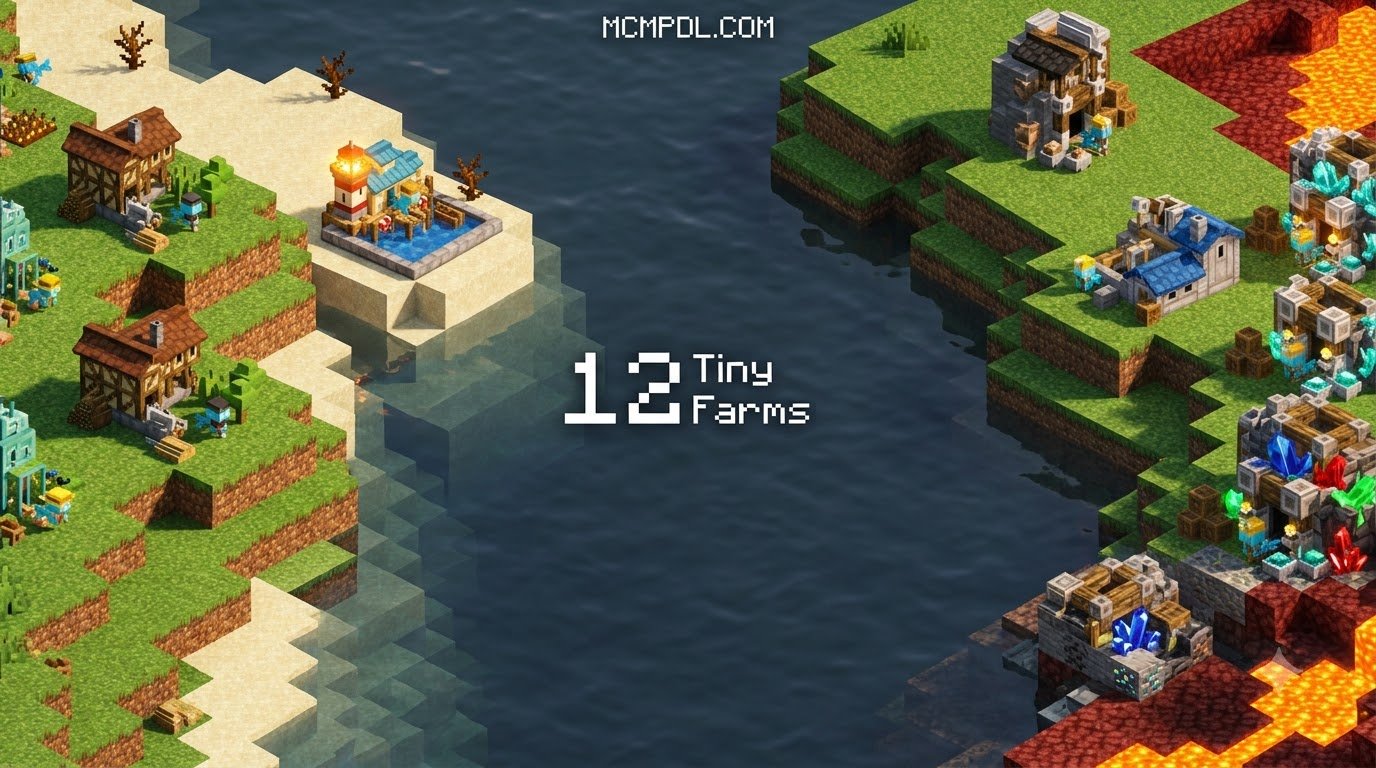
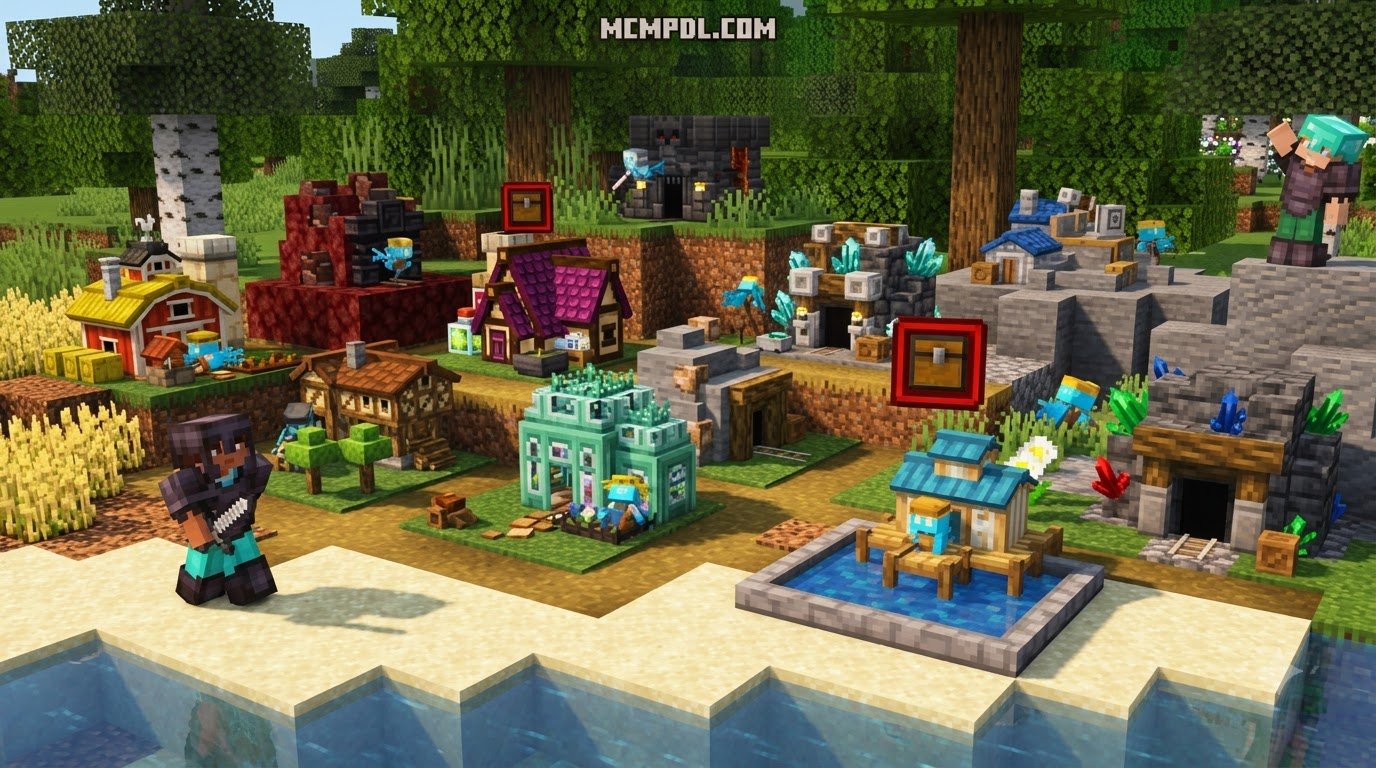
The Tiny Farms Addon for Minecraft PE/Bedrock condenses 12 automatic resource farms into lag-free single-block units that keep producing items even while you are offline. Instead of laying dozens of repeaters or relying on complex craft redstone mechanics to power piston harvesters, you place down ready-to-use miniature units. When we explore survival worlds, space and performance often dictate how large our bases can grow. Traditional farm designs require vast plots of tilled soil, flowing water, villager mechanics, and winding redstone circuits that can quickly clutter your landscape. This add-on completely reimagines resource gathering by condensing entire agricultural fields into single-block units.
The primary features included in the package are:
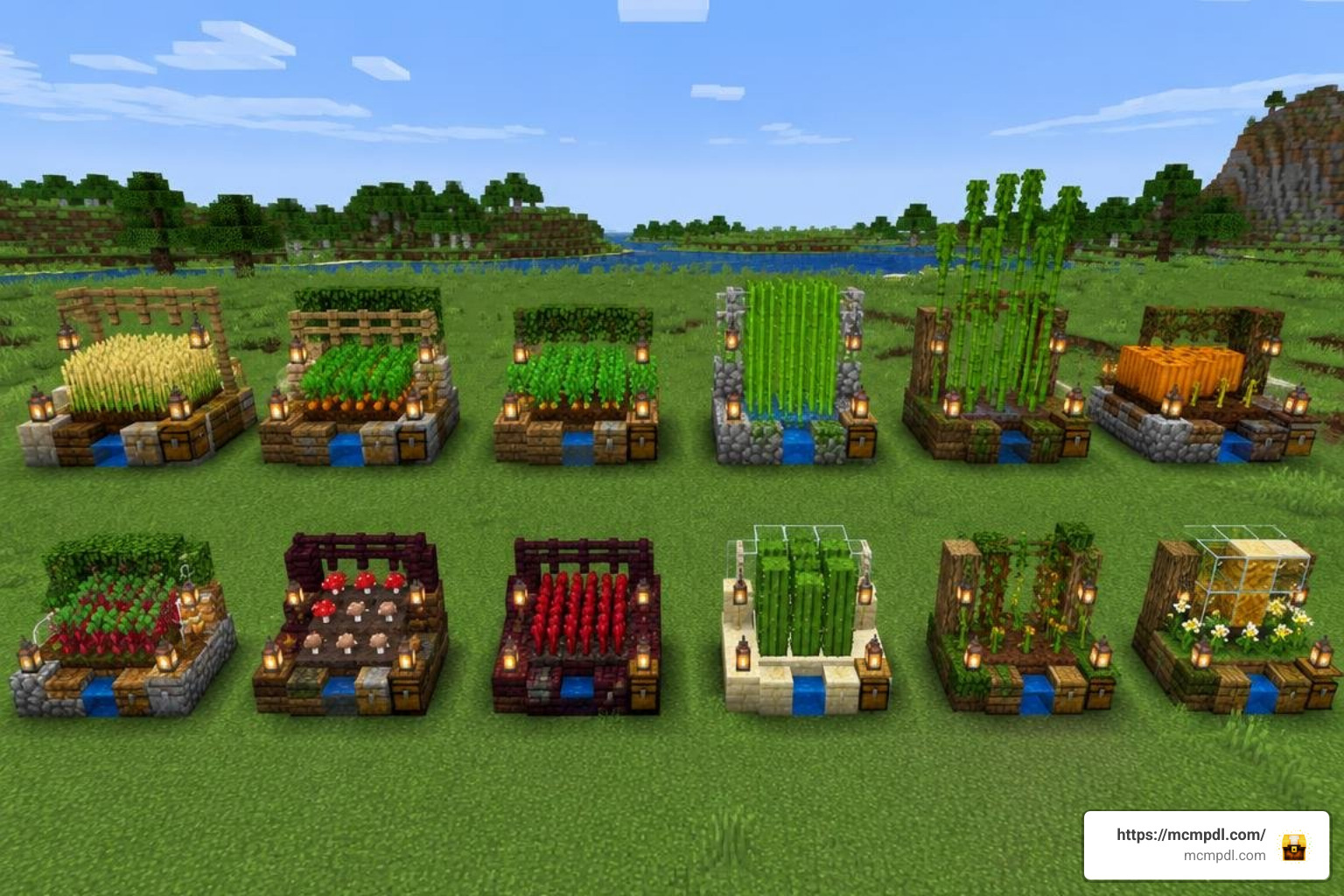
- 12 Distinct Automatic Farms: A complete collection of compact setups covering staple crops, food items, and foundational survival resources.
- Zero Redstone Overhead: No moving piston arms, flying machines, or clock circuits that degrade client framerates.
- Unattended Background Processing: Dedicated tick simulation ensures that resources keep accumulating even when your character is away.
- Progressive Upgrades: Individual blocks can be enhanced on the fly to multiply harvest rates and boost production efficiency.
- Direct Inventory Interactivity: Native integration with vanilla logistics allows seamless item transport directly into chests and barrels.
The add-on maintains a community rating of 4.3 out of 5 based on dozens of community reviews, reflecting how reliably it simplifies survival resource management across platforms.
Offline Production Mechanics and Hopper Integration
One of the biggest hurdles in Bedrock Edition automation is chunk loading. Normally, when you walk away to explore a distant trial chamber or disconnect from your realm, your crops pause their growth cycles. This add-on solves that problem by calculating yields through persistent background simulation.
Whether you log off for the evening or take a long trek across the Nether, your miniature plots calculate elapsed time and generate crops accordingly. When paired with essential utility addons that streamline daily survival tasks, your base functions as a self-sustaining powerhouse.
Automating your collection logistics is completely straightforward:
- Place a standard storage container (such as a single chest, double chest, or barrel) where you want your resources deposited.
- Crouch and attach a vanilla Hopper pointing directly into the top or side of your container.
- Set your chosen Tiny Farm directly atop the hopper. As the farm generates crops, items bypass external dropping and funnel straight into your hopper system.
Because items route cleanly through the bottom face of the block, there are no loose entities floating around in the world. This keeps entity counts low and prevents unnecessary memory usage on mobile devices.
Farm Upgrades and Yield Scaling
Starting out in a new survival world means working with limited resources. Tiny Farms balances early-game progression by allowing you to invest materials back into your setups to raise their operational speed. You do not need to build dozens of identical units to feed a large multiplayer server; you simply upgrade existing plots.
When managing long-term farm expansion management, these upgrade tiers provide a steady return on investment. Higher levels slash the production interval between drops, yielding dense stacks of wheat, carrots, potatoes, and other goods in a fraction of the standard growth time. This tiered progression ensures that automation feels earned while rewarding you with massive yields as your base matures.
Comparing Compact Farming Configurations in Minecraft Bedrock
To help choose the right automation setup for your survival world, here is how Tiny Farms compares to standard farming add-on configurations and vanilla methods available for Bedrock Edition:
| Feature / Metric | Tiny Farms Add-On | Standard Farming Add-Ons | Vanilla Redstone Farms |
|---|---|---|---|
| Footprint per Unit | 1 Block | 1–3 Blocks / Multi-block | 8×8 to 16×16 Blocks |
| Offline Production | Fully Supported | Limited / Active Session | No (Requires Loaded Chunks) |
| Redstone Complexity | None | Marker / Builder Tools | High (Clocks, Observers, Pistons) |
| Hopper Compatibility | Yes (Direct Under-Mount) | Variable | Yes |
| Download Size | ~2.1 MB | ~5–8 MB | 0 MB (Built-in) |
| Performance Impact | Extremely Low | Moderate | High (Entity & Piston Lag) |
| Supported Versions | 1.21, 1.26 | Varies | All Bedrock Versions |
Browsing through our collection of custom Minecraft add-ons shows a wide variety of gameplay tweaks, but Tiny Farms stands out specifically for its tiny file size and dependable offline production logic.
Why Choose the Tiny Farms Addon for Minecraft PE/Bedrock for a Compact Base?
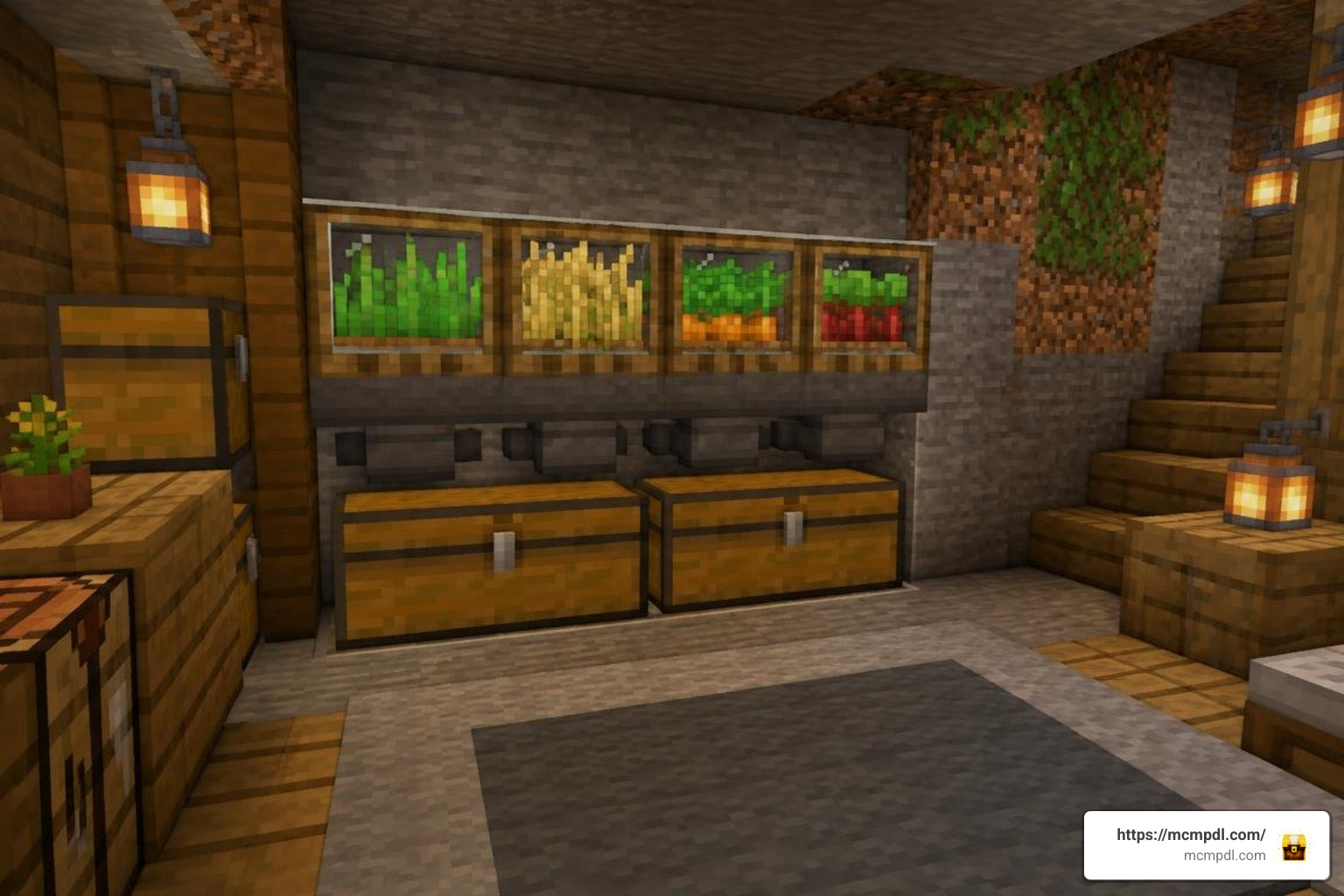
Space management is an art form in Bedrock survival. Building underground bunkers, sky islands, or cliffside retreats often leaves very little square footage for massive agricultural plots. Fitting full-scale crop fields inside tight boundaries usually results in messy multi-tier towers that generate significant lighting and water updates.
When pairing this add-on with builders construction tools to design clean architectural layouts, you can tuck an entire 12-crop agricultural district inside a single pantry closet or basement wall.
By removing water source blocks, redstone dust lines, and piston push mechanics from your base perimeter, client rendering remains smooth even on lower-end mobile devices and consoles. You get all the provisions needed for enchanting, breeding, and trading without sacrificing your interior floor plans.
Setup Guide and Compatibility Requirements
Before installing the add-on, make sure your game client meets the general requirements:
- Supported Minecraft Versions: Minecraft Bedrock / PE versions 1.21 through 1.26.
- Supported Operating Systems: Android, iOS, Windows 10 / Windows 11, and compatible Bedrock consoles.
- Storage Requirement: Minimum 10 MB free space (Add-on archive is approximately 2.1 MB).
- World Requirements: Experimental Gameplay toggles enabled in world options.
If you enjoy managing larger environmental alterations alongside compact farming, pairing this system with world editing utilities allows you to prepare clean survival landscapes quickly.
How to Install the Tiny Farms Addon for Minecraft PE/Bedrock
Follow these step-by-step instructions to get the add-on running in your world:
- Download the Package: Obtain the official
.mcaddonor.mcpackfile (verified safe and free of unwanted bloat). - Import into Minecraft:
- Android / iOS: Tap the downloaded file and select Open with Minecraft. The game will launch automatically and import both the Behavior and Resource packs.
- Windows 10/11: Double-click the
.mcaddonfile to trigger the automatic installation popup inside the game.
- Create or Edit a World: Open your world settings menu.
- Enable Experimental Features: Scroll down to the Experiments tab and turn on:
- Holiday Creator Features (if visible)
- Upcoming Creator Features
- Beta APIs / Molang Features
- Attach Resource & Behavior Packs:
- Navigate to Resource Packs > Available > Select Tiny Farms > Click Activate.
- Navigate to Behavior Packs > Available > Select Tiny Farms > Click Activate.
- Launch Your World: Enter the game, craft your farm blocks using the survival recipes in your crafting table, or retrieve them directly from the Creative inventory tab.
Troubleshooting Common Issues
- Items Not Dropping into Hoppers: Ensure the hopper funnel is pointed straight into your storage chest rather than against a solid side wall, and verify the farm block sits directly above the hopper intake.
- Packs Not Loading: If the texture appears as a black-and-pink checkerboard, delete the pack from your storage settings and re-import the file to repair any corrupted assets.
- Crops Pausing in Multiplayer: Make sure the host player has enabled Experimental Gameplay in the world file before launching the session.
For more background on how Bedrock add-ons work, see the Minecraft Bedrock Edition overview.
Frequently Asked Questions About Minecraft Bedrock Tiny Farms
Do Tiny Farms continue producing items when the player is offline?
Yes. The add-on features background time simulation. When you log off your world or leave a server, the internal timers track elapsed ticks and populate your output inventories accordingly once the world resumes.
Are Tiny Farms compatible with hopper collection systems?
Yes, full hopper support is built directly into the base code of each unit. Placing a standard vanilla hopper underneath any Tiny Farm block immediately redirects all harvested items into attached chests, barrels, or sorting systems.
What versions and platforms support the Tiny Farms Add-On?
The add-on is fully compatible with Minecraft Bedrock versions 1.21 and 1.26. It functions seamlessly across Android, iOS, and Windows 10/11 editions in singleplayer, local split-screen, and dedicated multiplayer worlds.
Conclusion
Automating your survival resource pipeline does not have to mean sacrificing your frame rates or building massive redstone contraptions. The Tiny Farms add-on provides a clean, lag-free solution that fits 12 essential resource generators into tidy, single-block spaces that keep working even when you are offline.
Whether you want to build a high-efficiency survival bunker or simply save time on manual harvesting, you can explore more Bedrock expansions at MCMPDL to find the perfect additions for your next world.