Scroll down to D0vvnl0ad
Core Mechanics of a Prop Hunt MAP for Minecraft PE/Bedrock
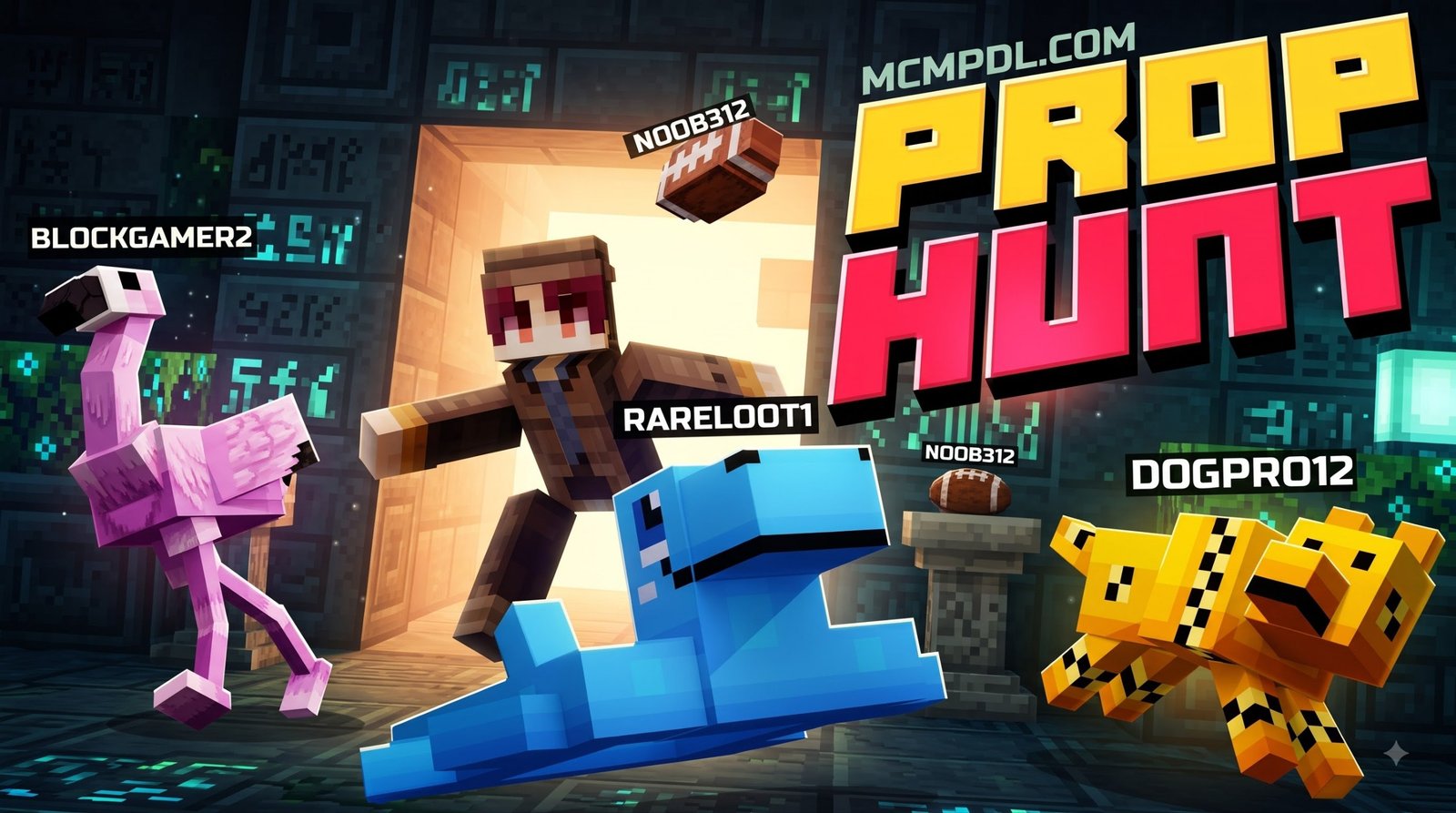
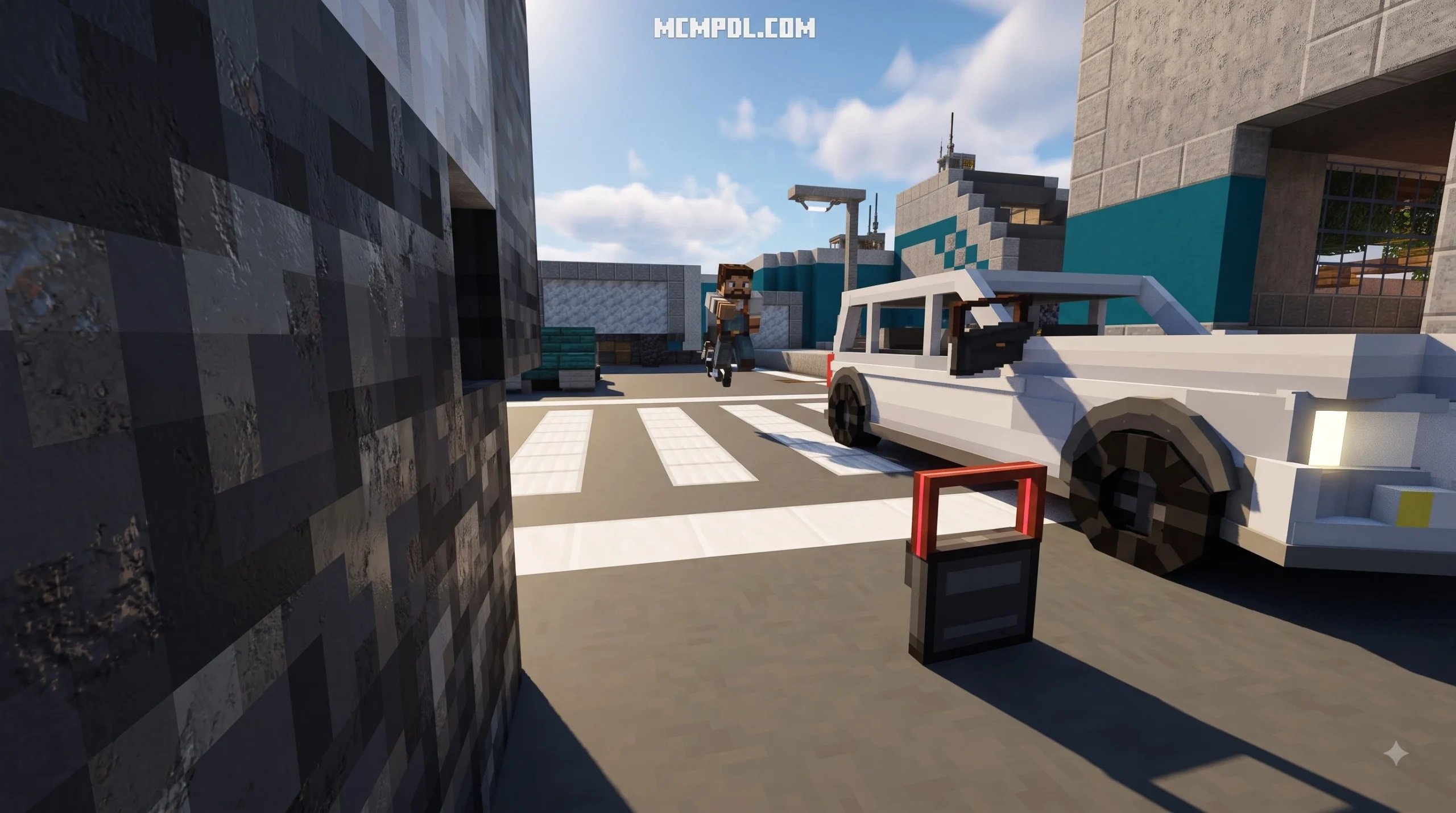
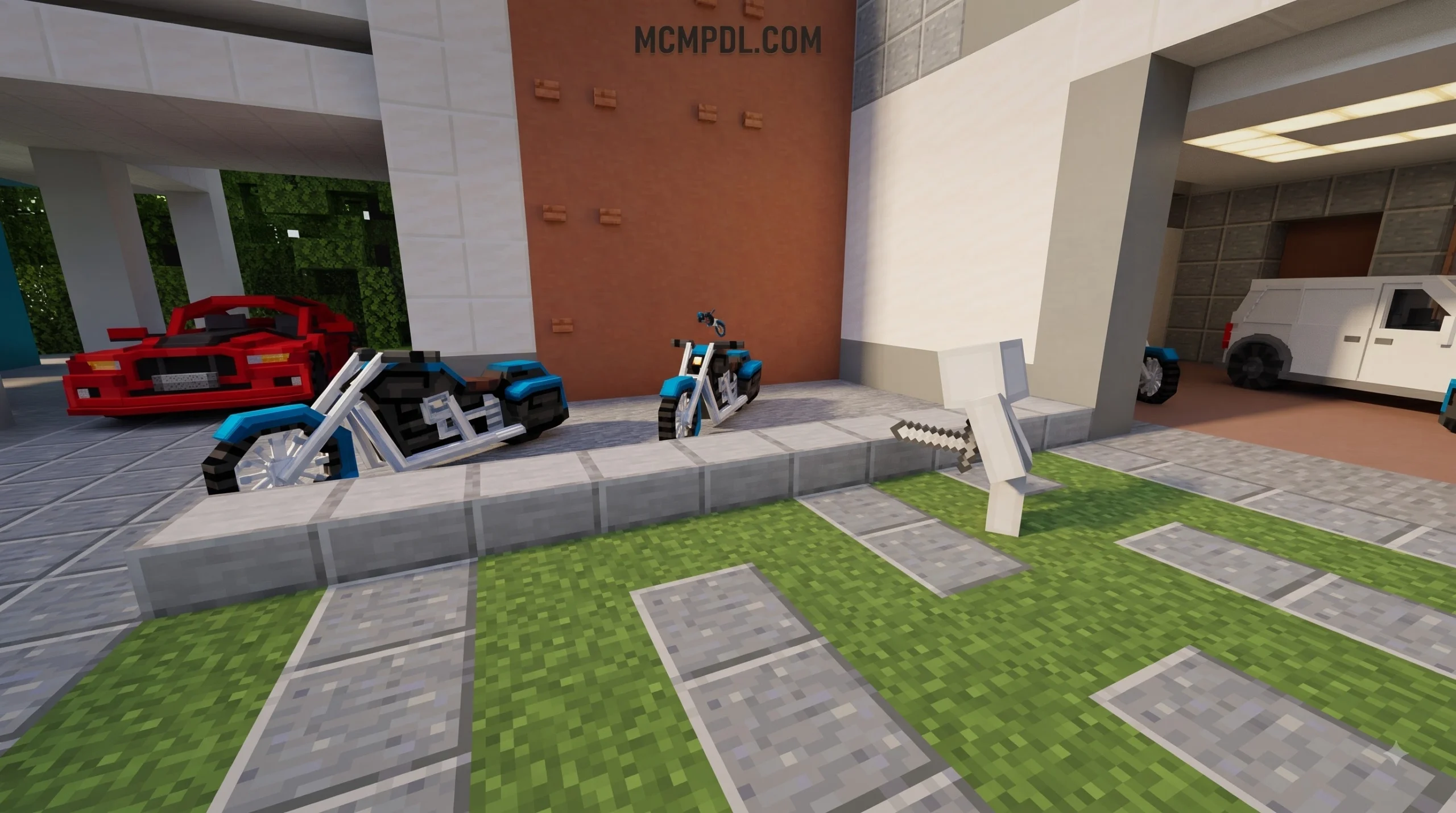
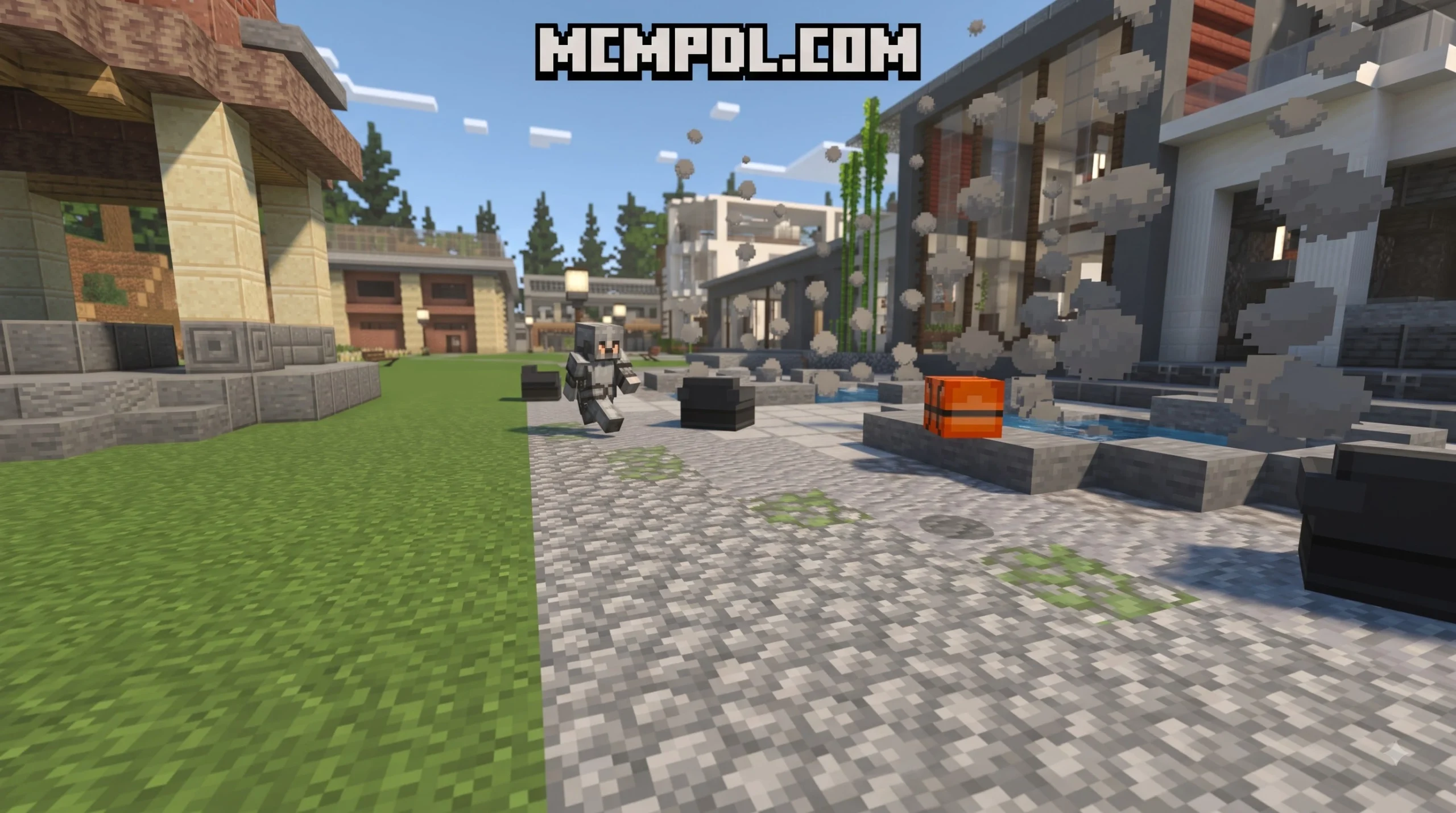
A Prop Hunt MAP for Minecraft PE/Bedrock is an engaging multiplayer hide-and-seek minigame where players disguise themselves as blocks or 3D environmental props to evade hunters before match time expires. Designed for party fun across mobile devices, tablets, consoles, and PC, these custom worlds challenge hiders to blend into their surroundings while seekers inspect the environment to root out deceptive decor.
The roots of this game mode trace back to classic sandbox modifications like Garry’s Mod Prop Hunt, where players disguise themselves as ordinary clutter to outsmart their friends. In Minecraft Bedrock Edition, map creators have masterfully recreated this beloved party formula using a blend of vanilla command blocks, custom resource packs, and behavior add-ons.
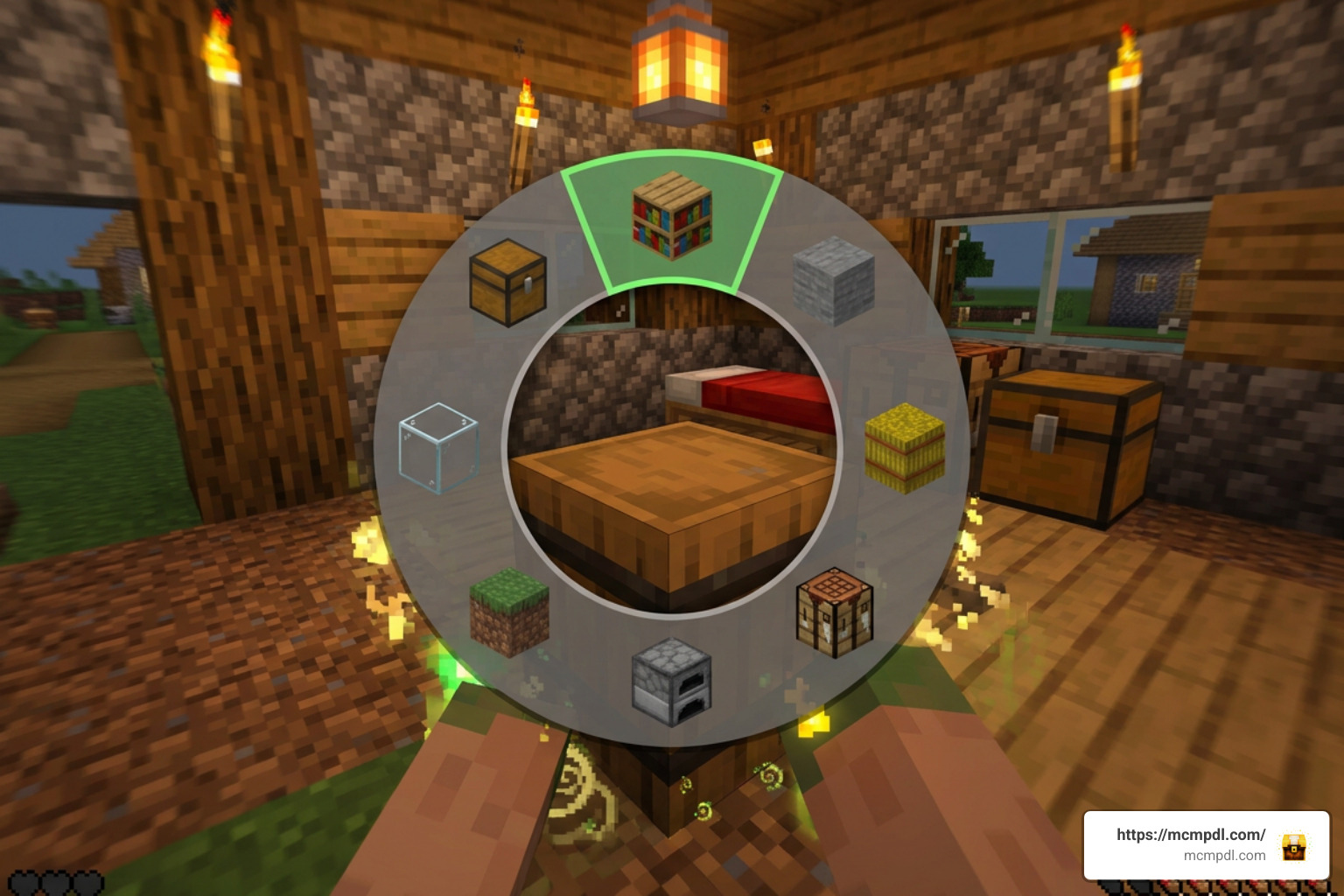
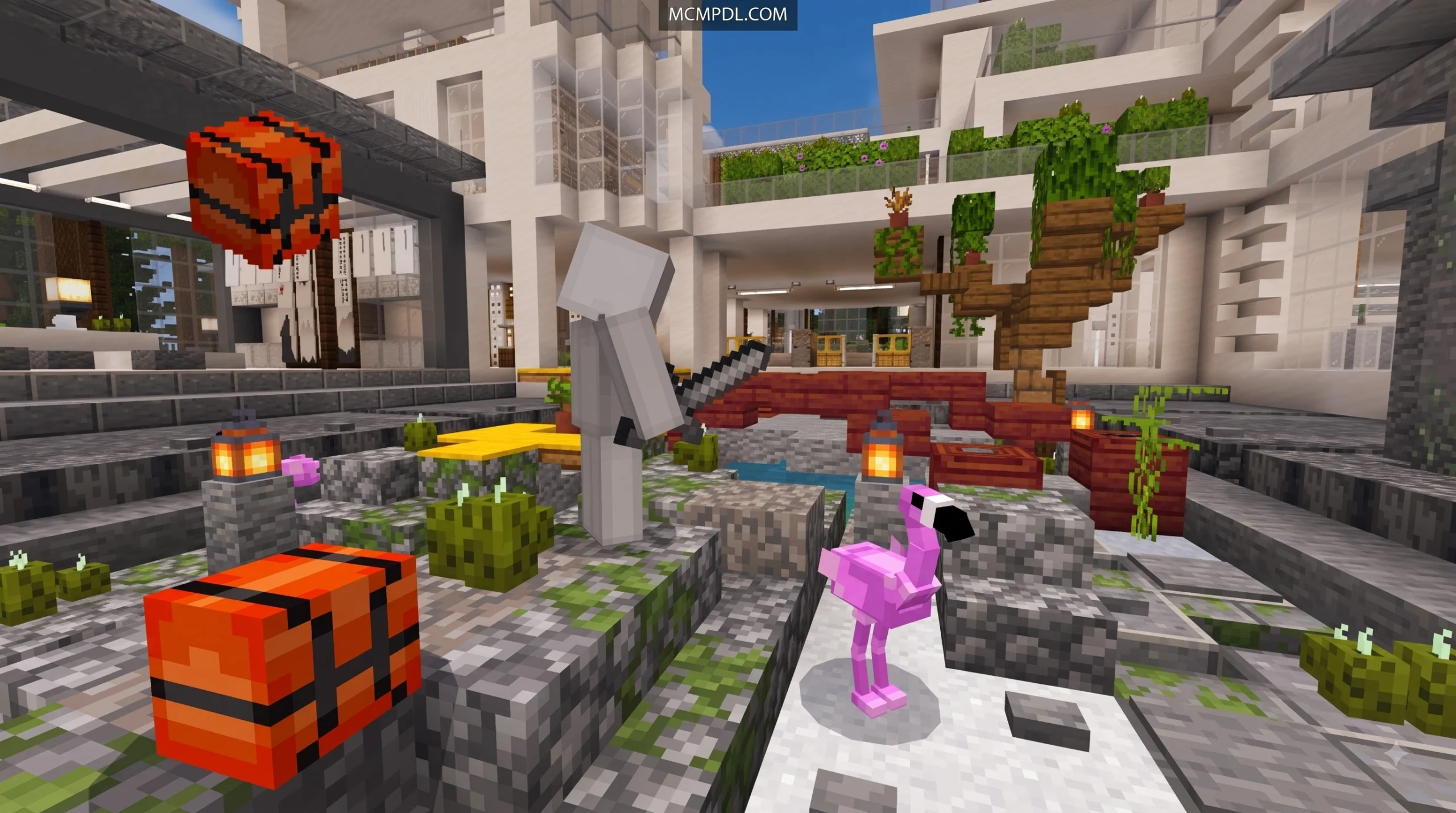
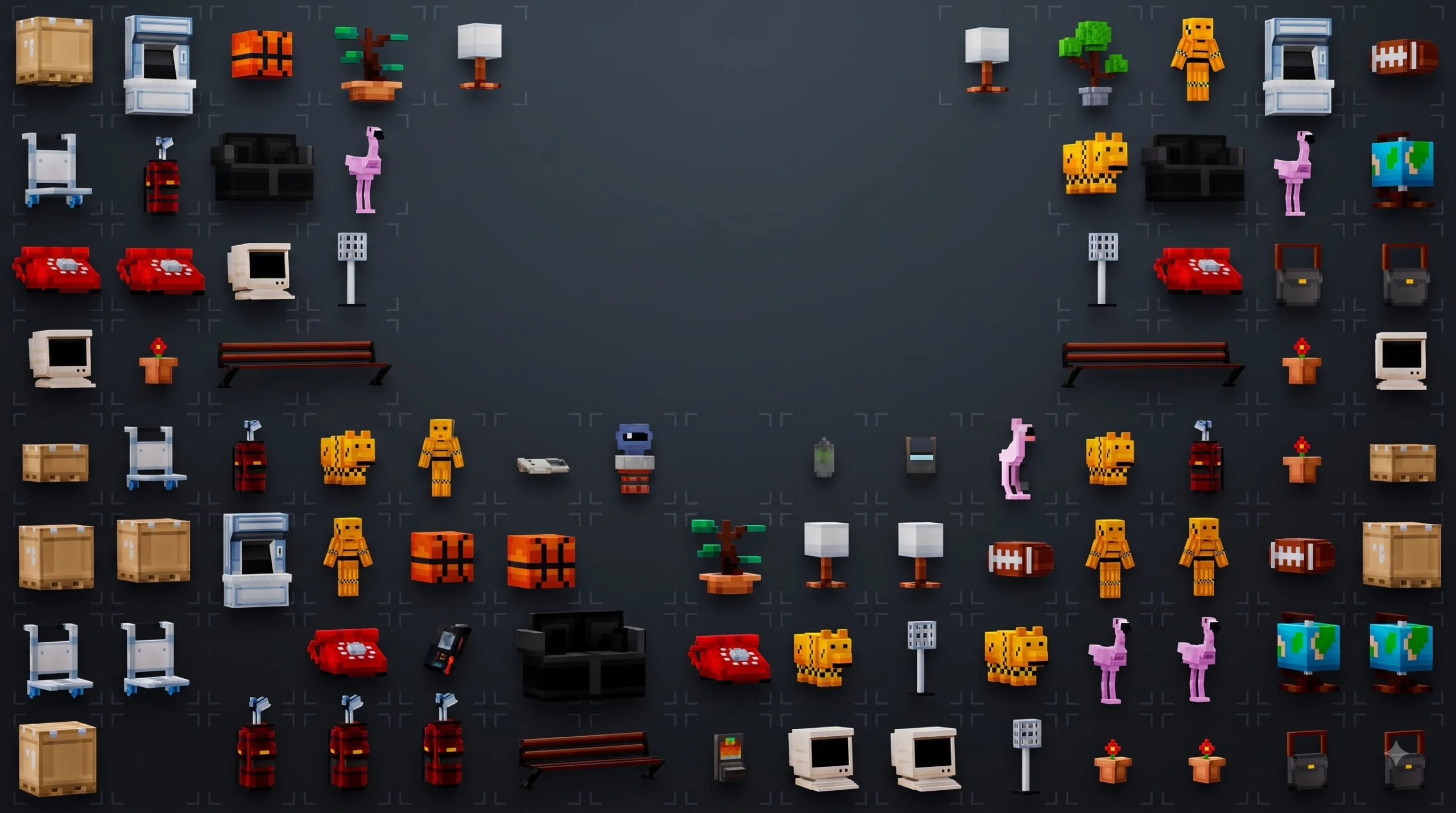
Instead of roaming as a default Steve skin, hiders transform directly into inanimate tiles or intricate 3D models. When you match the exact textures and architectural style of the surrounding map, seekers walk right past you. Meanwhile, eliminated hiders seamlessly transition to spectator mode or join the hunter squad to clean up remaining survivors.
How Gameplay Works in a Prop Hunt MAP for Minecraft PE/Bedrock
Matches follow a clean, structured loop designed to keep action moving quickly across small and large lobbies alike:
- Lobby Gathering: Players join the central lobby hub, choose their preferred teams or let an automated Terminal balance player numbers evenly between seekers and props.
- Hiding Grace Period: Once launched, hiders receive an initial 30-second invulnerability and concealment phase to dash into the arena, evaluate their surroundings, and select a stealthy hiding spot.
- The Active Hunt: Seekers are released into the arena while a 5-minute match clock counts down. Hunters must strike suspect blocks while hiders stand perfectly frozen in camouflage mode.
- Win Conditions: Hiders achieve victory if at least one disguised prop survives until the round timer hits zero. Hunters win if every hider is eliminated before time runs out.
Eliminated players on many popular hide and seek maps for Minecraft PE/Bedrock will instantly respawn as active seekers or switch to tracking roles equipped with detection tools to assist their team in sweeping the arena.
Block Morphing, Sneak Freeze, and Hunter Ability Gadgets
Staying hidden takes more than standing in a corner. Modern Bedrock Prop Hunt maps introduce balanced gadgets, tracking devices, and movement abilities:
- Item Drop Transformation: Hiders drop their assigned disguise item directly onto the ground where they wish to root themselves. Tossing the item camouflage locks the block into the grid, while picking it back up or dropping it a second time allows free movement.
- Sneak Freeze & Speed Boost: Disguised props gain continuous Speed II effects during sprints to evade pursuit, combined with a sneak-lock system that locks their rotation and model orientation perfectly into place.
- Periodic Whistle Taunts: To prevent camping in unreachable crevices, maps trigger automated audio whistles every 30 to 60 seconds around active hiders, offering directional sound cues to vigilant hunters.
- Prop Locator Devices: Seekers often gain off-hand tracking compasses or locators on a 60-second cooldown, sending a visual or audio ping toward a random nearby disguised prop.
- Echo Shards & Eyes of Ender: When match timers reach the 3-minute mark, special power-ups activate. Hiders receive Echo Shards to briefly blind and slow pursuing hunters, while hunters receive Eyes of Ender that highlight disguised entities for several seconds.
Top Prop Hunt and Block Hunt Worlds to Play
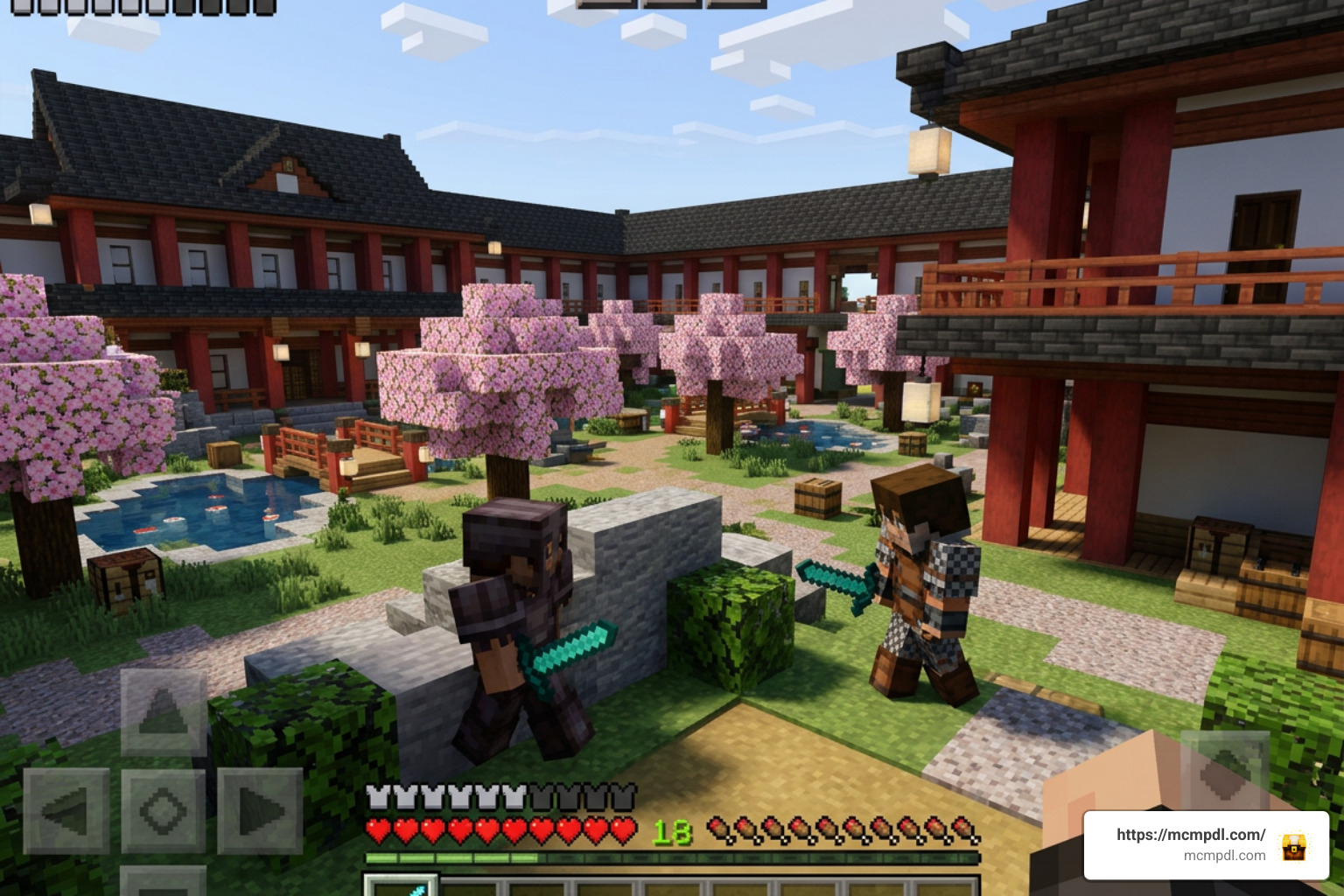
Whether you prefer vanilla command systems or expansive custom DLC, the Bedrock community features diverse hide-and-seek experiences. One standout option on the Minecraft Marketplace is Logdotzip’s Prop Hunt Morph, which holds a stellar 4.5-star rating across hundreds of reviews. It offers over 100 morphable objects, 20 unique interactive taunts to bait seekers, 4 dedicated arenas, and 5 camouflage skins (such as Stone, Oak Wood, and Magma) for 1 to 8 players.
Community Minigames and Custom Arenas
Community creators continue to expand the genre with unique themes and mechanics. ExamineCat’s popular Block Hunt map series introduces vibrant arenas like Exotic Cherry Blossoms, giving hiders choices between Honey, Melon, Cherry Wood, Bookshelves, Barrels, and Furnaces. These settings ensure that players must pay close attention to architectural flow, ensuring that placing a furnace in an open orchard does not instantly give away your cover.
Other creators implement custom player heads with distinctive NBT tags, letting hiders disguise themselves as tiny decorative props like flowerpots, lanterns, or brewing stands. If you enjoy hunting down unusual targets, exploring a 200 Mobs World for Minecraft PE/Bedrock provides an exciting alternative that tests your tracking instincts against diverse mob entities.
Block Hunt vs. Mob Hunt vs. Classic Hide and Seek
Hide-and-seek game modes on Bedrock Edition feature different mechanics, disguises, and win conditions depending on your preferred playstyle.
| Game Mode | Disguise Type | Hunter Detection Tools | Primary Win Condition | Best Player Count |
|---|---|---|---|---|
| Prop / Block Hunt | Inanimate blocks, custom tiles, player heads | Periodic audio taunts, Eyes of Ender, Prop Locators | Props survive 5 minutes or hunters eliminate all hiders | 2 to 10 Players |
| Mob Hunt | Passive or hostile entity models (Cows, Zombies, etc.) | Behavior inspection, mob pathfinding anomalies | Disguised mobs complete survival tasks without being struck | 2 to 8 Players |
| Horror / Survival Hunt | Default player skins with invisibility potions | Heartbeat audio proximity, flashlights, room searches | Survivors locate 3 exit keys while killer patrols corridors | 2 to 6 Players |
| Classic Hide & Seek | Player models blending into level geometry | Visual sweeping, melee tagging | Hiders evade capture until match time expires | 3 to 16 Players |
Step-by-Step Installation and Match Setup Guide
Downloading and installing a custom Prop Hunt world on mobile devices, consoles, or Windows 10/11 is fast and seamless thanks to native Bedrock file formats. You can discover a wide variety of gameplay genres and arenas by browsing our category: maps collection.
Installing a Prop Hunt MAP for Minecraft PE/Bedrock (.mcworld & .mcaddon)
Follow these quick steps to load your map:
- Download the Map File: Save the target
.mcworldor.mcpackfile directly to your device storage. - Launch Import: Tap or double-click the downloaded
.mcworldfile. Your operating system will automatically launch Minecraft Bedrock and begin world import. - Verify Add-ons: If the map package included an
.mcaddonor separate behavior pack, navigate to world settings and confirm both the Resource Pack and Behavior Pack are toggled to Active. - Enable Experimental Settings: Check that options such as Beta APIs or Holiday Creator Features are enabled under game settings if required by the map author.
- Host the Lobby: Open the imported world, configure multiplayer permissions (LAN, Friends of Friends, or Realm upload), and invite your crew.
Host Language Configuration and Player Limits
Many vanilla command-block maps require the world host’s in-game language to be set to English (US or UK). Because command structures scan for specific English block IDs and entity strings, non-English localization settings can cause block-morph logic to fail.
Most maps comfortably support 2 to 10 players. While friends join your world, lobbies often provide parkour courses and hidden easter eggs to keep everyone entertained. Use the lobby’s interactive Terminal to reset scores, configure seeker-to-prop ratios, or adjust round timers before starting. Adjusting mobile render distance settings between 8 and 12 chunks can also prevent lag spikes during chaotic hunter pursuits.
Frequently Asked Questions about Prop Hunt Bedrock Maps
Can you play Prop Hunt on Minecraft PE without mods or behavior packs?
Yes. Many maps run purely on vanilla command blocks and redstone machinery. These maps use inventory drop detections and invisible armor stands to transform players into blocks without requiring third-party mod loaders or external software.
How do hiders transform into blocks or props on mobile?
On touch devices, hiders select their assigned disguise item in the hotbar, then press and hold the item slot or drag it outside their hotbar to drop it at their feet. The map’s command blocks instantly anchor a block display to your position and turn your character model invisible. Dropping the item a second time allows you to move again.
Why does the world host need to set their language to English?
Minecraft Bedrock command selectors reference block names by their English registry IDs. If the hosting device runs another language, the command blocks may fail to parse item drops or register disguise names correctly.
Conclusion
Prop Hunt brings endless laughter, suspense, and tactical stealth to Minecraft Bedrock Edition. Whether you are blending into bookshelves, sprinting away from seekers with Speed II buffs, or tracking suspicious blocks across custom arenas, each round delivers unpredictable party fun.
Gather your friends, test your camouflage instincts, and download the latest community creations directly on MCMPDL to start playing today!
2 thoughts on “Prop Hunt MAP for Minecraft PE/Bedrock”