
Scroll down to D0vvnl0ad
ULTRA REALISM Texture Pack for Minecraft PE/Bedrock: What to Know First
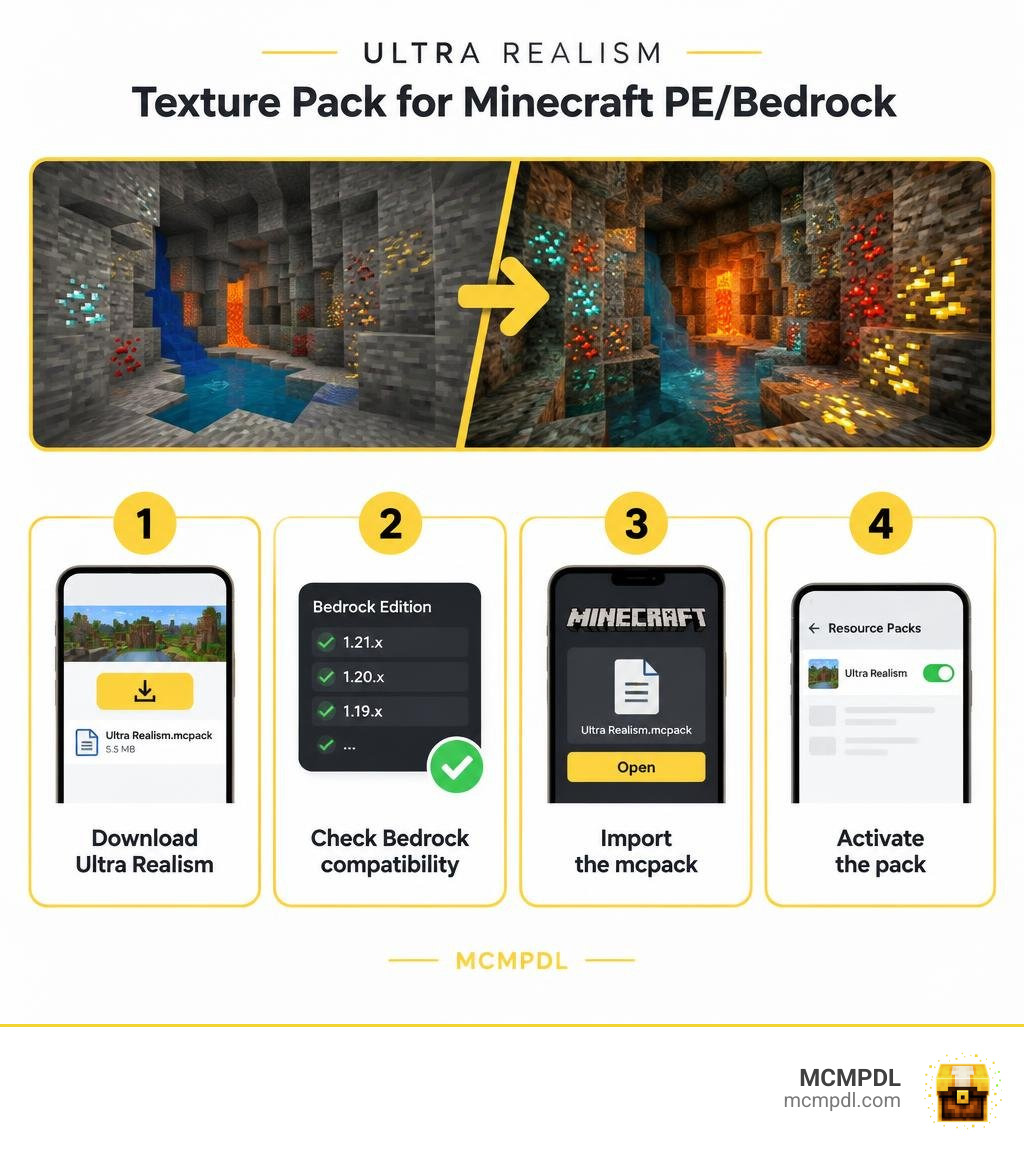
The ULTRA REALISM Texture Pack for Minecraft PE/Bedrock changes how blocks look, with more realistic textures, 3D details, and glowing ores. It comes as a 5.5 MB .mcpack file. To use it, check that your Bedrock version appears on the download listing, open the file with Minecraft, and activate the pack in your resource settings.
The listing names 27 supported game versions, but it does not provide mobile performance results or a detailed changelog. If you play on a phone or tablet, test the pack in a world you already know and adjust your graphics settings if play feels slow.
What Is the ULTRA REALISM Texture Pack for Minecraft PE/Bedrock?
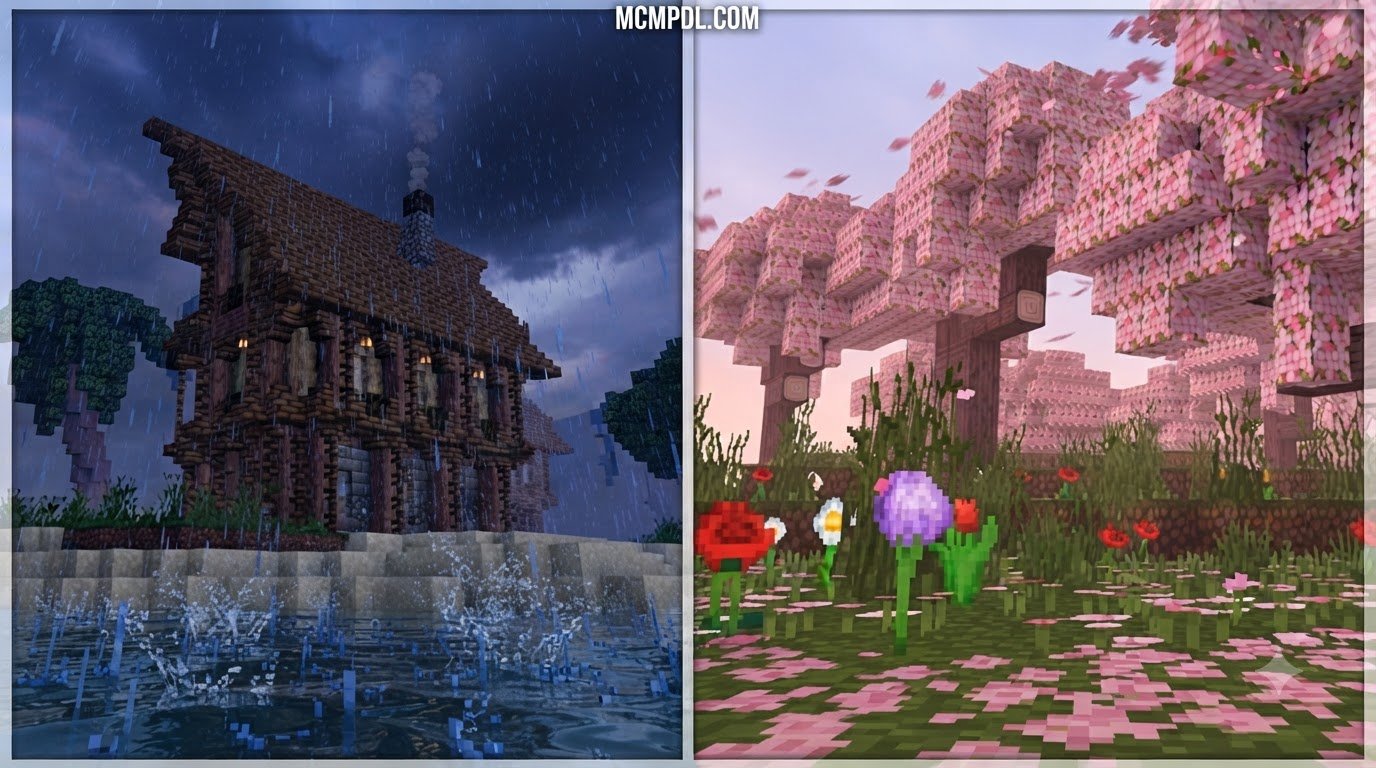
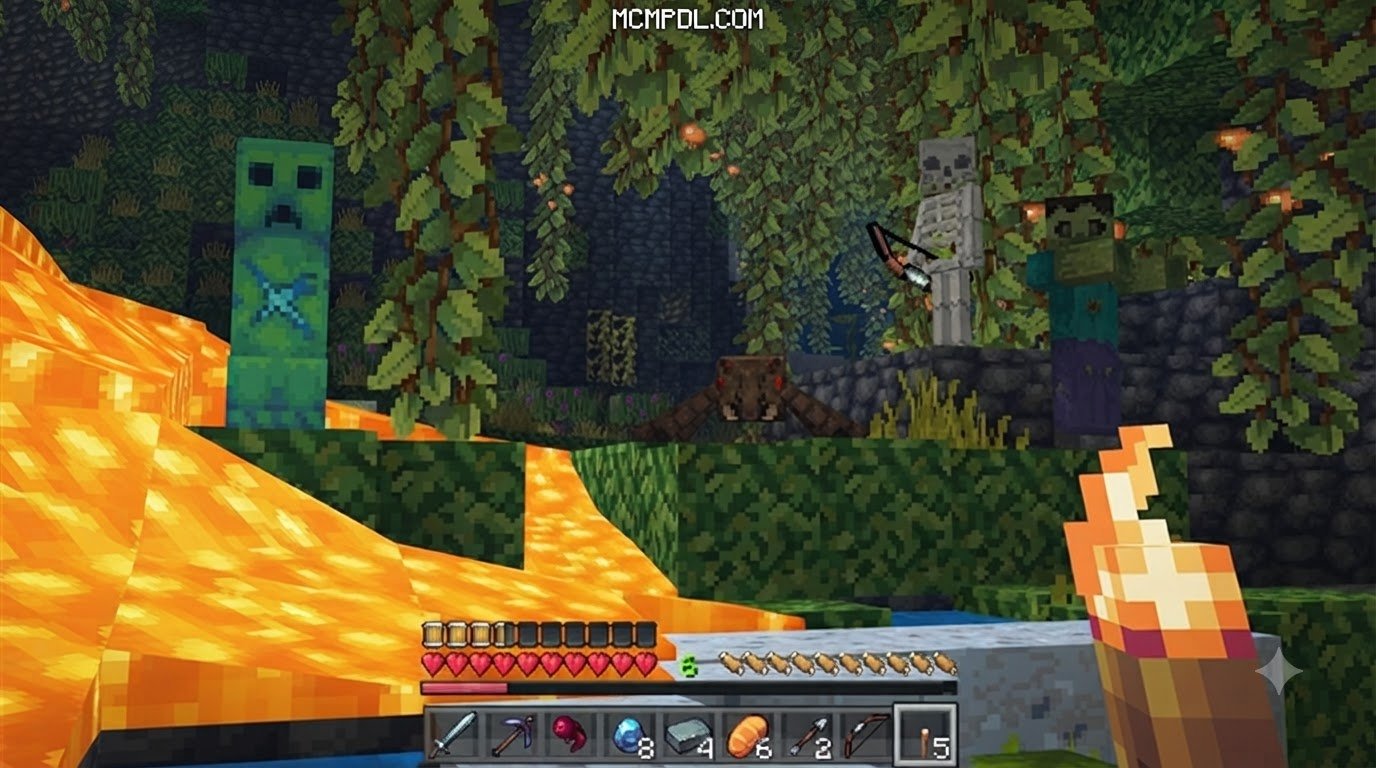
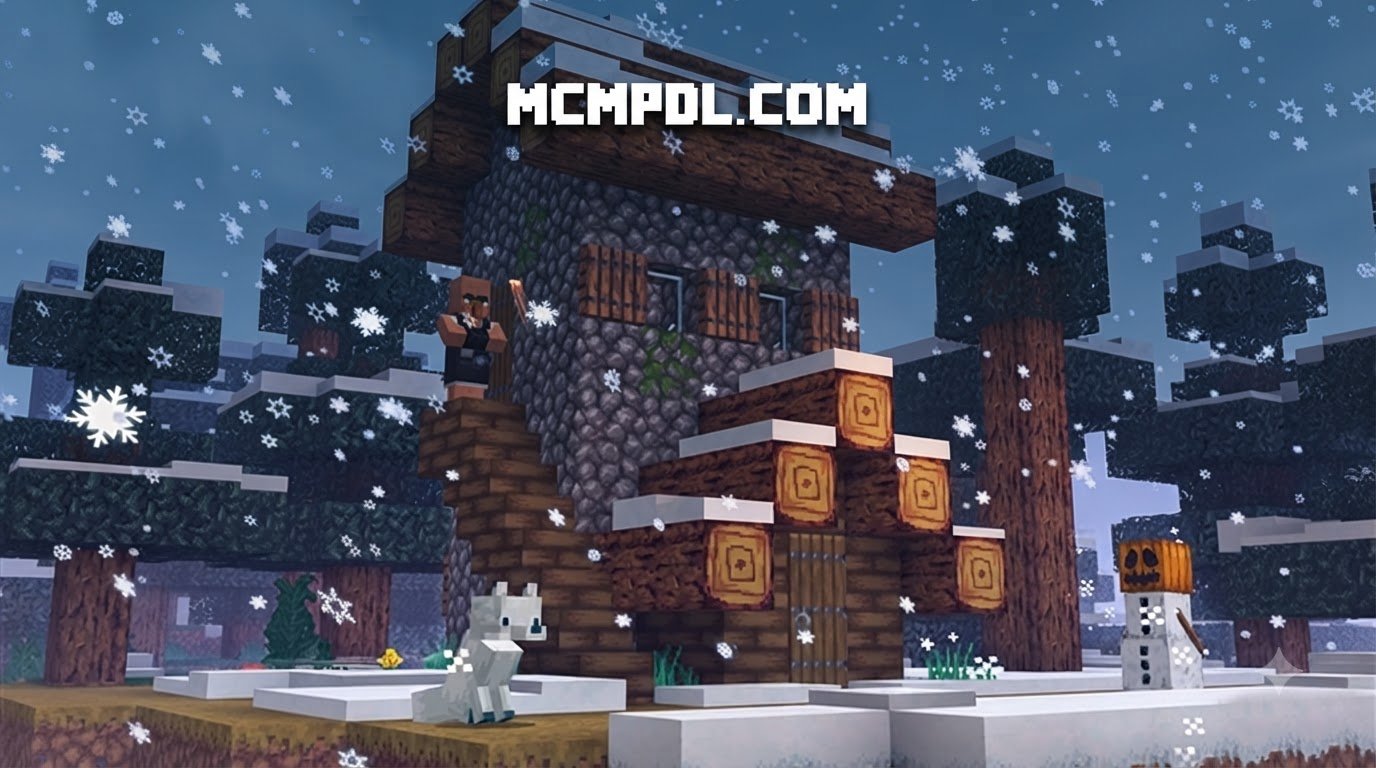
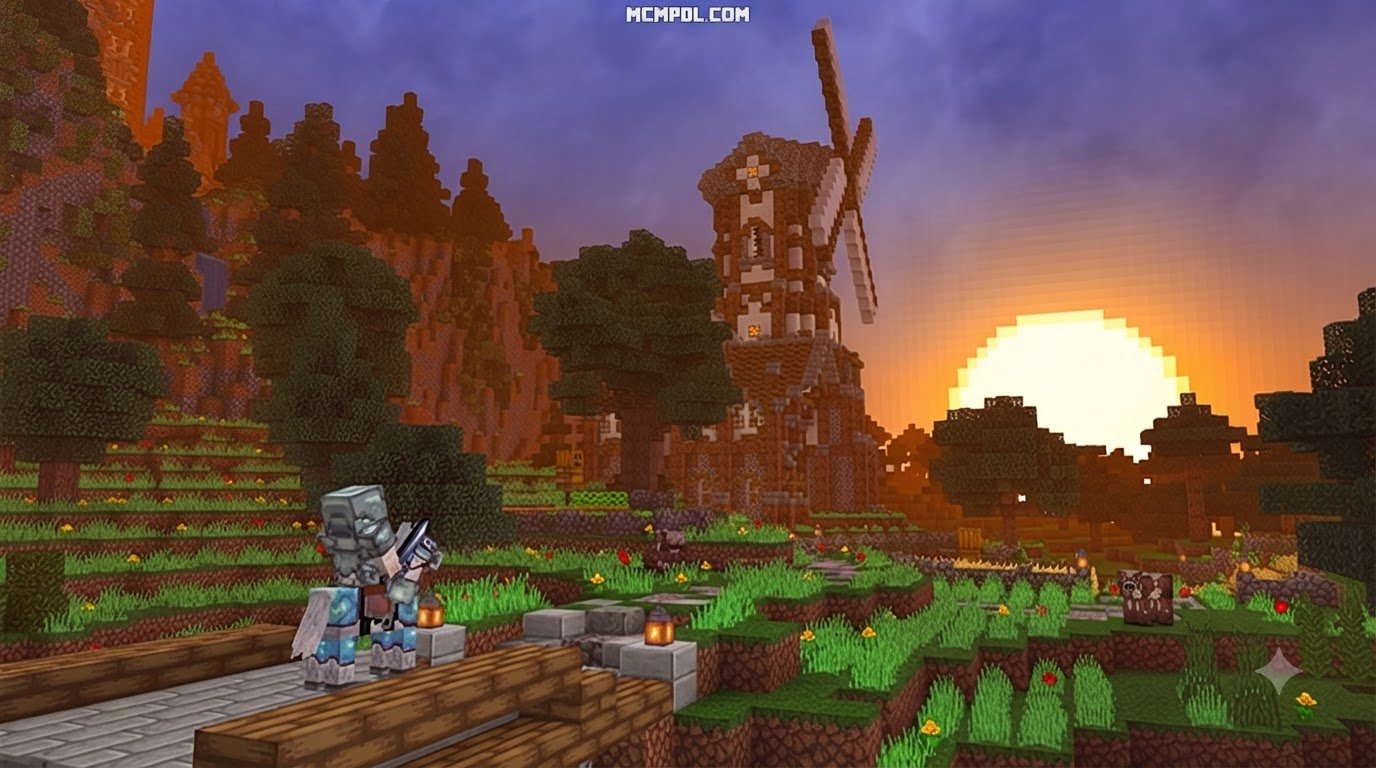
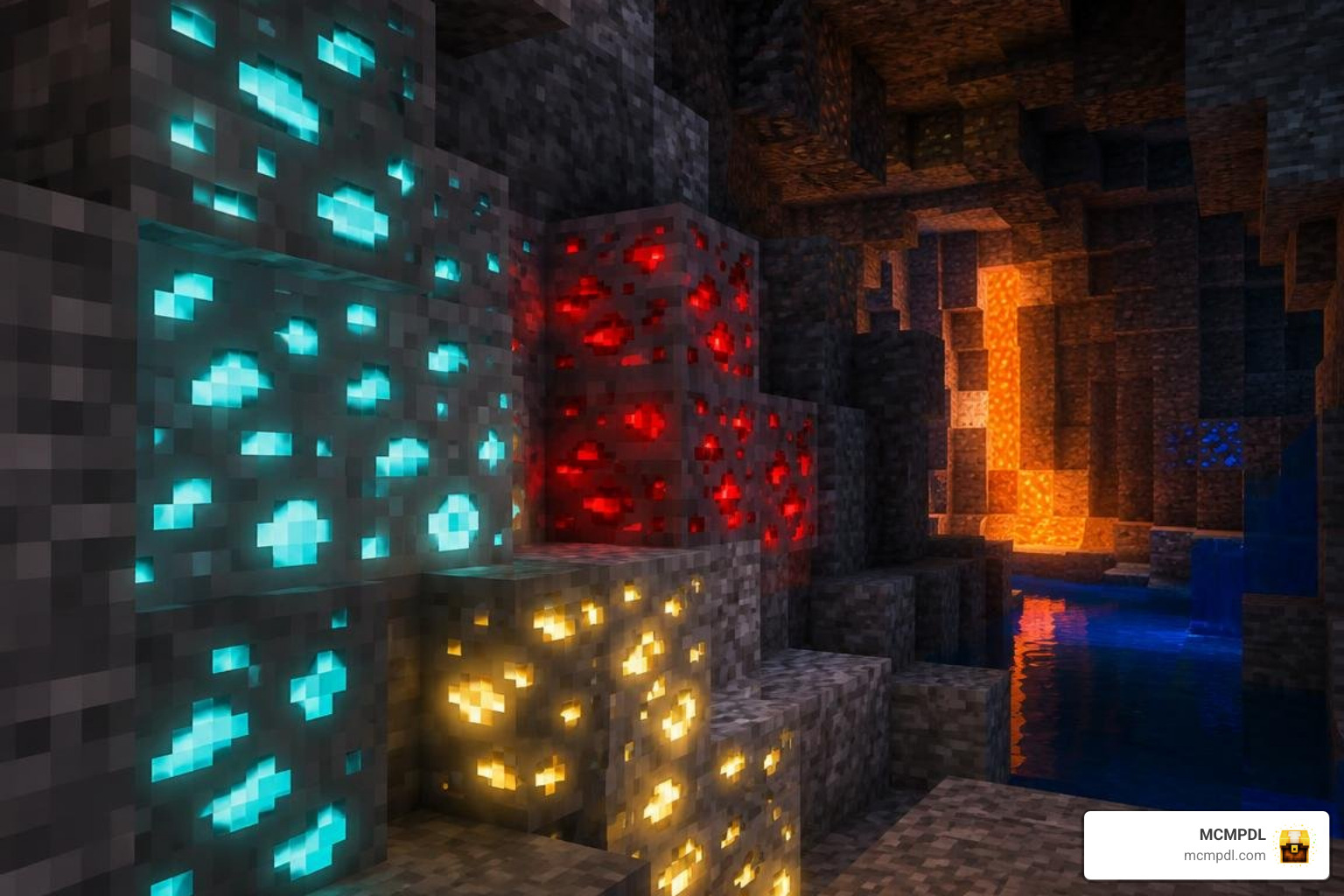
Ultra Realism is a Bedrock texture pack that keeps the familiar vanilla layout of Minecraft but dresses it in richer, more realistic surfaces. Stone looks rougher, ores look more alive, and blocks feel less flat. The listing describes it as a high-realism pack with 3D blocks and glowing ores, and it even pitches itself as a shader-like option for MCPE. To be clear, it is still a texture pack, not a true shader.
The numbers are friendly. The official file listing shows a 5.5 MB download and 38,380 total downloads. That is a tiny file for a pack that promises this much visual change, which makes it easy to try even on a phone with limited storage.
What makes the ULTRA REALISM texture pack for Minecraft PE/Bedrock different?
Many realistic packs simply recolor blocks. Ultra Realism focuses on surface detail and visual depth, so blocks look chunkier and more dimensional. Its glowing ores are the other headline feature: ores stand out in dark caves, which makes mining easier to read at a glance and a lot more fun to look at.
Some players also like adding lighting and particle polish on top of a texture pack. If that appeals to you, our realistic visual effects add-on is worth a look alongside this pack.
Is Ultra Realism free to download and use?
Yes, the download on the official listing is free. There is no paywall on that file. Still, free does not mean unrestricted. The listing shows an All Rights Reserved license, which means the creator keeps the rights to the work.
In plain terms:
- Using the pack for your own play is what it is made for.
- Reuploading it elsewhere, bundling it into your own pack, or claiming it as yours is not allowed without the creator’s permission.
- If you want to feature it in a video, check the listing and ask the creator when in doubt.
Features, Supported Versions, and Visual Style
Ultra Realism leans on three ideas: realistic textures, 3D-style block details, and glowing ores. The listing does not publish a texture resolution for the Bedrock file, so we will not guess one. The 5.5 MB size suggests a lightweight pack rather than a giant ultra-high-resolution one, which is good news for mobile players.
There is also a Java Edition project called UltraRealism, with 26,800 downloads. It describes itself as a love letter to vanilla with a touch of hyper-realism and is a work in progress. It is a separate release for Java, so do not try to import it into Bedrock. Think of it as a cousin with a similar style goal.
Here is a quick summary of the Bedrock pack:
| Area | What the listing shows |
|---|---|
| Visual style | Realistic textures, 3D blocks, glowing ores |
| File | Ultra Realism.mcpack, 5.5 MB |
| Downloads | 38,380 |
| Compatibility | 27 game versions, 1.21.73 to 26.40 |
| License | All Rights Reserved |
| Performance notes | None published, so test on your own device |

If you enjoy this direction, our realistic HD textures pick is a good companion to compare against.
Which Minecraft versions does the ULTRA REALISM texture pack for Minecraft PE/Bedrock support?
The listing shows 27 supported game versions, ranging from 1.21.73 up to 26.40. Recent entries include 26.40, 26.30, 26.20, 26.13, and 26.12, plus the 1.21.x series. (One listing page shows the lower end as 1.21.71, so check the live page for the exact earliest version.) This covers Bedrock on Android, iOS, and Windows, since Bedrock is the same family of game across them.
Version matching is simple:
- Open Minecraft and check your game version in the settings.
- Compare it with the versions on the file page.
- If you are on a newer or older build than listed, expect that some textures could look off, and update the game or choose another pack.
Minecraft updates often change how packs behave, so recheck after big game updates.
Does Ultra Realism need shaders or special settings?
No. It is a resource pack, so it works on its own without extra shader files. You import it and switch it on. Nothing in the listing says it requires ray tracing or any special add-on.
If your device supports Vibrant Visuals, you can try turning it on to see how the pack looks with Minecraft’s own lighting upgrades. Treat that as an experiment, since the listing does not say the pack is tuned for it. If things stutter, lower render distance or switch graphics options down. For a more lighting-focused look, our realistic shaders are a natural next step.
How to Install the ULTRA REALISM Texture Pack for Minecraft PE/Bedrock
The pack ships as a single .mcpack file. Minecraft knows how to open that format, so installing is mostly tapping and waiting for a small “import successful” message. If you want to double-check the process, the official Activate Add-Ons in Minecraft: Bedrock Edition | Minecraft Help page covers how activation works.
How do you install the ULTRA REALISM texture pack for Minecraft PE/Bedrock on Android, iOS, and Windows?
Start with the official Ultra Realism .mcpack file. Then follow your device:
- Android: Download the file, open your file manager, find it in Downloads, and tap it. Choose Minecraft if asked.
- iOS: Download the file, open it from the Files app, then use the share option and pick Minecraft.
- Windows: Download the file and double-click it. Minecraft should open and import it.
After the import message appears:
- Go to Settings, then Global Resources.
- Find Ultra Realism under Available or My Packs and activate it.
- Open or create a world and restart the game if the textures do not show.
If nothing happens, check these common causes:
- The download may have saved with a changed file extension. It must end in
.mcpack. - Your file manager may not offer Minecraft as an option, so try opening Minecraft first and then the file.
- Low storage can block imports.
- Another pack may sit higher in your active list and override it.
Want to compare looks before settling? Our visual texture alternatives are easy to import the same way.
What is the file size, and how could it affect mobile performance?
The file is 5.5 MB, which is small enough that storage is almost never a problem. But file size is not the whole story. Performance depends on how much work your device does to draw the scene, and extra detail and lighting can add load. The listing has no FPS data, so we cannot promise exact results.
To keep things smooth:
- Close background apps before playing.
- Lower render distance if you see frame drops.
- Turn off extra graphics options if your device runs warm.
- Test in a familiar world first, then compare with and without the pack.
Older phones may feel the difference more than recent tablets.
Is Ultra Realism still being updated?
The listing shows a last update in August 2026, and the pack was created a few months before our current date of November 2026. That suggests it is fairly fresh, and the version list reaching 26.40 backs this up. However, the file has no changelog, so we cannot tell what changed in each update.
Our advice is to check the file page before installing, look at the newest supported version, and compare it with your game. Do not assume future updates, since none are promised on the listing.
Frequently Asked Questions About Ultra Realism
Where can I download the authentic Ultra Realism .mcpack file?
Check the official release page. Confirm these details before you tap download:
- The file name is Ultra Realism.mcpack.
- The uploader is listed as PrabhatPie.
- The size is about 5.5 MB.
- The supported versions include 26.40 and the 1.21.x series.
- The project ID is 1650397.
If a copy is much larger, has a different name, or asks you to install an unrelated app, skip it. The Java version is a separate project, not the Bedrock file.
How can I compare Ultra Realism with other realistic Bedrock packs?
Compare on a few simple points:
- Texture coverage: Does the pack change most blocks, or just some?
- Resolution: Higher resolution looks sharper but costs more memory.
- Visual style: Stylized realism is different from photoreal.
- Device performance: Test on your own phone or PC.
- Shader dependence: Some packs need ray tracing or Vibrant Visuals to look their best.
Ultra Realism’s tiny, plug-and-play file makes it an easy starting point before exploring heavier options. For a cinematic flavor, try our cinematic textures.
Will Ultra Realism work on every phone or tablet?
Not guaranteed. It targets Minecraft Bedrock, so Android, iOS, and Windows players can use it if their game version matches the listing. Beyond that, you need a little free storage and a device that can handle Minecraft smoothly to begin with. The listing has no performance testing, so try it in a small world, watch your frame rate, and turn settings down if needed. If it runs poorly, simply deactivate it in Global Resources.
Conclusion
Ultra Realism offers a free, lightweight way to give Bedrock a more realistic look, with 3D-style blocks and glowing ores that make caves much more fun. Remember the basics: check your game version against the listing, download only the official .mcpack, import it, and activate it in Global Resources. Respect the All Rights Reserved license, and test performance on your own device.
At MCMPDL, we keep Bedrock add-ons, texture packs, shaders, maps, skins, and mash-ups organized in one place for Android, iOS, and Windows. When you are ready for your next look, explore Minecraft Bedrock downloads and find your perfect setup.