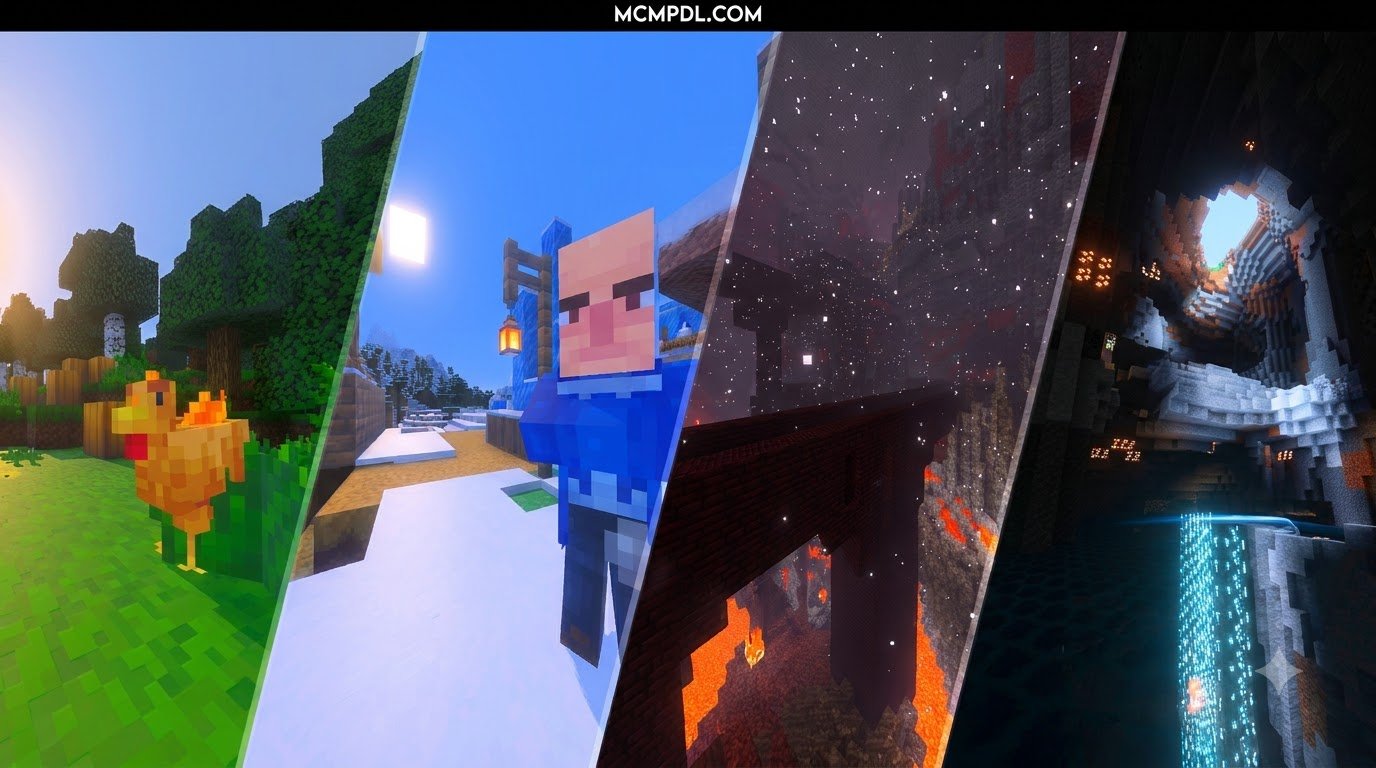
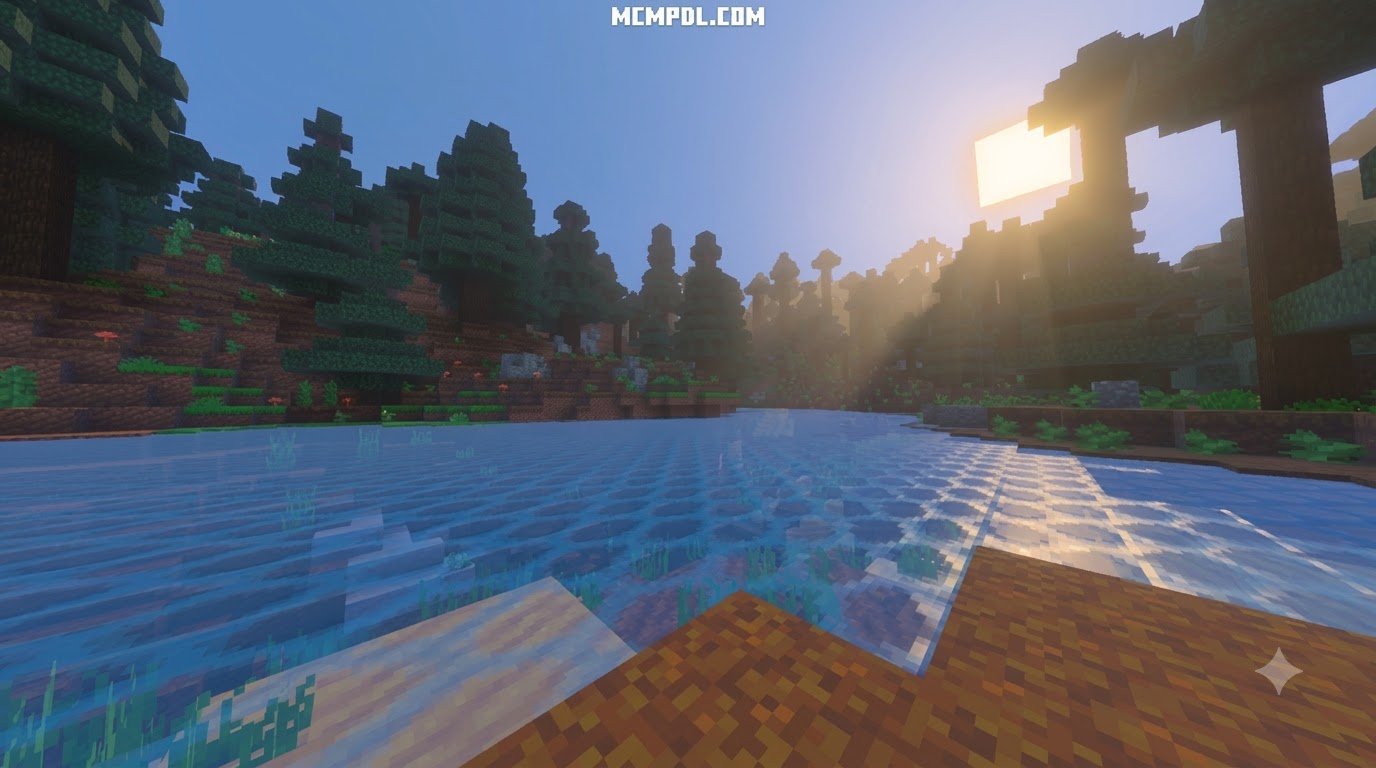
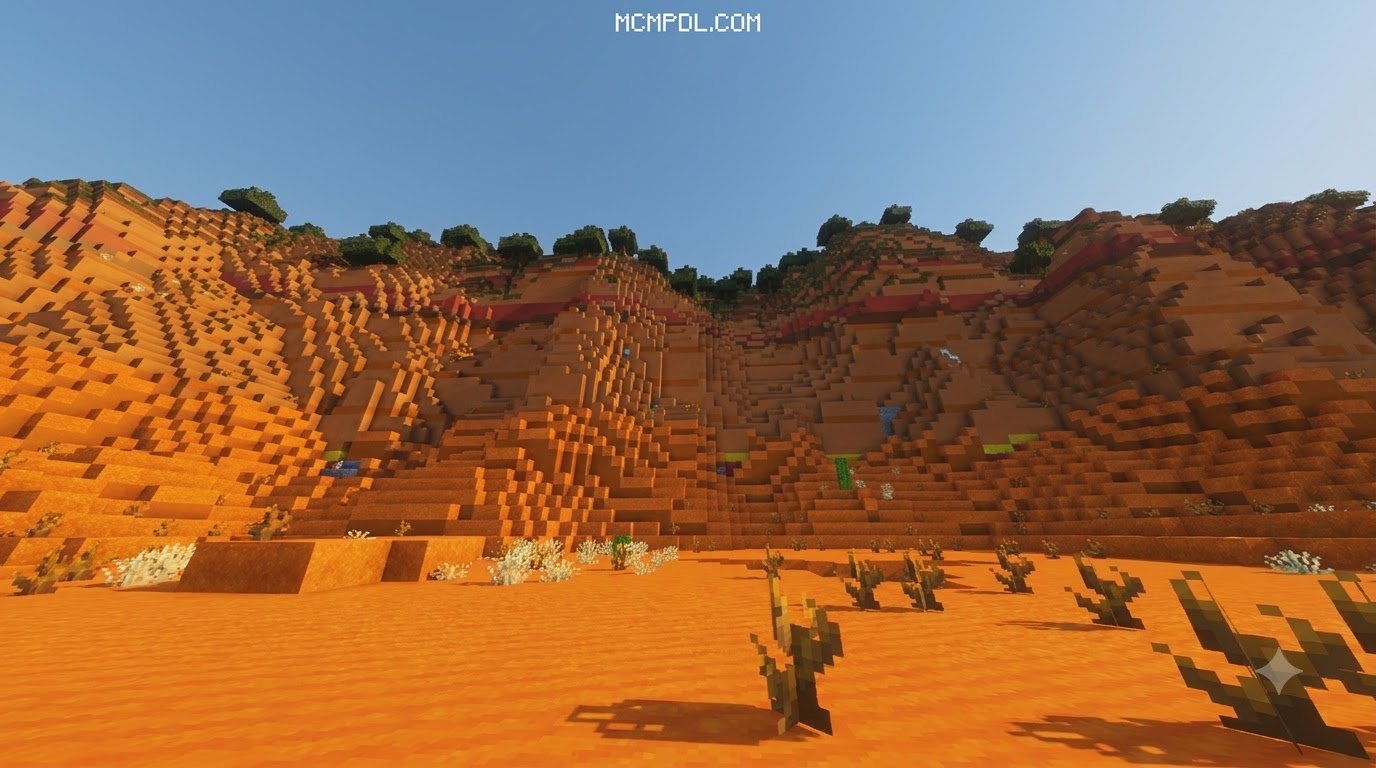
Scroll down to D0vvnl0ad
Is the Cinematic Realism Texture Pack for Minecraft PE/Bedrock Worth It?
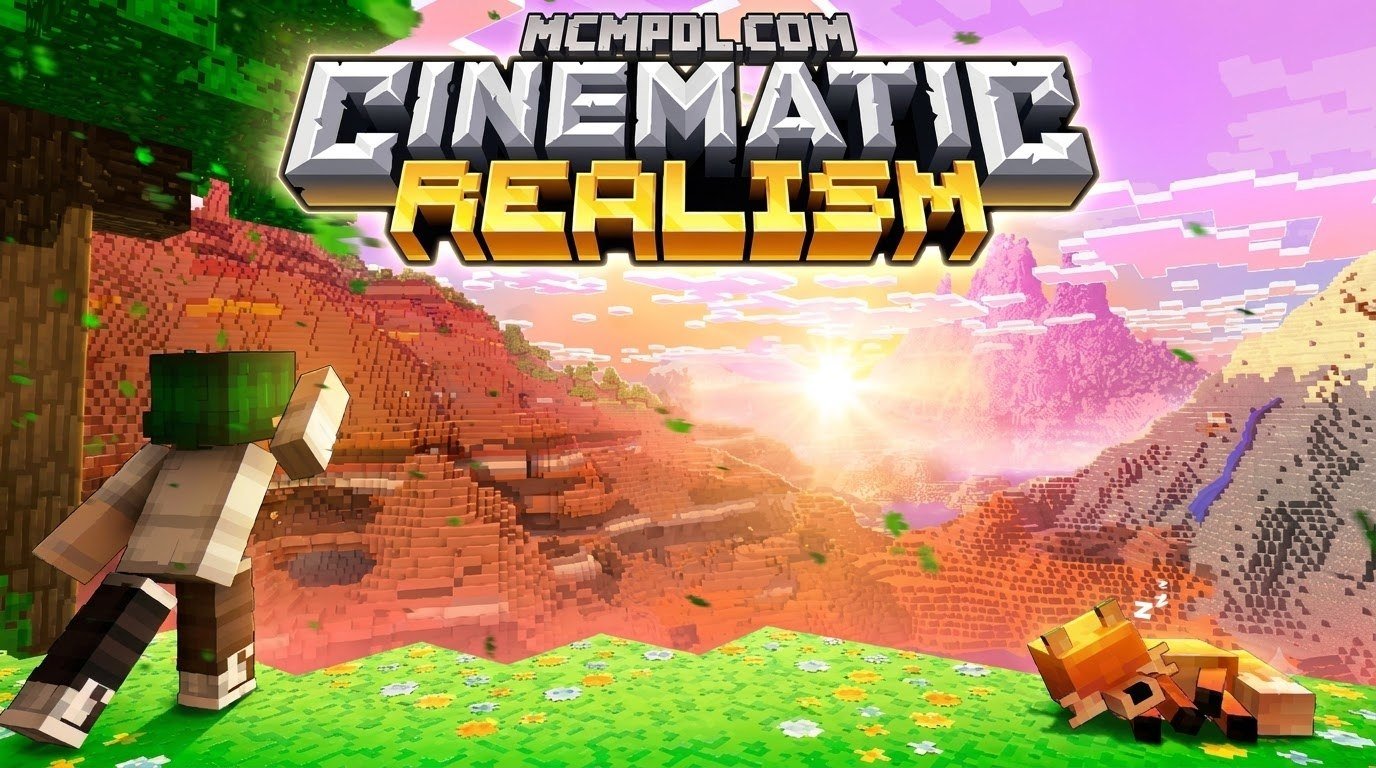
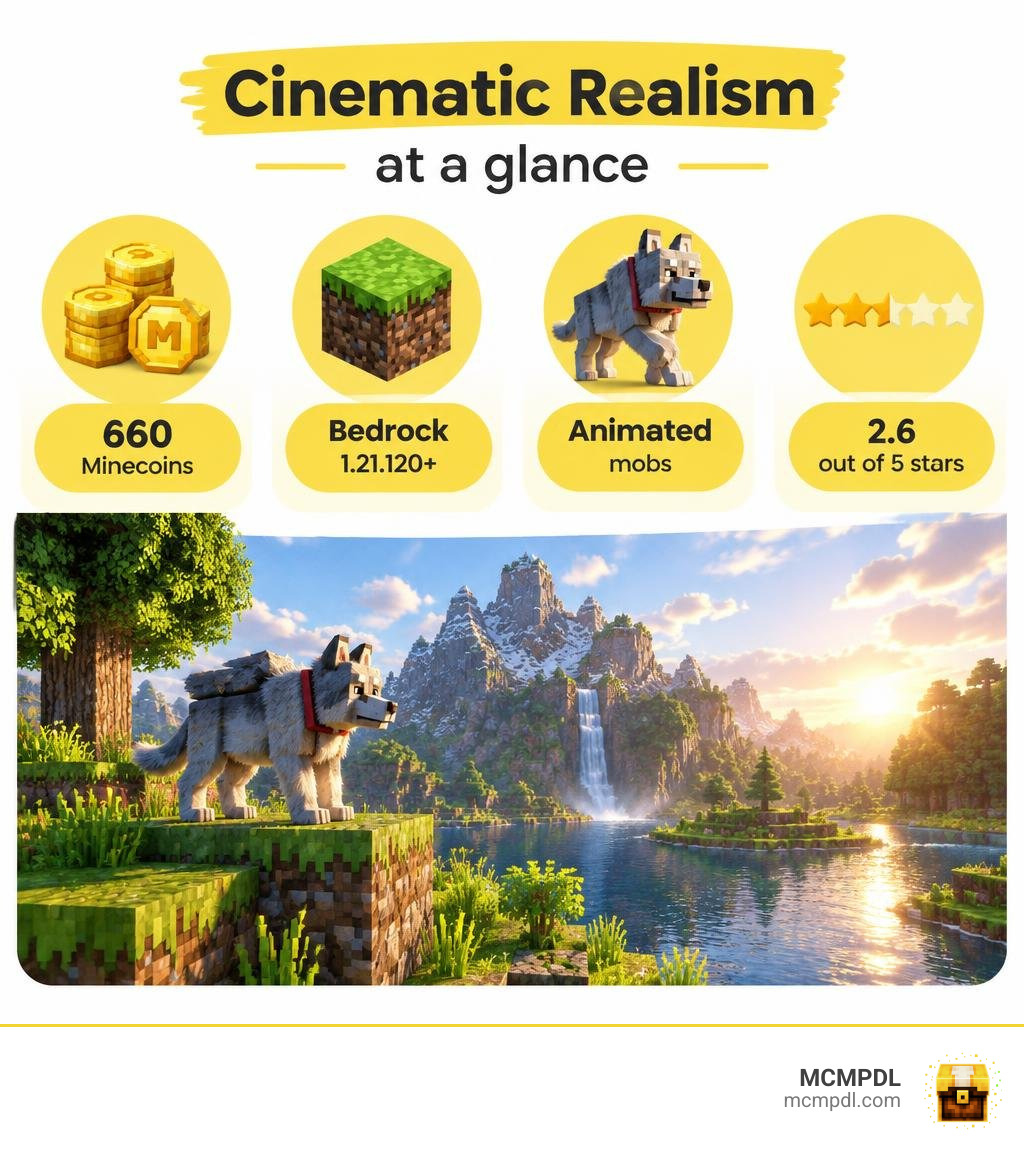
The Cinematic Realism Texture Pack for Minecraft PE/Bedrock is a paid Marketplace resource pack with new mob models, animations, baby mobs, and support for Vibrant Visuals. It costs 660 Minecoins and requires Bedrock 1.21.120 or later. It works on Android, iOS, Windows, and several consoles.
Check the reviews before buying: the pack has a 2.6 out of 5 rating from 41 players, including 20 one-star reviews. If you want its animated mob look, it may be worth a closer look. If value matters most, that rating is a reason to pause.
Features of the Cinematic Realism Texture Pack for Minecraft PE/Bedrock
Developed by Piki Studios and released on the Marketplace in July 2026, this pack aims to change the standard look of Bedrock Edition into something much more expressive. The pack emphasizes entity overhauls rather than focusing only on higher-resolution block textures.
Its standout design choice is giving vanilla creatures a major makeover. It introduces custom entity models that add depth and personality to standard mobs, alongside redesigned variants for every single baby mob. Rather than relying on simple scaled-down adult models, the baby mobs feature dedicated textures and proportions that look right at home in a cinematic landscape.
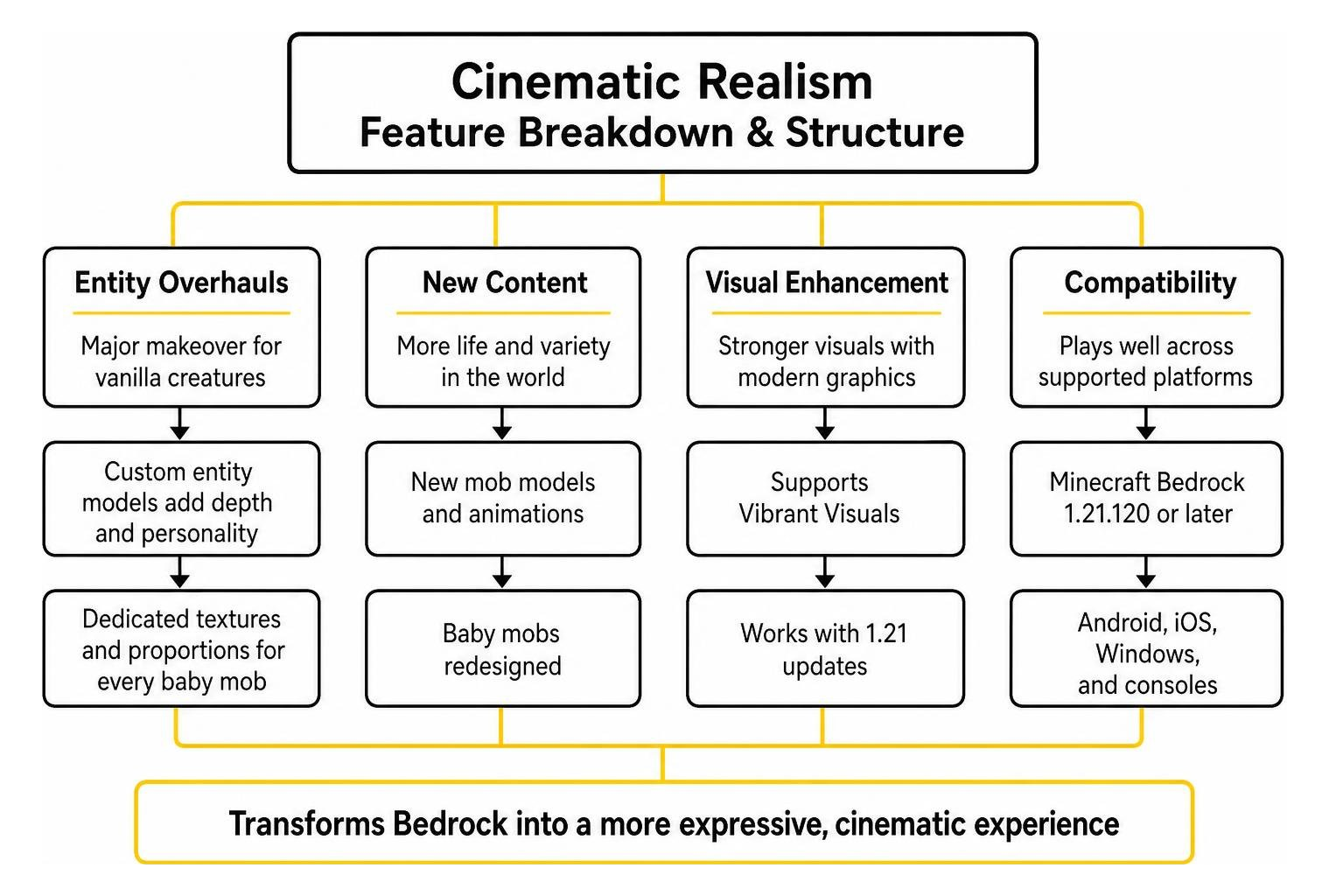
The pack also integrates support for Minecraft Bedrock’s evolving graphical features, specifically designed to complement the Vibrant Visuals lighting pipeline introduced in recent 1.21 updates.
Core Mechanics of the Cinematic Realism Texture Pack for Minecraft PE/Bedrock
At its core, the pack focuses on dynamic visual feedback. When you walk through a forest or explore a village, you immediately notice several changes:
- Entity Animations: Mobs feature fluid movement cycles instead of the rigid, classic limb swings. Walking, idling, and attacking feel grounded and deliberate.
- Custom Mob Textures: Animals and hostile mobs sport layered detailing with improved fur, scales, and clothing details.
- Block & Environmental Models: Certain foliage and utility blocks feature custom geometries that break away from flat cube surfaces.
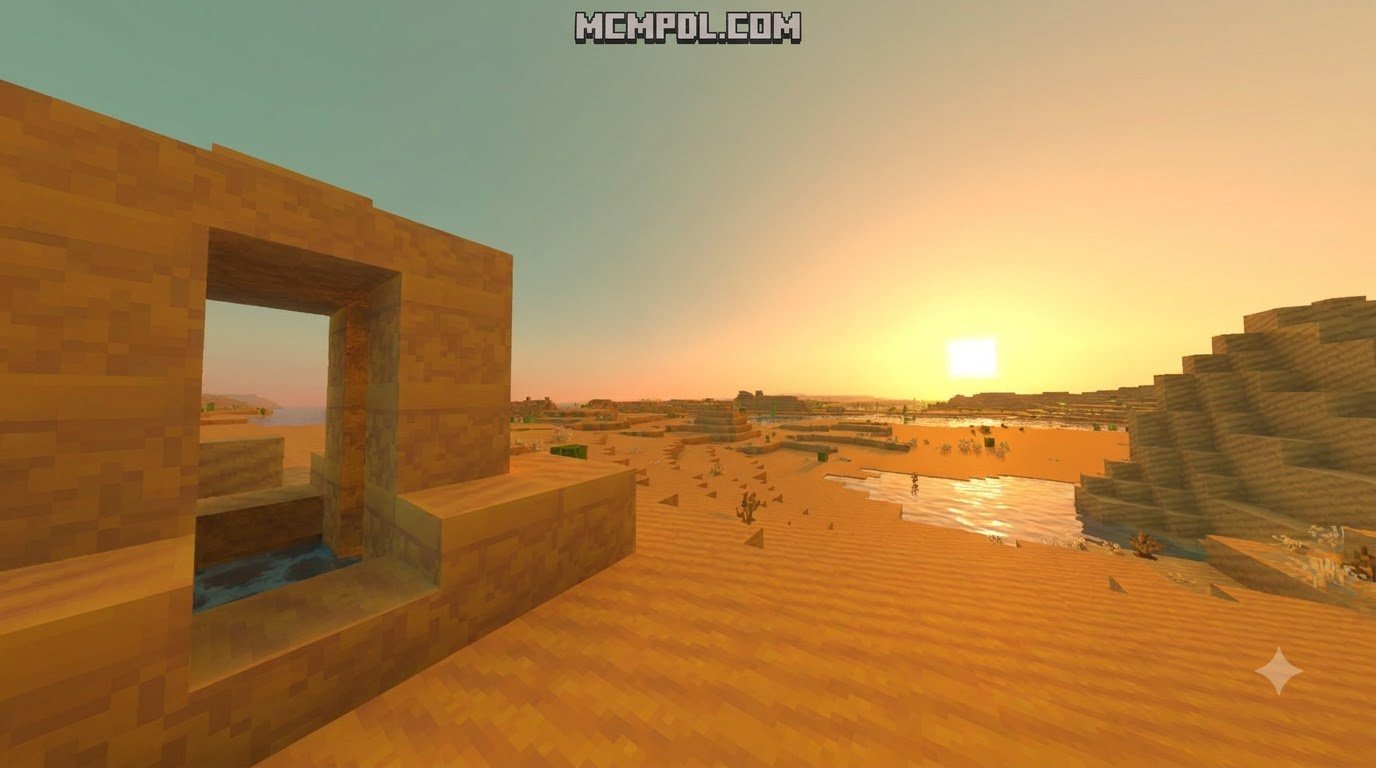
- Cinematic Atmosphere: Colors are tuned for warmth and vibrancy, providing rich contrasts during sunrise and sunset.
These visual tweaks work together to create an immersive scene, making the pack suitable for content creators looking to capture gameplay trailers, narrative roleplay videos, or scenic world tours.
Platform Support and Availability
Because it is distributed through the native Minecraft Marketplace, the pack features broad cross-platform support across twelve distinct systems:
- Mobile Platforms: Android (via Google Play) and iOS devices.
- Consoles: Xbox One, Xbox Series X|S, Nintendo Switch, and PlayStation systems.
- PC & Other Devices: Windows 10/11, Amazon Appstore, and supported VR platforms.
As long as your device runs Minecraft Bedrock Edition version 1.21.120 or newer, you can download and sync your purchase across any platform connected to your Microsoft account.
Cinematic Realism Texture Pack: Visual Fidelity and Compatibility
Visual fidelity in Bedrock can take many forms, from stylized texture updates to more detailed material and lighting treatments. Cinematic Realism focuses its visual identity on redesigned creatures, animations, and a more expressive atmosphere rather than presenting itself as a full block-by-block material overhaul.

| Feature | Cinematic Realism |
|---|---|
| Creator | Piki Studios |
| Price | 660 Minecoins |
| Target Version | Bedrock 1.21.120 or later |
| Graphics Focus | Support for Vibrant Visuals alongside custom models and animations |
| Main Visual Emphasis | Custom mobs, animations, and baby-mob models |
| What to Expect | A stylized cinematic look rather than a complete photorealistic rebuild of every block |
| Buying Consideration | Review the Marketplace listing and player feedback before purchasing |
For players looking to dive deeper into official Bedrock graphics technology, the Vibrant Visuals documentation on Microsoft Learn explains how modern lighting passes interact with custom resource packs.
Texture Fidelity, PBR Support, and Shaders
Unlike packs that focus entirely on converting blocks into photographic surfaces, Cinematic Realism prioritizes stylistic realism alongside mobile-friendly use. Its look is designed to work with modern Bedrock lighting features while keeping the emphasis on animated entities and atmosphere.
By contrast, dedicated PBR packs rely on heightmaps, depth-write Parallax Occlusion Mapping (POM), and LabPBR emissives to make metals reflect and lanterns glow with native ray tracing. Cinematic Realism takes a lighter approach, aiming to maintain cinematic styling without requiring an RTX-capable graphics card.
Mobile Performance and Hardware Demands
One of the biggest concerns for Pocket Edition players is frame rate stability. Adding high-resolution models and custom skeletal animations naturally puts more strain on your device’s CPU and GPU.
If you are running the game on an older mobile phone with 3 GB of RAM or less, complex mob farms packed with custom animated entities may cause noticeable frame drops. Performance may be smoother on newer devices during regular survival gameplay, especially when render distance and visual settings are kept at practical levels. For a more controlled test, enable the pack in a less crowded world first, then check how it behaves around villages, farms, and other areas with many animated entities. If frame drops appear, reduce render distance before changing several settings at once. Testing one adjustment at a time makes it easier to see whether the extra load comes from the pack, the world itself, or a conflict with another active resource pack. Players who mainly want the custom mob presentation can also keep their other visual settings modest to prioritize stable gameplay. Before deciding the pack is too demanding, restart the game after applying changes and revisit the same location for a consistent comparison. This avoids judging performance from a single busy scene and gives you a clearer baseline before adjusting the active resource-pack order or reducing additional visual effects.
Installation Guide and Setup Instructions
Getting resource packs running on Bedrock is straightforward regardless of whether you acquire them via the Marketplace or import custom files.

Community-made resource packs obtained outside the Marketplace can also be imported as standard files, but their installation steps may differ from Marketplace purchases.
How to Install the Cinematic Realism Texture Pack for Minecraft PE/Bedrock
To set up the pack directly from the in-game store:
- Launch Minecraft Bedrock Edition on your device.
- Open the Marketplace from the main menu and search for Cinematic Realism by Piki Studios.
- Purchase the pack for 660 Minecoins and select Download.
- Once downloaded, navigate to Settings > Global Resources.
- Select Cinematic Realism under the “My Packs” tab and click Activate.
- Alternatively, apply it to a single world by opening your World Settings > Resource Packs and activating it there.
Troubleshooting Glitches and Optimizing FPS
If you experience stuttering, missing textures, or low frame rates after enabling the pack, try these optimization steps:
- Lower Render Distance: Lowering your render distance by 2 to 4 chunks in Video Settings frees up memory on mobile devices.
- Adjust Anti-Aliasing: Reduce anti-aliasing to 1 or 2 to reduce GPU load.
- Resolve Pack Conflicts: If mob models appear broken or default back to vanilla, ensure Cinematic Realism sits at the top of your active resource packs list.
- Try a Lighter Setup: If you prefer fewer custom entity effects, disable other active resource packs and test Cinematic Realism by itself to identify the source of a performance issue.
Community Feedback and Value Verdict
At 660 Minecoins (approximately $3.30 USD), Cinematic Realism has sparked debate among Bedrock players. The pack holds a polarized 2.6 out of 5 stars across 41 ratings, with 20 users leaving a 1-star review and 9 users awarding 5 stars.
Much of the disappointment stems from player expectations. Many users expect a full RTX photorealistic texture overhaul for every single block, whereas this pack leans heavily into stylized entity models, custom baby mobs, and animation tweaks. If you are seeking pure photorealism and ray-traced reflections, this pack may not match those expectations. However, if your goal is to add character and cinematic flair to your worlds, the pack delivers on its specific design promises.
Frequently Asked Questions
Is the Cinematic Realism texture pack free to download?
No, Cinematic Realism is an official Marketplace resource pack that costs 660 Minecoins (about $3.30 USD). If you are looking for free realistic options, community-created packs available across the Bedrock ecosystem offer great alternative options.
What are the minimum requirements to run Cinematic Realism on mobile?
Your device must run Minecraft Bedrock Edition version 1.21.120 or higher. For smooth performance, we recommend a device with at least 4 GB of RAM and a mid-range quad-core processor to handle the custom entity animations without lag.
Can Cinematic Realism be used with Bedrock RTX ray tracing?
While the pack supports Vibrant Visuals enhancements, it is primarily an entity and model resource pack rather than a dedicated RTX PBR material pack. On Windows 10/11 RTX hardware, it will display the models properly, but it does not feature deep bump-mapped surfaces like dedicated ray-tracing texture packs.
Conclusion
The Cinematic Realism texture pack offers a unique, lively approach to Bedrock visuals with its focus on mob models, vibrant palettes, and custom animations. While its polarized community score means you should carefully consider whether its mob-centric features align with your tastes before spending 660 Minecoins, it remains an interesting option for players wanting more expressive creatures in their worlds.
MCMPDL helps players discover and install Bedrock content across Android, iOS, and Windows. Browse the latest guides and packs to find options that suit your gameplay preferences.