Scroll down to D0vvnl0ad
Features of the Action Movie Maker Map for Minecraft PE/Bedrock
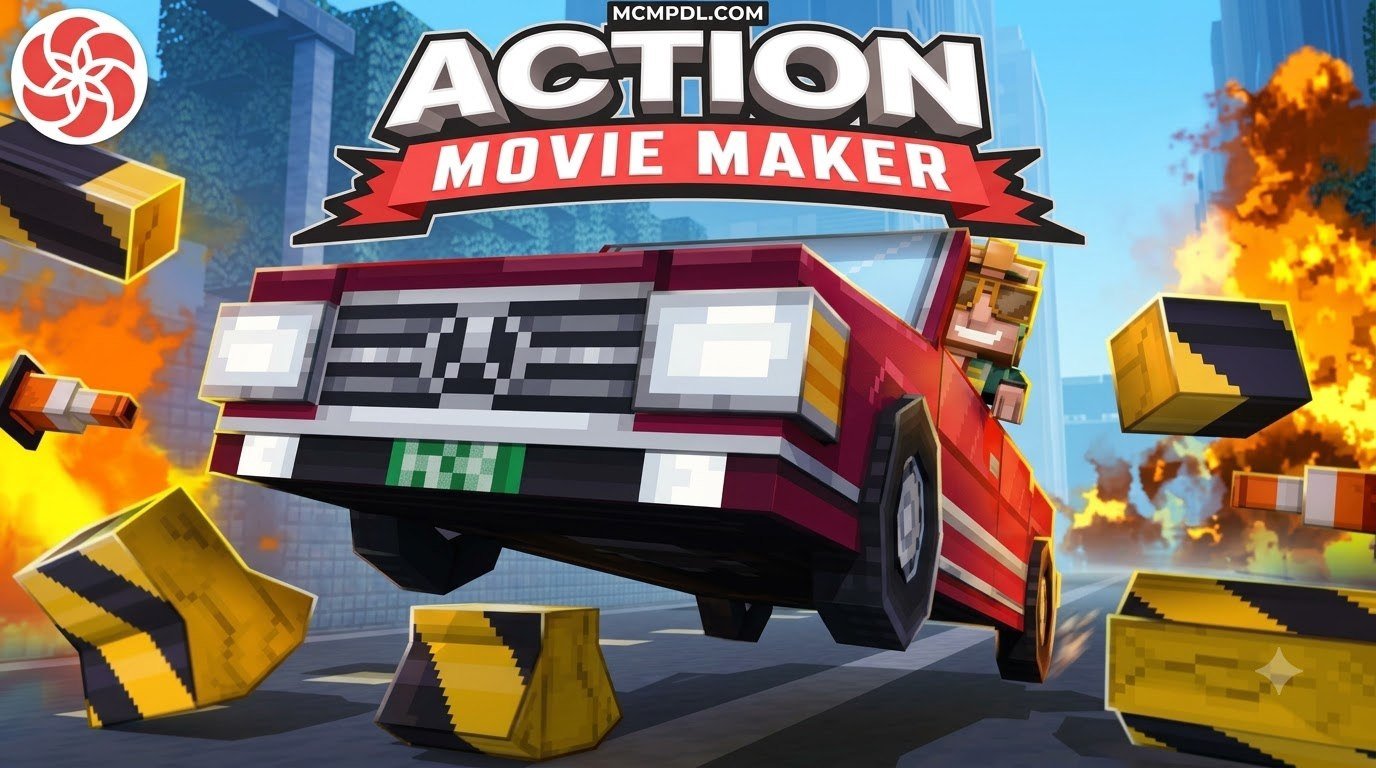
To download and install the Action Movie Maker map for Minecraft PE/Bedrock, open Minecraft, go to the Marketplace, search for Action Movie Maker, purchase it for 990 Minecoins, download it, and click Create this World. Once you are in the world, the map transforms the familiar blocky sandbox into a full-scale cinematic studio. Originally created by Everbloom Games, the project revolves around the famous TNT Stunt School, providing a structured environment where anyone can jump into the director’s chair. Rather than wrestling with complex external video editing software or writing complicated command block chains from scratch, creators have access to a purpose-built in-game production suite designed for rapid scene creation.
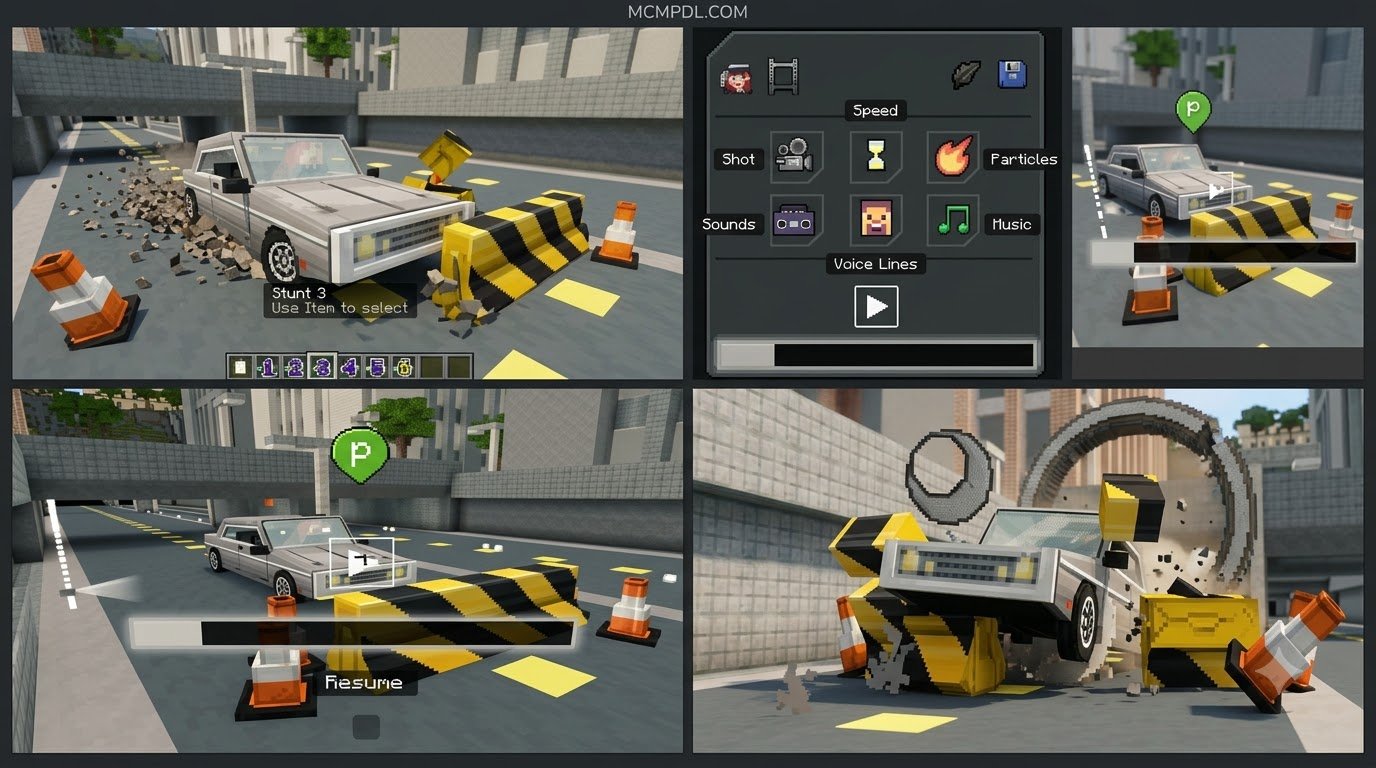
Filmmaking inside Bedrock Edition requires precise control over scene timing, movement, and visual flair. This map addresses those needs by packaging stunt setups, custom animations, and post-production effects directly into the world mechanics, allowing players on phones, tablets, consoles, and PCs to record polished sequences effortlessly.
Planning, Stunts, and In-Game Editing Tools
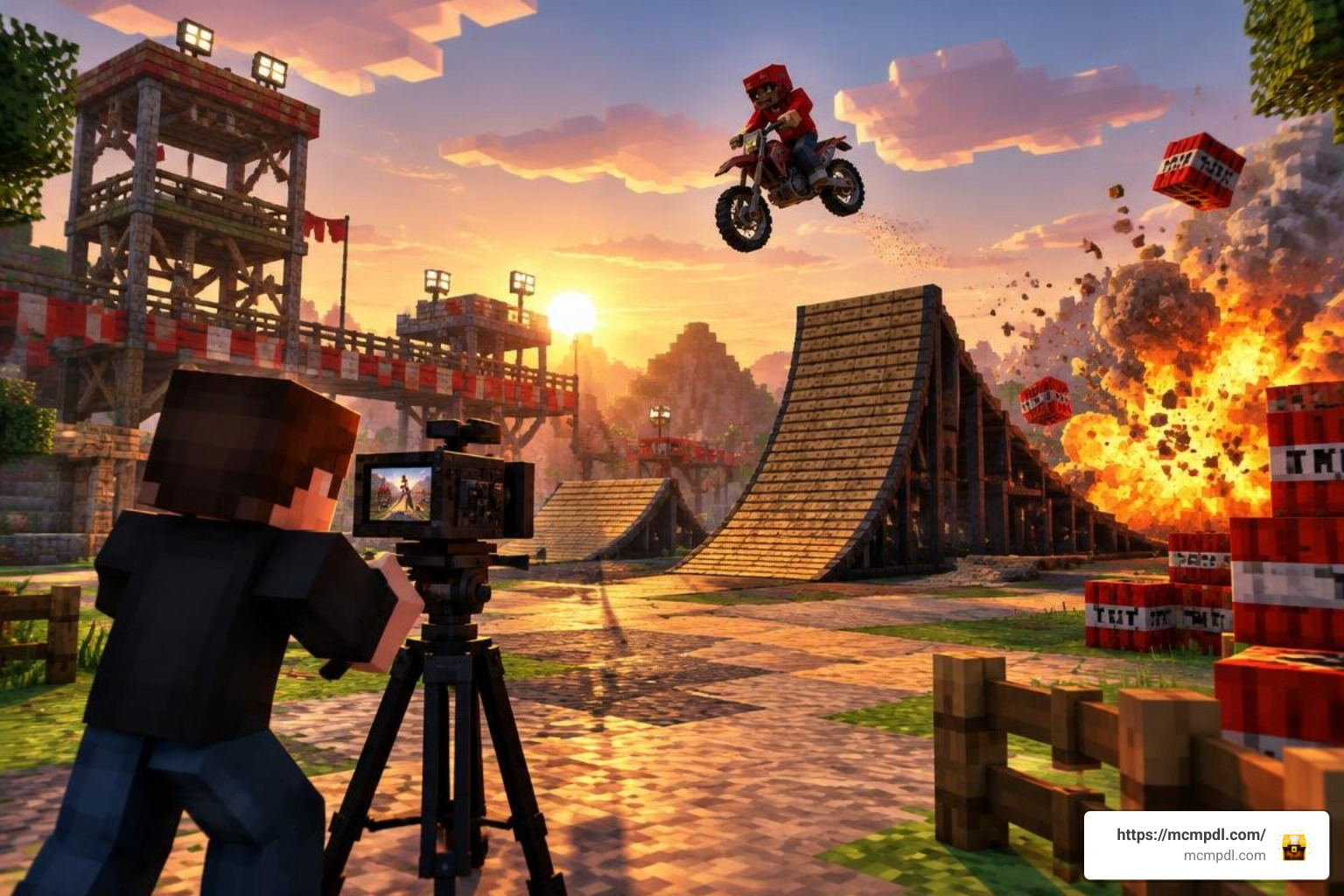
Every great movie begins in pre-production. As the old studio adage goes: Prior Proper Planning Prevents Poor Performance! The map guides you through three distinct phases: planning your scene, executing the stunt, and editing the final cut.
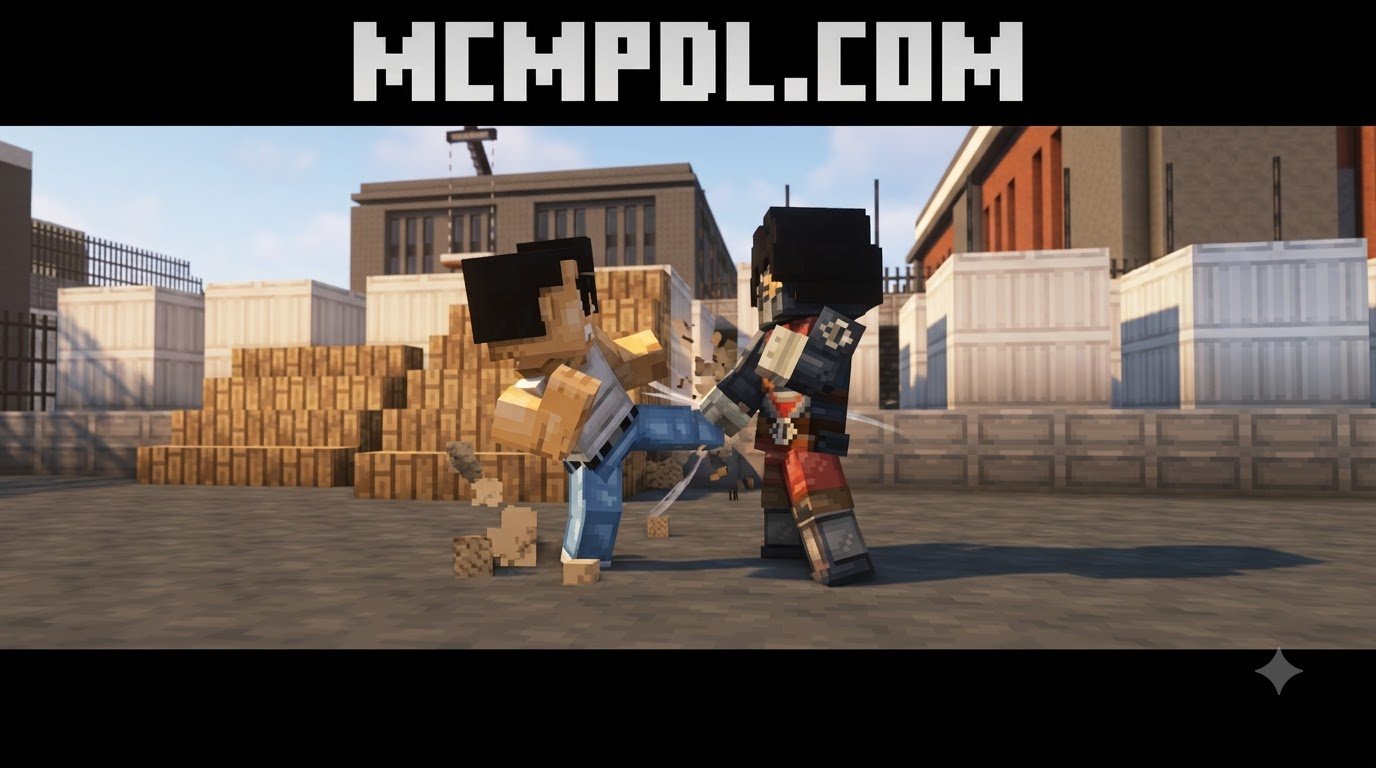
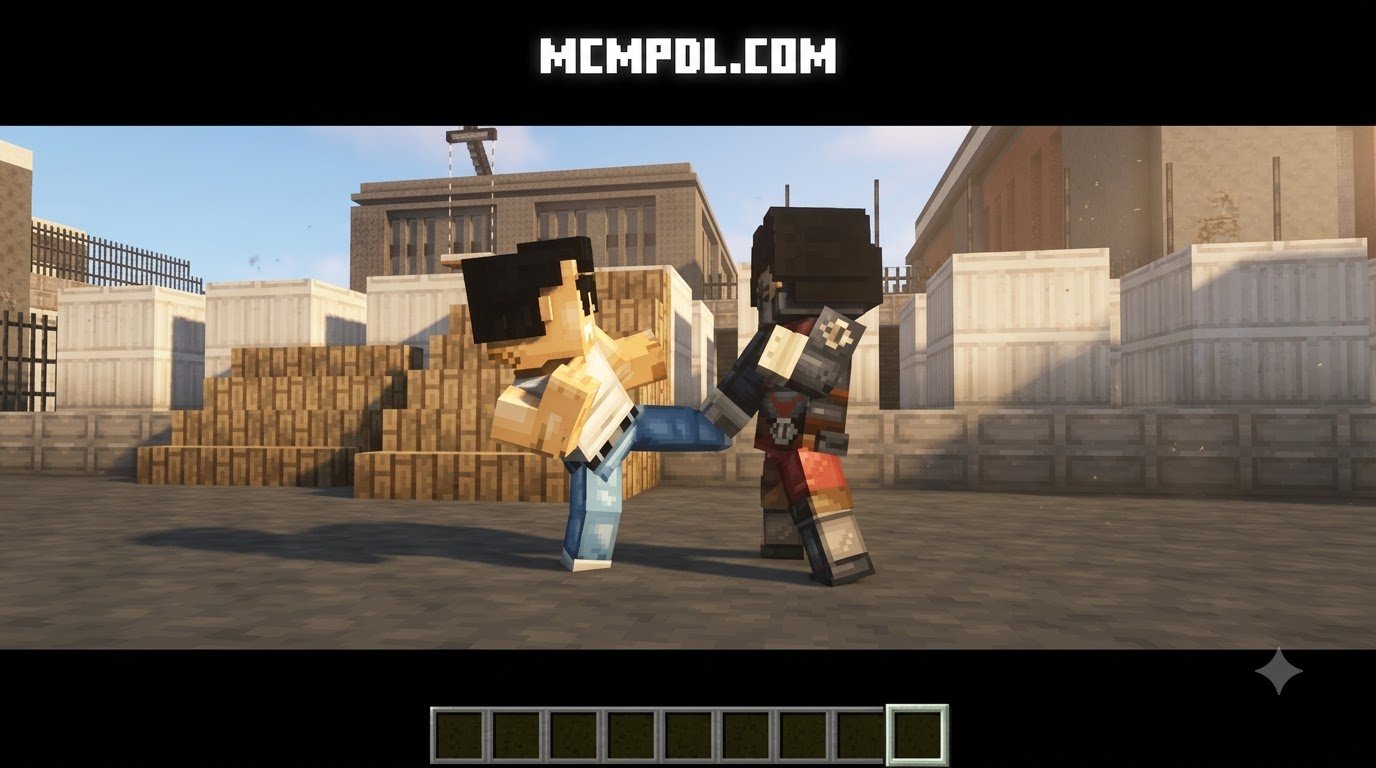
- Star Selection: Choose the leading actor for your blockbuster. Whether you want a rugged hero, a daring stunt double, or an unsuspecting zombie to take center stage, you can assign roles without needing a Hollywood agent.
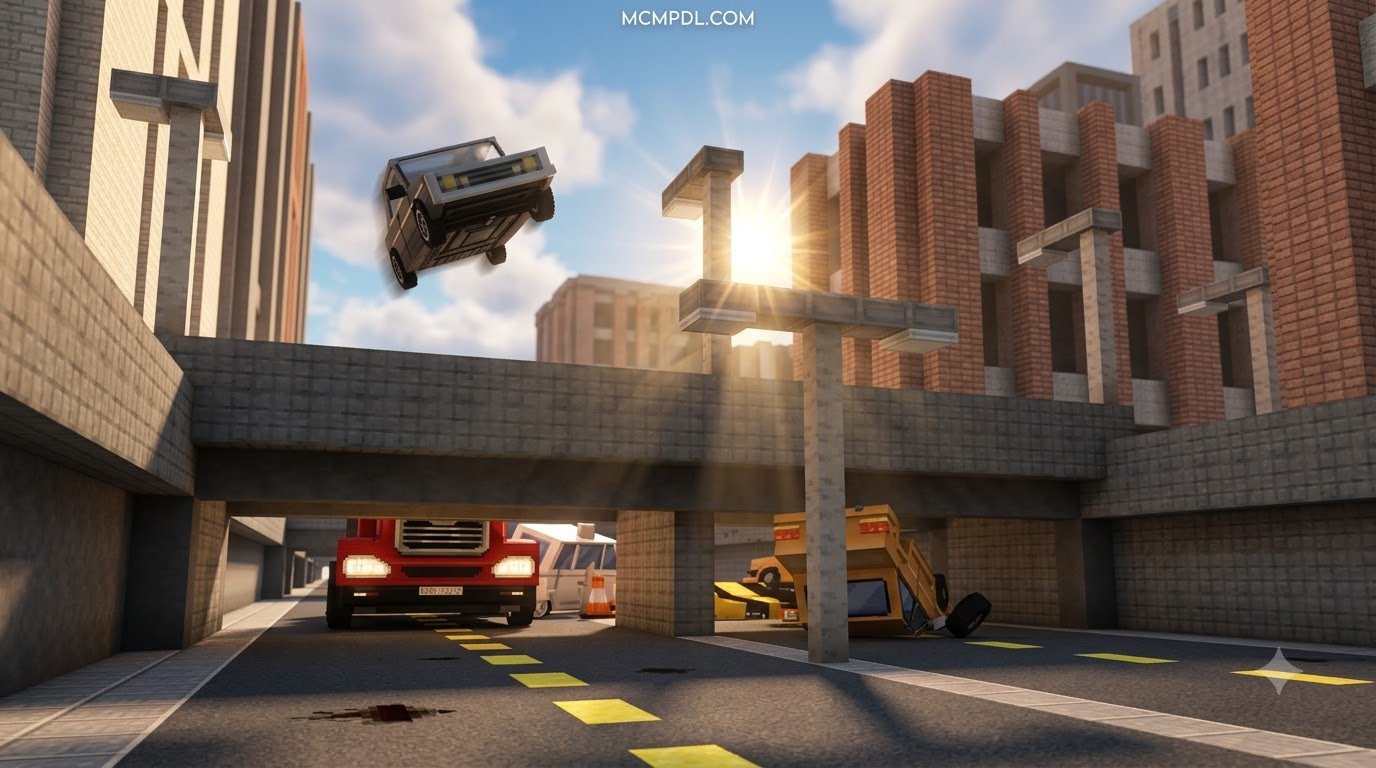
- Location Scouting: Pick from multiple preset stages tailored for high-octane set pieces, from desert canyons to explosive urban arenas found in popular custom maps. Each set comes equipped with pre-rigged explosive points and camera rails.
- Dynamic Camera Angles: Set up dynamic camera perspectives to capture dramatic leaps, vehicle chases, and fiery explosions from the most flattering viewpoint without manual camera repositioning during live action.
- Stunt Choreography: Trigger automated stunt routines, TNT catapults, and mid-air dashes designed to make your characters look like seasoned action stars navigating perilous battlegrounds.
- The Screening Room: Once you finalize your cuts, step into the in-game theater to view your finished sequence on the silver screen before exporting or recording your footage for broader video platforms.
Enhancing Your Movie Set with Visuals and Audio
A thrilling sequence falls flat without the right sensory punch. To elevate standard gameplay into a cinematic experience, the map integrates specialized atmospheric tools that synchronize with scene triggers:
- Slow-Motion Capture: Emphasize high-stakes moments by dialing down game speed during mid-air explosions or narrow escapes, giving viewers time to absorb every airborne particle.
- Custom Audio & Voice-Overs: Add tension using pre-recorded voice tracks, dramatic musical cues, and impactful sound effects that trigger during key stunt moments to heighten suspense.
- Particle Dynamics: Deploy debris, fiery bursts, smoke screens, and spark effects right on cue to simulate cinematic blast radiuses.
- Visual Atmosphere: Pair your production with cinematic shaders to refine scene lighting, and dress your cast in custom character skins to establish distinct hero and villain designs across every take.
How to Download and Install the Map on Bedrock and Mobile Devices
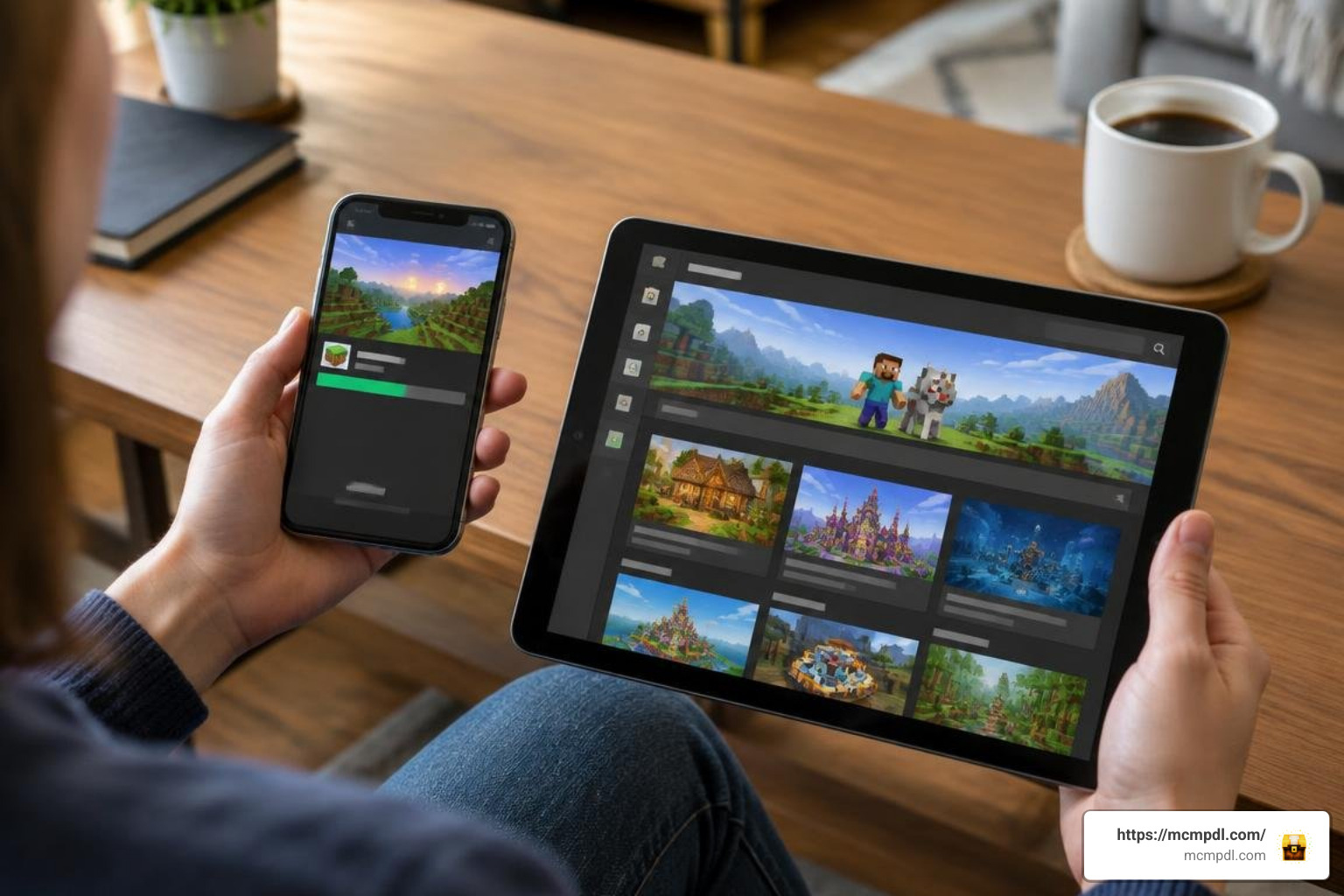
Getting your movie set ready is straightforward across Windows, iOS, Android, and console devices running Minecraft Bedrock Edition. Depending on whether you use official Marketplace content or community-created .mcworld projects, the installation steps vary slightly, but both methods allow you to set up your creative studio in minutes.
Step-by-Step Guide to Install the Action Movie Maker Map for Minecraft PE/Bedrock
Because this world is an official release by Everbloom Games on the Minecraft Marketplace, it installs directly through the game client without manual file management:
- Launch Minecraft: Open Minecraft Bedrock Edition on your device and ensure your game is updated to the latest stable release (1.21+ recommended) to guarantee full feature compatibility.
- Access the Marketplace: From the main menu, click on the Marketplace (or Store) button to load the content catalog.
- Search for the Map: Use the search bar in the top-right corner and type
Action Movie Maker. Locate the map by Everbloom Games in the search results. - Check Your Minecoins: The map is priced at 990 Minecoins. Ensure your account has sufficient balance, or purchase the required coin bundle from the store checkout.
- Purchase and Download: Click the purchase button to unlock the world template. Once purchased, select Download to save the map data locally to your device storage.
- Create Your Studio World: After the download completes, click Create this World, adjust your preferred world settings, and jump straight into the director’s booth. You can also explore a wide variety of free community content across similar creative categories to expand your studio library.
Installing Alternative Cinematic Maps via .mcworld Files
If you are trying out standalone community movie-making projects and third-party creative templates, you will generally download a .mcworld file. Follow these steps to load them onto mobile or PC:
- Download the File: Save the
.mcworldpackage directly to your device’s local storage or downloads folder. - Open the File:
- On Android/iOS, tap the downloaded file directly from your file manager or mobile browser downloads. Select Open with Minecraft when prompted by the operating system.
- On Windows 10/11, simply double-click the
.mcworldfile in File Explorer.
- Automatic Import: Minecraft will launch automatically and display an “Import started…” banner at the top of the screen, followed by “World import successful.”
- Expand with Behaviors: If the map requires custom tools, you can supplement your world by enabling specialized gameplay add-ons from your world resource settings before hitting Play.
Comparing the Best Minecraft PE Filmmaking Maps
Different filmmaking maps prioritize different mechanics. Some focus on multi-track scene editing, while others provide ready-to-record stunt stages with pre-programmed special effects. Here is how leading cinematic world templates compare across key director features:
| Feature / Map | Action Movie Maker (Everbloom Games) | Community Relay Studios | Standard In-Game Film Sets |
|---|---|---|---|
| Primary Platform | Minecraft Bedrock Marketplace | Community Download (.mcworld) | Community Download (.mcworld) |
| Price | 990 Minecoins | Free | Free |
| Key Focus | TNT Stunt School, Action Editing | Multi-Scene Timing & Relays | In-Game Film Slots & Playback |
| Max Scene Capacity | Stunt-Based Dynamic Cuts | Up to 10 Structured Scenes | 5 Dedicated Save Slots |
| Special Audio / SFX | Voice Lines, Slow-Mo, Particles | Relay Timing Controls | Frame-by-Frame Capture |
| Multiplayer Support | Singleplayer Only | Singleplayer & Co-op Setup | Singleplayer Friendly |
| Ease of Use | Beginner to Intermediate | Intermediate (Redstone/Relays) | Beginner Friendly |
While community relay studios offer flexibility for builders comfortable with redstone triggers, the Action Movie Maker template excels by delivering automated camera sweeps, built-in sound effects, and immediate screening capabilities without requiring manual wiring. If you want to discover even more tools to customize your gameplay worlds, take a look at all trending downloads currently available for Bedrock Edition.
Best Practices for Directing Action Scenes in Minecraft
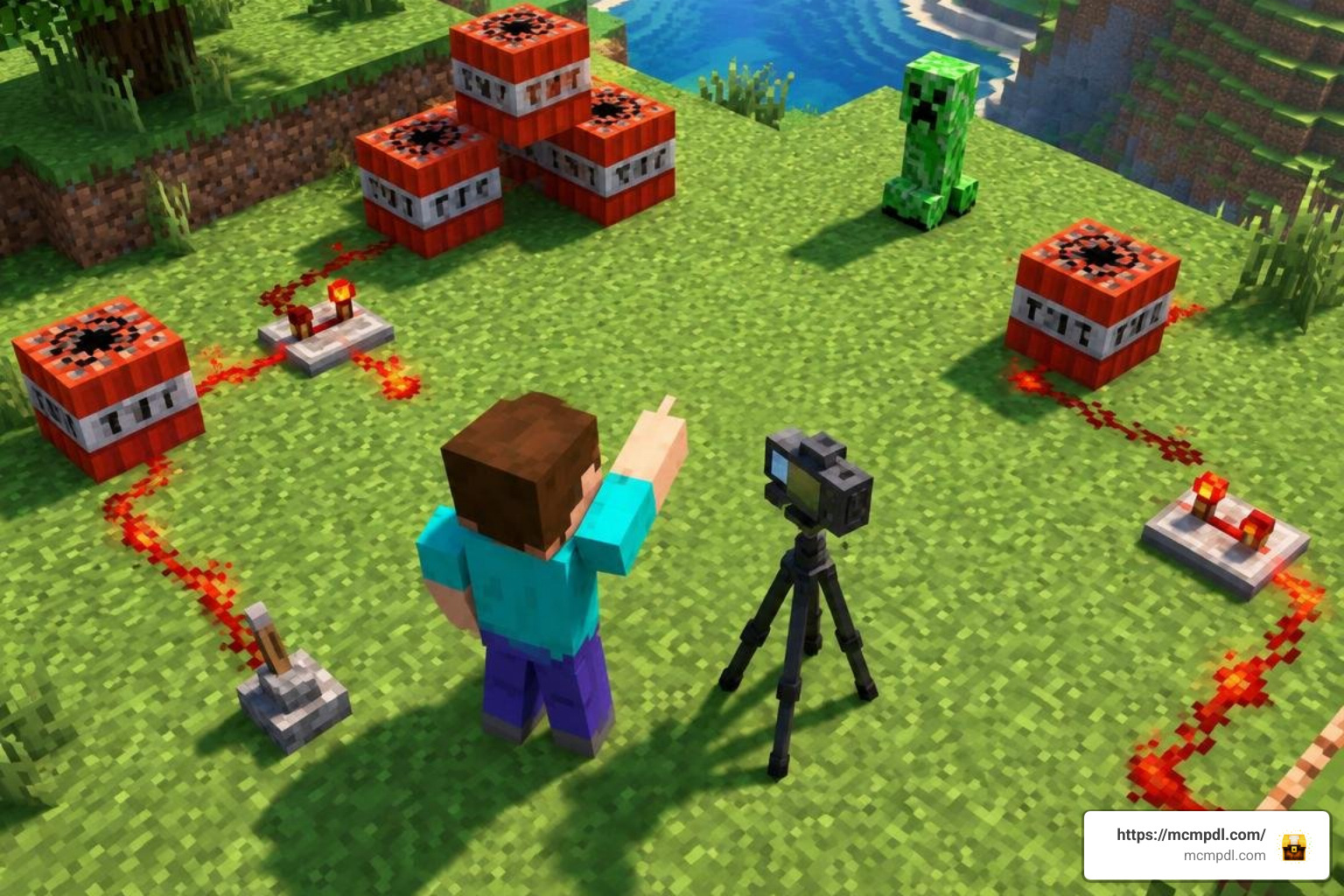
Creating an action sequence that feels energetic rather than chaotic requires deliberate directing techniques and careful spatial awareness. Keep these production tips in mind when staging your next movie:
- Choreograph Before Rolling: Walk through the stunt path before triggering automated camera sequences. Know exactly where your explosions land so your actor stays framed in the center of the action throughout the entire take.
- Master the Rule of Thirds: Position your primary subject slightly off-center using the map’s camera angles to give high-speed chases and parkour sequences a natural sense of forward motion and momentum.
- Layer Atmospheric Audio: Combine dramatic explosions with sudden pauses or silences using slow-motion triggers to make impact moments feel heavy, deliberate, and satisfying to the viewer.
- Control Scene Lighting: Ensure your stages feature adequate ambient lighting using hidden glowstone or sea lanterns so that fast-moving stunts remain clear and visible even during night sequences.
- Upgrade Your Visual Fidelity: Enhance the set’s architectural details by pairing the map with high-resolution HD texture packs or comprehensive mash up packs to give your environment a distinct cinematic theme that stands out on camera.
Frequently Asked Questions about Action Movie Maker
Is the Action Movie Maker Map for Minecraft PE/Bedrock Multiplayer Compatible?
No, the map is designed primarily as a single-player experience. The custom scripting, camera tracks, cutscene triggers, and stunt coordination mechanisms are optimized for one director at a time to prevent conflicting commands, broken trigger zones, or desynchronized footage during active recordings.
How Much Does the Action Movie Maker Map Cost?
The official map by Everbloom Games costs 990 Minecoins on the Minecraft Marketplace. Once purchased, it is permanently tied to your Microsoft account and can be re-downloaded across any supported Bedrock device, including mobile phones, tablets, Windows computers, and consoles.
What Are the System Requirements for Running Movie Maker Maps?
The map runs on any mobile device, console, or PC that supports standard Minecraft Bedrock Edition (version 1.19.50 through 1.21+). Because stunt sequences generate dense particle effects, rapid entity movements, and complex camera scripts, maintaining smooth framerates on lower-end mobile hardware is easiest when rendering distances are kept around 8 to 12 chunks with unnecessary background apps closed.
Conclusion
Filmmaking in Minecraft has come a long way from simply hiding your GUI and pressing record on a basic screen capture tool. The Action Movie Maker map bridges the gap between creative sandbox building and structured digital animation, giving every player the tools to stage explosions, choreograph high-speed stunts, and edit action scenes directly inside Bedrock Edition. With automated camera sweeps, custom sound effects, and dedicated screening rooms, aspiring directors can bring their grandest cinematic visions to life on any supported device. For a broader look at how Minecraft compares with other creative sandbox platforms, see the Minecraft Wikipedia entry.
Grab your director’s slate, load into the stunt school, and explore the latest Minecraft Bedrock resources to equip your world with the best maps, textures, and creative packs available.