
Scroll down to D0vvnl0ad
Download and Install Everest Ascension World for Minecraft PE/Bedrock
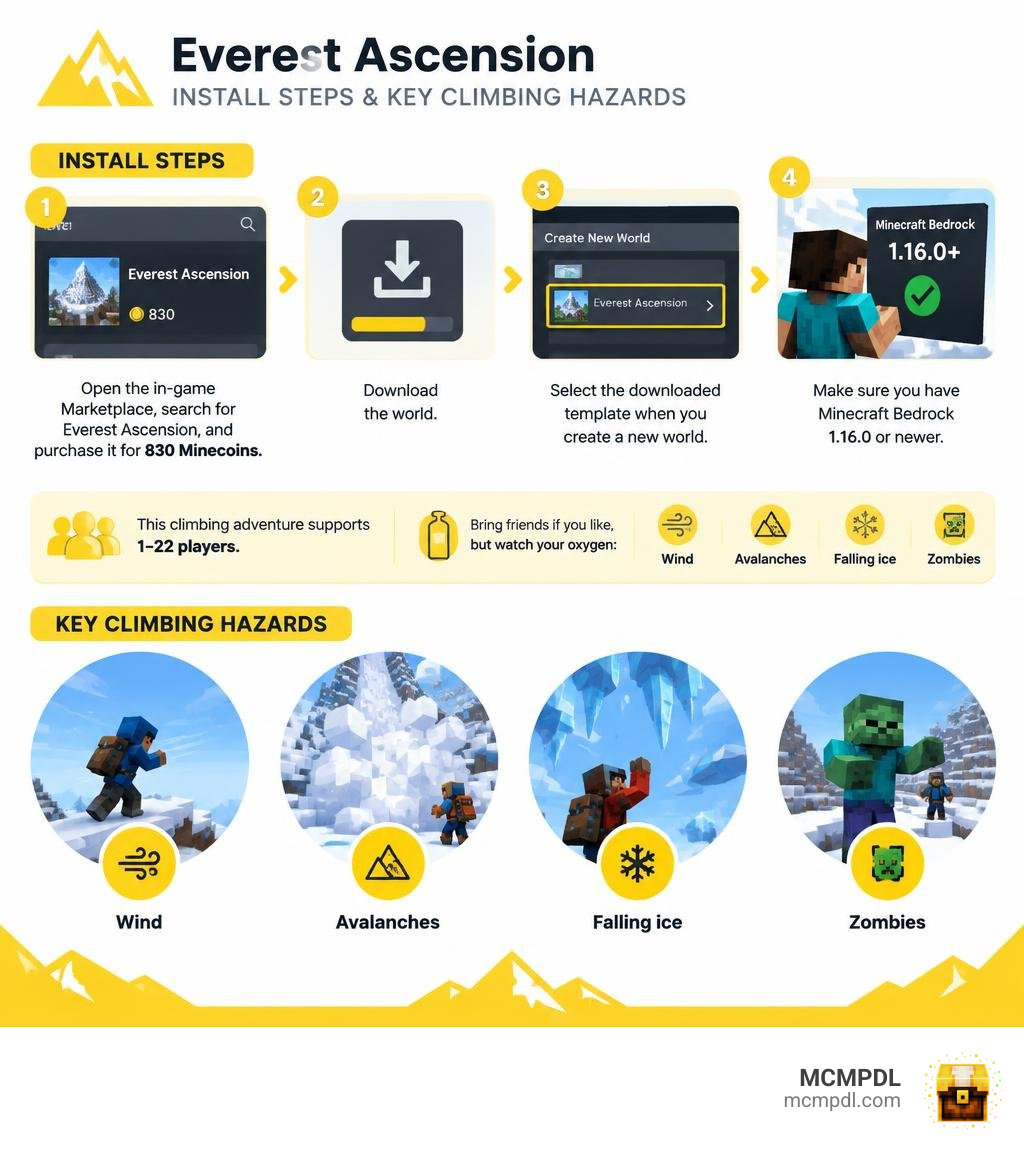
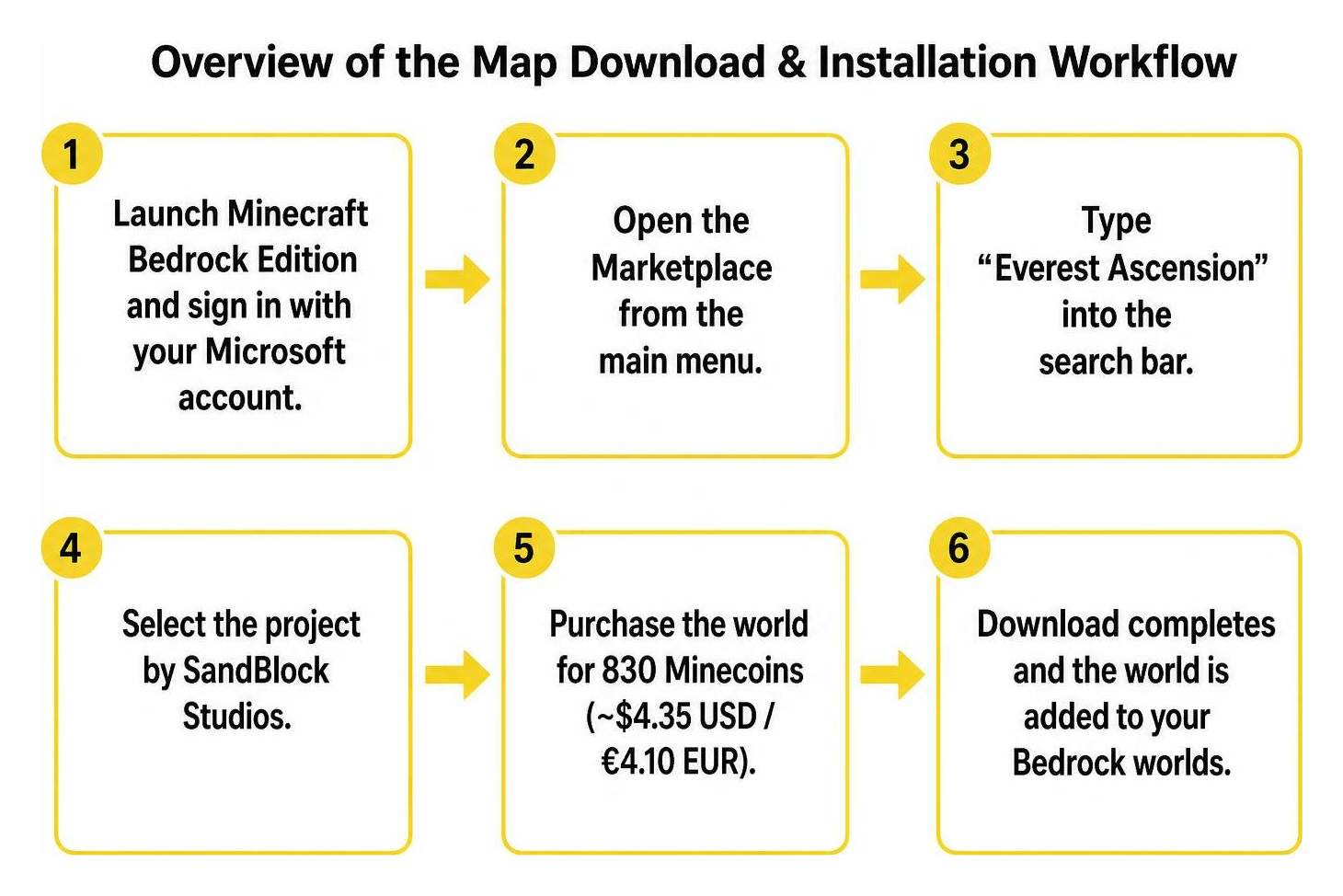
To install Everest Ascension World for Minecraft PE/Bedrock, open the in-game Minecraft Marketplace, search for Everest Ascension, purchase it for 830 Minecoins, and download it. Then select the downloaded template when you create a new world. You need Minecraft Bedrock 1.16.0 or newer to run the custom behaviors properly.
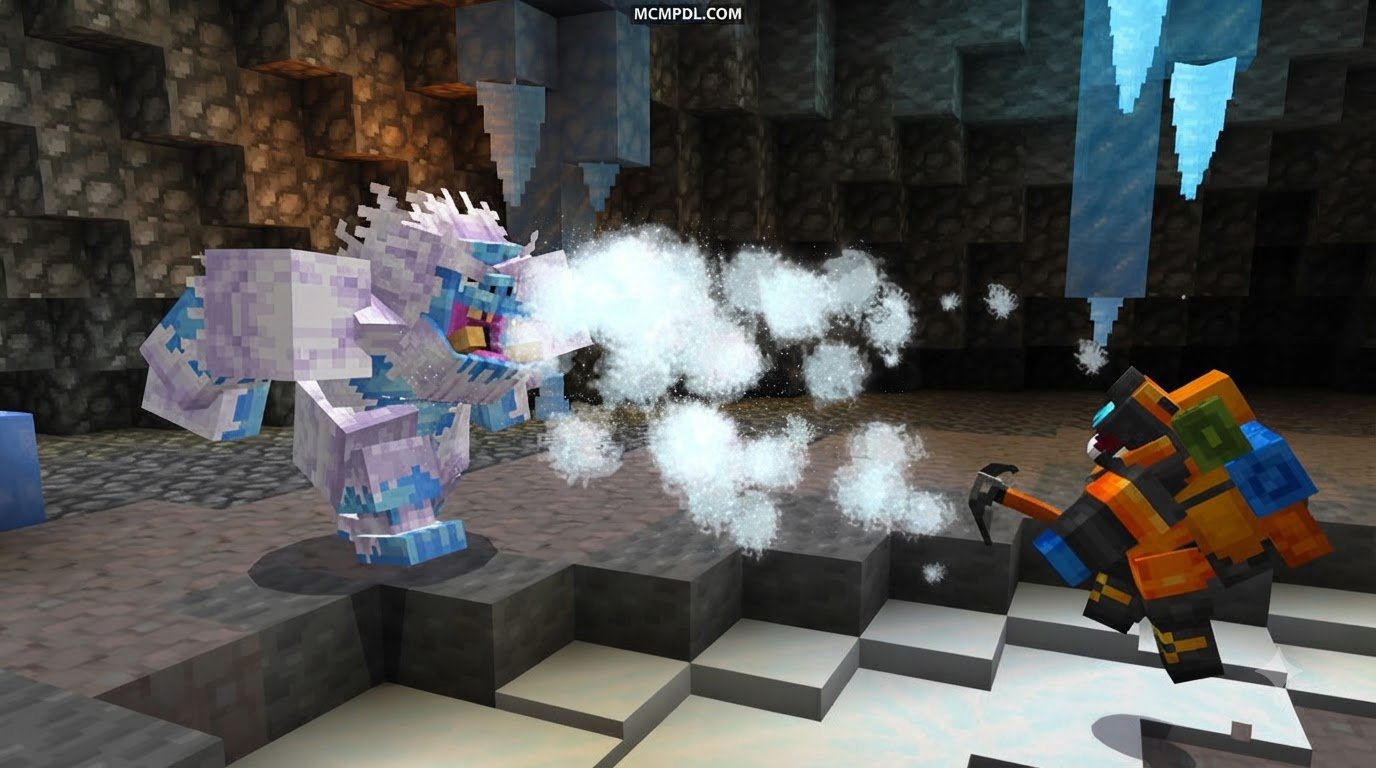
This high-altitude climbing adventure supports 1–22 players, making it ideal for solo survivalists and large expedition groups alike. Bring your friends along if you want a shared journey, but make sure to monitor your team’s collective resources closely. Harsh mountain wind, rolling avalanches, falling ice shards, and aggressive mountain zombies will make every meter of the route toward the summit far more dangerous than standard survival terrain.
What Is the Everest Ascension World for Minecraft PE/Bedrock?

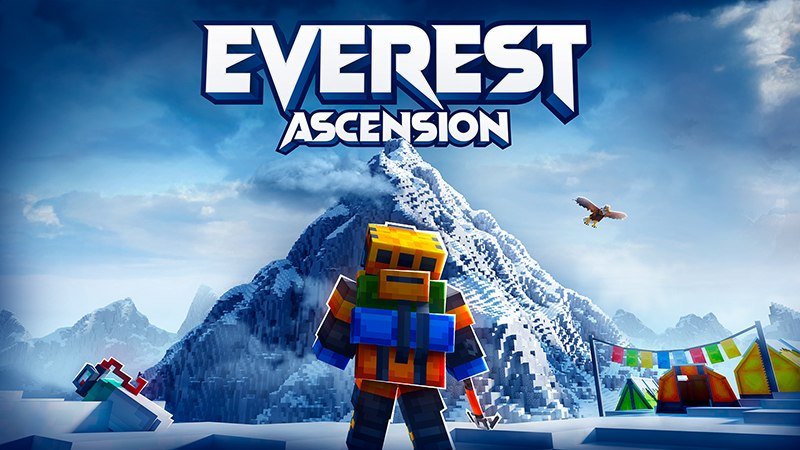
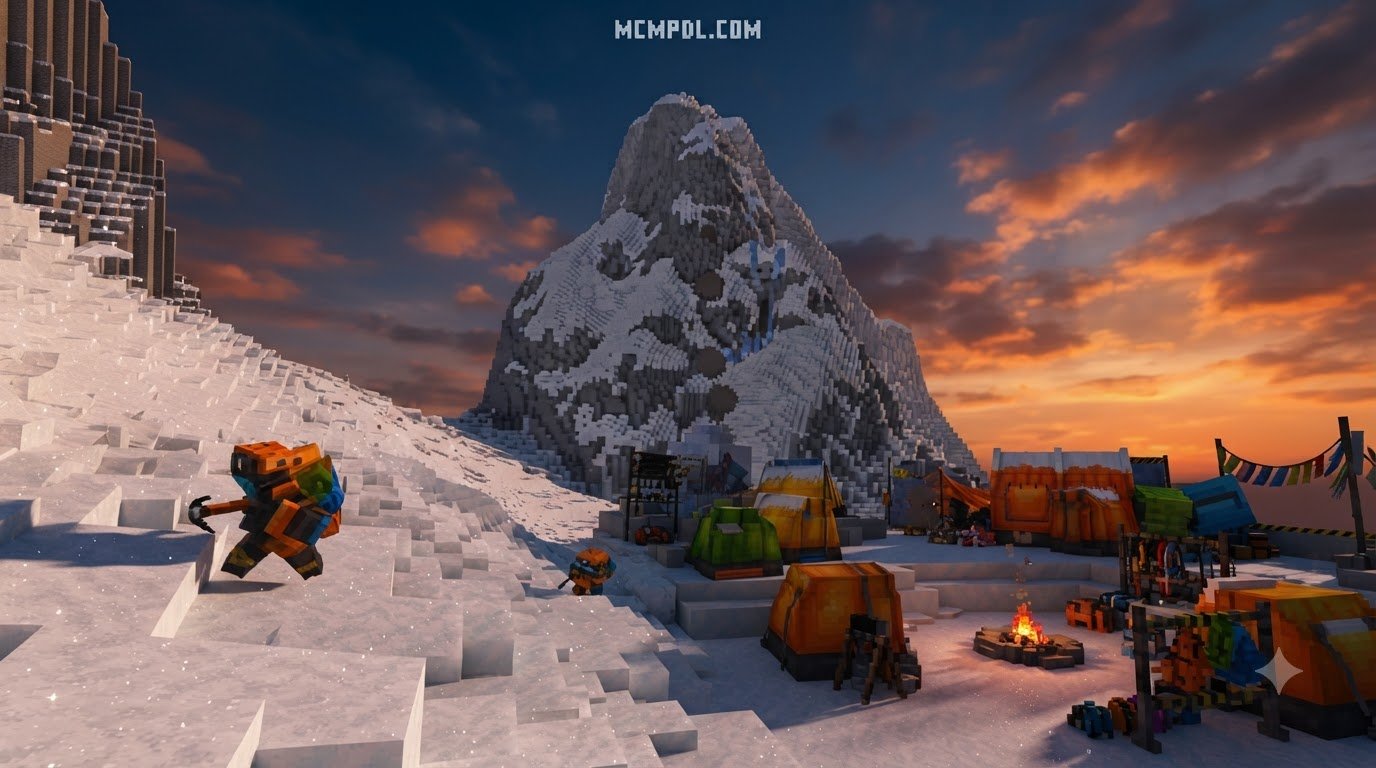
Everest Ascension is an immersive adventure world crafted specifically for the Bedrock Edition ecosystem by SandBlock Studios. Released on June 17, 2025, and updated with enhanced mechanics on August 13, 2025, the map transports mountaineers to an expansive, stylized recreation of Mount Everest. Rather than relying purely on simple parkour blocks or standard vanilla terrain generation, it integrates custom survival systems, dynamic weather effects, and scripted environmental threats that mimic the real-world perils of high-altitude mountaineering.
The map has earned an impressive 4.6 out of 5-star rating across 115 community reviews, with over 81% of players awarding it a full five stars for its atmospheric design and deep mechanical depth. If you enjoy testing your endurance across rugged, sub-zero terrain, you can also explore custom frozen world adventures to see how different creators tackle sub-zero survival design.
Key Specifications of the Everest Ascension World for Minecraft PE/Bedrock
Before beginning your trek, review the technical requirements and feature details in the table below:
| Feature / Metric | Specification Details |
|---|---|
| Developer | SandBlock Studios |
| Release Date | June 17, 2025 (Updated August 13, 2025) |
| Price | 830 Minecoins (~$4.35 USD / €4.10 EUR) |
| Supported Minecraft Version | Bedrock 1.16.0 and newer |
| Player Capacity | 1 to 22 Players (Single-Player, LAN, Dedicated Server, Realms) |
| Included Cosmetics | 6 Themed Mountaineering Skins |
| Language Support | Multi-language localized UI and text |
| User Rating | 4.6 / 5 Stars (115 Ratings) |
The map combines rigorous survival mechanics with breathtaking alpine topography, offering an expansive sense of scale similar to the vast environments encountered when exploring realistic landscapes in Bedrock.
Unique Environmental Hazards and Gameplay Features
Scaling the world’s highest peak requires overcoming multiple interactive mechanics designed to test your reflexes and resource planning:
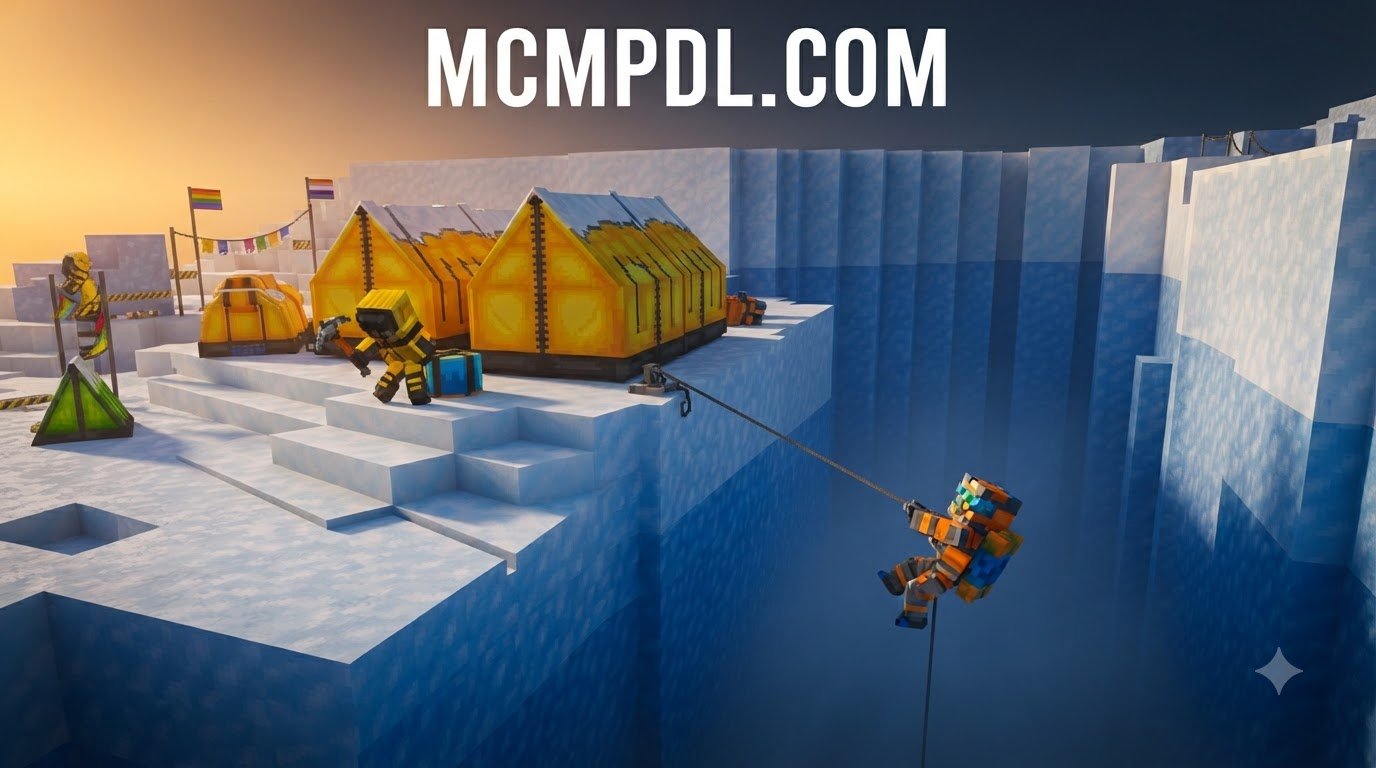
- Oxygen Depletion: As you climb past base camp into the upper death zones, the atmospheric pressure drops and air thins rapidly. You must collect, manage, and equip oxygen canisters found along the route to avoid gradual suffocation.
- Dynamic Wind and Knockback: Exposed ridgelines feature sudden, violent gusts of icy wind that push characters toward steep ravines and treacherous drop-offs.
- Falling Ice Spikes and Avalanches: Navigating unstable snowpack can trigger cascading snow masses and razor-sharp falling stalactites dislodged from overhanging glaciers.
- Gear-Stripping Hostiles: Mountain zombies stalk the snowy passes, dealing physical damage while ripping off your protective thermal clothing, leaving you vulnerable to rapid hypothermia.
- Custom Visuals & Dynamic Light: Custom skyboxes, localized shaders, and atmospheric lighting dynamically simulate dense blizzards, mist, and disorienting whiteout conditions.
- Climax Boss Battle: Reaching the summit triggers a multi-phase boss encounter atop the peak, requiring coordinated combat tactics in freezing weather.
Step-by-Step Guide to Download & Install Everest Ascension on Bedrock
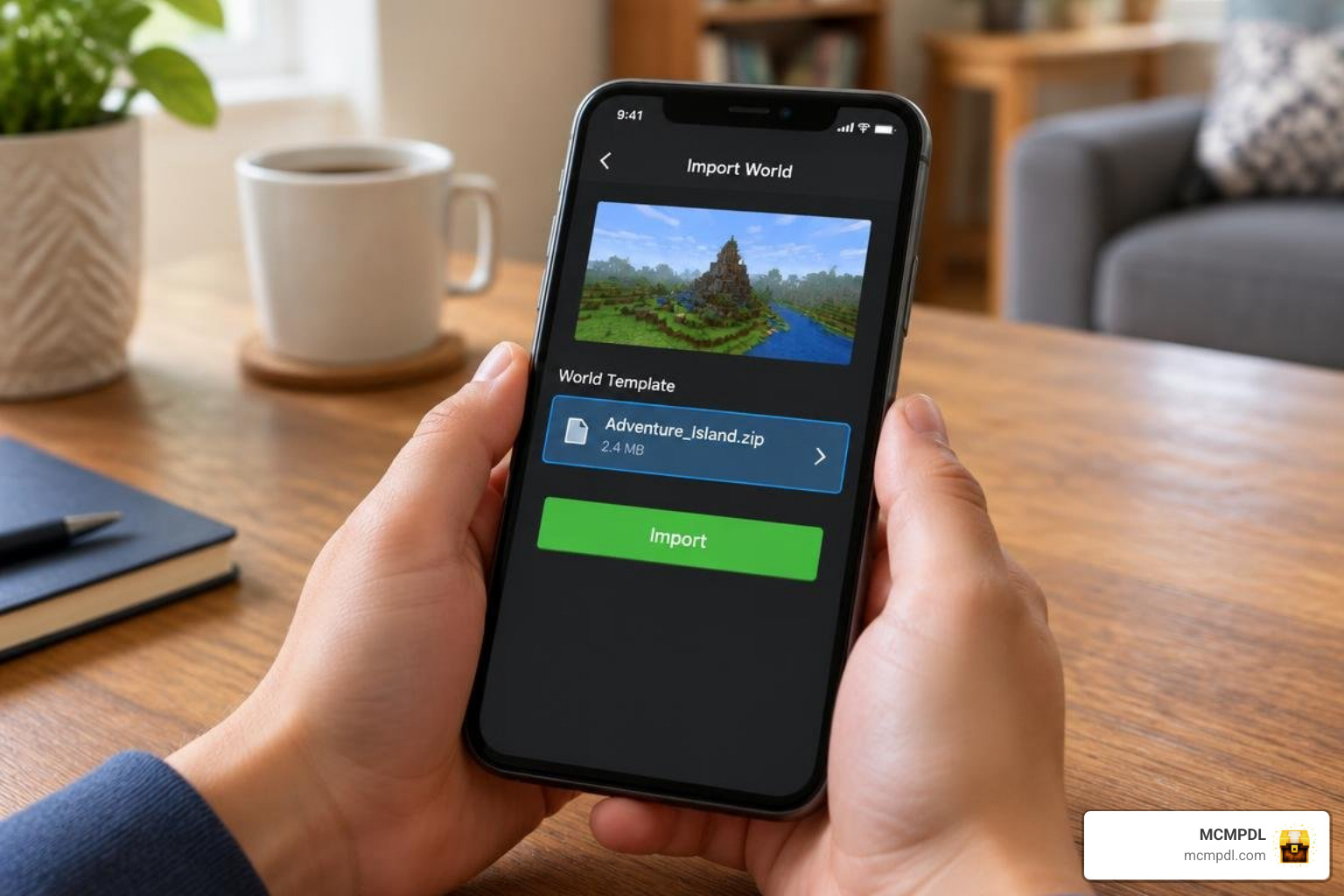
Installing this custom world template takes only a few moments, whether you play on mobile devices (iOS/Android), Windows, Xbox, PlayStation, or Nintendo Switch platforms.
Downloading and Installing the World File
- Launch Minecraft Bedrock Edition on your chosen gaming device and ensure you are logged into your active Microsoft account.
- Open the Marketplace directly from the main start menu.
- Type
Everest Ascensioninto the search bar and select the official project released by SandBlock Studios. - Purchase the map for 830 Minecoins (or download it directly if you have already unlocked the license).
- Click Download to pull all required behavior and resource packs to your local storage. Once finished, select Create This World.
- Adjust your world preferences, select your preferred difficulty level, enable multiplayer permissions or invite friends, and hit Create to spawn directly into the base camp.
- Open your dressing room menu to equip any of the 6 included mountaineering skins before embarking on the trail.
Manual Map Import and Troubleshooting for Mobile & PC
If you are restoring a manual .mcworld backup or troubleshooting an installation glitch across different platforms:
- Automatic Import: Double-click or tap the
.mcworldfile on Windows, iOS, or Android devices to launch Minecraft and initiate the automated template import process. - Manual Directory Placement: If manual placement is required on older Android or PC file structures, extract the world folder directly into:
/games/com.mojang/minecraftworlds/ - Version Mismatches: Ensure your Minecraft client is updated to at least Bedrock version 1.16.0. Outdated clients cannot parse the custom entity behaviors, custom UI gauges, or scripted weather triggers.
- Storage Space: Ensure your device has at least 300 MB of free storage available for world generation caches, high-resolution textures, and behavior scripts.
Mastering the Ascent: Survival Mechanics, Hazards, and Boss Strategies
Climbing Mount Everest requires thorough preparation, patient route choices, and strict inventory discipline. You cannot simply sprint your way up the mountain; you must establish a steady climbing rhythm between sheltered campsites and carefully monitor your vitals.
To improve your mobility and footing across narrow ledges, try using movement addons for climbing during practice runs before taking on the main ascent.
Best Survival Strategies for Everest Ascension World for Minecraft PE/Bedrock
- Monitor Your Oxygen Gauge: Never venture past a designated rest stop or intermediate camp without keeping at least one spare oxygen bottle in your hotbar for emergency use.
- Recover Clothes Immediately: When mountain zombies ambush your party, eliminate them quickly and immediately re-equip your cold-weather gear before severe freezing damage depletes your health bar.
- Crouch on Narrow Ridges: Sneak along narrow paths, icy ridges, and suspended rope bridges to prevent sudden crosswinds from knocking your character into bottomless ravines.
- Bring Extra Utilities: Equipping tactical grappling hooks provides an invaluable safety net if you slip from icy cliffs, while wearing a camping backpack for storage helps you carry extra oxygen tanks, food supplies, and medical items without cluttering your main inventory.
- Use Landmark Navigation: Pay close attention to colored trail flags, anchored guide ropes, and wooden safety signs positioned along the path to avoid wandering into dead-end chasms.
Preparing for the Climax Summit Boss Battle
The expedition culminates in an intense arena battle at the highest elevation of the peak:
- Armor Up: Stockpile top-tier diamond or netherite armor, enchanted melee weapons, and restorative potions before stepping into the final summit arena.
- Clear the Ground: Stay constantly mobile to dodge area-of-effect ice blasts, falling stalactites, and sudden ground-freezing shockwaves.
- Coordinate Roles in Co-op: If tackling the map with up to 22 players, designate ranged archers to deal consistent distant damage while heavily armored melee fighters draw the boss’s aggro.
- Maintain Oxygen Mid-Fight: Keep extra oxygen canisters within immediate hotbar reach so you do not suffocate while evading aggressive boss strikes.
Frequently Asked Questions About Everest Ascension
What version is required to play Everest Ascension?
You need Minecraft Bedrock Edition version 1.16.0 or higher. The world template functions smoothly across Windows 10/11, iOS, Android, Xbox One, Xbox Series X/S, PlayStation 4, PlayStation 5, and Nintendo Switch consoles.
Can you play Everest Ascension in multiplayer with friends?
Yes. The map natively supports 1 to 22 players simultaneously. You can host an expedition locally via LAN, invite your friends over Xbox Live networks, or host the world file on a dedicated Bedrock server or private Realm for seamless cooperative gameplay.
How do you manage oxygen levels and avoid freezing during the climb?
Collect oxygen canisters from supply crates stationed at marked base camps, intermediate shelters, and abandoned supply caches along the trail. To prevent freezing damage, step inside insulated tents, remain near lit campfires, and ensure your cold-weather gear stays equipped at all times. You can also supplement your survival loadout with majestic camping gear when setting up custom survival camps during difficult mountain crossings.
Conclusion
Everest Ascension delivers an engaging, high-stakes survival challenge for Minecraft Bedrock players by combining realistic high-altitude mechanics, atmospheric blizzard effects, and custom scripted hazards. Whether you choose to tackle the icy slopes solo or coordinate a massive expedition with a team of up to 22 climbers, the ascent requires careful resource management, precise movement, and steady teamwork.
To discover more exciting survival challenges, custom mini-games, and community creations, browse top Minecraft Bedrock maps on MCMPDL to find your next great gaming adventure.