Scroll down to Download
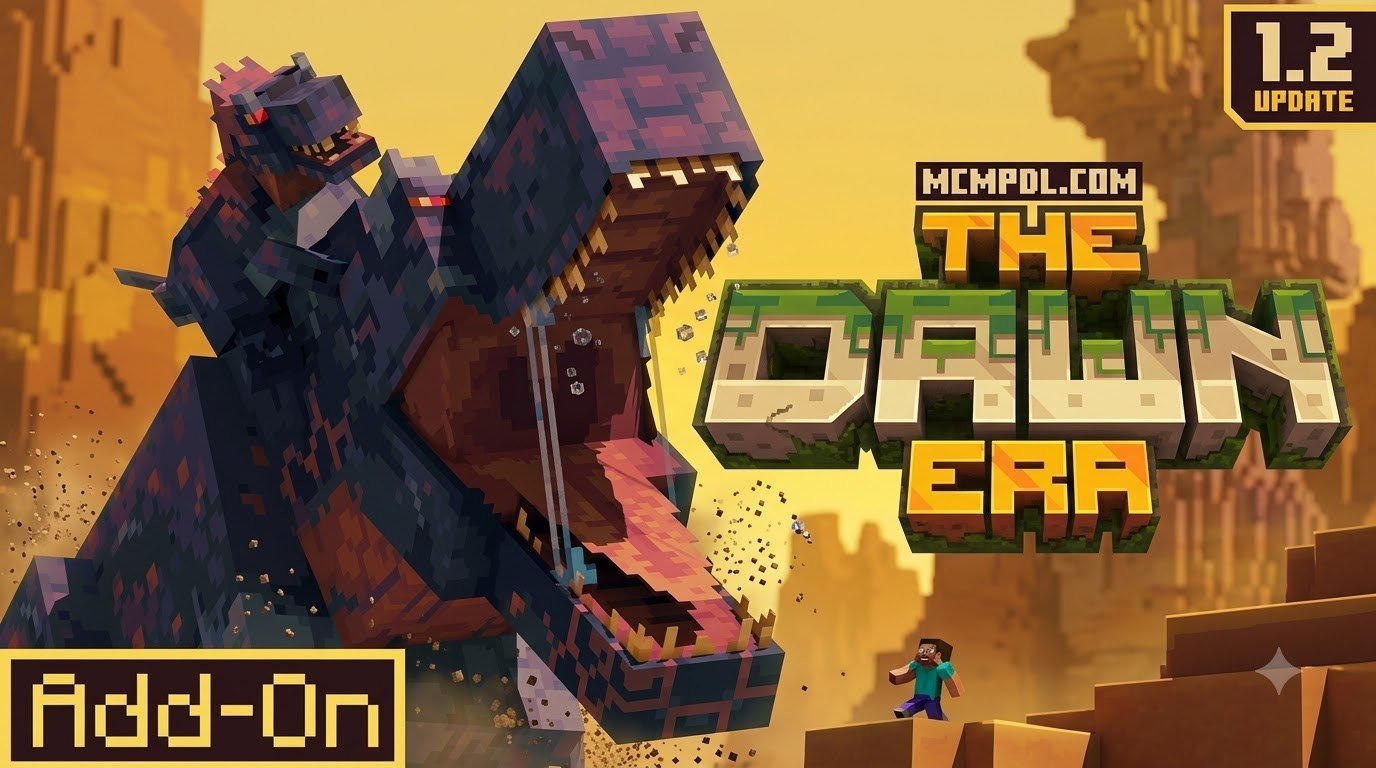
Overview of The Dawn Era Add-On for Minecraft PE/Bedrock
The Dawn Era Add-On for Minecraft PE/Bedrock transforms your survival worlds into primordial wildernesses filled with prehistoric fauna, aggressive predators, and unique crafting opportunities. Rooted in the legacy of the original Java mod concept, which became widely known among dinosaur survival fans, this Bedrock experience brings rich ecosystems to mobile devices, consoles, and PC Bedrock clients.
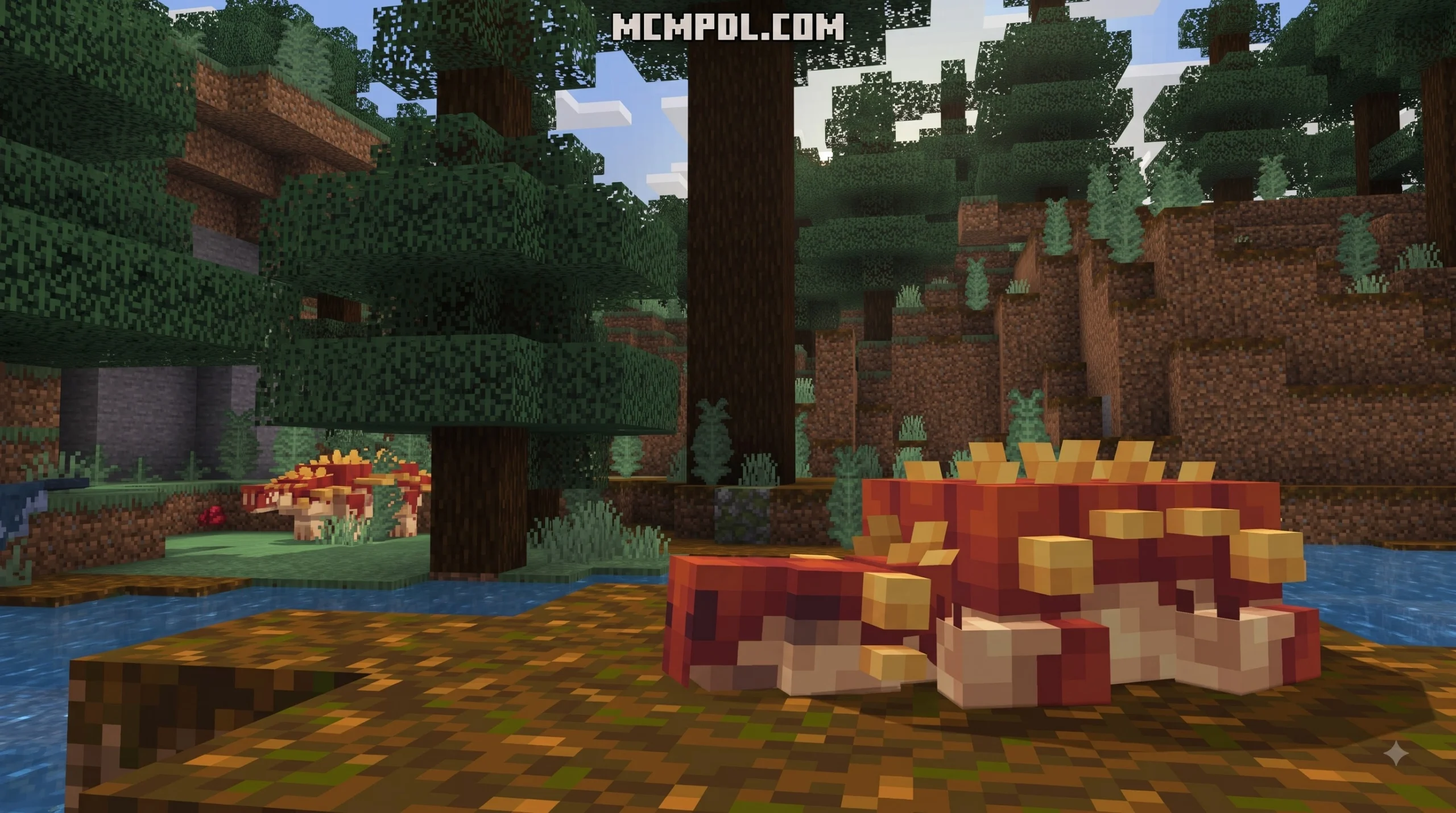
Instead of basic mob re-skins, this add-on introduces complex creature behaviors and realistic survival dynamics. Dynamic food chain rivalries prompt wild predators to hunt herbivorous dinosaurs, while custom swimming animations, roars, territorial displays, and gender dynamics bring every creature to life. Beyond survival hazards, players can explore ancient biomes, collect rare materials, hatch wild dinosaur eggs, and craft specialized gear designed specifically for combat against massive apex carnivores.
This makes the add-on especially appealing for players who enjoy long-term survival progression. A new world can begin with simple shelter building and food gathering, then quickly evolve into a high-risk expedition where you track footprints, avoid hunting packs, and decide whether a nest is worth raiding for eggs or resources. Because many creatures interact with each other rather than simply wandering around, the world feels more active than a standard survival seed. You might stumble across a predator chasing smaller prey, see armored herbivores holding territory, or discover aquatic creatures patrolling rivers and coastlines.
For builders and roleplay creators, The Dawn Era also provides strong theming for prehistoric parks, research bases, lost jungle temples, and dinosaur sanctuaries. Survival players can focus on taming, armor crafting, and defending fortified camps, while creative players can design controlled habitats and cinematic adventure maps. Before installing, however, it helps to understand which version fits your device, update level, and preferred setup process.
Free Community Port vs Marketplace Version of The Dawn Era Add-On for Minecraft PE/Bedrock
When searching for The Dawn Era Add-On for Minecraft PE/Bedrock, you will encounter two primary versions. Understanding the differences ensures you download the right files for your specific playstyle and device setup.
The free community version is an unofficial Bedrock port created by King Porosus (based on original Java designs by X1sh). Updated to version 3.0, it features 15+ species, custom behavior trees, complex breeding systems, and extensive dinosaur armoring systems. It offers deep customization for players comfortable with managing experimental world settings and manual file installations.
Conversely, the official release available through the Minecraft Marketplace by Mush Co costs 490 Minecoins (about $2.57 USD / 2.42 EUR). Boasting a 4.6 out of 5 star rating across thousands of player reviews, it delivers 11+ custom creatures, high-definition textures, effortless one-click setup, and streamlined integration for Bedrock 1.21.120 and newer.
If you want the simplest possible installation on console or a shared family device, the Marketplace option is usually the most convenient because it is tied to your Microsoft account and installs directly from inside Minecraft. If you prefer experimenting with community add-on files, adjusting world toggles manually, and trying broader creature rosters, the free port may be more flexible. In both cases, make a backup of any existing survival world before activating major behavior packs, especially if you already use other creature, biome, or combat add-ons.
| Feature / Detail | Free Unofficial Community Port | Official Marketplace Add-On |
|---|---|---|
| Creator / Developer | King Porosus | Mush Co |
| Cost | Free | 490 Minecoins (~$2.57 USD) |
| Minimum Required Version | Minecraft Bedrock 1.20 / 1.21 | Minecraft Bedrock 1.21.120+ |
| Creature Roster | 15+ ancient species | 11+ custom dinosaurs & aquatic fauna |
| Key Added Species | Sachicasaurus, Borealopelta, Dodo, Torvosaurus, Diplocaulus | Psittacosaurus, Ceratosaurus, Dunkleosteus, T-Rex |
| Unique Systems | Gender mechanics, custom rivalry AI, wild egg hatching | Integrated Marketplace updates, Vibrant Visuals support |
| Installation Method | Manual .mcaddon import (BP + RP) | One-click download via Bedrock Marketplace |
Prehistoric Creatures and Custom Mechanics in The Dawn Era Add-On for Minecraft PE/Bedrock
Both versions of The Dawn Era Add-On for Minecraft PE/Bedrock introduce prehistoric wildlife across land, air, and ocean biomes:
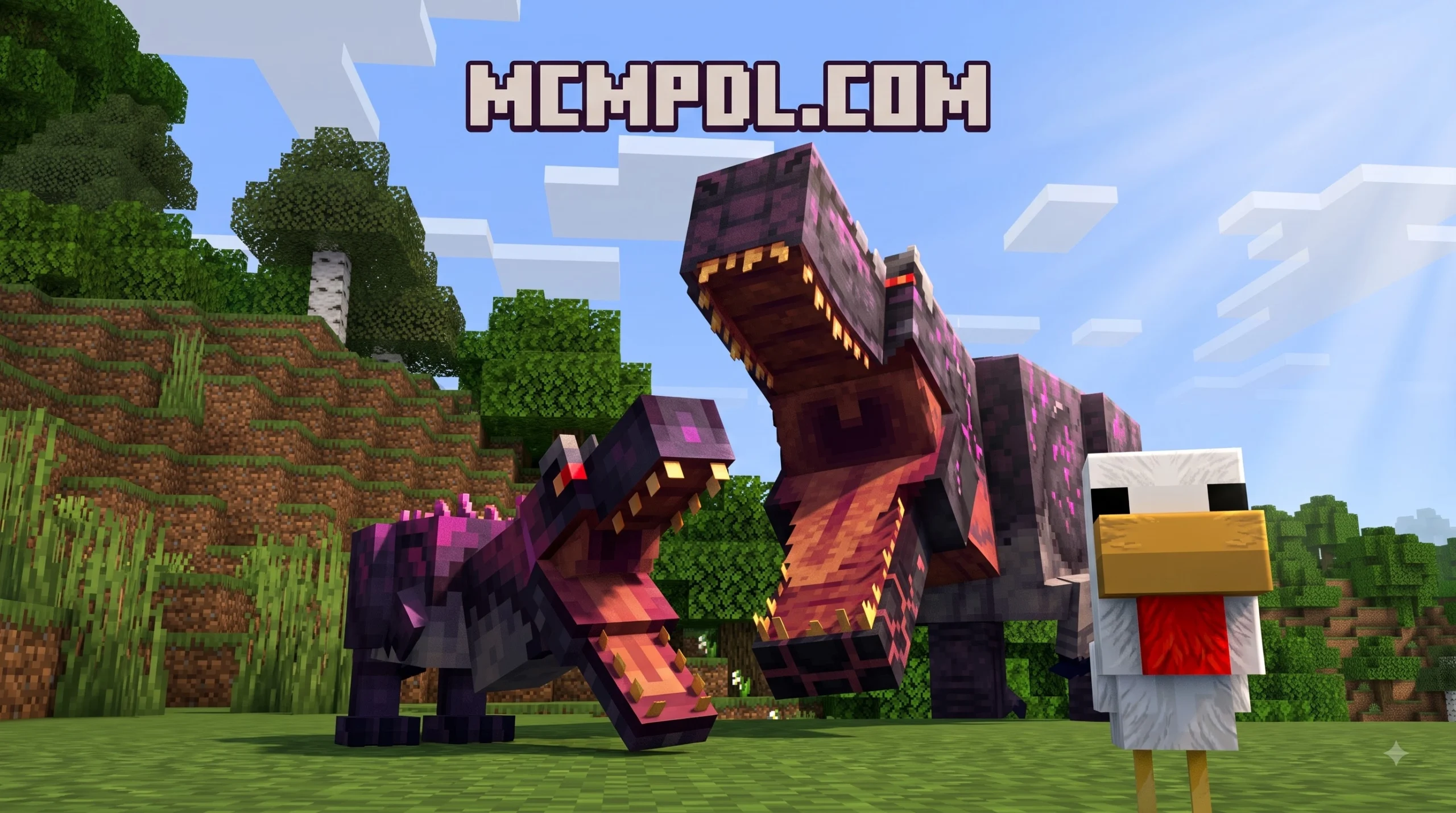
- Tyrannosaurus Rex: The ultimate apex predator. High health pools, terrifying roars, and massive attack power make it a formidable survival threat in wild jungles and plains. Tamed T-Rexes serve as crushing mounts capable of breaking through dense timber and devastating hostile mobs.
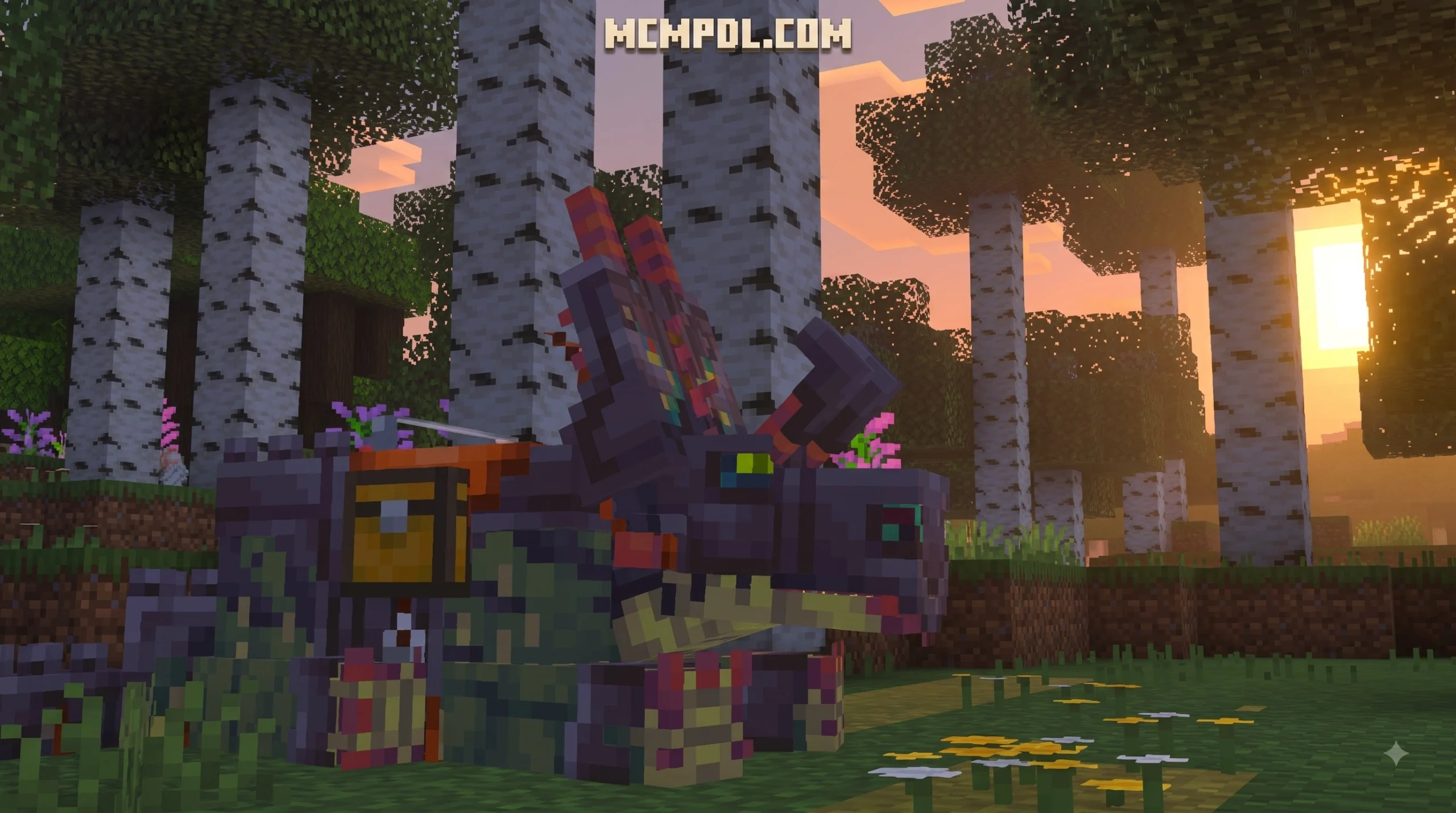
- Ceratosaurus & Triceratops: Featuring dynamic territorial AI, these creatures fight back aggressively against apex carnivores. Players can craft tailored dinosaur armor for Ceratosaurus, Triceratops, Diabloceratops, and T-Rex to increase defense during intense combat.
- Deinonychus & Psittacosaurus: Fast, nimble pack hunters that circle unarmored players. While individually fragile, group encounters require quick reflexes and sturdy shields.
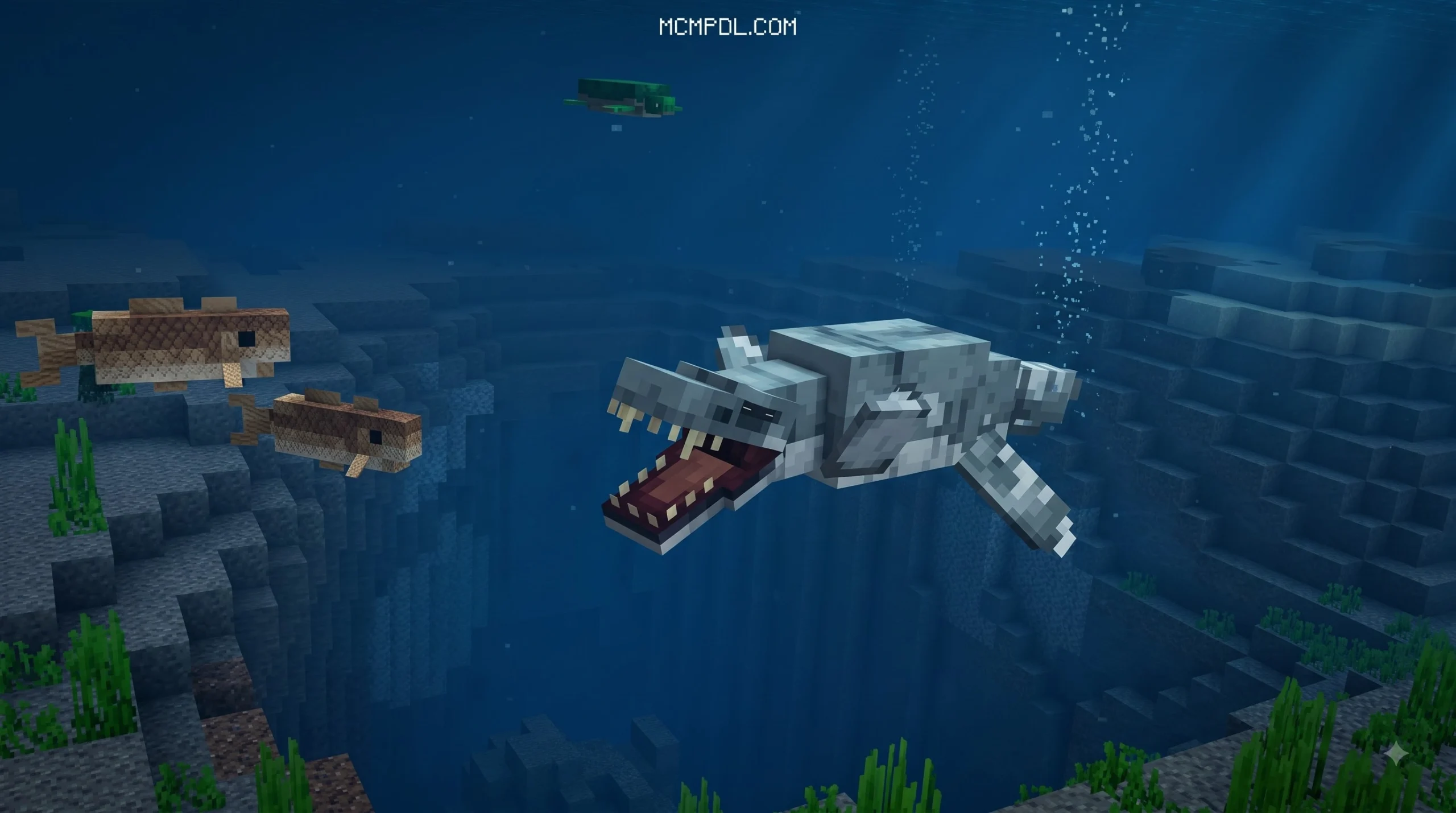
- Aquatic Giants: Ancient oceans thrive with species like Dunkleosteus, Sachicasaurus, and mild river fish like Coelacanth and Sturgeon. Taming a Dunkleosteus provides an amphibious mount for deep-sea exploration and underwater resource gathering.
To survive in these dangerous environments, you can gather custom bone materials, hide drops, and specialized scales dropped by prehistoric fauna. These resources allow you to craft specialized saddles, bone weapons, heavy chitin armor sets, and heavy-duty reinforcement gear to secure your survival compound.
Technical Requirements and Compatibility
Running complex mob behaviors, custom animation scripts, and dynamic food chains requires specific technical conditions on Bedrock Edition devices.
- Required Client Version: The official Marketplace version strictly requires Bedrock version 1.21.120 or higher. Free community files typically support versions 1.20 through 1.21 across platforms.
- Twin Pack Architecture: Manual installations require both a Behavior Pack (BP) and a Resource Pack (RP). Activating only one pack causes invisible entity models, missing textures, or broken AI scripts in your world.
- Performance Optimization: On mobile devices and low-end hardware, allocate ample system RAM and lower render distance in heavy jungle biomes where dense creature spawns occur. While Java setups rely on optimization mods like Embeddium, Bedrock players should adjust standard in-game visual toggles (such as turning off Fancy Graphics and lowering Simulation Distance to 4 chunks) for smooth frame rates.
Step-by-Step Guide to Download and Install the Add-On
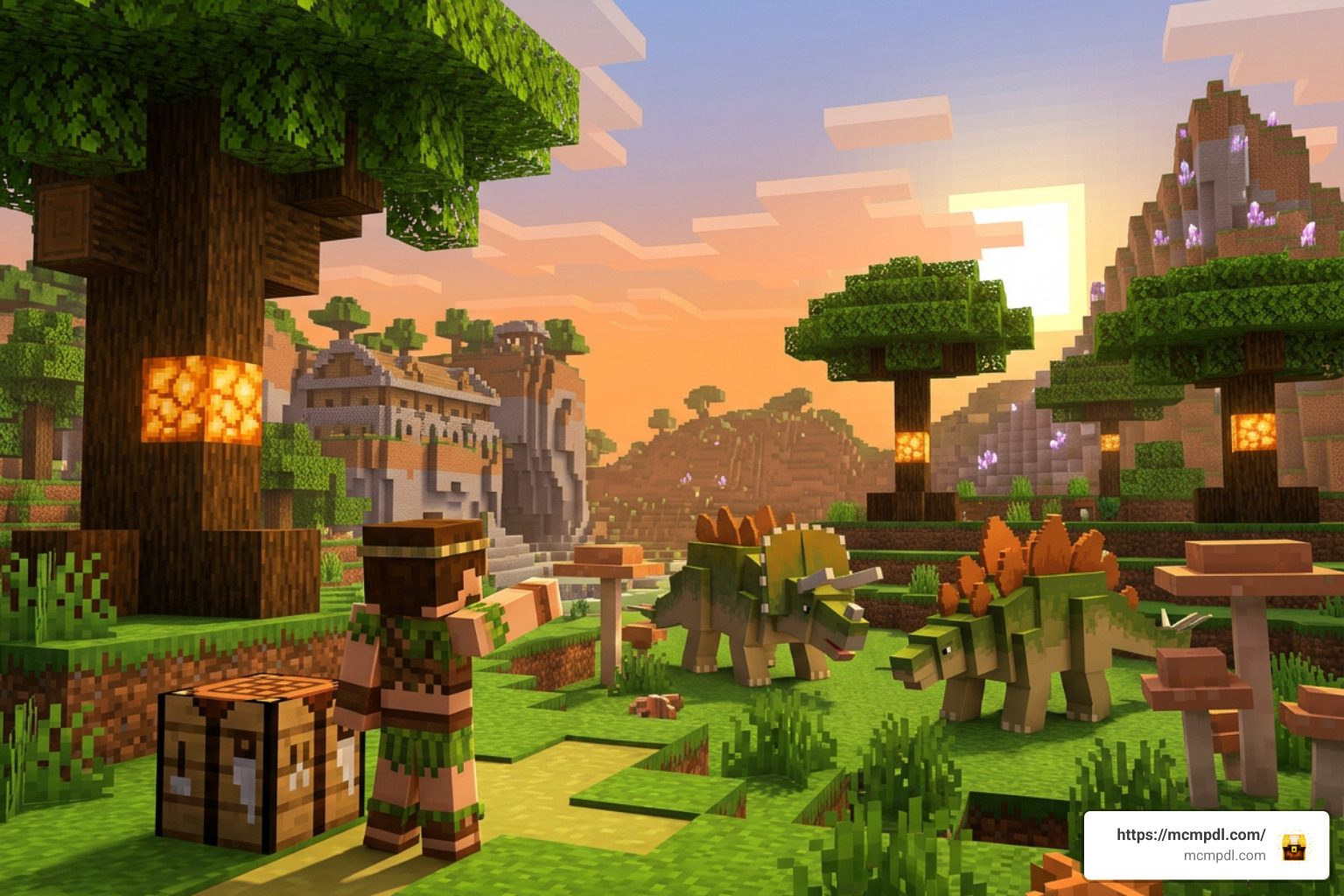
Setting up The Dawn Era Add-On for Minecraft PE/Bedrock depends on whether you choose the official Marketplace version or the free community port.
Method 1: Installing the Official Marketplace Version
- Launch Minecraft Bedrock on your mobile device, console, or PC and sign into your Microsoft Account.
- Navigate to the in-game Marketplace tab and search for “The Dawn Era” by Mush Co.
- Purchase the content for 490 Minecoins and tap Download to add it to your account storage.
- Create a new survival world or edit an existing world, navigate to Add-Ons, and activate The Dawn Era under Resource and Behavior settings.
Method 2: Installing the Free Community Port (.mcaddon / .mcpack)
- Download both the Behavior Pack (
.mcpackor.mcaddon) and Resource Pack files from a trusted community source. - Open your device’s File Manager and tap the downloaded
.mcaddonfile. Minecraft will launch automatically and display an “Import Started” banner. - Open Minecraft, go to Create New World (or select the edit pencil icon for an existing world).
- Scroll down the left settings menu to Resource Packs and activate The Dawn Era Resource Pack.
- Select Behavior Packs in the menu and activate The Dawn Era Behavior Pack.
- Scroll down to the Experiments toggle section in World Settings and switch ON:
- Holiday Creator Features
- Custom Biomes / Upcoming Creator Features
- Beta APIs / Molang Features (if prompted by the pack author)
- Save settings and launch your prehistoric survival world.
Troubleshooting Common Installation Issues
- Invisible Dinosaurs or Missing Textures: This issue occurs when the Resource Pack is uninstalled or placed below standard default packs in the active stack. Ensure The Dawn Era RP is active at the top of your resource pack hierarchy.
- Dinos Spawning Without Custom AI: If dinosaurs stand still or behave like standard cows, ensure the Behavior Pack is enabled and that all required Experimental Gameplay toggles are switched ON in world settings.
- World Lag and Low Frame Rates on Mobile: Large prehistoric herds and dense jungle foliage can strain smartphones. Lower your simulation distance to 4 chunks, turn off anti-aliasing, and disable extra graphic details like Beautiful Skies in video settings.
Frequently Asked Questions
Does The Dawn Era Add-On require Experimental Gameplay settings?
Yes. When using the free community .mcaddon port, enabling Experimental Gameplay toggles (such as Holiday Creator Features, Custom Biomes, and Beta APIs) is mandatory for custom entity AI, breeding, egg hatching, and custom craftable armor to function correctly. The Marketplace version handles settings automatically during installation.
What is the difference between the free port and the Marketplace version?
The free version by King Porosus is an unofficial community port inspired by original Java mod designs, featuring 15+ species, manual file imports, and custom gender and armor systems. The Marketplace version by Mush Co is an official paid add-on (490 Minecoins) built specifically for Bedrock 1.21.120+ with unique high-definition models, custom textures, and streamlined automatic updates.
Which Minecraft Bedrock versions are supported?
The official Marketplace add-on supports Bedrock version 1.21.120 and newer across all supported platforms (Android, iOS, Xbox, Windows 10/11, Nintendo Switch, and PlayStation). Free community builds support Bedrock versions 1.20 through 1.21+.
Conclusion
Installing The Dawn Era Add-On for Minecraft PE/Bedrock opens up exciting prehistoric survival gameplay across mobile, PC, and console devices. Whether you choose the official Marketplace build or the free community port, combining proper installation steps with active behavior packs ensures your world will be filled with ancient giants.
Looking to discover more game-changing mods, custom worlds, and texture packs? Explore Minecraft PE Add-Ons on our platform today to upgrade your Bedrock survival adventures!