Scroll down to Download
Install the SplitBlocks Addon for Minecraft PE/Bedrock
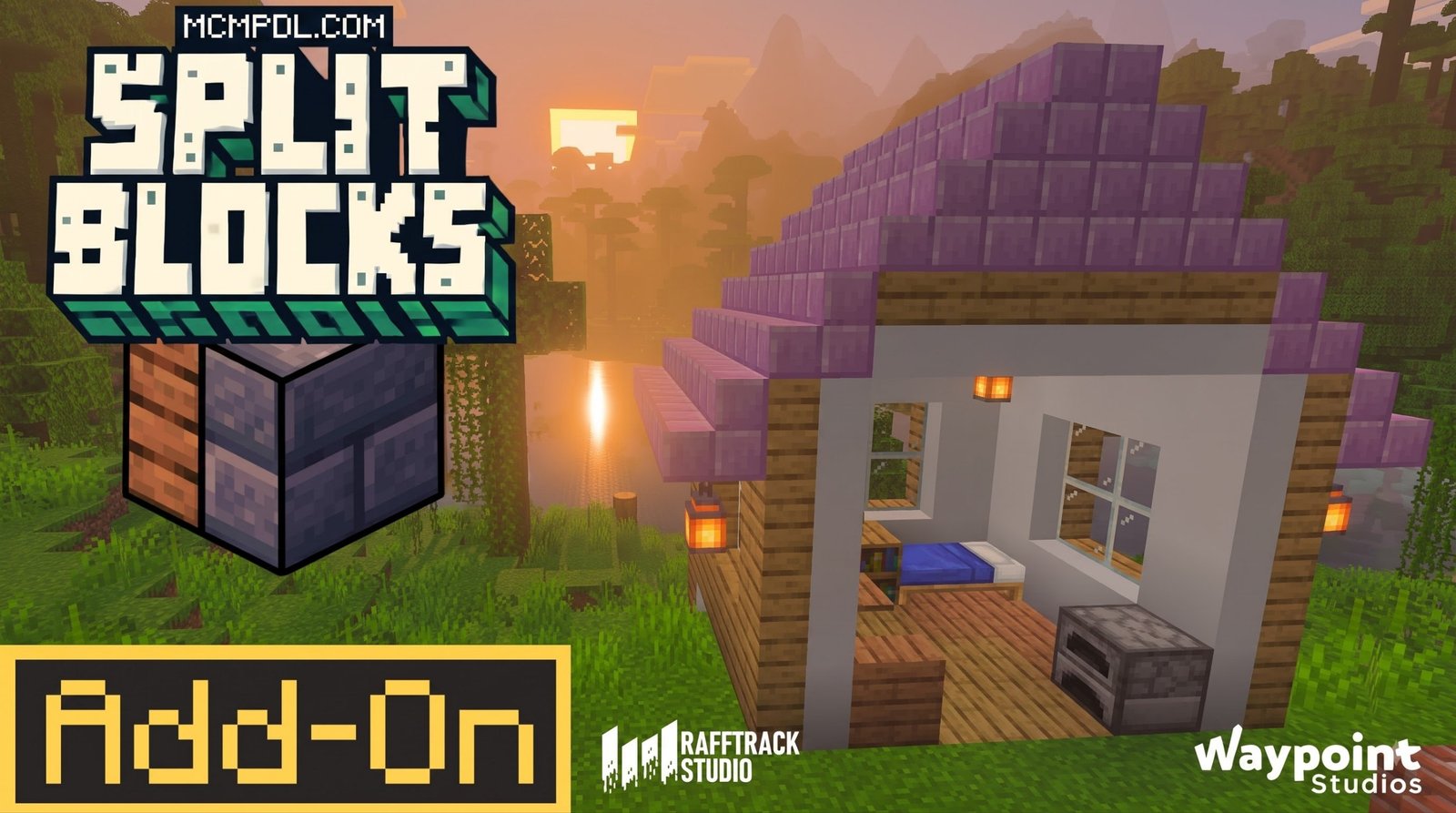
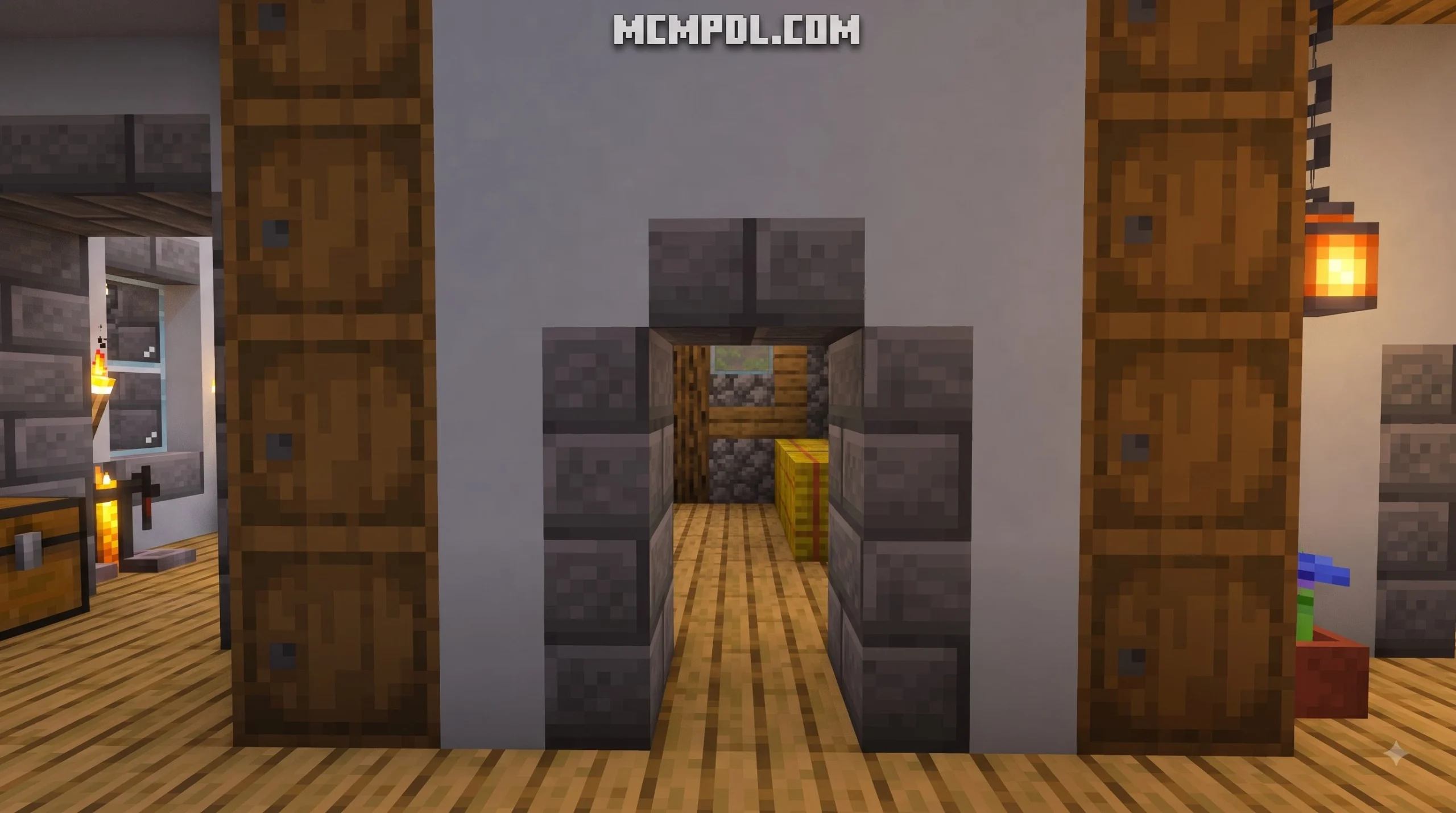
SplitBlocks Addon for Minecraft PE/Bedrock adds dual-textured building blocks that merge two materials into one cube. To install it, download the compatible add-on file, import it into Minecraft Bedrock, then activate its Resource Pack and Behavior Pack in your world’s settings. Experimental features may also need to be enabled.
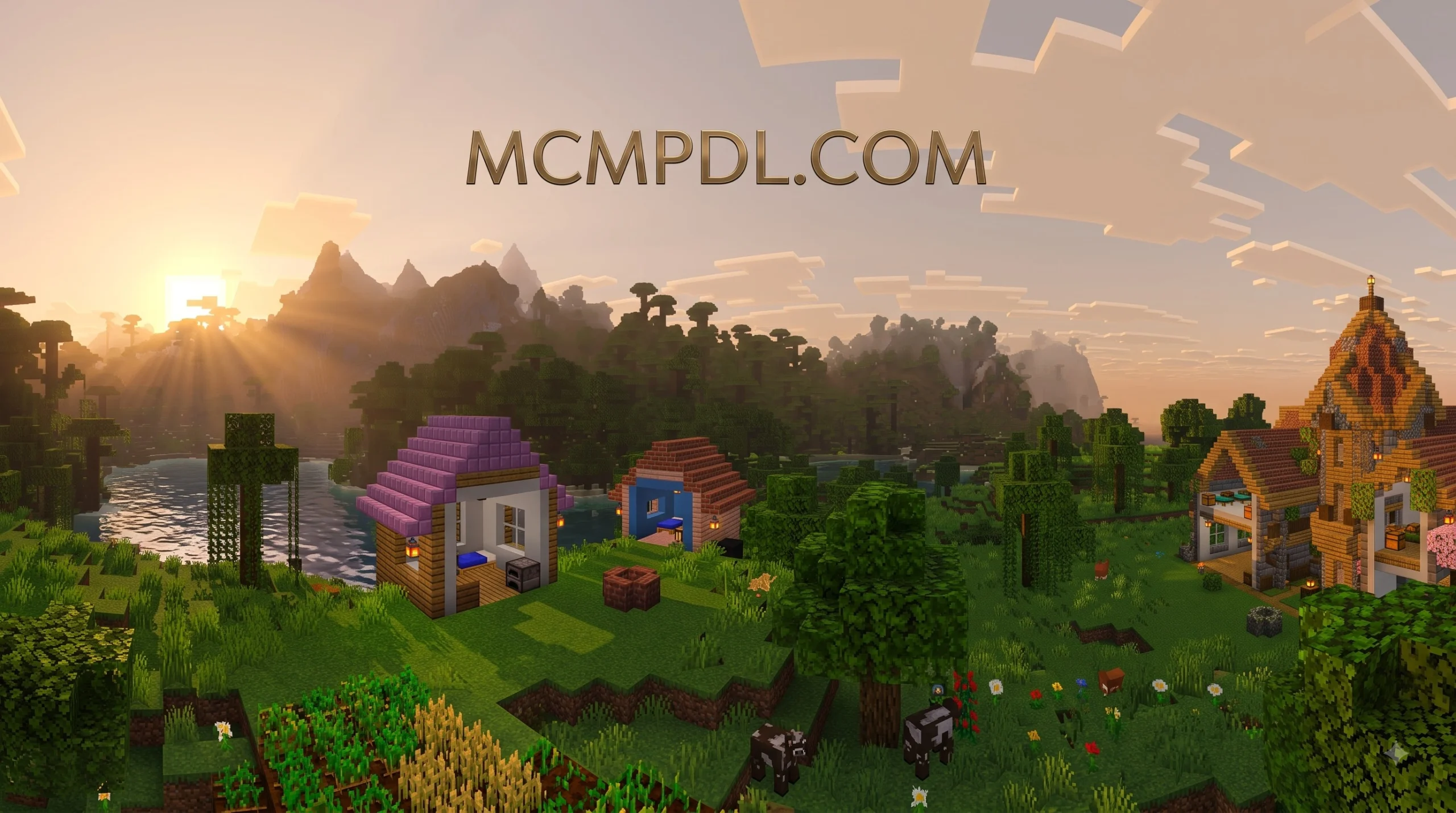
The add-on is built for players who want more control over walls, floors, ceilings, and facades without making every wall two blocks thick. It includes more than 1,000 split-block combinations, plus vertical slabs for finer architectural detail.
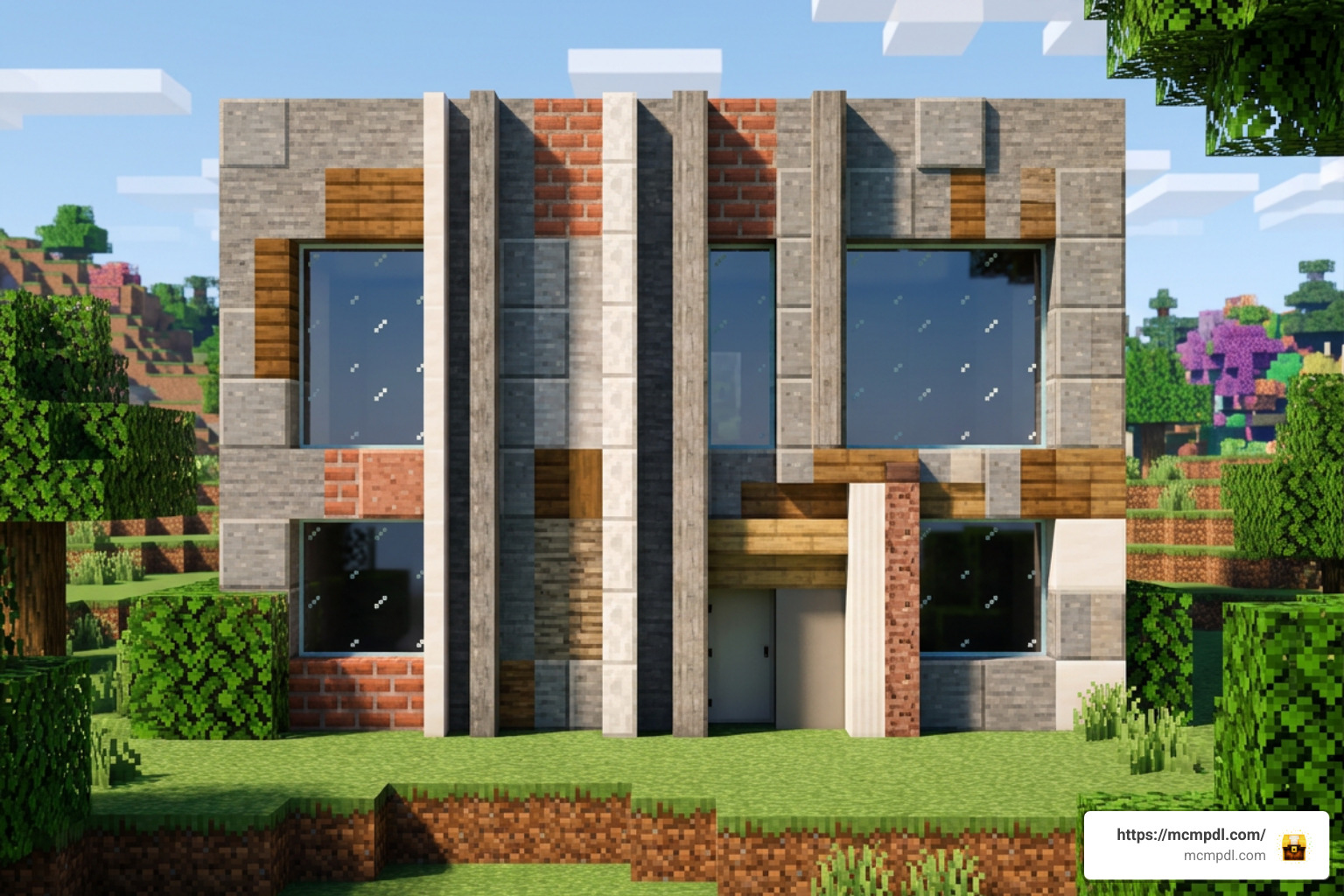
This guide explains the compatibility checks, world settings, and installation steps to get SplitBlocks working on Minecraft PE, Android, iOS, Windows, and other Bedrock-supported devices.
What is the SplitBlocks Addon for Minecraft PE/Bedrock?
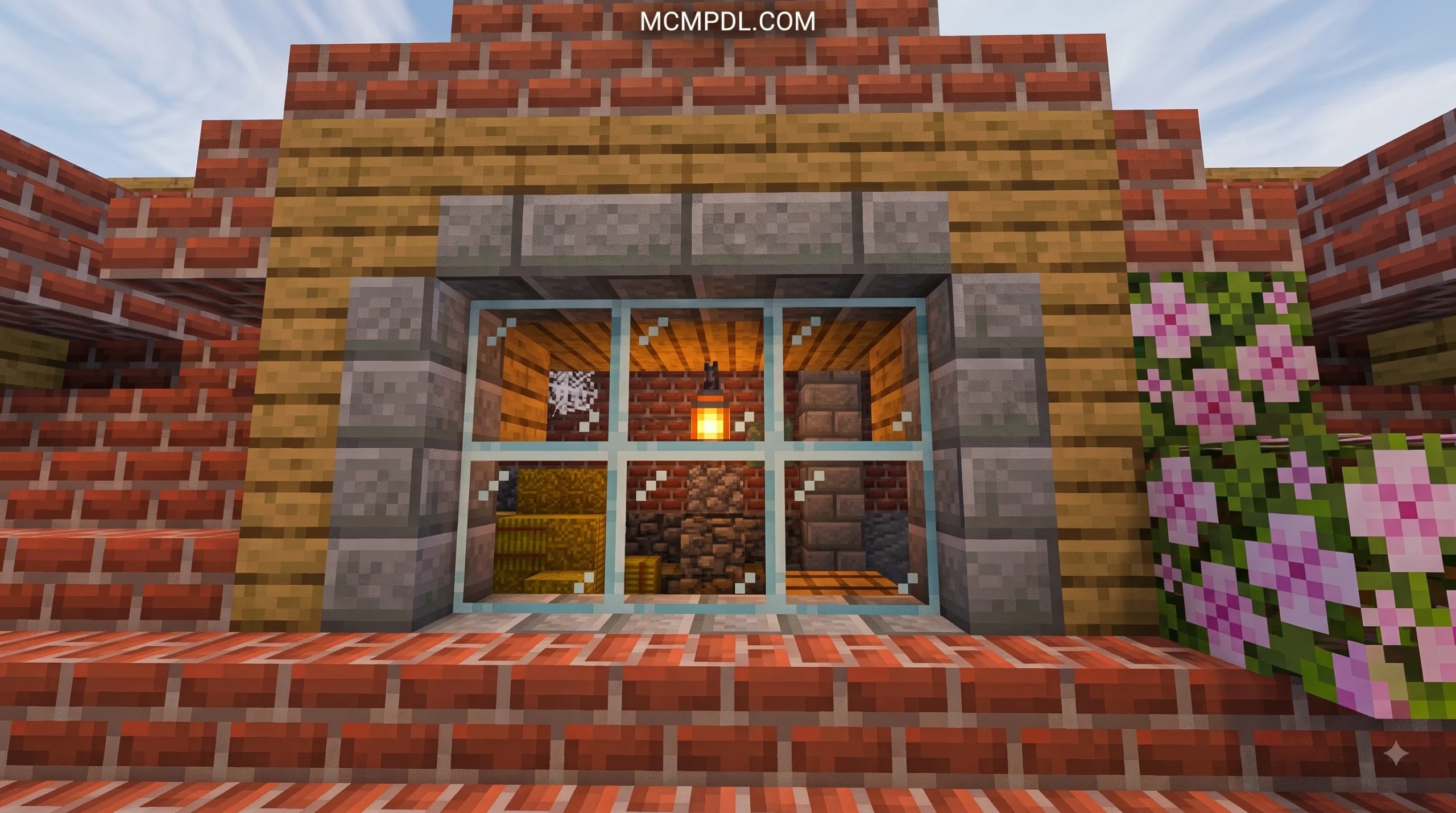
The SplitBlocks Addon for Minecraft PE/Bedrock is an architectural expansion created to solve one of Minecraft’s oldest building challenges: single-textured walls. In standard Minecraft, every standard block has the exact same texture applied across all six faces, or at best a fixed top and bottom texture. If you want a dark oak interior wall in your living room and a white concrete facade on the exterior, vanilla mechanics force you to build a wall that is two full blocks thick. This steals precious floor space from interior rooms and makes smaller builds look bulky.
The SplitBlocks Addon for Minecraft PE/Bedrock resolves this issue completely by introducing double-sided cubes. Each split block features two distinct faces or halves combined into a single 1×1 block space. Developed and maintained across community releases and marketplace publications by talented creators like Brandon Taylor, Rafftrack Studio, and Waypoint Studios, this add-on gives players unprecedented freedom when planning complex structures.
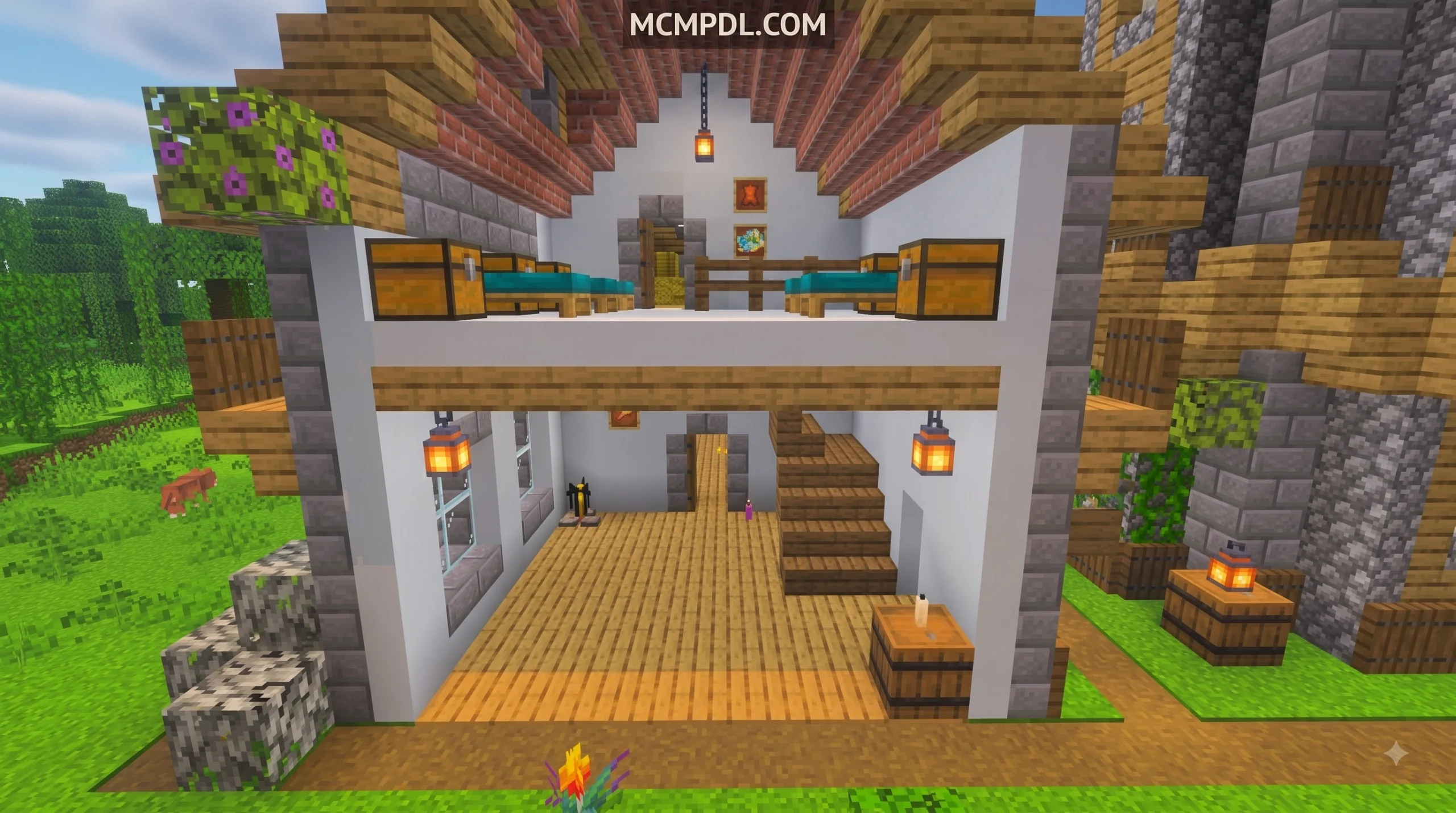
By combining existing materials horizontally or vertically, you can design ultra-detailed room dividers, contrasting exterior facades, integrated ceilings, and clean flooring patterns without doubling your wall thickness. You can check out more details on our SplitBlocks Addon Overview page.
Features of the SplitBlocks Addon for Minecraft PE/Bedrock
The sheer variety of combinations available in this add-on makes it an indispensable tool for builders. Rather than merely adding a handful of decorative items, it systematically combines vanilla materials into usable dual-textured building elements.
- Over 1,000 Split Block Combinations: Access more than a thousand unique double-sided cubes featuring distinct materials, colors, and textures paired together on opposing sides or split down the center.
- 42 Vertical Slabs: Alongside merged cubes, the add-on introduces 42 distinct vertical slabs, allowing you to build slim structural pillars, narrow window frames, and detailed wall transitions.
- Seamless Material Pairing: Combine diverse base materials like oak wood planks, spruce wood, stone, bricks, cobblestone, colored concrete, terracotta, and wool into single block units.
- Full Lighting and Shadow Integration: Updated block models maintain proper dynamic lighting and shadow casting in modern Bedrock updates, eliminating visual glitches and keeping your builds looking realistic.
- Cross-Platform Compatibility: Designed to function seamlessly across mobile devices (Android, iOS) and Windows PC running Bedrock Edition.
To understand how dramatic this upgrade is for builders, consider how standard vanilla blocks stack up against the functionality offered by SplitBlocks:
| Feature / Capability | Vanilla Minecraft Blocks | SplitBlocks Addon Cubes |
|---|---|---|
| Textures Per Block | Single texture across side faces | Dual textures on opposite sides |
| Minimum Two-Toned Wall Thickness | 2 full blocks thick | 1 block thick |
| Available Material Merges | None (1 material per block) | 1,000+ material combinations |
| Vertical Slabs Included | No (Horizontal Slabs only) | Yes (42 Vertical Slabs included) |
| Interior Space Optimization | Low (Thick walls diminish room area) | High (Maximizes usable interior space) |
| Use in Floor / Ceiling Splits | Requires separate slab layers | Single-block split for floor and ceiling |
Creative vs Survival Mode Availability
We know that different players enjoy different playstyles. Whether you spend your hours crafting survival bases or designing megaprojects in Creative mode, the SplitBlocks Addon for Minecraft PE/Bedrock supports both modes out of the box.
In Creative Mode, accessing every dual block and vertical slab is completely effortless. Upon activating the add-on, all split blocks appear directly inside your Creative inventory menu under the decorative and structural construction tabs. You can pick up any combination of concrete, bricks, or wood planks and begin building right away.
In Survival Mode, the add-on integrates a natural crafting system that does not break game balance. Rather than forcing you to use complex console commands, you can combine two distinct base materials using standard crafting mechanics or specialized in-game crafting recipes. By placing your desired base blocks (such as a stack of Oak Planks and a stack of White Concrete) into your crafting table, you produce merged SplitBlocks ready for placement. This simple material merging mechanic makes survival decorating deeply rewarding.
Installation and Version Requirements for Minecraft Bedrock
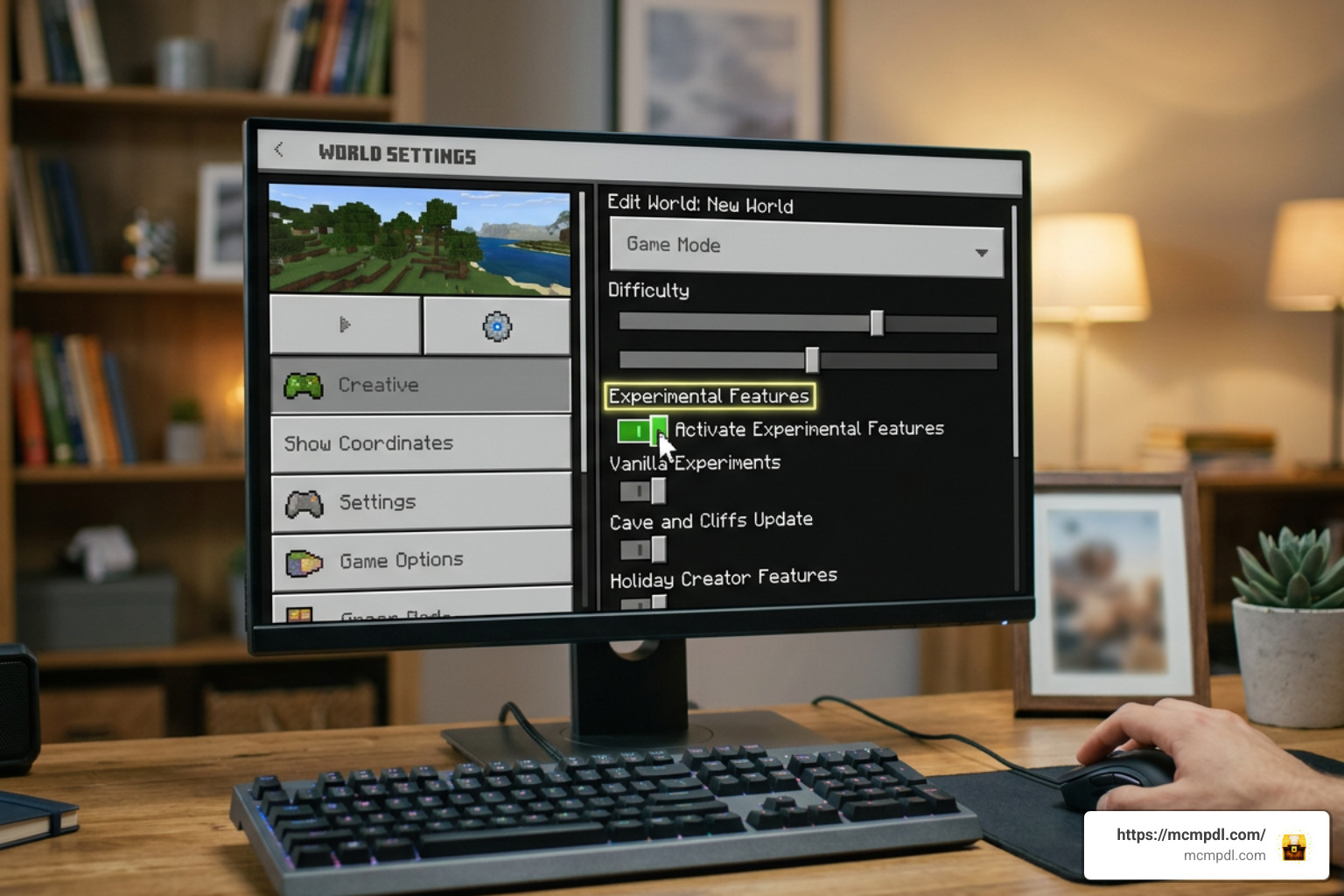
Before downloading and importing the add-on, it is crucial to ensure that your game client meets the necessary technical prerequisites. Addons that introduce custom block geometry and hundreds of unique textures rely heavily on modern Bedrock engine features.
The SplitBlocks Addon for Minecraft PE/Bedrock requires Minecraft PE / Bedrock Edition version 1.21.0 through 1.26.3 (with dedicated support across active release versions such as 1.21.50, 1.21.80, and up to 1.21.121). Running an outdated client below version 1.21.0 may cause textures to render as missing checkerboard patterns or prevent the custom blocks from placing properly.
Additionally, because custom block geometry alters how the engine handles voxel shapes, you must enable Experimental Features inside your world options menu. Without toggling these options on, Bedrock Edition will refuse to process the custom Behavior Pack parameters.
Key experimental toggles to activate include:
- Holiday Creator Features
- Custom Biomes & Geometry
- Upcoming Creator Features / Beta APIs (depending on your exact update version)
Step-by-Step Installation of SplitBlocks Addon for Minecraft PE/Bedrock
Installing custom add-ons on mobile and desktop platforms is straightforward once you know the step-by-step process. Follow these exact steps to get the add-on running smoothly in your world:
- Download the Addon Files: Obtain the
.mcaddonor.mcpackfiles for SplitBlocks. You can grab the files directly from our Download SplitBlocks Mod resource. - Import into Minecraft:
- Android / iOS: Tap the downloaded file in your device’s file manager or browser downloads. Choose “Open with Minecraft.” The game will launch automatically and show an import notification at the top of the screen.
- Windows PC: Double-click the downloaded
.mcaddonfile. Minecraft Bedrock will open automatically and import the Resource and Behavior packs into your global storage.
- Create a New World or Edit an Existing One: Launch Minecraft, navigate to the Play menu, and select Create New World (or click the edit pencil icon next to an existing world).
- Enable Experimental Gameplay Toggles: In the left sidebar of the world creation screen, scroll down to the Experiments tab. Turn on Holiday Creator Features, Upcoming Creator Features, and Molang Features. Confirm the experimental warning dialog box.
- Activate the Resource Pack: Scroll down to the Resource Packs section under Add-Ons. Find SplitBlocks under the “Available” tab and click Activate.
- Activate the Behavior Pack: Navigate to the Behavior Packs section right below Resource Packs. Locate SplitBlocks under “Available” and click Activate. Ensure both packs are visible under the “Active” dropdown list.
- Launch Your World: Click Create or Play. Your world will load with all 1,000+ split blocks and 42 vertical slabs fully operational!
How SplitBlocks Differs From Other MCPE Mods
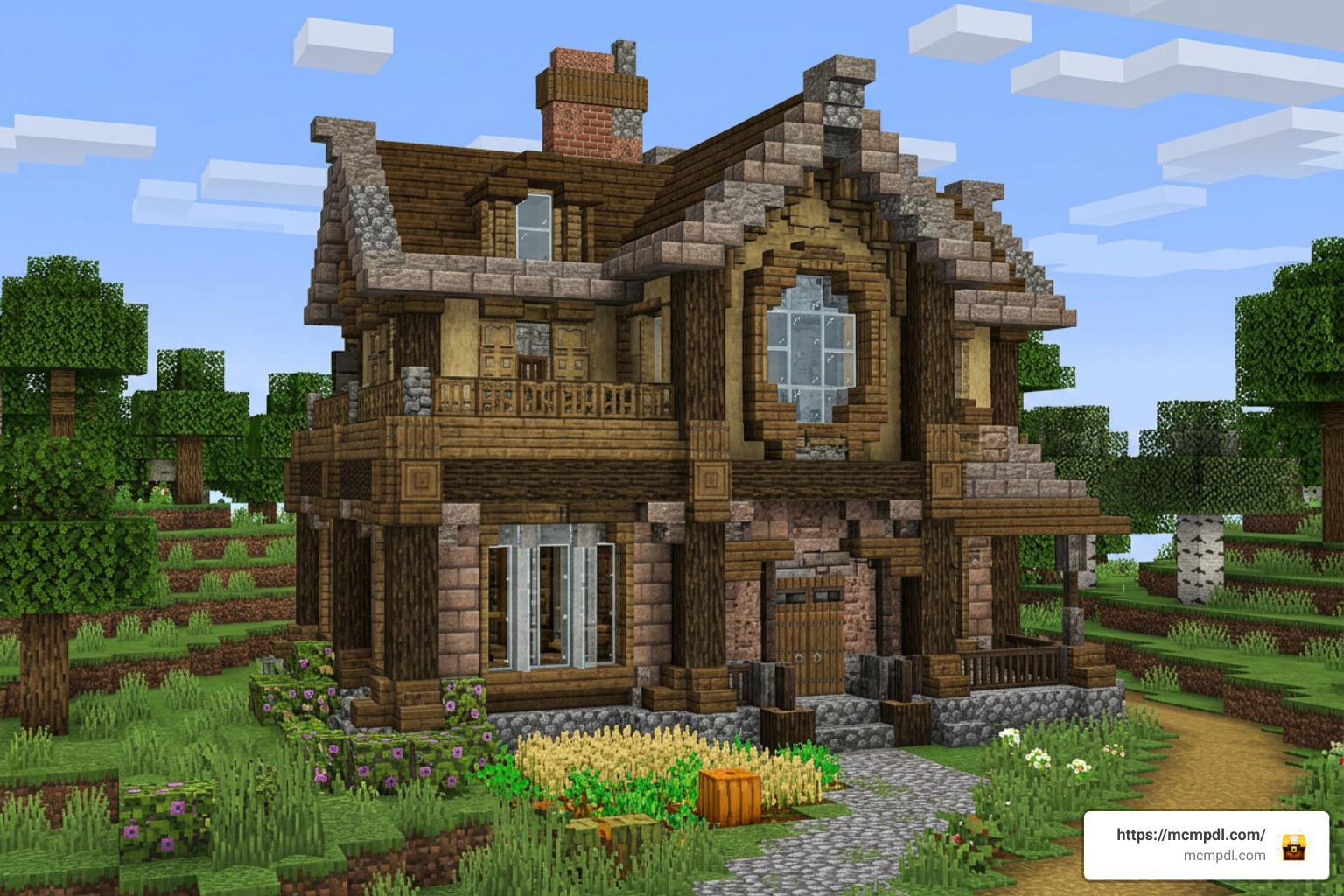
To appreciate what makes the SplitBlocks Addon for Minecraft PE/Bedrock special, it helps to understand how it differs from other popular block expansion packs and utility mods available for Pocket Edition.
Many block expansions, such as the popular ‘Plenty of Blocks’ add-on, focus purely on raw volume by adding hundreds of standard single-texture cubes (such as new marble variants, patterned tiles, or polished stones). While those mods are great for adding new colors, they do not change block structure—each newly added block still forces you to use the exact same material on both the interior and exterior sides of your wall.
On the other end of the spectrum are specialized redstone mods, such as Java-inspired ‘Block Split’ utility addons. Those technical mods are designed specifically to split pistons or replicate Java redstone mechanical quirks, serving a completely different purpose than aesthetic construction.
SplitBlocks strikes a unique balance by introducing custom dual-faced block geometry. It focuses entirely on wall thickness optimization and interior customization. By allowing a single 1×1 block space to render spruce planks on the inside face and gray concrete on the outside face, it solves interior design conflicts that general block mods cannot address, giving players access to a thoroughly polished visual tool.
Best Architectural Uses and Building Styles for SplitBlocks
Integrating double-sided blocks into your building workflow opens up architectural styles that were previously frustrating or impossible in vanilla Bedrock Edition. Here are some of the best ways we recommend utilizing these blocks in your projects:
- Two-Toned Interior and Exterior Walls: Build suburban houses, modern mansions, or medieval castles where external stone brick walls transition smoothly into warm oak paneling on the inside of bedrooms—all within a single block boundary.
- Integrated Ceiling and Floor Slabs: When building multi-story structures, the floor of an upper story often doubles as the ceiling for the room below it. By using split blocks with wood flooring on top and polished diorite or smooth quartz on the bottom, both rooms enjoy perfect aesthetics.
- Compact Room Dividers: Split small house interiors into separate functional spaces (such as dividing a kitchen from a living room) using a single wall layer that shows dark oak in one room and white plaster in the next.
- Detailed Modern Facades: Combine contrasting concrete colors (such as black and cyan concrete) to create crisp modern patterns, trim lines, and accent stripes along high-rise building exteriors.
- Slim Architectural Columns and Pillars: Utilize the 42 included vertical slabs to frame windows, construct thin structural supports, and build complex archways that do not overwhelm small room layouts.
Frequently Asked Questions About SplitBlocks Addon
Do you need to enable experimental features for the addon to work?
Yes, enabling experimental features is mandatory for the SplitBlocks Addon for Minecraft PE/Bedrock to function properly. Because the add-on introduces custom block geometry, specialized dynamic lighting properties, and split collision boundaries that do not exist in standard vanilla code, Bedrock Edition requires experimental toggles. Make sure to enable Holiday Creator Features and Upcoming Creator Features in your world settings menu prior to loading your world.
How do players obtain split blocks in Survival mode?
In Survival mode, players can craft split blocks using the game’s standard crafting grid or dedicated in-game recipes. By taking two compatible base blocks (such as a block of Oak Planks and a block of Stone Bricks) and combining them in your crafting table, you will receive the corresponding merged double-sided block. Additionally, players can consult the in-game guide book provided with the add-on for a full list of valid material combinations and recipes.
Which Minecraft Bedrock versions support the SplitBlocks Addon?
The add-on is broadly supported across modern Minecraft Bedrock updates, specifically targeting Minecraft PE versions 1.21.0 through 1.26.3 (including release builds 1.21.50, 1.21.80, and up to 1.21.121). It operates across mobile platforms (Android, iOS) as well as Windows PC. For optimal shadow rendering and performance, we always recommend keeping your Minecraft Bedrock application updated to the latest stable release.
Conclusion
The SplitBlocks Addon for Minecraft PE/Bedrock is a game-changer for anyone passionate about building in Minecraft Bedrock Edition. By breaking free from single-textured blocks, you no longer have to sacrifice interior floor space just to give your buildings an attractive exterior facade. With over 1,000 merged double-sided block choices and 42 vertical slabs, you can craft detailed rooms, clean ceilings, compact dividers, and modern facades with total ease.
Ready to transform your architectural creations? Be sure to explore our full directory of custom builds, texture packs, and utility tools on MCMPDL. You can also visit external resources like the official SplitBlocks Texture Pack page to explore even more community resource packs. Download the add-on today, toggle your experimental settings on, and start building smarter, space-efficient worlds!
2 thoughts on “SplitBlocks Addon for Minecraft PE/Bedrock”