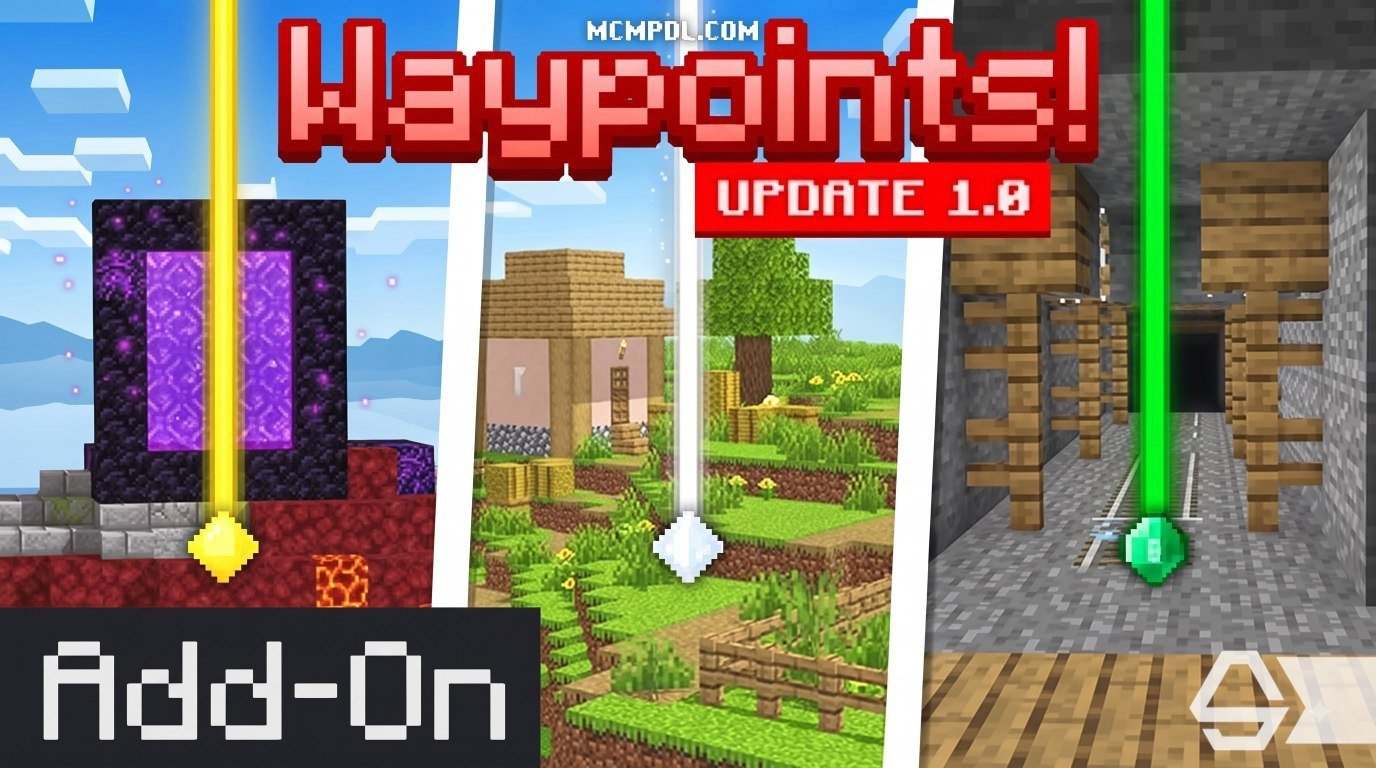
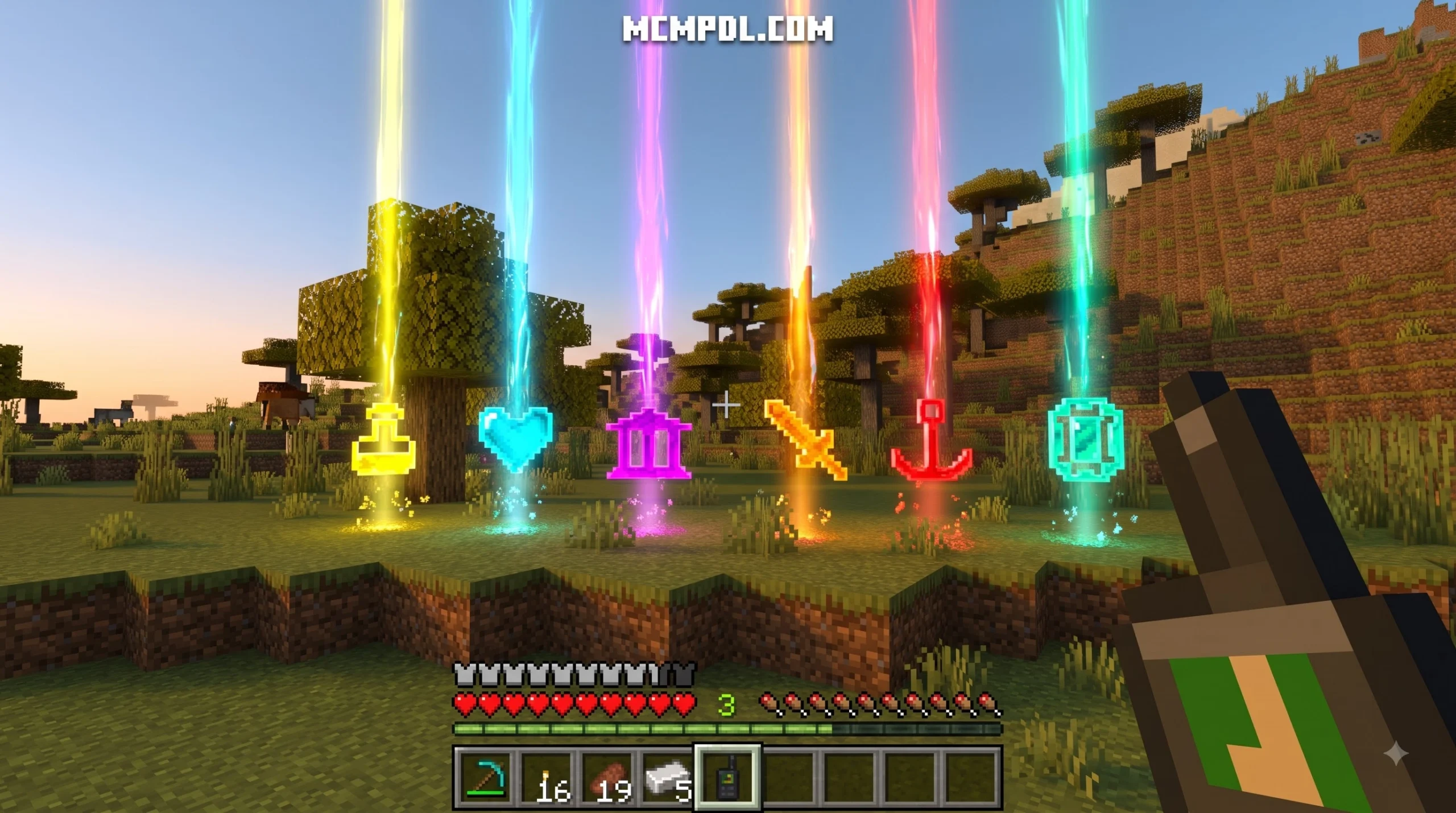
Scroll down to Download
Choose a Reliable Waypoints Addon for Minecraft PE/Bedrock
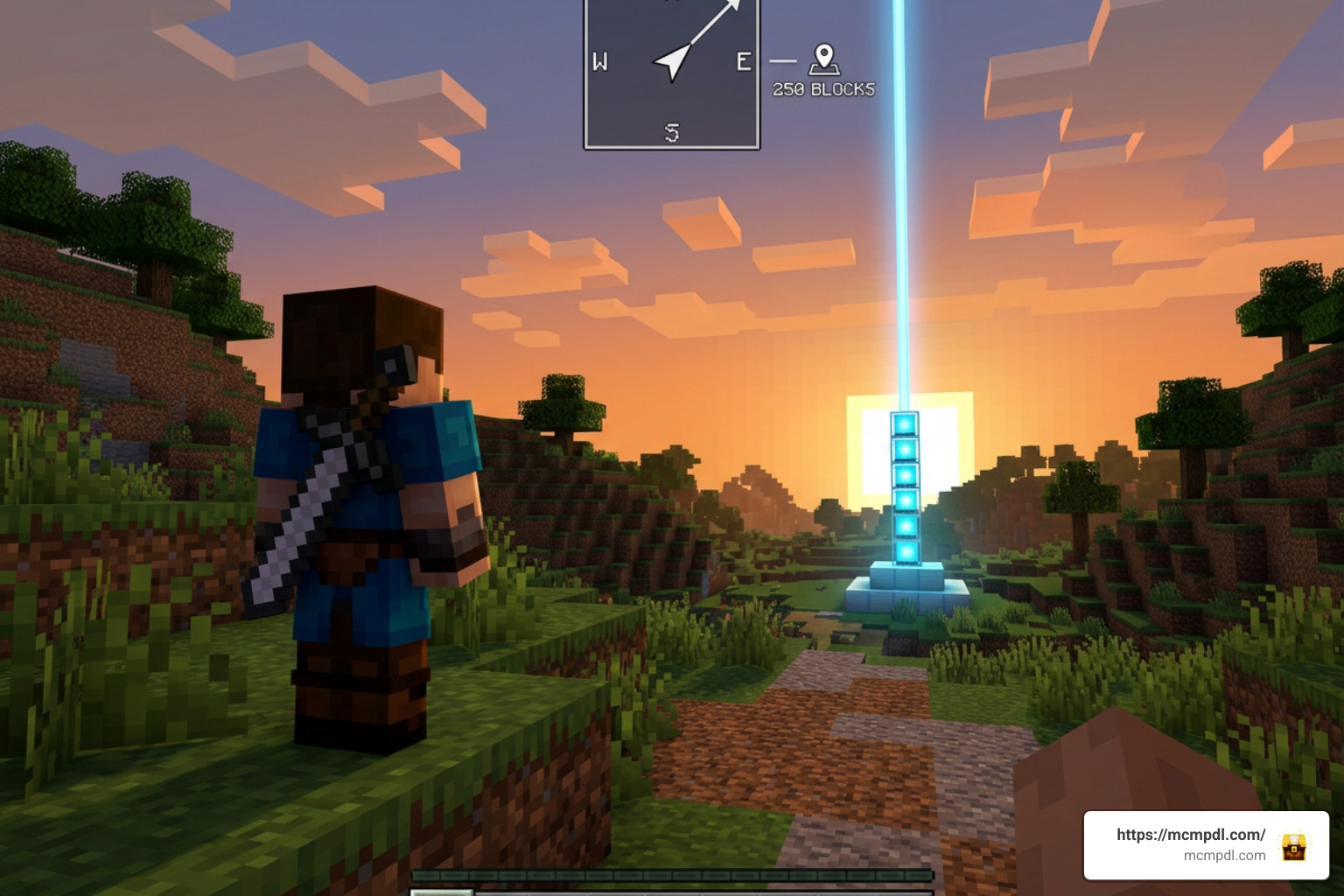
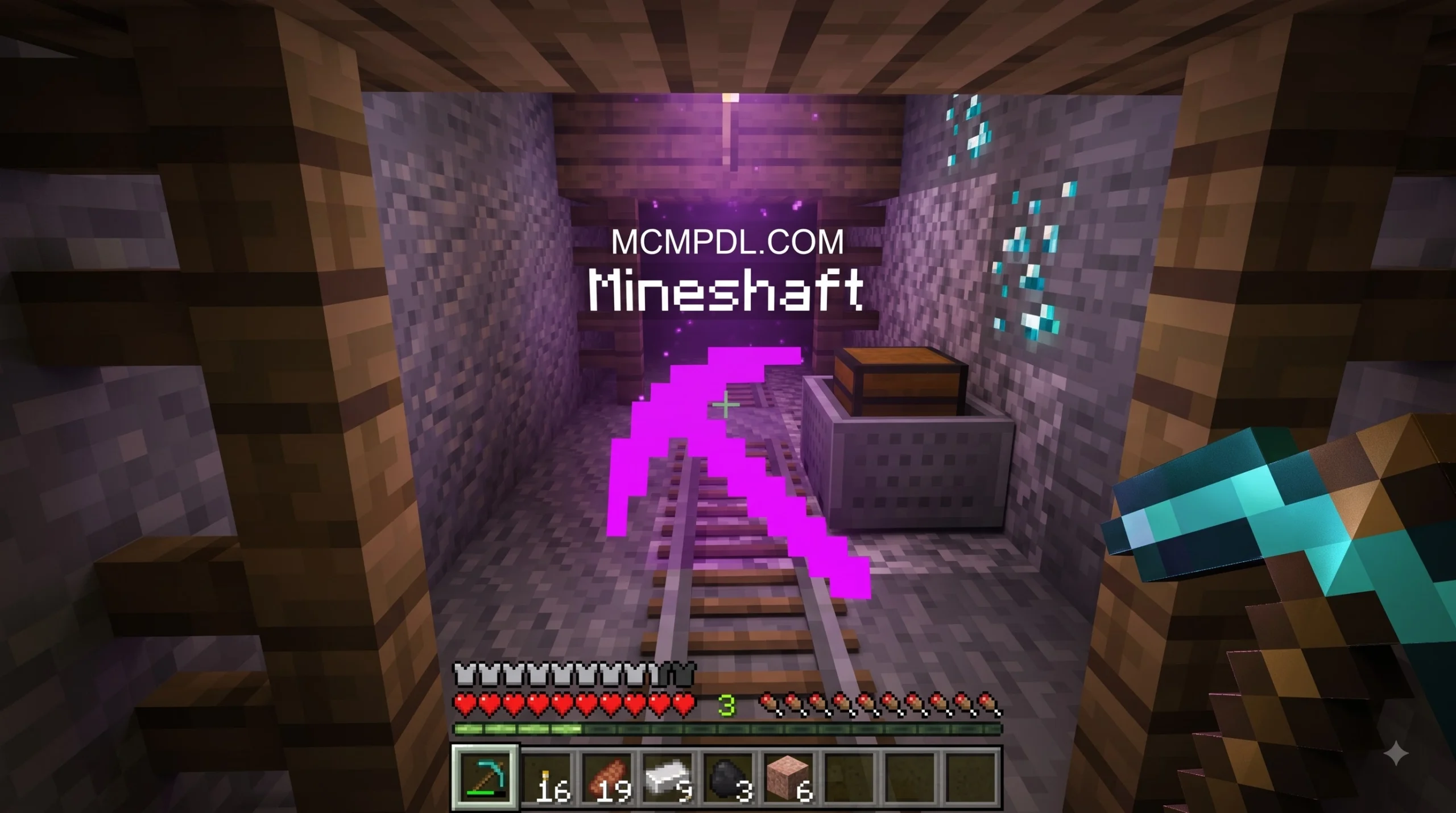
A Waypoints Addon for Minecraft PE/Bedrock lets you save important places such as your base, mines, Nether portals, and death location, then find them again with on-screen markers, beams, or a menu.
The best choice depends on how you play:
| If you need… | Look for… |
|---|---|
| Survival worlds with achievements | An addon that does not require experiments or modify player files |
| Multiplayer or Realms | Per-player waypoints, sharing tools, and admin controls |
| Fair teleporting | XP costs, cooldowns, or a stay-still countdown |
| Simple navigation | Custom icons, colors, distance display, and death points |
| Nether and End travel | Clear dimension support and safe teleport behavior |
Vanilla Bedrock still does not offer Java Edition-style named banner markers on maps. Locator maps can show basic green pointers, but they do not replace a real waypoint system. A reliable addon fills that gap without putting a long-running world, achievements, or multiplayer balance at risk.
In 2026, compatibility matters more than ever. Bedrock updates can break older behavior packs and script-based addons, so it is worth checking the supported game version, required packs, experimental settings, and multiplayer rules before adding one to your world.
Key Features of a Reliable Waypoints Addon for Minecraft PE/Bedrock
When evaluating a Waypoints Addon for Minecraft PE/Bedrock, we need to examine how its core mechanics operate inside survival and multiplayer environments. Not all waypoint packs operate identically. Some function strictly as simple visual location markers, while others implement full fast-travel networks using custom interface menus.
Key features to look for in a top-tier waypoint system include:
- Interdimensional Travel: A high-quality pack allows saving coordinates across all three dimensions—the Overworld, the Nether, and The End. Top addons support coordinate tracking up to 30,000,000 blocks away and allow seamless fast travel between dimensions without needing dedicated obsidian portals.
- Balanced XP Teleportation Costs: To maintain survival progression balance, many addons charge experience points when fast-traveling. For instance, Advanced Waypoints charges 1 XP level per 500 blocks traveled, preventing players from abusing free teleportation across thousands of blocks.
- Automatic Death Point Recovery: Losing hard-earned gear upon dying is a constant worry. Reliable addons automatically record your precise death coordinates, generating a temporary “DeathPoint” marker or gravestone icon with a timestamp. This allows you to race back or teleport directly to your items before they despawn.
- Visual Beacon Beams & HUD Overlays: Customizable vertical light beams help pinpoint locations from miles away. Waypoints can render names, distance counters, and icons through solid blocks, supporting massive display distances up to 9,999,999 blocks.
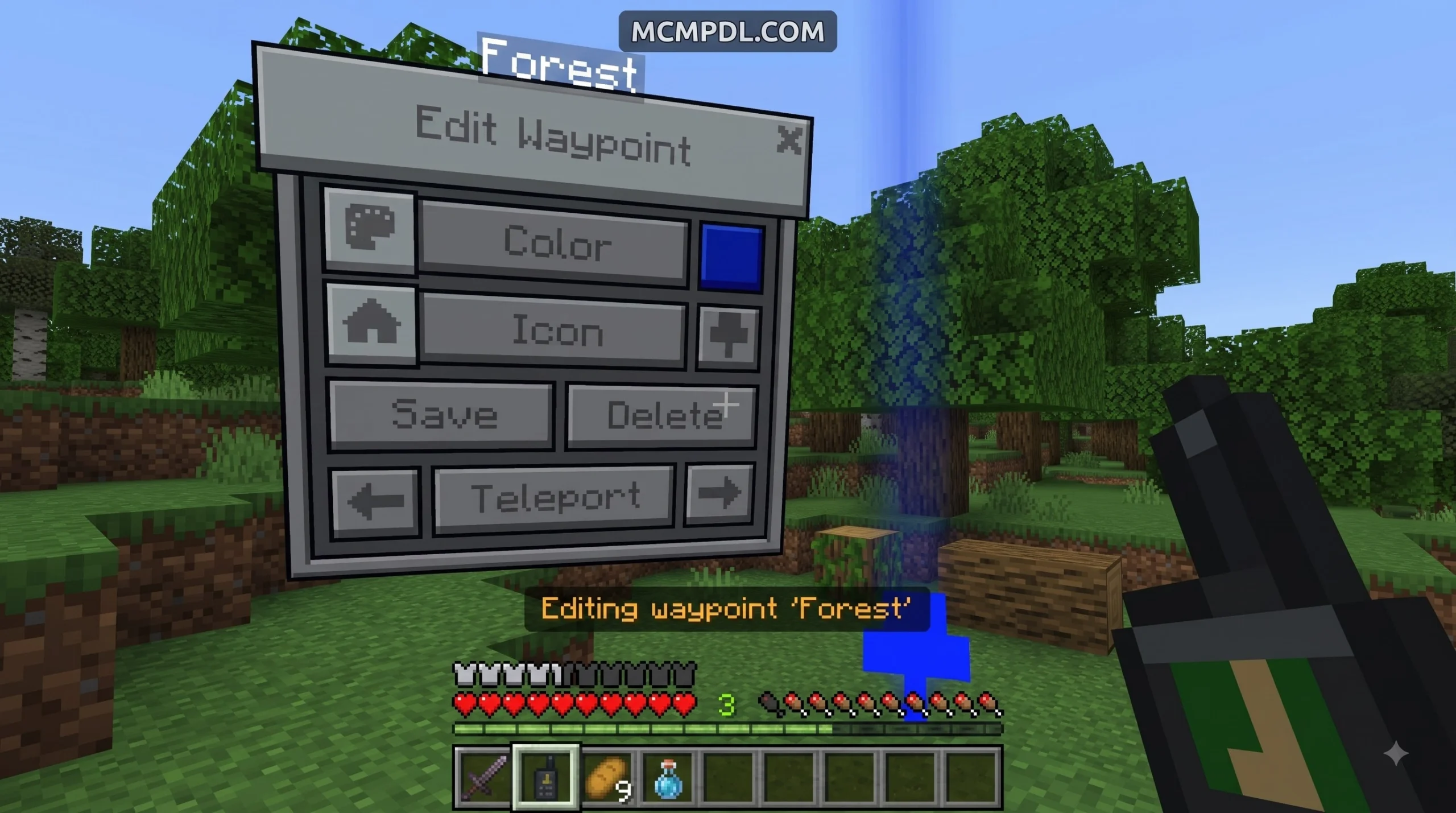
- Intuitive UI Menus & In-Game Items: The best packs offer custom user interfaces opened via dedicated items like a Waypoints Manager or pocket navigator, as well as easy chat commands like
/waypoint.
Evaluating Achievement-Friendly Waypoints Addon for Minecraft PE/Bedrock Options
For survival enthusiasts, maintaining earnable Xbox and Bedrock achievements is a top priority. In Minecraft Bedrock, enabling toggleable experimental features in your world settings automatically disables achievement tracking forever. Furthermore, older mods that modify the default player.json file frequently break with game updates and clash with custom skin packs or other behavior mods.
Fortunately, modern script-based designs allow a Waypoints Addon for Minecraft PE/Bedrock to run cleanly without triggering cheat flags. Addons such as Vanilla Waypoints and Advanced Waypoints are built specifically to avoid experimental toggles and player.json alterations. By utilizing standard game scripts and custom item interactions, these packs maintain full achievement compatibility while giving you total navigation freedom.
Multiplayer, Realm, and Server Management Controls
Running a waypoint pack on a multiplayer server or Bedrock Realm requires strict balance controls. Without proper safeguards, instant teleportation can trivialize travel, disrupt PvP battles, or allow players to flee from dangerous mob fights instantly.
To keep server gameplay fair and organized, look for feature-rich packs like the Multiplayer Waypoint System. These packs introduce dedicated administrative controls and anti-cheat mechanics:
- Per-Player Waypoint Limits: Systems often cap saved points to maintain server stability. For example, the Multiplayer Waypoint System allows each player up to 60 total waypoints, evenly distributed as 20 waypoints per dimension.
- Motionless Anti-Cheat Countdowns: To prevent combat logging, addons can enforce a stationary delay (ranging from 0 to 30 seconds) before teleportation or waypoint creation finishes. If a player moves, takes damage, or attacks during the countdown, the action cancels instantly.
- Admin Control Panels: World operators can execute special function commands, such as
/function sirobwaypoints_admin, to gain a dedicated control panel. From this interface, server admins can view, edit, inspect, or delete any online player’s waypoints, as well as disable teleportation globally while leaving visual map markers active.
Comparing Top Addons: Finding the Right Match
To help you decide which Waypoints Addon for Minecraft PE/Bedrock fits your current world, we have summarized three of the most popular community options below:
| Feature | Vanilla Waypoints | Advanced Waypoints | Multiplayer Waypoint System |
|---|---|---|---|
| Achievements Friendly | Yes (No experimental toggles needed) | Yes (No experimental toggles needed) | No (Requires Beta APIs / Experiments) |
| Required Experiments | None | None | Beta APIs, Holiday Creator Features |
| Teleportation Mechanics | Instant same-dimension fast travel | Distance-based XP cost (1 Level per 500 blocks) | Motionless countdown timer (0–30s) |
| Waypoint Limits | Configurable per player | Unlimited / High display range (9,999,999 blocks) | 60 total per player (20 per dimension) |
| Death Point Tracking | Yes | Yes (Includes death counter & timestamps) | Yes |
| Admin Controls | Server Mode config menu | Admin command /waypointconfig | Server Admin Control Panel (/function) |
| Interdimensional Travel | Yes | Yes | Yes |
Customization and Navigation Tools
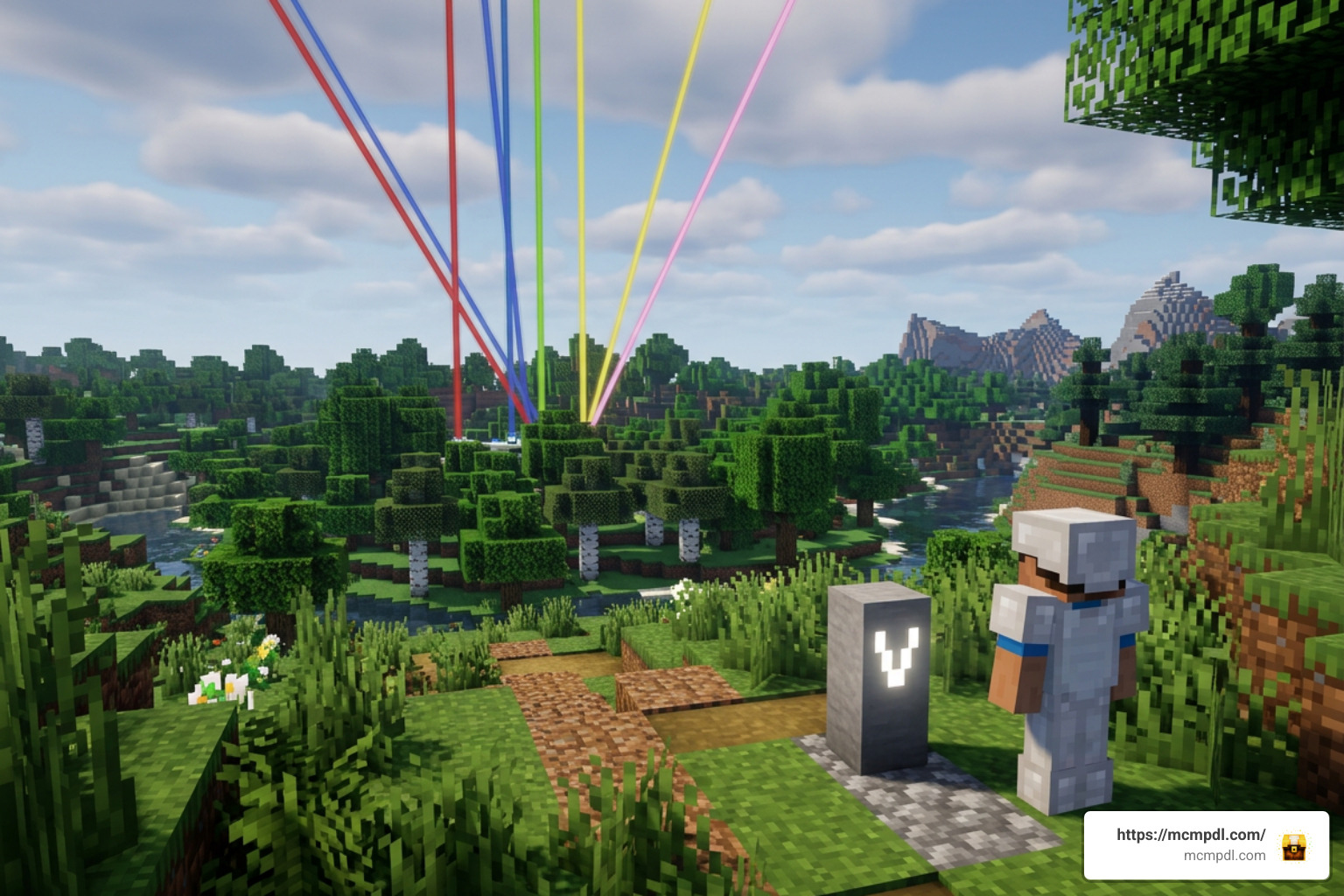
A reliable Waypoints Addon for Minecraft PE/Bedrock does more than save coordinates; it gives you total control over how markers appear inside your world. When browsing waypoint options, look for customization tools that keep your heads-up display organized and clear.
Top navigation features include:
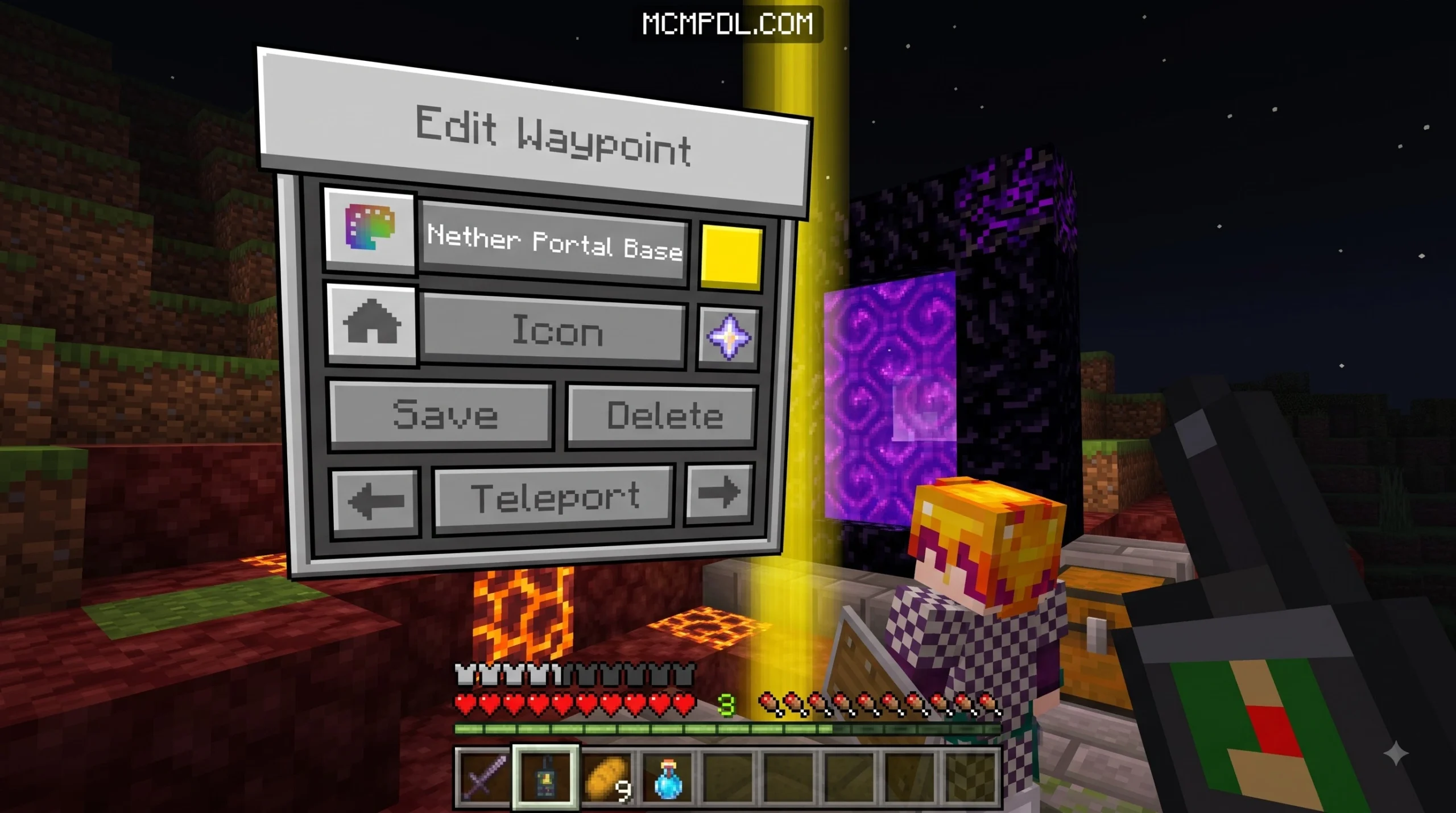
- Color & Icon Personalization: Differentiate your home base, villages, Nether fortresses, and End cities by assigning unique colors (red, blue, green, yellow, pink) and icons (homes, pickaxes, skulls, portals) to each marker.
- Beacon Beam Controls: Enable or disable tall vertical light beams that project into the sky. Beams make spotting bases from hundreds of blocks away easy, even through foliage or stormy weather.
- Visibility Toggles: Display names can be capped (such as 13-character or 100-character truncations) to prevent screen clutter. Options to temporarily hide markers clean up your field of view during intense boss fights or building projects.
- Coordinate & Location Sharing: On multiplayer worlds, players can select saved waypoints from their personal list and broadcast the exact coordinates directly to teammates or server chat with a single click.
Crafting and Managing In-Game Waypoints
Most waypoint addons integrate naturally into survival mode by requiring players to craft dedicated navigation items before saving or teleporting to locations.
For instance, in Vanilla Waypoints, players obtain the core UI items using standard survival ingredients:
- Waypoints Manager: Crafted on a standard crafting table using 4x Red Dye, 2x Paper, 2x Empty Map, and 1x Ender Pearl. Operators can also obtain it instantly using the command
/give @s dl_vw:waypoints_manager. - Configuration Menu: Crafted using 1x Cobblestone and 1x Pink Dye, or given via
/give @s dl_vw:configs_menu.
In other popular packs like Advanced Waypoints, crafting a standard Waypoint Item requires placing 2x Papers into a Cartography Table. Upgrading to the Advanced Waypoint Item unlocks XP-based teleportation mechanics. Meanwhile, script-heavy mods grant players a special “Glim TP” pocket navigator right when they join the world. If you ever lose your menu item, packs typically include easy chat recovery commands like ./waypoint-menu.
How to Install and Set Up Waypoint Addons on Bedrock
Installing custom content on Bedrock Edition is straightforward, but it requires applying both Behavior and Resource packs correctly. Minecraft Bedrock addons are packaged as .mcaddon or .mcpack files. For official background on how Bedrock add-ons are structured, you can also review the Minecraft Creator documentation.
When downloading matching files from community hubs, you will typically receive two separate pack files:
- Behavior Pack (BP): Handles underlying game logic, scripting API functions, teleportation costs, and coordinate tracking.
- Resource Pack (RP): Stores visual elements, custom textures, icon artwork, menu user interfaces, and vertical beam particle effects.
How to Safely Install a Waypoints Addon for Minecraft PE/Bedrock
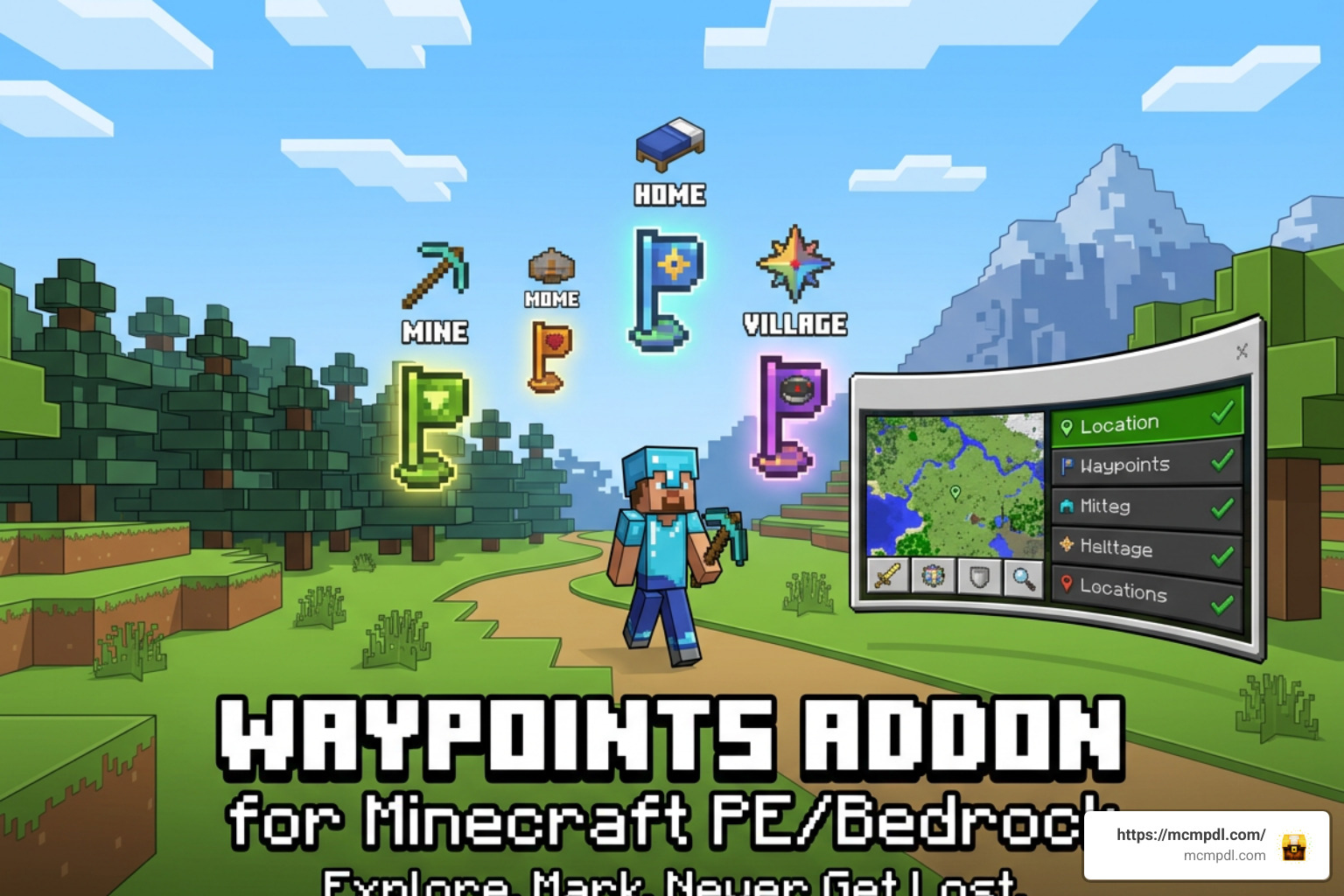
Follow these steps to safely install and configure your Waypoints Addon for Minecraft PE/Bedrock:
- Download the Files: Download both the matching Behavior Pack (
.mcpack) and Resource Pack (.mcpack), or the combined.mcaddonfile for your exact game version (such as Bedrock 1.21 or 26.40+). - Import to Minecraft: Tap or double-click the downloaded file on your device (Android, iOS, Windows, or console). Minecraft PE/Bedrock will launch automatically and display an “Import Started” notification at the top of the screen.
- Apply to World Settings: Open your world settings menu. Navigate down to the Resource Packs tab and activate the pack. Then, go to the Behavior Packs tab and activate the matching behavior file. Activating one will often link and enable the other automatically.
- Configure Experimental Features (If Required): Check your chosen addon’s instructions. If the pack relies on advanced scripting, scroll down to the Experiments tab in world settings and toggle required settings such as Beta APIs, GameTest Framework, or Holiday Creator Features. (Note: If maintaining Xbox achievements is critical, ensure you select an achievement-friendly addon that requires zero experimental toggles!)
- Launch and Verify: Load into your world. Use the crafting recipes or give commands to obtain your waypoint item, open the interface menu, and set a test waypoint to confirm markers render properly.
Frequently Asked Questions
Why do my waypoints disappear after game updates or commands?
Major Minecraft Bedrock engine updates frequently update the underlying Script API and manifest SemVer standards. When game versions shift (for example, updating to version 26.40+), older behavior scripts may fail to load particle JSON files or manifest data properly, causing active markers to vanish temporarily.
Additionally, running broad clearing commands like /kill @e can accidentally wipe custom waypoint entity markers in certain older packs. To fix this, ensure your addon is updated to the latest release, verify that Beta APIs is enabled under world experiment settings if required, and use in-game recovery utilities like “Recover Waypoints” found inside the addon’s options menu.
Can I teleport between dimensions without losing my achievements?
Yes! You can fast-travel across the Overworld, Nether, and The End without losing achievements, provided you choose an achievement-friendly Waypoints Addon for Minecraft PE/Bedrock like Vanilla Waypoints or Advanced Waypoints.
These addons use safe, non-cheat scripting methods that do not require enabling experimental toggles or modifying player files. As long as your world settings maintain standard survival rules without turning on general world cheats (/allow-cheats), interdimensional waypoint teleportation will keep your achievements active.
How do I prevent players from abusing teleportation on my server?
To maintain balanced survival or PvP gameplay on multiplayer servers and Realms, choose a waypoint pack with built-in administrative configuration tools. Server operators can restrict teleportation using three primary methods:
- Enforce Motionless Countdowns: Set a delay (e.g., 5 to 10 seconds) in the admin config. Players must stand completely still during the timer; taking damage or moving immediately cancels the teleport.
- Enable Teleport XP Costs: Charge experience levels based on travel distance to prevent players from freely teleporting back and forth across vast distances.
- Disable Fast Travel Entirely: Enable “Server Mode” or use administrative control panels (
/function sirobwaypoints_admin) to toggle off teleportation features completely. This leaves visual waypoint markers and death points active while requiring players to walk or ride horses between bases.
Conclusion
Finding a reliable Waypoints Addon for Minecraft PE/Bedrock transforms how you explore your world. Whether you are embarking on long-distance survival voyages thousands of blocks from home, managing a bustling multiplayer realm, or tracking down lost inventory after an unexpected death, the right addon keeps you oriented and connected.
By selecting an addon tailored to your specific goals—whether that means prioritizing achievement-friendly survival play, enforcing strict anti-cheat timers for PvP, or setting up colorful interdimensional light beams—you eliminate the frustration of getting lost. Explore our extensive collection of trusted custom content, textures, and world additions at MCMPDL to upgrade your Minecraft PE/Bedrock experience today!

2 thoughts on “Waypoints Addon for Minecraft PE/Bedrock”