
Scroll down to D0vvnl0ad
Get Wonder’s Building Blocks Add-On for Minecraft PE/Bedrock
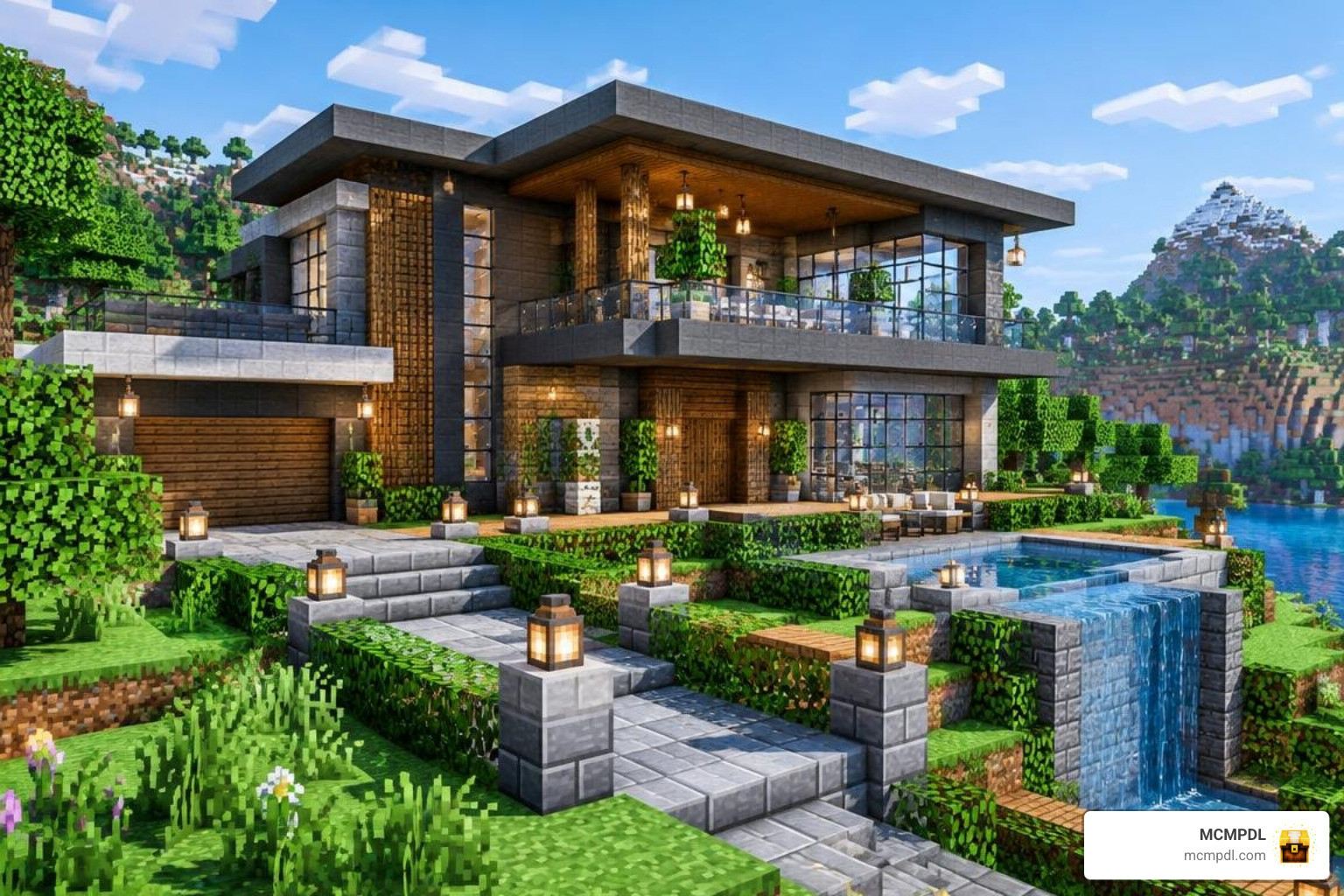
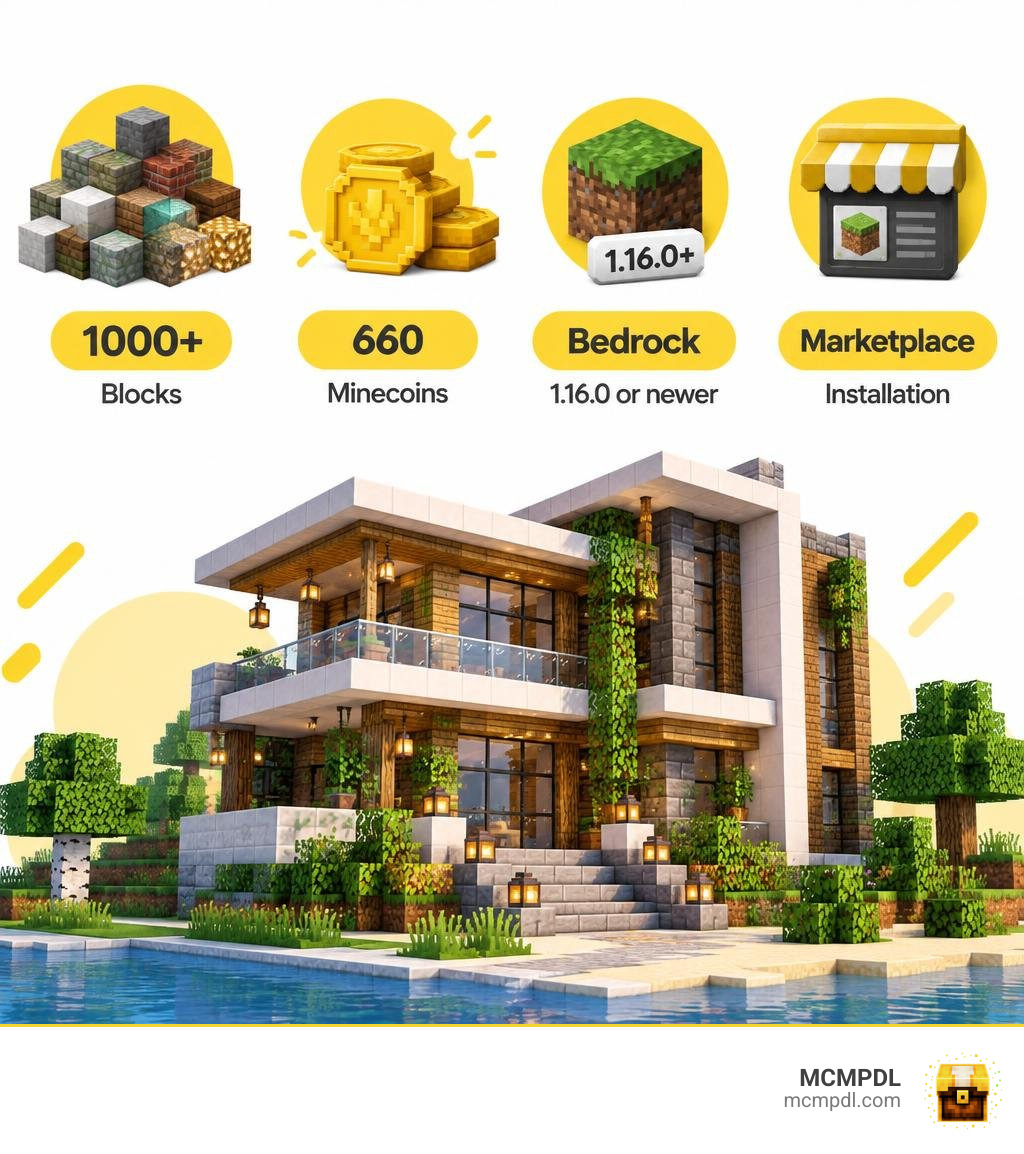
To get the Wonders Building Blocks Addon for Minecraft PE/Bedrock, make sure your game is version 1.16.0 or newer, then find Wonder’s Building Blocks Add-On in the Minecraft Marketplace and purchase it for 660 Minecoins. Download it there and add it to a world. It is not a free add-on.
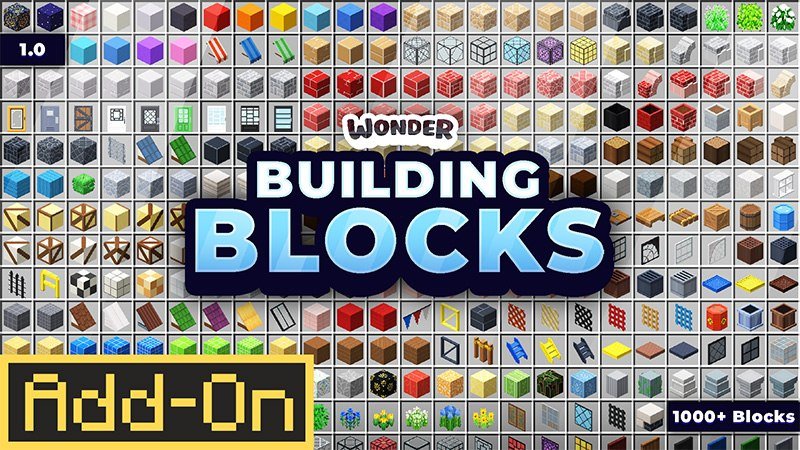
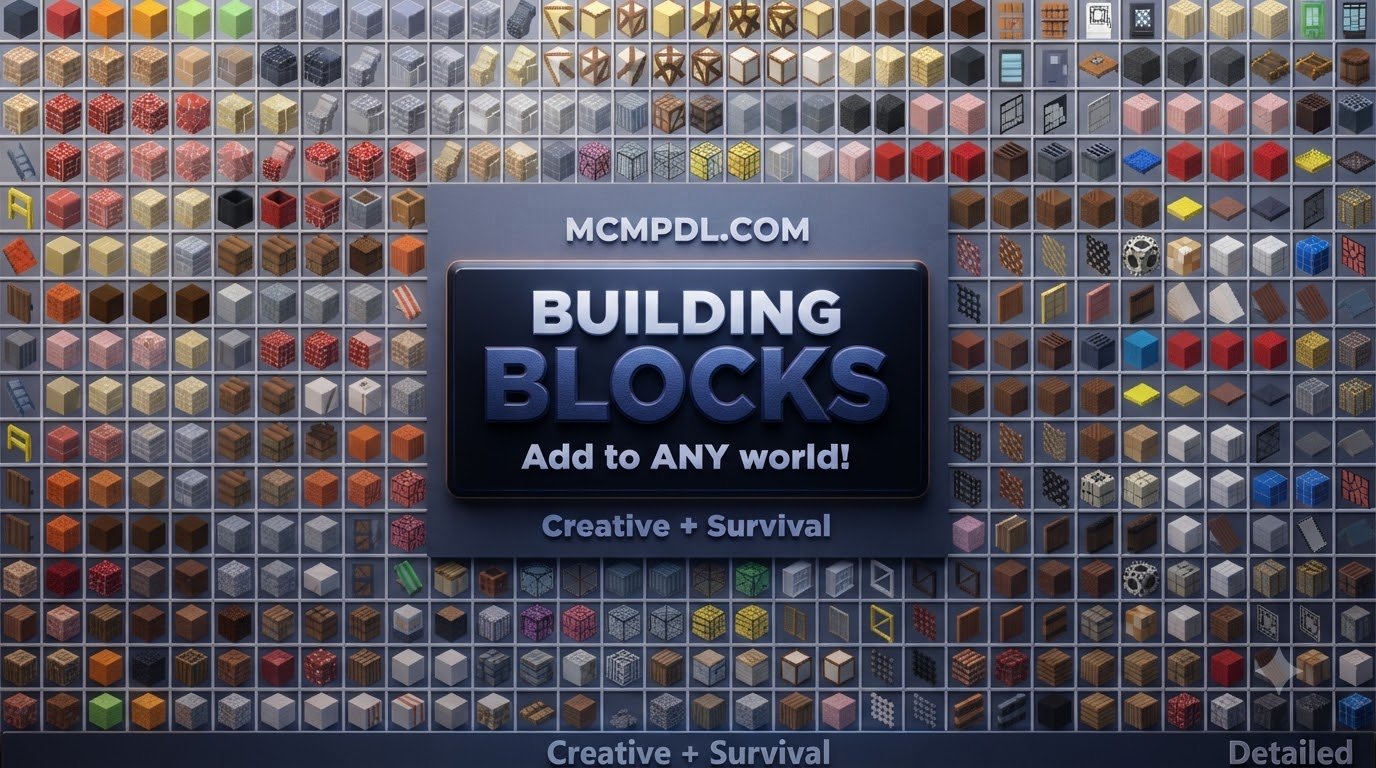
The pack adds more than 1,000 building blocks for Creative and Survival play, with options for modern, medieval, and city builds. This guide will help you install it and start using the new blocks.
What is the Wonders Building Blocks Addon for Minecraft PE/Bedrock?
Created by the talented designer Wonder, this comprehensive expansion pack officially launched on September 8, 2026, and received a stability update on September 12, 2026. The addon was designed from the ground up to solve one of the longest-standing challenges in Minecraft Bedrock: running out of varied textures and decorative blocks when constructing large-scale builds.
Compatible with Bedrock version 1.16.0 and all subsequent releases, this expansion provides builders with an expansive architectural library directly inside Minecraft Pocket Edition, Windows 10/11, and console editions. Community reception has been remarkably strong. The pack holds an impressive average rating of 4.6 out of 5 stars across 33 ratings on the marketplace. An overwhelming 82% of players gave it a full 5-star review, while 4-star, 3-star, and 2-star reviews each make up just 6% of the remaining feedback.
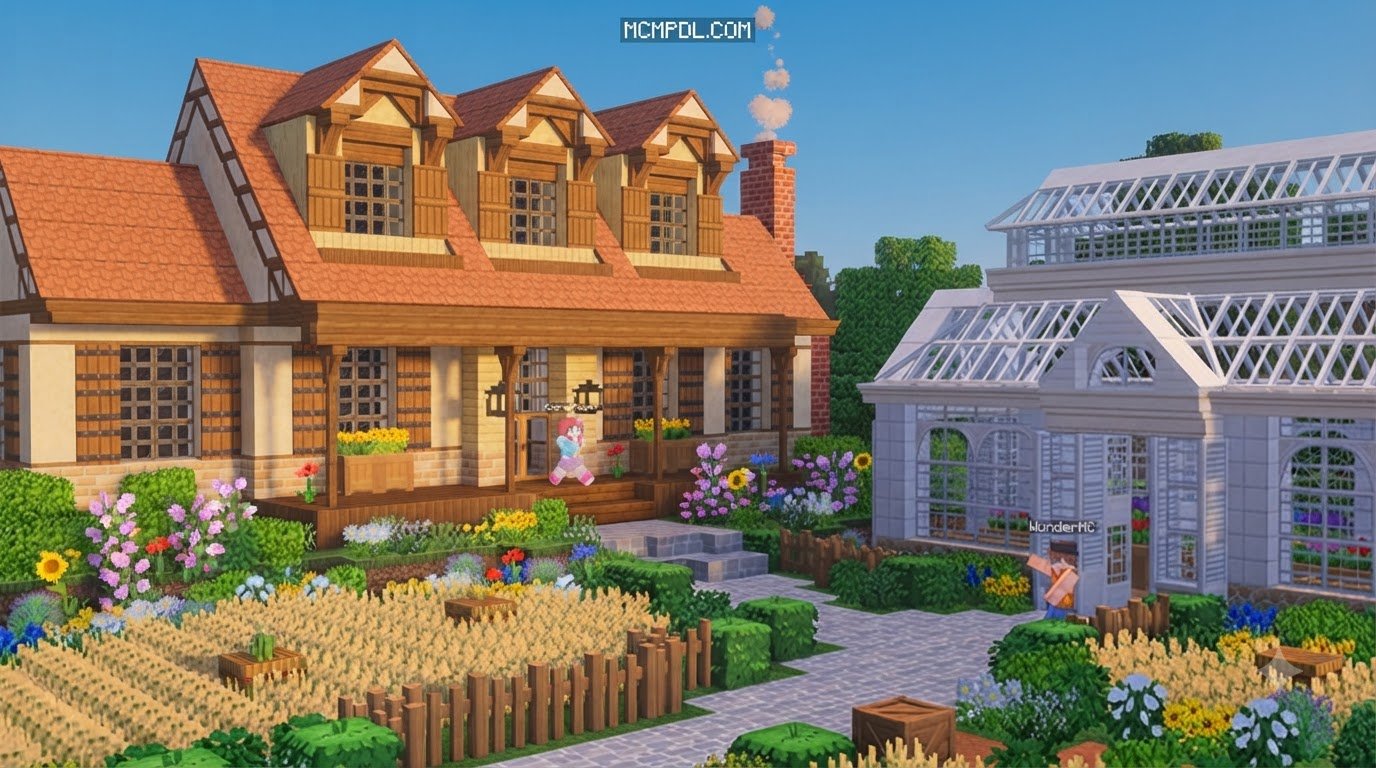
Priced at 660 Minecoins—which translates to roughly $3.46 USD or €3.26 EUR—it offers immense value for builders seeking professional-grade variety. You can check out more details on the Wonder’s Building Blocks Add-On by Wonder | CHUNK – Minecraft Bedrock Marketplace Explorer page. Just remember a fun little disclaimer from the creator: the spectacular buildings shown in promotional screenshots are not pre-built in the world—you get to build them yourself!
Core Features of Wonders Building Blocks Addon for Minecraft PE/Bedrock
The defining feature of this pack is its massive scale, delivering over 1,000 brand-new blocks into your game files without overwriting or replacing vanilla assets. This sheer volume allows you to craft seamless structures that feature smooth gradients, realistic trims, and authentic structural framing.
Key features include:
- Massive 1000+ Block Roster: An exhaustive collection of materials, variants, and colors designed to eliminate repetitive patterning.
- Full Survival Mode Integration: Every block has dedicated survival recipes, ensuring pure survival players can gather resources and construct elaborate bases naturally.
- Organized Creative Inventory: Custom tabs and subcategories make browsing through a thousand new items quick and effortless.
- Themed Variety: Perfect for pairing with fantasy construction materials or realistic architectural designs.
- Seamless Texture Mapping: Clean transitions between connected faces, edges, and corners ensure that your walls, ceilings, and floors blend together realistically.
Thematic Categories and Block Types

Whether you are crafting a towering metropolitan skyscraper or a rustic mountain fortress, the addon organizes its vast library into well-defined thematic categories:
- Modern Architecture: Polished concrete, glass panel variants, clean plaster textures, asphalt, and crisp marble surfaces for sleek contemporary estates.
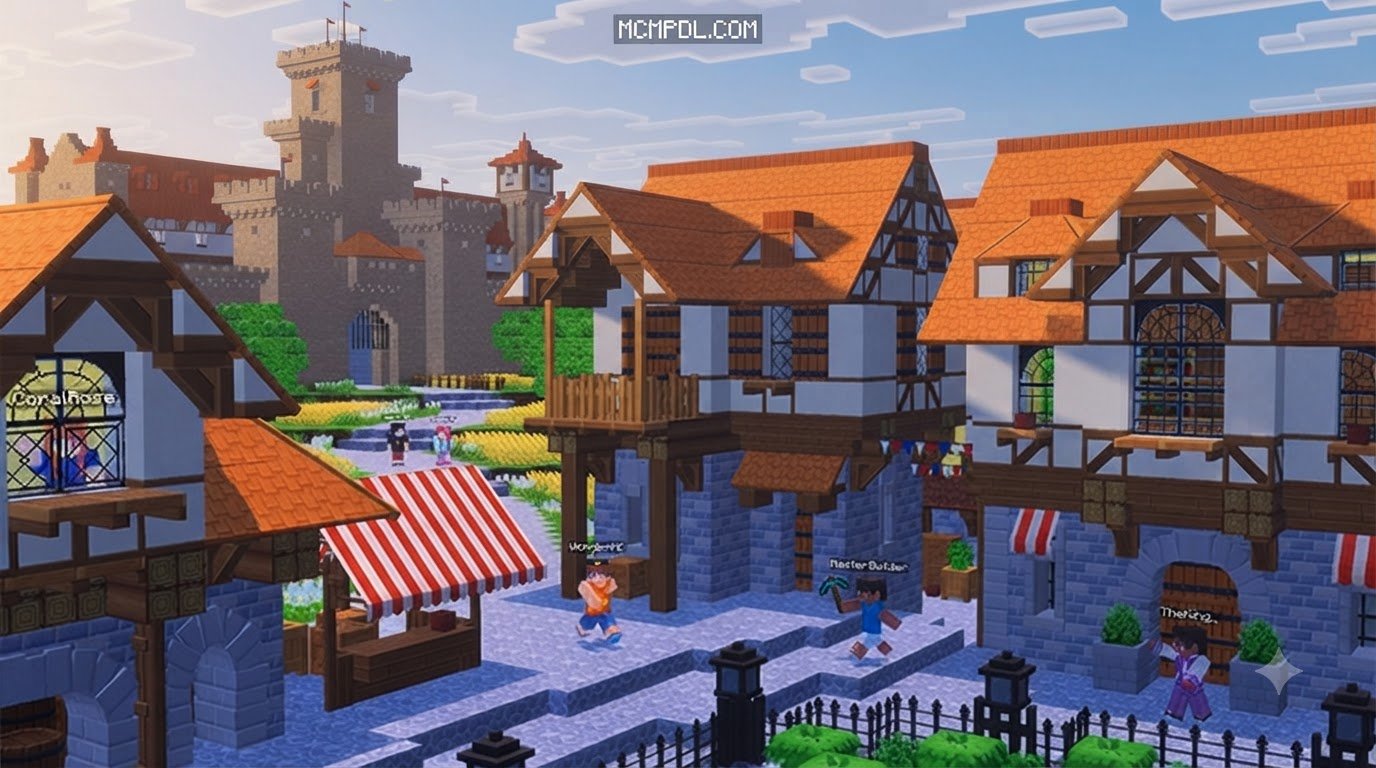
- Medieval and Fantasy Stonework: Weathered cobblestone, carved arches, reinforced brick variants, and aged wooden timbers suited for fortresses, dungeons, and hamlets.
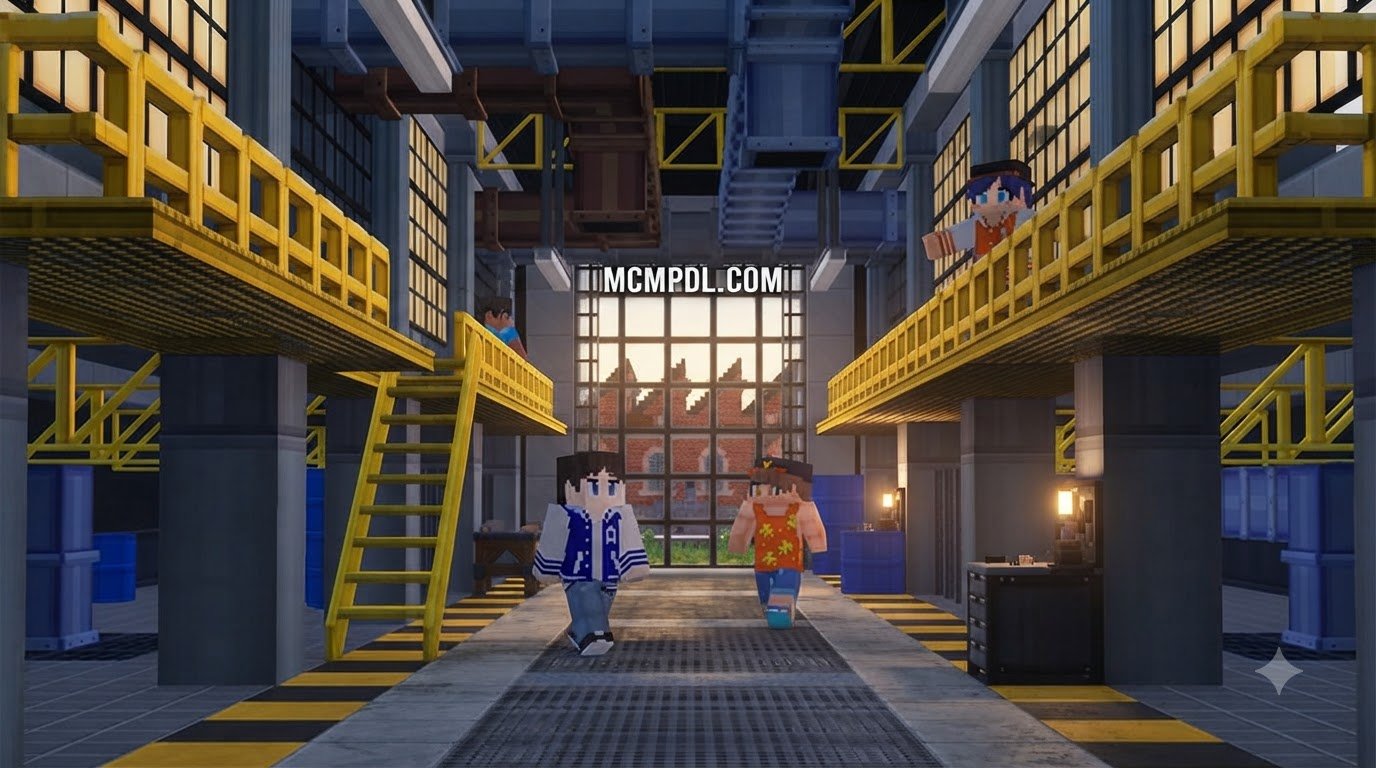
- Industrial and Factory Materials: Corrugated iron sheets, hazard-striped panels, metal grating, rust-streaked plates, and structural steel beams for authentic workshops.
- Town and City Infrastructure: Sidewalk slabs, road markings, curb stones, and utility facades to build bustling urban streets.
- Craftable Furniture and Details: Interior accents and fixtures that work alongside miniature decorative blocks to add practical charm to lived-in rooms.
How to Download and Install the Add-on in Bedrock Edition
Getting the addon up and running in your Bedrock worlds is a straightforward process. Follow our visual overview and step-by-step instructions below.
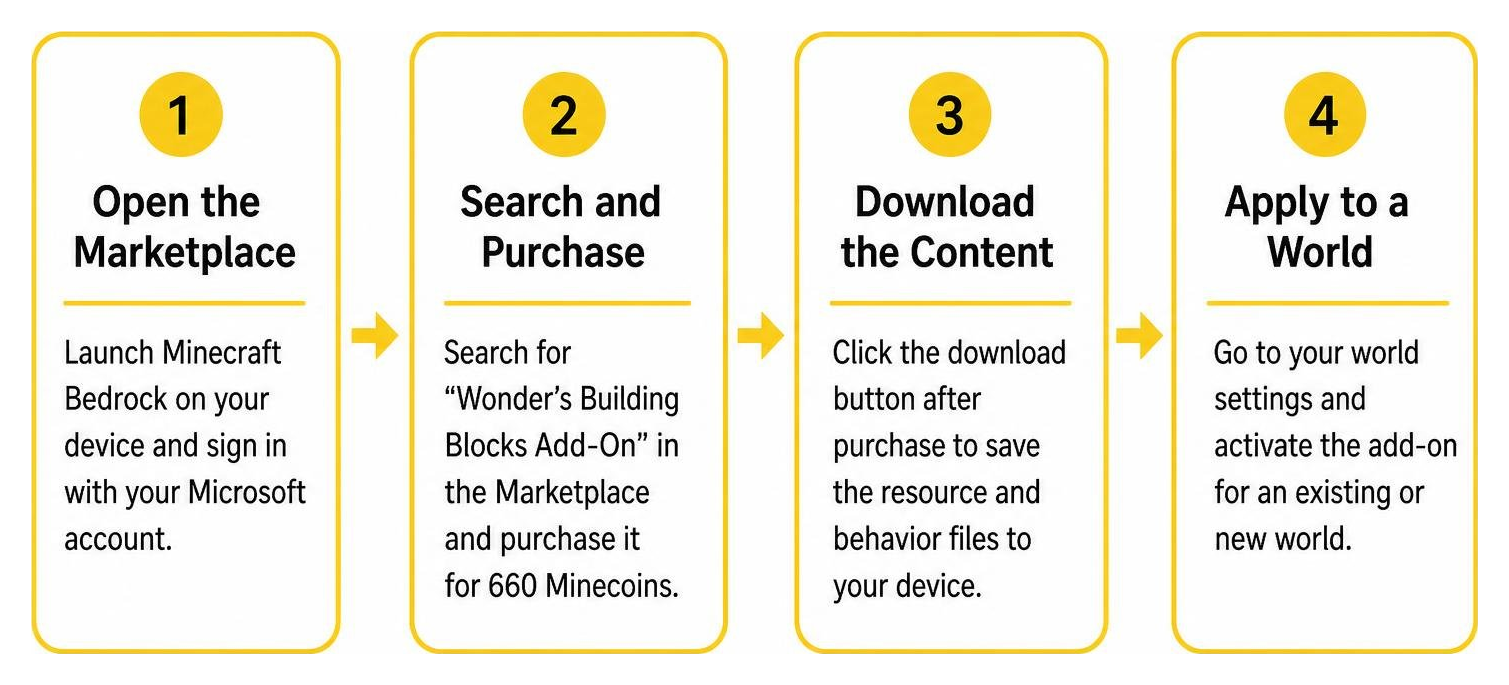
- Open the Marketplace: Launch Minecraft Bedrock on your device (PE/Mobile, Windows, or Console) and ensure you are signed into your Microsoft account.
- Search and Purchase: Type “Wonder’s Building Blocks Add-On” in the Marketplace search bar. Purchase the pack using 660 Minecoins.
- Download the Content: Click the download button once the purchase is confirmed to save the resource and behavior files to your device storage.
- Apply to an Existing or New World:
- Go to your world settings screen.
- Navigate to the Resource Packs tab on the left menu, select the addon under “My Packs,” and click Activate.
- Navigate to the Behavior Packs tab and confirm the matching behavior pack is also active.
- Launch Your Game: Enter your world in Creative to test the new creative tabs, or load into Survival to start crafting your first custom blocks.
Comparing Wonder’s Block Pack to Other Bedrock Add-Ons
To help you decide which packs best suit your building style, we have assembled a comparison of popular block expansions available in the Bedrock ecosystem. Many builders choose to combine packs, pairing this addon with expanded custom block collections or split block design variations for maximum creative versatility.
| Feature / Metric | Wonder’s Building Blocks | Standard Community Block Packs | Advanced Furniture Addons |
|---|---|---|---|
| Total Block Count | 1,000+ Custom Blocks | 50 – 200 Blocks | 100 – 300 Interactive Props |
| Survival Mode Support | Full Crafting & Stonecutter | Partial / Recipe Limited | Often Creative Only |
| Theme Variety | Modern, Medieval, City, Factory | Single Theme Focus | Domestic & Interior Only |
| Storage & Mobile Impact | Highly Optimized Atlases | Low Footprint | Moderate Entity Overhead |
| Minimum Version | Bedrock 1.16.0+ | Varies (1.18.0 – 1.20.0+) | Typically 1.19.0+ |
| Installation Source | Minecraft Marketplace | Direct .mcpack Imports | Direct .mcpack Imports |
Because the addon relies on optimized block atlases rather than heavy entity models, it maintains excellent framerates across mobile devices (iOS and Android), ensuring your pocket edition sessions remain smooth even in block-dense cities.
Mastering Custom Architecture in Bedrock
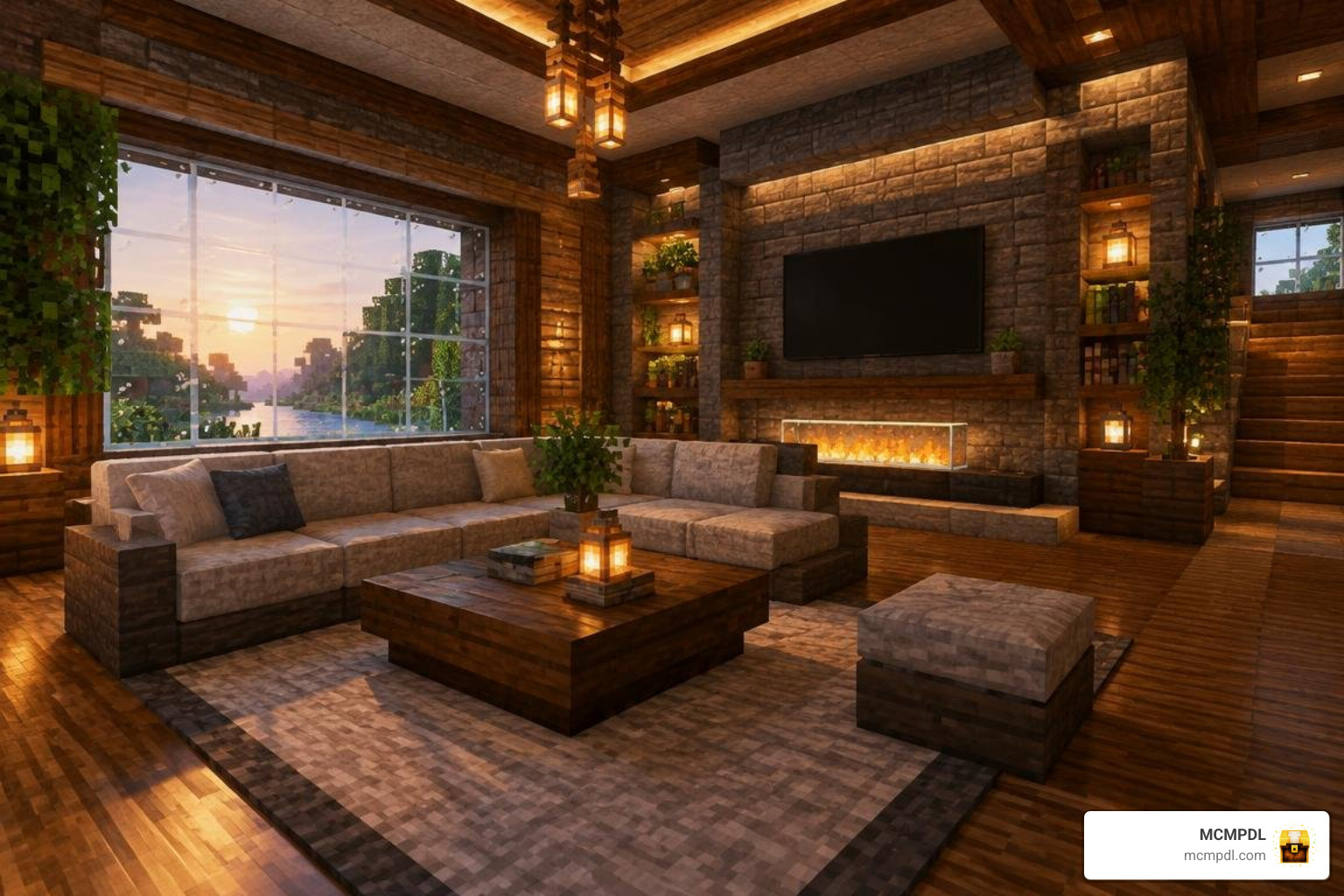
Having access to a thousand new blocks opens exciting creative opportunities. To get the best visual results out of your new palette, keep these architectural fundamentals in mind:
- Depth Layering: Never build flat walls. Combine structural pillars, recessed wall panels, and protruding trim blocks to create realistic shadows across building exteriors.
- Color Palettes and Contrasts: Group warm woods with neutral concretes, or balance rough medieval stones with smooth plaster highlights to guide the viewer’s eye across distinct sections of your structure.
- Functional Lighting Mechanics: Conceal light-emitting blocks behind custom grates, slatted panels, or decorative fixtures to achieve moody, ambient room illumination without visible torch clutter.
Best Building Tips for the Wonders Building Blocks Addon for Minecraft PE/Bedrock
- Master the Stonecutter: Take advantage of the stonecutter block in Survival mode. Transforming base materials via the stonecutter is often far cheaper than standard crafting table recipes and gives you immediate access to decorative trims.
- Build Smooth Texture Gradients: Blend two or three related textures vertically—such as placing dark, weathered industrial blocks at the foundation and transitioning into cleaner modern panels near the roofline.
- Design Distinct Themed Districts: Dedicate specific sections of your map to unified architectural styles. Use factory blocks for docklands and workshops, while saving sleek glass and smooth stones for commercial high-rises.
- Accent Interiors with Mixed Sets: Combine custom structural blocks with specialized packs like the Block Pack Addon for Minecraft PE/Bedrock or the Blocks Update Addon for Minecraft PE/Bedrock to fill large halls with distinct props.
- Take Advantage of Multiple Angles: Test how different blocks align against stairs, slabs, and corner trims before locking in your final blueprints.
Frequently Asked Questions about Wonder’s Building Blocks
Is Wonder’s Building Blocks Add-On free to download?
No, the addon is an official Marketplace release and requires an in-game purchase of 660 Minecoins (approximately $3.46 USD). It is not available as a free standalone download.
Can you craft the new blocks in Survival mode?
Yes! Every single block included in the pack comes with balanced survival crafting recipes. You can gather raw materials in your survival world and process them through the standard crafting table or stonecutter.
Which Minecraft Bedrock versions support this add-on?
The addon requires Minecraft Bedrock version 1.16.0 or newer. It is fully compatible with modern updates across Android, iOS, Windows 10/11, Xbox, PlayStation, and Nintendo Switch.
Conclusion
At MCMPDL, our goal is to help you discover the finest content to supercharge your Minecraft adventures. Whether you are laying down miles of highway in a modern metropolis or raising stone battlements over a fantasy kingdom, having over 1,000 custom blocks at your disposal provides unmatched creative freedom.
Ready to expand your world even further? Be sure to browse the latest Bedrock add-ons to find exciting new texture packs, gameplay mods, and builder toolsets for your next grand project!