Scroll down to D0vvnl0ad
Install the Morph Into Anything Addon for Minecraft PE/Bedrock
To install the Morph Into Anything Addon for Minecraft PE/Bedrock, download a file that matches your game version, open it with Minecraft, and activate both the Resource Pack and Behavior Pack in your world settings. Then load the world, craft the Morph Menu item, and use it to choose a mob.
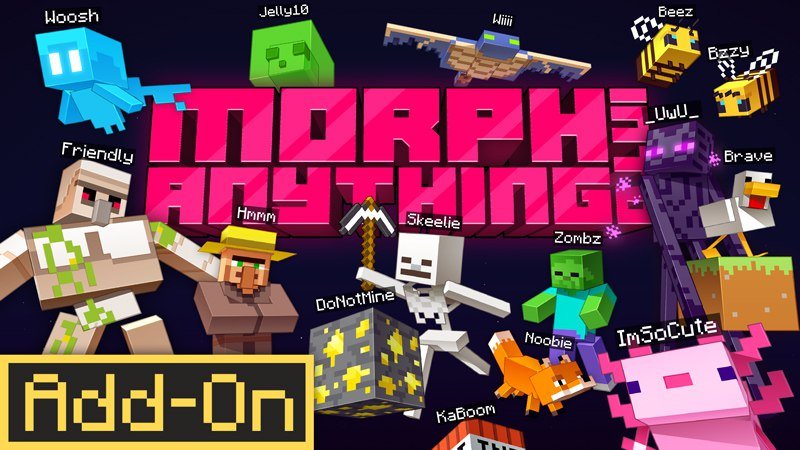
The addon lets you take on vanilla, baby, and custom mob forms. Some forms have abilities, such as Spider wall-climbing or Enderman teleportation. This guide walks through the seven setup steps so you can get from download to your first transformation. For official guidance on enabling add-ons in Bedrock Edition, see Activate Add-Ons in Minecraft: Bedrock Edition.
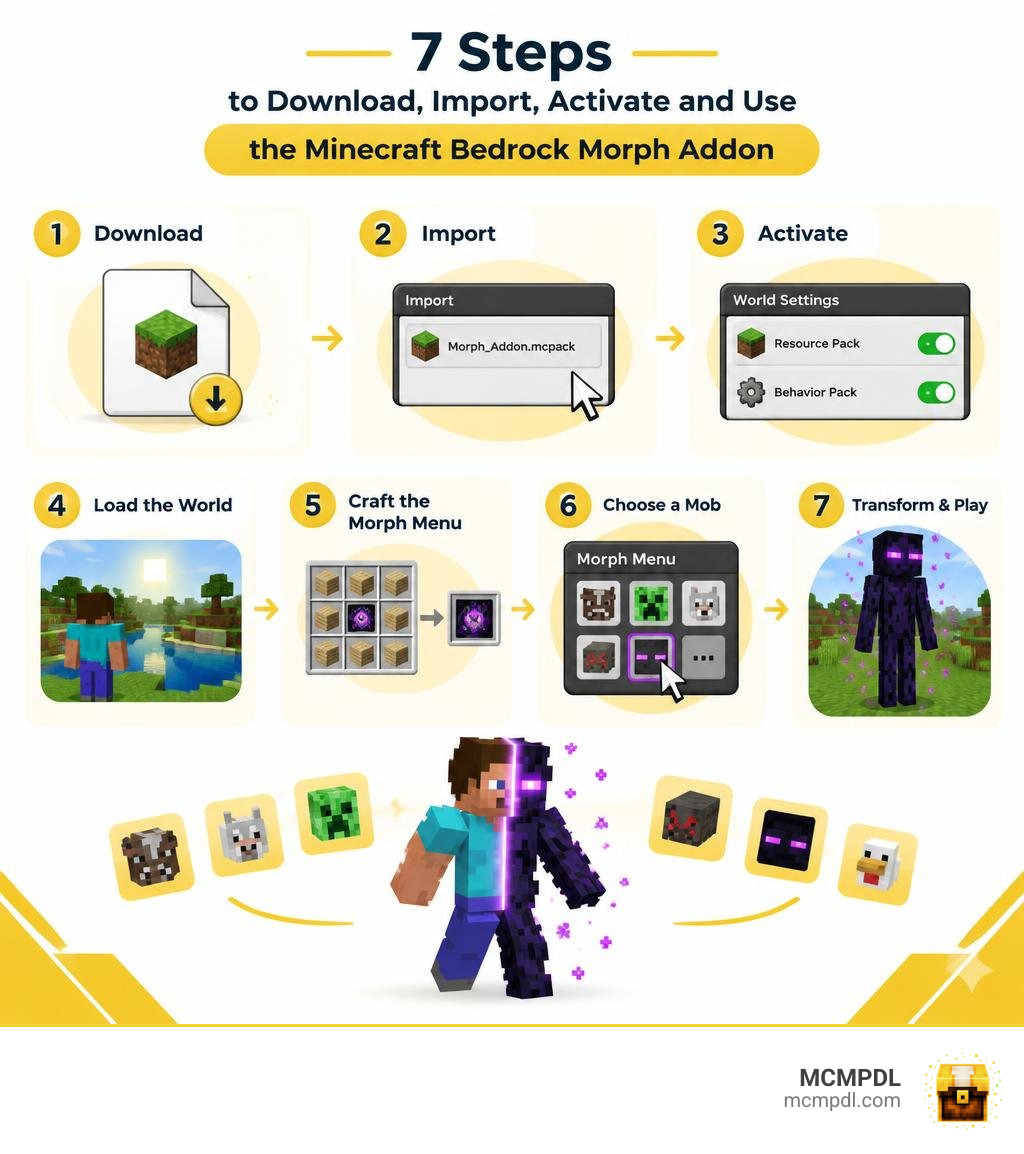
Complete Overview of the Morph Into Anything Addon for Minecraft PE/Bedrock
Transforming into the creatures that inhabit your world completely changes how you experience Minecraft. The Morph Into Mobs modification has quickly become one of the most sought-after tools in Bedrock Edition, racking up an impressive 220,657 downloads across the community. Built to give survival and creative players full freedom over their player model, the pack replaces standard Steve or Alex skins with fully animated, interactive creature models.
The project recently achieved a major milestone with its v1.2 release, which brought enhanced performance, cleaned-up scripts, and broader compatibility across modern Bedrock builds. While classic community staples like the standalone Morph Addon for Minecraft PE/Bedrock paved the way for entity shifting, this modern update expands the scope of transformations significantly.
In terms of technical requirements, this addon supports Minecraft Bedrock versions 26.30, 26.20, 26.13, 26.12, and 26.11+. The v1.2 update specifically targets version 26.30, ensuring that the latest render engine adjustments and entity component systems work smoothly without breaking your world save.
Entity Types, Baby Morphs, and Custom Creatures
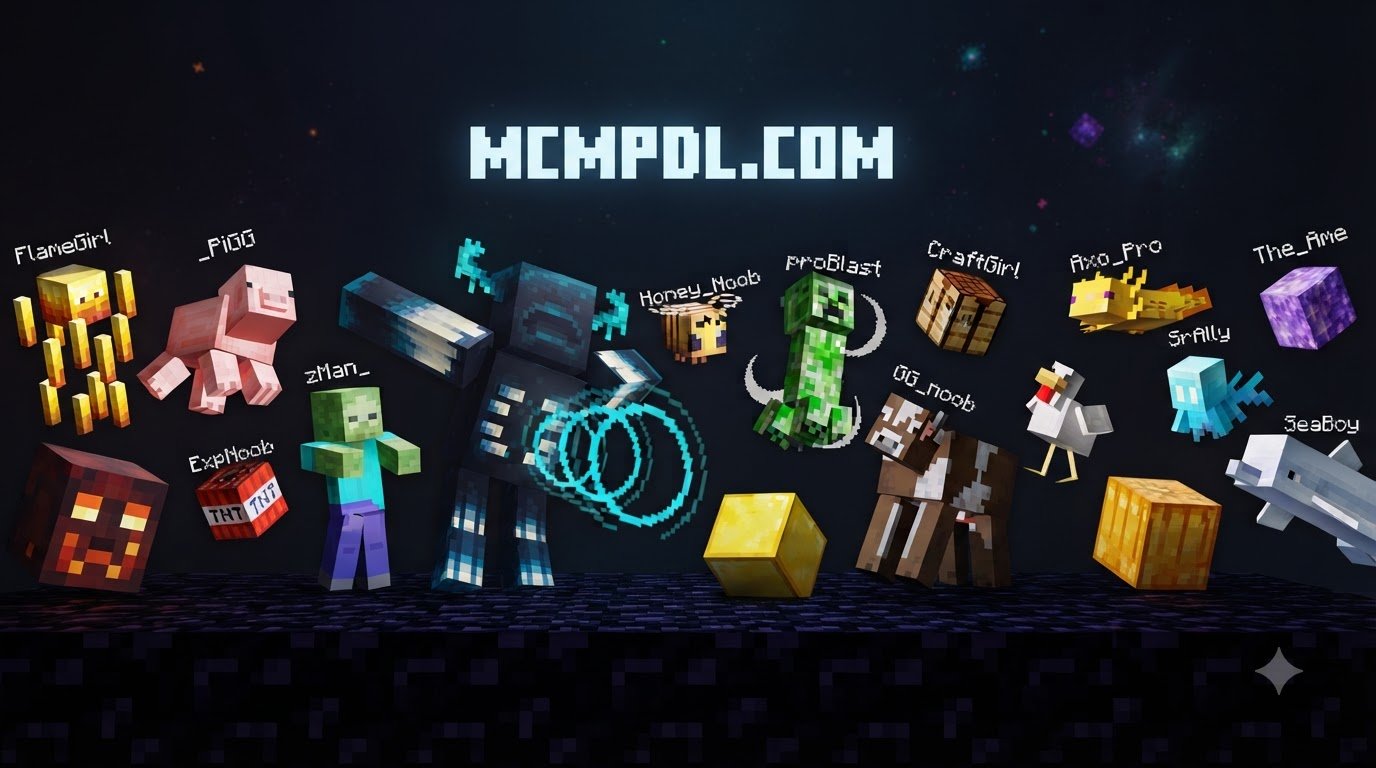
One of the standout elements of this addon is its structured categorization of morphable entities. Rather than limiting you to a handful of standard monsters, the roster is split into three distinct groups:
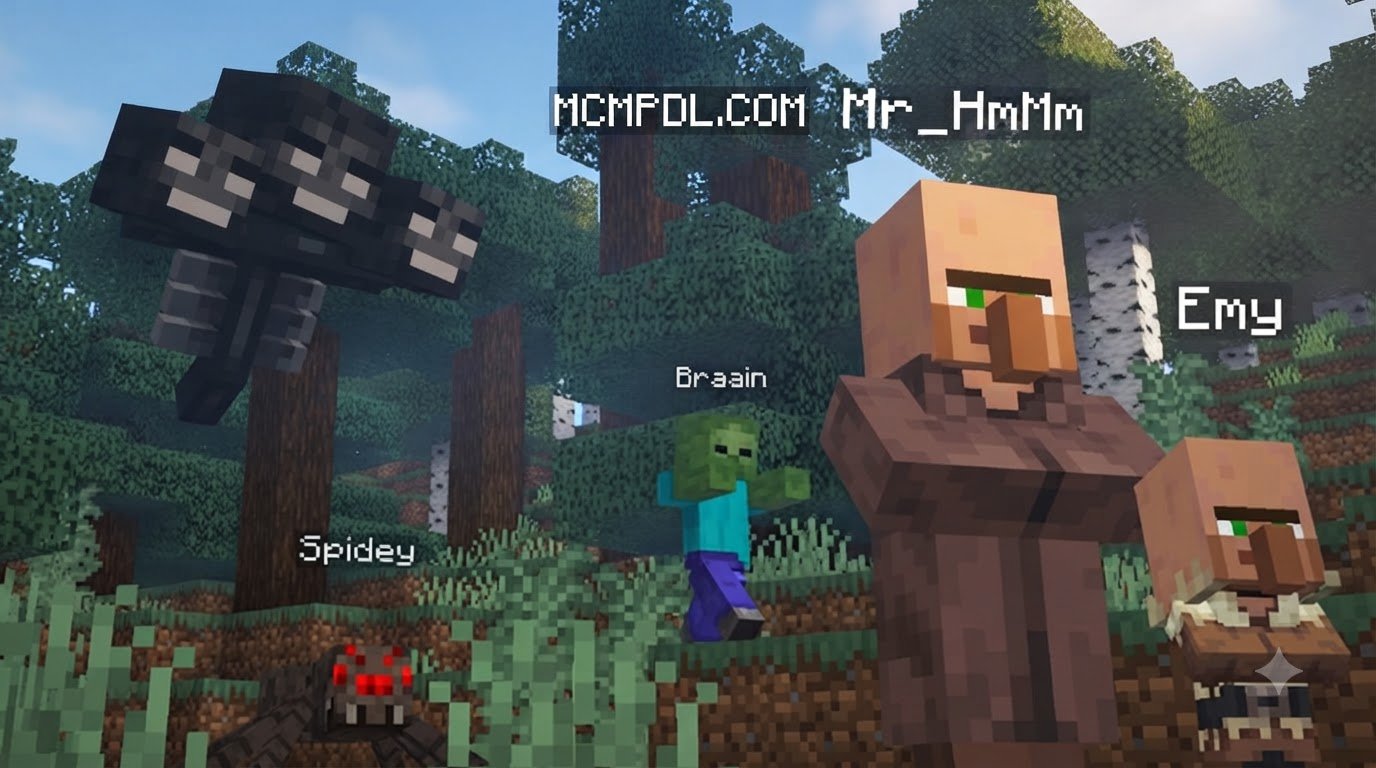
- Standard Vanilla Mobs: From peaceful farm animals like sheep and cows to fearsome dungeon dwellers like Skeletons, Creepers, and Endermen.
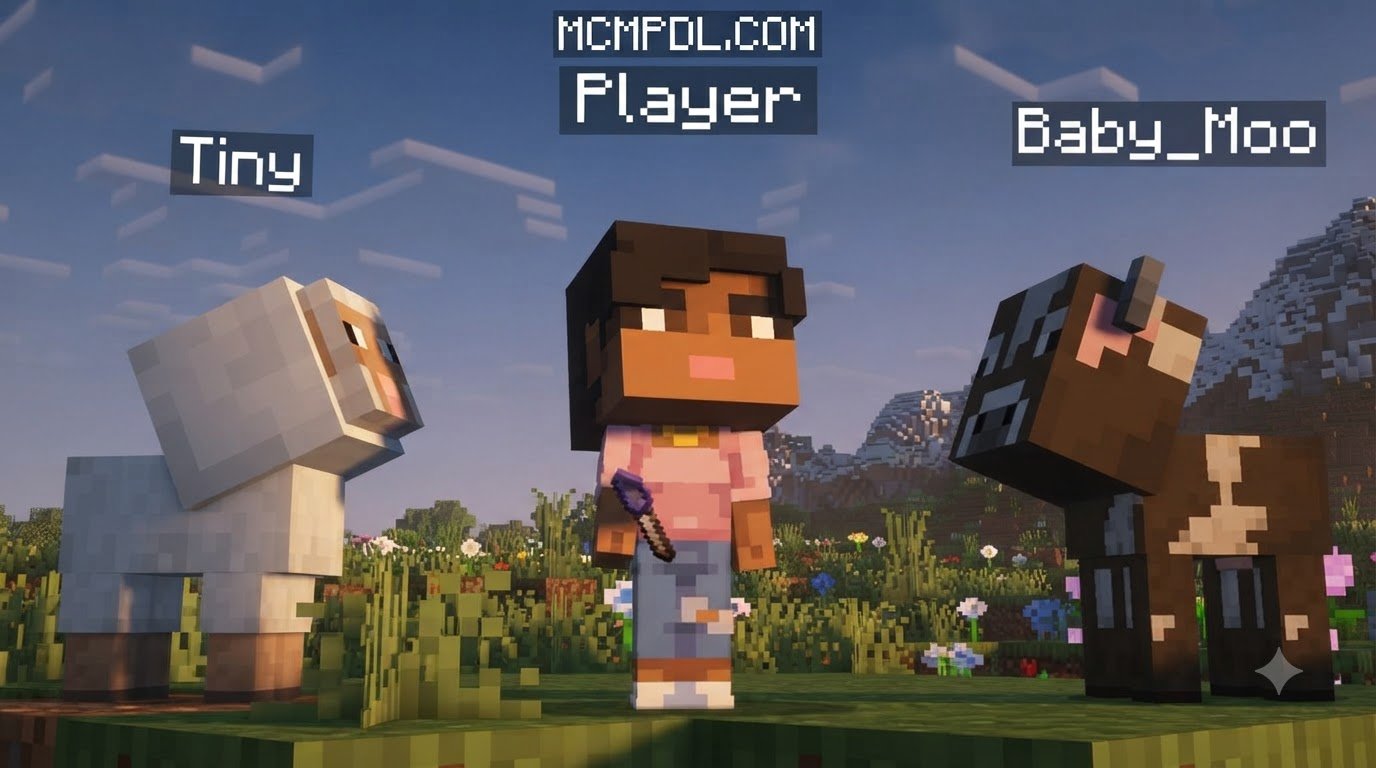
- Baby Mobs: Drawing inspiration from miniature mob concepts, you can shrink down into pocket-sized versions of standard animals and monsters with miniature hitboxes.
- Custom and Mythical Creatures: Step away from the standard spawn list to play as terrifying legends like the Windigo, a ferocious Werewolf, or a prehistoric T-Rex.
If you enjoy filling your worlds with expansive entity rosters, you might be familiar with packs like All The Mobs 1.0 for Minecraft PE/Bedrock or utility expansions like the Mob Companions Addon for Minecraft PE/Bedrock. This morphing pack builds on that same enthusiasm for entity diversity, placing the models and mechanics directly into your hands.
Step-by-Step Guide: How to Install the Addon in 7 Steps
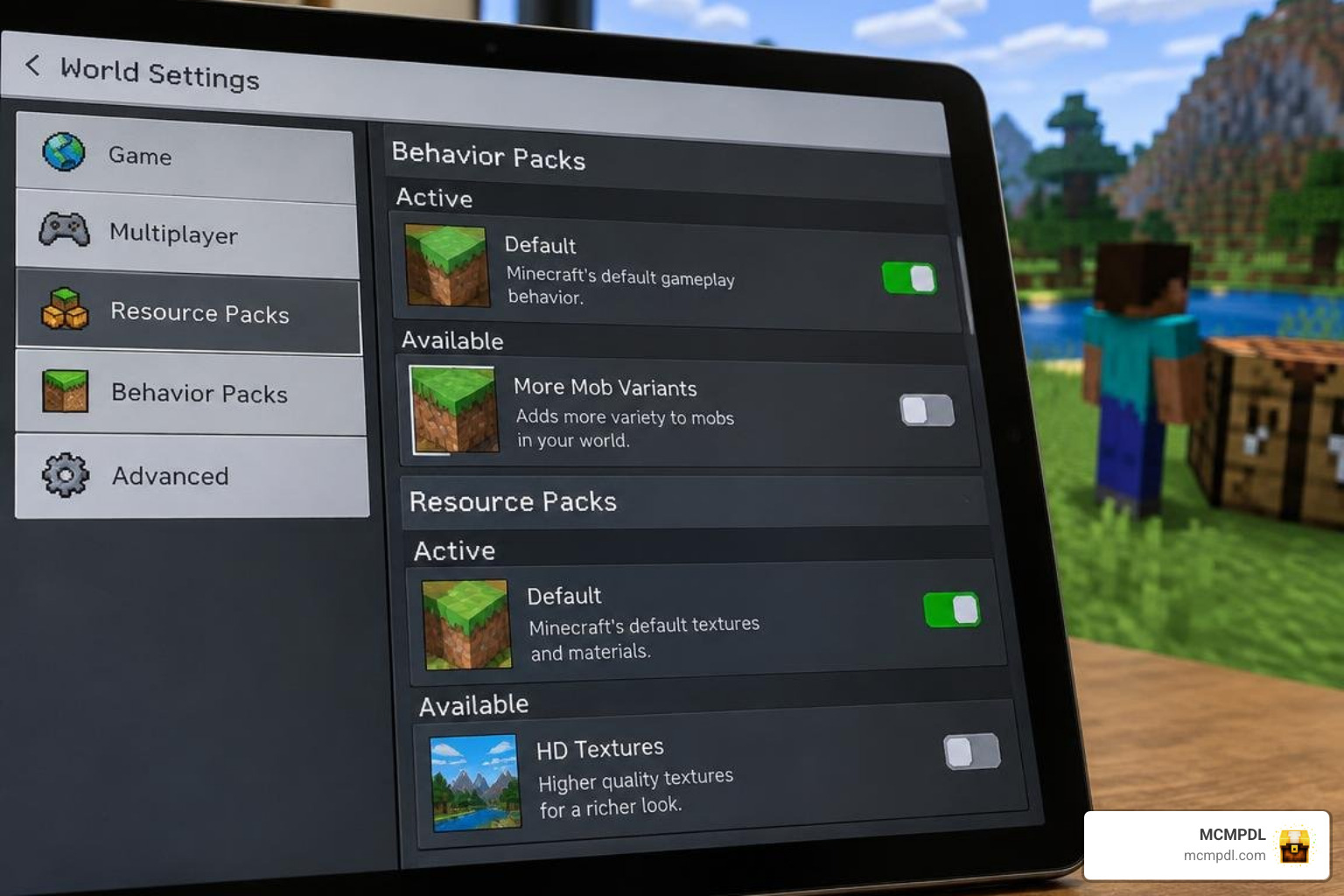
Getting custom content running smoothly on Bedrock requires proper pack management. Follow our streamlined seven-step process to get your game ready.
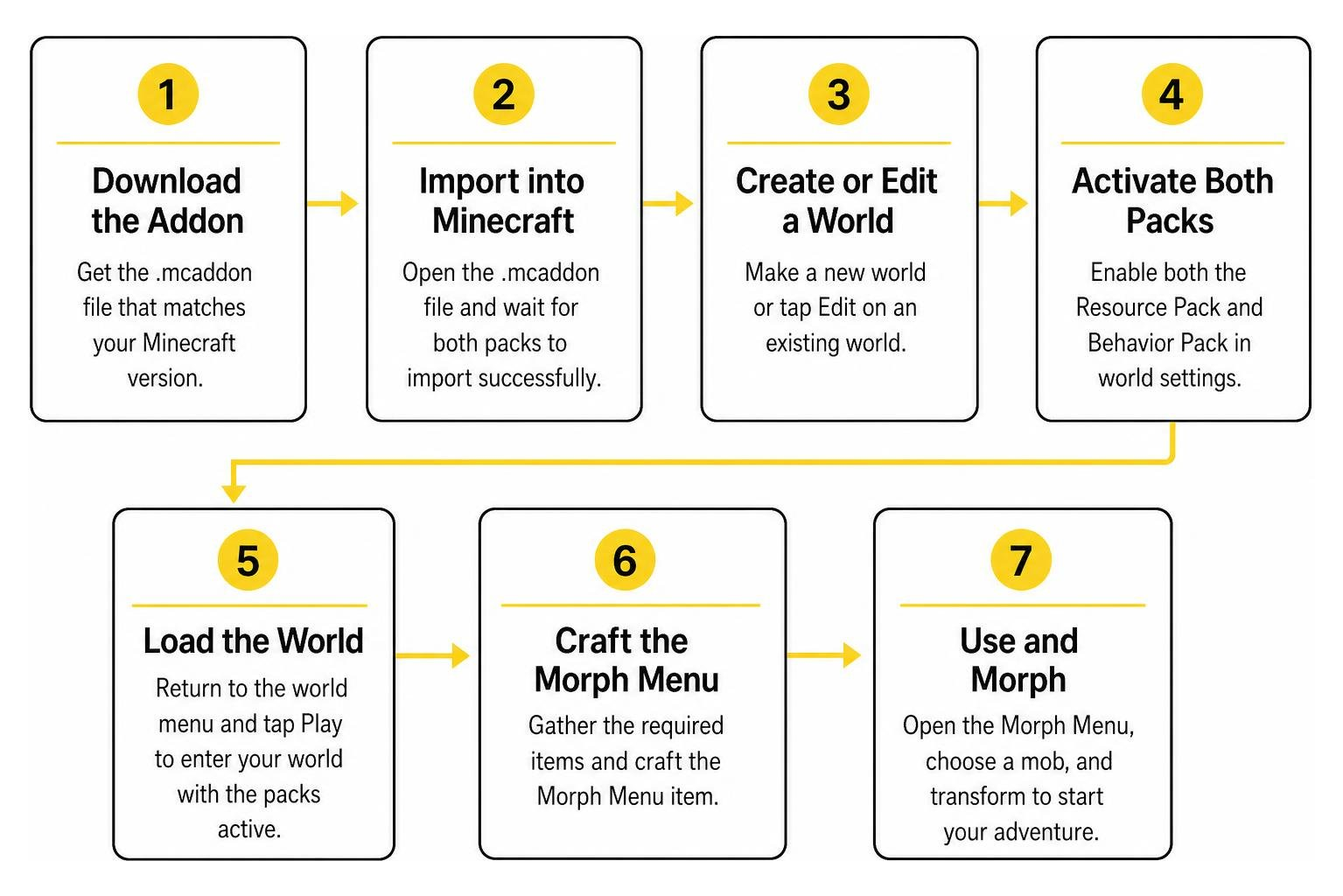
Steps 1 to 4: Downloading, Importing, and World Configuration
- Download the Addon Package: Obtain the latest
.mcaddonor bundled file (v1.2 for Minecraft 26.30) from your trusted source. Ensure your target file corresponds to your installed game version. - Import into Minecraft: Tap or double-click the downloaded
.mcaddonfile on your mobile device, console storage manager, or PC. Minecraft will automatically launch and display an “Import Started” banner at the top of the screen, followed by a success confirmation for both the resource and behavior components. - Create or Edit a World: Navigate to your world selection screen. You can either generate a brand-new world or click the “Edit” (pencil icon) button next to an existing survival or creative save.
- Enable Experimental Toggles: Scroll down to the Experiments tab in the Game Settings menu. Toggle on essential experimental features, particularly Beta APIs, Holiday Creator Features (if present in your version), and Molang Features. These switches allow the custom script engine to execute morphing animations and special abilities without crashing.
Steps 5 to 7: Pack Activation and World Launch
- Activate the Resource Pack: Click on the Resource Packs tab on the left sidebar under your world settings. Look under “Available” or “Owned”, select the Morph addon, and hit Activate. Verify that it moves up to the “Active” list.
- Activate the Behavior Pack: Next, navigate to the Behavior Packs section just below Resource Packs. Select the matching behavior component and activate it. Minecraft will prompt you with a warning that achievements will be disabled in survival mode; accept this prompt to proceed.
- Launch and Verify the World: Press Play to generate or load your world. Once you spawn in, open your inventory or crafting table to confirm that the new recipes appear, indicating that the scripts and custom entities have loaded correctly.
Verification Checklist:
- Both Resource and Behavior packs show under the “Active” list in world settings.
- Experimental features are enabled.
- Your game version is 26.11 or higher (ideally 26.30 for v1.2).
- The Morph Menu item appears in the creative inventory or crafting book.
How to Transform, Use Abilities, and Manage Views
Transforming your character is handled entirely through custom items and on-screen graphical interfaces, eliminating the need to type complex slash commands into the chat bar.
Crafting and Menus in the Morph Into Anything Addon for Minecraft PE/Bedrock
To begin shifting forms, you must craft the primary tool: the Morph Menu item. While specific survival recipes use basic early-game crafting items (such as iron ingots, glass, and redstone), you can also pull the item directly from the Creative inventory tab.
Once you hold the Morph Menu item in your main hand:
- On mobile devices, tap and hold your screen (long press) with the item.
- On PC or console, perform a right-click or use your controller’s primary interaction trigger.
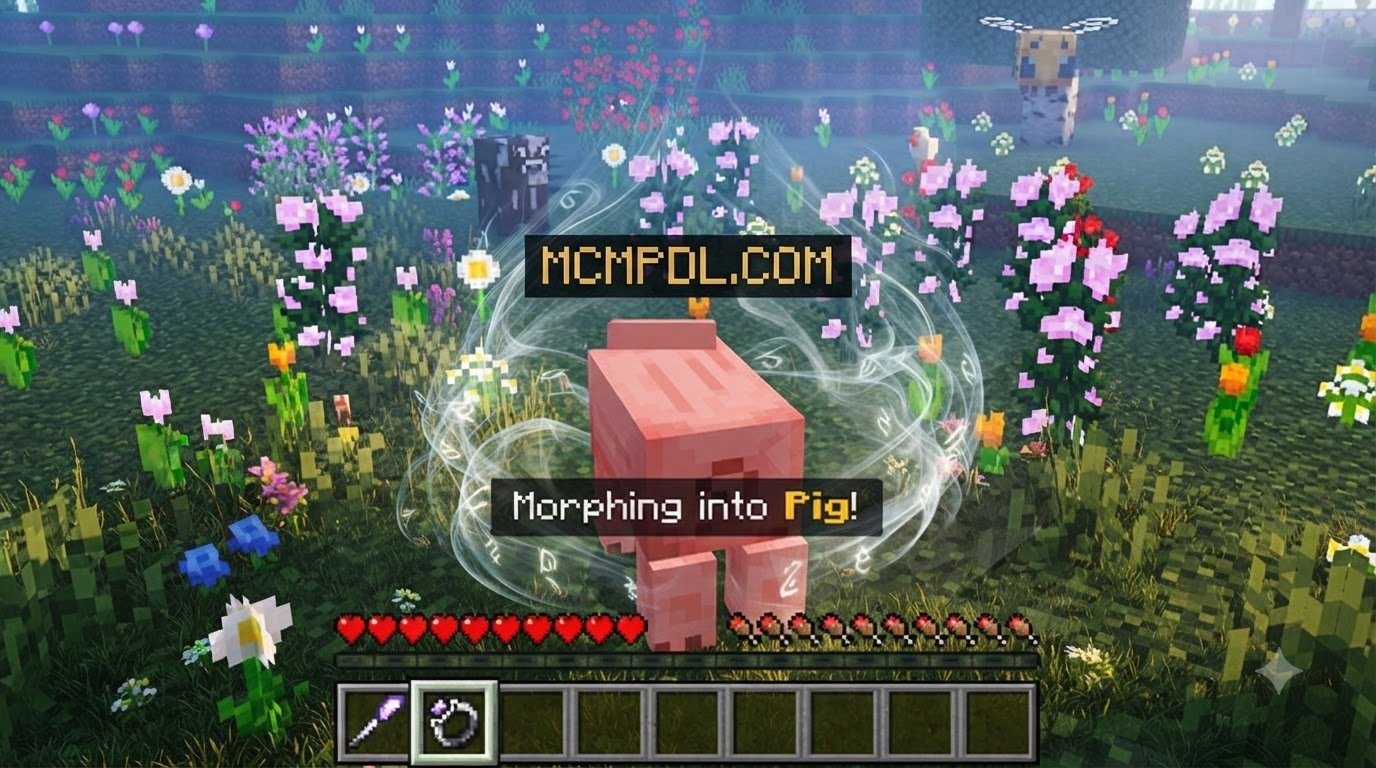
This action opens a custom graphical user interface (GUI) displaying the core categories: Mobs, Baby Mobs, and Custom Mobs. Selecting any category brings up an entity gallery. Click your desired creature, and your player model immediately changes. If you enjoy specialized creature transformations, you might also like testing the Werewolf and Vampire Morph Addon for Minecraft PE/Bedrock for dedicated dark-fantasy playthroughs.
Entity Abilities in the Morph Into Anything Addon for Minecraft PE/Bedrock
Morphing does not just alter your cosmetic appearance; it grants you the authentic physical traits and supernatural powers of the entity you become. Similar to the mechanics seen in experimental packs like the Mob Fusion Addon for Minecraft PE/Bedrock, combining mob identities with player control opens up creative gameplay strategies.
| Mob Form | Movement Type | Special Ability & Effect |
|---|---|---|
| Spider | Wall-Climber | Vertical surface scaling; squeeze into tight crawl spaces |
| Enderman | Fast Walker | Short-range directional teleportation on interaction |
| Creeper | Standard Footing | Triggerable explosive burst that destroys nearby hazards |
| Warden | Heavy Stride | Radiates Darkness and Blindness status effects to nearby targets |
| Baby Mobs | Agile Scurry | Reduced hitbox size for dodging attacks and hiding in half-block gaps |
| T-Rex | Massive Stride | High-damage melee impact and massive knockback resistance |
Perspective Switching and Reverting to Player Form
Because custom entity models have vastly different proportions than Steve, navigating your surroundings in default first-person mode can occasionally cause visual clipping. To resolve this, the addon includes a dedicated Camera Item.
Using the Camera Item toggles your view between an optimized first-person angle and an extended third-person perspective calibrated for larger beasts like the T-Rex or Warden.
When you are ready to return to your normal human form:
- Hold and interact with your Morph Menu item to bring up the main interface.
- Scroll to the bottom of the list or select the dedicated Back To Player button.
- Your original skin, standard two-block player hitbox, and default attributes will instantly restore without wiping your active inventory.
Known Beta Limitations and Troubleshooting
Because this modification remains in active beta development, players should keep a few technical caveats in mind:
- First-Person Clipping: Certain large models (such as the Warden or T-Rex) have first-person view temporarily disabled or repositioned to prevent oversized entity geometry from blocking your screen. Use the Camera Item to switch to third-person for the best visual experience.
- Multiplayer Syncing: When playing on local multiplayer or dedicated Bedrock servers, ensure every participating player has downloaded the world’s resource pack upon joining. Desynchronization can sometimes cause other players to see you hovering or floating.
- Pack Overrides: If you run other heavy behavior packs, load order conflicts may prevent the custom GUI from opening. Keep the Morph Behavior Pack near the top of your active load order.
Frequently Asked Questions About Morphing Addons
How do you open the morph selection menu in Minecraft PE/Bedrock?
To open the interface, craft or retrieve the custom Morph Menu item from your inventory, hold it in your primary hand, and perform an interaction (long-press on touchscreens or right-click on PC/consoles). A menu will pop up on your screen displaying all available mob categories.
How do you switch back to normal player form?
Open your Morph Menu item at any time and select the Back To Player option located inside the GUI. This resets your model, hitbox, and abilities back to standard player mechanics without affecting your equipped gear.
Which Minecraft Bedrock versions support this addon?
The addon is fully compatible with Minecraft Bedrock versions 26.11, 26.12, 26.13, 26.20, and 26.30+. The latest v1.2 release is optimized specifically for version 26.30.
Conclusion
Transforming into any entity in Minecraft Bedrock breathes new life into exploration, mini-games, and survival challenges. By properly configuring experimental toggles, loading both resource and behavior components, and using the in-game GUI tools, you can seamlessly scale walls as a Spider or roam the plains as an ancient T-Rex.
We regularly test and organize the newest community creations at MCMPDL so you can spend less time troubleshooting files and more time enjoying your game. Check out our curated catalog to explore more modifications in the Add-ons Category and discover new ways to customize your Bedrock adventures.