Scroll down to D0vvnl0ad
Install Smooth Moves on Minecraft PE/Bedrock
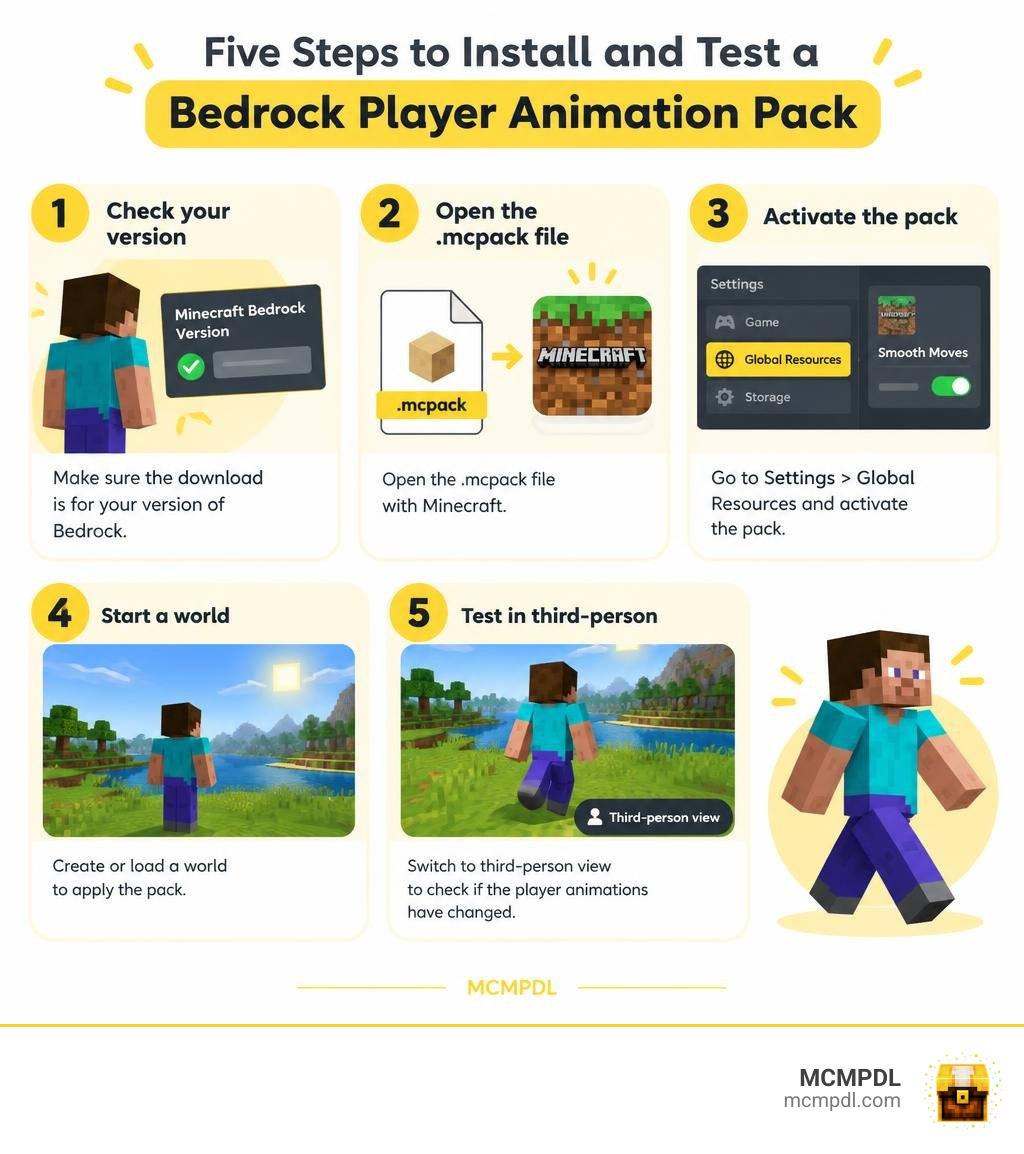
To install the Smooth Moves Texture Pack on Minecraft PE or Bedrock, first check that the download is made for your version of Bedrock. Open the .mcpack file with Minecraft, then go to Settings > Global Resources and activate the pack. Start a world and switch to third-person view to check whether the player animations have changed.
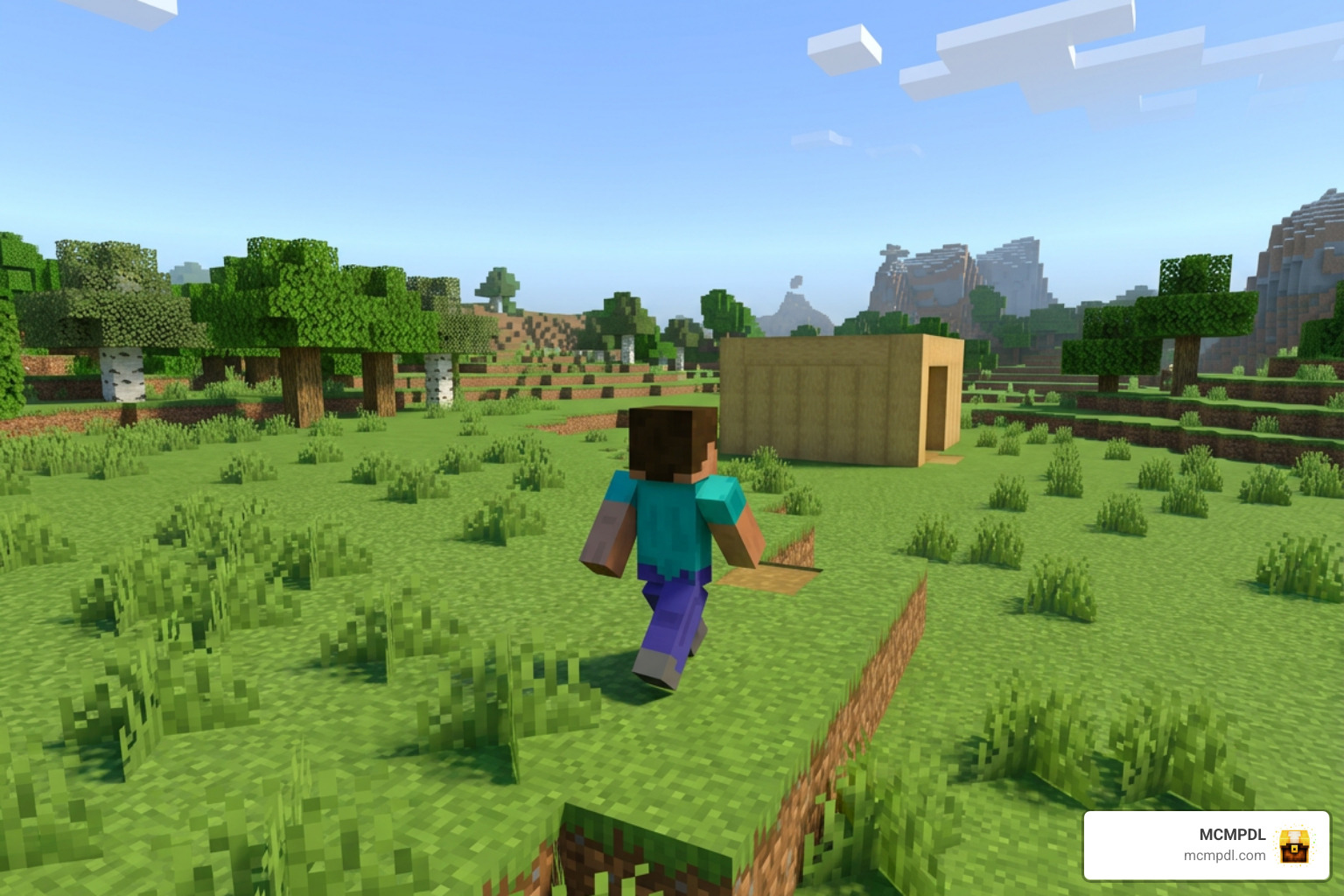
Check the file before you install it: a Java Edition resource pack may have a similar name, but it will not import into Bedrock as a .mcpack. This guide walks you through the five steps and what to check if the animations do not appear.
What is the Smooth Moves Texture Pack for Minecraft PE/Bedrock?
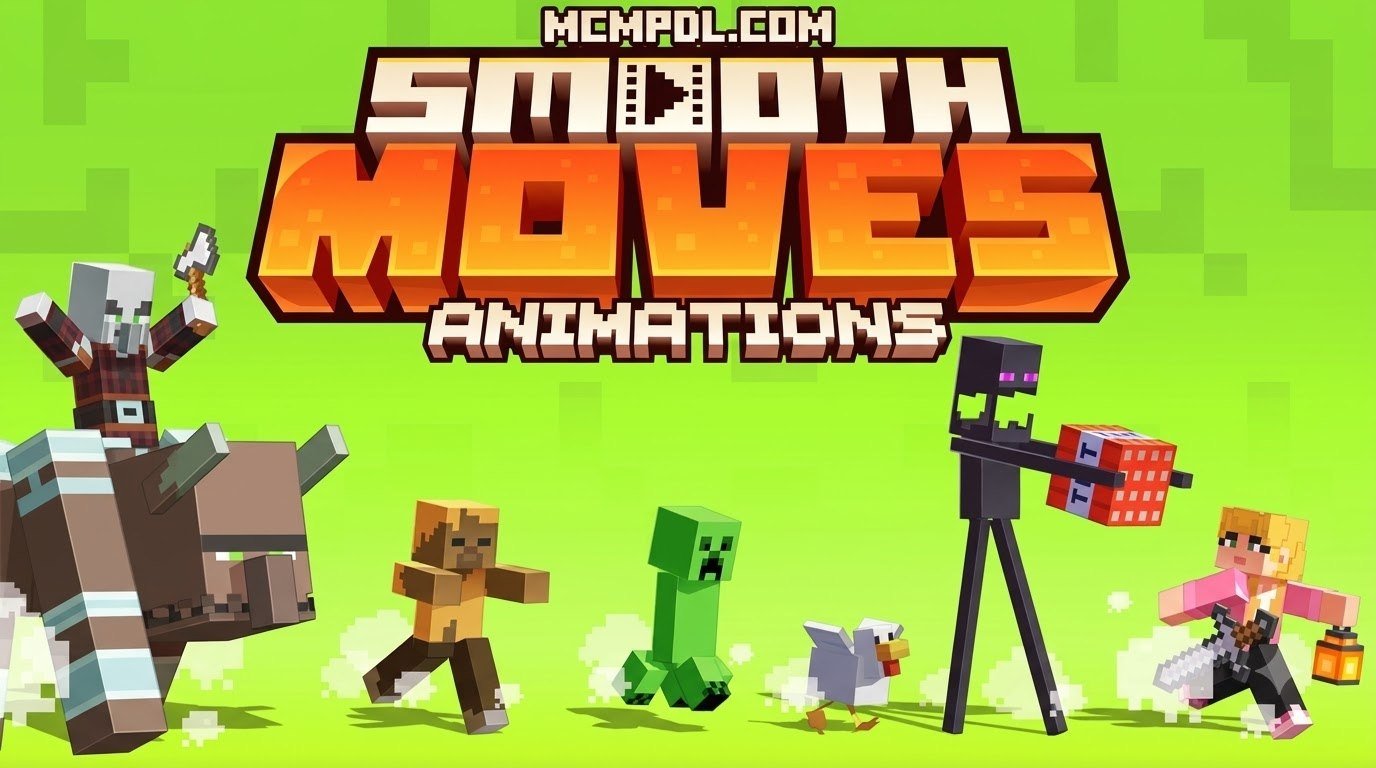
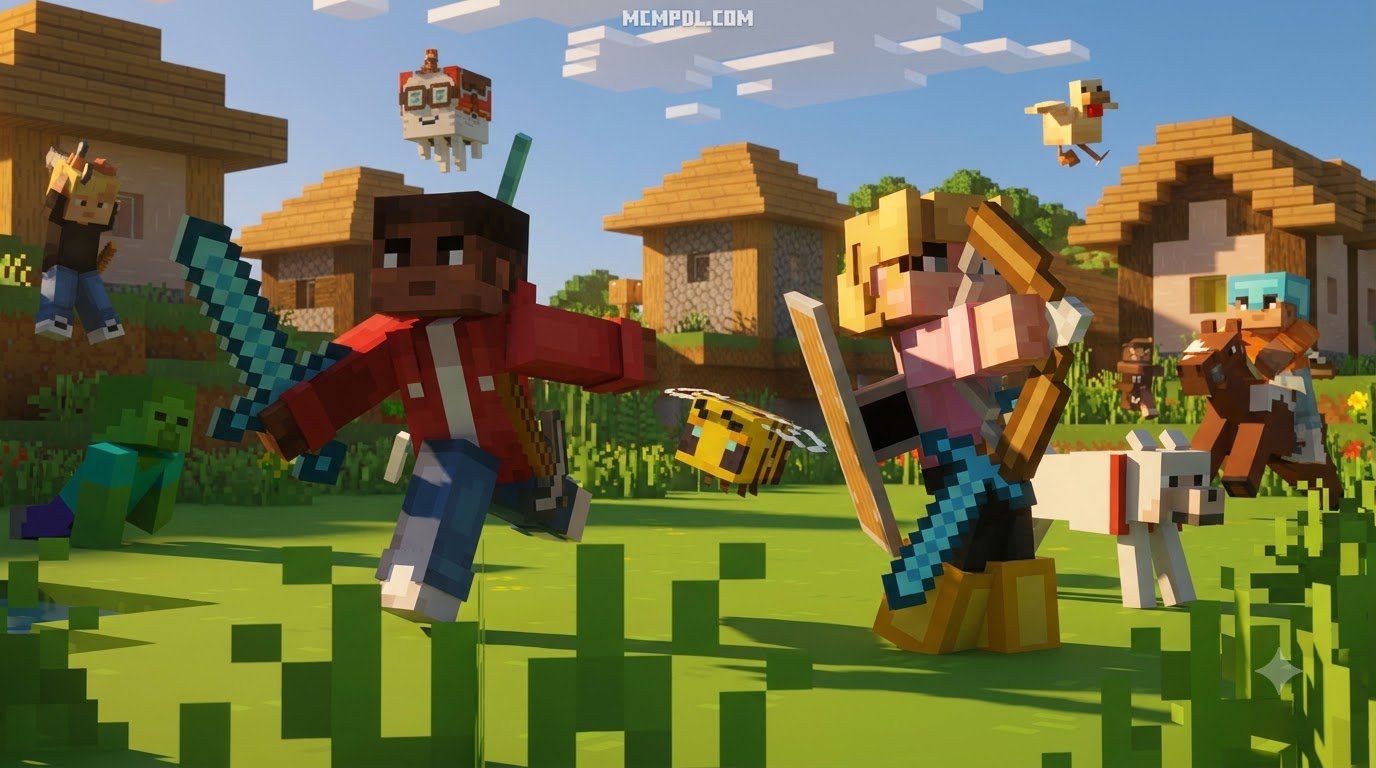
Minecraft avatars have carried the same stiff, wooden walking cycle for over a decade. While that robotic shuffle holds plenty of nostalgia, it leaves much to be desired when navigating modern blocky terrain. The Smooth Moves Texture Pack for Minecraft PE/Bedrock is a visual and animation overhaul designed to breathe fluid life into character movements. Rather than changing the artistic look of the blocks around you, this resource pack reworks the internal skeleton and keyframes of player models.
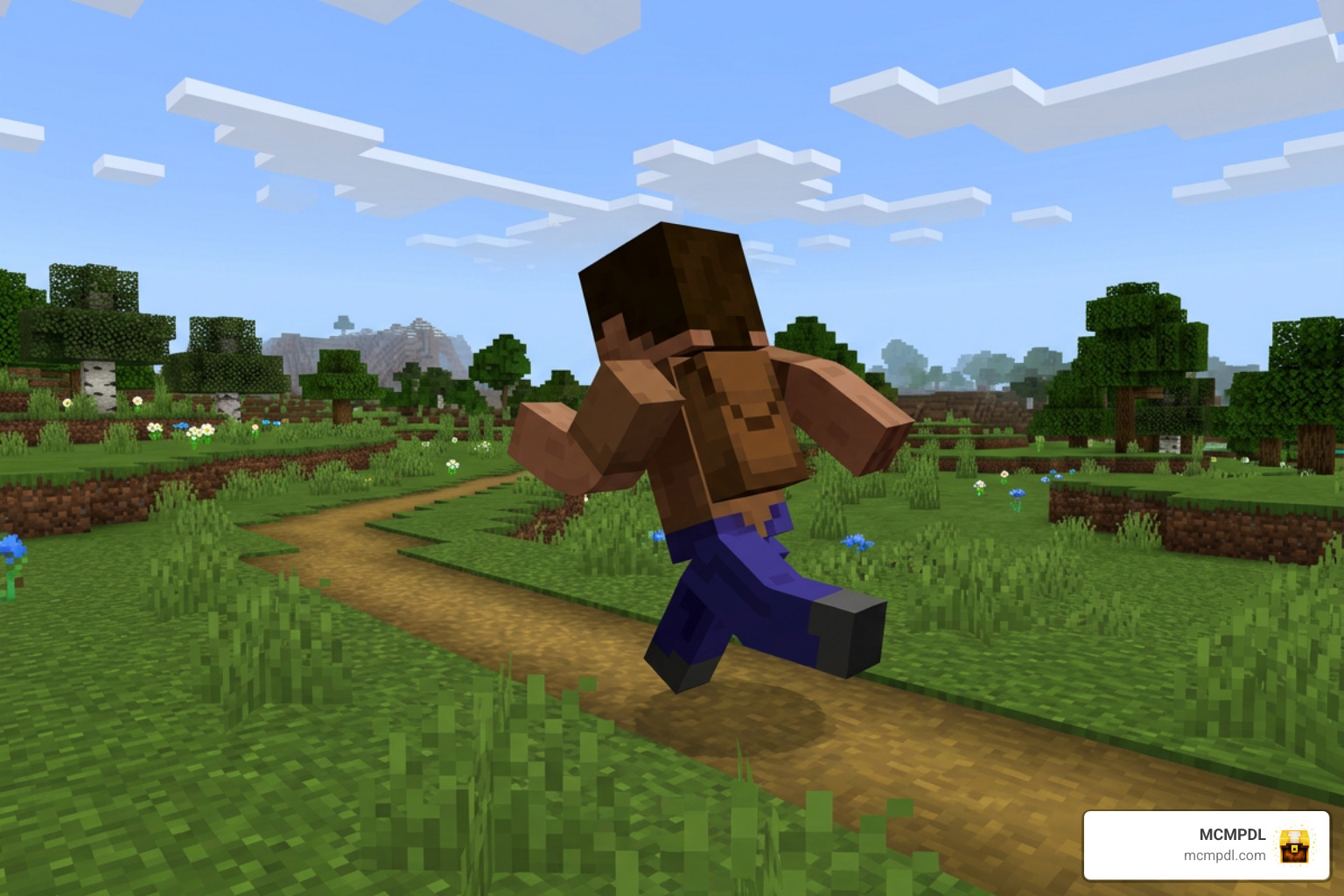
When you look at animation packs across the Minecraft community, many take inspiration from legendary Java projects that have accumulated tens of millions of downloads. Smooth Moves brings that same standard of dynamic motion directly to Bedrock players on mobile phones, tablets, consoles, and Windows PCs.
Unlike environment-focused upgrades such as the Smoothic Texture Pack for Minecraft PE/Bedrock or the clean lines of the Vanilla HD Texture Pack, Smooth Moves concentrates on kinematics. Your avatar leans naturally into turns, shifts body weight dynamically when coming to a halt, and blinks with expressive animated eyes.
Key Features of Smooth Moves Texture Pack for Minecraft PE/Bedrock
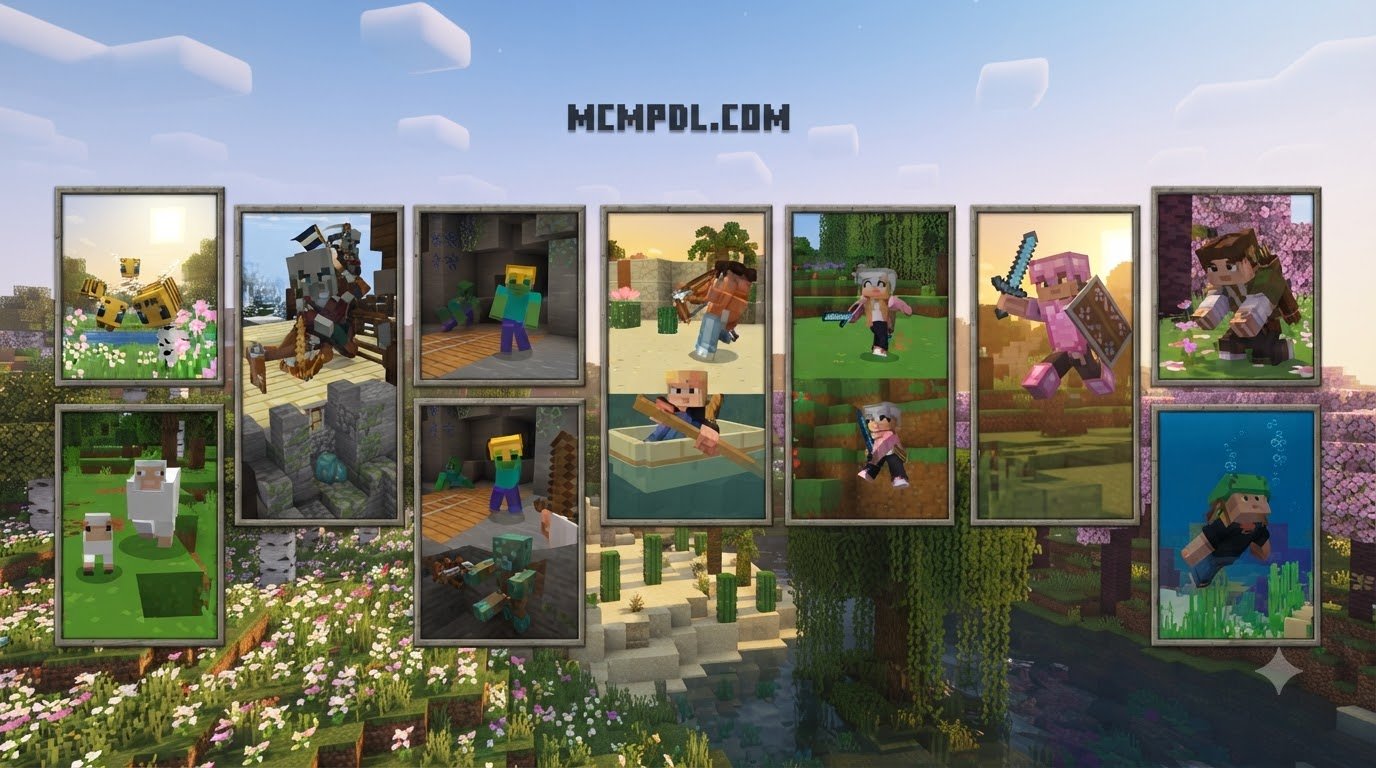
Smooth Moves completely reimagines basic player actions. Here are the core animation enhancements you will notice right after installation:
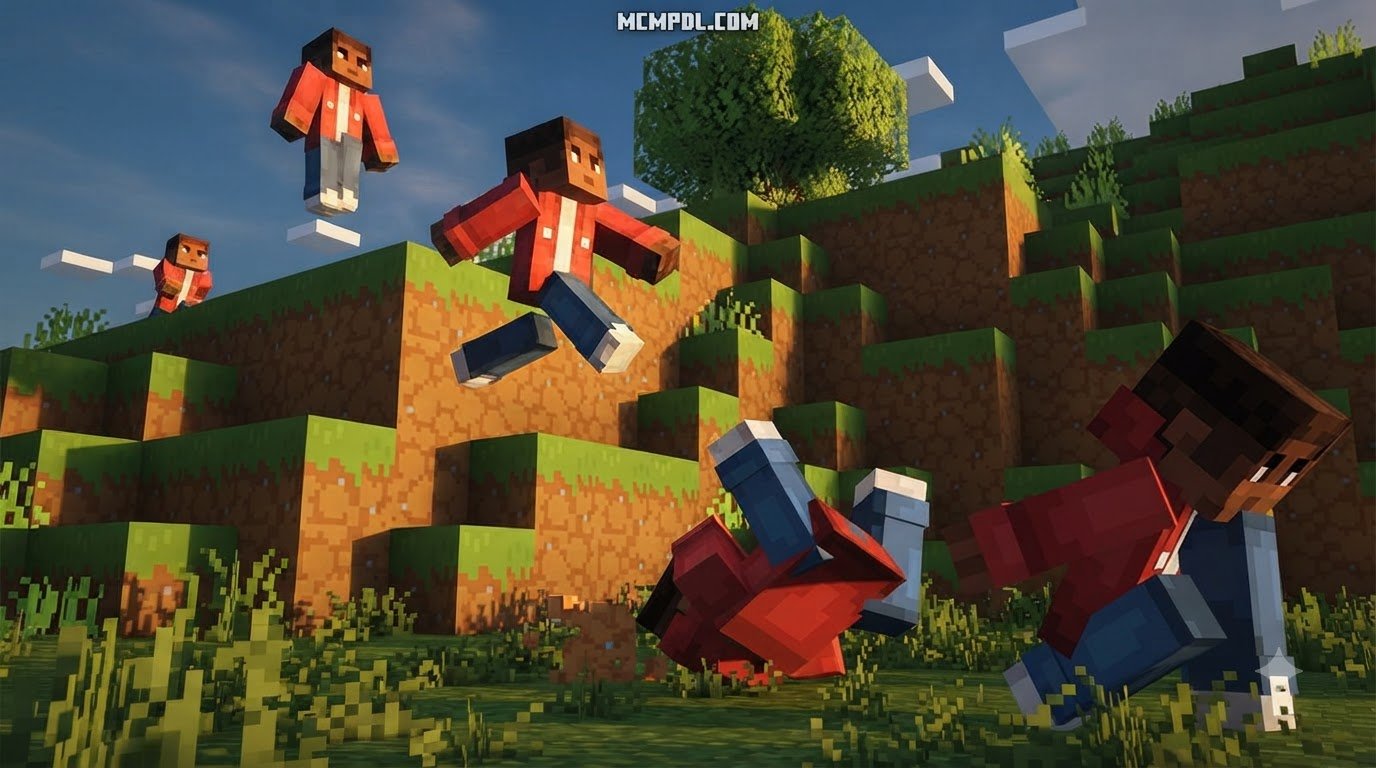
- Fluid Sprinting & Running: Instead of a rigid, upright dash, your character leans forward with realistic momentum, bending elbows and extending strides naturally.
- Realistic Swimming: The standard stiff underwater paddling is replaced with a rhythmic, dolphin-kick swimming motion that feels right at home in deep ocean biomes.
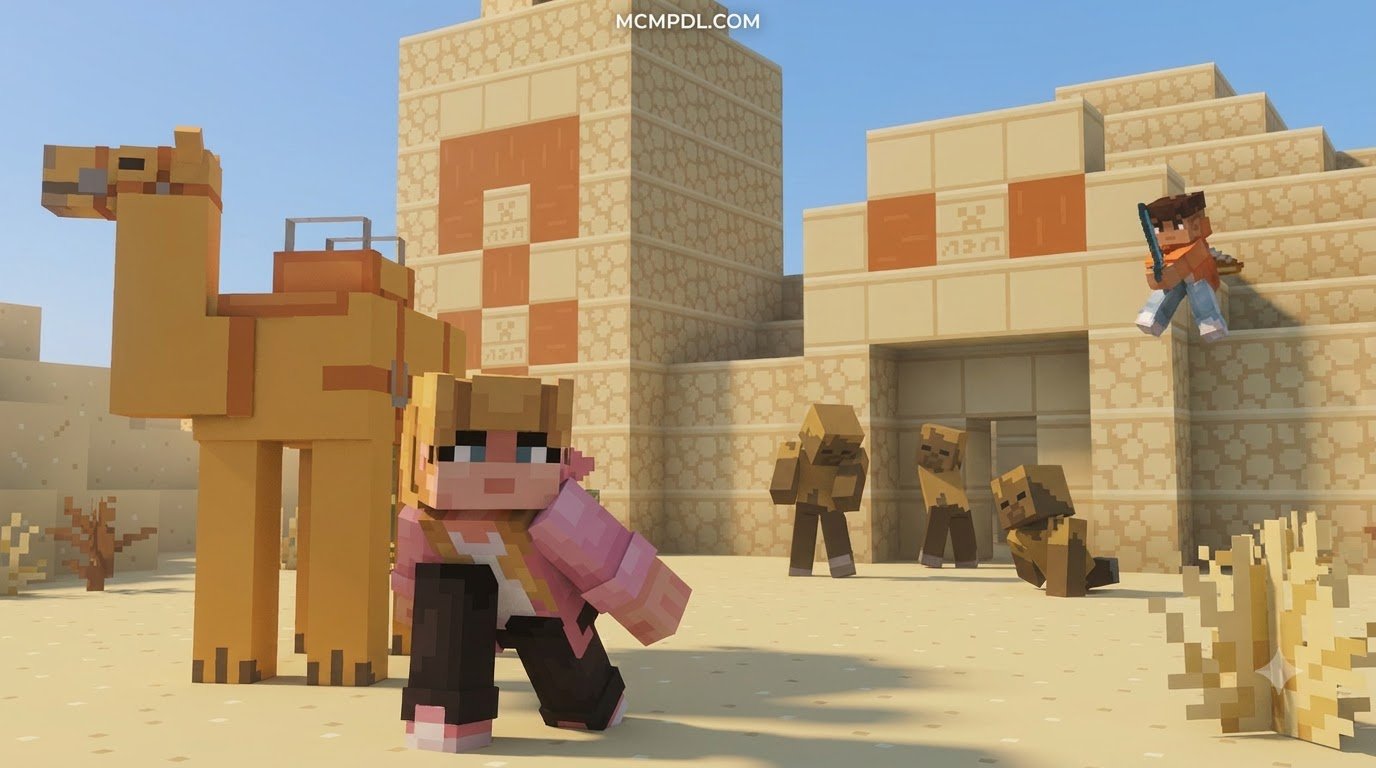
- Sneaking and Crouching Overhaul: Rather than simply sinking down into the floor, your avatar drops into a deliberate, stealthy crouch with natural joint bending.
- Dynamic Idle Stance: When standing still, your avatar takes subtle breaths, shifts weight between feet, and naturally looks around instead of standing like a statue.
- Dynamic Jump Arcs: Characters tuck their legs slightly mid-air and bend their knees upon landing to cushion the visual impact.
- Expressive 3D Eyes and Facial Rigging: Supported player models gain the ability to blink, squint, and express subtle emotions through dedicated model layers.
Compatibility and Performance Considerations
A common concern when overhauling entity models is whether your frame rate will plummet on mobile hardware. Fortunately, Smooth Moves is exceptionally lightweight. Because it alters entity model definitions and animation controllers rather than loading massive 4K textures, its performance footprint remains minimal.
| Feature Category | Bedrock Edition Performance | Java Edition Counterpart |
|---|---|---|
| System Resource Impact | Extremely Low (Under 15 MB) | Moderate (Requires modded loaders) |
| Mobile Device Friendly | Yes, fully optimized for iOS/Android | N/A (PC only) |
| Dependency Requirements | None (Self-contained .mcpack) | Requires EMF and ETF framework |
| Multiplayer Compatibility | 100% Client-Side Safe | Client-Side Safe |
| Supported Game Versions | Minecraft 1.20 through Minecraft 1.21+ | Minecraft 1.19 through 1.21.4 |
If you enjoy paired visual overhauls, you can run Smooth Moves alongside lightweight block enhancers and UI packs built for smooth Minecraft 1.21 gameplay.
Step-by-Step Installation Guide for Bedrock and Pocket Edition
Installing custom animation packs on Minecraft Bedrock can sometimes feel confusing due to different operating systems. Whether you are playing on Android, iOS, or Windows 10/11, following this structured workflow ensures your animations load without glitches.
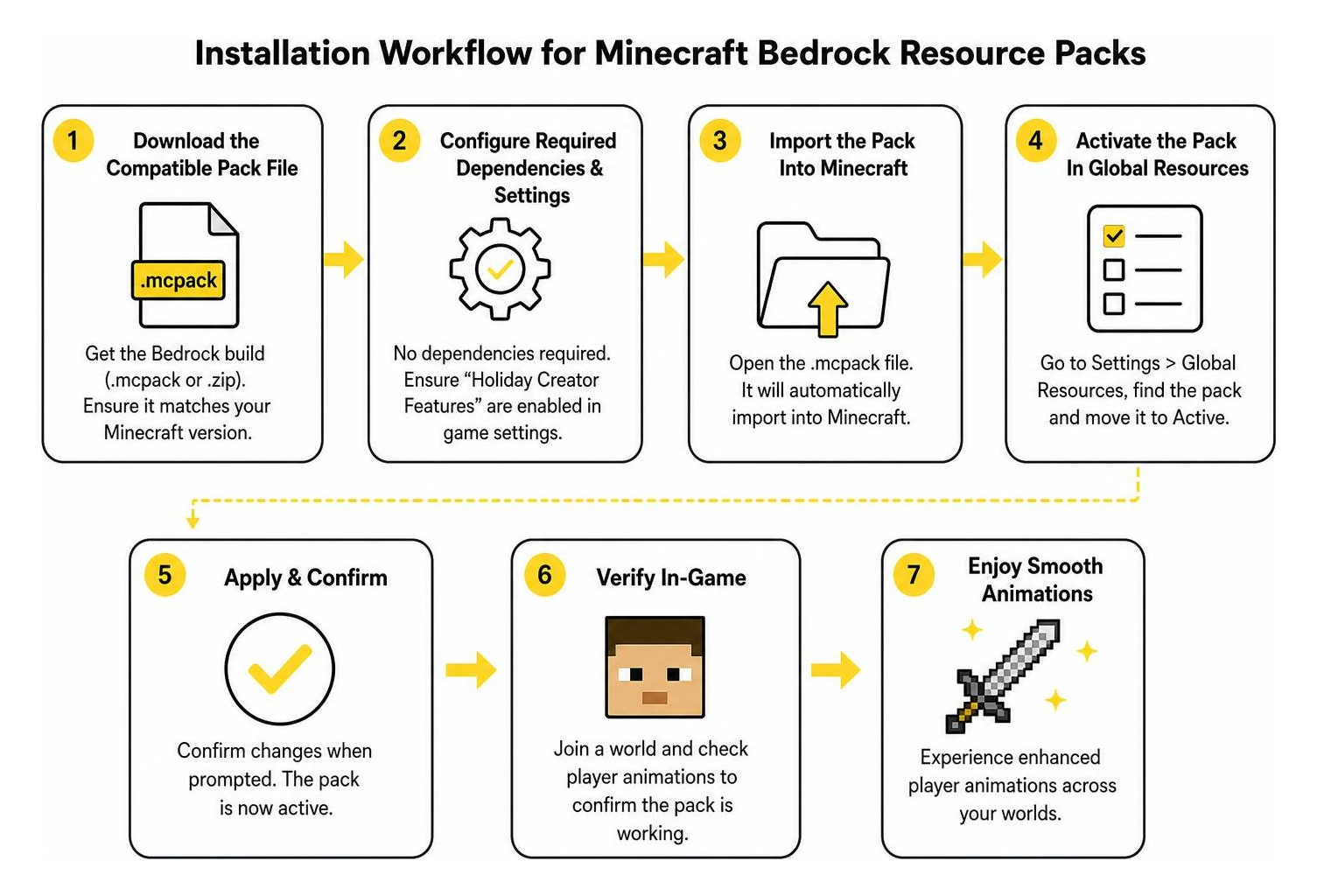
Step 1: Download the Compatible Pack File
First, ensure you are downloading the dedicated Bedrock build of the pack rather than a Java archive. Bedrock packs are distributed with the .mcpack or .zip extension. Smooth Moves is completely free to download and use. Verify that the build matches your current game installation, such as the latest Minecraft 1.21 updates.
Step 2: Configure Required Dependencies and Settings
Unlike Java animation setups that demand external mod loaders like Fabric or Forge alongside tools like Entity Model Features (EMF) and Entity Texture Features (ETF), Bedrock handles model controllers natively. However, to allow full facial expressions and custom model geometry:
- Launch Minecraft Bedrock Edition.
- Navigate to Settings > Video.
- Ensure your Field of View (FOV) is set to your preferred baseline, as extreme FOV warping can occasionally stretch custom third-person models.
- Verify that in-game creator toggles or custom geometry settings are permitted if you are applying the pack to a specific world.
Step 3: Import the Pack into Minecraft PE/Bedrock
Importing the pack varies slightly depending on your platform:
- Android / iOS: Open your device’s file manager, locate the downloaded
.mcpackfile, and tap it. Select Minecraft from the “Open With” app menu. Minecraft will automatically launch and display an “Import Started” banner at the top of the screen. - Windows Bedrock: Simply double-click the
.mcpackfile. The game will boot up and import the resource files directly into your local app directory. - Manual Zip Method: If your file downloaded as a
.zip, extract the folder and manually copy it into yourgames/com.mojang/resource_packsdirectory on mobile or inside yourAppData\Local\Packages\Microsoft.MinecraftUWP...directory on PC.
Step 4: Activate the Pack in Global Resources
Once imported, you must turn on the pack across your entire game profile:
- From the Minecraft main menu, click Settings.
- Scroll down the left-hand navigation bar and select Global Resources.
- Click on the My Packs expandable tab.
- Find Smooth Moves, click it, and press Activate.
- Look under the Active tab to confirm it sits at the top of your load priority order.
Step 5: Test Movement Animations in Game
Load into any single-player world or join an online multiplayer lobby. Press F5 on your keyboard or tap the third-person camera perspective button on your touch screen.
Run forward, jump across a gap, sneak near a block edge, and dive into water. You will immediately notice the fluid kinematics in action. If you enjoy competitive mini-games, you can also pair this with the Brilliant PVP Texture Pack for Minecraft PE/Bedrock to maintain high frames and clean visuals during intense battles.
Troubleshooting Common Glitches and Animation Conflicts
Occasionally, you might encounter visual quirks after loading custom entity models. Here is how to fix the most common visual conflicts:

- First-Person Floating Hands: If your hand appears distorted or clips awkwardly while holding items, check your global settings. Disabling custom hand animations in first-person view ensures standard weapon and tool swinging remains clean while keeping full animations in third-person view.
- Broken Skin Textures or Invisible Limbs: Ensure your custom skin uses the modern 64×64 pixel layout rather than outdated legacy formats. You should also verify that skin transparency is enabled in your character creator settings so layered geometry renders properly.
- Conflicting Visual Packs: If you are running comprehensive graphic overhauls like the Realism Visuals Texture Pack for Minecraft PE/Bedrock, ensure Smooth Moves is placed higher in your Global Resources list so its animation definitions take priority over default player geometry.
Customizing Eye Animations in Smooth Moves Texture Pack for Minecraft PE/Bedrock
One of the standout elements of the pack is its expressive face mapping. To make your custom skin blink:
- Open your character’s
skin.pngfile in an image editing program that supports transparency. - Locate the designated extra pixel coordinates for eye layers as detailed in standard Bedrock model formatting guides.
- Add the corresponding pupil and eyelid pixels onto the secondary overlay layer of your skin.
- Save the file and import your skin back into the Minecraft Dressing Room. The game will now animate blinks dynamically based on your movement states.
Frequently Asked Questions
Does the pack require additional mods to run on Bedrock Edition?
No. While Java players rely on client-side mods like EMF or ETF, the Bedrock version operates as a standalone resource pack. You do not need third-party mod loaders or jailbroken devices to enjoy the animations.
Is the animation pack allowed on competitive multiplayer servers?
Yes, absolutely. Because Smooth Moves is purely a visual, client-side resource pack, it gives no unfair competitive advantages or reach benefits. It is fully permitted on standard servers, realms, and featured multiplayer hubs.
How do I fix missing or glitching first-person hand animations?
If your hand model renders oddly in first-person perspective, navigate to the pack’s sub-pack configuration gear icon inside Global Resources. Toggle off first-person model overriding to restore vanilla hand positioning while keeping fluid movement active for everyone viewing your character.
Conclusion
Standard character animations do not have to keep your adventures stuck in the past. Installing Smooth Moves transforms every sprint, leap, and swim into a fluid visual experience that makes your avatar feel truly alive.
At MCMPDL, our mission is to bring you the best and easiest-to-install add-ons, skins, and visual enhancements for Bedrock Edition. Once you have upgraded your character’s movement, explore more Bedrock texture packs in our curated library to overhaul your worlds, skyboxes, and items today!