Scroll down to D0vvnl0ad
Complete Overview of BOWS EXPANSION Map for Minecraft PE/Bedrock
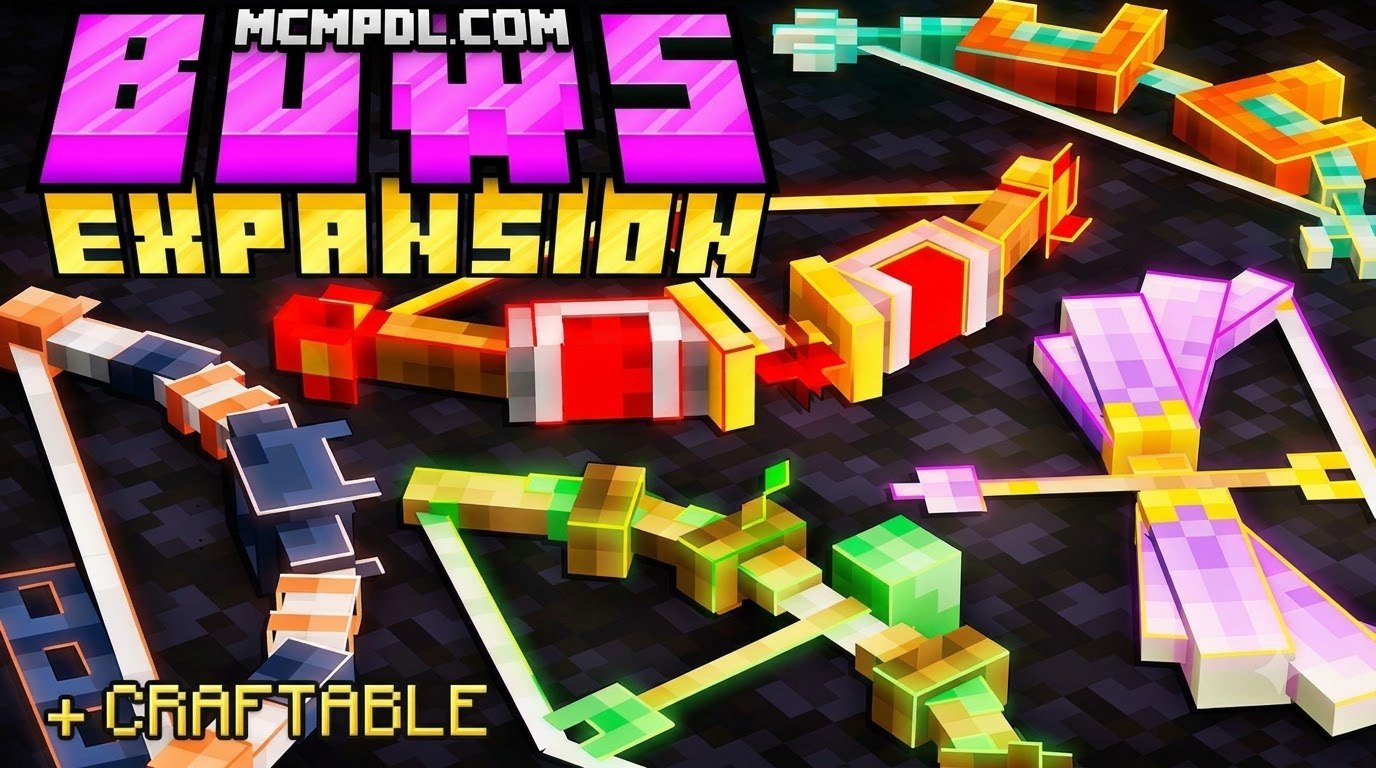
The BOWS EXPANSION Map for Minecraft PE/Bedrock is a specialized world template available on the official Marketplace for 830 Minecoins that introduces 45 fully craftable bows, dedicated PvP arenas, and dynamic projectile mechanics. Developed by Kubo Studios—a creator team with hundreds of thousands of followers on the store and a 4.6 out of 5-star rating—the pack transforms ranged archery in Minecraft by assigning unique entities and particle effects to every bow variant.
While vanilla archery relies on basic arrows, crossbow enchantments, and tridents, this custom world delivers an expansive combat playground where long-range warfare takes center stage across custom survival environments and multiplayer battlegrounds.
| Feature / Metric | BOWS EXPANSION World | Standard Vanilla Archery | Typical Weapon Add-on |
|---|---|---|---|
| Total Bow Ranged Variants | 45 Distinct Bows | 2 (Bow & Crossbow) | 5 to 15 Bows |
| Unique Projectile Effects | Explosions, Meteors, Dragon Breath, Freezing, and more | Standard damage, Flame, Piercing, Multishot | Elemental ticks (Fire, Slowness, Poison) |
| Acquisition Method | Survival Crafting in custom world | Crafting Table & Fletching | Custom Crafting / Workbenches |
| Format | Marketplace World Template (.mctemplate) | Core Game Engine | Resource & Behavior Packs (.mcaddon) |
| Price Point | 830 Minecoins | Base Game Included | Free community downloads |
| Primary Focus | Bow-centric PvP, Arenas, and Survival Testing | Standard Survival Combat | Modular World Integration |
Understanding these differences helps set expectations. Because this is distributed as a Marketplace map rather than a standalone behavior pack that you can effortlessly toggle across every existing realm, it functions as an all-in-one combat playground and survival testbed.
Key Features and Arsenal in BOWS EXPANSION Map for Minecraft PE/Bedrock
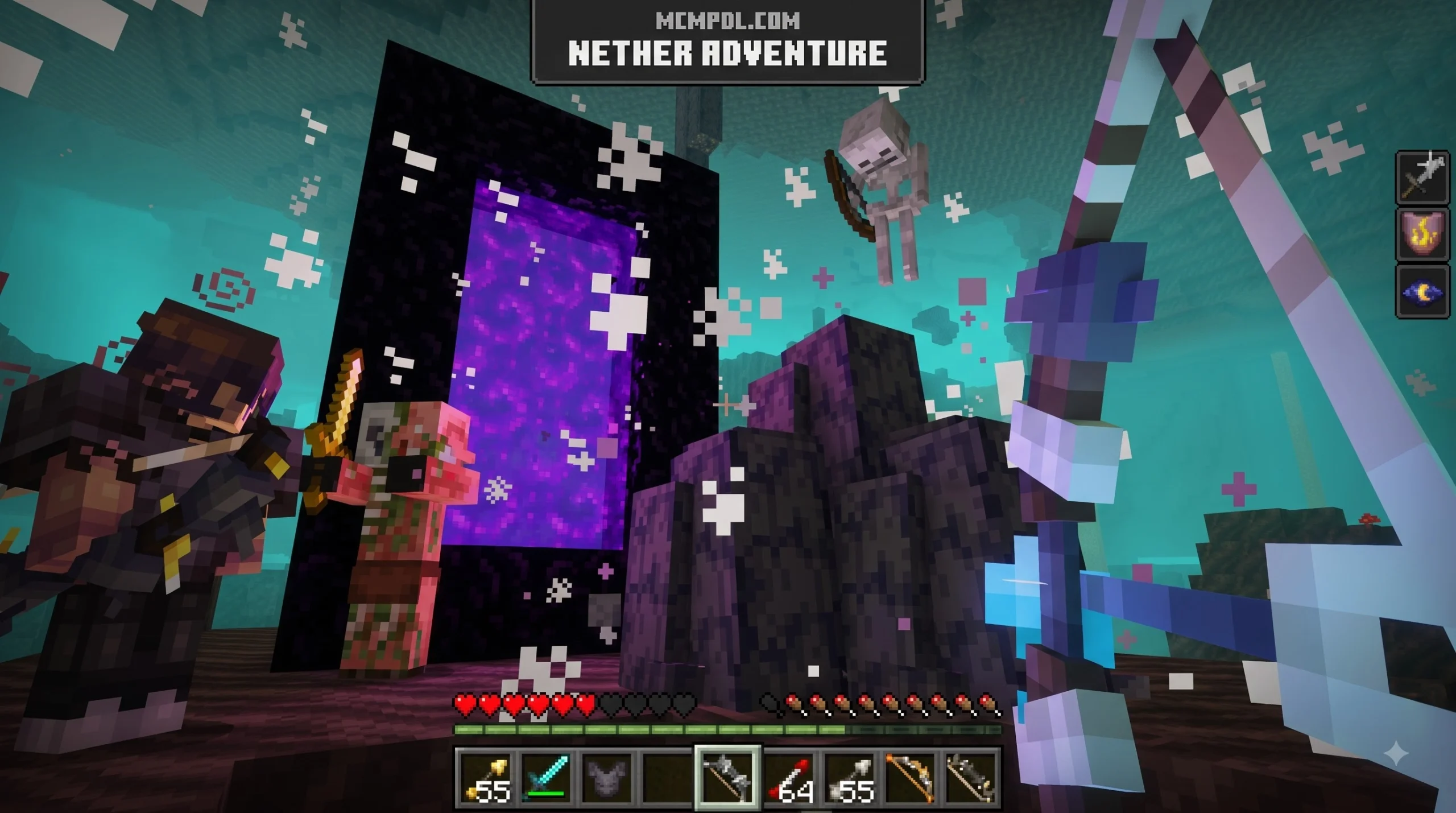
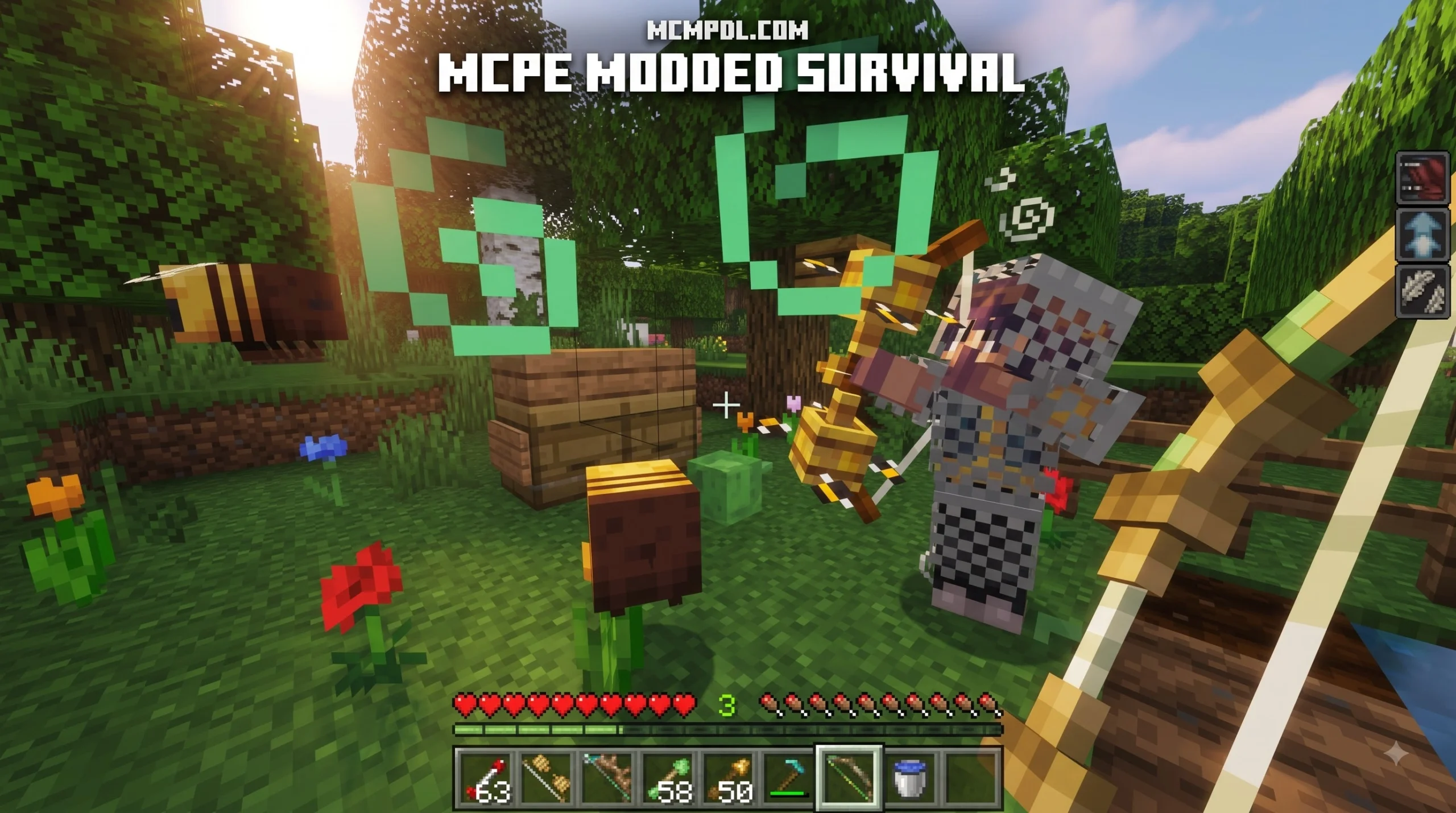
The core appeal of the map lies in its 45 distinct bows. Rather than merely changing the color of your wooden tool, each item alters the projectile physics or spawns dynamic entities on impact.
Here is a breakdown of what makes several of these bows stand out:
- The TNT Bow: As the name implies, this bow turns your arrows into primed explosives. Upon impact, the target location detonates, turning distant enemy fortifications into craters. It is perfect for chaotic base-raiding scenarios.
- The Meteor Bow: Calling down celestial strikes, this weapon summons fiery projectiles that rain from the sky onto the block your arrow strikes, dealing severe area-of-effect damage.
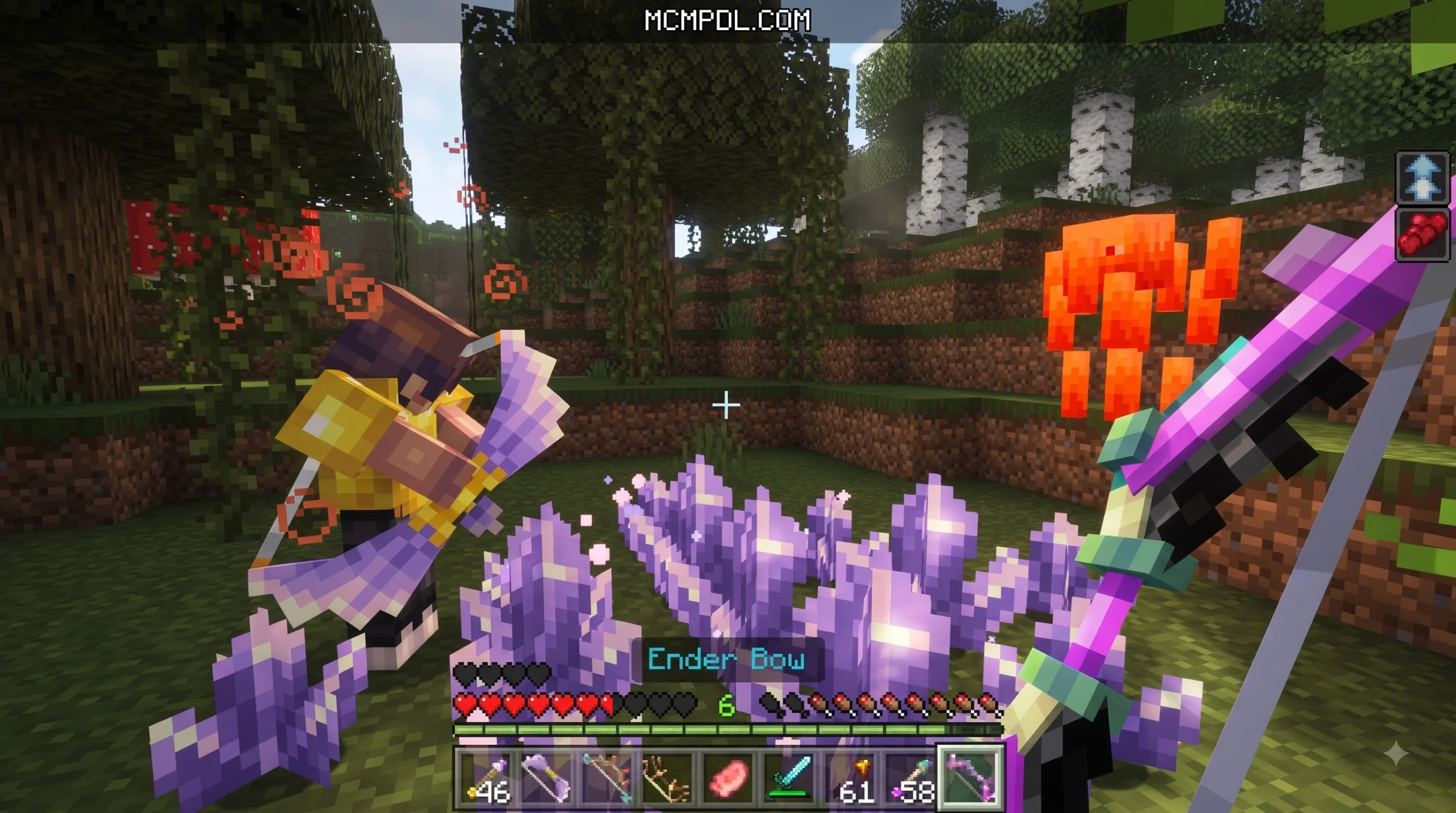
- The Dragon Bow: Infused with ender energy, this bow fires lingering clouds of purple dragon breath, forcing opposing players to clear out of defensive choke points or suffer rapid damage over time.
- Elemental & Utility Bows: Beyond high-explosive ordnance, the arsenal includes utility variants designed to freeze water into ice, ignite large swaths of terrain, or slow charging mobs down to a crawl.
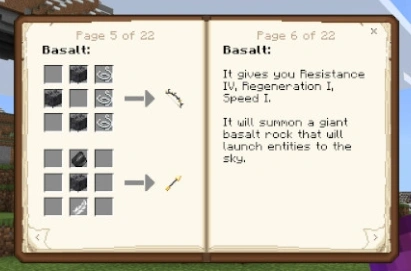
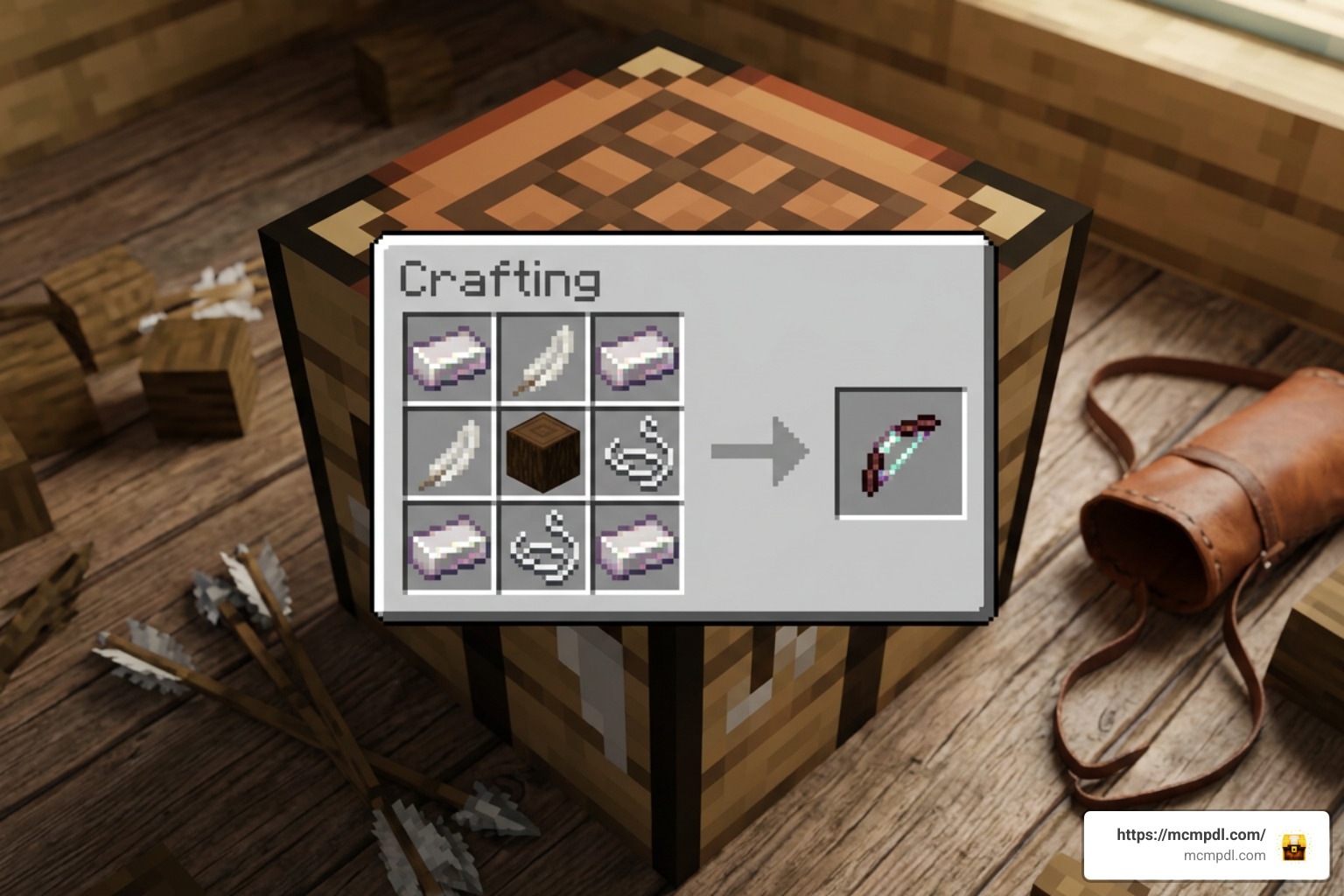
If you enjoy packing serious heat at long ranges, experimenting with overpowered ranged weapons shows just how dramatically custom projectiles can alter your survival strategy. Every bow in this world comes with a dedicated crafting formula, requiring you to gather specific minerals, mob drops, and rare ingredients across the map to assemble your ideal loadout.
PvP Arenas and Combat Mechanics
While testing weapons against wandering zombies is entertaining, the map is built from the ground up to shine in multiplayer PvP. The included arena layouts reward strategic movement and long-range marksmanship.
- High-Ground Dominance: Elevated platforms and watchtowers provide vantage points where archers can rain down suppressive fire, forcing ground players to use terrain cover.
- Choke Point Denial: Weapons with lingering area-of-effect abilities, like dragon fire or explosive clusters, allow defensive players to lock down narrow tunnels and entryways.
- Tactical Mobility: Because heavy-hitting bows deal extreme burst damage, running in straight lines is a recipe for defeat. Players must master strafing, jump-shotting, and sprint-sliding behind barricades.
- Resource Balancing: In competitive rounds, managing your inventory between basic ammunition and high-tier specialty bows prevents any single player from spamming apocalyptic abilities unchecked.
Gameplay Dynamics, Bedrock Aiming, and Arsenal Comparison
Playing archery-focused maps on Minecraft PE/Bedrock introduces unique mechanical challenges, especially across different control inputs. Aiming a bow using a touchscreen or an analog stick feels fundamentally different from point-and-click mouse controls on Java Edition.
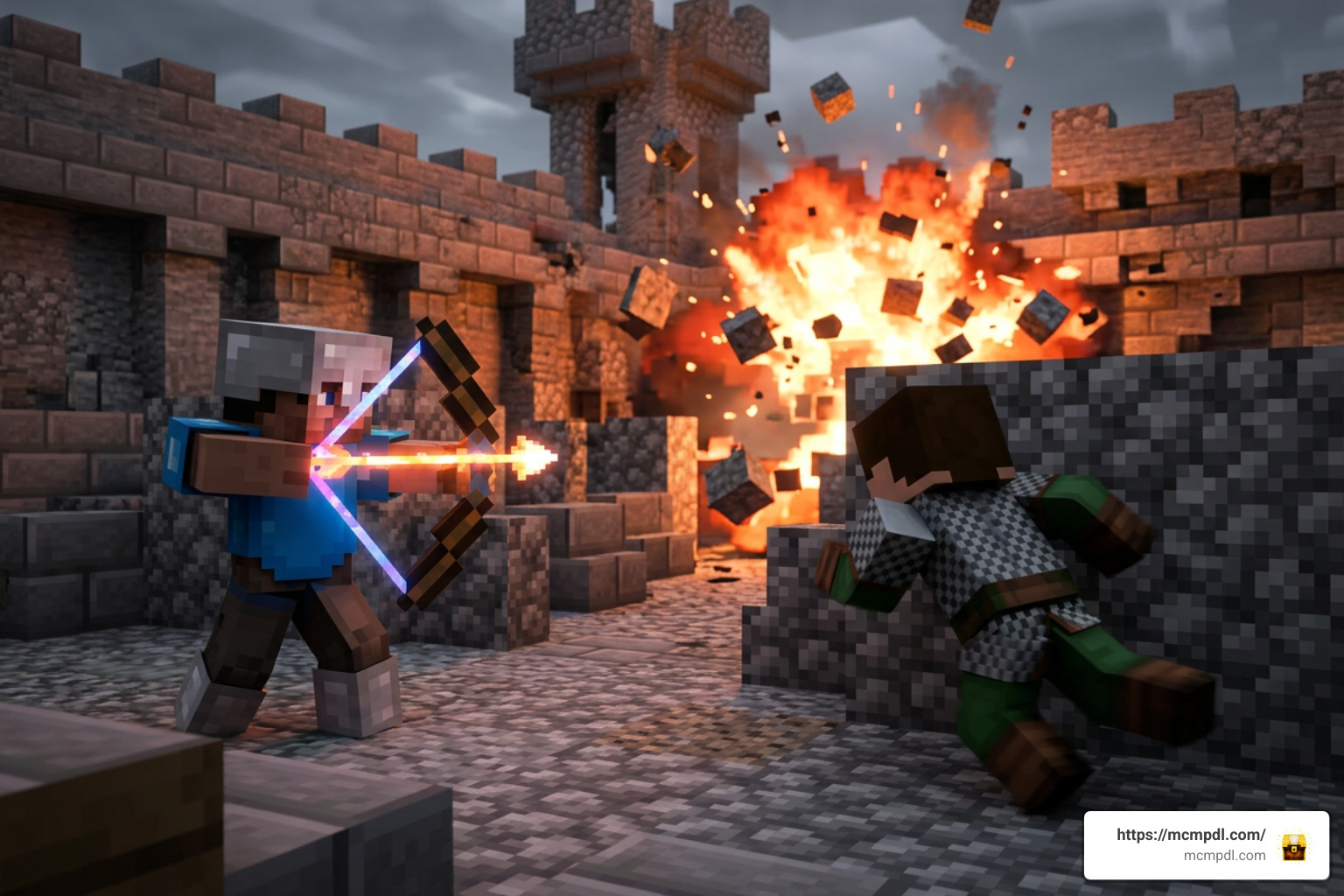
On touchscreens, target tracking requires smooth camera panning while maintaining your charge. For controller users on consoles or mobile setups, high camera sensitivity is great for turning around quickly to check your flanks, but it can cause noticeable overshoot when lining up precision shots across long distances.
Taking time to fine-tune your in-game sensitivity—or utilizing damping techniques while drawing a bow—makes landing long-distance trick shots significantly more consistent. When you pair refined aim with legendary weapon upgrades, precision archery becomes the most lethal combat style in your Bedrock world. Furthermore, understanding the distinct trajectory drop-off curves of custom explosive arrows allows players to anticipate target movements even in heavy mob swarms or chaotic multiplayer skirmishes.
How BOWS EXPANSION Compares to Standalone Addons
Bedrock players often ask whether they should invest in a Marketplace world template or download free modular add-ons from the community. Both approaches have distinct advantages.
Standalone addons—such as elemental weapon packs or utility bow mods—integrate directly into your existing survival seeds. They are ideal if you want to explore vanilla terrain, build a permanent base, and survive against deadly cave encounters while crafting custom gear.
In contrast, the Bows Expansion map offers a fully self-contained environment. The advantage here is plug-and-play stability: you do not need to worry about experimental toggle conflicts, script engine errors, or broken player files after a minor game update. The world is pre-configured with custom structures, testing ranges, and balanced crafting loops right out of the box.
Installation, Compatibility, and Setup Guide
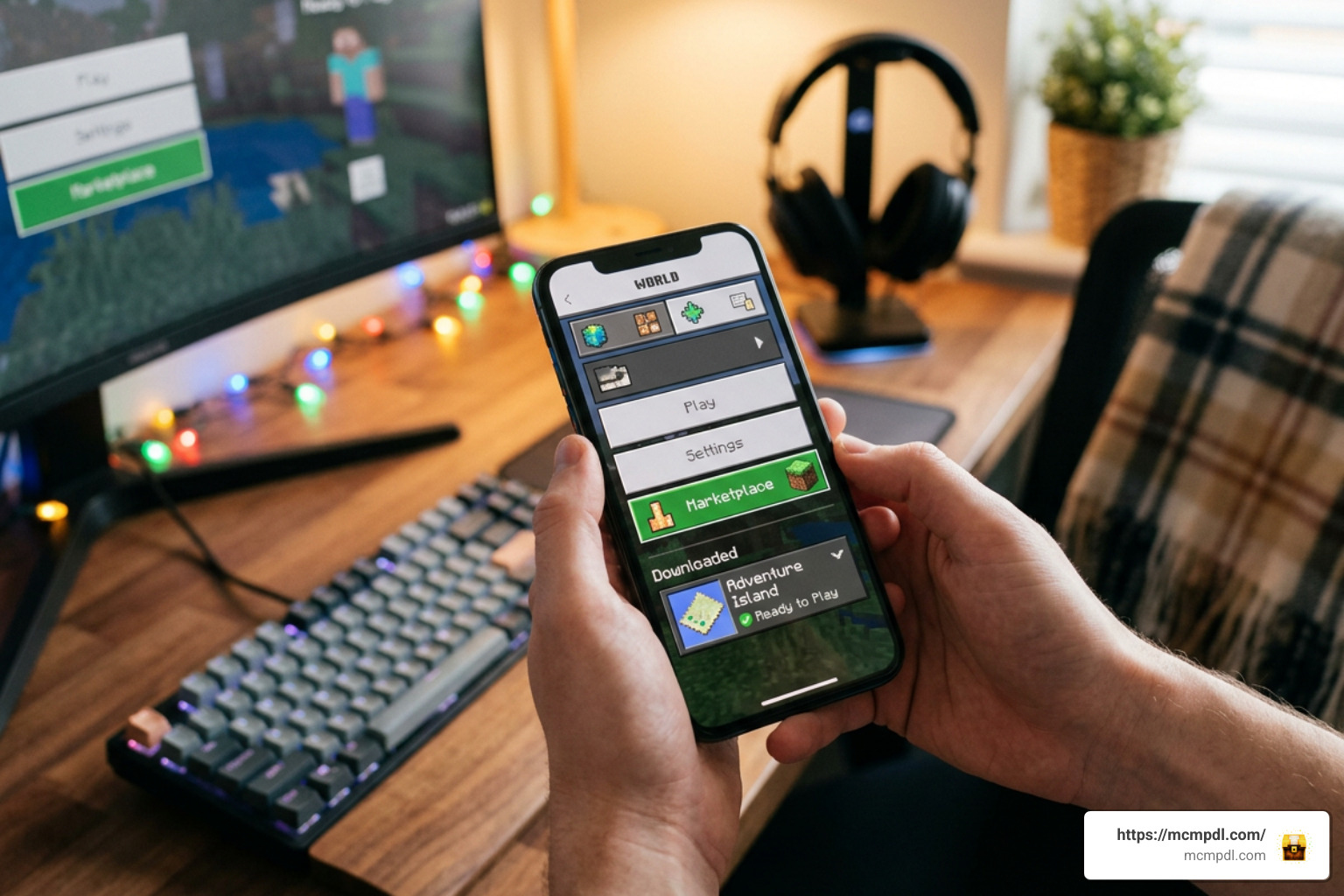
Setting up a Marketplace map on Minecraft PE/Bedrock is straightforward compared to manually installing third-party files. Because the world is officially distributed through the Bedrock Marketplace, it handles asset downloading, behavior injection, and texture loading automatically.
Whether you are exploring expanded village environments or loading up custom combat maps, the installation process is identical across mobile (Android/iOS), Windows PC, and modern consoles.
Before creating your first save, it is worth checking that you are signed in with the same Microsoft account used for the Minecoin purchase. This keeps the template tied to your library across supported Bedrock devices. If your device storage is nearly full, clear unused worlds or resource packs first so the download can complete without corrupting assets. For multiplayer sessions, also confirm that each invited player is running a compatible Bedrock version and has a stable connection, since custom projectiles and arena combat can feel rough if a host is lagging.
How to Install and Download BOWS EXPANSION Map for Minecraft PE/Bedrock
Follow these steps to download and launch the map on your device:
- Open the Minecraft Marketplace: Launch Minecraft Bedrock on your phone, tablet, console, or PC, and tap the Marketplace button on the main menu.
- Search for the World: Type “Bows Expansion” or search for creator “Kubo Studios” in the search bar.
- Complete the Purchase: Ensure your account has at least 830 Minecoins, then select the purchase button.
- Download the Template: Once purchased, tap Download to save the world template directly to your device storage.
- Create Your World: Click Create This World from the template screen. You can adjust world settings such as difficulty, coordinates display, and multiplayer permissions before generating the map.
- Host for Multiplayer: If you plan to play with friends, verify that “Multiplayer Game” is toggled on under the Multiplayer tab, and invite friends directly through your platform’s friends list.
Frequently Asked Questions About Bows Expansion
Are all 45 bows in the Bows Expansion map craftable in survival mode?
Yes. Every single one of the 45 bows included in the world template features a full survival crafting recipe. You do not need to rely on creative mode menus or command blocks to acquire the arsenal. Players gather resources from the world, combine base materials with custom components, and craft top-tier weapons like the Meteor Bow and Dragon Bow naturally throughout their playthrough.
What is the price and rating of Bows Expansion on the Minecraft Marketplace?
The map costs 830 Minecoins on the official Minecraft Bedrock Marketplace. It holds a strong 4.6 out of 5-star rating, created by Kubo Studios, reflecting positive community feedback regarding its bow variety, combat balance, and overall world design.
Can you use the Bows Expansion weapons in other Bedrock worlds?
By default, weapons included in Marketplace world templates are locked to that specific map. Unless you manually extract and apply the world’s underlying behavior and resource packs to another save file (which can be technically complex on mobile and console platforms), the custom bows and crafting stations are designed to be played exclusively within the provided world template.
Conclusion
The Bows Expansion map transforms Minecraft Bedrock’s archery system into an action-packed, explosive experience. With 45 craftable weapons ranging from simple utility bows to devastating meteor strikes, it delivers endless replay value for solo survivalists and competitive PvP groups alike. If you are looking to expand your arsenal, master long-range combat, or check out more custom content, explore top Minecraft Bedrock maps and add-ons on MCMPDL to elevate your next adventure.