Scroll down to D0vvnl0ad
Install the Golem Mania Addon for Minecraft PE/Bedrock 1.26+
To install the Golem Mania Addon for Minecraft PE/Bedrock 1.26+, first check that the download supports your exact Bedrock version. Then:
- Download the add-on file and open it with Minecraft to import its packs.
- In your world settings, activate both the resource pack and behavior pack. Turn on experimental settings only if the download instructions require them.
- Start the world and check the Creative inventory to see whether the golems are available.
Use a copy of your world for the first test. Add-on features and setup requirements can vary by release, so checking the download details before you play can save you from a broken world or missing mobs.

3 Simple Steps to Download and Install the Addon
Bringing custom golems into your Bedrock worlds is quick and easy when you follow the proper pack setup. Whether you play on mobile, console, or Windows, Minecraft Bedrock uses unified pack structures that streamline the modding experience.
Step 1: Download the Resource and Behavior Packs
Start by grabbing the installation package. The add-on generally comes as an .mcaddon file or two separate .mcpack files containing the Behavior Pack (BP) and Resource Pack (RP).
- On mobile devices (Android and iOS), tapping the downloaded
.mcaddonfile prompts your system to open it directly in Minecraft. The game launches and imports the files automatically. - On Windows, simply double-click the file to trigger the automatic importer.
- If your download arrives as a
.ziparchive, rename the extension to.mcaddonor extract the folders manually into yourdevelopment_behavior_packsanddevelopment_resource_packsdirectories.
Step 2: Enable Experimental Settings and Apply Packs
Custom entities with unique animation trees, special attacks, and custom components rely on Bedrock’s experimental toggles.
- Open Minecraft, head to your world list, and click the Edit (pencil) icon next to your test world.
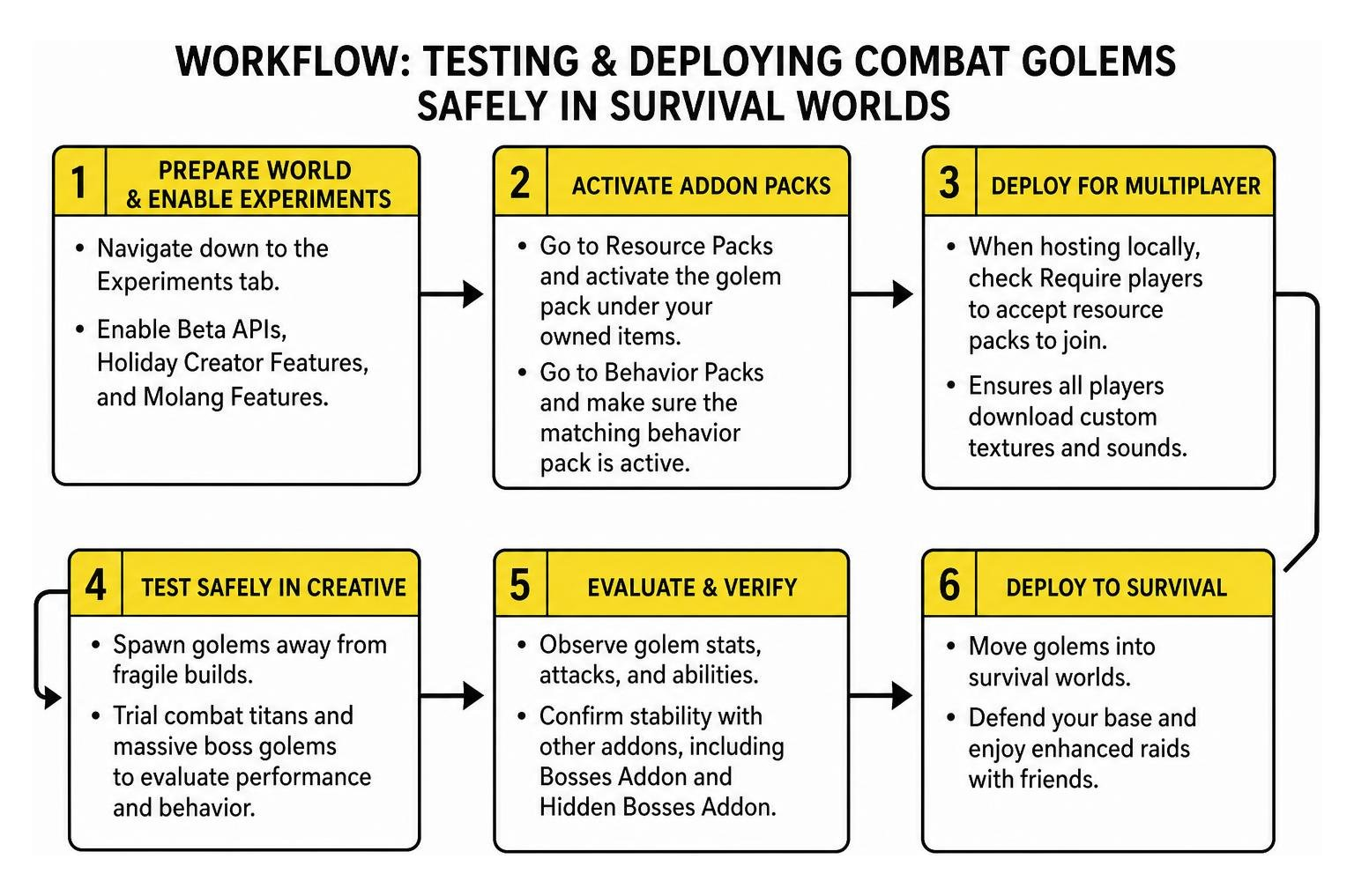
- Navigate down to the Experiments tab.
- Enable Beta APIs, Holiday Creator Features, and Molang Features.
- Go to Resource Packs and activate the golem pack under your owned items.
- Go to Behavior Packs and make sure the matching behavior pack is active as well.
If you are tweaking custom entity components or want to inspect how Molang data drives custom mob animations, the official bedrock.dev entity documentation provides comprehensive schema breakdowns for stable 1.26 builds.
Step 3: Deploying the Golem Mania Addon for Minecraft PE/Bedrock 1.26+ in Multiplayer
Playing with friends adds a whole new dynamic to defending your base. When hosting locally, check the box labeled Require players to accept resource packs to join in your world settings. This guarantees that all joining players download your custom textures and sounds seamlessly.
If you plan to run an expansive survival community with active raids and custom mobs, you can check ping ratings and host specifications on the Minecraft Bedrock Servers (MCPE) – Live Server List | BedrockServers.net to ensure your server environment runs stable tick rates for massive custom entities.
Core Features of the Golem Mania Addon for Minecraft PE/Bedrock 1.26+
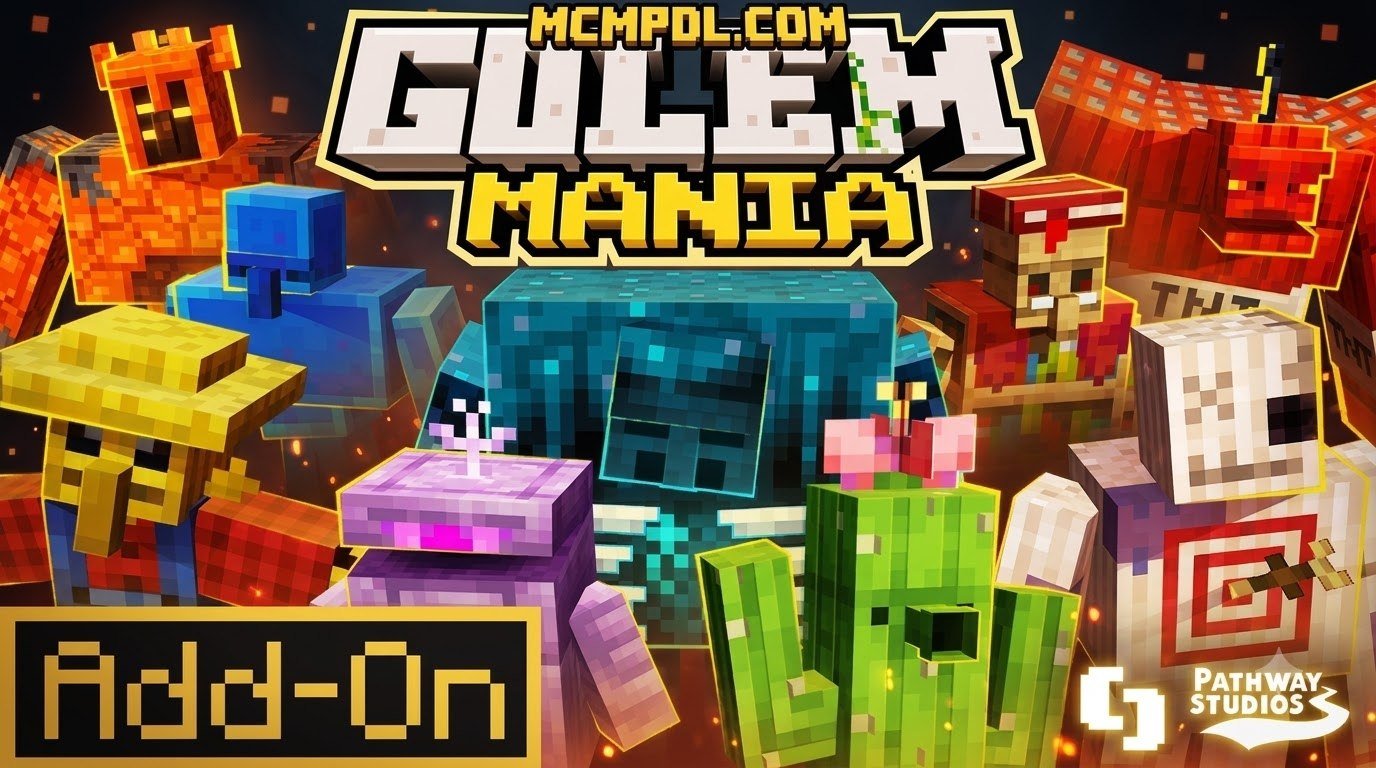
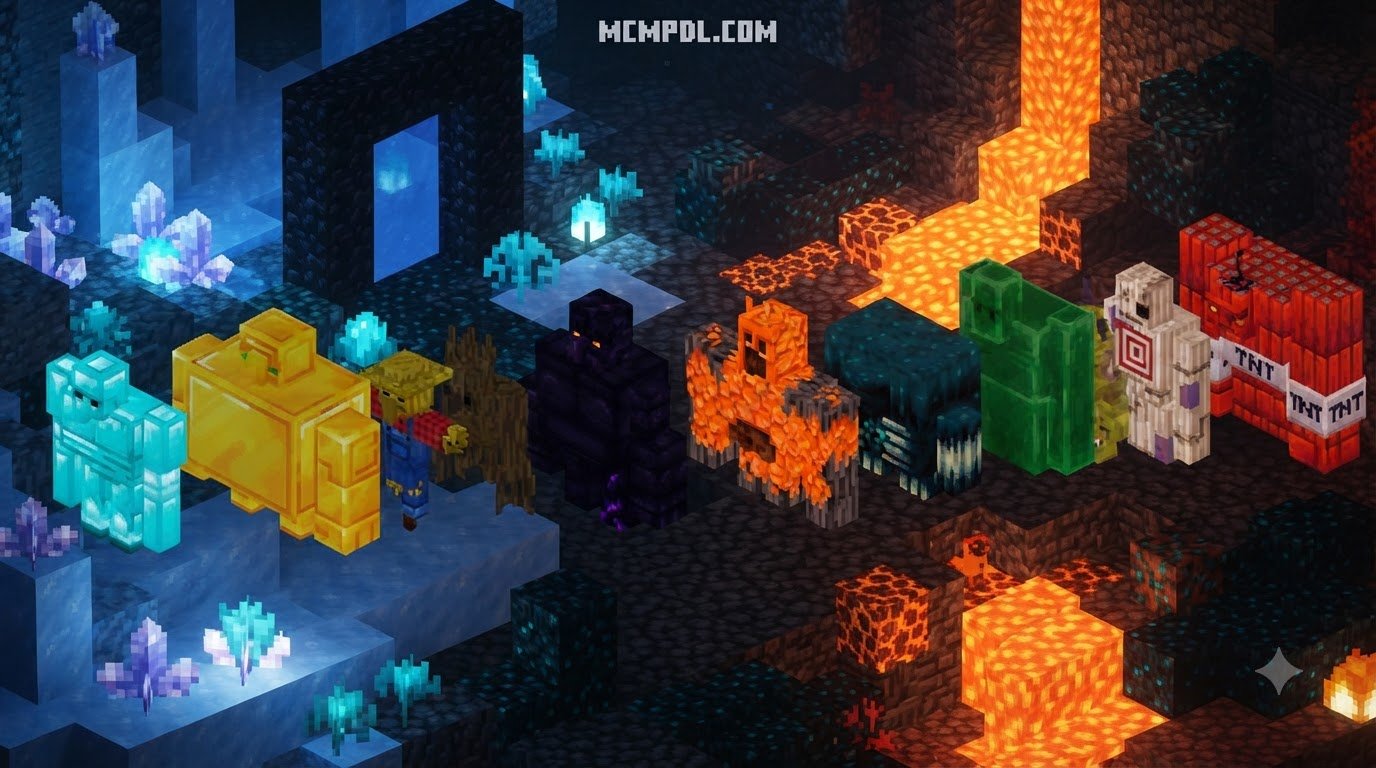
Standard iron and snow golems offer basic defense, but the Golem Mania Addon expands your defensive options dramatically. Similar to the expanded entity mechanics seen in the Golems 2.1 Add-on for Minecraft PE/Bedrock, this pack introduces distinct golem classes ranging from peaceful resource automated helpers to colossal combat giants.
Best of all, the add-on is engineered cleanly without overwriting player.json. This structural choice means it does not clash with player-specific behavior files or custom animations from other packs.
Combat Titans and Massive Boss Golems
If standard mobs no longer challenge your defenses, the titan-class golems present extreme combat scenarios. These creatures are designed as supreme village defenders or formidable endgame world bosses:
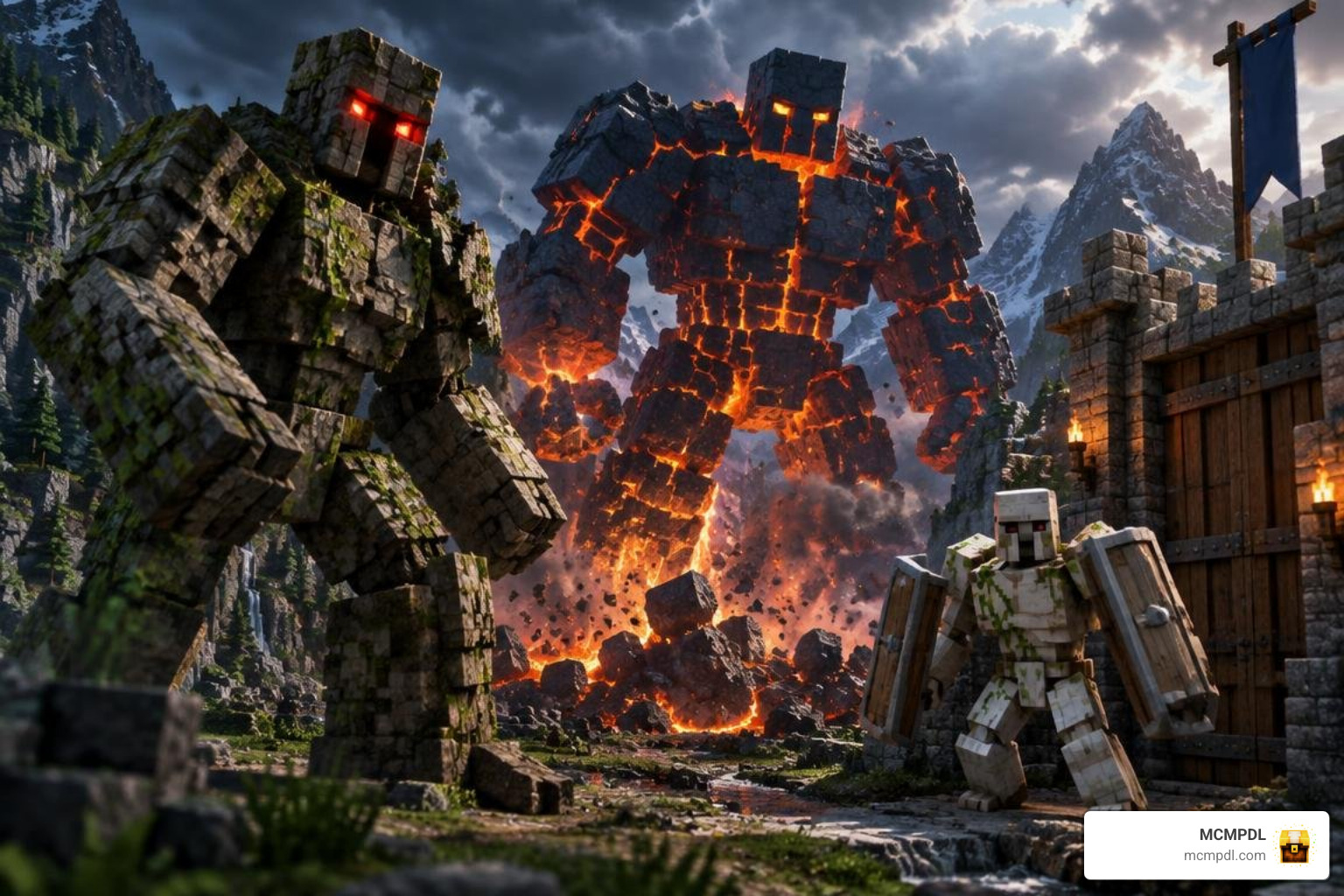
- Giant Stone Golem: A walking mountain boasting a staggering 5,000,000 health points and an attack power of 40,000 damage. It can survive an avalanche of TNT and easily crush entire hostile hordes in a single swing.
- Iron Golem Titan: A massive, aggressive sentinel equipped with devastating crowd-control moves. It can physically pick up and throw enemies, trample over multiple targets in a charging sprint, and retaliate against hostile archers from long range when struck.
If you enjoy testing your combat strategies against colossal enemies alongside other content like the Bosses Addon for Minecraft PE/Bedrock or the Hidden Bosses Addon for Minecraft PE/Bedrock, make sure to spawn titan golems well away from fragile builds during initial Creative Mode trials.
Hostile and Biome-Specific Golem Variants
Beyond protective constructs, the add-on populates your biomes with specialized golem mobs. Each variant features distinct base stats, unique spawn chances, and negative status debuffs applied on impact:
| Golem Type | Health Points | Damage Range | Primary Spawn Biomes | Status Effect Inflicted |
|---|---|---|---|---|
| Zombie Golem | 100 HP | 5 – 17 | Overworld Plains & Forests (High Chance) | Hunger |
| Skeleton Golem | 110 HP | 6 – 16 | Overworld Deserts & Caves | Slowness |
| Creeper Golem | 90 HP | 8 – 20 | Overworld Hills & Forests | Explosive Area Knockback |
| Ender Golem | 150 HP | 6 – 19 | The End & Rare Warped Forests | Blindness |
| Drowned Golem | 120 HP | 7 – 18 | Oceans & Deep Rivers | Mining Fatigue |
| Piglin Golem | 130 HP | 10 – 22 | Nether Wastes & Crimson Forests | Weakness |
| Piglin Golem Brute | 140 HP | 12 – 26 | Nether Bastions & Basalt Deltas | Nausea |
| Wither Skeleton Golem | 140 HP | 7 – 21 | Nether Fortresses | Wither |
| Vindicator Golem | 135 HP | 11 – 24 | Dark Forests & Raid Encounters | Vulnerability |
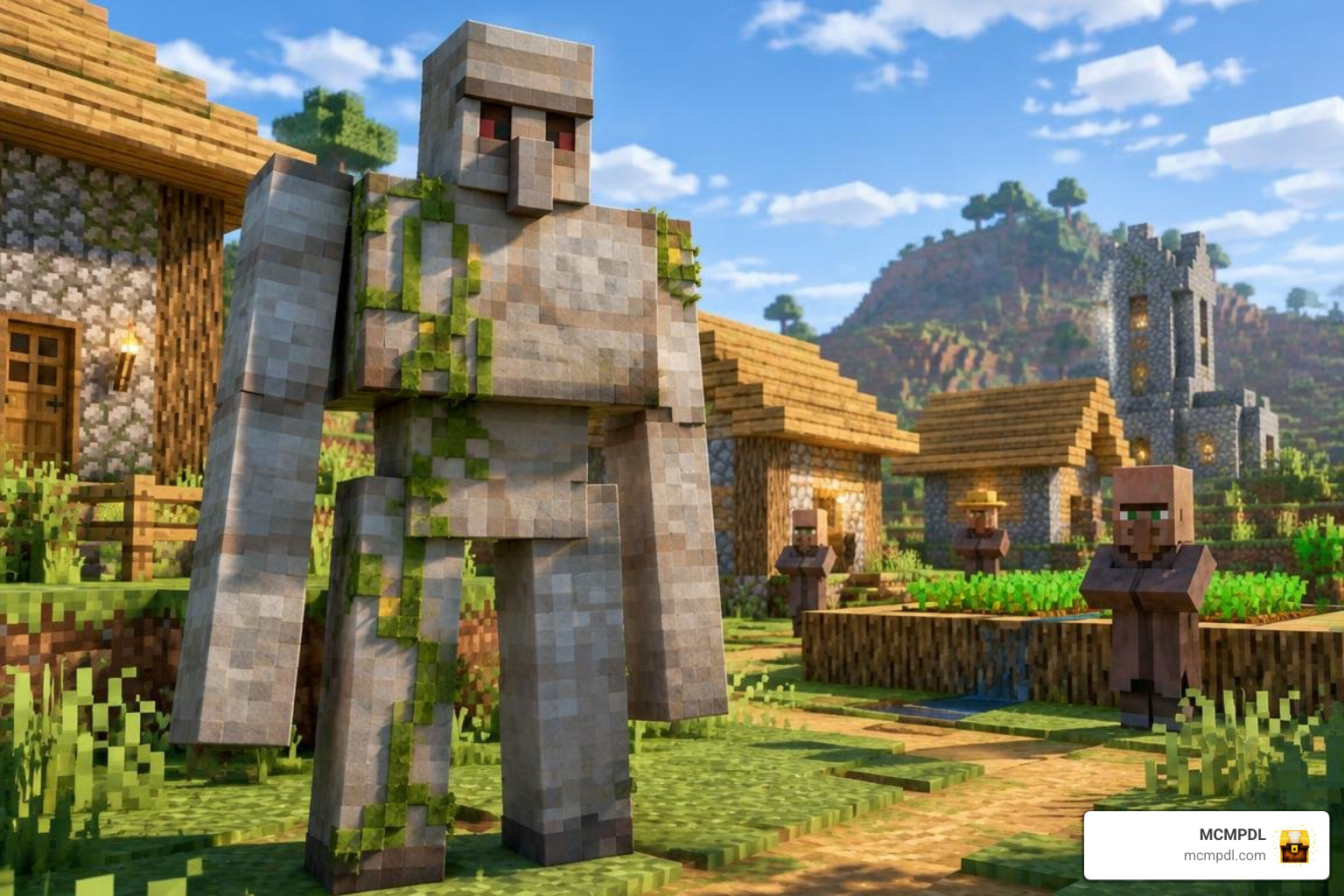
| Villager Golem | 120 HP | 8 – 20 | Villages (Peaceful Defender) | None (Protective) |
You can even rescue a Zombie Villager Golem by applying a Potion of Weakness Spike and feeding it a Golden Apple, curing it into a loyal, settlement-guarding Villager Golem.
Utility and Crop Farming Helpers
Defense is only half the battle. Surviving in Minecraft Bedrock also requires streamlined resource gathering. The add-on introduces constructive utility helpers designed to take the manual grind out of daily chores:

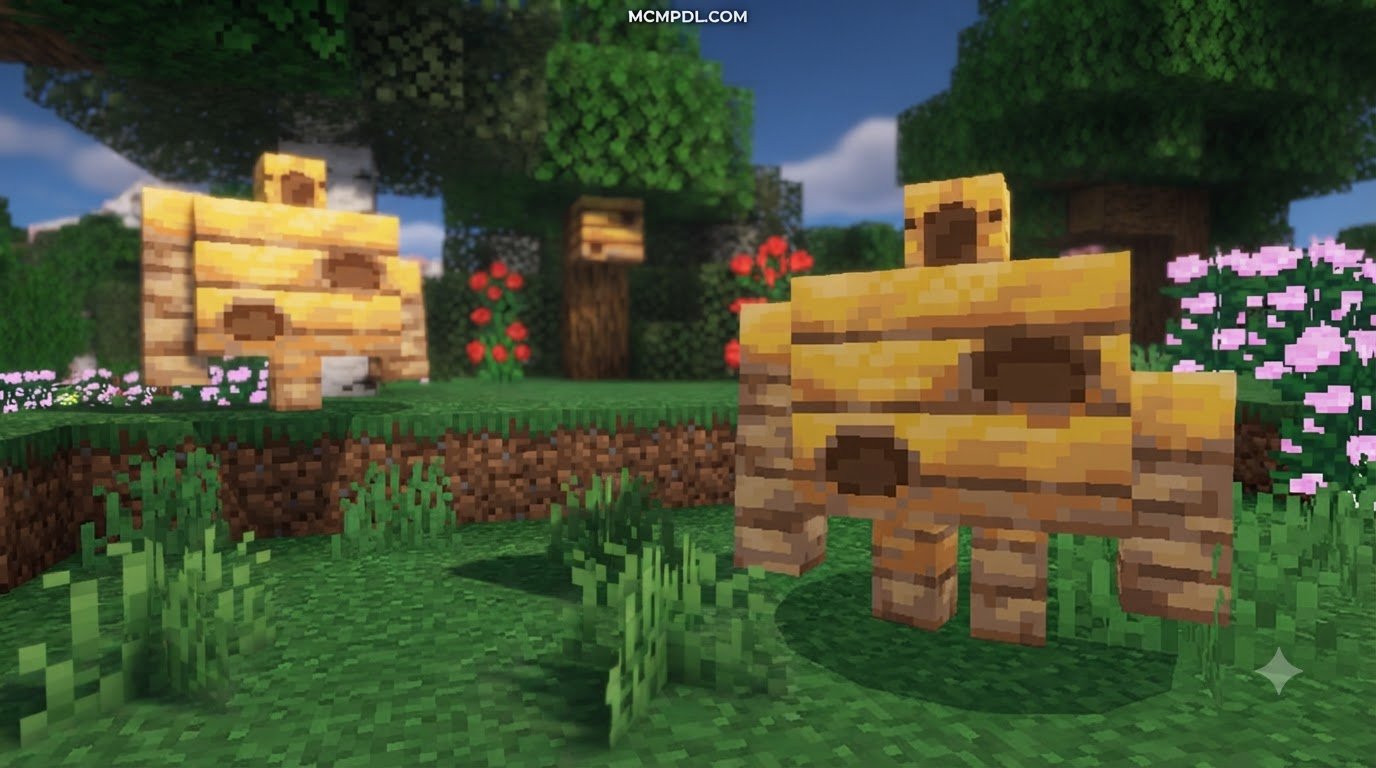
The Hay Golem acts as your personal agricultural assistant. By feeding it Bone Meal, the Hay Golem rapidly fertilizes nearby crops, boosting their maturation speed by up to 30 percent. Once crops reach full growth, it harvests the yield and automatically transfers collected wheat, potatoes, carrots, or seeds into a designated nearby chest. Pairing utility golems with specialized allies from the Mob Companions Addon for Minecraft PE/Bedrock transforms your home base into a fully automated, self-sustaining sanctuary.
New Crafting Materials, Armor Sets, and Equipment
Defeating elite golem variants rewards you with unique crafting components that unlock powerful gear upgrades.
- Enderak: Harvested from Ender Golems, this dark resonant material allows you to forge high-durability Enderak Tools and the Dark Enderak Wand, granting short-range teleportation abilities during exploration.
- Wither Bone: Dropped by Wither Skeleton Golems, this dense material crafts high-tier weapons that inflict lingering wither damage on hostile targets.
- Zombie Leather Armor: A tough early-game armor set crafted from Zombie Golem drops that offers robust protection against melee attacks, complementing gear sets found in the Mob Armor Addon for Minecraft PE/Bedrock.
- Rotten Flesh Cake: A quirky craftable consumable used to distract or pacify undead entities.
- Golden Buffed Tools: Exceptional weapons that enhance mining speed and attack velocity, working smoothly alongside custom weaponry from the Mob Swords Addon for Minecraft PE/Bedrock.
Balancing Survival Difficulty with the Golem Mania Addon for Minecraft PE/Bedrock 1.26+
Integrating powerful hostile golems naturally increases the difficulty of night expeditions and Nether Bastion runs. Piglin Golem Brutes hit hard and move quickly across uneven terrain, requiring players to utilize ranged combat, tactical terrain placement, and potion buffs.
If you enjoy deep character progression and class abilities, combining these golem challenges with the RPG Addon for Minecraft PE/Bedrock creates a balanced combat progression system where defeating advanced golems earns you the resources necessary to conquer endgame dimensions.
Frequently Asked Questions About Golem Addons
Does the Golem Mania Addon require Experimental Gameplay?
Yes. Custom entities that use custom Molang animation loops and advanced attack goals require experimental toggles. In your world settings under the Experiments tab, turn on Beta APIs, Holiday Creator Features, and Molang Features before launching your world.
Is the addon compatible with other Bedrock mods?
Yes, it features broad compatibility. Because the add-on defines its new entities through distinct JSON files rather than editing the base player.json file, you can stack it alongside custom weapon packs, magic systems, and custom biomes without experiencing manifest conflicts.
How do you spawn the Giant Stone Golem and titan variants?
In Creative Mode, all golem spawn eggs and summon items are readily available in your nature and mob tabs. In Survival Mode, utility and standard defensive golems are constructed using specialized block arrangements (such as hay bales, stone variants, and carved pumpkins), while hostile boss golems spawn naturally in their respective biomes or Nether structures.
Conclusion
The Golem Mania Addon transforms your Minecraft Bedrock worlds by merging intense combat trials with practical base automation. From the field-tending Hay Golem to the earth-shattering Giant Stone Golem, this pack delivers rich variety for builders, farmers, and combat enthusiasts alike.
At MCMPDL, our mission is to provide an accessible, curated discovery platform where players across all Bedrock devices can find verified add-ons, texture packs, and maps. Explore our extensive catalog to download Bedrock add-ons and level up your next survival adventure today!