Scroll down to D0vvnl0ad
How to Get a Dubai World into Minecraft PE/Bedrock
If you want to explore the Life in Dubai world for Minecraft PE/Bedrock, keep in mind that the documented Downtown Dubai map is originally a Java Edition world, not a native Bedrock download. To play it on PE or Bedrock, download and extract the world ZIP on a computer, convert the world with a Java-to-Bedrock conversion tool, then import the converted file into Bedrock. Keep the original ZIP as a backup in case conversion fails.
The 46.3 MB world uses real-world map data to lay out streets and building footprints. Think of it as a city base you can explore and improve, not a finished copy of Dubai’s skyline.
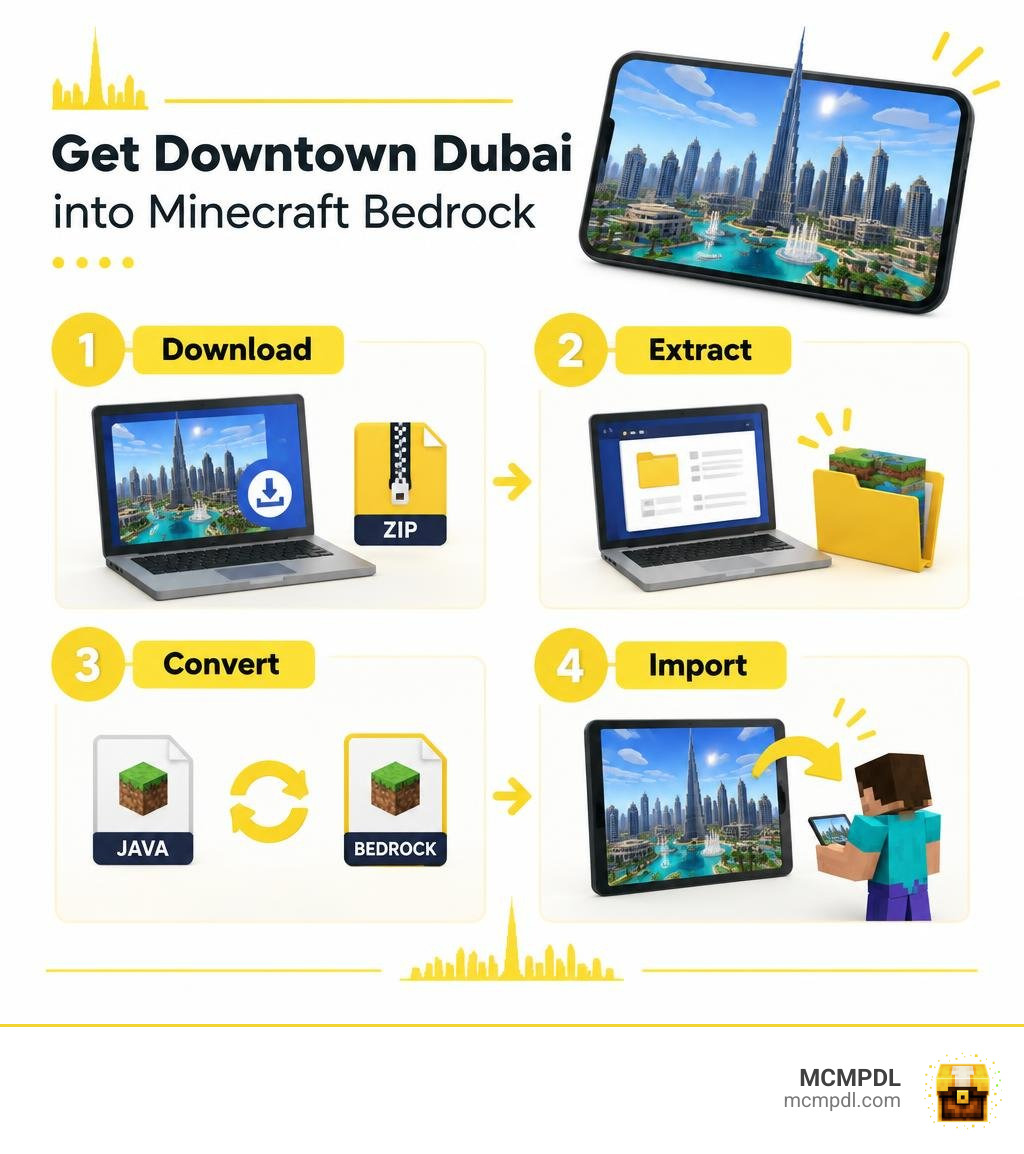
Exploring the Life in Dubai World for Minecraft PE/Bedrock
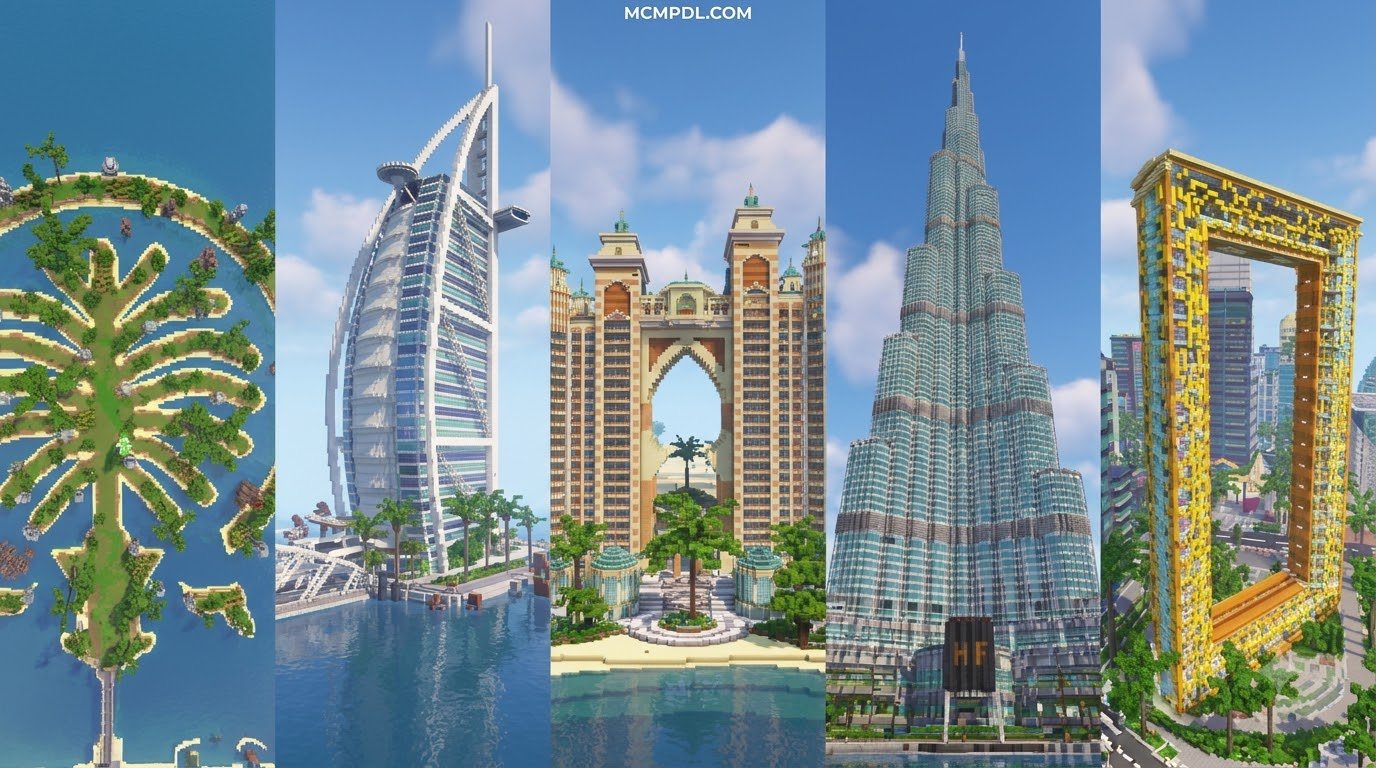
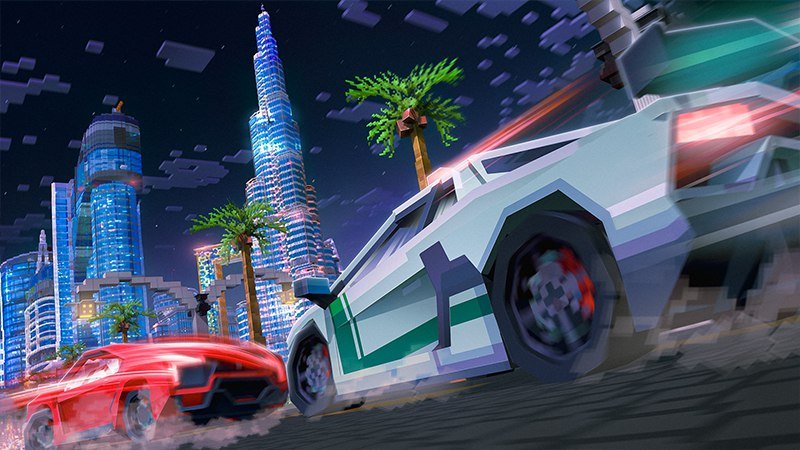
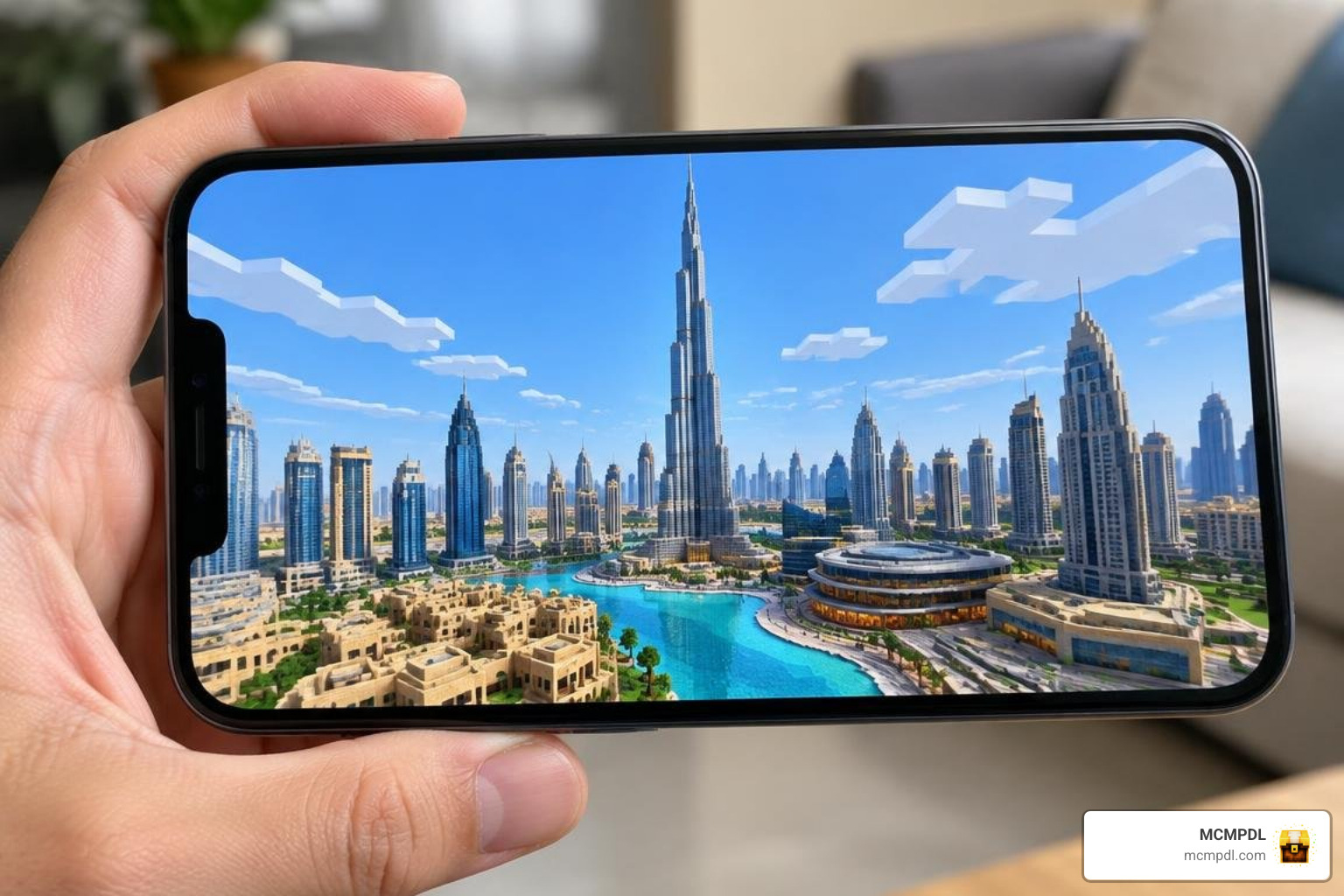
Stepping into a massive desert metropolis inside Minecraft is an unforgettable experience. The Downtown Dubai project captures the vibrant pulse of the United Arab Emirates by taking real-world geographic data and translating it into blocky terrain. Rather than starting from an empty flat world, you begin with an organized urban grid that mirrors real avenues, roundabouts, and towering high-rises.
This map originated as an innovative Java Edition project generated through automated map-conversion software. By importing real-world layout data, it establishes an editable urban canvas where streets, open plazas, and skyscraper footprints already occupy their true-to-life coordinates. If you have spent time touring massive community projects like our Dubai World or cruising through the vast roadways of a Grand City Auto World, you already know how thrilling an authentic urban layout can be.
This city base gives builders and roleplay fans an incredible head start. You do not need to spend dozens of hours measuring out city blocks or grading the desert terrain. The foundational infrastructure is already laid out, leaving you free to focus on architecture, styling, and gameplay mechanics.
Map Generation and City Layout Accuracy
The Downtown Dubai world was built using OpenStreetMap geographic records processed through MapMC, a procedural generation tool designed to convert real-life map coordinates into voxel structures. The software interprets road boundaries as stone, asphalt, or concrete pathways, while reading building perimeters to extrude geometric structures that match the height and footprint of local city parcels.
Because the environment relies on automated OpenStreetMap inputs rather than manual building placement:
- Road Networks and Intersections: Highways, boulevard curves, and pedestrian walkways closely mirror the real layout of Downtown Dubai.
- Building Footprints: High-rise dimensions and structural foundations match real municipal parcels.
- Vertical Accuracy: Skyscraper heights scale according to recorded map metadata, producing an authentic urban silhouette against the desert horizon.
- Approximations: Intricate architectural flourishes, glass curves, and structural spires are converted into simplified geometric blocks rather than exact decorative copies.
The result is a functional 3D blueprint. Iconic landmarks like the Burj Khalifa footprint and the surrounding Downtown lake districts appear in their proper geographical spots, offering a structured foundation that you can refine by hand.
Creative Opportunities for City Builders and Roleplay
An editable urban grid opens countless avenues for creative customization. Because procedural generation leaves building interiors hollow or solid, you have complete creative freedom over how every skyscraper functions.
- Skyscraper Development: Strip down generic block walls and replace them with sleek tinted glass, concrete pillars, and beacon-powered rooftop spires.
- Luxury Living Spaces: Design multi-story penthouses, executive suites, and reception lobbies across the city’s highest towers.
- Urban Business Roleplay: Turn ground-floor footprints into bustling retail shops, commercial banks, auto dealerships, and fine-dining restaurants using an Economy Addon to establish a working currency system.
- City Expansion: Add suburban villas, waterfront marinas, or desert resorts around the perimeter using Civilization Expansion Pack Addon elements.
If you enjoy creating modern roleplay servers or sandbox survival realms, this map gives your community an entire metropolitan downtown to occupy, renovate, and govern.
How to Download and Convert the Dubai Map for Bedrock
Because the original Downtown Dubai release was compiled for Minecraft Java Edition, mobile and console players cannot simply drop the raw world folder into Bedrock without converting it first. Fortunately, running a world conversion is straightforward when you have a computer available to handle the file migration.
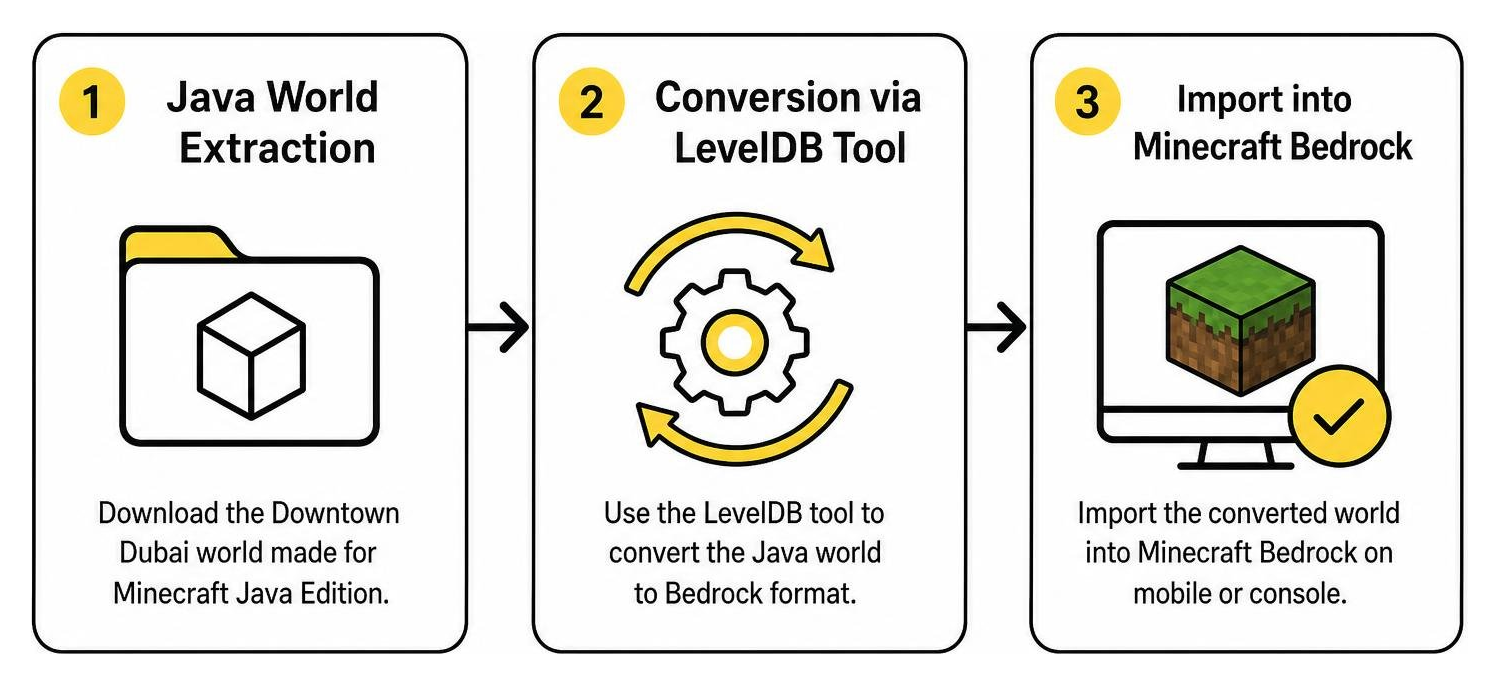
You can grab the original Java environment through community listings for Downtown Dubai, Dubai, United Arab Emirates as a Minecraft Java World, or discover complementary urban layouts through city and urban map collections. Once the source files are on your computer, converting the level takes only a few minutes.
File Specifications and Version Requirements
Before converting your files, make sure your game version and system meet the necessary technical requirements.
| Specification | Detail |
|---|---|
| Download File Size | 46.3 MB (Compressed ZIP) |
| Original Release Date | July 29, 2026 (Version 1.0) |
| Source Java Compatibility | Java Edition 1.21 or newer |
| Target Bedrock Compatibility | Bedrock Edition 1.21+ (PE, Windows, Consoles) |
| Generation Engine | MapMC (OpenStreetMap Data Integration) |
| Terrain Type | Custom Procedural Urban Grid / Desert Biome |
Converting the Life in Dubai World for Minecraft PE/Bedrock from Java
To transform the Java world into a Bedrock-compatible format, follow this conversion sequence:

- Extract the Downloaded ZIP: Unpack the original archive on your PC to reveal the primary world folder containing
level.dat, theregionsubfolder, and player data. - Launch a Conversion Tool: Open an established world converter (such as MCC Tool Chest, Chunker, or Amulet Editor).
- Select the Source Directory: Load the unzipped Downtown Dubai Java folder into the conversion software.
- Set Bedrock Output Targets: Choose Minecraft Bedrock (LevelDB format) matching game version 1.21 or newer.
- Run Chunk Processing: Let the tool translate Java block IDs and chunk formats into Bedrock data structures.
- Export the World: Save the finished project as an uncompressed Bedrock world folder or a packaged
.mcworldfile.
Always keep your original Java ZIP file stored in a separate directory so you have a clean backup if you ever want to restart your build from scratch.
Step-by-Step Installation for Mobile and Windows 10/11
Once your world is converted into Bedrock format, moving it onto your device takes just a few steps:
For Windows 10 / 11 PC:
- If you exported a
.mcworldfile, double-click it. Minecraft Bedrock will open automatically and import the map. - If you have an unzipped world folder, press
Win + R, paste%localappdata%\Packages\Microsoft.MinecraftUWP_8wekyb3d8bbwe\LocalState\games\com.mojang\minecraftWorlds, and move your converted folder directly into this location.
For iOS and Android (Minecraft PE):
- Direct File Launch: Email or transfer the converted
.mcworldfile to your mobile device, tap it in your file manager, and select “Open with Minecraft.” - Manual Storage Placement (Android): Place the converted world folder into
Android/data/com.mojang.minecraftpe/files/games/com.mojang/minecraftWorlds/using your preferred storage management utility. - Manual Storage Placement (iOS): Use the Files app to navigate to
On My iPhone/iPad > Minecraft > games > com.mojang > minecraftWorldsand paste the folder.
Launch Minecraft, navigate to your Worlds menu, and your new Dubai urban base will be ready to load.
Enhancing Your Virtual Dubai Map with Addons and Textures
A procedurally generated city layout provides the bones of an empire, but adding custom community packages transforms those blank concrete blocks into an authentic luxury metropolis.
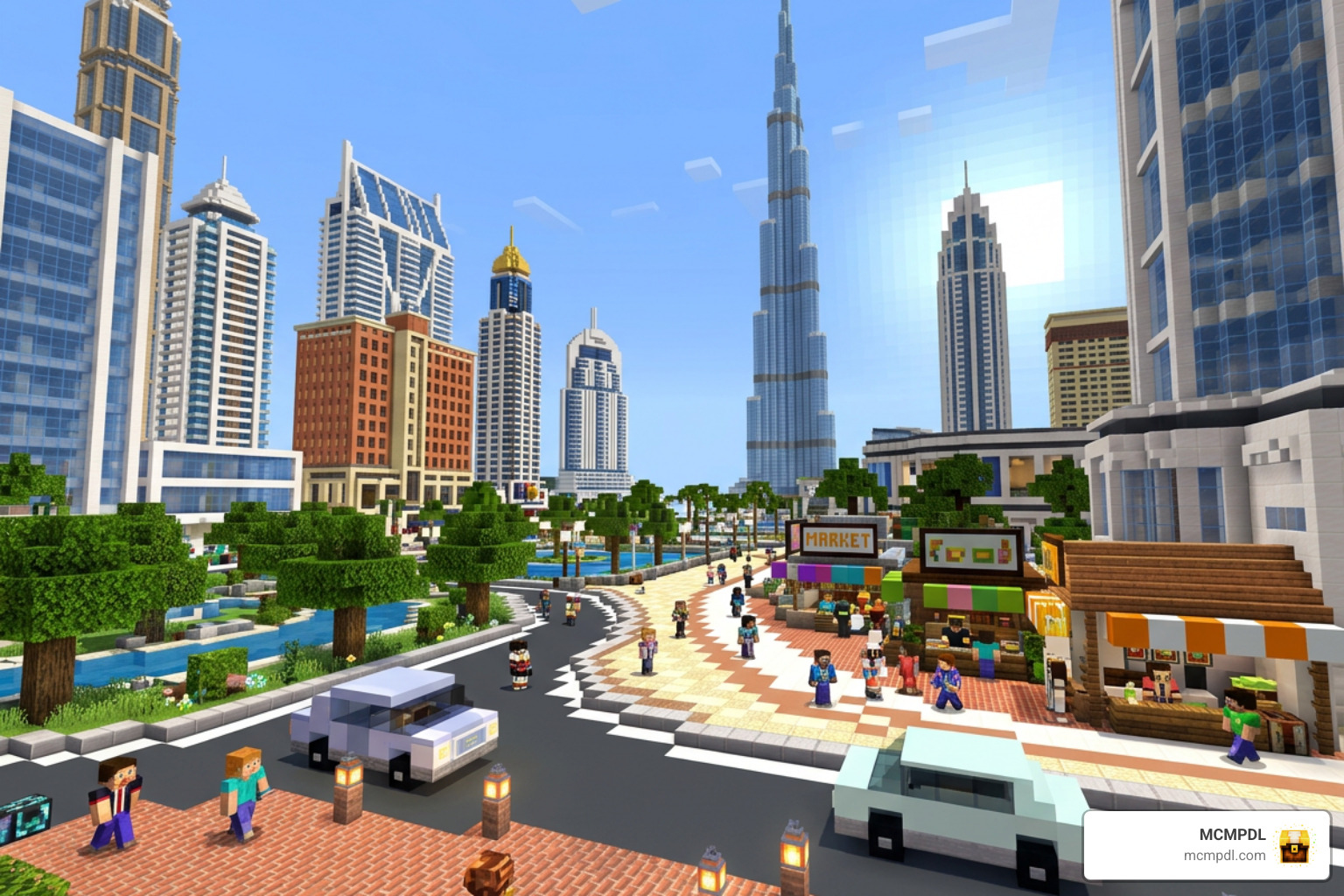
Adding Modern Transit and Road Infrastructure
Dubai is world-renowned for expansive multi-lane highways and high-end automotive culture. You can elevate the generated road grids with dedicated transport packages:
- Lay down smooth highway markings and painted lanes using a Roads Addon.
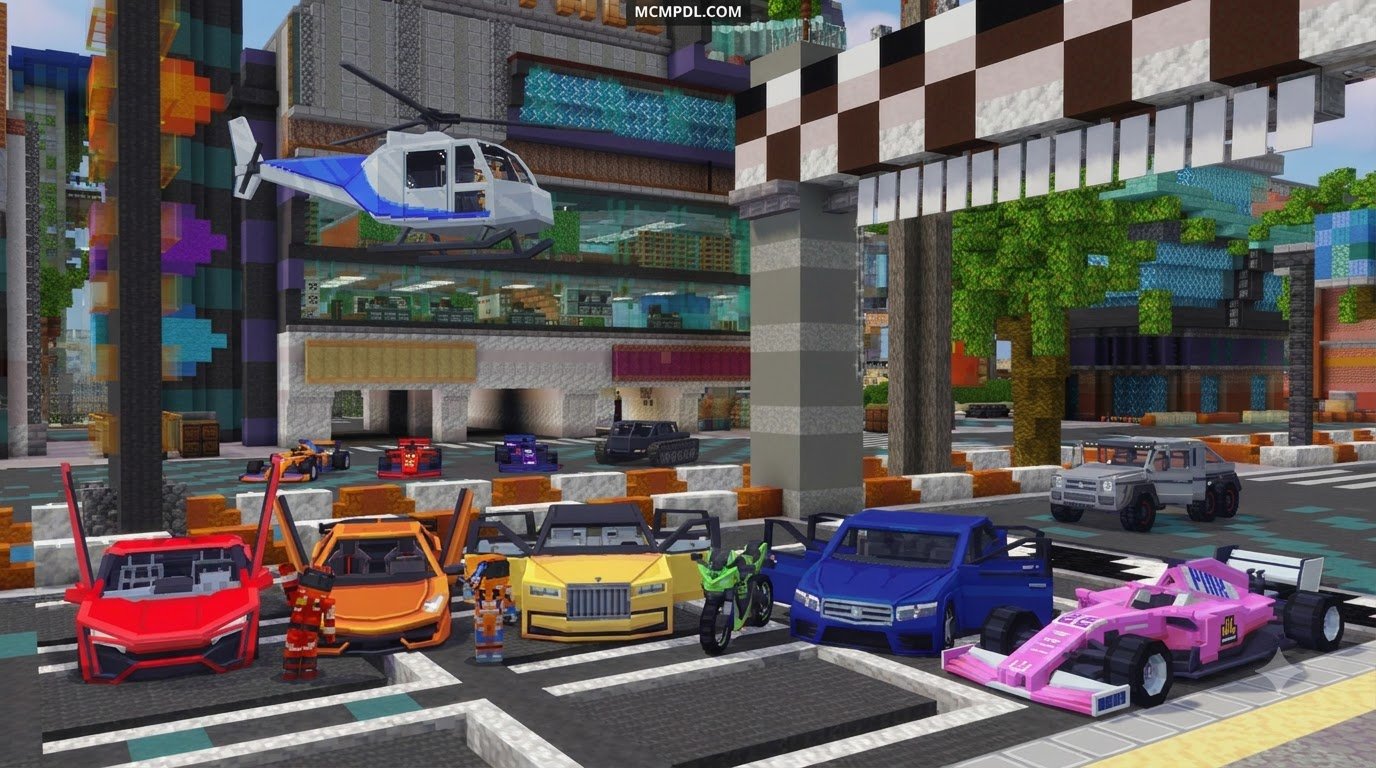
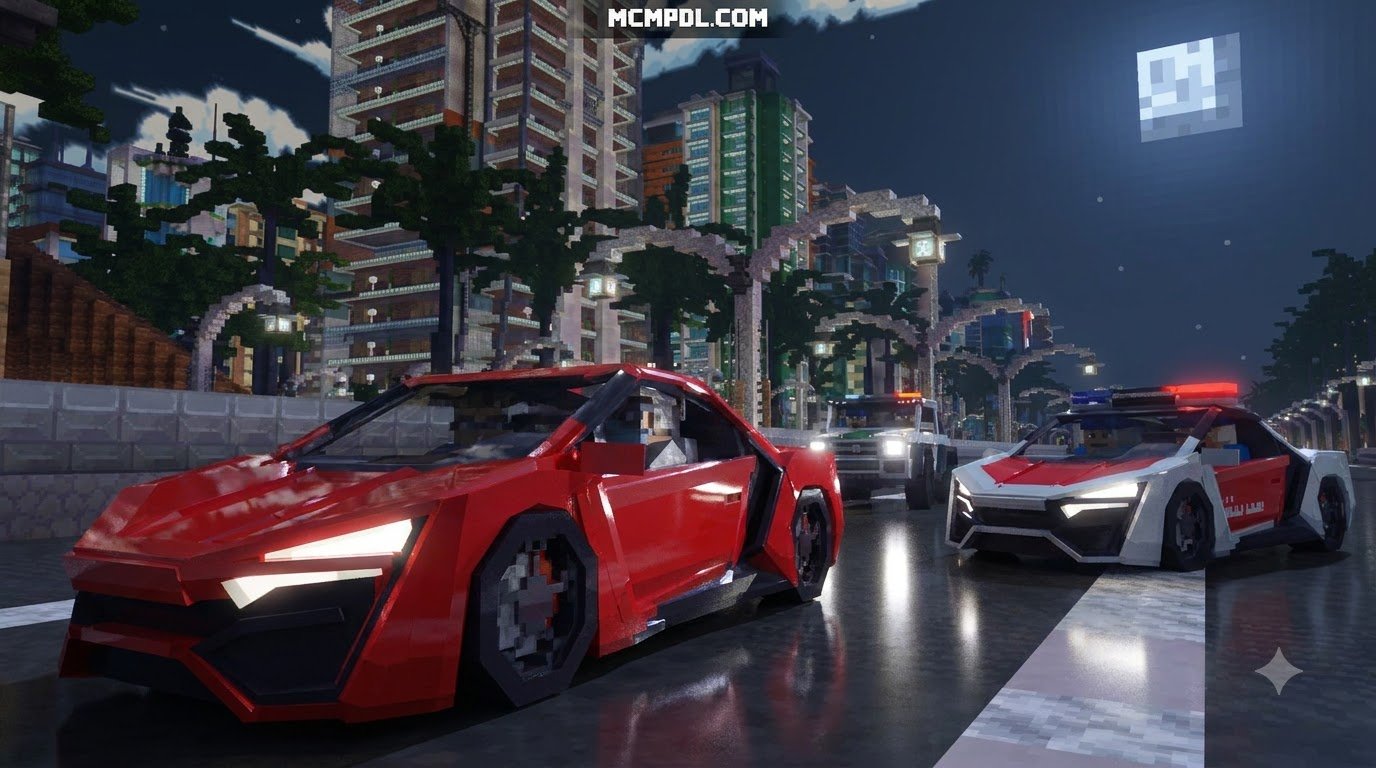
- Park exotic supercars, luxury SUVs, and sports coupes in front of hotel drop-offs with the Luxury Cars Addon or Realism Cars Addon.
- Expand your city fleet with everyday commuter sedans and municipal transport using the Cars Addon alongside the More Vehicles Addon.
- For heavy industrial transport, construction sites, and airport shuttles, integrate the Realistic Vehicles Addon.
Upgrading Architecture and Modern Interiors
Hollow skyscrapers are prime real estate waiting for your personal interior design touch. Bring life to residential lofts and commercial high-rises with these functional enhancements:
- Install working vertical transit between skyscraper lobbies and observation decks using the Elevators Addon.
- Furnish luxury master suites, boardrooms, and modern kitchens with our Furniture Addon or the expanded catalog in the Furniture Life Addon.
- Add detailed interior decorations and modular seating across office suites with the Block Furniture Addon.
- Give modern towers sleek building materials, architectural glass, and reinforced structural frames by adding the More Custom Blocks Addon and More Custom Blocks 2 Addon.
- Upgrade your visual atmosphere with modern textures, reflective surfaces, and realistic glass clarity using the Realism Visuals Texture Pack or the Vibrant Modern Textures Pack.
If you want to construct sprawling residential estates across the desert outskirts of your city, you can combine these tools with pre-built luxury estates from the Millionaire Mansions Addon or expand the natural desert terrain using Realistic Landscapes World.
Frequently Asked Questions About Minecraft Dubai Maps
Is the Life in Dubai World for Minecraft PE/Bedrock a 1:1 Replica?
No, the map is not a hand-carved, block-by-block replica of every real-world building. It is a procedurally generated city base created from OpenStreetMap data via MapMC. While road alignments, structural footprints, and overall heights reflect real-world city planning, individual architectural details, indoor rooms, and custom building facades require manual building and detailing.
How Does the Map Perform on Mobile Devices?
Because the world features dense vertical geometry across many contiguous chunks, performance depends heavily on your device’s hardware and settings:
- Render Distance: On mobile devices, keep your render distance between 8 and 12 chunks to avoid memory bottlenecks when flying through skyscraper clusters.
- Simulation Distance: Set simulation distance to 4 chunks to keep background entity processing low.
- Particle and Graphics Toggles: If you encounter frame drops, disable fancy bubbles, smooth lighting, or high-resolution shadow resource packs.
Can I Play This World in Multiplayer or Realms?
Yes. Once converted into a Bedrock format, this map functions just like any standard local world. You can host friends in peer-to-peer multiplayer, upload the world folder directly to a Bedrock Realm, or run it on a dedicated Bedrock server for large-scale urban roleplay.
Conclusion
The Downtown Dubai Minecraft world provides an incredible real-world canvas for builders who want to skip the tedious work of laying out city grids and dive straight into modern architecture. By taking real OpenStreetMap layouts and converting them for Bedrock, you get an expansive metropolitan sandbox ready for luxury renovations, vehicle addons, and multiplayer roleplay.
At MCMPDL, our curated catalog makes it easy to find everything you need to upgrade your modern worlds—from realistic vehicle packs and contemporary furniture to custom texture overhauls. Once you finish renovating your downtown high-rises, you can explore other exciting community game modes, including custom minigames and interactive hide and seek maps, all built for Minecraft Bedrock Edition!