Scroll down to D0vvnl0ad
Make Minecraft Bedrock Cinematics With SuperCut
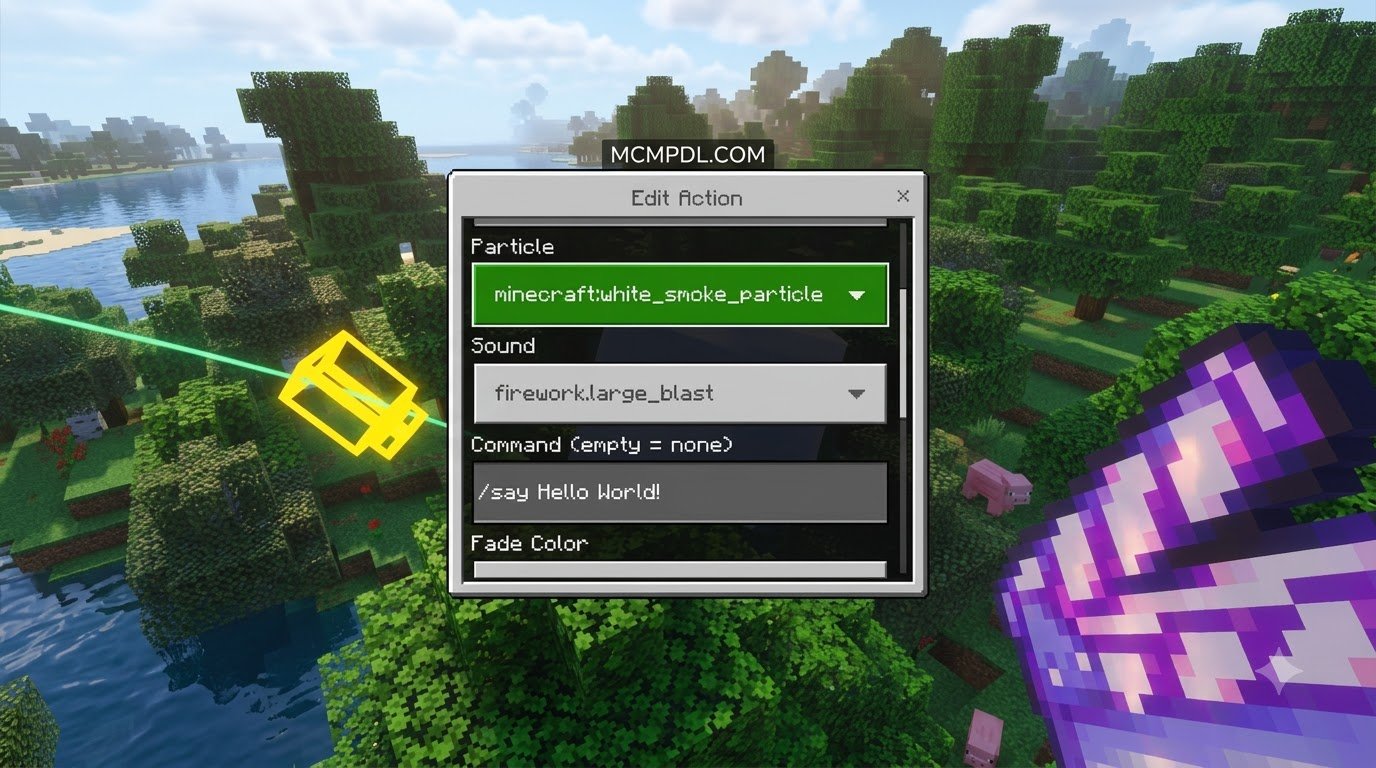
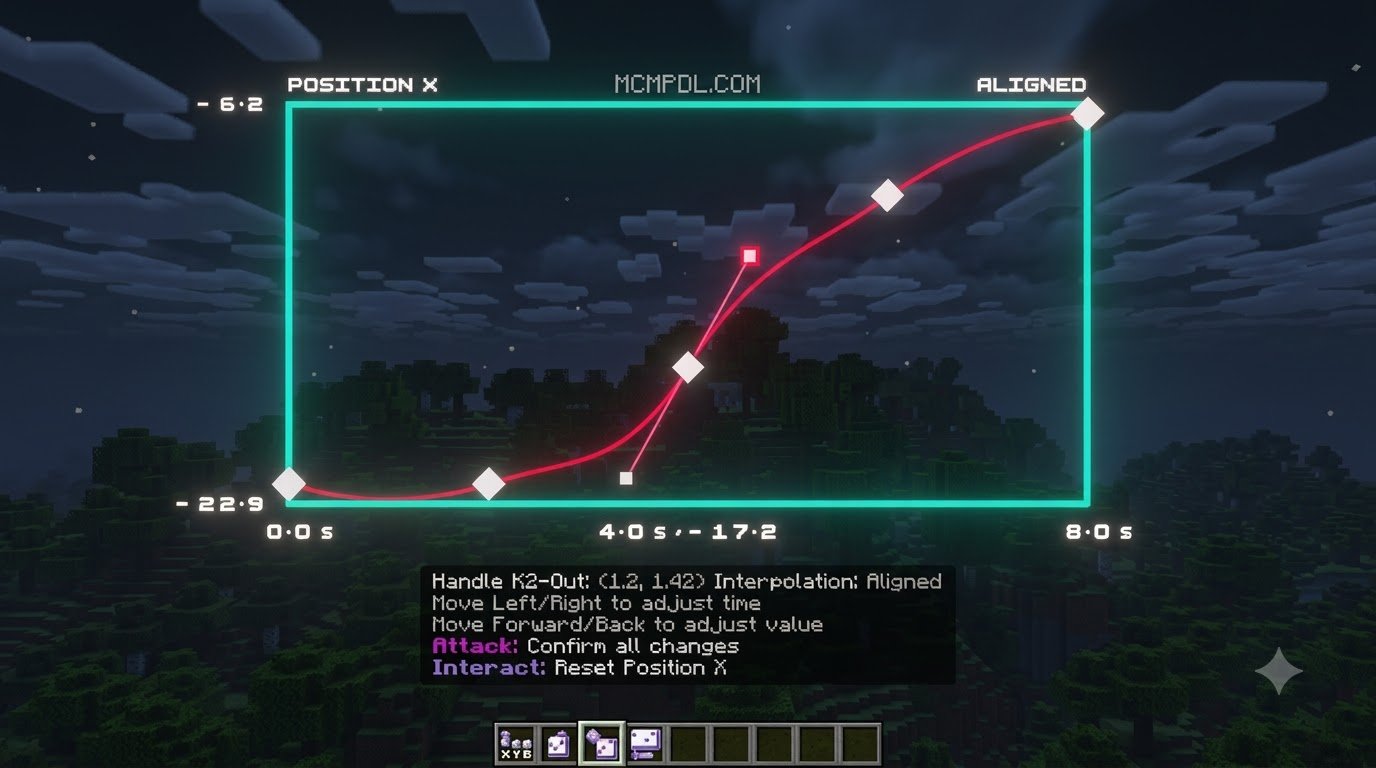
SuperCut – Early Access is a dedicated cinematic camera system and add-on designed specifically for Minecraft PE/Bedrock creators who want studio-quality footage straight from their game engine. It allows players and filmmakers to adjust a camera view in real time as they build or direct, fine-tuning path movement, pan and tilt angles, field of view (FOV), ambient daytime cycles, and playback velocity with a dedicated curve editor.
Historically, creating smooth pan shots and dramatic scene fly-throughs in Bedrock Edition required convoluted setups involving invisible armor stands, slow-falling potions, complex command block chains, or third-party screen-capture hacks that were prone to stuttering. SuperCut eliminates these workarounds by providing an integrated in-game director suite.
To get started, make sure your game client runs Minecraft Bedrock 1.21.120 or newer, purchase SuperCut through the official in-game Marketplace, and activate both the resource and behavior packs inside your target world settings. Whether you are producing high-octane YouTube intros, cinematic world tours, machinima narratives, or showcasing massive community builds, SuperCut delivers the exact tools you need to elevate your visual storytelling without demanding complex external video post-production.
What Is the SuperCut – Early Access Addon for Minecraft PE/Bedrock?
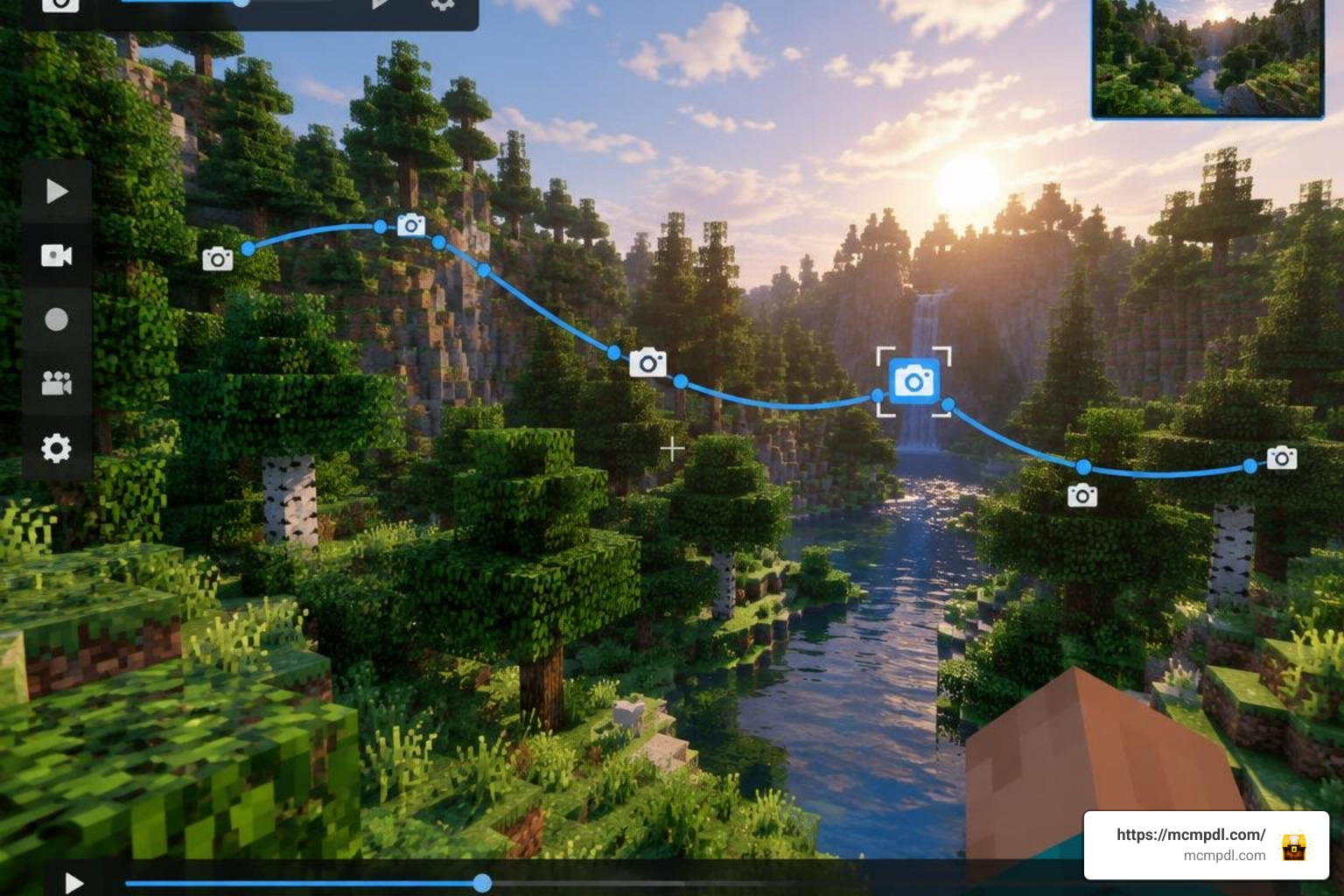
Creating smooth, sweeping camera movements in Bedrock Edition used to require complex command block chains or third-party recording hacks. The SuperCut – Early Access Addon for Minecraft PE/Bedrock changes this entirely by introducing a professional, real-time cinematic suite directly into the Bedrock engine. Developed by Tetrascape, this tool bridges the gap between simple gameplay recordings and studio-grade cinematic production.
Whether you are crafting a cinematic intro for your survival series, showcasing an intricate redstone build, or filming a full-scale roleplay episode, SuperCut eliminates the friction of setting up dynamic scenes. Instead of relying on rigid stationary viewpoints, creators can design elaborate camera paths, control environmental lighting, and preview everything in real time without leaving their world. The addon replaces cumbersome script coding with an intuitive visual editor, allowing content creators on any supported platform to stage elaborate sequences with minimal setup overhead.
Core Cinematic Features in SuperCut – Early Access Addon for Minecraft PE/Bedrock
The early access release of SuperCut introduces an extensive toolkit that makes high-end video production accessible to everyone:
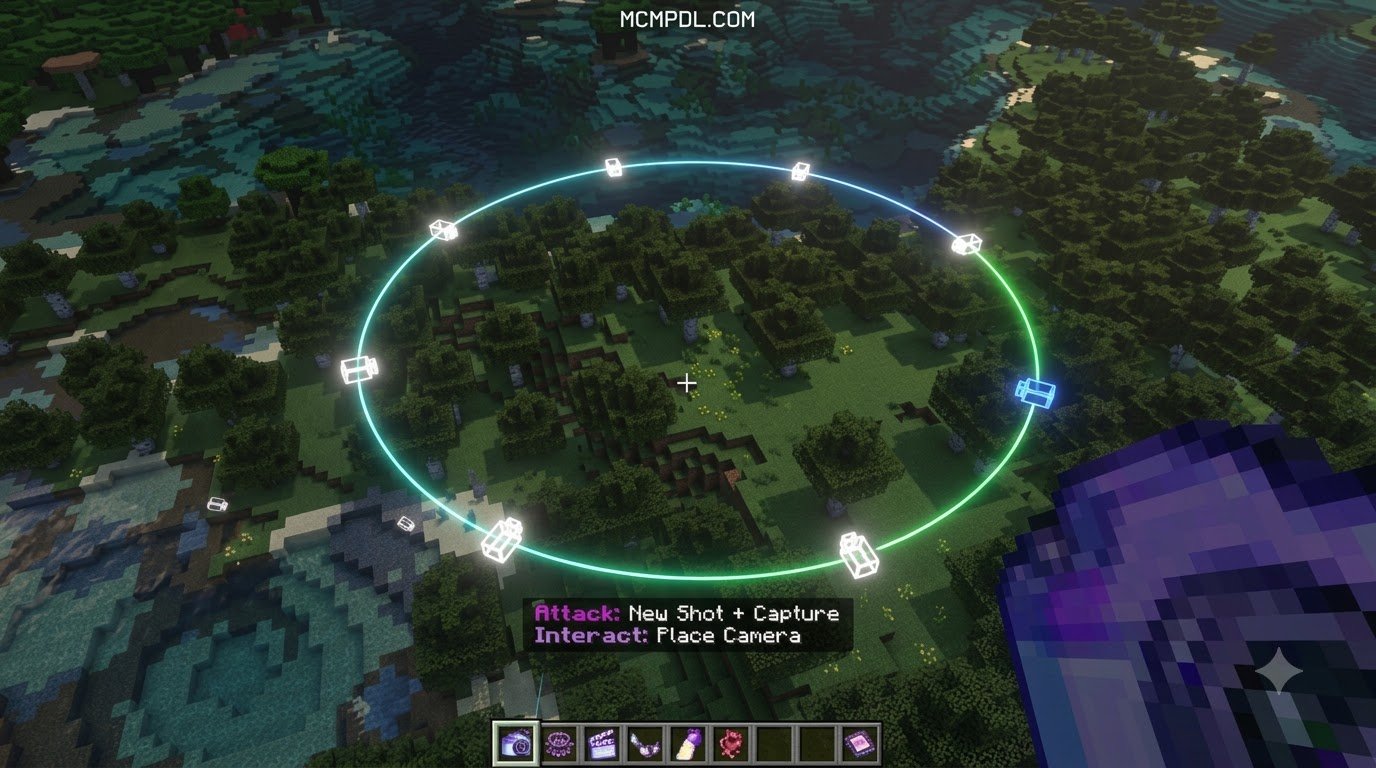
- Live-Edit Mode: Step directly into the virtual camera lens. You can fly around freely, frame your shot in real time, and establish exact camera angles visually rather than guessing coordinate values or typing endless position commands.
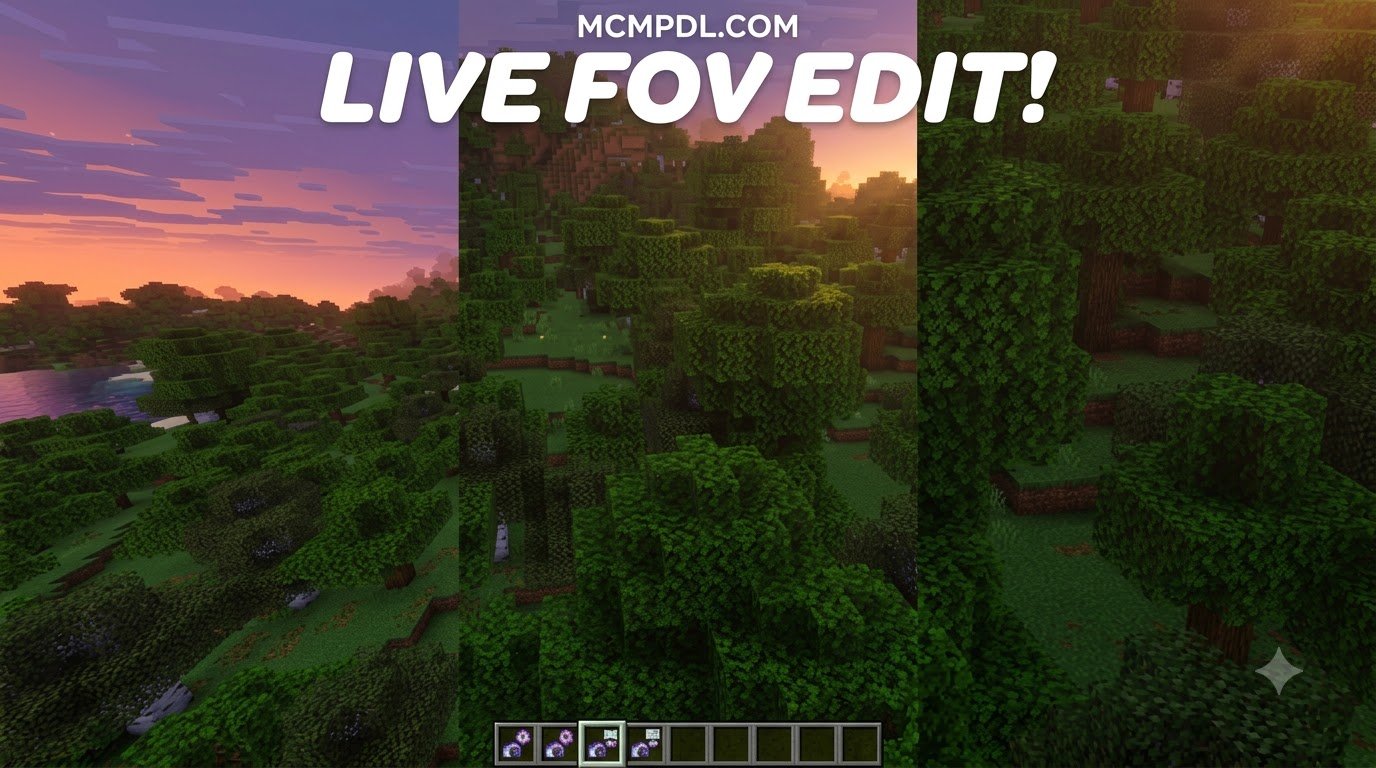
- Advanced Curve Editor: Gain granular control over movement arcs. The curve editor enables seamless interpolation across five distinct vectors: physical XYZ position, camera rotation (pitch, yaw, and roll), field of view (FOV), world daytime cycles, and variable playback speed curves.
- Position Smoothing and Keyframing: Create fluid transitions between waypoints, eliminating stuttering, abrupt camera jerks, or unnatural stops during complex tracking shots.
- Multitrack Timeline and Multi-Shot Sequences: Assemble layered camera sequences with multiple cuts, transitions, and concurrent movement tracks, letting you storyboard entire short films inside a single session.
- Edit History (Undo/Redo): Experiment freely with complex camera paths knowing you can roll back unwanted adjustments instantly with comprehensive undo and redo support.
- Pre-Built Cinematic Templates: Jump-start your videos with pre-configured cinematic motions such as orbiting pans, swooping fly-bys, spiral ascents, and establishing reveal shots, allowing you to produce a stunning 15-second reveal faster than a creeper’s fuse.
- Multi-Select Editing: Modify multiple keyframes simultaneously to adjust timings, rotation angles, or path speeds across large portions of your sequence in a single action.
- Dynamic Day-Night Lighting Sync: Tie the sun and moon position directly to your timeline keyframes so the lighting evolves in harmony with the camera sweep.
Platform Compatibility and Version Requirements
SuperCut is built natively for the modern Bedrock engine and requires Minecraft Bedrock version 1.21.120 or newer. Because it runs through official Marketplace integration, it features complete cross-platform support across all standard Bedrock environments:
- PC: Windows 10 and Windows 11
- Mobile: iOS and Android devices with optimized touch UI overlays
- Consoles: Xbox One, Xbox Series X/S, PlayStation 4, PlayStation 5, and Nintendo Switch
To access the pack, players need an active internet connection and an authenticated Microsoft account linked to their game profile. The addon is available on the in-game Marketplace for 1170 Minecoins (approximately $6.13 USD). Once acquired on your account, the license synchronizes across all connected devices running the same Microsoft account.
How to Install and Configure the Addon
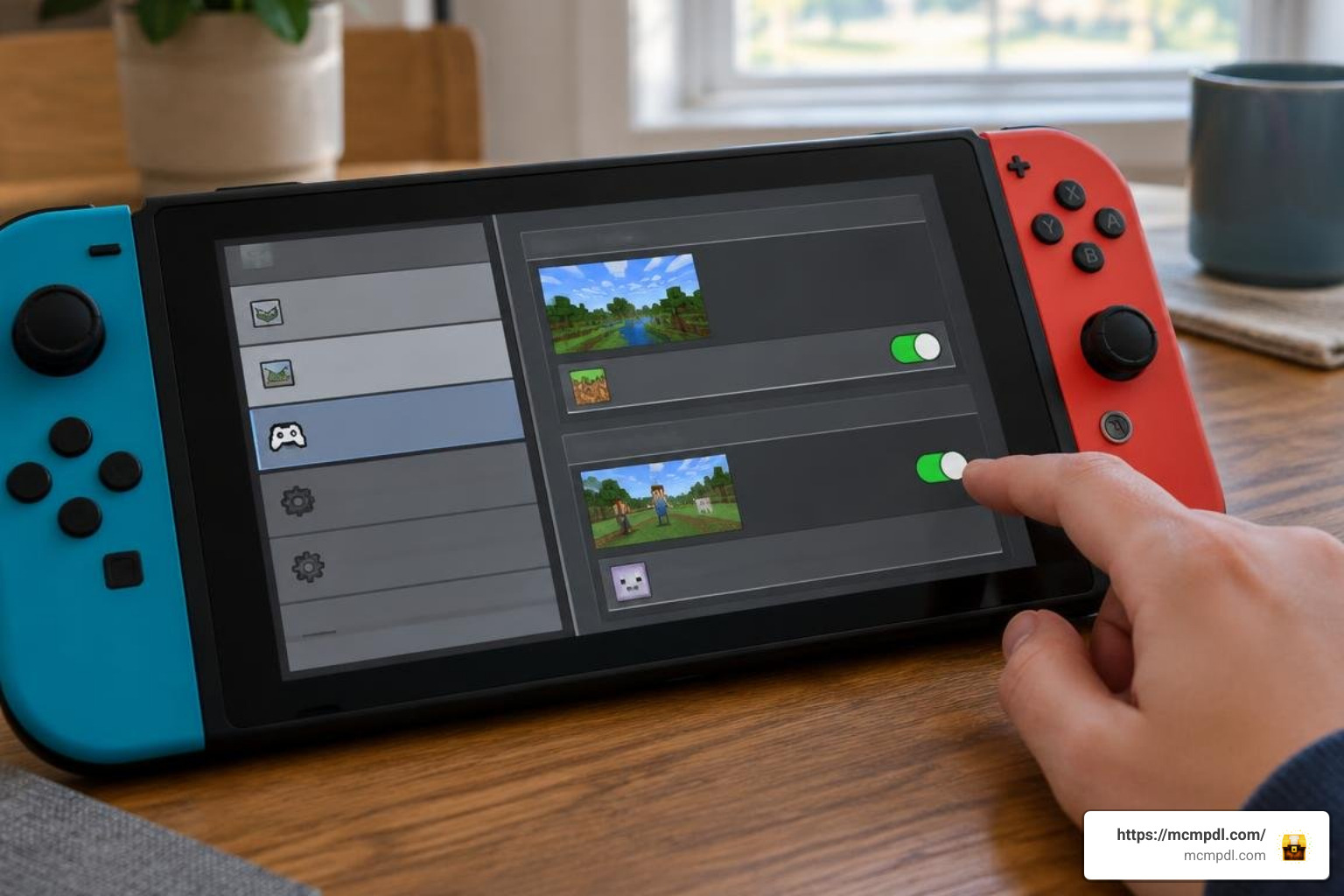
Getting SuperCut running in your worlds is a straightforward process handled directly within the Bedrock client interface. Because the pack utilizes advanced script APIs to manipulate camera angles, following the correct setup order ensures all keyframing menus and cinematic utilities function seamlessly.
Installing SuperCut – Early Access Addon for Minecraft PE/Bedrock
Follow these steps to purchase, download, and activate the addon:
- Launch Minecraft Bedrock Edition on your preferred platform (PC, mobile, or console).
- Navigate to the Marketplace tab from the main title menu.
- Search for the SuperCut – Early Access by Tetrascape listing in the search bar.
- Unlock the addon using 1170 Minecoins and select Download to store the files locally on your storage drive.
- Create a brand-new world or select the pencil icon next to an existing save to open World Settings.
- Scroll down to the Resource Packs section on the left sidebar, locate SuperCut under Owned, and click Activate.
- Scroll down to Behavior Packs and activate the corresponding SuperCut behavior pack.
- Under the Experiments toggle menu, ensure any required scripting or experimental toggles are enabled if prompted by your game version.
- Check multiplayer game settings to allow invited cameramen and voice actors to join the world if you plan to record team cinematics.
- Launch the world to access the cinematic interface hotbar item and begin configuring your camera tracks in Live-Edit mode.
Best Practices for Smooth Scene Recording
To achieve the cleanest possible recording results when using SuperCut, consider applying these optimization tips before capturing video:
- Hide HUD and Hand: In your video settings, toggle off the Heads-Up Display (HUD) and hand rendering to ensure zero UI clutter obstructs your shot.
- Adjust Render Distance: Set your chunk render distance to a stable level where your device avoids frame drops or sudden terrain pop-in during fast fly-throughs.
- Lock Weather and Ticks: Set weather to clear and disable daylight cycle in game settings if you intend to control daytime exclusively through SuperCut’s keyframe timeline.
Early Access Performance and Development Roadmap
Because SuperCut is currently in Early Access, the development team actively gathers community feedback to optimize performance across diverse hardware configurations. Touch controls on mobile devices have been streamlined with on-screen handles for intuitive keyframing, while console gamepads utilize analogue stick smoothing for precise adjustments.
| Feature / Requirement | SuperCut Early Access Specification | Creator Benefit |
|---|---|---|
| Minimum Game Version | Minecraft Bedrock 1.21.120+ | Full compatibility with recent updates and scripting APIs |
| Marketplace Cost | 1170 Minecoins (~$6.13 USD) | Single purchase accessible across all linked devices |
| Key Editing Tools | Live-Edit, Curve Editor, Timeline | Real-time visual trajectory design and quick framing |
| Animation Parameters | Position, Rotation, FOV, Time, Speed | Complete cinematic and environmental atmosphere control |
| Multiplayer Compatibility | Host and Player synchronization | Collaborative scene filming, directing, and actor tracking |
| System Footprint | Native Bedrock lightweight script | High performance with zero frame drops on mobile and consoles |
| Template Library | Built-in cinematic presets | Fast setup for 15-second intros and dramatic fly-bys |
Moving forward, the development roadmap includes deeper integration with multiplayer world hosting, additional pre-made cinematic choreographies, enhanced speed-curve presets, audio cue markers, and expanded multi-shot timeline tools designed to streamline full-length machinima production.
Frequently Asked Questions About SuperCut
How can I get SuperCut Early Access for Minecraft Bedrock?
You can get SuperCut by opening Minecraft Bedrock on your device, heading to the Marketplace, and searching for the SuperCut addon by Tetrascape. Once unlocked for 1170 Minecoins, download it directly to your system and attach both the resource and behavior packs to any world. Ensure your game is updated to Bedrock 1.21.120 or later before starting.
Does SuperCut work on mobile devices and consoles?
Yes. SuperCut is fully optimized for cross-platform play. It runs smoothly on Android, iOS, Xbox, PlayStation, and Nintendo Switch, featuring custom touch and gamepad control mappings for seamless framing. The lightweight scripting engine ensures steady frame rates even when rendering complex curve paths on mobile hardware.
Can SuperCut be used in multiplayer servers and realms?
SuperCut supports multiplayer worlds. When the host enables the pack, other connected players can participate in scenes, allowing teams to direct complex, choreographed cinematic recordings together. This makes it an outstanding tool for roleplay groups, competitive build battles, and collaborative server trailers.
Can I adjust the field of view (FOV) dynamically along a camera path?
Yes. SuperCut’s curve editor supports granular FOV keyframing. You can transition smoothly from a wide-angle scenic view (such as 90 degrees) to a tight telephoto focus (such as 30 degrees) to create dramatic vertigo effects or draw attention to specific build details.
Conclusion
The release of SuperCut brings professional-grade filmmaking tools directly into the hands of Bedrock storytellers and builders. By unifying dynamic camera tracking, curve-based smoothing, multitrack keyframing, and real-time environmental controls inside the game, it has never been easier to produce cinematic videos without relying on external animation software or third-party camera hacks.
Whether you are a seasoned YouTuber looking to polish your episode intros, an architect eager to show off intricate megabuilds, or a casual player wanting to immortalize epic survival bases, SuperCut delivers a robust, accessible production studio directly on your favorite device. To keep upgrading your worlds and gameplay, explore the latest Minecraft PE and Bedrock mods on MCMPDL.