Scroll down to D0vvnl0ad
How to Get ROLECRAFT for Minecraft PE/Bedrock
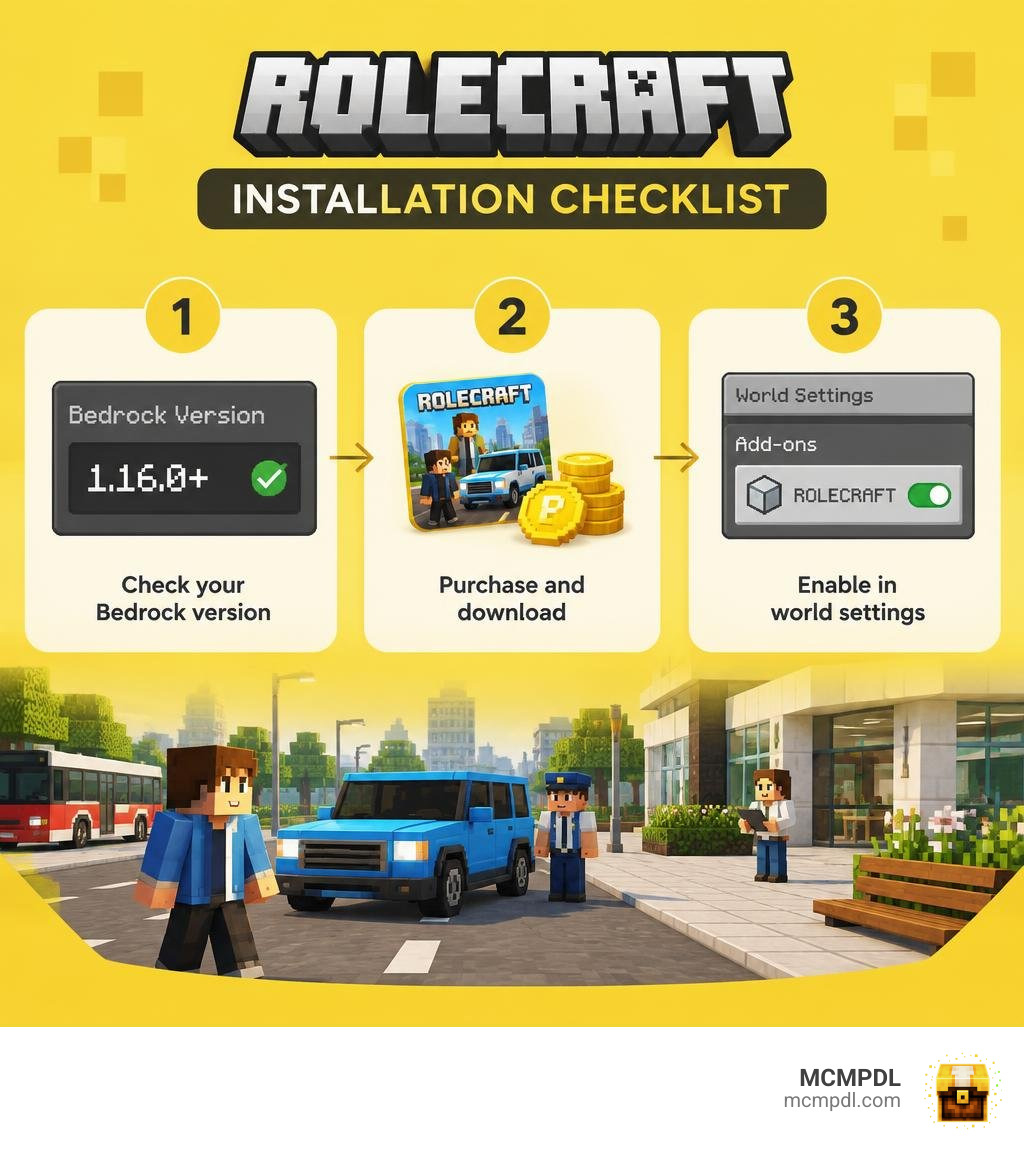
To install the ROLECRAFT Addon for Minecraft PE/Bedrock, check that your game is version 1.16.0 or newer. Then find ROLECRAFT on MCMPDL, download the add-on files, and import them into your game. Open your world’s settings and enable both the resource and behavior packs before you play.
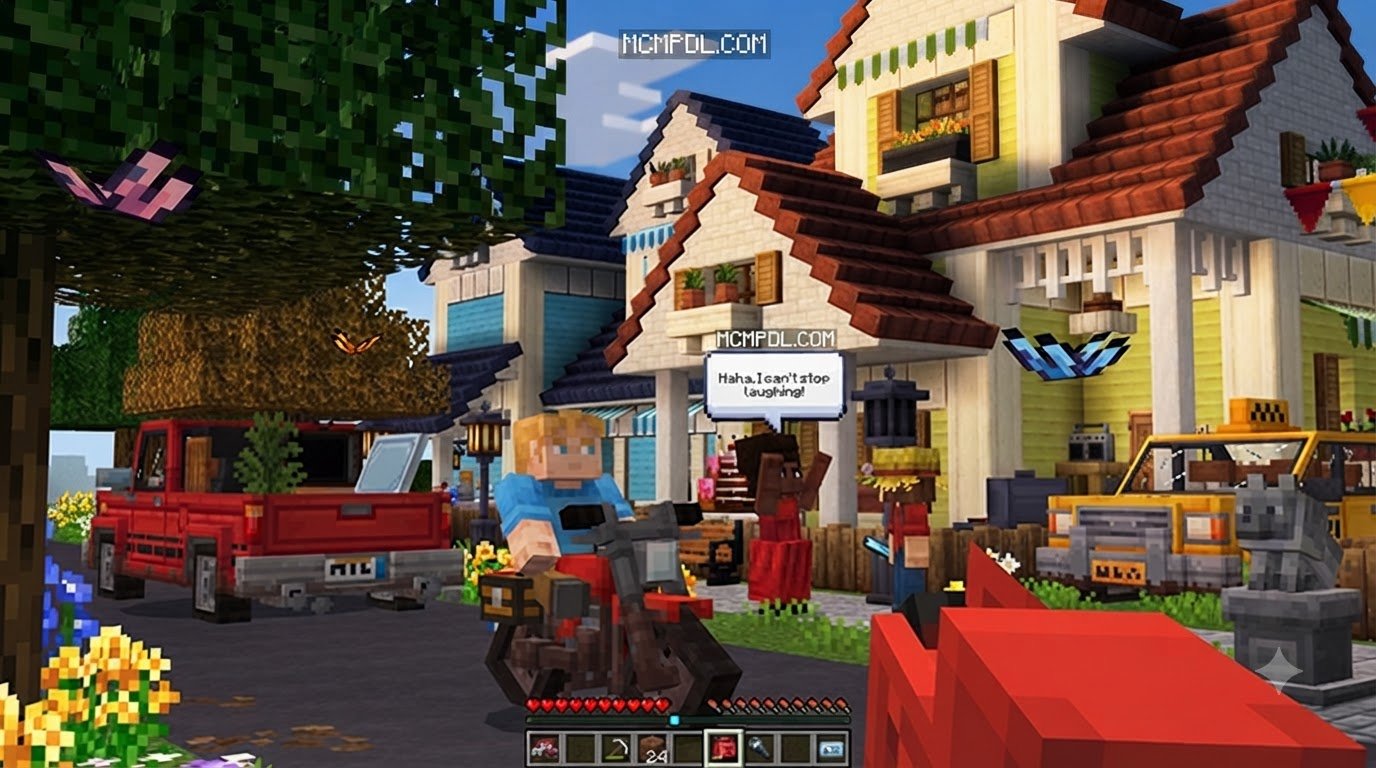
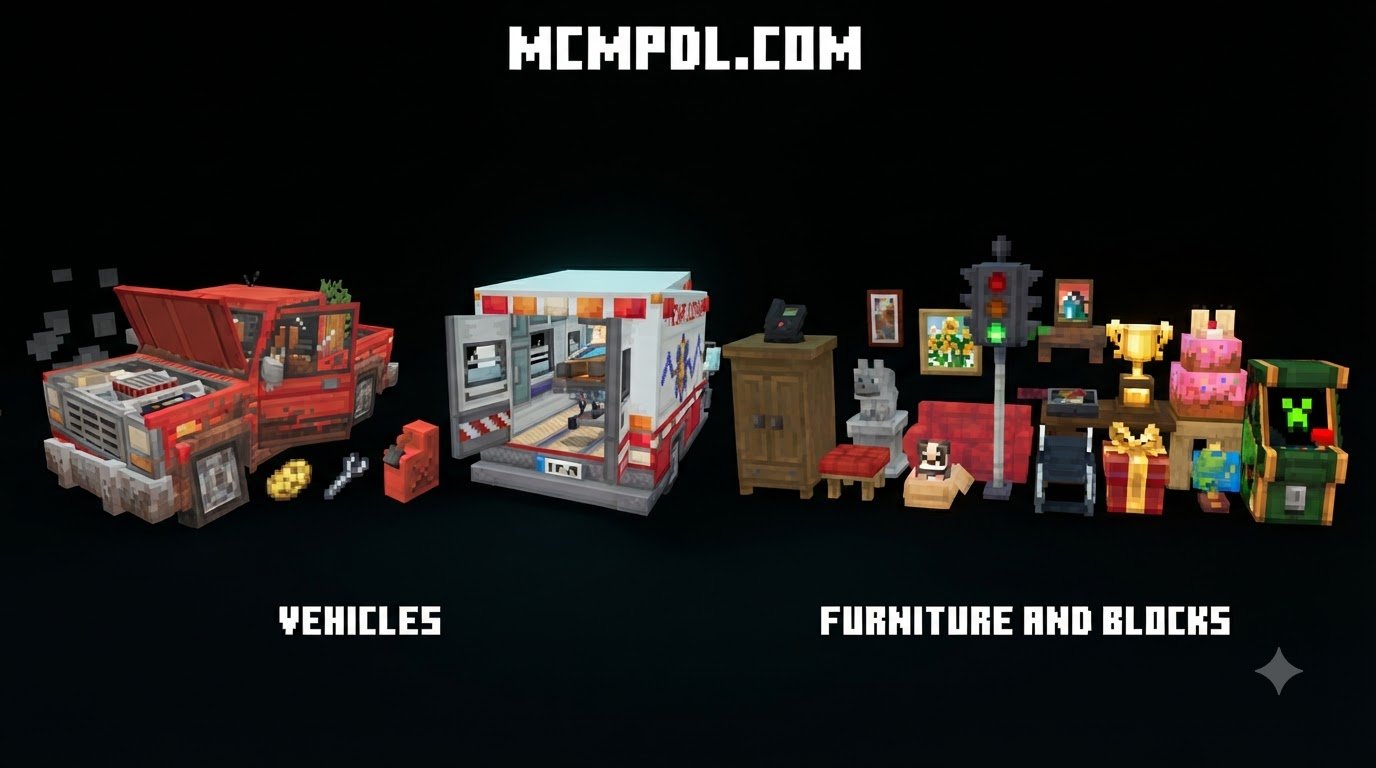
ROLECRAFT adds drivable vehicles, NPCs that react to players, furniture, and other tools for building roleplay worlds. This guide walks through setup and the compatibility checks worth making before you add it to a world.
Overview of the ROLECRAFT Addon for Minecraft PE/Bedrock
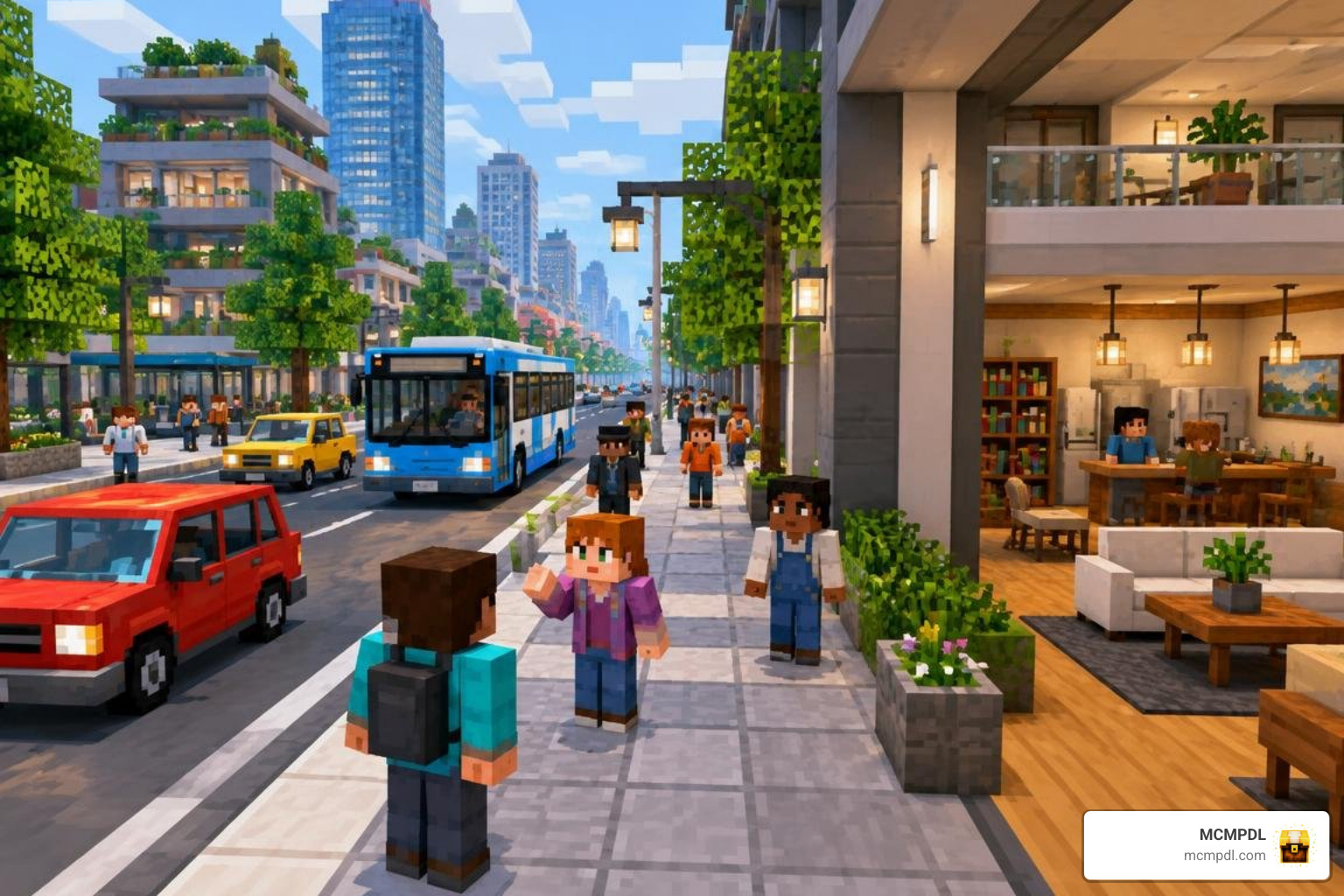
When we set out to build lively cities or narrative roleplay maps in Minecraft Pocket Edition and Bedrock platforms, vanilla mechanics can sometimes feel a bit empty. Standard villagers wander aimlessly, horses remain our primary mode of transit, and interior decorating often relies on stairs masquerading as chairs. The ROLECRAFT Add-On, created by Mazario Studios, completely overhauls this sandbox experience by introducing modern interactive systems.
Officially released and updated in October 2026, ROLECRAFT has quickly gained strong community support. Across verified community reviews, the add-on holds an impressive average rating of 4.6 out of 5 stars, with over 84% of ratings awarding a perfect 5-star score. Whether you play on mobile (iOS/Android), Windows PC, Xbox, PlayStation, or Nintendo Switch, ROLECRAFT delivers a cohesive suite of urban roleplay utilities right into your inventory.
Roleplay content continues to dominate community interest across Bedrock platforms. ROLECRAFT stands out by combining transport, social artificial intelligence, and decoration into a single, highly stable package.
Key Features and Gameplay Mechanics in the ROLECRAFT Addon for Minecraft PE/Bedrock
ROLECRAFT provides an expansive toolkit designed to make worlds feel lived-in and responsive. Rather than focusing solely on one feature, it touches nearly every facet of daily survival and roleplay:
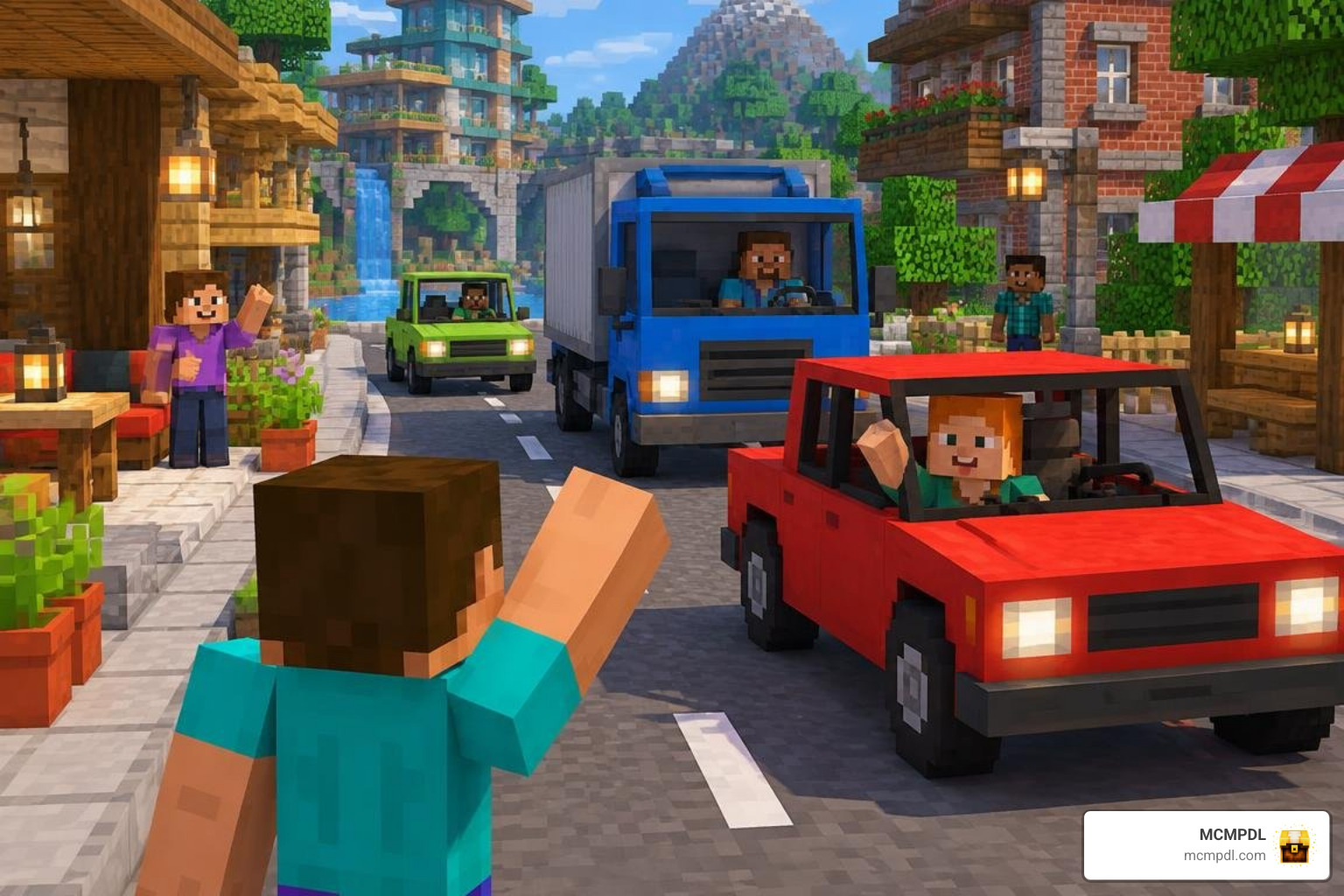
- Advanced Vehicle Mechanics: Drive functional sports cars, sedans, and utility vehicles equipped with real physics, seating systems, fueling needs, and maintenance routines.
- Smart Emotional NPCs: Populate towns with characters that emote, track friendship levels, converse, and carry out dynamic daily routines.
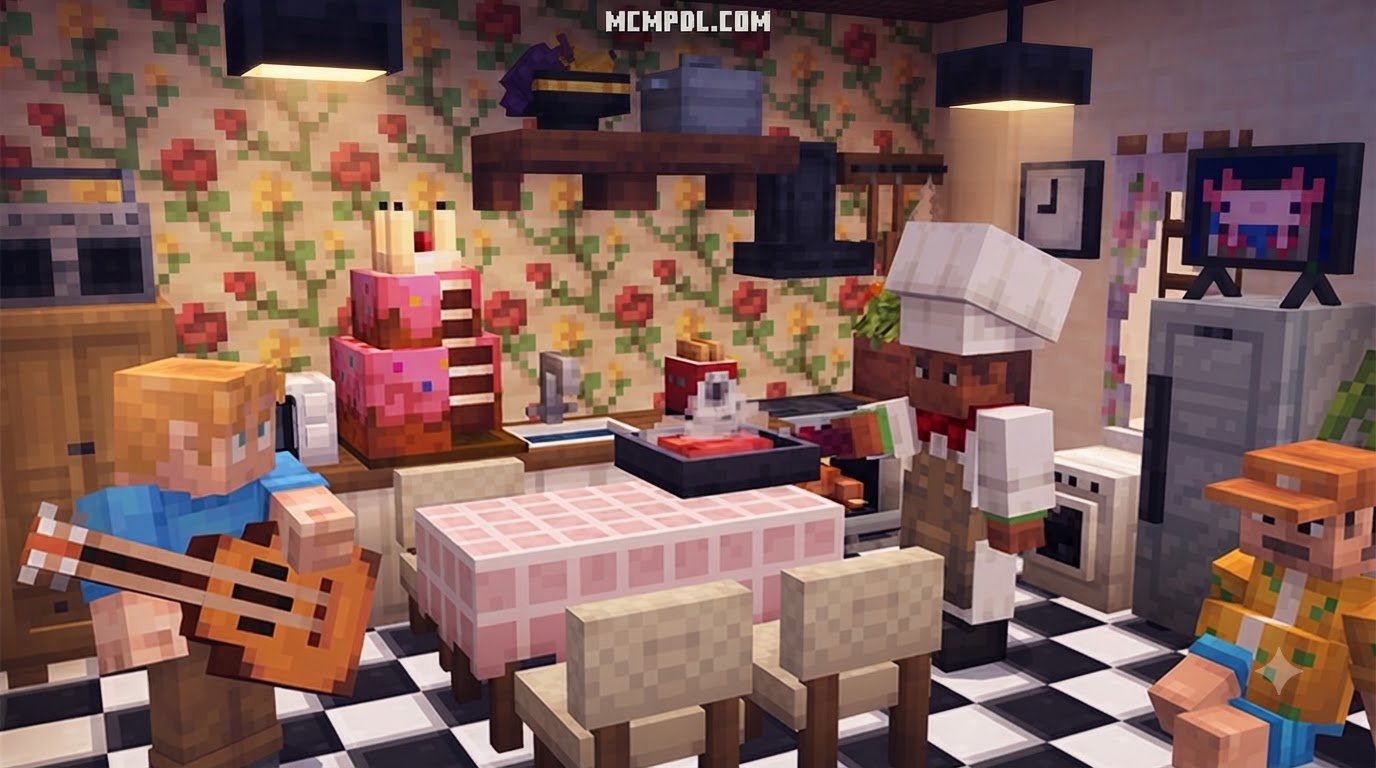
- Modern Décor & Usable Furniture: Place functional sofas, desks, appliances, kitchen counters, and electronic props without complicated redstone contraptions.
- Handheld Gadgets & Social Props: Interact with working smartphones, paint customizable graffiti art onto walls, and pick up playable instruments to perform music.
- Specialized Role Gear: Equip custom wearable sets that enhance survival roles, working hand-in-hand with unique mob armor and complementary custom RPG mechanics to establish dedicated character archetypes.
Bedrock ROLECRAFT vs. Java Roleplay Mods: Key Differences
Because the modding community often shares similar naming conventions across platforms, players frequently wonder how the Bedrock ROLECRAFT add-on compares to Java Edition roleplay mods. While both focus on enhancing roleplay depth, their architectures and core purposes differ significantly.
| Feature / Aspect | Bedrock ROLECRAFT Add-On (Mazario Studios) | Java Roleplay Mods |
|---|---|---|
| Primary Platform | Minecraft Bedrock (PE, Console, Windows 10/11) | Minecraft Java Edition |
| Core Objective | Sandbox roleplay (Vehicles, Smart NPCs, Furniture, Props) | Server administration and profession systems |
| Installation Format | Direct .mcaddon / .mcpack import | Java Mod .jar via Forge Mod Loader |
| Administrative UI | Native Bedrock interaction menus and radial wheels | Dedicated admin panels for staff |
| Job & Role Handling | Environmental and visual gear roles with interactive NPCs | Backend public jobs (Police, Medic, Miner, Lumberjack) |
| Target Audience | Singleplayer builders, realm owners, and casual groups | Dedicated multiplayer RP servers with structured economies |
While Java roleplay mods often operate as backend frameworks for managing player permissions and profession perks, the Bedrock add-on focuses heavily on visual immersion, interactive entities, and everyday lifestyle features.
In-Depth Look at Core Systems: Vehicles, Smart NPCs, and Special Gear
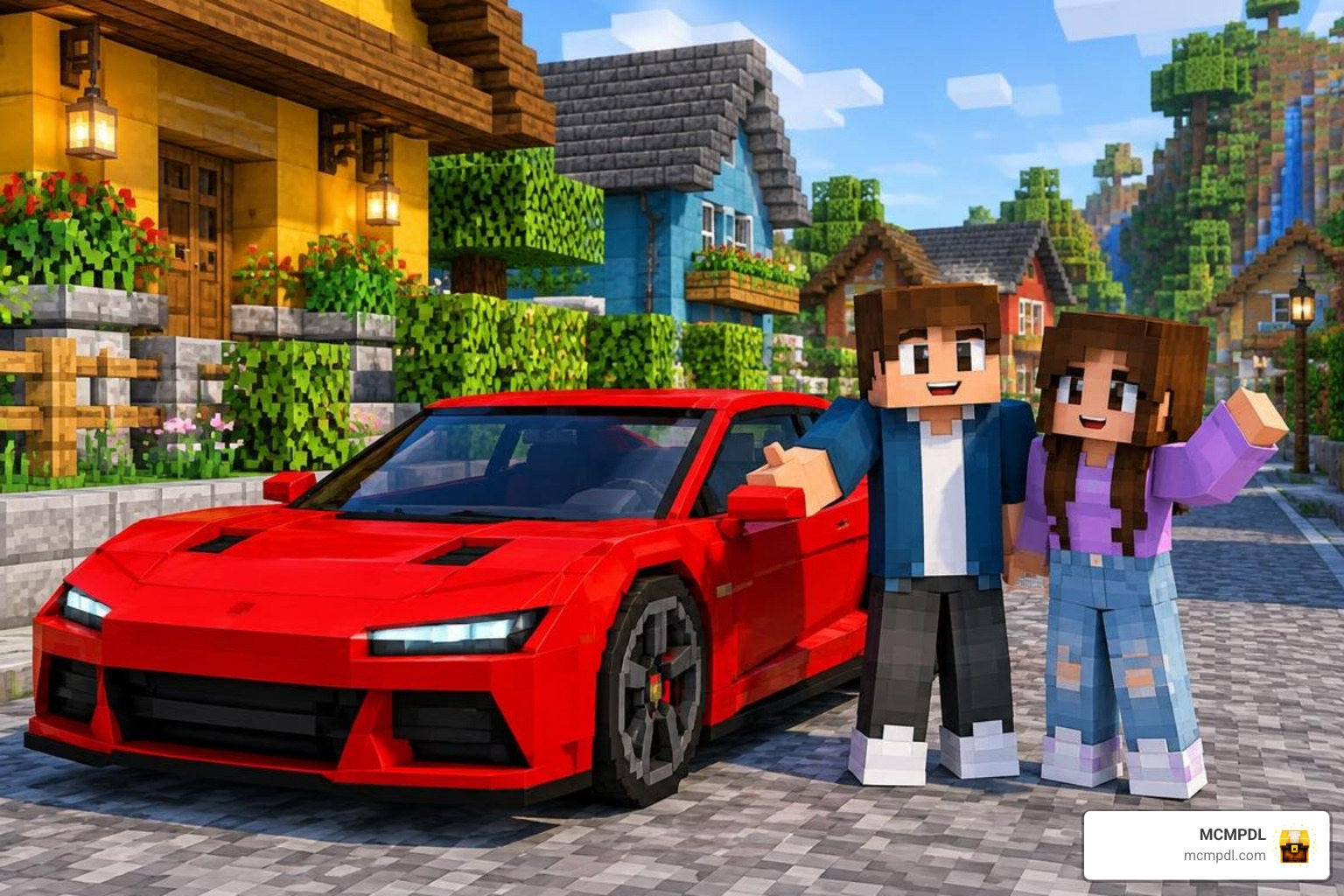
The magic of ROLECRAFT lies in how smoothly its primary systems interact during active gameplay. Instead of static blocks that merely look like modern conveniences, every asset is tied to custom entity scripts and intuitive player actions.
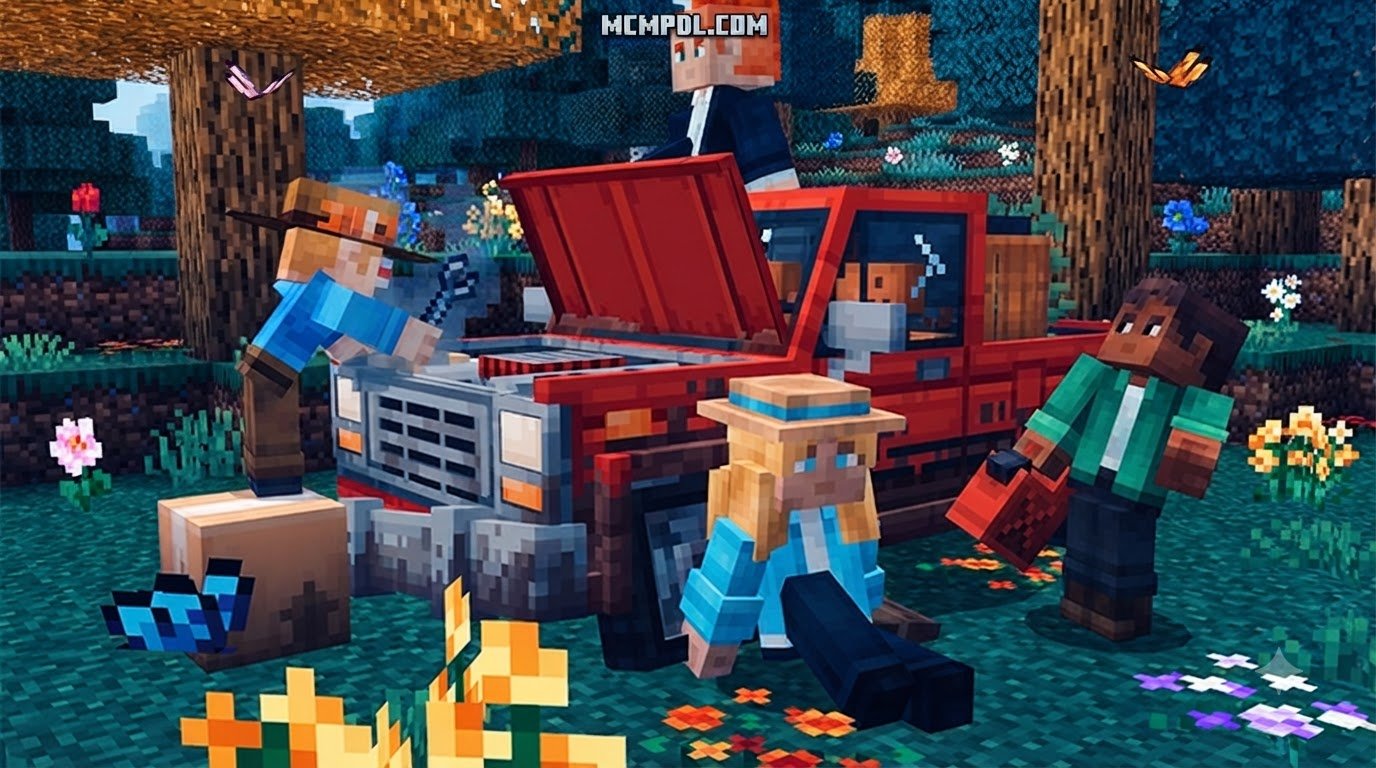
Driving in ROLECRAFT feels smooth and responsive. Vehicles feature acceleration curves, steering handling, sound effects, and multi-passenger seating arrangements. You cannot simply drive endlessly without care; cars consume fuel over time and take structural damage if you collide with obstacles. Keeping a wrench and a fuel canister in your hotbar is essential for road trips. Using a wrench on a smoking chassis restores vehicle health, creating great roadside repair roleplay moments for you and your friends.
For players who enjoy combining modern roleplay with fantasy combat, the add-on’s custom utility gear can easily be paired with advanced combat mechanics and powerful boss encounters to create hybrid city-defense adventures.
Interactive NPC Behaviors and Friendship Mechanics
Standard villagers can feel a bit repetitive after a few trade cycles. ROLECRAFT replaces static behaviors with a modular friendship and emotion system:
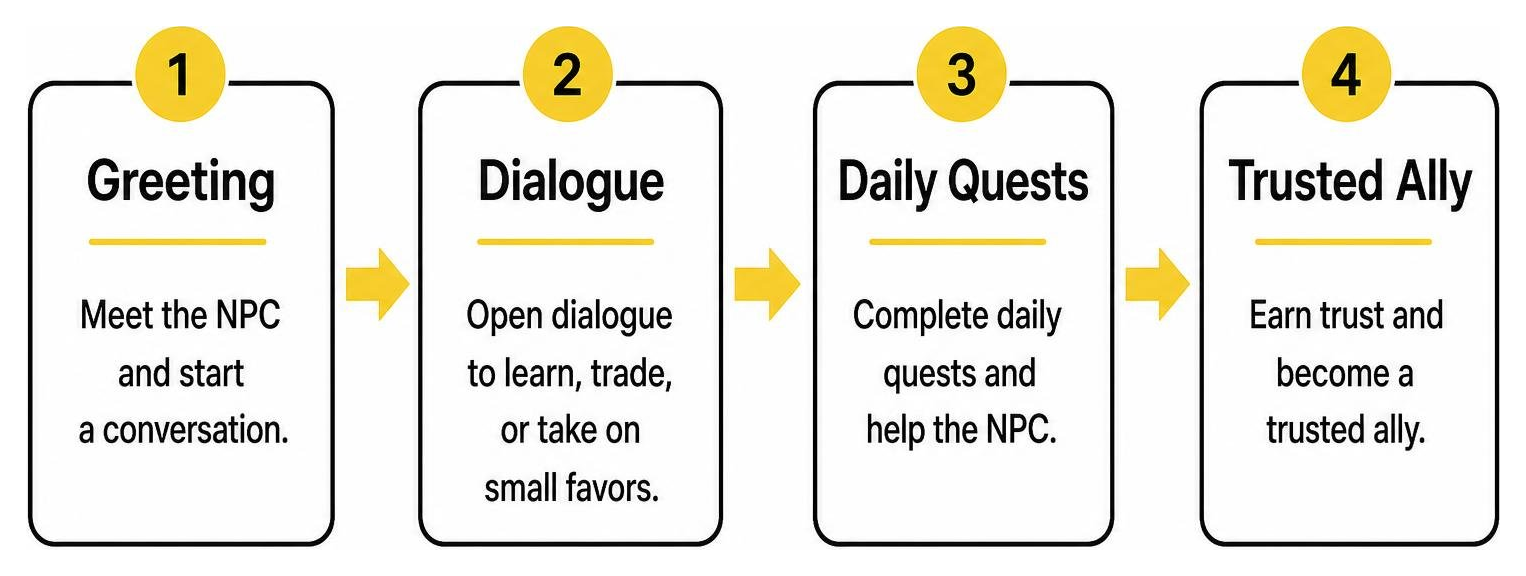
- Emotional Expression: NPCs display clear emotion overhead particles (such as hearts, frustration icons, or curiosity bubbles) based on how you interact with them and their surroundings.
- Dialogue Trees: Engaging with citizens opens streamlined dialogue windows, allowing you to learn about their background, purchase specialized items, or take on small favors.
- Friendship Levels: Consistently interacting, trading, and helping NPCs raises your personal reputation with them, unlocking lower prices, unique conversation paths, and special companion behaviors.
- Fluid Routines: NPCs follow schedule cycles—gathering in town squares, browsing indoor shops, and returning home when night falls. Their fluid motion meshes well with other visual packs, providing animations comparable to those found in creature animation packs.
Special Armor Sets and Unique Abilities
Roleplay thrives when players can visually distinguish their professions and gain practical abilities suited to their chosen lifestyle. ROLECRAFT includes tailor-made outfit sets and protective equipment designed for distinct urban jobs:
- Emergency First Responder Gear: Grants temporary passive movement speed and minor health regeneration buffs, helping you quickly reach injured teammates.
- Mechanic Overalls: Increases interaction speed when repairing vehicles and reduces the durability wear on repair tools.
- Civilian Casual & Formal Wardrobes: Aesthetic outfits designed for social gatherings, restaurant roleplay, and school scenarios.
- Heavy Tactical Suits: Sturdy defensive sets designed for security details, which pair naturally with legendary weapon integration during city-wide defense events.
Step-by-Step Guide: How to Download & Install ROLECRAFT on Minecraft Bedrock
Getting ROLECRAFT up and running in your world takes only a few minutes. Whether you are building an offline city or preparing a Realm for multiplayer, follow this streamlined installation process:
- Verify Minecraft Version: Ensure your Minecraft Bedrock client is updated to version 1.16.0 or newer.
- Find ROLECRAFT on MCMPDL: Search for ROLECRAFT on MCMPDL to find the latest download files.
- Download and Import the Add-On: Download the
.mcaddonfile and tap or double-click it to automatically launch Minecraft and import the pack components. - Create or Edit a World: Go to your Worlds list, choose Create New World (or click the edit pencil icon next to an existing save).
- Activate the Resource Pack: Scroll down the left settings bar to Resource Packs, open the Available tab, locate ROLECRAFT, and click Activate.
- Activate the Behavior Pack: Navigate to Behavior Packs directly beneath it and activate the corresponding pack. Minecraft will automatically link dependent assets.
- Verify World Experiments: While modern Bedrock add-ons run cleanly on stable builds, enabling experimental toggles (like Beta APIs or Holiday Creator Features) ensures complete script compatibility on older world templates. For detailed platform support, consult the official guide on how to Activate Add-Ons in Minecraft: Bedrock Edition on Minecraft Help.
Compatibility and System Requirements for the ROLECRAFT Addon for Minecraft PE/Bedrock
To guarantee smooth frame rates and prevent script crashes, ensure your setup meets the necessary baseline requirements:
- Minimum Minecraft Version: Bedrock Edition 1.16.0 or higher (Current 1.21+ recommended).
- Mobile Devices (Android / iOS): A minimum of 3 GB of device RAM is recommended, especially when loading dense vehicle models and populated city neighborhoods.
- Console Platforms (Xbox, PlayStation, Nintendo Switch): Fully compatible with native local splitscreen and online multiplayer through Bedrock Realms.
- Storage Space: Keep at least 150 MB of free storage space available for smooth texture caching and behavior world generation.
Frequently Asked Questions About ROLECRAFT for Minecraft PE
How can I get ROLECRAFT, and what compatibility details should I check?
You can obtain the add-on directly via MCMPDL for any Bedrock-supported device. Ensure your client runs version 1.16.0 or newer. Because it uses standard Bedrock add-on architecture, it downloads and imports seamlessly into your game client.
Does the ROLECRAFT add-on include custom skins and character customization?
Yes, ROLECRAFT comes with a themed bundle of character skins and vanity outfits matching the urban roleplay theme. You can equip these skins through the Dressing Room or wear specialized in-game armor items to change your appearance on the fly.
Can you drive and repair vehicles in multiplayer worlds?
Yes. Vehicles are fully synchronized across multiplayer sessions, local LAN games, and Bedrock Realms. Other players can ride in passenger seats, witness realistic driving physics, and help refuel or repair damaged vehicles using the mechanic toolset.
Conclusion
Building believable, dynamic modern worlds in Minecraft Pocket Edition has never been easier. The ROLECRAFT Add-On bridges the gap between static architecture and vibrant, living gameplay by combining functional vehicles, smart NPC companions, interactive electronics, and lifestyle decor into one convenient package.
At MCMPDL, our goal is to simplify discovering and installing high-quality Bedrock resources so you spend less time configuring files and more time enjoying your builds. If you are ready to expand your crafting horizons even further, pair your roleplay city with other utilities and enhance your Bedrock world with essential tools today!