Scroll down to Download
Download Golems 2.1 Add-On for Minecraft PE/Bedrock
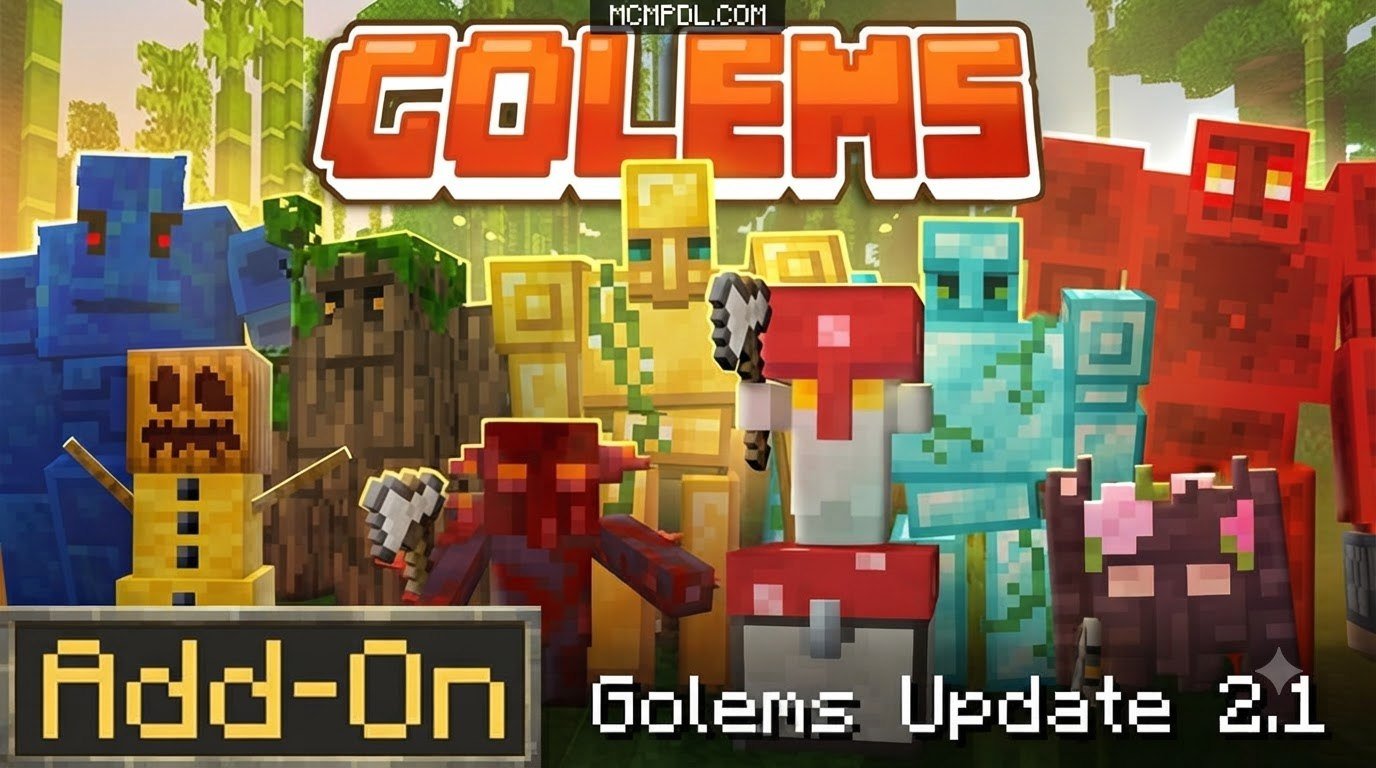
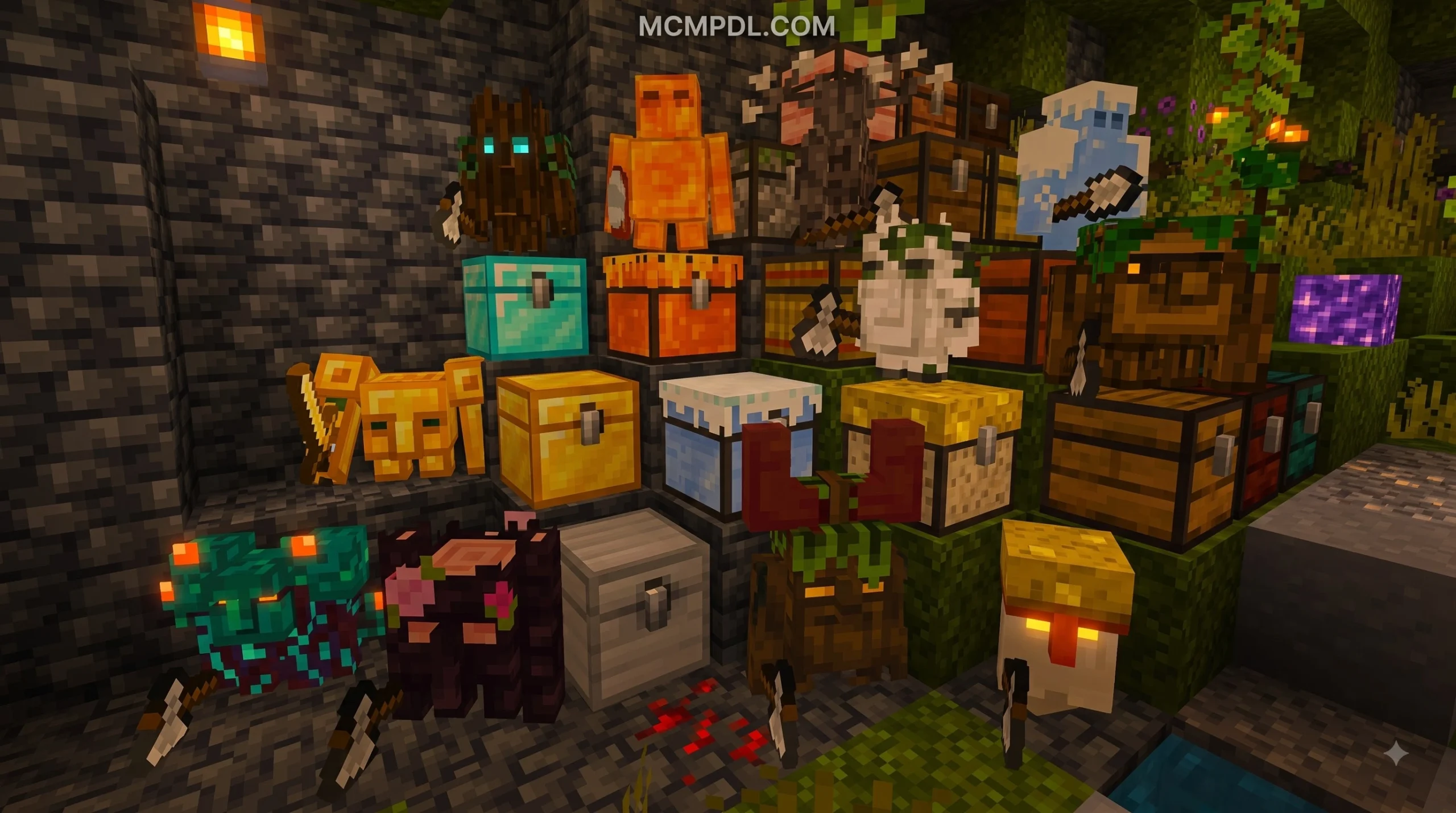
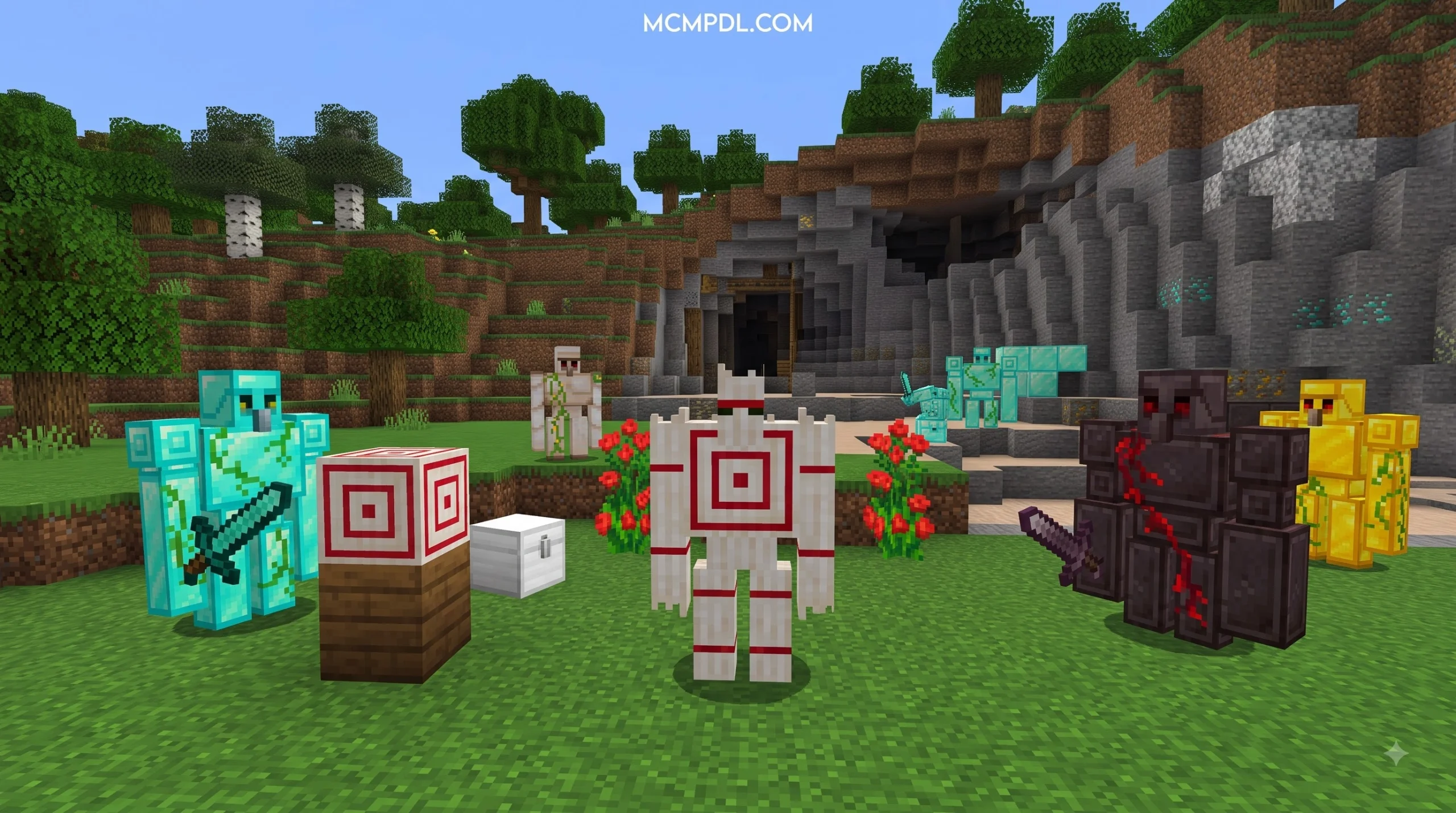
Golems 2.1 Add-On for Minecraft PE/Bedrock (Download) is a community-made add-on that expands Minecraft’s small vanilla golem roster with material-based defenders, including Wooden, Ice, Magma, Quartz, Sandstone, and Stone Golems.
For a quick start: download a trusted Bedrock add-on file in .mcaddon or .mcpack format, open it with Minecraft, then activate its Behavior Pack and Resource Pack in your world settings. Many custom-golem add-ons also need Experimental Gameplay enabled before the new mobs can spawn correctly.
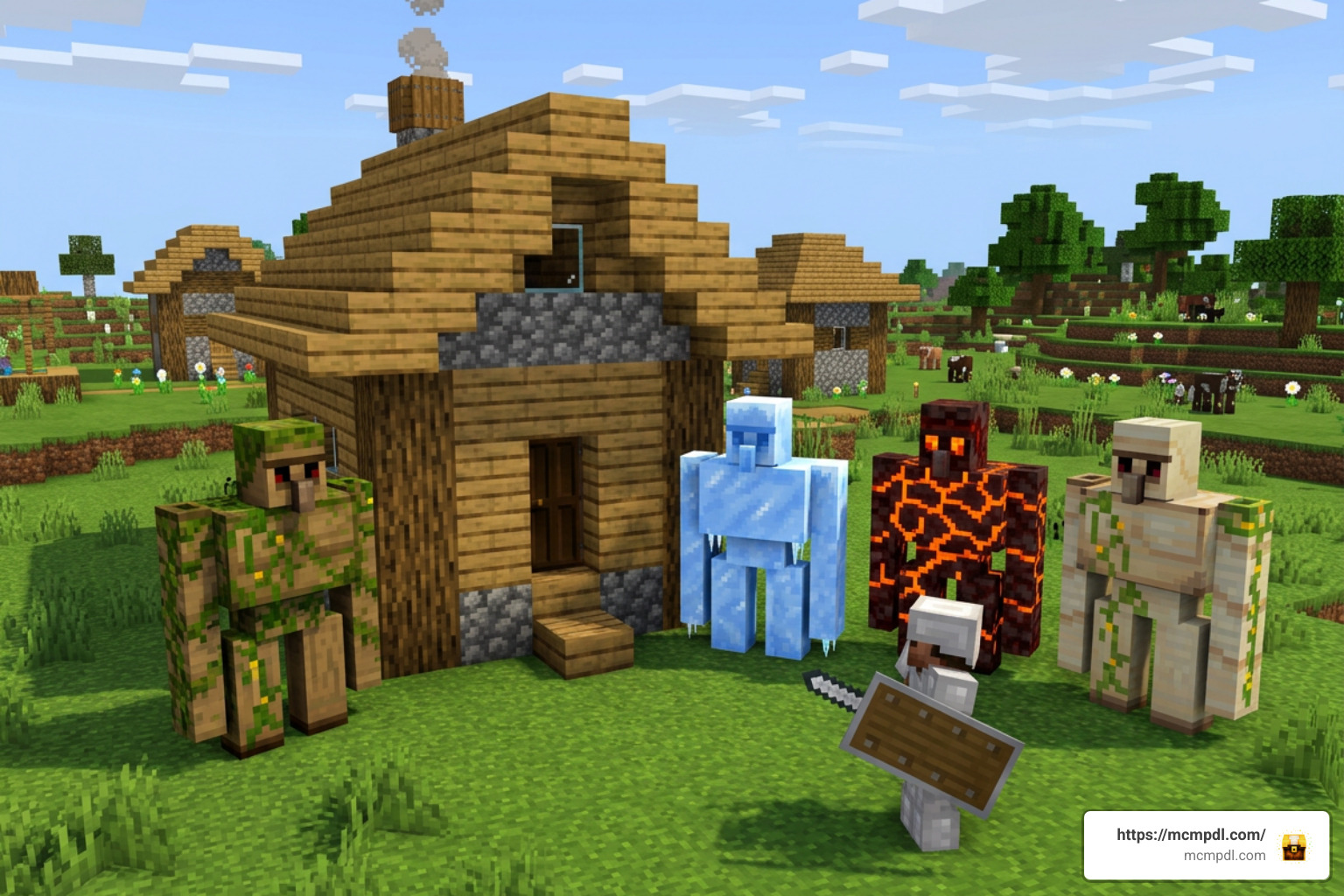
Unlike a standard Iron Golem, these added golems can have different environmental strengths and weaknesses. For example, Ice and Magma variants interact with water differently, while material choices can affect a golem’s role in survival defense.
This guide explains what to check before downloading, how to install the add-on on mobile or Windows, and how to activate and summon its custom golems safely in a Bedrock world.
Overview of the Golems 2.1 Add-On for Minecraft PE/Bedrock (Download)
If you have spent any significant amount of time in survival Minecraft Bedrock, you already know the struggle of keeping your base safe from night-time raids, wandering phantoms, and stray creepers. Vanilla Minecraft offers us two primary constructible allies: the Iron Golem and the Snow Golem. While the Iron Golem is a absolute unit, crafting one requires 36 iron ingots, which can be steep early in a survival world. Meanwhile, the Snow Golem is more of a decorative snow-ball thrower than a serious combat unit.
The Golems 2.1 Add-On for Minecraft PE/Bedrock (Download) solves this fundamental defensive gap by allowing players to transform almost any common building material into a loyal guardian. Whether you are living in a lush jungle, an arid desert, or deep inside a Nether fortress, this add-on gives you the power to construct tailored golem defenders using the resources immediately surrounding your base.
In the 2026 Minecraft Bedrock environment (supporting versions 1.20, 1.21, and beyond), custom entities created via Bedrock’s JSON scripting and behavior packs have become smoother and more responsive than ever before. Version 2.1 builds directly upon previous builds like 2.0.1 by introducing tighter entity performance, refined hitboxes, dynamic environmental interactions, and custom drop tables. Players can build specialized golem variants tailored specifically to their biome environment.
New Blocks, Crafting Recipes, and Utility Features
Beyond simply introducing new mob entities to punch zombies, the Golems 2.1 update brings specialized crafting mechanics and utility features into your survival workflow. In addition to traditional structure-building (placing blocks in a T-shape), the add-on integrates unique crafting blocks and items:
- The Evolution Table and Upgrade Catalyst: For players looking to take their guardians to higher tiers, the add-on includes specialized crafting stations where lower-tier golems can be upgraded or healed using specific material catalysts.
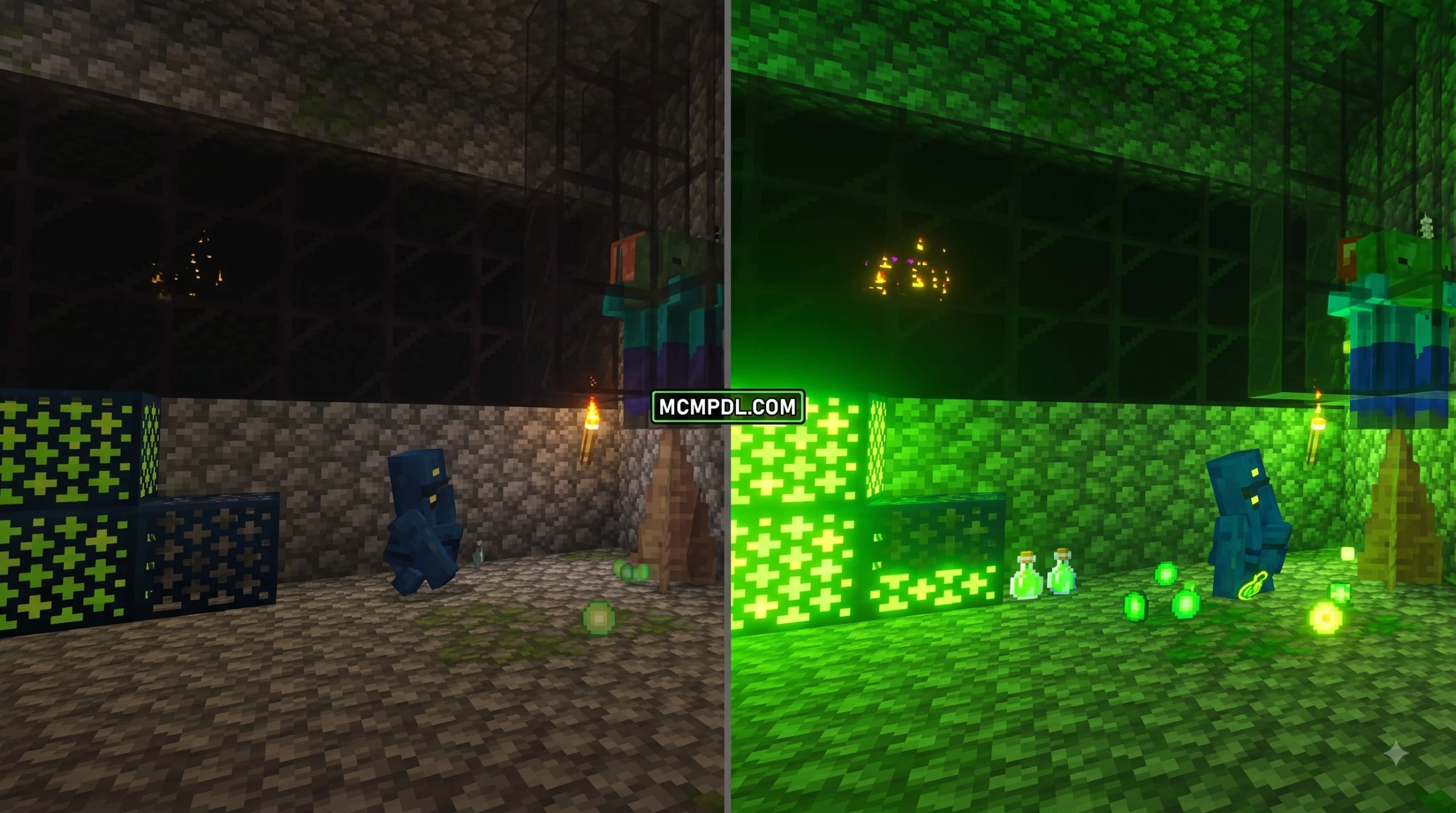
- Specialized Utility Golems: Not all constructs are strictly built for melee combat. Certain variants introduced in the 2.1 update serve utility functions inside your base, such as automatic crop collection, area lighting, and resource smelting.
- Unique Item Drops: Defeating or dismantling custom golems grants material recovery, unique golem hearts, or elemental components used to craft high-tier gear, specialized swords, and magical wands.
For those interested in discovering even more community-created modifications and expansion packs, check out our full collection at MCMPDL.
Types of Golems, Stats, and Spawning Structures
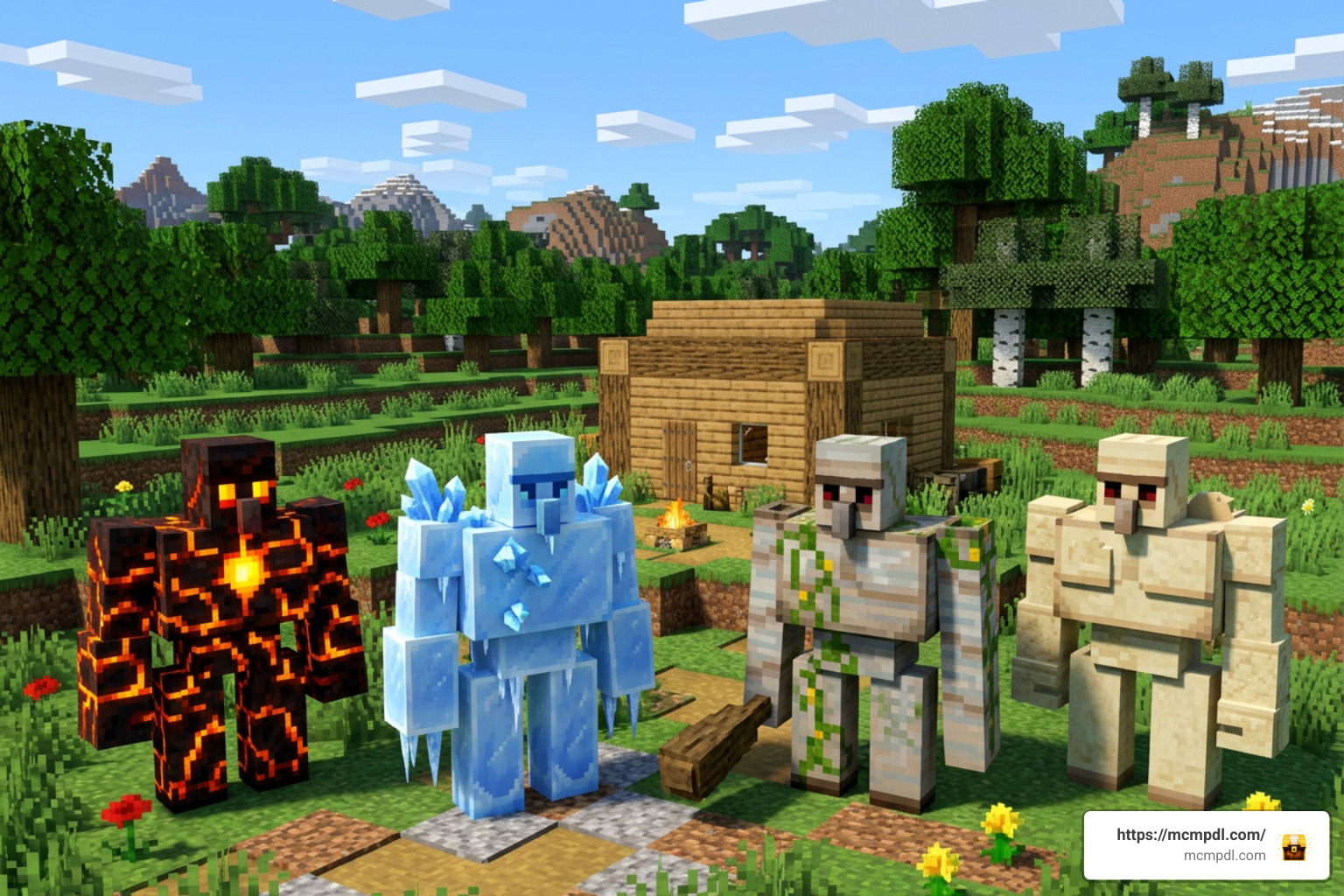
The heart of the Golems 2.1 Add-On for Minecraft PE/Bedrock (Download) lies in its sheer diversity. Instead of relying on a single generic texture, each golem type possesses customized behavior, distinct attack speeds, unique resistances, and specialized environmental traits.
Here is a breakdown of the primary golem categories you can summon into your Bedrock world:
- Wooden Golems (Oak, Spruce, Birch, Jungle, Acacia, Dark Oak): Early-game budget guardians. While they have lower health than metal variants, they are extremely cheap to build and provide essential knockback against regular zombies and skeletons.
- Stone and Cobblestone Golems: Solid early-to-mid-game defenders. They feature balanced health pool stats and knockback capabilities, perfect for early village protection.
- Ice Golems: Born from packed ice or blue ice, these frigid constructs chill enemies upon contact, applying a temporary Slowness debuff. However, watch out when placing them near water or fire—they melt and take periodic environmental damage when submerged!
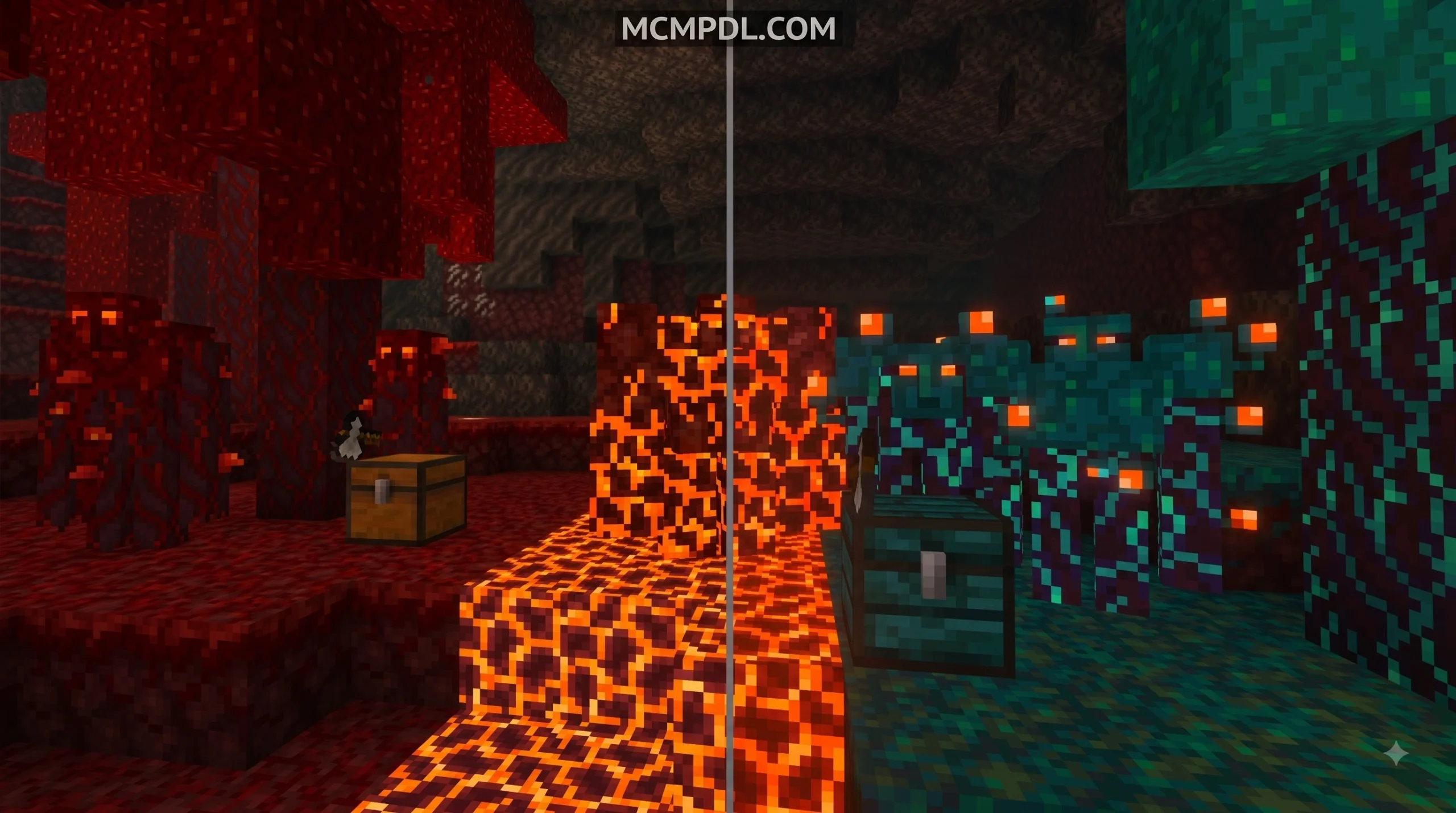
- Magma Golems: Born from Nether magma blocks, these glowing defenders set enemies ablaze upon contact and enjoy complete immunity to lava and fire. Keep them far away from rain and oceans, as water rapidly damages them.
- Quartz Golems: Fast-striking Nether-tier defenders that offer high mobility and light up dark corridors while hunting piglins and wither skeletons.
- Sandstone Golems: Lightweight desert guardians that resist suffocation damage and excel at defending desert villages against husks.
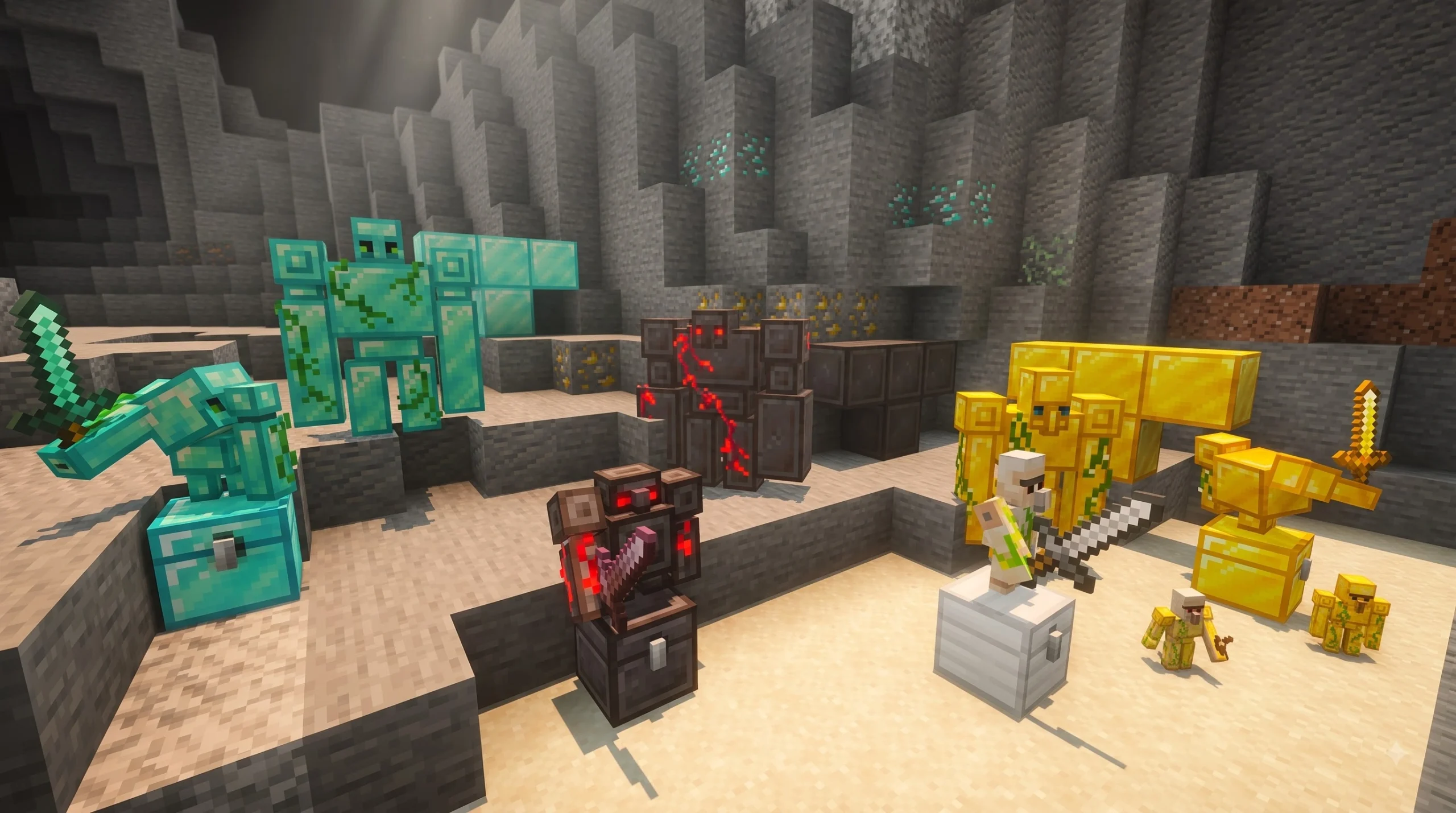
- High-Tier Mineral Golems (Gold, Emerald, Diamond, Netherite): Endgame powerhouses capable of taking down ravagers and bosses single-handedly. Netherite variants boast huge health reserves and immunity to explosions.
How to Spawn Custom Golems in Survival Mode
Summoning your new allies in survival mode follows the intuitive physical block-building logic established by vanilla Minecraft:
- Gather Your Primary Material: Collect 4 blocks of your chosen material (e.g., Magma Blocks, Oak Log, Packed Ice, Quartz Blocks, Sandstone, or Cobblestone).
- Construct the T-Shape Body: Place 1 block on the ground as the base, place 1 block directly above it, and attach 1 block to each side of the top block to form a standard 2×3 T-shape.
- Place the Head: Select a standard Carved Pumpkin or Jack o’Lantern and place it firmly on top center block of the structure.
- Activation: The structure will instantly transform into your living golem construct, complete with unique visual particles and custom ambient sound effects!
For official details on base game mechanics, visit Minecraft.
Golems 2.1 Add-On for Minecraft PE/Bedrock (Download) Stats and Abilities
To help you decide which golem to build for your survival base defense, we have compiled a quick reference table showing health points, damage ranges, movement speeds, and environmental attributes across common material tiers:
| Golem Type | Health Points (HP) | Attack Damage | Speed | Special Abilities & Environmental Traits |
|---|---|---|---|---|
| Wooden (Oak/Spruce) | 50 – 60 HP | 5 – 12 | Normal | Extremely low craft cost; vulnerable to fire and axes. |
| Sandstone | 70 HP | 8 – 15 | Fast | Suffocation immune; ideal for desert base patrols. |
| Cobblestone / Stone | 100 HP | 10 – 22 | Normal | Solid early defense; high knockback against regular mobs. |
| Ice Golem | 90 HP | 8 – 18 + Slowness | Fast | Inflicts Slowness debuff on hit; takes damage in water/fire. |
| Magma Golem | 120 HP | 12 – 25 + Fire | Fast | Sets targets on fire; fire/lava immune; takes water damage. |
| Quartz Golem | 150 HP | 15 – 30 | Super Fast | Rapid movement speed; high damage output against Nether mobs. |
| Diamond Golem | 700 HP | 15 – 50 | Normal | Massively high durability; heavily knocks back groups of enemies. |
| Netherite Golem | 2000 HP | 40 – 100 | Fast | Blast & fire immune; ultimate base guardian against raids. |
Golems 2.1 Add-On for Minecraft PE/Bedrock (Download) vs Vanilla Golems
How does this add-on stack up against vanilla Minecraft options?
While the classic vanilla Iron Golem is reliable with its 100 HP and strong knockback, relying on it exclusively limits your options. Iron Golems can be slow, expensive in large quantities, and lack localized biome advantages. Snow Golems, on the other hand, deal virtually zero damage to standard hostile mobs and die quickly in warm environments.
The Golems 2.1 Add-On for Minecraft PE/Bedrock (Download) directly addresses these limitations by introducing scalable defense:
- Cost Efficiency: Wooden and Stone Golems allow you to secure a village within your first two nights, saving precious iron ingots for tools and armor.
- Elemental Adaptability: Placing a Magma Golem inside a Nether base or an Ice Golem inside a snowy fortress allows you to leverage environmental strengths that vanilla entities lack.
- Strategic Variety: High-tier options like Diamond and Netherite Golems outshine standard iron guardians, giving late-game survival players true heavy artillery for ocean monuments and raid farms.
Step-by-Step Guide: How to Download and Install

Installing add-ons on Minecraft Bedrock (PE) across mobile devices and PC is quick and simple. Most community packs are packaged as either .mcaddon or .mcpack files, which auto-import directly into your Minecraft game client.
Follow these simple installation steps for your device platform:
Installing on Android & iOS Mobile Devices
- Download the Add-On File: Download the
.mcaddonor.mcpackfile directly to your mobile device’s downloads folder. - Import to Minecraft: Tap the downloaded file inside your file manager app. Select Open with Minecraft.
- Automatic Import: Minecraft PE will automatically open and display an import status banner at the top of your screen saying “Import Started” followed by “Successfully imported”.
- Activate in World Settings: Go to your World Settings > Resource Packs > Available > Activate the Golems Resource Pack. Next, go to Behavior Packs > Available > Activate the corresponding Golems Behavior Pack.
Installing on Windows 10 / 11 PC
- Download the verified
.mcaddonfile to your PC. - Double-click the file. Windows will automatically launch Minecraft Bedrock Edition and import both Behavior and Resource packs.
- Edit your chosen Survival World, scroll down to the Resource and Behavior Pack tabs, and activate both packs under your world options.
Enabling Experimental Gameplay Settings and Toggles
To ensure custom entities, scripts, and block-checking triggers work properly without crashing or freezing, you must turn on Experimental Gameplay toggles inside your world creation menu!
Follow this checklist before hitting “Play”:
- Open your World Settings menu.
- Scroll down on the left sidebar until you see Experiments.
- Enable the following toggles:
- Holiday Creator Features (if listed)
- Custom Biomes & Upcoming Creator Features
- Beta APIs / Molang Features
- Check the MobGriefing Gamerule: Make sure the gamerule
MobGriefingis set totrue. IfMobGriefingis set tofalse, automated behaviors (like golem farming or harvesting triggers) may be disabled entirely!
Frequently Asked Questions
Which Minecraft Bedrock versions are compatible with Golems 2.1?
The Golems 2.1 Add-On is optimized to run smoothly on Minecraft PE/Bedrock version 1.21 as well as recent 1.20 updates across Android, iOS, Windows 10/11, and Xbox systems. Always ensure your base game client is updated to the latest minor patch to prevent Molang scripting errors.
Why are my custom golems not spawning or moving?
If your golem body structure does not transform upon placing the carved pumpkin head, check the following common issues:
- Ensure Experimental Features are fully toggled ON in your world settings.
- Verify that both the Behavior Pack and Resource Pack are activated under the world setup menu.
- Make sure there are no floating carpet, grass, or snow blocks obstructing the arm blocks of the T-shape structure.
- Confirm that the
MobGriefingworld setting is enabled (true).
Can I repair damaged golems during battle?
Yes! Just like vanilla Iron Golems can be repaired using Iron Ingots, custom material golems in the 2.1 Add-On can be healed in real-time right-clicking or tapping them with their base construction material:
- Cobblestone/Stone Golems: Repair using Cobblestone (+15 to +25 HP).
- Diamond Golems: Repair using Diamonds (+250 HP).
- Netherite Golems: Repair using Netherite Ingots (+1000 HP).
- Magma Golems: Repair using Magma Blocks (+50 HP).
Conclusion
The Golems 2.1 Add-On for Minecraft PE/Bedrock (Download) is a must-have upgrade for survival enthusiasts looking to elevate their world defense. By expanding golem summoning mechanics to standard building blocks, you can craft budget defenders early in your playthrough or build god-tier guardians for endgame base protection.
Ready to download the latest add-ons, texture packs, and custom survival maps? Explore our extensive resource library over at MCMPDL Add-On Downloads and gear up your Bedrock worlds today!