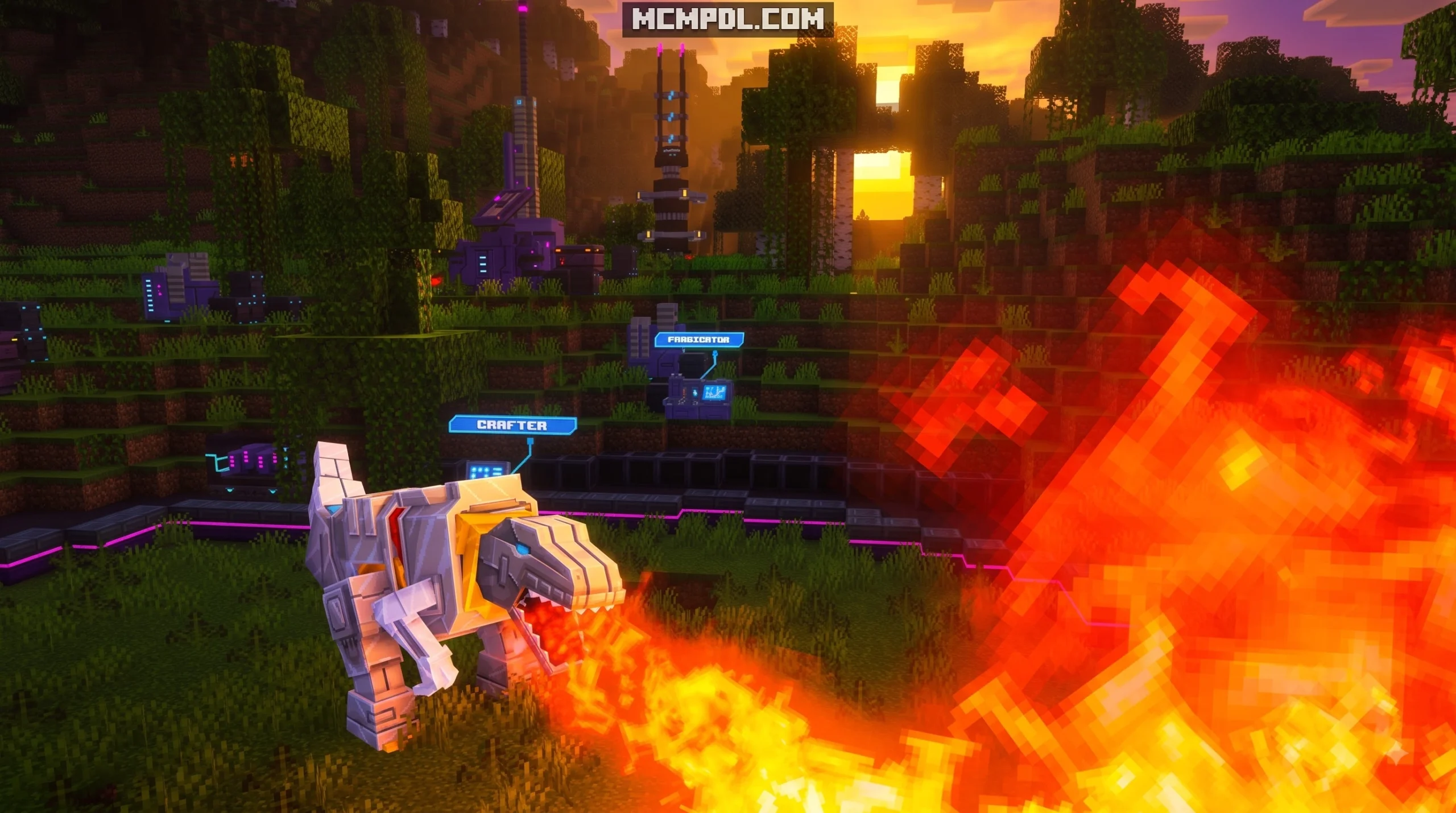
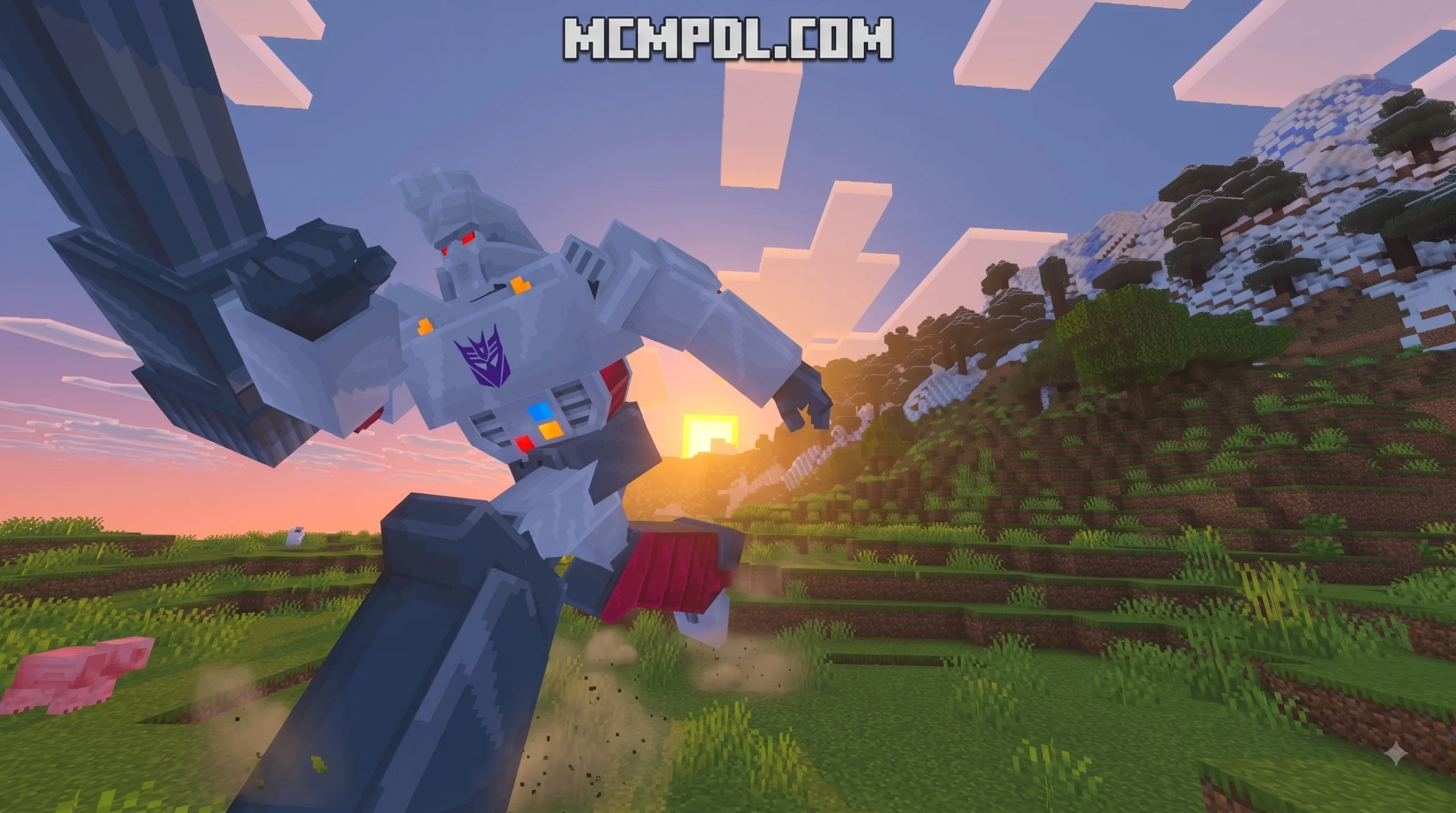
Scroll down to D0vvnl0ad
Comparing the Best Transformers Addon for Minecraft PE/Bedrock Options
To get a working Transformers addon for Minecraft PE/Bedrock, download a .mcaddon or .mcpack file from a trusted repository, open the file on your device to automatically import it into Minecraft, and activate both the Resource and Behavior Packs in your world settings with experimental toggles enabled.
When turning your standard survival world into a futuristic battlefield between Autobots and Decepticons, different creators take unique approaches to design. Some modifications focus heavily on structured co-op campaigns with scripted boss encounters, while others give you free-roam sandbox abilities, custom morph systems, or dedicated PvP battle arenas.
Finding the right balance of custom mechanics, high-poly animations, and stability is essential for mobile and PC platforms. We have tested and compared the top community creations available across our Add-ons category to help you choose the best pack for your playstyle.
| Feature / Metric | Cybertronian Warfare Addon Pack | Rise of the Beasts Community Addon | Custom DIY Mech Creation Tools |
|---|---|---|---|
| Primary Focus | Adventure Campaign & Co-op PvE | Faction Combat & Arena PvP | Custom Creation & Sandbox Utility |
| Included Characters | 4 Iconic Heroes / Villains | 12 Playable Robots & Beasts | Fully customizable mob templates |
| Multiplayer Support | 1–4 Player Co-op | Full PvP (Realms / Local / Servers) | Unlimited player server support |
| File Format | .mcaddon / Marketplace Import | .mcpack / Direct .mcaddon | In-app export (.mcpack / .mcaddon) |
| Transformation Style | Scripted Vehicle Morphing | Instant Beast & Vehicle Forms | Custom Entity State Swapping |
| Custom Weaponry | Blocky Energy Blasters | Faction Cannons & Melee Blades | User-defined weapon parameters |
| Base Compatibility | Bedrock 1.20 – 1.21+ | Bedrock / PE 1.20 – 1.21+ | All modern Bedrock builds |
Cybertronian Warfare Transformers Addon for Minecraft PE/Bedrock
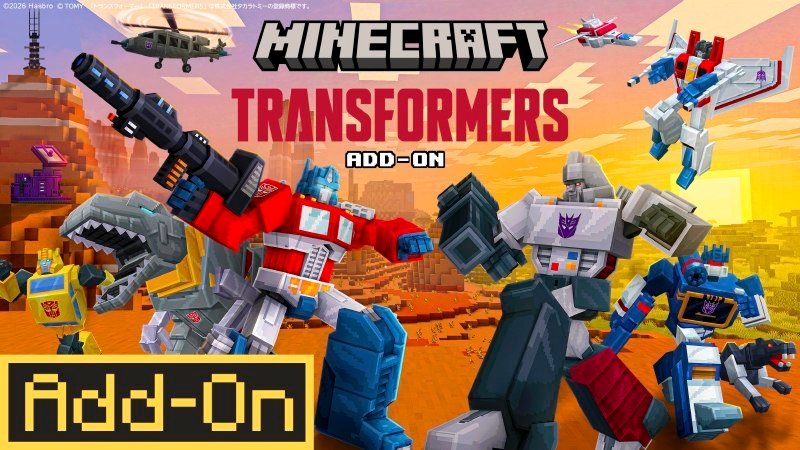
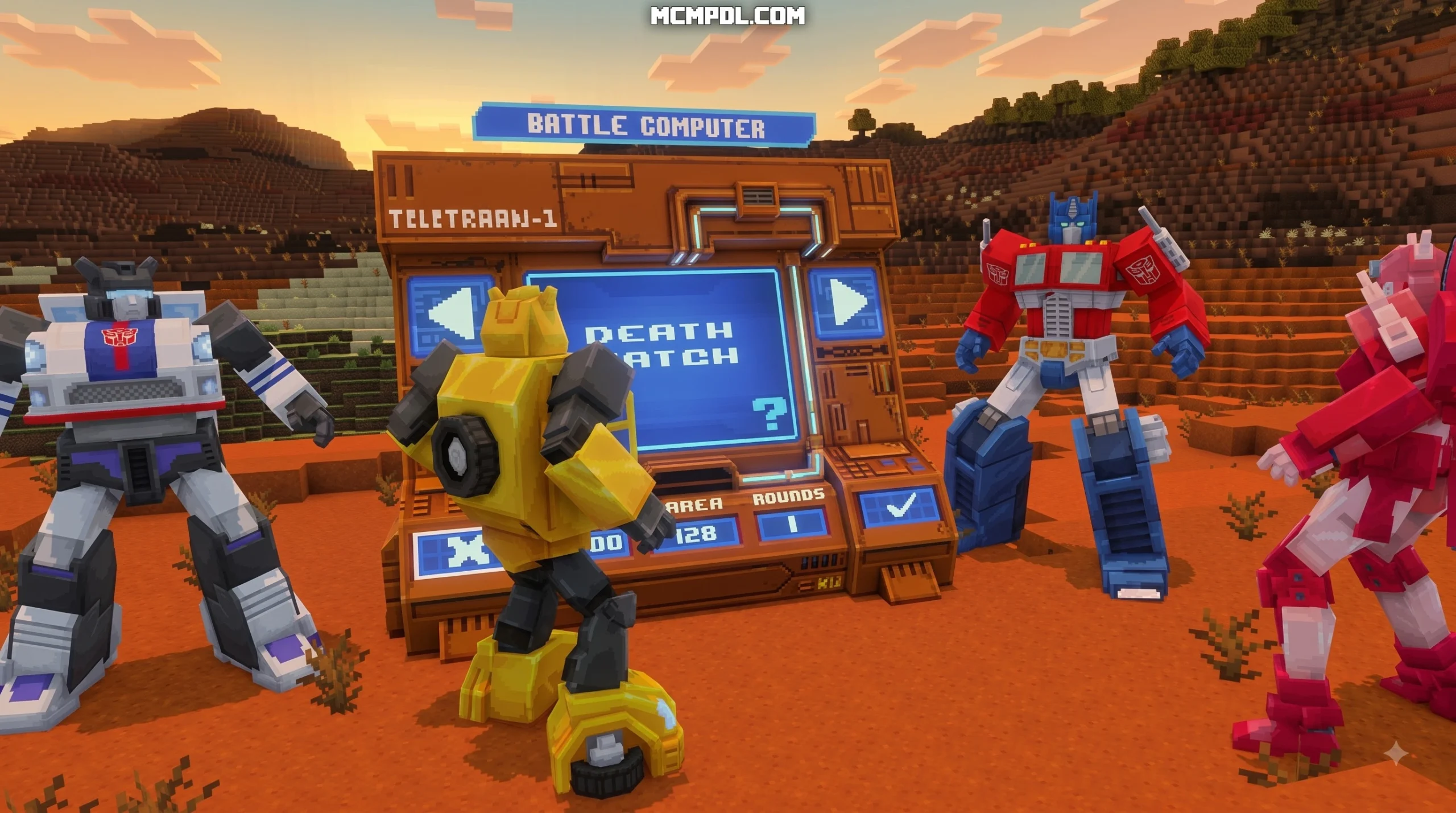
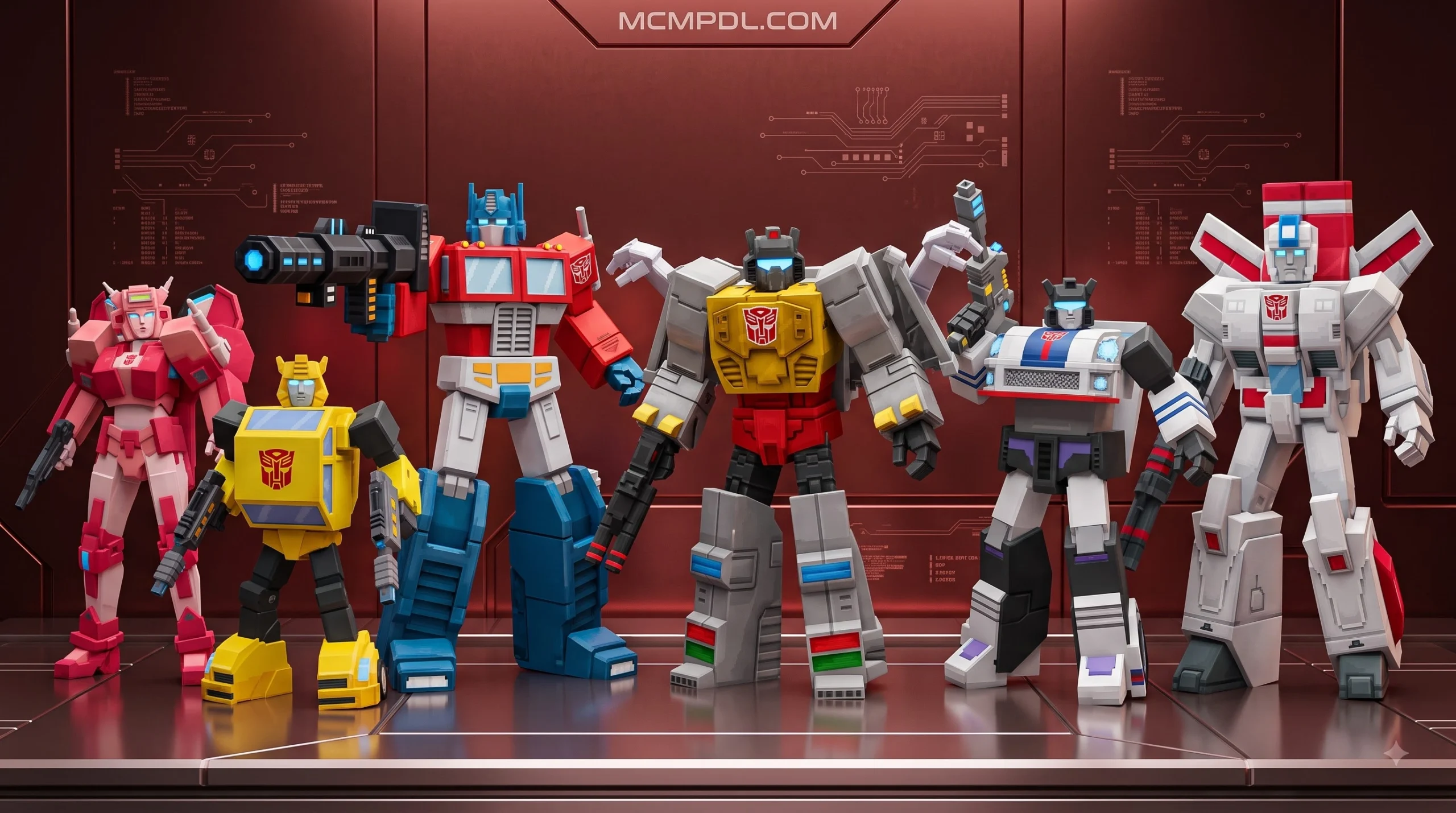
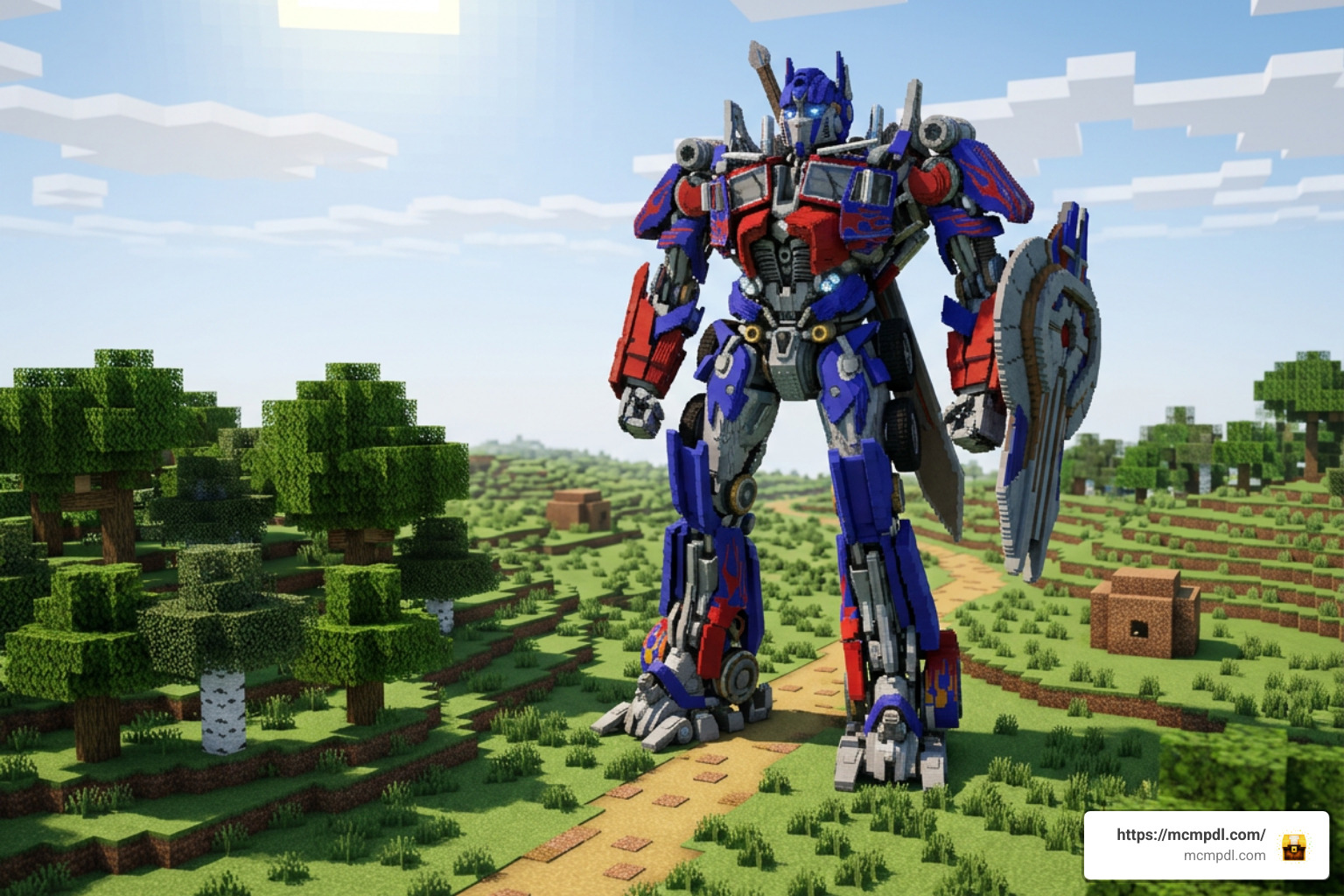
The Cybertronian Warfare style packs focus heavily on cinematic, story-driven gameplay and classic character lore. In these packs, you step into the shoes of legendary characters like Orion Pax (Optimus Prime), Bumblebee (B-127), Elita One, and Megatron (D-16). Rather than simply altering standard mob behaviors, this style of addon introduces bespoke 3D models with retro, cartoon-style vibrant visuals.
Combat in these packs moves beyond standard vanilla sword swings. Players equip specialized blasters that shoot custom energy projectiles, complete with distinct recoil animations and sound design. If you enjoy explosive ranged combat, combining these mechanical weapons with elements from a Blasters Addon creates an intense firefight across blocky terrain.
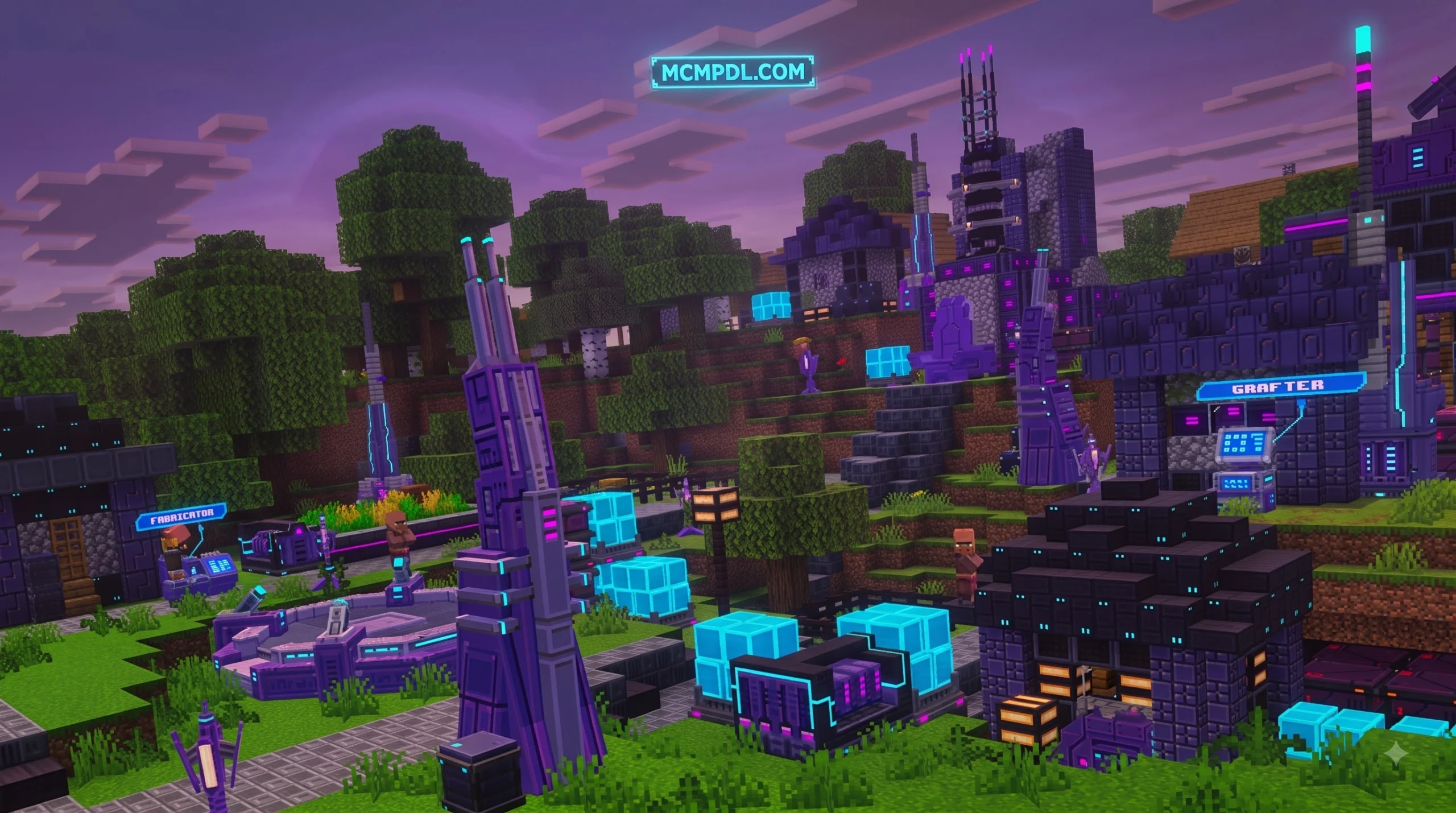
These packs natively support 1 to 4 players in co-op multiplayer. You and your friends can band together to navigate custom cities or alien ruins while fighting off hostile waves of Decepticon drones.
Transformers: Rise of the Beasts Community Addon
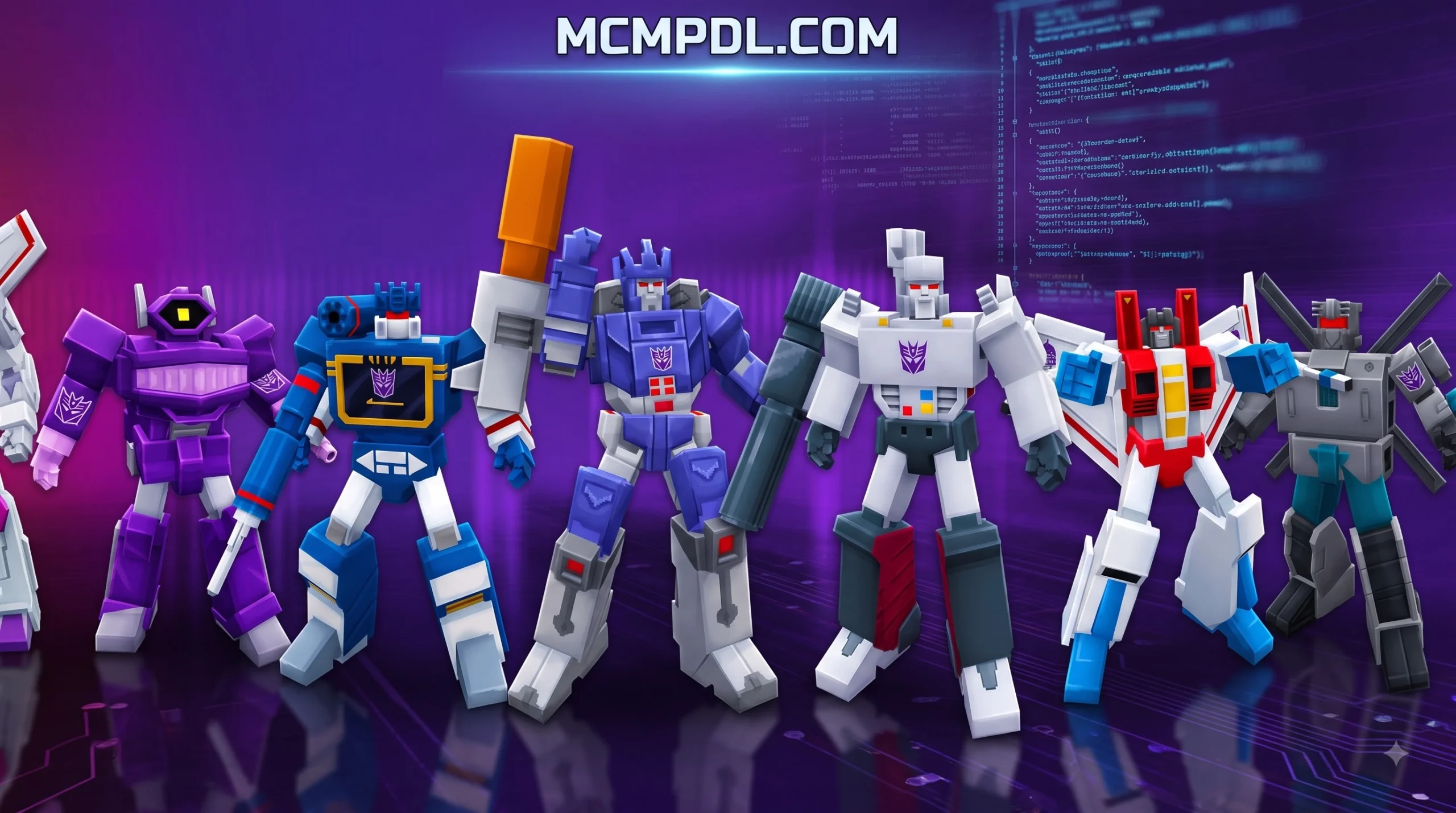
If you prefer large character rosters, beast-style transformations, and competitive multiplayer, the Rise of the Beasts community addon (updated to version 1.3.2) is an outstanding choice. Found in our Free category, this addon draws direct inspiration from cinematic mecha battles and introduces 12 distinct characters. Each robot features unique mobility stats, custom transformation sequences, and faction-specific powers.
Beyond standard survival exploration, this pack includes dedicated combat modes:
- Deathmatch Mode: Jump into intense free-for-all or faction-based arena combat where players test their transformation mobility and special abilities against one another.
- Last Man Standing: A battle-royale style elimination mode where mastering fast terrain traversal and vehicular escapes is necessary to survive.
- Custom PvE Invasions: Fight alongside teammates against massive mecha commanders with customized health pools, similar to fighting encounters in a dedicated Bosses Addon.
Version 1.3.2 brings upgraded environmental textures, refined character models with added realism, and polished particle effects during high-speed vehicle shifts.
Core Gameplay Mechanics, Characters, and Combat Systems
Playing with a Transformers addon introduces completely new movement and combat loops to Minecraft Pocket Edition. In standard gameplay, navigating rough mountainous terrain or vast oceans requires boats, elytra, or horses. With mechanical transformation systems active, your character can shift into high-speed vehicles or beast forms on the fly.
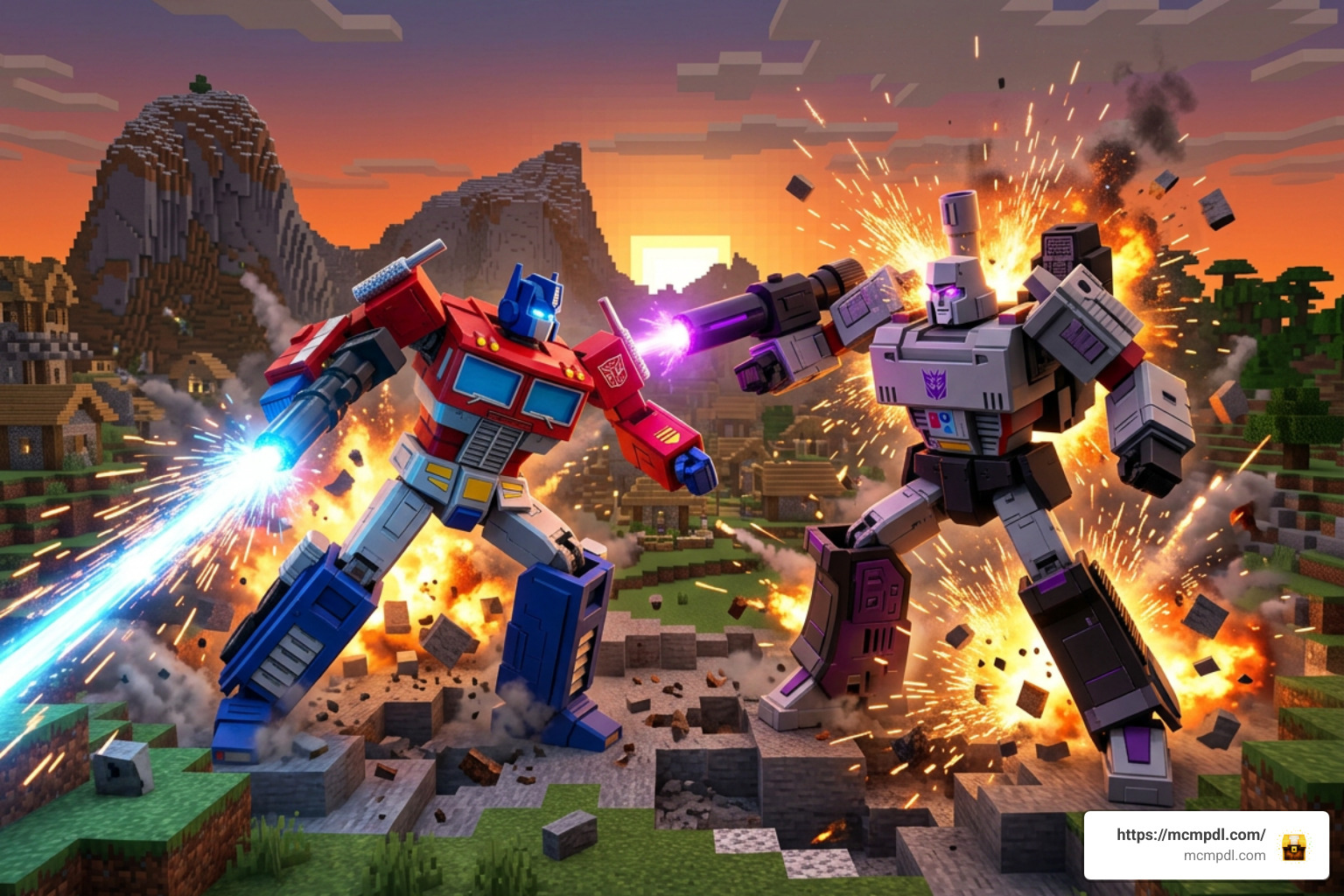
When you trigger a transformation, the behavior pack updates your entity’s hitbox, movement speed, and camera perspective. In vehicle mode, your traversal speed increases dramatically across flat biomes, mimicking the mechanics found in a standalone Cars Addon. You can cruise down highways, jump over ravines, and switch instantly back to humanoid robot form when an enemy engages you in combat.
Autobot vs Decepticon Combat and Weaponry
Combat between Autobots and Decepticons relies on dynamic ability rotations rather than vanilla critical hits. Each character comes equipped with signature weapons that consume energy or specialized ammo items:
- Energon Arm Cannons: High-velocity energy projectiles that create minor explosive impact areas, perfect for clearing out swarms of hostile mobs.
- Melee Energon Blades: High-damage close-quarters weapons that trigger custom sweep animations and knockback resistance.
- Heavy Artillery Barrages: Special cooldown-based abilities that launch homing rockets or sustained laser beams.
To balance these high-tech armaments against standard fantasy equipment like the Legendary Weapons Addon for Minecraft PE/Bedrock, creators utilize Molang scripts and particle effects. Custom sound effects accompany every laser blast, metal impact, and transformation sequence, making the battlefield feel alive.
Custom Mech Creation and No-Code Addon Tools
If you want to build your own custom transforming robots rather than using pre-made character rosters, modern mobile tools allow you to do so without programming knowledge. Using external editors like AddOns Maker for Minecraft – Apps on Google Play, Addons Maker for Minecraft PE – Apps on Google Play, or Morph Addons Maker for MCPE App – App Store, you can customize models and entity behaviors directly on your device.
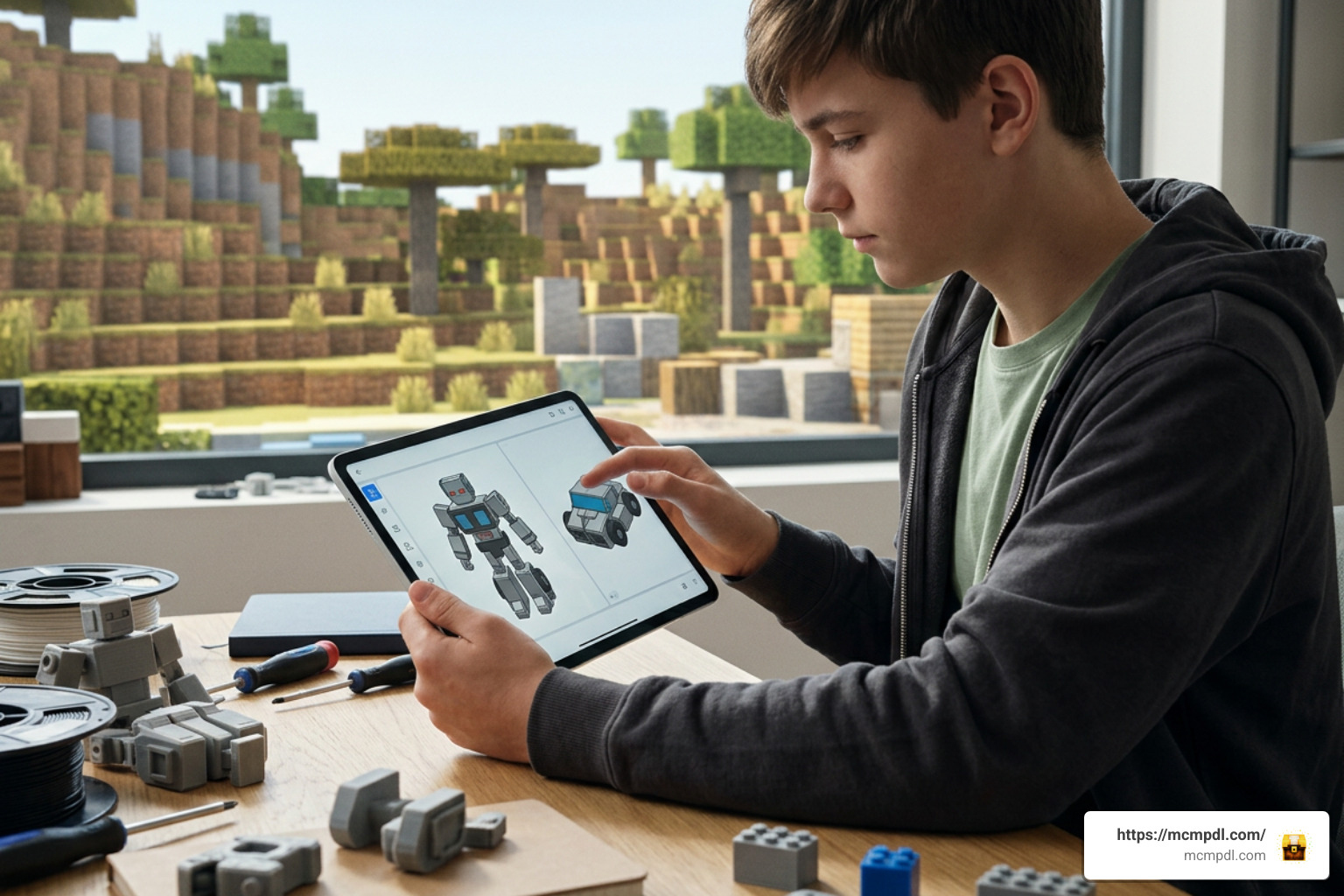
These tools integrate with Blockbench 3D modeling formats to let you:
- Design custom robot and vehicle geometry with unique texture mapping.
- Configure entity movement speeds, attack behaviors, and rideable seats.
- Combine mechanical logic with industrial automation packs like the Machinery Addon.
- Export your completed work as a single, ready-to-install
.mcaddonfile.
Step-by-Step Installation and Compatibility Guide
Installing third-party add-ons on Minecraft Bedrock Edition is straightforward because the engine natively supports packaged behavior and resource files. Whether you are playing on Android, iOS, Windows 10/11, or a console world hosted via multiplayer, following the correct setup steps ensures your custom animations and entities load without crashing.
How to Install a Transformers Addon for Minecraft PE/Bedrock on Mobile and PC
Follow these steps based on your operating system:
For Android and iOS Devices
- Download the desired
.mcaddonor.mcpackfile using your mobile browser, or install it via helper apps such as Addons for Minecraft PE – MCPE or Mods AddOns for Minecraft PE – Apps on Google Play. - Locate the file in your device’s Downloads folder.
- Tap the file and select Open with Minecraft. The game will launch automatically and display an “Import Started” banner at the top of the screen.
- Wait for the notification confirming that both the Resource Pack and Behavior Pack have imported successfully.
For Windows 10 / 11 PC
- Download the
.mcaddonfile to your PC. - Double-click the downloaded file. Windows will automatically open Minecraft Bedrock Edition and import the packs into your global directories.
Activating Resource and Behavior Packs in World Settings
Once the packs are imported into your game, you must activate them in your world settings before loading your save:
- Launch Minecraft and click Play.
- Create a new world or click the Edit (Pencil) icon next to an existing save.
- Scroll down the left sidebar to the Resource Packs tab, locate the Transformers pack under Available, and click Activate.
- Navigate to the Behavior Packs tab and ensure the matching behavior pack is also active.
- In the Experiments section on the left sidebar, enable the following experimental toggles:
- Holiday Creator Features
- Custom Biomes
- Upcoming Creator Features
- Beta APIs / Molang Features
- Click Create or Play to enter your world with full robot transformation support.
Frequently Asked Questions About Minecraft Transformers Addons
Are Transformers addons for Minecraft Bedrock free to download?
Yes, many community-created packs can be downloaded for free from community repositories. You can explore our dedicated Free category to find community modifications that do not require Minecoins or paid Marketplace purchases. However, official branded adventure worlds produced by commercial creators may require Minecoins via the in-game store.
Can you play Transformers addons in multiplayer co-op?
Yes. As long as the host player activates both the resource and behavior packs in the world settings, other players can join on local networks, cross-platform multiplayer, or dedicated servers. When joining, other players will simply be prompted to download the world’s resource pack to see custom animations, models, and blaster particle effects.
Do you need experimental gameplay toggles enabled for community addons?
Yes. Most modern Bedrock addons rely on custom entity geometry, extended Molang queries, and custom item scripts that require experimental gameplay features to be active. Always toggle on Holiday Creator Features, Upcoming Creator Features, and Beta APIs in your world settings to prevent invisible models or missing abilities.
Conclusion
Bringing mecha combat into Minecraft transforms your survival worlds into high-speed, action-packed adventures. Whether you choose to download community packs like Rise of the Beasts, play co-op adventure campaigns, or design your own custom transforming mechs using Blockbench and no-code tools, the Bedrock engine offers immense flexibility.
Ready to upgrade your Minecraft worlds with new entities, vehicles, and gameplay mechanics? Discover the latest modifications and community creations right here on mcmpdl.com.