Scroll down to D0vvnl0ad
Features of the Disney Worlds of Adventure Map for Minecraft PE/Bedrock
To get the Disney Worlds of Adventure Map for Minecraft PE fast, launch Minecraft on your mobile device, open the in-game Marketplace, search for Disney Worlds of Adventure, purchase the official DLC template for 1340 Minecoins, and tap Download. Once downloaded, tap Create this World to start playing immediately.
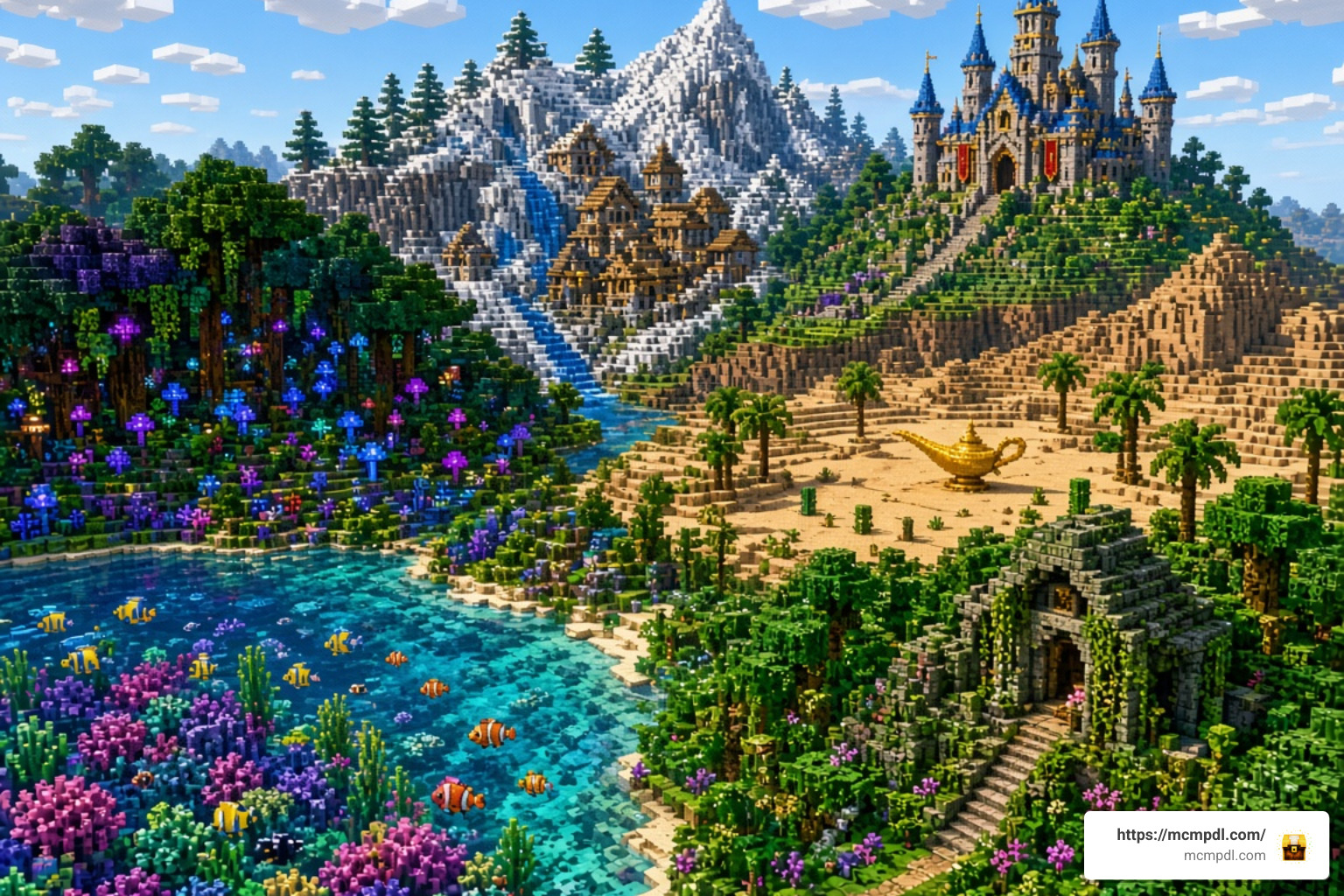
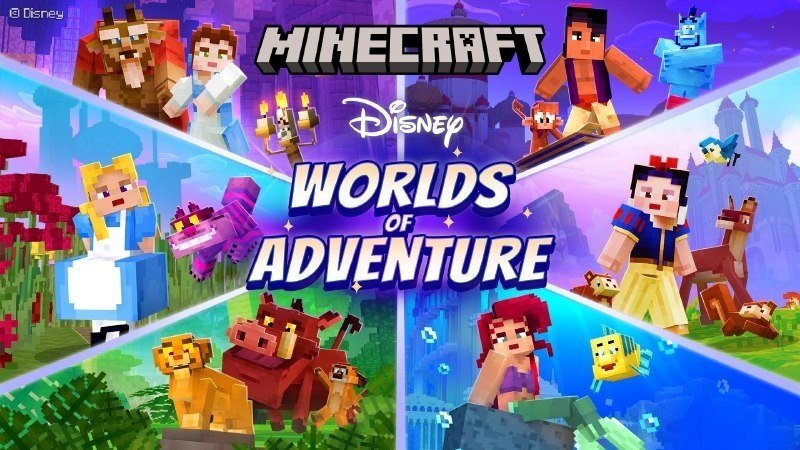
When we load into this world, we are not just entering a single biome with a castle placed in the middle. The DLC is an expansive adventure map that links six distinct, handcrafted Disney environments together. Each setting feels authentic to the movie it represents, combining vibrant custom textures, tailored soundscapes, interactive puzzles, and themed quests designed specifically for Bedrock Edition players across mobile devices and consoles. Every realm acts as an interactive playground where you can complete storyline objectives, discover hidden collectibles, and interact with classic set pieces.
Whether you are swimming through coral reefs or wandering through a magical hedge maze, the map provides a curated adventure experience comparable to other major crossovers like the Adventure Time Mash-up for Minecraft PE/Bedrock and the Avatar Rites of Passage Map for Minecraft PE/Bedrock. If you enjoy exploring custom builds and adventure maps, you can also browse our extensive library of downloadable Bedrock maps to see how different creators design interactive worlds.
Classic Disney Worlds and Character Skins
The adventure spans six legendary Disney animated classics, each complete with themed zones, custom sound effects, interactive mini-games, and custom character skins that let you dress up as beloved heroes and iconic villains:
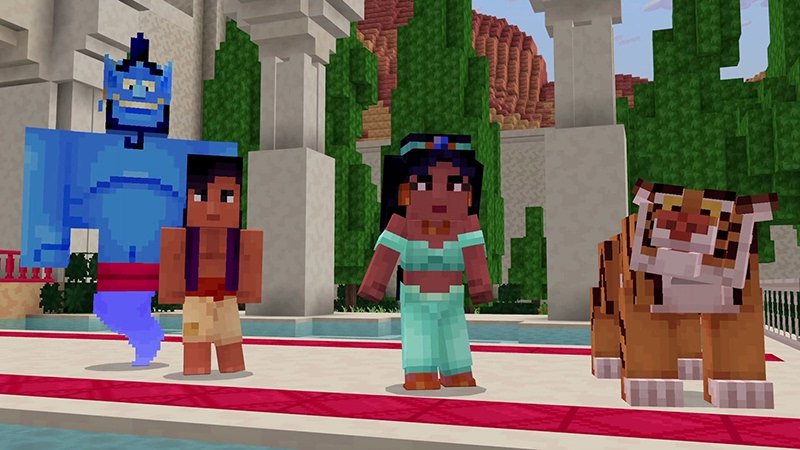
- Aladdin: Explore the bustling streets and marketplaces of Agrabah, climb palace rooftops, soar across the skyline, and journey into the mysterious Cave of Wonders to retrieve the magic lamp while avoiding parkour traps. Companion skins include Aladdin, Princess Jasmine, and the Genie.
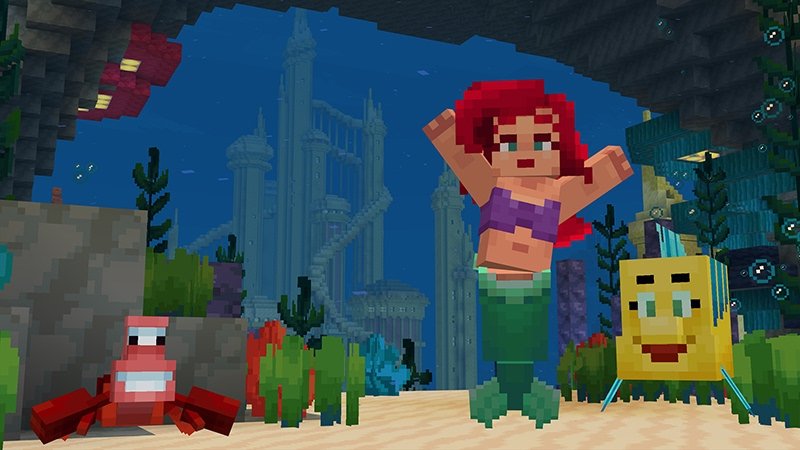
- The Little Mermaid: Dive deep beneath the ocean waves to tour King Triton’s majestic underwater palace in Atlantica, navigate sunken shipwrecks, and confront sea perils, with skins for Ariel, Prince Eric, and Ursula.
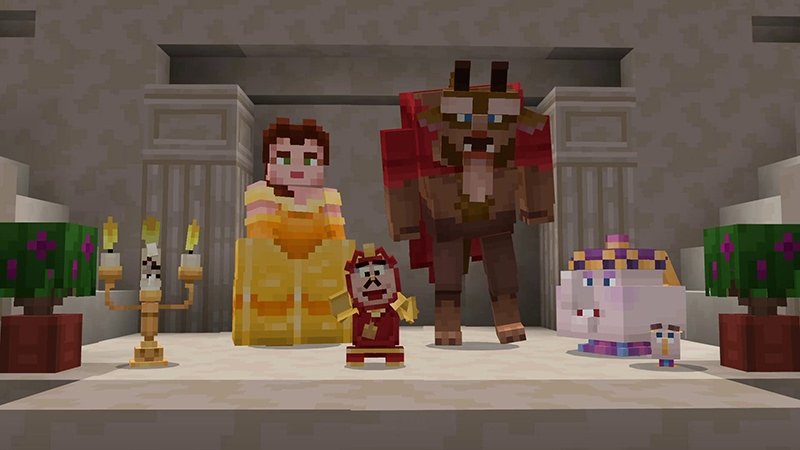
- Beauty and the Beast: Step into the enchanted castle, wander through the grand ballroom, discover library secrets, and explore the Beast’s forbidden west wing to unravel magical mysteries. Skins include Belle and the Beast.
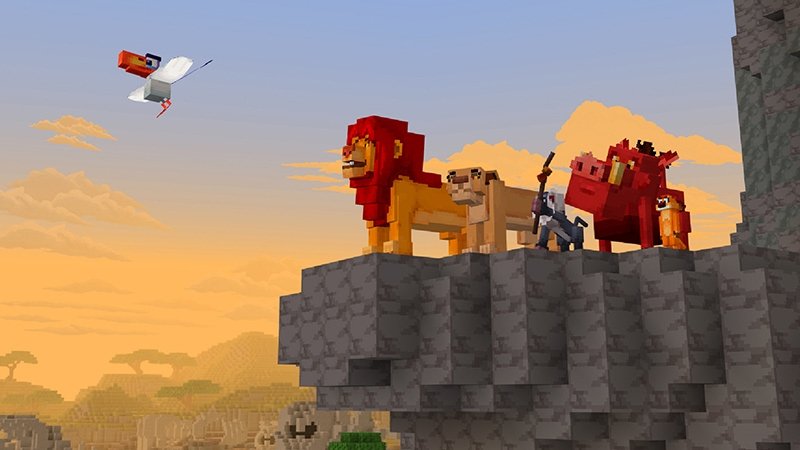
- The Lion King: Traverse the expansive African savanna, scale Pride Rock, run across the gorge, and relax in the lush jungle oasis while completing wildlife quests. Skins feature Simba, Nala, Timon, and Pumbaa.
- Alice in Wonderland: Navigate a whimsical hedge maze filled with optical tricks, take a seat at the mad tea party, and face off in the Queen of Hearts’ royal courtyard. Skins include Alice and the Mad Hatter.
- Snow White and the Seven Dwarfs: Journey through an enchanted forest to discover the cozy woodland cottage and delve deep into the underground diamond mine with custom mining mini-challenges, with skins for Snow White and the Evil Queen.
Altogether, the pack features 24 custom skins that seamlessly integrate with your Minecraft Bedrock dressing room, allowing you to switch outfits at any time. You can also explore expansive theme park recreations such as the WDW Magic Kingdom Adventure Map for Minecraft PE to see how other massive themed creations bring Disney magic to life.
Multiplayer Compatibility and Technical Requirements
This map is engineered from the ground up for smooth cooperative play. Here are the core specifications you need to know before loading in:
- Player Capacity: Supports 1 to 4 players simultaneously in local split-screen, local Wi-Fi LAN, or cross-platform online co-op.
- Compatibility: Fully compatible with Minecraft Bedrock version 1.16.0 and all newer updates, including current mobile releases on iOS and Android.
- Community Rating: Holds an impressive average rating of 4.4 to 4.5 out of 5 stars from over 2,400 player reviews, with 76% of all ratings awarding a full 5 stars.
- Cross-Platform Play: Works across Android, iOS, iPadOS, Windows 10/11, Xbox, PlayStation, and Nintendo Switch.
Whether you are playing solo on your phone during a commute or hosting a family game night on a tablet, the world runs smoothly without requiring manual file patching, experimental toggles, or complex modding tools.
Step-by-Step Guide: How to Download and Install Fast
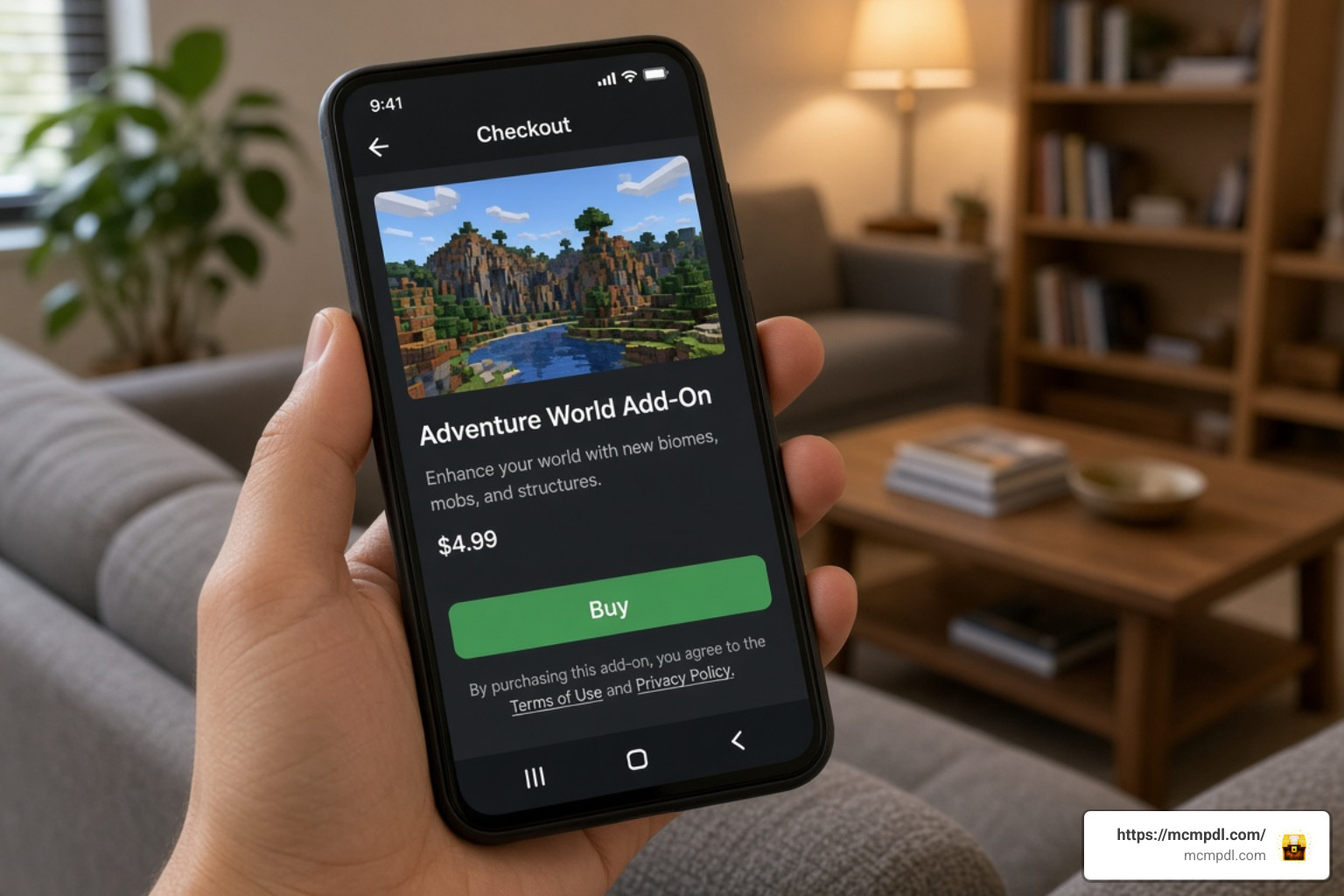
Getting the map into your world list takes only a couple of minutes. Because this is an official Marketplace DLC, the entire downloading and installation process is handled automatically by the Bedrock engine.
Follow these quick steps to get started right away:
- Launch Minecraft on your mobile device, console, or PC.
- Tap the Marketplace button on the main title screen.
- Tap the magnifying glass search icon in the upper-right corner and type
Disney Worlds of Adventure. - Select the official map listing (priced at 1340 Minecoins). You can review community metadata on platforms like the Disney Worlds of Adventure by Minecraft | CHUNK – Minecraft Bedrock Marketplace Explorer before purchasing.
- Tap the purchase button to confirm the transaction using your Minecoins balance.
- Once the purchase completes, tap Download to save the map template and resource packs directly to your device storage.
- Click Create this World to start your adventure immediately!
Installing the Disney Worlds of Adventure Map for Minecraft PE/Bedrock on Mobile Devices
Mobile players on Android, iOS, or iPadOS can jump into the game with zero technical hassle:
- Automated File Management: You do not need to extract
.zipfiles, rename file extensions, or manually navigate to system directory folders like you might when installing third-party.mcworldfiles. The in-game Marketplace installs everything directly into your internal app storage. - Equipping Your Skins: Open your Dressing Room from the main menu, select the classic skin hanger icon, and locate the Disney Worlds of Adventure pack to equip any of the 24 included character models for your avatar.
- Creating Multiple Playthroughs: The download acts as a permanent world template in your template library. That means you can generate a fresh, unplayed world whenever you want to reset puzzle progress or start over with a new group of friends.
- Storage Requirements: Ensure your mobile device has at least 300 MB to 500 MB of free storage space before downloading to allow room for high-definition textures, custom music tracks, and generated world chunks.
- Automatic Updates: When Mojang or the map creators push updates, bug fixes, or compatibility patches, the in-game Marketplace notifies you directly with a single-tap update button.
Optimization and Multiplayer Tips for Pocket Edition
Large adventure maps with custom 3D models, particle effects, and behavioral scripts can put a strain on older smartphones or budget tablets. To keep your frame rates silky smooth and your multiplayer sessions lag-free, follow these handy performance recommendations:
- Lower Render Distance: On entry-level phones or older tablets, set your render distance to 8–10 chunks in the Video settings. This keeps frame rates consistent during busy story sequences without ruining the view of majestic structures like Beast’s Castle or Agrabah’s palace.
- Disable Fancy Graphics: Turn off Fancy Leaves, Render Clouds, and Beautiful Skies if your phone warms up during longer play sessions. The custom world textures and architectural builds will still look gorgeous.
- Multiplayer Hosting: When playing with up to 4 friends, have the player with the most powerful device (or strongest Wi-Fi connection) host the world. Enable Visible to LAN Players and Friends of Friends in the world’s multiplayer settings tab.
- Memory Management: Close background apps, streaming services, and social media feeds on your phone before launching Minecraft to free up active RAM.
- Keep Your Device Cool: Playing graphically intensive Bedrock maps while charging can cause thermal throttling on mobile devices. Play in a cool environment and lower screen brightness slightly to sustain maximum performance.
For everything else Bedrock-related, you can always browse our all content category to discover new ways to upgrade your game with top-tier creations, utilities, and updates.
Frequently Asked Questions
Is the Disney Worlds of Adventure Map for Minecraft PE/Bedrock Free or Paid?
It is a paid official DLC available on the Minecraft Marketplace for 1340 Minecoins (approximately $7.02 USD depending on your local currency and coin bundle). It is not a free community download.
How Many Players Can Join Disney Worlds of Adventure Together?
The map officially supports 1 to 4 players in cooperative multiplayer. You can explore all six story locations together via local split-screen, local Wi-Fi LAN, or cross-platform online invites.
What Skins Come Included with the Pack?
The DLC comes bundled with 24 character skins covering protagonists, companions, and antagonists across the six featured Disney tales, including Aladdin, Jasmine, Genie, Ariel, Ursula, Belle, Beast, Simba, Nala, Timon, Pumbaa, Alice, the Mad Hatter, and Snow White.
Conclusion
The Disney Worlds of Adventure DLC offers one of the most polished, nostalgic, and entertaining crossover experiences available in Minecraft Bedrock Edition. With six beautifully crafted realms, 24 skins, and complete support for up to 4 players, it delivers hours of blocky fun for Disney fans of all ages.
Ready to embark on your next great gaming journey? Head over to MCMPDL to find the latest updates, guides, and creations for your Minecraft world!