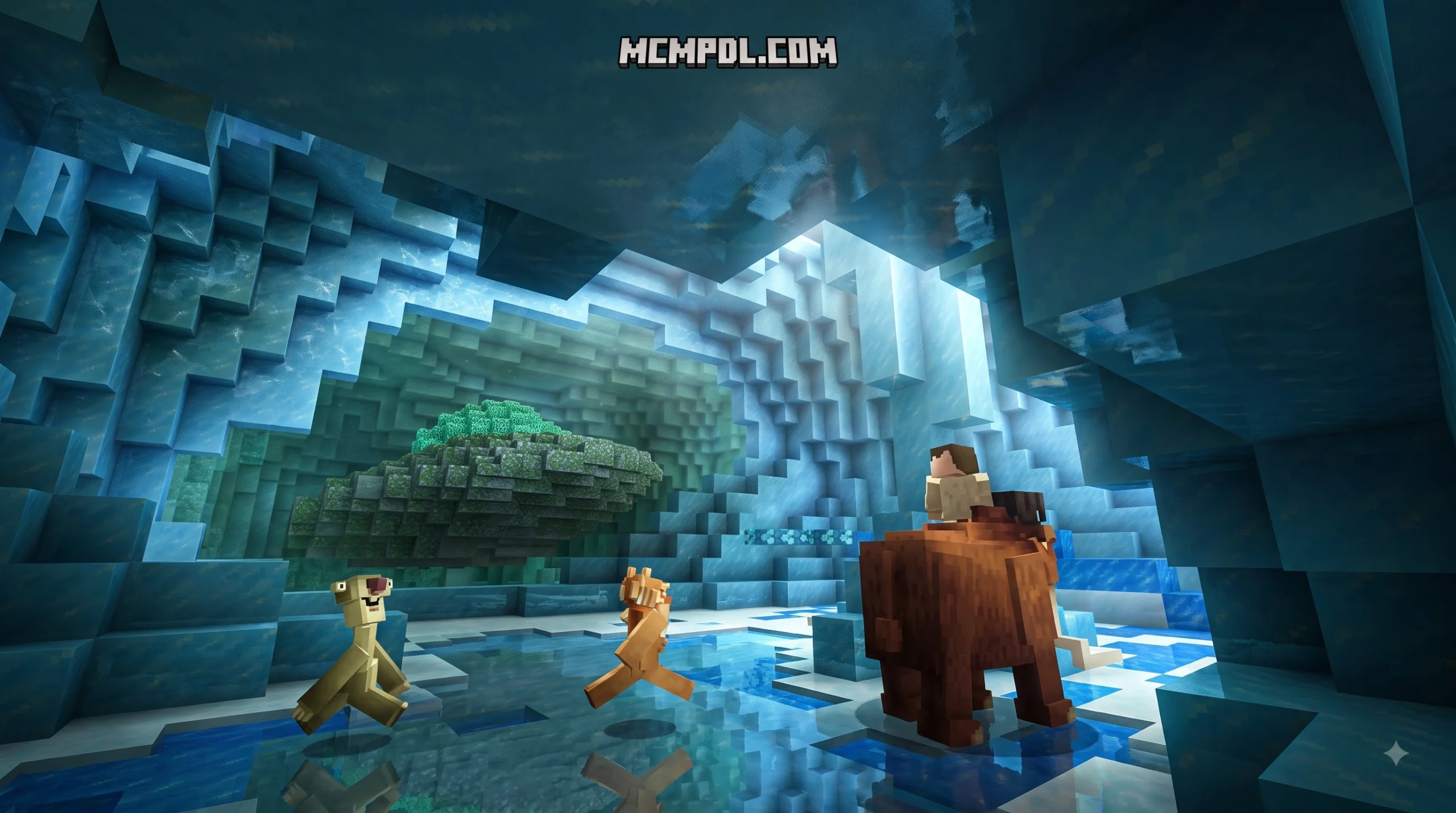
Scroll down to D0vvnl0ad
Turn Minecraft Bedrock Into a Frozen Prehistoric Survival World
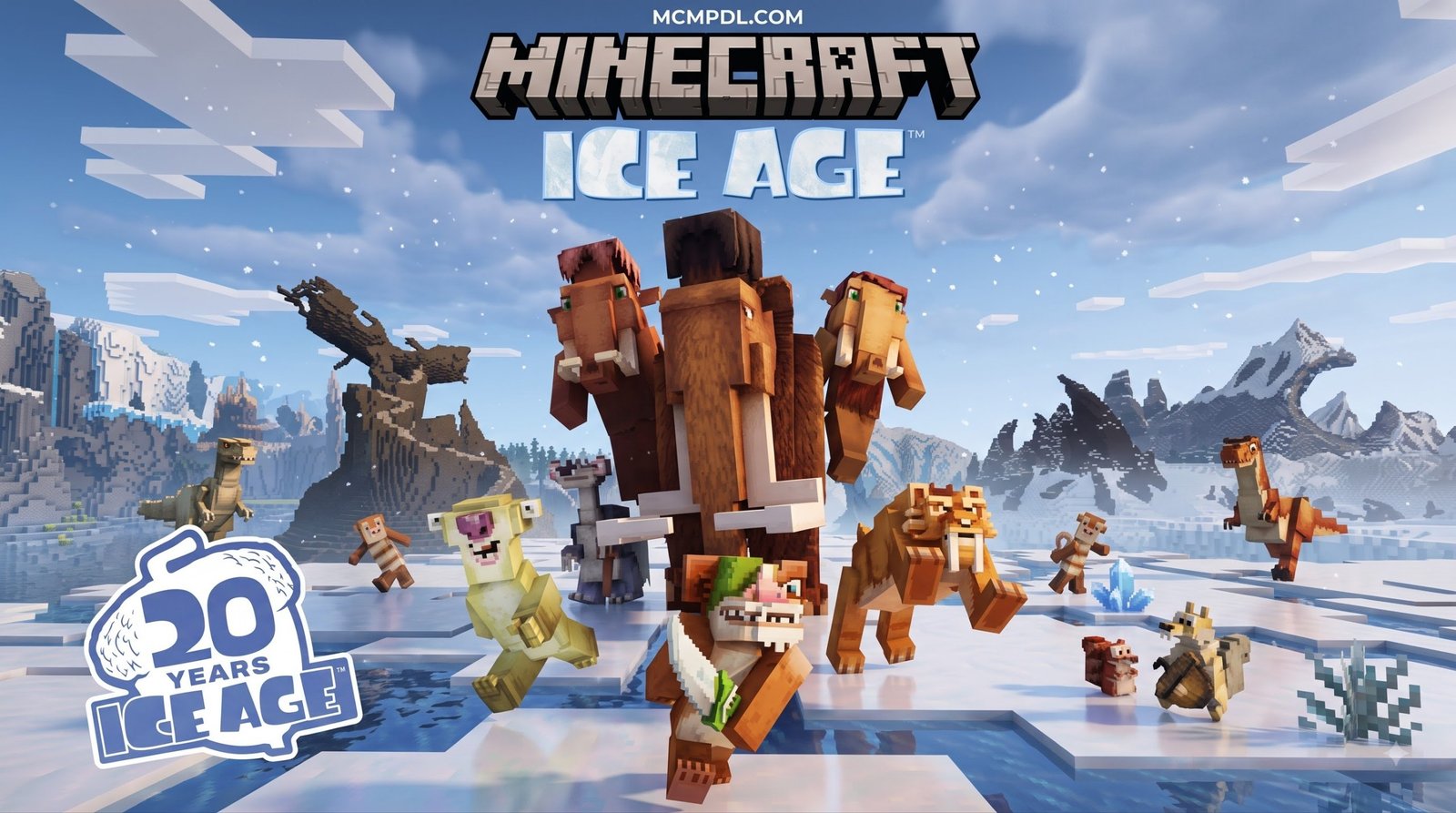
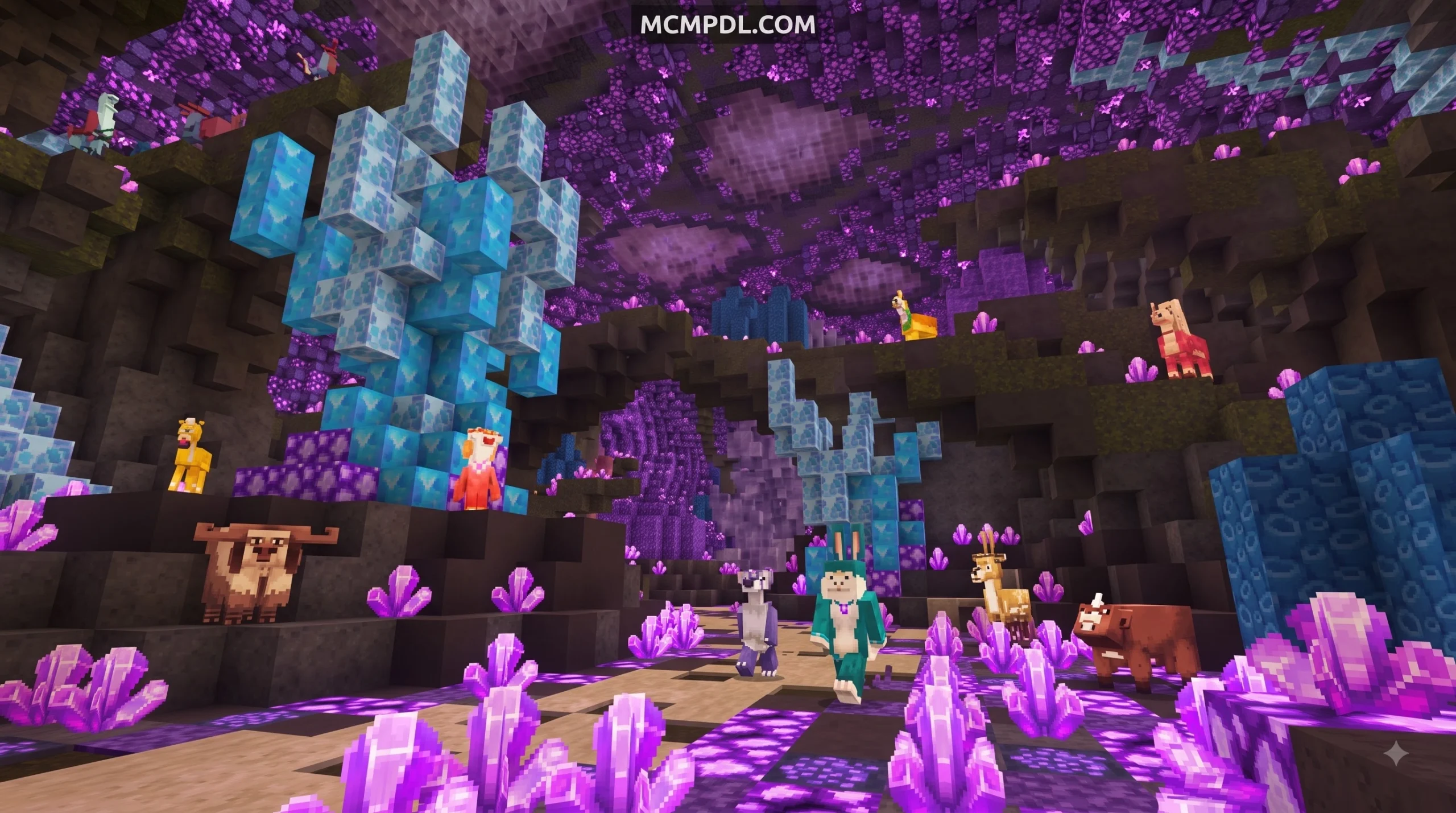
The Ice Age Texture Pack for Minecraft PE/Bedrock can turn an ordinary world into a frozen, prehistoric adventure. Depending on the version you install, it may replace blocks, water, foliage, mobs, and interface elements with icy designs – and some add-on editions also add survival systems such as temperature, blizzards, thirst, shelters, and prehistoric creatures.
Before installing, check whether your download is a resource pack only or a full add-on with both Resource and Behavior packs. Then import the .mcpack or .mcaddon file into Minecraft Bedrock, enable it in your world settings, and make a backup of any important world first.
This guide explains what changes in each Ice Age-style pack, how freezing and blizzards work, and how to set it up on Android, iOS, and Windows 10 without turning your save into an archaeological site. For a broader look at how Bedrock add-ons work, see the Minecraft Bedrock Edition overview.
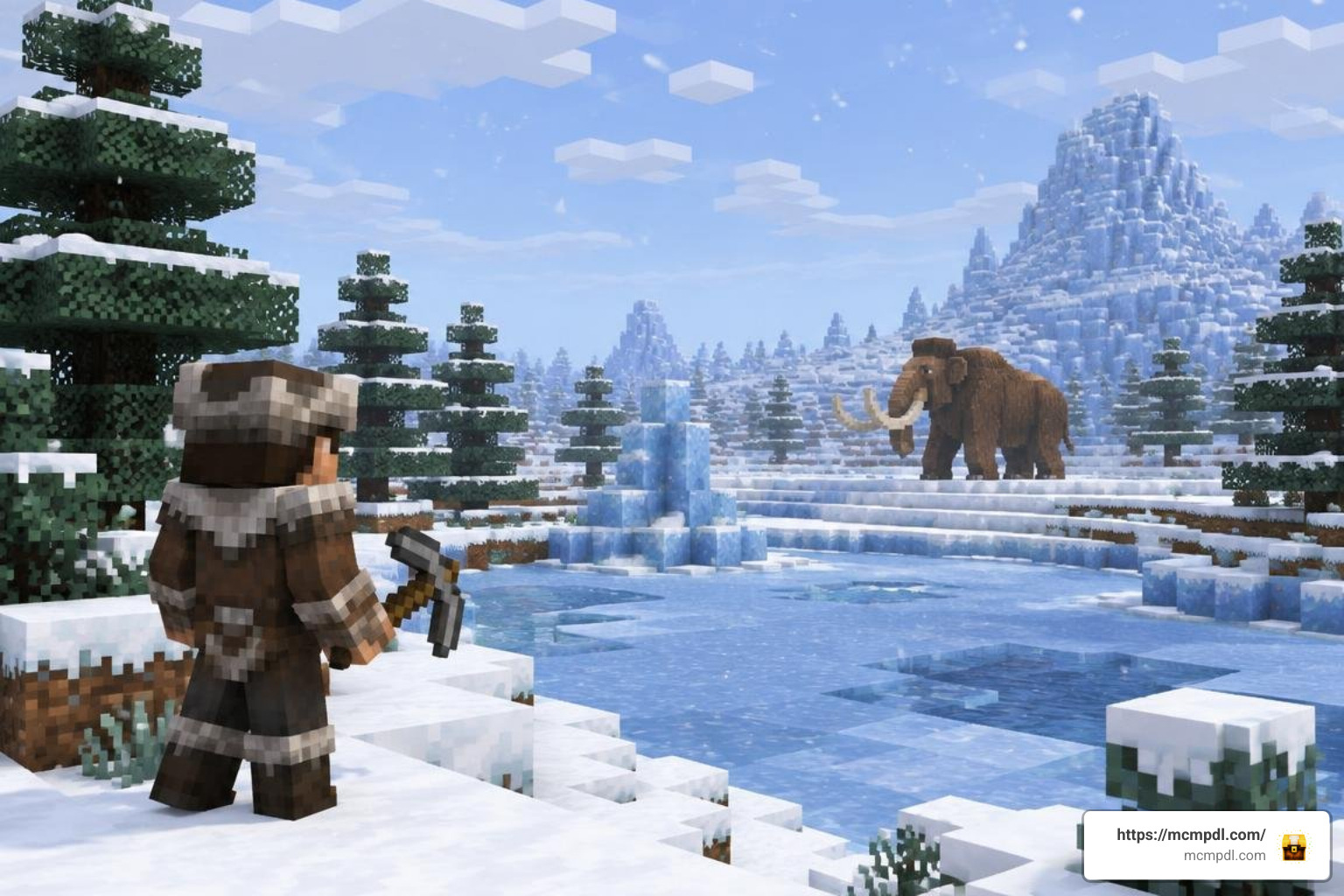
What to Expect in the Ice Age Texture Pack for Minecraft PE/Bedrock
Stepping into an Ice Age environment completely reimagines how you approach standard Minecraft gameplay. Instead of vibrant green fields and warm oceans, your worlds transform into harsh, pale tundras where frost coats every surface. While standard crisp HD textures focus purely on visual clarity, an Ice Age overhaul changes atmospheric mood, lighting palettes, and block dynamics to deliver a true Pleistocene epoch feel.
Depending on whether you choose a classic visual-only resource pack (such as the classic community ports inspired by retro dark-fantasy packs) or modern gameplay addons (like the popular versions crafted by independent modders), the depth of changes will range from stylish mob reskins to over 70 new items, complex survival gauges, and custom entity behaviors.
Overhauled Visuals and Glacial Biomes
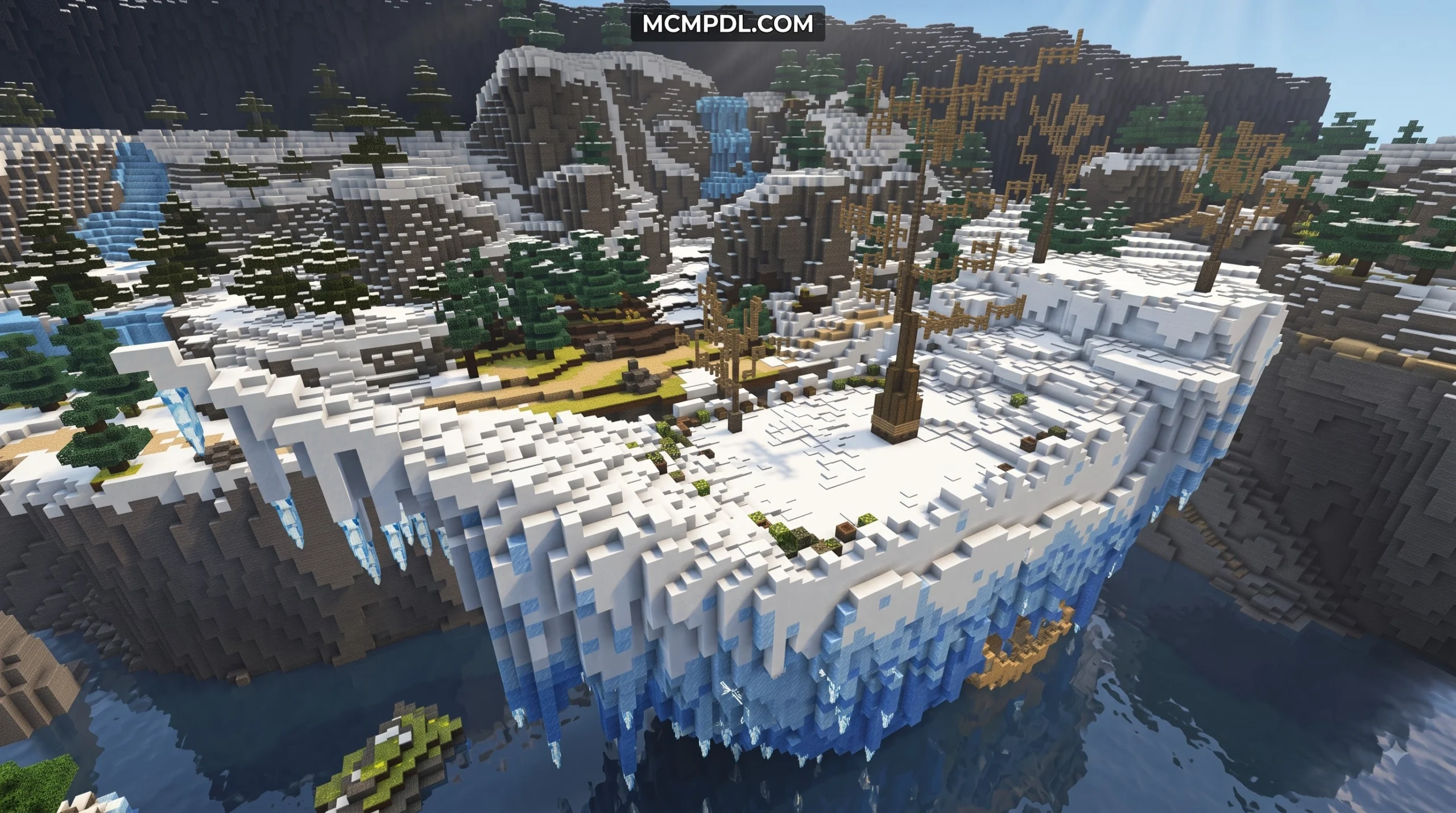
The visual conversion begins right beneath your boots. Grass blocks are retextured with permanent frostbitten fringes and deep snow caps, while leaves appear frozen, brittle, and bare. Natural water sources shift from tropical blues into pale, crystalline hues that evoke sub-zero temperatures.
Modern community packs and world expansions introduce specialized terrain features across custom biomes like Ice Cliffs, Frozen Mountains, and Thermokarst Ponds:
- Wind-Carved Ventifacts: Jagged rock blocks polished smooth by ancient glacial winds.
- Flint Nodules & Scree: Exposed surface stones ready to be gathered for early primitive toolmaking.
- Glacial Ice & Permafrost: Denser, slippery ice blocks that form treacherous sheets over frozen oceans and high-altitude crags.
- Snowdrifts: Layered terrain variations that alter elevation and make cross-country travel more demanding.
These block redesigns ensure that no matter which direction you look, the landscape feels authentically glacial rather than just like a vanilla snowy plains biome.
Custom Prehistoric Mobs and Reskins
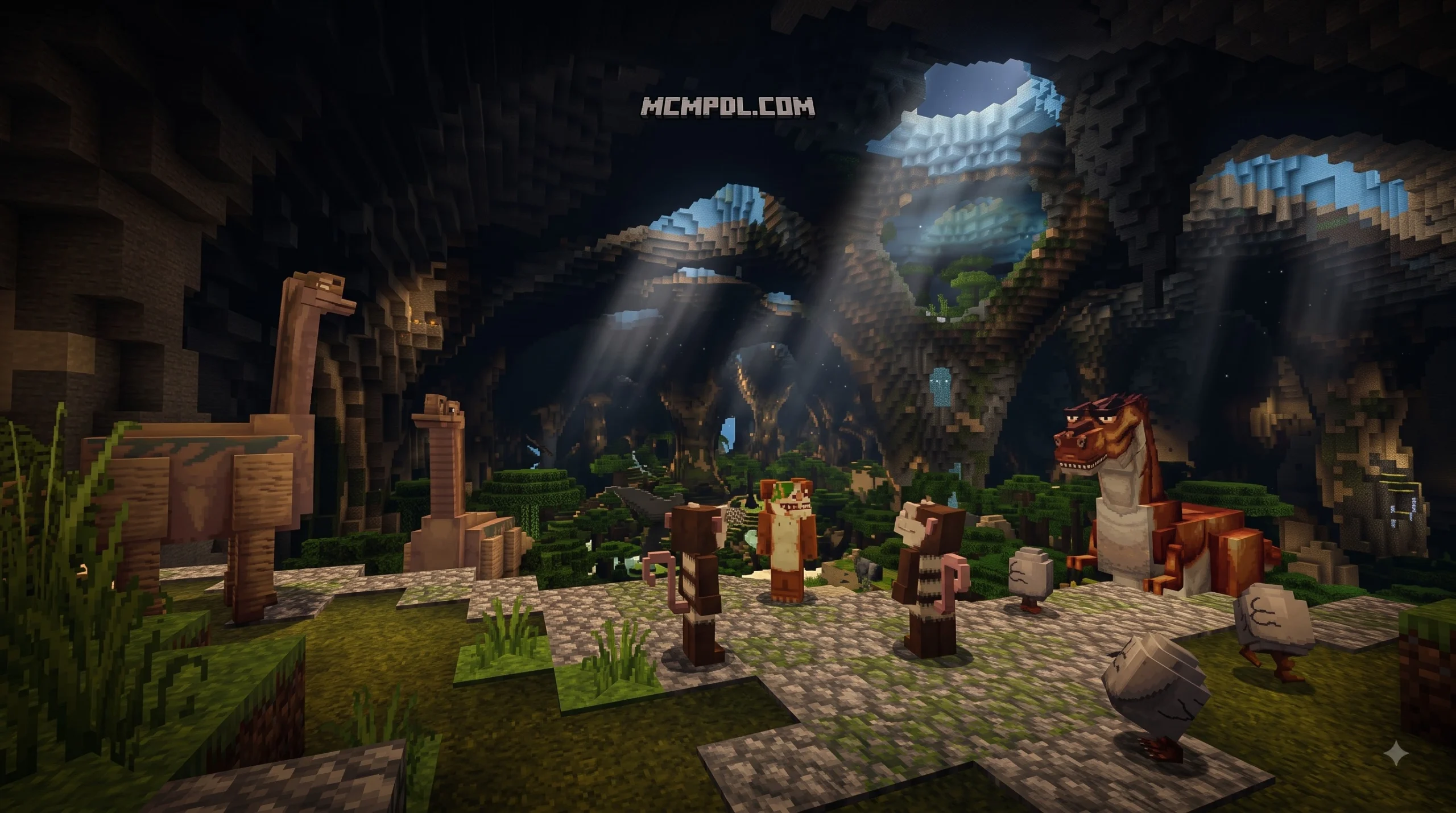
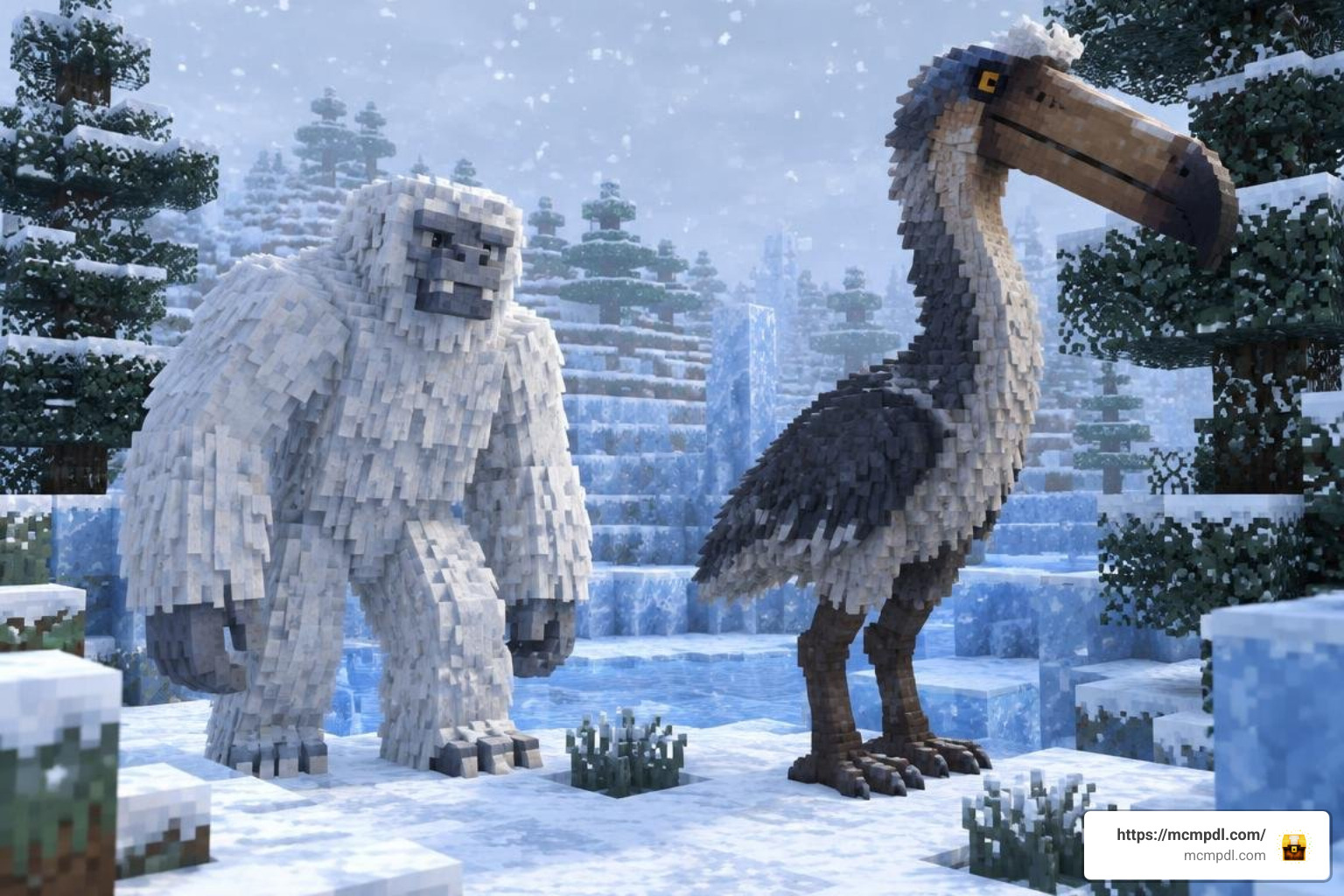
The fauna of the Overworld receives a massive prehistoric makeover. In texture-only versions, familiar threats take on thematic guises—Zombies transform into towering, fur-covered Yetis, and Creepers turn into explosive snowmen that blend seamlessly into winter blizzards.
In extended add-on editions, entirely new prehistoric creatures join the ecosystem:
- Woolly Mammoths: Massive herbivores that roam frozen plains, dropping thick pelts, ivory tusks, and rich meat when hunted.
- Kelenken (Terror Birds): Large, flightless avian predators featuring four distinct plumage variants that stalk mountainous terrain and drop unique crafting ingredients.
- Sabertooth Predators & Dire Wolves: Fast-moving carnivores replacing or accompanying regular wolves, presenting lethal threats to unprotected travelers.
- Woolly Rhinoceroses: Powerful neutral beasts that can be harnessed and ridden with specialized saddles for mountain traversing.
Environmental Mechanics: Temperature, Blizzards, and Thirst
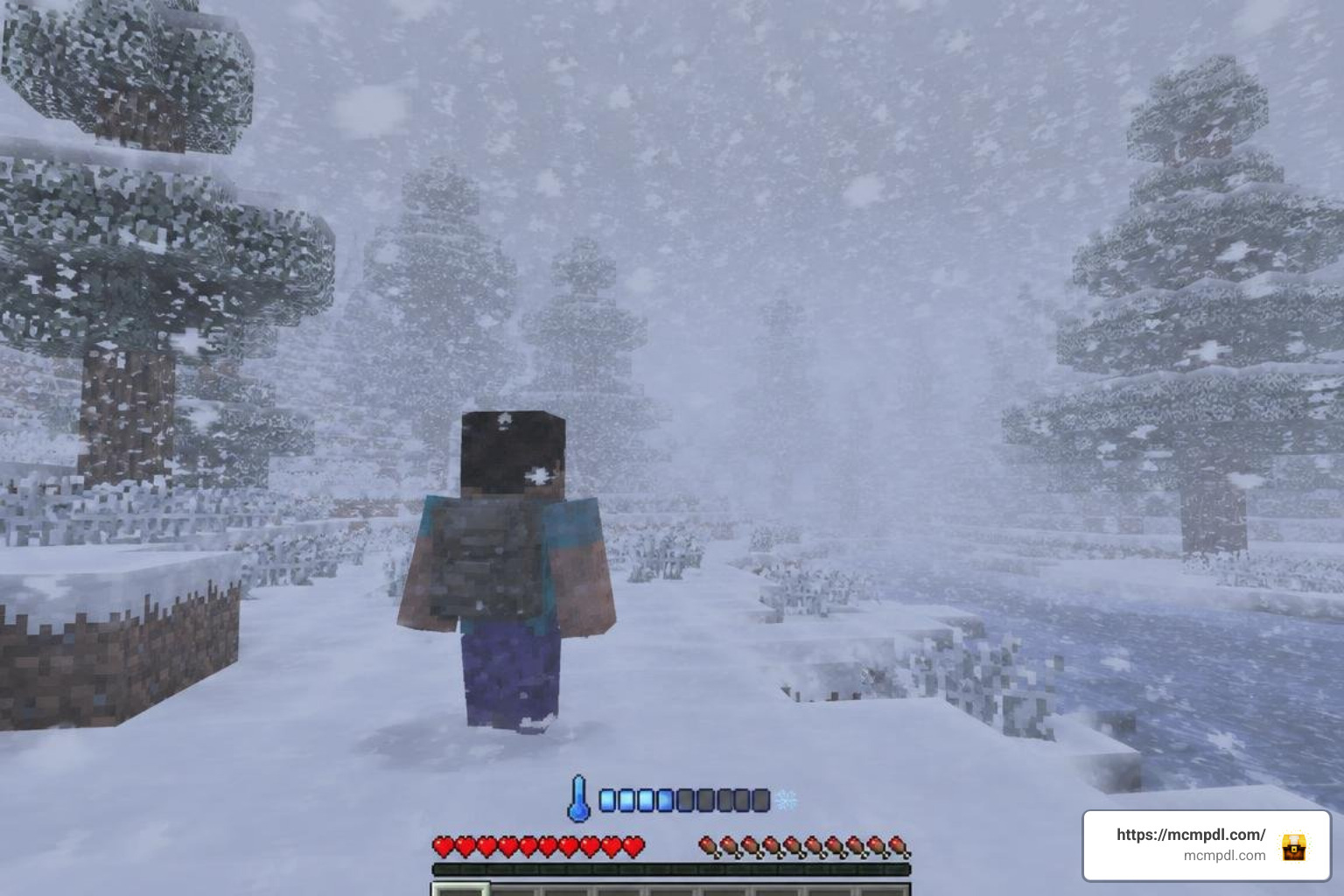
When running the behavior-enhanced versions of the Ice Age pack, survival shifts from casual sandbox building to unforgiving environmental management. Much like how atmospheric horror packs leverage tension to challenge players, the harsh climate of an Ice Age survival pack forces you to plan every expedition around ambient warmth and hydration.
Hotbar Temperature Gauge and Freezing Dynamics
Addon editions introduce a dedicated temperature metric displayed directly above your hotbar. Measured through intuitive HUD icons or a dynamic Celsius reading, your body heat fluctuates continuously based on multiple environmental factors:
- Biome & Time of Day: Venturing into Ice Peaks or traveling at night accelerates heat loss rapidly.
- Altitude: Climbing high mountain peaks increases exposure to thin, freezing air.
- Moisture: Falling into icy water causes immediate hypothermia spikes.
- Nearby Heat Sources: Standing near active campfires, lit furnaces, or lava pockets gradually restores core warmth.
Ignoring your temperature gauge brings severe consequences. Initial cold triggers screen-vignette frost effects and slowness. Prolonged exposure causes active hypothermia damage that quickly depletes your health bar.
Certain mod variants also include an integrated thirst mechanic, requiring you to harvest clean water and boil it over heat sources to prevent fatal dehydration debuffs.
Blizzards, Survival Shelters, and Mammoth Gear
Weather events in the Ice Age pack are far more dangerous than vanilla snowfalls. Fully synchronized with the personal temperature system, blizzards sweep across the landscape in five realistic phases:
- Warning Phase: Skies darken into an ominous gray, wind audio picks up, and ambient temperatures begin a sharp drop.
- Onset Phase: Light snow begins falling, and horizontal wind streaks reduce long-range render visibility.
- Mature Phase: Full whiteout conditions occur. Movement speed slows against head-winds, frost accumulation surges, and freezing damage strikes rapidly without shelter.
- Decay Phase: Winds subside and visibility clears, though ground temperatures remain dangerously low.
- Residual Phase: Lingering deep snowdrifts remain on the terrain as the storm passes.
Surviving these storms requires strategic preparation. Players can construct Hide Shelters—primitive A-frame tents built from cured animal pelts and logs from any wood family—and gather around Rustic Campfires to hold off the chill.
Crafting Mammoth Capes from hunted megafauna provides critical body insulation that can be worn alongside standard armor pieces to venture through sub-zero storms safely.
Step-by-Step Installation and Setup Guide
Installing an Ice Age overhaul on Bedrock is straightforward because most modern creators distribute their work using standardized Bedrock package formats.
Installing the Ice Age Texture Pack for Minecraft PE/Bedrock Across Platforms
Follow these platform-specific steps to get the pack running smoothly:
Android
- Download the
.mcpack(resource only) or.mcaddon(resource + behavior) file using your mobile browser. - Open your device’s file manager and locate the downloaded file in your Downloads folder.
- Tap the file directly and select Minecraft when prompted with “Open with…”.
- Minecraft Bedrock will launch automatically and display an “Import Started” banner, followed by “Import Successful.”
iOS (iPhone & iPad)
- Download the pack file via Safari.
- Tap the Downloads icon in the browser toolbar and select the file.
- Tap the Share sheet icon, scroll through your applications, and choose Minecraft.
- The game will boot up and import the resource files into your local storage container.
Windows 10 & Windows 11
- Download the
.mcpackor.mcaddonfile to your PC. - Double-click the file. Windows will automatically associate it with Minecraft Bedrock Edition.
- Wait for the in-game notification confirming the resource and behavior components have been imported.
Resource Pack vs Behavior Pack Configuration
If you downloaded a full add-on containing two distinct files (e.g., an RS Pack of ~834 KB and a BH Pack of ~586 KB), both must be activated in your world settings for the mechanics to work properly:
- Open Minecraft and select Play, then choose Create New World (or click the pencil icon next to an existing test world).
- Scroll down on the left-hand menu to Resource Packs, open Available, click on the Ice Age Pack, and select Activate.
- Move down to Behavior Packs, locate the corresponding behavior file, and activate it.
- Scroll up to the Experiments tab on the left menu. Enable Holiday Creator Features, Custom Biomes, and Upcoming Creator Features to ensure custom mobs, items, and weather scripts trigger without errors.
- Launch your world to begin exploring.
Ice Age Texture Pack Style and Device Performance
Whether you prefer absolute visual realism, retro aesthetics, or prehistoric survival, choosing the right pack depends on your platform’s power and gameplay preferences. If you enjoy exploring historical eras alongside ancient civilization themes, it helps to understand what makes a glacial-survival experience distinct.
| Feature | Details |
|---|---|
| Primary Style | Glacial Prehistoric |
| Custom Mobs Added | Mammoths, Yetis, Kelenken |
| Gameplay Mechanics | Temperature, Thirst, Blizzards |
| Typical File Size | ~1.5 MB – 6.5 MB |
| Recommended Device Tier | Mobile / PC / Console |
What Makes the Ice Age Texture Pack Stand Out
The Ice Age pack focuses tightly on winter survival, layering harsh climate mechanics on top of a full visual overhaul. Rather than simply reskinning a snowy biome, it reworks lighting, terrain, and mob behavior to create a believable Pleistocene setting. If you are browsing for fresh visual overhauls, check out our wider selection of immersive texture packs to experiment with distinct artistic palettes across your worlds.
Device Compatibility and Performance Tips
Because community-crafted Ice Age resource and behavior packs maintain lightweight file sizes (often under 2 MB for core assets and around 6.5 MB for expanded mob packages), they run smoothly across budget smartphones, tablets, and consoles. However, active blizzard particle effects and dynamic snow layers can occasionally cause frame rate drops during heavy storms.
To optimize performance on lower-end devices:
- Adjust Particle Render Distance: Lower your particle settings in the video menu to maintain high FPS during mature blizzard phases.
- Cap Simulation Distance: Set world simulation distance to 4 chunks on mobile devices to prevent megafauna AI from lagging background processes.
- Manage Render Distance: A render distance of 8 to 12 chunks is ideal on mobile devices to preserve battery life while still spotting distant blizzards in advance.
Frequently Asked Questions About Ice Age Textures
Is the Ice Age texture pack free to download?
Yes, community-developed Ice Age texture packs and .mcaddon packages created by independent creators are completely free to download. You can download and install the resource and behavior files directly to your device without any extra cost or subscriptions.
Which Minecraft Bedrock versions are compatible?
Core visual texture packs work across nearly all modern Bedrock versions from 1.16 through Bedrock 1.21 and later updates. Advanced gameplay add-ons that include custom blizzard scripts and temperature systems require at least Minecraft Bedrock 1.20 or 1.21+, with experimental toggles turned on in world settings to ensure entity behaviors and UI temperature icons register correctly.
How do you survive freezing blizzards in the pack?
Surviving blizzards requires staying dry, monitoring your HUD temperature gauge, and carrying portable heat sources. Always keep a stack of logs, flint and steel, and hide shelter components in your inventory. When blizzard winds pick up, immediately place a hide shelter, ignite a campfire inside, and equip insulating gear like Mammoth Capes until the decay phase completes.
Conclusion
The Ice Age Texture Pack transforms Minecraft Bedrock from a standard sandbox into an atmospheric, high-stakes prehistoric survival simulator. Between navigating whiteout blizzards, tracking mighty woolly mammoths across glacial cliffs, and managing your temperature around rustic campfires, it offers an engaging challenge for both solo survivalists and multiplayer groups.
Ready to find your next great visual overhaul, add-on, or survival mechanic? Visit MCMPDL to explore our full addon library and take your Minecraft adventures to the next level.


2 thoughts on “Ice Age Texture Pack for Minecraft PE/Bedrock”