Scroll down to D0vvnl0ad
Why the BRILLIANT PVP Texture Pack Helps Bedrock Players Fight Better
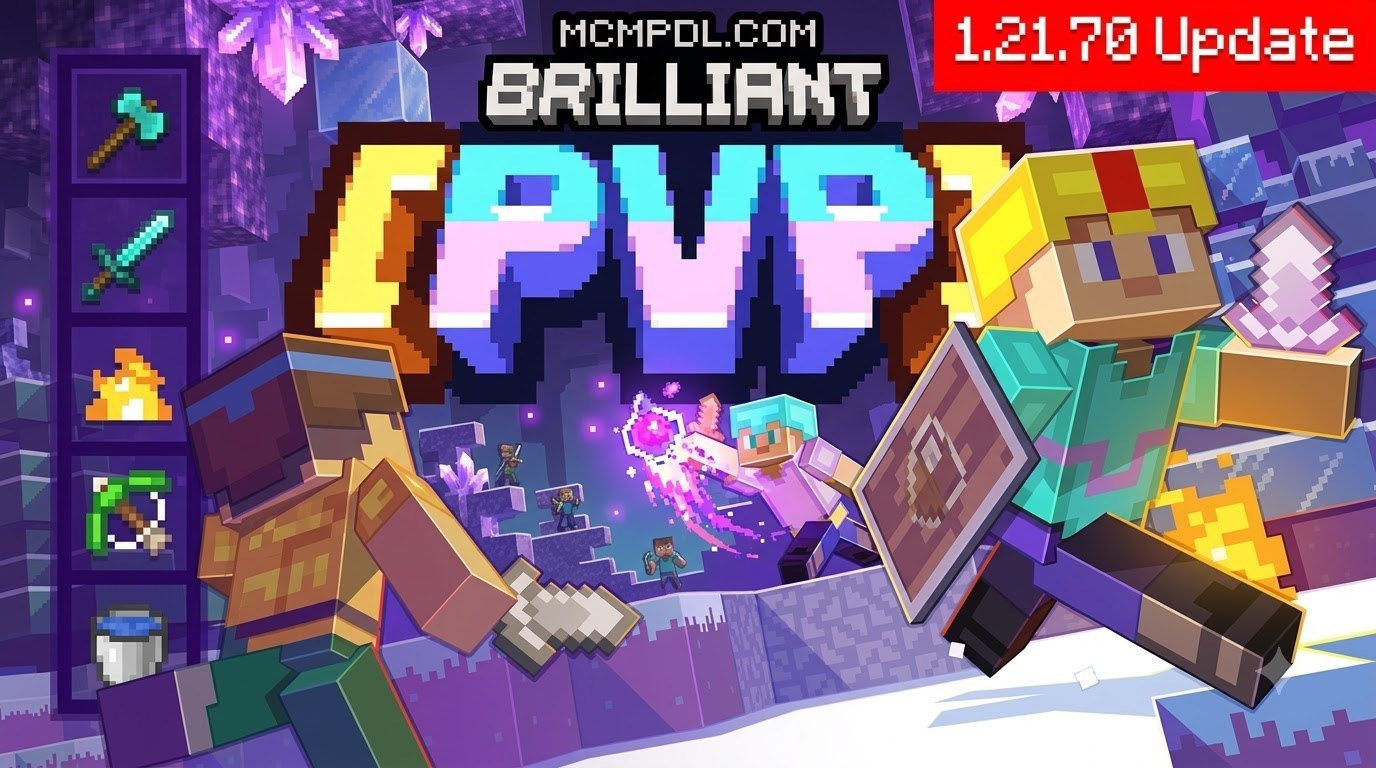
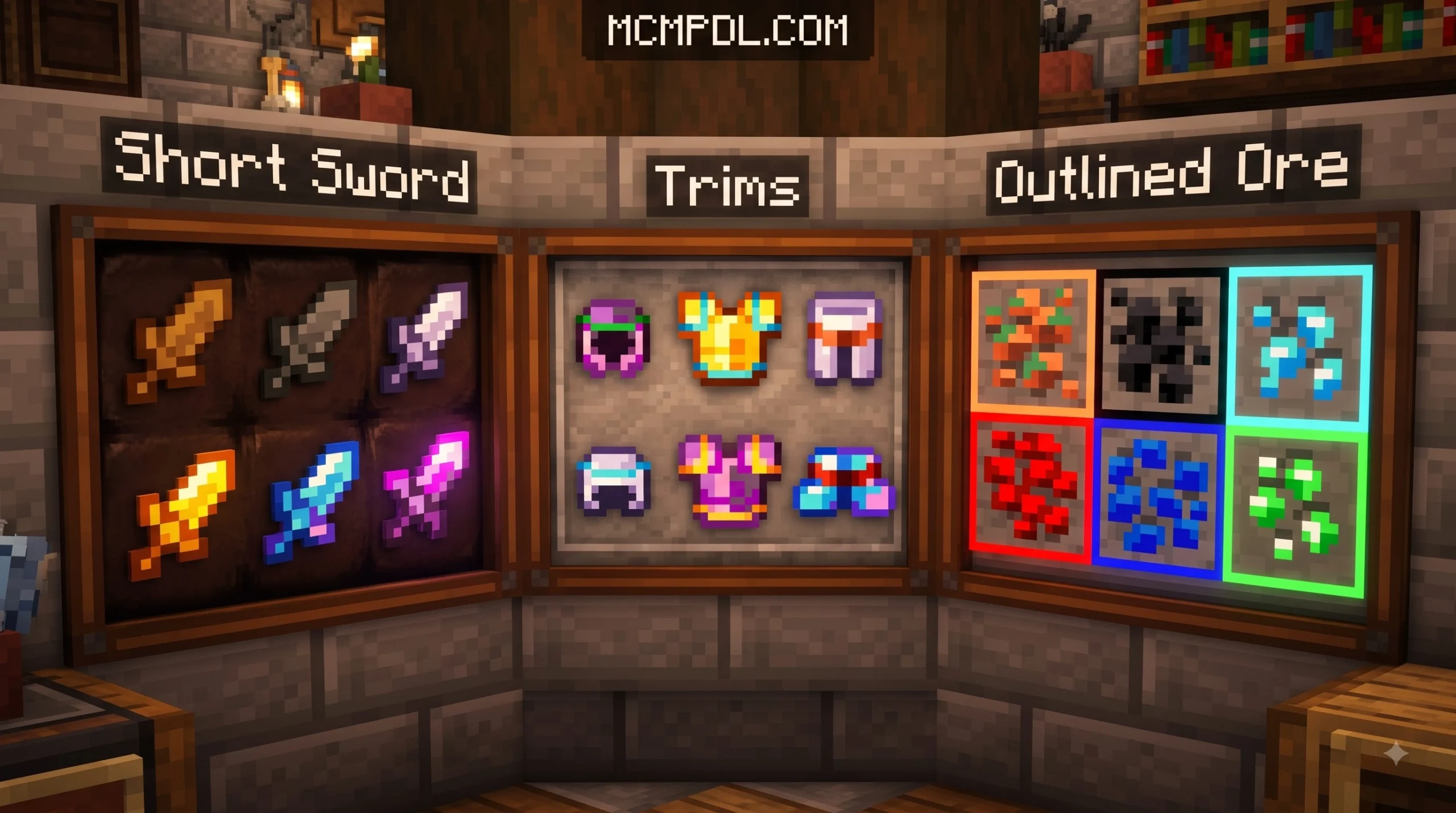
The BRILLIANT PVP Texture Pack for Minecraft PE/Bedrock is a resource pack built to make combat easier to read in Minecraft. It uses PvP-friendly changes such as shorter swords, low fire, a smaller shield, transparent UI elements, and outlined ores. Install the matching .mcpack file, then activate it in Settings > Global Resources or in a world’s Resource Packs menu before joining a match.
Brilliant is a strong choice if Minecraft’s default visuals feel too busy during fast fights. Its brighter, more saturated style can also improve the look of survival worlds and builds. Different releases offer resolutions from 16x to 128x, so mobile players can favor 16x for smoother frame rates, while powerful PCs can use higher-detail options.
The Marketplace edition has a 4.6 out of 5 average from 1,129 ratings, showing that it has found a large Bedrock audience. For players who want to explore more options, our top Bedrock texture packs collection includes many other performance-friendly choices.
Why You Need a Dedicated PvP Resource Pack in Bedrock Edition
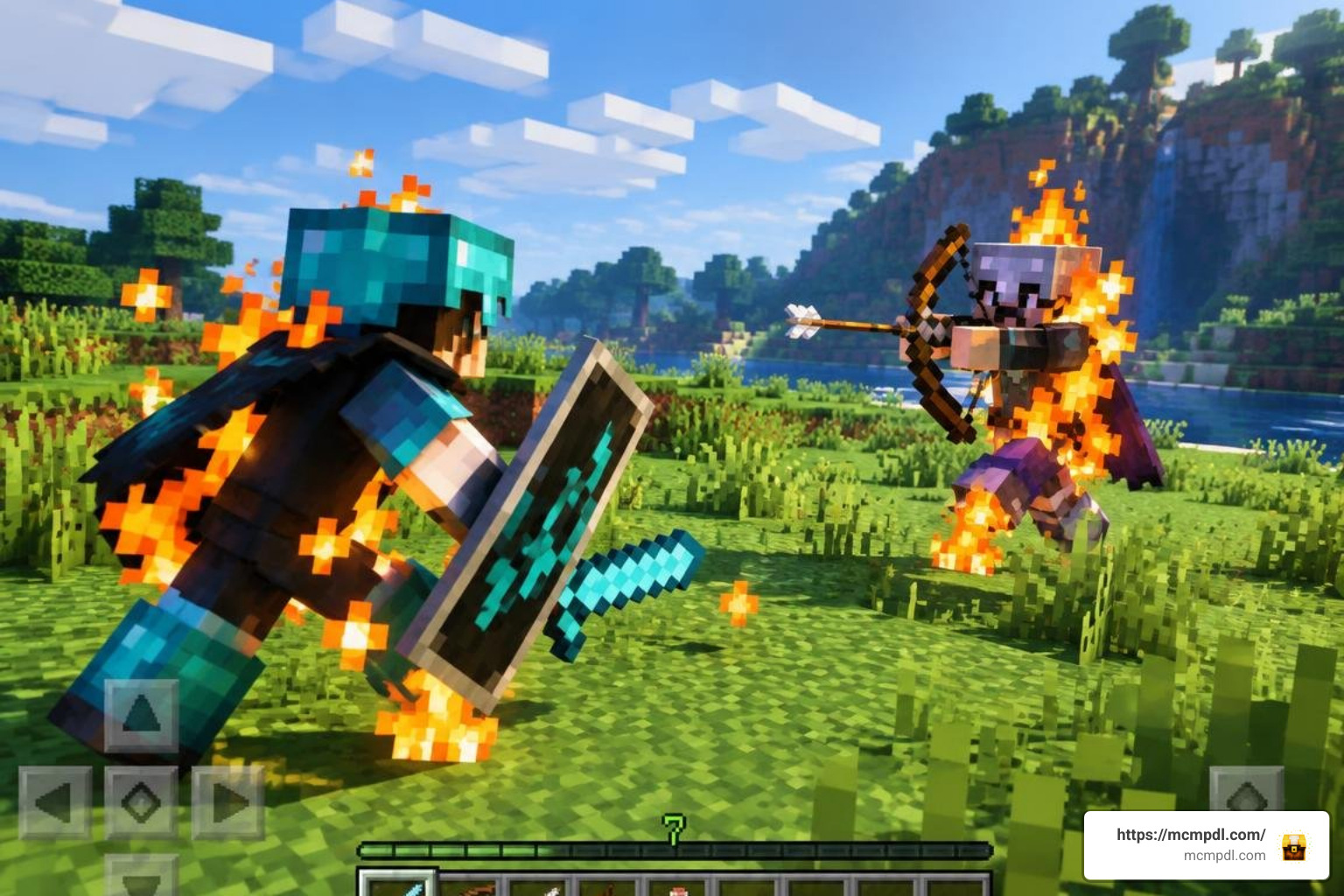
Vanilla Minecraft is visually charming, but standard graphics present clear disadvantages during competitive combat. Standard fire fills half your screen when you take blaze or lava damage, blinding you right when you need to react. Bulky shield models obscure critical enemy movements, and oversized sword sprites block your crosshair during jump-reset combos and rapid tracking.
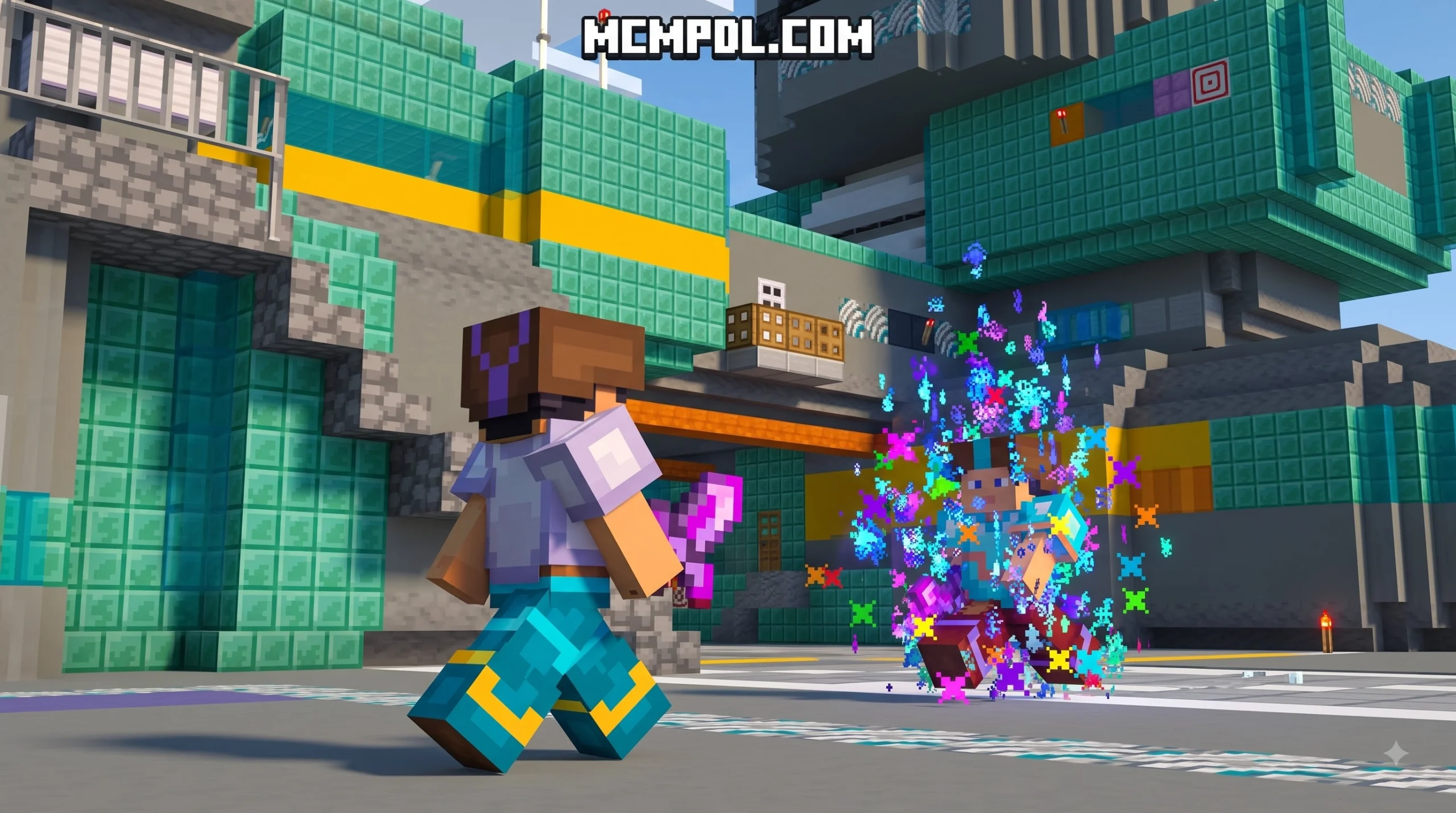
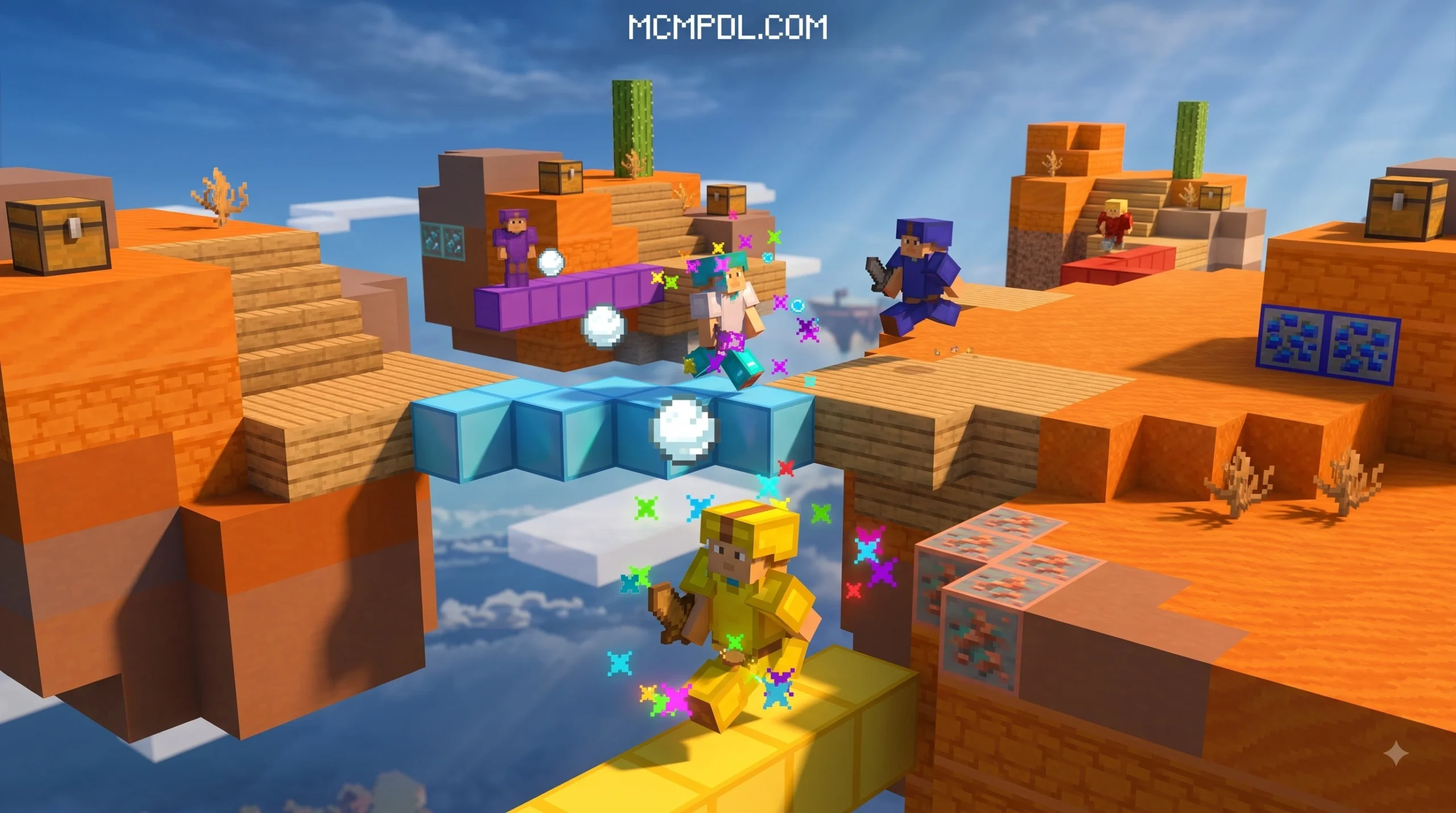
In competitive arenas like Bedwars, SkyWars, and Crystal PvP, milliseconds dictate the outcome of an engagement. Dedicated PvP packs refine your interface and streamline rendering pipelines. By removing unnecessary screen clutter, lowering environmental fire, and sharpening item boundaries, these packs deliver superior situational awareness. Critical indicators such as custom crosshairs, bow draw stages, and clear armor durability make tracking high-stakes fights significantly more intuitive.
Moreover, rendering efficiency matters heavily on mobile devices, tablets, and lower-end console hardware. Optimised texture sets reduce GPU load under Bedrock’s RenderDragon engine, helping maintain stable frame rates during chaotic multiplayer skirmishes with high entity counts. To explore more visual upgrades, check our curated selection of top Bedrock texture packs designed for every playstyle.
Deep Dive: BRILLIANT PVP Texture Pack for Minecraft PE/Bedrock
The BRILLIANT suite stands out as one of the most versatile visual overhauls available for Bedrock Edition. Whether you look at community versions like Brilliant 1.2 or the updated releases on the Minecraft Marketplace, the pack balances functional combat clarity with vibrant world styling.
Community builds hold strong reception with ratings around 4.1 stars, while the official Marketplace release—titled BRILLIANT PVP [1.21+] by Blocky—maintains a 4.6 out of 5-star score across 1,129 reviews, with 82% of players awarding it a full 5 stars. Listed at 830 Minecoins (approximately $4.35 USD), this edition receives regular content updates, extending compatibility across contemporary Bedrock versions.
For players seeking comprehensive overhauls without spending Minecoins, standalone community versions like Brilliant 1.2 deliver extensive version compatibility across versions 1.10 through 1.21+.
Key Features of the BRILLIANT PVP Texture Pack for Minecraft PE/Bedrock
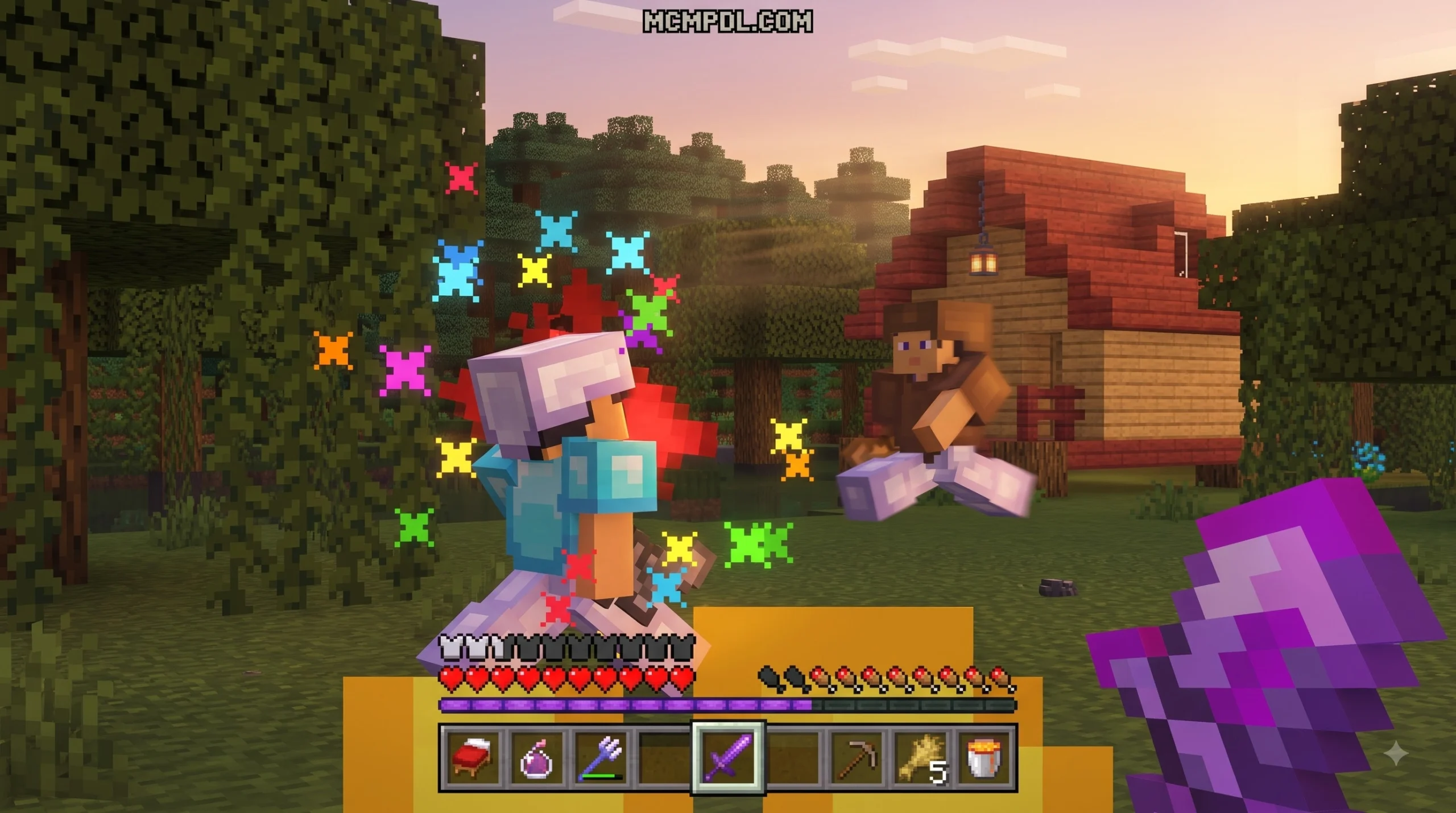
- Compact Weapon Models: Shortened sword textures provide an unobstructed view of opponents’ movements during melee exchanges, letting you track sprint resets and strafes with precision.
- Low Fire and Low Shield: Reduced fire height prevents blindness while taking burning damage, and trimmed shield models preserve peripheral vision during defensive blocking.
- Transparent UI: Clean, translucent inventory, chest, and crafting menus allow you to track your surroundings while hot-swapping gear or organizing your hotbar in dangerous areas.
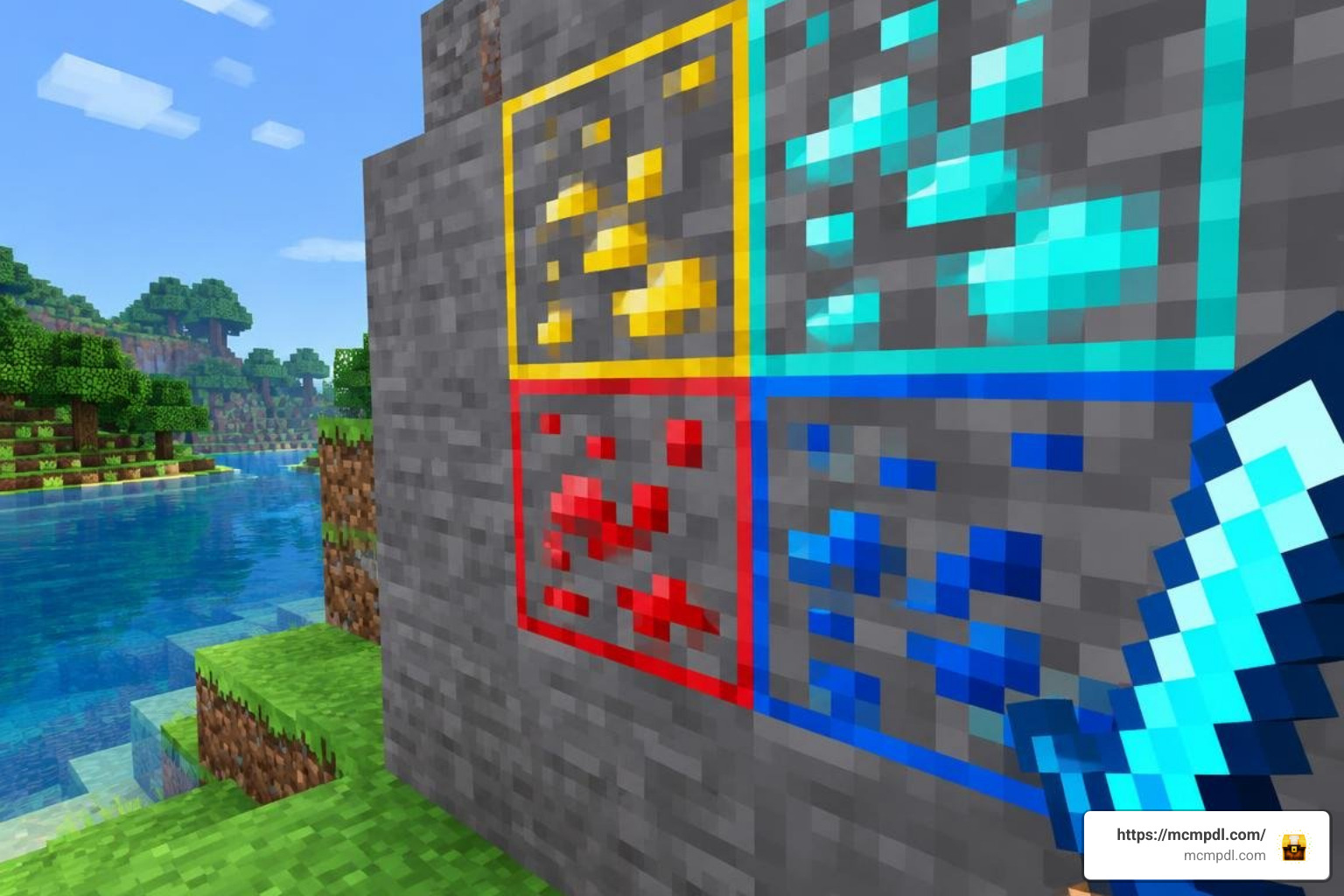
- Outlined & Animated Ores: Bright borders around diamond, netherite, iron, and gold blocks streamline quick-gearing phases in minigames and fast mining runs.
- Bow Charge Indicators: Clear stage markers indicate draw strength so you can land fully charged arrow shots consistently at mid-to-long ranges.
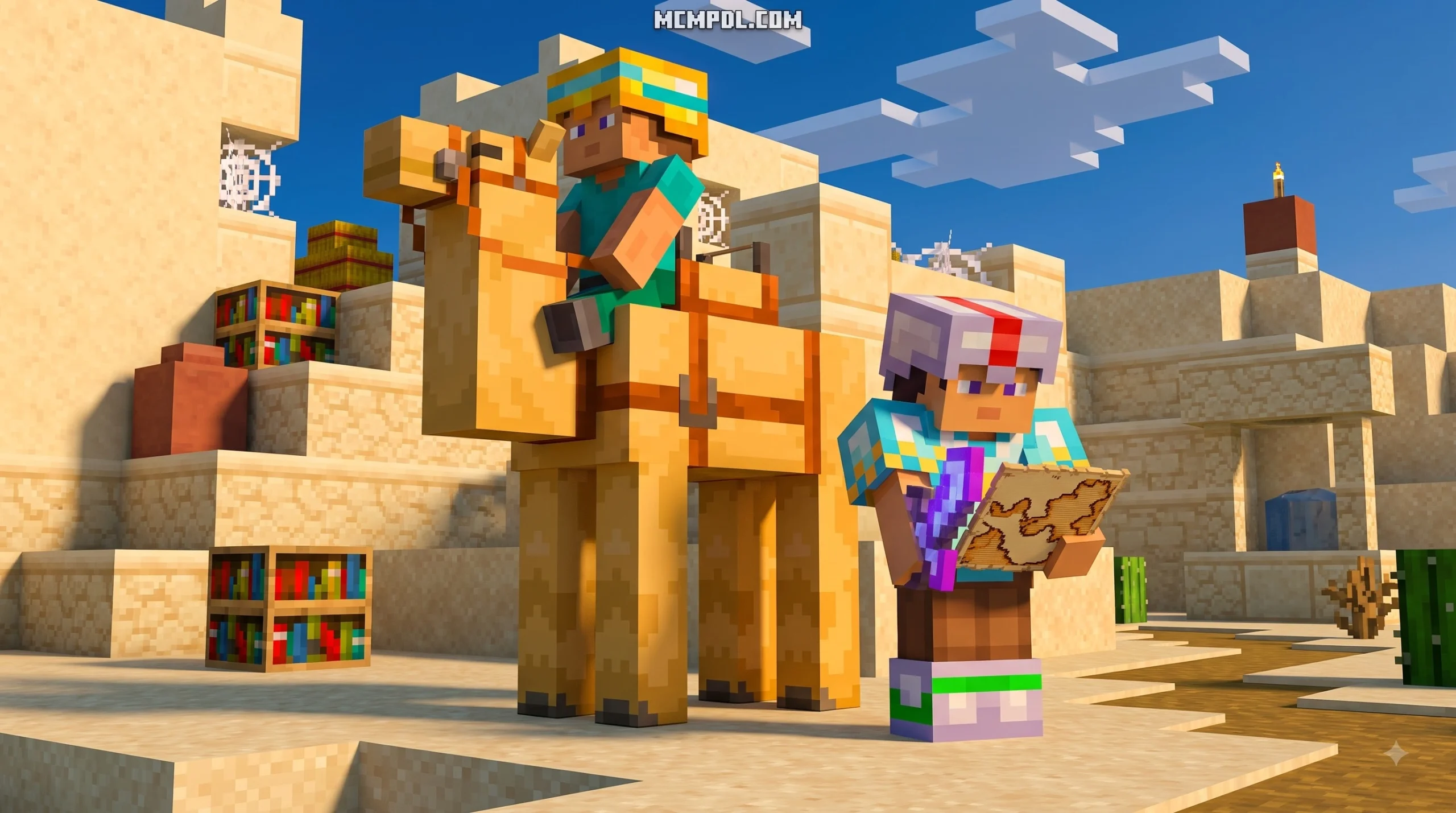
- Vibrant Environment & Brighter Nether: Elevated color saturation improves depth perception in dark caves, Nether fortresses, and dimly lit arenas.
- Updated Mob Variants & Modern Textures: Recent updates feature clean variants for pigs, cows, chickens, and wolves, as well as distinct textures for Pale Oak wood and spawn eggs.
How to Install BRILLIANT PVP Texture Pack for Minecraft PE/Bedrock Across Devices
Installing the pack across mobile, PC, or console environments takes only a few simple steps:
- Download the File: Acquire the
.mcpackfile from your chosen verified source or purchase directly via the in-game Marketplace. - Import into Minecraft:
- Android / iOS: Tap the downloaded
.mcpackfile from your device’s file manager and choose Open with Minecraft. The game will launch and display an “Import Started” banner. - Windows 10/11: Double-click the
.mcpackfile to trigger the automatic client import directly into your resource folder.
- Android / iOS: Tap the downloaded
- Activate Globally: From the Minecraft main menu, navigate to Settings > Global Resources > My Packs, locate Brilliant PvP, and click Activate.
- Configure Subpacks (Optional): If using a multi-resolution community release (offering 16x, 32x, 64x, or 128x), tap the gear icon next to the active pack in Global Resources to select your target resolution based on your device capabilities.
Top 10 PvP Texture Packs for Minecraft Bedrock Ranked
| Rank | Pack Style | Primary Resolution | Key Strengths | Best Suited For |
|---|---|---|---|---|
| 1 | BRILLIANT PVP | 16x / 32x / 128x | Outlined ores, short swords, low fire, saturated colors | All-around PvP & Survival |
| 2 | Streamlined Competitive Pack | 16x | Clean hitboxes, low shield, streamlined UI | Competitive Bedwars & Duels |
| 3 | Compact Combat Pack | 16x / 32x | Compact gear, custom hurt/totem audio, custom sky | Nodebuff & Ranked Arenas |
| 4 | Fast-Paced Combat Pack | 16x | Invisible totem pop, small shields, flashy swords | High FPS & Fast-Paced Matches |
| 5 | High-Contrast Combat Pack | 16x | High-contrast swords, minimal particles, smooth UI | Crystal PvP & Mobile Play |
| 6 | Low-End Device Pack | 16x | Dark UI, shortened blades, simplified blocks | Low-end Mobile Devices |
| 7 | Team Fight Visual Pack | 16x / 32x | Clear potion indicators, custom crosshairs | SMPs & Team Fights |
| 8 | Mid-Range Clean Pack | 32x | Crisp sword edges, custom skyboxes, minimal lag | Mid-range Devices & Arenas |
| 9 | Bridge Duel Optimized Pack | 16x | Optimized armor models, low fire, smooth font | Bedwars & Bridge Duels |
| 10 | Vanilla-Feel Competitive Pack | 16x | Faithful visual style, reduced particle clutter | Vanilla-Feel Competitive Play |
If you want an alternative all-in-one combat overhaul, consider pairing your setup with the Ultimate PVP Pack Texture Pack for Minecraft PE/Bedrock, which emphasizes lightweight 16x assets and clean hit registration feedback.
Top 16x and Clean Visual Packs for High FPS
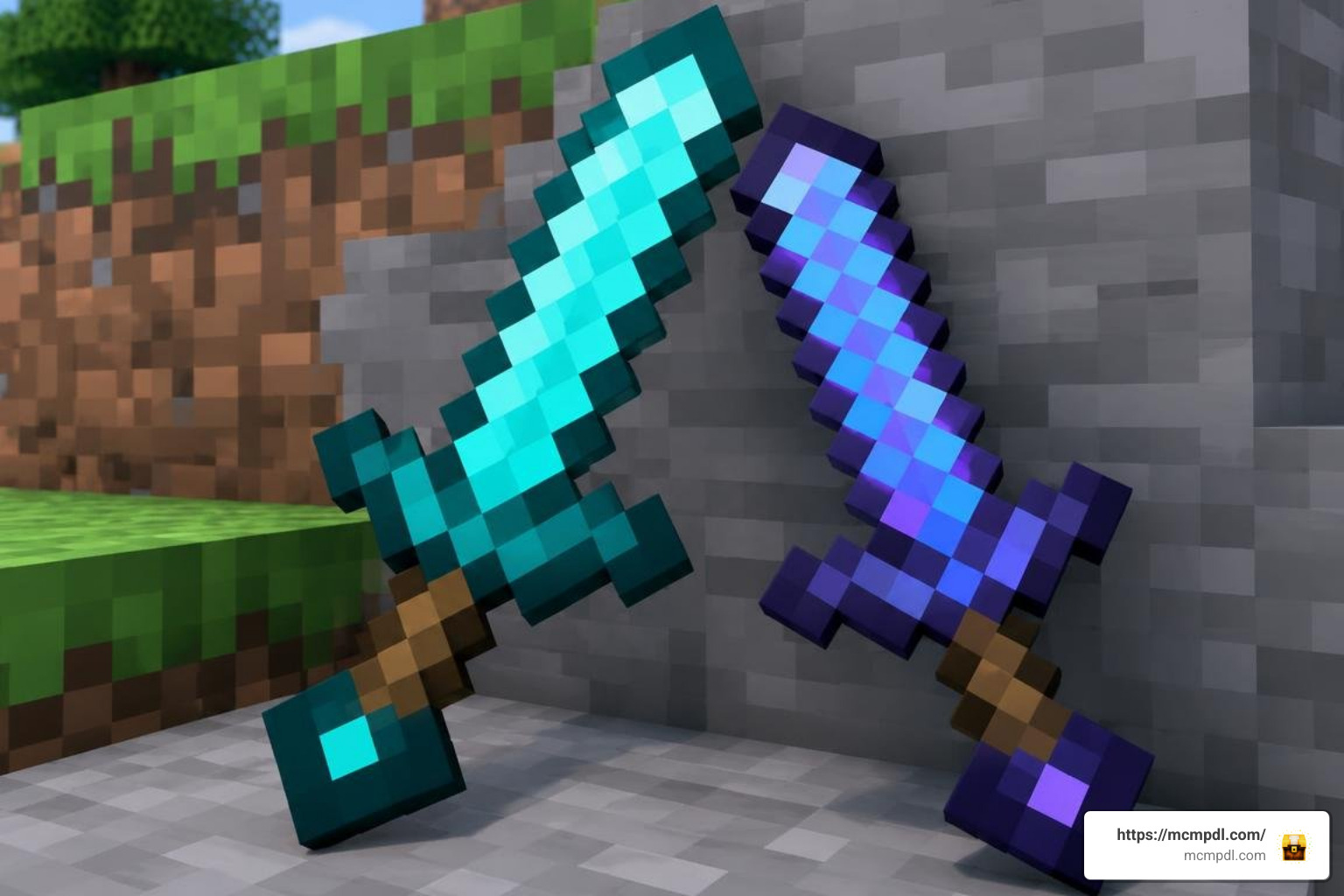
For players prioritizing maximum frames per second, 16x packs remain the gold standard across Bedrock multiplayer. Lightweight community options strip away non-essential particle clouds, shorten sword lengths, and replace cluttered block patterns with flat, clean textures that render effortlessly on mobile and console hardware.
Some community-favorite 16x packs boast well over 176,000 combined downloads by simplifying rendering requirements significantly. By streamlining explosion animations, minimizing potion swirls, and diminishing lingering smoke from End Crystals and TNT, 16x packs keep frame times low when intense combat pushes hardware to its limits.
High-Definition and Themed Overlays for High-End Setups
Players running Bedrock on capable gaming PCs or flagship tablets can opt for 32x, 64x, or 128x resolutions without dropping frames. Higher-resolution packs incorporate detailed weapon hilts, smooth gradient skyboxes, custom day-night cycle atmospheres, and crisp sound effects for hits, fall damage, and Totem activations.
The multi-resolution versions of Brilliant let you scale visual fidelity up to 128x, pairing detailed block textures with competitive features like RGB crosshairs, animated ore glints, and modern HUD elements.
Frequently Asked Questions About Bedrock PvP Packs
What makes the Brilliant PvP pack different from standard resource packs?
Unlike aesthetic packs that only change world appearances, Brilliant focuses on combat ergonomics. It integrates short weapon models, reduced fire layers, translucent user interfaces, and highlighted ore blocks while maintaining a colorful, saturated art style that looks great across survival and competitive servers alike.
Does using a high-resolution PvP texture pack reduce FPS on mobile devices?
Yes. Running 64x or 128x resolutions increases memory bandwidth and GPU processing demands on mobile chipsets. For smooth frame pacing on phones and entry-level tablets, 16x resolutions provide the most consistent performance.
Can you convert Java PvP texture packs to Minecraft Bedrock?
Yes, but manual adjustments are necessary due to structural differences between Java and Bedrock resource folders. Bedrock uses .mcpack archives and different texture mapping paths. Community conversion tools can translate Java packs into Bedrock-compatible formats, though subpack features and custom sound definitions may require manual configuration.
Conclusion
Choosing the right resource pack can transform your competitive experience in Minecraft Bedrock Edition. The BRILLIANT PVP Texture Pack for Minecraft PE/Bedrock delivers an excellent balance of clean combat sightlines, vibrant aesthetics, and multi-tier resolution options suitable for both casual survival and high-stakes arena play.
Equip a resolution that matches your device, jump into your favorite arena, and enjoy cleaner visual clarity. To browse our full directory of client utilities, skins, and worlds, discover all Bedrock resource packs and addons on our platform.
2 thoughts on “BRILLIANT PVP Texture Pack for Minecraft PE/Bedrock”