
Scroll down to D0vvnl0ad
What Is an AI Players Addon for Minecraft PE/Bedrock and How Does It Work?
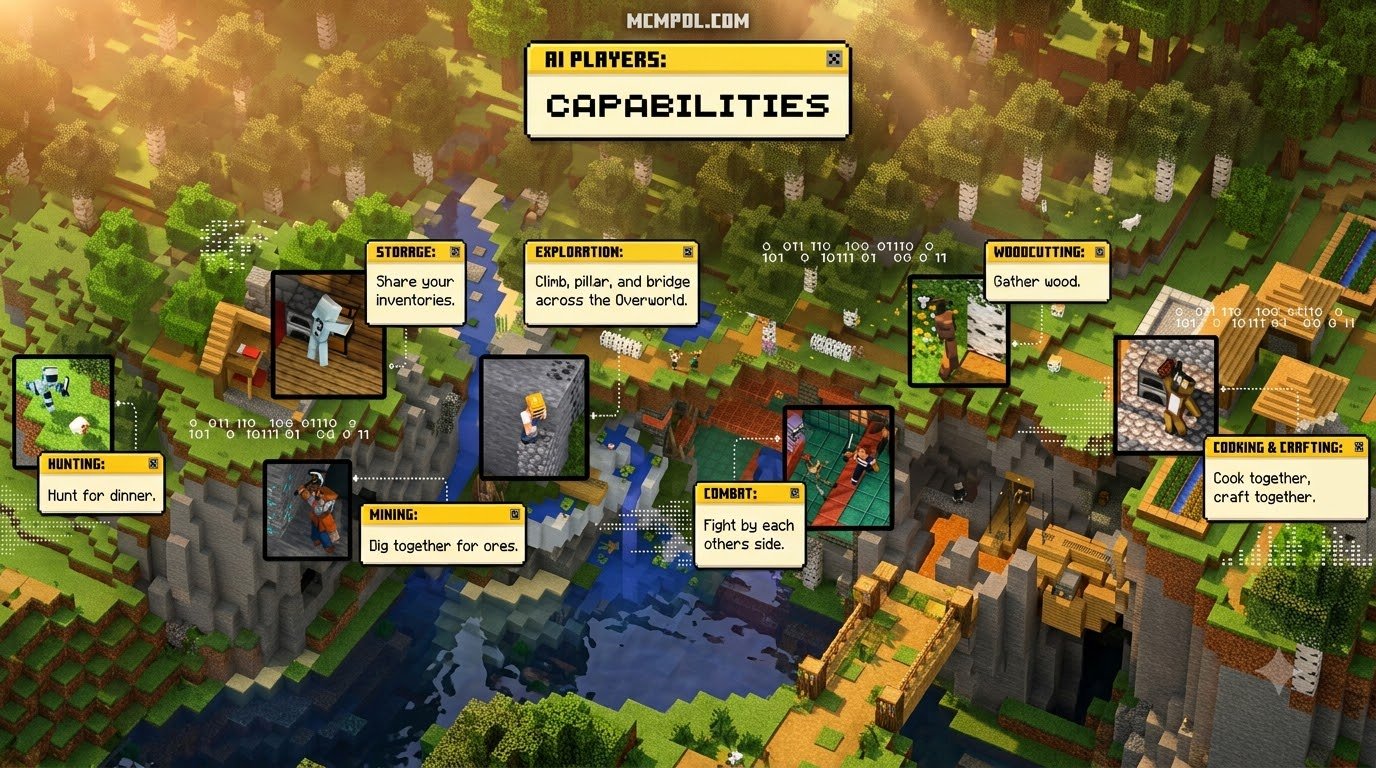
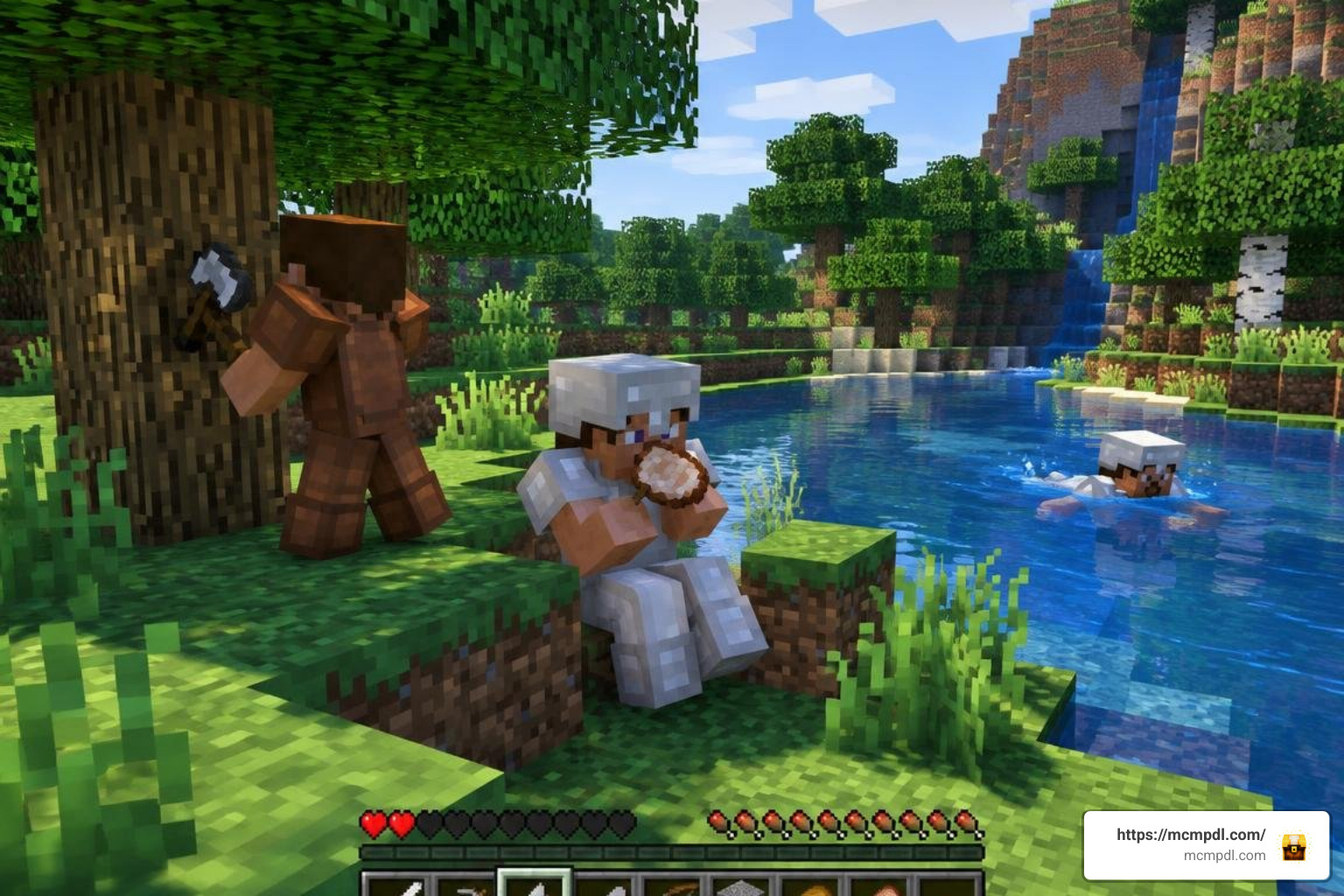
To install an AI players addon, download the .mcaddon or .mcpack file, open it with Minecraft to import it, activate both the resource pack and behavior pack in your world settings, and enable the Beta APIs experiment before loading the world. Once installed, the addon introduces custom entities that share player skins, animations, and behaviors instead of behaving like basic passive animals or hostile monsters. Standard Minecraft mobs follow rigid goals such as wandering aimlessly, attacking targets on sight, or fleeing when hit. AI players, on the other hand, incorporate layered decision-making systems. They can hold tools, wear armor, pick up dropped items, swim across rivers, eat food when low on health, and navigate complex terrain.
Under the hood, creators build these companions using Bedrock’s behavior pack framework, JSON component definitions, and the JavaScript-based Scripting API. When we explore modern custom Bedrock add-ons, we see scripts continuously monitoring world variables. The game evaluates the bot’s health, inventory slots, environmental threats, and proximity to the human player to trigger context-sensitive actions.
Scripted Rules vs True LLM Integration in Bedrock
It is important to understand the technical divide between scripted bot addons and external Large Language Model (LLM) integrations:
- Rule-Based Decision Trees (If-Then Logic): The vast majority of standalone
.mcaddonfiles run entirely offline within the Bedrock engine. They use hard-coded conditions (e.g., if nighttime and hostile mob near, equip sword and strike; if hunger is low, consume bread). These packs run smoothly across mobile and console hardware without lag, but the bots cannot carry on genuine open-ended conversations or learn new strategies outside their predefined code. - External LLM Endpoints: Advanced tools and specialized packs link Minecraft Bedrock chat directly to cloud models (like OpenAI, Google Gemini, or local models running via Ollama). By parsing user text through server requests or local webhooks, the AI can formulate original dialogue, remember previous conversations, or execute console commands based on natural phrasing. However, connecting to cloud endpoints introduces slight network latency, requires valid API keys, and may consume daily token credits.
Companion Bots, Hunters, and Autonomous Survivalists
Different creators design AI players to fulfill specific gameplay roles:
- Friendly Companions: These bots stay near you, defend against hostile threats, carry surplus inventory, and increase their “sympathy” or friendship meter when you share food or fight side by side. They make great allies when taking on challenging boss encounters in your survival world.
- Manhunt Hunters: Hostile AI bots designed for solo PvP training. They gather their own wood, craft stone and iron gear, construct staircases or pillar up during vertical pursuits, and employ anti-cheese routines to prevent you from trapping them in basic block cages.
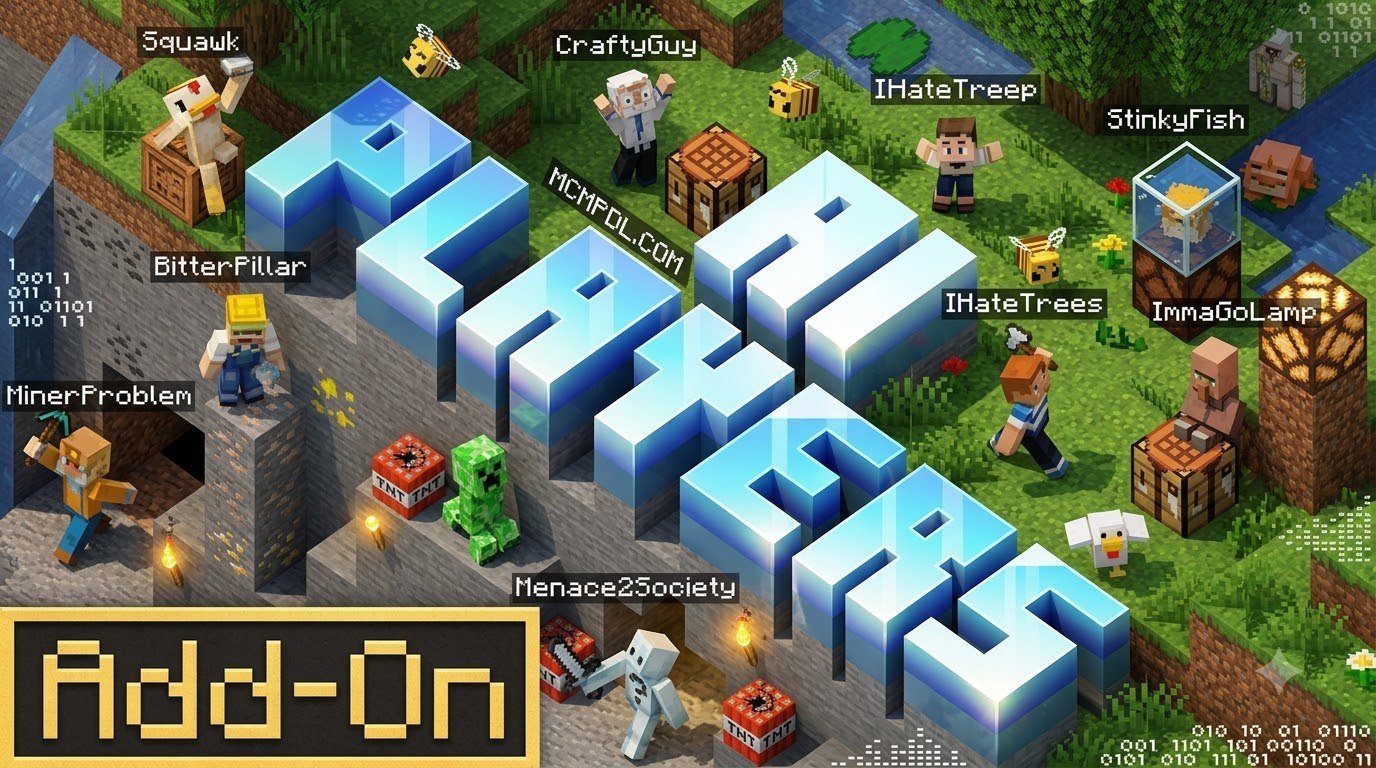
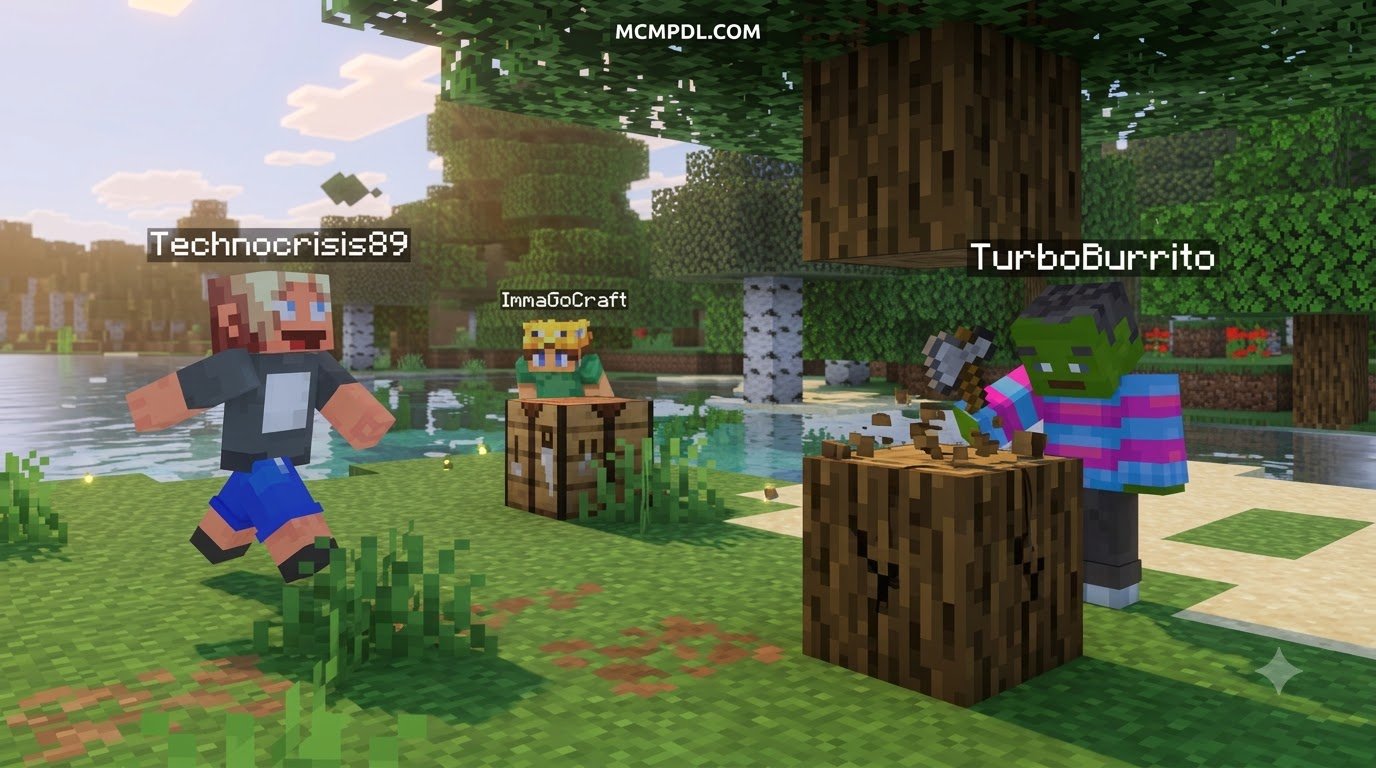
- Autonomous Survivalists: Multi-agent survival bots that simulate a live multiplayer server. These entities chop trees, establish small shelters, interact in simulated chat channels, trade resources, and explore dimensions independently.
Top Features and Best Addons for Solo Worlds
To help you decide which companion fits your playstyle, we have broken down the leading community creations available for Bedrock Edition:
| Addon Name | Primary Focus | Best Features | Experimental Settings Required | Typical File Size |
|---|---|---|---|---|
| AI Multiplayer / Ai Friends | Cooperative Survival | Friendship affinity system, group combat, weather reactions, trap escaping | Yes (Beta APIs) | ~496 KB |
| Manhunt AI Bot | PvP / Hunter Challenge | Central decision brain, vertical pursuit (pillaring), route memory, anti-cheese | Yes (Beta APIs) | ~130 KB |
| AI Players Echoes of Multiplayer | Server Simulation | Autonomous building, simulated server chat, faction squads, friend teleportation | Yes (Beta APIs) | ~245 KB |
| Better AI Player | Vanilla Companion | Follow/guard modes, lightweight scripts, achievement compatibility | No (Vanilla friendly) | ~1.11 MB |
| BlockAI | LLM Command Engine | In-game /setapikey command, dynamic chat execution, external API hooks | Yes (Scripting / Beta APIs) | ~33 KB |
| Verity BE | Visuals & Interaction | High-definition models, ray tracing support for high-end PCs, custom rigs | Yes (Beta APIs) | ~23.34 MB |
Top Options for Choosing an AI Players Addon for Minecraft PE/Bedrock
Selecting the right pack depends heavily on what you want out of your world. If you are looking for an immersive single-player adventure with social dynamics, AI Multiplayer / Ai Friends offers deep companionship mechanics. You can feed your bots, request assistance in combat, and summon them directly using /summon rg:bot.
If you prefer intense combat practice, the Manhunt AI Bot features complete progression algorithms, letting 1 to 4 hunters gather resources, craft weapon tiers, and pursue you across the Nether and the End. For players who want to preserve world achievements without toggling experimental flags, lightweight alternatives like the Better AI Player pack provide essential guard features without altering base player data.
Advanced Behavior: Building, Combat, and Memory Systems
Modern Bedrock scripting has pushed AI players far beyond simple mob behaviors:
- Route Blacklisting and Path Memory: When an AI bot hits a dead end or gets stuck in a ditch, modern navigation scripts blacklist those coordinates temporarily, recalculating an alternate route around obstacles.
- Vertical Pursuit and Block Placement: Hunters and survivalists can place blocks beneath their feet to climb cliffs or place stairs to navigate multi-level cave systems.
- Combat Intelligence and Timers: Rather than spamming attacks, intelligent bots utilize shield blocking, backstep from melee strikes, and switch between swords and bows depending on your distance. This makes them great combat practice when paired with diverse mob packs that populate your world.
- Simulated Economies and Factions: Addons like Echoes of Multiplayer introduce squad captains, neutral and hostile player groups, and autonomous structure building using predefined 16×16 structure blocks.
How to Download and Configure Bedrock AI Companions
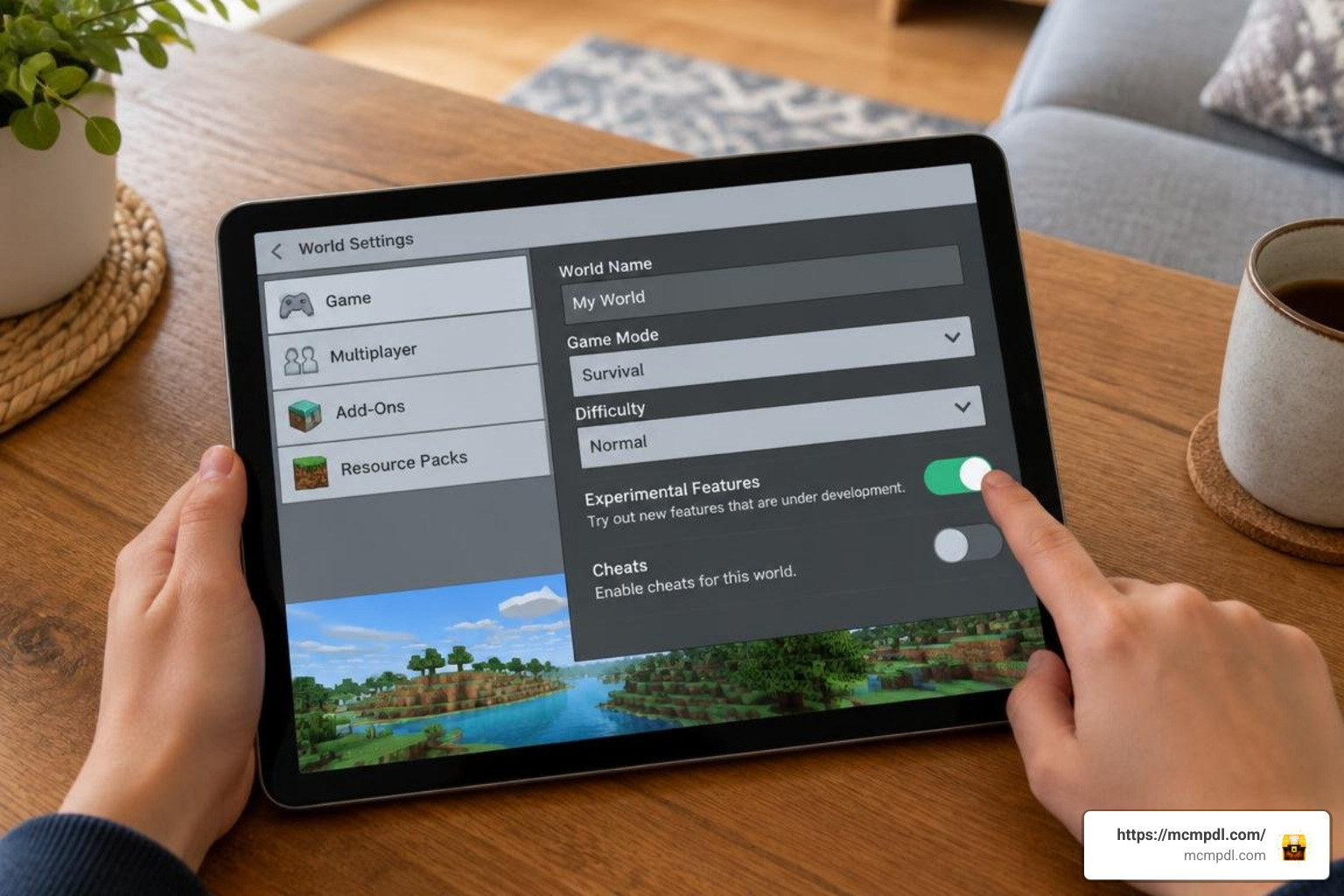
Installing AI companions on Bedrock Edition is straightforward once you know how the game handles .mcaddon and .mcpack files.
How to Install AI Players Addon for Minecraft PE/Bedrock on Any Device
Follow these platform-specific steps to get your add-on running:
- Download the Addon: Save the
.mcaddonor.mcpackfile to your device storage from a trusted source. - Import into Minecraft:
- Android: Tap the downloaded file in your file manager and select Minecraft from the “Open With” prompt. Alternatively, move the extracted behavior and resource folders into your
/Android/data/com.mojang.minecraftpe/files/games/com.mojang/directory. - iOS / iPadOS: Open the Files app, locate the downloaded
.mcaddonfile, tap and hold it, select Share, and choose Minecraft. The game will launch and display “Import Started”. - Windows 10 / 11: Double-click the
.mcaddonfile. Minecraft will launch automatically and import the pack into your global storage.
- Android: Tap the downloaded file in your file manager and select Minecraft from the “Open With” prompt. Alternatively, move the extracted behavior and resource folders into your
- Apply Packs to Your World:
- Go to Play > Create New World (or click the edit pencil on an existing world).
- Scroll down the left sidebar to Resource Packs and activate the addon’s resource pack.
- Scroll to Behavior Packs and activate the companion behavior pack. Ensure both packs are active simultaneously.
Enabling Experimental Gameplay and Beta APIs
Most advanced AI bots rely on Bedrock’s newer scripting features. If you skip this step, your bots will either fail to spawn or stand completely still.
- In your World Settings menu, scroll down to the Experiments section.
- Toggle Beta APIs to ON.
- Enable Holiday Creator Features and Upcoming Creator Features if specified by the addon creator.
- Accept the experimental warning prompt (the game will automatically create a backup of your world).
- Launch your world. If using an API-driven addon like BlockAI, open your chat box and enter your provider key with
/setapikey <YOUR_KEY>. For offline scripted bots, use their native summon command (such as/summon rg:botor/summon manhunt:hunter) to begin playing.
Performance Optimization and Troubleshooting Common Engine Limitations
Running multiple AI bots in a single world increases the calculation workload on your device’s processor. Each active bot must calculate line-of-sight, scan surrounding blocks, manage inventory tables, and update pathfinding paths every game tick.
To keep your frame rates high and prevent tick lag:
- Limit Active Bots: On mobile devices and lower-end consoles, keep active AI bots between 1 and 3. Running 4 or more complex bots simultaneously can double CPU calculations and cause sudden TPS (ticks per second) drops.
- Lower Simulation Distance: Set your world Simulation Distance to 4 chunks in Video Settings. This prevents bots from attempting path calculations in far-off, unloaded terrain.
- Clear Route Cache: If bots become unresponsive after long play sessions, saving and reloading the world clears the entity navigation memory.
- Manage Mod Conflicts: Running heavy entity add-ons alongside wildlife environment mods can max out the global entity cap. If bots stop spawning naturally, reduce ambient mob spawns or summon your AI players manually using spawn eggs.
Frequently Asked Questions About Bedrock AI Players
Can You Use an AI Players Addon on Mobile Devices and Consoles?
Yes! .mcaddon files work natively on Android and iOS devices. On consoles (Xbox, PlayStation, Nintendo Switch), you cannot directly download third-party files through a browser. However, you can install the addon on a Windows PC or mobile device, upload the world to a Minecraft Realm or private dedicated server, and join that realm from your console to play with AI companions seamlessly.
Are AI Player Addons Free or Do They Require Paid Subscriptions?
Most Bedrock AI player add-ons (including AI Multiplayer, Manhunt AI, and Echoes of Multiplayer) are 100% free community creations distributed as .mcaddon files. Only specialized, external server-side services that provide cross-platform conversational voice chat and dynamic cloud memory operate on subscription or token credit models.
Do AI Player Addons Disable Xbox Achievements in Bedrock Worlds?
Yes, in most cases. Because advanced pathfinding and decision engines require the Beta APIs experimental toggle, enabling these features permanently marks the world as experimental and disables Xbox achievements. However, lightweight scripted companions like Better AI Player work within standard entity parameters without experimental toggles, keeping achievements enabled.
Conclusion
AI player addons bring dynamic teamwork, friendly social interactions, and intense combat practice to solo Minecraft Bedrock worlds. Whether you want a reliable helper to guard your base, an autonomous buddy to explore caves, or a relentless hunter to test your survival instincts, community modding makes solo play feel lively and unpredictable.
As Bedrock’s Scripting API continues to expand, AI companions will only become smarter, faster, and more lifelike. Download your favorite companion pack, enable Beta APIs, and discover more community creations at MCMPDL to build your ultimate survival world today!