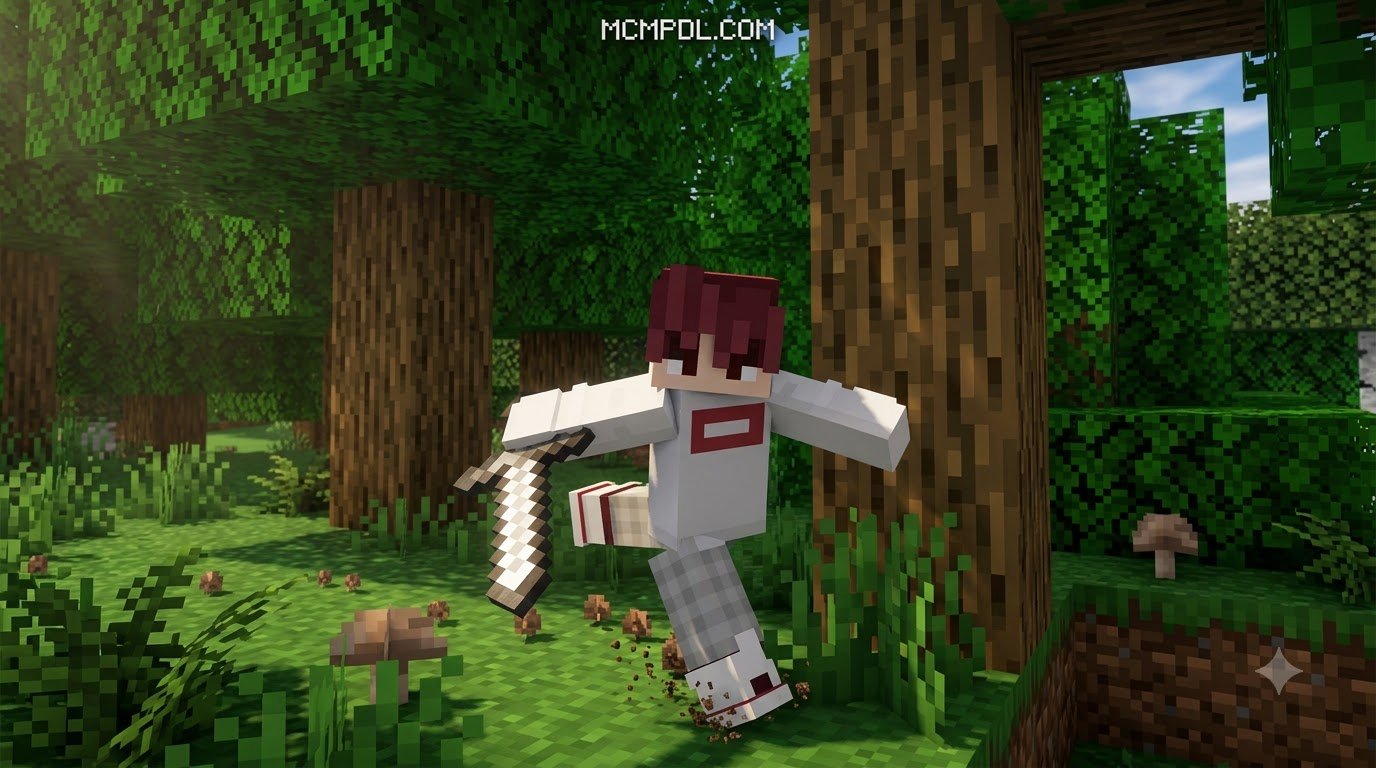
Scroll down to D0vvnl0ad
Overview of the Animations+ Addon for Minecraft PE/Bedrock
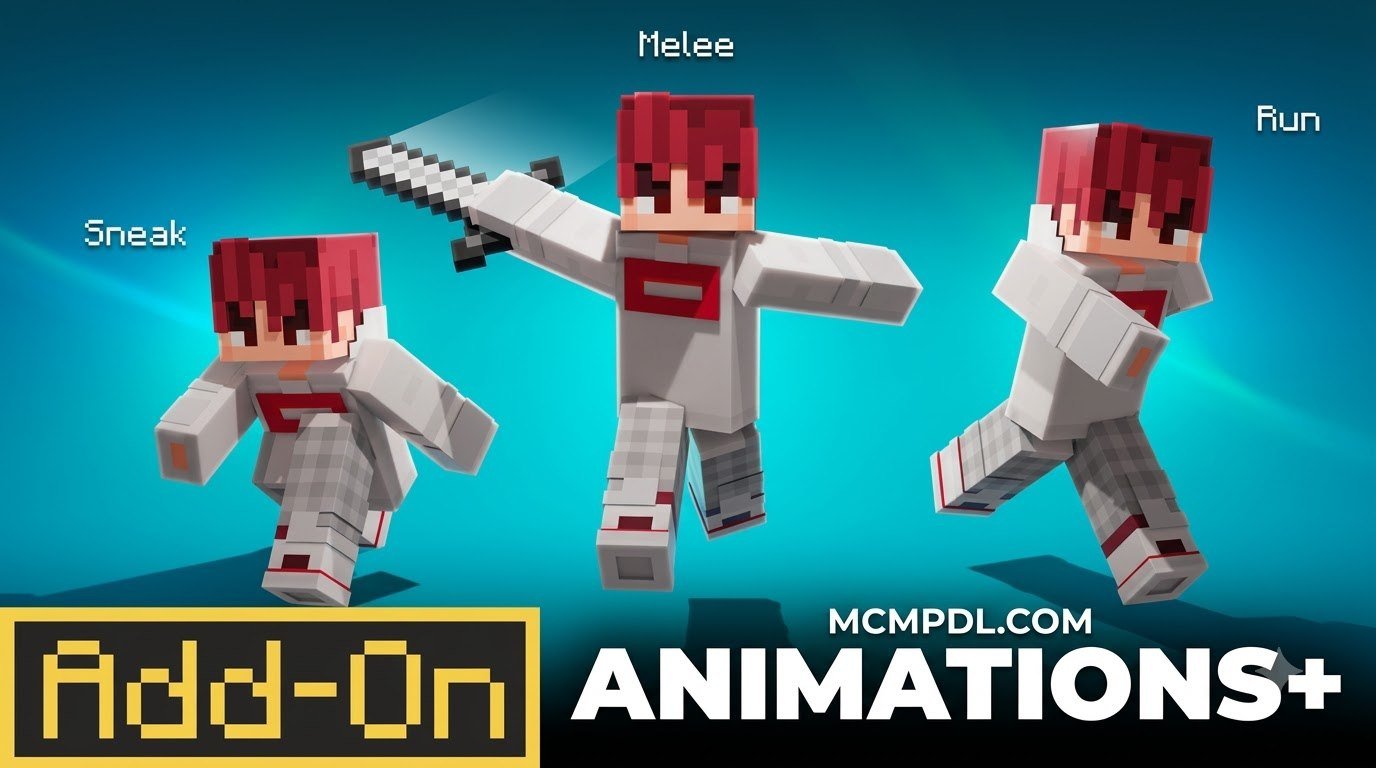
The Animations+ Add-On by MelonBP is a comprehensive visual upgrade designed for Minecraft Bedrock Edition that completely overhauls vanilla character movement with more than 20 dynamic player animations. These include fluid sprinting, weighted combat swings, natural swimming transitions, realistic ladder climbing, and expressive idle gestures. The add-on originally launched on November 19, 2024, and received a major polish update on December 22, 2024. As of September 2026, it maintains an impressive 4.3 out of 5-star rating across more than 11,500 reviews, with over 72% of players awarding it a full 5 stars for its performance and quality.
The add-on is listed at 490 Minecoins (approximately $2.57 USD or €2.42), making it an accessible, premium visual upgrade. It was built from the ground up to operate seamlessly across mobile devices (iOS and Android), consoles (Xbox, PlayStation, Nintendo Switch), and Windows PC, effectively bridging the gap between standard Bedrock movements and high-end visual modifications. Fluid movement systems have quickly become essential elements in modern Bedrock setups, making standard survival worlds and custom roleplay servers feel far more immersive and responsive.
Key Features of the Animations+ Addon for Minecraft PE/Bedrock
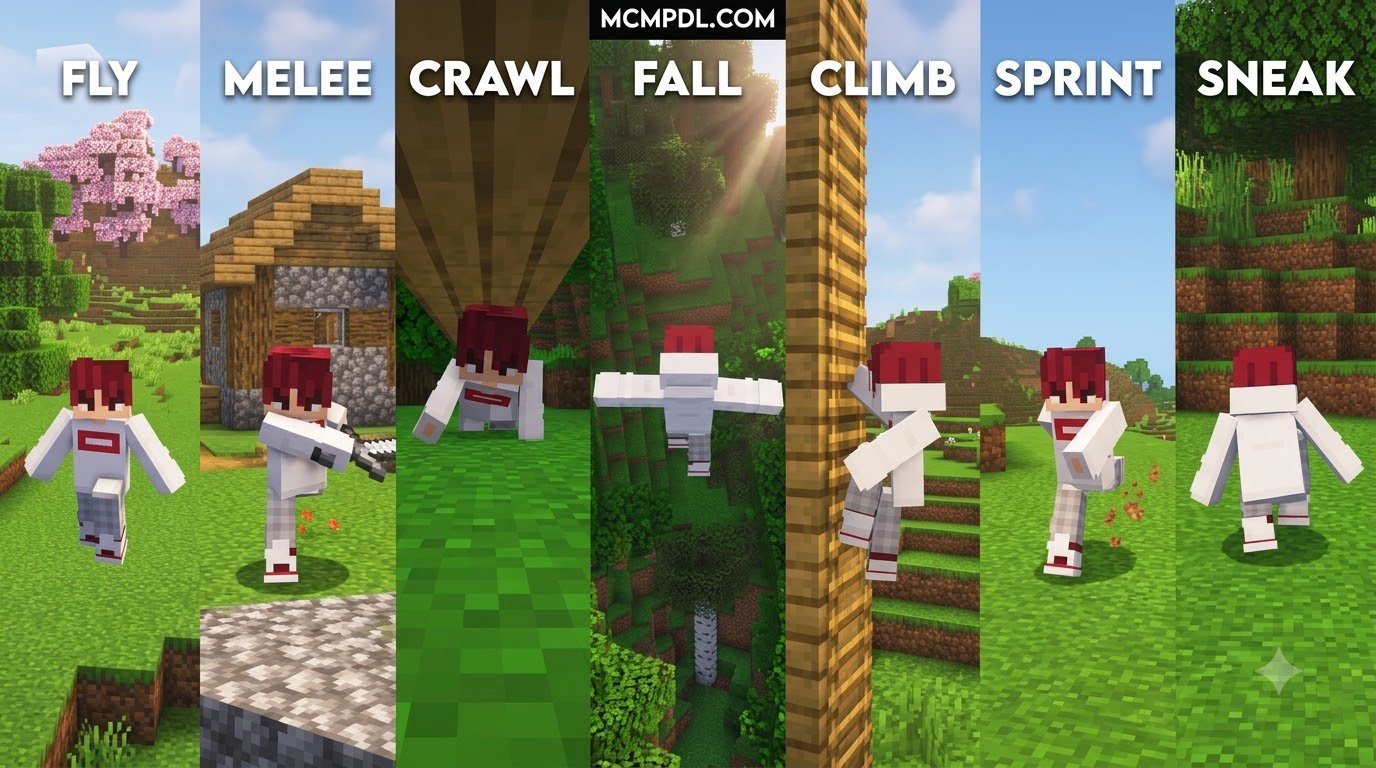
The core strength of this pack lies in its dedicated focus on character movement and physical weight. Instead of generic arm flailing and rigid limb positioning, the add-on introduces over 20 tailored player animations that react dynamically to your momentum, equipment, and environment:
- Fluid Sprinting and Running: Smooth transitions between walking, sprinting, turning, and abrupt stops eliminate the robotic posture of vanilla avatars, adding realistic torso sway and natural stride pacing.
- Dynamic Combat Swings: Weapon swings follow a realistic kinetic arc, making melee combat look weighted and impactful—especially when pairing your setup with an advanced combat addon to redefine your battles.
- Sprint Jumping and Vaulting: Leaping while sprinting gives your character bent knees during ascent and momentum-absorbing landings, reflecting physical weight when traversing rugged terrain.
- Crawling Swim Mechanics: Swimming underwater transitions smoothly into a natural breaststroke and crawling motion rather than the stiff horizontal float of default vanilla models.
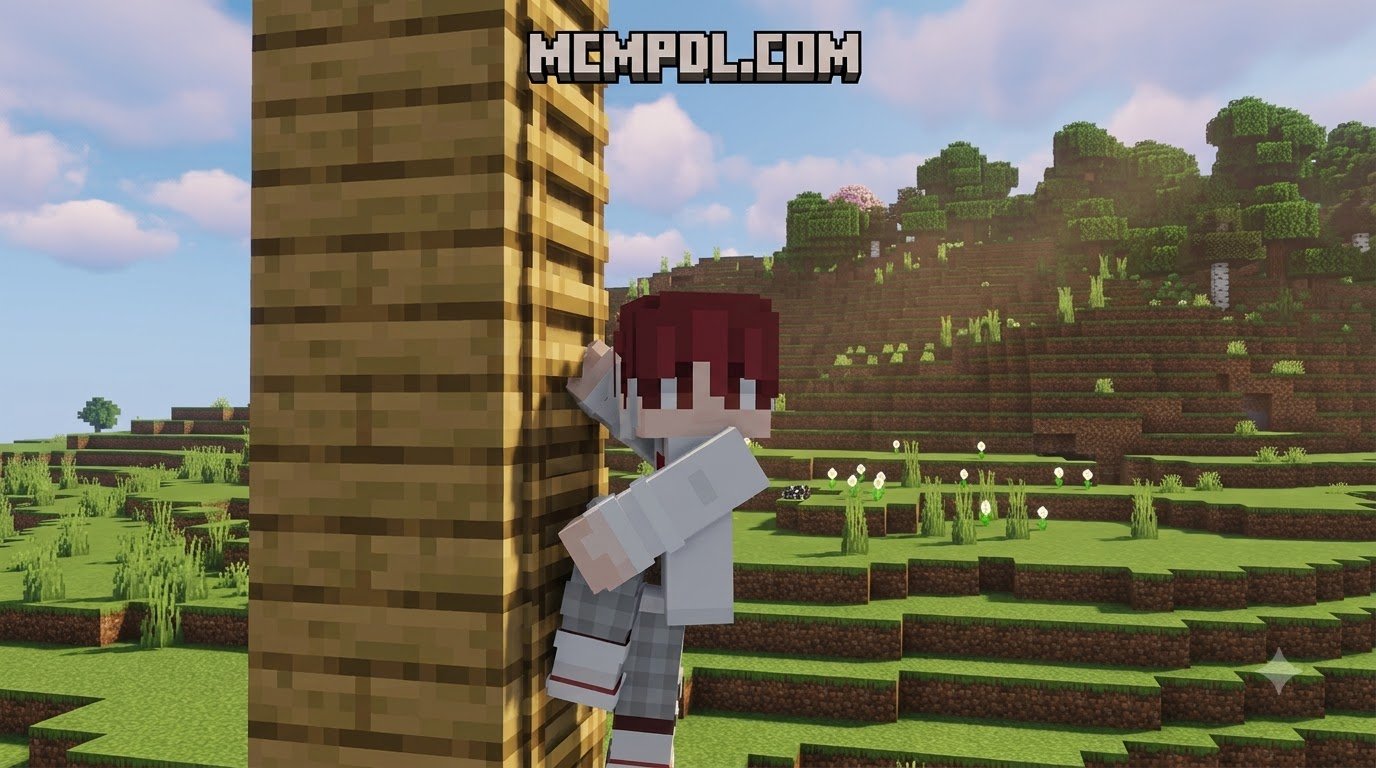
- Climbing and Idle Gestures: Climbing ladders shows realistic hand-over-hand movement and footing adjustment, while subtle idle stances prevent your character from looking like a lifeless mannequin during quiet moments.
- Sneaking and Stealth Poses: Lowered center of gravity and careful stepping give stealth approaches, mining trips, and edge navigation a deliberate, tactical appearance.
Installing the Animations+ Addon for Minecraft PE/Bedrock
Getting the add-on running in your worlds is straightforward, whether you acquire it directly through the in-game Marketplace or import custom pack files:
- Verify Your Version: Ensure your game is updated to Minecraft Bedrock version 1.20.60 or newer to ensure full compatibility with the custom render controllers.
- Purchase and Download: Search for the pack in the in-game Marketplace, complete the purchase of 490 Minecoins, and download the assets directly to your device storage.
- World Activation: Open your world settings menu, navigate to the Resource Packs tab, and activate Animations+. If behavior modifications are included, ensure the Behavior Packs section is also configured accordingly.
- Enable Experimental Gameplay (If Required): While official Marketplace releases are designed to run on standard stable releases, certain experimental framework toggles may be required when combining the pack with external community add-ons. Always review your world options prior to loading.
Comparing Animation Features for Minecraft Bedrock
Not all animation packs serve the exact same purpose in Minecraft Bedrock. Some focus exclusively on refining the player model, while others overhaul the behaviors, facial expressions, and locomotion of hostile monsters and passive wildlife.
| Feature / Metric | Animations+ Add-On | Ultra-Lightweight Visual Packs | Mob-Focused Overhaul Packs |
|---|---|---|---|
| Primary Focus | Player character actions & movement | Player movement & tool swings | Hostile & passive mob animations |
| Animation Count | 20+ distinct player animations | Streamlined motion tweaks | 18+ overhauled mob models |
| Average File Size | Moderate (~1 MB to 15 MB) | Ultra-light (approx. 5.59 KB) | Medium (approx. 150 KB to 2 MB) |
| Scripting Engine | Optimized resource/behavior hooks | Zero scripts (pure resource pack) | Entity model & render controllers |
| Performance Impact | Very low on modern hardware | Negligible (runs on all hardware) | Low to moderate during large raids |
| Marketplace / Cost | 490 Minecoins | Free community packs | Varied community packs |
| Multiplayer Sync | Yes (fully synchronized) | Client or host side | Host world activation required |
Lightweight Animation Design
For players gaming on entry-level mobile devices, low-spec laptops, or competitive multiplayer setups, lightweight packs offer an appealing alternative. A pure visual pack might weigh as little as 5.59 KB, avoiding background scripting entirely. These zero-script options focus on tightening tool swings, smoothing third-person camera bobbing, and eliminating visual clutter, keeping competitive PvP responsive and stutter-free without taxing system RAM or battery life.
Mob Animation Design
If your goal is to bring the wildlife and monsters around you to life, dedicated mob animation packs are the ideal solution. These packs target creatures across all three dimensions, replacing the rigid, floating movements of vanilla entities with expressive behaviors.
Mob-focused animation packs regularly overhaul 18 or more entities, introducing features such as:
- Blinking and Pupil Movement: Creepers, zombies, skeletons, and villagers track targets with real eye movement and focused gazes.
- Dynamic Emotional Reactions: Villagers show visible distress and erratic stepping when fleeing raids, while iron golems display heavy, earth-shaking windups and swings.
- Corrected Entity Scaling: Resolving common visual bugs where baby zombies or baby livestock spawn with displaced head models or floating hitboxes.
- Fluid Wing Flapping and Gliding: Phantoms, bats, and ender dragons exhibit natural banking, diving, and wing flexion during aerial chases.
Compatibility, Performance, and Addon Stacking
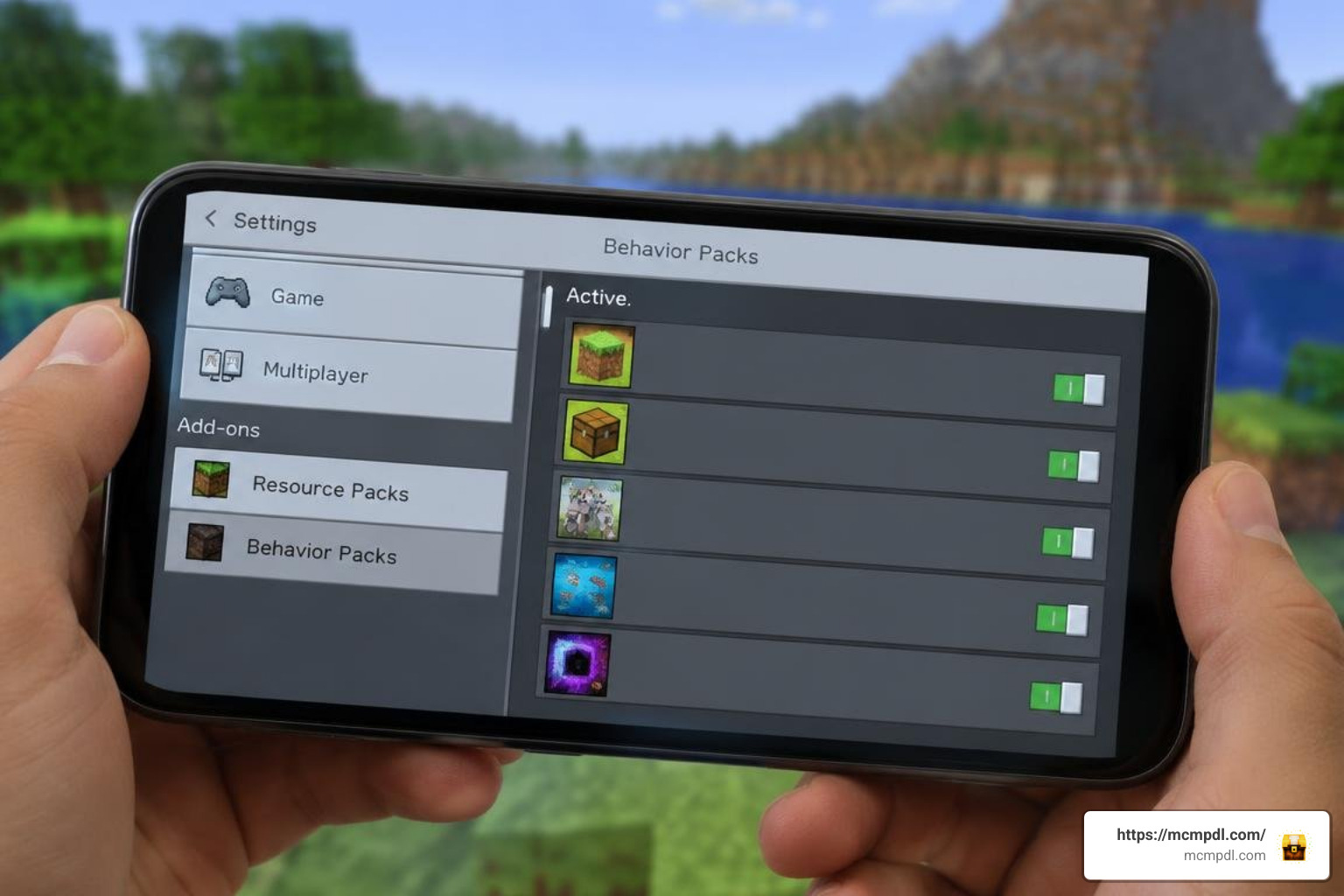
One of the greatest advantages of modern Bedrock add-ons is stackability. Animations+ operates cleanly alongside expansive gameplay overhauls, allowing you to modernize character movements while leveling up skills in an RPG addon or wielding mythical equipment from a legendary weapons addon.
Because Animations+ primarily refines player geometry, bones, and render controllers without overwriting core loot tables or entity AI, it can seamlessly integrate into extensive mod lists without triggering game-breaking script exceptions.
Optimizing Framerates on Mobile and Console
While animation packs are generally lightweight, stacking multiple resource and behavior packs can lead to frame drops on older hardware. Here is how you can keep your framerates stable across mobile devices and consoles:
- Adjust Render Distance: Keep your render distance between 10 and 14 chunks on mobile devices and portable consoles to free up processing overhead for entity rendering.
- Prioritize Pack Hierarchy: Place animation packs near the top of your Resource Packs list so their render controllers take priority over default or third-party entity models.
- Manage Entity Density: If you run heavy mob-stacking behavior packs, avoid overcrowding animal pens and mob farms near your main base to prevent entity tick lag.
- Clear Storage Cache Periodically: If you switch frequently between community servers, Realms, and single-player worlds, clear your Minecraft storage cache in the game settings to remove orphaned temporary files and reduce loading stutters.
Stacking Visuals with Magic and Combat Addons
Visual animations shine brightest when combined with deep combat mechanics. When you cast powerful elemental spells using a magic addon or combine destructive runic abilities through a spellcraft addon, the upgraded casting postures make magical battles feel significantly more dynamic and cinematic. The enhanced stances ensure that staff wielding, spell channeling, and potion throwing feel visually distinct from standard sword combat, providing a cohesive high-fantasy experience.
Frequently Asked Questions About Minecraft Animation Addons
Does Animations+ work in multiplayer servers and Realms?
Yes. When the world host or Realm owner activates Animations+ in the world settings, all connecting players download the necessary resource data automatically. Your custom movements will be visible to everyone on the server.
Is the Animations+ Add-On free or paid?
The official Animations+ pack by MelonBP is a paid product available on the Minecraft Marketplace for 490 Minecoins. However, free community alternatives exist on external resource sites with varying degrees of mob and player support.
Why are my animations glitching or not displaying properly?
Animation glitches usually occur due to one of three reasons:
- Outdated Game Version: Ensure you are running Minecraft Bedrock 1.20.60 or higher.
- Pack Order Conflicts: Another active resource pack might be overriding the player model geometry. Move the animation pack to the top of your active list.
- Missing Experimental Settings: If you are testing third-party beta versions of animation packs, ensure the required experimental gameplay toggles are enabled in world options.
Conclusion
Upgrading how your character moves completely transforms the feel of Minecraft Bedrock. Whether you are sprinting across survival landscapes, fighting bosses, or roleplaying with friends, the Animations+ Add-On brings a layer of visual polish that makes everyday gameplay feel fresh.
To discover more compatible packs, overhauls, and gameplay expansions, explore the latest curated creations right here at MCMPDL.