Scroll down to D0vvnl0ad
Build an Economy in Minecraft PE with Civilization Expansion Pack
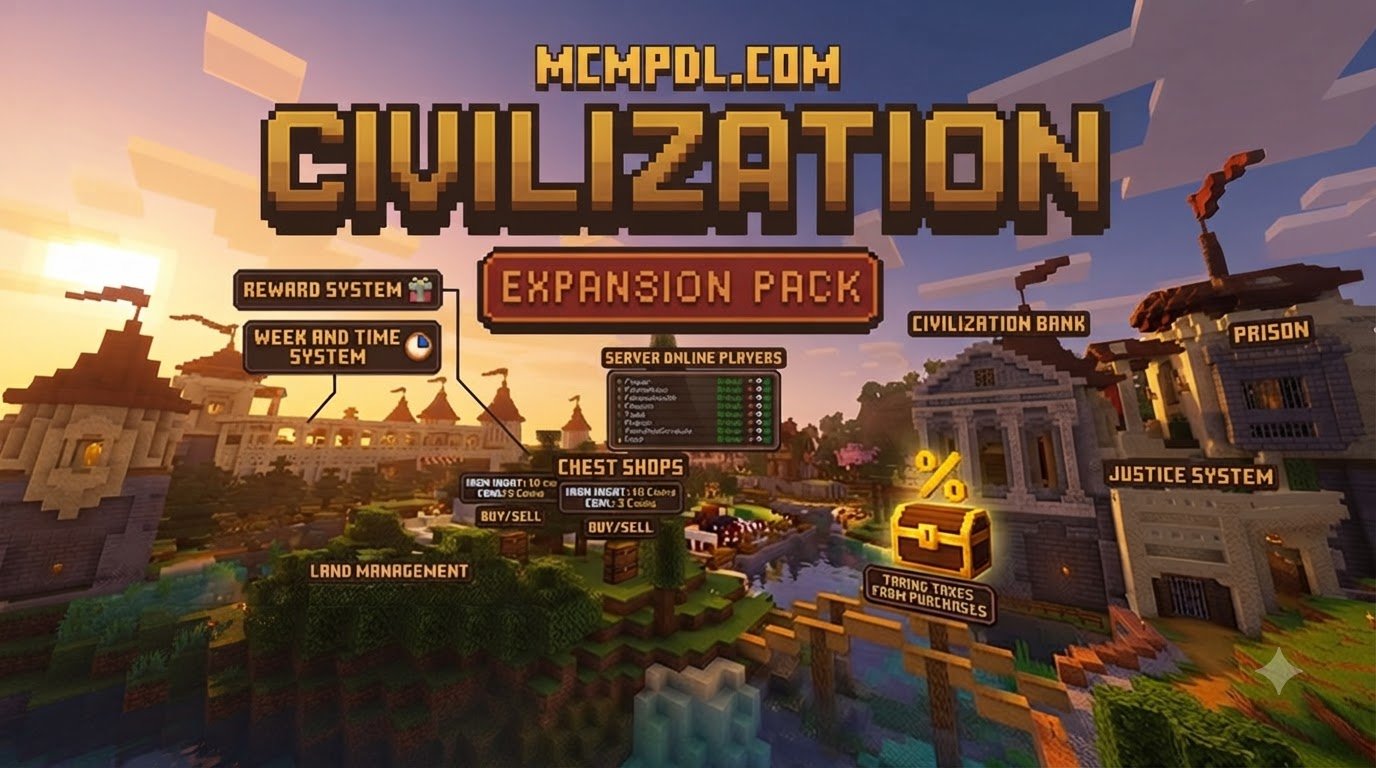
Civilization Expansion Pack adds an economy to Minecraft PE and Bedrock. You can earn and spend Owlcrests, trade at market stalls, use banking, take on quests, and manage property and debt in a survival world.
To get it, search for Civilization Expansion Pack in the Minecraft Marketplace. Check the listing’s version requirements before you buy, then download it and add it to a world. If you want a town where trading and money matter as much as building, this pack is worth a look. For a broader view of how add-ons like this change Bedrock gameplay, see the official Minecraft Bedrock Add-Ons documentation.
Core Mechanics of Civilization Expansion Pack Addon for Minecraft PE/Bedrock
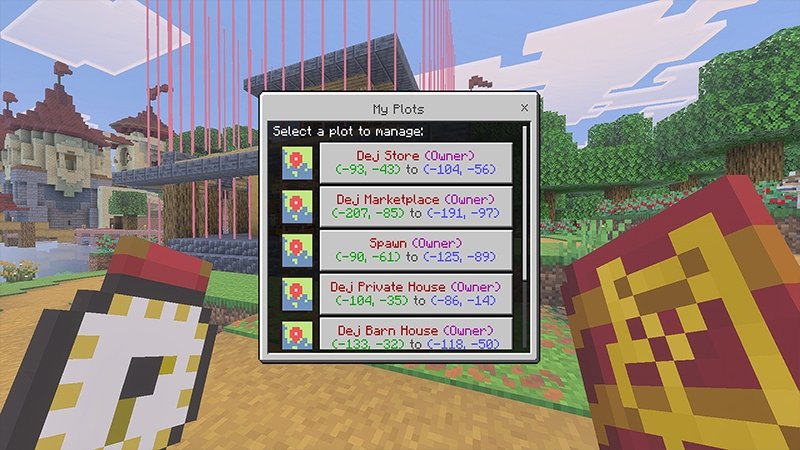
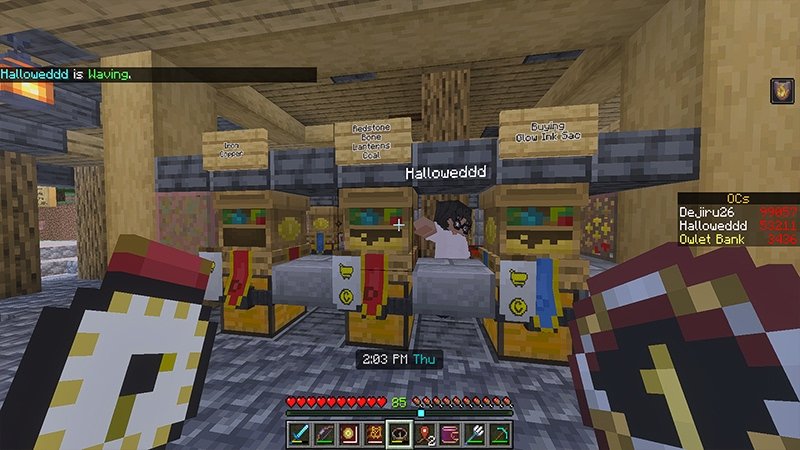
Transforming an open-ended survival world into an organized empire requires more than just placing stone bricks. The Civilization Expansion Pack introduces deep systems designed to simulate community growth, trade, and infrastructure directly inside your survival saves. Instead of relying solely on emerald trading tables, your world gains functional financial systems, structured real estate plots, dynamic market stalls, and dedicated banking interfaces.
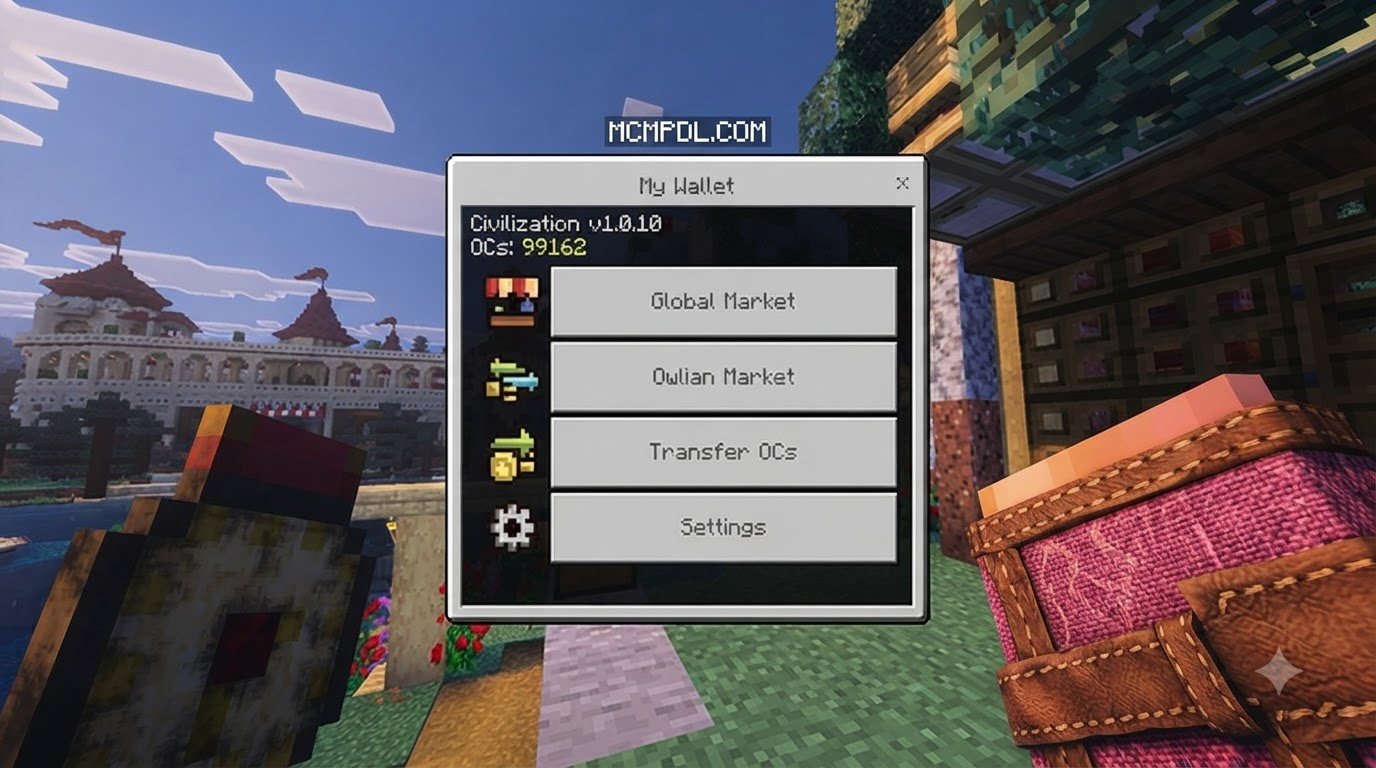
At its foundation, the pack bridges the gap between classic sandbox freedom and structured city management. Integrating comprehensive economy mechanics in Bedrock allows you to establish regional commerce hubs, construct dedicated storefronts, and buy designated settlement plots. Custom visual interfaces replace clunky chest-sorting setups, letting you monitor your net worth, real estate deeds, and market transactions with complete clarity.
Managing Currency and Trade in Civilization Expansion Pack Addon for Minecraft PE/Bedrock
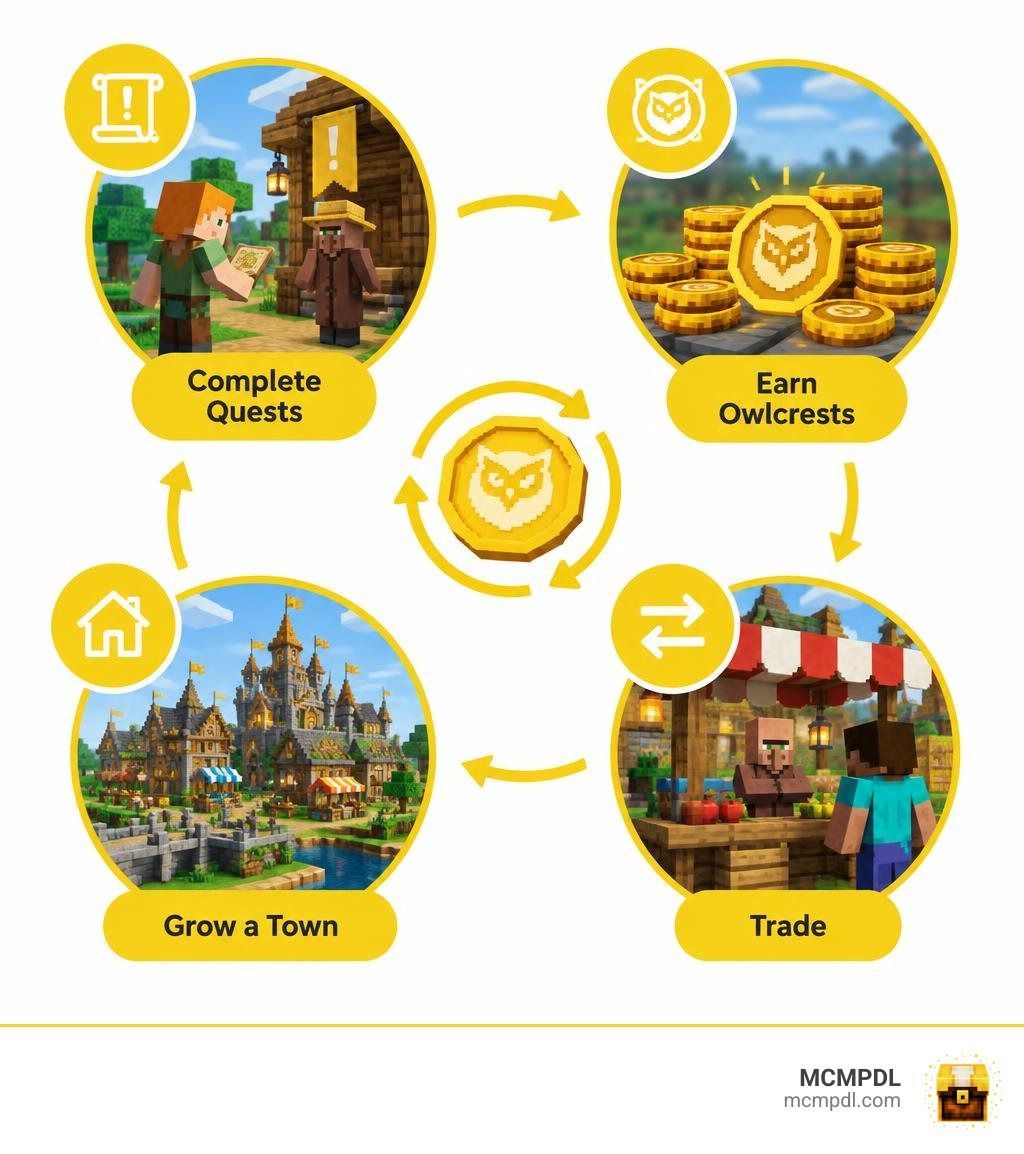
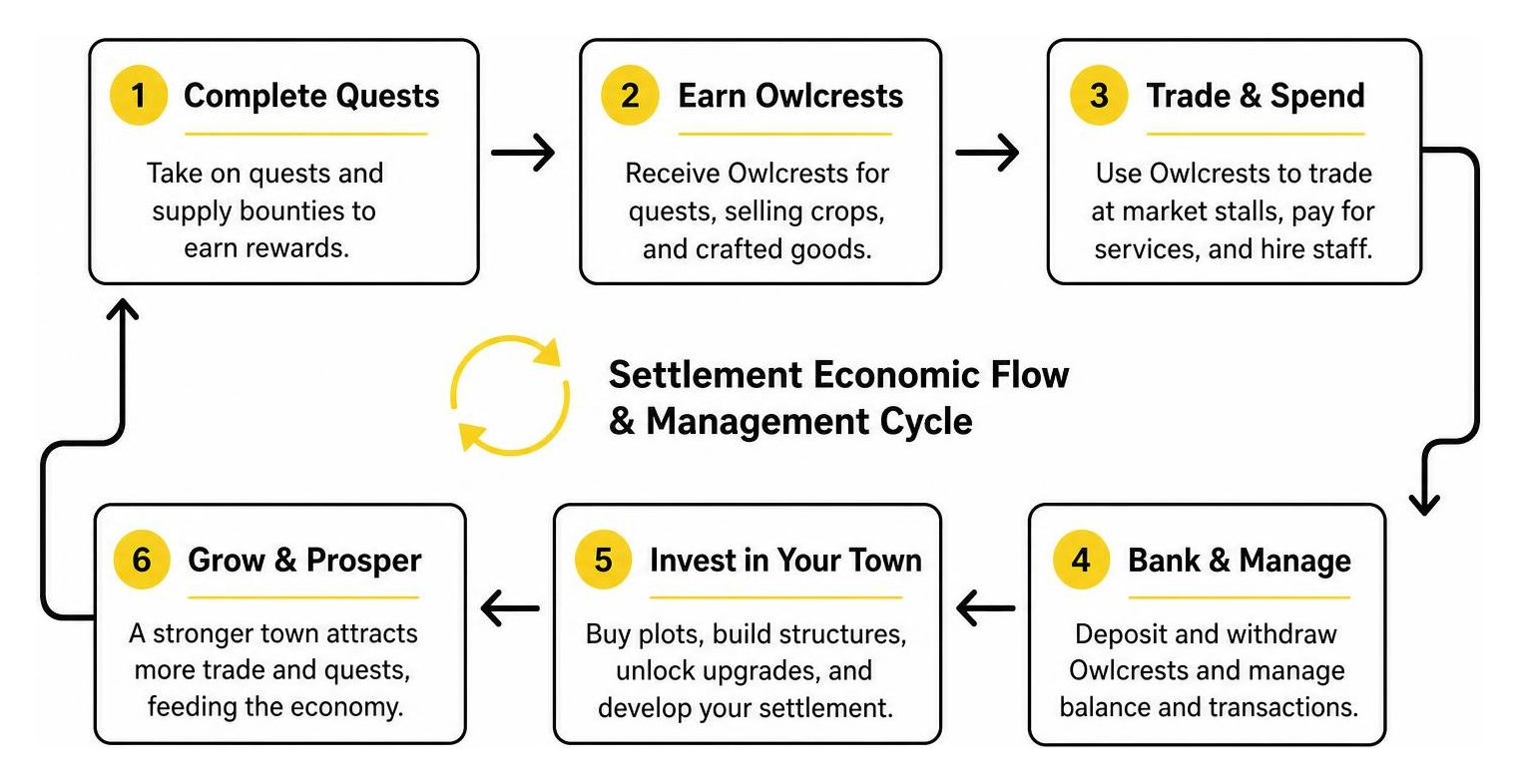
The economic lifeblood of this expansion is a dedicated currency called Owlcrests. While vanilla Minecraft uses emeralds primarily for direct barter with villagers, Owlcrests serve as a universal medium of exchange across various municipal services.
You earn Owlcrests by completing dynamic quest objectives, fulfilling supply bounties, selling surplus crops at designated stalls, and exporting crafted goods. Once accumulated, this currency allows you to purchase structural blueprints, hire specialized workers, and unlock high-tier settlement upgrades.
However, running a thriving city is not without financial risk. The add-on introduces real debt consequences. If you overextend your municipal budget, purchase land beyond your financial limits, or fail to settle banking obligations, penalties kick in:
- Trade freezes: Merchants at market stalls refuse high-tier goods transactions until overdue balances are cleared.
- Service surcharges: Upkeep fees for city guards and structural maintenance increase.
- Reputation drop: NPCs may refuse to take on specialized labor assignments.
These mechanics push you to balance your ledger carefully rather than relying on endless spending.
City Building and Colony Progression
Progressing from an isolated campsite to a thriving metropolis follows a structured path. Rather than instantly generating full cities, the pack rewards phased urban planning. You begin by staking a town boundary, constructing housing districts, and assigning citizens to vital roles such as farming, mining, and trade administration.
Integrating these systems alongside overhauled village structures turns standard survival exploration into purposeful urban design. As your population grows, public infrastructure like banks, storage depots, and market plazas directly boosts citizen productivity.
New Items, Warfare, and Civilization Expansion Features
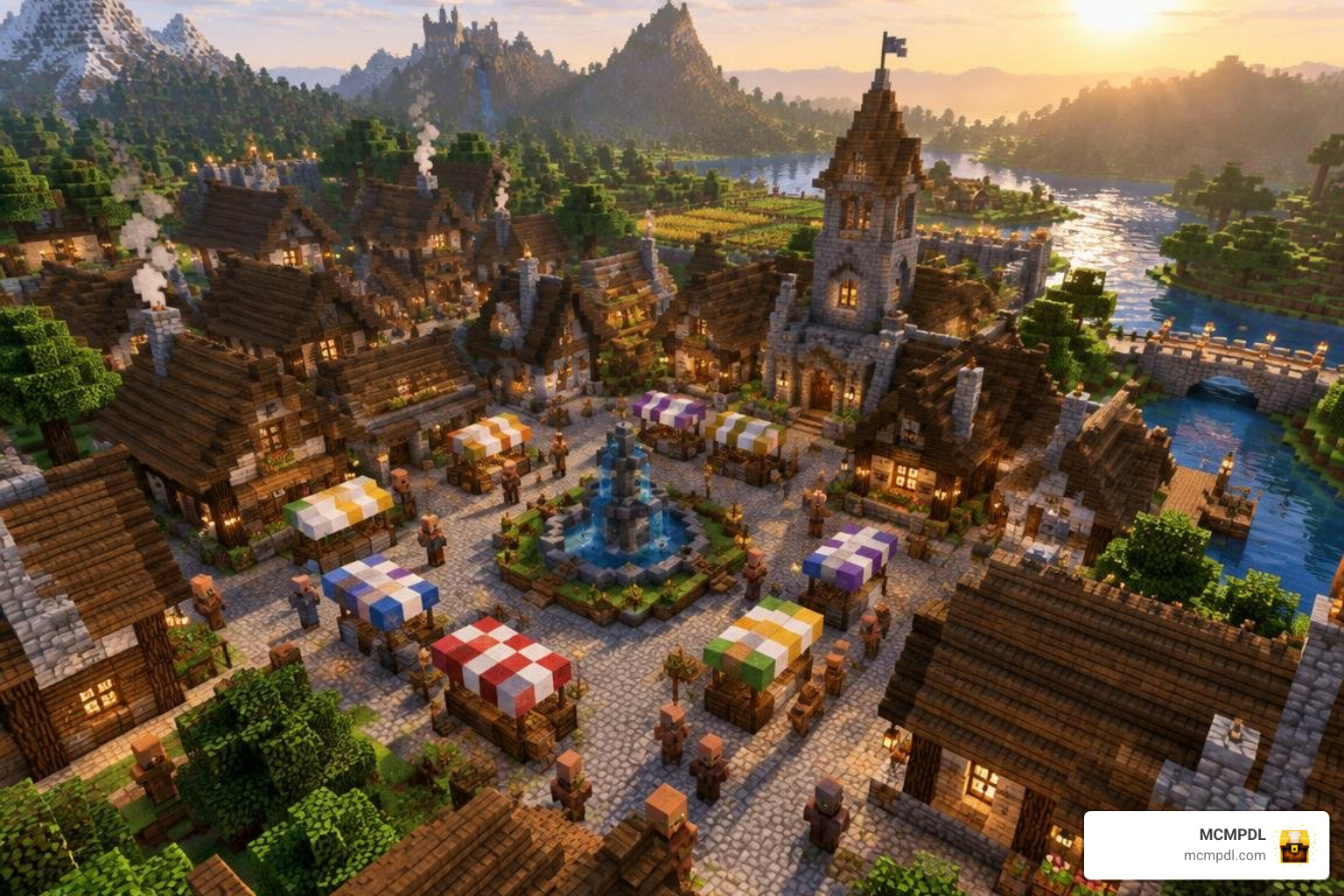
Building a prosperous civilization requires visual identity and functional utility. The expansion delivers a rich catalog of custom items, decorative street furniture, signposts, market stands, and regal cosmetic gear. Equipping ceremonial crowns and placing custom kingdom banners elevates your survival roleplay, establishing clear regional identities for different player factions or single-player settlements. Combining these assets with broader RPG roleplay elements helps you shape distinct cultural hubs across your Bedrock worlds.
Settlement Defense and Army Management
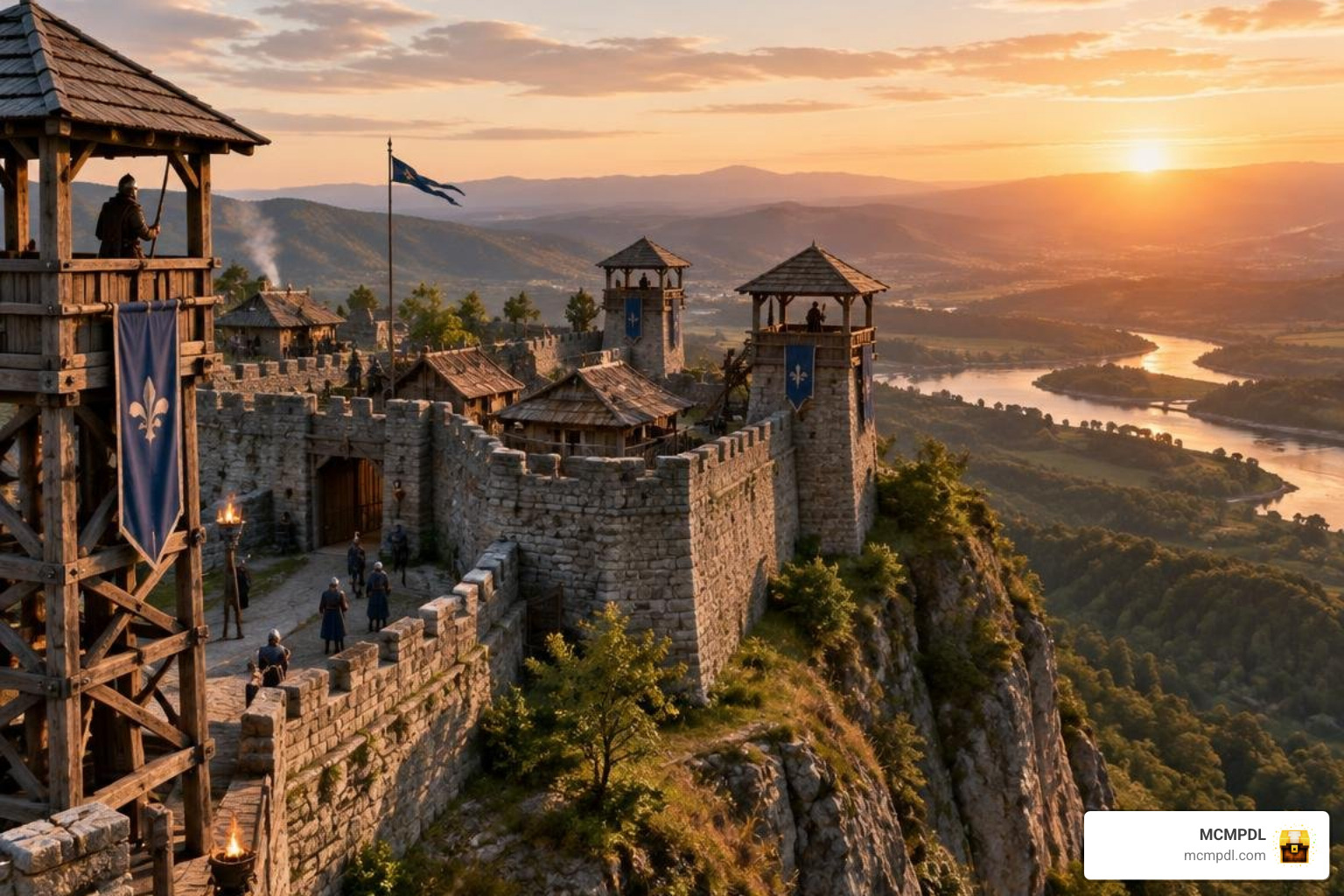
Wealth inevitably attracts danger, making military infrastructure vital for long-term survival. The expansion incorporates dedicated defense mechanics, allowing you to recruit town guards, build fortified watchtowers, and manage garrison rosters.
Soldiers require active upkeep. If wages go unpaid or food supplies dwindle, visible rebellion indicators appear over troops, warning you of falling morale. Failing to address these visual cues can lead to outright desertion or mutiny. Incorporating character progression and stats and leveling systems enhances your guards’ combat efficacy, ensuring your military remains capable of defending outposts against nocturnal mob assaults and rival raids.
Expanding Settlements and World Integration
The expansion pack blends smoothly with Bedrock’s procedural world generation. Custom colony structures, outpost ruins, and trading encampments integrate naturally into vanilla biomes without disrupting terrain flow. Whether you set up in a dense forest, an arid savanna, or along a coastline, the add-on scales cleanly with your surroundings.
For players looking to build sprawling continental networks, pairing this expansion with tools for expanding your world’s villages creates a connected map where distinct towns maintain active trade routes across vast distances.
Compatibility and Performance
Maintaining steady frame rates across diverse Bedrock platforms is critical for any management add-on. The pack is built using modern scripting APIs and custom entity definitions, ensuring stability on modern Bedrock versions (including 1.21 and later builds). It operates smoothly in single-player worlds, cross-platform LAN sessions, dedicated servers, and Bedrock Realms.
| Feature / Platform | Compatibility Status | Recommended Settings / Notes |
|---|---|---|
| Bedrock Engine | Fully Compatible (v1.21.0+) | Keep Experimental Scripting toggled on |
| Bedrock Realms | Supported | Upload pack directly through Realm World Settings |
| Multiplayer Dedicated Servers | Supported | Install both Behavior and Resource packs to server root |
| Windows 10 / 11 | High Performance (60+ FPS) | Supports max render distance and custom UI scaling |
| iOS / iPadOS | High Performance | Maintain 12–16 chunk render distance for dense cities |
| Android Devices | Moderate to High Performance | Lower particle settings in massive marketplaces |
| Console (Xbox, PlayStation, Switch) | Supported via Realm/World Host | Smooth operation with standard simulation distances |
Mobile Optimization and Low-End Device Performance
City-building systems often struggle on mobile hardware due to complex entity tracking and pathfinding calculations. To maintain smooth performance on budget smartphones and tablets, the pack uses lightweight scripting logic for background tasks. Citizen pathfinding schedules, market transactions, and debt recalculations run at staggered ticks rather than every game frame, preventing thermal throttling and lag spikes during peak hours in bustling city hubs.
Setup Guide and Technical Requirements
Before jumping into your new empire, make sure your game environment is properly configured. The add-on uses custom entities and UI scripts, so certain world settings must be active before generating your save.
- Version Check: Ensure Minecraft Bedrock is updated to version 1.21.0 or newer.
- Storage Space: Keep at least 50 MB of free storage for the pack files and progressive save-state growth.
- Experimental Toggles: In your world generation screen, enable Holiday Creator Features, Custom Biomes, and Beta APIs / Scripting (if prompted by the current build).
Installation Guide for Civilization Expansion Pack Addon for Minecraft PE/Bedrock
Setting up the Civilization Expansion Pack Addon for Minecraft PE/Bedrock on your device is simple, whether you play on mobile, desktop, or console:
- Download & Import:
- Marketplace: Search for the pack in the in-game Marketplace, complete the download, and click “Activate.”
- Direct Import (.mcaddon): If importing an external file, tap or double-click the
.mcaddonfile. Minecraft will launch automatically and import the components.
- Apply to World: Navigate to World Settings > Resource Packs and activate the pack. Then go to Behavior Packs and confirm it is active there as well.
- Configure Permissions: Ensure player permissions allow custom UI popups so you can access banking and real estate windows without issues.
- Host & Invite: If playing on Realms or hosting a local multiplayer session, check the box labeled “Require players to accept resource packs to join” so all connecting players see custom structures, coins, and market menus.
Frequently Asked Questions
Can I play the Civilization Expansion Pack in survival mode?
Yes. The entire expansion is balanced around survival progression. All market counters, banking tables, leadership crowns, and defensive fortifications are craftable via custom recipes or purchasable using Owlcrests earned through regular survival gameplay.
Does this addon work on multiplayer servers and Realms?
Yes. The pack is fully multiplayer-compatible. When hosting on a Realm or dedicated server, every player can establish their own independent settlements, trade currencies, and form alliances or rival economic factions.
What happens when you go into debt with Owlcrests?
Accumulating debt freezes your ability to purchase premium structural upgrades and locks high-tier market stalls. To clear your debt, you must complete civic recovery quests, sell raw materials to municipal bankers, or fulfill trading contracts to return your account to a positive balance.
Conclusion
The Civilization Expansion Pack brings a refreshing layer of strategy, civic management, and economic depth to Minecraft PE and Bedrock. By combining an active currency system, land management, and functional defenses, it turns ordinary survival routines into rewarding, long-term empire building.
Whether you are designing a peaceful trade outpost or a heavily fortified kingdom with friends, we at MCMPDL are dedicated to bringing you the best tools and resources to upgrade your gaming sessions. Ready to find even more ways to enhance your world? Explore top Bedrock add-ons to discover the perfect gameplay combinations for your next adventure.