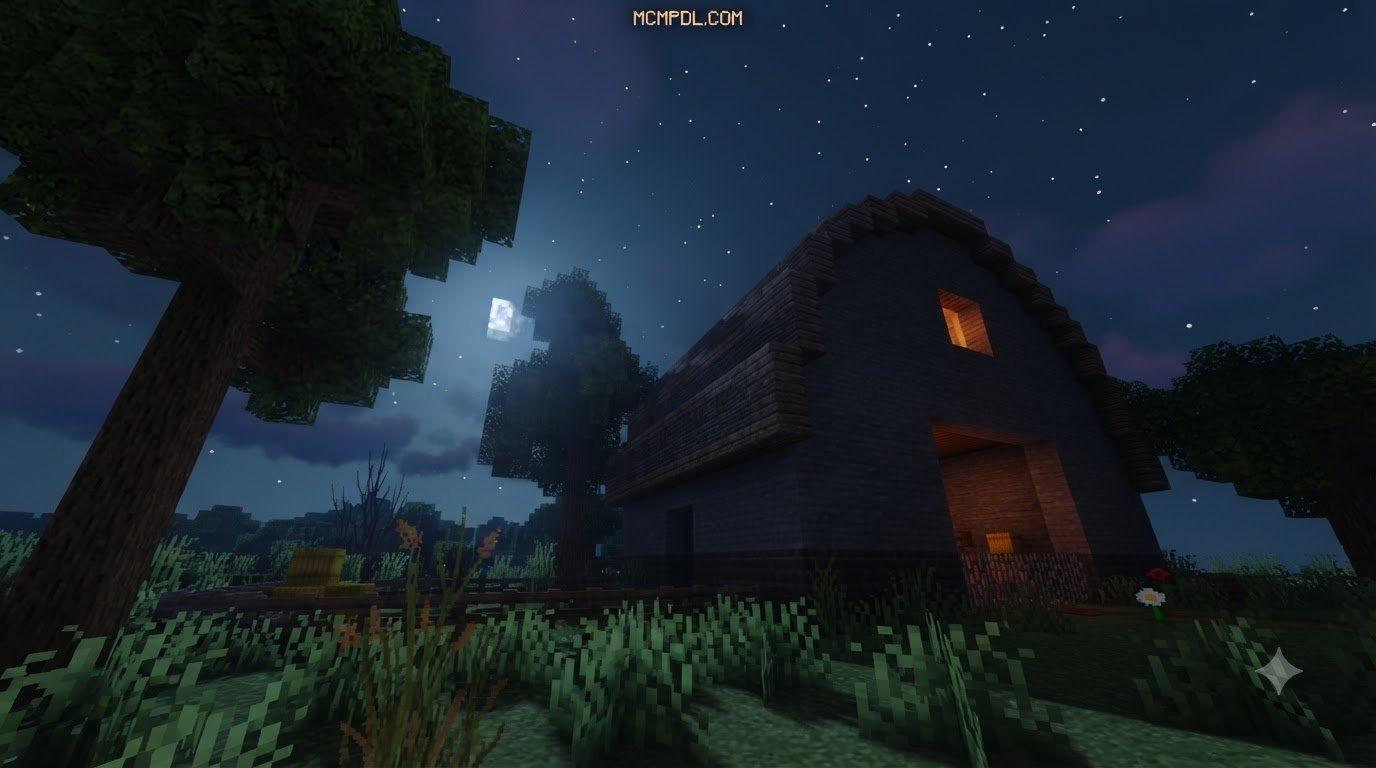
Scroll down to D0vvnl0ad
Download and Play a Forest Escape Room in Minecraft PE
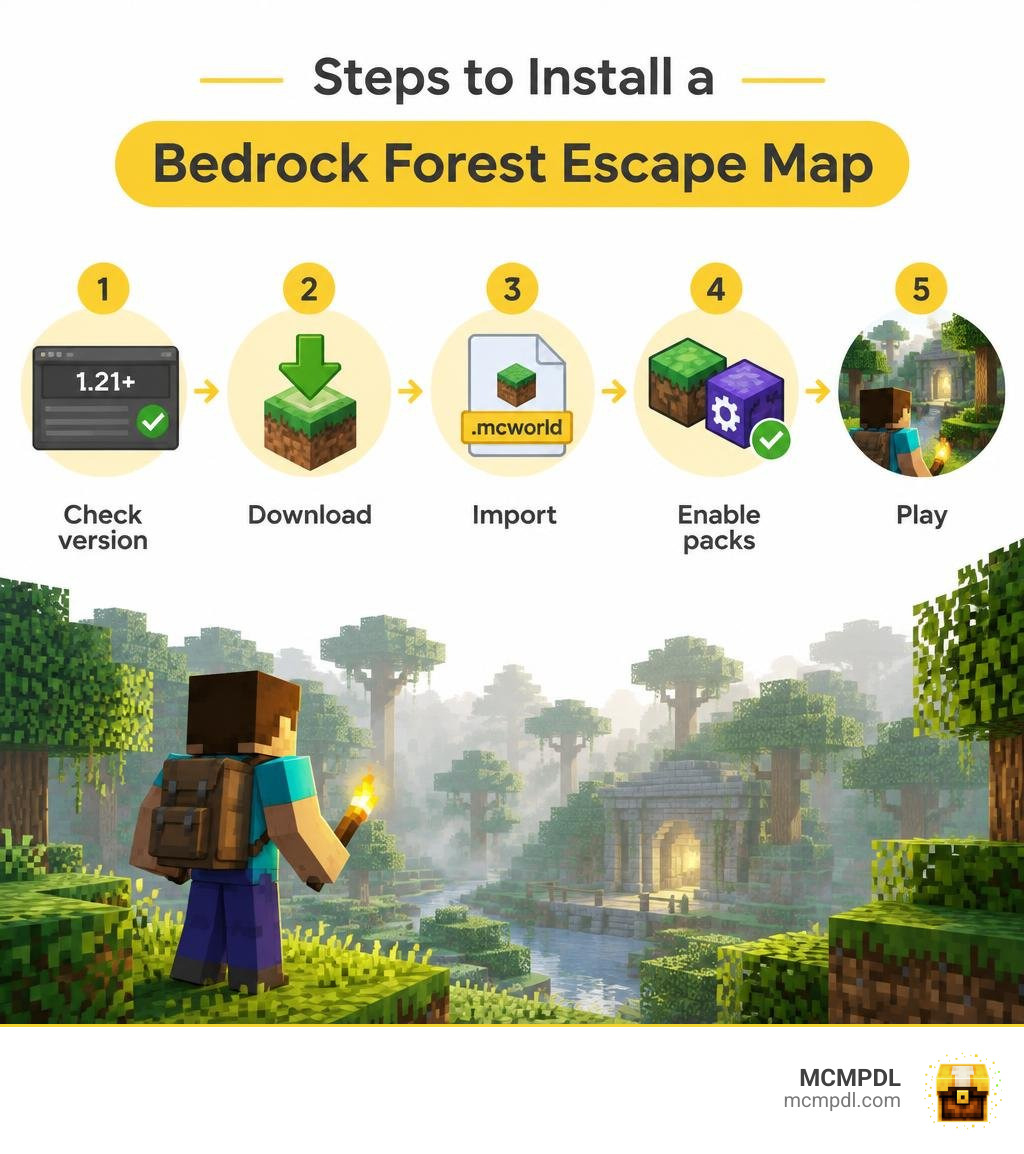
To play an Escape Room Forest World for Minecraft PE/Bedrock, download a map made for Bedrock, then open its .mcworld file to import it into Minecraft. If the download is a .zip, extract the world and import it using the instructions that came with the map. Check its supported game version and enable any required resource or behavior packs before you start.
Forest escape maps turn exploration into a puzzle: search for hidden paths, solve clues, and find your way out. Some add a monster to avoid, so check the map description if you prefer puzzles without horror.
What Is an Escape Room Forest World for Minecraft PE/Bedrock?
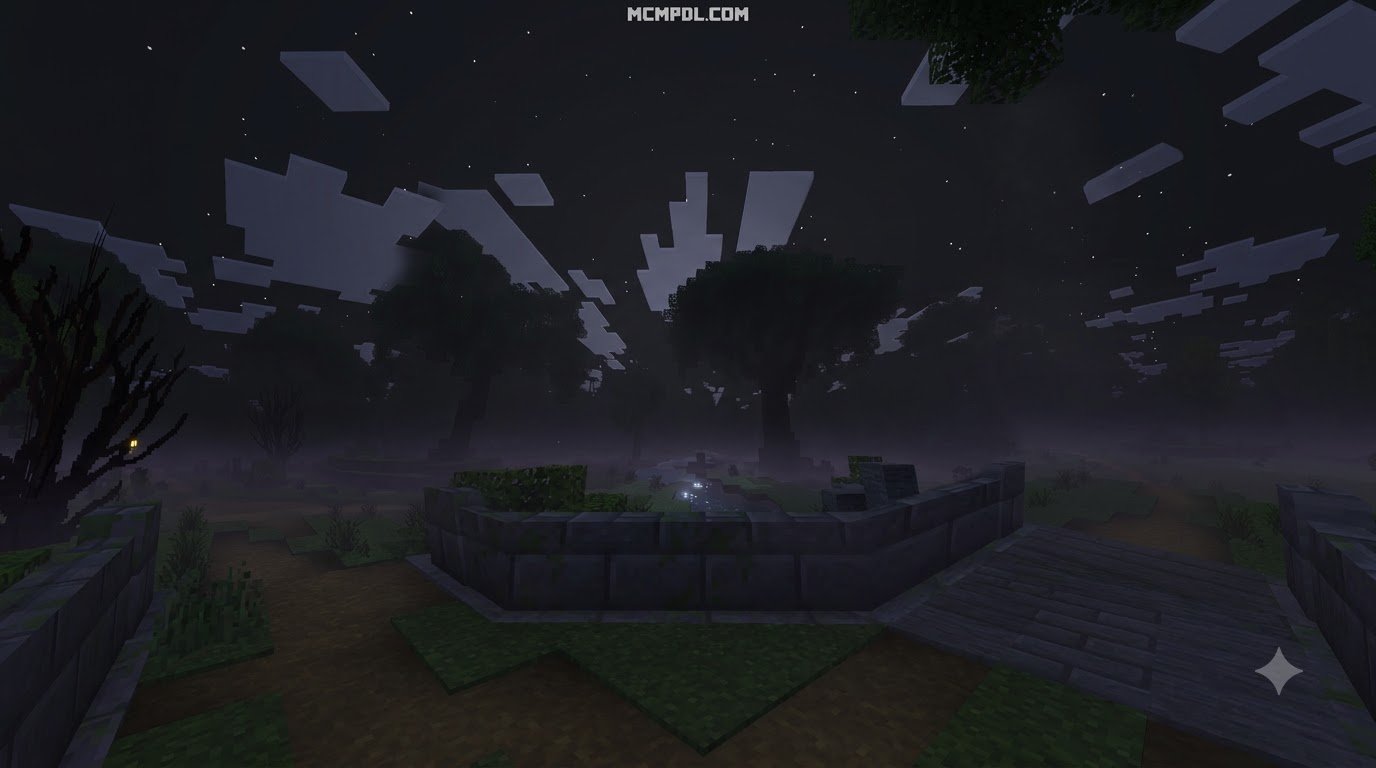
An escape room forest world drops you into a dense wilderness where traditional sandbox survival gives way to structured problem-solving. Instead of punching trees to craft a wooden pickaxe and building a shelter before nightfall, you navigate custom boundaries, unlock hidden mechanisms, decipher cryptic riddles, and discover concealed paths winding through ancient trees.
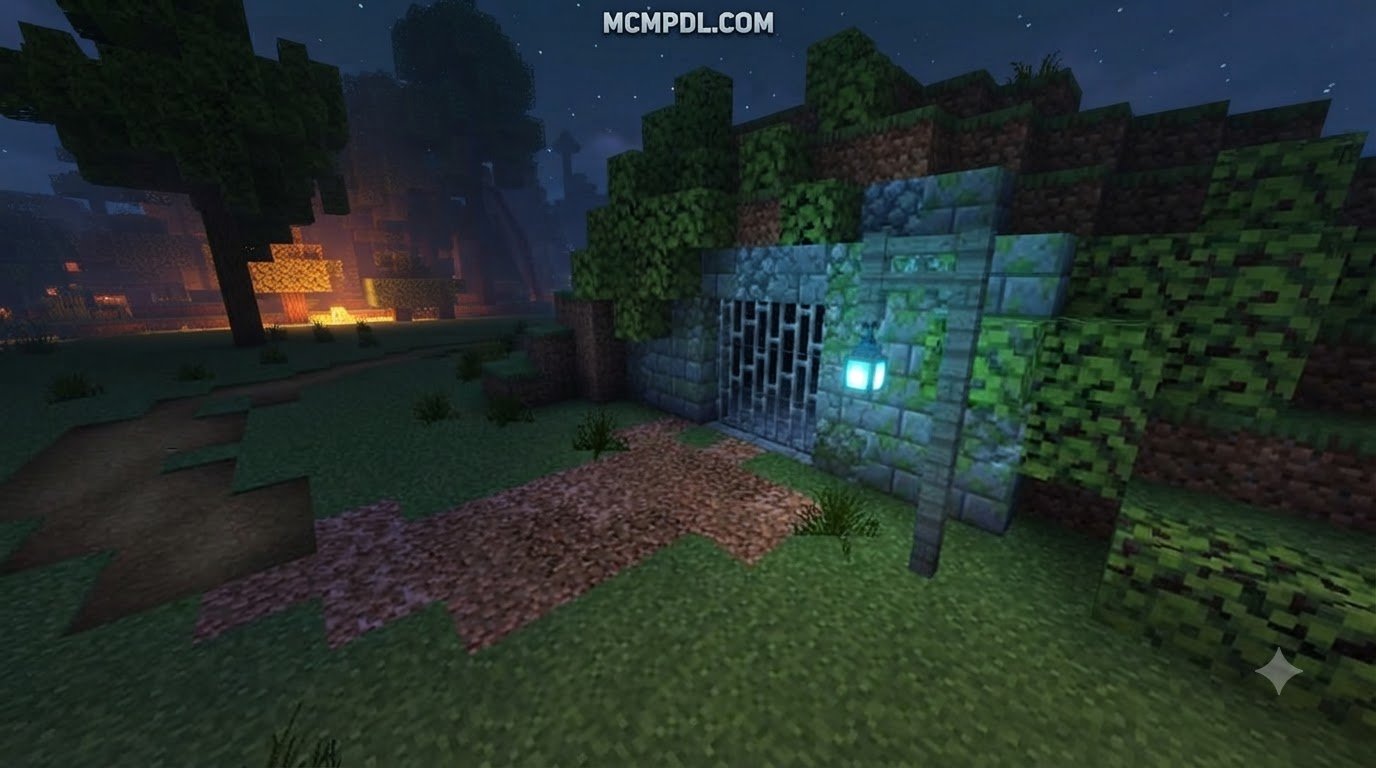
These worlds blend the natural visual design of Minecraft biomes with meticulous command block programming and adventure-mode constraints. The forest setting serves as both scenery and obstacle: thick canopies blot out daylight, sprawling root systems obscure secret trapdoors, and misty clearings host pressure-plate puzzles or item-sorting locks.
For mobile and console players, discovering top-tier mystery and puzzle adventure maps adds a thrilling dimension to everyday gameplay. Custom storylines guide you through abandoned ranger outposts, overgrown ruins, and haunted groves, transforming your touch screen or controller into a real-time puzzle dashboard.
Key Features of an Escape Room Forest World for Minecraft PE/Bedrock
Forest-themed escape rooms stand out from standard dungeon crawlers and room escapes through several distinct design elements:
- Environmental Obstacles: Dense foliage, quicksand pits, thorny brambles, and towering canopy mazes challenge your spatial awareness and parkour abilities.
- Command Block Logic: Behind the tree trunks lie hidden command blocks that detect player proximity, manage custom inventories, track puzzle states, and trigger environmental transformations.
- Custom Audio and Visual Ambience: Handcrafted resource packs introduce ambient wilderness sounds—creaking timber, distant wildlife calls, howling wind, and sudden musical stingers.
- Thematic Variety: Maps range from relaxing logic puzzles to intense thrillers enhanced with horror survival add-ons, turning peaceful woodlands into tense hunts where shadows stalk you between the pines.
- Non-Linear Navigation: Unlike single-room puzzle chambers, forest layouts offer branching trails, hidden caverns, and multi-tier treehouses that let you tackle objectives in creative sequences.
Key Differences Between Bedrock and Java Forest Escape Maps
While both platforms host incredible community projects, Bedrock Edition (which powers Minecraft PE on Android, iOS, Windows 10/11, and consoles) operates on the RenderDragon engine and uses C++ rather than Java. This creates significant differences in how maps run:
- File Architecture: Bedrock maps use single-file
.mcworldpackages that install with one tap or click. Java maps rely on.zipfolders placed manually into root directory saves. - Redstone and Command Handling: Bedrock redstone has distinct tick timings and quasi-connectivity differences. Bedrock command blocks utilize specialized target selectors and JSON raw-text formatting tailored for cross-platform stability.
- Touch and Controller Optimization: Creators designing specifically for Bedrock craft puzzles with mobile touch buttons and controller joysticks in mind, ensuring jump distances and puzzle interactions do not require pixel-perfect mouse precision.
- Visual Performance: RenderDragon delivers high render distances on mobile hardware, ensuring forest fog and lighting effects run smoothly without requiring third-party optimization mods.
Top Forest Escape Room Maps and Worlds
The community has created diverse forest escape challenges catering to different playstyles, age groups, and difficulty preferences. Whether you want spine-chilling horror or educational logic challenges, these standout worlds showcase the best of the genre.
| Map Title | Primary Genre | Supported Versions | Key Mechanics & Highlights |
|---|---|---|---|
| The Krampus Trials | Horror Survival Escape | 1.20.0 – 1.21.20+ | Infinite lives, roaming stalker mob, custom jumpscares, secret collectibles |
| Agent Recall (Precious Pastures) | Educational Logic Escape | Bedrock / Windows 10 | 48 coding challenges, loop logic, agent manipulation, non-violent puzzles |
| The World’s First 1.21 Escape | Puzzle Adventure | 1.21.0+ | Wind charge mechanics, water entries, trial chamber interactions, speedrun paths |
| Creaking Forest | Stealth Horror Escape | 1.21.50+ | Minimalist atmospheric tension, line-of-sight monster mechanics, low file size |
Many of these experiences draw inspiration from classic horror add-ons, adapting thrilling mob behaviors into self-contained puzzle gauntlets.
The Krampus Trials: Snowy Forest Survival
With over 11,756 downloads, The Krampus Trials remains a benchmark for horror-themed forest escapes on Bedrock. Updated across versions 1.20 through 1.21.20, this map places you in a frozen, snow-dusted forest surrounded by towering spruces and abandoned cabins.
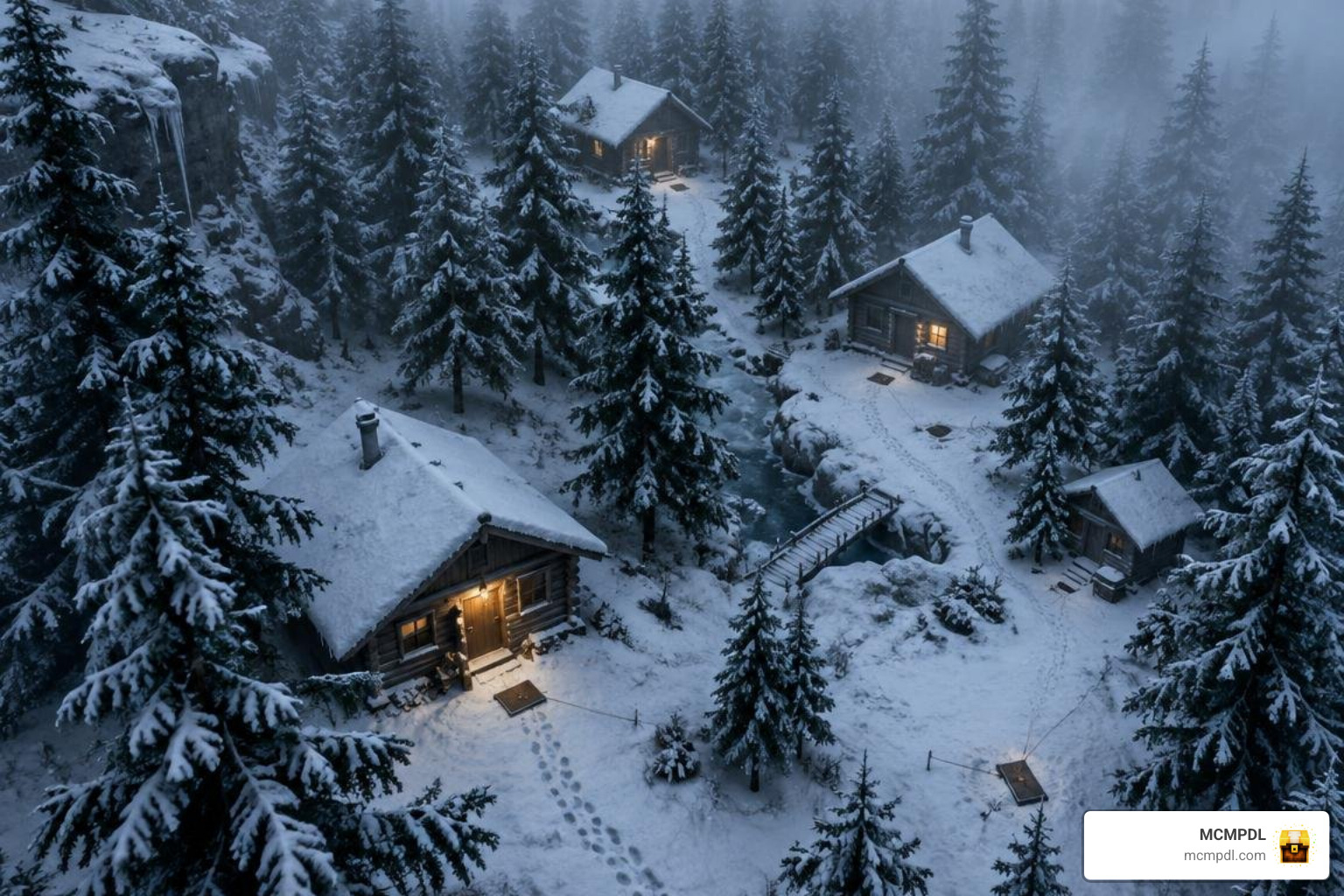
Your objective is to find key items, restore power to escape gates, and decipher trail markers while being pursued by Krampus. The map utilizes an open-source mob engine that controls Krampus’s patrol pathing, visual detection, and sudden jumpscare sequences.
To keep the experience fun rather than frustrating, the creator implemented an infinite lives system: when caught, you receive a heart-pounding jumpscare and respawn at your latest unlocked checkpoint with your puzzle progress intact. Secret areas hidden behind frozen waterfalls and thick snowdrifts reward thorough explorers with bonus lore and shortcuts. If you enjoy tense encounters with custom entities, pairing similar maps with scary mob expansions delivers a consistently spooky experience.
Educational Challenges in Escape Room Forest World for Minecraft PE/Bedrock
Forest escape maps also provide powerful environments for STEM learning and computational thinking. A premier example is the Precious Pastures zone within the Agent Recall – A Minecraft Escape Room curriculum.
Designed for players ages 7 and up, this escape course features 108 activities and 48 coding challenges spread across 6 themed zones. In the forest sector, you guide a robotic companion (“Agent Codey”) through dense woods using visual block-based coding and loop logic.
Instead of opening doors with iron keys, you write algorithms to:
- Clear pathways through fallen timber automatically.
- Plant and grow trees in precise sequences to complete bridge circuits.
- Program logic gates that summon helpful mobs to trigger pressure plates.
This blend of gamified escape mechanics and computer science teaches debugging, sequencing, and conditional logic while preserving the excitement of finding your way out of the wild.
Creaking Forest and Version 1.21 Puzzle Escapes
Recent Bedrock updates have unlocked innovative map mechanics. The arrival of the 1.21 update introduced Wind Charges, Crafters, and Trial Chambers, inspiring creators to rethink environmental puzzle design.
The world’s first dedicated 1.21 escape room map—published in June 2024—introduced puzzle rooms where players use Wind Charges to propel themselves out of water funnels, bypass fiery hazards, and trigger overhead target blocks.
Meanwhile, atmospheric indie projects like Creaking Forest emphasize pure stealth and resourcefulness within a tight 1.6 MB download. In these maps, survival depends on environmental awareness, audio cues, and navigating labyrinthine clearings reminiscent of competitive hide and seek maps.
Step-by-Step Guide: How to Download and Install Forest Escape Maps
Installing custom maps on Minecraft PE and Bedrock is straightforward. Most creators distribute worlds as packaged .mcworld files or standard .zip archives.
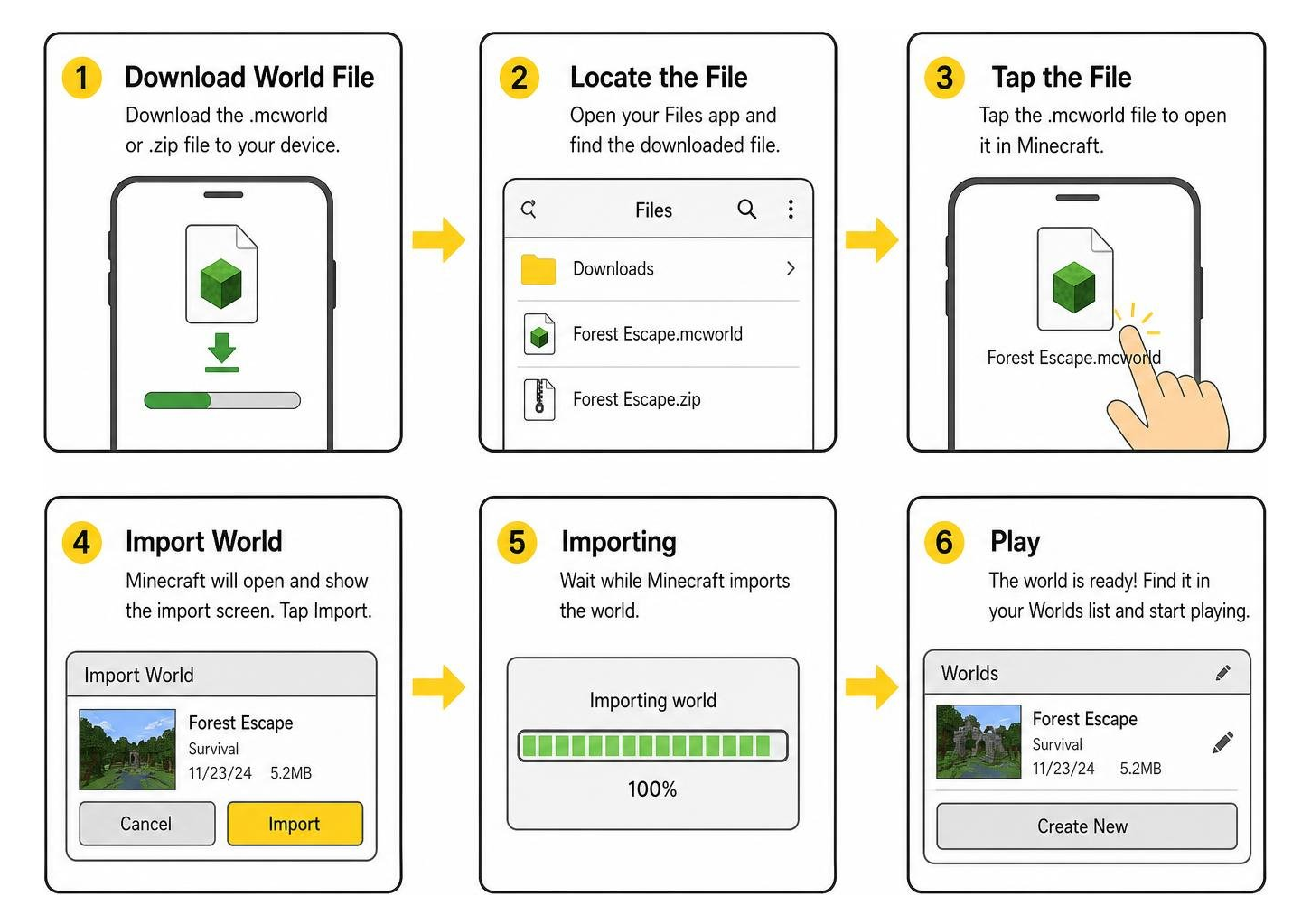
Installing via .mcworld and .zip Files on Android and iOS
Follow these platform-specific steps to get your forest escape room running:
Android Method 1: One-Tap .mcworld Installation
- Download the
.mcworldfile from a trusted repository like MCMPDL using your mobile browser. - Open your device’s Files or Downloads app.
- Tap the downloaded
.mcworldfile. - When prompted to select an app, choose Minecraft. The game launches automatically and displays “World Import Started” followed by “World Import Successful.”
Android Method 2: Manual .zip Extraction
- If the map downloads as a
.zip, open your file manager and extract the folder. - Copy the unzipped world folder containing
level.dat. - Navigate to:
Android/data/com.mojang.minecraftpe/files/games/com.mojang/minecraftWorlds/. - Paste the folder here, then launch Minecraft. The map will appear in your single-player worlds list.
iOS Method (iPhone and iPad)
- Download the
.mcworldfile using Safari. - Tap the Downloads icon in Safari’s address bar and select the file.
- Tap the Share button and select Minecraft.
- iOS will open Minecraft and immediately import the forest map.
For players on Windows 10/11 PCs, simply double-click the .mcworld file to trigger an immediate launch and import.
Recommended Game Settings and Experimental Features
To ensure puzzles, triggers, and custom models function as intended, adjust your settings before pressing “Play”:
- Turn On Experimental Gameplay: Many forest maps rely on custom scripts, Molang features, and custom entities. Open the world’s edit pencil icon, scroll to Experiments, and enable toggles such as Beta APIs, Holiday Creator Features, and Custom Biomes if specified by the creator.
- Set Brightness to 50–70%: Horror and mystery forest maps rely on atmospheric shadow play. Avoid setting brightness to 100%, which washes out dynamic lighting, reveals hidden command triggers, and spoils secret pathways.
- Adjust Render Distance: Keep render distance between 10 and 14 chunks on mobile devices. Setting it too high can cause framerate drops in dense foliage, while setting it too low can prevent distant puzzle markers or beacon signals from rendering.
- Enable Resource and Behavior Packs: Verify under world settings that the map’s bundled resource and behavior packs are active at the top of the load order.
Multiplayer Hosting, Customization, and Troubleshooting
Escaping a treacherous forest with friends elevates the thrill, but setting up a smooth multiplayer session requires proper configuration.
Hosting Forest Escape Worlds with Friends
You have three main options for playing escape room maps cooperatively:
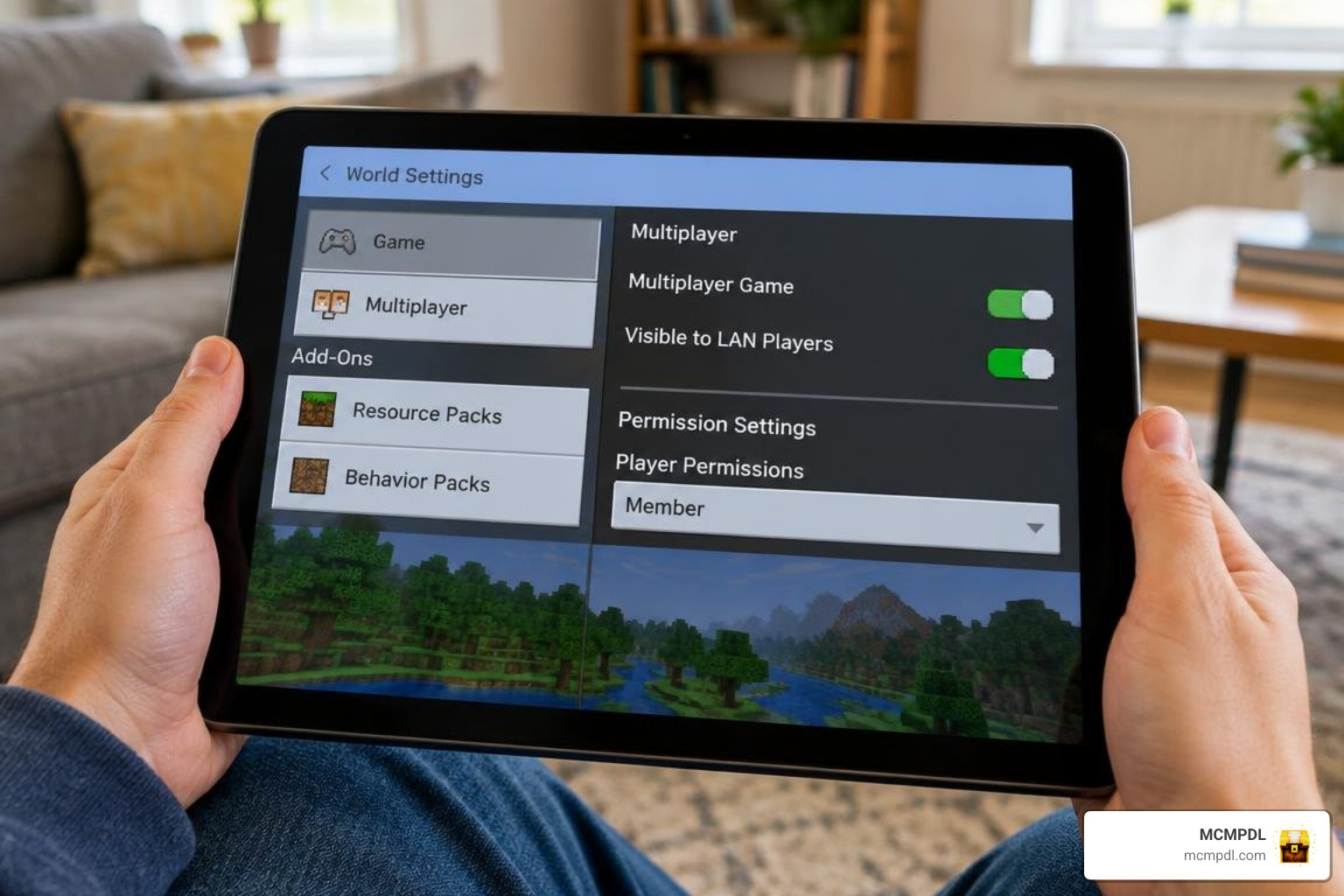
- Local Peer-to-Peer (Xbox Live Friends): The simplest method. Ensure all players are friends on Xbox Live. The host loads the escape world, verifies that Multiplayer Game and Visible to LAN Players are toggled ON in game settings, and friends can join directly via the “Friends” tab in their Minecraft menu.
- Minecraft Realms: If you want players to access the forest puzzle independently, upload the
.mcworldfile to a personal Realm slot. Realms manage cloud hosting and handle resource pack distribution automatically for every joining member. - Dedicated Bedrock Server Hosting: For larger communities or public events, rent or host a dedicated Bedrock server software instance. Place the world files into the server’s
worldsdirectory and set the level-name inserver.propertiesto match your map folder.
Troubleshooting Lag, Broken Triggers, and Common Glitches
If puzzles stall or performance dips during your forest run, use these tested fixes:
- Command Blocks Not Firing: Ensure Command Blocks Enabled is set to ON in world settings. If you play in multiplayer, verify that player permissions permit command interaction.
- Severe Framerate Drops in Thick Woods: Reduce particle settings in video options, disable fancy leaves, and lower simulation distance from 6 chunks to 4 chunks. This relieves processing strain caused by dense tree leaves and roaming mob AI.
- Players Stuck in Blocks or Trapped by Glitches: In complex 1.21 parkour sections, desynchronization can occasionally trap you inside blocks. Performing a quick “save and quit” followed by relogging re-anchors your player hitboxes to the nearest valid air block.
- World Import Failed Error: This error usually occurs when file permissions are restricted or an
.mcworldfile is corrupted. Rename the file extension from.mcworldto.zip, extract it to confirm the file structure is intact, and reinstall it manually into yourminecraftWorldsfolder.
Frequently Asked Questions About Forest Escape Maps
How do you survive and escape the Krampus Trials map?
Survival in The Krampus Trials demands stealth, listening for audio cues, and smart spatial awareness. Avoid running continuously across open snowfields, as sprinting increases Krampus’s detection range. Crouch behind spruce trunks when you hear footsteps, search cabins methodically for keys and tools, and memorize checkpoint landmarks so you can resume your puzzle route quickly if caught.
Can you play forest escape room maps on low-end mobile devices?
Yes. Most Bedrock escape maps are built to run smoothly on smartphones with at least 2 GB to 3 GB of RAM. To optimize performance, close background applications before launching Minecraft, set in-game graphics from “Fancy” to “Simple,” turn off smooth lighting, and keep your render distance around 8 to 10 chunks.
What should you do if an escape room map fails to import on Bedrock?
If you encounter an “Import Failed” error, verify that your Minecraft PE client is updated to match or exceed the map’s minimum supported version. If the file was downloaded via a browser, ensure the download completed fully without data loss. You can also manually extract the archive using a file manager and drop the world folder directly into your device’s com.mojang/minecraftWorlds directory.
Conclusion
Forest escape room worlds bring an unbeatable mix of mystery, technical ingenuity, and atmospheric exploration to Minecraft PE and Bedrock. Whether you are navigating the snowbound horrors of The Krampus Trials, mastering logic loops in educational worlds, or leaping across canopies with 1.21 Wind Charges, these maps push your survival and puzzle-solving skills to their absolute limit.
At MCMPDL, we are dedicated to bringing you the finest curated Bedrock content with safe, direct, and straightforward downloads. Ready to test your wits in the wild? Browse our complete Minecraft Bedrock maps catalog to discover hundreds of custom adventure worlds, escape rooms, and multiplayer challenges today.