Scroll down to D0vvnl0ad
Download and Install Planes Pro for Minecraft Bedrock
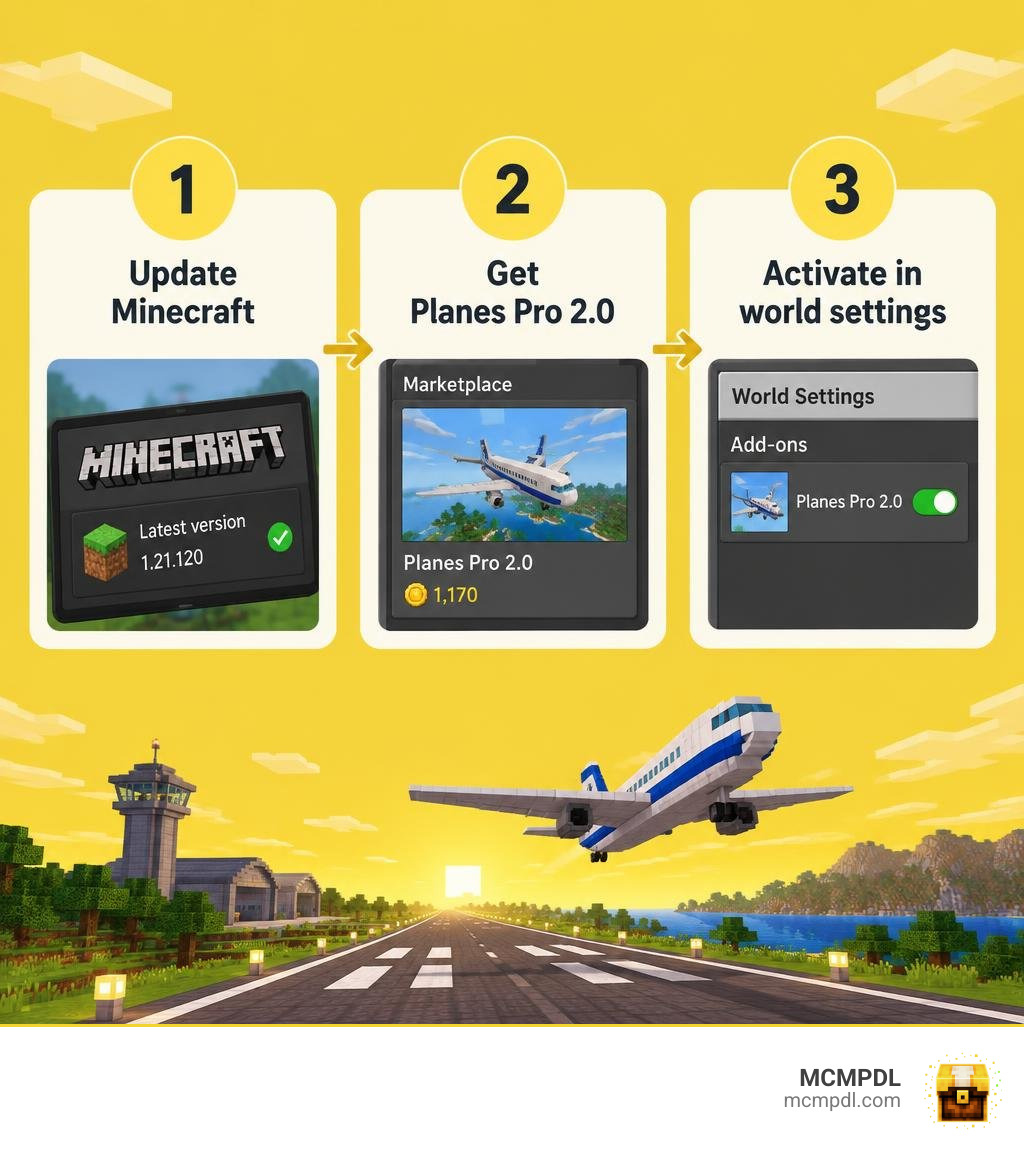
To install the Planes Pro Addon for Minecraft PE/Bedrock, update Minecraft to version 1.21.120 or later, get Planes Pro 2.0 through the in-game Marketplace, then activate it in your world settings. The add-on costs 1,170 Minecoins and adds 15 planes, flight controls, and survival-friendly crafting.
Check the version before you buy. Once the add-on is active, you can build a runway and start flying.
What is the Planes Pro Addon for Minecraft PE/Bedrock?
Flight in vanilla Minecraft has long been restricted to Elytra gliding and firework boosts. While that system is great for personal mobility, it lacks the weight, engineering depth, and cooperative joy of piloting actual aircraft across the skies. The Planes Pro Addon (specifically in its popular Planes Pro 2.0 release created by AriaCreations) transforms Bedrock Edition into an expansive flight sandbox.
This modification delivers authentic flight simulation, vibrant visuals, and deep survival utility. Whether you are mapping out trade routes across sprawling continents or ferrying equipment between remote bases, Planes Pro redefines how you traverse your world. For pilots who want a broader look at aviation options across the Bedrock ecosystem, you can also explore how players discover custom aircraft in the Airplanes Addon for Minecraft PE Bedrock to see how diverse flight systems can be.
Beyond simple cosmetic models, Planes Pro introduces dedicated soundscapes, distinct cockpit views, custom particle trails, and flight dynamics that respond realistically to player input, terrain elevation, and altitude changes.
Features and Aircraft in the Planes Pro Addon for Minecraft PE/Bedrock
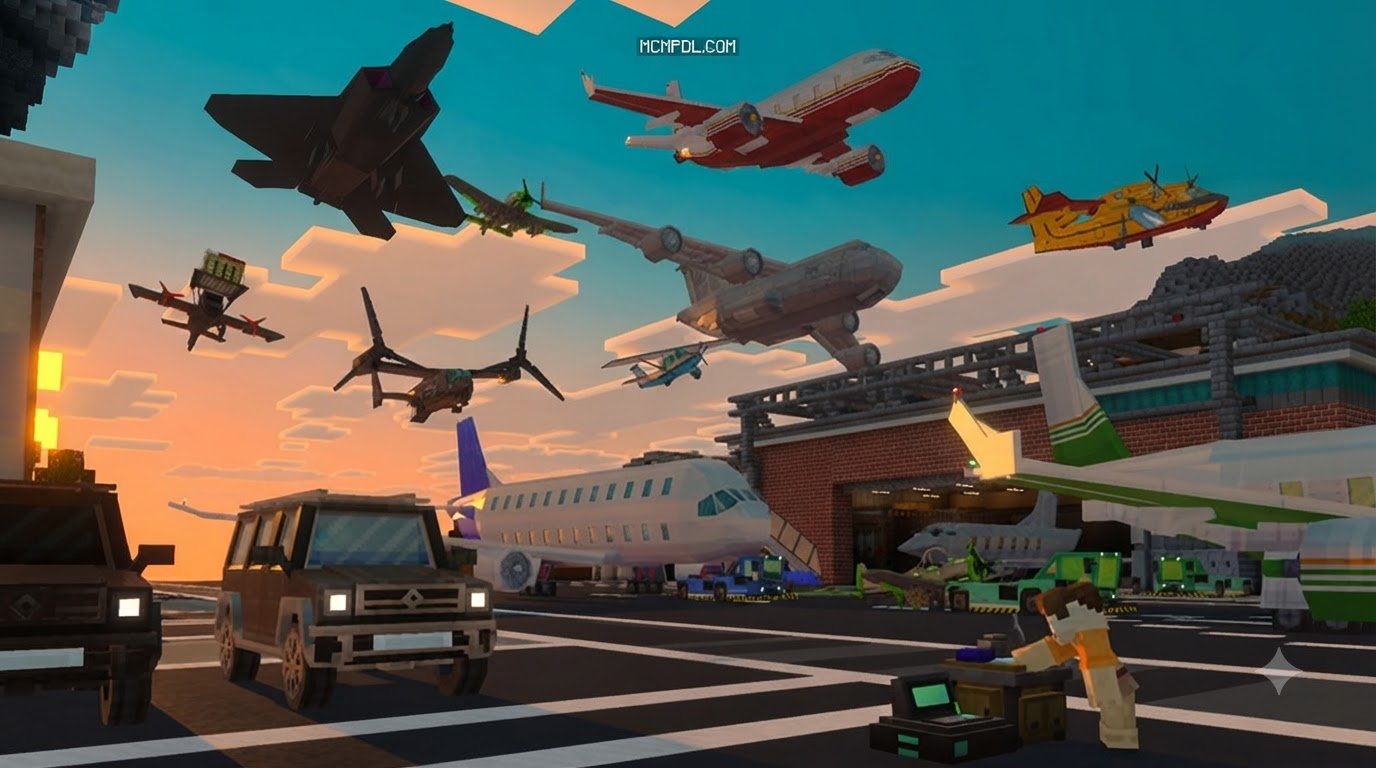
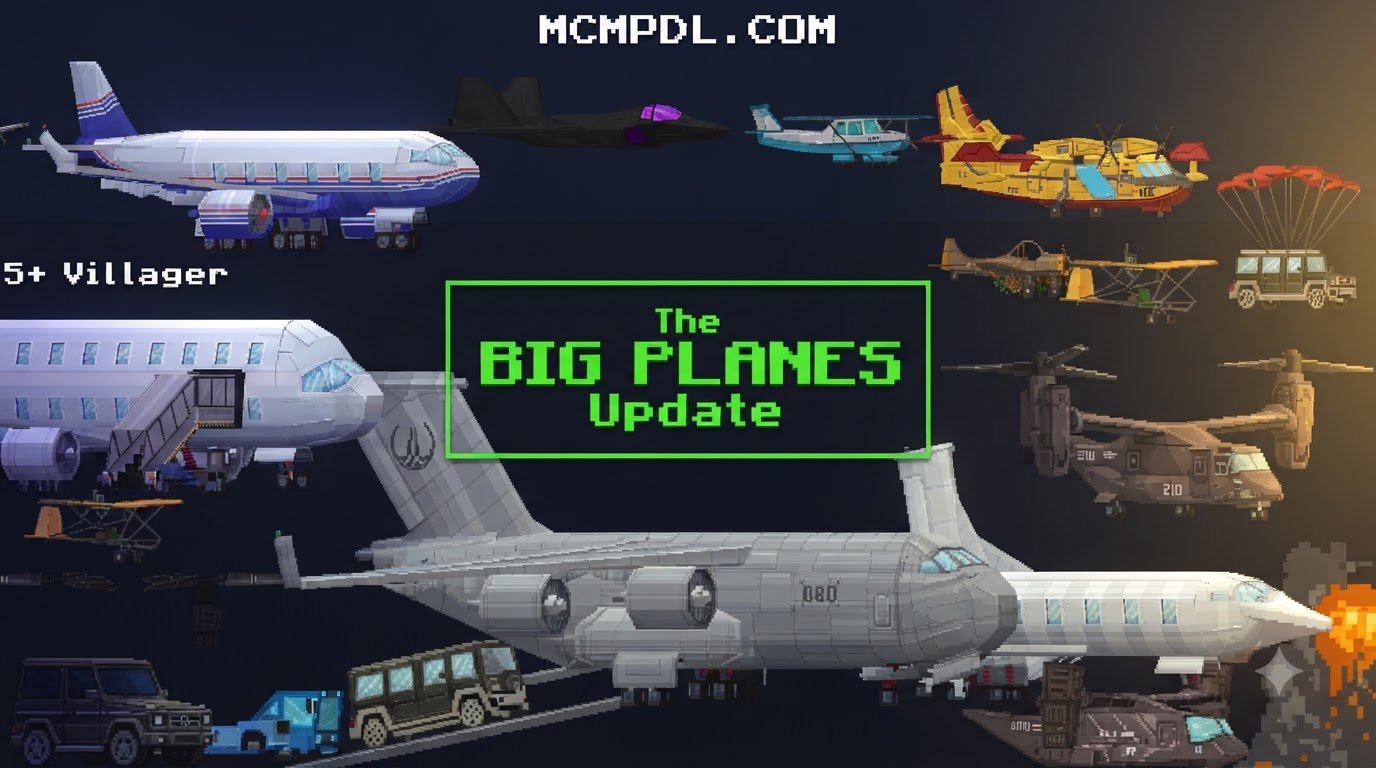
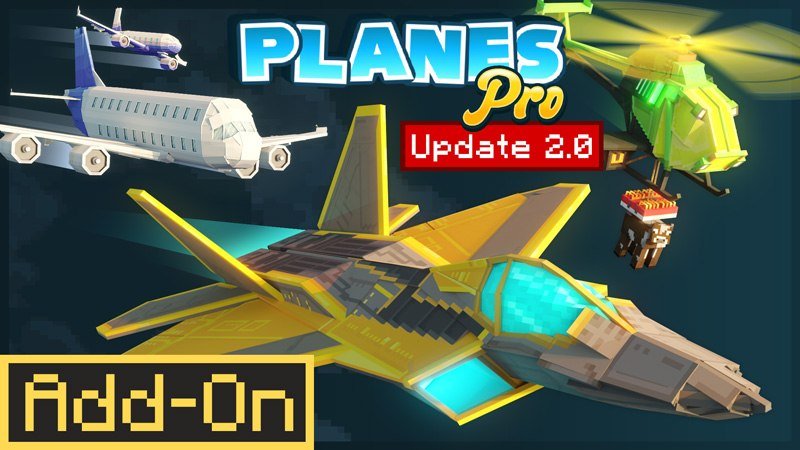
The hallmark of Planes Pro 2.0 is its roster of 15 fully functional planes, each engineered for distinct roles in your world. Rather than offering basic reskins of the same vehicle, the pack gives each aircraft unique handling parameters, speeds, cargo capacities, and utility functions:
- Aerobatic Stunt Planes: Lightweight, agile birds designed for sharp banking, barrel rolls, loops, and rapid altitude shifts. Perfect for obstacle courses and aerial exhibitions.
- Heavy Cargo Transports: High-capacity airlifters built for logistics. These craft feature dedicated storage inventories, letting you transport dozens of shulker boxes across biomes in a single journey.
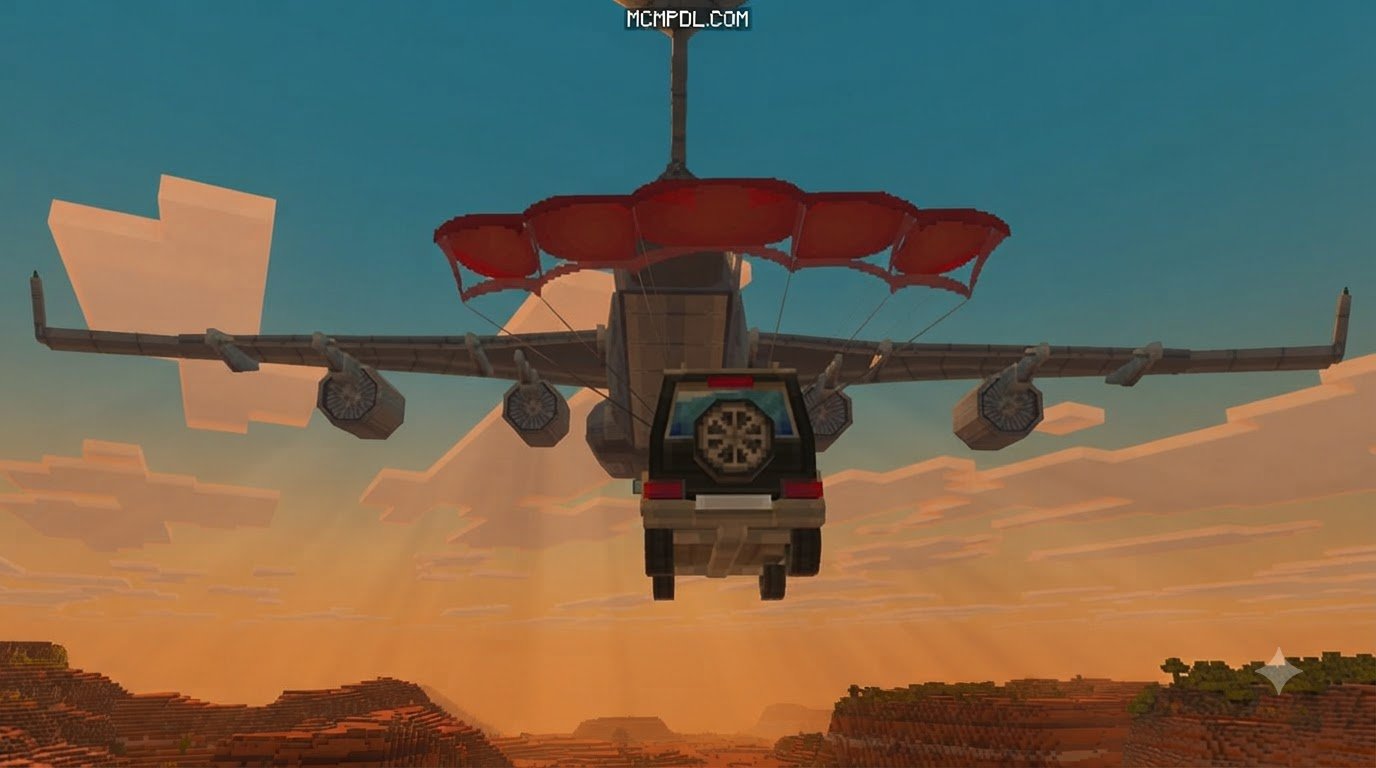
- Mob Lifters & Utility Craft: Specialized helicopters and transport planes equipped with winches and mob-lifting mechanics. You can safely pick up villagers, livestock, or hostile mobs and deposit them wherever your projects require.
- Reconnaissance & Ultralight Craft: Fuel-efficient, fast-starting flyers ideal for charting uncharted map tiles or spotting distant trial chambers.
- Multi-Passenger Commuters: Twin-engine and multi-seat aircraft that allow friends on multiplayer servers to fly together seamlessly.
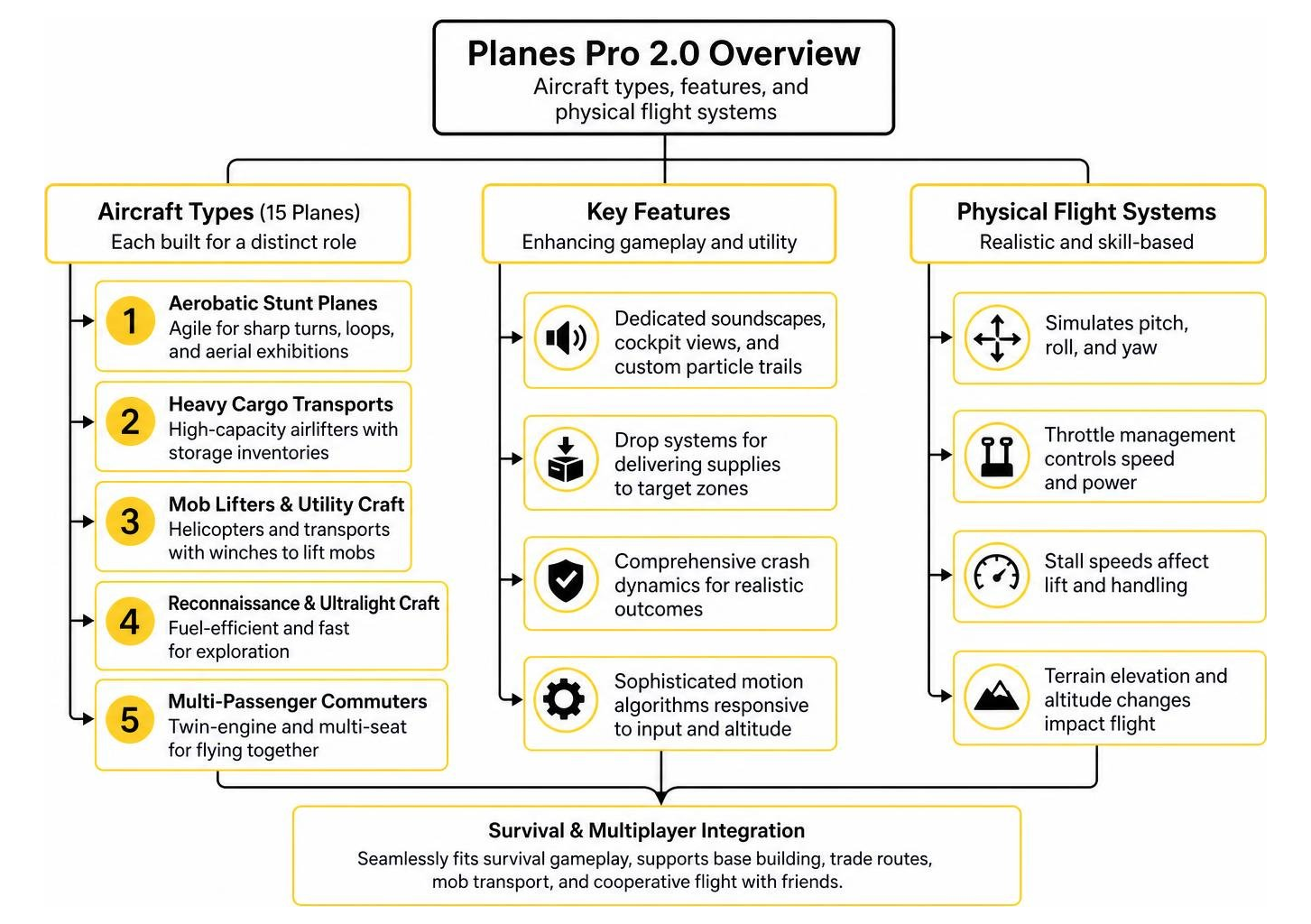
The pack also incorporates comprehensive crash dynamics, drop systems for dropping supplies onto target zones, and sophisticated motion algorithms. If you appreciate tactile movement physics, combining your aerial garage with realistic motion physics with the Physics Pro Addon for Minecraft PE Bedrock creates an ultra-immersive world feel where land, sea, and air travel behave with believable inertia.
Flight Mechanics, Airport Building, and Survival Mode
One major strength of the Planes Pro system is how smoothly it integrates into standard survival gameplay. Flying is not merely a matter of pressing forward; it simulates pitch, roll, yaw, throttle management, and stall speeds:
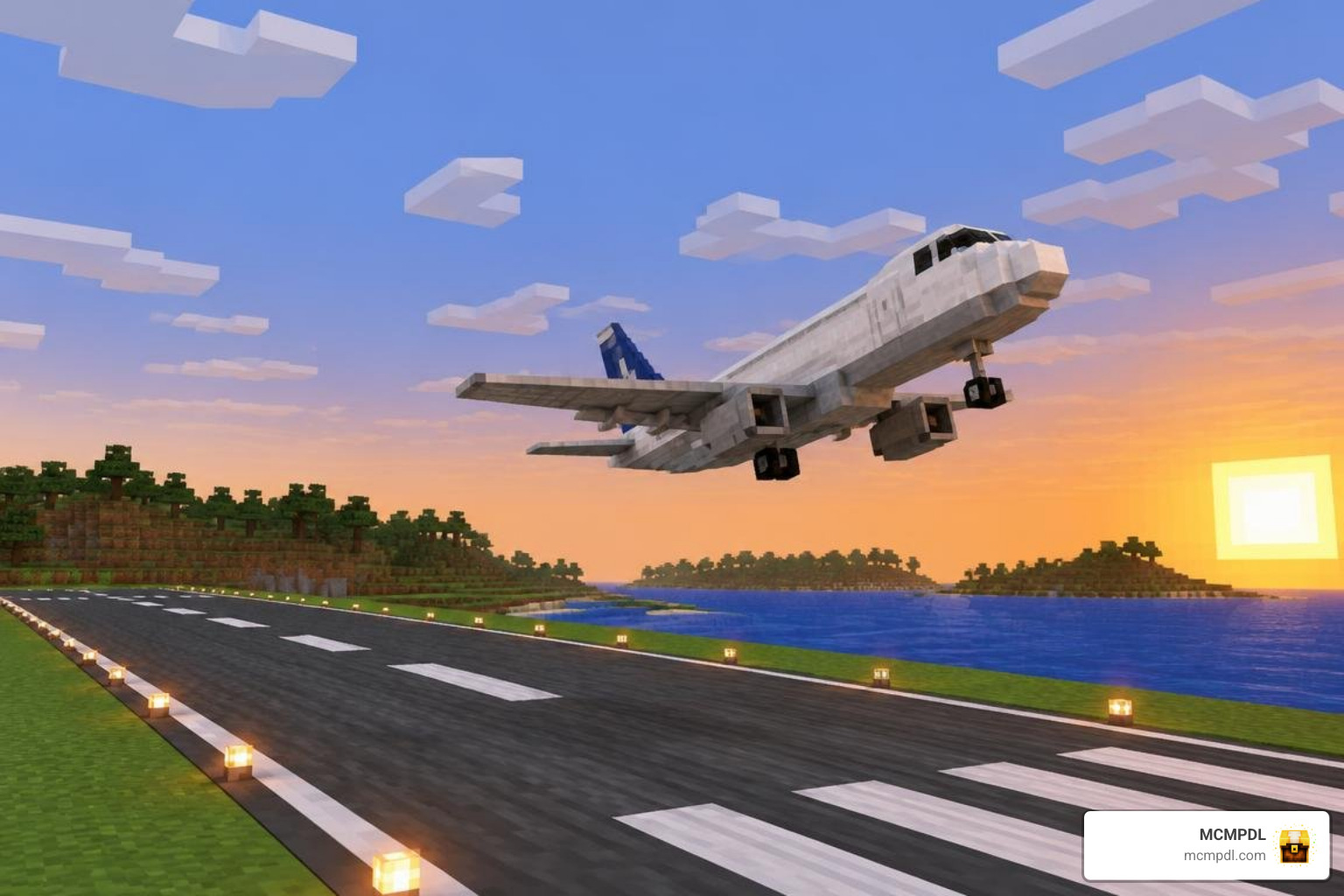
- Runway Physics & Takeoff: Aircraft require a clear runway strip to gain adequate forward momentum before their lift stat overcomes gravity.
- Stall & Crash Mechanics: Pulling upward too steeply bleeds off airspeed, leading to aerodynamic stalls. If you misjudge your landing angle or clip a hillside, realistic collision effects trigger.
- Survival-Friendly Auto Crafting: The pack includes dedicated crafting benches and auto-crafting mechanics, allowing survival players to assemble wings, fuselages, engines, and propellers using standard mining resources like iron, copper, redstone, and leather.
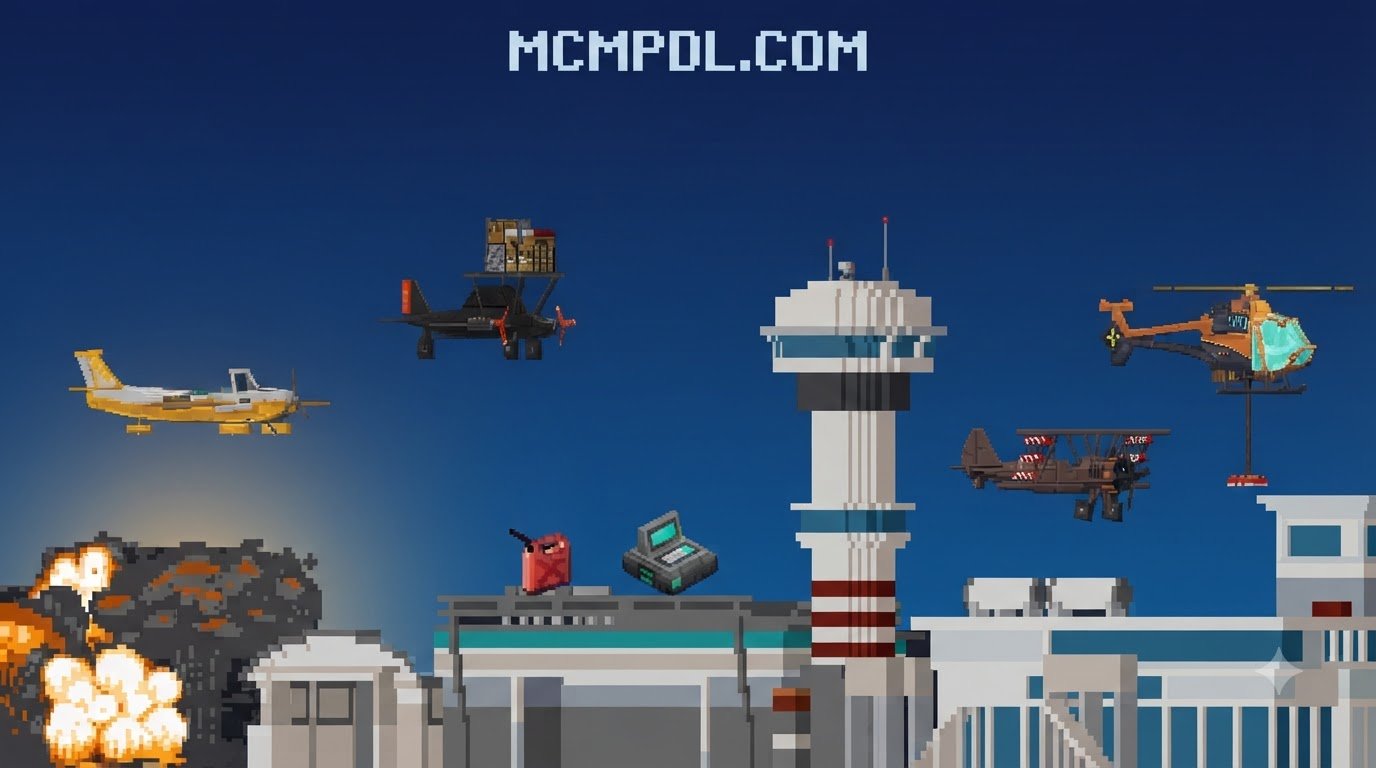
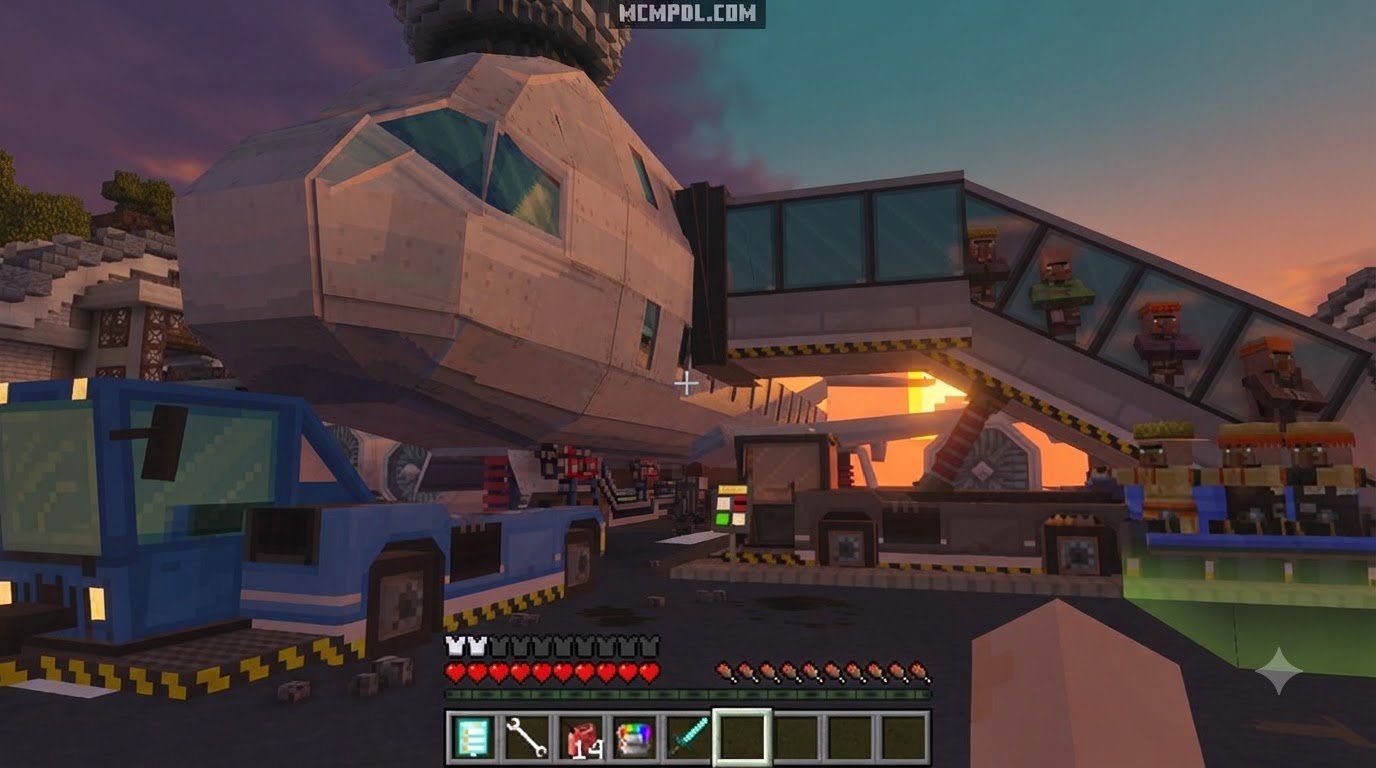
- Airport Construction Infrastructure: To support your aerial operations, the addon supplies architectural structures, runway markers, landing lights, and hangar components.
For builders eager to develop massive logistical operations connecting runways with ground transit hubs, you can expand your transport fleet with the More Vehicles Addon for Minecraft PE Bedrock to assemble a complete intermodal transit network.
How to Download and Install the Addon in 3 Steps
Getting your aircraft fleet operational on Minecraft Bedrock Edition (compatible with Android, iOS, Windows 10/11, Xbox, PlayStation, and Nintendo Switch) is straightforward.
Step 1: Download the Compatible Addon Files
First, ensure your device has an active internet connection and that your base Minecraft installation is up to date.
- Open Minecraft on your chosen device.
- Navigate to the in-game Marketplace and search for Planes Pro 2.0 by AriaCreations.
- Acquire the pack for 1,170 Minecoins (approximately $5.85 USD).
- Select Download to save both the Resource Pack and Behavior Pack files directly into your device’s Minecraft directory.
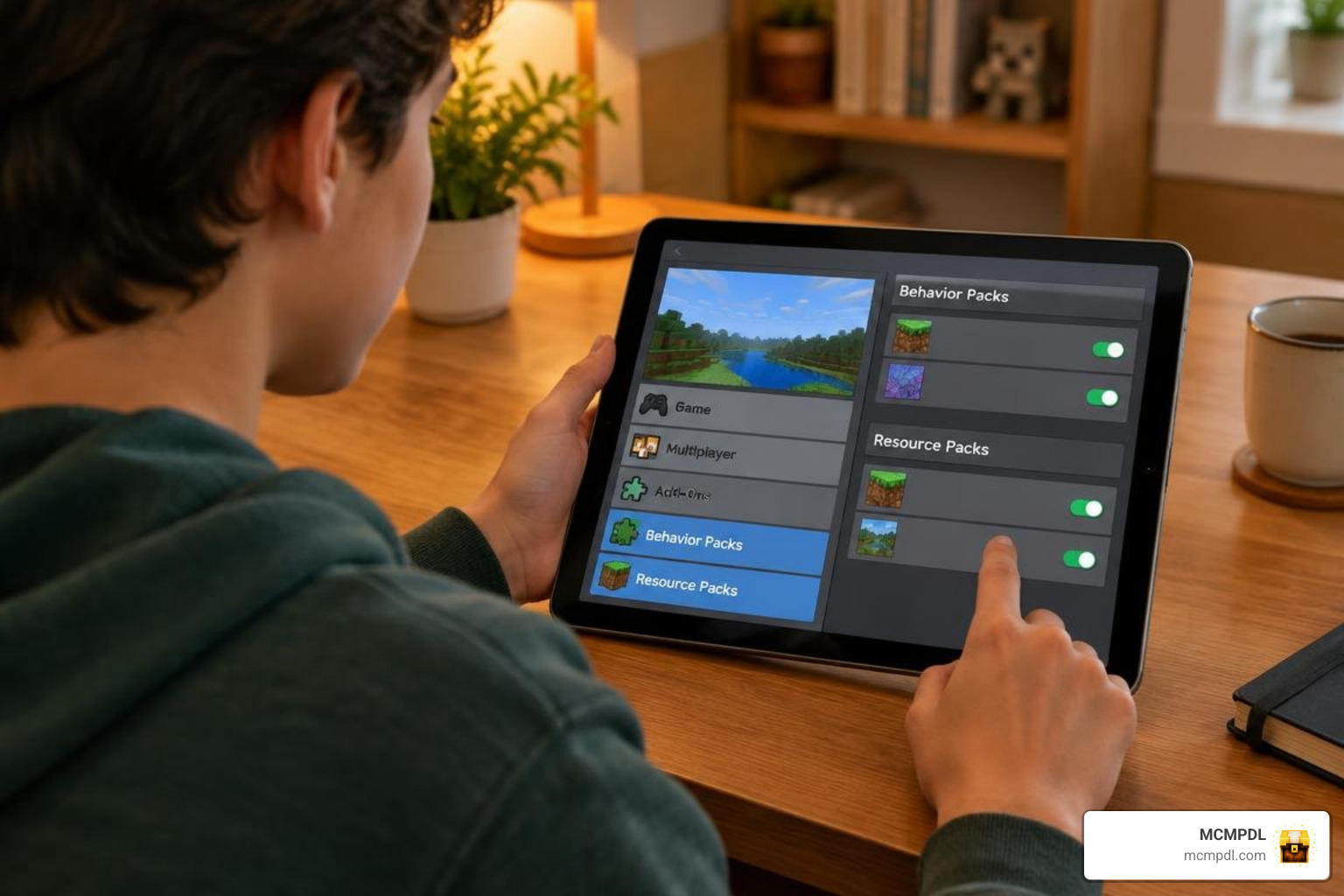
Step 2: Activate Behavior and Resource Packs in World Settings
Once the addon files are downloaded, you must enable them in your chosen world.
- From the Minecraft main menu, click Play and select the edit icon (the pencil) next to an existing world, or click Create New World.
- Scroll down the left sidebar to the Resource Packs tab, click Available, locate Planes Pro, and click Activate.
- Move down to the Behavior Packs tab, locate Planes Pro, and click Activate. Confirm the prompt acknowledging that custom behaviors are being applied.
- Under the Experiments menu in your world settings, verify whether any experimental gameplay toggles are required for your specific game build.
- If you ever run into pack activation errors or need official troubleshooting steps, consult the guide on how to Activate Add-Ons in Minecraft: Bedrock Edition | Minecraft Help.
Step 3: Launch Your World and Build Your Airport
With both packs activated, press Play to enter your world.
- In Survival Mode: Gather iron ingots, redstone dust, copper, and wood planks. Place down the custom Planes Pro workbench to access auto-crafting blueprints for engines, fuselages, and landing gears.
- In Creative Mode: Open the Creative inventory, browse to the items tab, and grab the spawn items for any of the 15 aircraft.
- Prepare Your Runway: Lay down at least 30 to 50 blocks of smooth stone, asphalt, or concrete to create a reliable landing strip free of obstacles.
- Board and Fly: Right-click, tap, or press the interact button on your controller to enter the cockpit. Increase the throttle, guide your plane down the runway, gently pull back on the controls to lift off, and take to the skies.
Addon Compatibility and System Requirements
To ensure stable framerates and prevent simulation lag during high-speed aerial flight, your setup should meet the baseline technical specifications:
- Minecraft Version: Bedrock Edition 1.21.120 or newer.
- Supported Platforms: Windows 10/11, Xbox One, Xbox Series X/S, PlayStation 4/5, Nintendo Switch, Android, iOS, Amazon Fire devices, and compatible VR environments (Oculus Rift, Gear VR).
- Memory (RAM): A minimum of 3 GB RAM on mobile devices; 4 GB to 8 GB+ recommended on PC and consoles for smooth chunk rendering while flying at high velocities.
- Storage: At least 150 MB of free storage space for world files, custom textures, and behavior definitions.
If you enjoy managing diverse garages alongside your hangars, you can pair this addon with the Realistic Vehicles Addon for Minecraft PE Bedrock to ensure your ground vehicles share the same level of visual fidelity.
How to Configure Settings for the Planes Pro Addon for Minecraft PE/Bedrock
You can tune the addon settings directly within the world options or via in-game configuration items to match your platform and preferences:
- Flight Sensitivity: Adjust pitch, yaw, and roll sensitivity to prevent over-steering on touchscreens or gamepads.
- Crash Damage Toggles: Enable or disable block destruction and vehicle damage upon impact, depending on whether you prefer hardcore survival stakes or stress-free exploration.
- Render Distance Adjustments: When piloting fast aircraft, lower particle effects slightly on low-end mobile devices to maintain a steady 60 FPS while chunks generate ahead of you.
- Control Layouts: Choose between classic dual-stick virtual controls or touch-steering options on mobile platforms.
Frequently Asked Questions About Planes Pro 2.0
Is Planes Pro 2.0 Worth It?
Planes Pro 2.0 has earned a 4.5 out of 5-star rating across more than 16,590 player reviews on the Marketplace. At 1,170 Minecoins (around $5.85 USD), it provides exceptional value by delivering 15 unique aircraft, full survival auto-crafting, airport infrastructure pieces, stunt systems, and mob-transport capabilities in a single, polished package.
Which Minecraft Bedrock versions support this addon?
The addon officially requires Minecraft Bedrock version 1.21.120 or later. It runs across all 12 supported Bedrock platforms, allowing cross-play between mobile, console, and PC players on the same multiplayer worlds or Realms.
Can you craft and fly planes entirely in survival mode?
Yes. Planes Pro 2.0 was designed specifically with survival balance in mind. Every aircraft, engine component, propeller, and fuel cell can be produced through the integrated auto-crafting system using standard vanilla mining and farming resources.
Conclusion
The Planes Pro Addon elevates Minecraft Bedrock from a purely ground-based sandbox into an open-sky aviation frontier. With 15 carefully tuned planes, authentic flight dynamics, airport construction tools, and survival-ready mechanics, it delivers everything you need to build operational airbases and travel across vast biomes with ease.
Whether you are staging stunt shows with friends or setting up transcontinental freight lines on a multiplayer realm, getting started takes just a few clicks. For even more custom transportation mods, texture packs, and mechanical upgrades, browse the curated Vehicles and Tech Category – Add-Ons to find your next favorite download. Prepare your runway, check your instruments, and take flight today!