Scroll down to Download
Features and Content in the Fragments of the Overworld Add-On
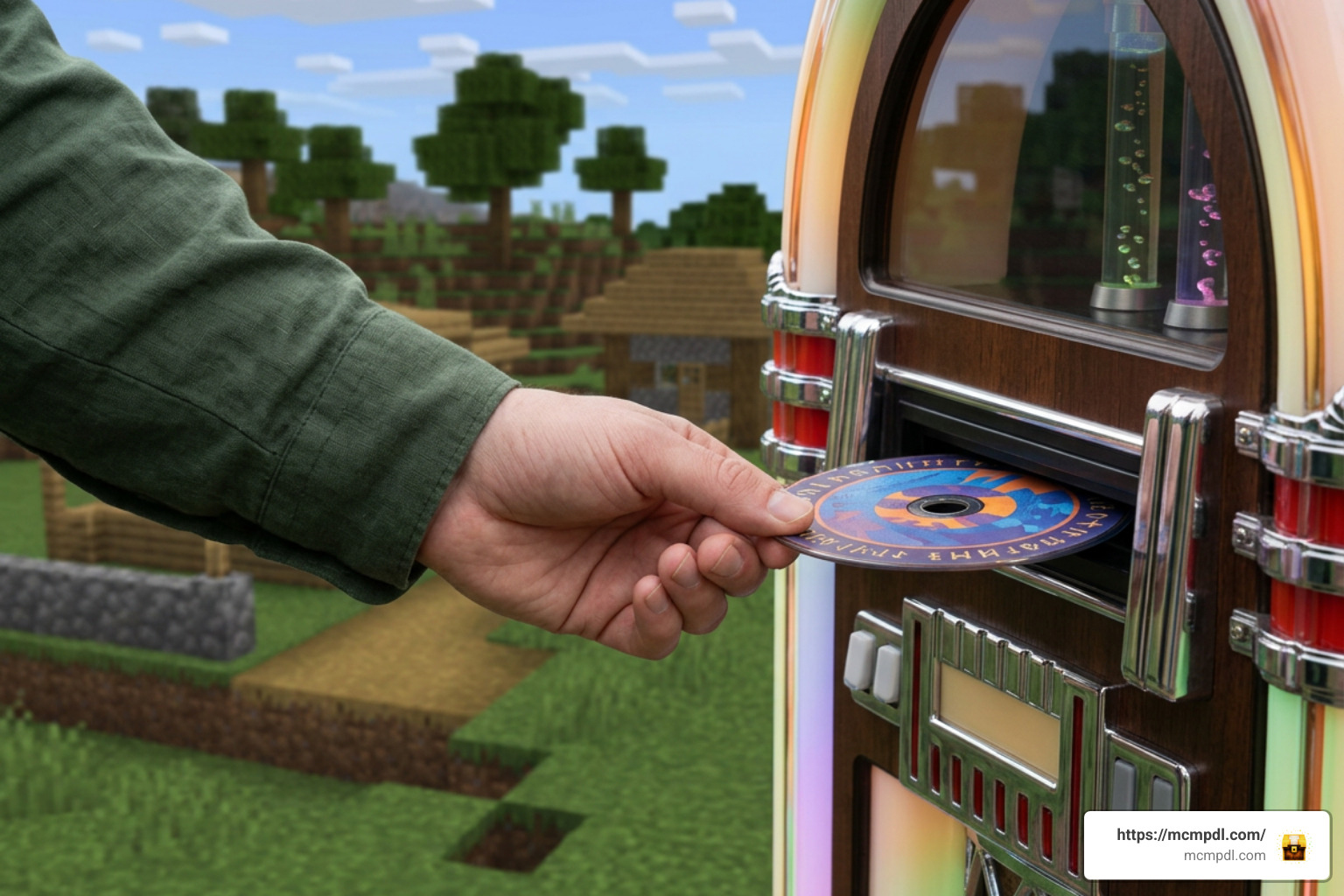
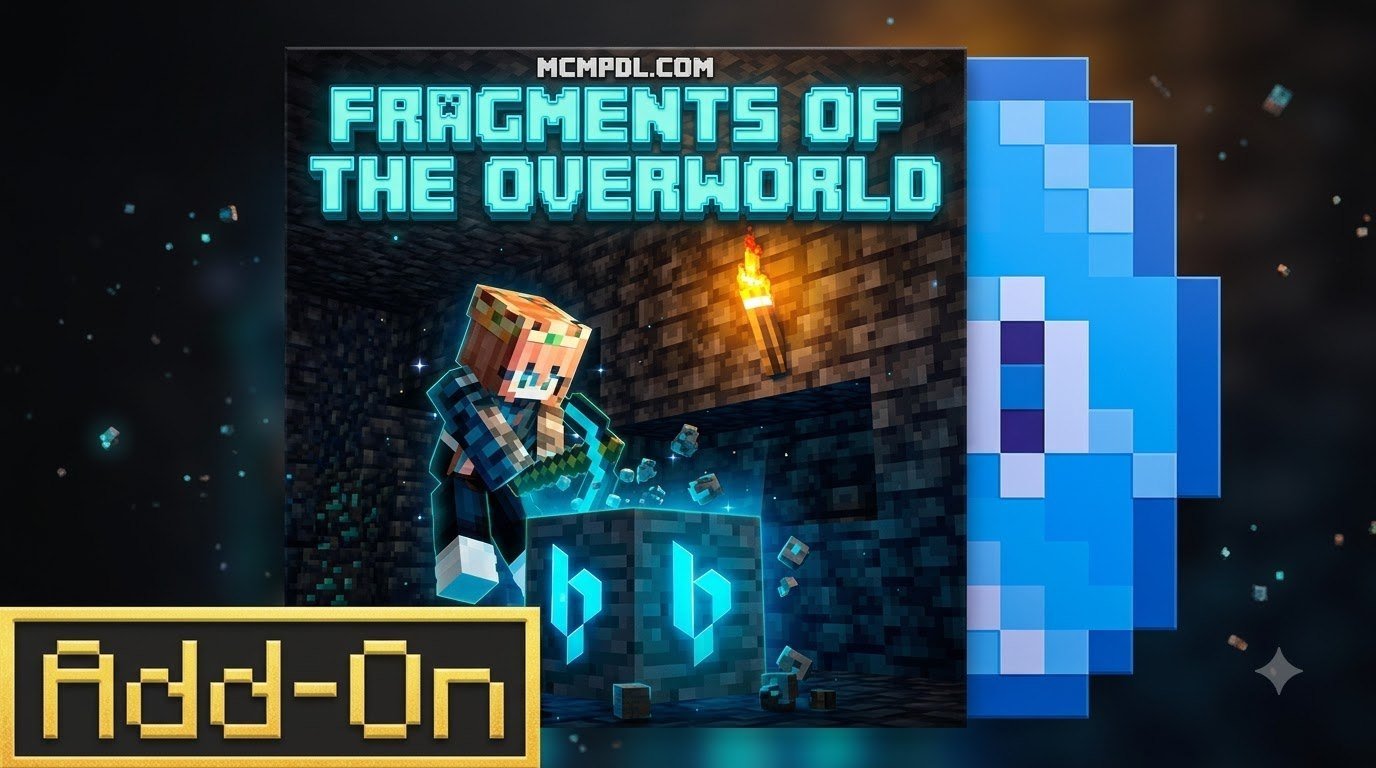
The Fragments of the Overworld Add-On brings an entire original album directly into your survival gameplay. Developed by Bedrock Productions, this popular pack holds an impressive 4.3 out of 5-star rating (with 70% of reviews granting it a full 5 stars) and has gathered thousands of views on its official trailer.
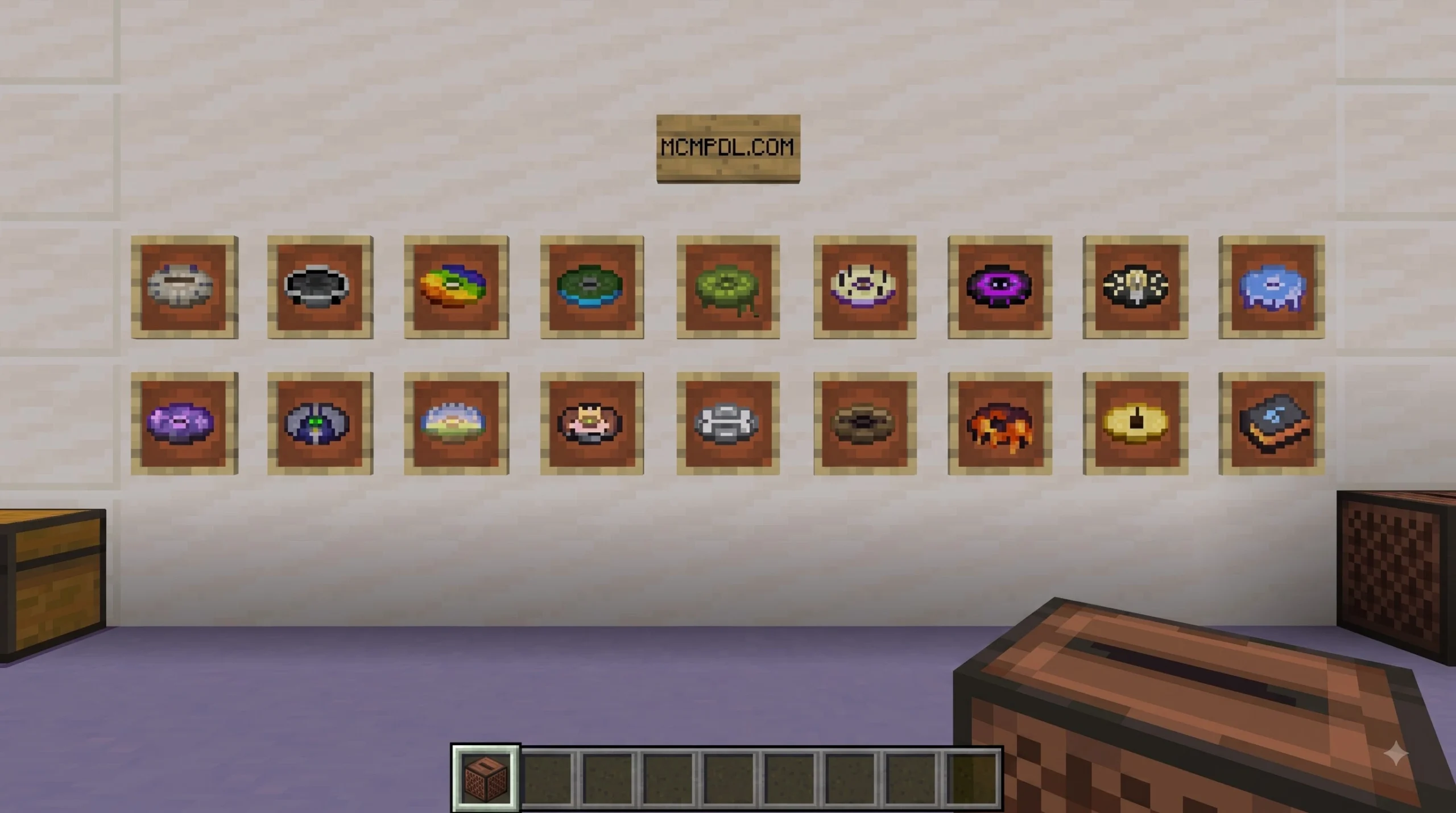
Instead of simply handing you a set of audio files, this add-on weaves its custom soundtrack directly into the core gameplay loop of Bedrock Edition. Players acquire 17 brand-new music discs by exploring their environment and overcoming dynamic hazards.
In-Game Challenges and Music Disc Rarities
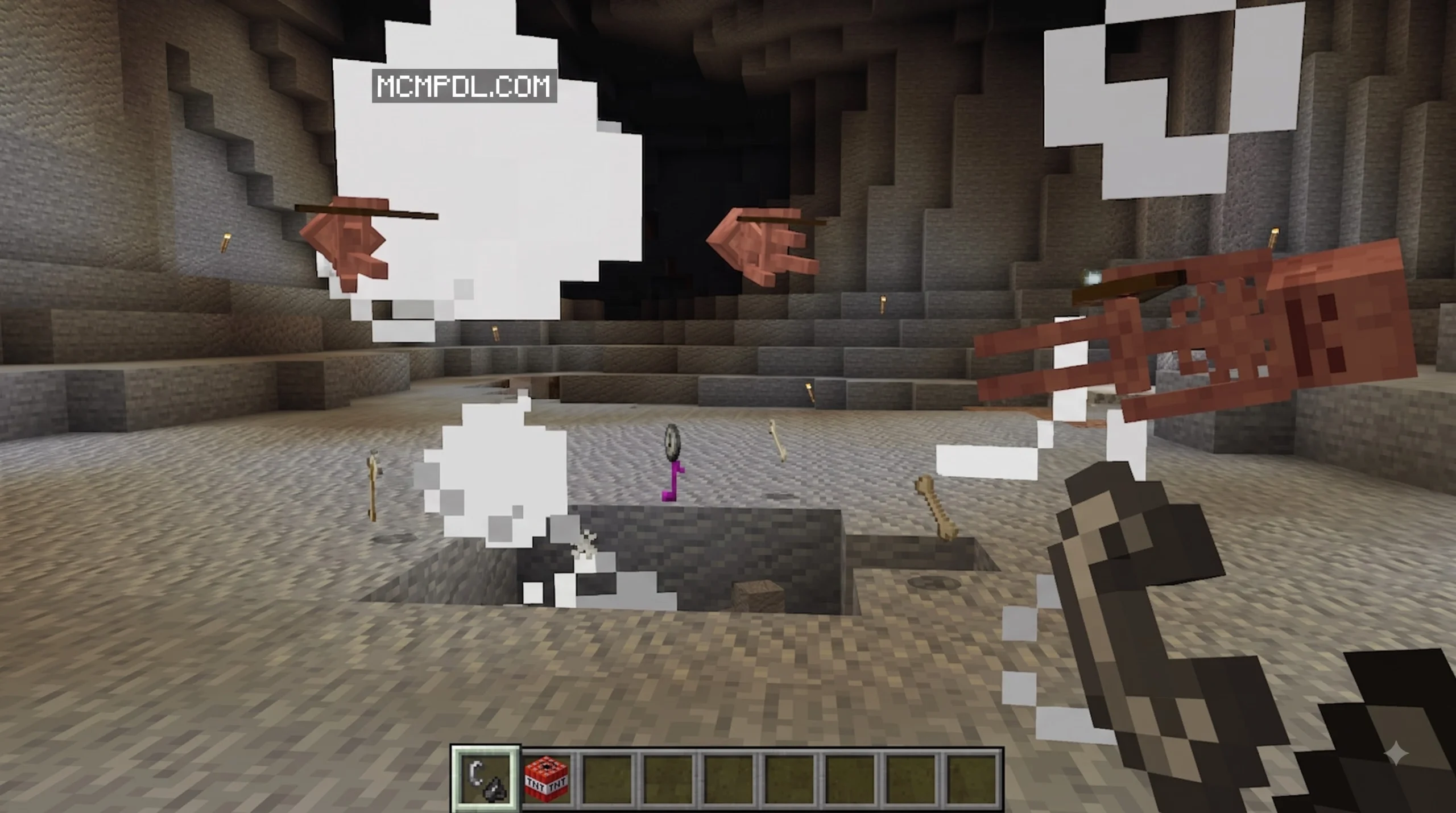
Rather than cluttering creative menus or acting as simple cosmetic additions, each music disc must be earned through distinct gameplay challenges. As you trek across your world, you will uncover objectives tied directly to survival progression.
The album’s tracklist is divided across four distinct rarity tiers:
- Uncommon Discs: Earned through early-game survival milestones, such as deep cavern exploration or basic mob encounters.
- Rare Discs: Rewarded for conquering hazardous Overworld structures or navigating challenging biomes.
- Epic Discs: Unlocked by clearing high-risk combat encounters or reaching deep subterranean depths.
- Legendary Discs: The ultimate reward for completing elite end-game challenges and boss encounters.
This structured progression turns disc hunting into an engaging achievement system, giving music collectors a tangible goal during long-term survival runs.
Redstone and Hopper Integration Mechanisms
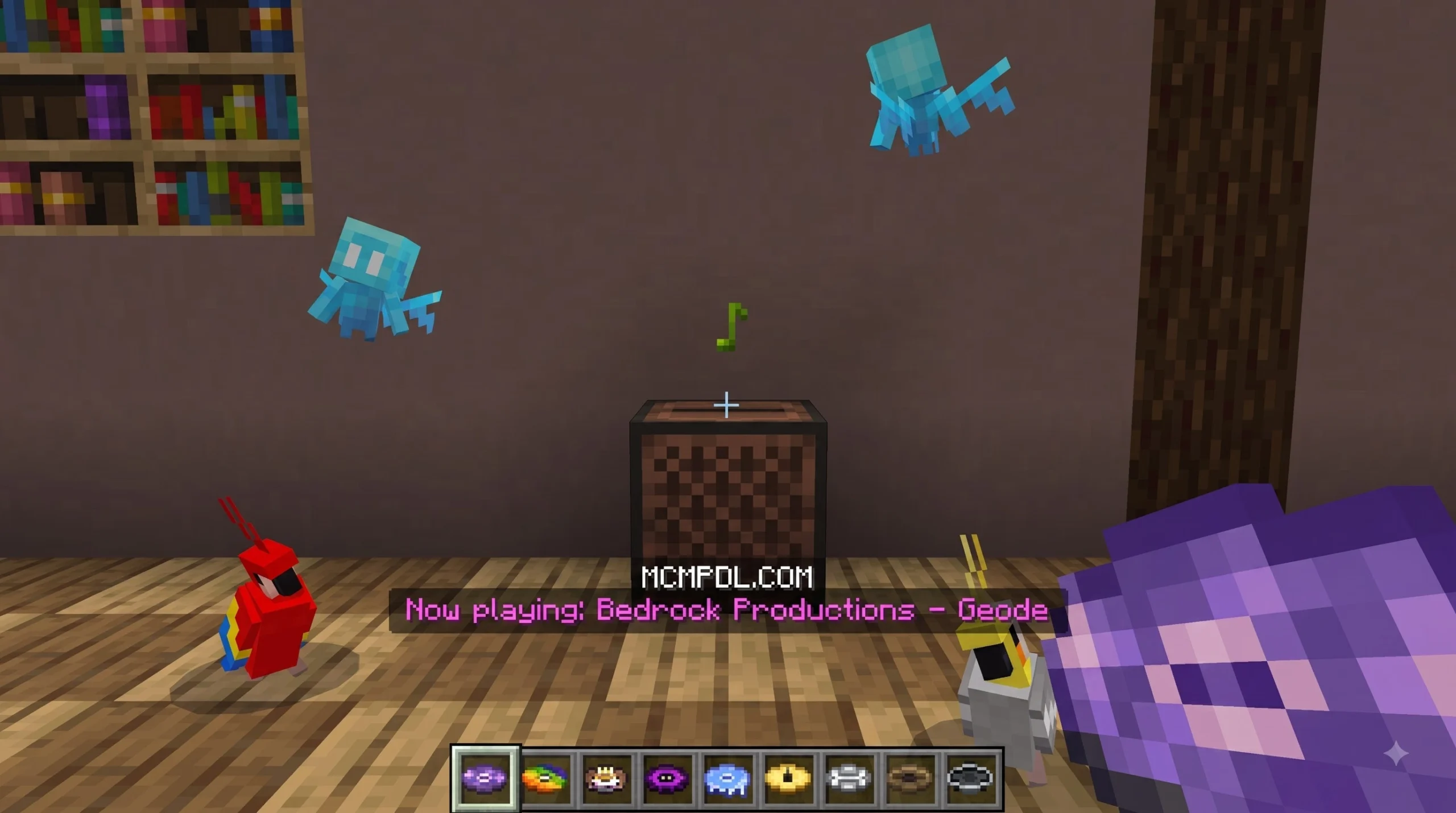
A common issue with custom audio packs is a lack of technical integration with vanilla mechanics. Fortunately, the Fragments of the Overworld Add-On treats every custom music disc as a native item. Each disc functions inside standard vanilla jukeboxes, broadcasting ambient soundscapes throughout your base.
For Redstone engineers, full hopper compatibility opens up vast possibilities for base automation:
- Automated Music Boxes: Connect a chest and hopper pipeline directly into a jukebox to play continuous background tracks.
- Item Sorters: Organize custom music discs using standard Redstone filter channels.
- Jukebox Loops: Use hopper clocks to automatically cycle through all 17 tracks on a set delay.
Whether you want to build a cozy jukebox corner in your house or a massive multi-track Redstone audio center, these native physical properties make custom audio play smoothly inside your base.
How to Download and Install Fragments of the Overworld
Installing new content from the official catalog is straight to the point, but you must ensure your game settings are configured properly before applying the pack to your main world.
Step-by-Step Download Guide for Fragments of the Overworld Add-On
Follow these 5 simple steps to get the Fragments of the Overworld Add-On running on your device:
- Launch Minecraft Bedrock: Open your Bedrock Edition client on your preferred platform (Console, PC, Mobile, or VR).
- Navigate to the Marketplace: Click on the Marketplace button on the main menu screen.
- Search for the Add-On: Select the search icon in the top right corner and search for “Fragments of the Overworld”. Alternatively, you can browse directly via the Fragments of the Overworld Add-On page.
- Purchase the Pack: Select the add-on listing and click the purchase button to acquire it for 490 Minecoins (approximately $2.57 USD / €2.42 EUR).
- Activate in World Settings: Create a new world or click the edit icon (pencil) next to an existing world. Scroll down to Resource Packs and Behavior Packs, locate the Fragments of the Overworld Add-On, and select Activate.
Troubleshooting the Fragments of the Overworld Add-On Installation
If your new music tracks or challenges fail to load inside your world, check these technical requirements:
- Verify Game Version: Ensure your client is updated. The add-on requires Bedrock Edition 1.16.0 or newer.
- Check Resource and Behavior Pairing: Both the resource pack (audio files) and behavior pack (challenge scripts and item logic) must be activated on the same world save.
- Re-download Missing Files: If a download stalls, navigate to
Settings > Storage > Resource Packsin your main menu, delete the pack cache, and re-download it from your Marketplace purchase history.
Advanced Interoperability and Cross-Addon Scripting
For creators and technical server administrators, running multiple Bedrock packs together requires a clear understanding of backend scripting architectures. Modern Bedrock behavior packs communicate using script events to share data without causing server crashes.
Cross-Addon Messaging Architecture
Addons running on modern Bedrock engines utilize the Minecraft Bedrock Addon Interaction Standard (MBAIS). This community protocol standardizes inter-process script communication using system.sendScriptEvent or world.getDimension().runCommand.
When custom packs run side-by-side, they maintain stability through systematic event tracking:
- Global Discovery Events: Upon world startup (
WorldInitializeEvent), addons broadcast aglobal:discoveryscriptevent to notify other installed packs of their presence. - Namespace Filtering: Script listeners apply filters like
{namespaces: ['global', 'addon_id']}so they only parse relevant payload events. - UUID Request Tracking: Asynchronous communication relies on attaching unique UUID identifiers to data requests, allowing source packs to verify receipt.
- Server Validation: Script events are restricted to Server-side execution to stop client-side payload manipulation.
Performance Constraints and Script API Optimization
When building or running custom scripting systems alongside music and content packs, developers must account for rigid Bedrock Script API bounds:
| Constraint Type | Limit / Property | Impact & Best Practices |
|---|---|---|
| Message Byte Limit | 2048 bytes | Payloads exceeding 2048 bytes trigger a silent command failure (successCount: 0) without throwing fatal script error logs. |
| Character Formatting | 1024 character cap | Including non-ASCII characters (such as section symbols § for text color formatting) reduces message limits from 2048 to 1024 bytes. |
| Payload Chunking | Indexing arrays | Complex cross-pack data must be split into indexed chunk packets (idx, mid) and rebuilt on the receiving end. |
| Delivery Verification | successCount Check | Scripts must always evaluate the integer output of scriptevent dispatches to confirm destination listeners processed the message. |
Fragment World Systems and Add-On Features
Beyond stand-alone Marketplace disc packs, the wider Minecraft ecosystem features community-created plugins and mods built around broken worlds and fragment systems.
For Java server administrators, plugins like FragmentWorld on Paper Hangar replace standard continuous terrain with procedurally generated floating island grids suspended over an endless void. Similarly, players can check out the full FragmentWorld plugin release notes to see how server-side void survival platforms operate.
Overworld Structure Expansions
To make broken world survival engaging, fragment mechanics replace smooth biomes with specialized exploration features:
- Floating Biome Cores: Players restore isolated floating islands by locating island Cores and harvesting Fragment Energy.
- Guardian Boss Encounters: Claiming high-tier Epic or Legendary fragments awakens powerful Guardian bosses. These boss mobs feature enrage phases triggered when health drops below 40%, keeping combat tense.
- Custom Structure Additions: For players who prefer traditional Overworld terrain over void voids, packs like the More Structures add-on for William Wythers’ Overhauled Overworld bring new life to empty biomes by adding ruins, campsites, and hidden treasures without destroying standard terrain generation.
- Modpack Customization: Complex Forge setups like the Fragments Modpack bundle over 45 custom bosses and 200+ mods together for high-tier RPG adventures. Meanwhile, standalone mods like Among The Fragments on MCreator introduce unique tools such as the Fragment Cutter and Item Multiplier to refine raw ores into upgraded gear.
Comparison of Fragment Add-On Features
Understanding where each content pack fits helps you build your ideal Minecraft setup:
| Feature Category | Marketplace Add-On | Server Void Plugin | Forge / Fabric Mod |
|---|---|---|---|
| Primary Focus | 17 Custom Music Discs & Challenges | Floating Island Grid & Core Claims | Raw Extraction & Gear Progression |
| Target Platform | Minecraft Bedrock (1.16.0+) | Paper Java / Geyser Bedrock | Java Forge (1.20.1) |
| World Generation | Vanilla Overworld compatible | Procedural Void Grids | Custom Biomes & Overhauled Ruins |
| Boss Mechanics | In-game disc challenges | 14 Guardian Bosses (Enrage at 40% HP) | Custom Entities & Ender Watchers |
| Setup Method | Marketplace 1-Click Install | Server /plugins Folder | Forge Mod Loader & Dependencies |
Frequently Asked Questions
What version of Minecraft Bedrock is required to run the add-on?
The Fragments of the Overworld Add-On requires Minecraft Bedrock Edition version 1.16.0 or newer. It is fully compatible with modern updates across consoles, mobile devices, and PC.
How much does the add-on cost on the Minecraft Marketplace?
The add-on costs 490 Minecoins, which is roughly $2.57 USD or €2.42 EUR depending on your region and local store taxes.
Can the new music discs be used with automated Redstone hoppers?
Yes! All 17 custom music discs feature complete jukebox and hopper integration, allowing you to design automated music players and sorting systems inside your base.
Conclusion
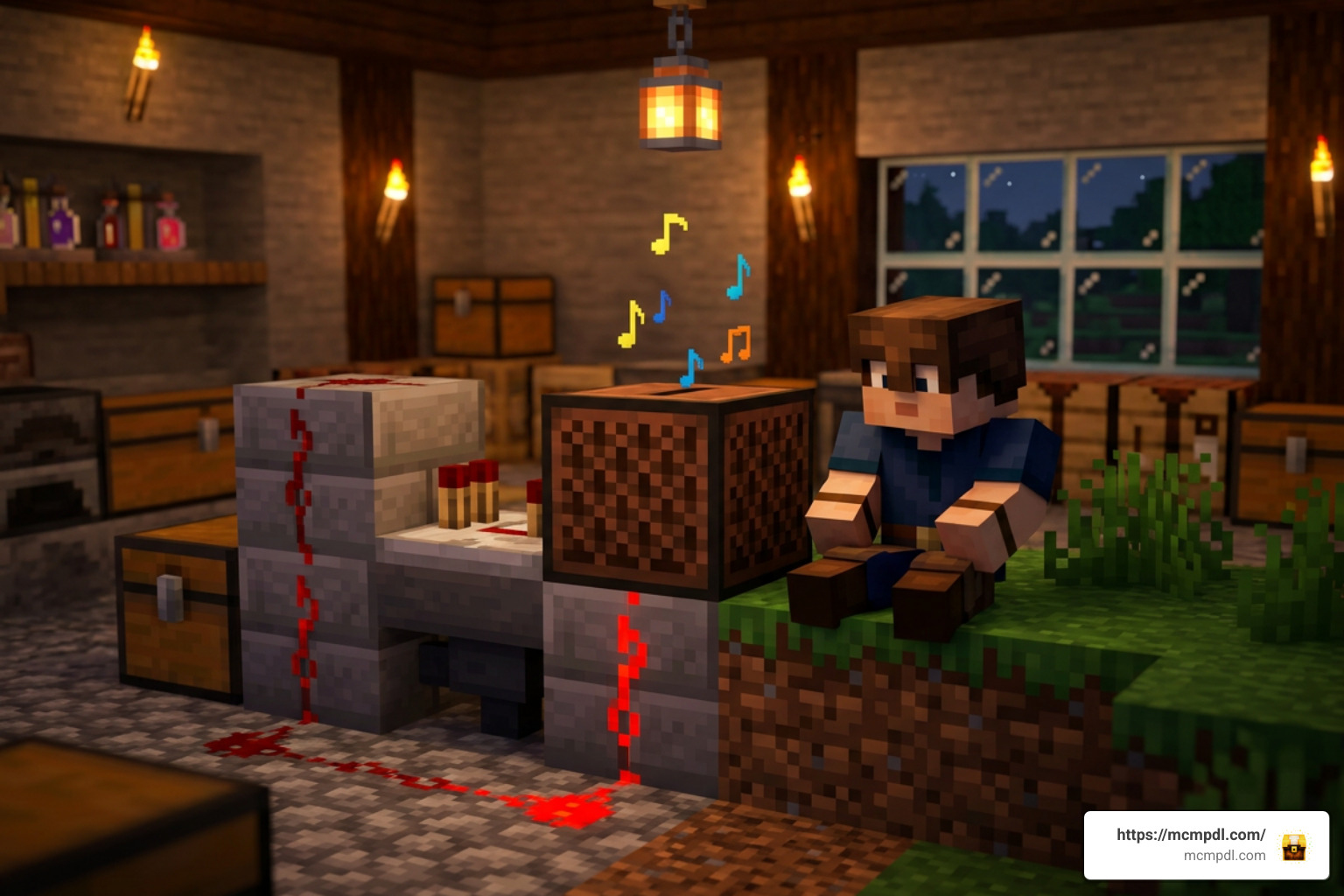
The Fragments of the Overworld Add-On is a fantastic addition for survival players who love collecting rare items, completing achievement challenges, and filling their bases with great music. By introducing 17 original tracks with full Redstone and hopper support, Bedrock Productions has delivered a high-quality Marketplace pack that fits smoothly into standard gameplay.
If you are ready to expand your Bedrock Edition setup with new survival content, world seeds, and custom guides, Find More Minecraft Content on MCMPDL to upgrade your game today!
1 thought on “Fragments of the Overworld Add-On: 17 Music Discs & More”