Scroll down to D0vvnl0ad
A Stalker That Changes Your Bedrock World
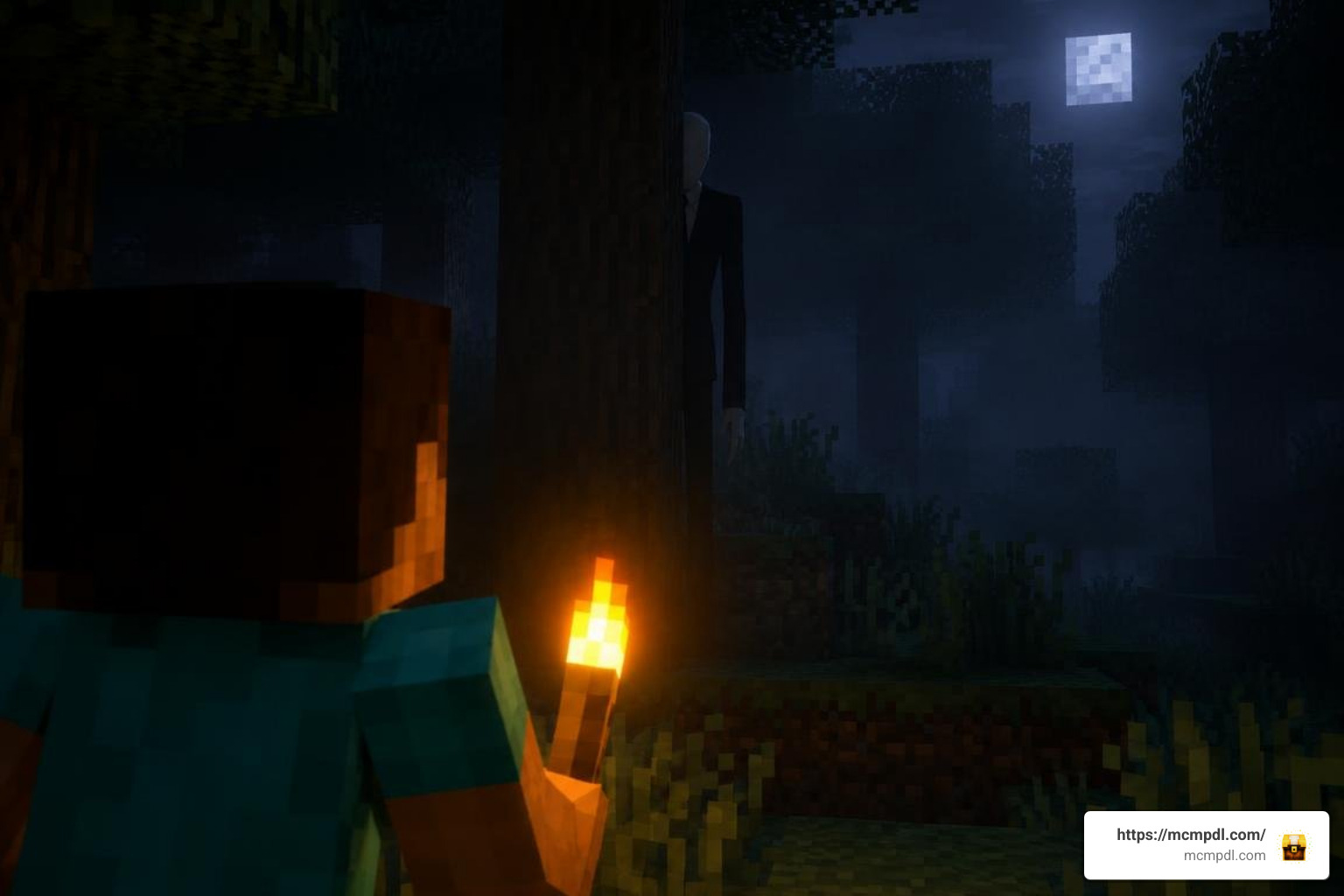
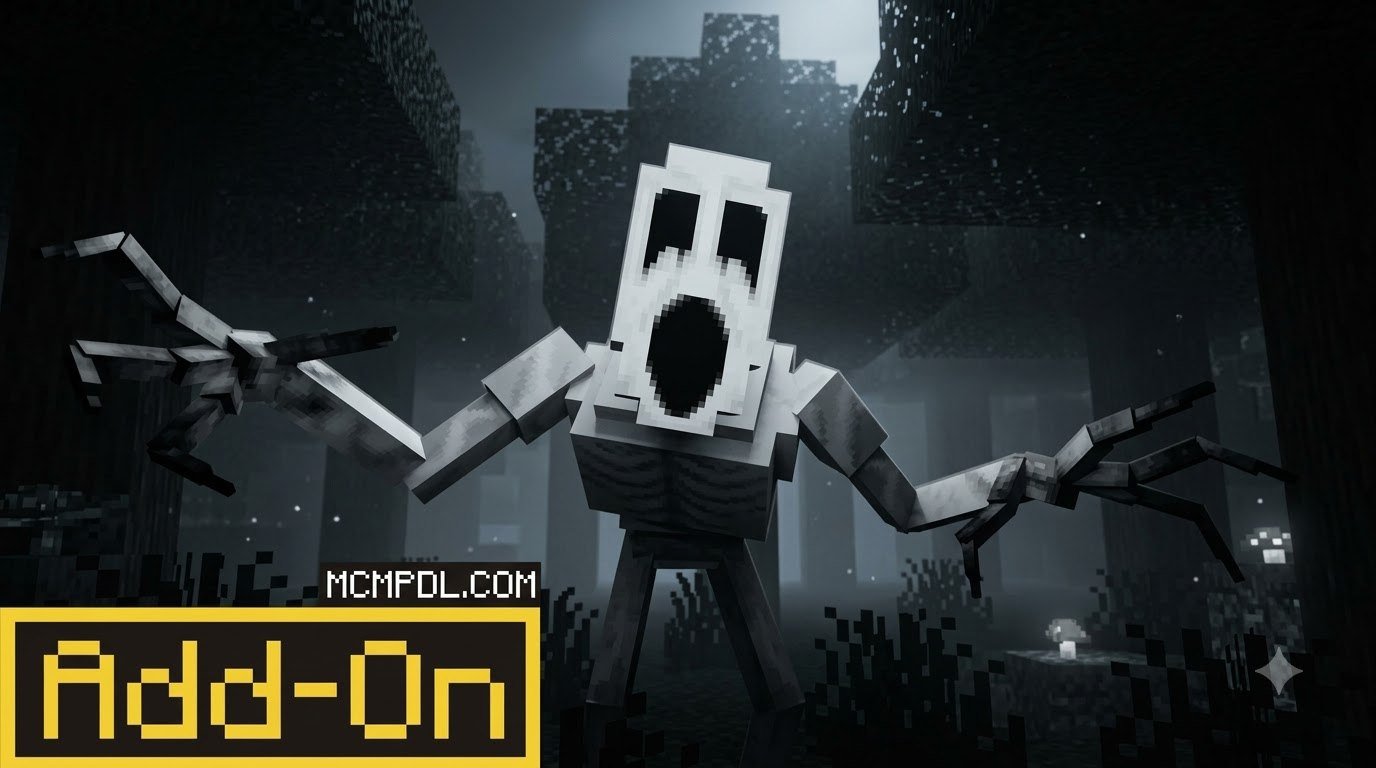
The One Who Watches add-on brings a horror mob to Minecraft PE and Bedrock. Instead of simply rushing at you, it can stalk you and turn a quiet trip through the woods into a tense game of survival. For more on how this type of content changes the game, see the broader Minecraft modding community’s work on custom entities and AI.
To get started, choose a version made for your Bedrock release, import its .mcaddon file or install it through the Minecraft Marketplace, and enable the required packs in your world settings. Setup and mob behavior vary by version, so check the add-on’s instructions before you play.
What Is The One Who Watches Addon for Minecraft PE/Bedrock?
For years, the standard nocturnal threats of Minecraft—zombies, skeletons, and creepers—have kept us on our toes during the early game. Over time, veteran players learn to easily outmaneuver these enemies using simple barricades, shields, or a decent sword. If you feel standard survival has lost its edge, The One Who Watches Addon for Minecraft PE/Bedrock introduces a completely different kind of predator: an intelligent, relentless stalker engineered for psychological horror.
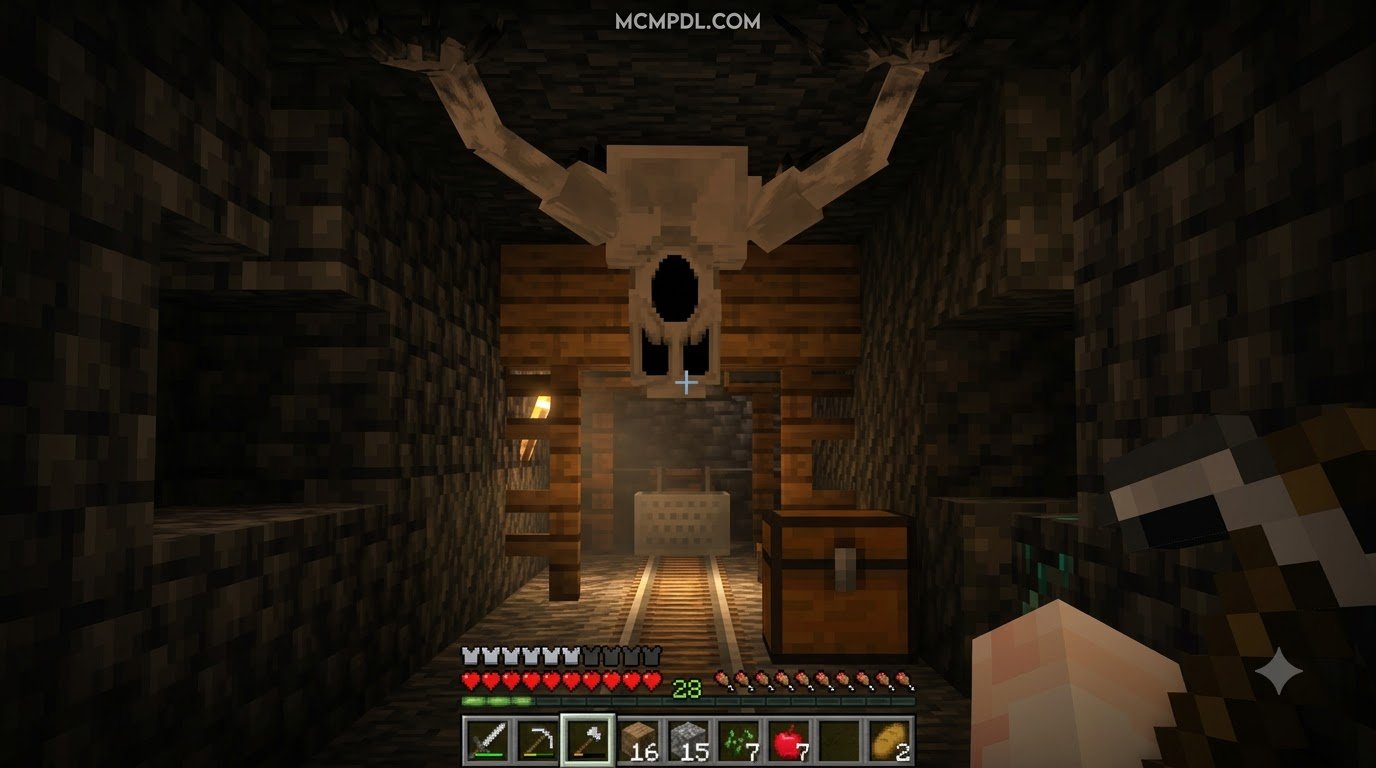
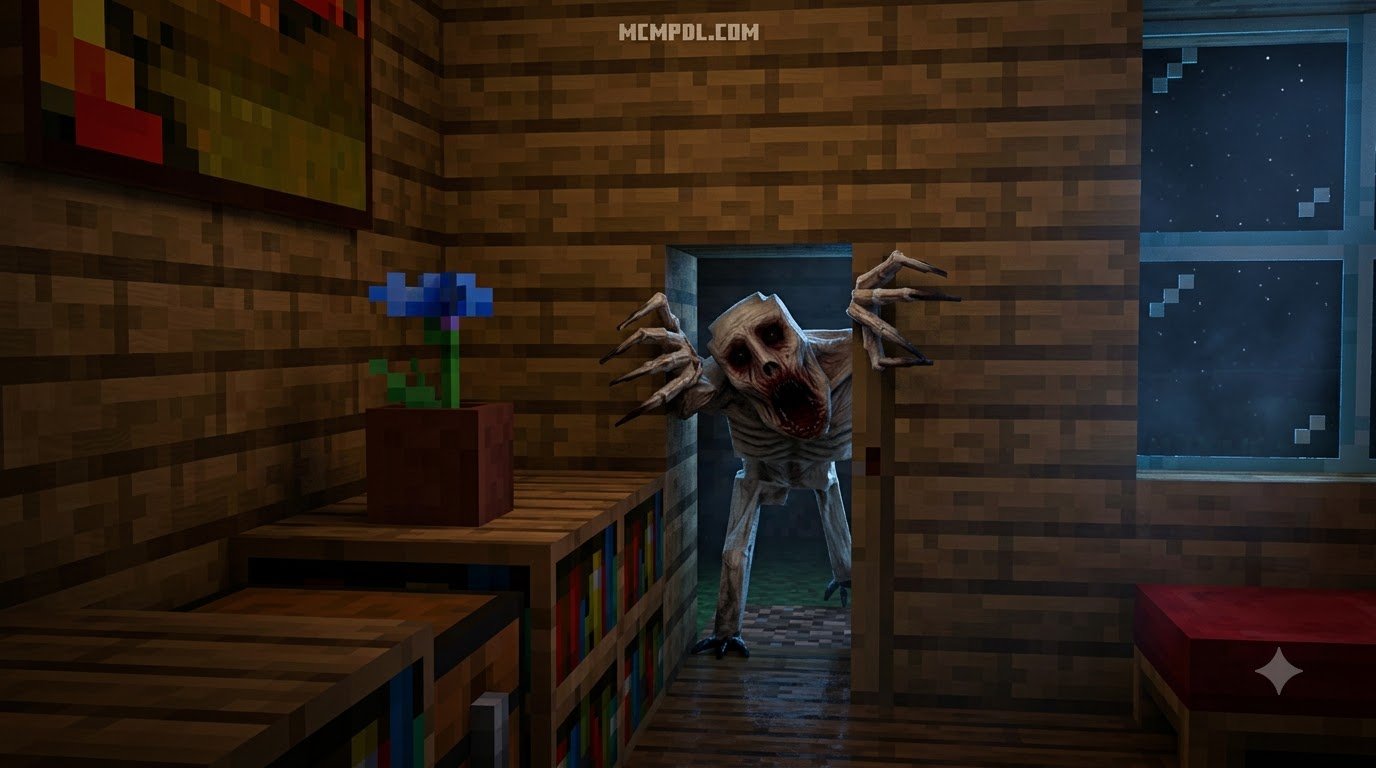
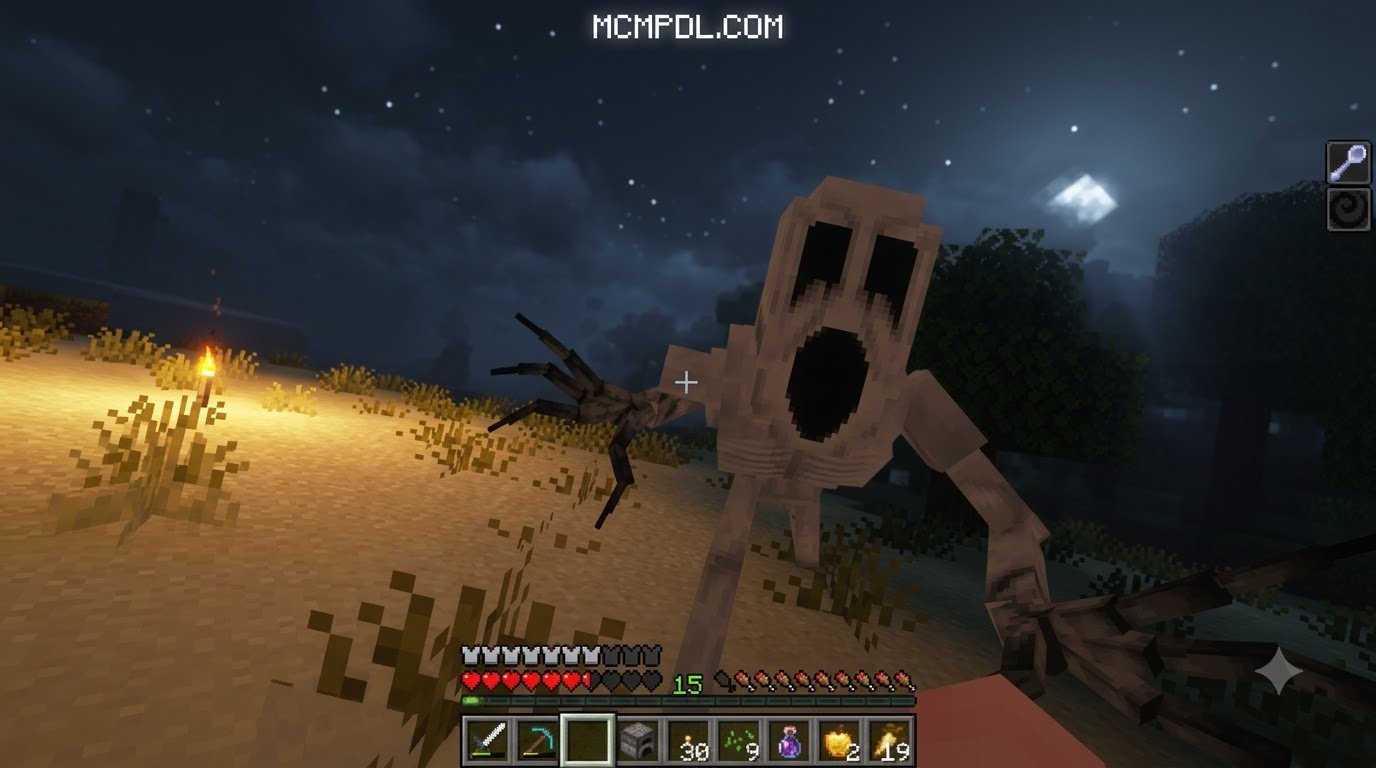
Unlike standard monsters that spawn, lock on, and charge blindly in straight lines, the entity introduced here relies on intricate observation behaviors, audio cues, and gradual psychological pressure. Standing roughly 3.5 blocks tall with a pale, emaciated silhouette, this creature watches you from the edge of your render distance. It uses advanced pathfinding AI capable of squeezing through tight corridors, slipping through doors, and following you into places you previously considered secure.
This package transforms vanilla exploration into an experience comparable to a dedicated horror addon for Minecraft PE/Bedrock. Rather than simply chipping away at your health bar, it alters the atmosphere of your world through lingering ambient dread, sudden jumpscares, and sensory hallucinations that make you question whether you are truly safe inside your shelter.
Evolution Phases and Stalking Mechanics
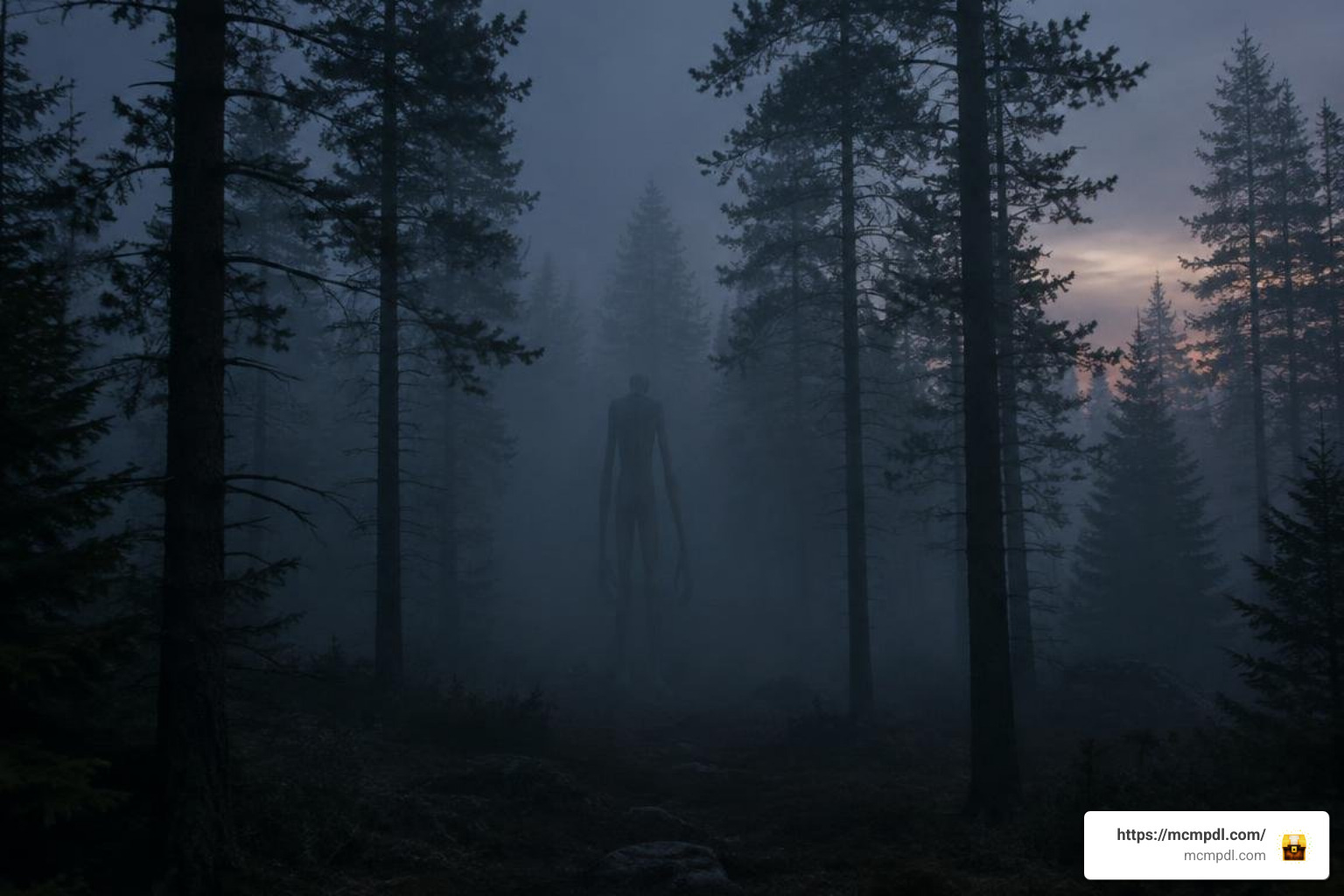
The stalking system is structured around an evolution mechanic that unfolds naturally over the course of your survival playthrough. In popular iterations like the Reborn port, the entity does not immediately sprint toward you to deal lethal damage on day one. Instead, it tests your sanity across several distinct phases over approximately nine in-game days (about three real-time hours on default speed settings).
- Phase 1: Distant Surveillance (Days 1–3): During the initial days, you may catch fleeting glimpses of the figure standing motionless in the fog, on mountain ridges, or behind dense tree lines. Approaching it often causes it to vanish instantly into thin air, leaving you wondering if you actually saw it.
- Phase 2: Active Stalking & Environmental Evidence (Days 4–6): The entity moves closer. You will begin noticing disturbing environmental signs, such as unnatural footprint trails, broken foliage, or sudden localized audio distortions. Faint footsteps and whispers can be heard circling your base at night.
- Phase 3: Direct Harassment & Hallucinations (Days 7–8): The stalker begins triggering auditory hallucinations, phantom visuals, and subtle screen effects. It might appear directly behind you when you turn around, vanishing with an audio sting before an attack lands.
- Phase 4: The Final Hunt (Day 9+): The creature enters its fully aggressive state. In this terminal phase, it actively hunts you down, breaking through barriers, ignoring normal pathing limitations, and relentlessly chasing you across biomes.
This progressive escalation creates a suspenseful experience reminiscent of the tension found in the classic Cave Dweller add-on, keeping you constantly vigilant as night falls.
Entity Behaviors and Player Defenses
Surviving encounters with this entity requires unlearning basic Minecraft combat habits. Traditional survival gear will not keep you alive against this monster because its custom behavior pack bypasses typical defensive mechanics.
| Survival Mechanic | Standard Minecraft Hostile Mobs | The One Who Watches Entity | Recommended Survival Strategy |
|---|---|---|---|
| Armor Protection | Mitigates incoming physical damage | Completely bypassed by the entity | Focus on mobility and stamina rather than heavy tanking |
| Shield Blocking | Blocks 100% of melee attacks | Ineffective; attacks bypass raised shields | Keep moving; never corner yourself behind a shield |
| Knockback Weapons | Pushes mobs back several blocks | Immune to standard weapon knockback | Use speed potions or obstacle traversal to create distance |
| Status Potions | Inflicts poison, slowness, or harm | Unaffected by standard negative splash potions | Save potions for personal buffs like Swiftness and Night Vision |
| Light & Flashlights | Mobs avoid daylight; spawn in dark | Highly sensitive to direct illumination | Use flashlights or concentrated light sources to repel |
| Line of Sight | Mobs charge when player is spotted | Triggers aggression upon prolonged eye contact | Break line of sight quickly and maintain safe distances |
Because armor, shields, and knockback swords are ineffective against the entity, survival depends on awareness, managing illumination, and keeping your distance. Direct eye contact often provokes an immediate rush, so turning away and breaking line of sight while moving toward illuminated areas is your most reliable evasion tactic.
How to Install and Activate the Mod
Installing custom content in Minecraft Bedrock Edition is straightforward, but horror add-ons with custom AI scripts require specific world settings to run properly. Follow these steps to ensure all features function smoothly.
Step-by-Step Setup for The One Who Watches Addon for Minecraft PE/Bedrock
- Download the Add-on Package: Obtain the
.mcaddonor paired.mcpackfiles (Resource and Behavior packs) suitable for your Bedrock version (such as 1.21 or 1.26 builds). - Import to Minecraft: Tap or double-click the downloaded
.mcaddonfile on Android, iOS, or Windows 10/11. The game will automatically launch and display an “Import Started” banner at the top of your screen, followed by a success message. - Create or Edit a World: Navigate to the world creation or settings menu. We recommend testing on a new world before applying the pack to an existing survival save.
- Activate Resource and Behavior Packs:
- Open the Resource Packs tab and activate the pack under Available Packs.
- Open the Behavior Packs tab and ensure the corresponding behavior pack is active.
- Enable Experimental Gameplay: Scroll down to the Experiments section in your world settings and toggle on:
- Holiday Creator Features
- Custom Biomes
- Upcoming Creator Features
- Beta APIs / Molang Features
- Handle World Activation Keys (If Required): Certain custom builds or marketplace distributions use an initial setup screen or in-game command (such as
/scriptevent) to initialize the stalker timers. Follow any specific on-screen prompts provided upon your first world entry.
Troubleshooting and World Configuration
If you run into issues during gameplay, here are the most common solutions:
- Adjusting Evolution Speed: If you prefer not to wait nine in-game days to encounter the entity, open your world settings, go to the active Behavior Pack, and click the gear (cog) icon. Many versions allow you to adjust the evolution slider or lock the creature directly into its aggressive phase for instant horror challenges.
- Managing Performance and Lag: Custom stalker AI continuously calculates line-of-sight checks and pathfinding paths. If you experience frame drops on mobile devices, lower your simulation distance to 4 or 6 chunks and reduce particle render settings.
- Spawning Conflicts: If the monster does not appear after several hours, ensure that Beta APIs and Holiday Creator Features are toggled on in the world’s experimental settings. Without these, custom entity behaviors cannot load.
- Safeguarding Your Worlds: Always create a backup copy of your long-term survival saves before adding behavioral mods that alter spawning logic and mob interactions.
Survival Strategies and Advanced Gameplay Tips
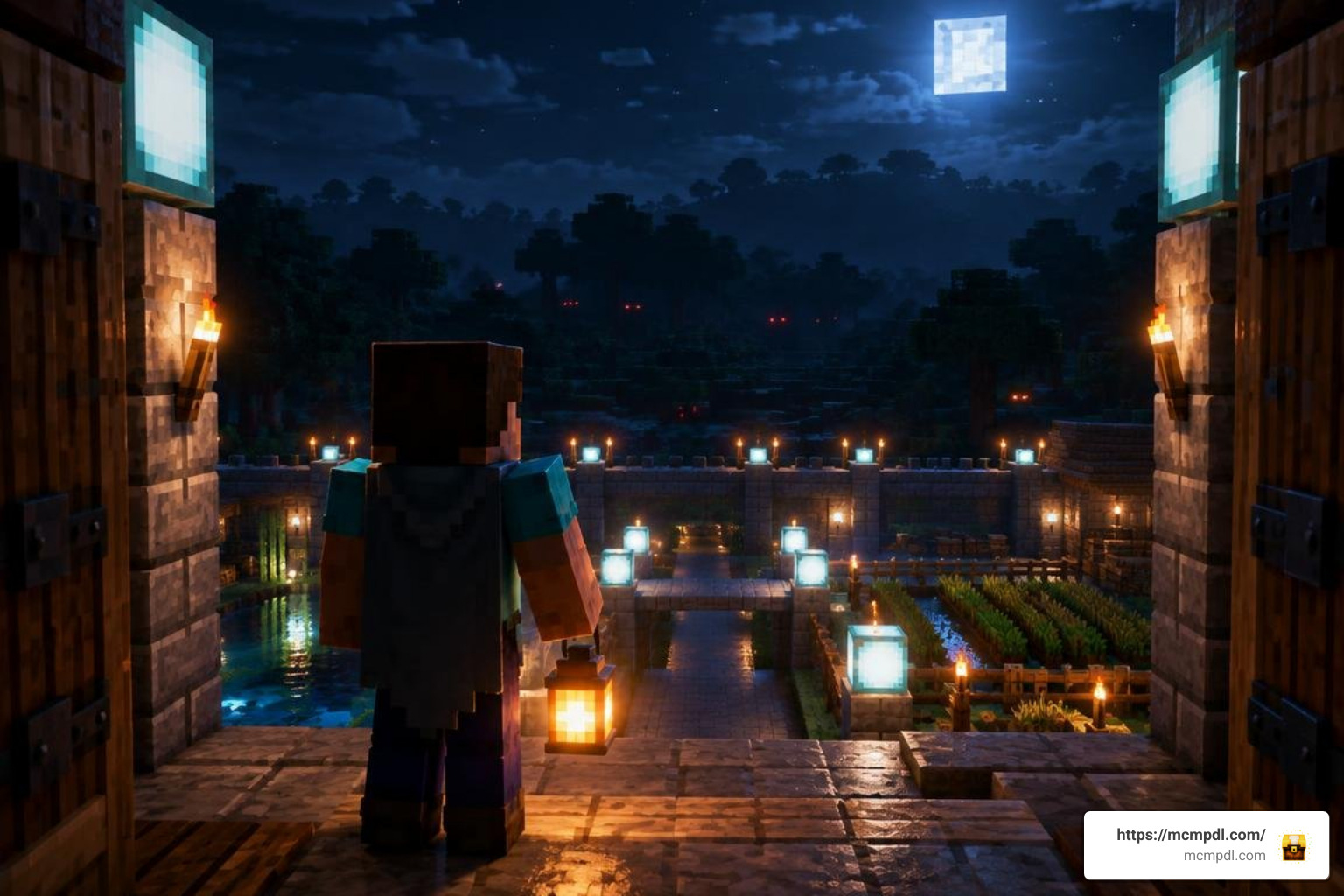
Surviving in a world haunted by this entity demands a disciplined approach to base construction, resource management, and navigation.
- Master the Light Mechanic: The entity struggles with direct, high-intensity light. If your version includes custom flashlight utilities or high-output lanterns, keep them equipped in your off-hand. Ensure your primary base perimeter is thoroughly lit using lanterns or sea lanterns to prevent surprise ambushes at entryways.
- Rely on Audio Spatial Cues: Sound is your most critical early-warning tool. Using stereo headphones allows you to pinpoint subtle shifts in ambient noise, rustling leaves, or distant heavy footsteps long before the monster enters your field of view.
- Design Stalker-Resistant Bases: Because the creature can navigate standard doorframes and narrow openings, construct airlocks using iron doors powered by interior buttons. Avoid leaving large open balconies or unlit rooftop access points.
- Incorporate Lore Structures: When exploring, watch for naturally generating structures containing scattered notes and lore hints. If you enjoy environmental storytelling, pair this add-on with custom horror structures to turn abandoned cabins and ruined settlements into suspenseful discovery sites.
Pairing with Other Scary Packs in Bedrock
To build a fully immersive horror environment, combine The One Who Watches with complementary packs:
- Atmospheric Visuals: Applying an eldritch horror texture pack replaces bright skies and vibrant biomes with muted color palettes, unsettling skyboxes, and ominous fog, amplifying the stalker’s stealth capabilities.
- Varied Bestiaries: To populate your world with diverse threats alongside your primary stalker, introduce a scary mobs world pack. This ensures nighttime exploration remains dangerous from all angles, forcing you to balance basic combat against classic monsters while staying alert for the watching entity.
Frequently Asked Questions About The One Who Watches Addon
How does The One Who Watches Addon for Minecraft PE/Bedrock behave in multiplayer?
The add-on is fully functional on local multiplayer sessions and dedicated Bedrock Realms. In multiplayer settings, the entity’s psychological effects become even more unpredictable. It will dynamically select individual players to stalk, creating paranoia as team members report distant sightings that others cannot see. Audio cues like whispering and localized footsteps play specifically for the targeted player, making nighttime coordination over voice chat a thrilling experience.
Can you kill the entity using conventional Minecraft weapons?
While the entity possesses an internal health pool, defeating it in direct combat is exceptionally difficult due to its complete immunity to knockback, splash potions, and standard armor reduction. Rushing the entity with a sword usually results in rapid defeat. Instead, use light sources to repel it, maintain safe distances, or use high-damage ranged setups while constantly backpedaling through well-lit territory.
Why is the entity not spawning or evolving in my Bedrock world?
The most common reason for spawning failures is disabled experimental gameplay toggles. Ensure that Beta APIs and Creator Features are enabled in world settings. Additionally, on default speed settings, the entity spends its first few days observing from render limits without attacking. Check your behavior pack cog settings to verify that the evolution timer is active and progressing normally.
Conclusion
The One Who Watches Addon delivers a refined psychological horror experience for Minecraft PE and Bedrock players. By shifting focus away from simple mob grinding toward suspenseful observation, sound design, and intelligent AI stalking, it turns routine survival routines into an unpredictable, pulse-pounding challenge. Whether you play solo in dark forests or explore haunted maps with friends on a Realm, this add-on brings genuine tension back to the nighttime world.
For more community add-ons, survival guides, texture enhancements, and horror expansions, explore top Bedrock mods and community creations on MCMPDL to take your Minecraft adventures to the next level.