Scroll down to D0vvnl0ad
Get The Entity Addon Running in Minecraft Bedrock
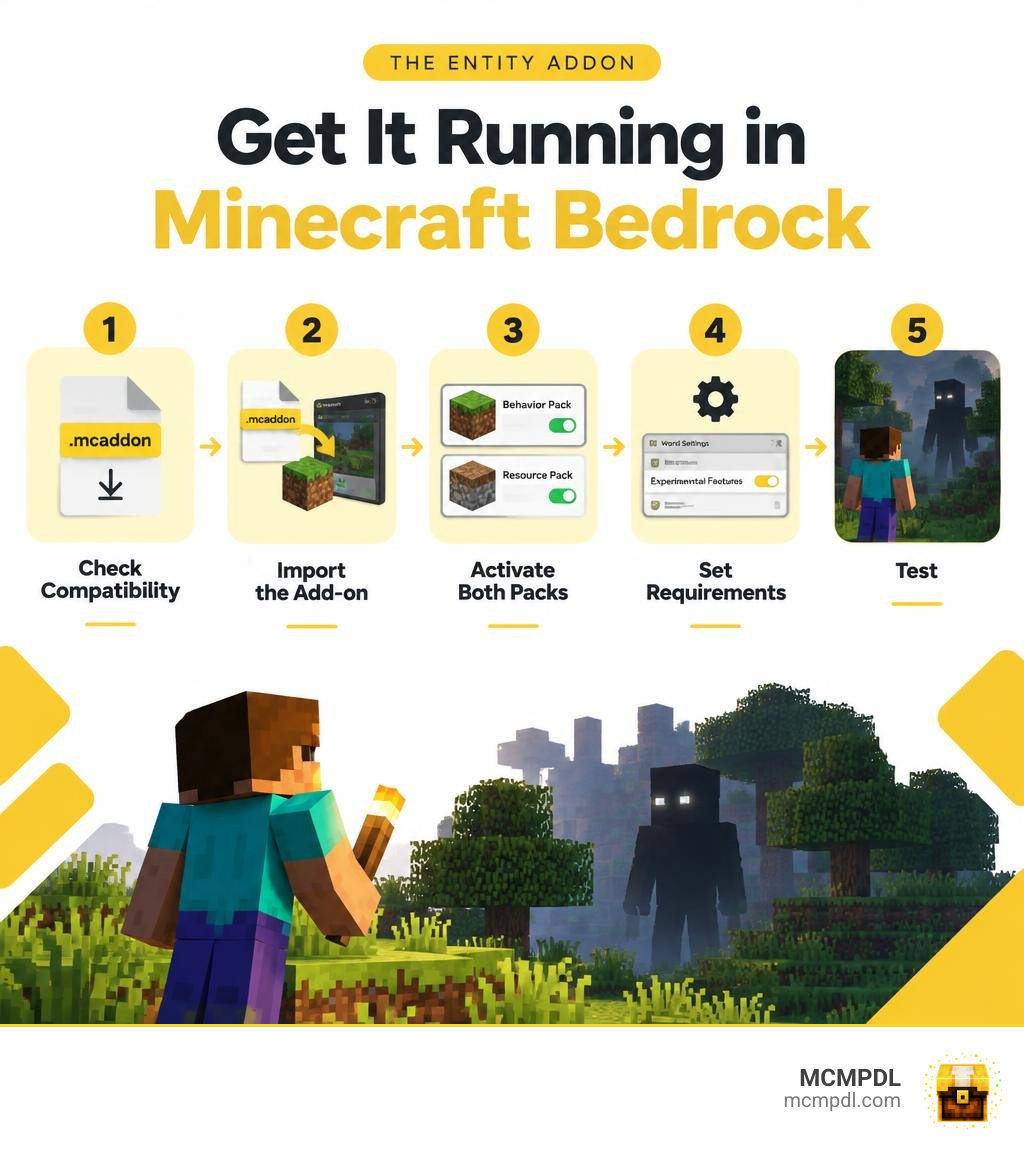
To install The Entity Addon for Minecraft PE/Bedrock, first check that the download supports your game version. Then:
- Download the add-on file.
- Open the
.mcaddonfile with Minecraft to import it. - Create a new world or edit a copy of an existing one.
- Activate its Behavior Pack and Resource Pack in world settings.
- Turn on experimental settings only if the add-on requires them, then enter the world and test it.
Keep a backup of your world before adding custom mobs. If the creature is invisible or does not appear, check that both packs are active and that the file matches your Bedrock version.
What Is The Entity Addon for Minecraft PE/Bedrock and How Does It Work?
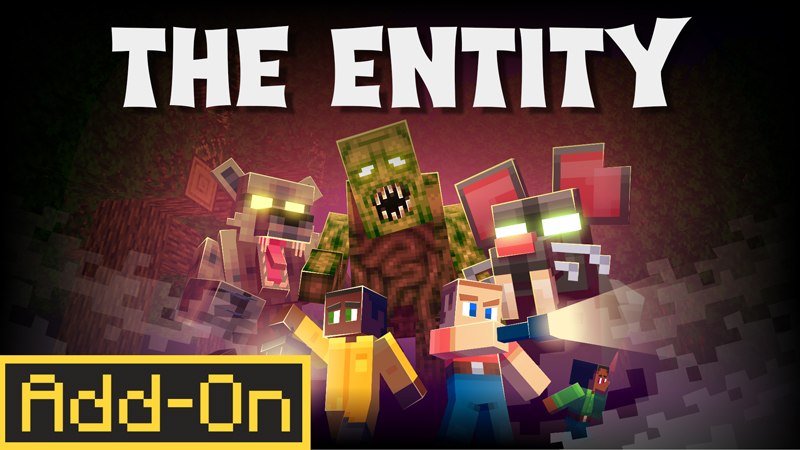
Survival in Minecraft Bedrock has always offered plenty of thrills, but seasoned adventurers often crave a challenge that goes beyond standard creepers and zombies. This is where specialized mob modifications step in. Designed to deliver heart-pounding suspense, The Entity Addon for Minecraft PE/Bedrock introduces an intelligent, stalking creature into your world that actively tracks your habits, observes you from the shadows, and strikes when you least expect it.
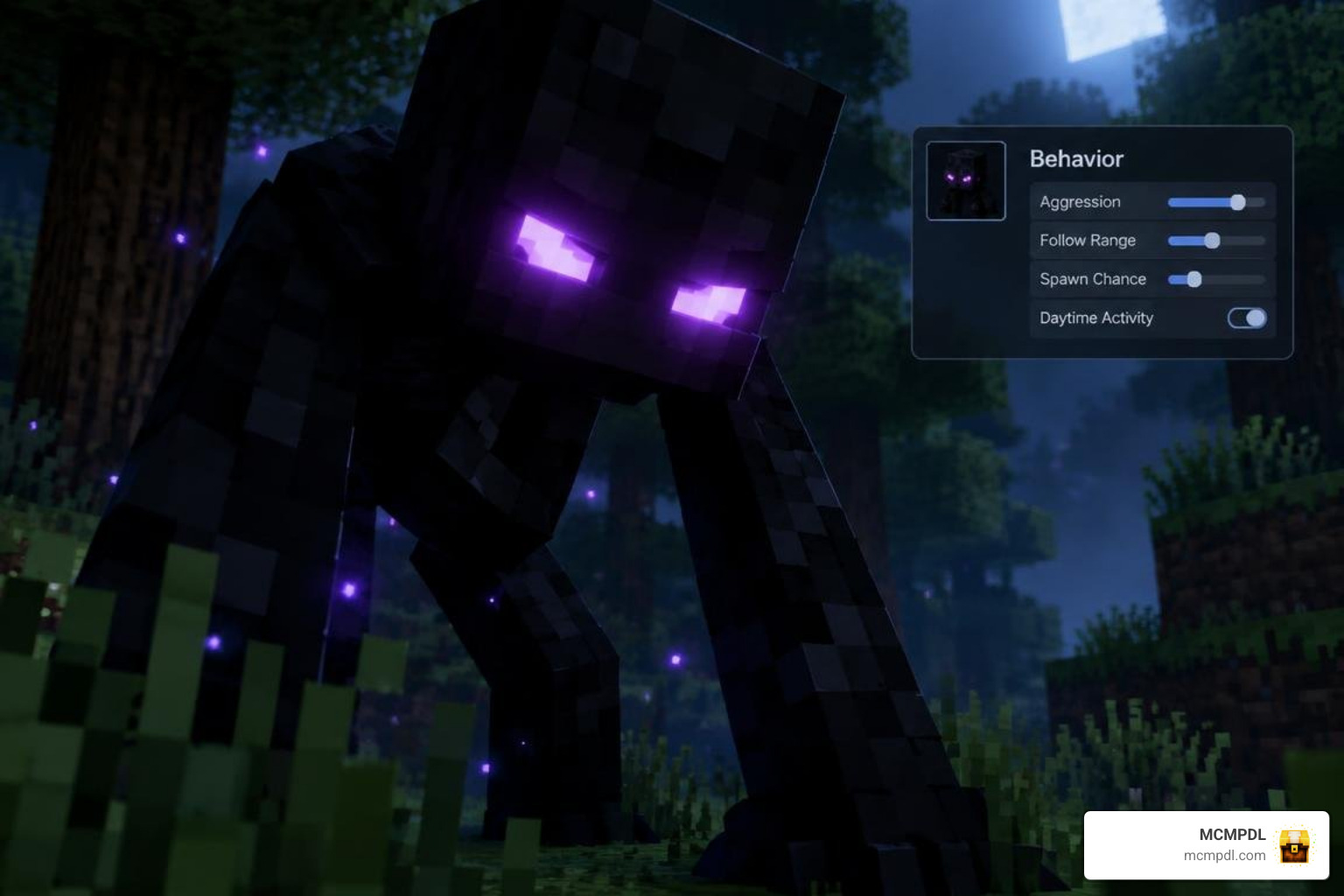
Rather than acting like a standard hack-and-slash monster, this creature relies on sophisticated JSON behavior files and modern Bedrock scripting logic. In Bedrock modding, custom mobs are split between client-side assets (which dictate how the creature looks and sounds) and server-side behaviors (which determine AI goals, priority weightings, and sensory triggers).
At the foundation of advanced entity design is the minecraft/server.Entity Class, which allows developers to manipulate properties such as location, dynamic velocity, tags, and status effects in real time. By tapping into these capabilities, modern add-ons create fluid, unpredictable encounters. If you enjoy building terrifying atmospheres, pairing this creature with a comprehensive horror addon turns standard sandbox survival into a genuine psychological thriller.
Core Mechanics in The Entity Addon for Minecraft PE/Bedrock
What makes this entity truly frightening is its adaptive behavioral loop. Unlike vanilla mobs that run straight toward you along the shortest path, this creature utilizes advanced decision-making systems:
- Darkness Detection System: The creature monitors how much time you spend in unlit areas. Lingering in pitch-black caves or exploring forests without a light source increases your hidden terror level, boosting the likelihood of a sudden encounter.
- Dynamic AI Adaptation: Striking the entity with the same weapon repeatedly causes it to learn your attack cadence. Over time, it develops damage resistances and counter-movements, forcing you to switch your tactics.
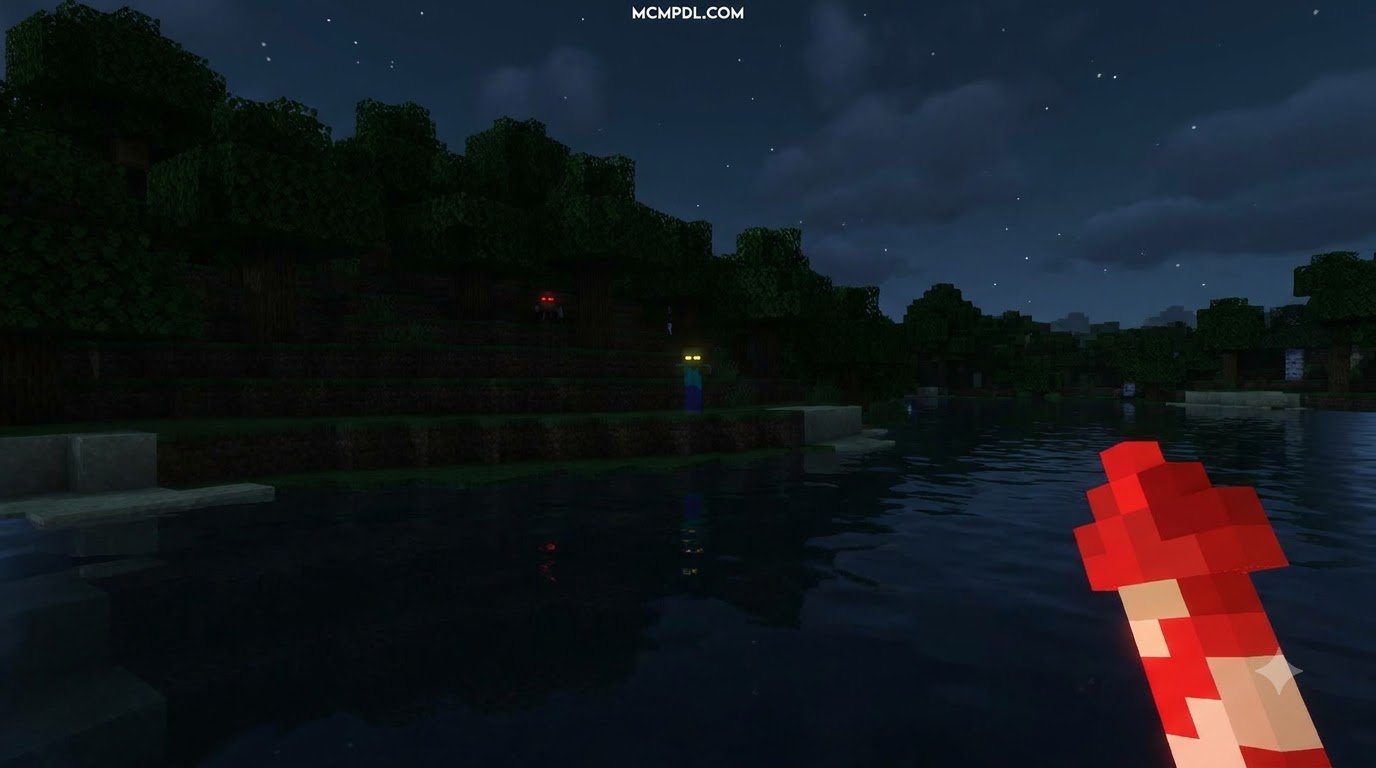
- Proximity Stalking and Peeking: The mob lurks just beyond your field of view, hiding behind trees and peeking around cave walls before vanishing when looked at directly, much like the dread felt when facing the one who watches.
- Single-Spawn World Enforcement: To prevent game-breaking chaos and preserve performance, the behavior scripts restrict the entity to a single active instance per world, ensuring focused, intense encounters.
- Vulnerability Windows: High-intensity light flashes and specialized electronic countermeasures temporarily disable its adaptation, creating narrow windows for you to escape or fight back.
Entity Types, Visuals, and Audio Design
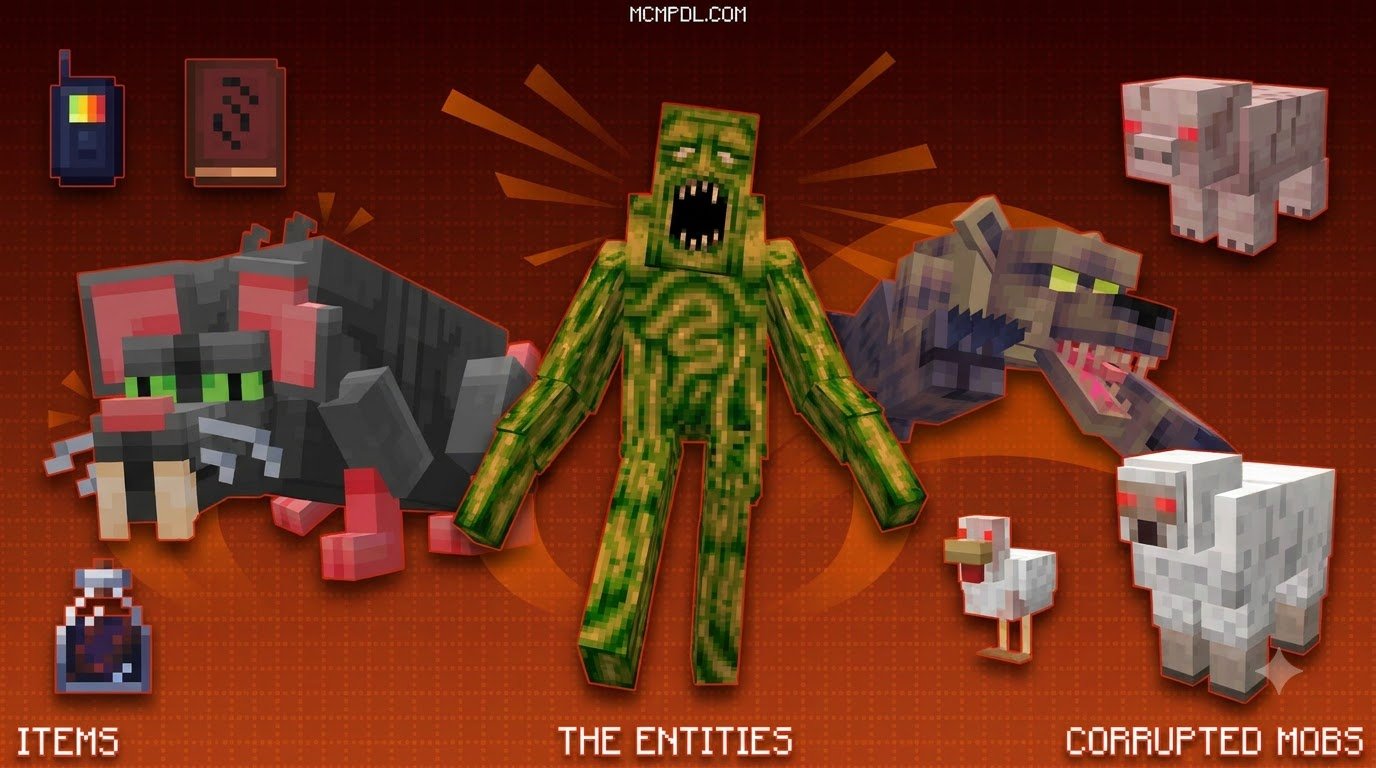
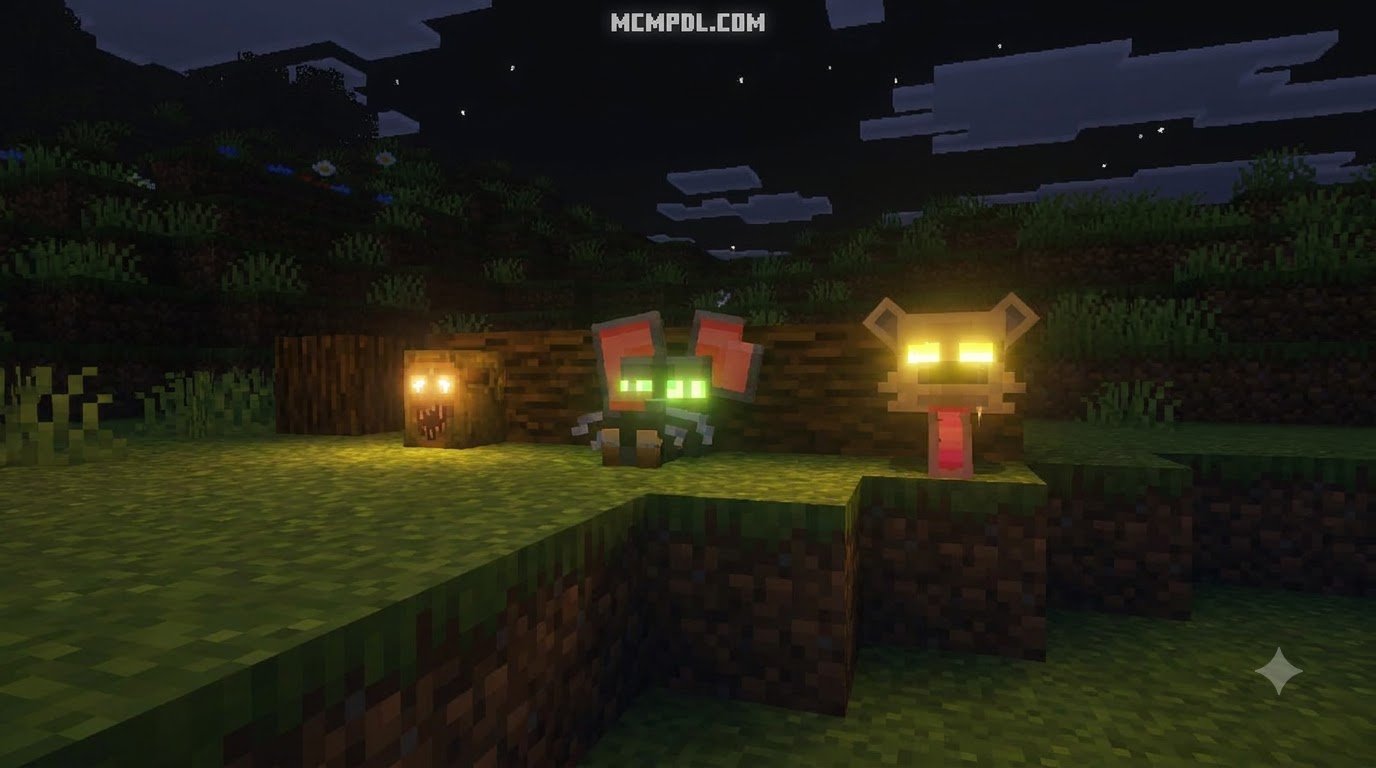
Immersion depends heavily on sensory presentation. The entity is built with custom 3D geometry created in Blockbench, boasting elongated limbs, subtle twitching animations, and unsettling facial expressions. Bedrock’s client entity controllers handle seamless transitions between stalking, crawling, and sprinting states depending on its distance from the player.
The visual dread is magnified when paired with an eldritch horror texture pack, which replaces bright biomes with gloomy, muted palettes. Audio design plays an equally vital role: directional audio cues—such as breaking twigs, distant breathing, and sudden radio static—warn you of the monster’s approach long before it steps into torchlight.
5 Simple Steps to Install and Activate the Addon on Bedrock
Setting up custom packs in Minecraft Pocket Edition and Bedrock Edition is quick and straightforward once you know how the game processes resources. Below, we break down the exact five-step workflow to get your add-on running smoothly.
Steps 1 to 3: Downloading, Importing, and Managing Pack Files
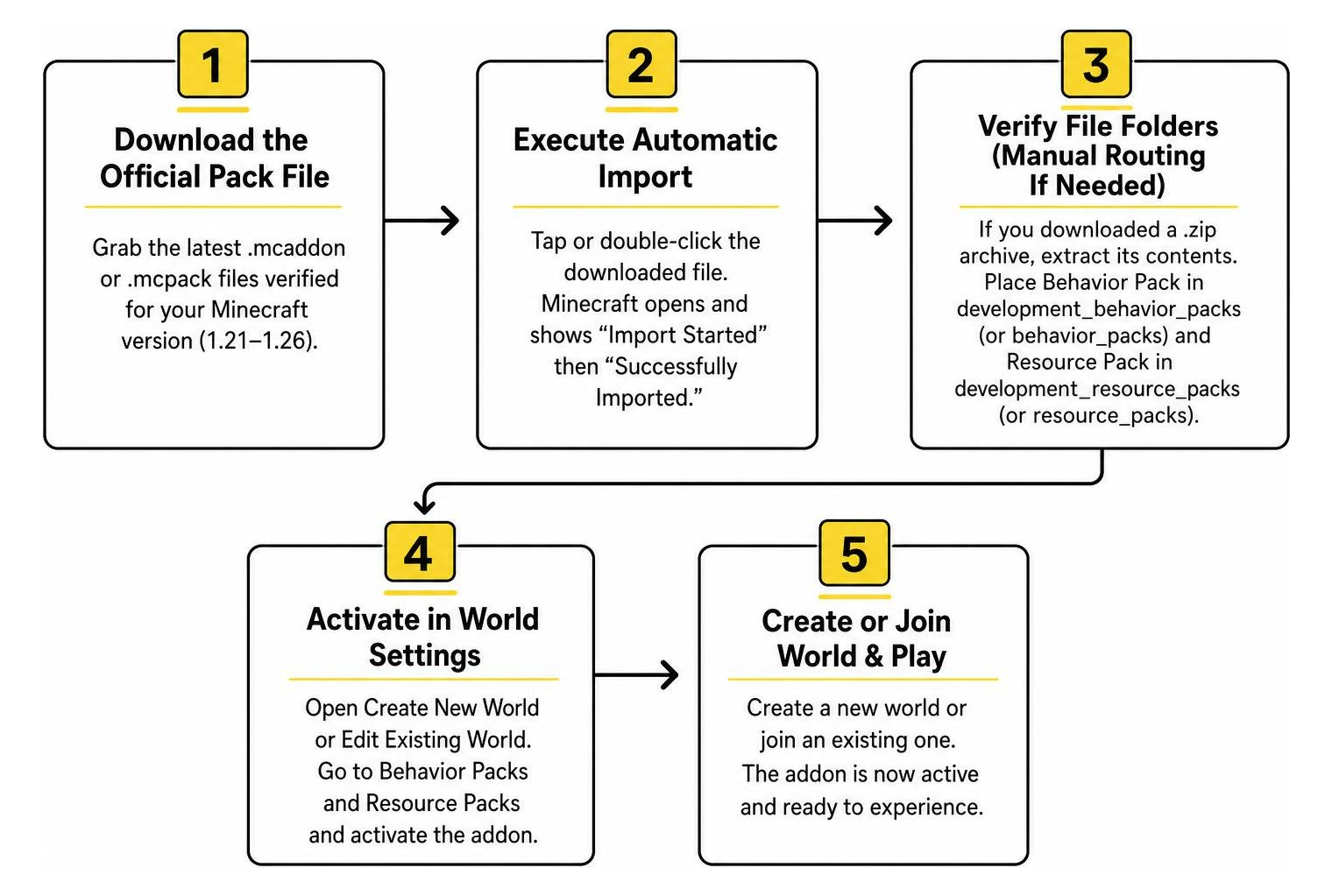
- Download the Official Pack File: Grab the latest
.mcaddonor individual.mcpackfiles verified for your Minecraft version (such as 1.21 up to 1.26 in 2026). - Execute Automatic Import: On mobile devices (iOS/Android) or Windows, simply tap or double-click the downloaded file. Minecraft will launch automatically, displaying an “Import Started” banner followed by “Successfully Imported.”
- Verify File Folders (Manual Routing if Needed): If you downloaded a
.ziparchive, extract its contents. Place the Behavior Pack folder into your device’sdevelopment_behavior_packs(orbehavior_packs) directory and the Resource Pack folder intodevelopment_resource_packs(orresource_packs).
Steps 4 and 5: Enabling Experimental Settings and World Activation
- Activate Packs in World Settings: Open your world edit screen. Navigate to Resource Packs on the left menu, locate the add-on under “Available,” and click Activate. Repeat this exact step under the Behavior Packs tab. Bedrock will ensure both packs synchronize automatically.
- Configure Experimental Toggles and Test: Scroll down to the Experiments menu. While modern Bedrock add-ons using the stable Script API require fewer toggles, enabling options like “Beta APIs” or “Holiday Creator Features” may be necessary depending on the pack version. If you love underground stalkers like the cave dweller add-on, ensure these experimental toggles are properly switched on before entering your world.
Custom Items, Crafting Recipes, and Gameplay Modes
To survive against a creature that adapts to physical weapons, you will need more than iron swords and shields. The add-on introduces modern survival electronics designed to track, distract, and fend off the beast.
Survival Gear and Countermeasure Crafting Recipes
Surviving your first few nights requires gathering materials for defensive tech:
- Universal Motherboard: Crafted from redstone dust, iron nuggets, and copper ingots; serves as the base component for advanced gear.
- Rechargeable Battery & Powerbank: Combine copper ingots, redstone, and glowstone dust to craft portable power cells that keep your flashlights and electronics running.
- Mobile Phone Flash Tool: Built using a motherboard, glass panes, and a battery. Emits a high-intensity burst of light that resets the entity’s physical adaptation resistance.
- Dual Mini Speakers & Walkie-Talkies: Placed strategically to broadcast artificial sound loops, diverting the entity away from your base.
- Portable Saw: An emergency utility tool used to clear wooden debris quickly or craft barricades during unexpected sieges.
If you enjoy combining tech with offensive combat upgrades, integrating elements from a weapons and powers addon will give you a diverse arsenal to counter escalating threats. You can also fortify your shelter using reinforced materials found in a more blocks addon to ensure the creature cannot tear through your walls.
Classic Mode vs. Abnormal Mode Variations
The add-on offers two distinct difficulty configurations to suit different playstyles:
| Feature | Classic Mode | Abnormal Mode |
|---|---|---|
| Primary Focus | Traditional survival horror and physical hunting | Paranormal psychological manipulation |
| Entity Aggression | Predictable pursuit based on darkness and line of sight | Highly aggressive stalking with erratic teleportation |
| Loot Interaction | None (creature focuses purely on player damage) | Entity opens chests and steals valuable survival supplies |
| Audio Mechanics | Proximity growls, footsteps, and breath sounds | Voice mimicry, radio distortion, and ambient hallucinations |
| Multiplayer Dynamic | Standard cooperative defense | Stalks isolated players and mimics teammates’ positions |
Comparative Analysis: How The Entity Compares to Other Bedrock Addons
The Bedrock modding scene offers an incredible variety of entity-focused packages. Understanding how horror survival packs compare to utility and story-driven add-ons helps you choose the perfect experience for your world.
| Add-on Type / Focus | Primary Mechanics | Version Support | Ideal Player Style |
|---|---|---|---|
| The Entity Addon | Adaptive AI, darkness triggers, electronic counters | Bedrock 1.21 – 1.26+ | Survival horror enthusiasts seeking intense tension |
| Utility Mob Capture | Cross-mod creature carrying, mob relocation | Bedrock 1.21 – 1.26+ | Builders, zoo creators, and mob collectors |
| Audio-Driven Horror | Mimicry, sound detection, flashlight resets | Bedrock 1.21 – 1.26+ | Hardcore survivalists seeking darkness challenges |
| Narrative Companion | Conversational AI, slow psychological horror | Bedrock 1.21 – 1.26+ | Storytellers, roleplayers, and slow-burn horror fans |
Comparing The Entity Addon for Minecraft PE/Bedrock with Alternative Mob Packs
While utility packs focus on allowing you to pick up and transport mobs across custom biomes or through a dimensions addon, stalker add-ons dedicate all their script budget to artificial intelligence. Companion add-ons introduce non-combat dialogue systems that evolve over several in-game days, whereas hunting entities prioritize rapid physical pathfinding, raycasting line-of-sight checks, and real-time player vulnerability tracking.
Mod Compatibility, Script API Stability, and Achievement Rules
Modern Bedrock add-ons built on Script API 1.21.80 and above enjoy excellent stability and rarely conflict with other script-based packs. However, keeping these practical points in mind ensures smooth multiplayer gameplay:
- Namespace Clashes: Quality add-ons prefix their entities and items with unique namespaces, preventing duplicate ID crashes when loaded alongside other mods.
- Server Performance: Stalker entities running tick-based distance calculations consume minimal resources when limited to one instance, making them ideal for multiplayer realms.
- Resource Priority: Always place your custom sound and visual packs at the top of the Resource Pack priority list to prevent other texture packs from overriding critical custom animations.
Frequently Asked Questions About Entity Addons in MCPE
Does The Entity Addon disable Xbox achievements in Bedrock worlds?
Yes. Adding any custom Behavior Pack or enabling experimental gameplay settings in Minecraft Bedrock permanently disables Xbox achievements for that specific world. If you want to keep earning achievements, always duplicate your primary survival world first and install the add-on onto the cloned copy.
Which versions of Minecraft PE/Bedrock are supported in 2026?
The add-on supports Minecraft Bedrock versions ranging from 1.21.70 through version 1.26 across all major platforms, including Android, iOS, Windows, and modern consoles. Always ensure your base game is updated to avoid missing scripting definitions.
How do you fix invisible mob models or script error messages?
Invisible mob models typically mean the Behavior Pack is running without its corresponding Resource Pack. Verify that both packs are activated in your world settings. If you receive scripting error notifications, ensure you have enabled “Beta APIs” in your world experiments and clear your device’s cached pack data under Settings > Storage.
Conclusion
Transforming your Minecraft Bedrock survival world into a suspenseful thriller is simple once you master pack activation and experimental settings. By pairing smart installation practices with the right defensive electronics, you can experience a thrilling survival challenge that tests your wits at every turn.
To explore an expansive collection of verified packs, mob enhancements, shaders, and worlds, browse our curated Bedrock add-ons library and take your survival adventures to the next level today!
1 thought on “The Entity Addon for Minecraft PE/Bedrock”