Scroll down to D0vvnl0ad
Download and Start Using World Forger on Minecraft PE/Bedrock
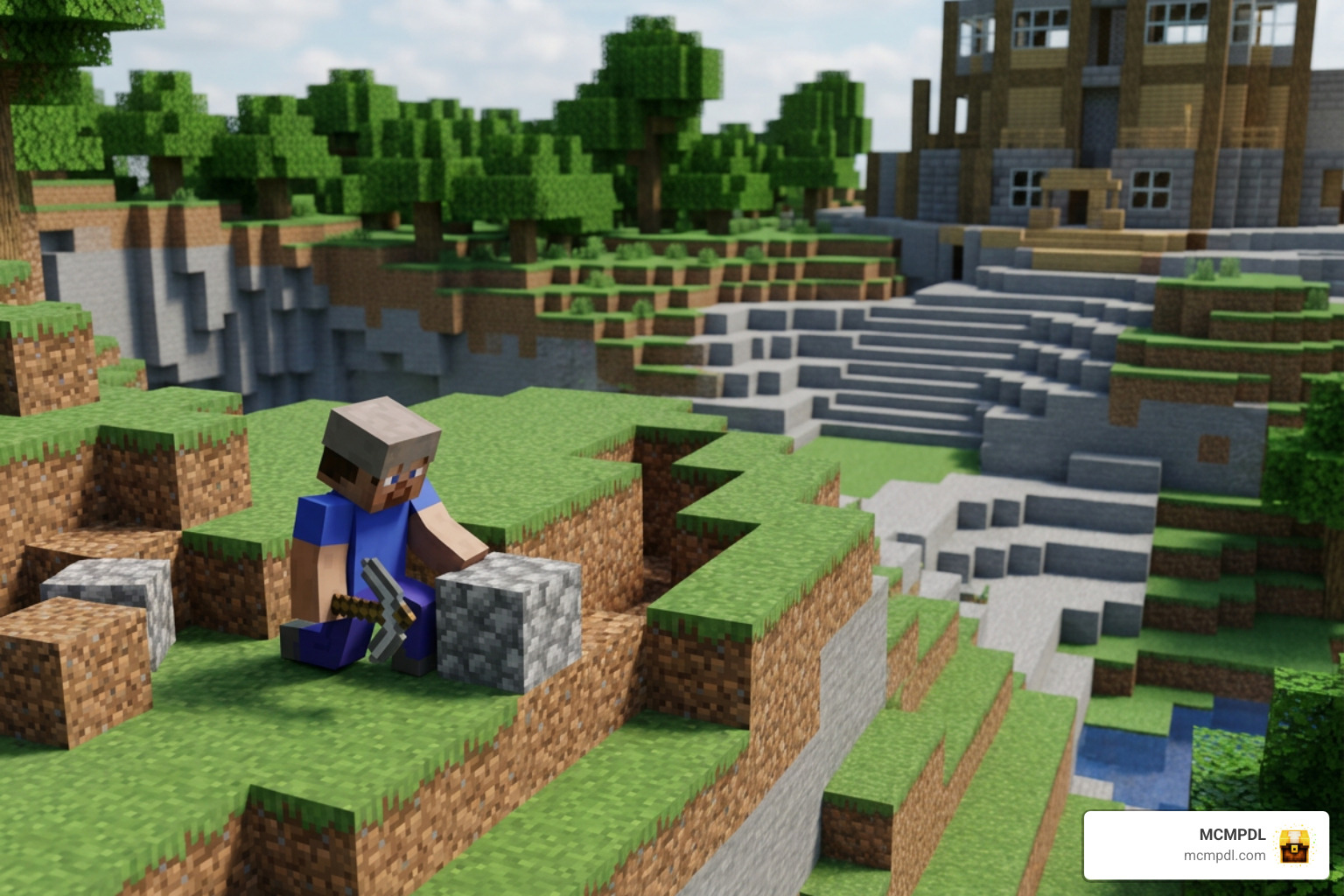
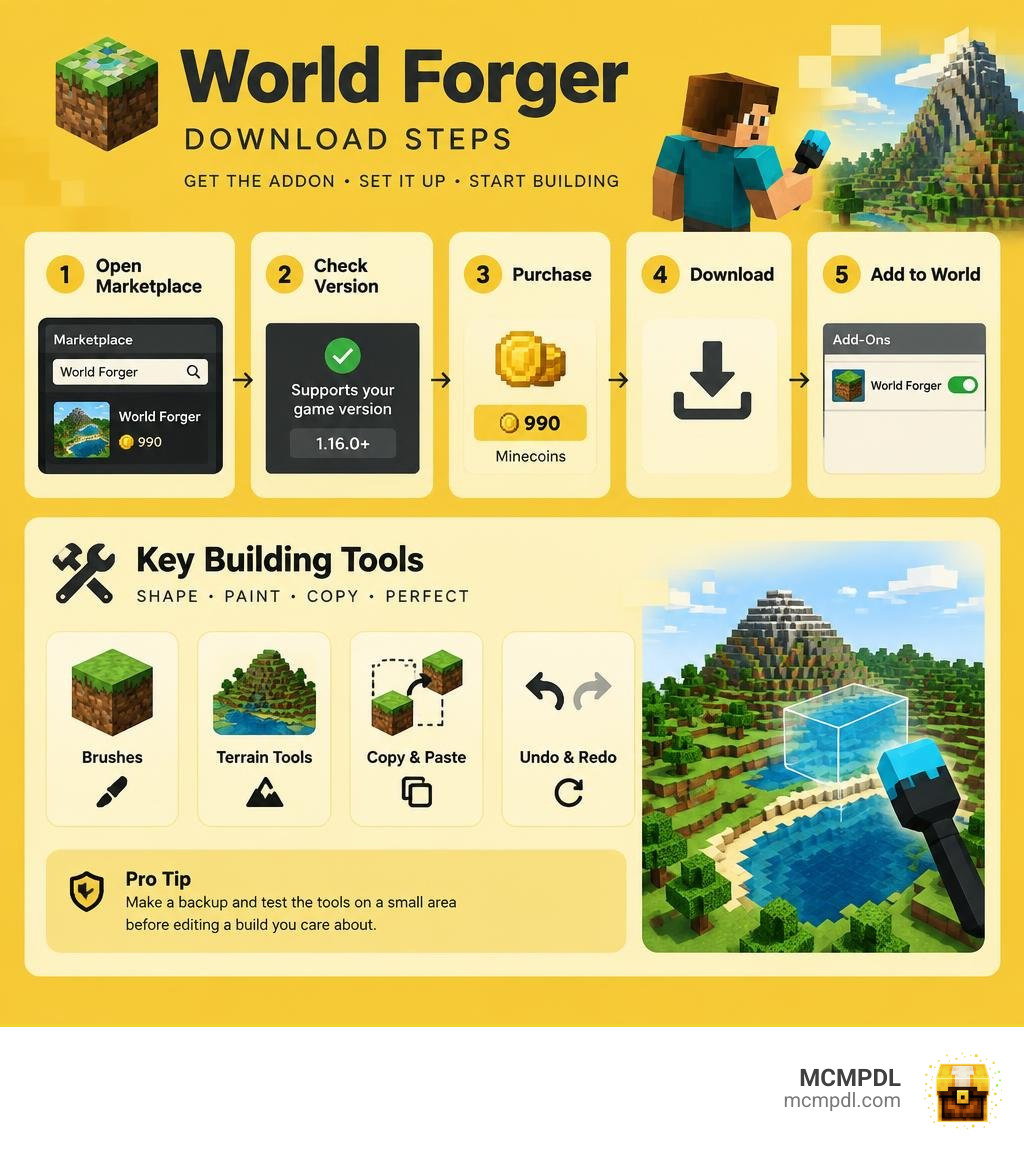
The World Forger Addon for Minecraft PE/Bedrock is a paid building tool for shaping terrain, painting blocks, and copying structures. To get started, open the Minecraft Marketplace, search for World Forger, and check that its listing supports your game version. Purchase it for 990 Minecoins, download it, then add it to a world through that world’s add-on settings.
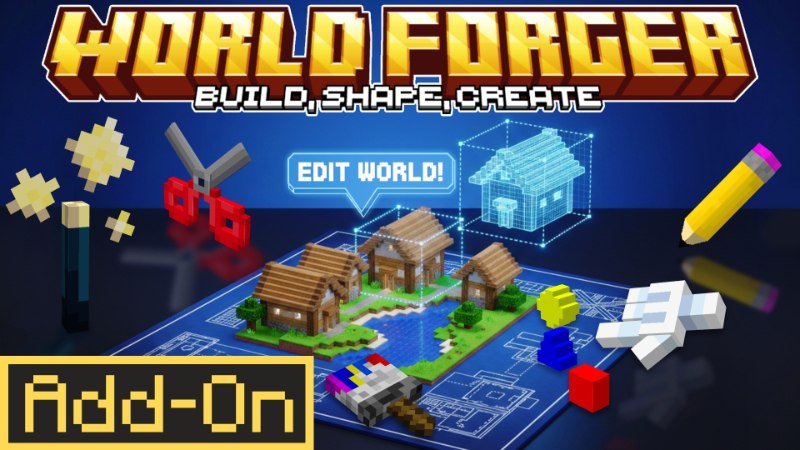
World Forger includes brushes, terrain tools, copy and paste, and undo and redo. Before editing a build you care about, make a backup and test the tools on a small area. The steps below cover installation and setup on Pocket Edition and other Bedrock devices.
Overview of the World Forger Addon for Minecraft PE/Bedrock
Building large structures block by block can quickly become exhausting, especially on touchscreens or gamepads. The World Forger Addon, created by B0NY162 and published by Waypoint Studios, was designed to solve this exact problem. Released on April 7, 2026, and updated on September 29, 2026, this building suite brings professional-grade terraforming and manipulation tools natively into Minecraft Bedrock Edition.
Compatible with Minecraft Bedrock version 1.16.0 and newer, World Forger functions smoothly across Windows, iOS, Android, and console devices. It holds a 3.9 out of 5-star community rating across 97 reviews on the Minecraft Marketplace. Priced at 990 Minecoins (approximately $5.19 USD or €4.89 EUR), it serves as a fully integrated, premium utility that does not rely on complex external desktop applications. For players exploring additional creative expansions, our Minecraft add-ons category offers a massive library of utility and gameplay packs to pair with your building workflow.
Core Features in World Forger Addon for Minecraft PE/Bedrock
World Forger equips builders with a versatile set of tools accessible directly through dedicated items and interactive menus. Instead of memorizing long chat syntax, players can configure and trigger actions using intuitive in-game mechanics.
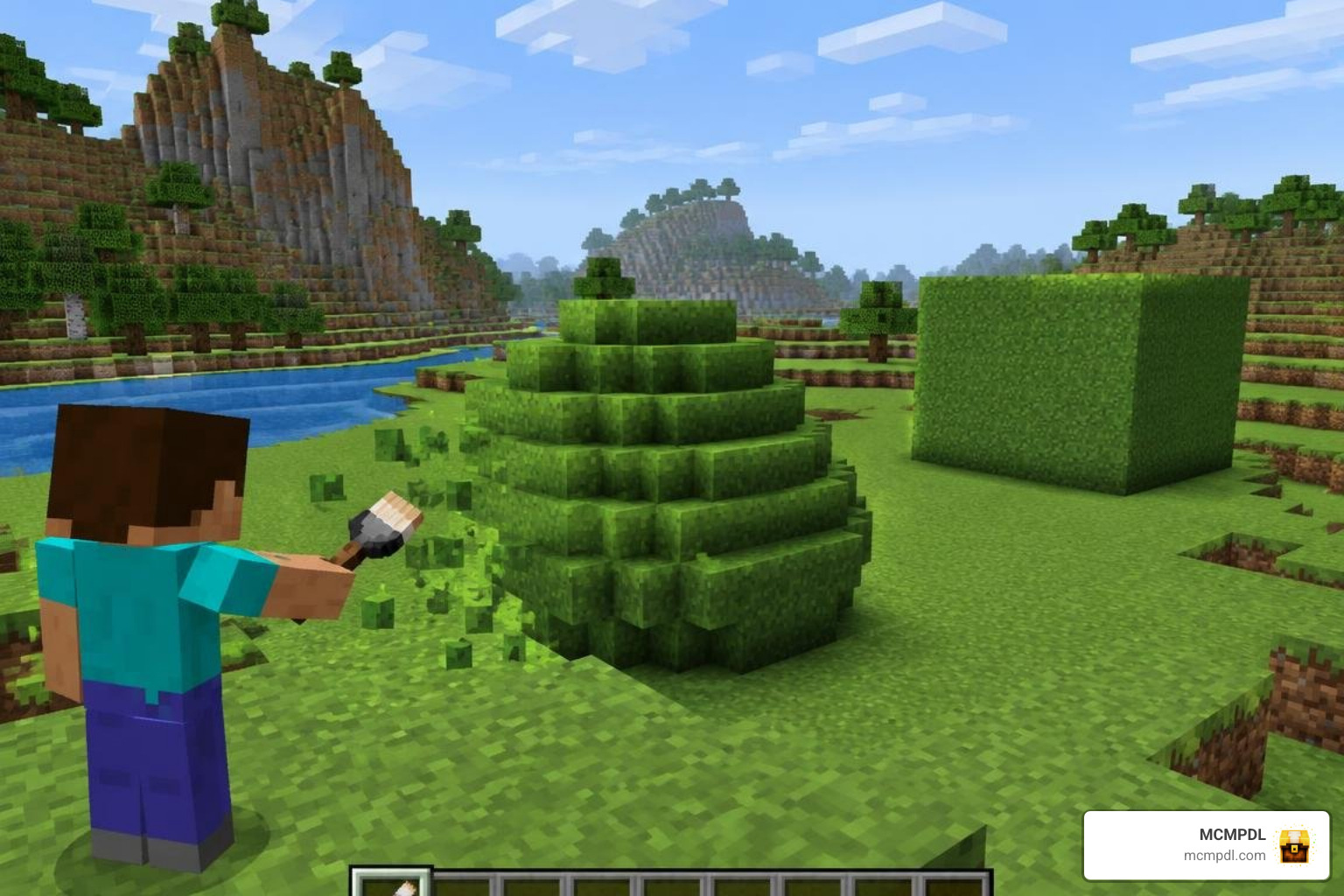
The core feature set focuses on speeding up creative construction without sacrificing precision:
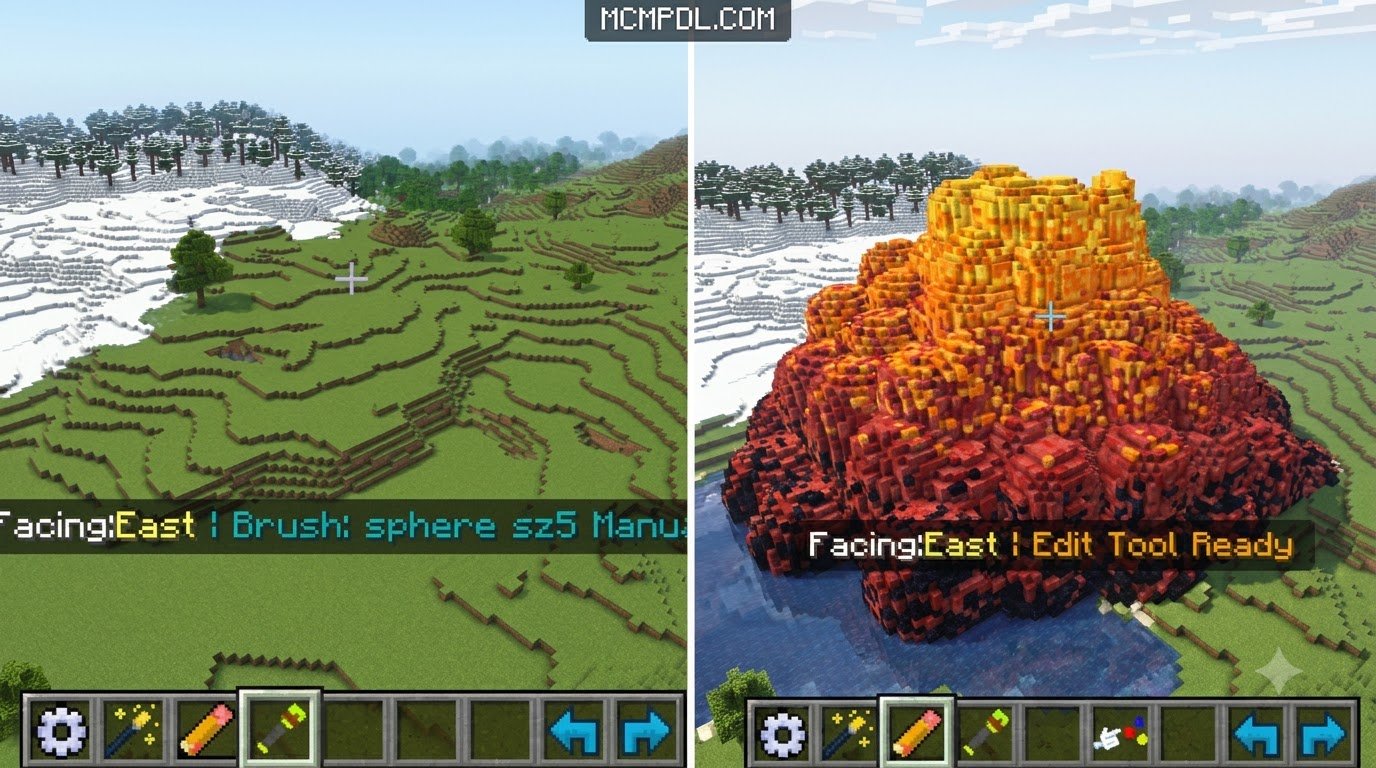
- Terraforming and Sculpting Brushes: Shape large landmasses instantly using customizable geometric forms such as spheres, cylinders, cubes, and pyramids.
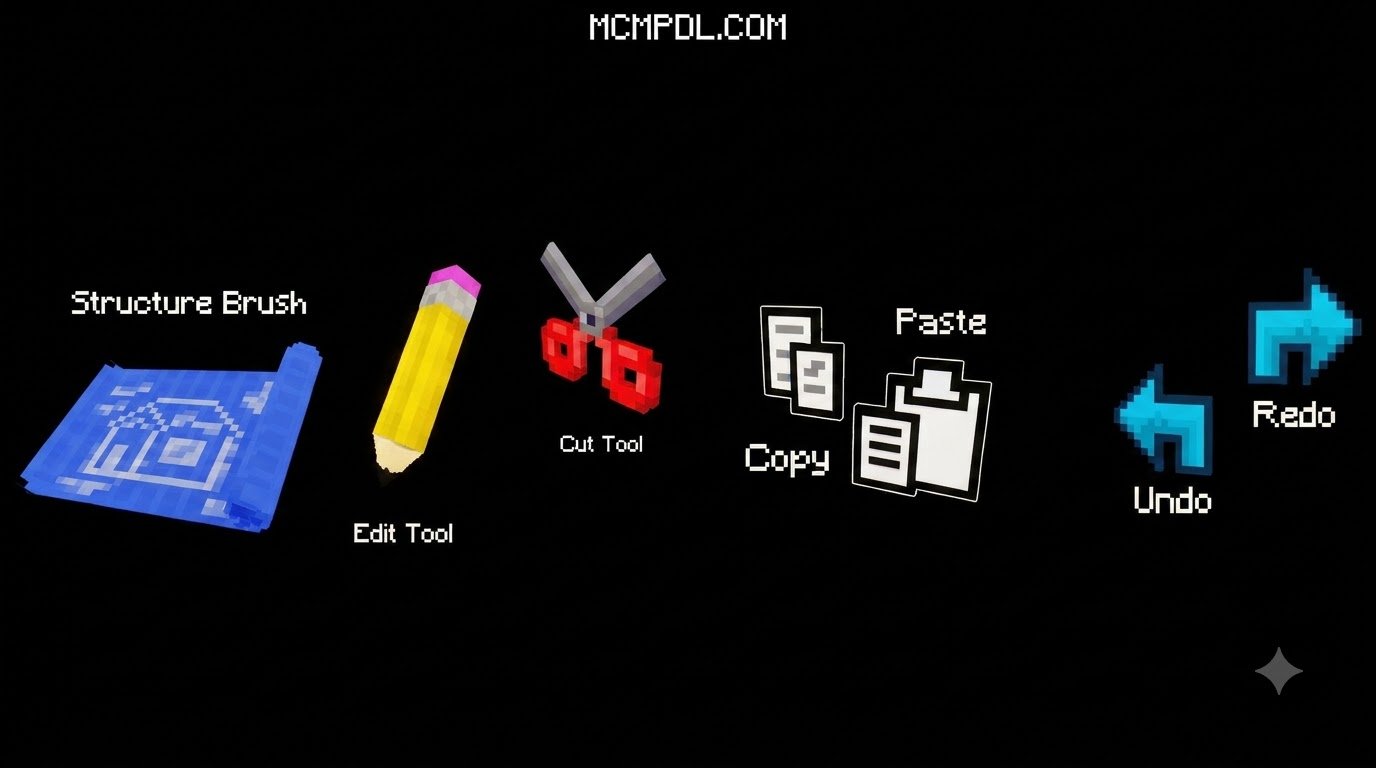
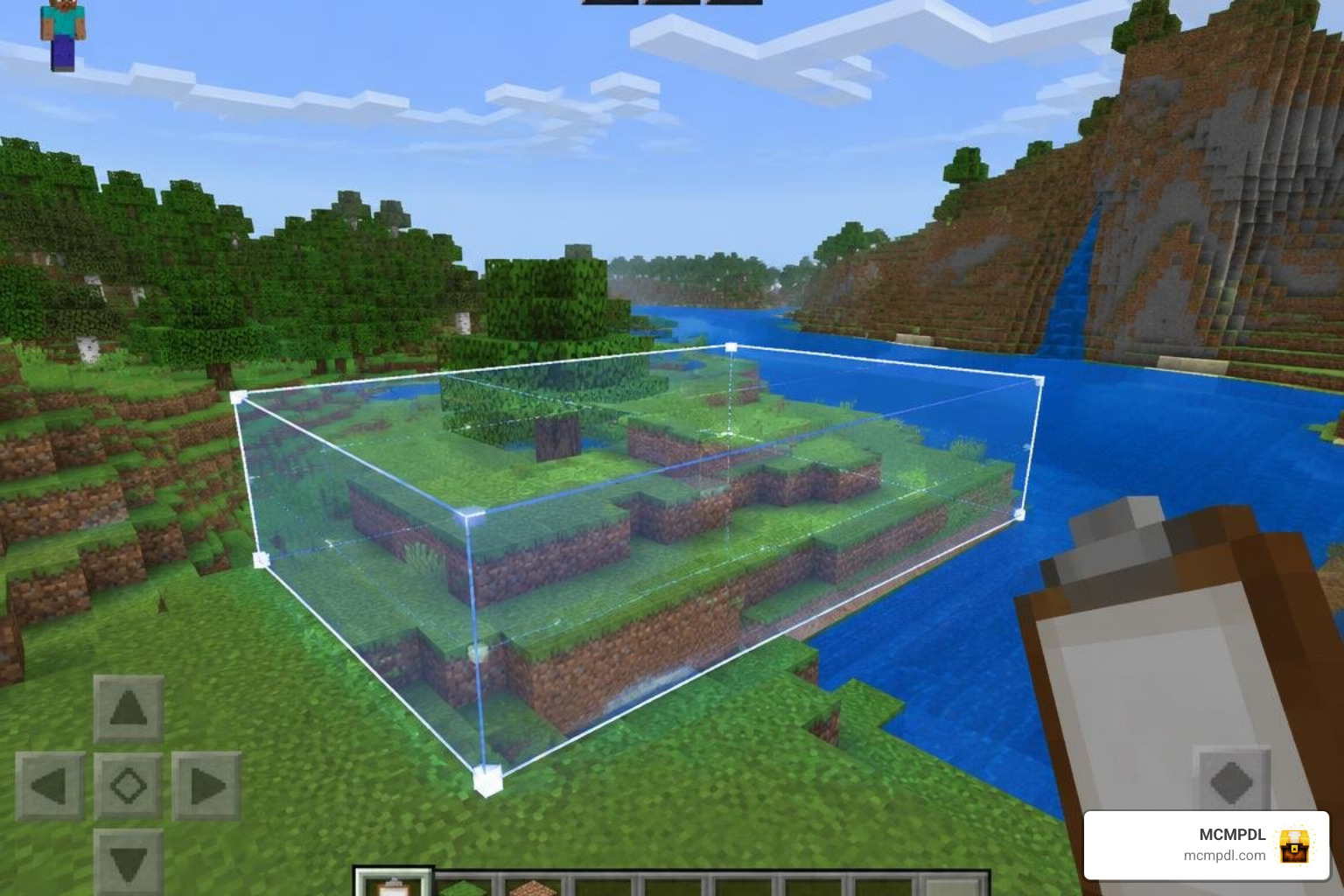
- Clipboard Management: Select regions to cut, copy, flip, rotate, and paste complex builds anywhere in your world.
- Full History Tracking: Robust undo and redo support allows you to revert accidental block placements or test bold landscape alterations without risking your base.
- Procedural Landscape Presets: Instantly generate realistic natural landforms like jagged peaks, volcanic lava ridges, and mysterious void lands.
- Surface Paint Brush: Recolor and retexture existing terrain without altering the underlying physical shape or structural volume.
Advanced Brushes, Palettes, and Geometry Tools
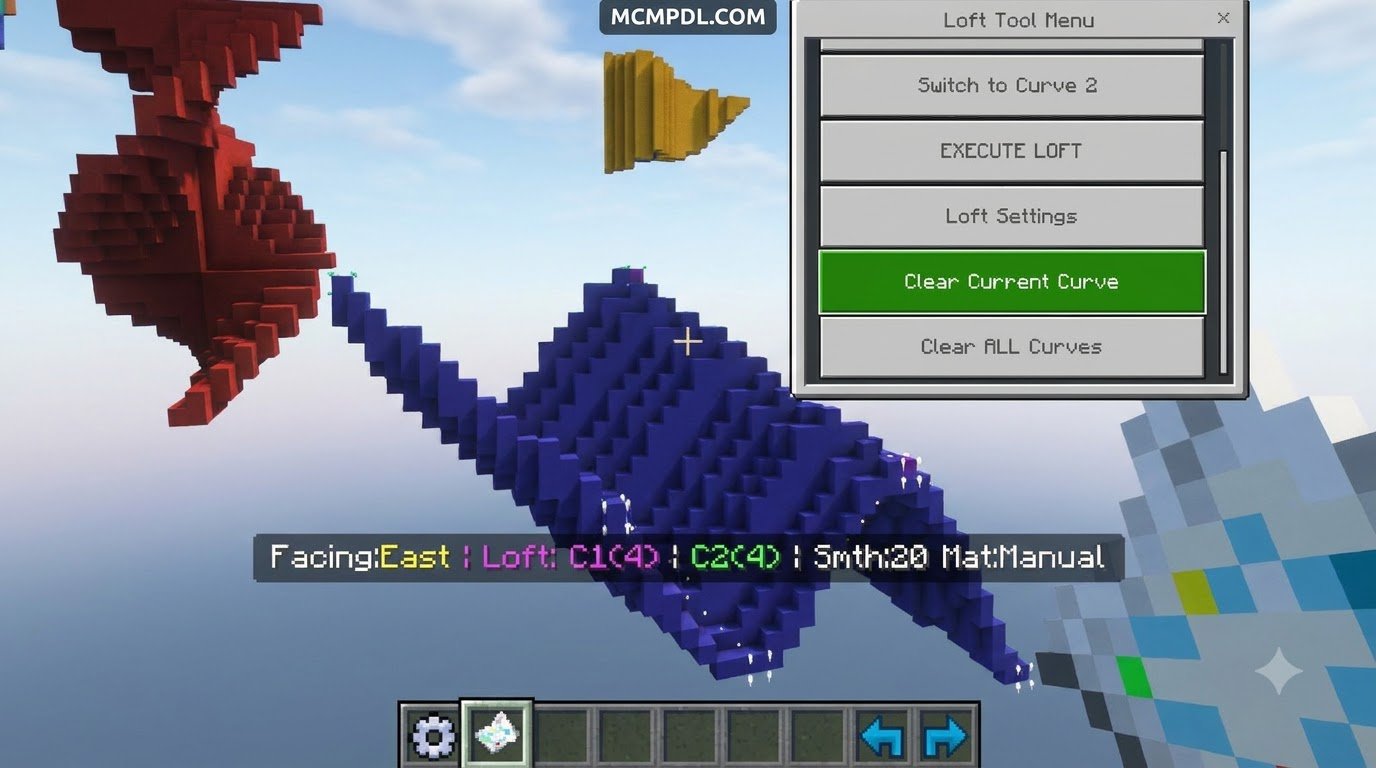
Beyond simple shape placement, World Forger includes specialized modeling mechanics tailored for intricate architectural projects. One standout feature is the Loft tool, which bridges two distinct curves together with a smooth, continuous block surface. This makes constructing curved roofs, natural arches, and suspension bridge cables much simpler.
The addon also incorporates advanced procedural math to ensure your custom biomes look natural rather than artificial:
- Noise Algorithms: Generate realistic terrain variations using Simplex, Fractal Brownian Motion (FBM), and Worley noise generators with custom octaves and domain warping.
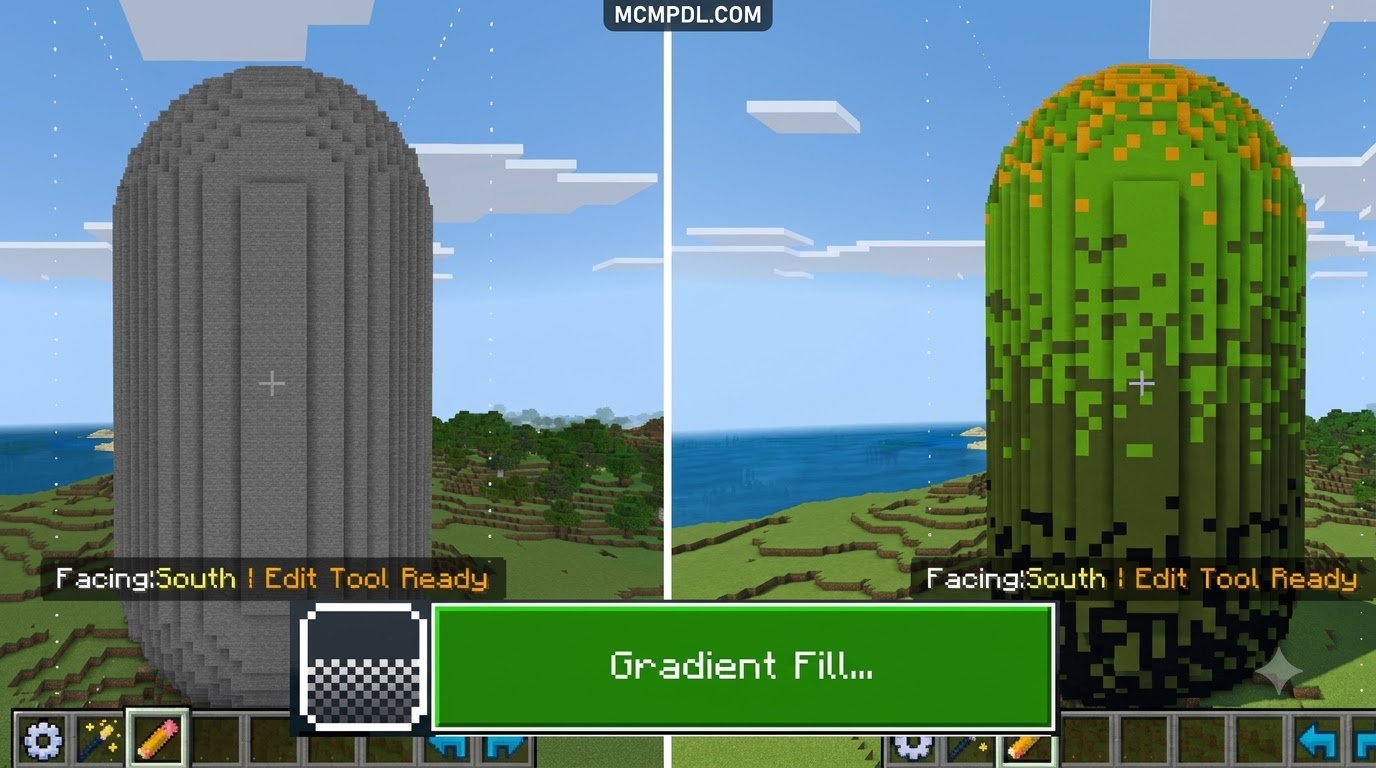
- Weighted Material Palettes: Mix materials organically using configurable ratios (such as 5 parts stone to 1 part dirt) so surfaces feature randomized texturing rather than flat, single-block colors.
- Mask Picker Tool: Target specific block IDs while ignoring surrounding materials, allowing you to paint grass onto stone cliffs without altering adjacent wooden structures.
- Line and Path Tools: Construct smooth roadways, rivers, and organic pathways using customizable Bezier curves and arcs.
- Structure Brush: Stamp saved structures across the world as repeated brush strokes with randomized rotation and scale variations.
World Forger Features and Bedrock Editing Options
When selecting a construction addon, it helps to understand how its tools handle permissions, scripts, and settings. World Forger is distributed as a complete marketplace package, giving builders a ready-to-use suite without relying on complex external desktop applications. You can learn more about different building workflows in our world editing addons overview to see which approach best matches your platform.
World Forger is built for Bedrock 1.16.0 and newer, and standard use does not require any experimental toggles to be enabled. Its strengths include an in-game UI, the Loft tool, structure brushes, and built-in spectator navigation that keeps construction smooth across devices.
Performance and Compatibility Benchmarks
World manipulation tools place significant processing demands on mobile devices. When altering thousands of blocks simultaneously, hardware memory and chunk rendering speeds are tested.
World Forger optimizes these operations for mobile platforms (Pocket Edition on iOS and Android) by processing edits in managed sub-chunks to avoid sudden memory spikes. It also includes quality-of-life mechanics like Auto Spectator, which automatically shifts your camera perspective when approaching solid surfaces during construction so you never get stuck inside thick walls.
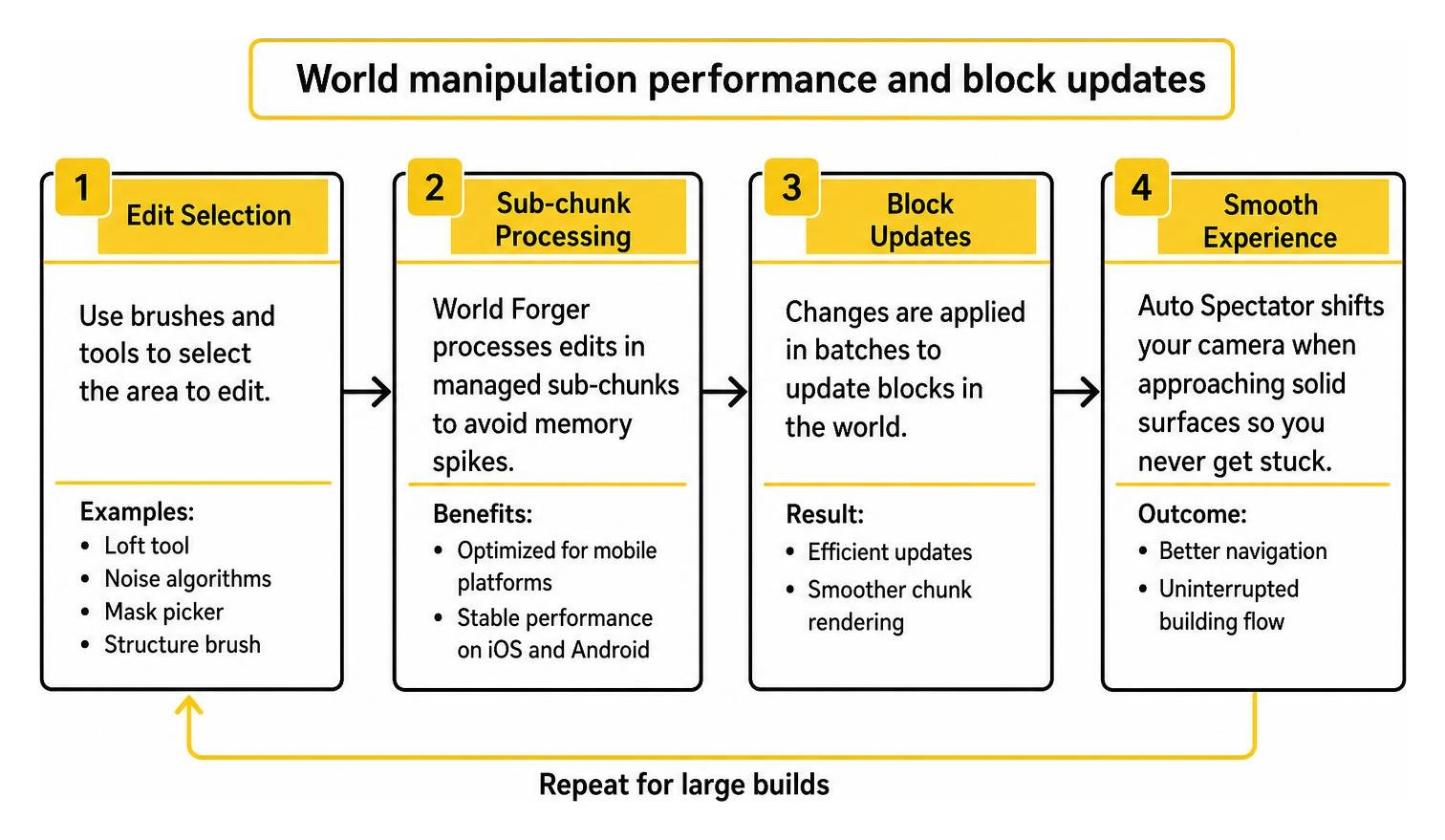
For builders crafting vast fantasy maps or custom adventure zones, work in manageable stages and test major terrain edits in a separate Creative world first. Keep backups before large changes, use smaller brush sizes while learning a tool, and rely on undo and redo when an edit does not produce the intended result.
Downloading World Forger Addon for Minecraft PE/Bedrock
Because World Forger is an official Marketplace product, acquiring it is straightforward across all Bedrock platforms:
- Launch Minecraft on your mobile device, console, or PC.
- Navigate to the in-game Marketplace tab from the main menu.
- Use the search bar to look up “World Forger” by Waypoint Studios.
- Purchase the pack using 990 Minecoins.
- Click Download to bind the files directly to your Minecraft client storage.
For even more build-ready utilities and gameplay packs to pair with this workflow, browse our Minecraft add-ons category.
Step-by-Step Installation and Setup Guide
Once the download is complete, you must activate the addon within your specific world settings before jumping into creative mode.
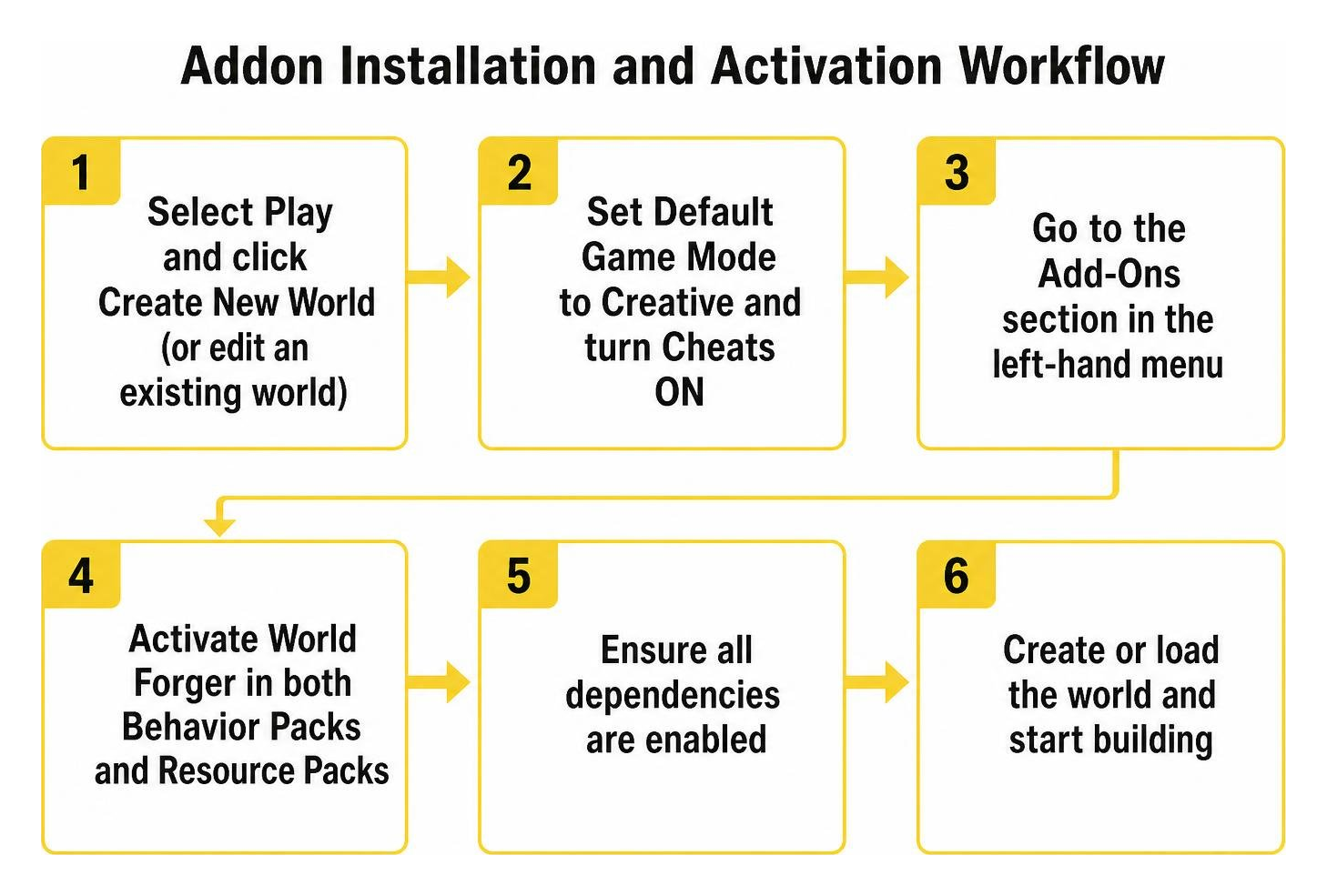
Follow these steps to activate World Forger properly:
- From the Minecraft title screen, select Play and click Create New World (or click the edit pencil icon next to an existing world).
- Set your Default Game Mode to Creative and ensure Cheats are toggled ON.
- Scroll down the left-hand navigation menu to the Add-Ons section.
- Select Resource Packs, open the Available tab, locate World Forger, and click Activate.
- Select Behavior Packs, locate World Forger under available packs, and activate it. The game will automatically link the behavior scripts with the visual assets.
- Click Create or Play to load into your world.
Initial In-Game Configuration and Safety Measures
Before unleashing massive brush strokes across your favorite builds, adopt these essential safety habits:
- Always Create a World Backup: Before modifying critical projects, pause the game, go to world settings, scroll to the bottom, and click Copy World.
- Start with Modest Radii: When testing new noise brushes or fill operations, begin with a small radius (such as 3 to 5 blocks) before scaling up to 20+ blocks.
- Calibrate Selection Points Accurately: Ensure Pos A and Pos B bounding corners encompass only the intended target volume to avoid shaving off unintended terrain.
- Use the History Commands Freely: If a procedural noise generation creates an unintended outcome, immediately activate the Undo tool to revert the volume to its prior state.
After activation, open a new Creative test world and try one small edit before working in a long-term save. Confirm that both packs remain active after the world loads, then keep the first session focused on a small terrain area or simple structure. This gives you a quick chance to confirm the controls, undo behavior, and performance before making larger changes. Use this first test as a checkpoint rather than a major build session. Keep a note of the brush size and operation you tested, and make a fresh backup before moving from the test world to a project you want to preserve. A slower first pass makes it easier to spot unintended changes and decide whether the current settings suit your build. This keeps the first project safer.
Frequently Asked Questions About World Forger
Does World Forger Require Experimental Gameplay Settings?
World Forger runs on the standard Bedrock scripting framework and does not require you to enable experimental toggles (like Beta APIs) on supported modern game versions. This helps maintain stable performance and reduces the risk of world save corruption after standard game patches.
Where Can You Check World Forger’s Current Availability?
You can verify the addon’s availability directly within the in-game Minecraft Marketplace. The product UID is 7973ae91-3600-4da9-9d91-25c873da9601, listed under creator ID 196987 with Waypoint Studios as the publisher.
Can You Undo and Redo Actions in World Forger?
Yes, World Forger includes a comprehensive history buffer that tracks block modifications across terrain sculpting, painting, and clipboard operations. Holding the designated Undo or Redo tools allows you to step backward or forward through recent actions smoothly.
Conclusion
The World Forger Addon delivers a practical, integrated building toolkit for Minecraft PE and Bedrock Edition players. With its intuitive brush mechanics, advanced geometry tools like the Loft tool, and stable undo/redo history, it simplifies large-scale terraforming on touchscreens and consoles alike.
At MCMPDL, our mission is to make expanding your game simple and exciting. We maintain a comprehensive catalog of mods, behaviors, and visual enhancements designed to elevate every playstyle. Whether you want to shape custom biomes or find fresh adventures, you can explore Minecraft Bedrock resources on MCMPDL to discover top-rated add-ons, texture packs, and worlds today.