
Scroll down to D0vvnl0ad
Download Flowers World for Minecraft PE/Bedrock

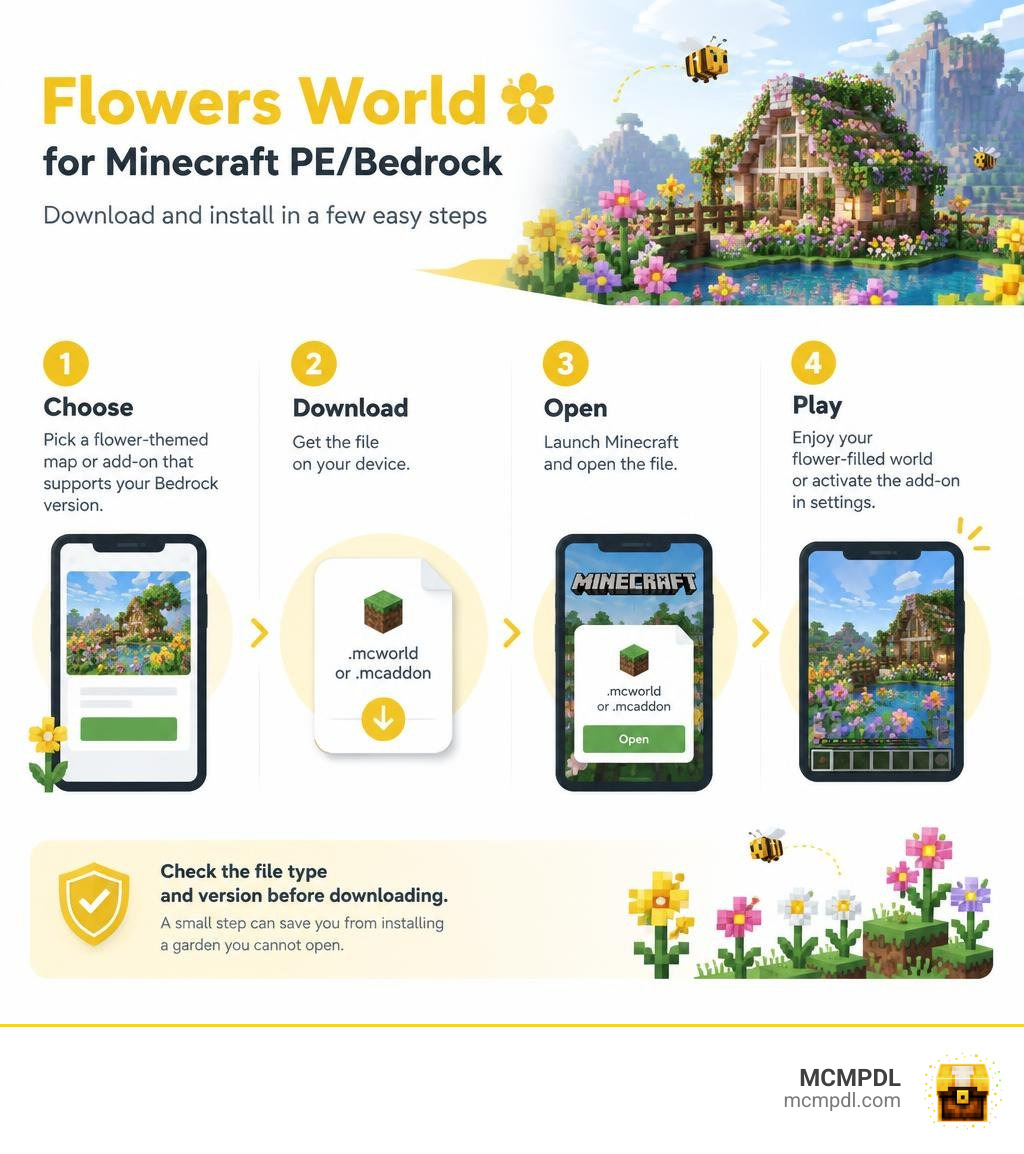
To play Flowers World for Minecraft PE/Bedrock, first choose a flower-themed map or add-on that supports your Bedrock version. Download the file, then open it with Minecraft. A .mcworld file imports a world you can play; a .mcaddon file imports packs you may need to enable in a world’s settings.
Check the file type and version before downloading. That small step can save you from installing a garden you cannot open.
What Is Flowers World for Minecraft PE/Bedrock and Botanical Maps?
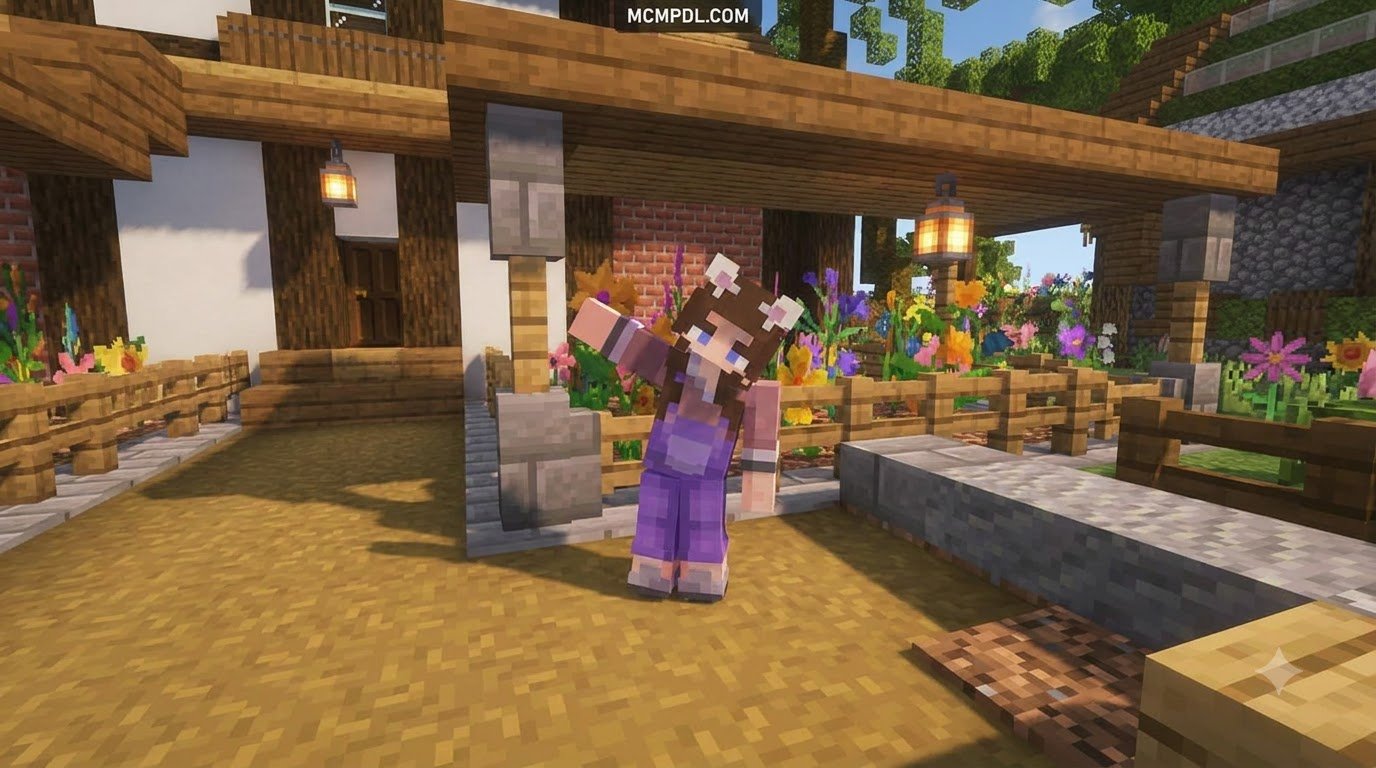
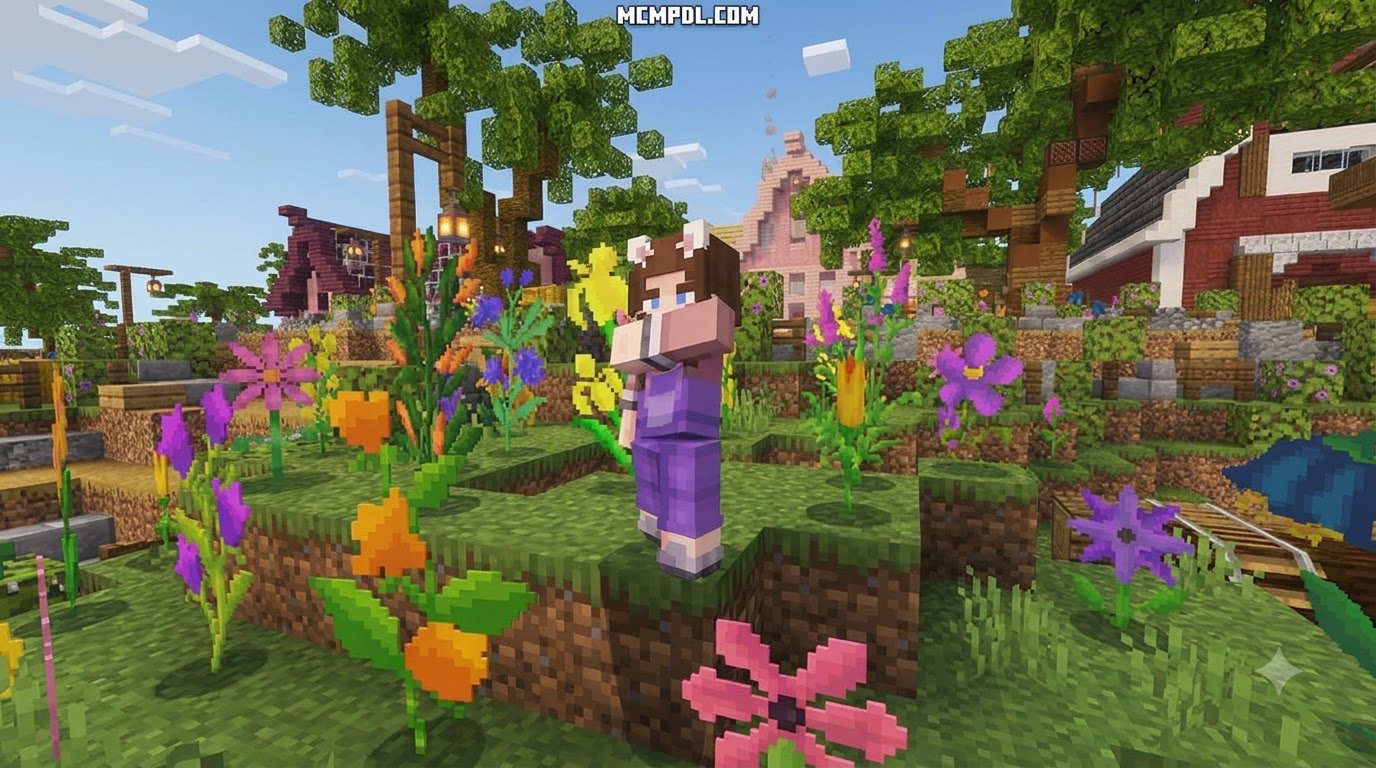
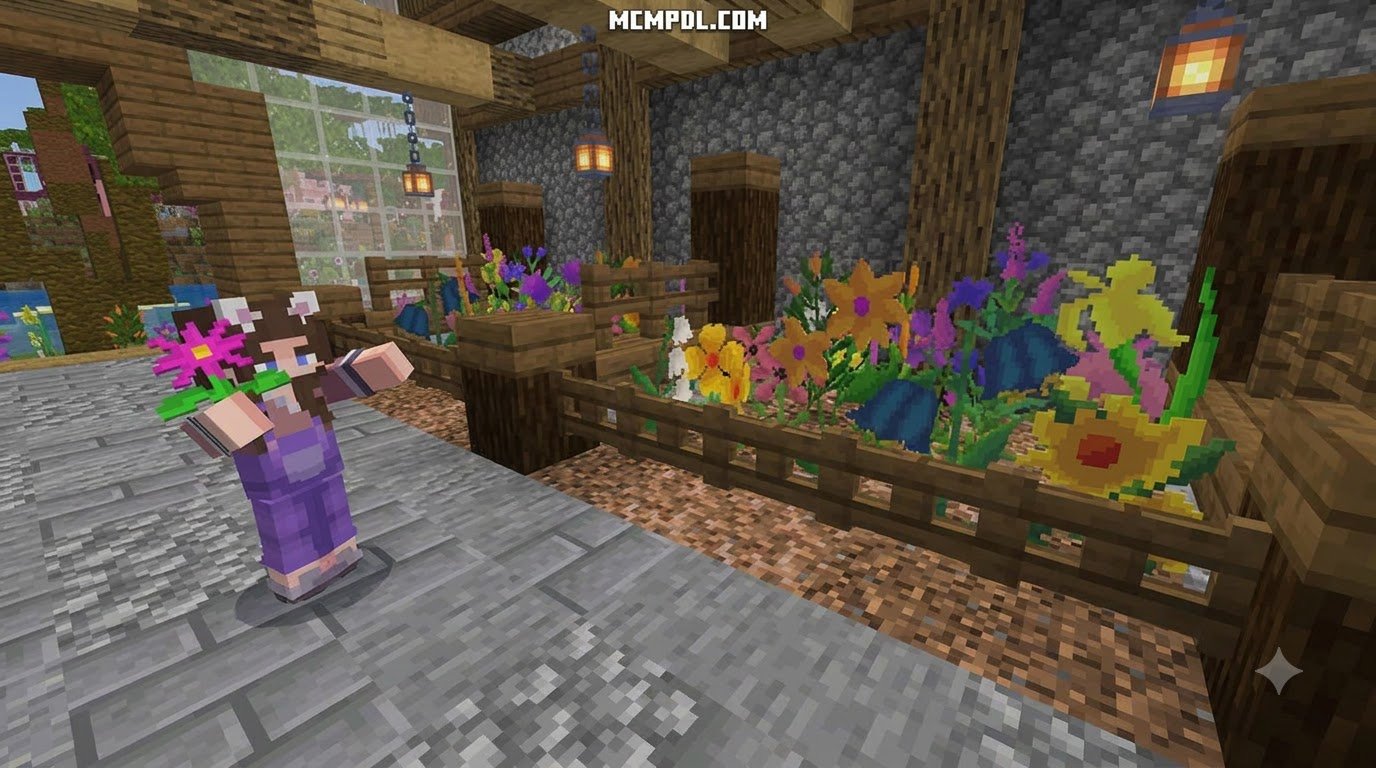
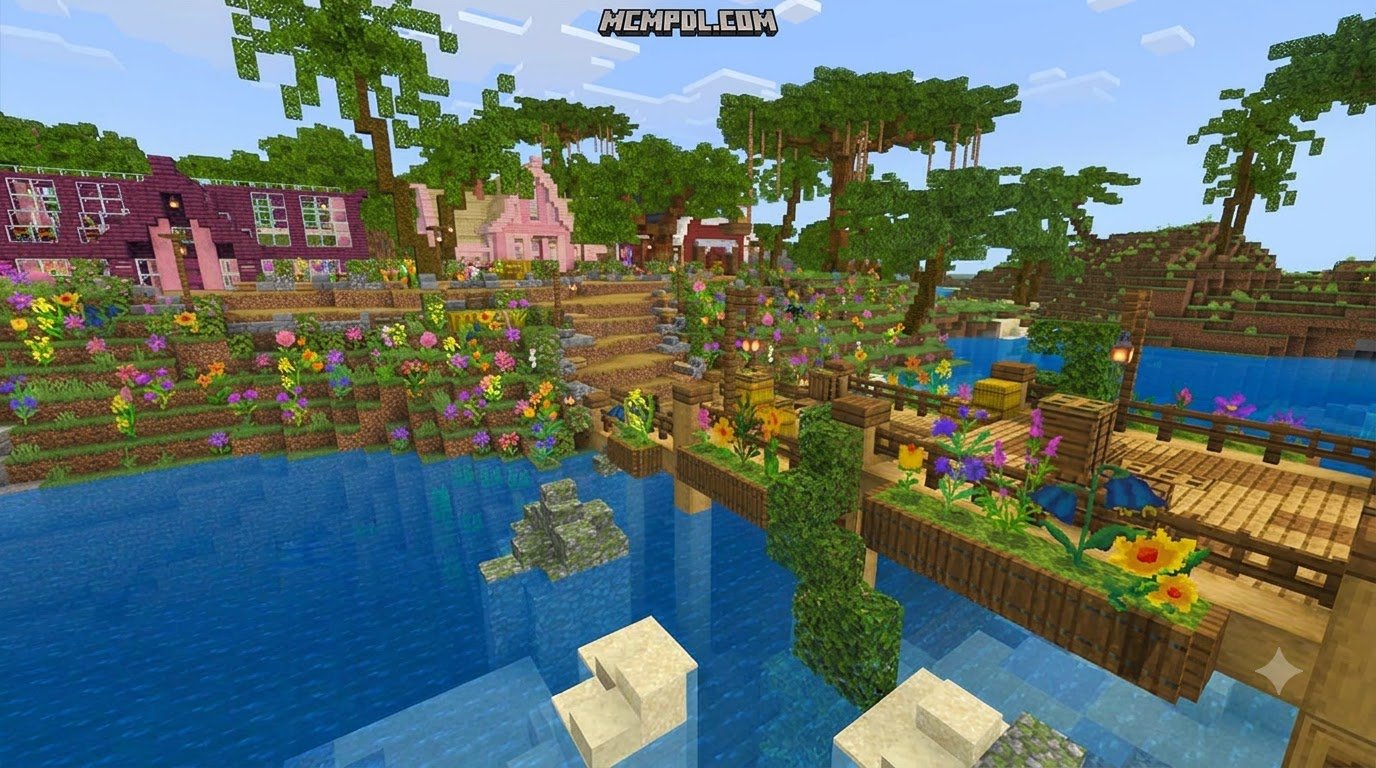
Botanical adventure maps and floral expansions turn Minecraft into a relaxing gardening simulator. Rather than spending your days dodging creepers in dark caves, flower-focused maps invite you to clear overgrown landscapes, nurture rare botanical species, restore abandoned greenhouses, and design colorful outdoor estates.
These experiences take several forms across the Bedrock ecosystem. Standalone narrative maps—such as the beloved Bloom adventure—give you dedicated quests centered around discovering wild seedlings, cultivating them to full maturity, and unlocking hidden botanical sanctuaries. On the other hand, custom survival terrains like the massive 5 km by 5 km Habiday island provide open, flower-draped landscapes complete with custom mountain ranges, rivers, and dense floral canopies. Whether you prefer structured questlines or open-ended building across overhauled biome environments, botanical worlds offer a refreshing change of pace for green-thumb builders.
Key Features of a Flowers World for Minecraft PE/Bedrock Map
A custom floral map introduces mechanics far beyond standard vanilla farming:
- Bespoke Botanical Species: Cultivate unique plants ranging from exotic Bromeliads and Monsteras to delicate Bleeding Hearts and glowing fungi.
- Custom Gardening Tools: Swap out standard pickaxes for Pruners, Shears, Mattocks, and Watering Cans with dedicated horticultural functions.
- Progression-Locked Sanctuaries: Restore locations like the Royal Atrium, unlocking new wild zones and the mystical Final Forest as you document new species.
- Environmental Cleaning: Tidy wild areas by removing clutter, debris, and stubborn weeds to prompt rare flora to sprout naturally.

Top Floral Addons and Botanical Mods
For players who prefer expanding their standard survival worlds rather than loading a pre-built map template, several add-ons introduce intricate floral elements:
- More 3D Flowers: This lightweight add-on transforms flat 2D sprite flora into 3D models. It introduces decorative planting pots and lets you wear flowers directly in your head slot as botanical hats.
- Ornamental Plants: Drawing inspiration from Eastern garden traditions, custom botanical expansions introduce dozens of flowering trees, decorative potted bonsai, and unique mechanics like cut-flower crafting using off-hand shears. They also introduce companions like the Baihua Cat, which naturally speeds up plant growth around it.
- FlatFlower Challenges: Custom survival challenge maps that test your resourcefulness by placing you in expansive, flower-carpeted flat worlds with bespoke trade economies.
Pairing these expansions with vanilla biome enhancements helps you build vibrant, living gardens across every corner of your world.
How to Download and Install Floral Mods on Minecraft Bedrock
Installing botanical maps and add-ons on Minecraft Bedrock Edition (including Pocket Edition on Android and iOS) is straightforward thanks to Bedrock’s packaged file formats.
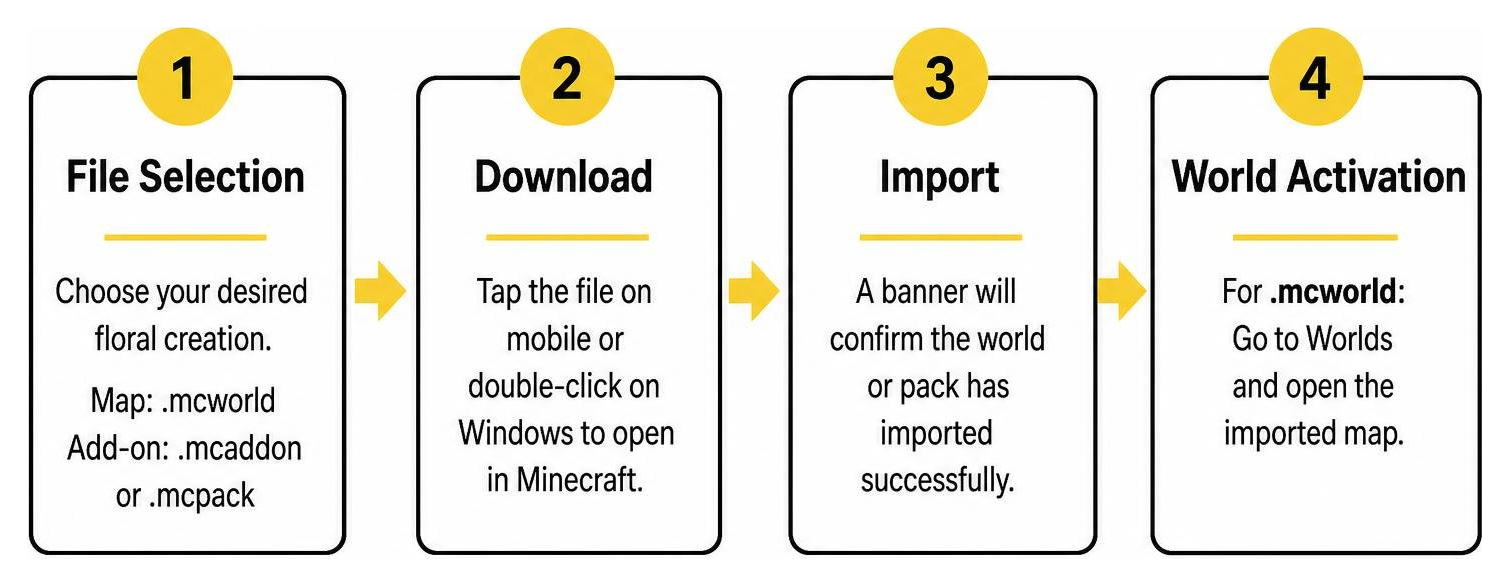
- Download the File: Choose your desired floral creation. Map downloads generally end in
.mcworld, while add-ons use.mcaddonor.mcpack. - Open the File Directly: On mobile devices (iOS and Android), tap the downloaded file in your browser or file manager and select Open in Minecraft. On Windows, double-clicking the file automatically launches Bedrock and begins the import.
- Verify Import Status: A banner at the top of your screen will confirm that the world template or pack has successfully imported.
- Activate the Content:
- For .mcworld files: Navigate to your world selection list and open the newly imported map directly.
- For .mcaddon files: Create a new world (or edit an existing one), scroll down to Resource Packs and Behavior Packs, and activate the downloaded packs. Ensure you toggle on Beta APIs or Holiday Creator Features under the Experiments tab if required by the add-on.
| Platform | File Type | Installation Method | Storage / Activation Notes |
|---|---|---|---|
| Android (PE) | .mcworld / .mcaddon | Tap downloaded file in Files app → Open with Minecraft | Stored in app storage; grant file permissions if prompted. |
| iOS (PE) | .mcworld / .mcaddon | Tap Share icon in Safari/Downloads → Select Minecraft | Automatically unpacks into the Minecraft app directory. |
| Windows 10/11 | .mcworld / .mcaddon | Double-click the file in Windows File Explorer | Launches Minecraft Bedrock and imports instantly. |
| Consoles | World Templates | Direct download from built-in repository | Requires linking through cross-platform Realm or official listings. |
Setting Up Multiplayer and Touch Controls
Gardening is even better with friends. Custom botanical maps fully support multiplayer, letting you divide tasks like watering, trimming, and landscape design.
When hosting on mobile, ensure your world settings have Multiplayer Game enabled and set your desired permissions (Invite Only, Friends Only, or Friends of Friends).
For mobile touch controls, custom maps streamline interactions:
- Single Tap: Interact with custom menus, seed catalogs, and NPC dialogs.
- Hold Screen: Break blocks, shear turf, or clear ground clutter.
- Equipped Use: Tap the interaction button or tap the screen while holding tools like the Watering Can or Pruners to trigger their effects.
Essential Mechanics and Tool Guide for Custom Flower Worlds
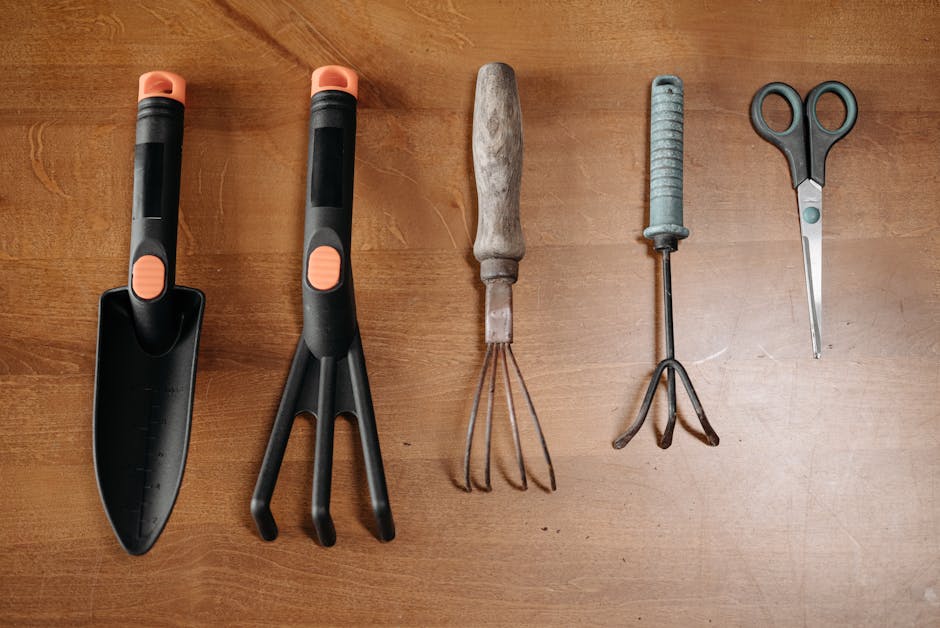
Custom floral maps swap out traditional survival mining for hands-on terraforming. To design a thriving estate, you must master the specialized functions assigned to your equipment:
- Shears: Use shears on standard grass blocks to peel away the turf and convert them into raw dirt. This is essential when you run out of wooden planter boxes and want to create natural flowerbeds directly in the terrain.
- Watering Can: Hydrate raw dirt blocks to turn them back into lush grass.
- Mattock: Use this multi-purpose tool on prepared soil beds to revert them to standard dirt if you want to redesign your garden plots.
Pruner Mechanics and Gathering Trimmings
Pruners are your primary tool for gathering propagation material without destroying the parent plant:
- Interact with any mature, blooming flower while holding the Pruners to collect a plant trimming.
- Pruners operate on a 5-minute cooldown per plant. If you attempt to snip a flower before the timer resets, the plant will not drop anything.
- Pruners only function on flowery decorative plants—they cannot harvest trimmings from standard green hedges or lawn grass.
Clearing Clutter and Finding Hidden Objects
When exploring wild zones outside your estate, you will find paths obstructed by piles of fallen sticks, weeds, and small rocks.
Clearing this environmental clutter is not just for aesthetics: removing every scrap of clutter in an area triggers the natural spawning of rare, wild plant species. Additionally, keeping your eyes open will lead you to hidden collectibles; many botanical maps feature a whimsical decorative gnome tucked away in each distinct zone.
Transmutation Station and Upgrades in the Arcane Hollow
As your estate grows, you will need upgrade materials to expand paths, unlock new tools, and craft advanced decorations. If you have cleared all local clutter and still need building resources, head to the Arcane Hollow.
Inside, you will find the Transmutation Station. By collecting Magical Pollen from fully grown flowers and consulting the station’s recipe books, you can transmute raw botanical energy into wood, stone, and specialized upgrade components.
Completing the Royal Atrium: All 16 Required Plant Species
The central milestone of classic botanical adventure maps is restoring the grand Royal Atrium. Completing this botanical conservatory requires you to discover, cultivate, and grow 16 unique plant species to their final growth stage.
Registering every mature species at the Atrium activates the grand conservatory mechanism, opening the locked gate that leads into the mysterious Final Forest.
Full Checklist of Atrium Flora
To ensure your conservatory reaches full completion, track down and grow all 16 required botanical varieties:
- Bromeliad (Vibrant tropical ground plant)
- Hyacinth (Dense, colorful floral clusters)
- Cattail (Found near wetlands and ponds)
- Sunflower (Tall sun-tracking bloom)
- Hydrangea (Lush, round garden shrub)
- Rose (Classic ornamental bush)
- Bleeding Heart (Distinctive heart-shaped hanging blossoms)
- Agave (Hardy arid succulent)
- Foxglove (Tall, bell-shaped floral stalk)
- Lilacs (Fragrant purple flowering bush)
- Mushroom (Shade-loving standard fungus)
- Glowshroom (Luminescent subterranean plant)
- Triostar (Striking variegated foliage plant)
- Spiderwort (Three-petaled delicate perennial)
- Prince of Orange (Bright tropical foliage)
- Monstera (Broad-leaf split foliage)
Vanilla Bedrock Flower Mechanics, Biomes, and Seeds
If you are exploring standard Bedrock survival rather than a custom adventure map, the base game offers an intricate floral ecosystem. In vanilla Bedrock, there are 16 species of small (one-block-tall) flowers and 5 species of tall (two-block-tall) flowers.
The premier location for any vanilla botanist is the Flower Forest biome. Flower Forests generate up to 14 distinct flower varieties naturally across coordinate-based gradients. Furthermore, trees grown in Flower Forests have a 5% chance to generate a bee nest (roughly 10 times higher than regular forests). Interestingly, wolves never spawn in Flower Forests—rabbits hop across the landscape instead!
Pairing these biomes with realistic landscape addons makes hunting for rare specimens an unforgettable visual experience.
Exploring Vanilla Flowers World for Minecraft PE/Bedrock Environments
Understanding vanilla botanical rules makes farming dyes and ingredients effortless:
- Bone Meal Duplication: In Bedrock Edition, using bone meal directly on a small flower duplicates that exact flower within a 7×7 area on nearby grass blocks without spawning excess tall grass. Using bone meal on double-tall flowers (like Sunflowers, Peonies, Rose Bushes, and Lilacs) forces the plant to drop an item copy of itself.
- Navigation Compass: Sunflowers always face directly east toward the sunrise, serving as an organic compass during long journeys.
- Suspicious Stew: Feeding flowers to a Brown Mooshroom before milking it produces Suspicious Stew. Using a Dandelion or Blue Orchid grants powerful Saturation buffs, restoring high amounts of hunger and saturation.
- Bee Keeping and Composting: Flowers are required to breed bees and guide them toward your hives. Standard flowers also have a 65% chance to raise the compost level in a composter.
To start a new survival world surrounded by flowers, try world seed 9066 on Minecraft Bedrock. This seed spawns you in a Plains biome directly adjacent to a vibrant Sunflower Plains and a Flower Forest across the river, complete with nearby bee nests and friendly companion biome wildlife.
Frequently Asked Questions About Flowers World in Minecraft PE
How do you terraform grass and dirt in custom flower maps?
Custom botanical maps feature dedicated tool interactions for terraforming:
- Use Shears on a grass block to remove the turf and turn it into dirt.
- Use a Watering Can on bare dirt to rehydrate the soil and turn it back into grass.
- Use a Mattock on prepared planting soil to revert it to standard dirt.
Can you craft extra storage chests and planters in floral adventure maps?
In dedicated adventure maps like Bloom, crafting extra chests, planters, or fences is disabled to protect map progression. However, you will find generous storage capacity inside the tool shed and greenhouse chests. If you run out of planter boxes, simply shear grass blocks in your yard to plant seedlings directly into the exposed earth.
What should you do if you cannot find the last piece of clutter?
If an area still says clutter remains but you cannot spot it, switch your camera view into third-person perspective in your video settings. Small pebbles and low-lying sticks can easily hide behind bushes or tall plants in first-person view. Scanning the perimeter while looking straight down in third-person will quickly reveal that elusive last piece of rock or debris.
Conclusion
Whether you are restoring the grand Royal Atrium in a custom adventure, cultivating 3D botanical hats for your survival character, or building an automated dye farm in a Flower Forest, floral worlds bring endless creativity to Minecraft Bedrock.
Check your add-on compatibility, grab your pruners, and start planting your dream garden today! To discover more incredible custom worlds, community creations, and survival experiences, explore community Minecraft maps and begin your next adventure.