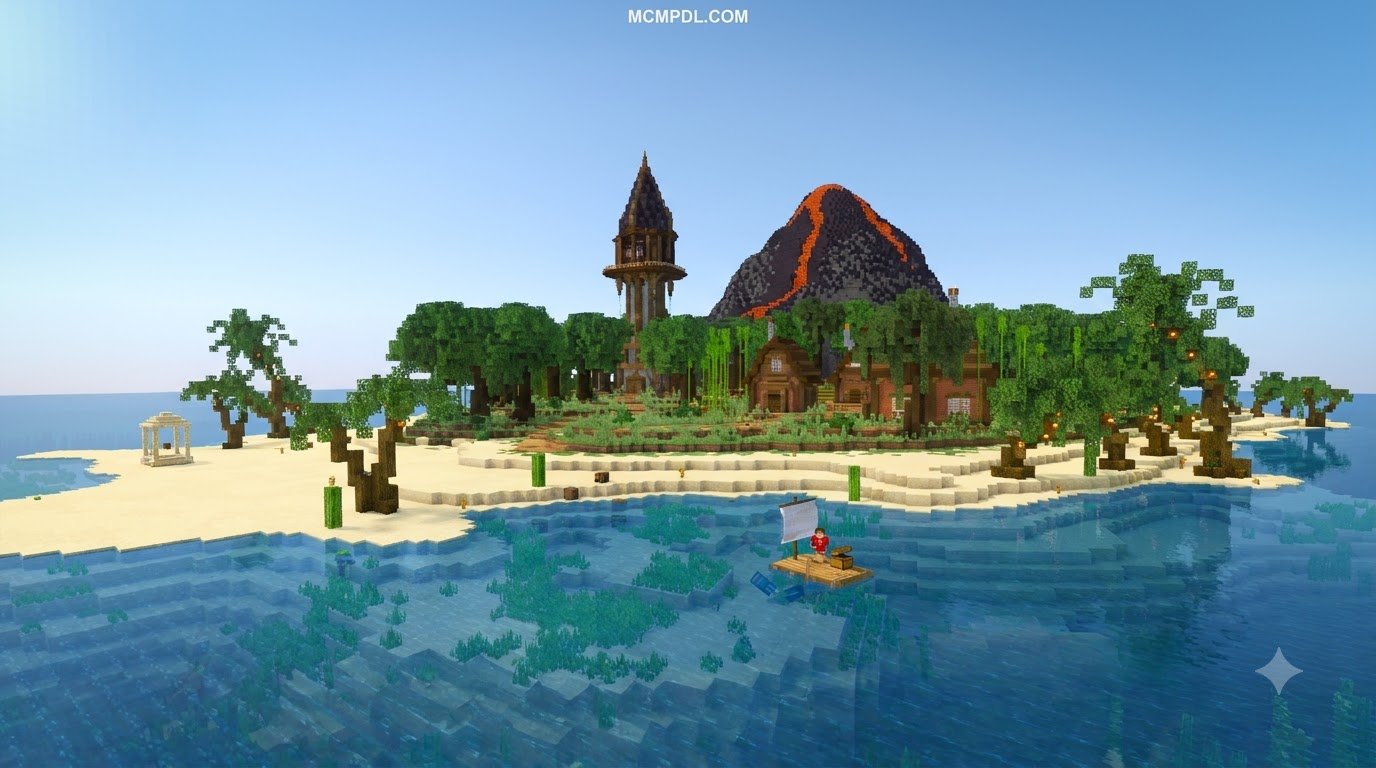
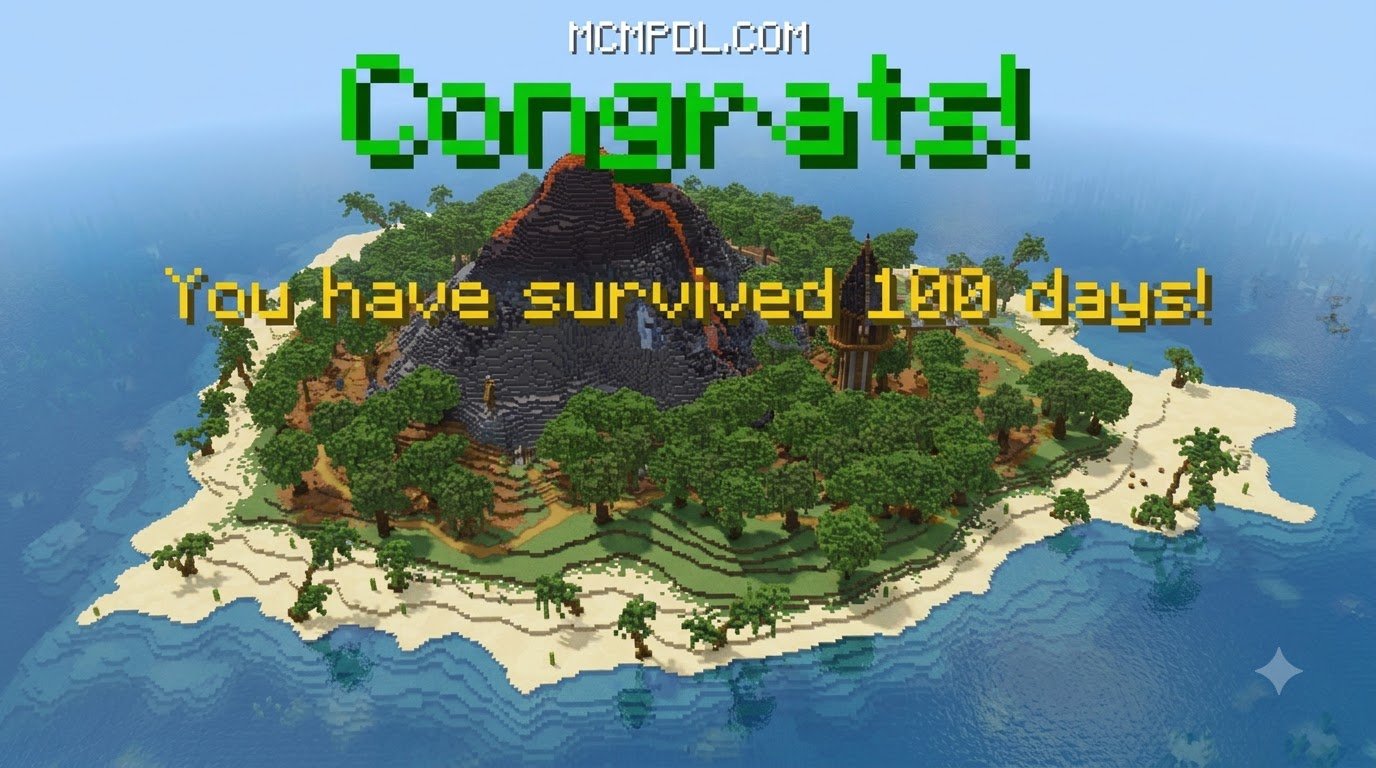
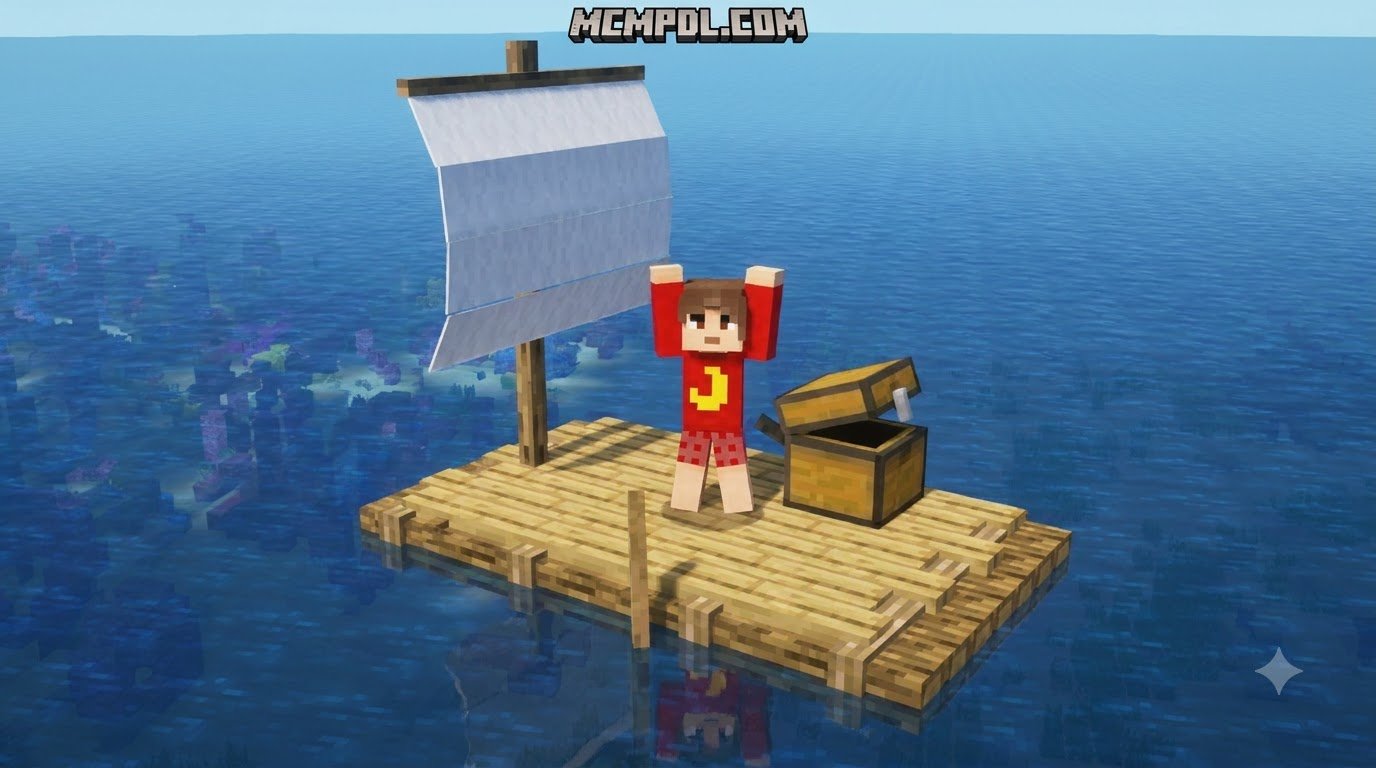
Scroll down to D0vvnl0ad
Raft Survival World for Minecraft PE/Bedrock: What to Expect
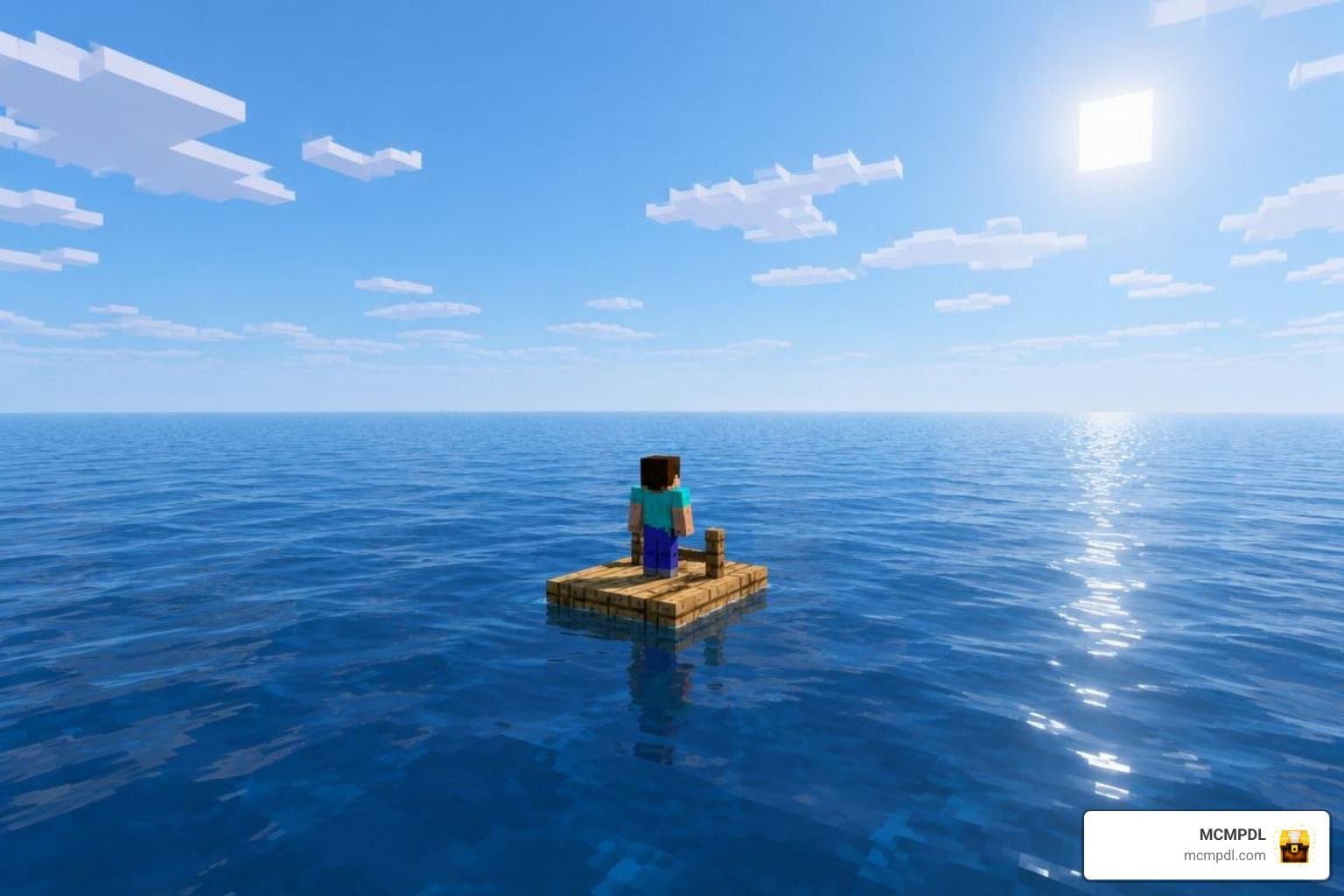
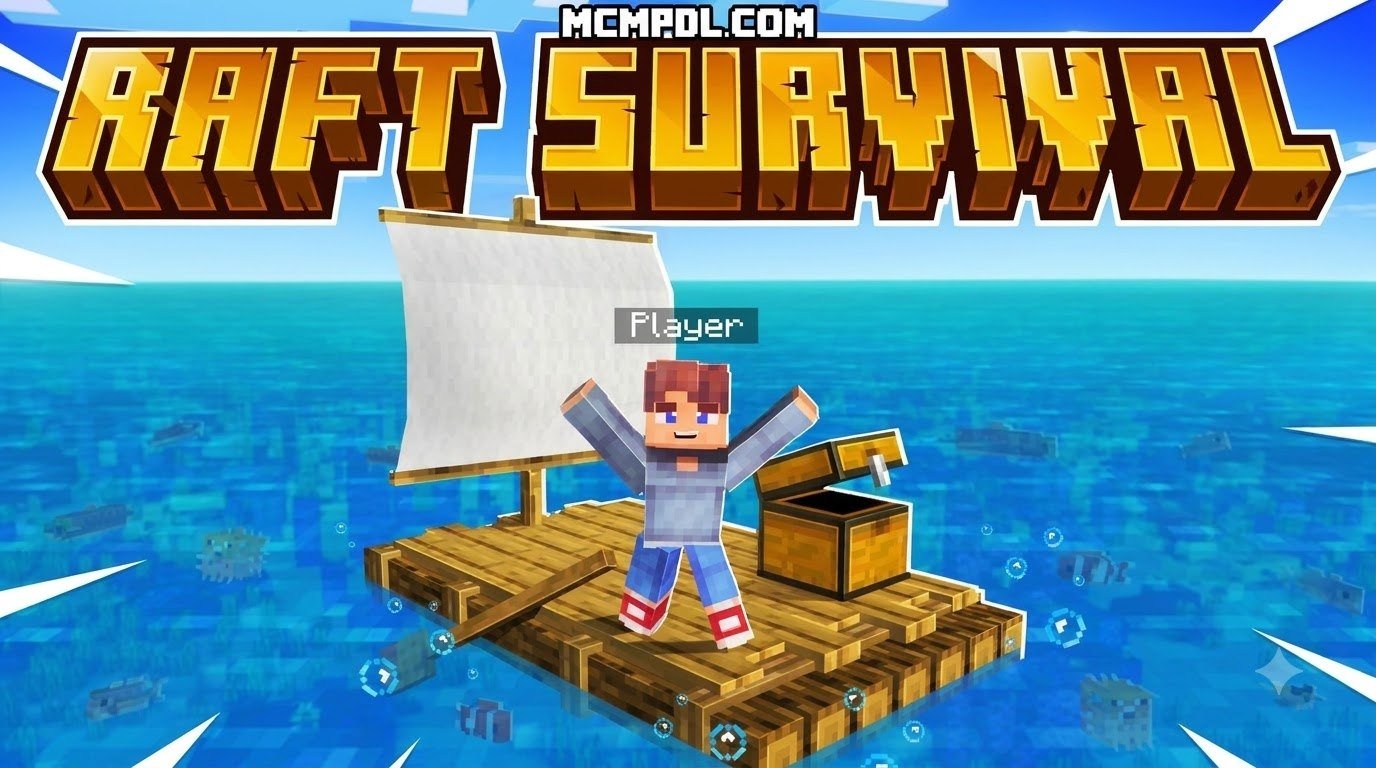
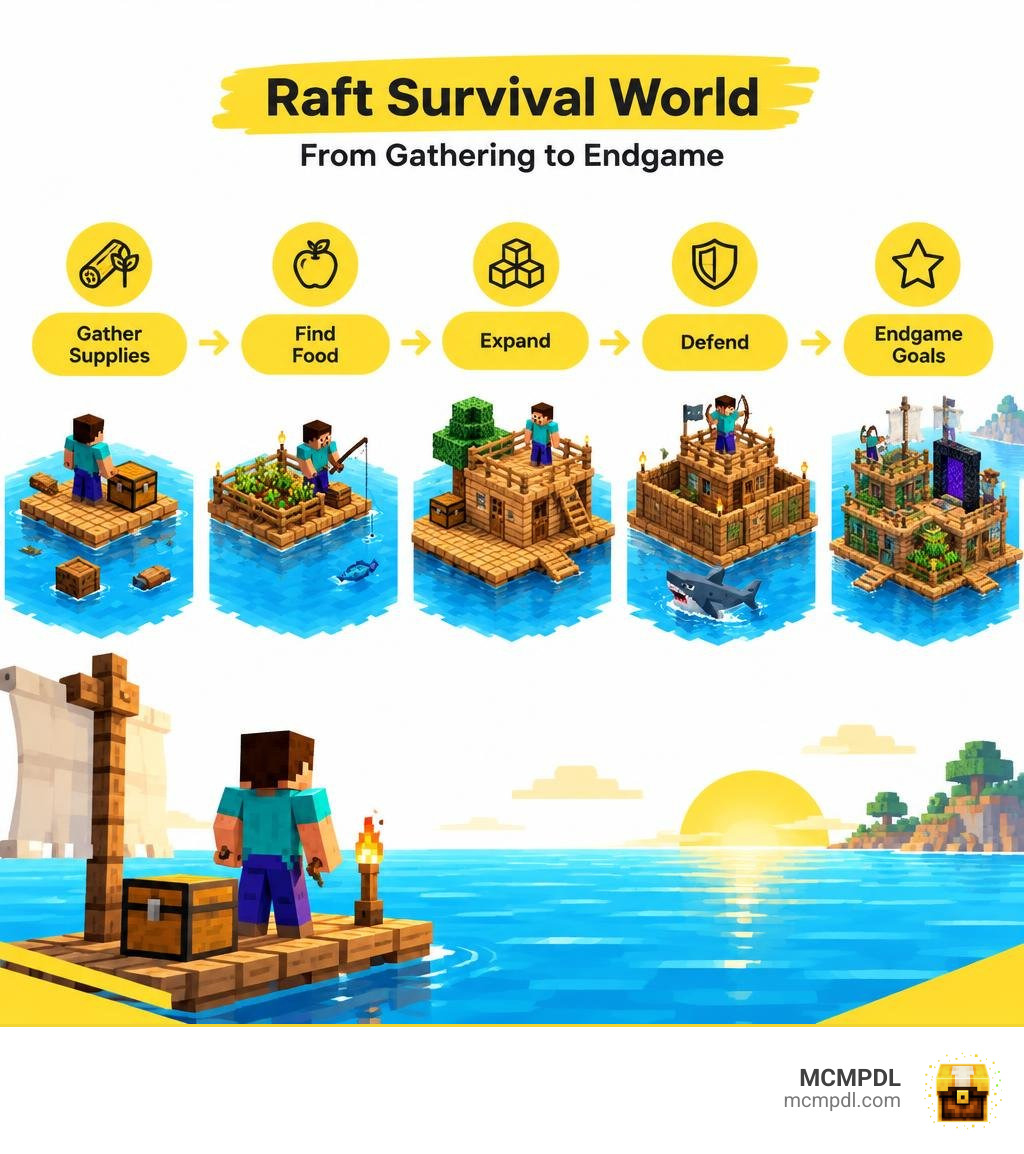
A Raft Survival World for Minecraft PE/Bedrock starts you on a small platform at sea instead of in a typical land-based survival world. You gather scarce supplies, expand the raft, find food, and protect what you build. Some maps add sharks, thirst, or quests; others use mostly standard Minecraft rules.
The five hard lessons are simple: save every useful resource, secure food early, build before you run out of space, guard the raft’s edges, and check the map’s rules before planning your endgame. Check that a world’s listed Bedrock version matches yours before you download its .mcworld file.
Core Mechanics of a Raft Survival World for Minecraft PE/Bedrock
Surviving in the middle of an endless ocean flips typical Minecraft gameplay on its head. Instead of punching trees on rolling hills or digging down to bedrock on day one, you must adapt to a floating environment where every block beneath your feet represents safety.
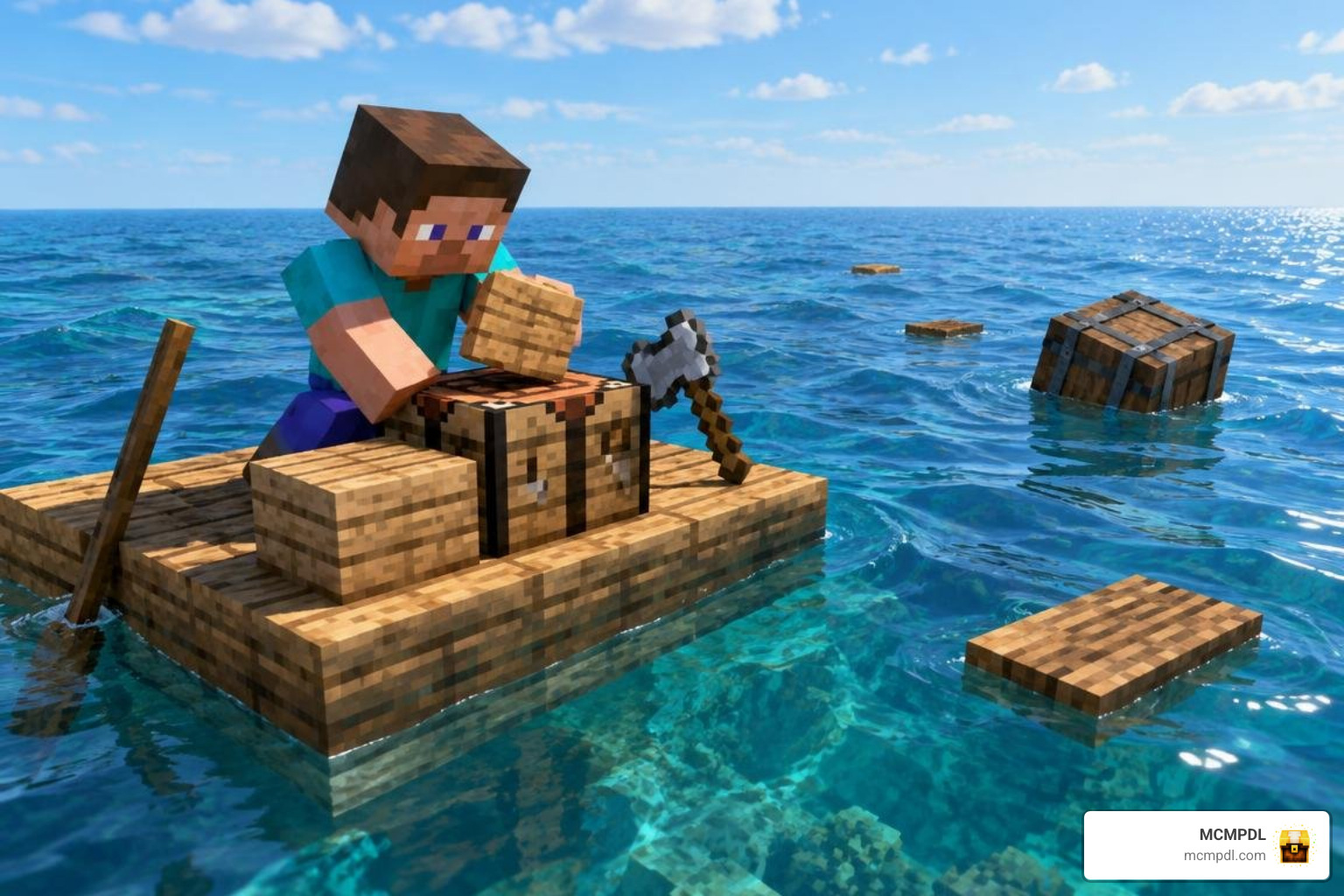
In these custom worlds, core survival mechanics revolve around three critical pressures:
- Debris Harvesting: Supplies drift past your floating platform in the form of wooden barrels, scrap metal crates, and raw flotsam.
- Vital Needs: Beyond standard hunger, custom versions introduce active dehydration systems that require you to boil and filter saltwater into drinkable fresh water.
- Ocean Predators: Aggressive marine wildlife constantly circles your perimeter, waiting for you to fall overboard or actively chewing away at your platform edges.
Essential Resource Gathering in a Raft Survival World for Minecraft PE/Bedrock
Your primary tool early on is rarely a wooden pickaxe; it is almost always a grappling hook or a fishing rod. You cast your line out into passing currents to snag drifting supply barrels before they float out of rendering range. These containers hold the essentials of survival: dirt blocks, saplings, string, iron nuggets, and seed packets.
Custom crafting recipes allow you to weave drifting thatch and kelp into usable rope, compress raw driftwood into solid wooden planks, and refine scrap iron into sturdy spears. When supply crates run dry, securing high-saturation meals becomes your top priority. Equipping a dedicated Fishing Addon for Minecraft PE/Bedrock expands your aquatic haul, letting you catch specialized marine life that restores significant hunger points and provides crafting bones.
Raft Defense and Threat Management
The open ocean is far from peaceful. Specially scripted predator sharks circle the perimeter of your base, using custom pathfinding to target weak corners of your raft. If a shark bites through a block supporting your main storage chest, hours of scavenged materials will sink into the abyss.
To protect your home, you must implement proactive defense tactics:
- Perimeter Reinforcement: Line the bottom exterior of your hull with downward-facing half-slabs or cobblestone to deflect predator bites.
- Crafting Spears: Forge iron or stone spears to strike sharks from the safety of your deck without tumbling into the water.
- Drowned Mitigation: Place torches or lanterns along every expanded deck block to prevent trident-wielding drowneds from spawning on your unlit platforms during dark nights.
Comparing Free Community Maps vs. Paid Raft Survival Worlds
The Bedrock community provides both free downloadable .mcworld community projects and premium adventures available through paid store releases. Deciding which format suits your playstyle depends on whether you want an open-ended survival sandbox or a structured, quest-driven adventure.
| World Name / Creator | Type / Format | Price (Minecoins / USD) | Player Capacity | Key Distinctions |
|---|---|---|---|---|
| Only Raft World 100 Days Survival | Community Map (.mcworld) | Free (92,922+ Downloads) | 1–5+ Players | 100-Day survival challenge ending in an oceanic Ender Dragon fight |
| Raft Only World – Ultimate Survival | Community Map (.mcworld) | Free (60,419+ Downloads) | 1–5+ Players | Hardcore ocean survival with zero land masses and strict resource scavenging |
| Raft Survival by G2Crafted | Paid DLC World | 310 Minecoins (~$1.62 USD) | 1–10 Players | Includes 18 custom soundtrack songs, custom items, and Vibrant Visuals support |
| Raft Survival by GoE-Craft | Paid DLC World | 490 Minecoins (~$2.57 USD) | 1–99 Players | Features 24 interactive survival quests, custom traders, and extreme difficulty |
| Raft Survival by Eescal Studios | Paid DLC World | 490 Minecoins (~$2.45 USD) | 1–5+ Players | Adds custom decorative furniture, exotic foods, and massive exploration islands |
Features of Paid Raft Adventures
Paid releases focus heavily on structured progression, guided storylines, and unique assets. For example, the release by G2Crafted immerses players with 18 original music tracks, custom blocks, and full optimization for modern lighting features.
Meanwhile, GoE-Craft’s version functions almost like an oceanic RPG, guiding up to 99 simultaneous players through 24 structured survival quests. These quests reward successful survivors with deep-sea diving gear, custom trading tokens, and coordinates to remote ocean monuments. For builders who want aesthetic variety, Eescal Studios introduces placeable camp furniture, exotic cooking ingredients, and diverse island biomes to explore.
Free Standalone Community Raft Maps and Add-On Modding
Free community maps deliver the authentic, gritty challenge that many veteran survivalists prefer. Downloading the standalone Real Raft Survival World for Minecraft PE/Bedrock places you directly on a bare-bones wooden platform with nothing but a starting hook, giving you complete freedom to build your base however you see fit.
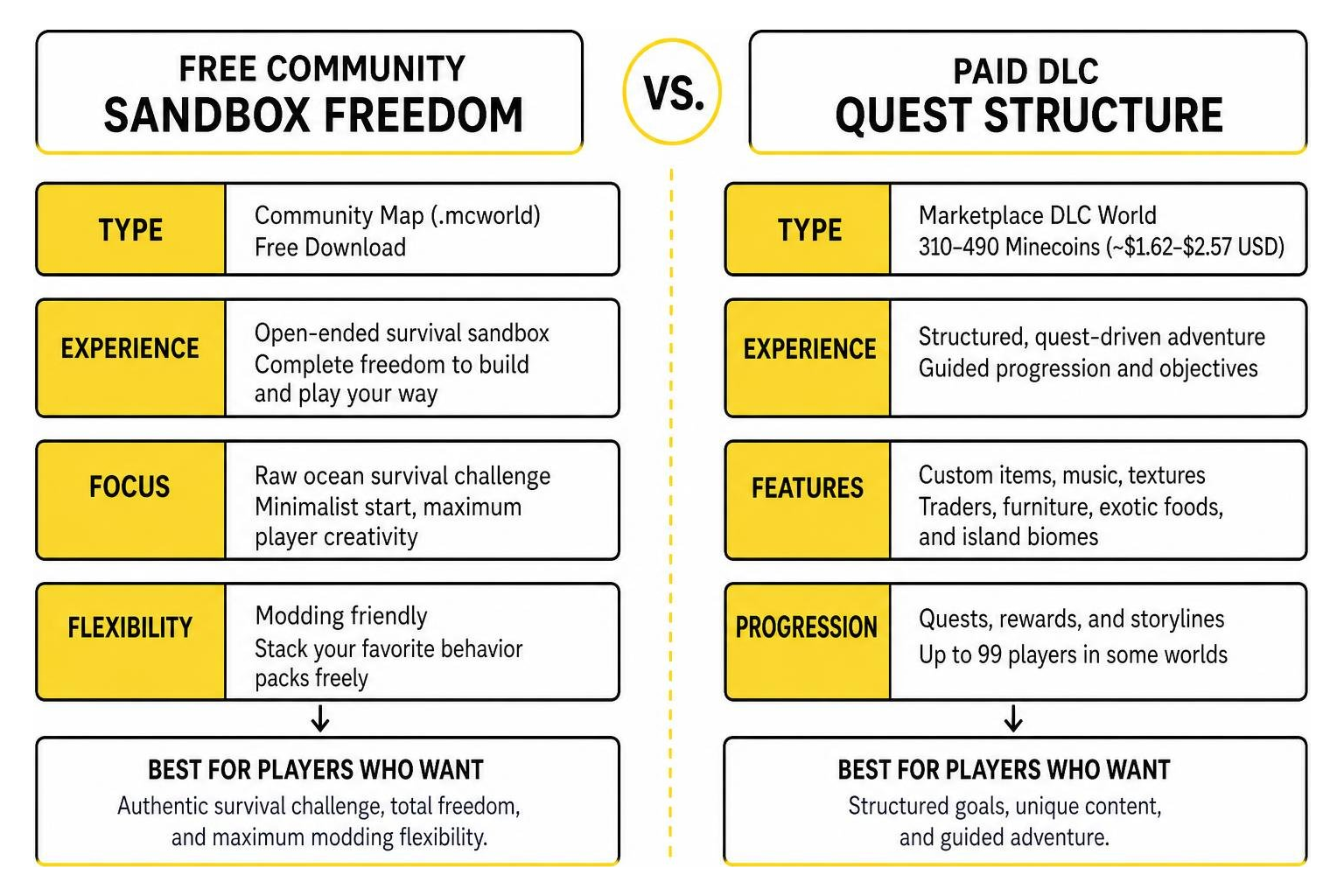
These free maps share a similar minimalist philosophy with other popular micro-survival challenges. If you enjoy starting with practically nothing, the experience closely mirrors expanding a Survival on Container World for Minecraft PE/Bedrock or managing micro-farming inside a One Block Skyblock World for Minecraft PE/Bedrock. The biggest advantage of free community worlds is their modding flexibility: you can freely stack your favorite behavior packs without running into closed DLC scripting restrictions.
Step-by-Step Installation and Technical Setup Across Devices
Getting a custom .mcworld file running on your device is quick and straightforward thanks to the cross-platform Bedrock C++ engine.
Installing a Raft Survival World for Minecraft PE/Bedrock via .mcworld
Follow these device-specific instructions to import your world file in seconds:
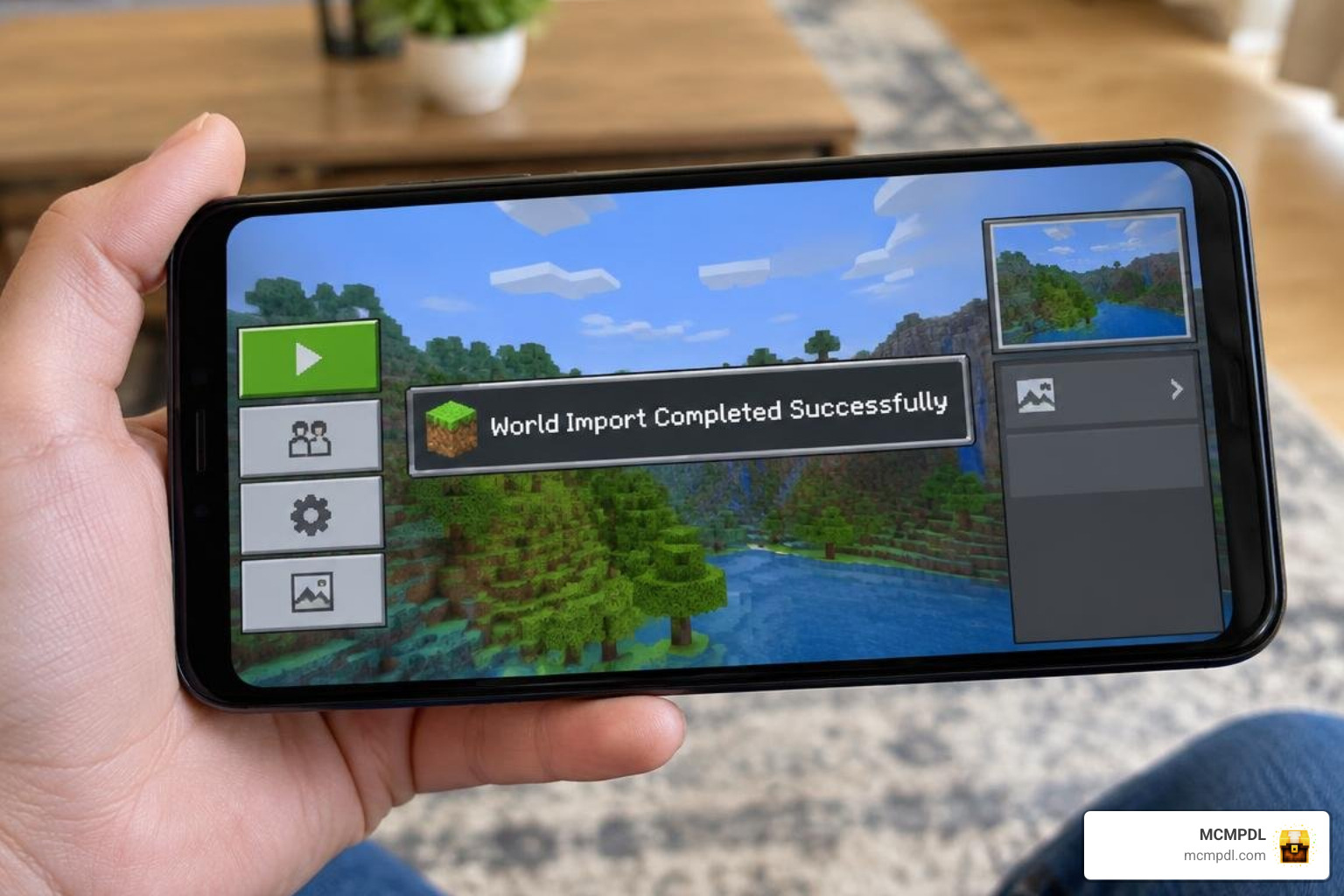
- Android Devices: Download your
.mcworldfile. Open your device’s File Manager, locate the file in yourDownloadsfolder, tap it, and select Open with Minecraft. The game will launch automatically and display the banner: World Import Started, followed by World Import Completed Successfully. If your file association fails, move the extracted world folder manually intoAndroid/data/com.mojang.minecraftpe/files/games/com.mojang/minecraftWorlds. - iOS (iPhone & iPad): Download the world file using Safari. Tap the downloaded file inside the Files app, tap the Share icon, and select Minecraft. The app will launch and load the world straight into your playable worlds list.
- Windows 10/11 PC: Ensure Minecraft Bedrock is installed. Simply double-click the
.mcworldfile in Windows Explorer. The game will automatically boot up, import the archive, and place the save at the top of your Worlds menu.
Multiplayer Hosting and Performance Optimization
Surviving with friends turns a frantic challenge into a well-oiled oceanic base operation:
- Host Power: Always host the world on the device with the strongest processor and internet connection. Generating boundless ocean chunks while processing drifting entities places high demands on mobile hardware.
- LAN and Xbox Live Co-op: Ensure all players are added via Xbox Live. Enable Multiplayer Game and Visible to LAN Players in the world’s Edit Settings menu before pressing Play.
- Persistent Realms: Upload the
.mcworldsave directly to a Bedrock Realm so your crew can scavenge supplies and defend the raft 24/7, even when the host is offline. - Framerate Optimization: Endless ocean waters with drifting entities can cause mobile performance dips. Lower your in-game render distance to 8–12 chunks on mobile devices to lock in a smooth 60 FPS. If you plan on scouting far-flung ocean sectors, installing a lightweight Boats Addon for Minecraft PE/Bedrock provides high-speed watercraft that reduce entity rendering strain while traveling.
5 Hard Survival Lessons: Blueprint from Day 1 to the Ender Dragon
Transforming a 4×4 wooden raft into a self-sustaining floating fortress requires discipline. Here is the operational survival timeline you should follow from your first cast to the ultimate endgame battle.
Surviving the Critical First 10 Days
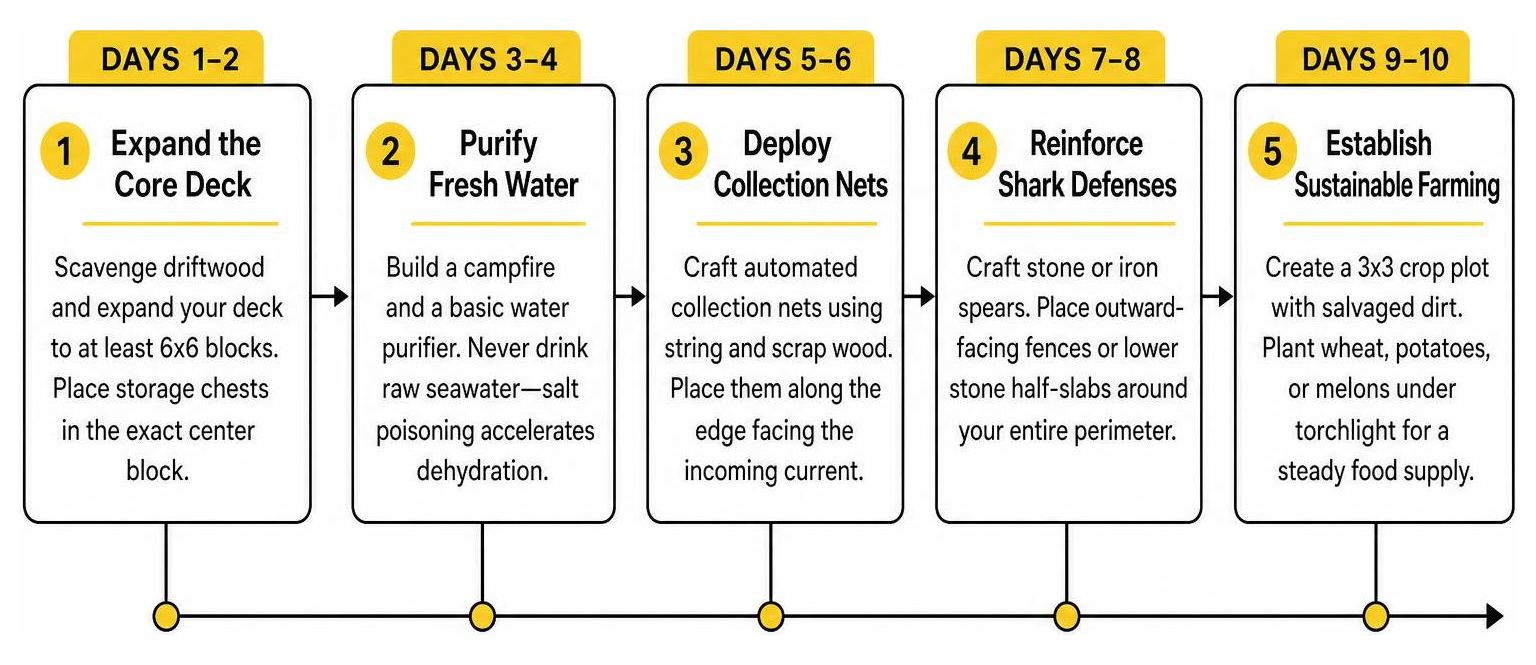
- Days 1–2 (Expand the Core Deck): Never store items on the outer edge of your starter raft. Scavenge driftwood and immediately expand your deck to at least 6×6 blocks. Place your primary storage chests in the exact center block of the platform.
- Days 3–4 (Purify Fresh Water): If playing with thirst mechanics, build a campfire and a basic water purifier using collected cobblestone and iron nuggets. Never drink raw seawater, as the salt poisoning debuff accelerates dehydration.
- Days 5–6 (Deploy Collection Nets): Craft automated collection nets using string and scrap wood. Place them in a straight line along the edge facing the incoming water current to passively catch drifting items while you work.
- Days 7–8 (Reinforce Shark Defenses): Craft stone or iron spears. Place outward-facing wooden fences or lower stone half-slabs around your entire perimeter so predators cannot lunge onto your deck.
- Days 9–10 (Establish Sustainable Farming): Combine dirt blocks salvaged from supply barrels to create a 3×3 crop plot. Plant wheat, potatoes, or melons under torchlight to secure a permanent food supply that frees you from continuous fishing.
Late Game Expansion and the Ender Dragon Mission
Once your base is self-sufficient with food farms, forge stations, and smelting arrays, you can focus on the endgame:
To reach the End dimension from an ocean-locked world, you must locate hidden ocean strongholds, dive into sunken ruins, or trade custom salvage materials with wandering sea traders to obtain Eyes of Ender. Equipping an Ocean Exploration Add-On for Minecraft PE/Bedrock will help reveal deep-sea trenches, coral reefs, and uncharted island outposts where portal frames and blaze rods are hidden. Once you activate the offshore portal, prepare your best enchanted gear, step through the gateway, and defeat the Ender Dragon from the middle of the ocean.
Frequently Asked Questions About Minecraft Bedrock Raft Survival
Can you play Raft Survival worlds in multiplayer with friends on mobile and PC?
Yes. Raft survival worlds fully support Bedrock cross-play between Android, iOS, Windows, and consoles. You can invite friends directly through Xbox Live, play across a shared local Wi-Fi network (LAN), or upload your world save to a Bedrock Realm to support 1 to 10 players simultaneously.
How do you reach and defeat the Ender Dragon from a raft world?
Well-designed raft maps feature built-in progression systems for reaching the End. You can locate submerged ocean strongholds beneath deep oceanic biomes, buy Eyes of Ender from specialized wandering sea merchants, or discover mini-islands holding floating End Portal frames.
How do you fix world import failures and ocean lag on mobile devices?
If an import fails on Android or iOS, ensure the file extension ends in .mcworld and verify your storage permissions in app settings. For persistent in-game lag, lower your simulation distance to 4 chunks, set render distance between 8 and 12 chunks, and defeat excess aquatic mobs that cluster beneath your hull.
Conclusion
Surviving on a floating raft in Minecraft Bedrock demands resourcefulness, quick reflexes, and smart planning. Every single plank you pull from the sea brings you one step closer to turning a vulnerable starter raft into an unstoppable floating kingdom.
Grab your hook, set your sails, and test your skills on the open water. Explore our massive library of custom Minecraft Bedrock Maps to download your next survival adventure today!