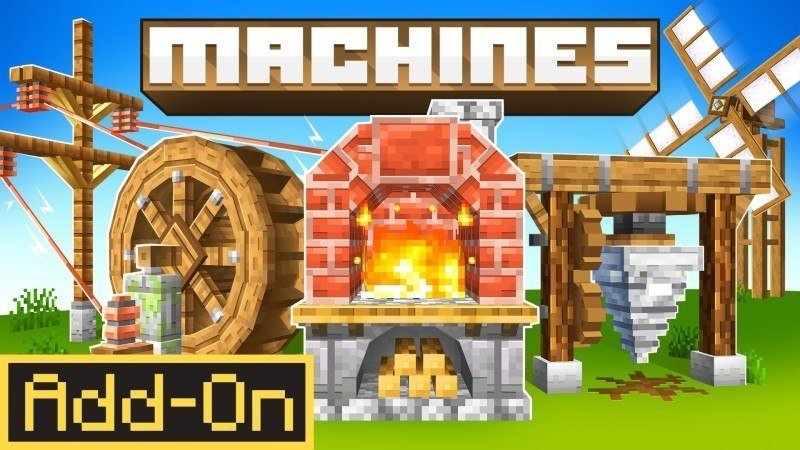

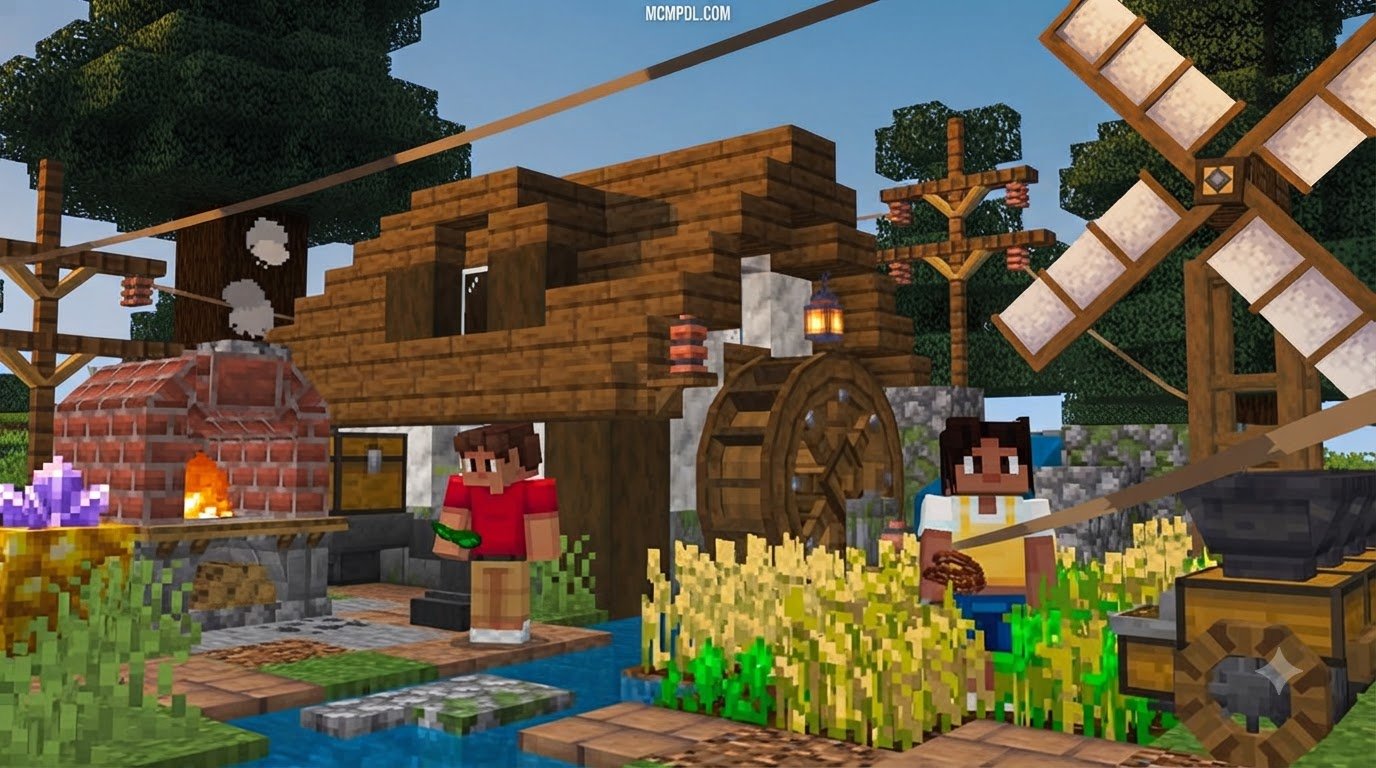
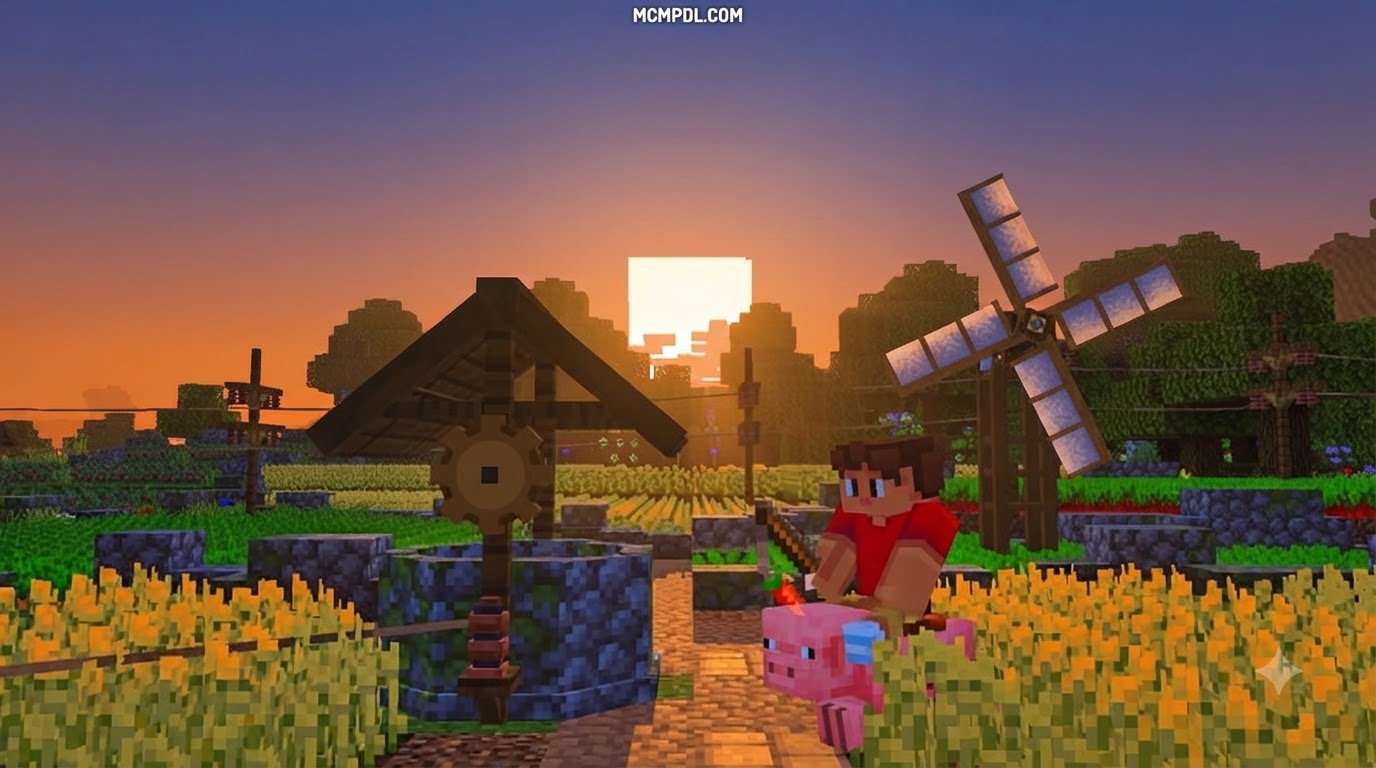

Scroll down to D0vvnl0ad
Find and Install a MACHINES Addon for Minecraft PE/Bedrock
To find a MACHINES Addon for Minecraft PE/Bedrock, choose one that supports your game version and device. If it comes as a .mcaddon file, open the file with Minecraft, then enable its behavior and resource packs in your world settings. If it is a paid add-on, purchase and install it through Minecraft.
Once installed, you can build toward a survival setup that produces resources, powers machines, and moves items between them. The exact steps and features depend on the add-on you choose.
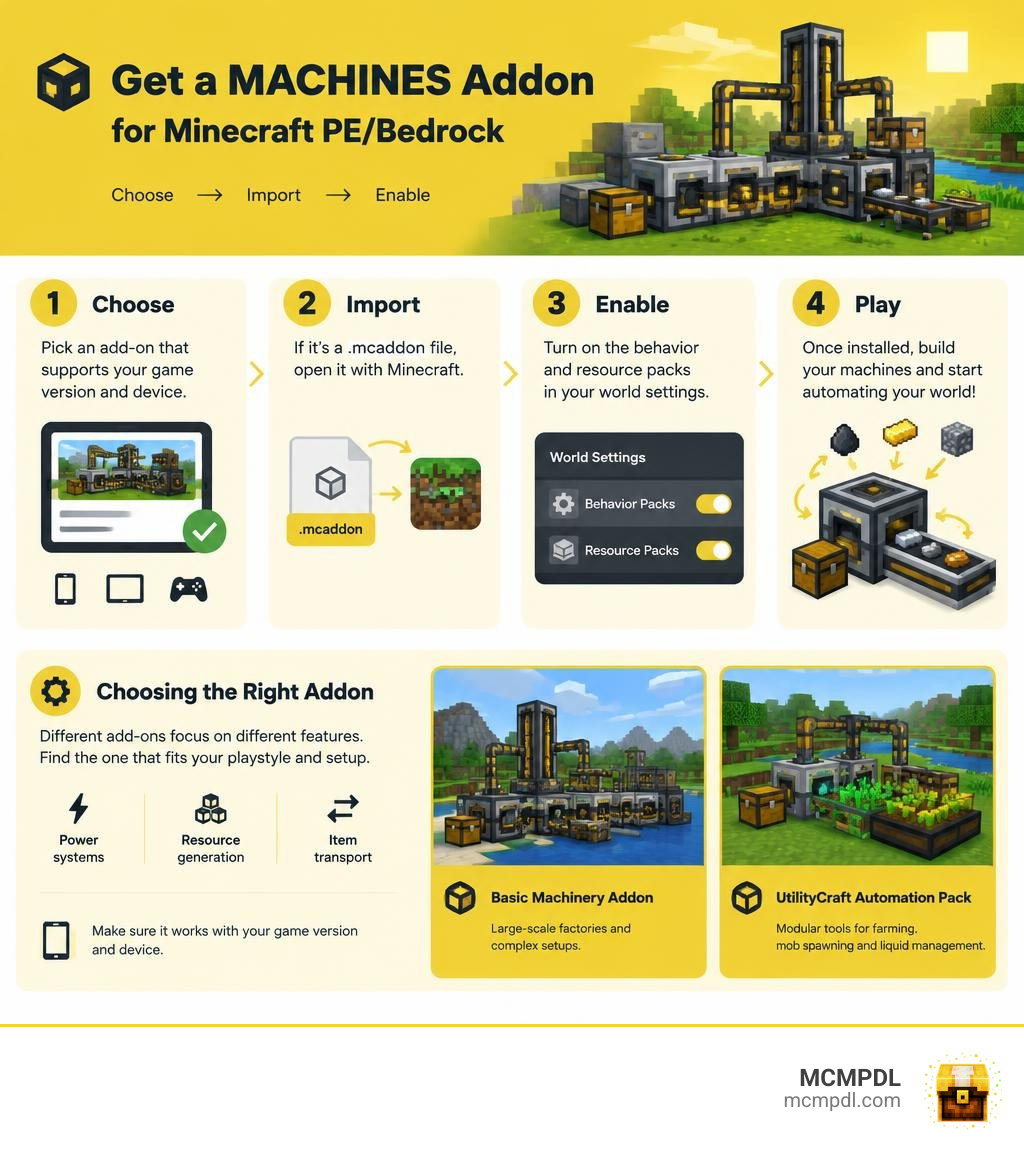
Choosing a MACHINES Addon for Minecraft PE/Bedrock
Selecting the right automation mod completely changes how your survival world plays. Some tech packs focus on massive industrial factories with sprawling pipes, while others provide modular suites that handle farming, mob spawning, and liquid management in compact blocks. When expanding automated machinery setups, you should evaluate power systems, resource generation methods, and how nicely each addon plays with your hardware.
| Feature Area | Basic Machinery Addon | UtilityCraft Automation Pack |
|---|---|---|
| Primary Focus | Heavy industrial base building & power grids | Modular survival systems & passive resource farming |
| Power Architecture | Direct cable grids and battery banks | Dorios Energy (DE) generated via thermal, solar, and combustion |
| Included Content | 60+ machines, custom armor, and weapons | 8 interconnected modular systems, multi-tools, fluid tanks |
| Passive Farming | Quarrying and mechanical processing lines | Bonsai Pots, real-time Ore Crops, Mechanical Spawners |
| Early Extraction | Automated drills and raw ore processing | 5×5 bulk sieves with mesh filtering |
| In-Game Guide | External documentation and tooltips | Native pause menu guide in “How to Play” |
| Distribution Type | Official Bedrock Marketplace DLC (990 Minecoins) | Free Community Package (.mcaddon) |
Basic Machinery Features
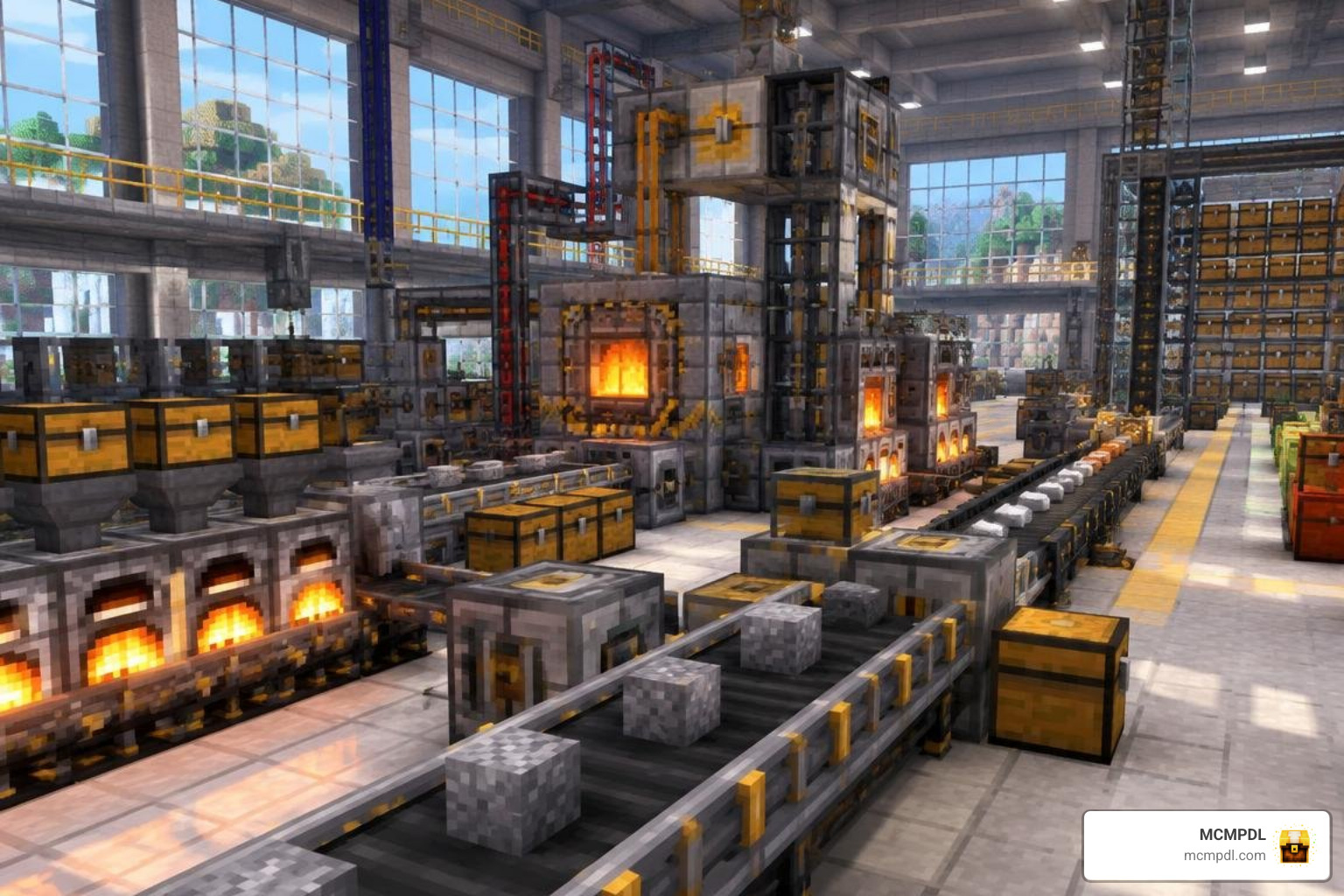
Created by developer Vatonage, Basic Machinery delivers a complete factory sandbox. It features over 60 individual machines, armor pieces, and specialized tools designed for heavy industry. Instead of manually mining for hours, you set up mechanical processing chains that connect through networks of cables, fluid pipes, and logistical tubes.
The addon holds a 4.3 out of 5-star rating across more than 4,732 player reviews on the Bedrock Marketplace, with roughly 69% of reviewers awarding it a full 5 stars. It costs 990 Minecoins (approximately $5.19 USD or 4.89 EUR) and requires Minecraft version 1.20.60 or higher. If you enjoy building dedicated assembly halls similar to industrial factory automation addons, its deep piping infrastructure offers an engaging engineering challenge.
Modular Utility Features
If you prefer lightweight, modular survival tech, packs like UtilityCraft package eight distinct systems into one cohesive framework. Rather than forcing you to construct a warehouse-sized facility immediately, it offers Bountiful Bonsais, Bountiful Crops, multi-tier Cobblestone Generators, Mechanical Spawners, Fluid Tanks, Paxels and AIOTs (All-In-One Tools), Dorios’ Basics, and the Way Computer automation network.
With over 685,000 community downloads, this ecosystem blends directly into vanilla mechanics. Beginners can check an in-game guide placed right at the top of the “How to Play” section in the pause menu. It feels very similar to a modular Tech Craft progression, giving you full control over passive resource gathering without cluttering your world with unnecessary lag.
Core Machinery Features and Energy Systems

Understanding how power generation links with automated processing is vital for running an efficient survival base. Most modern machine addons move away from pure mechanical rotations—such as those seen in kinetic and mechanical systems—in favor of standardized energy units that distribute through insulated lines.
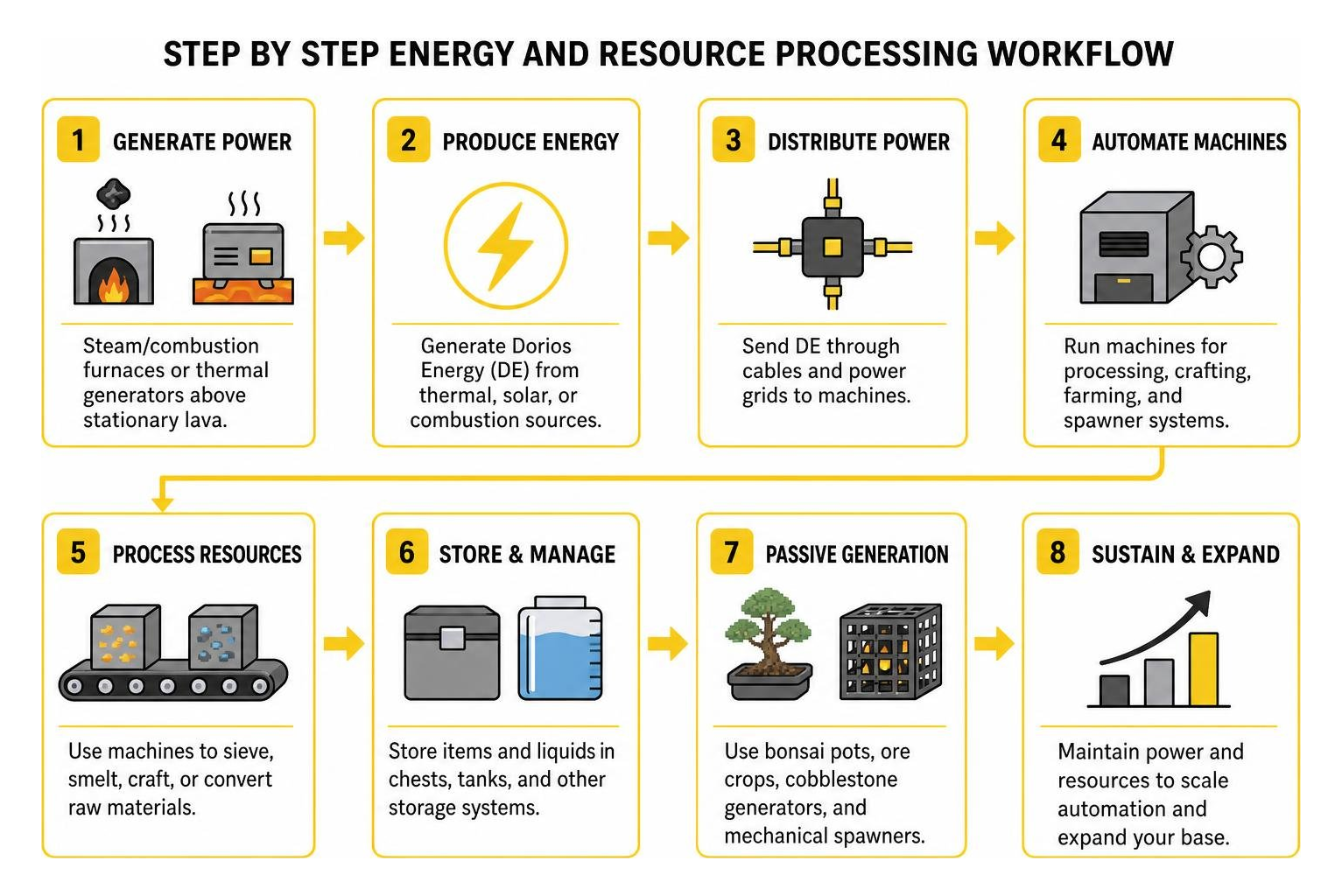
Core Features of a MACHINES Addon for Minecraft PE/Bedrock
In modern Bedrock packs, machines typically run on unified power standards like Dorios Energy (DE). You generate power through accessible early-game methods:
- Burning solid fuels in steam and combustion furnaces
- Harnessing geothermal heat by placing thermal generators above stationary lava
- Installing photovoltaic solar panels for passive daytime energy generation
This generated power routes directly into rechargeable battery banks to prevent power loss during peak consumption. From these batteries, cables deliver electricity to essential processing hardware:
- Crushers: Pulverize raw blocks and ores to double your mineral yields.
- Infusers & Presses: Combine biological and metal components into high-grade alloys and circuit boards.
- Powered Furnaces: Smelt bulk items at rapid speeds without consuming wood or coal.
- Harvesters: Automatically plant and harvest mature crops within a defined block perimeter.
To improve efficiency as your base expands, you can install speed augments, energy-reduction modules, and range upgrades into your machines. Combining these upgraded components with redstone automation tools ensures your processing lines operate smoothly without manual maintenance.
Resource Extraction, Sieving, and Passive Farming
Early survival progression can be a grind, which is why modern tech addons incorporate smart resource extraction mechanics:
- Multi-Block Sieving: Handheld sieving filters dirt, gravel, and sand through customized meshes to reveal hidden ores, minerals, and rare seeds. You can group sieves in a 5×5 arrangement (up to 25 units total) so that interacting with a single block sieves the entire cluster simultaneously.
- Bountiful Bonsai Pots: Growing miniature trees inside dedicated ceramic pots yields continuous wood, sticks, leaves, and saplings.
- Ore Crops: You can cultivate iron, gold, and diamond plants directly in farm fields. Growth runs on real-time timers rather than fixed block ticks, and tilling surrounding standard soil or using specialized enriched dirt provides significant speed bonuses.
- Cobblestone Generators: Compact generators produce endless building blocks, scaling from entry-level iron speeds all the way to netherite-tier production.
Pairing these farming blocks with integrated utility tools eliminates the need to strip-mine your world for basic crafting ingredients.
Step-by-Step Installation Guide for Android, iOS, and Windows
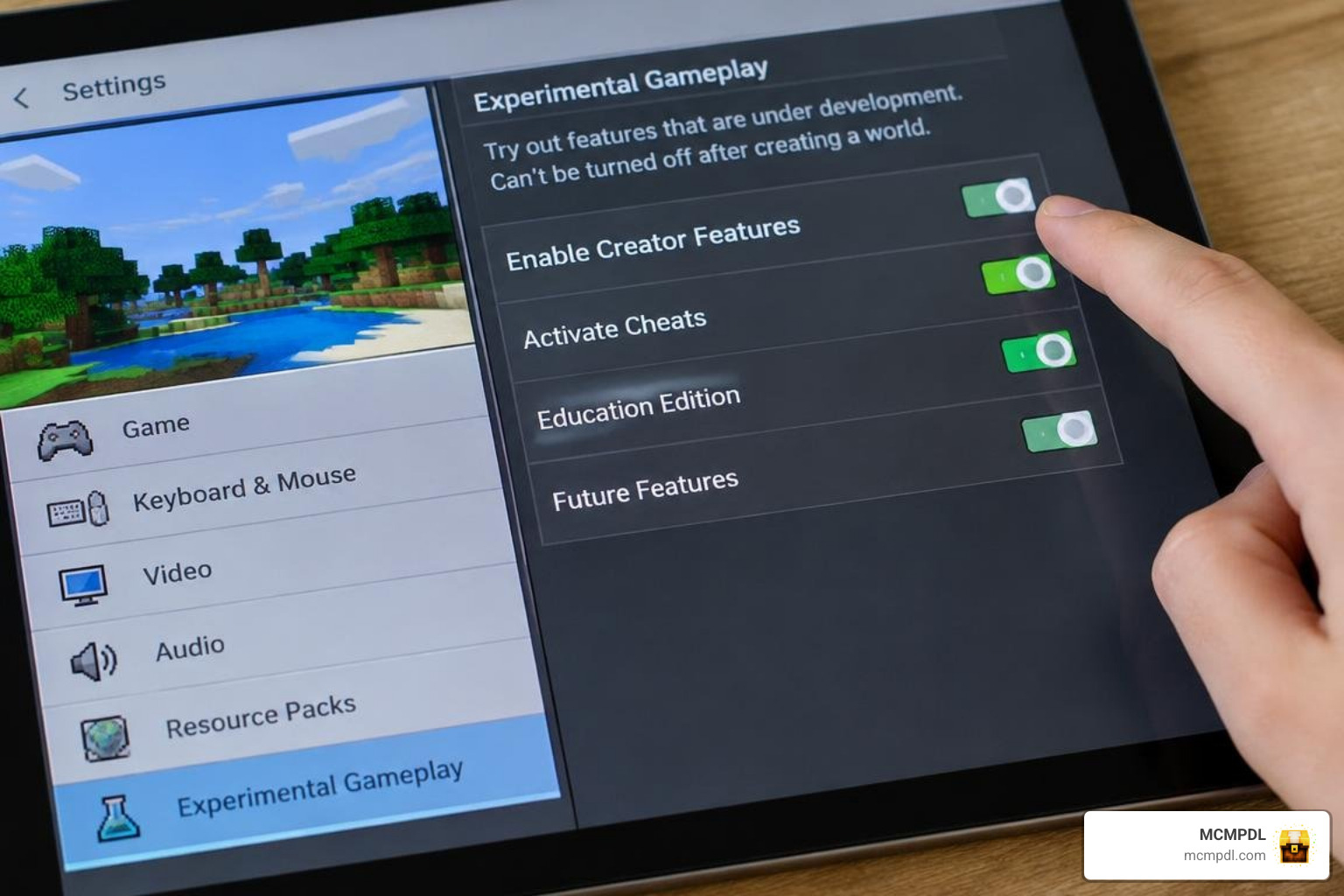
Installing a custom MACHINES Addon for Minecraft PE/Bedrock is straightforward regardless of your gaming device. Having essential Bedrock utility tools on hand makes managing multiple resource packages even simpler.
Installing Free Community Machine Addons
- Download the File: Obtain the
.mcaddonor.mcpackfile from a verified source to your local device storage. - Import into Minecraft:
- Android: Open your device file manager, tap the downloaded
.mcaddonfile, and select Minecraft from the “Open With” dialog. - iOS: Open the native Files app, navigate to your Downloads folder, and tap the file to launch Minecraft automatically.
- Windows: Double-click the downloaded file; Windows will launch Minecraft Bedrock and import the packs directly into your game directory.
- Android: Open your device file manager, tap the downloaded
- Apply to Your World: Go to your World Settings, open the Resource Packs menu, and activate the addon pack. Next, switch to the Behavior Packs menu and confirm that the matching behavior pack is active.
Installing Paid Machine Addons
If you prefer curated marketplace content like Basic Machinery by Vatonage, installation requires just a few taps:
- Launch Minecraft and open the in-game Marketplace search bar.
- Search for the addon title or open its store listing directly.
- Purchase the pack using Minecoins (990 coins for Basic Machinery).
- Click Download, then select Create This World or attach the downloaded packs to any existing world from your settings menu. The game syncs your purchase across all devices linked to your Microsoft account.
Troubleshooting Your MACHINES Addon for Minecraft PE/Bedrock Installation
If machine interfaces fail to open, pipes do not transfer items, or crafting recipes do not appear, review these troubleshooting steps:
- Enable Experimental Features: Machine addons rely heavily on custom scripts. Open your World Settings and toggle on Beta APIs, Holiday Creator Features, and Upcoming Creator Features.
- Adjust Pack Hierarchy: Behavior packs execute in order from top to bottom. If you run multiple mods, place your primary machinery behavior pack near the top of the active list.
- World Backups: When introducing heavy machinery to an existing world, use a custom world preparation tool or create a local copy to safeguard your builds against unforeseen block ID conflicts.
Frequently Asked Questions About Minecraft Bedrock Machine Addons
Are machine addons compatible with storage addons?
Yes, most modern machine addons work well alongside digital storage expansions. For instance, UtilityCraft includes built-in cross-mod support for Integrated Storage. Sand filtered through manual sieves or automated autosieves drops Certus Quartz and Charged Certus Quartz, while crushers accept and process Certus Quartz, Fluix Crystals, and Skystone to help you build automated digital storage networks.
What are the minimum version requirements for machine addons?
Most technical addons require at least Minecraft Bedrock version 1.20.60, while recent releases are optimized for the latest 1.26 Bedrock engine updates. To prevent frame drops on mobile devices, keep your machine clusters grouped within a few central chunks rather than spreading powered cables across unloaded boundaries.
How do I transport items and fluids between machines?
Modern automation addons provide specialized logistics tools:
- Conduits & Exporters: Connect directly to machine faces to pull finished items and push raw ingredients into input slots.
- Uppers & Filter Hoppers: Move items upward against gravity and sort specific item categories without noisy redstone droppers.
- Fluid Tanks & Sealed Pipes: Store and transfer thousands of buckets of water, lava, and liquid fuels to keep your power generators running automatically.
Conclusion
Automating your Minecraft survival experience transforms the game from a repetitive resource grind into a fun engineering project. Whether you build an interconnected assembly line with Basic Machinery or set up clean, modular farms with UtilityCraft, automated processing gives you the materials you need to build bigger and better projects.
When you are ready to expand your world with new power networks, custom gear, and smart harvesting systems, browse the latest Minecraft Bedrock add-ons to discover tested, community-ready downloads for your next survival adventure.