
Scroll down to D0vvnl0ad
Build an Anime Furniture World in Minecraft PE/Bedrock
An Anime Furniture World for Minecraft PE/Bedrock is a custom world or add-on that lets you furnish Minecraft homes with anime-inspired decor. Depending on the pack, you can add kawaii bedrooms, Japanese-style living rooms, pastel gaming setups, posters, plushies, lamps, low tables, modern appliances, and even sci-fi city furniture.
Most Bedrock furniture add-ons work by importing a .mcaddon or .mcpack file, then enabling its Resource Pack and, when included, Behavior Pack in your world’s settings. Some items are simple decorative props, while others can include lighting, sounds, animations, storage, or sitting features.
These packs make ordinary block houses feel more personal. They are especially useful for creative building, cozy base decoration, Japanese city projects, and multiplayer roleplay. The key is choosing a pack that matches your Minecraft version and your device’s performance limits.
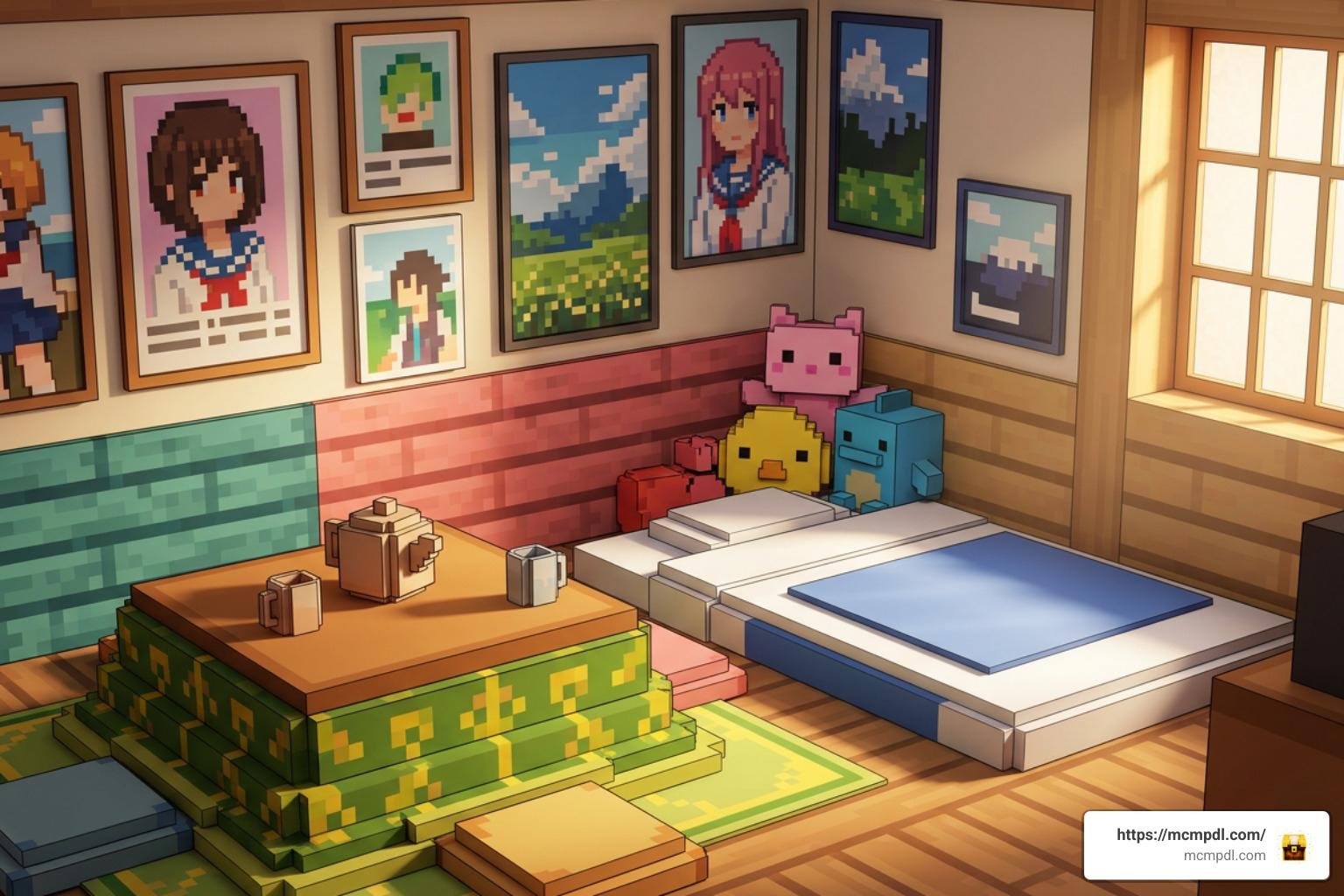
What Is an Anime Furniture World for Minecraft PE/Bedrock?
When we look at default Minecraft interiors, our options can feel somewhat limited. Stairs turn into chairs, signs serve as armrests, and pressure plates become cutting boards. While vanilla interior tricks are iconic, an anime furniture world takes your designs to an entirely new dimension. By utilizing custom entities, specialized behavior packs, and high-definition resource textures, these add-ons replace chunky approximations with smooth, recognizable items straight out of your favorite animated series.
Building a personalized Japanese town or a cozy maid café requires specialized props. Adding options like the Block Furniture 1.0 Add-on for Minecraft Bedrock Edition allows players to furnish bedrooms, living rooms, and patios without struggling against strict block-grid limitations.
Defining Anime Aesthetics and Custom 3D Models
What sets anime-style furniture apart from generic modern decoration packs is the distinct visual design language:
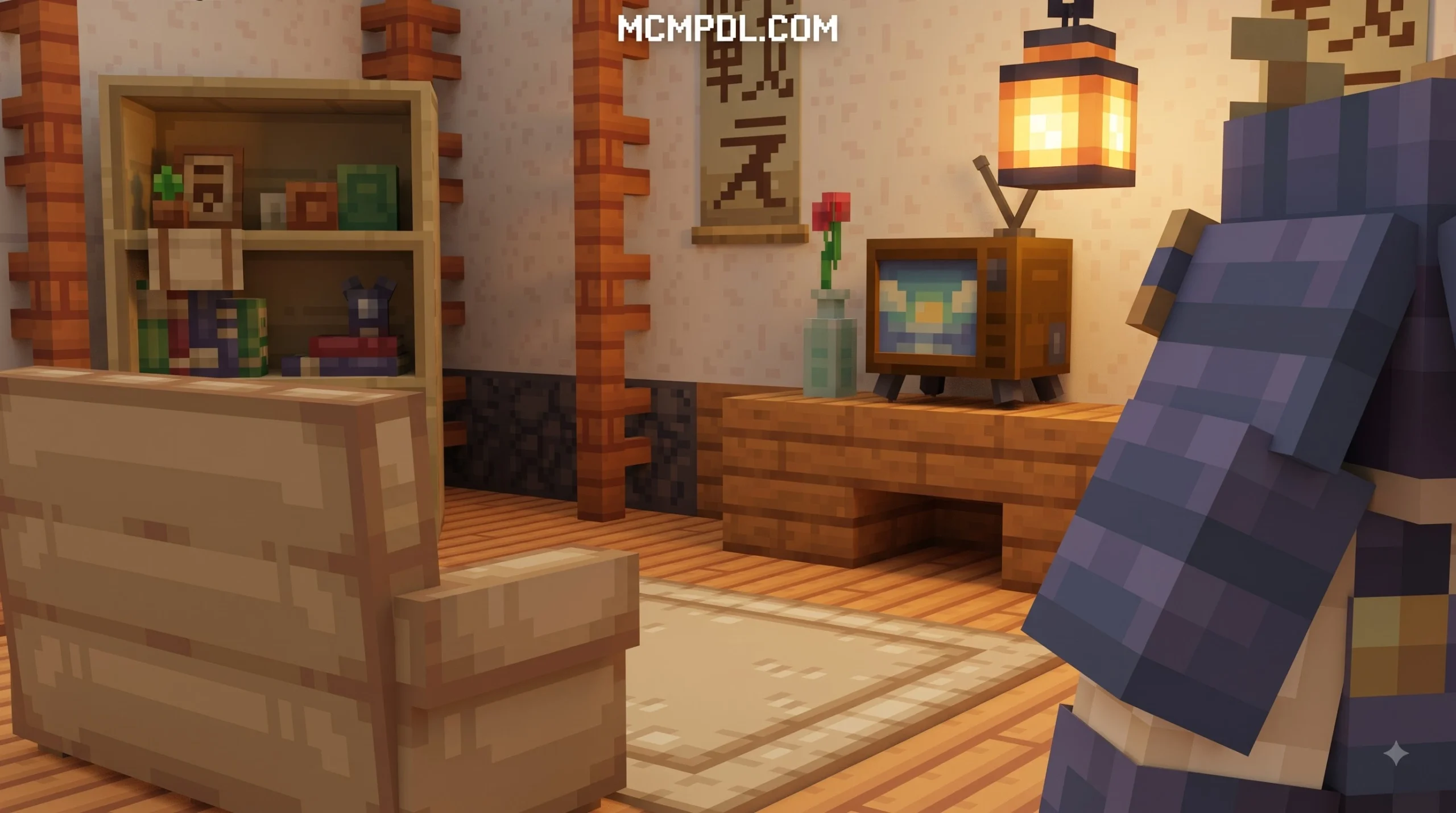
- Traditional Japanese Essentials: Low-profile dining tables, woven tatami mats, sliding shoji screens, and floor-level zaisu chairs.
- Kawaii Bedroom Accents: Fluffy pastel rugs, oversized character plushies, framed wall prints, and ambient glowing flower lamps.
- Otaku Gamer Setups: Multi-monitor desks, mechanical keyboards, custom desktop towers, and showcase shelving for collectible chibi figurines.
- Signature Color Palettes: Soft pastel pinks, mint greens, warm wood grains, and cream tones that mirror modern Japanese animation backgrounds.
Community creators typically build these custom assets using Blockbench, the dedicated 3D modeling standard for Minecraft. This software allows modders to craft miniature details—such as rounded mug handles, delicate teapots, and curved sofa cushions—that retain Minecraft’s boxy charm while providing realistic proportions.
Interactive Elements vs Static Decorative Blocks
When selecting an add-on, it helps to understand the difference between aesthetic block props and fully functional objects:
| Feature Type | Static Decorative Props | Interactive Furniture Add-ons |
|---|---|---|
| Model Type | Custom 3D Blocks | Custom Scripted Entities |
| Interactivity | Visual display only | Right-click/Tap to sit, toggle, or store |
| Functionality | Acts like solid building blocks | Functional lights, audio players, working seats |
| Performance Impact | Very low impact on framerates | Moderate to high impact if heavily clustered |
| Best Used For | Large city builds, background sets | Interactive survival bases, roleplay servers |
Static props serve purely as eye candy, which is ideal if you are constructing an enormous city skyline and need to keep your frame rates silky smooth on mobile devices. On the other hand, interactive packs introduce functional seating animations, glowing lamp toggles, and functional storage containers. Equipping your base with the Furniture Life Addon for Minecraft PE/Bedrock provides functional household appliances, allowing you to relax on comfortable couches with working collision boxes after a long mining trip.
Popular Anime Furniture Themes and Design Styles
Whether you are designing a high-tech apartment in a sprawling neo-Tokyo metropolis or a tranquil rural tea house hidden in the cherry blossom biome, anime furniture add-ons cater to several distinct architectural styles.
Kawaii and Cozy Room Decor
The kawaii aesthetic remains one of the most sought-after styles for Bedrock players. These packs focus heavily on pastel palettes, adorable bedroom setups, and miniature trinkets. Popular items include:
- Pastel Vanity Desks: Complete with miniature mirrors, makeup accessories, and functional pastel swivel chairs.
- Collector Shelves: Display cases filled with anime figurines, manga books, and miniature gaming consoles.
- Ambient Lighting: Softly glowing desk lamps, hanging fairy lights, and custom flower lamps that illuminate your bedroom without requiring harsh vanilla torches.
For players who love a warm, pastoral atmosphere, exploring the My Cozy Cottage Life Map for Minecraft PE/Bedrock offers an inspiring look at how pastel, cute design assets blend into cottagecore builds.
Modern Japanese City and Sci-Fi Interiors
If your building style leans toward urban lofts or futuristic penthouse suites, modern anime packs bring sleek lines and contemporary technology to your interiors:
- Modular Living Room Sofas: Sectional couches that automatically connect and blend around room corners.
- Entertainment Centers: Flat-screen televisions showing stylized animations, home audio systems, and modern video game consoles.
- Kitchen Sets: Detailed modular countertops, compact rice cookers, stainless steel refrigerators, and espresso machines.
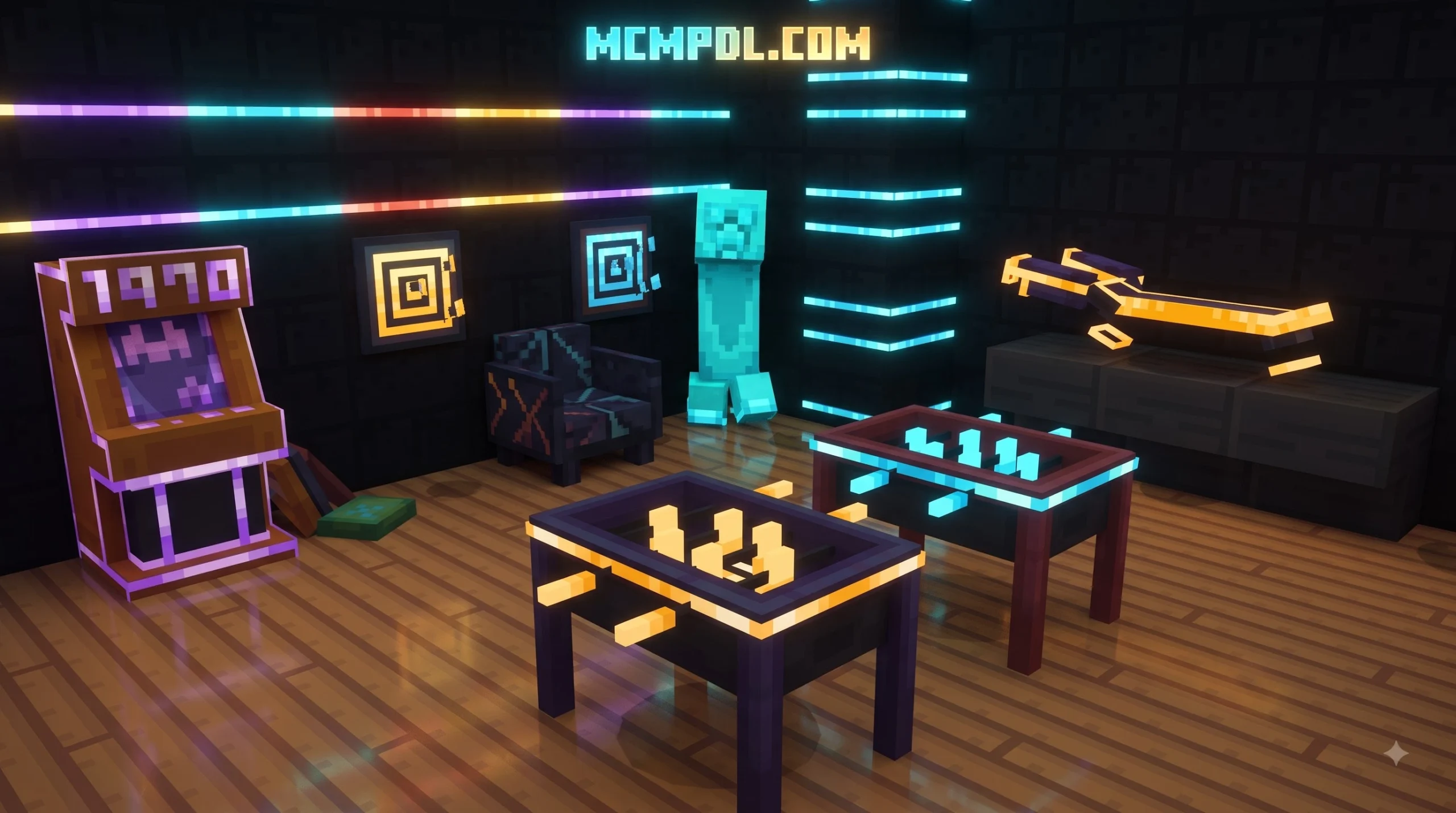
- Sci-Fi City Decors: Neon-lit signs, vending machines, and futuristic personal transport items.
Historic and Fantasy Anime Villages
For historical anime settings—reminiscent of samurai sagas and magical fantasy worlds—rustic furniture packs deliver essential period-accurate props:
- Low wooden dining tables paired with floor sitting cushions (zabuton).
- Paper wall lanterns that cast warm, directional lighting.
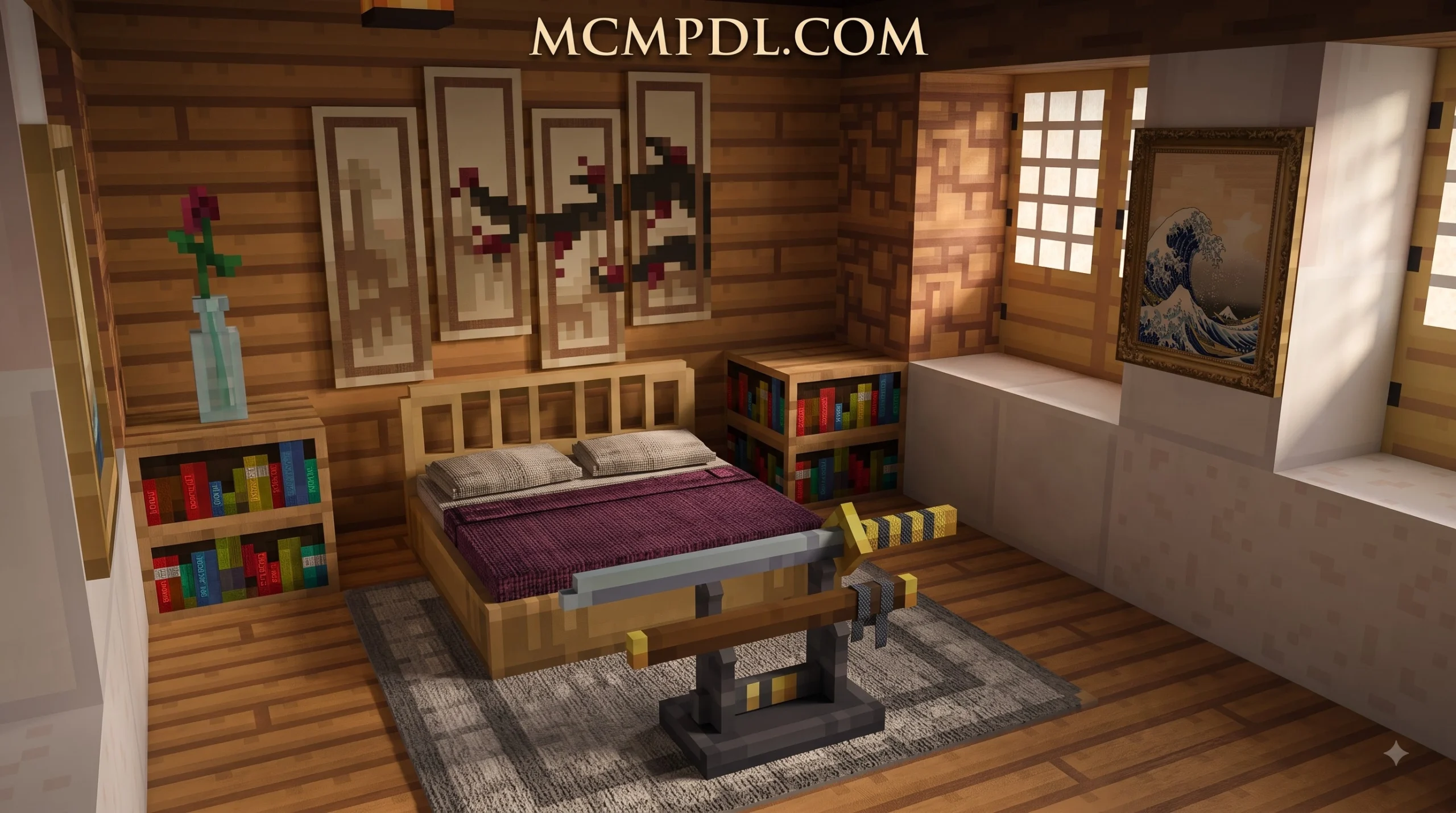
- Weapon display racks designed to showcase custom swords and bows.
- Bamboo screens, tea ceremony sets, and wooden medicine cabinets.
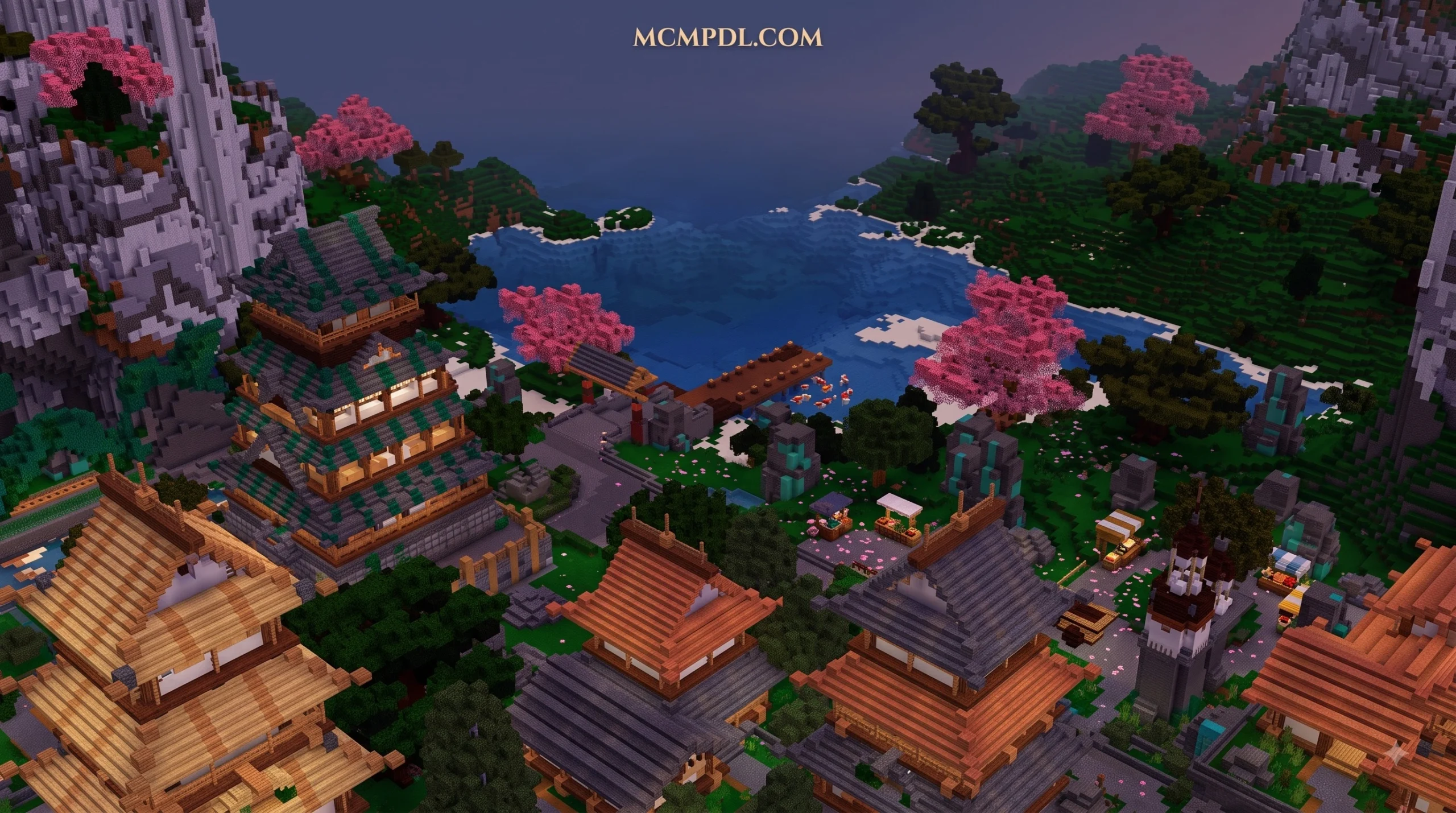
These traditional items pair seamlessly with natural landscape architecture, such as an Advanced Tree House Village for Minecraft PE/Bedrock, turning standard canopy homes into fantasy anime outposts.
Top Free and Marketplace Anime Furniture Add-ons
Minecraft Bedrock Edition offers multiple ways to access custom content. You can explore curated adventures on the official Minecraft Marketplace or download free community-created .mcaddon packs from community platforms.
Comparing Marketplace Worlds and Free Add-ons
| Pack / Add-on Name | Source Type | Included Features | Pricing | Compatibility |
|---|---|---|---|---|
| My Life in Sakura Shores | Marketplace World | 10 homes, 1,000+ kawaii furniture options, jobs, minigames | 1,690 Minecoins | Bedrock 1.16+ (1-8 Players) |
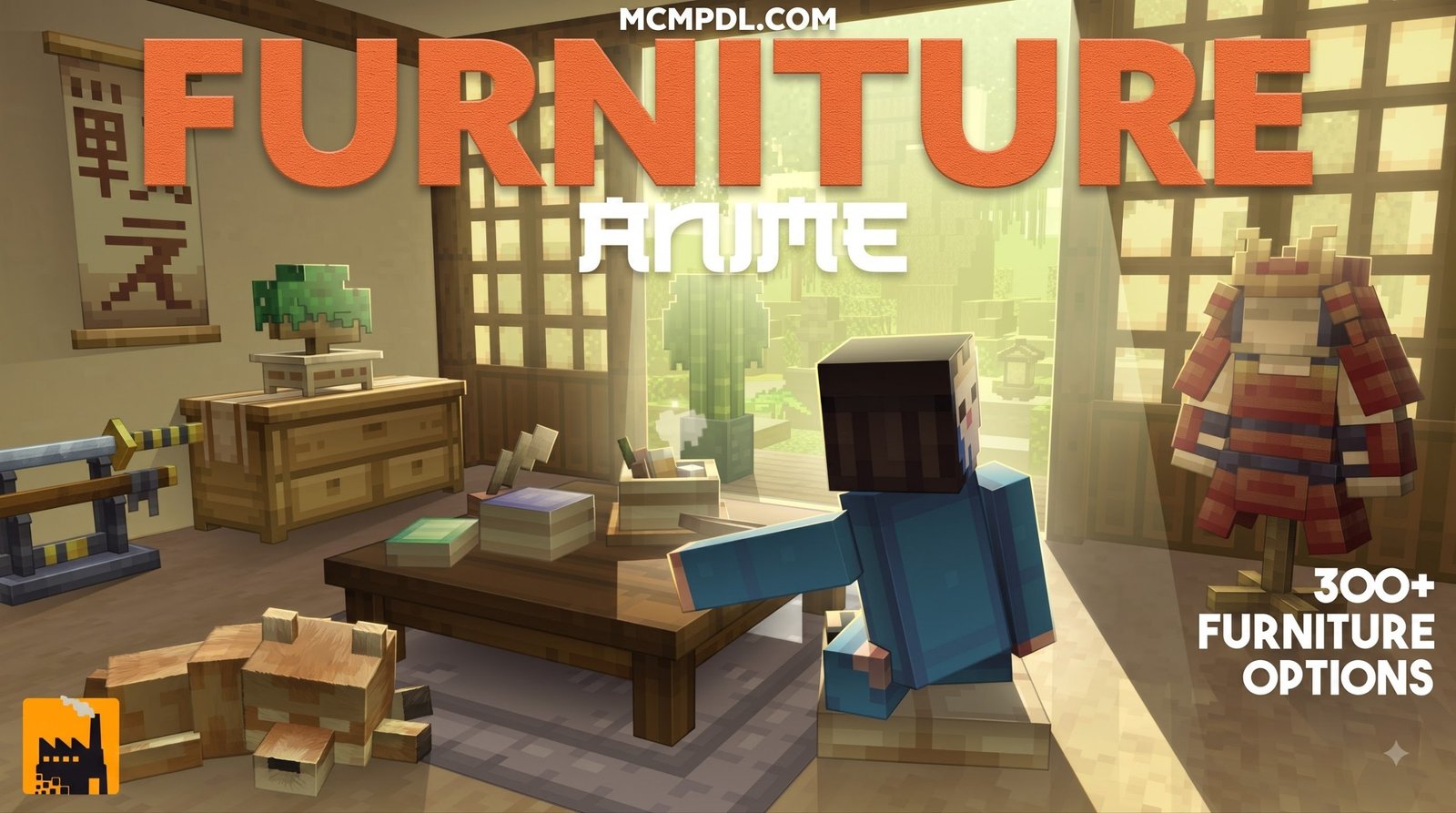
| Anime Furniture (Block Factory) | Marketplace World | 300+ items, sci-fi/home themes, 9 character skins, hoverboard | 990 Minecoins | Bedrock 1.16.0+ |
| Furniture Life Addon | Free Community Add-on | Functional living room, kitchen, and bathroom sets | Free | Bedrock 1.20 – 1.21+ |
| Block Furniture 1.0 | Free Community Add-on | 3D decorative building blocks and functional seating | Free | Bedrock 1.19 – 1.21+ |
| Anime World / Waifus Add-ons | Free Community Add-on | Companion NPCs, decorative figurines, character statues | Free | Bedrock 1.17 – 1.21+ |
Marketplace Maps and Creator Showcases
Official Marketplace world templates like My Life in Sakura Shores by Imagiverse deliver complete life-simulation experiences. Instead of merely placing furniture in creative mode, players participate in festival minigames and neighborhood jobs to earn currency. This currency is then spent unlocking up to 10 distinct properties—ranging from beachside cottages to zen mansions—outfitted with over 1,000 modern and kawaii furniture pieces.
Similarly, standalone world packs like Anime Furniture by Block Factory focus on high-tech, urban anime living. These packs bundle hundreds of items alongside bonus features like rideable hoverboards, customizable furniture paint styles, and ambient background music tracks.
Community Add-ons and Craftable Props
If you prefer decorating your own existing survival or creative worlds without paying Minecoins, community .mcaddon modifications are the way to go. These add-ons integrate seamlessly into standard survival gameplay:
- Stonecutter Crafting: Most modern furniture mods allow you to place a single block of clay, oak wood, or iron into a Stonecutter to instantly craft 3D chairs, desks, or electronics.
- Decorative Character Dummies: Add-ons like Anime World introduce static 3D character display statues that serve as collectible figures for your bedroom shelves.
- Functional Companions: Interactive character add-ons introduce tameable NPCs that can sit in your custom living rooms, carry torches to light dark areas, or guard your base perimeter.
How to Install and Optimize Anime Furniture Mods
Installing custom content on Minecraft Bedrock Edition (iOS, Android, Windows, and consoles) is simple once you know how the game handles resource and behavior files.
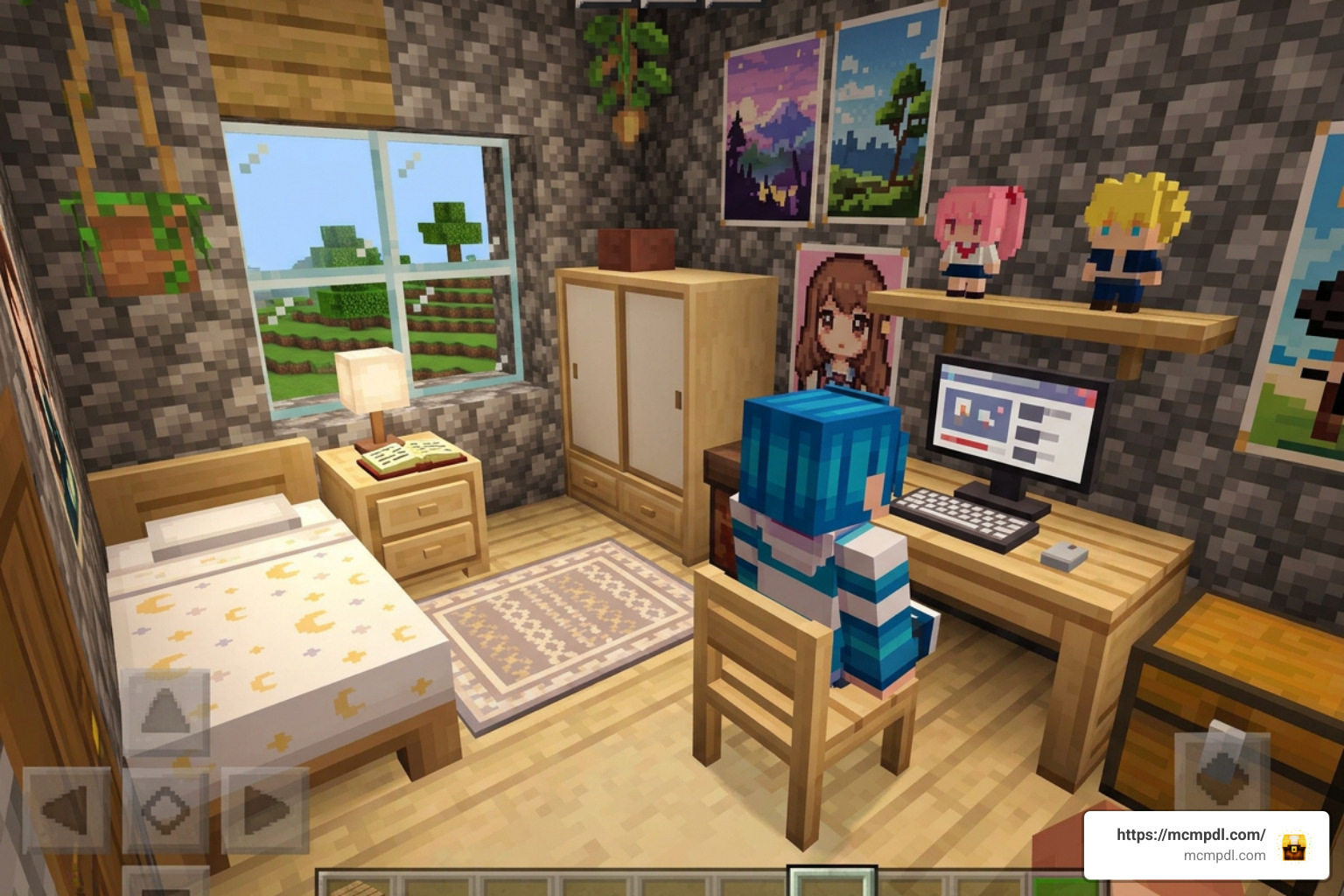
Installing .mcaddon and .mcpack Files on Bedrock
Follow these practical steps to import community add-ons into your game:
- Download the Add-on File: Look for files ending in
.mcaddon(which bundles both visual models and functional code) or.mcpackfiles. - Execute the File:
- Android / iOS: Tap the downloaded file from your mobile browser or file manager and select Open with Minecraft. The game will launch and display “Import Started” followed by “Import Successful.”
- Windows 10/11: Simply double-click the
.mcaddonfile to launch Minecraft and auto-install the assets.
- Enable Packs in World Settings:
- Navigate to your world settings screen.
- Scroll down to the Resource Packs tab and click Activate on your chosen furniture pack.
- Scroll to the Behavior Packs tab and ensure the matching behavior package is active.
Finding the Right Anime Furniture World for Minecraft PE/Bedrock Templates
When setting up your world, consider whether you want a pre-built town or a blank canvas:
- Pre-Built Roleplay Templates: Ideal if you want an instant city to explore with friends. These include roads, cafes, furnished houses, and ambient lighting out of the box.
- Custom Sandbox Worlds: Ideal for players who want to build custom structures from scratch using downloaded furniture add-ons.
- Multiplayer Synchronization: When hosting a local multiplayer session or a dedicated Bedrock Realm, check the box labeled “Require players to accept resource packs to join.” This guarantees that all joining friends see your custom anime furniture models rather than missing textures.
Optimizing Your Anime Furniture World for Minecraft PE/Bedrock
Because detailed furniture models contain far more polygon faces than standard 16×16 Minecraft blocks, placing too many interactive items in a small area can cause framerate drops on mobile devices.
Use these best practices to maintain smooth performance:
- Avoid Over-Clustering Entities: Space out functional items (like animated TVs and interactive seats) across different rooms instead of placing dozens within a single chunk.
- Adjust Video Settings: On mobile devices, turn down your render distance to 8–10 chunks and toggle off Fancy Graphics or Smooth Lighting if you notice lag in heavily furnished mansions.
- Check Shader Compatibility: If you use third-party shader texture packs, make sure your furniture pack’s custom geometry files render cleanly without clipping or producing black shadow artifacts.
Frequently Asked Questions About Anime Furniture Mods
Do anime furniture add-ons require experimental gameplay toggles?
In modern Minecraft Bedrock releases (such as version 1.21 and newer), many standard custom block and item packs no longer require experimental settings. However, if an add-on uses complex custom entity scripting, custom UI menus, or modified behavior logic, you may still need to enable Upcoming Creator Features and Beta APIs under the Experiments tab in your world settings.
Can you craft anime furniture items in survival mode?
Yes! Most well-designed community add-ons support full survival mode integration. Creators typically use the Stonecutter as a universal workbench:
- Craft a standard vanilla Stonecutter using iron and stone.
- Insert a basic base block (such as an Oak Log, Clay Ball, or Iron Ingot depending on the mod’s instructions).
- Select your desired 3D furniture piece from the resulting crafting list without needing expensive creative mode commands.
How do you prevent lag when placing high-poly decorative blocks?
To prevent tick lag and stuttering frames on lower-end devices:
- Limit the number of interactive, entity-based decorations placed within a 16×16 chunk border.
- Prefer static decorative blocks over animated entities when detailing large exterior urban builds.
- Clean up unneeded loose items and excess armor stands in surrounding rooms.
Conclusion
Building your dream anime home brings a refreshing level of creativity and personality to Minecraft PE and Bedrock Edition. Whether you are outfitting a cozy pastel bedroom with plushies and ambient flower lamps, setting up an urban Japanese apartment, or running an interactive roleplay server, anime furniture add-ons provide the tools you need to break free from plain vanilla block limitations.
To start expanding your personal mod library with curated maps, texture packs, and custom building assets, explore our extensive Minecraft Bedrock addons and maps download hub to find the perfect additions for your next build.