Scroll down to D0vvnl0ad
Get Ultimate Blasters Working on Minecraft PE/Bedrock
To use the Ultimate Blasters Template for Minecraft PE/Bedrock, install the add-on’s resource and behavior packs, then enable both in a new or backed-up Bedrock world. Make sure your Minecraft version matches the add-on’s supported release before loading the world.
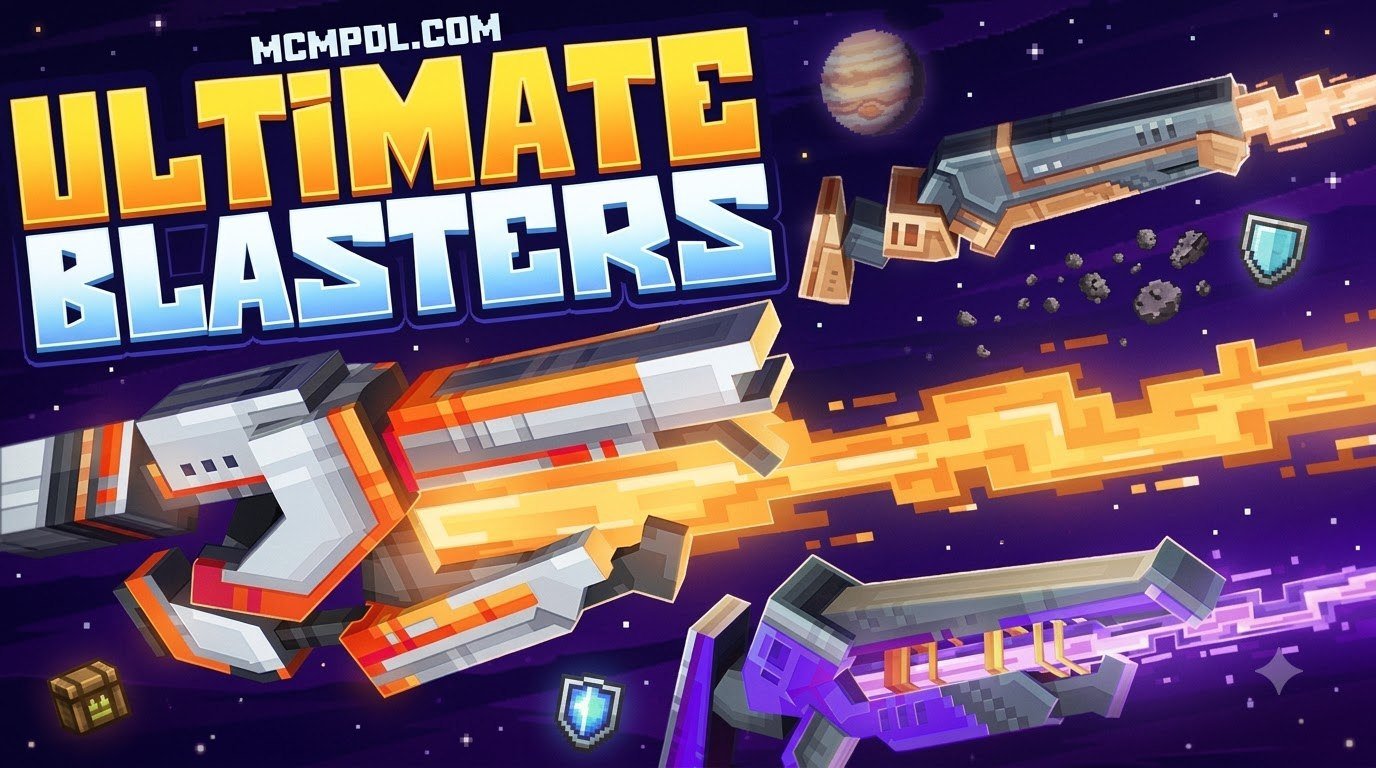
The Ultimate Blasters add-on turns a normal survival or creative world into a sci-fi laboratory experience. It includes a huge weapon collection, custom effects and sounds, armor, 3D machines, and building pieces for futuristic bases.
This guide explains how to set it up safely, fix common loading problems, and get started with blaster upgrades, plasma systems, laboratory blocks, and PvP-ready combat.
Core Features of the Ultimate Blasters Template for Minecraft PE/Bedrock
When we look into what makes this expansion pack special, the sheer scale of content stands out immediately. Originally launched on October 29, 2024, and maintained with modern updates, the package provides an extensive arsenal of 288 unique blasters alongside over 250 custom sound effects. Holding a strong 4.7-star rating from hundreds of community reviews on the official Minecraft Marketplace, this expansion transforms standard combat into a sci-fi shooter experience.
If you have previously experimented with a standalone Blasters Addon, you will appreciate how this comprehensive template integrates weapon mechanics with environment building. Rather than simply dropping firearms into a chest, the add-on establishes a complete research-and-development ecosystem.
The core package includes:
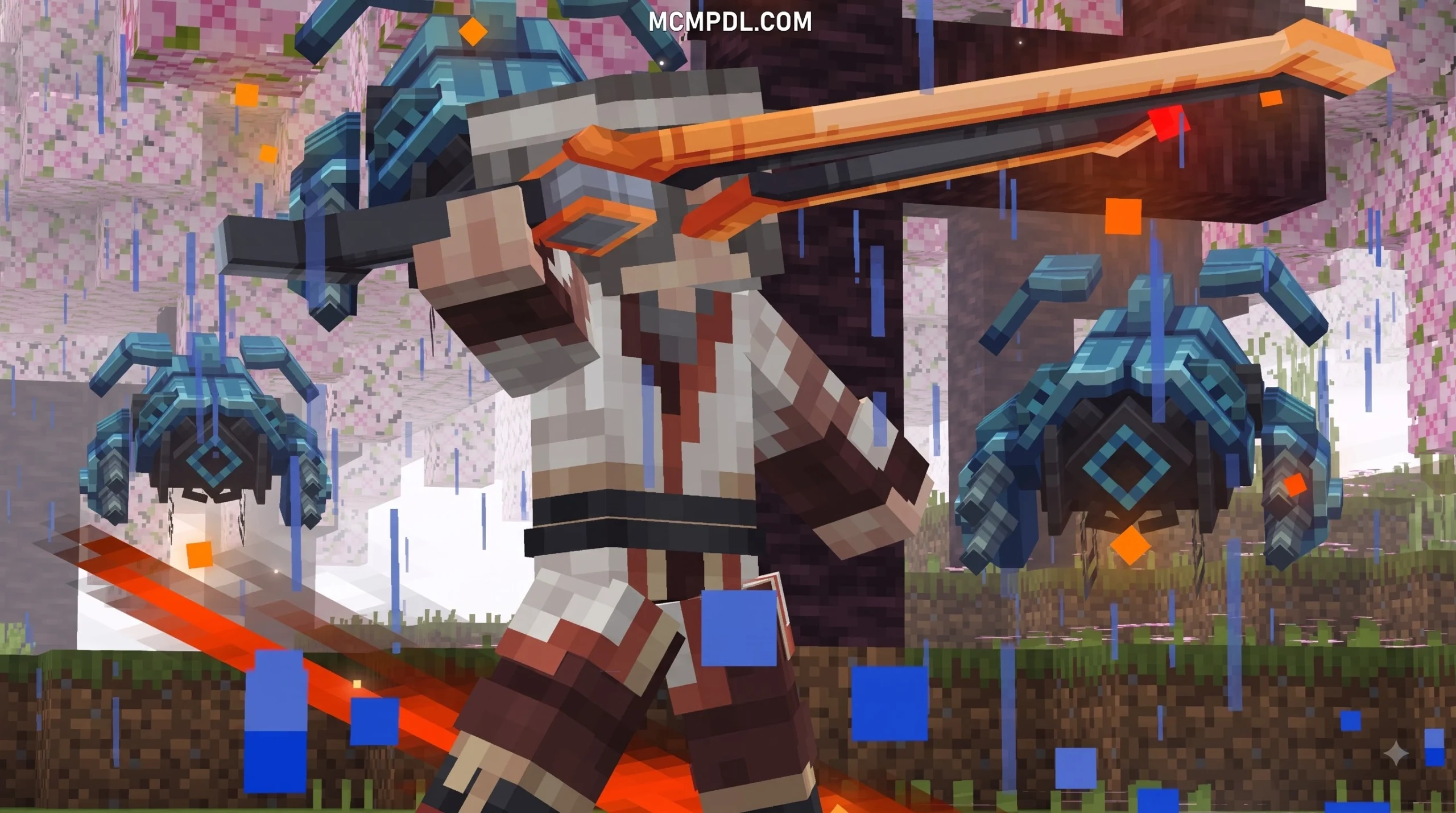
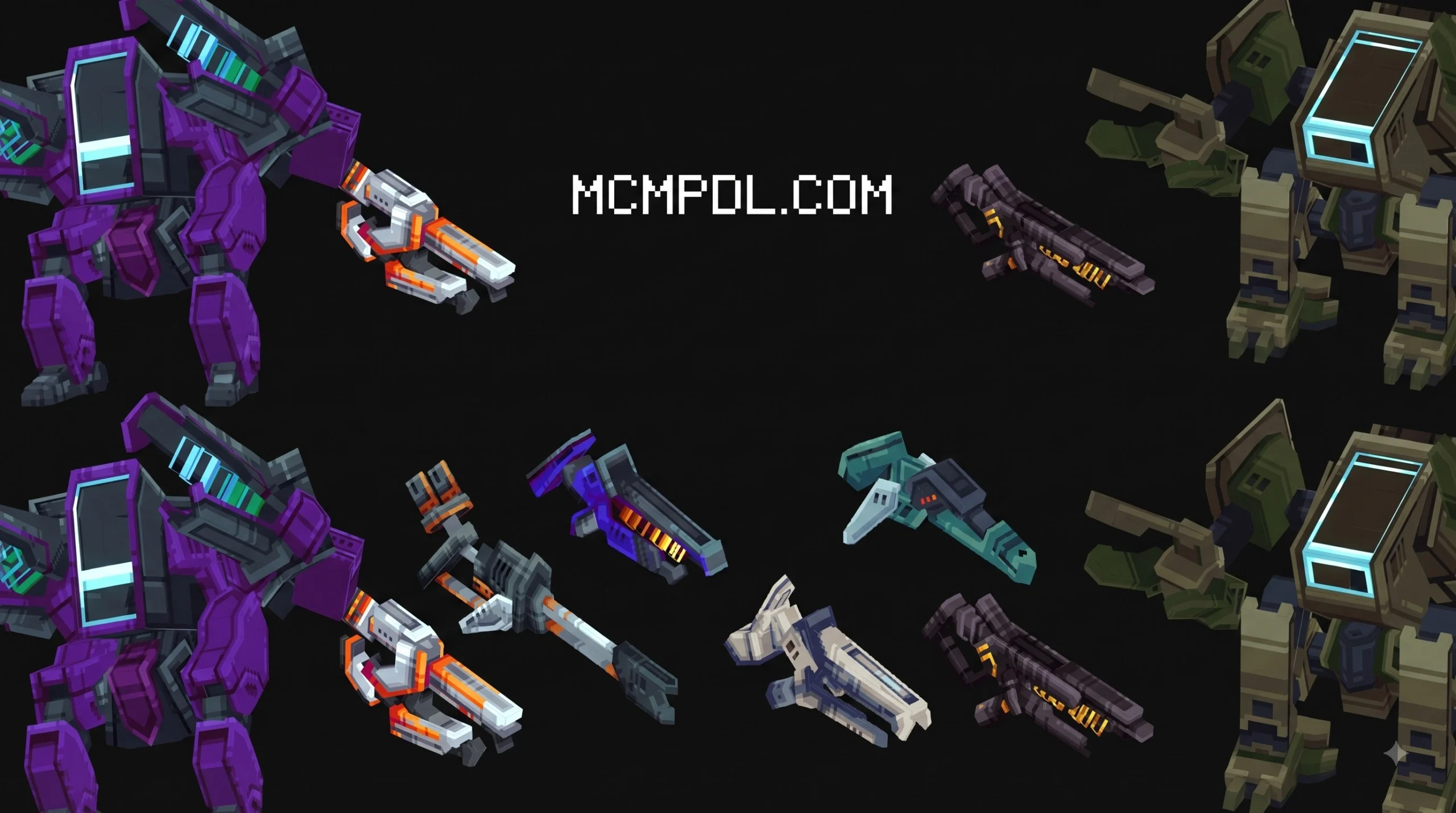
- 288 Unique Blasters: Ranging from compact energy sidearms to heavy-duty beam cannons, each featuring custom recoil animations and vibrant visual projectiles.
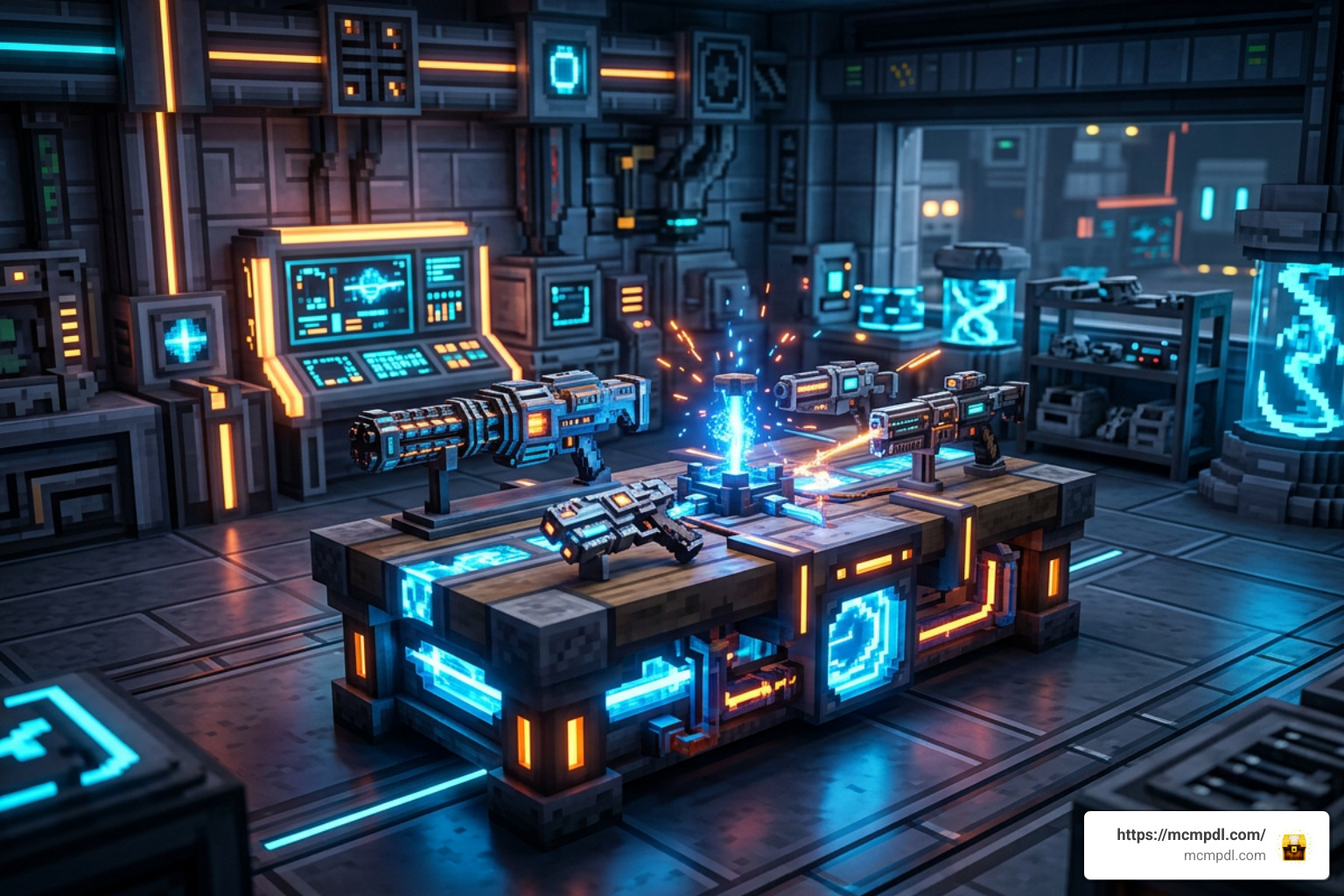
- Immersive 3D Machinery: Interactive functional blocks designed for crafting ammunition, refining plasma cells, and modifying weapon attachments.
- Over 250 Custom Audio Assets: High-fidelity sound effects for charging, firing, reloading, and machine humming that elevate acoustic immersion.
- Protective Armor Sets: High-tech combat suits tailored to provide environmental resistance and defensive shielding against plasma blasts.
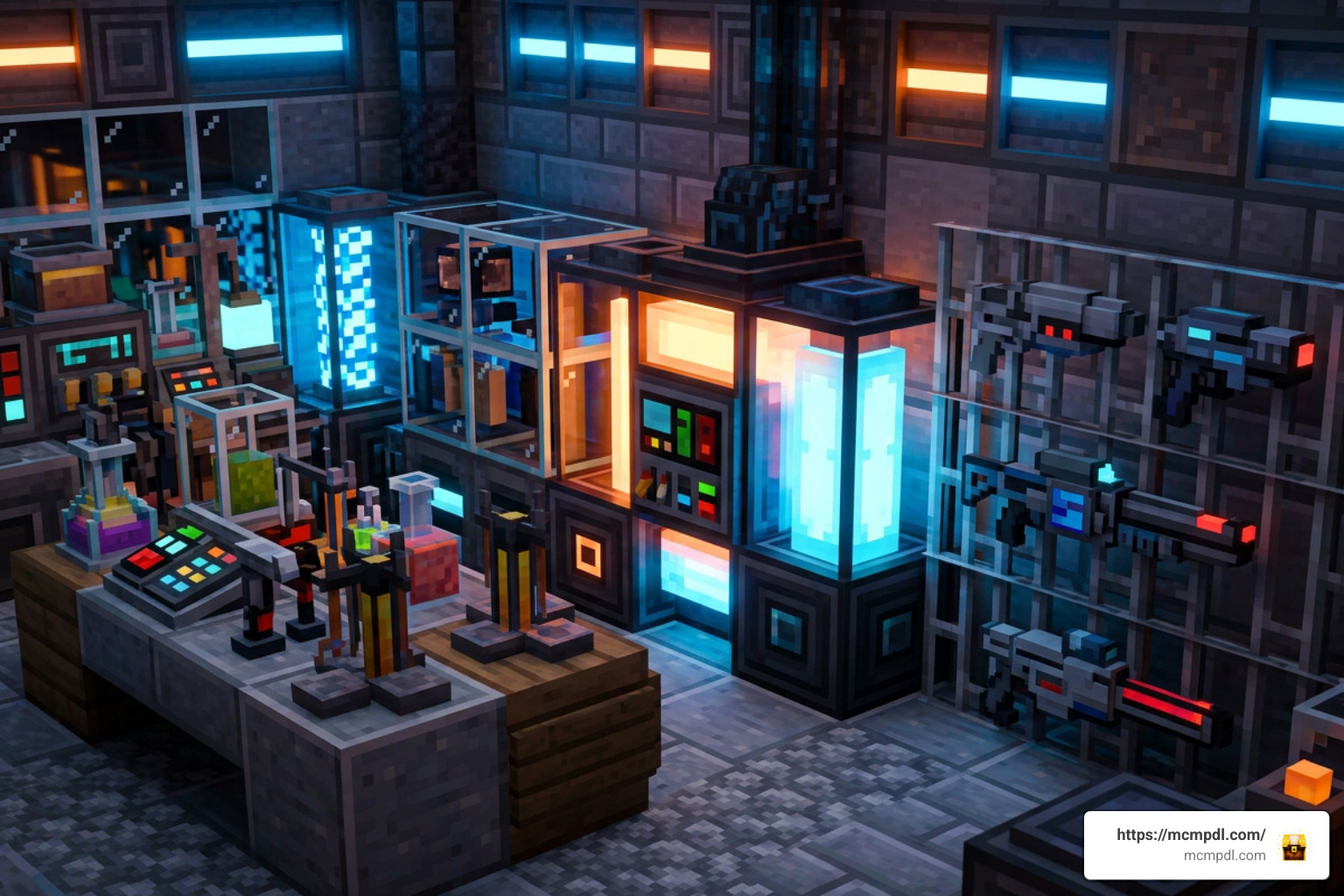
- Connective Laboratory Furniture: Seamless decorative blocks that let you construct high-tech research facilities.
Combat Mechanics and Arsenal Variety
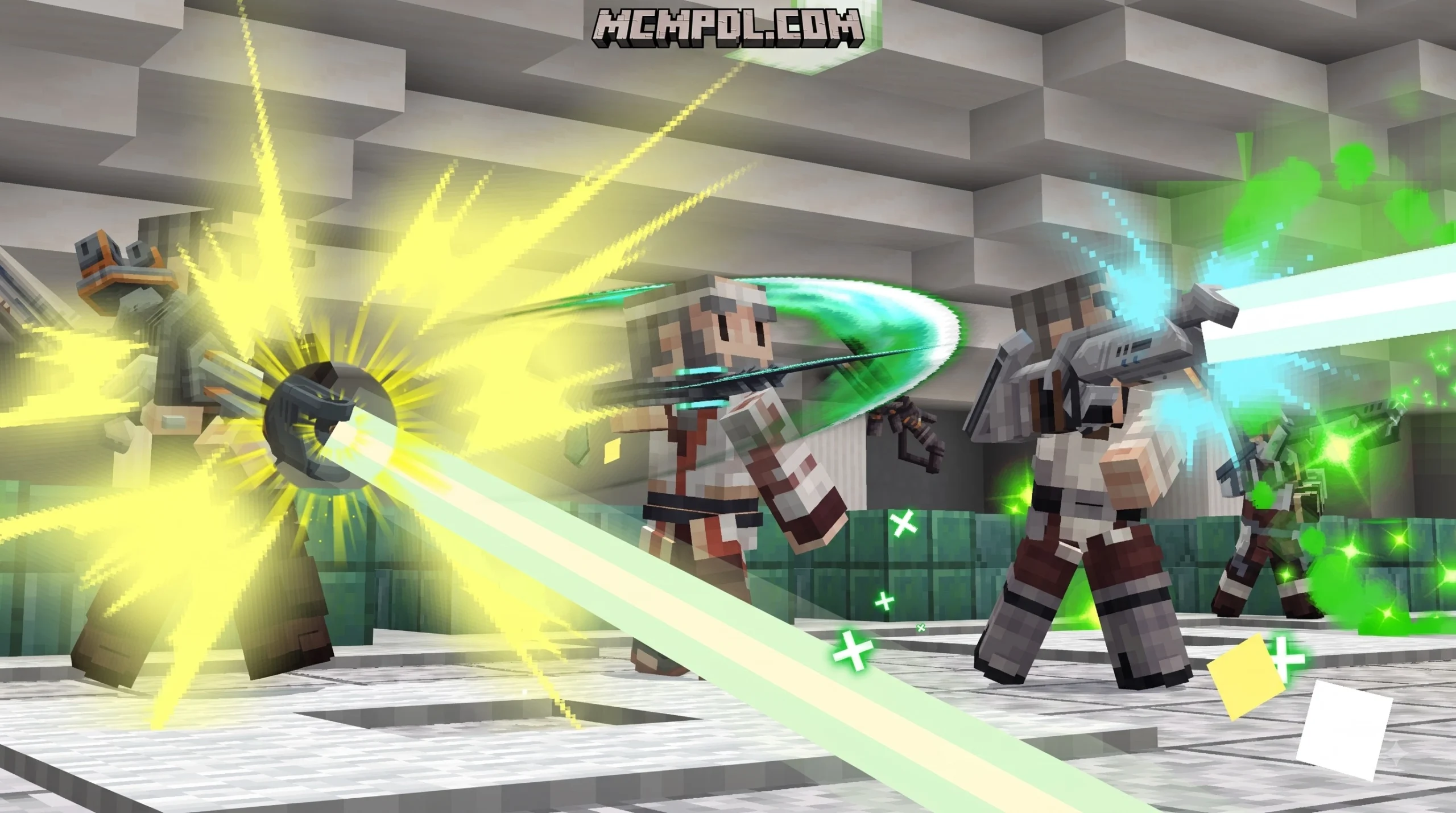
The shooting mechanics depart radically from standard Minecraft arrow physics. Instead of dealing with heavy ballistic drop and slow reload times, energy projectiles travel across straight, high-velocity trajectories accompanied by custom particle trails. Different blasters serve specific tactical roles: rapid-fire scatter blasters dominate close-quarters dungeon clearing, while heavy rail blasters provide pinpoint long-range precision.
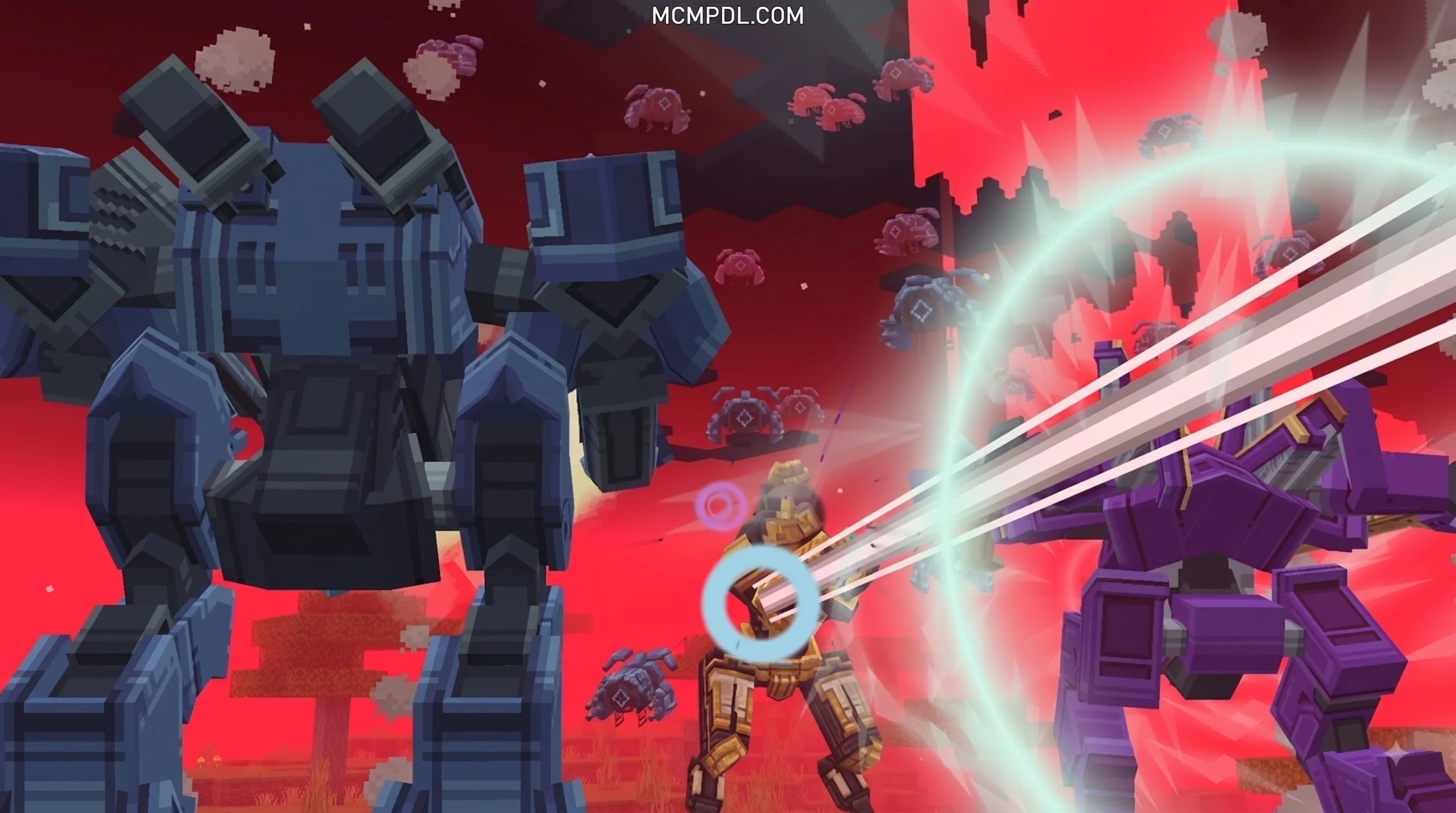
Much like equipping gear from a Legendary Weapons Addon for Minecraft PE/Bedrock, wielding these blasters completely changes your tactical approach to hostile mobs. Boss encounters with the Wither or Warden become dynamic shootouts where movement, cover, and energy management matter as much as raw armor stats.
Energy ammo management introduces an extra layer of strategy. High-tier weaponry consumes concentrated plasma charges, requiring players to set up dedicated plasma generators rather than relying on endless stacks of simple arrows.
Laboratory Base Building and Connective Blocks
Building a high-tech fortress requires more than smooth stone and iron blocks. This template introduces specialized connective blocks designed specifically for sci-fi architecture. These blocks automatically adjust their visual borders when placed next to one another, creating clean, seamless walls, neon conduits, and reinforced containment windows.
Beyond cosmetic blocks, you gain access to functional decorative laboratory furniture:
- Server Racks and Terminals: Perfect for constructing command bridges and data hubs.
- Decontamination Chambers: Pressurized doors and visual airlocks to seal off dangerous experiments.
- Specimen Containment Pods: Transparent 3D capsules for displaying hostile mobs or rare relics.
- Generator Hubs: Animated power cores that tie your machinery together visually and mechanically.
Step-by-Step Installation and World Configuration
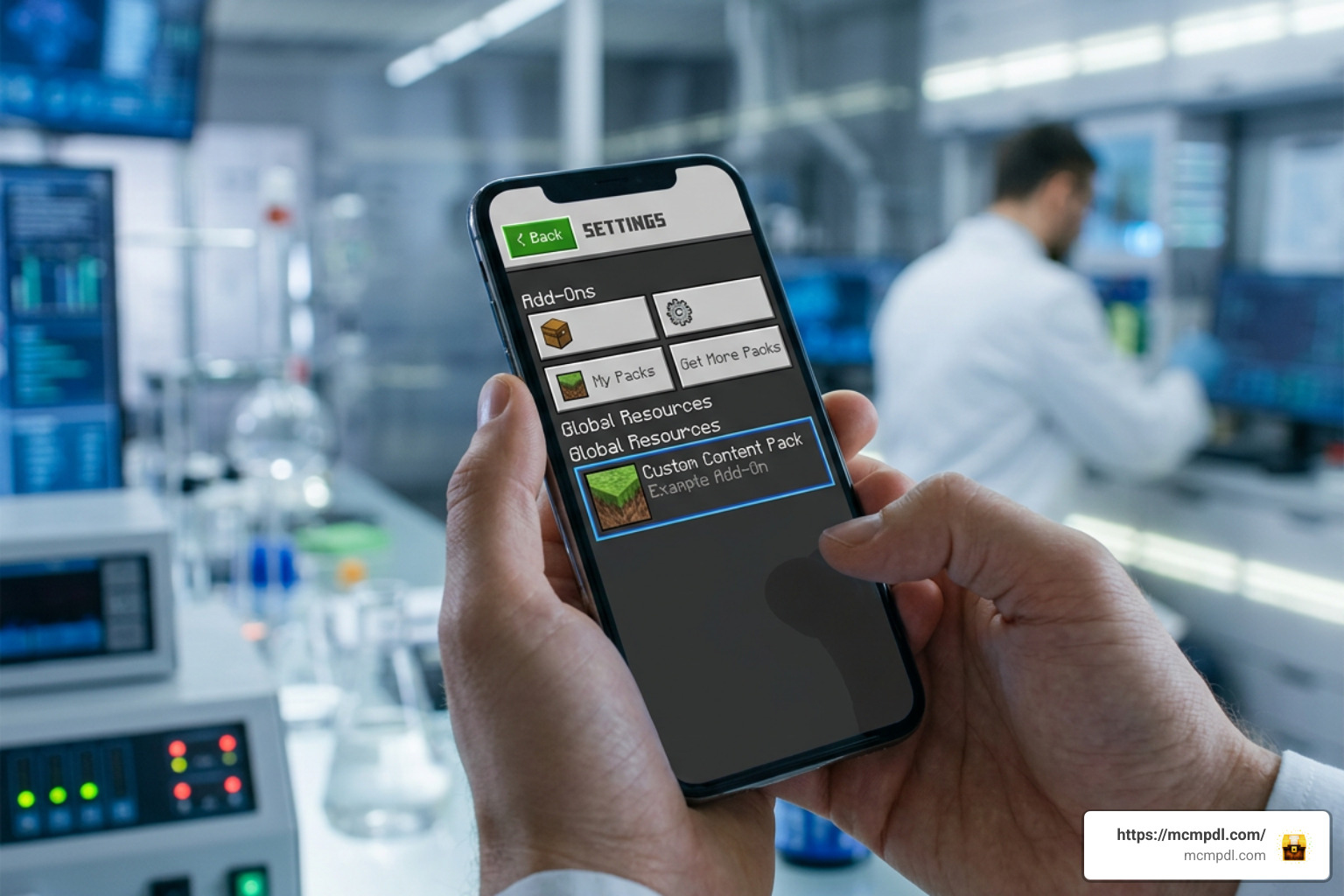
Installing custom content on Minecraft Bedrock (Pocket Edition on iOS/Android, Windows 10/11, and consoles) requires handling both visual assets and game logic scripts correctly. If you enjoy upgrading ranged combat with options like an Overpowered Bows Addon for Minecraft PE/Bedrock, configuring this template follows a familiar path.
Follow these steps to install the files cleanly:
- Download the Add-On: Obtain the official pack (Product ID:
c0383dda-4c22-449c-b910-fc005d0a9544) from the in-game Marketplace for 990 Minecoins, or open your downloaded.mcaddon/.mcpackfile directly in Minecraft. - Importing the Files: On mobile and PC, tapping or double-clicking the file launches Minecraft automatically and imports both the Resource Pack and Behavior Pack.
- Back Up Existing Worlds: Before activating any new script-heavy pack on an existing survival save, select the pencil icon next to your world and choose Copy World as a safety measure.
- Activate Behavior Packs: Navigate to your world settings, scroll down to Behavior Packs, select the pack from your owned list, and click Activate.
- Activate Resource Packs: Verify that the corresponding resource pack is active under Resource Packs so all 3D models and over 250 custom sounds load without missing texture icons.
Setting Up the Ultimate Blasters Template for Minecraft PE/Bedrock
To guarantee that custom 3D entity models, connective block behaviors, and raycasting projectiles function properly, you must enable specific experimental toggles in your world settings.
Under the Experiments tab of your world configuration menu, ensure the following features are enabled:
- Holiday Creator Features (or updated creator capabilities depending on your version)
- Custom Biomes & Blocks
- Upcoming Creator Features
- Beta APIs / Molang Features
When hosting multiplayer sessions on mobile or local Wi-Fi, toggle Require players to accept resource packs to join. This forces connecting friends to download the audio and model packs automatically, ensuring they see your plasma rifles instead of missing placeholder textures. For low-end mobile devices, lower the in-game particle settings and render distance slightly to maintain a locked 60 FPS during chaotic blaster firefights.
Troubleshooting Common Compatibility Issues
Even with smooth installations, running complex add-ons on mobile devices can occasionally cause hiccups. Here is how we resolve the most frequent issues:
- Invisible Weapons or Black-and-Purple Textures: This happens when the Behavior Pack is active but the Resource Pack failed to attach. Return to the main menu, check Global Resources, and ensure the visual pack is applied directly to the world save.
- Missing Custom Sounds: If firing sounds default to standard bow audio or silence, check whether your mobile device is running low on available RAM. Restarting the Minecraft app clears cached audio memory and reloads the custom sound directory.
- Projectiles Not Registering Damage: If shots pass through mobs without registering hits, verify that Beta APIs are toggled on in the experimental settings. Outdated world scripts can fail to calculate custom entity hitboxes.
- Multiplayer Desynchronization: If guests experience phantom hits or delayed muzzle flashes, ensure the host player has a stable connection and that all players are running the identical version of Minecraft Bedrock.
Advanced Gameplay and Crafting Strategies
Surviving with high-tech weaponry requires a solid understanding of how plasma logistics compare to traditional vanilla combat gear.
| Feature / Metric | Standard Vanilla Bow / Crossbow | High-Tier Plasma Blaster | Heavy Beam Cannon |
|---|---|---|---|
| Ammunition Type | Arrows / Tipped Arrows | Refined Plasma Cells | Compressed Fusion Cores |
| Projectile Trajectory | Arc with gravity drop | Straight, high-velocity ray | Continuous instant-hit beam |
| Firing Rate | Slow (Draw/Charge time) | Rapid semi-auto or burst | Continuous fire / Cooldown |
| Damage Output | Moderate single-target | High burst energy damage | Devastating area-of-effect |
| Base Infrastructure | Simple crafting table / Fletching | Plasma Generator & 3D Refinery | High-Voltage Lab Core |
While close-combat enthusiasts might prefer swinging heavy melee weapons from a More Maces 2.0 Addon for Minecraft, establishing a blaster laboratory gives you unmatched ranged area denial.
Upgrading Weapons with the Ultimate Blasters Template for Minecraft PE/Bedrock
Upgrading your arsenal involves setting up automated crafting pipelines:
- Constructing the Plasma Generator: Place down your 3D generator block inside your base. Feeding redstone dust and refined iron into the generator creates an automated trickle of plasma cells. Running a generator is significantly more cost-effective over time than manually crafting individual ammunition rounds.
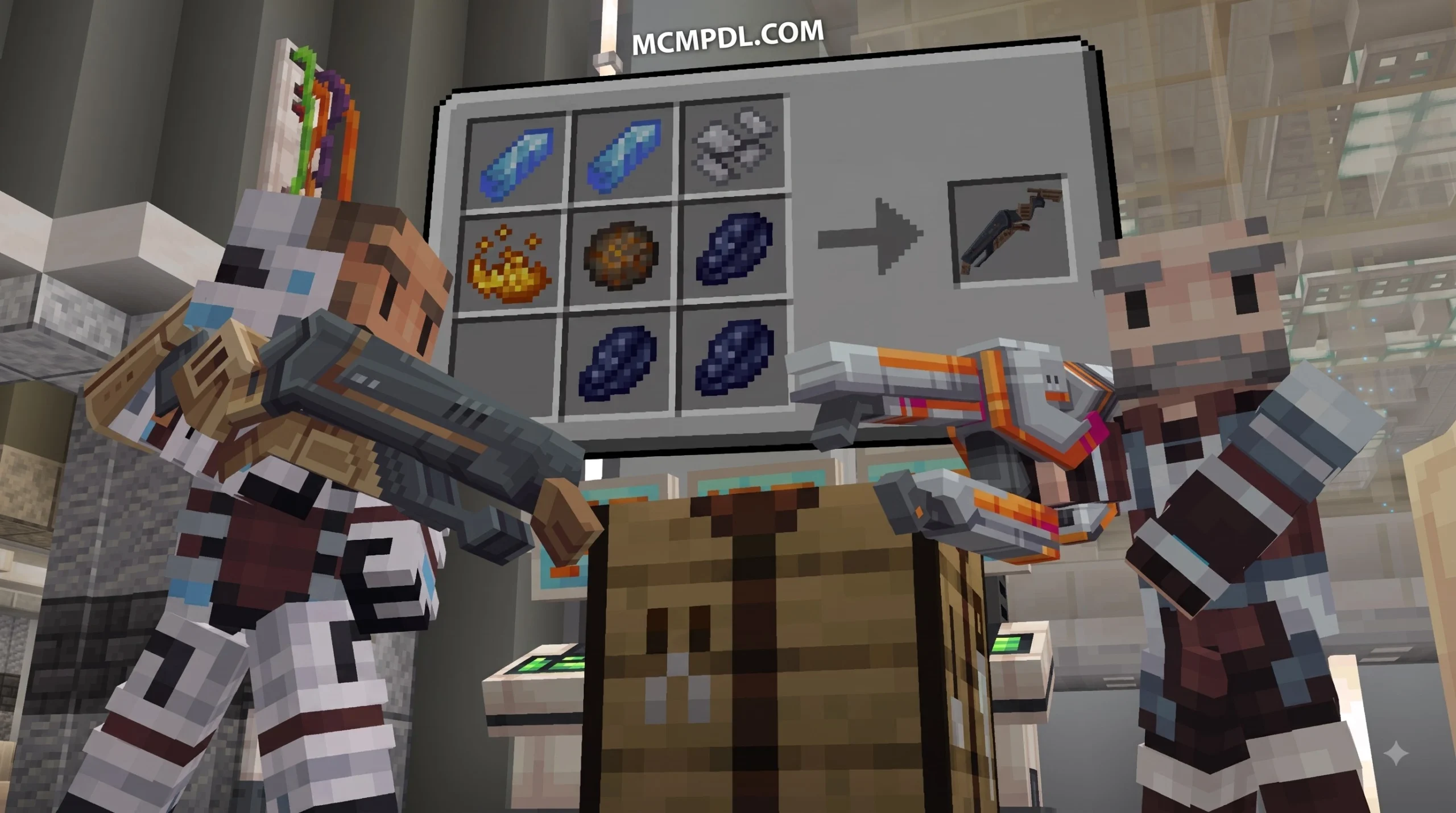
- Accessing the Modification Bench: Interact with the custom modification station to inspect weapon tiers. Blasters are grouped into distinct functional classes ranging from Scout and Assault to Heavy Demolition.
- Applying Enhancements: By combining base blasters with elemental cores (such as Cryo, Incendiary, or Shock modules), you can alter your weapon’s projectile effects, inflict lingering status conditions on targets, and increase single-shot burst damage.
Base Defense and Multiplayer PvP Arenas
Constructing PvP arenas with this add-on opens up completely new game modes for multiplayer servers. When building a dedicated combat map:
- Incorporate Cover and Sightlines: Because blaster rounds travel straight and fast, build arenas with varied verticality, energy barricades, and reinforced connective walls rather than flat, open fields.
- Deploy Automated Defensive Nodes: Position interactive 3D sentry turrets around the perimeter of your base. When loaded with surplus energy cells, these automated emplacements provide defensive covering fire against advancing monster hordes or rival players.
- Designate Team Roles: Equip frontline players with heavy armor suits and high-spread scatter blasters, while support players provide suppressing fire using precision beam rifles from elevated perches.
Frequently Asked Questions About Ultimate Blasters
How many blasters are included in the Ultimate Blasters add-on?
The add-on features an impressive collection of 288 distinct blasters. Each weapon comes equipped with its own tailored firing animations, projectile particle effects, and sound profiles drawn from a library of over 250 custom audio assets.
Is the Ultimate Blasters add-on free or does it cost Minecoins?
The official release created by Radium Studio is a premium Marketplace item priced at 990 Minecoins. Purchasing through the official Marketplace ensures seamless one-click updates, guaranteed compatibility with the latest Bedrock engine patches, and secure cloud syncing across all your devices (Android, iOS, Windows, Xbox, PlayStation, and Switch).
Can the blasters be used in existing Bedrock survival worlds?
Yes, you can enable the add-on in existing survival saves. Simply open your world settings, back up the world first, activate both the Behavior and Resource packs, and enable the required experimental toggles. All crafting recipes, 3D machines, and connective blocks will immediately become accessible in your survival world.
Conclusion
The Ultimate Blasters add-on delivers a comprehensive sci-fi transformation for Minecraft PE and Bedrock Edition. By combining 288 diverse blasters, rich audio design, interactive 3D machines, and aesthetic laboratory building blocks, it provides everything you need to establish a futuristic survival stronghold or host adrenaline-fueled multiplayer battles.
Ready to take your survival worlds to the next level? Visit MCMPDL to discover more cutting-edge Bedrock mods, custom resource packs, and gameplay add-ons today!
2 thoughts on “Ultimate Blasters Template for Minecraft PE/Bedrock”