Scroll down to D0vvnl0ad
Explore More Structures Addon for Minecraft PE/Bedrock with 30+ unique landmarks, dungeons, ships, pyramids, custom mobs, loot, and more.
Features and Bosses in Mowzie’s Mobs 1.2 Addon for Minecraft PE/Bedrock
The easiest way to download and install the Mowzie’s Mobs 1.2 Addon for Minecraft PE/Bedrock is to download the .mcaddon file, tap or open it to automatically import the package into Minecraft, and activate both the Resource and Behavior packs with Experimental Gameplay enabled in your world settings. Once loaded into your game, the defining strength of this pack is its combat philosophy: brute force will almost always get you killed. Unlike standard vanilla entities that march straight toward you in a single line, these creatures feature elaborate attack telegraphs, custom animations, atmospheric audio cues, and clear tactical vulnerabilities. In newer updates, mob infighting mechanics allow these beasts to clash with one another dynamically. The add-on also introduces the creative Battle Stick mechanic, giving players the power to trigger cinematic duels between custom entities on demand. If you enjoy expanding your survival game with high-tier encounters similar to a dedicated Bosses Addon, this pack delivers top-tier boss engineering.
| Mob Name | Health Pool | Spawn Biome / Structure | Key Weakness / Tactic | Signature Drops & Loot |
|---|---|---|---|---|
| Ferrous Wroughtnaut | High (Armored) | Underground Dungeons | Strike back after vertical ground slam | Wrought Helm, Axe of a Thousand Metals |
| Frostmaw | Very High | Snowy Mountain Peaks | Attack before frost breath charges | Ice Crystal |
| Barako the Sun Chief | High | Savannah Barakoa Villages | Circle-strafe solar beams, clear minions | Sun Mask, Solstice Power |
| Naga | Moderate | Coastal Cliffs & Hills | Shoot down during dive-bomb charge | Naga Fang, Naga Dagger Materials |
| Foliaath | Low to Moderate | Jungle Undergrowth | Ranged attacks from outside bite radius | Foliaath Seeds |
| Grottol | Low | Deep Underground Caves | Sneak attack with iron+ pickaxe from behind | Diamond Shell, Raw Diamonds |
Ferrous Wroughtnaut and Underground Dungeons
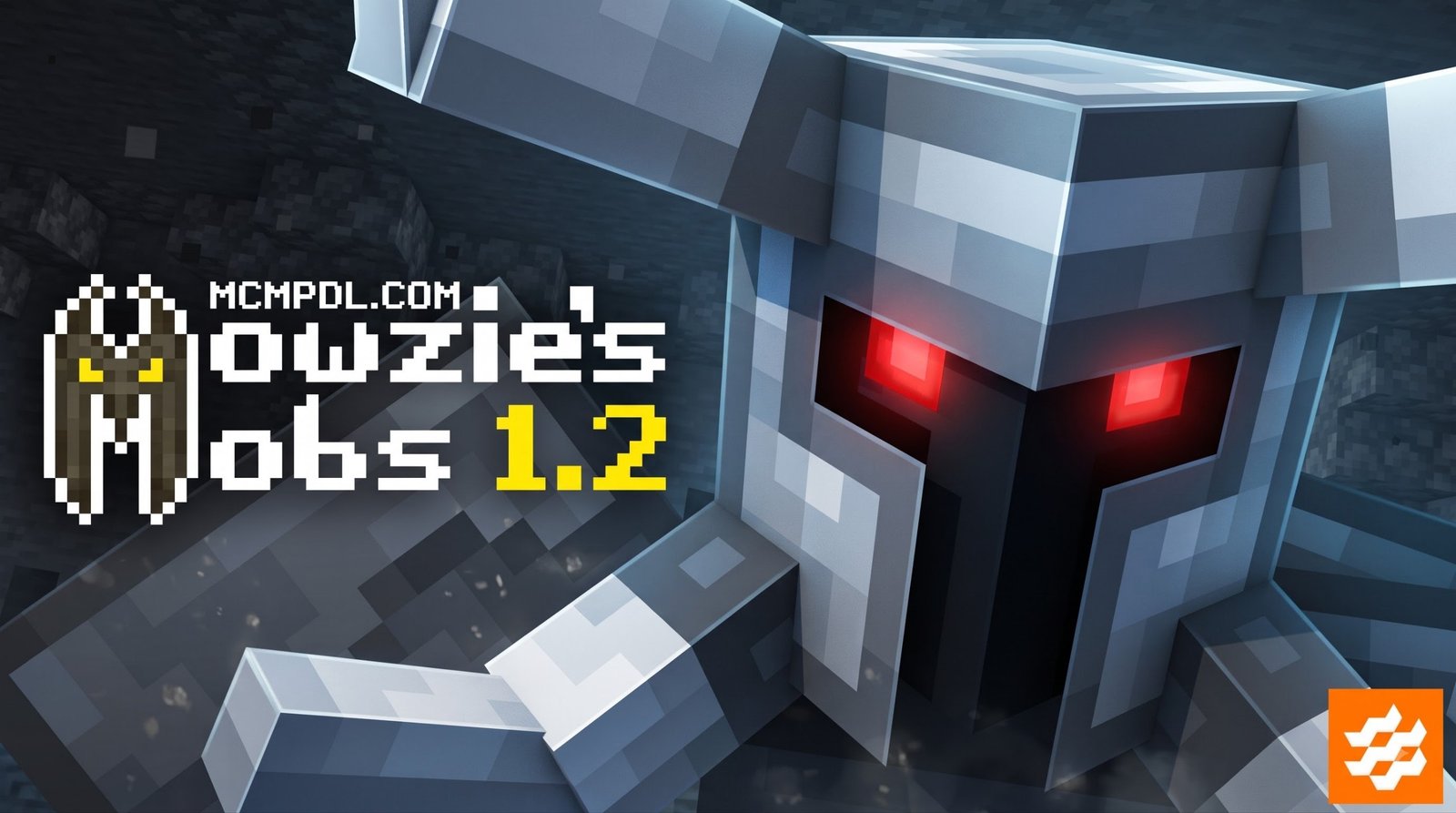
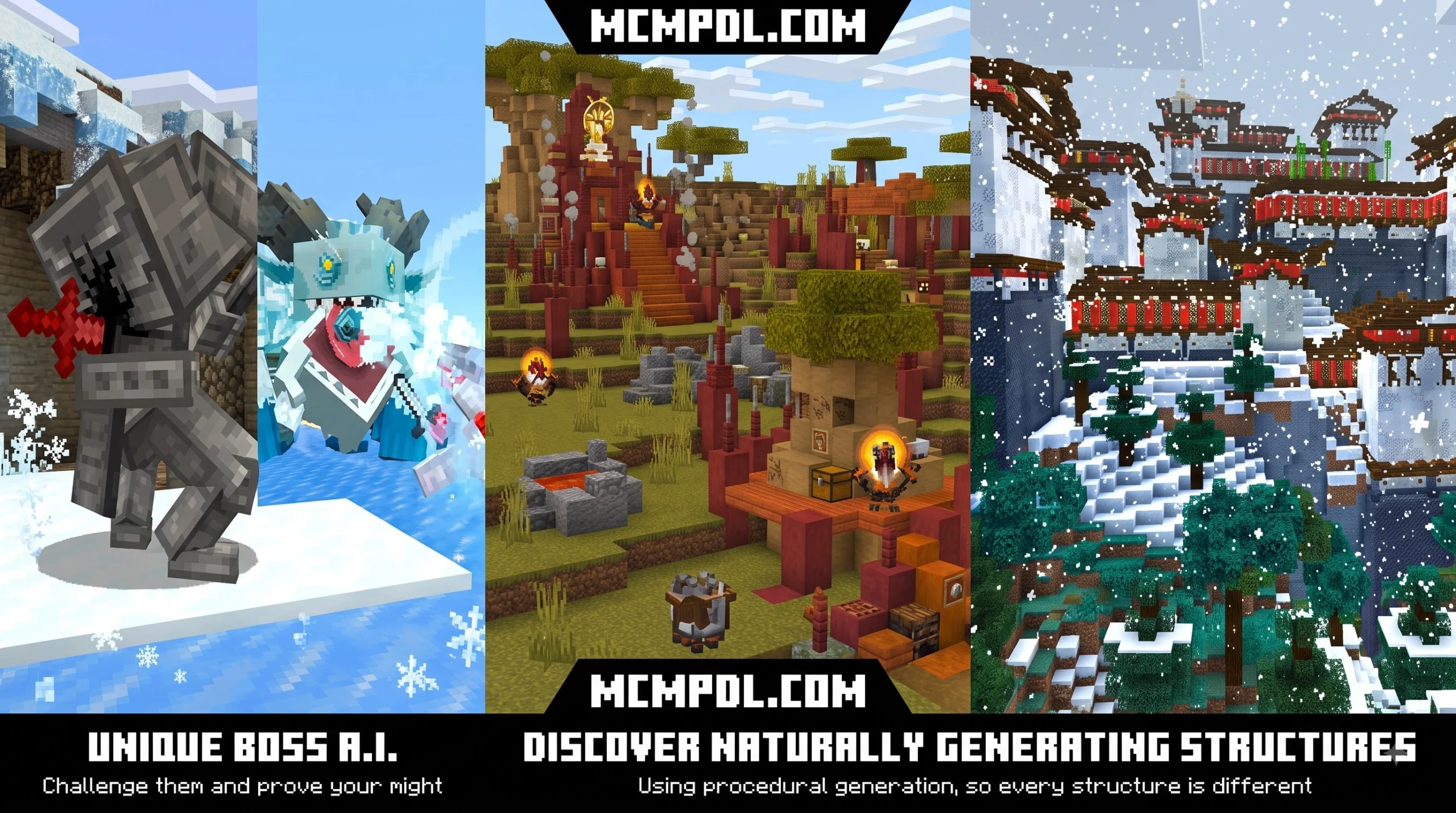
Found sealed inside subterranean stone chambers, the Ferrous Wroughtnaut looks like an immovable steel statue until an intruder gets close. It is invulnerable to frontal assaults, arrows, and normal weapon strikes.
The Wroughtnaut cycles between wide horizontal swings and massive vertical overhead chops. When it slams its axe into the ground, the weapon gets briefly stuck in the stone. That exact moment is your opportunity: sprint behind the boss and strike its exposed unarmored back. Defeating it rewards you with the Wrought Helm (which grants armor defense and makes you immune to certain attacks) and the legendary Axe of a Thousand Metals, a devastating weapon capable of generating ground shockwaves.
Frostmaw and the Frozen Heights
Perched atop freezing mountain peaks, the Frostmaw sleeps peacefully around its prized possession—until a player approaches. If awakened, this towering frost beast unleashes wide-range claw strikes and an area-of-effect frozen breath attack that slows and rapidly shreds your health bar.
To defeat the Frostmaw, keep moving sideways to stay out of the direct line of its ice breath. Striking the beast right as it inhales interrupts the channel, leaving it briefly disoriented. Slaying the Frostmaw yields the Ice Crystal, a channelable handheld artifact that lets players project sustained ice magic to freeze crowds of hostile mobs.
Barako the Sun Chief and the Barakoa Tribe
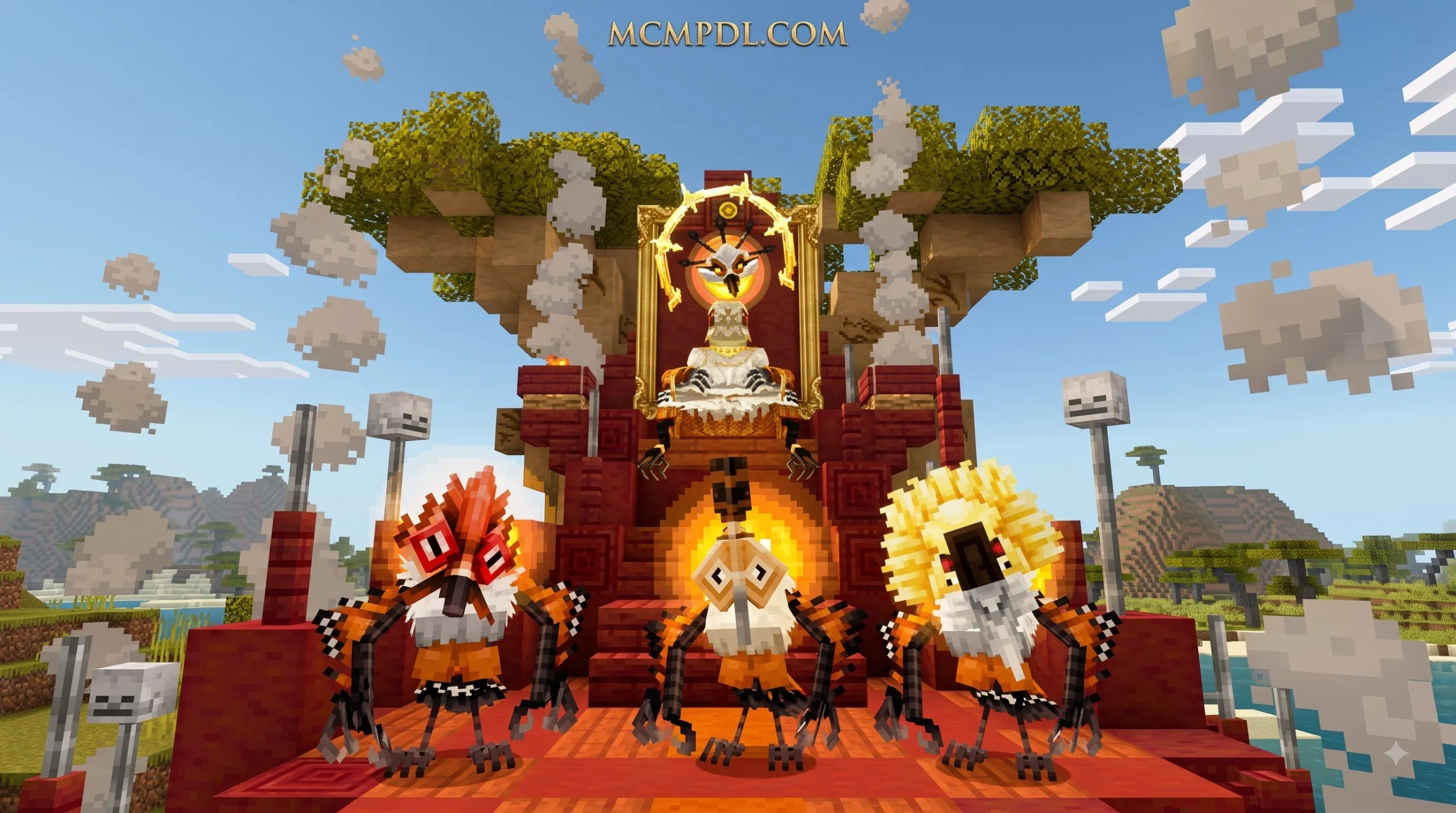
Deep inside hot savannah biomes, you will discover Barakoa tribal villages. The Barakoa wear distinct wooden masks and fight in coordinated hunting packs using blowdarts and spears. At the center of their settlement sits Barako the Sun Chief, an ancient deity seated on a throne.
Barako attacks by calling down devastating solar beams and continuously summoning Barakoa tribe defenders to overwhelm you. Never stand still during this encounter. Use pillars or place blocks above your head to break line of sight with his overhead solar bursts, take down the supporting tribe members quickly, and land critical hits between his spell casts. Defeating the Sun Chief grants you the coveted Sun Mask, allowing you to summon your own loyal tribe followers in survival mode.
Wilderness Hazards: Naga, Foliaath, and Grottol
The wilderness holds plenty of intermediate hazards and utility creatures as well:
- Naga: Winged serpent-like predators that nest along steep coastal cliffs and mountain hills. Nagas attack by gliding down with dive-bomb lunges and spitting corrosive acid that melts player armor. If you time an arrow or projectile hit just as a Naga begins its charge, you will interrupt its dive and knock it out of the sky. Their fangs allow you to craft poisons and agile melee weapons, providing a great alternative to standard gear found in a Legendary Weapons Addon.
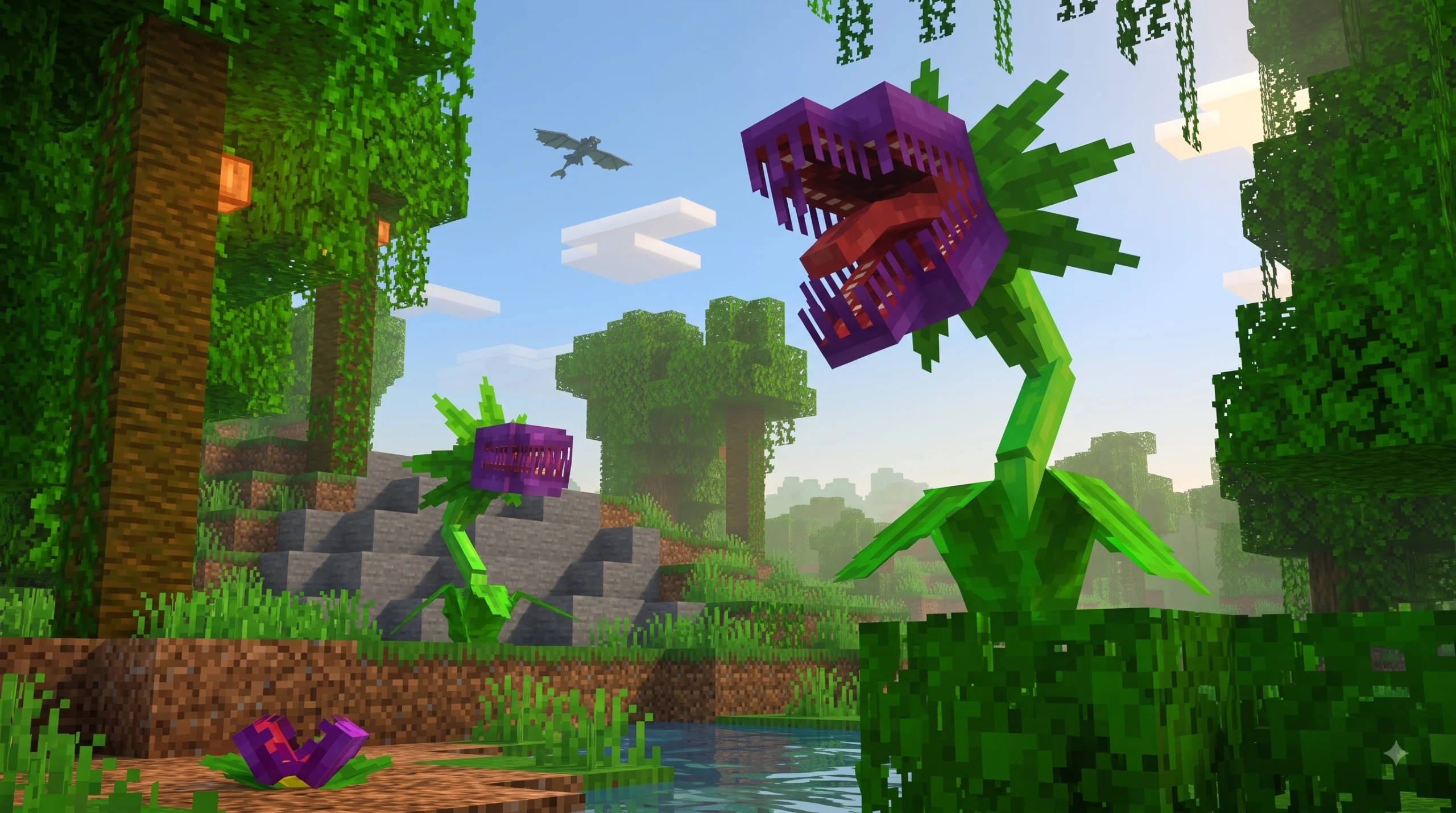
- Foliaath: Camouflaged plant monsters that disguise themselves as ordinary jungle ferns. If you step too close, they snap out of the brush and deal massive bite damage. Melee combat is extremely risky; instead, use bows or crossbows from a safe distance. Upon death, they drop plantable seeds.
- Grottol: Passive, fast-moving crystalline crustaceans that scurry through deep subterranean caverns. They are completely impervious to swords and arrows. To claim their valuable diamond shell, you must chase them down and strike them from behind using an iron pickaxe or higher.
Step-by-Step Installation and Activation Guide
Installing custom content on Minecraft Bedrock has become remarkably streamlined, but packs with advanced animations and custom entity AI require careful setup. Follow the steps below to get the add-on running on your device without missing textures or broken scripts.
How to Install Mowzie’s Mobs 1.2 Addon for Minecraft PE/Bedrock on Mobile and PC
Whether you are playing on Android, iOS, or Windows, installing standard package formats takes only a few taps:
- Download the Package: Obtain the
.mcaddonor.mcpackfiles for the add-on. - Import into Minecraft:
- iOS: Open the native Files app, locate the downloaded file, tap it, and select Open in Minecraft.
- Android: Tap the completed download in your notification panel or mobile file manager and choose Minecraft as the default handler.
- Windows 10/11: Double-click the
.mcaddonfile to launch Bedrock Edition and automatically import both the Behavior and Resource packs.
- Apply to World Settings:
- Open Minecraft, click Play, and choose Create New World (or click the pencil edit icon next to an existing world).
- Scroll down to the left-hand menu and select Resource Packs > Available > Owned, then click Activate on Mowzie’s Mobs.
- Repeat the exact same step under the Behavior Packs tab.
- Enable Experimental Gameplay:
- In the world settings menu, navigate to the Experiments tab.
- Toggle on Beta APIs, Upcoming Creator Features, and Molang Features to ensure all custom attack scripts and entity animations function properly.
- Launch your world!
Activation Key and Script Events Setup
Some standalone community distributions of the add-on use an in-game script verification system to manage custom scripting modules across different world saves. If you encounter an “Activation Required” prompt upon entering your world:
- Look for the on-screen prompt window that appears after spawning in.
- Tap the Generate Key button to copy your unique per-world license string.
- Paste the generated code into the verification field and submit it.
- Alternatively, open your in-game chat console (with cheats enabled) and execute:
/scriptevent mow:license <YOUR_CODE> - Once submitted, the custom mob AI and boss spawners will instantly unlock across your world.
Marketplace Edition vs. Unofficial Addon Releases
Players can choose between two main paths to experience these mobs on Bedrock: the official Minecraft Marketplace release (developed in partnership with creator Honeyfrost) and independent community adaptations.
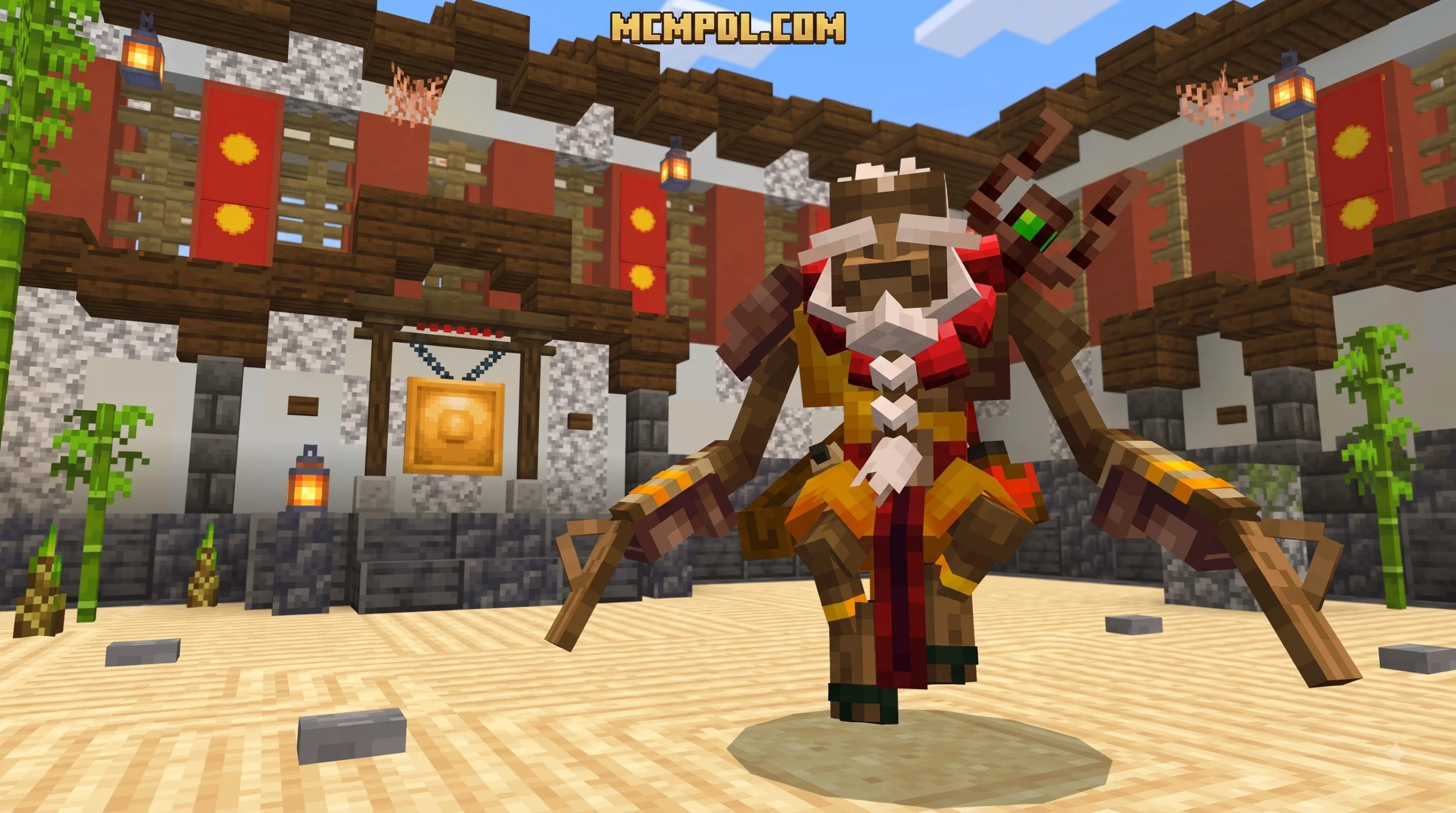
- Marketplace Release: Priced at 1690 Minecoins (approximately $8.86 USD / €8.35 EUR), this version holds an outstanding 4.8 out of 5-star rating from over 20,000 player reviews. It offers one-click automatic installation across all devices (consoles, phones, and PC), guaranteed compatibility with current Bedrock builds (1.20.60 through 1.21+), and includes newer content drops like the Sculptor Update—which adds the creature Tongbi, custom bluff terrain, and procedural mountain Monastery structures.
- Community / Unofficial Ports: These free
.mcpackreleases are created by community modders to bring classic Java mechanics to Bedrock. While free, they require manual file management, specific experimental toggle activation, and occasional script-key verification.
System Requirements and Compatibility for Mowzie’s Mobs 1.2 Addon for Minecraft PE/Bedrock
Because these entities utilize complex bone structures, lighting particles, and smooth animations, your device must meet sensible performance baselines:
- Minecraft Version: Minimum Bedrock version 1.20.60, fully tested and operational through Minecraft Bedrock 1.21+.
- Animation Framework: The underlying behavior requires modern Molang features (and Geckolib integration on Java-bridged platforms) to handle multi-part collision boxes and sweeping boss animations.
- Hardware & Memory: We recommend at least 3 GB to 4 GB of available RAM on mobile devices. If you experience frame drops during boss fights that use heavy particle effects (such as the Sun Chief’s solar rays or Frostmaw’s blizzard), lower your render distance by 2–4 chunks and turn off fancy bubbles/screen-shake in video settings.
Multiplayer Servers and Realm Considerations
Mowzie’s Mobs functions smoothly in multiplayer environments and Bedrock Dedicated Servers, but you should keep several hosting rules in mind:
- Pack Synchronization: In your world or server settings, always check the box marked “Require players to accept resource packs to join.” This forces connecting clients to download the exact texture and animation data from the host, preventing invisible mobs or untextured models.
- Multiplayer Boss Scaling: Bosses feature high health pools and wide attack radiuses, making them ideal group targets. Coordinate roles among your friends—have one player hold the boss’s attention with a shield while archers and melee attackers focus on backstab vulnerabilities.
- Exploring More Addons: If you run a custom survival server and want to combine creature packs with custom biomes, loot expansions, or magic systems, make sure to check out our complete collection in the Category Add-ons archive.
Frequently Asked Questions
How do you get the Axe of a Thousand Metals in Bedrock?
The Axe of a Thousand Metals is an exclusive drop obtained by defeating the Ferrous Wroughtnaut in its underground dungeon. The weapon boasts infinite durability and allows the wielder to execute two distinct attacks: a sweeping horizontal crowd-control slash and a devastating overhead vertical leap that sends a ground shockwave forward. On mobile touch controls, tap to perform light swings and hold the screen to charge your shockwave slam.
Can you tame Foliaaths or keep them as pets?
No, mature Foliaaths cannot be tamed. Defeating a wild Foliaath drops Foliaath Seeds, which you can plant in dirt or grass. To grow a baby Foliaath, you must drop pieces of raw meat nearby every half-day cycle for two in-game days. However, once it reaches full adulthood, the plant remains a strictly hostile predator that will attack any player or animal that steps within biting reach.
Why are the custom mob animations not playing properly?
If mobs slide along the ground in a rigid “T-pose” or fail to play attack animations, the issue is almost always tied to experimental game toggles or pack order. Ensure that Beta APIs and Molang Features are toggled on in your world settings. Additionally, verify that the Mowzie’s Mobs Resource Pack sits near the very top of your active resource packs list in the world configuration menu.
Conclusion
Mowzie’s Mobs stands out as one of the most mechanically rewarding creature packs ever developed for the Bedrock engine. By replacing mindless button-mashing with attack telegraphs, weak points, and powerful boss relics, it turns every wilderness journey into an exciting tactical adventure.
Whether you are hunting underground for the Ferrous Wroughtnaut’s unbreakable axe or ascending snow-covered peaks to face the Frostmaw, preparation and skill will make all the difference. Get your gear ready, activate the pack in your survival world, and browse the latest Bedrock add-ons and survival mods on MCMPDL to take your Minecraft adventure even further!
1 thought on “Mowzie’s Mobs 1.2 Addon for Minecraft PE/Bedrock”