Scroll down to D0vvnl0ad
Overview: Farm Life World Map vs Farm Life Addon
What is the Farm Life Addon for Minecraft PE/Bedrock?
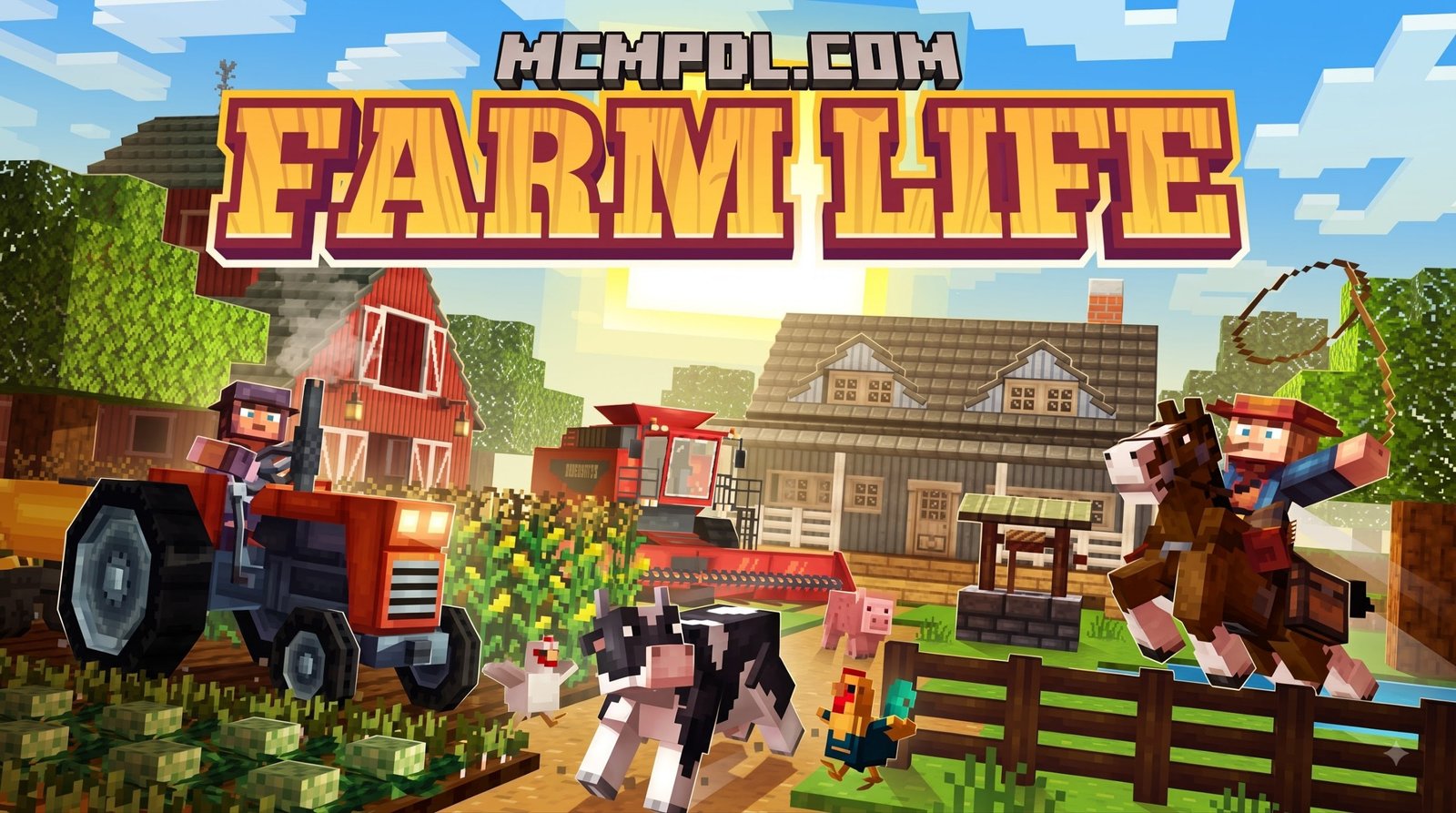
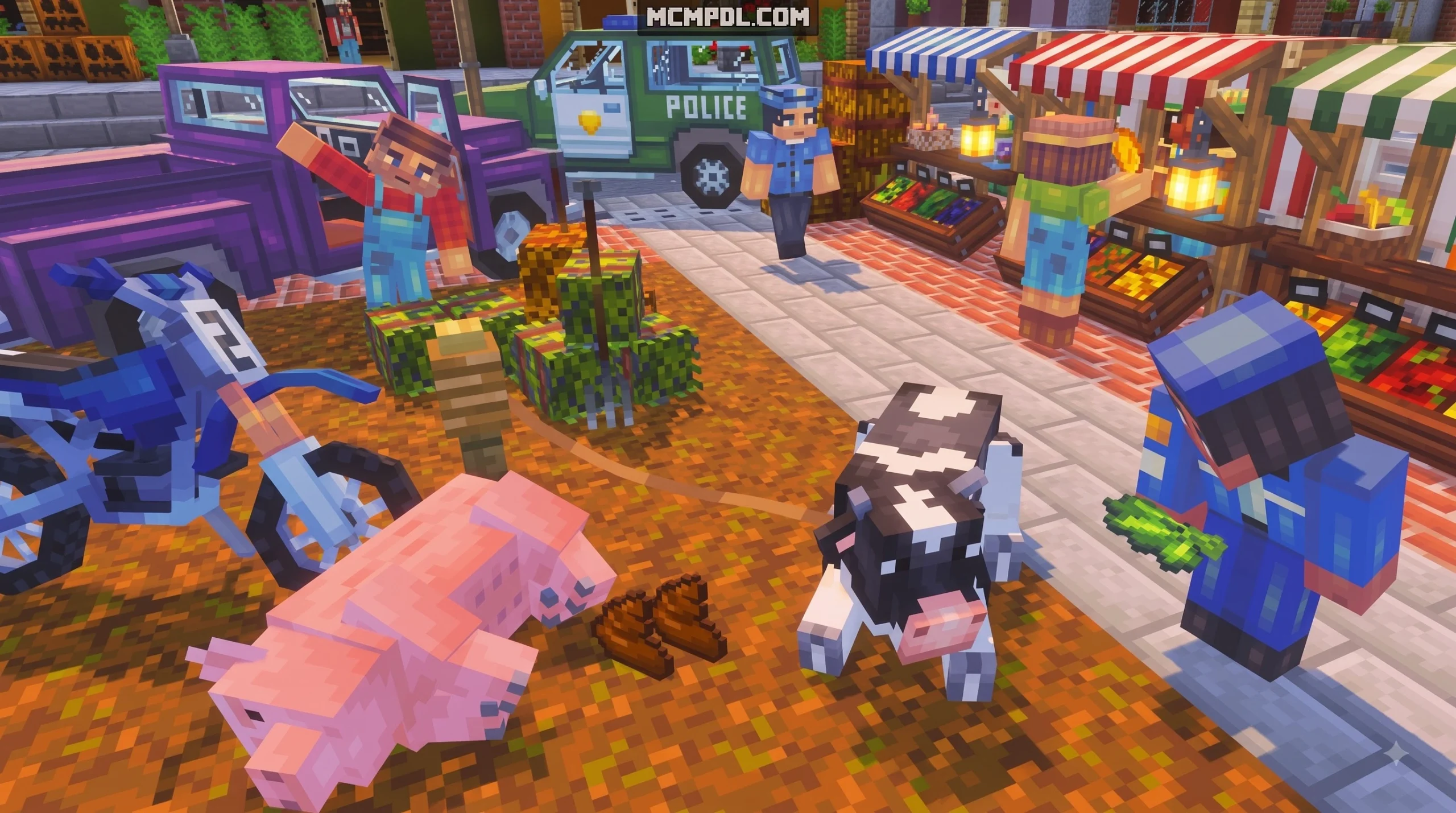
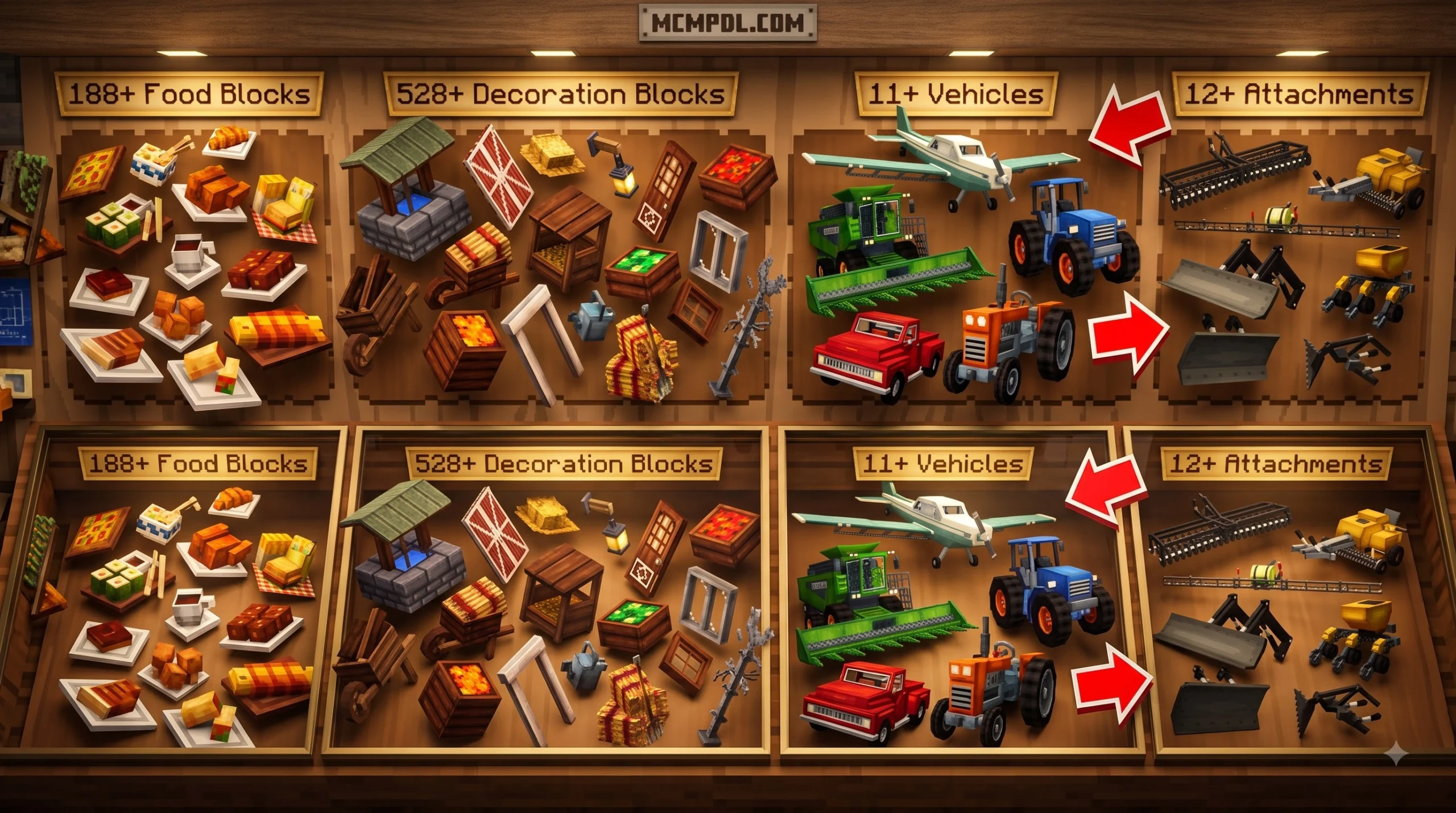
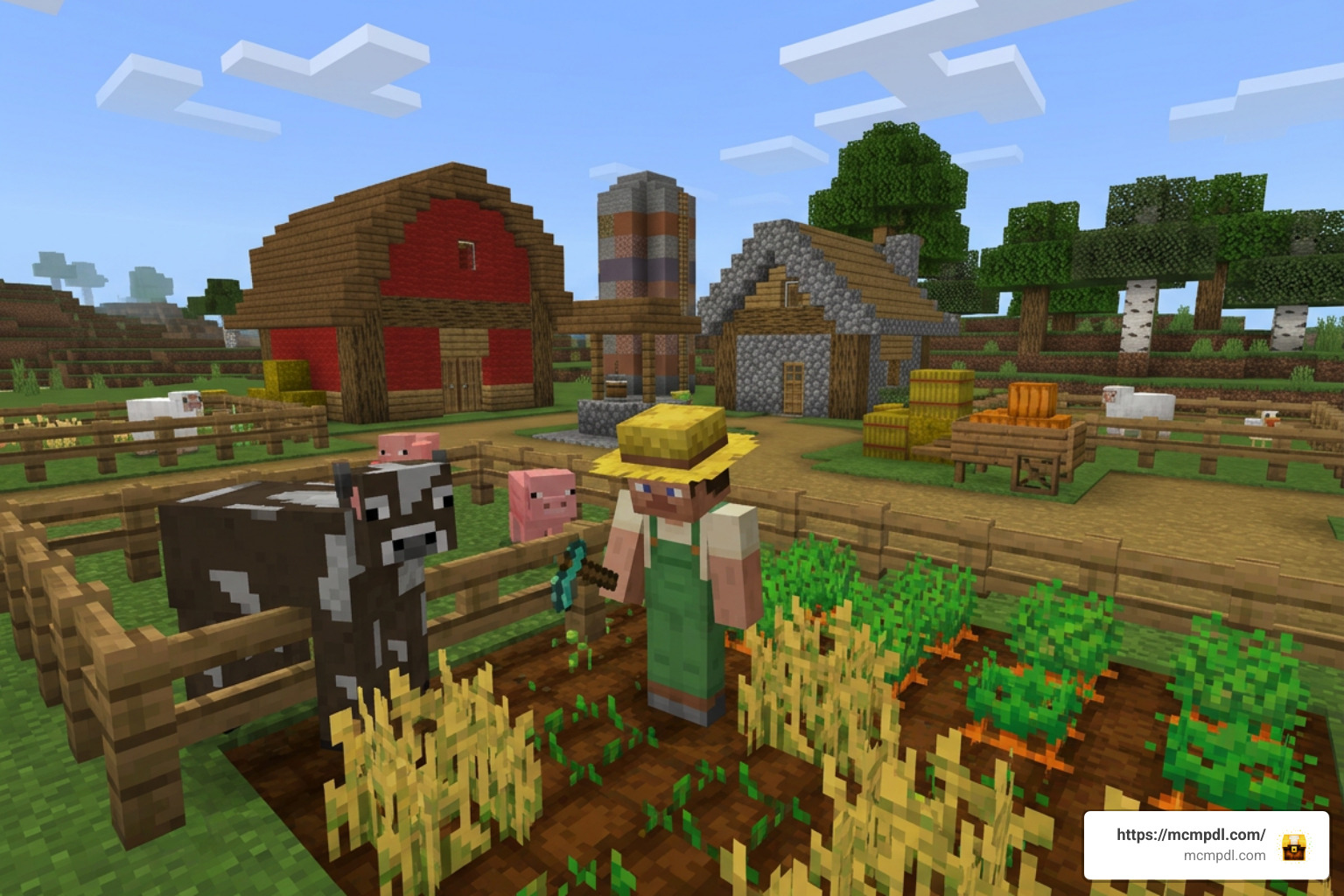
Created by the experienced design team at PixelHeads, the standalone add-on represents a massive leap forward for mobile and console agriculture. Launched on August 18, 2026, it expands standard Bedrock survival by integrating 53+ crops, 36+ animals, 11+ vehicles, and 12+ tractor attachments directly into the global game registry. Unlike simple visual replacers, it introduces custom behaviors, distinct block properties, and interactive machinery that breathe genuine rural charm into every biome.
For years, Bedrock players enjoyed static farming maps, but bringing those mechanics into custom survival seeds was virtually impossible. PixelHeads addressed this demand by packaging functional harvesters, fruit-bearing orchards, and custom livestock into an installable format available via the Minecraft Marketplace.
Free World Template vs Standalone Addon
Understanding the difference between the legacy world template and the modern add-on prevents confusion before spending Minecoins. The original Farm Life world launched on December 21, 2020 (updated through August 29, 2024), accumulating over 277,000 ratings with an impressive 4.6-star average. While that classic project delivered a pre-built countryside town at zero cost, its mechanics were locked strictly inside its own world boundary.
If you prefer relaxing inside curated, handcrafted environments rather than managing survival logistics from scratch, exploring community favorites like My Cozy Cottage Life Map offers a similarly charming countryside escape. However, if your goal is full survival sandbox integration across any seed, the standalone add-on is specifically engineered for that flexibility.
| Feature / Aspect | Farm Life World Map (Legacy) | Farm Life Add-On (2026 Standalone) |
|---|---|---|
| Release Date | December 21, 2020 (Updated 2024) | August 18, 2026 |
| Price | Free (0 Minecoins) | 660 Minecoins (~$3.46 USD / €3.26) |
| Minimum Version | Bedrock 1.13.0+ / 1.16.200 | Bedrock 1.21.120 or newer |
| World Flexibility | Locked to a fixed pre-made map | Usable across any new or existing world |
| Crops & Trees | 50+ New Crops & Fruit Trees | 53+ Specialized Crop Types |
| Livestock & Fauna | Basic custom agricultural mobs | 36+ Animals with unique behaviors |
| Machinery | 10+ Farm Vehicles & Attachments | 11+ Vehicles & 12+ Tractor Attachments |
| Decorations & Food | Limited custom map blocks | 528+ Decoration Blocks, 188+ Food Blocks |
| NPC Systems | Basic town interactions | 13+ NPCs with economic trading |
Core Mechanics of the Farm Life Addon for Minecraft PE/Bedrock
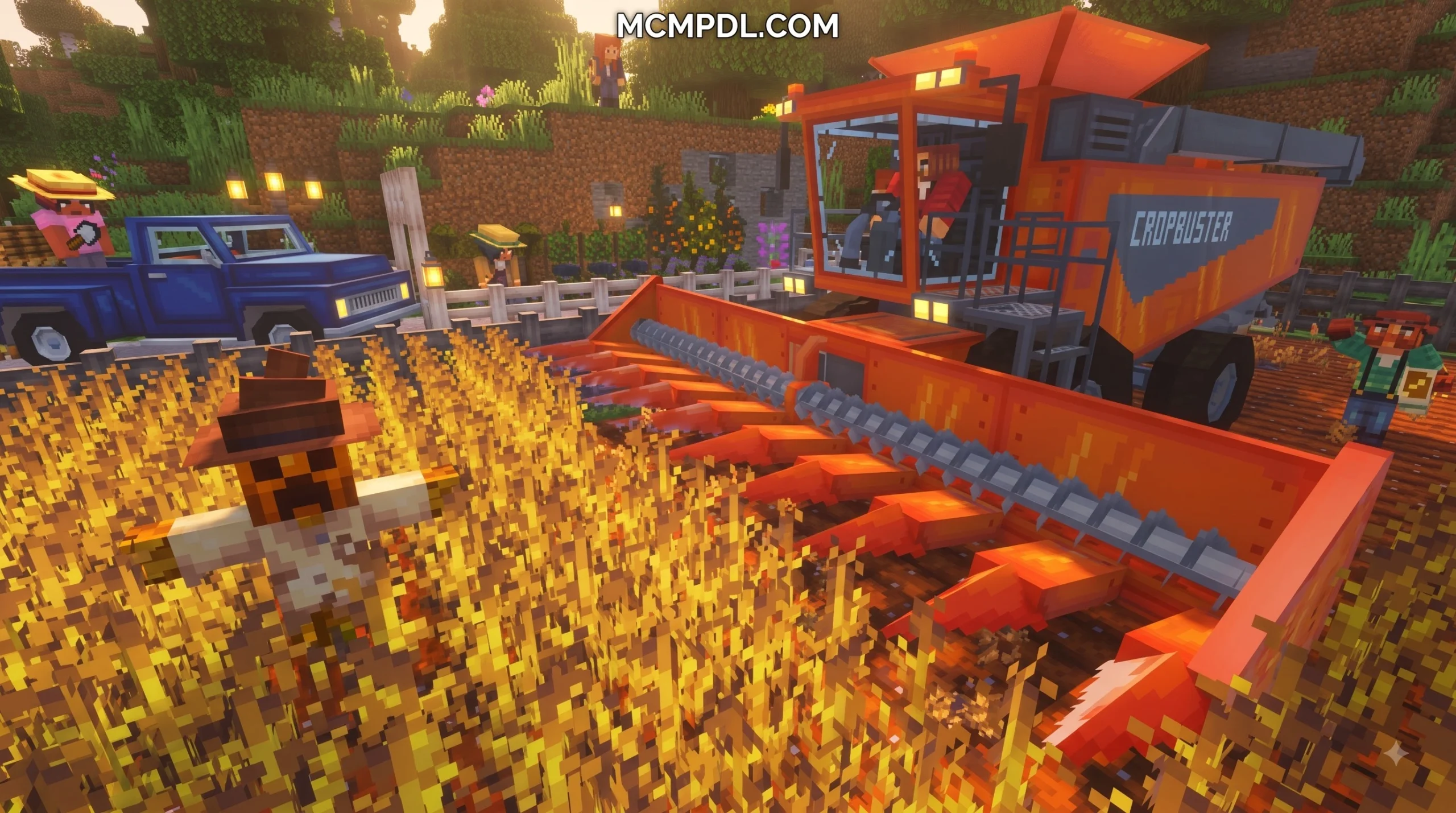
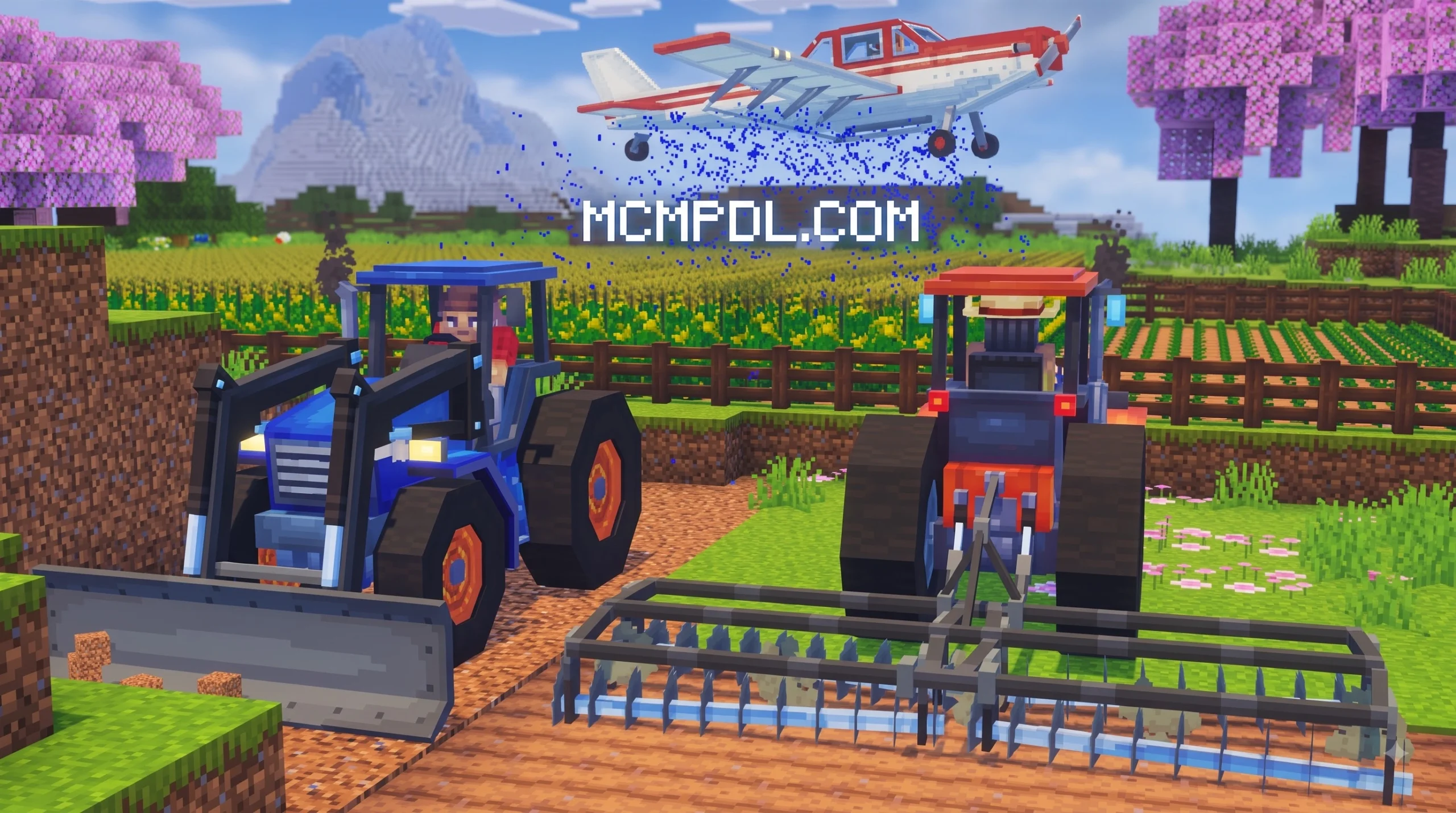
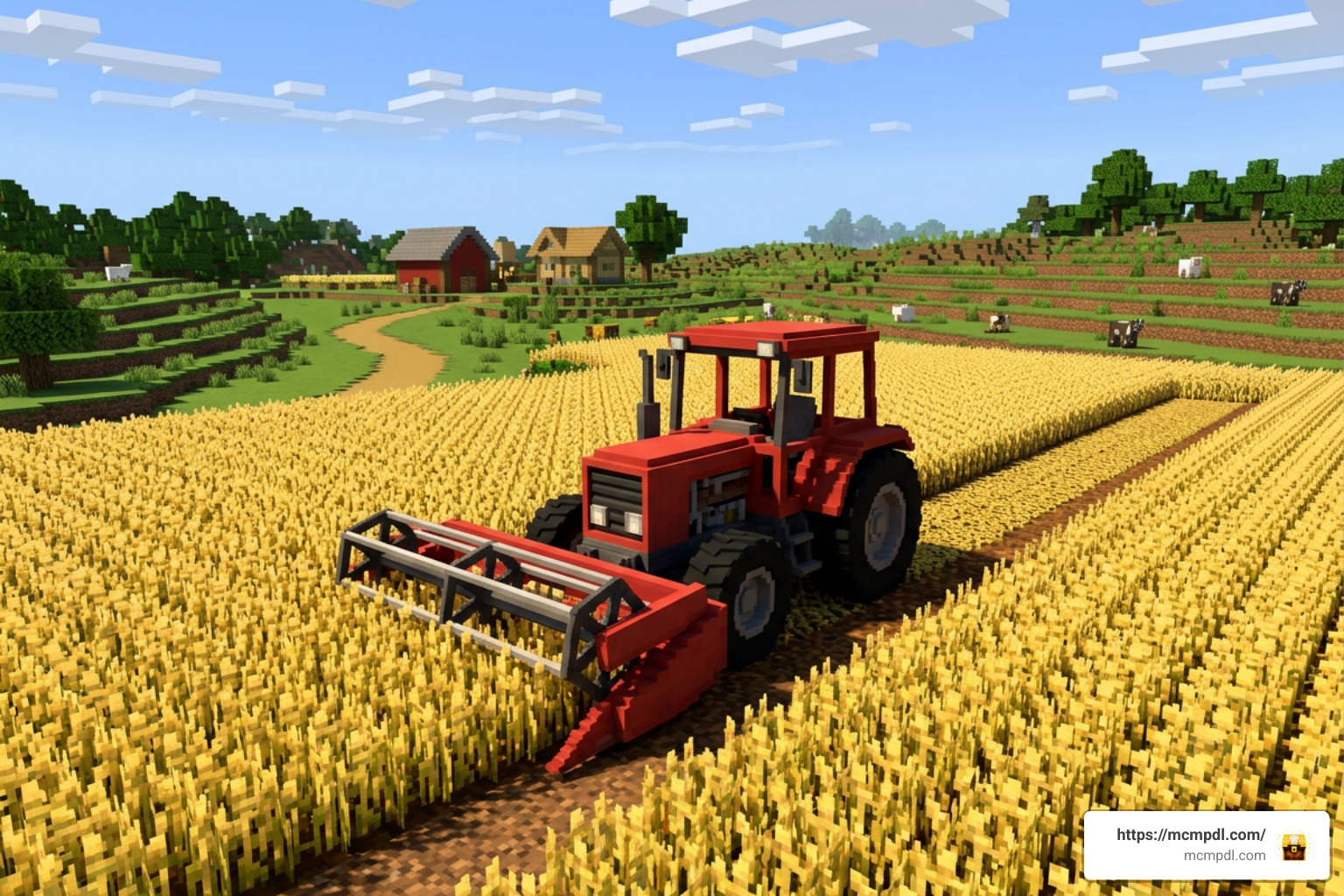
Mechanized field work lies at the center of this expansion. Instead of spending real-world hours hoeing single dirt blocks, players can hop into 11 distinct drivable vehicles. Tractors act as modular power units compatible with 12+ attachments, including multi-row plows, seed drills, fertilizer spreaders, and rotary harvesters. Hooking a plow behind your tractor allows you to till a 100-block field in mere seconds.
For players who love streamlining everyday survival tasks alongside heavy field machinery, pairing your farm with practical utilities from the Utility Tools Add-on keeps your inventory organized and tool upkeep straightforward.
Advanced Agriculture, Animals, and Custom Crops
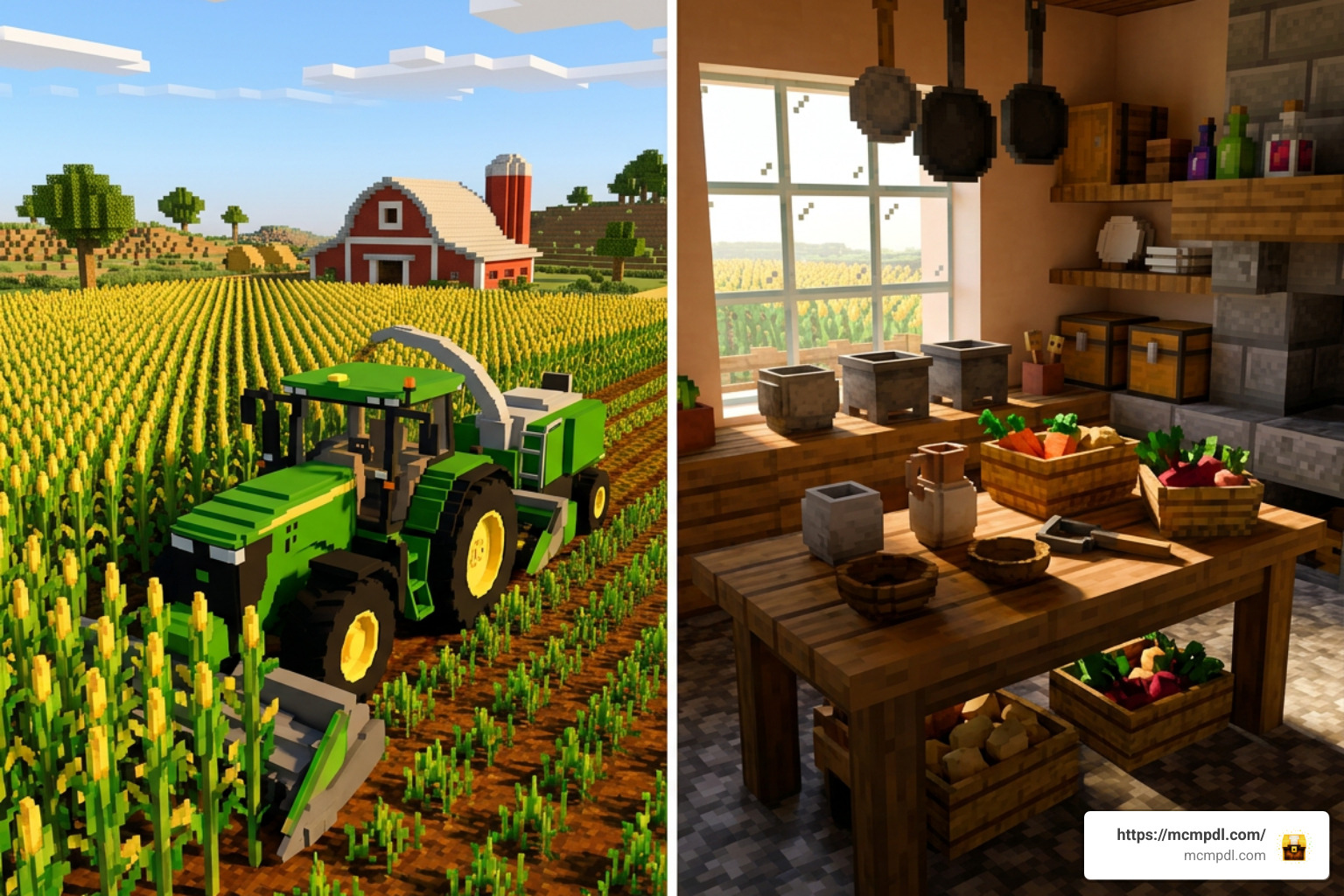
The agricultural system moves far beyond basic wheat and carrots. With over 53 crops and orchard varieties—including corn, tomatoes, cabbages, rice, bell peppers, and fruit-bearing trees—farming requires deliberate field management. Crops progress through detailed visual growth stages and yield varied harvests based on hydration and soil preparation.
Animal husbandry receives an equally massive upgrade. The 36+ new animal species include regional cattle breeds, dairy goats, heritage pigs, ducks, and draft horses. Animals feature expanded breeding cycles, feed preferences, and functional drops ranging from fresh milk containers to crafting fibers. If you enjoy managing diverse wildlife habitats alongside your traditional pasture herds, combining your agricultural layout with wildlife exhibits from the Zoo Builder Add-on makes your estate feel like a sprawling nature reserve.
NPC Towns, Trading Economy, and Rural Decoration
Building a farm is only half the fun; selling your bounty completes the cycle. The add-on features 13+ unique non-player characters (NPCs) specializing in various agricultural trades. Local grocers, grain merchants, and machinery mechanics trade currency, specialized seeds, and rare vehicle blueprints in exchange for bulk harvests.
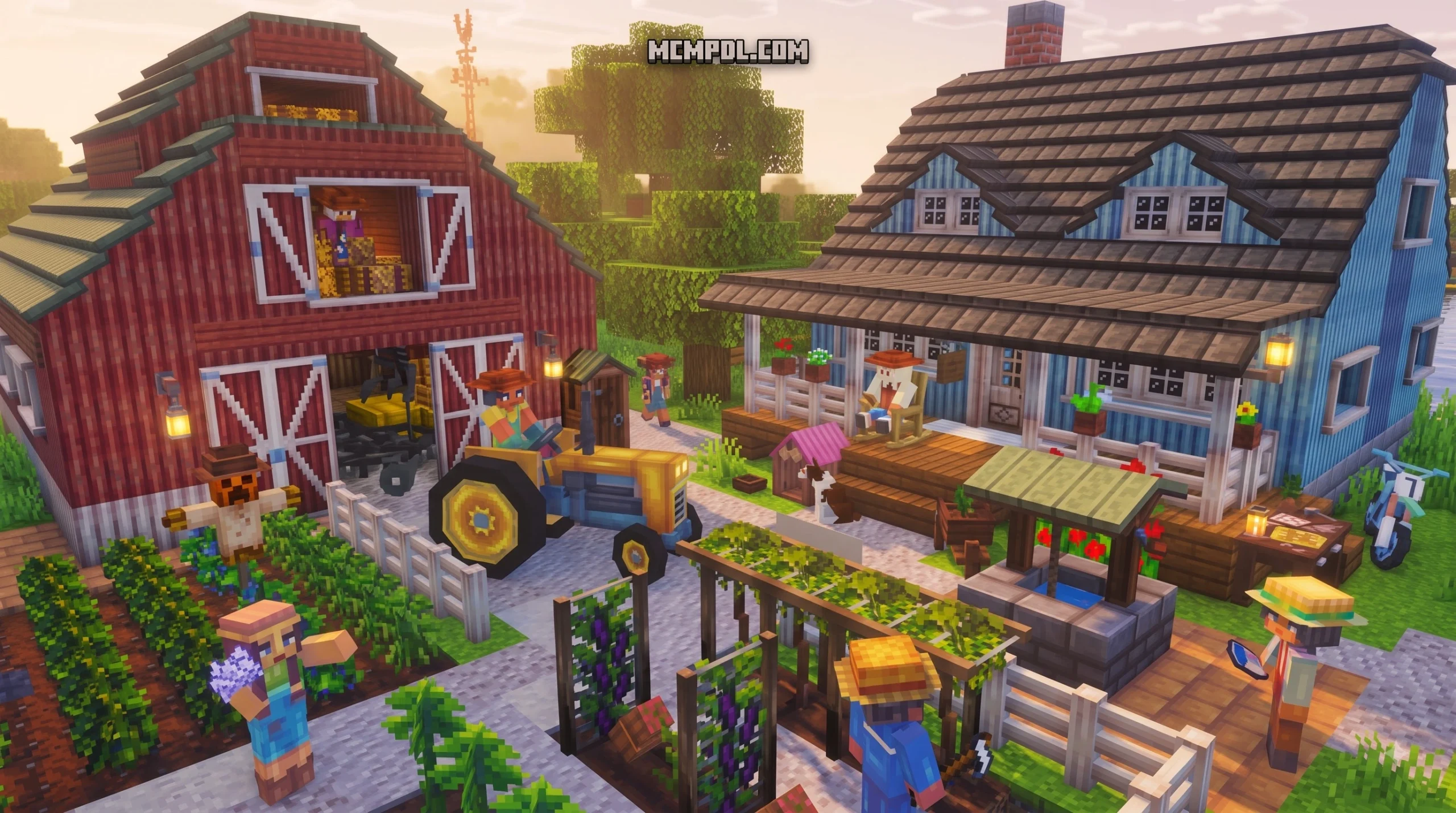
To turn rustic barns into cozy farmsteads, players have access to 528+ decoration blocks and 188+ food blocks, including kitchen counters, wooden crates, canning jars, fences, and rustic signage. If you want to furnish indoor living rooms and farmhouses with modern interior options, integrating pieces from the Furniture Life Addon complements these rural aesthetics nicely. Furthermore, if you want your trade routes to connect populated settlements across your world, expanding world generation with the More Villages Addon gives your merchant caravans plenty of destinations to visit.
Comparing Top Minecraft Bedrock Farming Addons
Bedrock players have multiple ways to upgrade their agricultural gameplay. Depending on whether you prefer cooking immersion, automated resource generation, or complete mechanized simulation, different add-ons shine in unique areas.
Farm Life vs Farmer’s Delight Bedrock
Farmer’s Delight Bedrock is an unofficial port of the beloved Java mod created by Vectorwing. While PixelHeads’ expansion focuses on macro-level farm management, vehicles, and broad decorative blocks, Farmer’s Delight concentrates heavily on culinary craft and kitchen interactions.
- Workstations: Farmer’s Delight uses GUI-less blocks such as the Cutting Board, Skillet, and Cooking Pot (which requires heat sources like campfires or stoves). Farm Life utilizes pre-assembled food blocks and vehicle-assisted harvesting.
- Crops: Farmer’s Delight introduces four core wild crops (Tomatoes, Onions, Cabbages, and Rice) scattered across specific biomes, whereas Farm Life provides 53+ varieties covering standard farming, vines, and orchard fruits.
- Tool Utilities: Knives in Farmer’s Delight double as utility tools that harvest straw and guarantee bonus meat drops from livestock, catering to survivalists who love micro-managing recipes.
Farm Life vs Insta Farm and Automation Packs
For players who prefer technical automation over driving tractors, Insta Farm approaches agriculture from an entirely different angle. Rather than simulating field work, it eliminates Redstone complexity by allowing single-tap mega-farm construction using tools like the Marker Tool, Builder Tool, and Redstone Table.
- Gameplay Philosophy: Farm Life is an immersive roleplay simulator where you actively drive equipment and manage herds. Insta Farm is a resource generator designed for rapid survival progression without placing Redstone wire.
- Immersion vs Output: Insta Farm lets you generate wheat, iron golem, and mob drop structures instantly inside marked bounding boxes. In contrast, Farm Life requires physical plowing, planting, and transport.
When transporting massive harvests from automated plots or wide tractor fields back to your central barn, equipping your character with extra storage from the Backpacks Addon ensures you never run out of inventory slots during harvest day.
Setup and Optimization Guide
Getting your farming machinery running smoothly requires proper installation and basic performance tuning, especially when managing dozens of custom entities on mobile devices.
How to Install and Activate the Farm Life Addon for Minecraft PE/Bedrock
- Launch Minecraft Bedrock Edition and ensure your client is updated to version 1.21.120 or newer.
- Navigate to the in-game Marketplace and search for Farm Life Add-On by PixelHeads (priced at 660 Minecoins), or review listings via community portals like Farm Life Add-On by PixelHeads | CHUNK – Minecraft Bedrock Marketplace Explorer .
- Purchase and download the package to your device.
- When generating a new world (or modifying an existing one), navigate to the Resource Packs tab on the left menu and activate Farm Life.
- Move to the Behavior Packs tab and ensure the matching behavior package is enabled.
- Under the Experiments settings toggle, enable experimental toggles if prompted to ensure custom vehicle animations and script events execute without errors.
- Create or load the world to begin your agricultural journey.
Performance Tips for Low-End and Mobile Devices
- Limit Active Vehicles: Park unused tractors and harvesters inside barns or storage sheds. Multiple moving entities calculating collision boxes simultaneously can drop frame rates on budget phones.
- Manage Entity Ticking: Set your Simulation Distance to 4 Chunks in world video settings. This prevents distant animal pastures and growing fields from consuming background CPU cycles.
- Space Out Pastures: Rather than packing 100+ custom animals into a single pen, spread your barns across several neighboring chunks to avoid concentrated render lag.
- Adjust Particle Effects: Lower particle settings in the main video menu if using multiple fertilizer sprayers or automated harvesters simultaneously.
Frequently Asked Questions About Bedrock Farming Addons
How much does the Farm Life Addon cost on the Marketplace?
The add-on is listed at 660 Minecoins, which converts to approximately $3.46 USD or €3.26 EUR depending on regional storefront pricing and active coin bundles.
Can the Farm Life Addon be used in existing survival worlds?
Yes. Unlike the free 2020 map template—which required starting inside a pre-built town—the 2026 standalone add-on can be toggled on inside existing worlds via world settings. You will be able to craft vehicles, purchase seeds from new NPC spawns, and decorate existing bases freely.
What Minecraft Bedrock version is required to play?
You must be running Minecraft Bedrock version 1.21.120 or higher. Running older versions will prevent custom vehicle physics and newer block geometry from loading correctly.
Conclusion
The expansion of Bedrock’s add-on ecosystem has fundamentally changed how we interact with survival worlds. By combining mechanized equipment, extensive crop diversity, living village economies, and hundreds of decorative blocks, PixelHeads has delivered a comprehensive agricultural sandbox that fits comfortably into any survival playstyle.
Whether you are looking to build a multi-acre commercial wheat enterprise or a peaceful hillside homestead, you can find guides, reviews, and updates to explore more Bedrock addons across our full library of community resources. Fire up your tractor, till your soil, and enjoy the countryside!


1 thought on “Farm Life Addon for Minecraft PE/Bedrock”