Scroll down to D0vvnl0ad
How to Download and Install SCP-939 Map for Minecraft PE in 5 Steps
To download and install an SCP-939 map for Minecraft PE/Bedrock, download the .mcworld or .mcpack file to your device, open the file to automatically import it into Minecraft, and enable experimental creator toggles in your world settings before pressing play.
Setting up custom horror experiences on mobile devices and Bedrock-supported consoles is fast and straightforward using native Bedrock file formats. Whether you are using Android, iOS, or Windows, following this streamlined five-step installation pipeline ensures you jump straight into the facility without missing assets or corrupted scripting.
Step 1: Choosing the Right SCP-939 Map for Minecraft PE/Bedrock
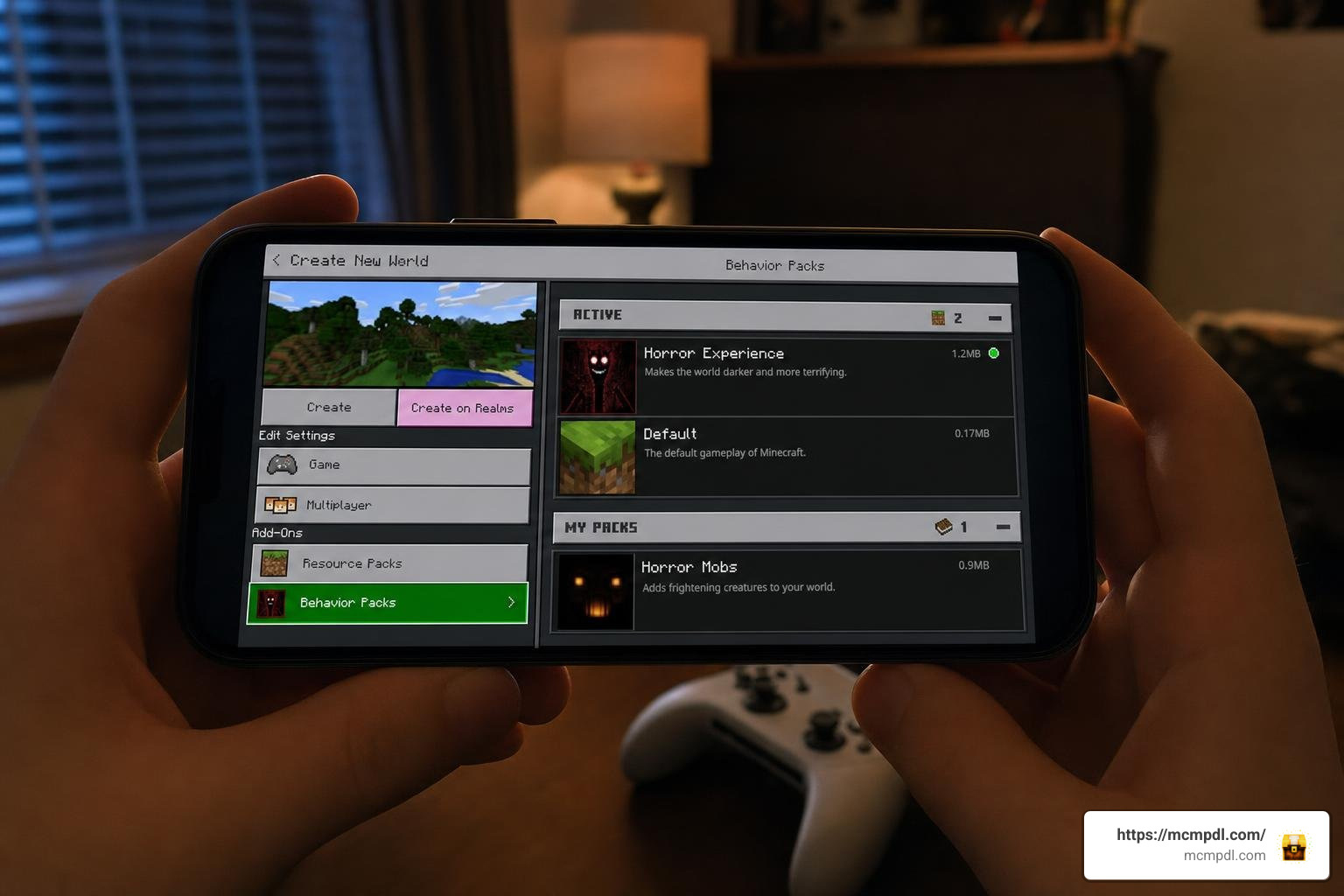
The first step is selecting the map project that aligns with your desired gameplay style and current version of the game. Community developers have built several styles of SCP content:
- Story-driven Facility Maps: These feature scripted escape sequences, functioning blast doors, keycard systems, and localized sound effects.
- Classic Containment Breach Remakes: Faithful recreations of the original indie game, such as SCP: Bedrock Breach v0.3, emphasize zone progression (Light, Heavy, and Entrance Zones) along with extra dimensions like the Pocket Dimension and SCP-1499.
- Community Vanilla Maps: Classic community projects utilize vanilla commands and custom redstone to deliver facility gameplay without external mod engines.
- Add-on Sandboxes: If you prefer building your own custom research sites, modular packs let you spawn entities into fresh survival terrain.
Before downloading, check the project’s supported version tag (such as Bedrock 1.16, 1.20, or recent 2026 builds) to prevent loading incompatibilities.
Step 2: Downloading the World and Resource Files
Once you have selected a map, locate the download links provided by the map author. Minecraft Bedrock maps and mods are distributed primarily in two formats:
.mcworldfiles: Packaged world saves that bundle the facility layout, custom command logic, and embedded add-on resources into a single file..mcpackor.zipfiles: Dedicated Resource Packs (containing textures, custom entity models, and mimicry audio) and Behavior Packs (containing AI pathfinding, detection ranges, and attack statistics). Some add-ons separate these into two distinct files (.resand.beh) that must both be downloaded.
Save these files directly to your device’s local storage. If your mobile browser renames an .mcworld or .mcpack file to .zip, you can safely use your file manager to rename the extension back to .mcworld or .mcpack.
Step 3: Importing Files into Minecraft Bedrock
Importing .mcworld and .mcpack files into Minecraft PE/Bedrock takes advantage of native file associations:
- On Android and iOS: Tap the downloaded
.mcworldfile in your downloads folder or file manager, select Open with, and choose Minecraft. The game will launch automatically, displaying an “Importing World” banner across the top of your screen. - On Windows 10/11: Simply double-click the
.mcworldor.mcpackfile to trigger automatic installation into your game directory.
If you downloaded a .zip archive containing separate folders, manually extract the contents:
- Move the behavior pack folder into
games/com.mojang/behavior_packs/ - Move the resource pack folder into
games/com.mojang/resource_packs/
After importing, open Minecraft and check Settings > Global Resources or look at your local Worlds tab to verify that the map or packs appear in your library.
Step 4: Enabling Experimental Gameplay Toggles
Most modern custom maps rely on Bedrock’s experimental APIs to run custom mob scripting, proximity-based detection, and specialized container blocks.
To ensure the custom AI operates properly:
- Go to the World Edit menu (pencil icon) next to your imported map.
- Scroll down the left-hand navigation pane to the Experiments tab.
- Toggle on Holiday Creator Features, Upcoming Creator Features, and Molang Features (or whichever specific switches the map author recommends).
- Verify under Resource Packs and Behavior Packs that the custom SCP packs are active and positioned at the top of the load order.
Leaving these toggles disabled can cause custom mobs to spawn as invisible entities, break keycard door triggers, or produce missing model warnings.
Step 5: Launching Containment and Configuring Multiplayer
Before pressing play, adjust your settings for an optimal horror atmosphere:
- Audio: Raise Sound Effects and Ambience volume to 100% so you can hear subtle breathing, footsteps, and audio cues through walls.
- Video: Lower your in-game brightness to 0–25% (Moody) and consider reducing your render distance slightly on mobile devices (between 8 and 12 chunks) to prevent frame drops when exploring large, redstone-heavy facilities.
- Multiplayer Settings: If hosting friends, check Multiplayer Game in the world settings and select your preferred permissions (Member or Visitor) to prevent accidental block breaking inside scripted puzzle rooms.
Once configured, click Play to enter the facility.
Comparing the Best SCP-939 Map for Minecraft PE/Bedrock Options
Choosing the right project depends on whether you want a curated, puzzle-driven campaign, a hardcore survival breach, or a modular add-on for your existing world. You can also combine these experiences with a broad horror addon for Minecraft PE/Bedrock to introduce unexpected jumpscares and atmospheric lighting.
The table below highlights key differences across popular community options and official releases:
| Project Name | Format / Platform | Included SCPs | Notable Mechanics | Multiplayer Support |
|---|---|---|---|---|
| SCP: Bedrock Breach v0.3 | Custom Adventure Map (.mcworld) | SCP-939, SCP-173, SCP-106, SCP-049, SCP-1499 | Multi-zone progression, scripted intro sequence, pocket dimension | Yes (Host-based LAN/Online) |
| SCP: Containment Breach Remake v0.7 | Classic Community Map | SCP-939, SCP-173, SCP-096, SCP-1048 | Vanilla command logic, custom redstone doors, ambient soundscape | Yes |
| SCP-939 by House of How | Minecraft Marketplace World | SCP-939 variants | Facility containment cells, 5 bonus skins, dedicated cell challenges | Yes (Cross-platform) |
| SCP: CLASSIFIED Add-on | Bedrock Add-on | 60+ anomalies (including SCP-939) | Vanilla-styled integration, custom blocks, voice mimicry systems | Yes |
| SCP Facility Adventure Map | Large Adventure Facility | SCP-939, SCP-173, SCP-049, SCP-062, SCP-1048 | Crouching stealth avoidance, flower pacification, boss morphs | Yes |
Full Facility Maps vs Survival Horror Remakes
Full facility maps immerse you in a structured narrative. Instead of regular survival crafting, you must navigate linear corridors, unlock security checkpoints using tiered keycards, and manage battery power for flashlights and night-vision goggles.
Projects like the SCP: Bedrock Breach remake focus on tension and resource conservation. You start as a Class-D personnel during a site-wide power failure. To escape, you must outwit fast predators in tight ventilation ducts, monitor security feeds, and find decontamination chambers. If you enjoy tense mob encounters, exploring a scary mobs world for Minecraft PE/Bedrock provides a similar adrenaline rush with a wider variety of hostiles.
Official releases, such as the marketplace map by House of How (available for 830 Minecoins with a 4.5-star rating from over 3,000 players), offer polished standalone worlds bundled with thematic skins like Dr. Gears, SCP-035, SCP-1903, and Foundation Security Guards.
Standalone Maps vs SCP Add-on Integration
If you prefer building custom underground sites in survival mode rather than playing pre-made maps, add-on packs provide a modular alternative:
- SCP: CLASSIFIED: With over 57,500 downloads, this add-on integrates over 60 SCP anomalies cleanly into Bedrock’s survival sandbox, utilizing custom entity behaviors that mimic official SCP Foundation documentation.
- Standalone Monster Add-ons: Dedicated creature add-ons introduce high-threat boss variants with massive health pools for combat challenges.
- Java Parity Alternatives: For players familiar with Java Edition mods like the SCP-939 With Many Voices Mod (which requires GeckoLib for version 1.19.4/1.20.1), Bedrock add-ons reproduce that subterranean stalking terror using Bedrock’s native JSON behavior systems.
If you enjoy subterranean horror, introducing the cave dweller add-on alongside SCP entities turns every underground mining trip into a pulse-pounding game of cat-and-mouse.
Facility Exploration and Creature Containment Mechanics
Navigating a containment breach requires a clear understanding of facility layouts, security clearance levels, and entity containment protocols.
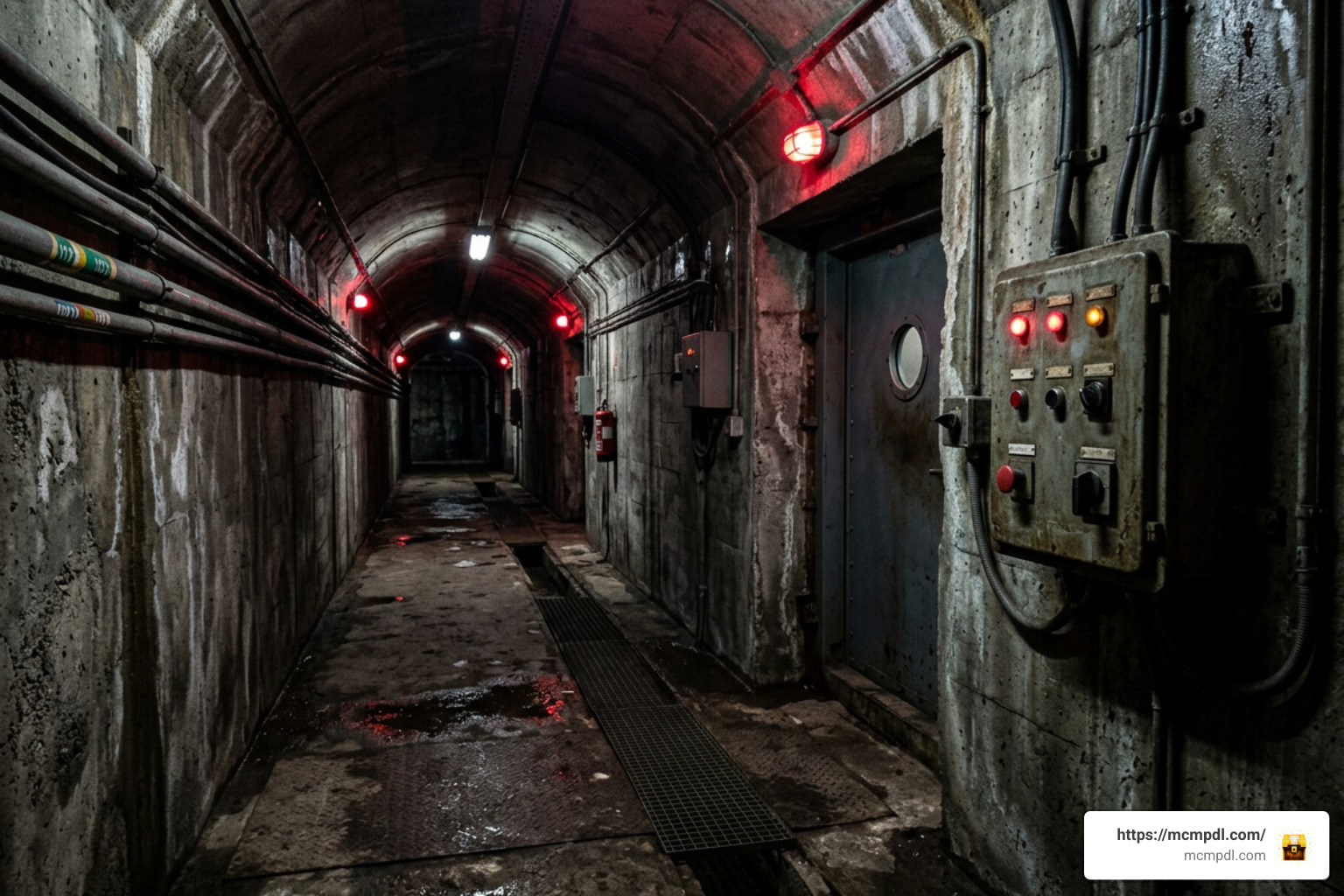
Facilities in custom maps are typically partitioned into three main security sectors:
- Light Containment Zone (LCZ): Modular white-walled corridors containing low-to-medium threat anomalies, research laboratories, and standard storage units.
- Heavy Containment Zone (HCZ): High-security underground complexes reinforced with blast doors and decontamination airlocks, designed to house apex predators like SCP-939 and dangerous spatial anomalies. Pairing these deep sectors with the eternal caves add-on creates sprawling, dark subterranean environments perfect for facility expansions.
- Entrance Zone (EZ): The administrative sector housing security checkpoints, public address systems, and surface exit gates.
To progress through the facility, players must locate keycards (ranging from Level 1 to Omni-access) to unlock magnetic blast doors, override emergency lockdowns at administrative terminals, and repair broken electrical generators using redstone components.
Key Features and AI Behaviors in the SCP-939 Map for Minecraft PE/Bedrock
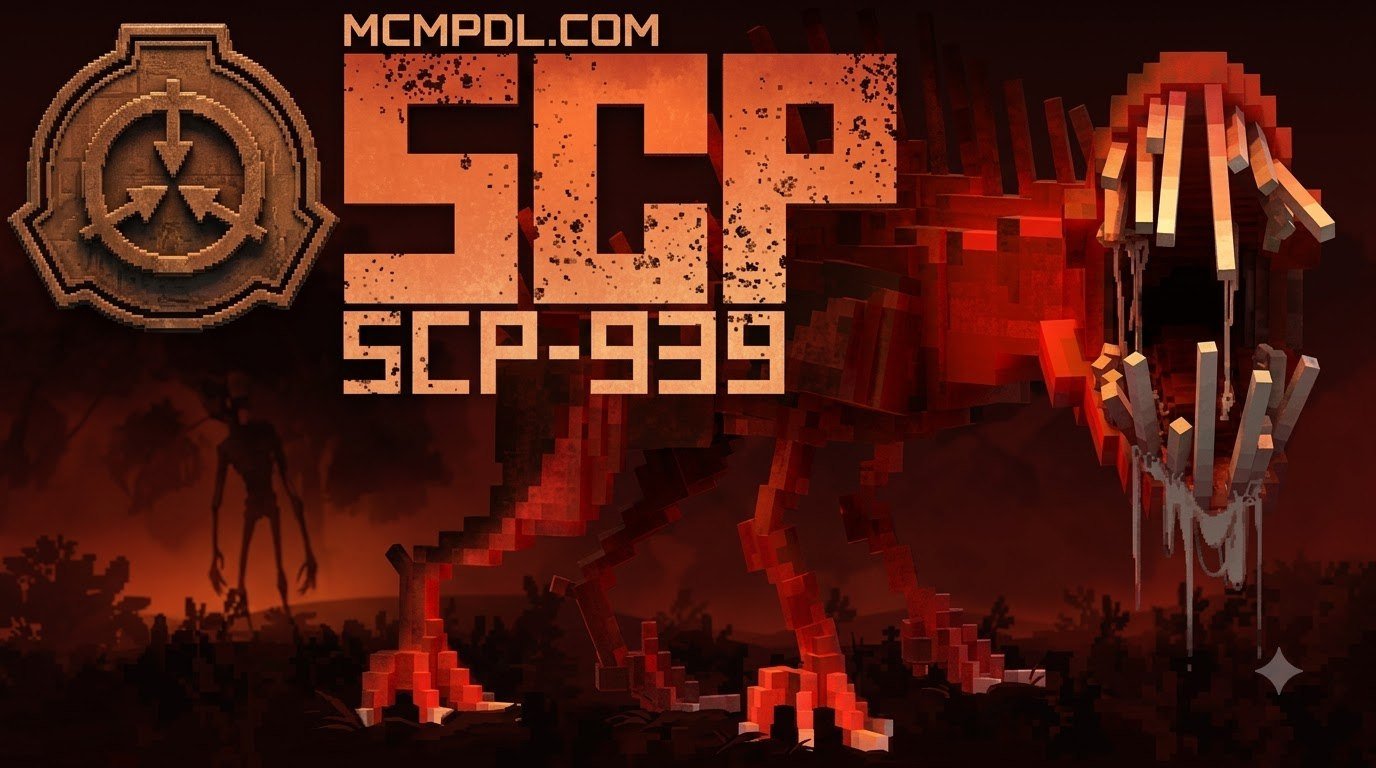
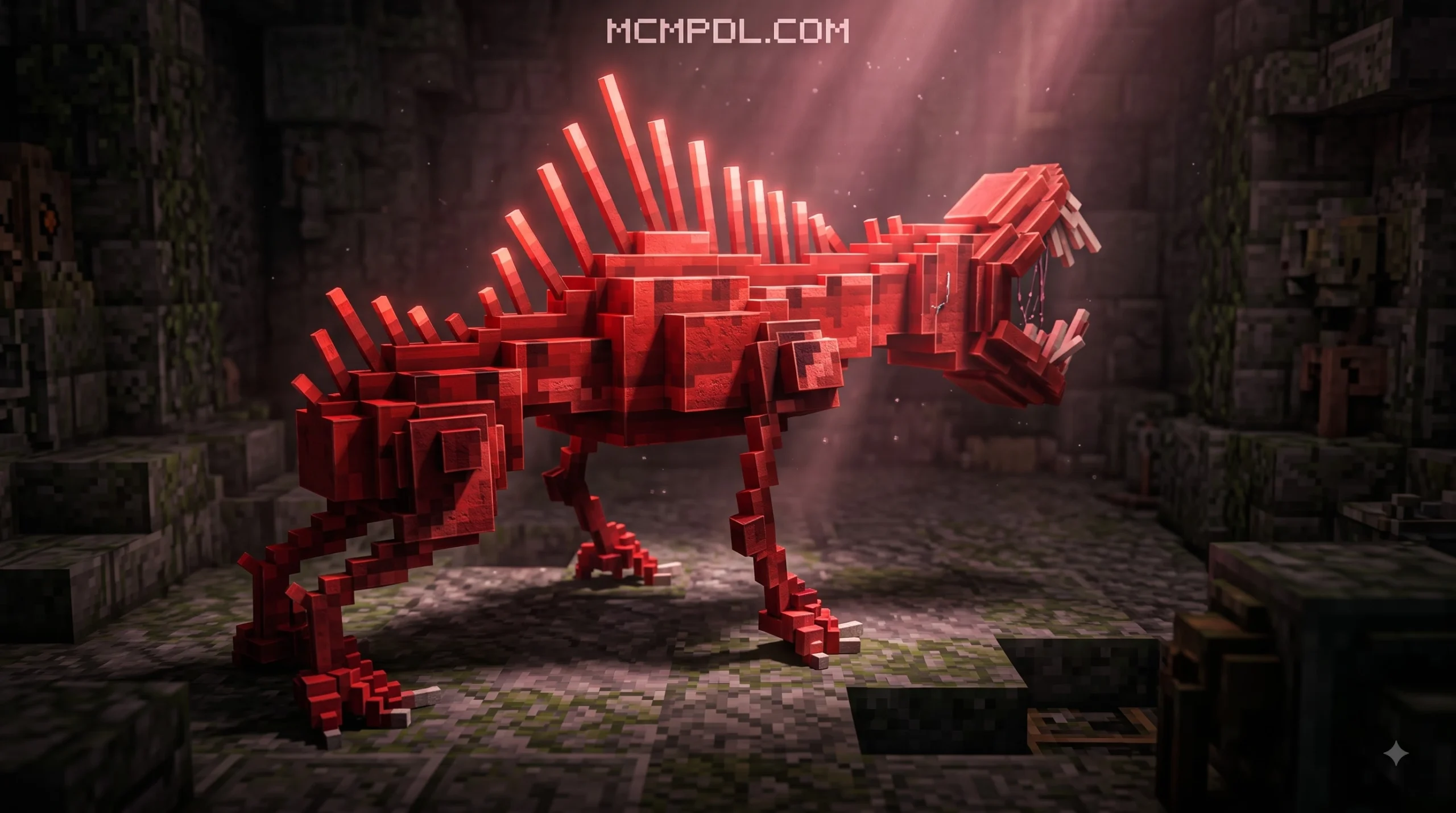
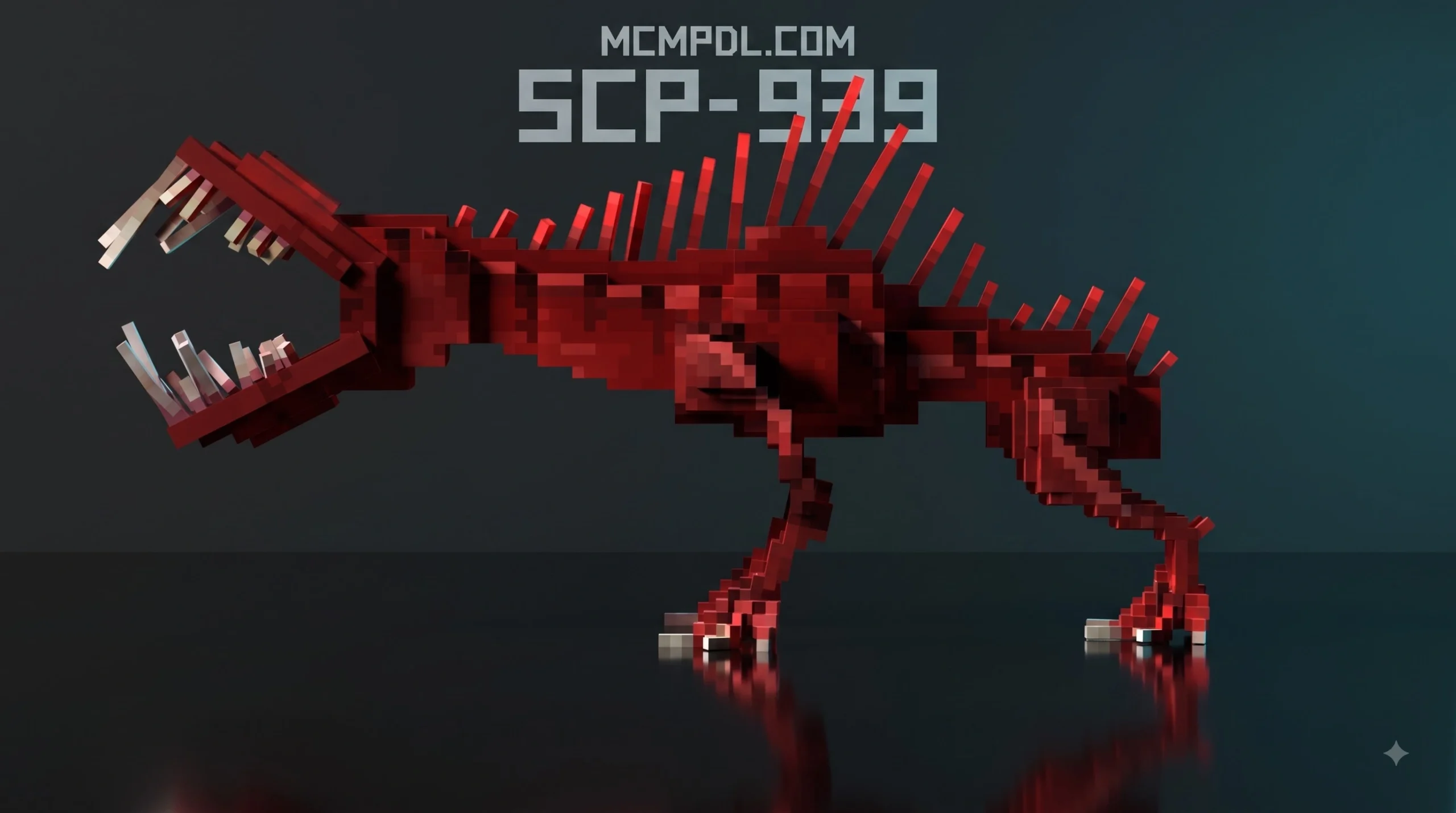
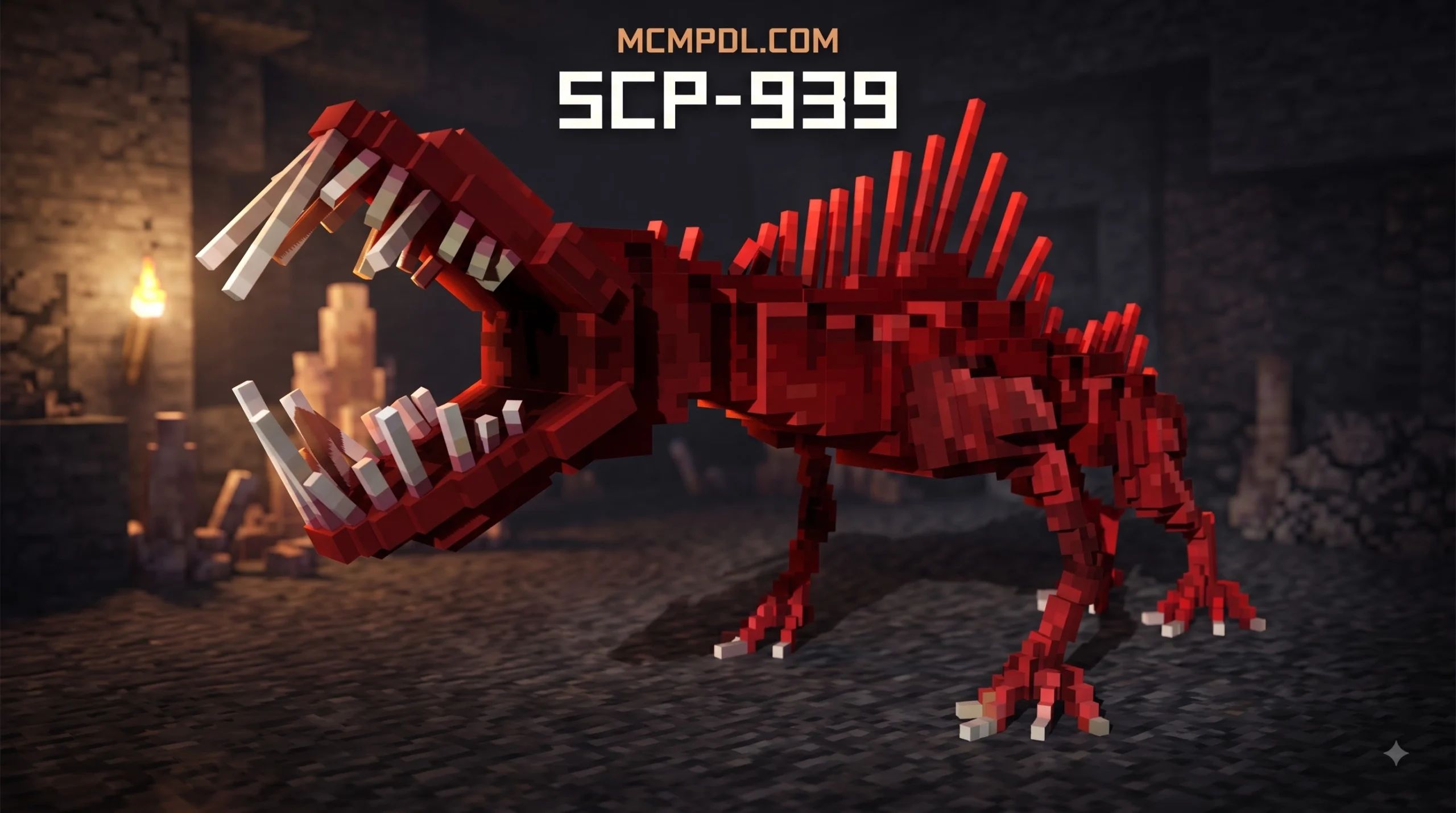
In lore, SCP-939 (“With Many Voices”) is a pack-based, subterranean predator that is completely blind and navigates exclusively via echolocation and acoustic sensing. In Minecraft Bedrock maps, creators simulate these mechanics through clever behavior scripting:
- Acoustic Detection Range: SCP-939 detects normal walking, jumping, and door-opening sounds within a 5-to-15-block radius. If you sprint through corridors, it locks on instantly and charges with high movement speed.
- Crouch-Walk Stealth: Because SCP-939 relies on acoustic sensing, crouching (sneaking) prevents detection in most community maps. As long as you remain crouched and do not bump directly into the entity, you can sneak past containment chambers undetected. Walking over wool blocks also suppresses footstep vibrations.
- Human Voice Mimicry: To lure players out of hiding, custom audio scripts play deceptive voice clips—such as cries for help or recorded Foundation staff chatter—originating from the creature’s location.
- Lethal Melee Attack: Direct physical contact results in a high-damage bite attack that inflicts Slowness and Confusion (Nausea), simulating the creature’s amnestic breath.
For those looking to populate their containment facilities with a wide variety of hostile creatures, integrating the 200 mobs world for Minecraft PE/Bedrock provides plenty of options to fill empty containment cells.
Other Anomalies Featured in Containment Facilities
Most facility maps feature a broader cast of iconic anomalies alongside SCP-939, each requiring unique survival strategies:
- SCP-173 (“The Sculpture”): Completely stationary while inside a player’s field of view. Looking away or blinking allows it to teleport forward and snap the player’s neck. In select custom maps, it can be neutralized using a diamond pickaxe.
- SCP-049 (“The Plague Doctor”): Wanders corridors attempting to touch Class-D personnel, inflicting severe Wither damage. Offering a red flower calms the entity and temporarily halts its attacks.
- SCP-1048 (“Builder Bear”): A small teddy bear that begins as an apparently harmless mob with 200 HP. Over time, it clones itself and can morph into an aggressive, colossal bear entity.
Combining these varied threats with comprehensive mob packages like all the mobs 1.0 for Minecraft PE/Bedrock allows you to build an expansive, multi-tiered containment site packed with dangerous anomalies.
Frequently Asked Questions About SCP-939 in Minecraft Bedrock
How do you survive an encounter with SCP-939 in Bedrock Edition?
Surviving SCP-939 requires strict stealth and sound discipline. Because the creature is blind, hold the Crouch (sneak) button whenever navigating unlit corridors or containment pens. Never sprint or break blocks within its hearing range (roughly 15 blocks). If you must create a distraction, throw an item or use a bow to shoot an arrow in the opposite direction to draw its pathfinding away from your escape route.
Can you play SCP-939 maps in multiplayer with friends?
Yes. Most .mcworld containment maps support full multiplayer on local LAN networks, Xbox Live sessions, and custom Bedrock dedicated servers. Ensure that the host player enables the required experimental toggles and has active behavior and resource packs. When joining, client players should check the prompt to Download & Join so all custom mimicry sounds and 3D models load properly.
Why are textures missing or walls glitching in custom SCP maps?
Missing textures (purple and black checkerboards), invisible entity models, or missing facility walls usually occur due to two main reasons:
- Disabled Experimental Features: Verify that creator toggles like Molang Features and Holiday Creator Features are enabled in your world settings.
- Pack Order Conflicts: Ensure the map’s dedicated Resource Pack is placed at the very top of your Active Packs list. Outdated add-ons running on newer Minecraft updates may also require checking the creator’s site for recent hotfix patches.
— FR-E D0VVNL0AD —
Get from Marketplace
Conclusion
The SCP-939 Map for Minecraft PE/Bedrock transforms the familiar block-building sandbox into an atmospheric survival horror experience. By mastering crouch-stealth mechanics, managing facility security access, and learning the unique behaviors of anomalous entities, you can turn a chaotic site breach into a thrilling escape.
Whether you choose a classic recreation like SCP: Bedrock Breach, an official Marketplace world, or a modular add-on to build your own secret research site, the Bedrock community continues to deliver creative horror experiences. For more map downloads, texture packs, and custom add-ons, explore the extensive mod library at MCMPDL and start building your ultimate containment facility today.
c


1 thought on “SCP-939 map for Minecraft PE/Bedrock”