Scroll down to D0vvnl0ad
Transform Minecraft PE/Bedrock Into a Norse Saga
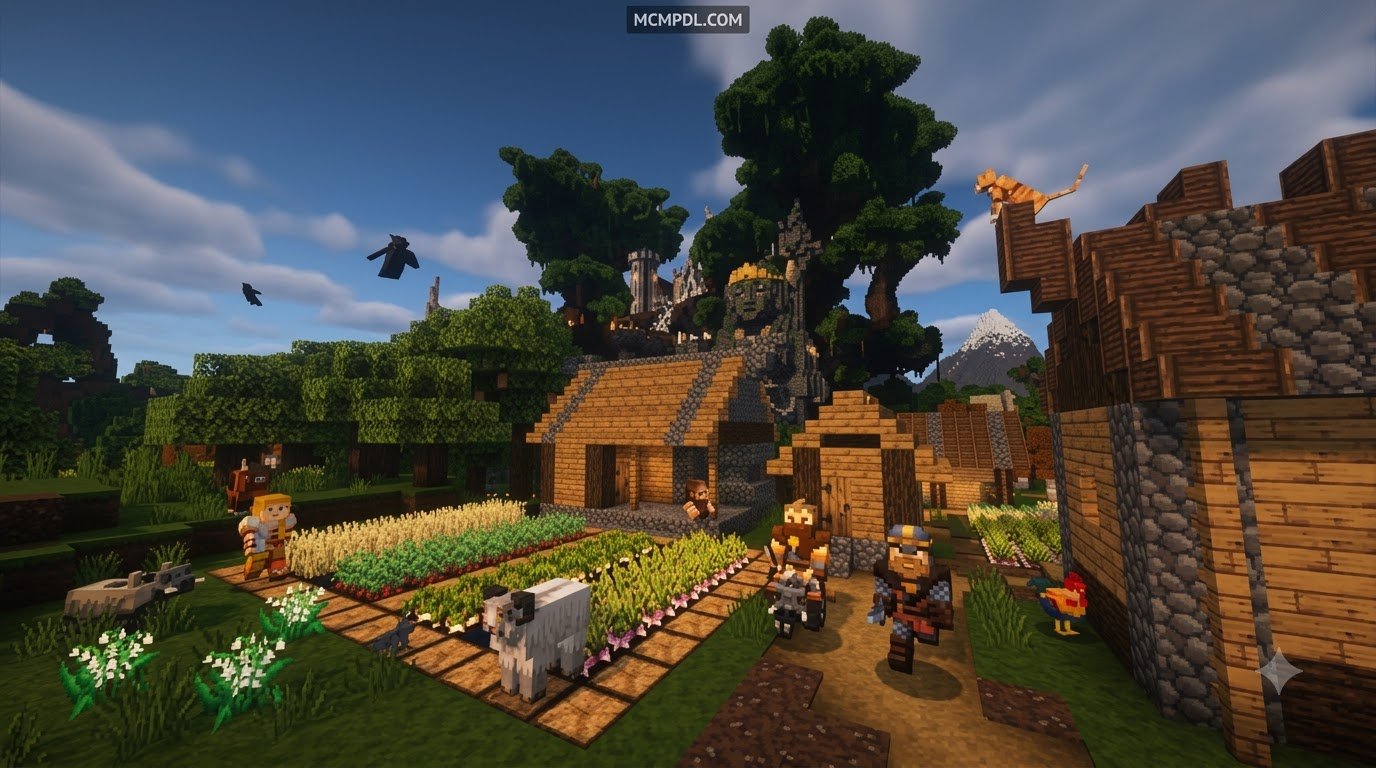
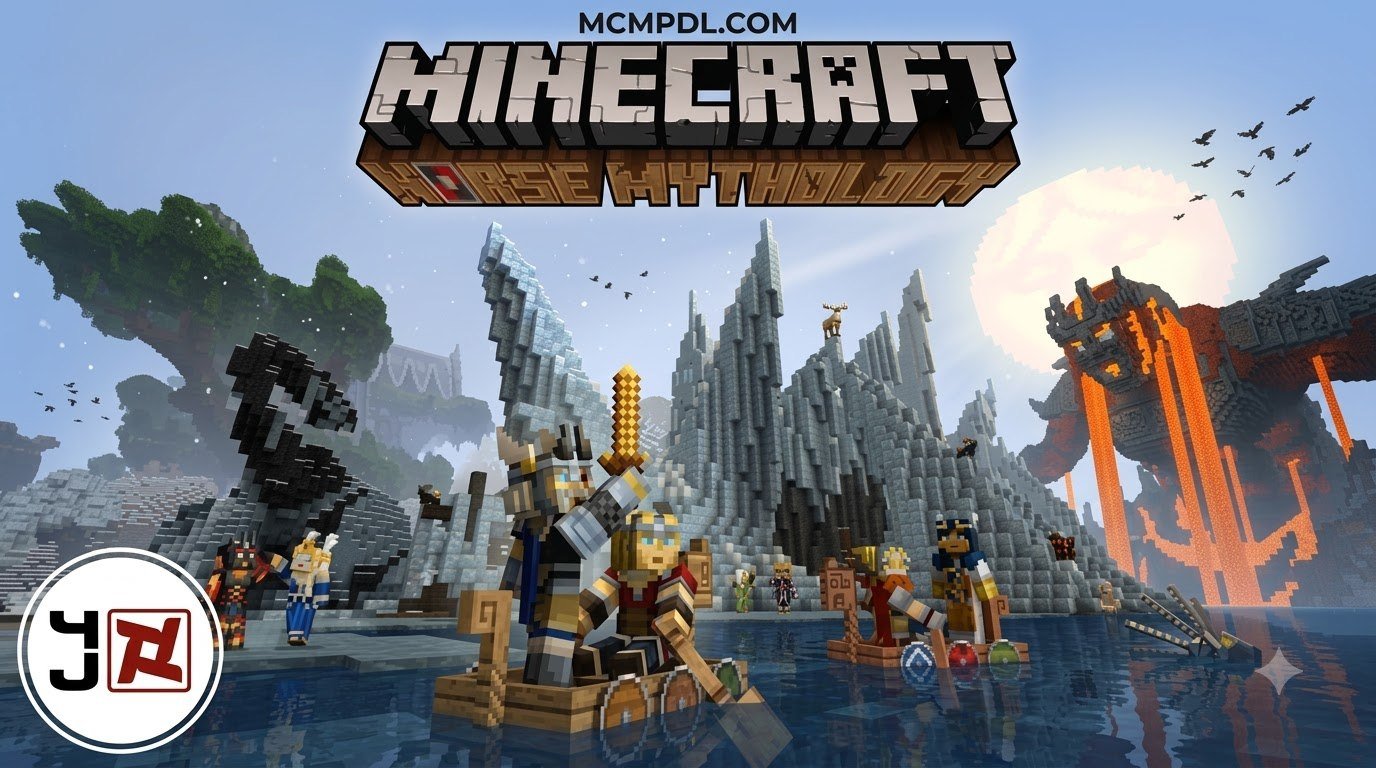
The Norse Mythology Texture Pack for Minecraft PE/Bedrock gives your game a Viking-inspired look with rugged block and item textures, themed menus, music, skins, and more. To use it, download a Bedrock-compatible pack file, import it into Minecraft, then activate it in Settings > Global Resources or in a world’s Resource Packs settings.
The popular Norse Mythology Mash-up goes beyond simple texture swaps. It brings the atmosphere of the nine realms into Minecraft with carved-looking materials, Norse-style interface art, and a dramatic soundtrack. Some releases also include custom entity models, although those visual extras may need compatible model-support tools to display correctly.
Whether you are building a longhouse, making a Valhalla role-play world, or simply want survival mode to feel more legendary, this guide explains what to download, which versions work, and how to install the pack safely on mobile and Windows Bedrock. The pack draws on the same visual language as the historical Norse mythology tradition, reinterpreting its gods, giants, and runic motifs as blocky Minecraft assets that feel both familiar and otherworldly.
Features of the Norse Mythology Texture Pack for Minecraft PE/Bedrock
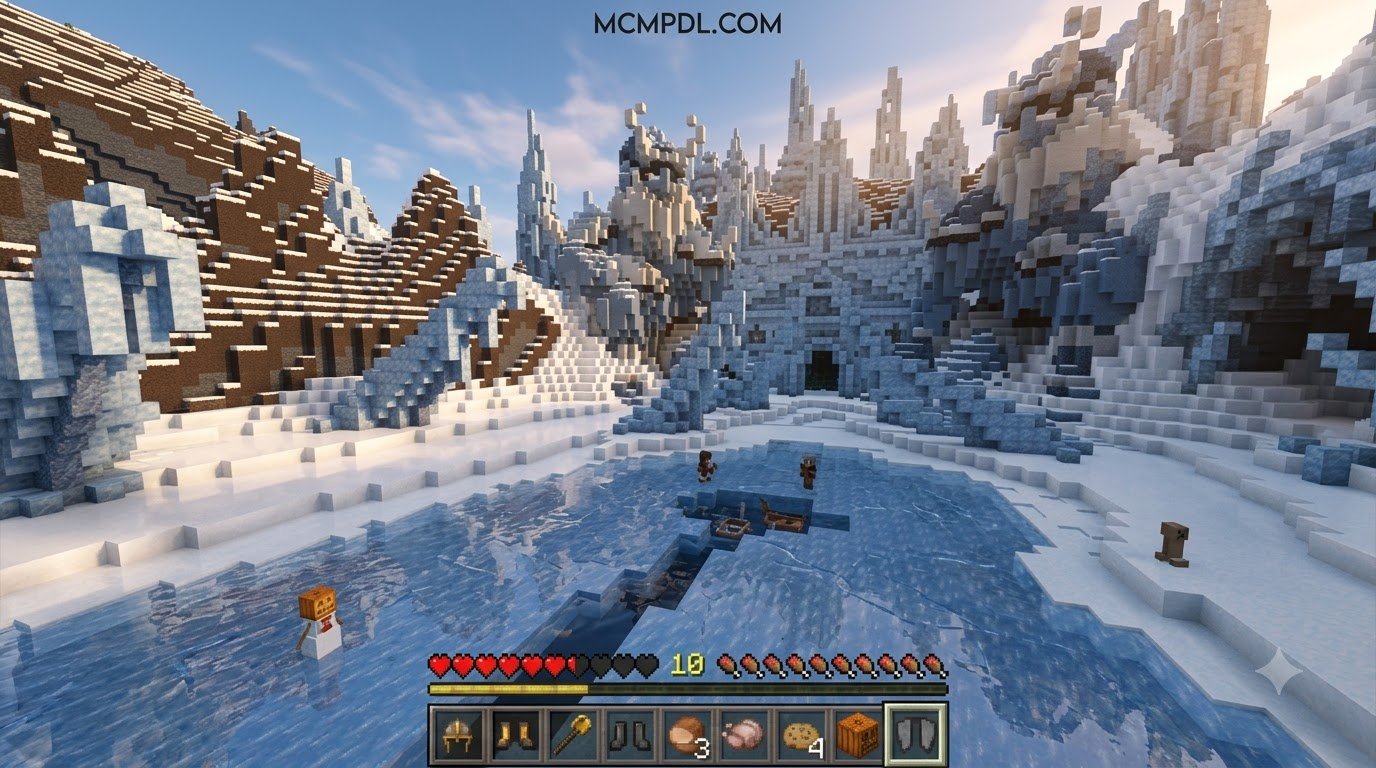
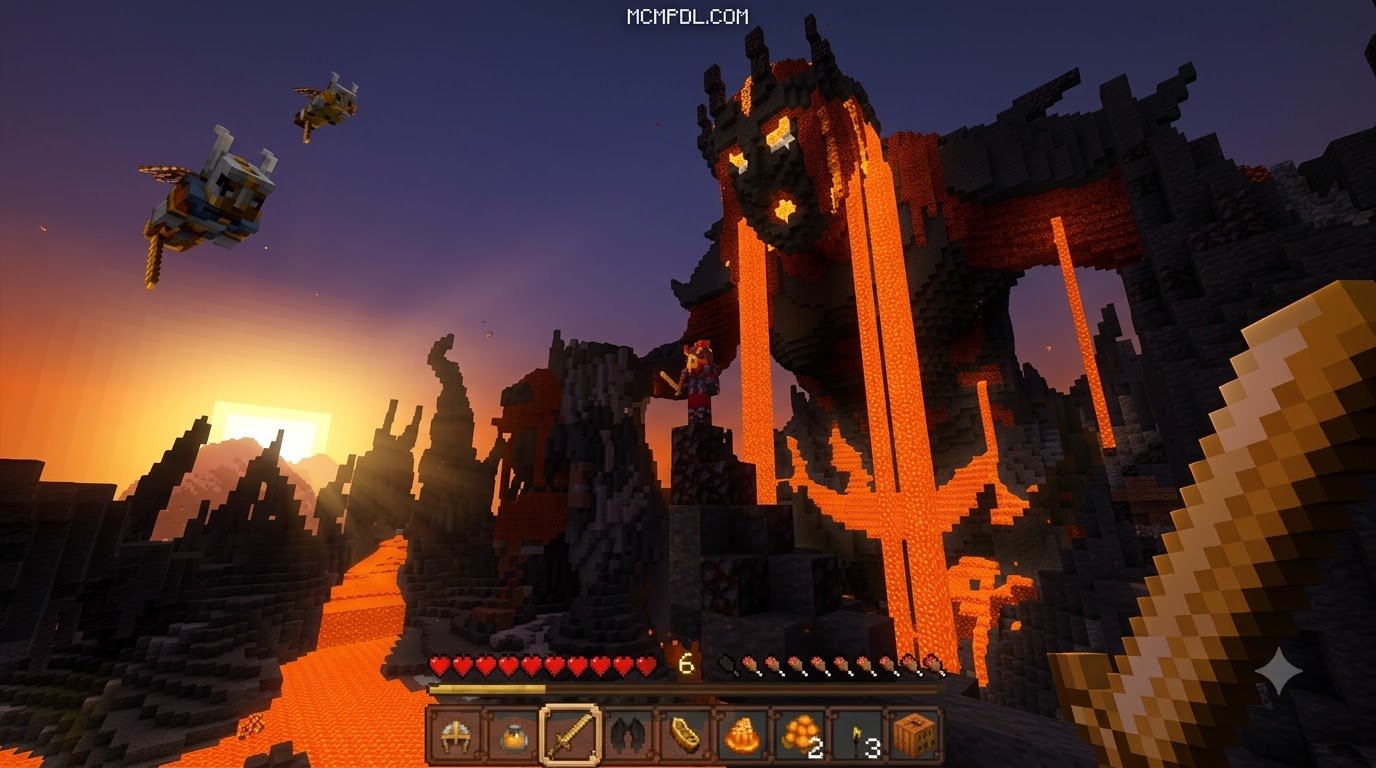
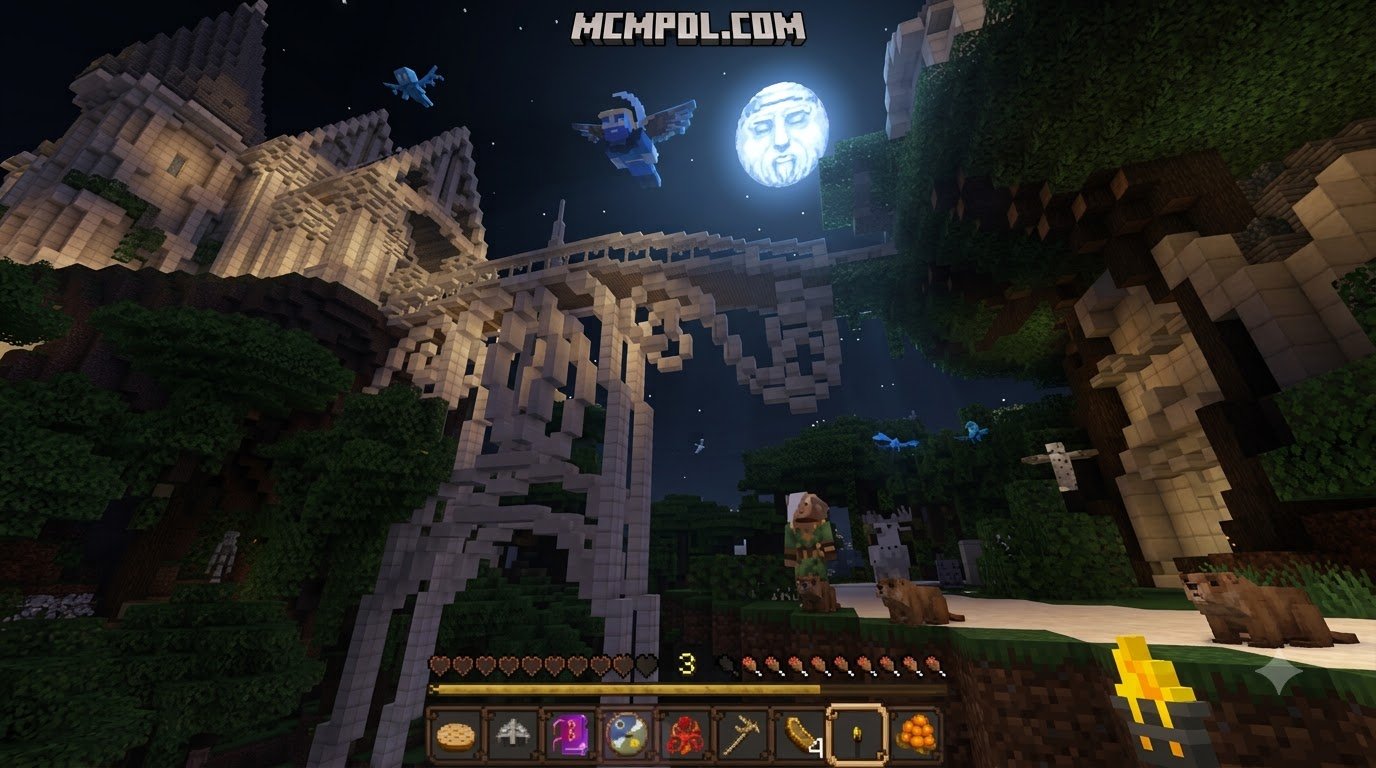
Originally celebrated on the Legacy Console Edition, the Norse Mythology theme remains one of the most memorable visual revamps ever created for the game. When ported and adapted for modern Bedrock and Pocket Edition platforms, it reshapes the Overworld, the Nether, and the End into reflections of the mythological nine realms.
Hand-Carved Visuals, UI, and Thunderous Soundtrack
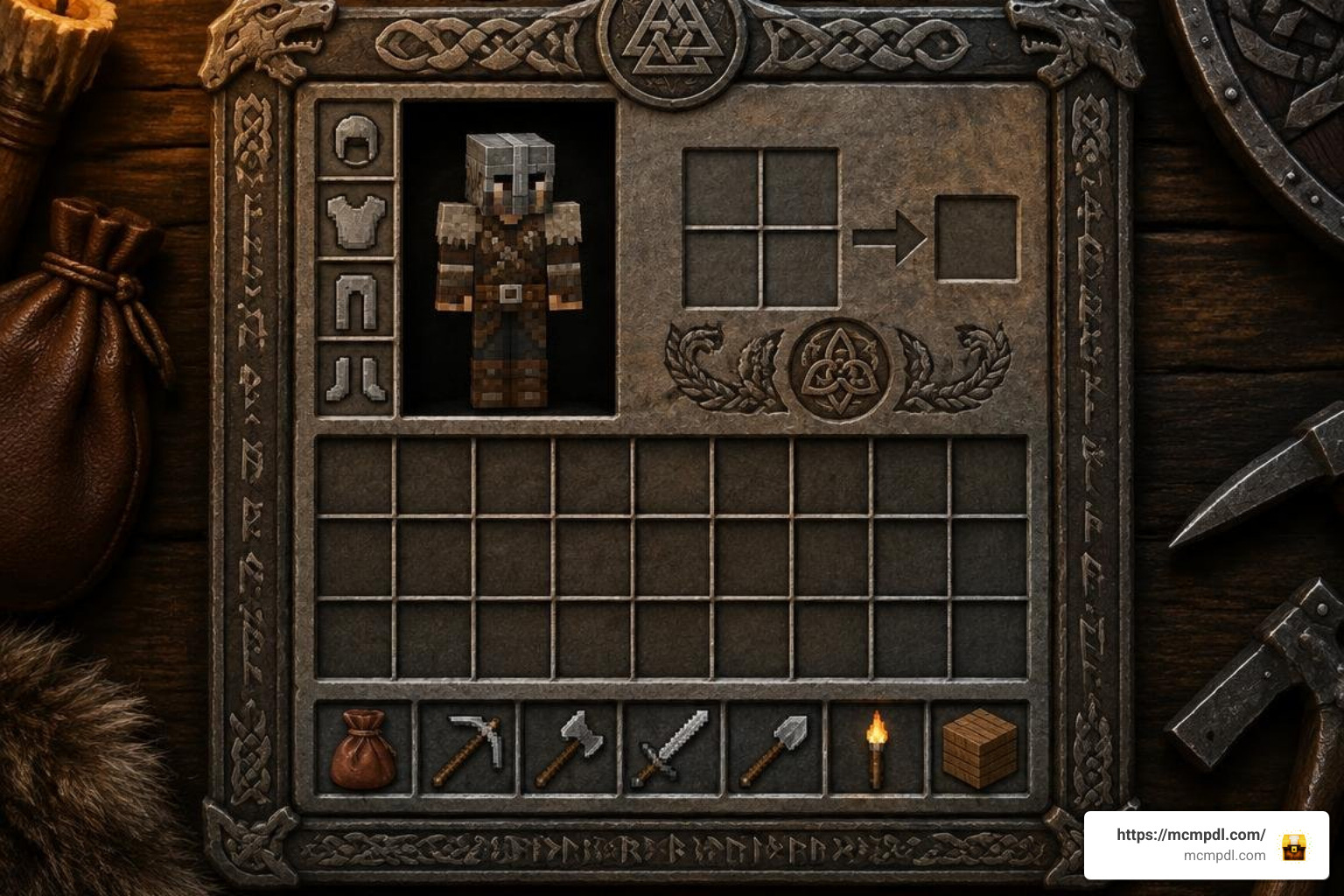
Every surface in this pack reflects a distinct Nordic aesthetic. Stone blocks, ores, and cobblestone look chiseled, while wood planks and logs feature decorative grain that looks right at home in a mead hall or coastal longship. The result is a world that feels as if it was carved by dwarven smiths rather than generated by a random seed.
Key visual and auditory changes include:
- Runic and Carved Textures: Cobblestone, deepslate, and brick variants show runic engravings, geometric borders, and rough-hewn stone finishes.
- Themed Graphical User Interface (GUI): Inventory screens, crafting tables, and heart containers are replaced with wood-trimmed panels, iron-clasped borders, and dragon-boat motifs.
- Thunderous Soundtrack: Ambient music tracks and record discs are replaced with sweeping orchestral arrangements, heavy drums, and folk instruments that add tension to exploration and combat.
- Mythological Skies and Lighting: The daylight cycle casts a crisp, northern glow across snowy peaks, pine forests, and stormy seas.
These changes work together to create a cohesive atmosphere. The carved stone and timber textures make even a simple survival base feel like a structure from the sagas, while the interface redesign keeps that mood alive every time you open your inventory or check a crafting recipe. The soundtrack is especially effective during long mining sessions or night-time raids, when the low drums and chanting vocals turn routine gameplay into something cinematic.
Custom Entity Models and Mythological Mobs
Standard hostile and passive mobs receive an overhaul to fit Nordic folklore. Depending on your setup and companion frameworks, the pack updates basic mob skins and provides full Custom Entity Models (CEM):
- Zombies & Skeletons: Reskinned as armored Draugr warriors with decaying chainmail, horned bascinets, and glowing eyes.
- Iron Golems: Modeled as stone giants (Jötnar) bound together by iron bands and glowing ancient runes.
- Creepers & Spiders: Restyled as earthen forest spirits and frost-bitten subterranean horrors.
- Bosses: The Ender Dragon and Wither take on the menacing appearances of Níðhöggr and dark realm abominations.
These mob redesigns make combat feel more personal and mythic. A zombie raid on your village becomes a draugr assault, and an encounter with an iron golem feels like standing before a guardian of the old world. The visual storytelling extends to passive mobs as well, with livestock and wolves receiving subtle fur and hide texture changes that help them blend into the northern landscape.
System Requirements and Technical Dependencies
The Norse Mythology Mash-up is optimized to run smoothly across budget phones, modern tablets, and desktop computers alike. Because the base resolution stays true to the classic Minecraft look, performance overhead remains modest.
| Resolution | Recommended Devices | Storage Size | Performance Impact |
|---|---|---|---|
| 16×16 | Budget Android/iOS phones, older tablets | ~58 MB | Extremely low; identical to vanilla Minecraft |
| 32×32 | Mid-to-high tier mobile, Windows 10/11 Bedrock | ~59 MB | Minimal; sharp details with zero frame drops |
Required Frameworks: CEM, EMF, and OptiFine
Basic block, item, and UI replacements work natively in Minecraft Bedrock without third-party modifications. However, if you are playing on custom modded Bedrock setups or cross-platform environments and want advanced Custom Entity Models (CEM) to render, certain helper frameworks are beneficial:
- Entity Model Features (EMF) & Entity Texture Features (ETF): Enables custom 3D entity geometry and variable mob skins.
- OptiFine HD: Standard utility for Java ports running custom rendering pipelines.
- Transparency Fix & Bedrock Skins Support: Ensures custom armor layers and player skin overlays display without clipping bugs.
Supported Game Versions and Resolutions
The Norse Mythology Mash-up pack has seen wide community adoption, racking up over 240,000 downloads from players worldwide. It supports modern updates including Minecraft 1.20.2–1.20.6, 1.21.x, as well as 26.1.x and 26.2.x updates. Both 16x and 32x resolution variants are lightweight, allowing you to load large survival worlds without exhausting device memory.
For players who want to understand how resource packs interact with the base game, the Minecraft resource pack system is well documented and follows a consistent priority order across Bedrock and Java editions. Knowing how packs stack helps you troubleshoot conflicts when combining the Norse Mythology Mash-up with other visual or gameplay add-ons.
How to Install the Norse Mythology Mash-up on Mobile and Windows
Setting up the pack on Minecraft Pocket Edition or Bedrock Edition takes only a few minutes.
Installing Norse Mythology Texture Pack for Minecraft PE/Bedrock on Android and iOS
- Download the .mcpack file for the Norse Mythology Mash-up to your device.
- Open your file manager app (or the Files app on iOS).
- Tap on the downloaded
.mcpackfile and choose Open with Minecraft. - Minecraft will launch automatically and display an “Import started” banner at the top of the screen, followed by “Successfully imported”.
- If using a
.ziparchive instead, rename the extension from.zipto.mcpack, or extract the folder directly into your game’sresource_packsdirectory.
Enabling Global Resources on Bedrock Edition
To apply the textures to all worlds and menus:
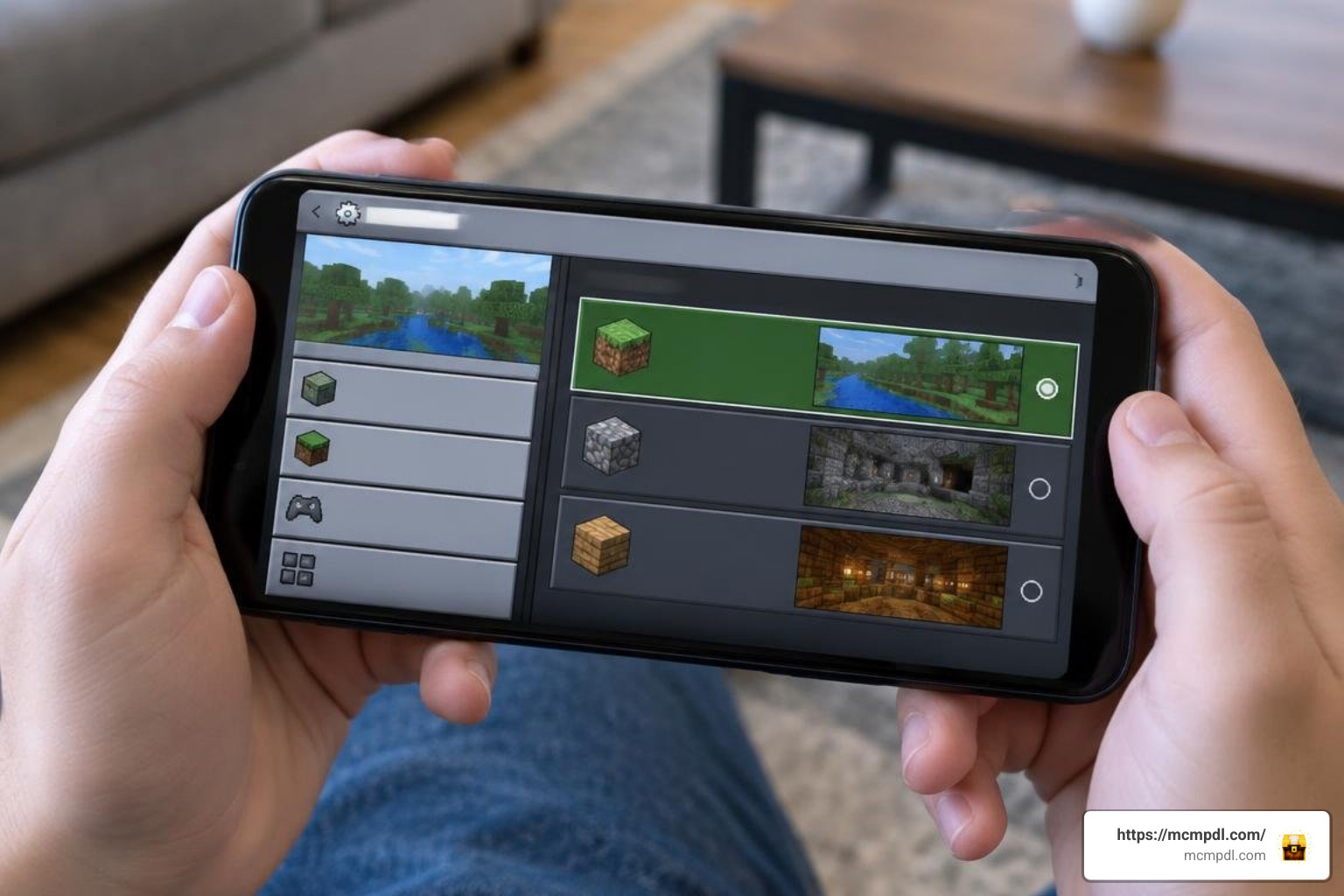
- Launch Minecraft and click Settings.
- Scroll down the left sidebar to Global Resources.
- Click My Packs, locate the Norse Mythology Mash-up, and click Activate.
- Expand the Active section and ensure the pack is moved toward the top of the priority list if you use multiple texture layers.
- Return to the main menu; Minecraft will reload its resource cache and apply the Viking UI and soundtrack.
If you prefer to apply the pack only to a specific world rather than globally, open that world’s settings, select Resource Packs, and activate the Norse Mythology Mash-up from the same My Packs list. This is useful for keeping a vanilla experience on your main survival world while reserving the Norse aesthetic for a dedicated role-play or adventure map.
Combining Add-ons and Alternative Thematic Packs
To expand your role-play setup beyond visuals, you can combine this resource pack with complementary combat packs and environment upgrades. If you want to customize your game further, you can explore immersive texture packs designed for mobile and desktop Bedrock worlds.
Pairing Weapons with the Norse Mythology Texture Pack for Minecraft PE/Bedrock
For an authentic god-like combat experience, pair your world with standalone weapon overhauls such as the Leviathan Axe & Mjolnir texture pack.
- Leviathan Axe & Mjolnir (v2.3): Replaces vanilla diamond, netherite, or trident models with high-detail 3D models of Kratos’s frost-imbued axe and Thor’s thunderous hammer.
- Wide Compatibility: Supports over 35 game versions ranging from 1.16.101 to 1.20.80 and beyond.
- Resolution Options: Available in 16x, 32x, 64x, and 128x resolutions with dedicated shader compatibility.
Popular Mythological and Medieval Texture Alternatives
If you enjoy historic, dark, or stylized building styles, consider testing these community favorites:
- Conquest texture pack: A legendary medieval and dark fantasy resource pack famous for realistic wood, stone, and atmospheric terrain.
- Eldritch Horror resource pack: Adds a sinister Lovecraftian aesthetic to Nether depths and hostile mobs.
- Vanilla HD pack: Keeps standard Minecraft designs recognizable while increasing clarity and detail across all blocks.
- Quadral textures: A vibrant, geometric resource pack suited for stylized survival bases and adventure maps.
Each of these alternatives brings a different mood to the game. Conquest leans into realistic medieval construction, Eldritch Horror darkens the atmosphere for horror-themed builds, Vanilla HD sharpens the classic look without changing its identity, and Quadral offers a clean, modern aesthetic for players who prefer bold shapes and bright colors. Mixing one of these with the Norse Mythology Mash-up can produce striking results, though you should always check load order to avoid texture conflicts.
Frequently Asked Questions
Is the Norse Mythology pack completely free to download?
Yes. While mash-up bundles were originally released on Legacy Console editions, community-maintained ports and standalone resource adaptations are available as free downloads.
What is the difference between Bedrock and Java versions of the pack?
The Bedrock version natively handles custom UI screens, skin packs, and custom sound loops within a single .mcpack file. The Java Edition port relies on OptiFine or Fabric mods (like EMF and ETF) to render specific entity models and connected block textures.
Why are custom entity models not showing up in my game?
If mob textures change but their 3D shape remains identical to vanilla Minecraft, ensure you have enabled any required sub-packs in the pack settings cog, or verify that your setup supports Bedrock custom entity geometry.
Can I use this pack on a multiplayer server?
Yes, but with a caveat. Resource packs are client-side, so you can activate the Norse Mythology Mash-up on your own device and join any Bedrock server without affecting other players. However, if the server enforces its own resource pack, that pack may override yours. For the best experience on a private server, ask the host to add the Norse Mythology Mash-up as the server resource pack so all players see the same Viking world.
Will the pack slow down my phone or tablet?
In most cases, no. The 16x resolution variant has a performance impact nearly identical to vanilla Minecraft, and the 32x variant adds only a minimal load. If you are playing on a very old device, stick with the 16x version and avoid pairing the pack with heavy shader mods.
Conclusion
The Norse Mythology Mash-up remains an exceptional visual overhaul for players who want to trade ordinary survival plains for the grandeur of the nine realms. With runic masonry, carved timber, atmospheric sound design, and fearsome Draugr mobs, it completely revitalizes survival worlds and creative builds alike. The pack’s lightweight resolution options mean you do not need a high-end device to enjoy the transformation, and its compatibility with modern Bedrock versions ensures it will remain a staple of themed worlds for years to come.
Download the pack, raise your longhouse banners, and browse all Minecraft add-ons and resources to discover new mods, skins, and worlds for your next journey.