Scroll down to D0vvnl0ad
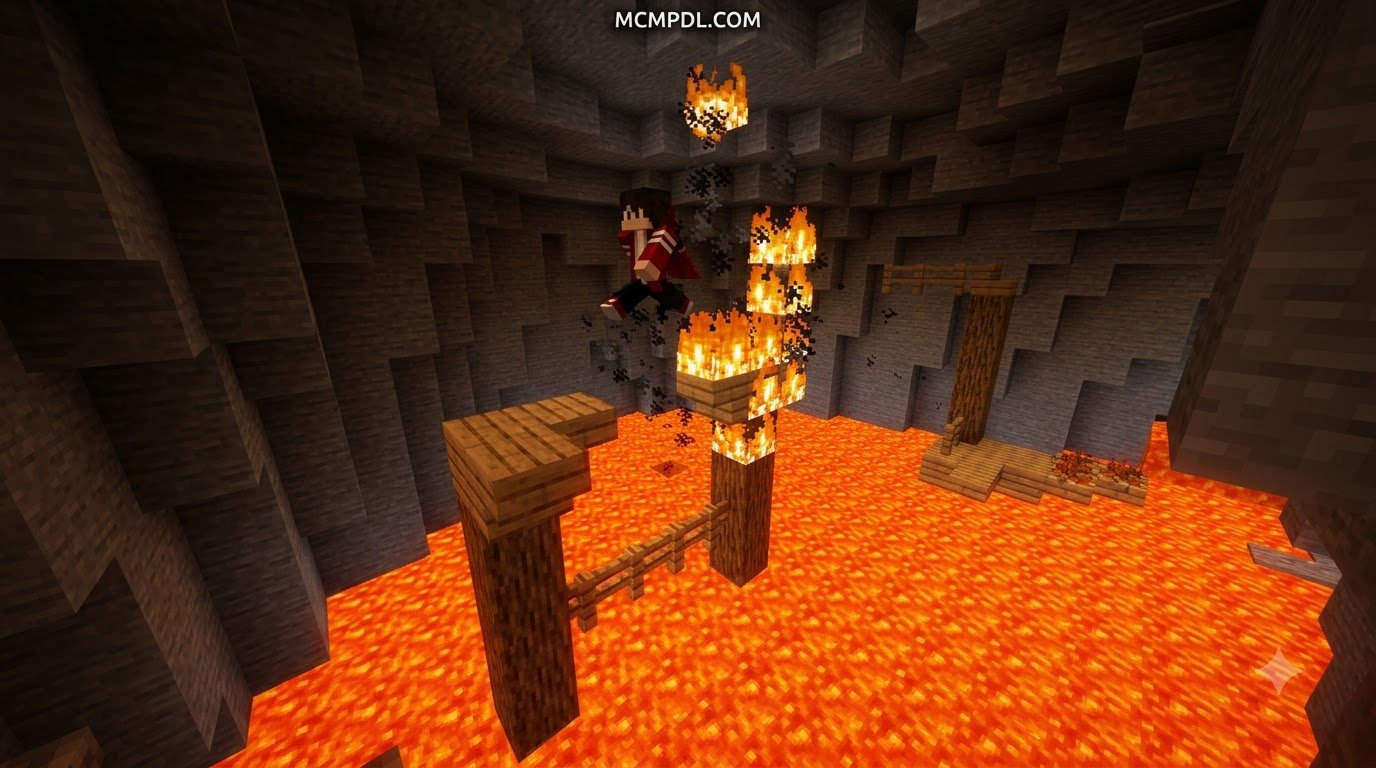
What Is the Parkour Volcano Map for Minecraft PE/Bedrock?
To download and install the Parkour Volcano Map for Minecraft PE/Bedrock, search for “Parkour Volcano” in the in-game Minecraft Marketplace, unlock the template, and select Download, or download a community .mcworld file and open it to automatically import the world directly into Minecraft. Once imported, select the template to launch your fiery ascent.
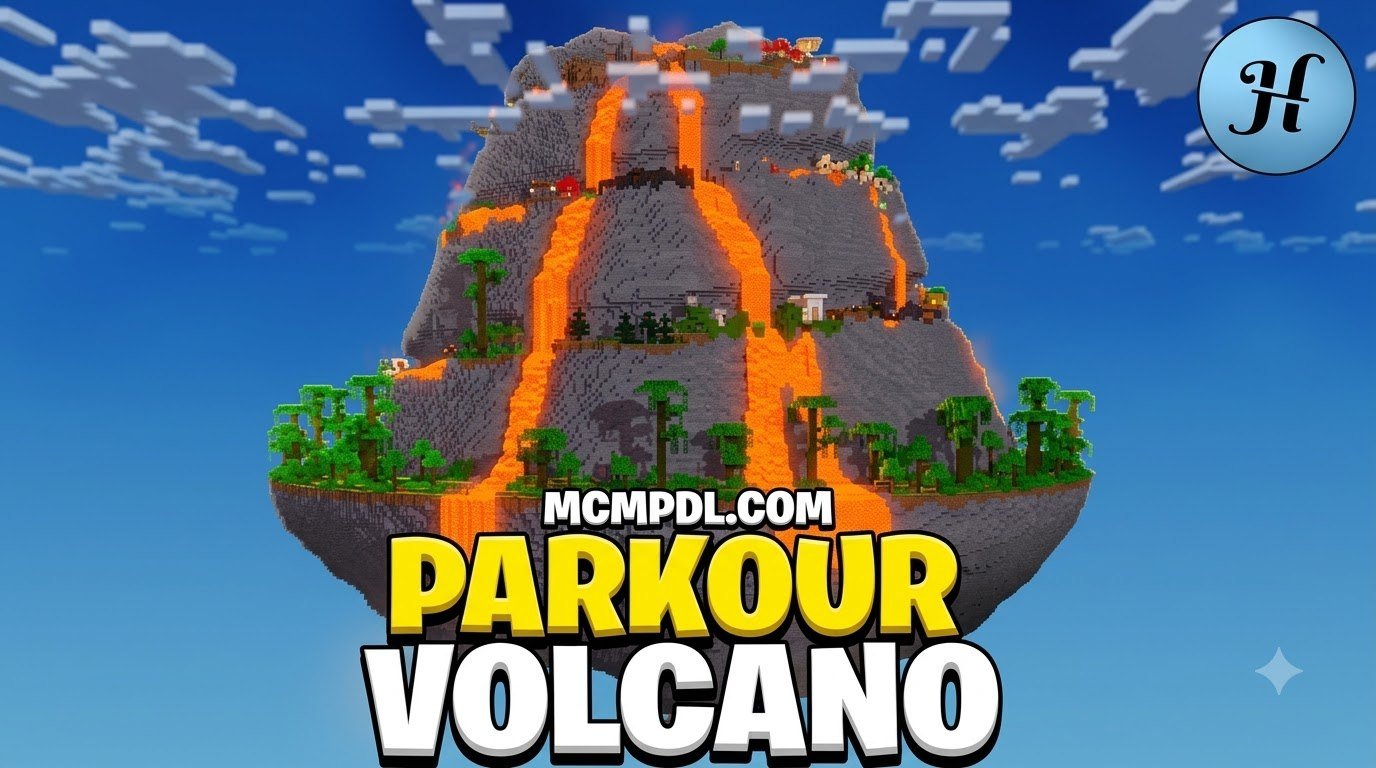
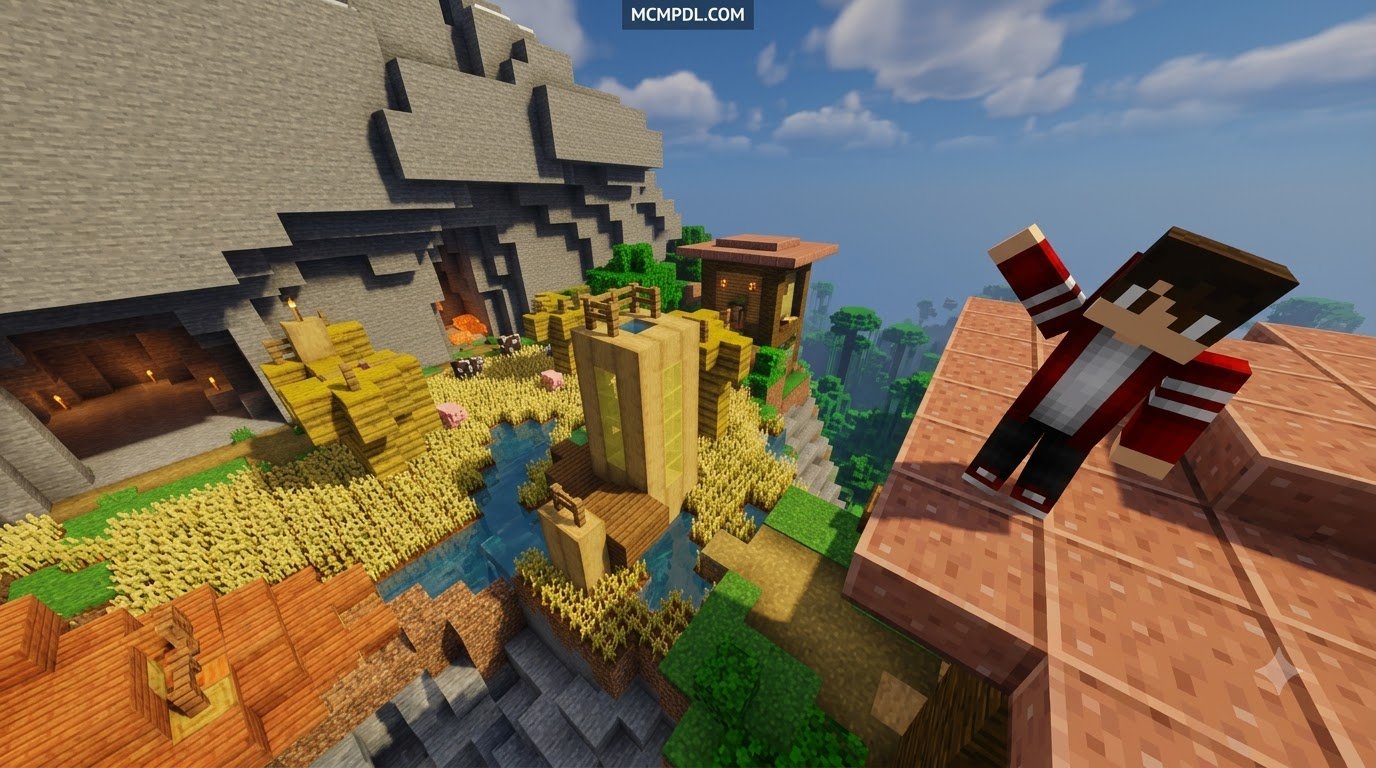
The Parkour Volcano by Hielke Maps experience takes the classic jumping challenge formula and turns up the heat. Instead of hopping across floating wool blocks in an empty void, you find yourself inside a massive, rumbling geological hazard reminiscent of a real-world volcano. Designed by seasoned mapmaker Hielke Maps, this minigame challenges you to ascend from the dangerous depths to the volcanic summit before the environment consumes you.
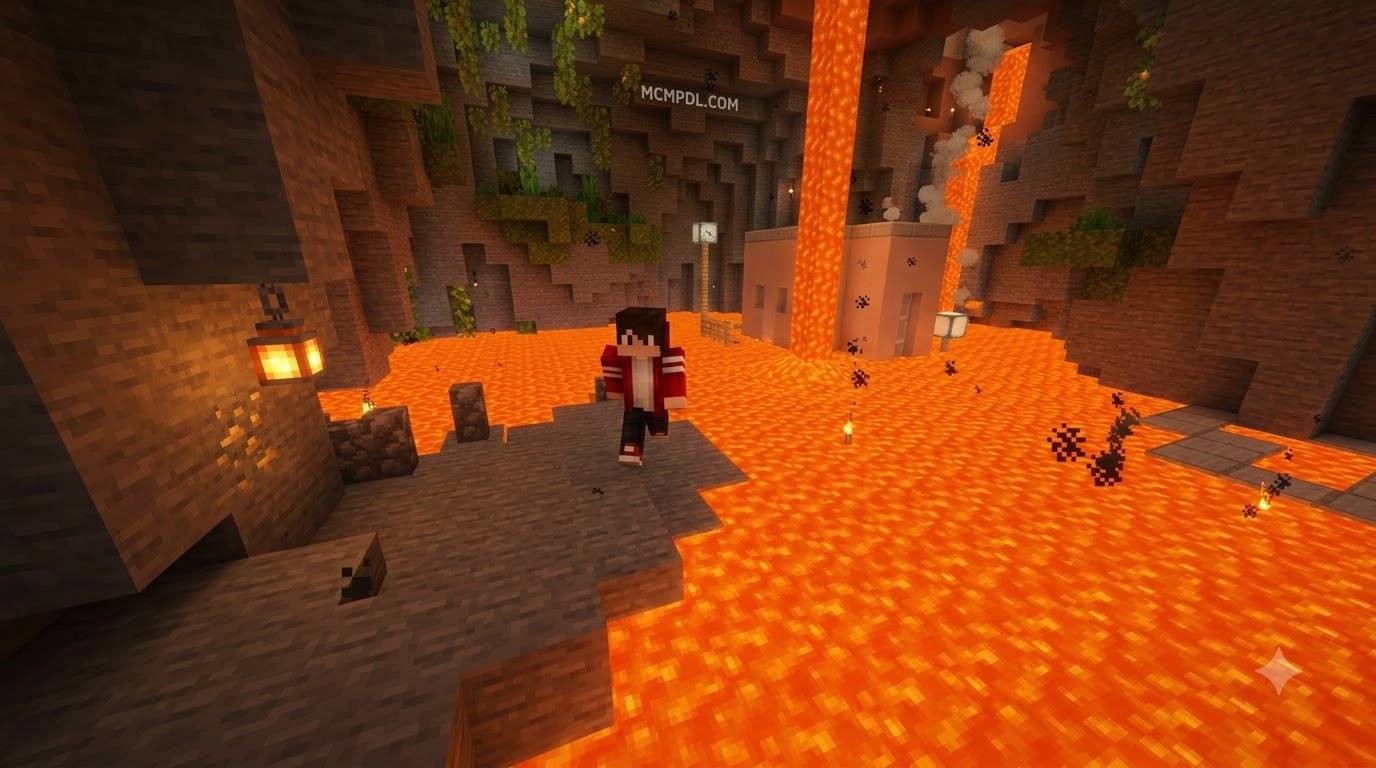
What sets this creation apart from standard obstacle courses is the constant sense of urgency. The map combines vertical level design with dynamic hazard escalation. As you sprint across narrow basalt ledges and leap over bubbling magma pools, you must stay ahead of rising lava and outrun raging fires.
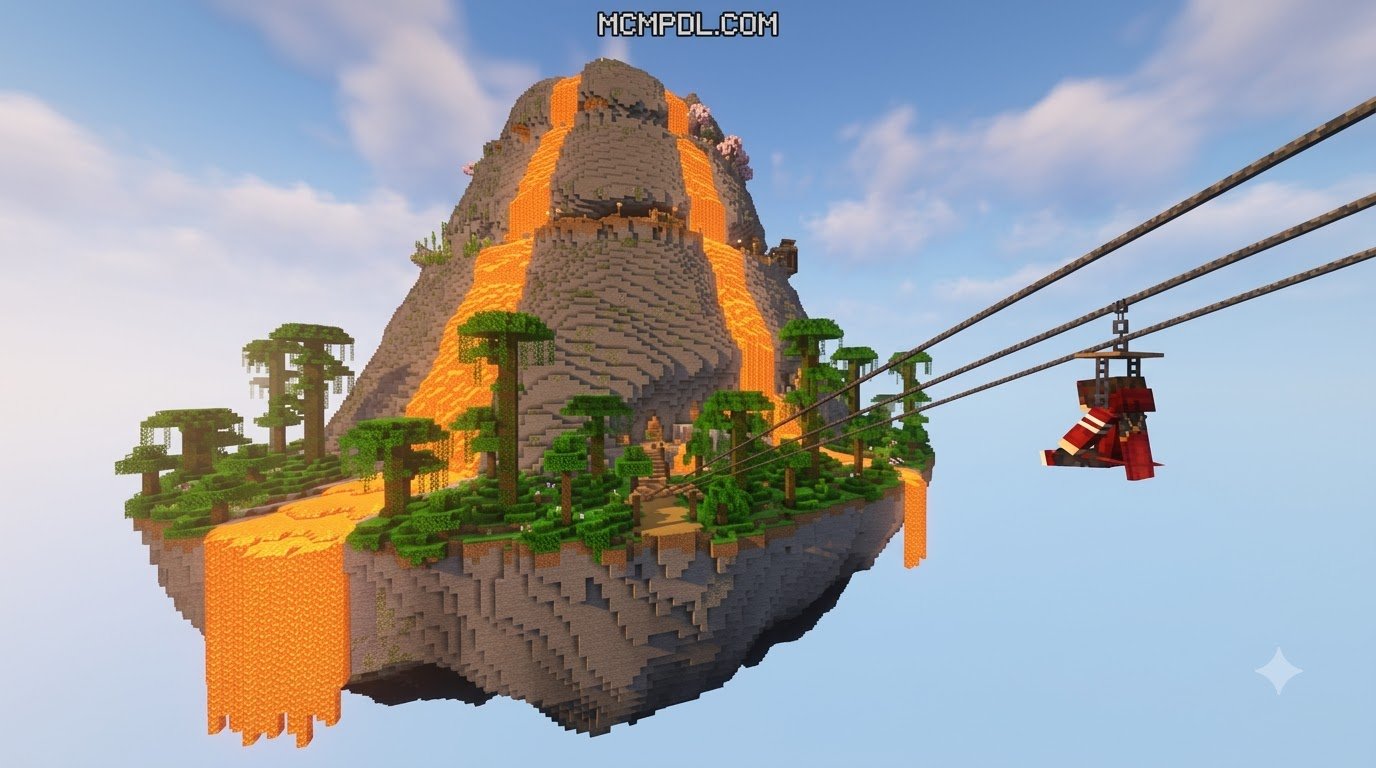
Beyond standard obstacle navigation, the map introduces custom traversal elements such as functional ziplines that let you glide across cavernous magma chambers. For completionists and explorers, the map conceals 10 carefully hidden Easter eggs tucked away in secret alcoves and treacherous off-path ledges. Every run you make is tracked by an integrated timing system that awards performance ranks from S-Tier down to D-Tier based on your speed, precision, and agility.
Key Gameplay Mechanics and Unique Features
The brilliance of the Parkour Volcano Map for Minecraft PE/Bedrock lies in how smoothly its custom mechanics blend into native Bedrock physics. Here is a breakdown of what makes the gameplay loop so addictive:
- Rising Lava and Fire Hazards: You are never entirely safe standing in one place. The dynamic threat of rising lava forces you to maintain forward momentum, making hesitation your worst enemy.
- Zipline Traversal Mechanics: Custom-coded ziplines allow players to latch on and soar over vast chasms of molten rock. Nailing the entry and exit momentum on these lines is critical for setting record times.
- Precision Checkpoint System: Falling into the fiery abyss is inevitable while learning routes, but well-placed checkpoints ensure you can dust off your boots and jump straight back into the action without losing your entire run’s progress.
- Integrated Speedrun Timer: A visible, precise timer tracks every second of your ascent, feeding directly into the end-of-run ranking system.
- Massive Multiplayer Support: Whether you want a solo time trial or a chaotic race against a crowd, the map seamlessly supports anywhere from 1 to 99 players simultaneously.
- Stellar Community Reception: The Bedrock edition has garnered critical acclaim on the Minecraft Marketplace, holding a 4.7 out of 5-star rating across 375 community ratings, with an overwhelming 86% of players (322 reviews) awarding it a perfect 5 stars.
Java Edition vs. Bedrock Edition Features
While the core volcanic ascent remains thrilling across all platforms, there are key distinctions between the Bedrock Edition release and the standalone Java Edition version.
| Feature / Metric | Bedrock Edition (PE / Consoles / PC) | Java Edition (PC) |
|---|---|---|
| Download Source | Minecraft Marketplace | Direct Archive |
| Price | 660 Minecoins (~$3.46 USD / €3.26 EUR) | Free / Community Download |
| File Size | Packaged World Template | Approx. 12.1 MB |
| Player Count | 1 to 99 Players (Cross-Platform) | Unlimited (Server Dependent) |
| Minimum Version | Bedrock 1.16.0 or newer | Java 1.20+ (Map Version 1.2.3) |
| Latest Update Date | May 19, 2025 | July 25, 2026 |
| Community Downloads/Ratings | 4.7 / 5 Stars (375 Ratings) | 59.7K Downloads (4.5 / 5 Stars from 218 Reviews) |
The Bedrock version brings cross-play accessibility to players on smartphones, tablets, consoles, and Windows PCs, allowing friends to race together effortlessly regardless of device.
How to Download and Install Volcano Parkour Maps on Bedrock
Getting your hands on fiery parkour challenges in Bedrock Edition is straightforward. Depending on whether you choose official marketplace releases or community-created .mcworld packages, the installation process requires only a few clicks or taps.
Step-by-Step Installation of Custom Volcano Parkour Maps for Bedrock
If you are purchasing the official Hielke Maps release directly within Minecraft Bedrock:
- Launch Minecraft: Open Minecraft on your smartphone, tablet, console, or Windows PC.
- Access the Marketplace: Click on the Marketplace button on the main title screen.
- Search for the Map: Use the magnifying glass icon in the top-right corner and search for
Parkour Volcano. - Purchase and Unlock: Select the map from the search results. If you have the required 660 Minecoins (around $3.46 USD), tap the coin purchase button.
- Download the Template: Once unlocked, tap Download. The game will store the template in your local cache.
- Create Your World: Click Create This World, adjust any custom world preferences (such as enabling cheats or multiplayer visibility), and press Play to jump straight into the fiery caldera.
Installing Custom Volcano Parkour .mcworld Files
If you are exploring independent community maps, such as classic standalone volcano courses or bite-sized multi-level challenges, you will typically download a direct .mcworld file. Here is how to install these files on mobile and desktop platforms:
- Android Installation:
- Download the
.mcworldfile using your mobile browser. - Open your device’s Files / File Manager app and locate the file in your
Downloadsfolder. - Tap the
.mcworldfile. When prompted to select an app, choose Minecraft. - Minecraft will launch automatically and display an “Import Started” banner at the top of the screen, followed by “Import Successful.”
- Go to your worlds list to find and launch the imported map.
- Download the
- iOS / iPadOS Installation:
- Download the
.mcworldfile via Safari. - Tap the Downloads icon in Safari and select the downloaded file.
- Tap the Share button and select Minecraft from the app list.
- The game will automatically launch, import the world template, and add it directly to your single-player menu.
- Download the
- Windows 10/11 Installation:
- Download the map file directly to your PC.
- Double-click the
.mcworldfile. - Windows will launch Minecraft Bedrock Edition and import the world automatically.
Always ensure your game client meets the minimum required version (typically Bedrock 1.16.0 or newer for modern releases, though specific retro maps like Volcano Parkour were built around Bedrock 1.18/1.18.10).
Pro Tips to Beat the Lava and Climb the Leaderboard
Ascending an erupting mountain requires quick reflexes, route familiarity, and solid jump timing. Mastering momentum control separates casual hikers from top-tier speedrunners.
- Keep Sprinting Bound to Toggle: In parkour maps, losing your sprint key mid-jump often means falling into magma. Use sprint toggle or keep your finger firmly anchored to ensure maximum jump distance on 4-block gaps.
- Control Your Camera on Ziplines: When dismounting ziplines, align your crosshair with the landing block before detaching. Sudden camera swings mid-air can ruin your forward momentum and pull your landing off-center.
- Look for Visual Cues: Magma blocks, polished basalt, and stone buttons frequently mark optimal paths and hidden checkpoint pads. Use these visual markers to plan your jumps two steps ahead.
- Pacing Over Panic: While the rising lava creates urgency, rushing blindly into uncalculated jumps causes repeated checkpoint resets. Establish a consistent, rhythmic cadence for your leaps.
Mastering the Parkour Volcano Map for Minecraft PE/Bedrock: Pro Tips and Routes
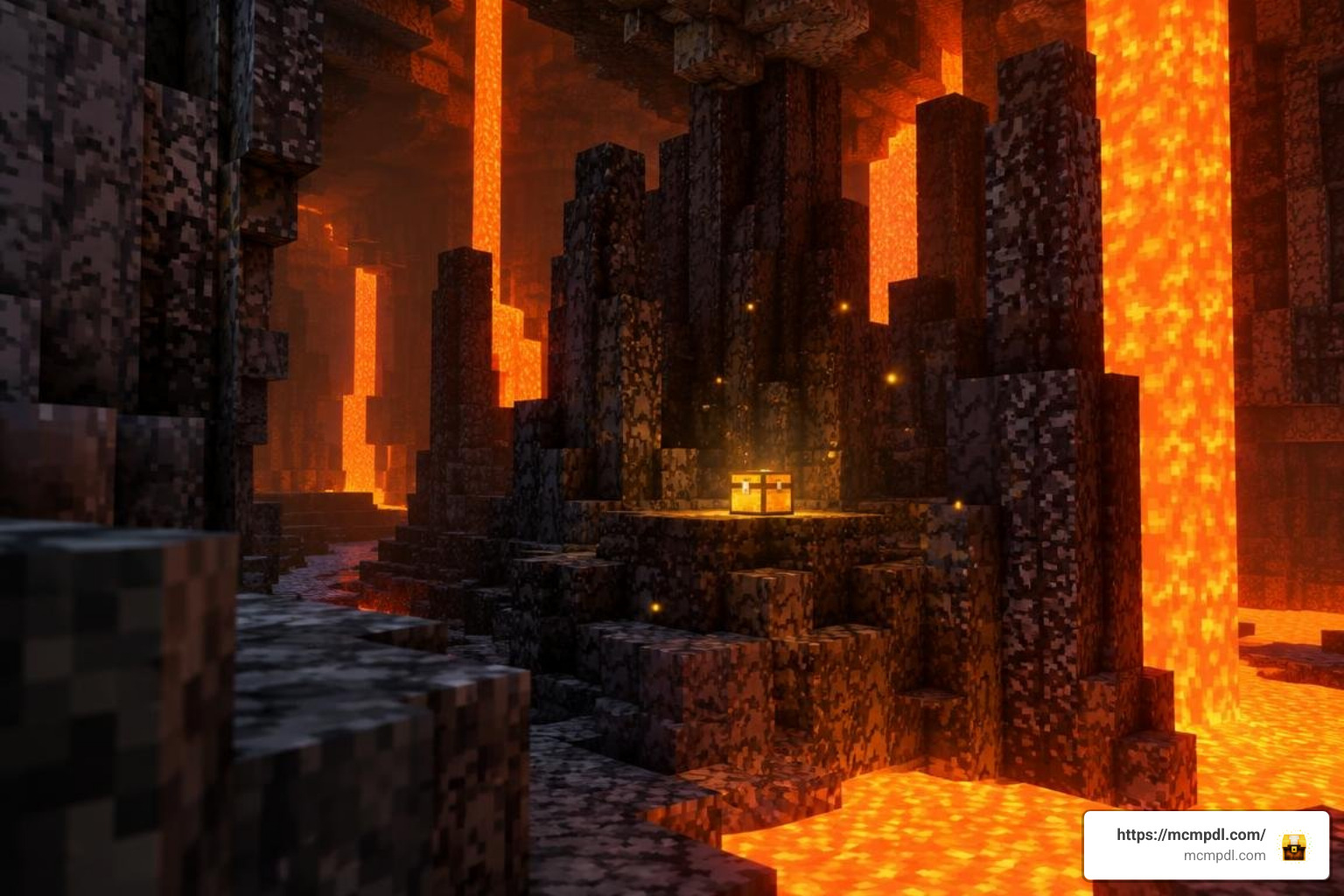
To shave crucial seconds off your timer and achieve top rankings, you need to exploit advanced movement techniques throughout the volcanic complex:
- Corner Cutting on Basalt Outcrops: You do not always need to hit the center of every block. By jumping diagonally across the outer corners of jagged volcanic rocks, you shorten the overall travel distance of each segment.
- Momentum Preservation on Head-Hitters: Several caverns inside the volcano feature low ceilings. Master the art of tapping sneak or jumping slightly later in your stride to prevent your character’s head from hitting overhead obsidian blocks, which kills your horizontal velocity.
- Zipline Early-Dismounts: You do not have to ride every zipline to its absolute termination point. Dismounting a fraction of a second early while preserving forward velocity allows you to bunny-hop directly onto the next platform, bypassing slower dismount animations.
Unlocking Ranks and Finding Hidden Easter Eggs in the Parkour Volcano Map for Minecraft PE/Bedrock
The integrated ranking board evaluates your run based on raw completion time. While working your way toward the summit, test your skills against these performance tiers:
- S-Rank (Speedrun Master): Requires flawless execution, optimal corner-cutting, and zero checkpoint resets. Reserved for runs that clear the ascent within the tightest speed thresholds.
- A-Rank (Parkour Veteran): Achieved with clean movement, minimal hesitations, and no more than one or two minor stumbles.
- B-Rank (Adept Climber): A solid, steady run showing good familiarity with ziplines and hazard timing.
- C-Rank (Survivor): Awarded for completing the map at a cautious pace while learning the layout.
- D-Rank (Apprentice): Given to players who make it to the top after multiple checkpoint resets and extended exploration.
Hunting the 10 Hidden Easter Eggs: Scattered throughout the cavernous interior, lava falls, and smoking crags are 10 collectible Easter eggs. Finding them requires deviating from the obvious path:
- Check behind flowing lava curtains where fire-resistance cues or subtle openings are visible.
- Inspect under-hangs below zipline landing platforms before triggering the next checkpoint.
- Look for isolated basalt pillars resting near the perimeter walls of wide magma chambers.
Discovering all 10 Easter eggs rewards thorough explorers with bragging rights and deep familiarity with every hidden inch of the volcano.
Frequently Asked Questions About Volcano Parkour Maps
How much does a custom Parkour Volcano map cost?
The official Parkour Volcano map by Hielke Maps on the Minecraft Marketplace costs 660 Minecoins, which converts to roughly $3.46 USD or €3.26 EUR. Third-party community maps created by independent designers across Bedrock forums and sharing sites are generally available for free as downloadable .mcworld packages.
What Minecraft Bedrock version is required to play?
To run Parkour Volcano, your game must be updated to Minecraft Bedrock version 1.16.0 or newer. Because the map received stability updates through May 19, 2025, keeping your game updated to the latest standard Bedrock build ensures smooth performance and zero scripting glitches with zipline mechanics.
Does Parkour Volcano support multiplayer for large groups?
Yes, the map offers native multiplayer support accommodating anywhere from 1 to 99 players simultaneously. You can run head-to-head speedrun races with friends, host community tournaments, or jump in together as a group to hunt down all 10 hidden Easter eggs across the volcano.
Conclusion
Conquering an active volcano is one of the most thrilling parkour experiences you can bring to your mobile device, console, or PC. With its intense rising lava mechanics, smooth ziplines, competitive S-to-D ranking system, and hidden Easter eggs, it offers endless replay value whether you are practicing solo jumps or racing a server full of friends.
If you are eager to discover even more thrilling obstacle courses, texture packs, and gameplay guides, explore our extensive library of custom Bedrock maps and community guides to keep your adventures fresh and exciting! Grab your running boots, keep your eyes on the next ledge, and see how fast you can conquer the molten summit!