Scroll down to D0vvnl0ad
What Does the Shipping Services Addon Add to Minecraft PE/Bedrock?

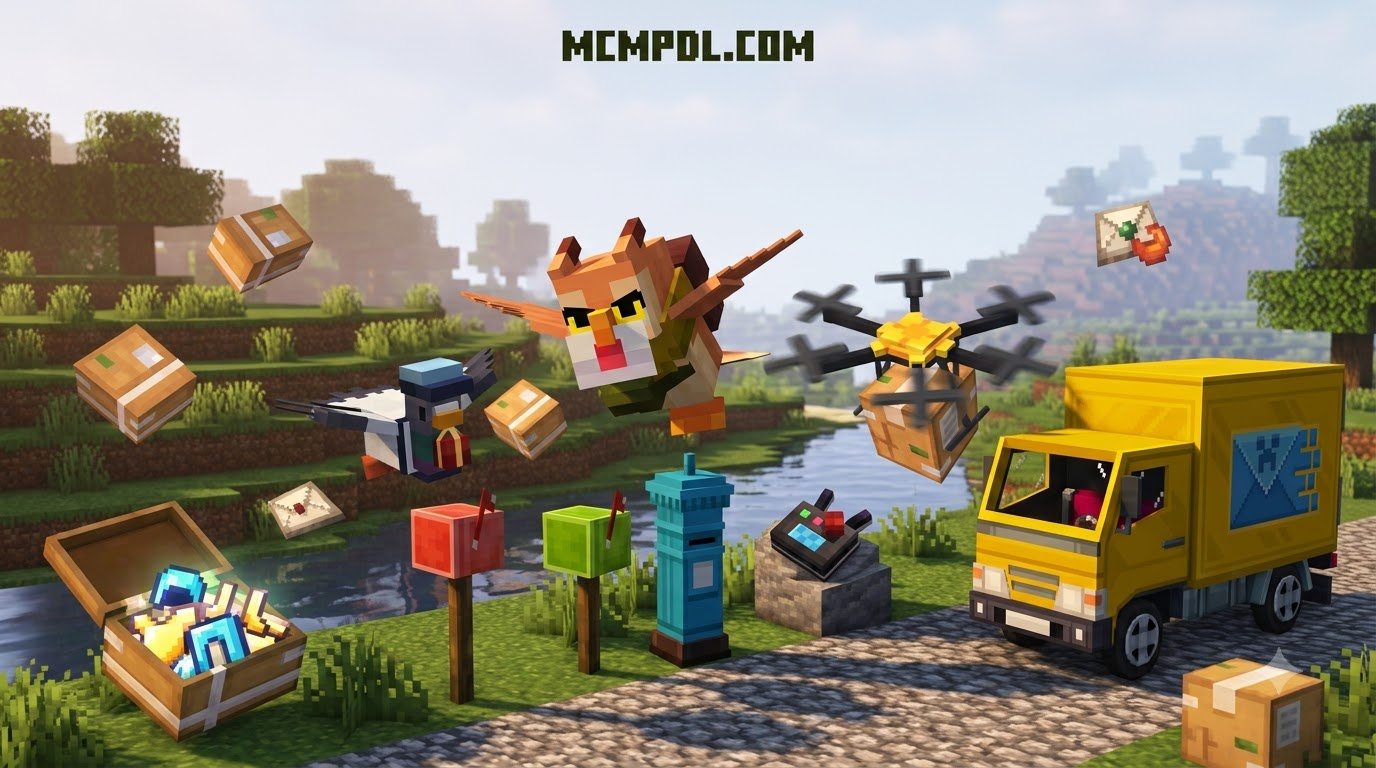
The Shipping Services Addon for Minecraft PE/Bedrock adds ways to send items around your world. You can use drones and trucks for deliveries, manage parcels through a mailing system, and shop for resources and gear in an in-game E-Shop.
It gives survival players a reason to build more than storage rooms: you can plan delivery routes between bases and trade supplies with friends. This guide covers the features, setup, and settings to check before you add it to a world. For a broader look at how logistics systems work in the game, see the Minecraft overview of gameplay mechanics and modding.
Core Mechanics of the Shipping Services Addon for Minecraft PE/Bedrock
Running a survival base usually means carrying stacks of cobblestone, ingots, and crops manually across long distances. The core mechanics of this logistics pack completely change your daily routines. Instead of trekking thousands of blocks on foot or relying strictly on standard minecarts, you now have access to a complete freight management ecosystem.
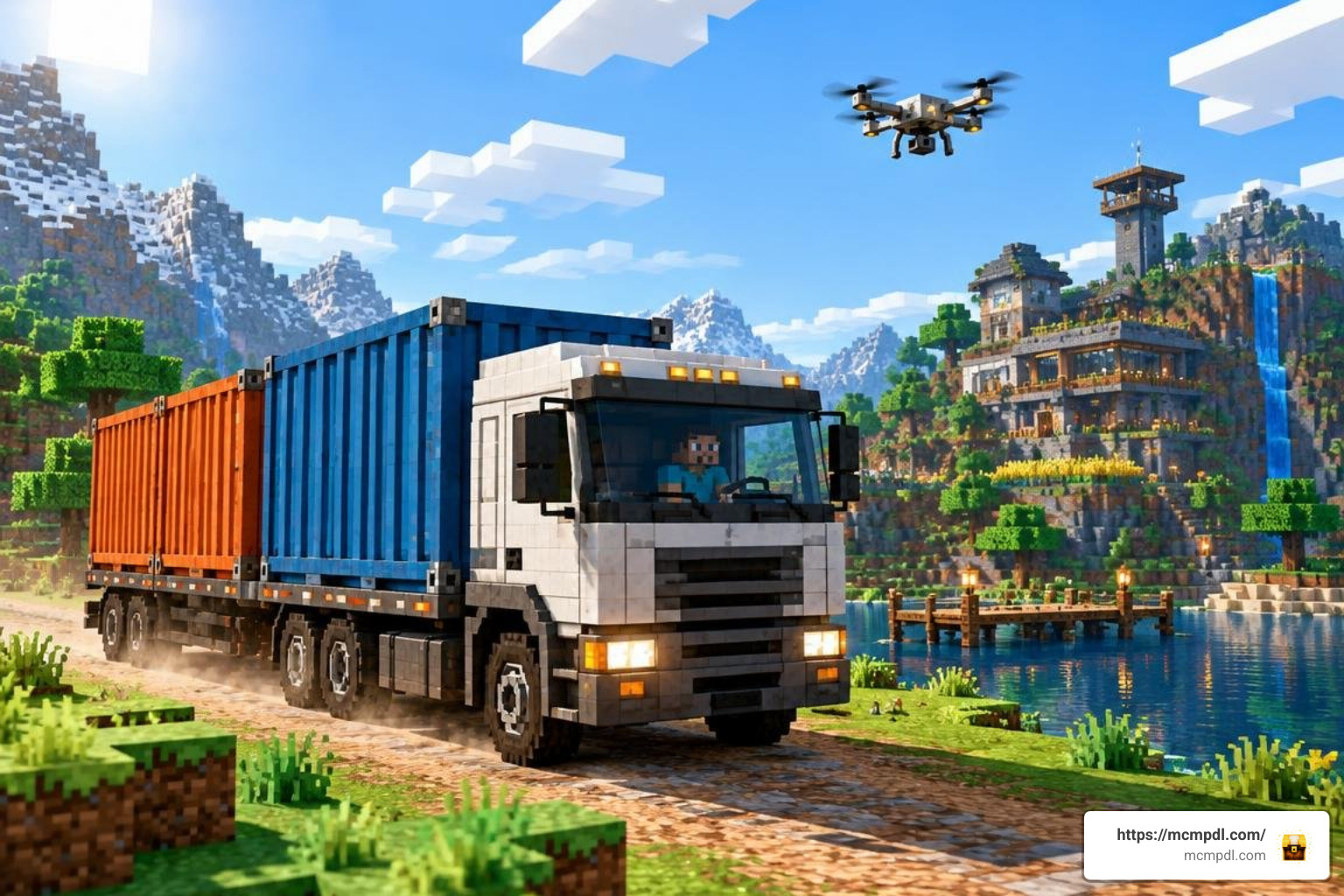
At its foundation, the system divides logistics into two distinct phases: collection and transit. You prepare your cargo inside registered containers, assign a target endpoint, and select the best transport vehicle for the job. Combining dynamic vehicle entities with inventory-checking scripts allows items to travel smoothly between chunks without getting deleted or stuck in limbo.
Whether you want to connect remote mining outposts to your central warehouse or set up automated trade routes between multiplayer settlements, the mechanics bridge the gap between simple item frames and modern industrial automation.
Modern Delivery Vehicles: Drones and Trucks
When speed and volume matter, mechanical transport is your best choice. The addon introduces high-tech drones and heavy-duty delivery trucks designed for distinct transport tiers:
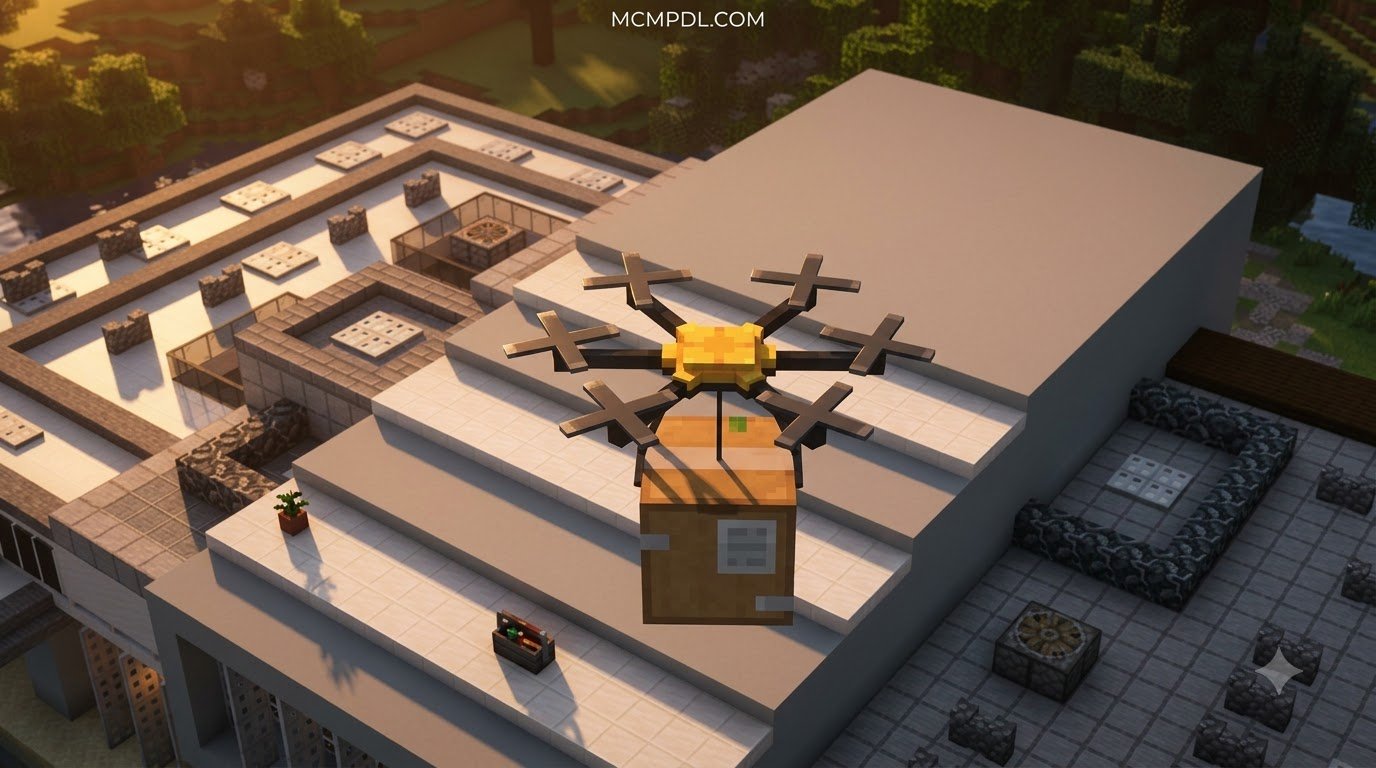
- Logistics Drones: Engineered for high-speed, point-to-point transit. Drones ignore ground obstacles, ravines, and mountain ranges, flying directly toward assigned landing pads. They are ideal for high-value, low-bulk transfers like sending freshly mined diamonds, enchanted gear, or urgent potions to an ally in need.
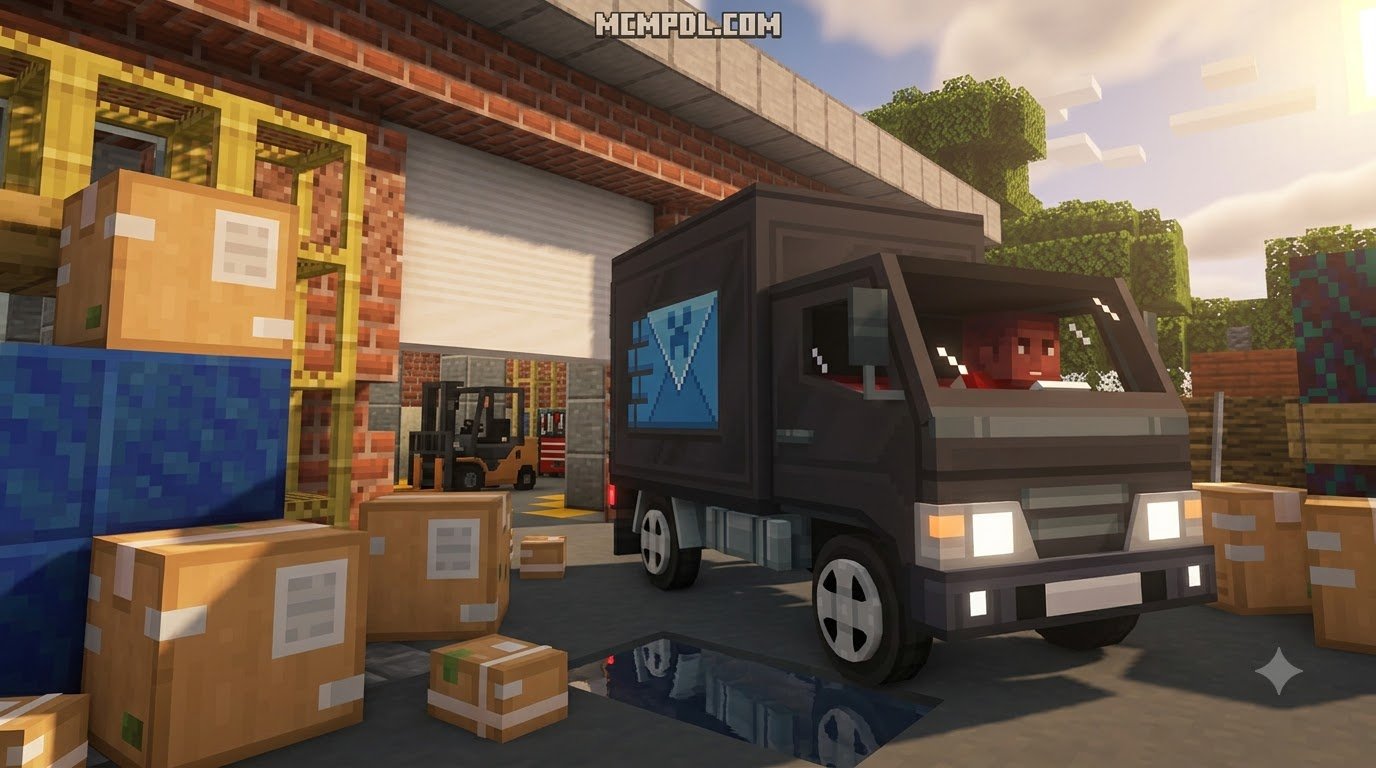
- Cargo Delivery Trucks: Built for heavy freight operations. While trucks require open terrain or clear routes, they feature massive inventory storage. If you enjoy driving across your survival worlds alongside other drivable vehicles, trucks let you haul multiple double-chests worth of building blocks in a single run.
Using these vehicles together with systems for automated item transport creates an efficient distribution loop. You can use automated sorting hoppers to load a truck at your main quarry, drive or route it to your headquarters, and let automated cranes or hoppers unload it upon arrival.
Traditional and Avian Courier Options
If your world aesthetic leans more toward medieval fantasy or cottagecore than high-tech logistics, the addon also includes charming avian couriers:
- Carrier Pigeons: Lightweight and swift, pigeons handle personal correspondence and small items. They are perfect for delivering written books, secret maps, or spare keys between neighboring towns.
- Delivery Owls: Inspired by classic folklore, trained owls carry slightly heavier parcels under the cover of night. They provide a stealthy and immersive way to exchange resources across dark forests and remote biomes.
To use avian couriers, players simply tame wild birds with specific seeds or treats, link them to a personal roost or mailbox, and attach small satchels. It offers a great roleplay experience for players acting as local village postmasters or couriers.
Setting Up Your In-Game Marketplace and E-Shop
Beyond point-to-point parcel shipping, the pack features an interactive E-Shop that brings modern commerce straight to Bedrock Edition. Players no longer need to wander endlessly searching for elusive wandering traders or rare biome structures.
By opening the E-Shop terminal, you can browse a digital catalog of rare materials, exotic saplings, building components, and specialized equipment. The shop functions using a configurable survival economy, allowing server owners and solo players to buy and sell goods seamlessly. Integrating your delivery routes with expanded storage networks ensures that every purchase made through the digital store is directed straight into organized warehouse chests.
How to Master Trade with Shipping Services Addon for Minecraft PE/Bedrock
Setting up a functional marketplace requires balancing your supply lines and maintaining a steady flow of resources:
- Craft and Place Your Order Terminal: Position the main terminal inside your town square, guild hall, or central base.
- Define Currency and Exchange Rates: Configure whether your economy trades in emeralds, diamonds, or custom currency tokens.
- List Surplus Resources: Turn excess cobblestone, mob drops, and farm harvests into spendable credits by listing them in the wholesale export tab.
- Automate Restocking: Link output hoppers from your bulk farms directly to your delivery dispatchers so you never run out of inventory during peak trading hours.
For inter-dimensional transport across the Nether or the End, pairing your supply chain with portal item integration allows packages to traverse dimensional thresholds instantly before local drones finish the final leg of the journey.
Mailbox Registration and Parcel Routing
Precise routing prevents packages from getting lost in the wilderness. The addon uses a registration framework to ensure items always reach their intended destination:
- Registering Addresses: Place down a crafted mailbox and interact with it to name your location (for example, “North Quarry” or “Harbor Base”).
- Creating Shipping Labels: Craft a shipping tag, select the target mailbox from your registered network list, and attach it to your parcel container.
- Dispatching Shipments: Place the labeled parcel into a truck or drone bay, activate the dispatch sequence, and watch the delivery vehicle depart.
- Route Optimization: For ground vehicles, constructing paved custom transport pathways between major outposts ensures trucks avoid getting stuck on natural terrain, trees, or riverbeds.
Installation and System Requirements for Bedrock 1.21+
Installing the addon is straightforward, but running custom entities and UI scripts requires proper world setup on Bedrock 1.21+.
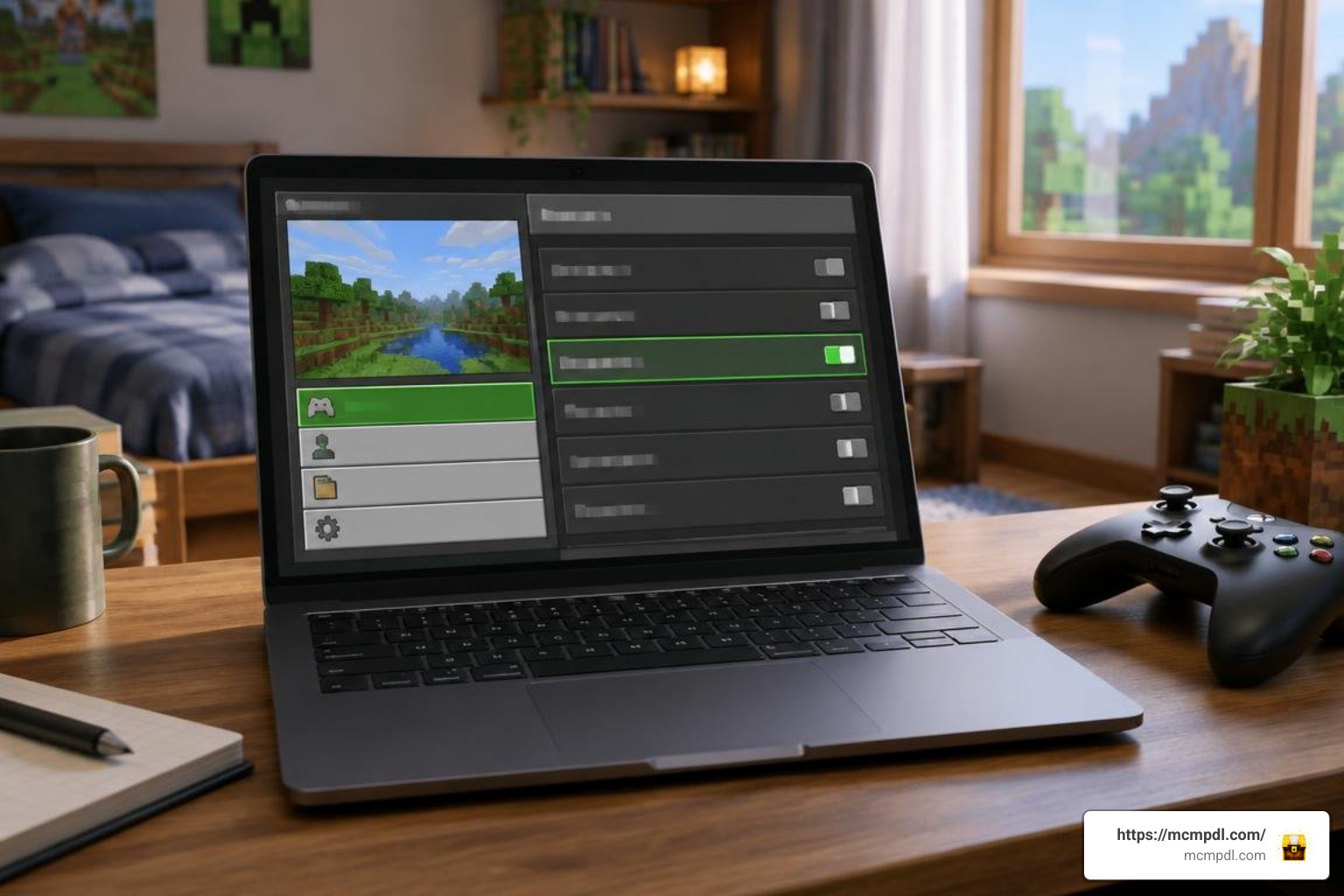
Before loading your world, configure your installation with these steps:
- Download the official
.mcaddonor separate Resource and Behavior packs. - Double-click or tap the file to automatically import both packs into Minecraft PE/Bedrock.
- Navigate to your target world’s settings and activate the resource and behavior packs under Add-Ons.
- Go to the Experiments tab in world settings and toggle Holiday Creator Features, Custom Biomes, and Beta APIs to ensure scripts and custom vehicle models execute properly.
- Equip performance-friendly utility optimization tools if you plan to run automated delivery fleets on mobile devices or lower-end consoles.
Delivery Method Comparison
| Delivery Method | Top Speed | Inventory Capacity | Optimal Terrain / Use Case | Range Limit |
|---|---|---|---|---|
| Logistics Drone | Very Fast | 9–18 Slots | Mountainous / Ocean / Urgent Supplies | Medium–Long |
| Cargo Truck | Moderate | 27–54 Slots | Flatlands / Paved Roads / Bulk Mining | Long (Requires Path) |
| Carrier Pigeon | Fast | 1–3 Slots | Short-Range Messages & Valuables | Short |
| Delivery Owl | Moderate | 3–6 Slots | Forest / Roleplay / Night Operations | Medium |
Troubleshooting Shipping Services Addon for Minecraft PE/Bedrock Worlds
If you run into issues while playing, check these common fixes:
- Vehicles Freezing at Chunk Borders: If a drone or truck stops moving, ensure your simulation distance is set to at least 6 chunks, or use ticking area commands (
/tickingarea add circle ~ ~ ~ 3) along major transit corridors. - Mailbox Names Not Registering: Break and replace the mailbox, then open its UI to re-enter the destination identifier. Always avoid duplicate names across the same world.
- Experimental Settings Warning: If crafting recipes or UI menus fail to open, double-check that all experimental gameplay toggles were turned on before loading into the world. Always make a world backup before applying major updates.
Frequently Asked Questions about Shipping Services Addon
What delivery methods are available in the addon?
The addon features four primary transport methods: high-speed logistics drones, high-capacity cargo trucks, carrier pigeons for lightweight letters, and delivery owls for overnight parcel transport.
Does the addon require experimental gameplay features?
Yes. To ensure custom UI screens, E-Shop menus, and entity scripting work correctly, you must enable Beta APIs and related experimental toggles in your Bedrock world settings.
Can players build multiplayer economy networks?
Absolutely. The addon is fully compatible with multiplayer servers, Realms, and local LAN worlds. Players can register their own unique mailboxes, set up private shops, and exchange parcels across the map with ease.
Conclusion
The Shipping Services Addon for Minecraft PE/Bedrock transforms survival mode by turning resource transport into an engaging logistics adventure. Whether you are flying high-speed delivery drones between mountain bases or managing a fleet of cargo trucks along paved highways, automated commerce adds a rich layer of depth to your sandbox world.
If you are ready to expand your Minecraft experience with new vehicles, machinery, and survival tools, explore top Bedrock add-ons on MCMPDL to build your ultimate custom world today.