Scroll down to D0vvnl0ad
Bring Seasonal Looks to Minecraft Bedrock
Seasons Realism is a paid Minecraft PE/Bedrock Marketplace texture pack. To use it, find it in the Marketplace, purchase it with Minecoins, and activate it under your world’s Resource Packs. It is a visual pack, so do not assume it adds temperature damage or other survival rules.
This guide explains what the pack offers, how to install it, and how it differs from seasonal add-ons and the separate Java server plugin. Seasonal texture packs like this one are part of a broader category of Minecraft Bedrock mods and resource packs that can dramatically change how your worlds look and feel. For players who want to understand the wider context, the Minecraft Wiki provides a useful overview of how resource packs and add-ons work across different editions of the game.
Core Features of Seasons Realism MASHUP PACK for Minecraft PE/Bedrock
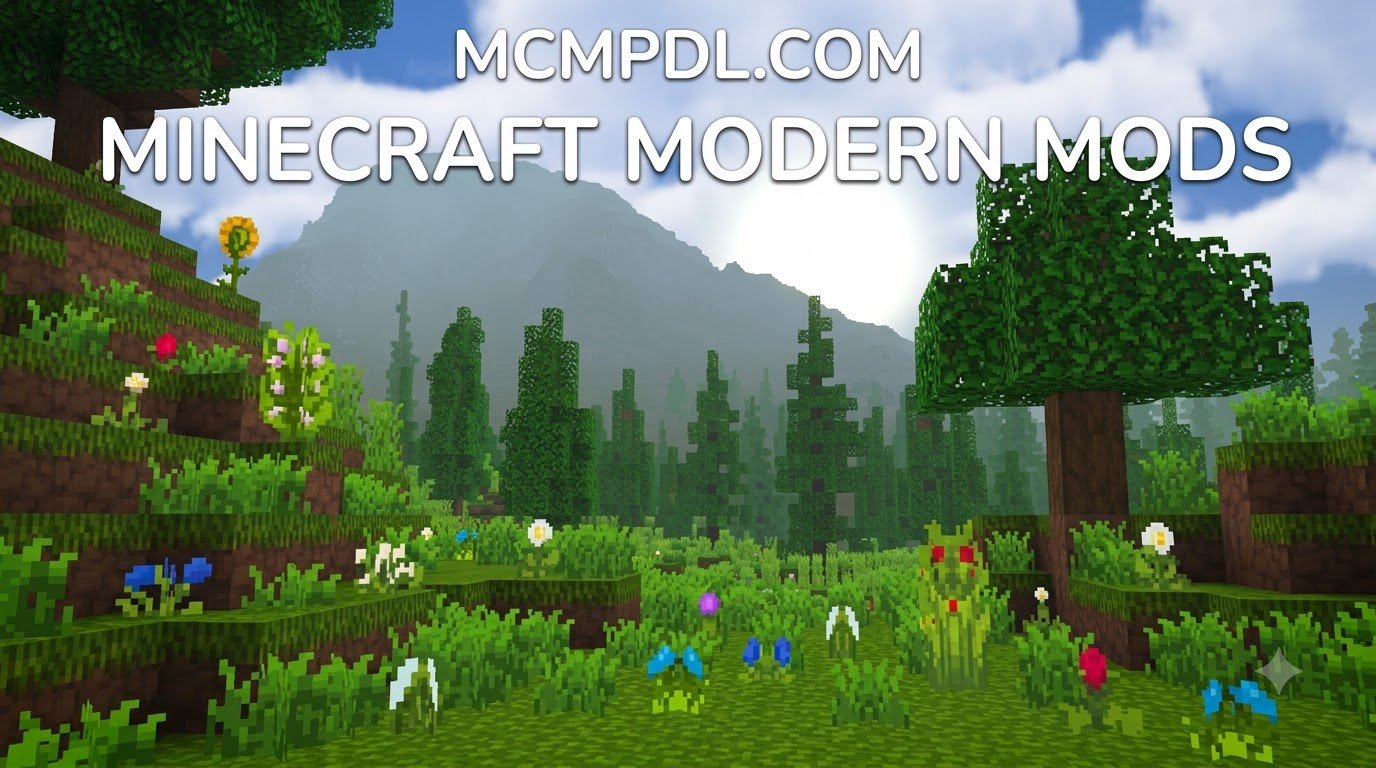
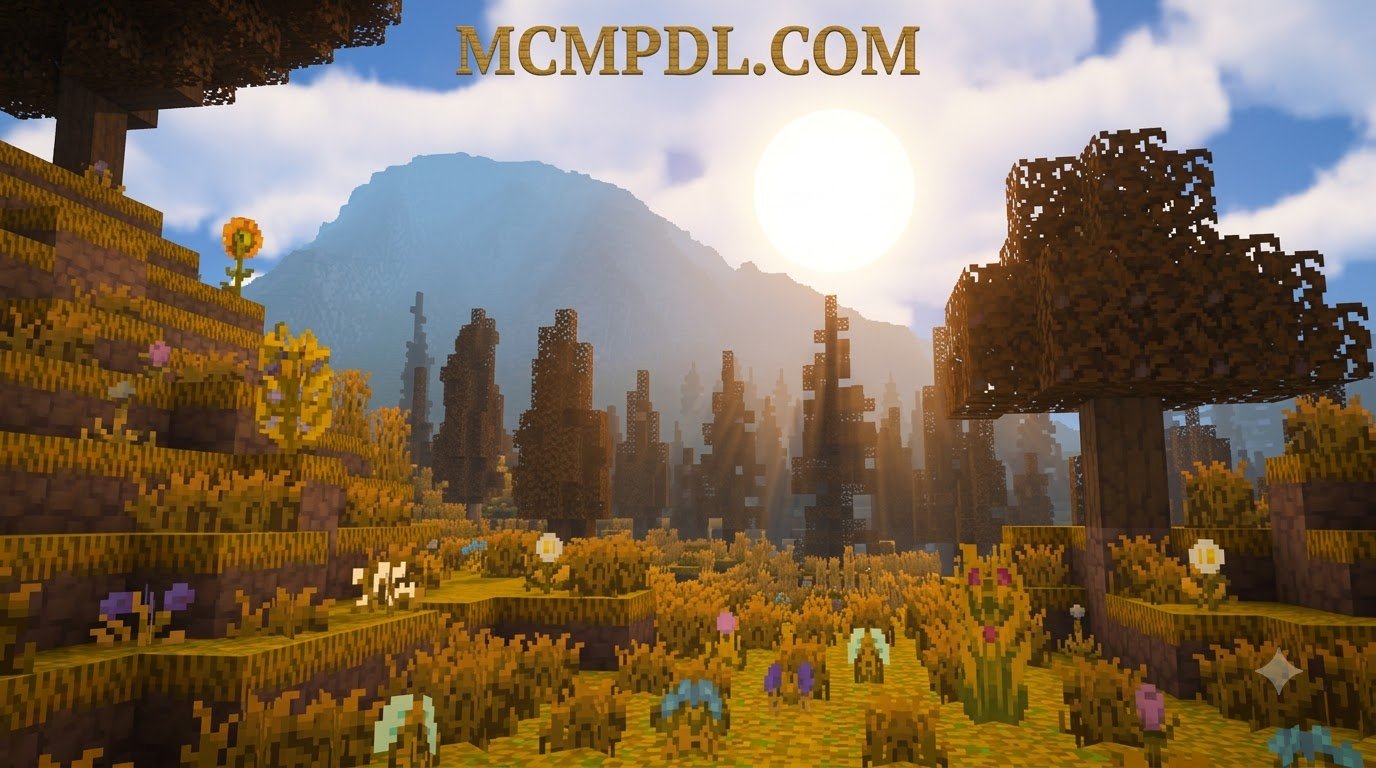
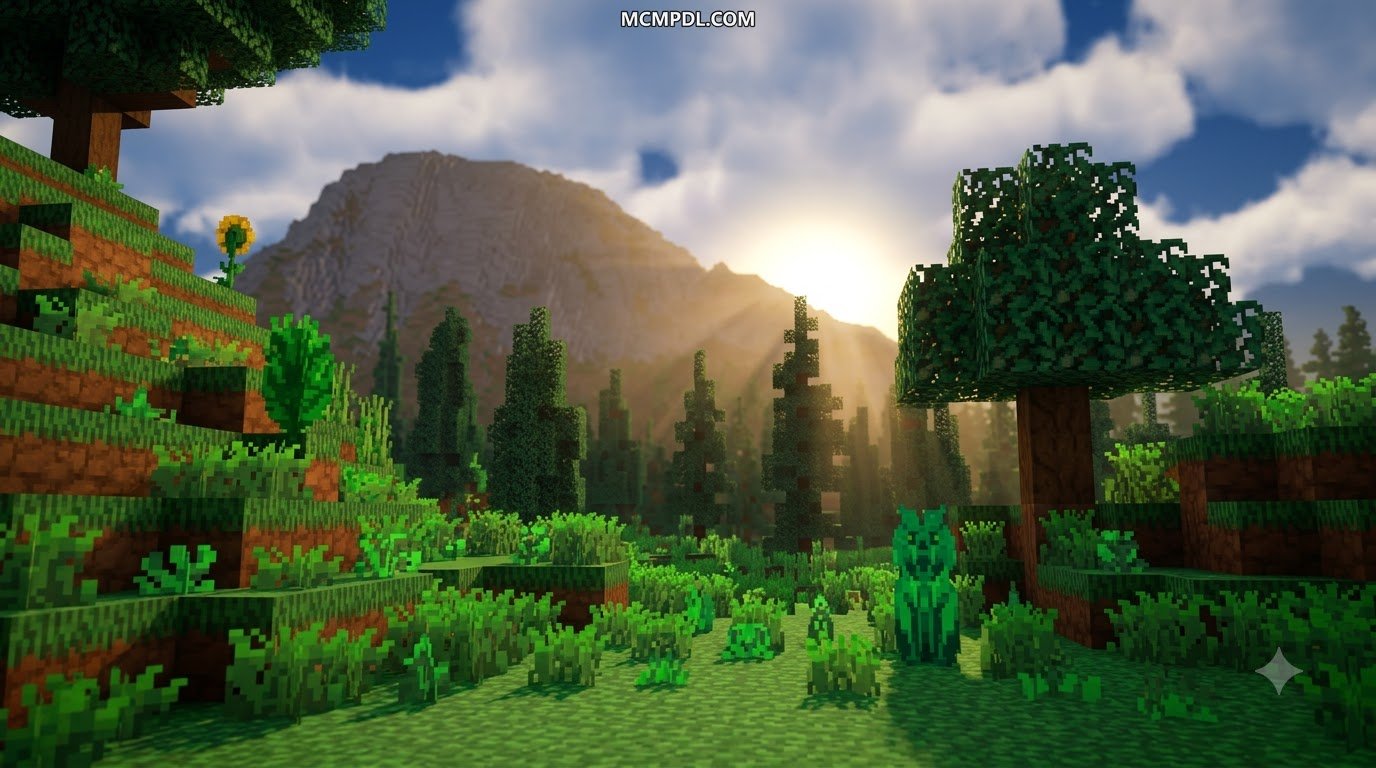
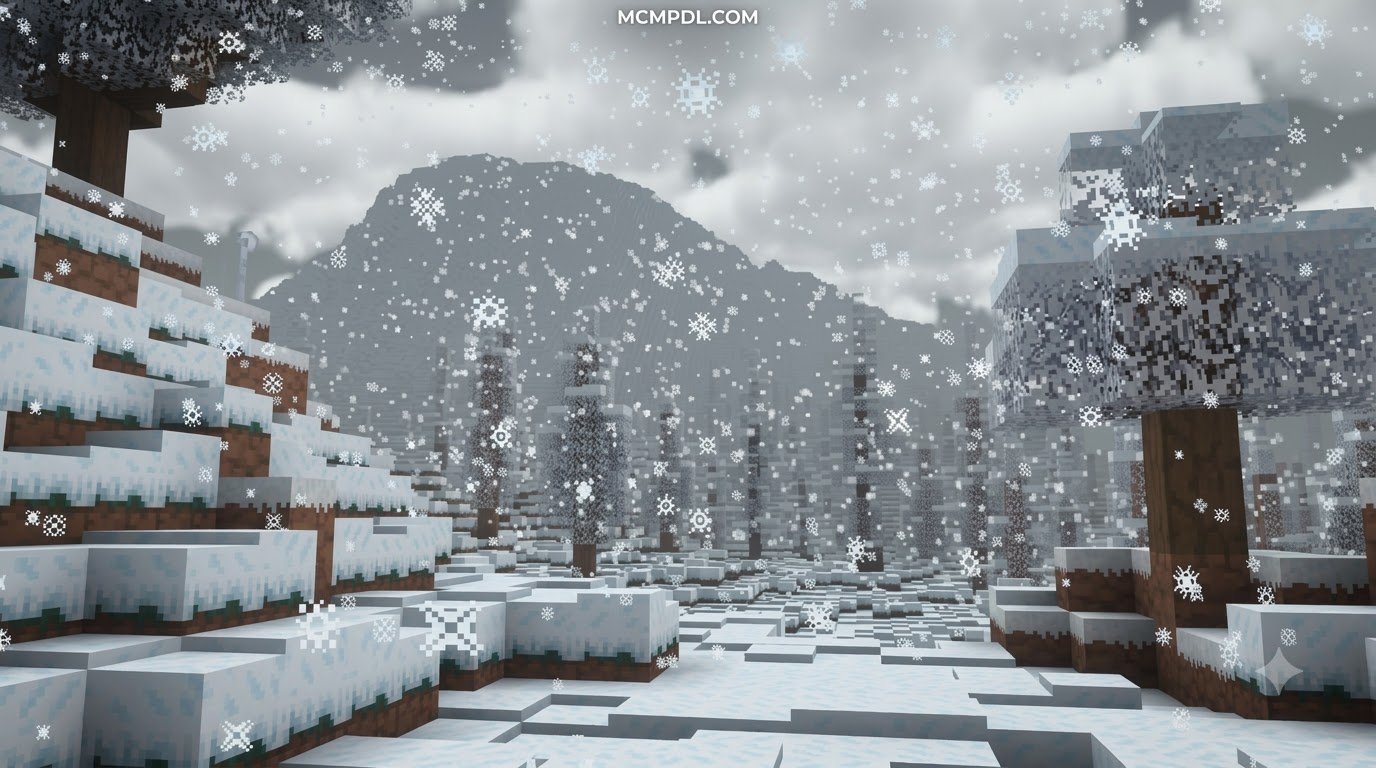
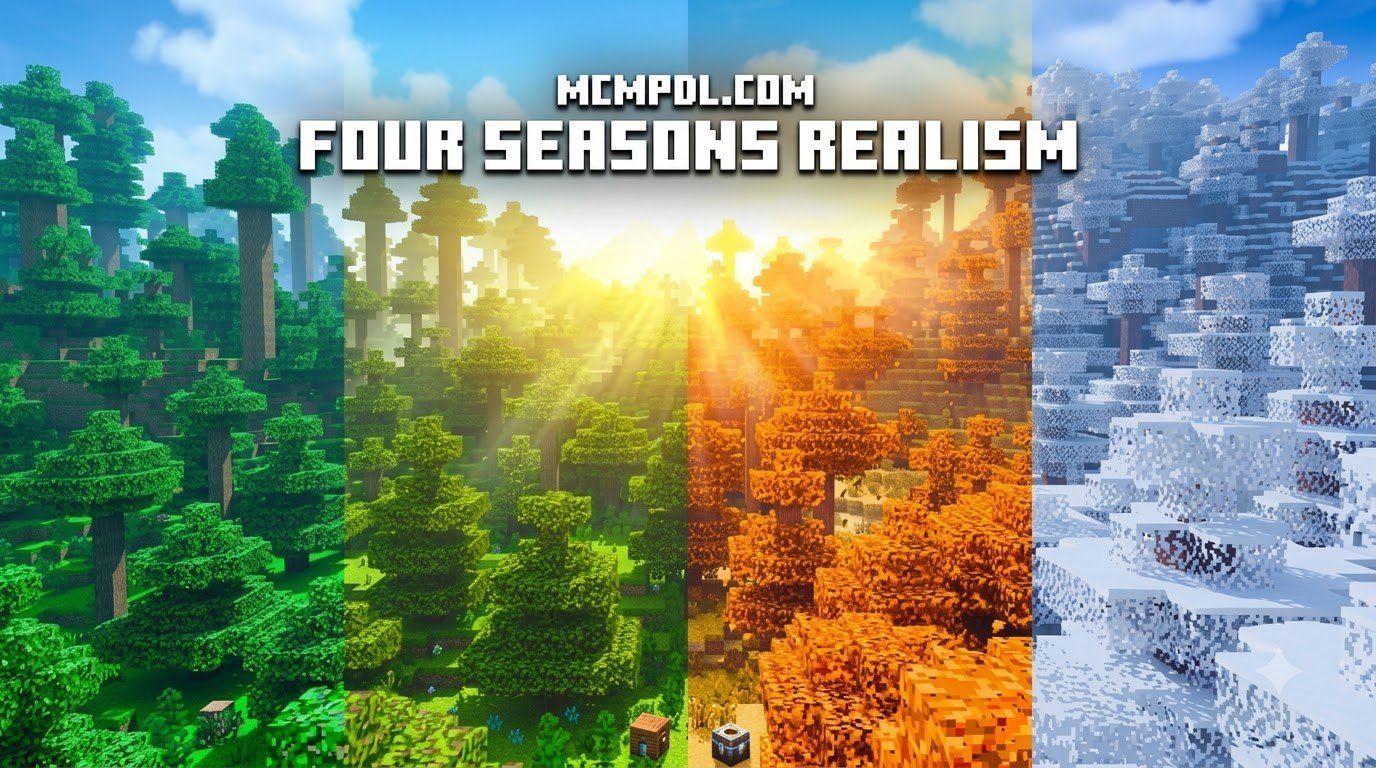
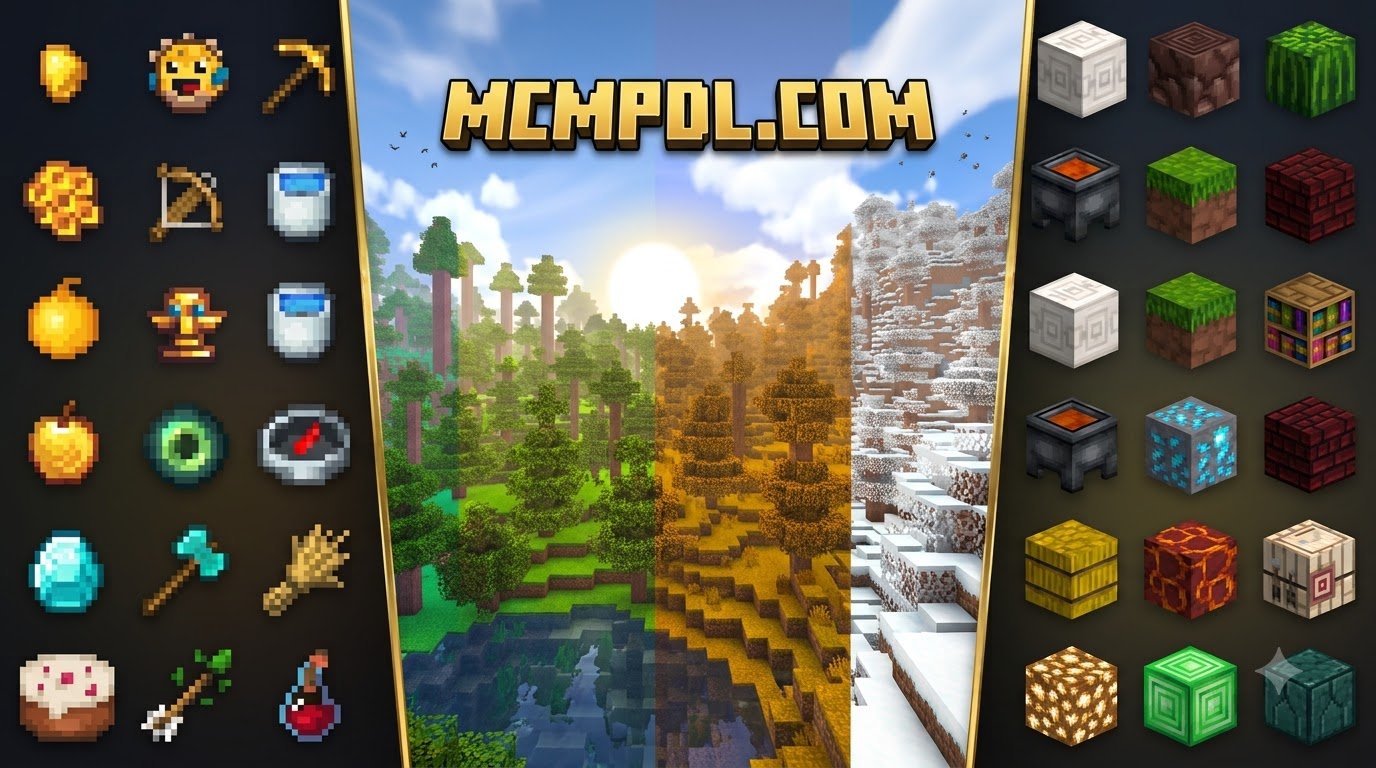
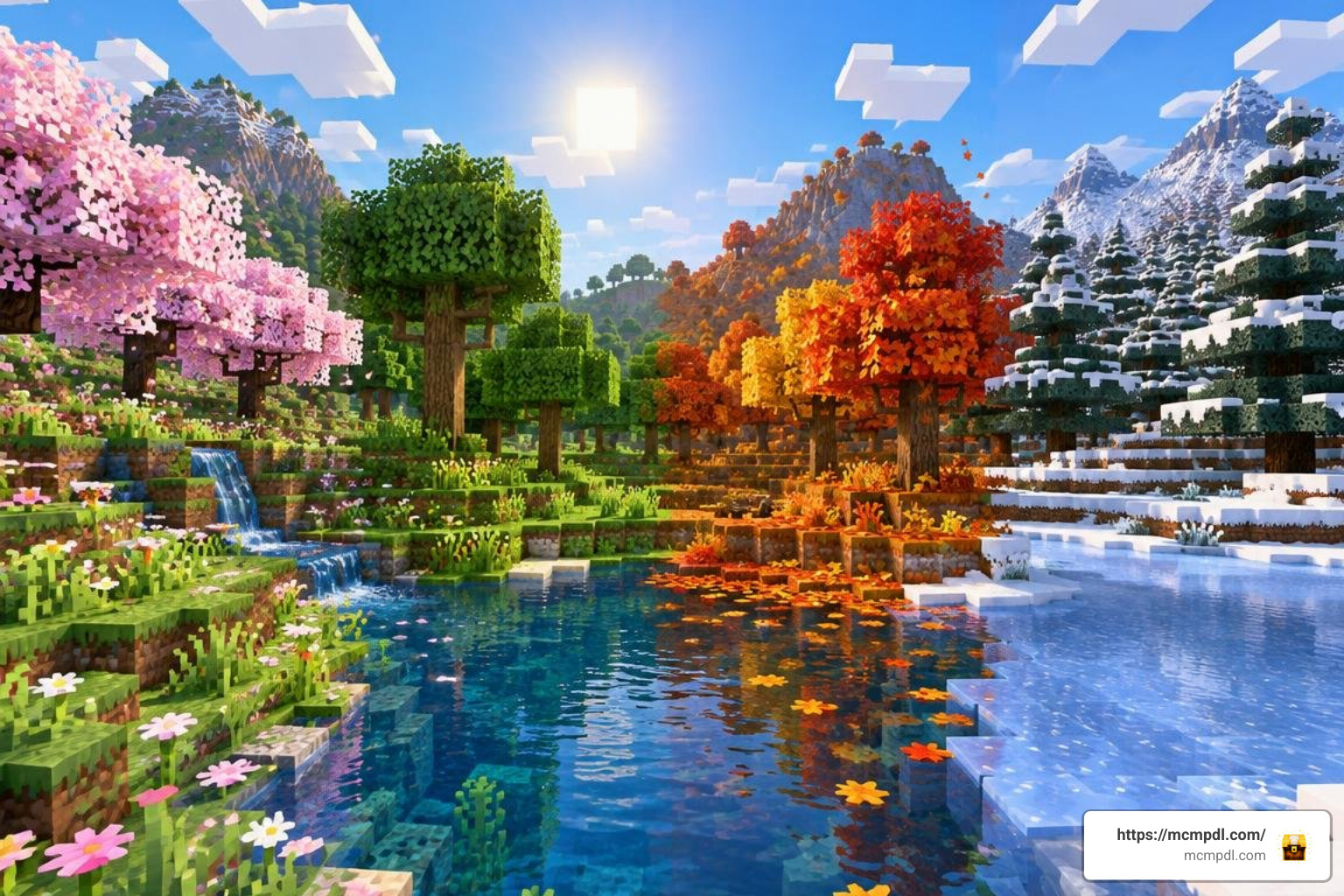
Exploring a Minecraft world that never changes can eventually feel a bit static. When we install the Seasons Realism MASHUP PACK for Minecraft PE/Bedrock, our landscapes transform from permanent green canvases into shifting, vibrant environments. The pack delivers distinct visual atmospheres for spring, summer, fall, and winter, bringing high-definition foliage colors, atmospheric lighting shifts, and realistic climate nuances to Bedrock Edition 1.21+.
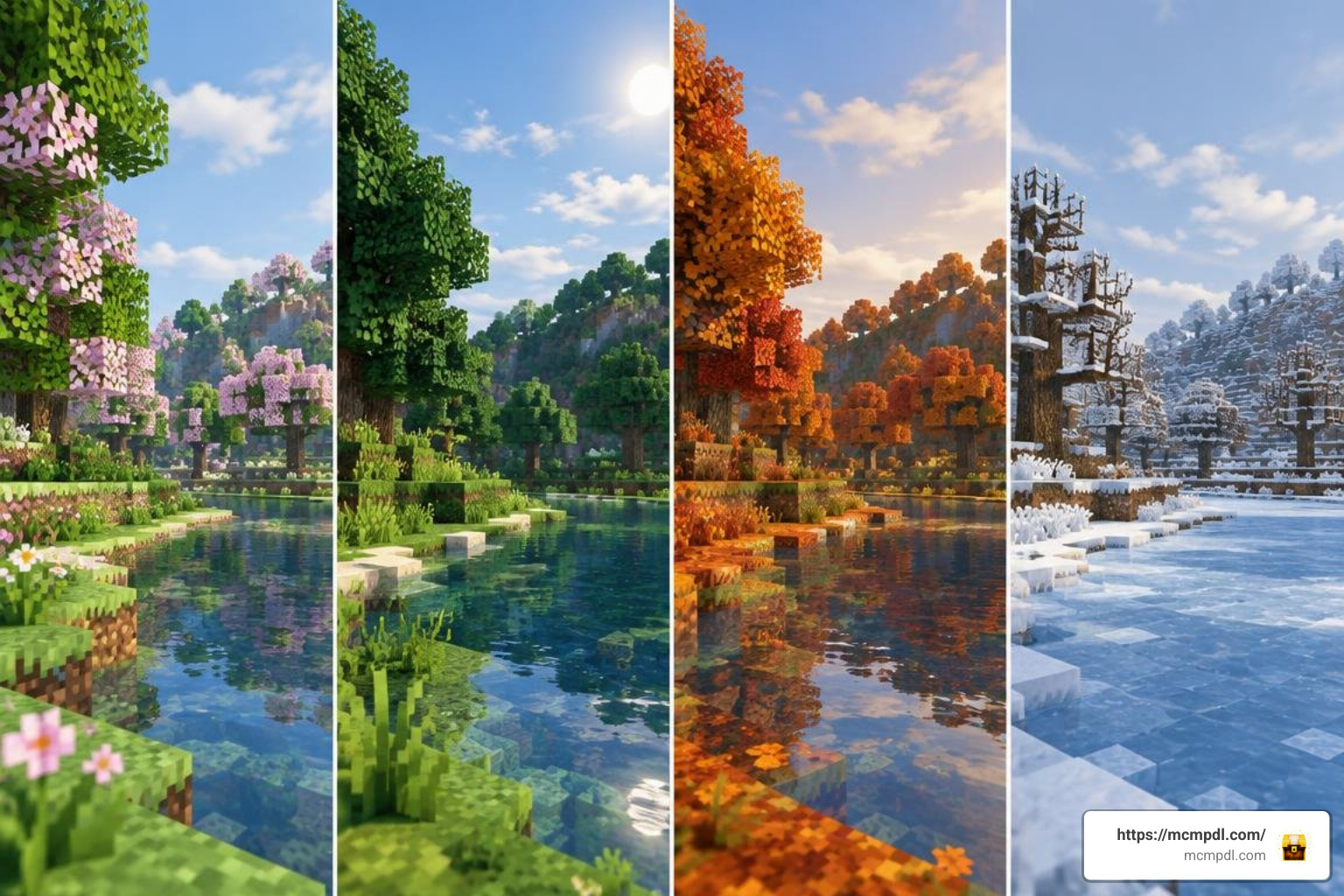
While the base texture pack concentrates on environmental aesthetics, combining seasonal textures with overhauled biome environments breathes fresh life into every corner of the Overworld. Leaves shift from lush emeralds to fiery oranges, water takes on seasonal tones, and mountain peaks capture realistic winter frost.
Seasonal Weather Patterns and Biome Transformations
The visual journey moves through distinct environmental phases that simulate natural transitions:
- Early & Late Spring: Thawing landscapes show subtle green regrowth. Higher elevations maintain residual frost, while non-snowy biomes can experience crisp, cool visual tones.
- Summer: Vibrant, warm sunlight saturates the world. Biomes look rich and lush, while arid zones feel dry and sun-bleached.
- Early & Late Autumn: Canopies explode into rich ambers, deep reds, and golden yellows. The overall lighting shifts to a softer, warmer golden-hour hue.
- Winter & Mid-Winter: Cold tones wash across the land. Snow layers, frosted plant life, and icy water textures take center stage, giving plains and forests a harsh winter coat.
Pairing these visual cycles alongside realistic biome mechanics creates a comprehensive atmosphere where exploring your survival world changes noticeably as time passes. The seasonal shifts also affect how you perceive distance and depth, making familiar terrain feel new again each time the calendar turns.
Seasons Realism MASHUP PACK Features and Compatibility
Understanding the differences between visual texture packs and script-driven behavior add-ons helps players choose the right combination for their worlds.
| Feature / Category | Marketplace Texture Pack (Seasons Realism) | Behavioral Season Add-Ons (e.g., Realistic Seasons 2.0) | Java Server Plugin (RealisticSeasons) |
|---|---|---|---|
| Primary Focus | High-definition seasonal textures & lighting | Dynamic weather, volumetric clouds, behavior logic | Packet-based biome tinting & calendar simulation |
| Survival Temperature | No (purely aesthetic) | Optional (depending on behavior pack modules) | Full thermal simulation (hypothermia & hyperthermia) |
| Installation Format | Marketplace Resource Pack (.mcpack) | Resource Pack (RP) + Behavior Pack (BP) | Server-side JAR plugin |
| Experimental Toggles | Not required | Required for custom scripting | Handled via server engine |
| Visual Customization | Seamless with high-definition visual upgrades | Toggleable modular settings menu | Configurable YAML files |
Texture packs like Seasons Realism focus purely on how the game looks, while behavior packs can introduce new mechanics and rules. This distinction matters because some players want only visual changes, while others want seasonal systems that affect gameplay. The Marketplace version of Seasons Realism keeps things simple by staying entirely within the visual layer.
Temperature Mechanics, Survival Hazards, and Customization
For players who venture beyond texture-only modifications and install full survival add-ons or server plugins, temperature introduces serious survival stakes.
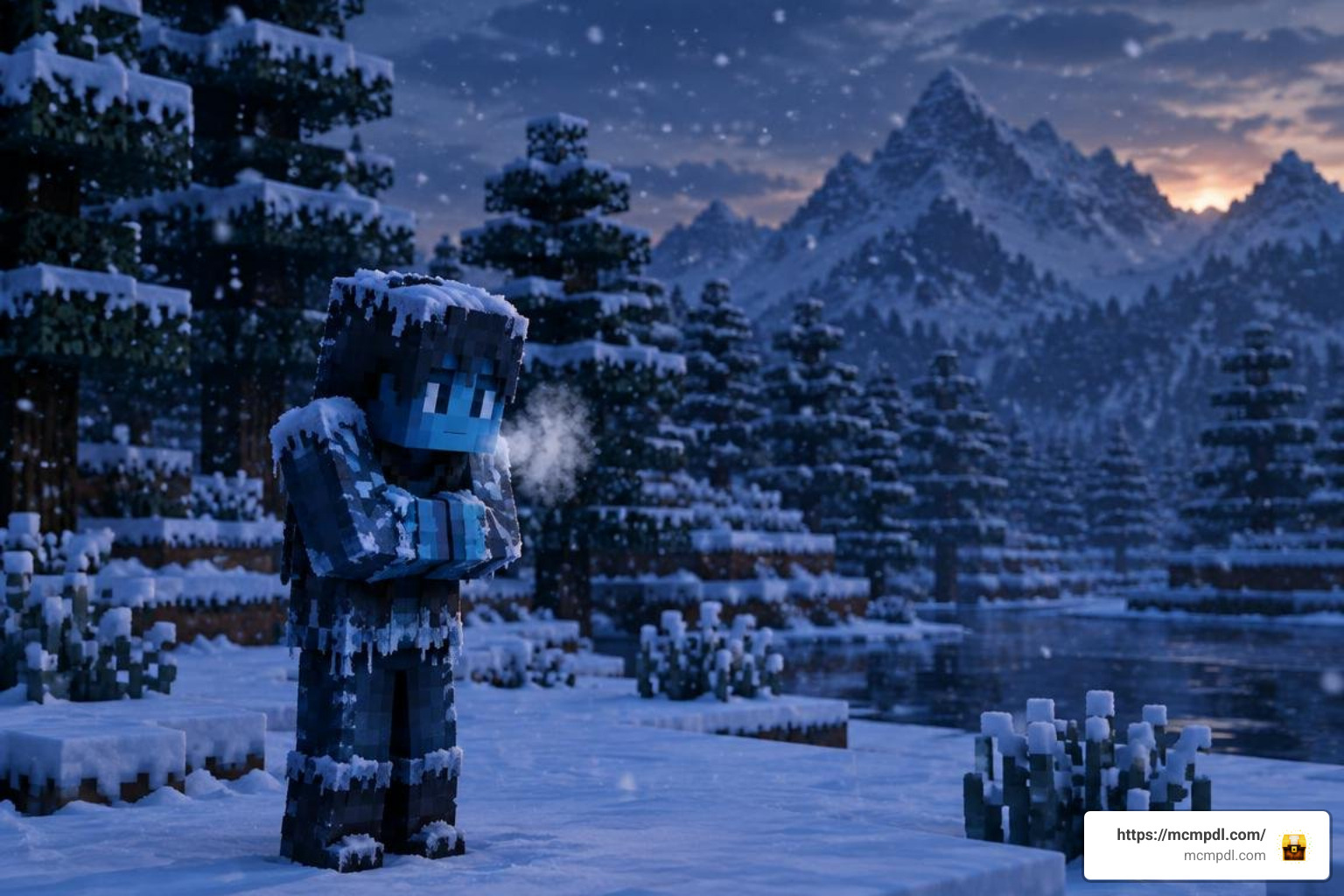
In advanced survival setups, extreme climates create real hazards:
- Hypothermia (Freezing): Lingering in snowy mountains or icy rivers during mid-winter causes shivering, slowness debuffs, rapid hunger depletion, and direct freezing heart damage.
- Hyperthermia (Heatstroke): Trekking through deserts or savannas under peak summer sun without shade or water causes dehydration, weakness, prevented natural health regeneration, and even fire damage.
- Protective Countermeasures: Players must adapt by wearing leather-insulated armor in winter, carrying water buckets or cooling potions in summer, and setting up campfires to survive bitter nights.
Customizing Calendar Cycles and Temperature Settings
When using configurable behavior packs or server-side tools, you do not have to accept the default climate pacing. You can tailor your experience to match your gameplay preferences:
- Adjusting Month and Season Durations: Default cycles typically run on a multi-day calendar where each season lasts roughly 30 in-game days. You can shorten this for rapid visual variety or lengthen it for extended roleplay seasons.
- Toggling Temperature Damage: If you want seasonal visuals without the risk of freezing to death while building, you can toggle environmental damage off while keeping aesthetic shifts active.
- Biome-Specific Climate Rules: Fine-tune extreme weather frequency to ensure heavy blizzards and heatwaves align with your desired wilderness survival adjustments.
Synergies with Visual and Gameplay Add-Ons
Layering compatible packs turns Minecraft Bedrock into an expansive, living world:
- Fauna & Ecosystems: Introducing diverse wildlife using fauna and environmental addons makes forests feel populated as animals roam through changing autumn leaves.
- Block Fidelity: Combining seasonal palettes with modern realistic textures sharpens terrain details across every season.
- Underground Immersion: While surface biomes reflect shifting weather, integrating subterranean biome overhauls ensures that exploring deep caverns remains just as rich and distinct as the surface above.
These combinations work best when you test them in a creative world first, so you can see how different packs interact before committing to a long-term survival save.
How to Install and Optimize for Minecraft PE and Bedrock
Getting seasonal content running smoothly on mobile, PC, and consoles requires only a few straightforward steps.
Step-by-Step Installation of Seasons Realism MASHUP PACK for Minecraft PE/Bedrock
- Purchase or Download: Locate the pack within the Minecraft Bedrock Marketplace or download the verified
.mcpackfiles onto your device. - Import the Files: Tap or double-click the
.mcpackfile to launch Minecraft and start the automated import process. If your seasonal pack contains separate Resource (RP) and Behavior (BP) packs, import both. - Create or Edit a World: Navigate to your world settings screen.
- Activate Resource Packs: Select Resource Packs, locate the seasonal pack in your owned list, and click Activate.
- Activate Behavior Packs (If Applicable): If using an add-on version with custom mechanics, head to Behavior Packs and activate the corresponding pack.
- Enable Experimental Features: For add-ons using custom scripting, scroll down to the Experiments tab and enable Holiday Creator Features and Beta APIs.
- Launch Your World: Enter the world and enjoy your new seasonal environment.
System Requirements and Performance Optimization
High-resolution textures and weather simulations can impact mobile hardware if settings are pushed too high. Here is how we recommend optimizing performance:
- Render Distance: On mobile devices (Android and iOS), maintain a render distance between 8 and 12 chunks to avoid memory bottlenecks during weather transitions. Windows 11 PC users can comfortably run 16 to 24+ chunks.
- Volumetric Weather Settings: If your pack includes dense volumetric clouds or upgraded lightning, disable intense particles in the pack settings slider to stabilize frame rates on lower-end devices.
- Texture Resolution Balancing: When combining seasonal packs with other overhauls like the remagined realism performance pack, stick to 32x or 64x resolutions on devices with less than 4 GB of RAM.
Performance tuning is especially important on older mobile devices, where seasonal texture swaps can cause brief stutters if the device is already running near its memory limit.
Frequently Asked Questions about Minecraft Bedrock Seasons
How does Seasons Realism differ from visual-only seasonal setups?
Seasons Realism on the Minecraft Marketplace functions primarily as a visual texture pack that re-themes foliage, water, skyboxes, and block surfaces across the four seasons without altering vanilla code. In contrast, script-driven add-ons and server plugins introduce dynamic weather routines, volumetric clouds, calendar clocks, and thermal damage.
How do freezing and overheating affect survival gameplay?
When playing with full survival temperature mechanics enabled, extreme cold causes the freezing vignette, slows movement speed, and depletes player health if proper insulated armor or heat sources are missing. Overheating causes blurred vision, stops passive healing, drains stamina, and can eventually ignite the player in extreme desert conditions.
Can seasonal climate changes and temperature damage be disabled?
Yes. If you are using a behavior add-on or server plugin with temperature features, the thermal survival mechanics can be turned off via pack settings sliders or configuration commands, allowing you to enjoy the aesthetic weather and foliage changes without survival penalties. Pure texture packs do not include damage mechanics by default.
Conclusion
Adding dynamic seasons to Minecraft Bedrock transforms routine exploration into an atmospheric survival journey. Whether you are building a cozy winter cabin surrounded by frosted spruce trees or farming autumn harvests under golden skies, seasonal packs bring depth and beauty to every play session. Explore our extensive collection of add-ons, worlds, and textures at the MCMPDL Minecraft Bedrock mods and resource library to build your ultimate survival experience today.