Scroll down to D0vvnl0ad
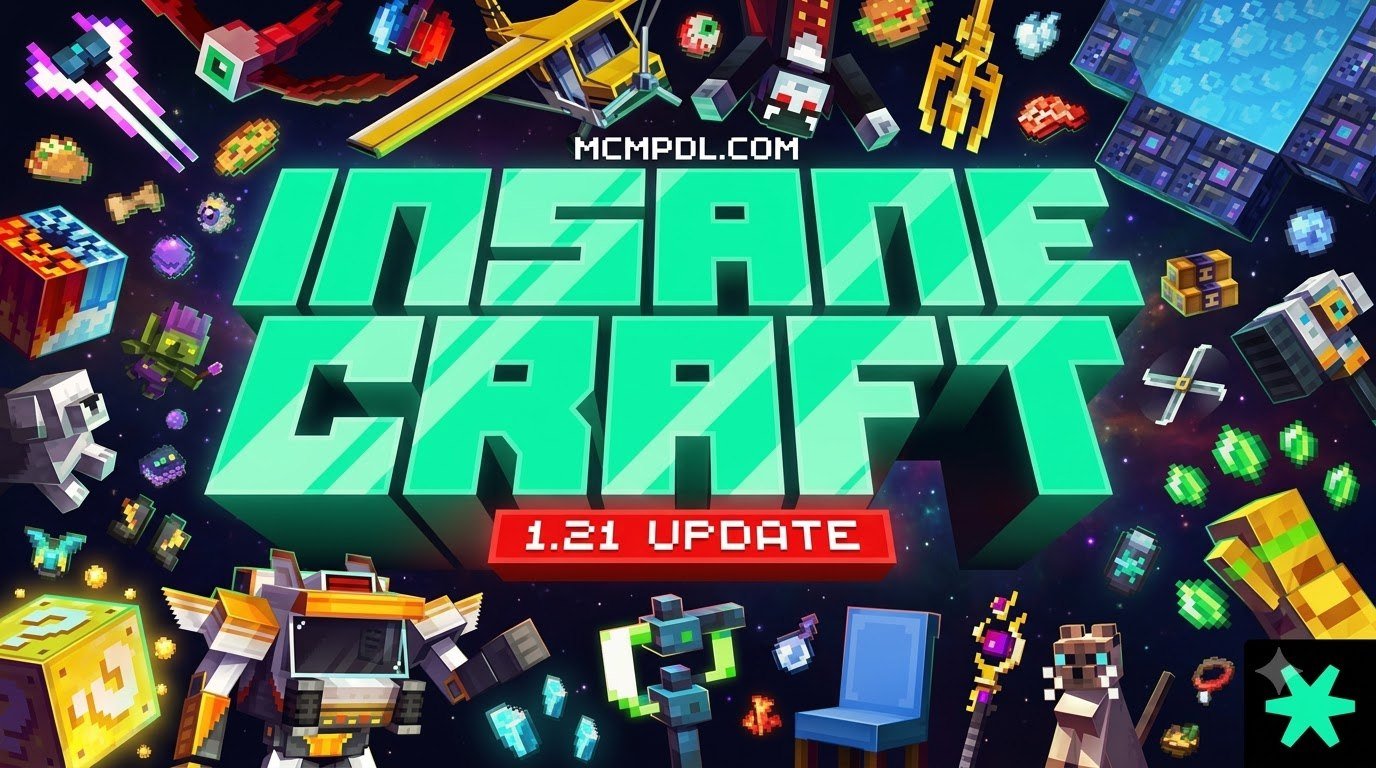
Overview of the InsaneCraft Pack MASHUP PACKfor Minecraft PE/Bedrock
To download and install the InsaneCraft Pack Mashup Pack for Minecraft PE/Bedrock, download the latest .mcaddon or .mcpack files for Minecraft 1.21, import them directly into your game client, and activate both the resource and behavior packs with experimental gameplay toggles enabled in your world settings.
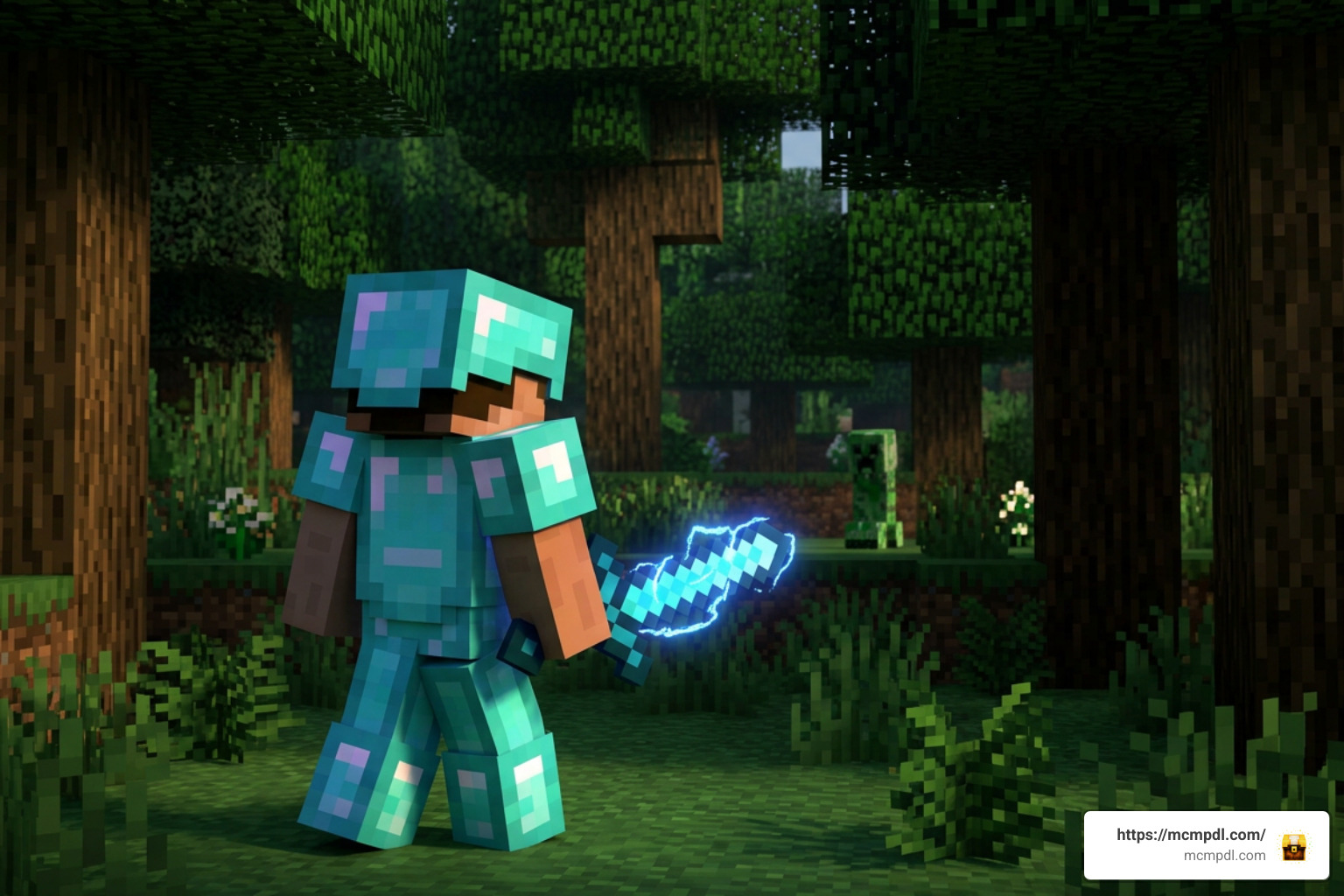
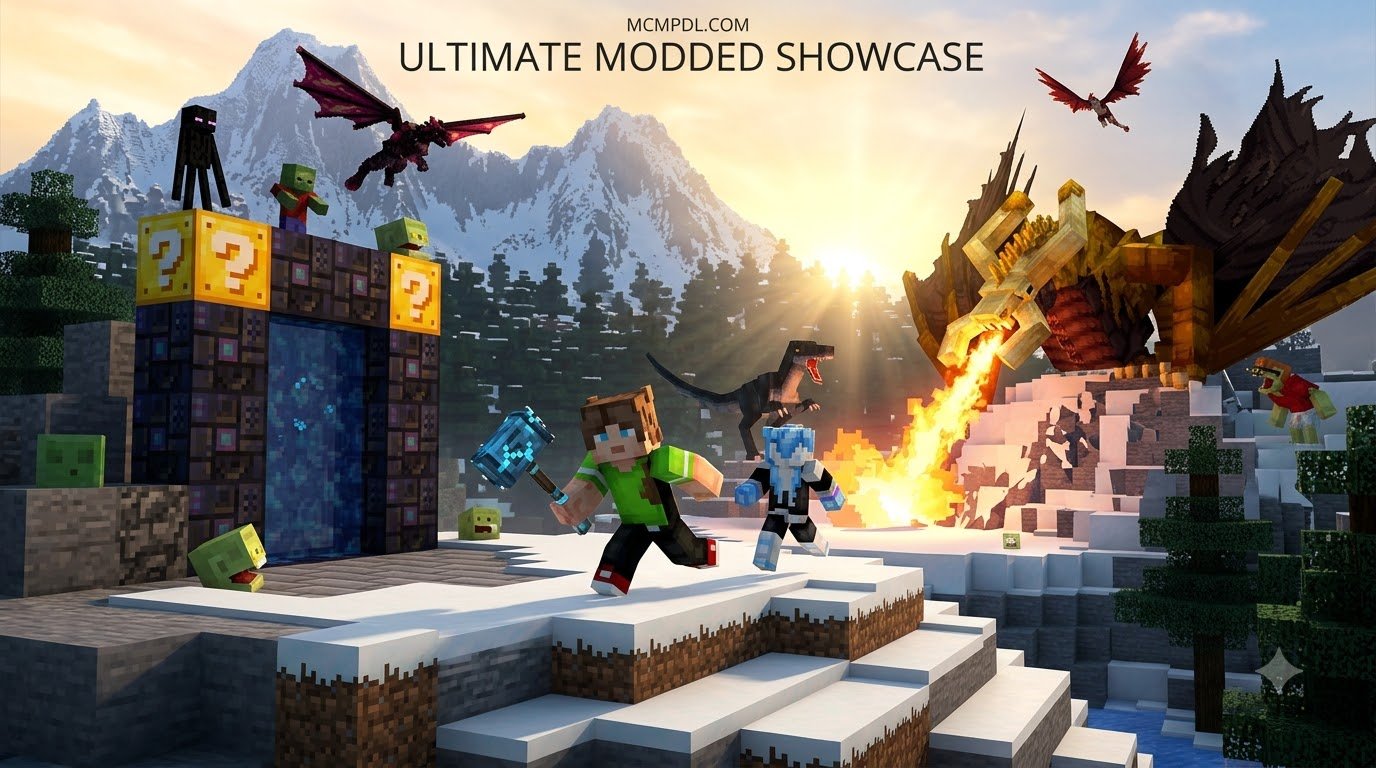
The InsaneCraft sensation began on the Java Edition of Minecraft, where it quickly became one of the most celebrated modded experiences in the game’s history. Amassing over 2.2 million downloads, the original modpack reached legendary status largely thanks to chaotic, high-stakes YouTube playthroughs by creators like SSundee, Sigils, and JeromeASF. In that series, players witnessed god-tier armor sets, custom dimensions, wild superhero transformations, and world-shattering battles that stretched the boundaries of survival gameplay.
Naturally, Bedrock and Pocket Edition players wanted a piece of the action. Because Java mods built on mod loaders cannot run directly within the Bedrock engine, talented community creators set out to recreate that manic energy using custom addons. The result is the InsaneCraft Pack Mashup Pack for Minecraft PE/Bedrock—a fan-made survival expansion engineered specifically for Bedrock 1.21 and mobile platforms.
While the original Java collection concluded its official run at version 1.3.1, community developers continue keeping the spirit alive on Bedrock. This addon adaptation distills the core mechanics of the classic series into lightweight, modular packages that run smoothly on phones, tablets, consoles, and Windows PCs.
Core Features of InsaneCraft Pack MASHUP PACKfor Minecraft PE/Bedrock
At its heart, this mashup pack aims to capture the limitless power progression of the original series. Rather than spending dozens of hours mining iron and slowly building standard gear, players enter a world filled with high-tier loot, overpowered combat systems, and custom boss encounters.
Key highlights of the Bedrock addon experience include:
- Custom Boss Battles: Test your combat skills against challenging, high-health entities designed to push your endgame gear to its absolute limit.
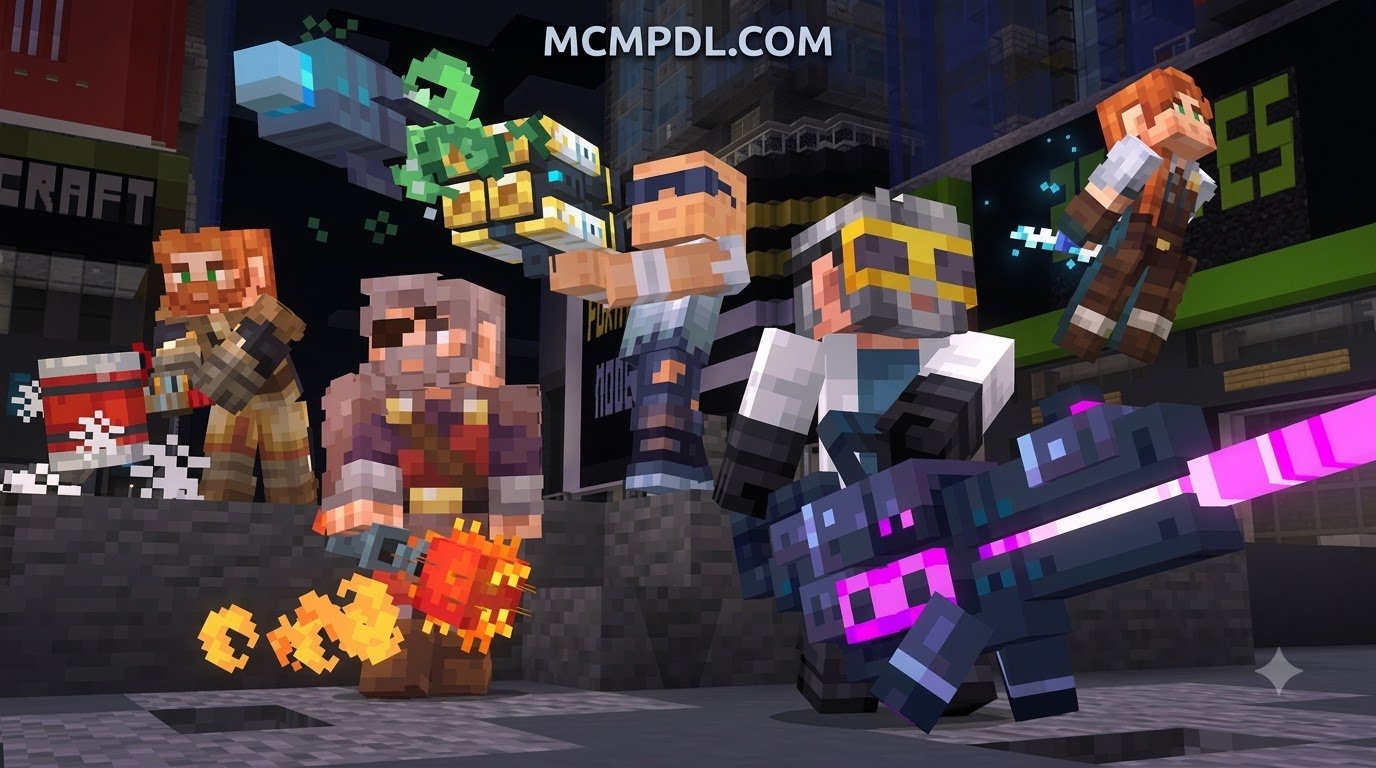
- Superhero Abilities and Power Armor: Equip enhanced armor sets granting flight, extreme speed, resistance, and devastating attack power.
- Unique Weapons and Tech Items: Craft custom gear that far exceeds the damage output and durability of vanilla netherite tools.
- Infinity-Themed Endgame Mechanics: Echoing the iconic quest from the Lost Infinity Mod, players can seek out rare artifacts and stones to unlock ultimate combat abilities.
- Streamlined Expansion Systems: Through custom behavior and addon features, the pack alters mob mechanics, spawn rates, and drop tables to make your survival world feel alive and chaotic.
Exploring Bedrock Mashup Variants
Because InsaneCraft sparked so much community excitement, Bedrock creators have built a variety of modular addon releases that bring the same chaotic energy to mobile and console players. These Bedrock-focused adaptations are lighter on system resources while still delivering custom bosses, superhero gear, and survival expansion mechanics.
For players who enjoy fully transformed survival worlds, exploring diverse mashup pack experiences allows you to find the exact balance between custom content and smooth mobile performance.
Bedrock vs. Java Edition: Technical Breakdown
When jumping into the Bedrock version of InsaneCraft, it helps to understand the architectural differences between Java Edition and Bedrock Edition. Java mods use external mod loaders to inject deep code modifications directly into the game. This architecture allowed the original InsaneCraft Modpack to combine heavy systems like Applied Energistics 2, Blood Magic, The Betweenlands, and Avaritia into a single massive file.
Bedrock Edition operates on a completely different engine written in C++. Instead of raw mod jars, it relies on Behavior Packs and Resource Packs. While this makes custom content far more stable and cross-platform friendly, it also means a Bedrock addon cannot simply copy-paste 250 separate Java mods.
Here is what that means for your actual gameplay:
- Mechanic Translation: Rather than complex multi-block machines, Bedrock packs implement custom crafting tables, interactive items, and scripted entities.
- Visual Fidelity: Texture mapping, particle effects, and UI layouts are rebuilt from scratch. You can fine-tune your performance by pairing the addon with targeted visual and texture pack adjustments.
- Dimension Handling: While the Java pack featured dozens of custom dimensions, Bedrock addons typically focus on expanding the Overworld, Nether, and End with custom structures and biome spawns.
Performance Optimization and Mobile System Requirements
The massive Java version of the InsaneCraft Modpack requires significant system resources: 6GB of allocated RAM for baseline play, 8GB for smooth performance, and up to 16GB for optimal rendering. On Bedrock, resource management is much more forgiving, but advanced addons still demand smart configuration—especially on mobile devices.
To keep your frame rates smooth and prevent stuttering during intense boss fights:
- Lower Your Render Distance: Set your render distance to 8–12 chunks on mobile devices, or 16–20 chunks on mid-range PCs.
- Disable Fancy Graphics: Toggling off Fancy Leaves, Beautiful Skies, and Screen Animations provides an immediate frame rate boost during particle-heavy fights.
- Manage Background Memory: Ensure you close heavy background apps on your phone or tablet before launching your world.
- World Backups: Because heavy entity spawning can occasionally cause world save bloat, always keep an unmodded backup copy of your favorite save file.
If you enjoy custom looks or want to change your character’s visual identity to match the high-octane superhero theme, you can also browse community Skins to complete the visual transformation.
Step-by-Step Installation Guide for Bedrock and PE
Installing the InsaneCraft Pack MASHUP PACKfor Minecraft PE/Bedrock is quick and straightforward thanks to Bedrock’s native .mcpack and .mcaddon integration. Follow our step-by-step walkthrough below to get your world running properly on mobile or PC.
How to Install InsaneCraft Pack MASHUP PACKfor Minecraft PE/Bedrock on Mobile and PC
- Download the Files: Grab the latest
.mcaddon(or separate.mcpackresource and behavior files) designed for Minecraft 1.21. - Import into Minecraft: Tap or double-click the downloaded file. Minecraft will launch automatically and display an “Import Started” banner at the top of the screen.
- Create a New World: While you can add packs to existing saves, creating a fresh world avoids biome generation conflicts and entity bugs.
- Enable Resource and Behavior Packs: In the world settings menu, scroll down to the Resource Packs tab and activate InsaneCraft. Next, go to the Behavior Packs tab and activate the corresponding behavior pack.
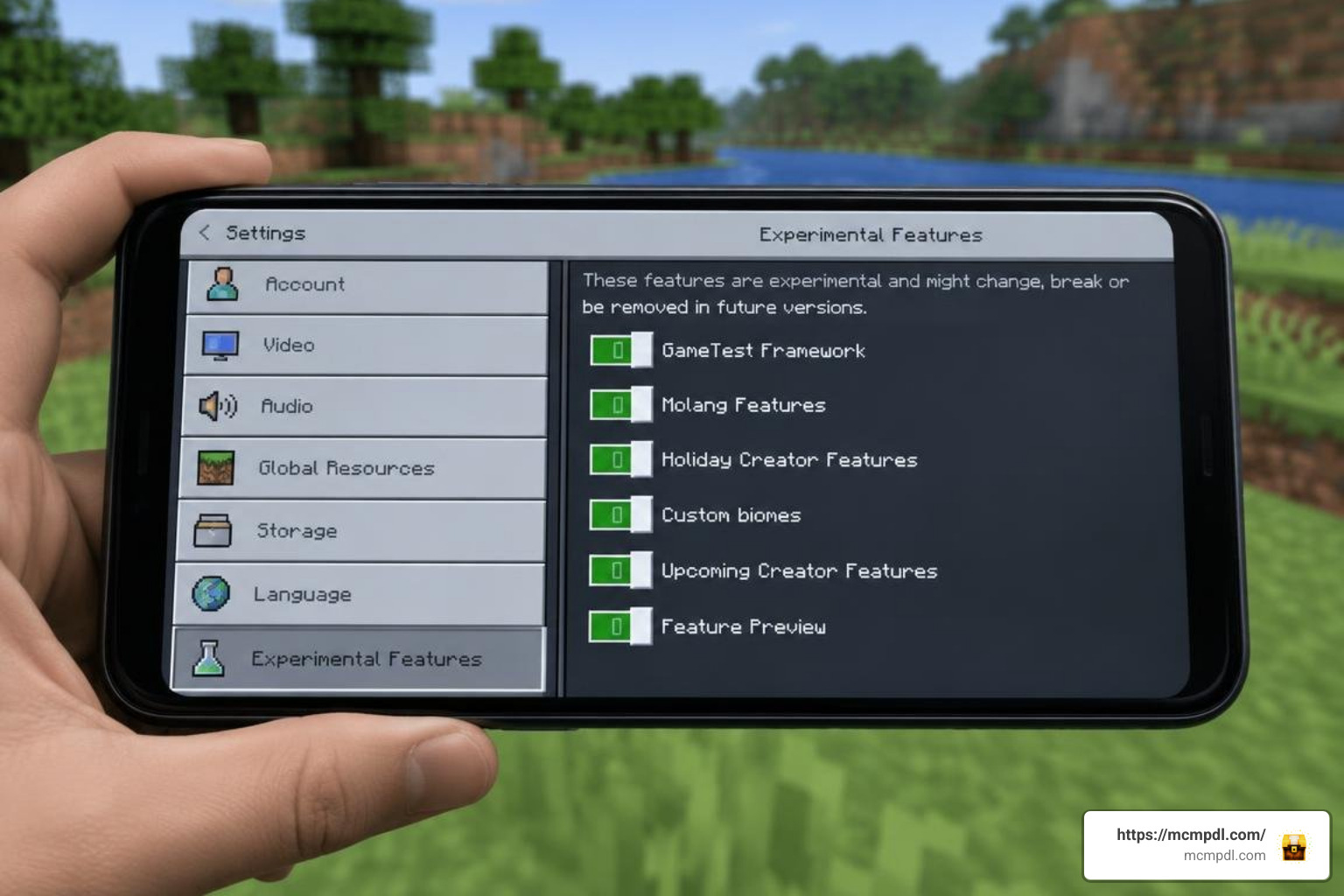
- Toggle Experimental Gameplay: Open the Experiments menu in your world settings. Enable the following toggles to ensure custom entities and scripts function correctly:
- Holiday Creator Features
- Custom Biomes
- Upcoming Creator Features
- Beta APIs / Molang Features
- Launch and Survive: Click Create to load into your newly modded survival world!
If you want to explore other types of player-made content across different categories, check out our comprehensive Category: All section for everything from mini-games to massive overhaul packs.
Multiplayer Setup on Realms and Dedicated Servers
One of Bedrock’s biggest strengths is cross-platform multiplayer. You can run this mashup pack with friends on iOS, Android, Xbox, PlayStation, Nintendo Switch, and Windows 10/11.
- Local Co-Op & Xbox Live: If the host player has the behavior and resource packs installed, other players joining over Xbox Live will automatically download the required resources upon joining.
- Bedrock Dedicated Servers (BDS): Server hosts can upload the behavior and resource folders directly into their dedicated server files. Make sure your
server.propertiesandworld_behavior_packs.jsonfiles correctly reference the pack UUIDs. - Minecraft Realms: You can apply the addon to a Realm by activating the packs on a local world first, then uploading that world to your Realm slot. That heavy experimental toggles can occasionally cause stability quirks on Realms during major title updates.
If you are setting up specialized worlds or arena arenas for your server, pairing your addon with custom survival maps provides pre-built arenas perfect for hosting Thanos-style boss challenges.
Frequently Asked Questions About InsaneCraft Bedrock
Is the InsaneCraft Bedrock pack an official release?
No, the Bedrock version is an unofficial, community-made adaptation. The original Java project reached its final version (v1.3.1) under its original development team. All Bedrock and Pocket Edition releases are independent fan tributes created to bring that beloved gameplay style to mobile and console players.
Does InsaneCraft Bedrock require experimental gameplay toggles?
Yes. Custom entities, non-vanilla armor attributes, special weapon scripts, and unique crafting recipes rely heavily on Bedrock’s experimental APIs. If you fail to turn on experimental toggles in your world settings, custom items may appear invisible, mobs will fail to spawn, and recipes will not function.
What are the best alternative mashup packs for Bedrock?
If you enjoy immersive, pre-packaged thematic worlds, the Bedrock platform has plenty of incredible options. For whimsical animated adventures, the Adventure Time Mash-Up and the Steven Universe Mash-Up deliver custom UI designs, full soundtrack replacements, and handcrafted adventure maps.
If you prefer nature overhauls and seasonal immersion, the Seasons Realism Mashup Pack completely revitalizes your environment. For narrative and character-driven gameplay, Aphmau’s Slime Life Mash-Up is another community favorite.
Conclusion
The InsaneCraft concept remains one of the most thrilling ways to play Minecraft, combining superhero powers, deadly bosses, and wild progression systems into one unforgettable survival journey. While the 250-mod Java original was built for high-end PCs, the Bedrock addon adaptation brings that same over-the-top energy straight to your phone, tablet, or console.
By downloading the proper 1.21 files, enabling your experimental toggles, and managing your graphics settings, you can dive headfirst into an action-packed survival world. Gather your gear, conquer custom bosses, and start your own legendary quest today!
Looking for more addons, skins, realistic texture packs, and custom maps to supercharge your Minecraft experience? Visit MCMPDL to find the latest creations and guides updated daily.